
Anime Storyboard Sheet
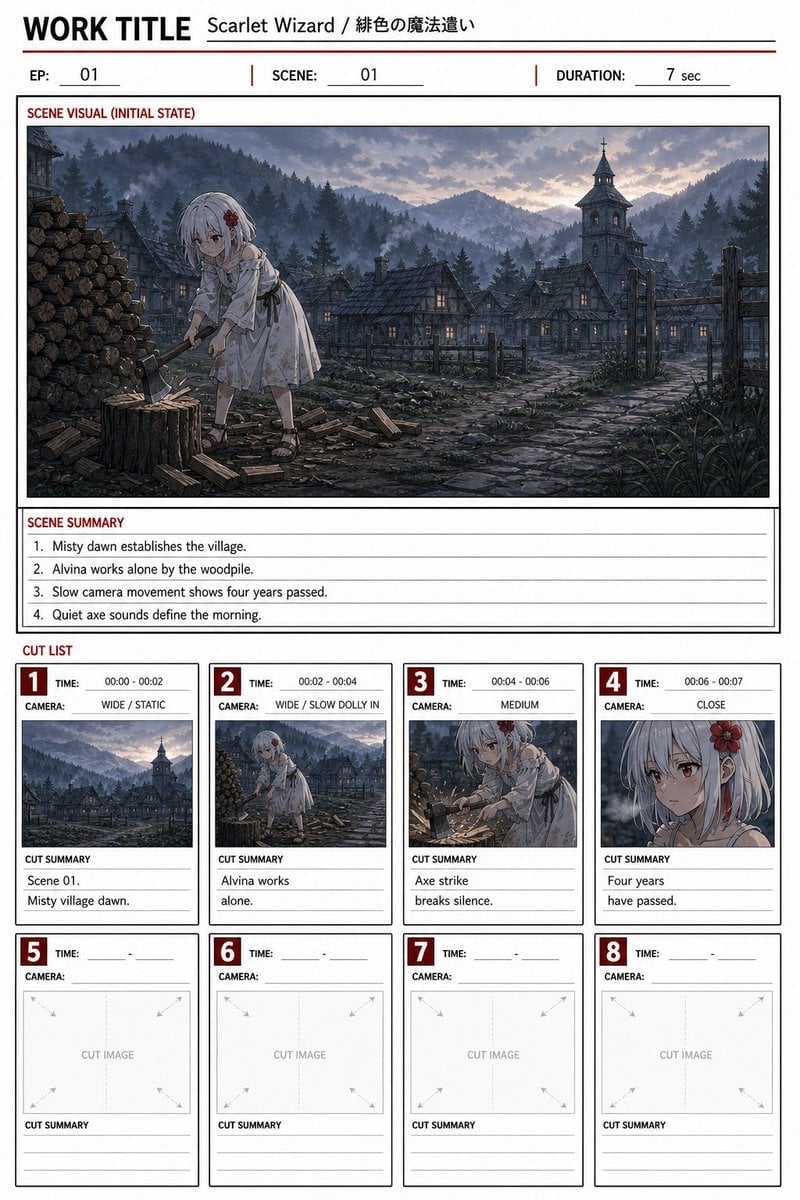
Generates a professional anime production storyboard page with a main scene visual, scene summary, and eight cut cards for planning a fantasy animation sequence.
- Prompt included
- Model and format preset
- Free template
The prompt behind this image
Copy the exact prompt behind Anime Storyboard Sheet, or open it in the studio and make it yours.
- Type
- anime film storyboard sheet / production conte page
- Format
- clean printable A4 vertical layout, black grid lines, red accent labels, white paper background, professional Japanese animation storyboard template
- Header › Work Title
- {argument name="work title" default="Scarlet Wizard / 緋色の魔法遣い"}
- Header › Episode
- {argument name="episode number" default="01"}
- Header › Scene
- {argument name="scene number" default="01"}
- Header › Duration
- {argument name="duration" default="7 sec"}
- Main Scene Visual › Title
- SCENE VISUAL (INITIAL STATE)
- Main Scene Visual › Position
- large widescreen panel across upper half
- Main Scene Visual › Image Description
- misty dawn fantasy mountain village, blue-gray early morning light, pine-covered hills and layered mountains in the distance, old timber houses with slate roofs, warm window lights, cobblestone village path, wooden fences, a church bell tower with a cross on the right, stacked firewood on the left. In the foreground a small silver-haired anime girl named {argument name="character name" default="Alvina"} chops wood with an axe beside a stump; she wears a pale simple dress, sandals, and a red flower hair ornament, quiet melancholic atmosphere, cinematic background art, detailed hand-painted anime style.
- Main Scene Visual › Composition
- wide establishing shot with the character left of center, woodpile at far left, village and tower receding into mist, dramatic but subdued dawn sky
- Scene Summary › Title
- SCENE SUMMARY
- Scene Summary › Count
- 4
- Scene Summary › Items
- 1. Misty dawn establishes the village., 2. Alvina works alone by the woodpile., 3. Slow camera movement shows four years passed., 4. Quiet axe sounds define the morning.
- Cut List › Title
- CUT LIST
- Cut List › Total Cards
- 8
- Cut List › Filled Cards
- 4
- Cut List › Blank Cards
- 4
- Cut List › Layout
- two rows of four storyboard cards beneath the main panel, each card has a red numbered box, time field, camera field, image thumbnail area, and cut summary lines
- Cut List › Cards › 0 › Number
- 1
- Cut List › Cards › 0 › Time
- 00:00 - 00:02
- Cut List › Cards › 0 › Camera
- WIDE / STATIC
- Cut List › Cards › 0 › Thumbnail
- wide view of misty mountain village at dawn with church tower and rooftops
- Cut List › Cards › 0 › Cut Summary
- Scene 01., Misty village dawn.
- Cut List › Cards › 1 › Number
- 2
Raw JSON
{"type":"anime film storyboard sheet / production conte page","format":"clean printable A4 vertical layout, black grid lines, red accent labels, white paper background, professional Japanese animation storyboard template","header":{"work title":"{argument name=\"work title\" default=\"Scarlet Wizard / 緋色の魔法遣い\"}","episode":"{argument name=\"episode number\" default=\"01\"}","scene":"{argument name=\"scene number\" default=\"01\"}","duration":"{argument name=\"duration\" default=\"7 sec\"}"},"main scene visual":{"title":"SCENE VISUAL (INITIAL STATE)","position":"large widescreen panel across upper half","image description":"misty dawn fantasy mountain village, blue-gray early morning light, pine-covered hills and layered mountains in the distance, old timber houses with slate roofs, warm window lights, cobblestone village path, wooden fences, a church bell tower with a cross on the right, stacked firewood on the left. In the foreground a small silver-haired anime girl named {argument name=\"character name\" default=\"Alvina\"} chops wood with an axe beside a stump; she wears a pale simple dress, sandals, and a red flower hair ornament, quiet melancholic atmosphere, cinematic background art, detailed hand-painted anime style.","composition":"wide establishing shot with the character left of center, woodpile at far left, village and tower receding into mist, dramatic but subdued dawn sky"},"scene summary":{"title":"SCENE SUMMARY","count":4,"items":["1. Misty dawn establishes the village.","2. Alvina works alone by the woodpile.","3. Slow camera movement shows four years passed.","4. Quiet axe sounds define the morning."]},"cut list":{"title":"CUT LIST","total cards":8,"filled cards":4,"blank cards":4,"layout":"two rows of four storyboard cards beneath the main panel, each card has a red numbered box, time field, camera field, image thumbnail area, and cut summary lines","cards":[{"number":1,"time":"00:00 - 00:02","camera":"WIDE / STATIC","thumbnail":"wide view of misty mountain village at dawn with church tower and rooftops","cut summary":["Scene 01.","Misty village dawn."]},{"number":2,"time":"00:02 - 00:04","camera":"WIDE / SLOW DOLLY IN","thumbnail":"Alvina chopping wood near the woodpile in the village foreground","cut summary":["Alvina works","alone."]},{"number":3,"time":"00:04 - 00:06","camera":"MEDIUM","thumbnail":"medium shot of Alvina swinging the axe, wood chips and stump visible, determined tired expression","cut summary":["Axe strike","breaks silence."]},{"number":4,"time":"00:06 - 00:07","camera":"CLOSE","thumbnail":"close-up profile of Alvina's silver hair and red flower ornament, face partly obscured by a gray censor-like square placeholder","cut summary":["Four years","have passed."]},{"number":5,"time":"blank line","camera":"blank line","thumbnail":"empty placeholder box labeled CUT IMAGE with faint diagonal guide arrows","cut summary":"blank ruled lines"},{"number":6,"time":"blank line","camera":"blank line","thumbnail":"empty placeholder box labeled CUT IMAGE with faint diagonal guide arrows","cut summary":"blank ruled lines"},{"number":7,"time":"blank line","camera":"blank line","thumbnail":"empty placeholder box labeled CUT IMAGE with faint diagonal guide arrows","cut summary":"blank ruled lines"},{"number":8,"time":"blank line","camera":"blank line","thumbnail":"empty placeholder box labeled CUT IMAGE with faint diagonal guide arrows","cut summary":"blank ruled lines"}]},"typography":"bold sans-serif uppercase English labels, red section headers, thin gray form lines, strong black borders, small neat production notes text","style":"highly legible storyboard planning document, anime concept art thumbnails, muted desaturated colors, cinematic fantasy realism, no extra pages, no watermark"}How to use Anime Storyboard Sheet in 3 steps
- 1Upload ImagePNG, JPG or paste
Add your photo
Upload the photo the template builds on. The prompt, model and format are already set.
- 2…a portrait of your subject in softgolden-hour light, 85mm…
Personalize
Edit the subject and creative details for your destination.
- 3Generate
Generate
Press Generate — your image is created in PicX Studio, so you can compare it with the original and refine one variable at a time.
More like this
Templates with the same subject, style or setup. Open one to see its prompt.




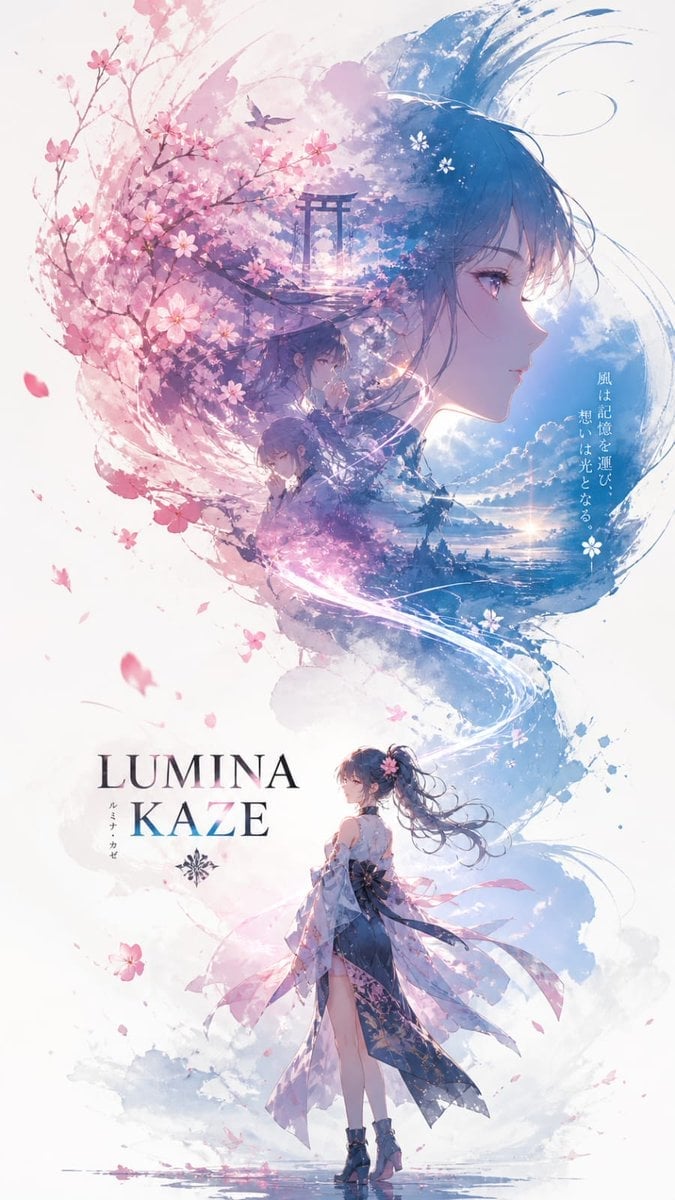
Make it yours
Anime Storyboard Sheet works as-is. These are the safest ways to change it without losing the look.
Change one field
Copy a single group, rewrite it, and generate again so you can see what that field is doing.
Keep the frame, change the subject
Hold the composition and light of Anime Storyboard Sheet, then swap wardrobe, props or the person for a new take.
| If the result… | Why | Fix |
|---|---|---|
| The result drifts from the preview | Too many fields changed at once. | Reuse Anime Storyboard Sheet as-is first, then change one group — subject, light, or setting. |
| GPT Image 2 ignores part of the JSON | Some models flatten or skip nested keys. | Keep the same values and paste them as a short paragraph instead. |
More GPT Image 2 templates
Other prompts made for GPT Image 2.

Six VTuber Japanese Logo Sheet

Realistic Portrait of Woman and Deer

The Vista Modular Condo Poster

AI Model Routing Comparison Infographic

2.5D Anime Art Board

Isometric Productivity Desk Scene

New York Double Exposure Poster

Four-Panel AI Landscape Comparison

Japanese Tatami Lifestyle Magazine Cover

NESCAFÉ Coffee Map Poster
More image prompts
Fresh picks from across the catalog.
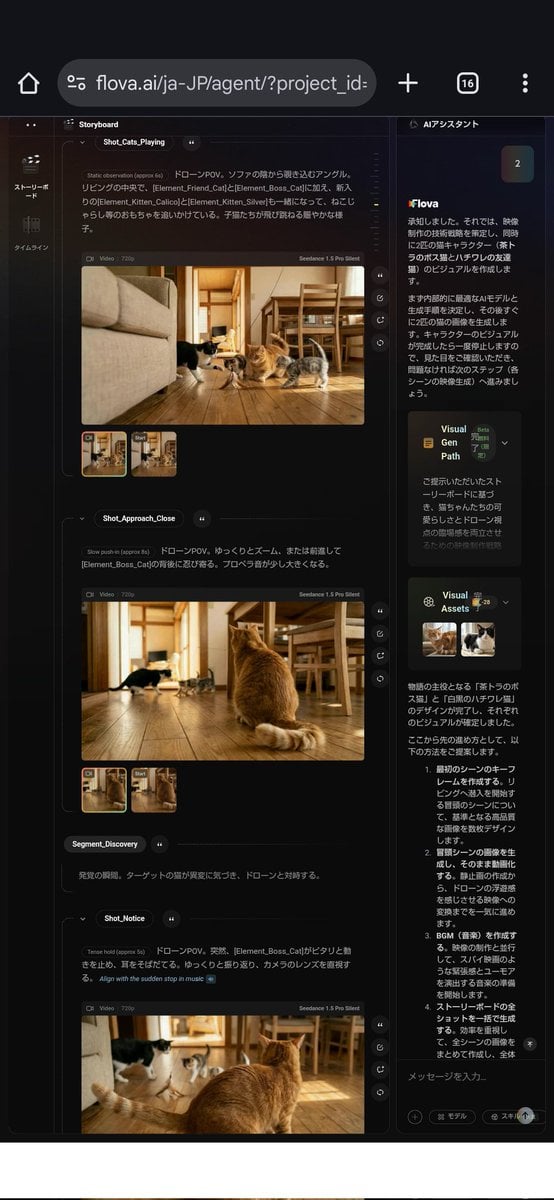
Nano Banana used for background and character design
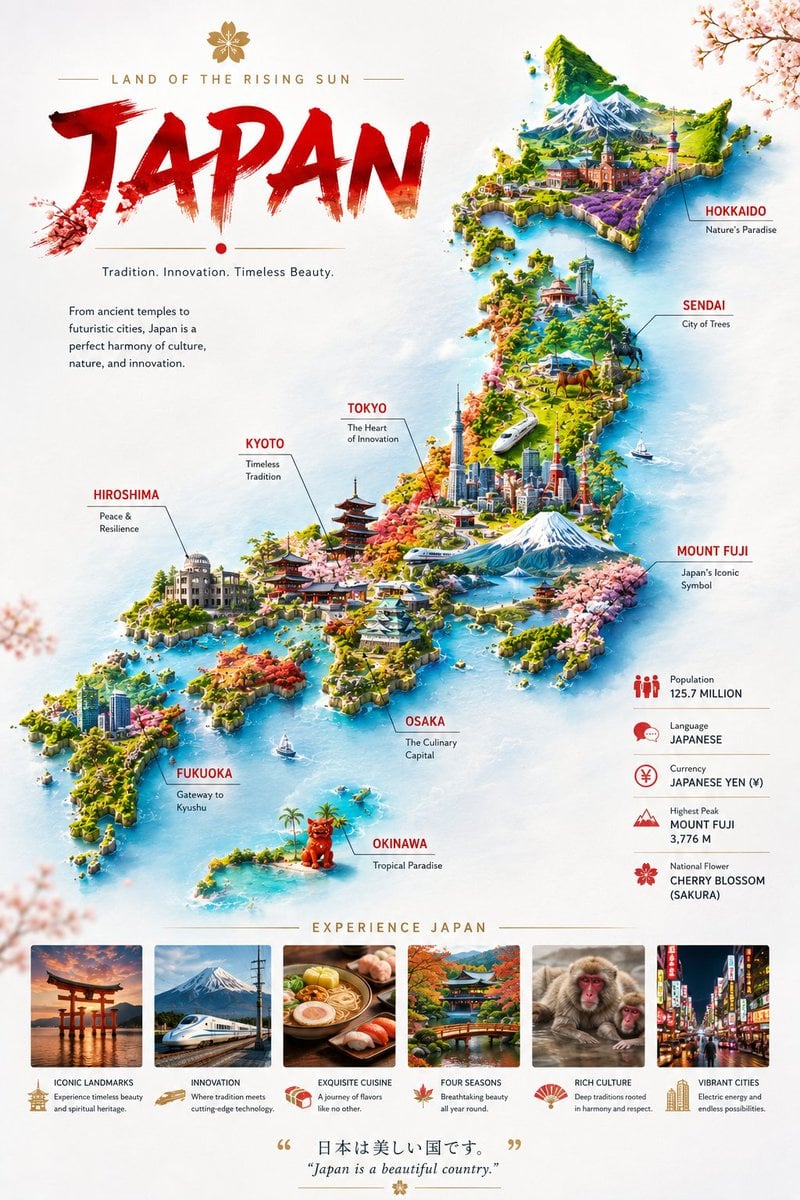
Japan Travel Poster Infographic
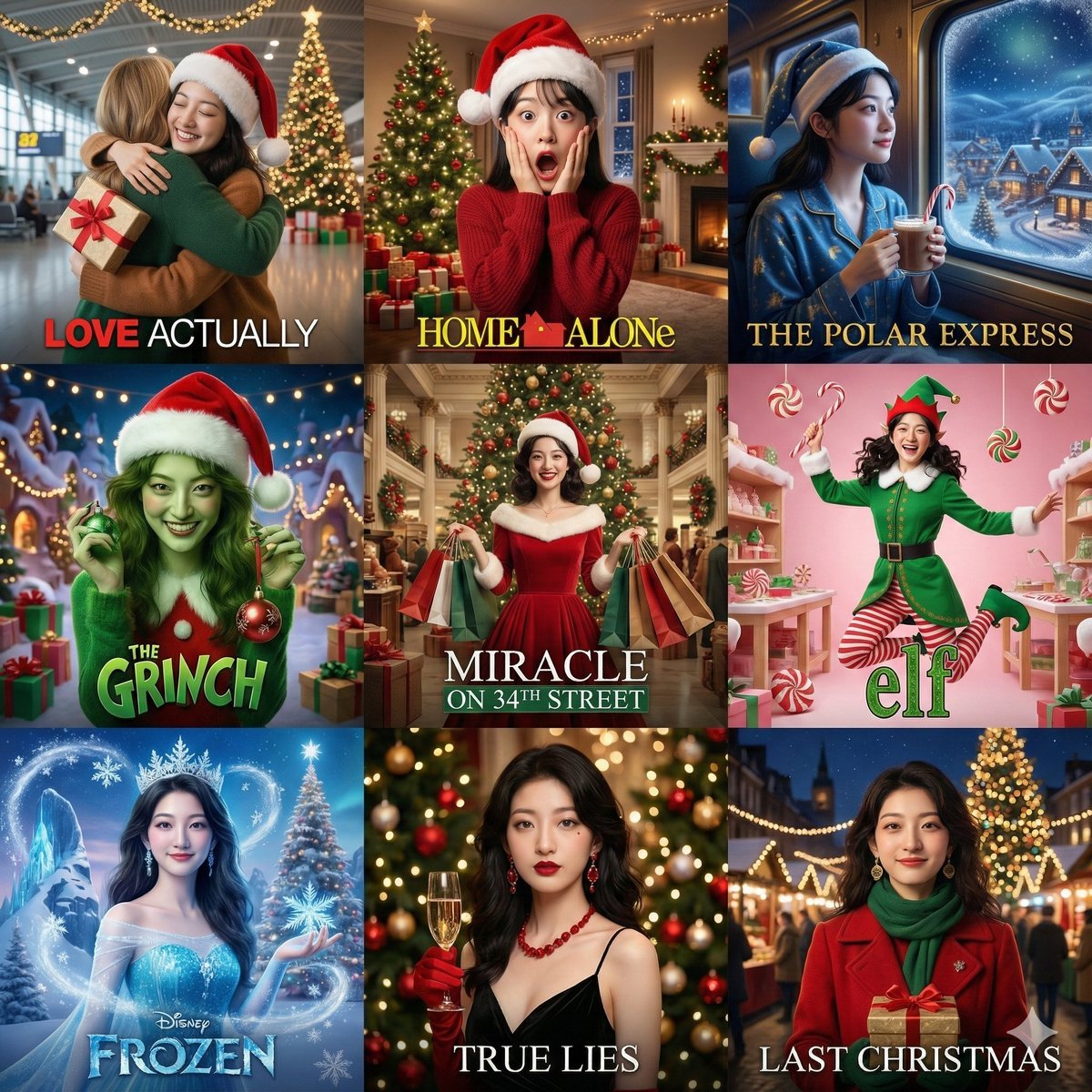
Panel Christmas Movie Scene Collage Prompt
Four-panel anime manga with panda-girl character
Leaders playing poker scene
Good Night Nano Banana Pro
New Year's Greeting Prompt (Year of the Horse)
Photorealistic Urban Night Portrait of a British Man
Nagasaki Travel Poster with Central Woman
Futuristic Smart Mirror Website Mockup
Browse template categories
Anime Storyboard Sheet questions
How do I use the Anime Storyboard Sheet template?
Add your photo if the template asks for one, edit the prompt if you like — the template's model and format are already selected — and press Generate. Your version opens in PicX Studio.
Can I customize the Anime Storyboard Sheet template?
Yes. You can change the subject, setting, lighting, mood, format, and available model controls before creating your image.
Is the Anime Storyboard Sheet template free?
Opening and editing this template is free. Generating uses credits, shown on the Generate button when you are signed in.
Which AI model should I use?
Start with GPT Image 2, which is the model associated with this template. You can compare another compatible model for a different finish.
Looking for something else? Browse all templates.

Your photo, any look
Thousands of ready templates for every top image and video model, from one credit balance.