
Panel Christmas Movie Scene Collage Prompt
A highly structured prompt for Nano Banana Pro to generate a 3x3 grid collage featuring the same character (based on a reference image) placed into nine distinct Christmas movie scenes, each panel mimicking the movie's…
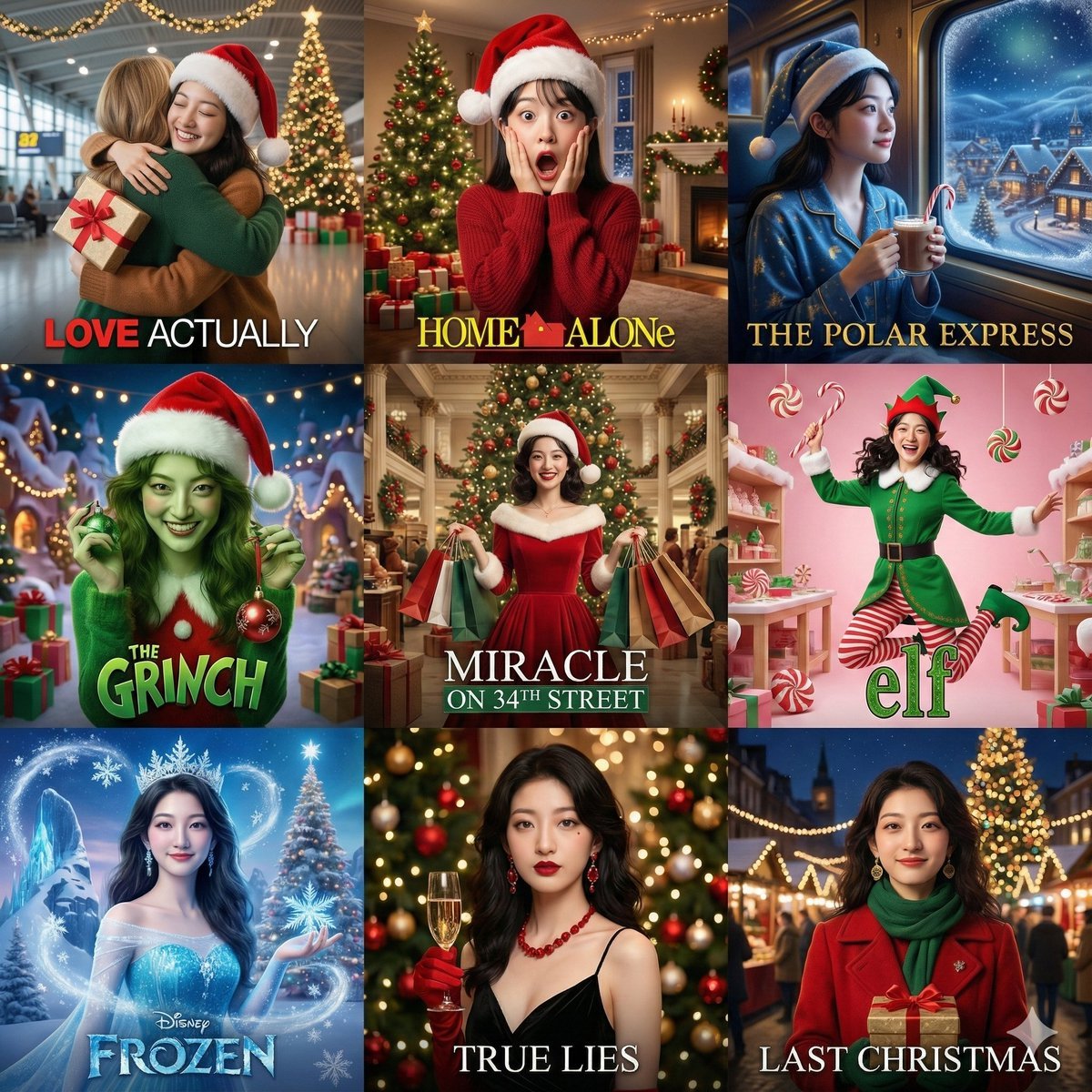
- Prompt included
- Model and format preset
- Premium template
The prompt behind this image
Copy the exact prompt behind Panel Christmas Movie Scene Collage Prompt, or open it in the studio and make it yours.
[Global instruction]: A 3x3 grid collage — all 9 cells must show the exact same woman. Strictly keep her facial features consistent with the reference image. Do not change her facial features — only change her expression, makeup, and styling to match each movie theme. Cell 1: In the style of《{argument name="movie 1" default="真爱至上 (Love Actually)"}》— an airport farewell scene, wearing a Santa hat, holding a wrapped gift, a warm embrace, with a giant Christmas tree and colorful lights decorating the airport in the background, soft lighting Cell 2: In the style of《{argument name="movie 2" default="小鬼当家 (Home Alone)"}》— an exaggeratedly surprised expression with hands cupping the cheeks, wearing a tilted Santa hat, with a Christmas tree, a pile of presents, and decorative lights at home in the background, a comedic effect Cell 3: In the style of《{argument name="movie 3" default="极地特快 (The Polar Express)"}》— by a train window, wearing a nightcap, holding hot cocoa with a candy cane, with a magical snowy landscape and a Christmas village outside the window, a dreamy blue-and-gold color scheme Cell 4: In the style of《{argument name="movie 4" default="圣诞怪杰 (The Grinch)"}》— a real person in green-toned clothing paired with a red Santa hat, a mischievous expression, holding stolen Christmas decorations, with a Christmas village of lights and presents in the background, a creative styling Cell 5: In the style of《{argument name="movie 5" default="34街的奇迹 (Miracle on 34th Street)"}》— a vintage department-store scene, wearing a classic red Christmas dress, holding Christmas shopping bags, with a giant Christmas tree and vintage decorations in the background, classic Hollywood lighting (centered) Cell 6: In the style of《{argument name="movie 6" default="圣诞精灵 (Elf)"}》— a full elf costume (a green top, red striped tights, a pointed hat with bells), a joyful jumping pose, holding a candy cane, with a candy-colored Christmas workshop in the background Cell 7: In the style of《{argument name="movie 7" default="冰雪奇缘 (Frozen)"}》— an ice-blue princess gown with a snowflake crown, holding a magical ice crystal, with snowflakes flying and an ice-crystal castle and a huge Christmas tree in the background, a specially festive candy touch, a Disney-magic feel Cell 8: In the style of《{argument name="movie 8" default="真实的谎言 (True Lies)"}》— a black gown paired with red Christmas accessories, holding champagne, with a Christmas party scene of lights and ornament balls in the background, elegant and mysterious Cell 9: In the style of《{argument name="movie 9" default="Last Christmas"}》— a fashionable woman in a red vintage coat paired with a green scarf and gold earrings, holding a Christmas gift box, standing under the lights of a London Christmas market, with the giant Christmas tree of Covent Garden and festive shop windows in the background, warm nighttime lighting, a hopeful expression, a modern romantic cinematic aesthetic Each cell should mimic the corresponding movie's color tone, lighting, and mood, with extremely obvious Christmas decorative elements, a movie-poster composition, added cinematic title-text effects, a professional movie-still quality, 4K HD
How to use Panel Christmas Movie Scene Collage Prompt in 3 steps
- 1Upload ImagePNG, JPG or paste
Add your photo
Upload the photo the template builds on. The prompt, model and format are already set.
- 2…a portrait of your subject in softgolden-hour light, 85mm…
Personalize
Edit the subject and creative details for your destination.
- 3Generate
Generate
Press Generate — your image is created in PicX Studio, so you can compare it with the original and refine one variable at a time.
More like this
Templates with the same subject, style or setup. Open one to see its prompt.

Panel Mirror Selfie Collage

Cozy Six-Panel Bedtime Stages Collage

Six-Panel Retro Japanese Poster Collage

Paper Cut Finale Fireworks

Paper Cut Garden Maze

Paper Cut Rooftop Concert

Paper Cut Bicycle Coast

Paper Cut Castle Gate

Paper Cut Kitchen Chaos

Paper Cut Carnival Ride

Paper Cut Rainy Bus Stop

Paper Cut Space Dock
Make it yours
Panel Christmas Movie Scene Collage Prompt works as-is. These are the safest ways to change it without losing the look.
Change one field
Copy a single group, rewrite it, and generate again so you can see what that field is doing.
Keep the frame, change the subject
Hold the composition and light of 9-Panel Christmas Movie Scene Collage Prompt, then swap wardrobe, props or the person for a new take.
| If the result… | Why | Fix |
|---|---|---|
| The result drifts from the preview | Too many fields changed at once. | Reuse 9-Panel Christmas Movie Scene Collage Prompt as-is first, then change one group — subject, light, or setting. |
| The model over-stylizes the scene | The prose prompt leaves finish and camera underspecified. | Add one camera or lighting sentence and stay on Nano Banana 2. |
More Nano Banana 2 templates
Other prompts made for Nano Banana 2.

Photorealistic Leaf Shaped Like a Dragon

K-Pop Idol Portrait Grid for Rapid Selection

Poetic Rain Forest Portrait During Golden Hour

Urban Street Portrait with Cartoon Inner Self Duo

Candid Nighttime Photo with Cat Prompt

High-Concept 3D Diorama Generation Prompt

Cinematic Futuristic Studio Portrait Template

Skincare Editorial Photography Collage Prompt

Hyper-Realistic Commercial Product Photography (Splash Effect)

Hyper-Realistic Nightclub Portrait Prompt
More image prompts
Fresh picks from across the catalog.
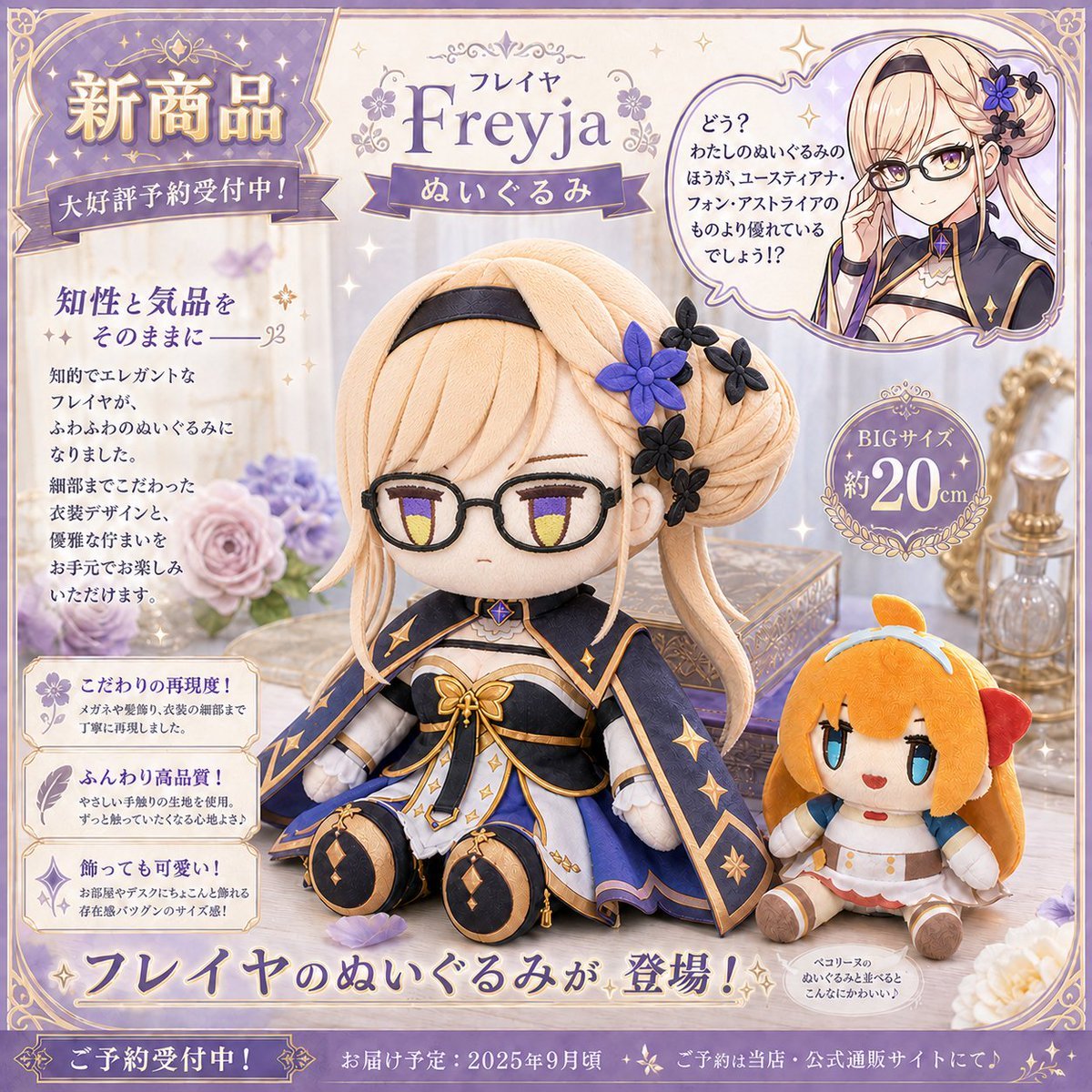
Freyja Plush Merchandise Flyer
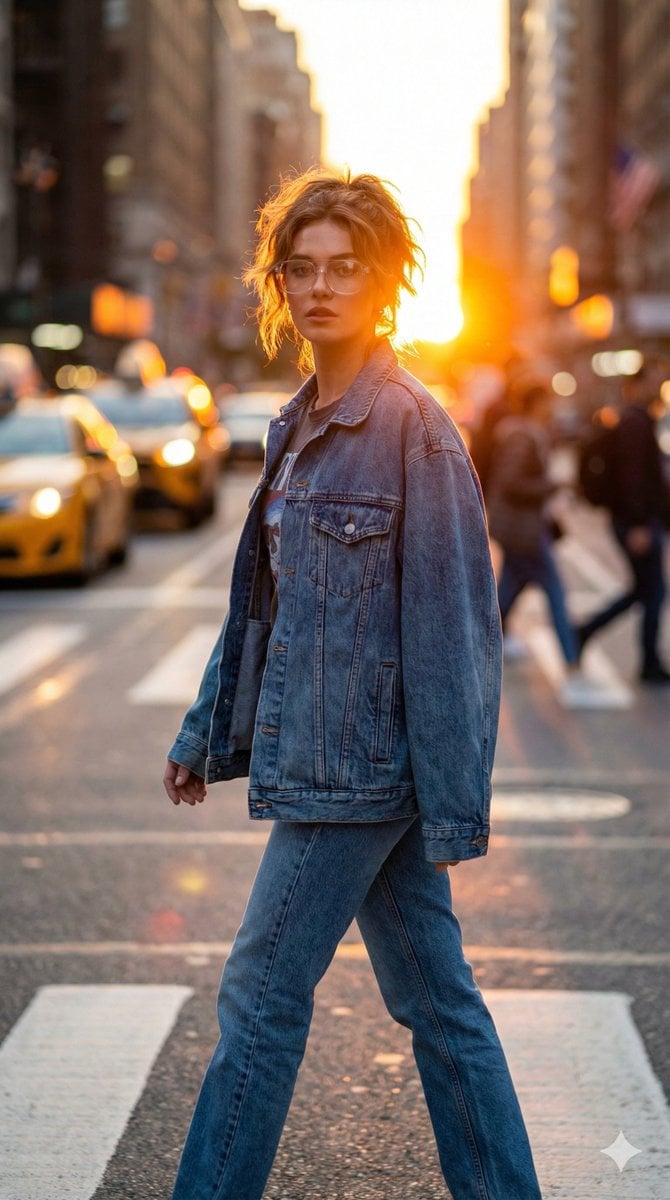
Golden Hour Urban Streetwear Portrait
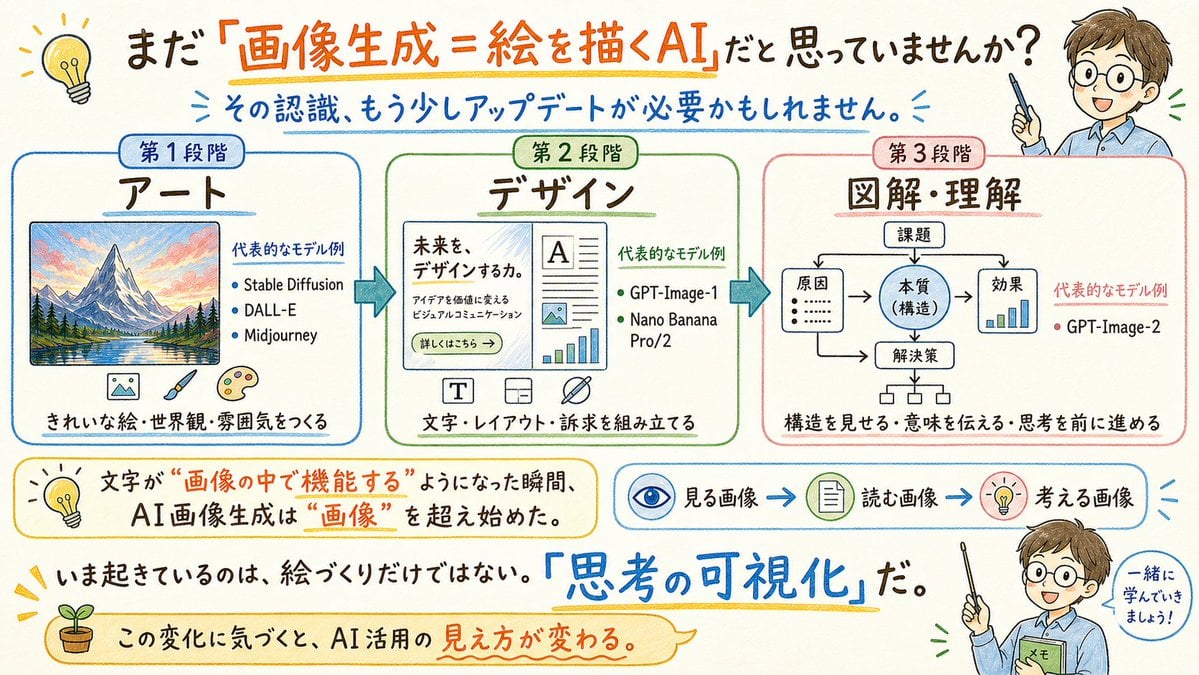
Japanese AI Image Evolution Infographic
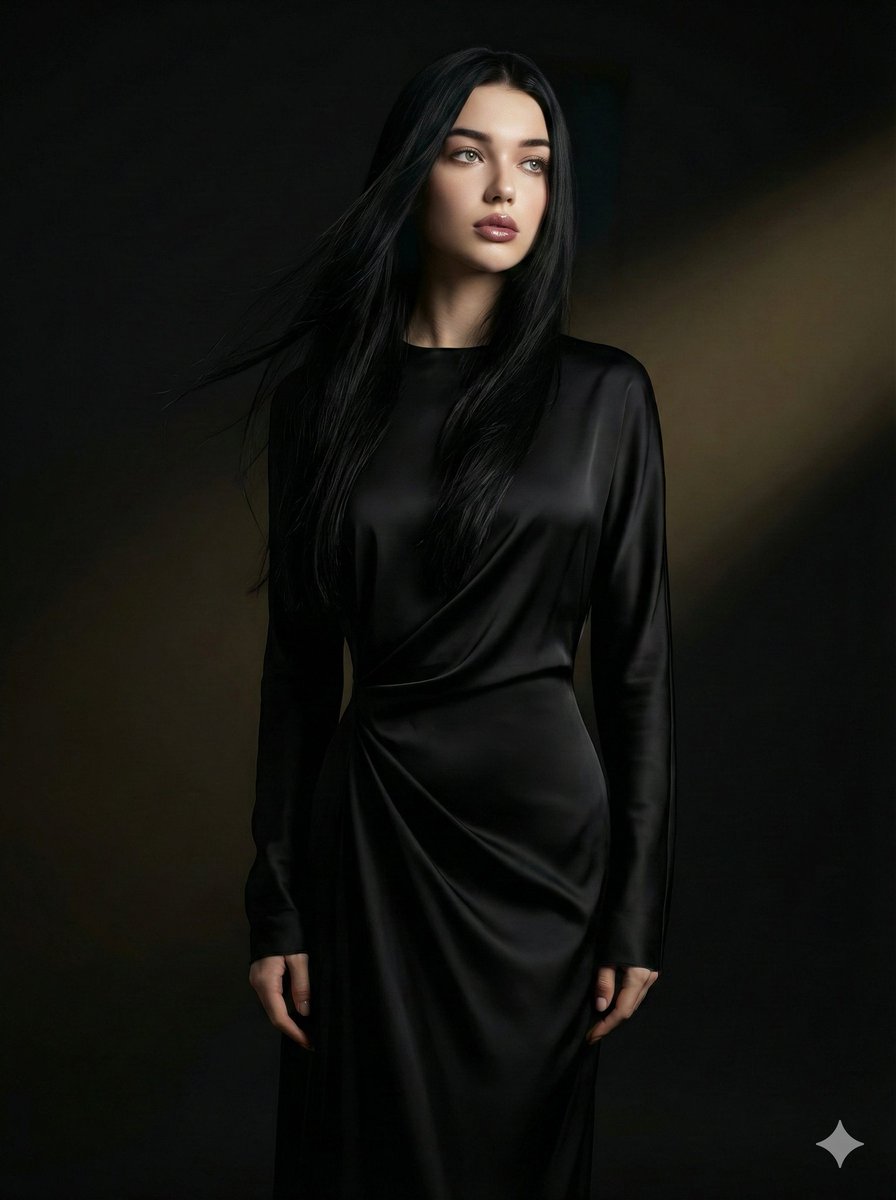
Cinematic Portrait with Identity Preservation
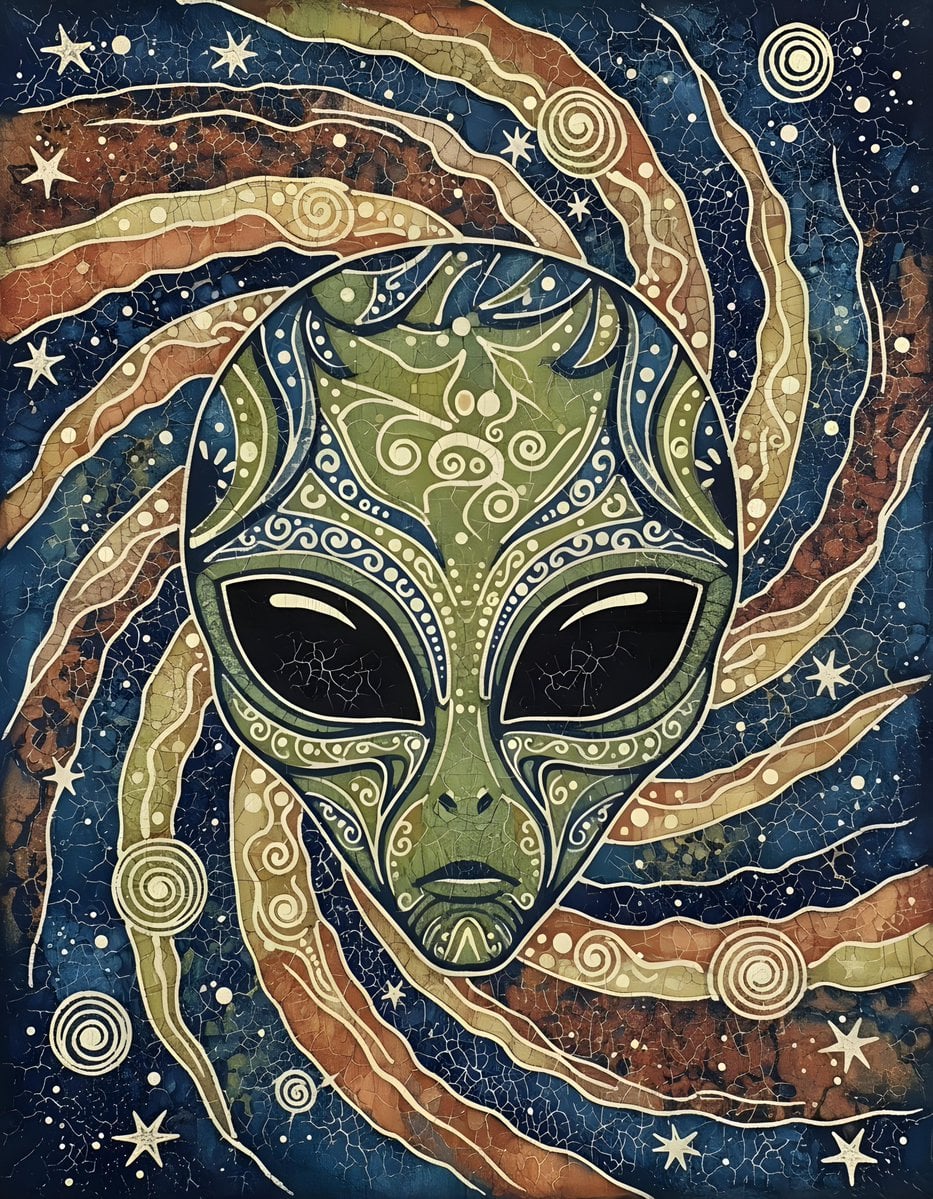
Batik Style Image Generation Prompt
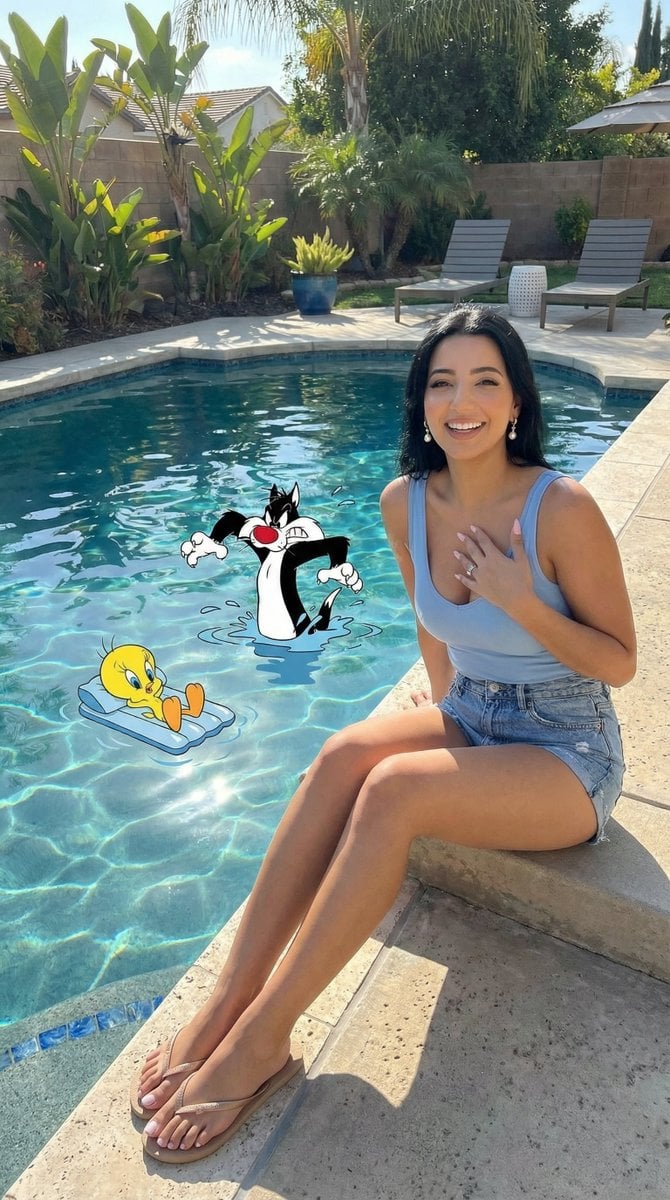
Looney Tunes Poolside Scene Prompt
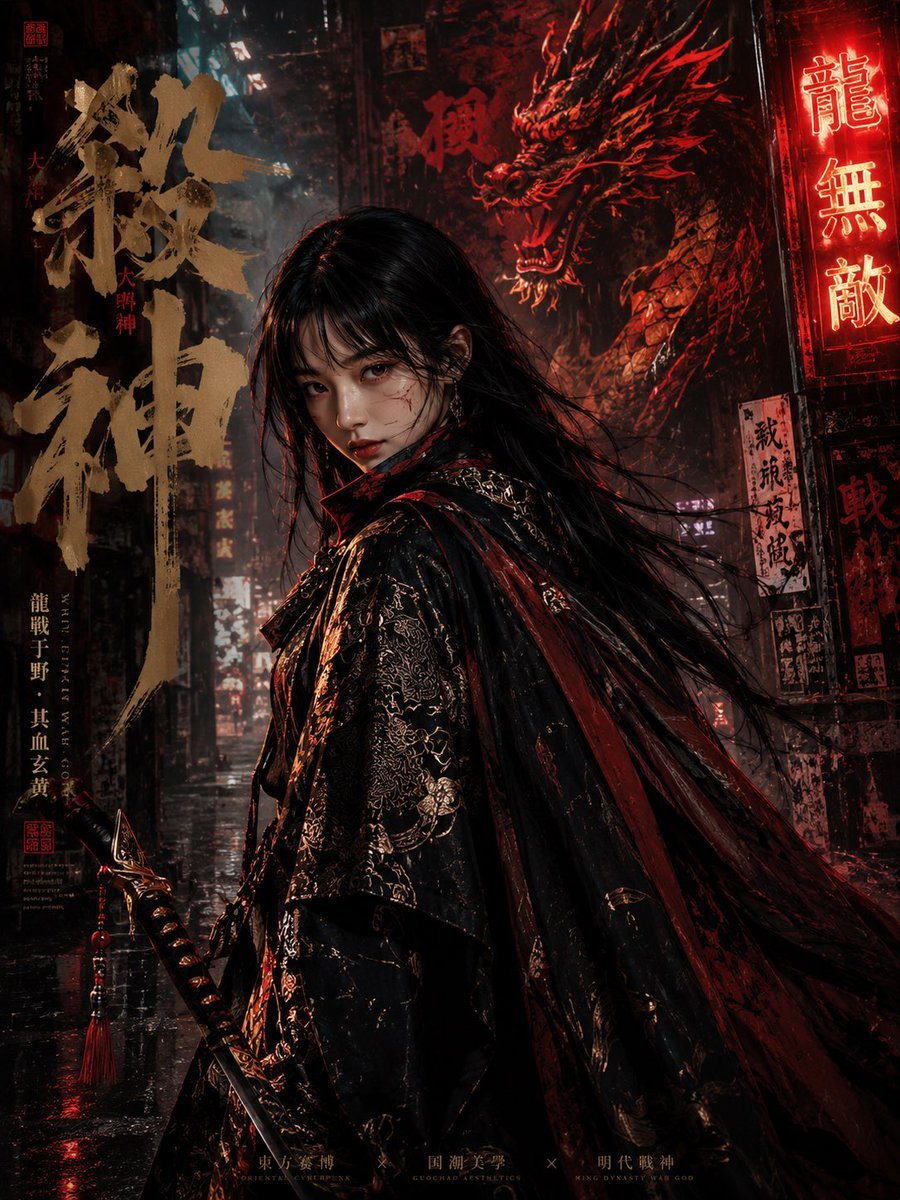
Cyberpunk Ming Dynasty Warrior Poster

Ethereal Product Visual with Frosted Glass Hands
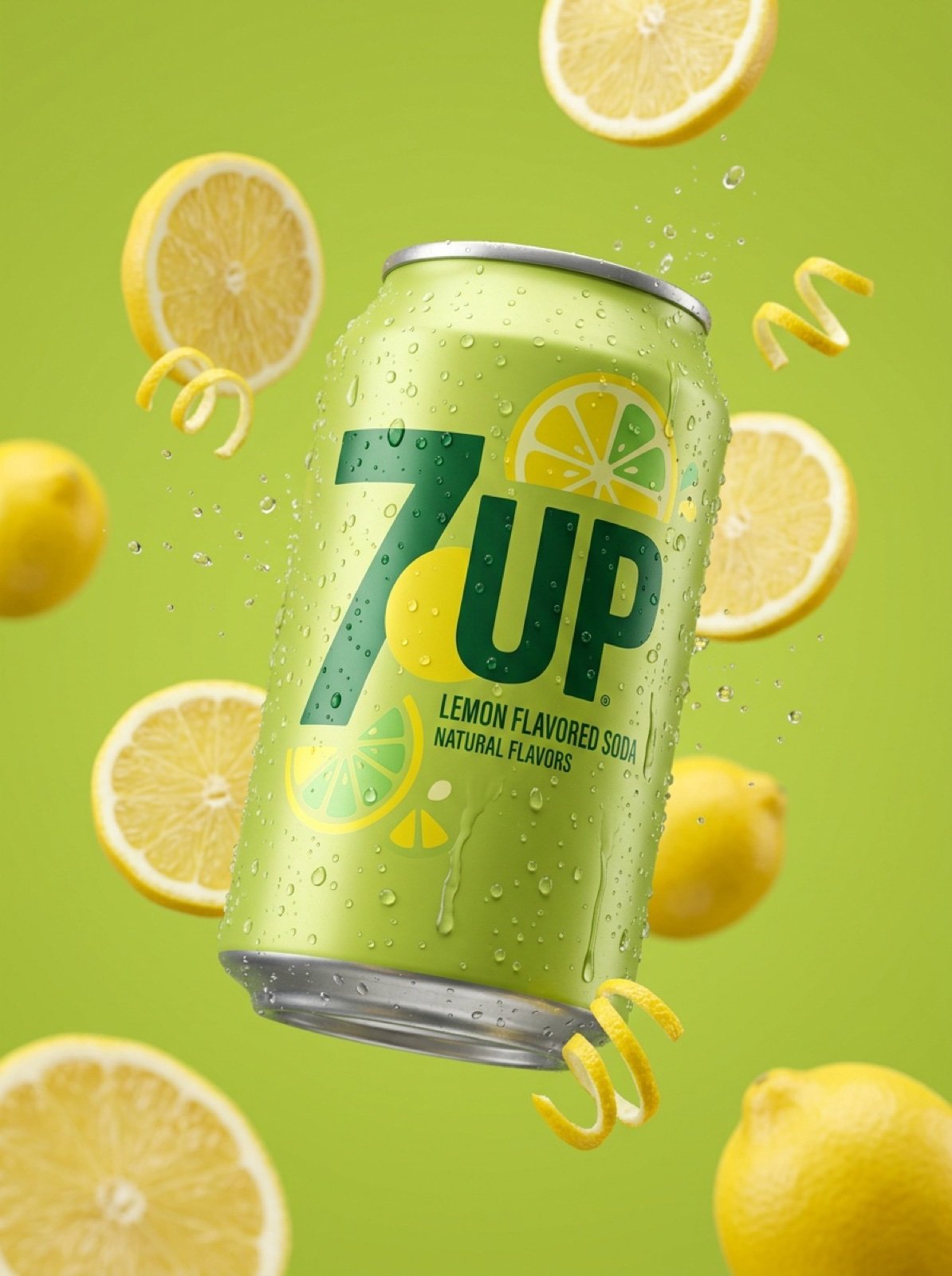
Ultra-Realistic 7UP Product Photography
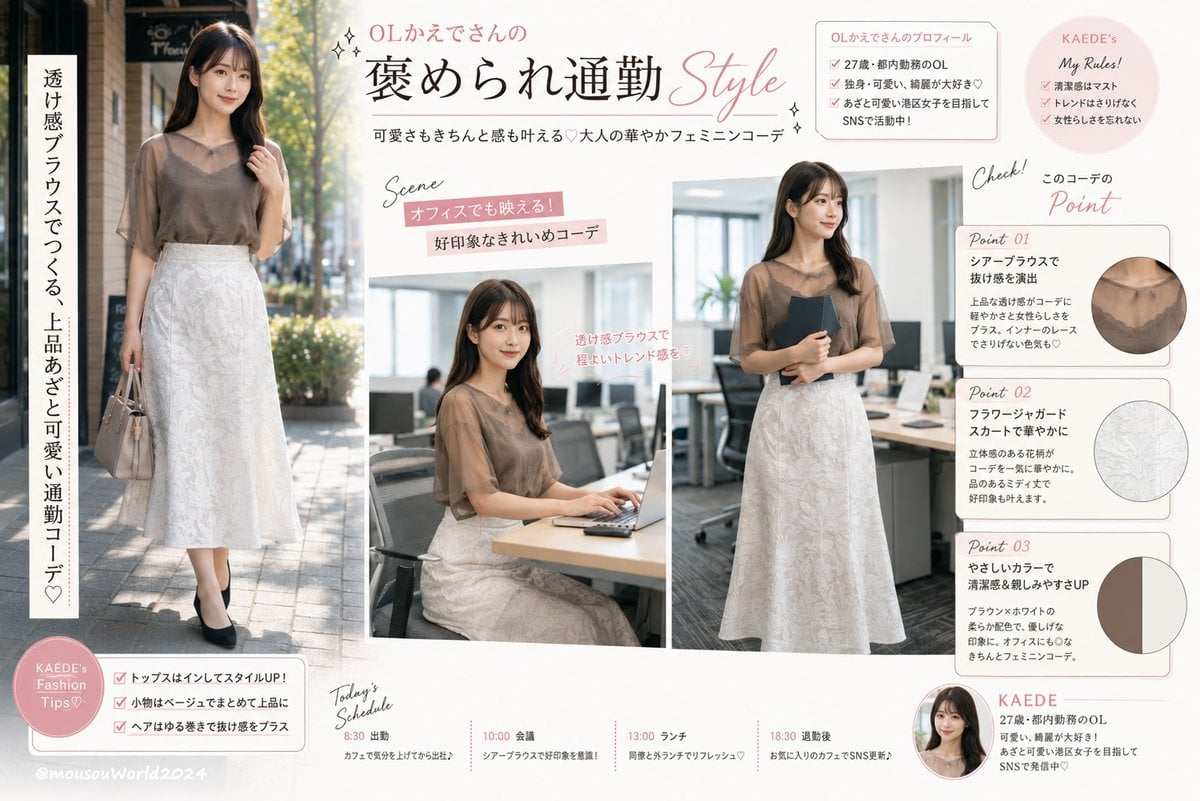
Japanese Office Outfit Magazine Spread
Browse template categories
Panel Christmas Movie Scene Collage Prompt questions
How do I use the 9-Panel Christmas Movie Scene Collage Prompt template?
Add your photo if the template asks for one, edit the prompt if you like — the template's model and format are already selected — and press Generate. Your version opens in PicX Studio.
Can I customize the 9-Panel Christmas Movie Scene Collage Prompt template?
Yes. You can change the subject, setting, lighting, mood, format, and available model controls before creating your image.
Is the 9-Panel Christmas Movie Scene Collage Prompt template free?
Opening and editing this template is free. Generating uses credits, shown on the Generate button when you are signed in.
Which AI model should I use?
Start with Nano Banana 2, which is the model associated with this template. You can compare another compatible model for a different finish.
Looking for something else? Browse all templates.

Your photo, any look
Thousands of ready templates for every top image and video model, from one credit balance.