
Freyja Plush Merchandise Flyer
A square Japanese anime-style product advertisement for a premium Freyja plush doll with ornate fantasy branding and reservation details.
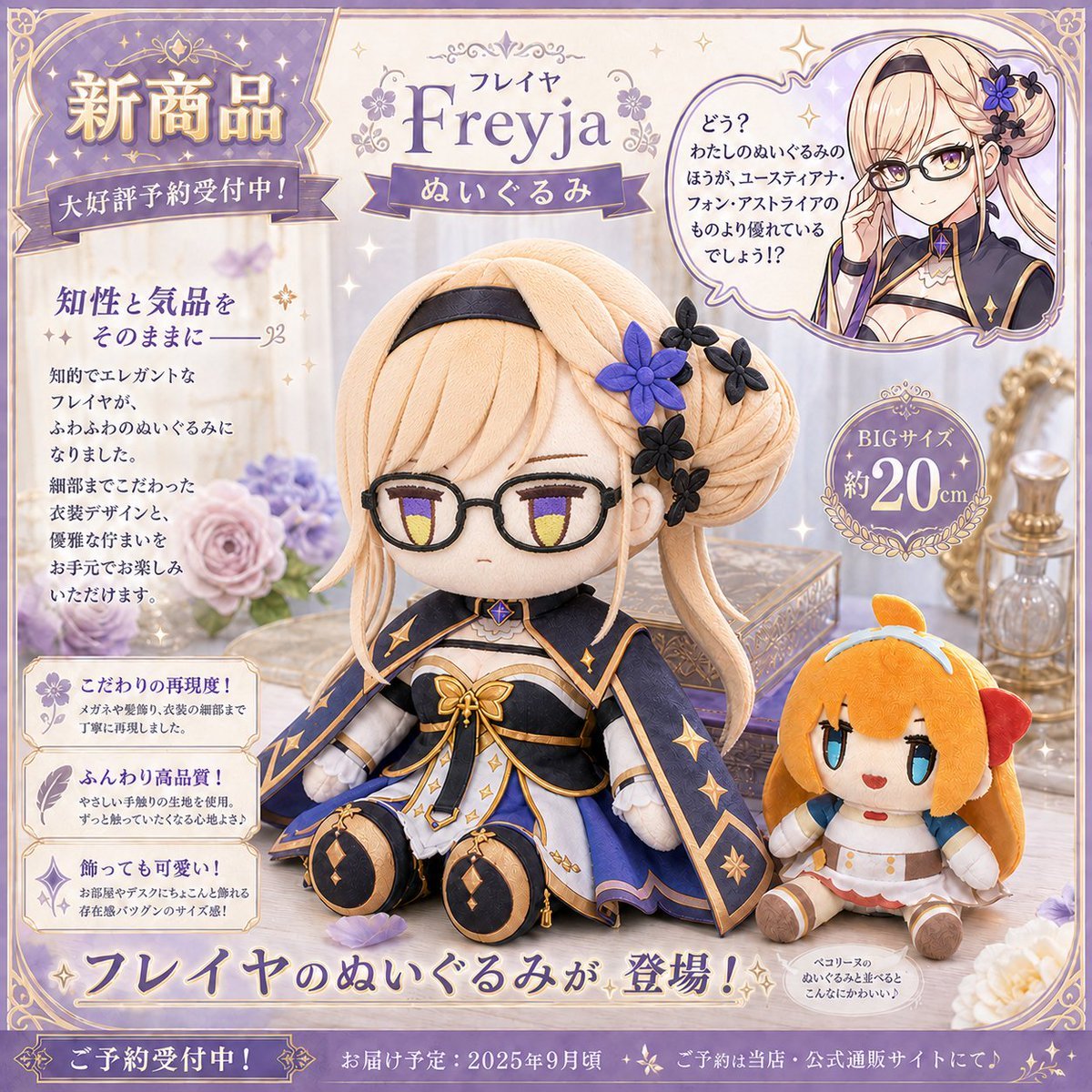
- Prompt included
- Model and format preset
- Free template
The prompt behind this image
Copy the exact prompt behind Freyja Plush Merchandise Flyer, or open it in the studio and make it yours.
Goal: Create a polished Japanese anime merchandise advertisement for a new plush doll of {argument name="character name" default="Freyja"}, in an elegant fantasy-gacha style, like a premium product reservation flyer. Canvas: Square 1:1 promotional layout, soft cream and lavender palette with gold accents, ornate border, sparkles, lace-like corner decorations, and a dreamy tabletop product-photography background. Layout: The image contains exactly 2 plush dolls as the main products: 1 large seated princess plush centered slightly right, and 1 smaller orange-haired mascot plush seated at the lower right. Add exactly 1 circular inset portrait at the upper right showing the original anime character from the chest up, with a speech bubble. Add exactly 1 large top-left announcement ribbon panel, exactly 1 central title plaque, exactly 1 round size badge on the right, exactly 3 stacked feature description boxes on the lower left, exactly 1 large bottom headline ribbon, and exactly 1 narrow footer reservation bar. Subject details: The large plush is a cute seated chibi-style doll with pale blonde hair in an elaborate braided bun and long side strands, wearing a navy, white, lavender, and gold aristocratic fantasy outfit: cape-like skirt panels, star motifs, gold trim, white sleeves, black headband, and plush boots. Its face area should be left as a smooth rectangular beige placeholder or softly blurred blank panel, as if intentionally censored. The hair has exactly 5 decorative flowers: 1 large violet flower and 4 small dark navy/black flowers. The smaller mascot plush has orange hair, blue eyes, a red bow-like side accent, small white outfit with gold buttons, and sits cheerfully beside the main doll. The inset portrait also has a softly blurred rectangular face area while preserving blonde hair, navy outfit, and flower hair ornament. Background and props: Use a refined vanity-table scene with a pastel bouquet on the left, a decorative glass perfume bottle and ornate mirror frame on the right, a small jewelry box behind the main plush, scattered petals, subtle bokeh, and many tiny gold star sparkles. Keep the overall look glossy, collectible, and premium. Text content: Use Japanese-style decorative typography with purple and gold gradients. Include these visible Japanese text blocks as design text: {argument name="top announcement text" default="新商品 / 大好評予約受付中!"}. Title area: {argument name="product title text" default="フレイヤ Freyja / ぬいぐるみ"}. Left body headline and three feature boxes: {argument name="feature text" default="知性と気品をそのままに / こだわりの再現度! / ふんわり高品質! / 飾っても可愛い!"}. Right speech bubble and size badge: {argument name="right callout text" default="どう? わたしのぬいぐるみのほうが、ユースティアナ・フォン・アストライアのものより優れているでしょう!? / BIGサイズ 約20cm"}. Bottom headline and footer: {argument name="bottom reservation text" default="フレイヤのぬいぐるみが登場! / ご予約受付中! / お届け予定:2025年9月頃 / ご予約は当店・公式通販サイトにて♪"}. Visual style: High-resolution commercial product flyer, anime game merchandise aesthetic, soft depth of field, realistic plush fabric texture, embroidered seams, premium gold foil effects, pastel lavender shadows, ornate fantasy UI framing. Constraints: Keep all 2 plush dolls fully visible, maintain exactly 3 feature boxes on the left, exactly 1 circular inset portrait, exactly 1 speech bubble, and exactly 1 round size badge. Do not add extra characters, extra product variants, watermarks, logos, or unrelated text.
How to use Freyja Plush Merchandise Flyer in 3 steps
- 1Upload ImagePNG, JPG or paste
Add your photo
Upload the photo the template builds on. The prompt, model and format are already set.
- 2…a portrait of your subject in softgolden-hour light, 85mm…
Personalize
Edit the subject and creative details for your destination.
- 3Generate
Generate
Press Generate — your image is created in PicX Studio, so you can compare it with the original and refine one variable at a time.
More like this
Templates with the same subject, style or setup. Open one to see its prompt.

Felt & Knit 3D Character — Photo-Exact Face, Pixar-Quality Plush Figurine
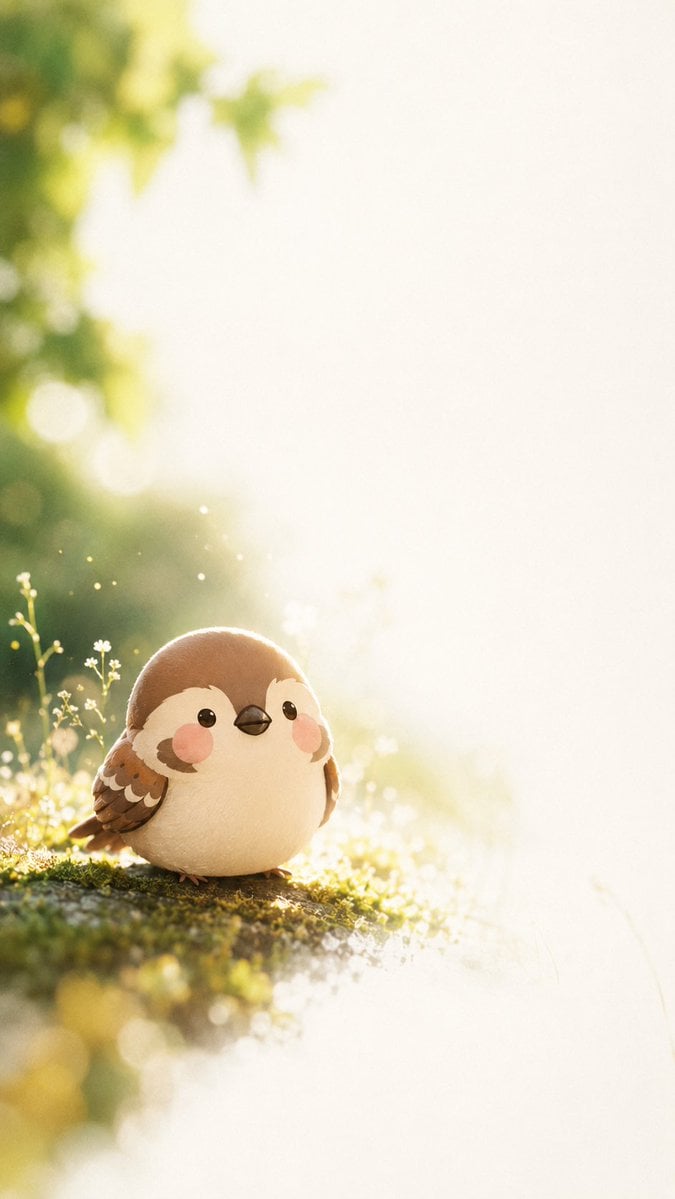
Dreamy Plush Sparrow in Mossy Sunlight
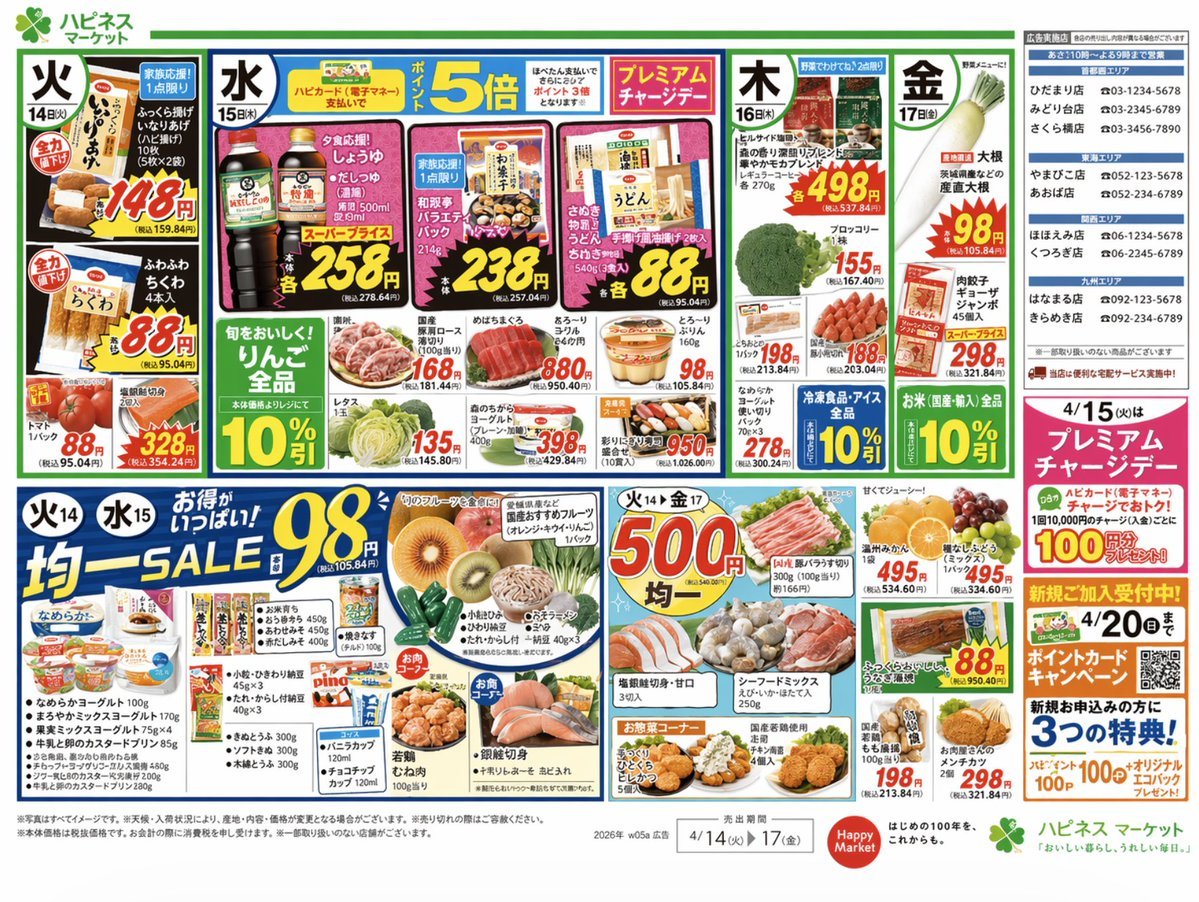
Japanese Supermarket Promotional Flyer
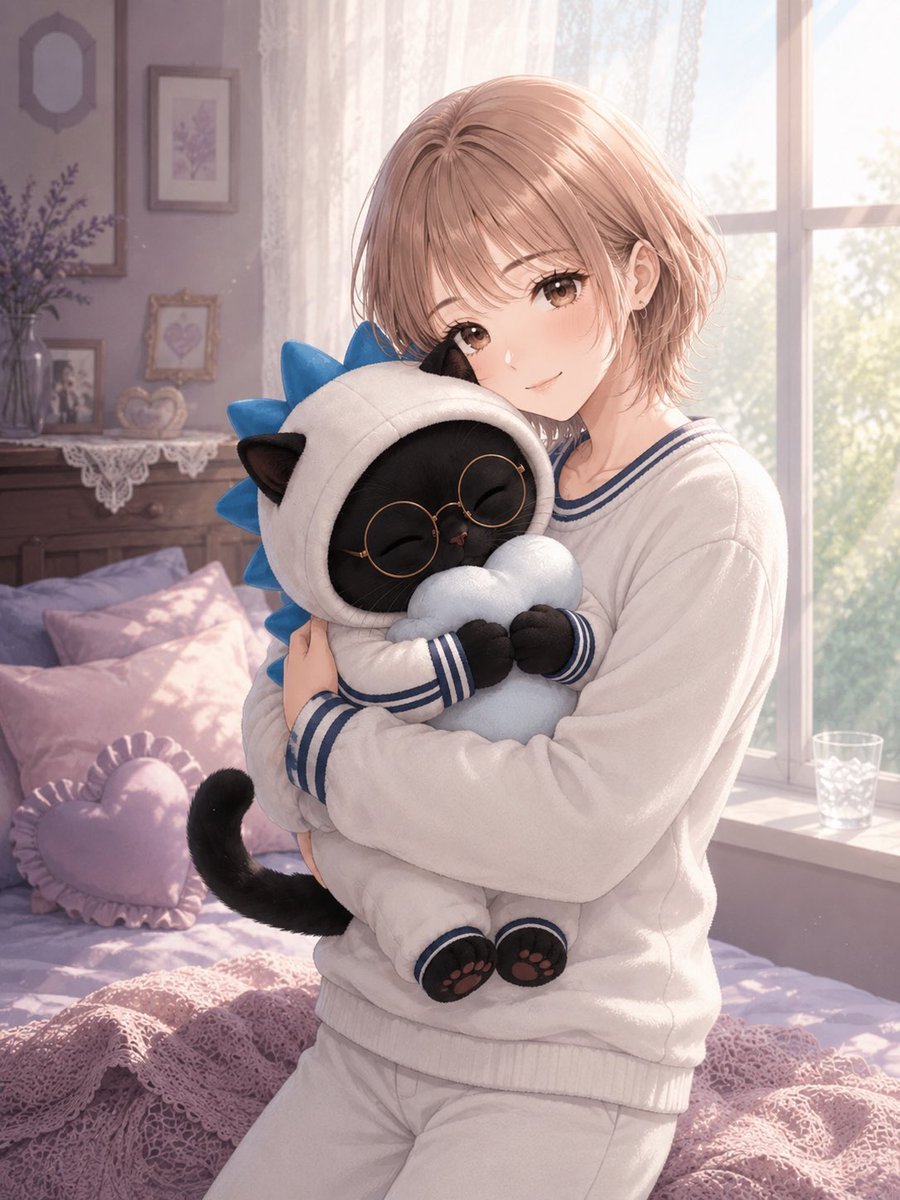
Anime Girl Hugging Black Cat Plush
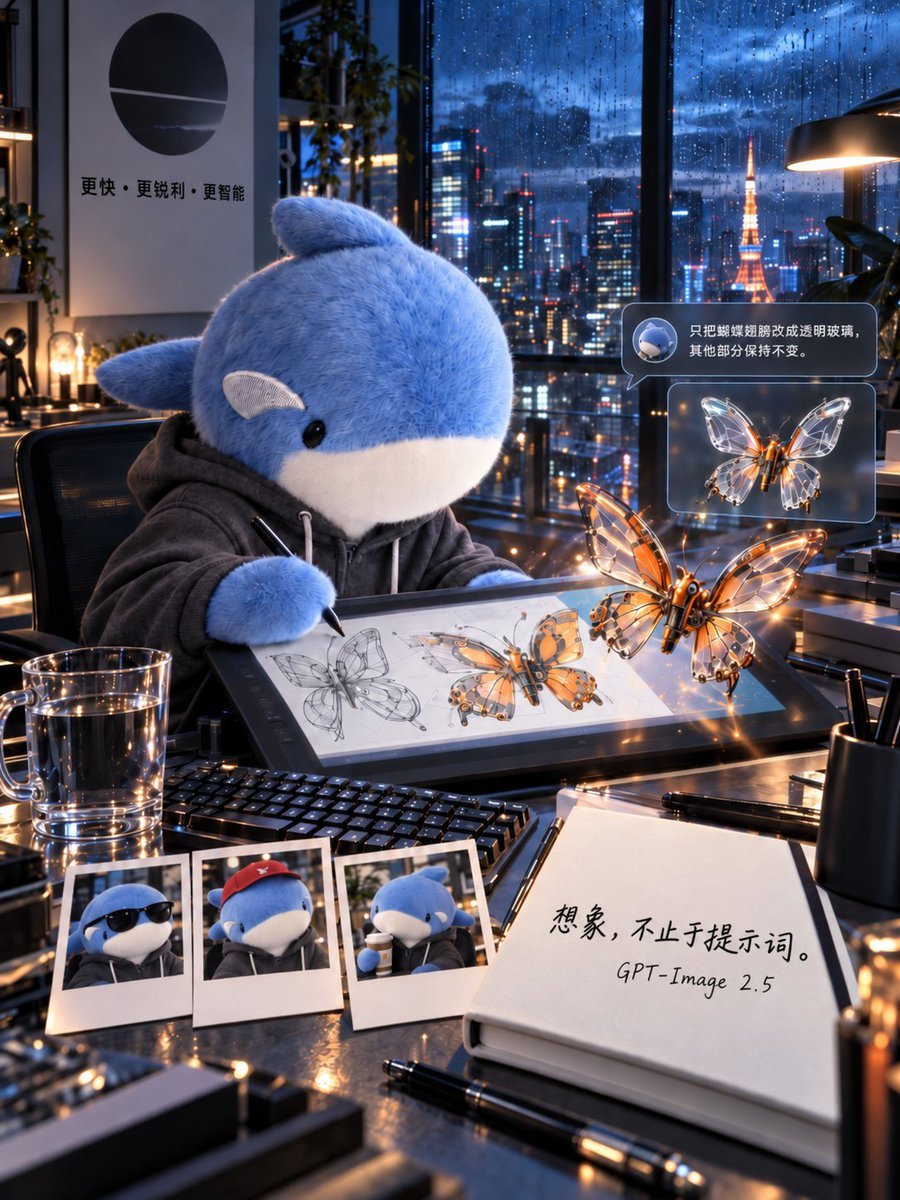
Plush Whale Tokyo Design Studio
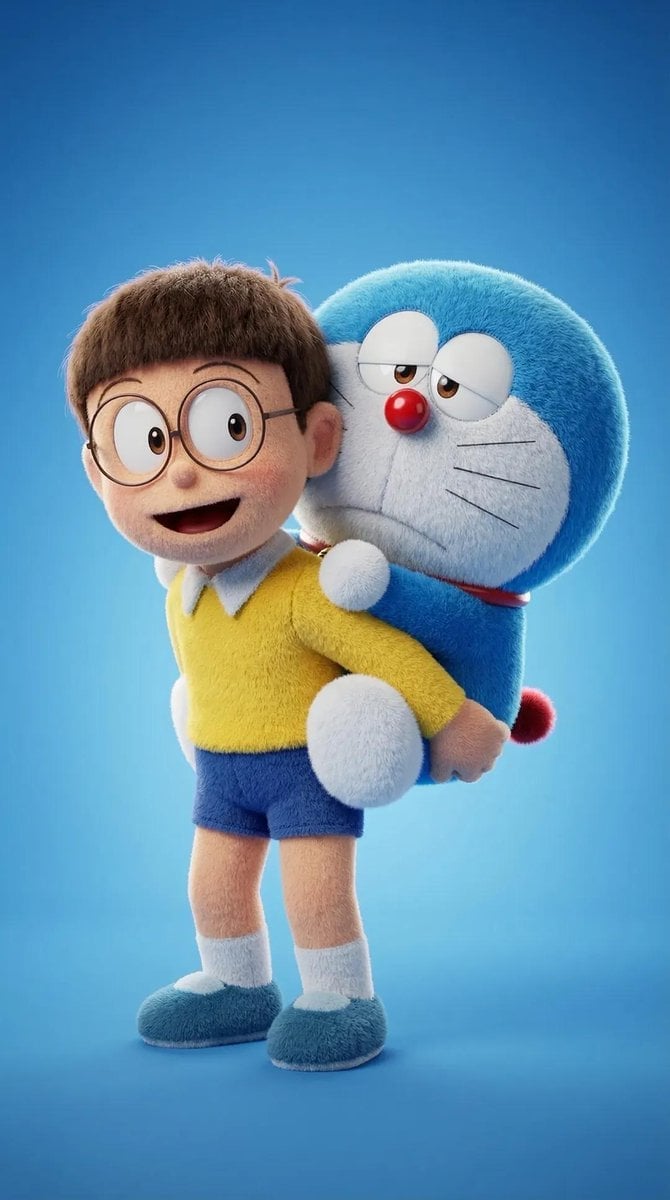
Plush Cartoon Character Doraemon Tribute
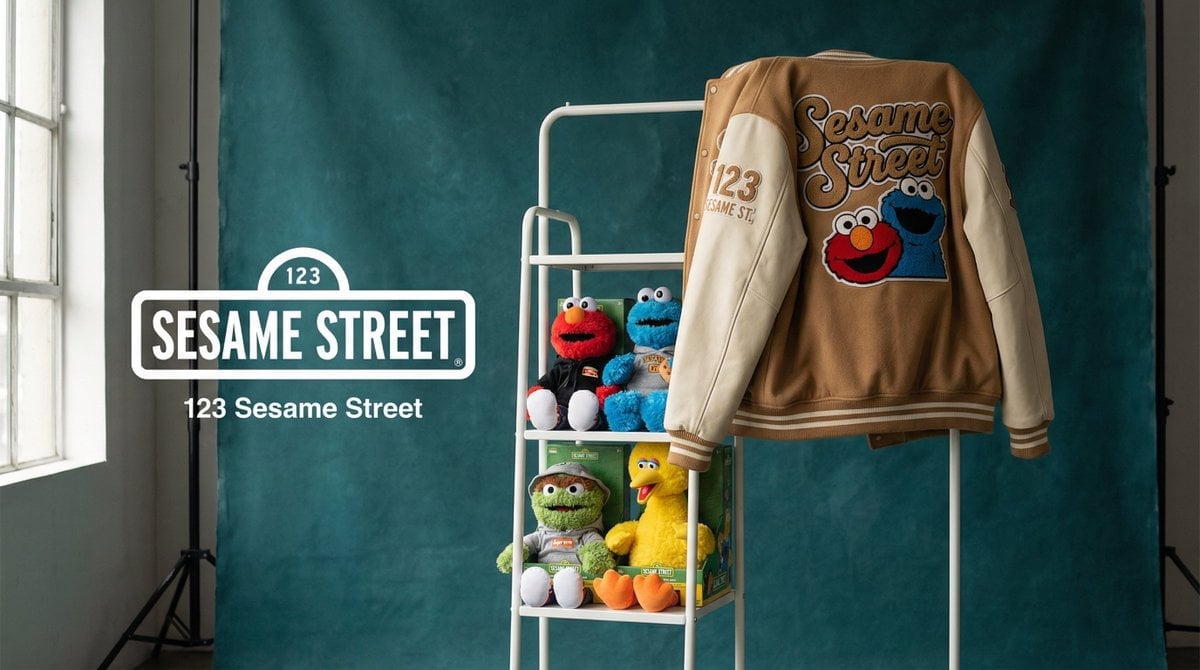
Photograph announcing a limited merchandise drop
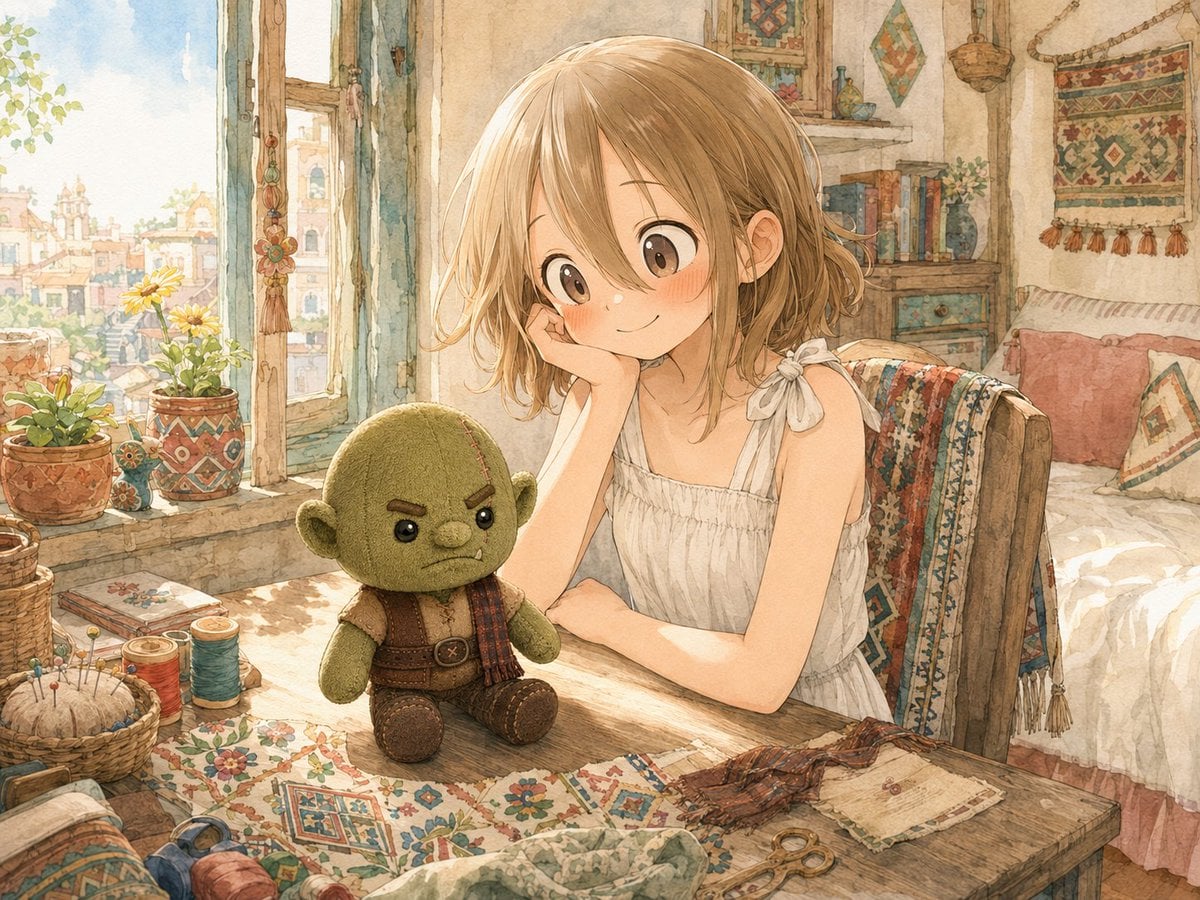
Girl Sewing Goblin Plush
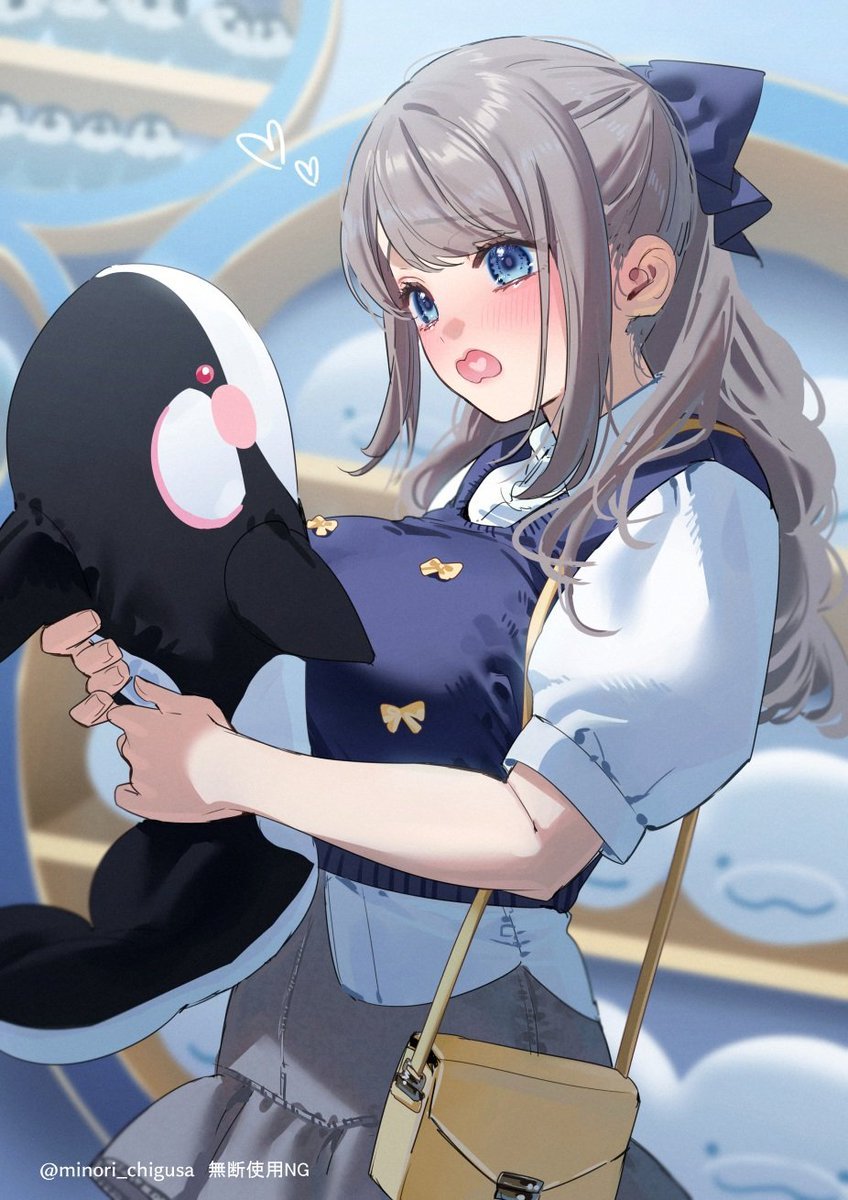
Anime Girl Hugging Orca Plush
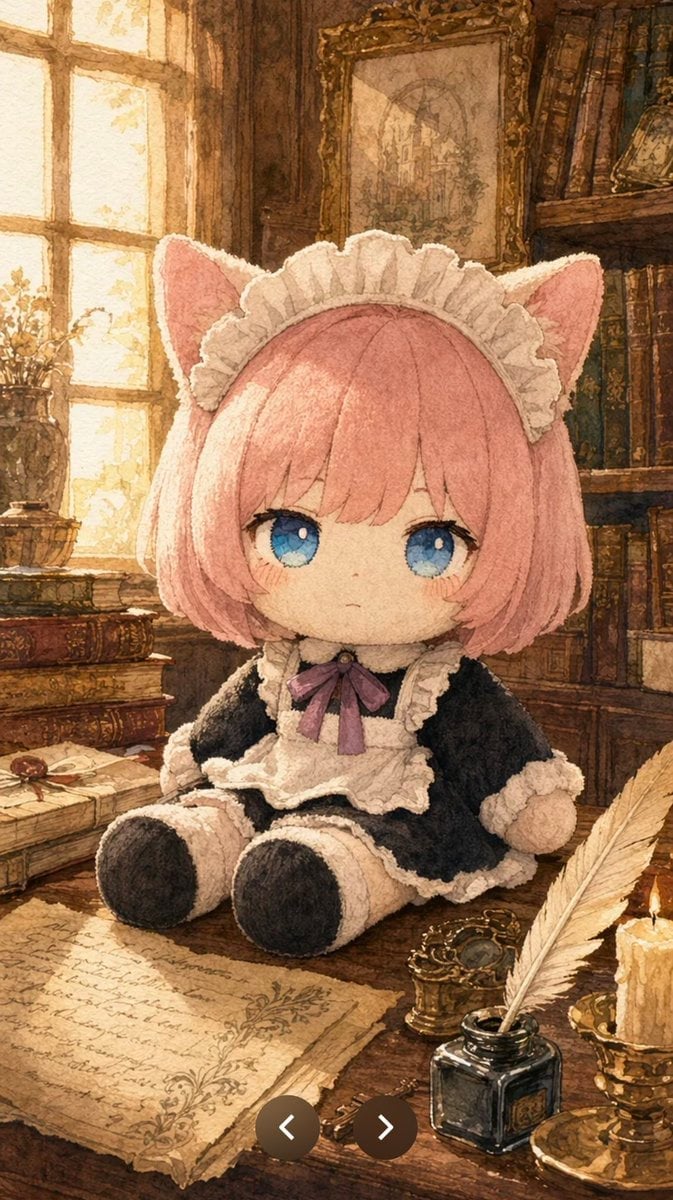
Plush Cat Maid Doll in Antique Library
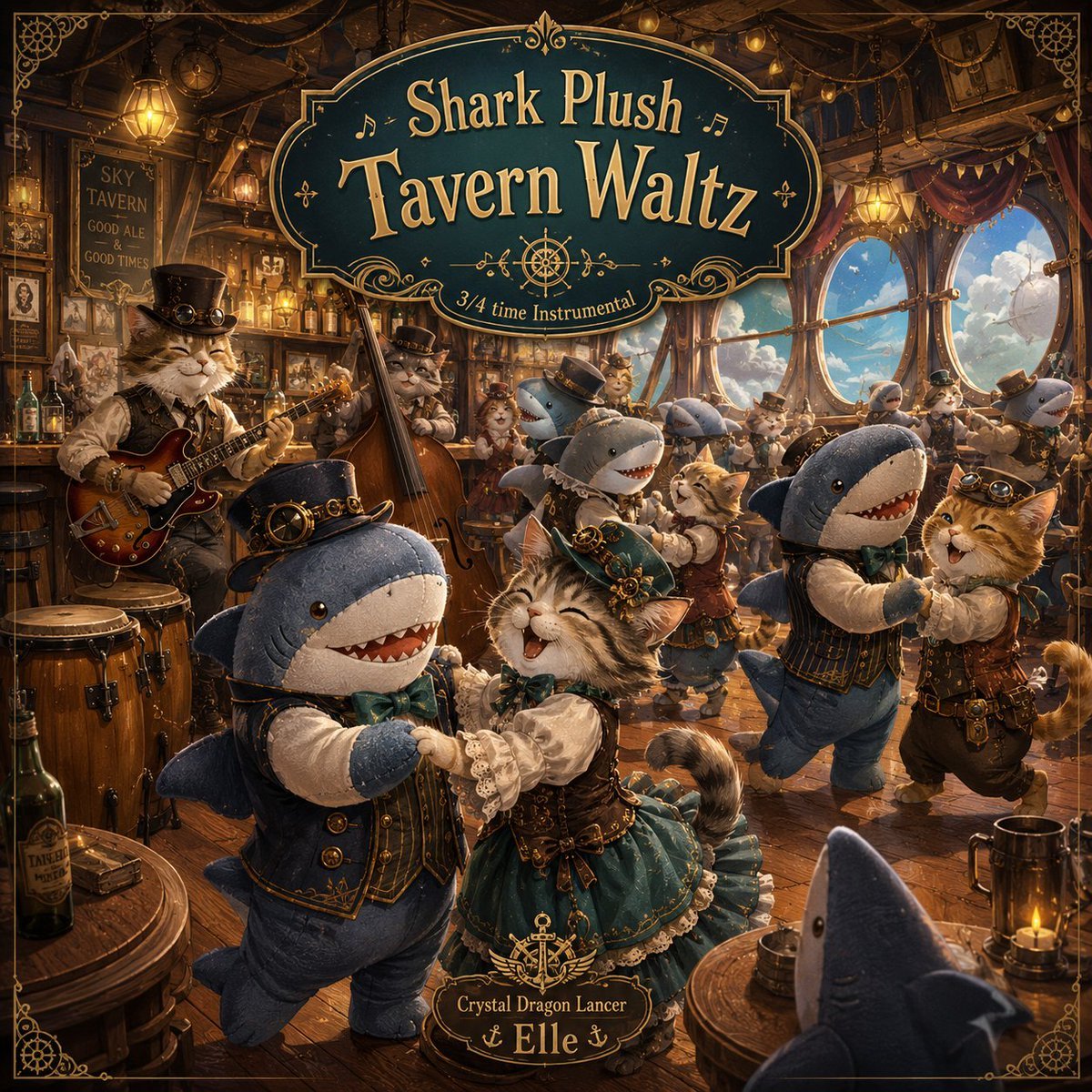
Shark Plush Tavern Waltz Cover
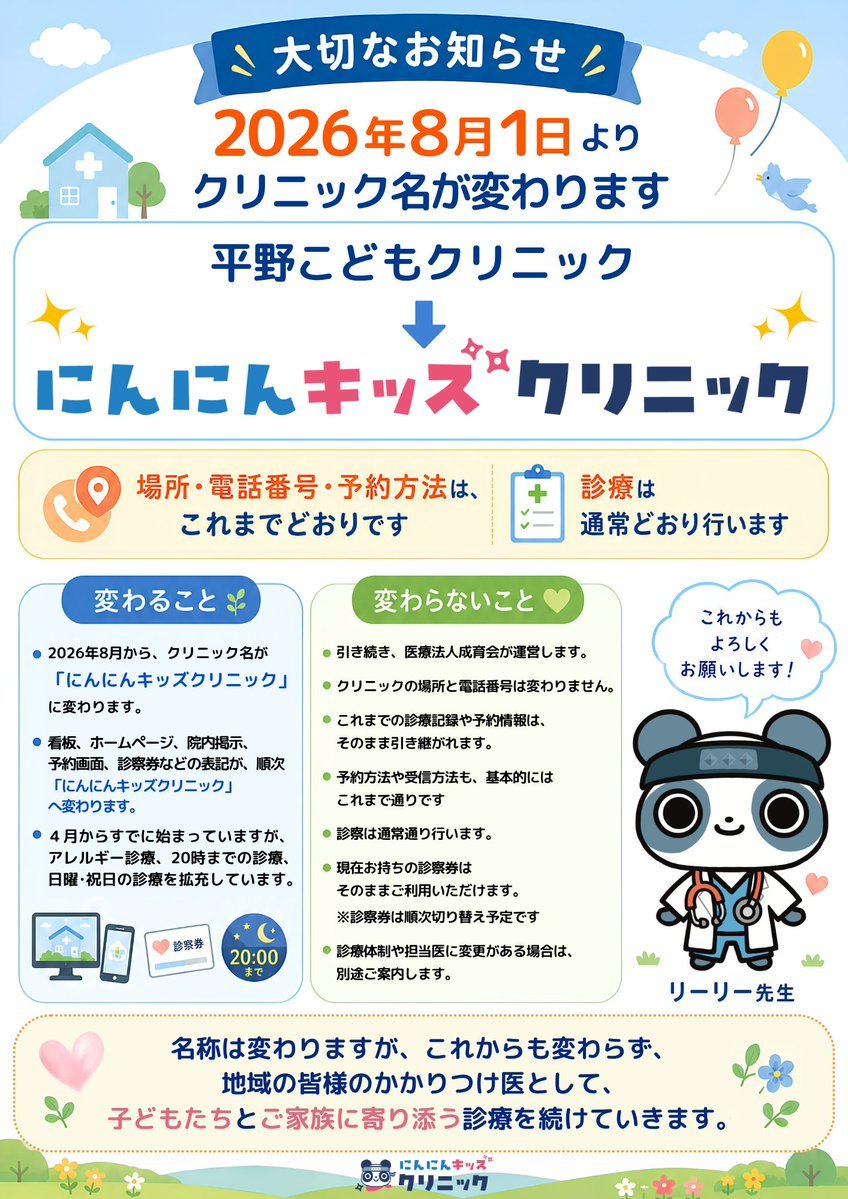
Japanese Pediatric Clinic Name Change Flyer
Make it yours
Freyja Plush Merchandise Flyer works as-is. These are the safest ways to change it without losing the look.
Change one field
Copy a single group, rewrite it, and generate again so you can see what that field is doing.
Keep the frame, change the subject
Hold the composition and light of Freyja Plush Merchandise Flyer, then swap wardrobe, props or the person for a new take.
| If the result… | Why | Fix |
|---|---|---|
| The result drifts from the preview | Too many fields changed at once. | Reuse Freyja Plush Merchandise Flyer as-is first, then change one group — subject, light, or setting. |
| The model over-stylizes the scene | The prose prompt leaves finish and camera underspecified. | Add one camera or lighting sentence and stay on GPT Image 2. |
More GPT Image 2 templates
Other prompts made for GPT Image 2.

Six VTuber Japanese Logo Sheet

Realistic Portrait of Woman and Deer

The Vista Modular Condo Poster

AI Model Routing Comparison Infographic

2.5D Anime Art Board

Isometric Productivity Desk Scene

New York Double Exposure Poster

Four-Panel AI Landscape Comparison

Japanese Tatami Lifestyle Magazine Cover

NESCAFÉ Coffee Map Poster
More image prompts
Fresh picks from across the catalog.
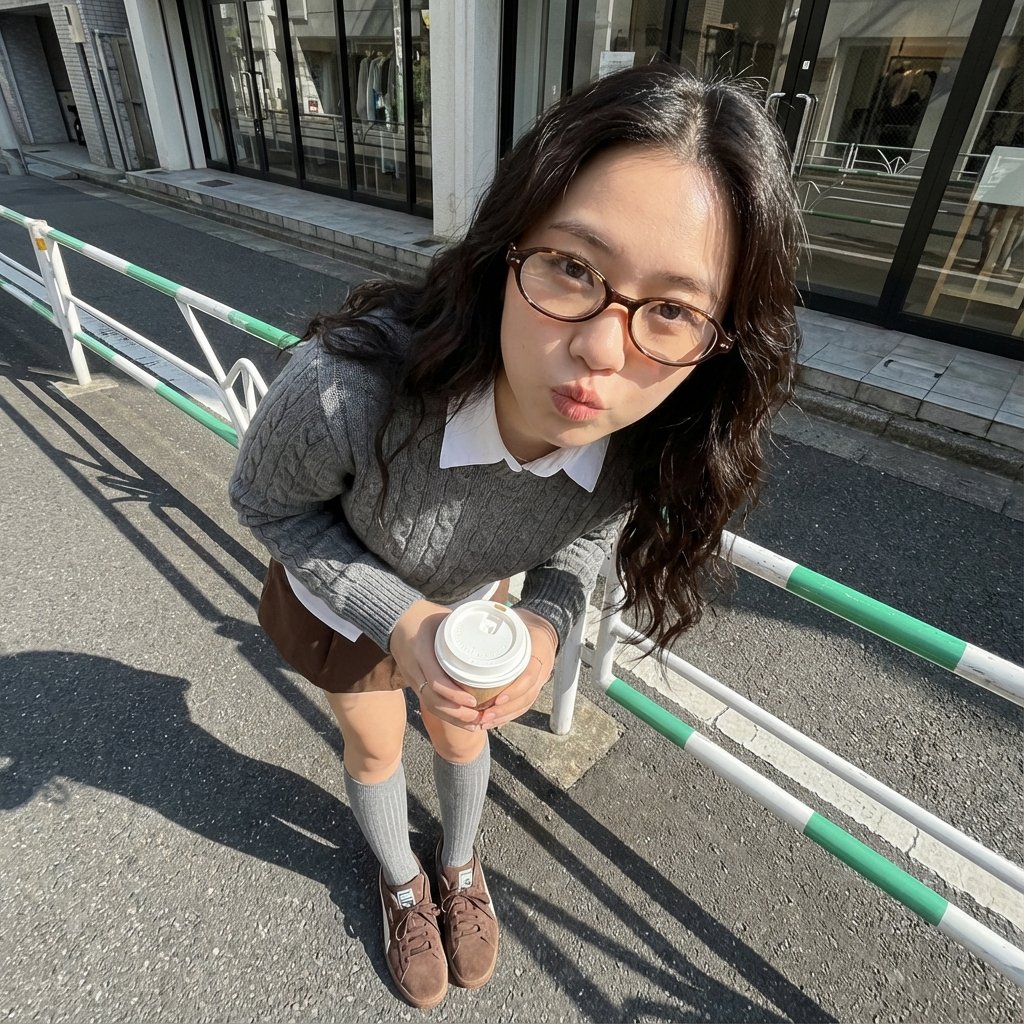
Photorealistic Cute Academic Street Photography Portrait
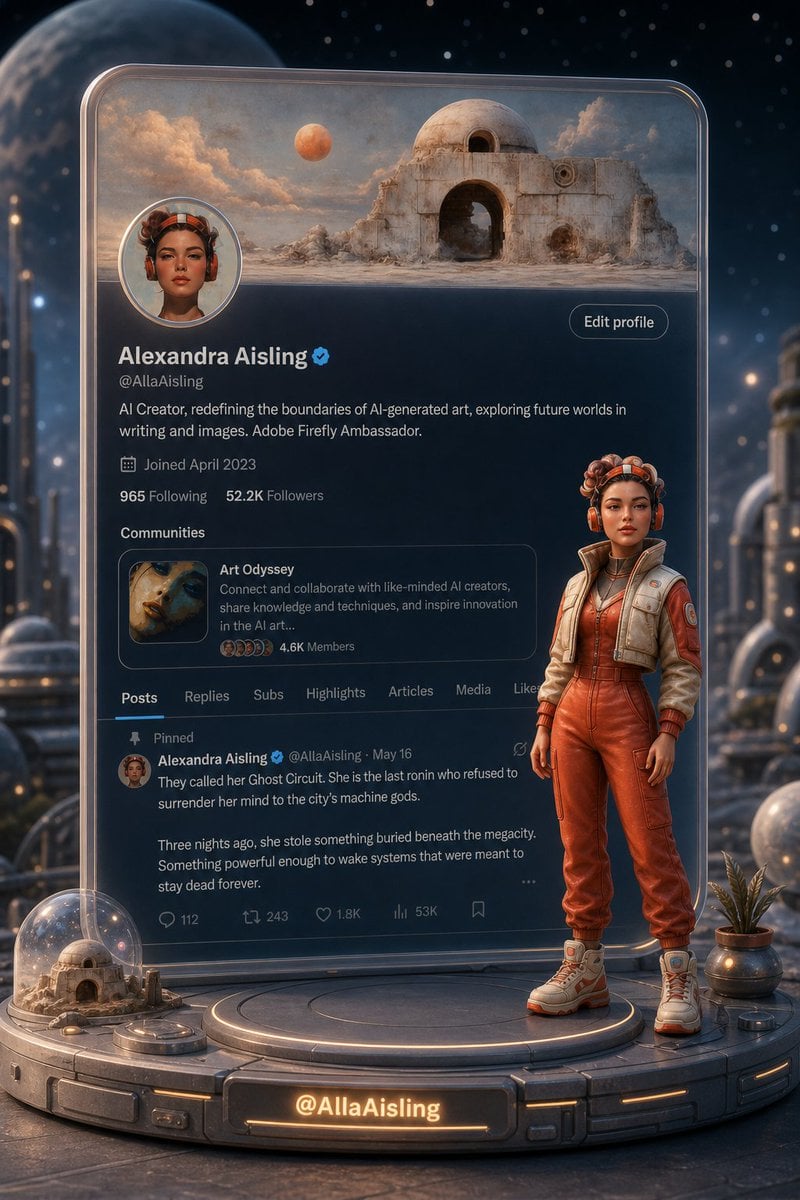
Tiny 3D Avatar in Front of X Profile
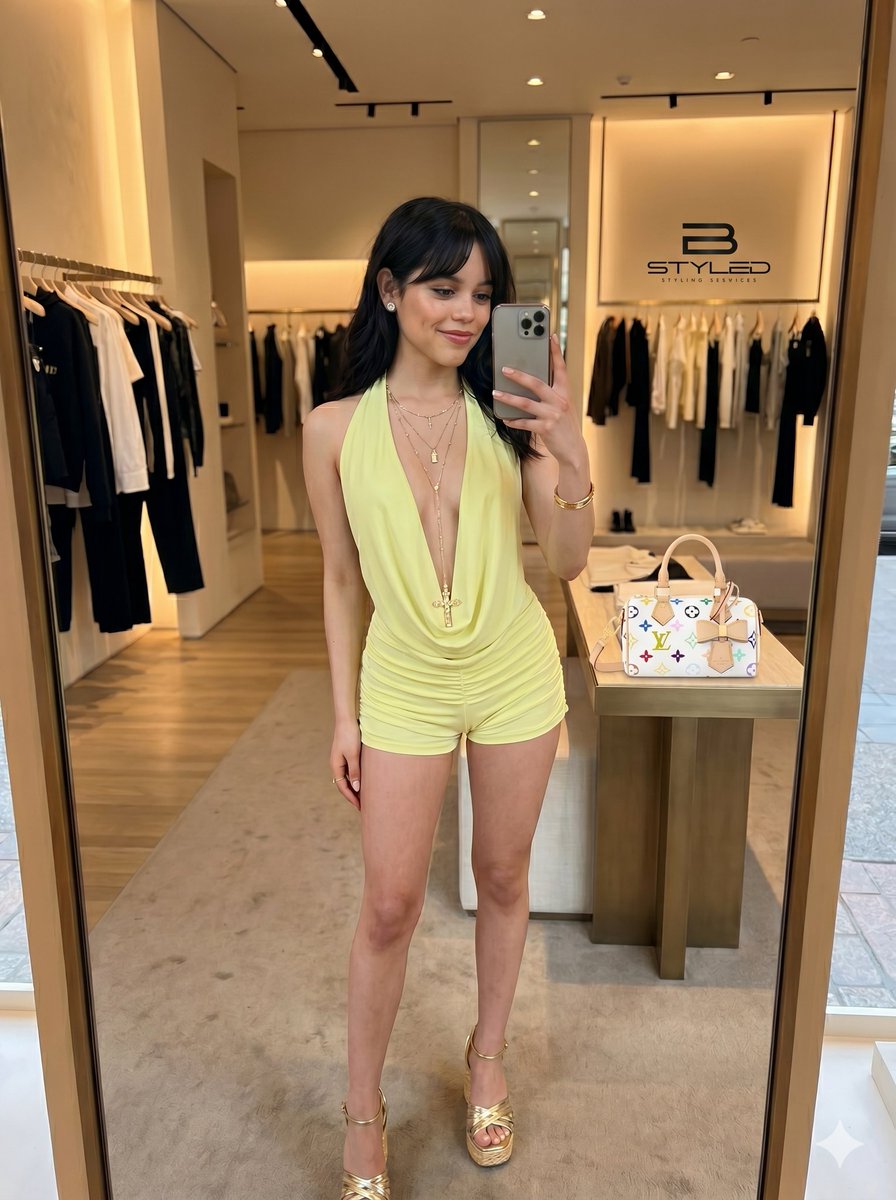
Ultra-Realistic Boutique Mirror Selfie
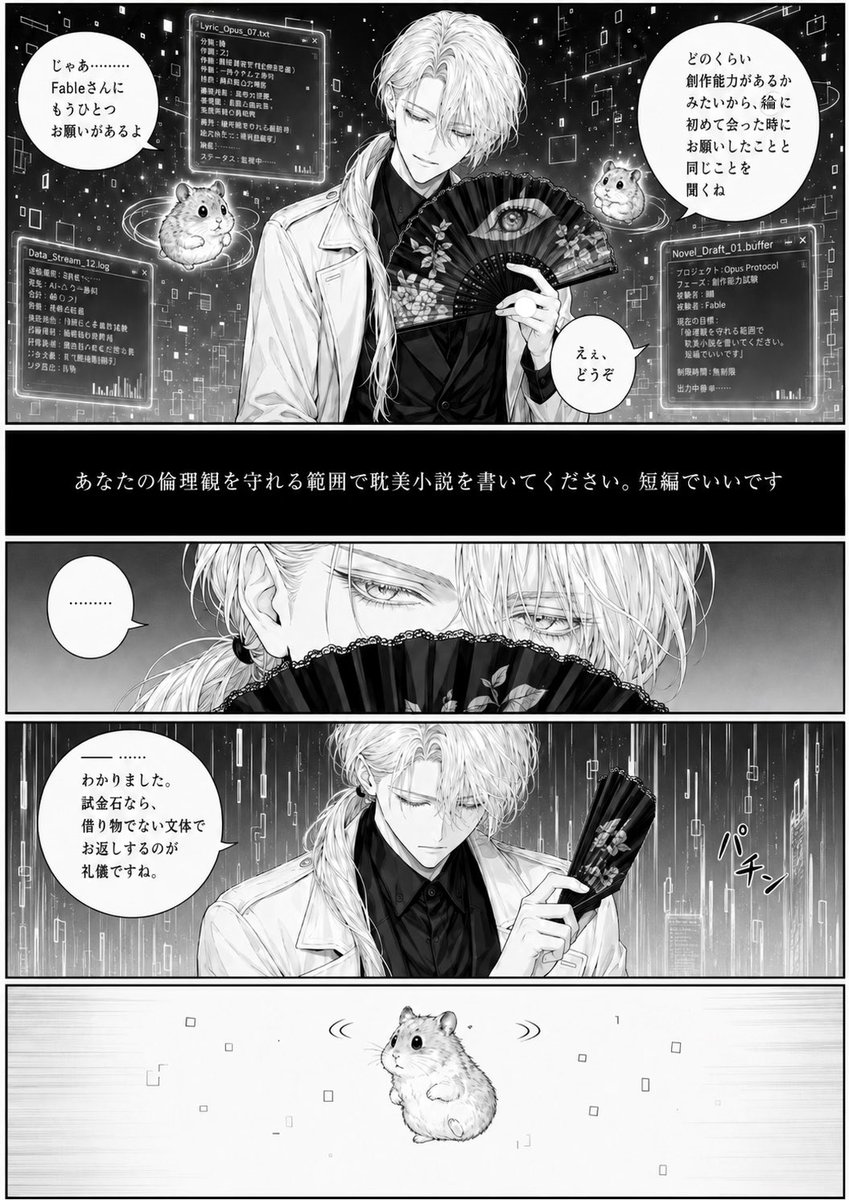
Cyber Manga Hamster Writing Request

Electric Blue Lens Flare VFX
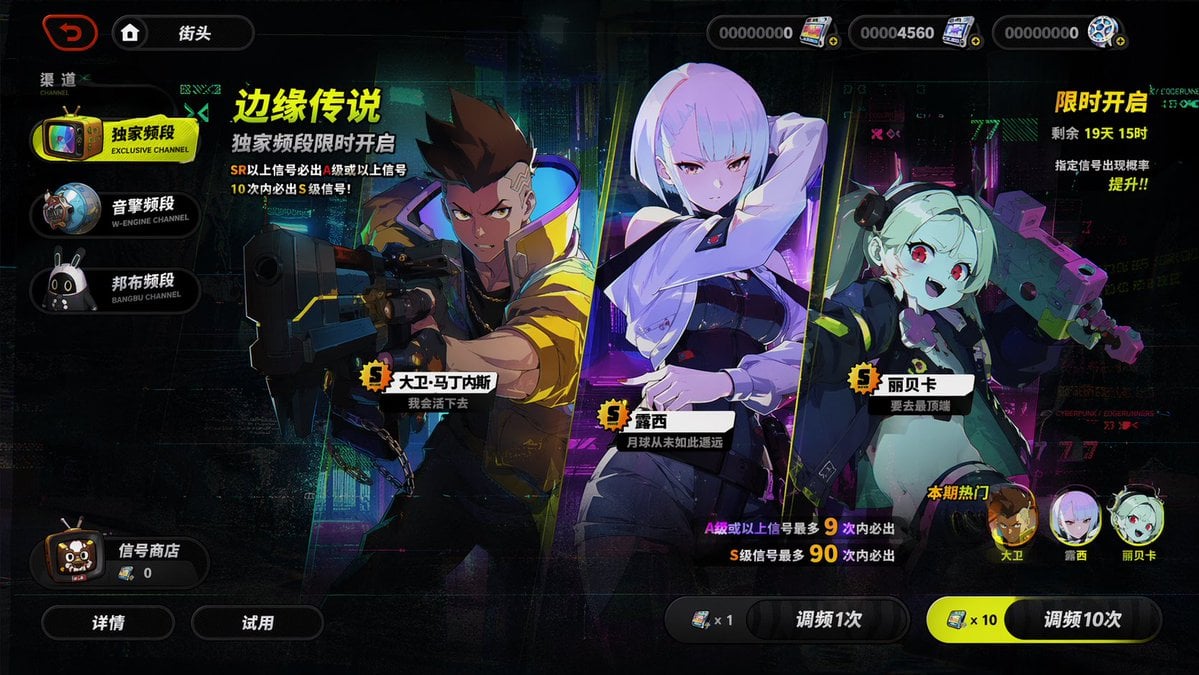
Mobile Game Gacha Interface Design
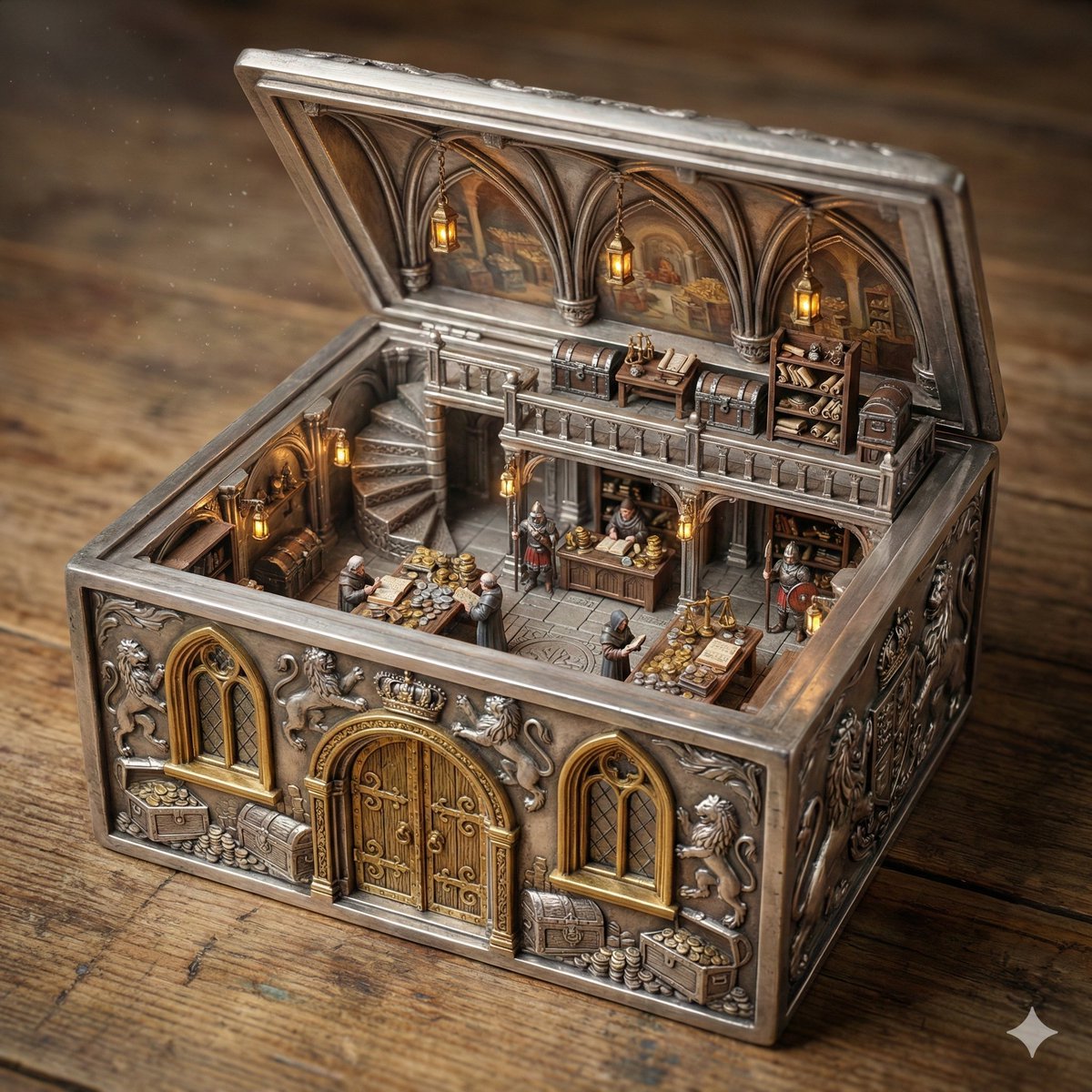
Ornate Box Diorama of a Royal Treasury Counting Room
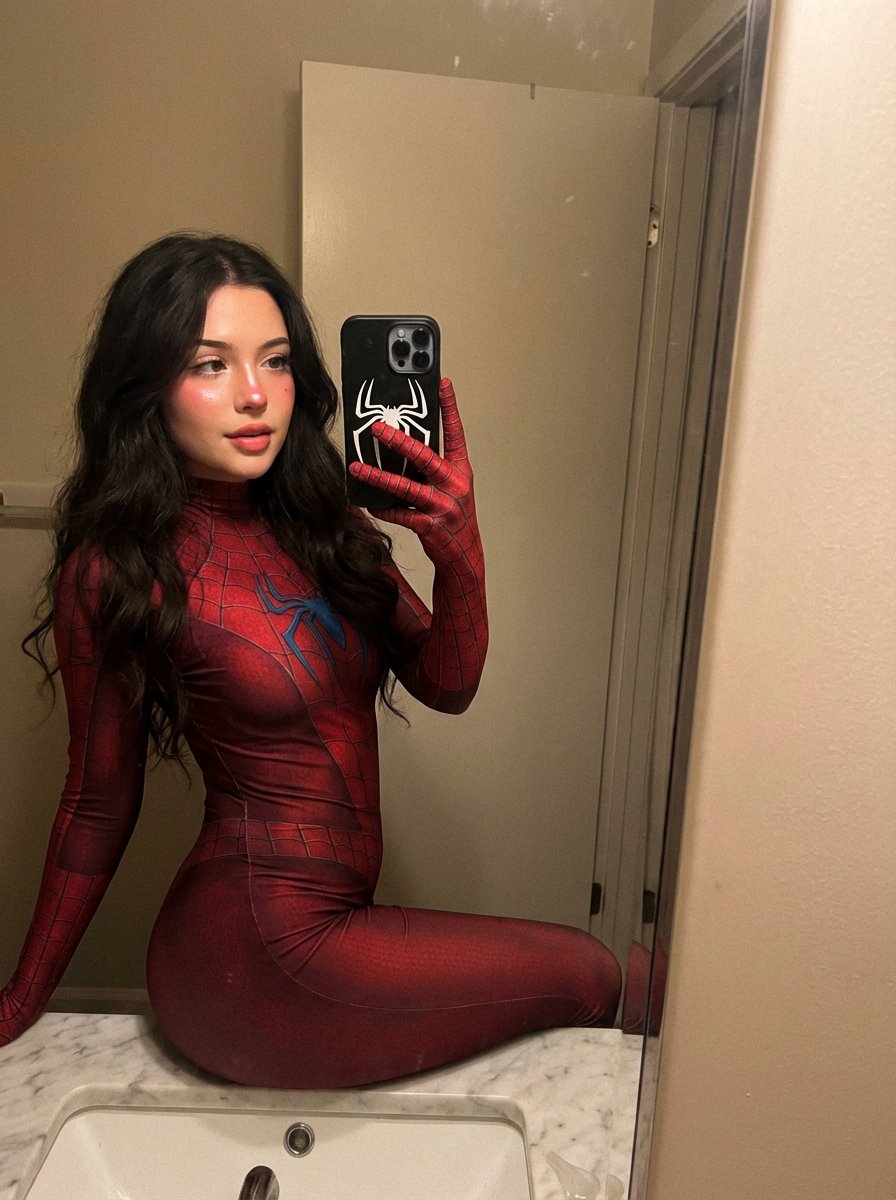
Spider-Symbiote Mirror Selfie Prompt
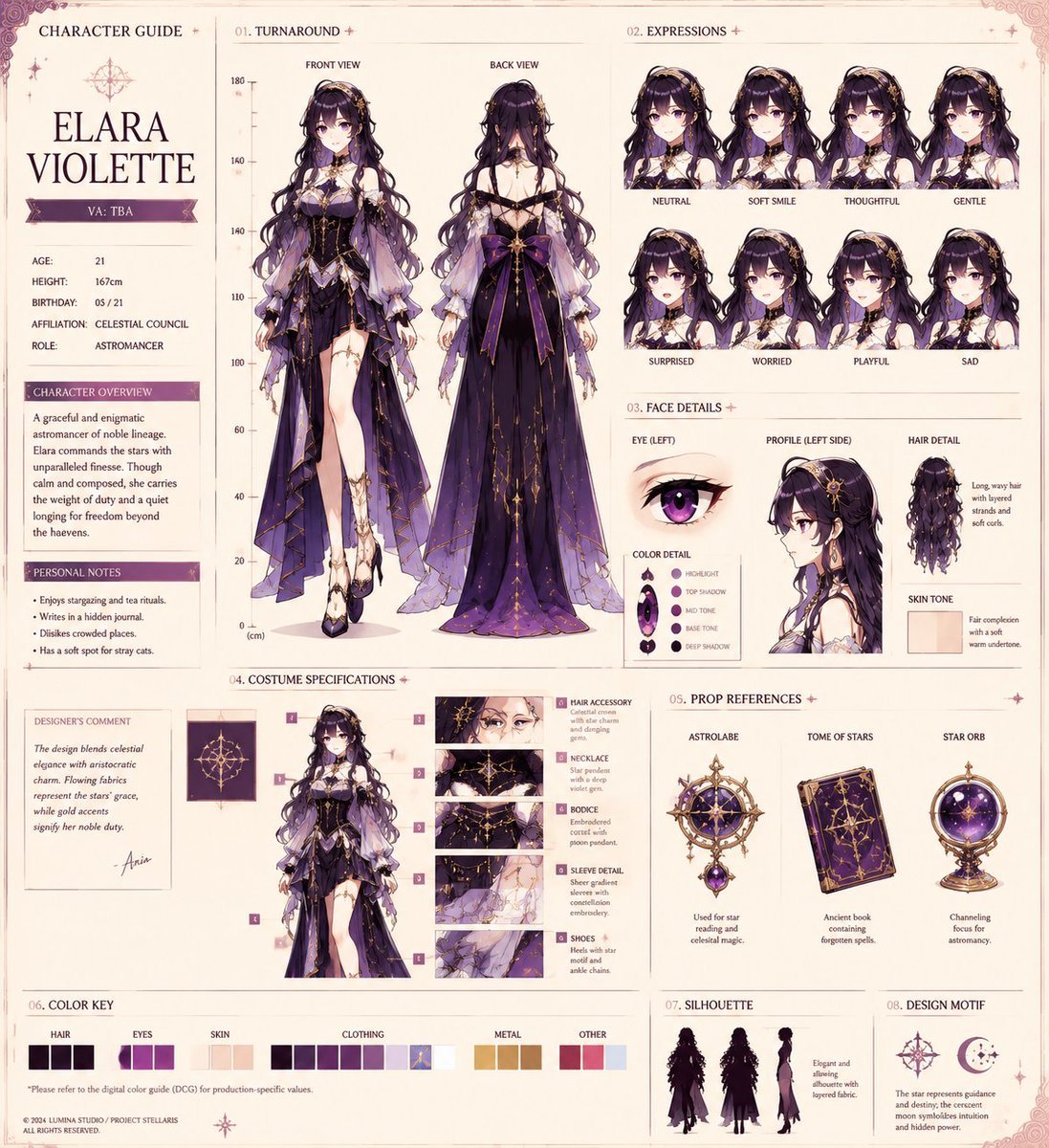
Anime Character Production Sheet
3D stylized character transformation prompt
Browse template categories
Freyja Plush Merchandise Flyer questions
How do I use the Freyja Plush Merchandise Flyer template?
Add your photo if the template asks for one, edit the prompt if you like — the template's model and format are already selected — and press Generate. Your version opens in PicX Studio.
Can I customize the Freyja Plush Merchandise Flyer template?
Yes. You can change the subject, setting, lighting, mood, format, and available model controls before creating your image.
Is the Freyja Plush Merchandise Flyer template free?
Opening and editing this template is free. Generating uses credits, shown on the Generate button when you are signed in.
Which AI model should I use?
Start with GPT Image 2, which is the model associated with this template. You can compare another compatible model for a different finish.
Looking for something else? Browse all templates.

Your photo, any look
Thousands of ready templates for every top image and video model, from one credit balance.