
Tiny 3D Avatar in Front of X Profile
Generates a cinematic 3D scene of a miniature personalized avatar standing before a giant futuristic X profile page.
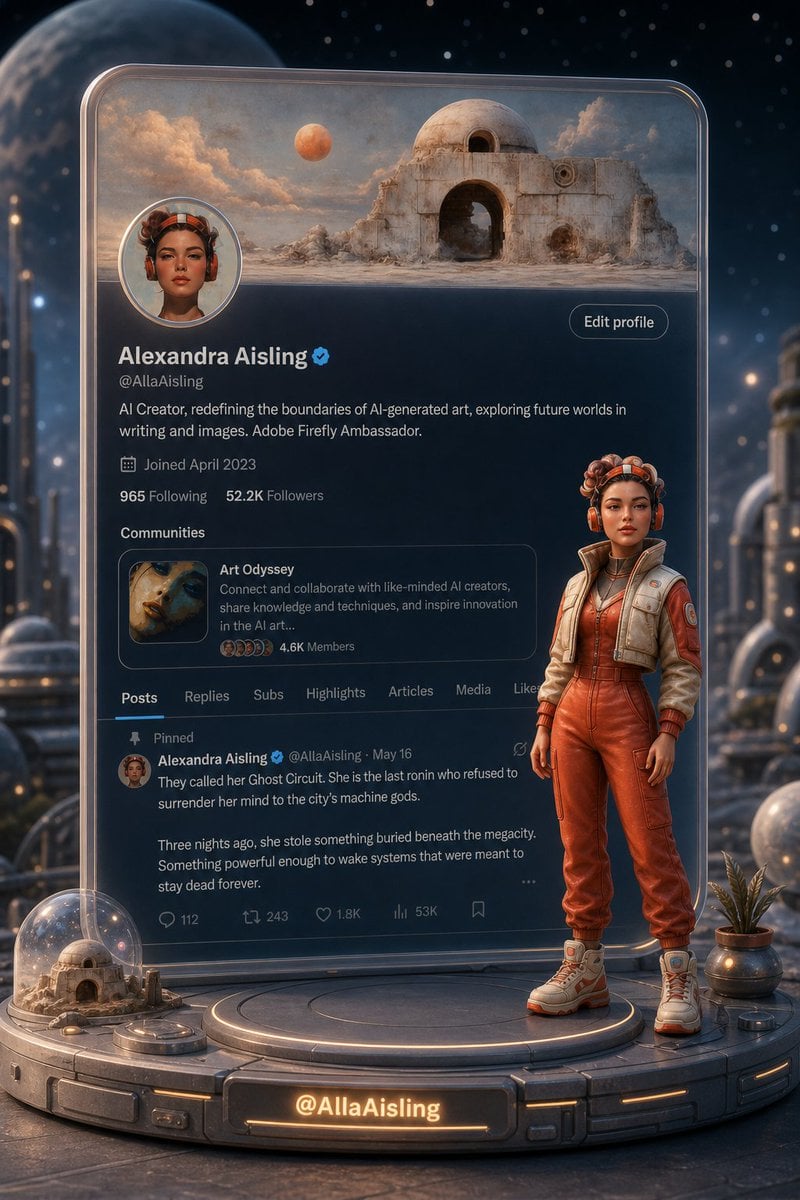
- Prompt included
- Model and format preset
- Free template
The prompt behind this image
Copy the exact prompt behind Tiny 3D Avatar in Front of X Profile, or open it in the studio and make it yours.
Create a vertical cinematic sci-fi 3D render of a giant transparent glass-like 𝕏/Twitter profile page standing upright on a futuristic circular display platform, with a tiny full-body 3D avatar of the profile owner standing in front of it at the lower right. The profile belongs to {argument name="character name" default="Alexandra Aisling"}, handle {argument name="profile handle" default="@AllaAisling"}. The avatar is a stylish female sci-fi explorer with warm brown skin, short curly hair, orange headphones/goggles, a red-orange utility jumpsuit, cropped cream tactical vest, gloves, and chunky white-orange boots, posed confidently with arms relaxed. The face should be intentionally soft/blurred and not photorealistic, like a personalized avatar placeholder. Behind the profile card is an atmospheric alien city at night with stars, glowing futuristic towers, moons/planets, warm rim lighting, and shallow depth of field. The profile card should resemble a dark-mode 𝕏 profile interface, scaled like a monumental translucent tablet with rounded corners and glossy edges. At the top is a wide banner image showing a desert sci-fi ruin: a domed white stone building with arched openings, dusty mountains, clouds, and two visible celestial bodies. Add a circular avatar overlapping the banner on the left, matching the character’s orange headphone look with a blurred face. Include a small blue verified check beside the name and an “Edit profile” pill button on the right. Visible profile text: name “Alexandra Aisling”, handle “@AllaAisling”, bio “AI Creator, redefining the boundaries of AI-generated art, exploring future worlds in writing and images. Adobe Firefly Ambassador.”, joined date “Joined April 2023”, stats “965 Following” and “52.2K Followers”. Include exactly one Communities card labeled “Art Odyssey” with the description “Connect and collaborate with like-minded AI creators, share knowledge and techniques, and inspire innovation in the AI art...” and “4.6K Members”. Include exactly seven navigation tabs: Posts, Replies, Subs, Highlights, Articles, Media, Likes, with Posts selected and underlined in blue. Include one pinned post by Alexandra Aisling with the opening text: “They called her Ghost Circuit. She is the last ronin who refused to surrender her mind to the city’s machine gods.” followed by “Three nights ago, she stole something buried beneath the megacity. Something powerful enough to wake systems that were meant to stay dead forever.” Show faint engagement icons and counts including 112, 243, 1.8K, and 53K. On the platform, add exactly three foreground props: a small glass dome terrarium containing a miniature version of the same desert ruin on the left, a metallic potted plant on the right, and a glowing front nameplate reading {argument name="nameplate text" default="@AllaAisling"}. Use premium octane-render style, highly detailed materials, cinematic orange-blue lighting, realistic reflections, volumetric atmosphere, and sharp focus on the character and profile card. Keep the composition centered, vertical 2:3 aspect ratio, no extra people, no watermark, no unrelated text.
How to use Tiny 3D Avatar in Front of X Profile in 3 steps
- 1Upload ImagePNG, JPG or paste
Add your photo
Upload the photo the template builds on. The prompt, model and format are already set.
- 2…a portrait of your subject in softgolden-hour light, 85mm…
Personalize
Edit the subject and creative details for your destination.
- 3Generate
Generate
Press Generate — your image is created in PicX Studio, so you can compare it with the original and refine one variable at a time.
More like this
Templates with the same subject, style or setup. Open one to see its prompt.

Cyberpunk Neon Profile Fashion Portrait
Low-Angle Cyberpunk Neon Profile Portrait

WhatsApp Group Profile Avatar

Dancer Character - Four View Reference Sheet
Gpt2 Profile Avatar Portrait of a Gentle Woman with Glasses
Gpt2 Profile Avatar Pastel Ai Assistant Anime Portrait

Nano Banana Pro 2.0 — 3x3 Travel Profile Grid
Japanese Newspaper Cat Hero Front Page
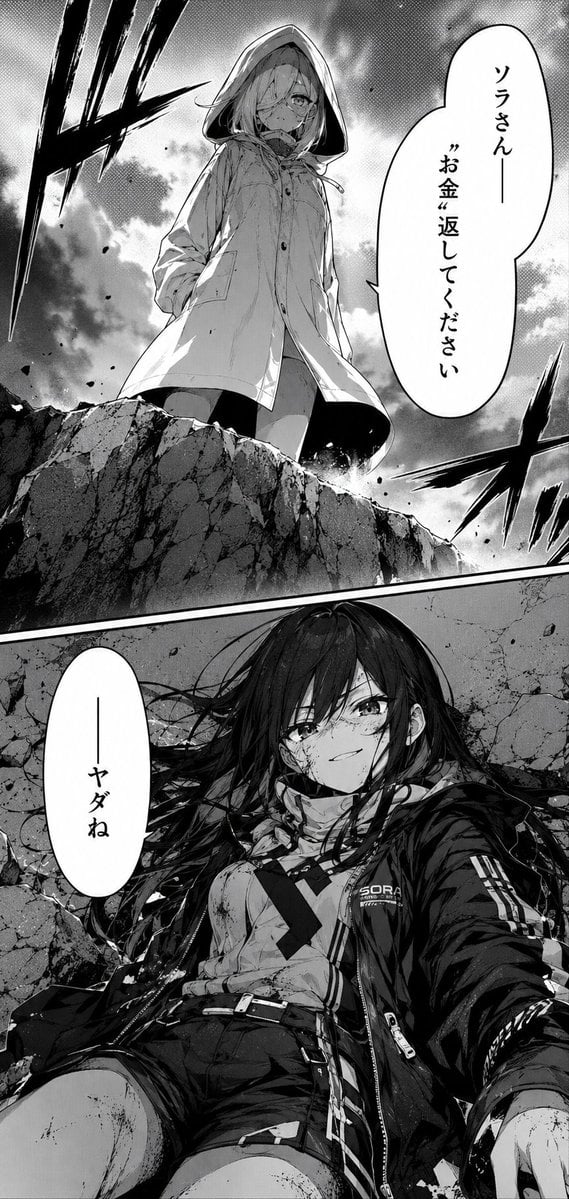
Dramatic Manga Money Confrontation

Toronto Tiny Planet Travel Poster

Candid Store Front-Camera Photo

Neo-Noir Typographic Avatar Poster
Make it yours
Tiny 3D Avatar in Front of X Profile works as-is. These are the safest ways to change it without losing the look.
Change one field
Copy a single group, rewrite it, and generate again so you can see what that field is doing.
Keep the frame, change the subject
Hold the composition and light of Tiny 3D Avatar in Front of X Profile, then swap wardrobe, props or the person for a new take.
| If the result… | Why | Fix |
|---|---|---|
| The result drifts from the preview | Too many fields changed at once. | Reuse Tiny 3D Avatar in Front of X Profile as-is first, then change one group — subject, light, or setting. |
| The model over-stylizes the scene | The prose prompt leaves finish and camera underspecified. | Add one camera or lighting sentence and stay on GPT Image 2. |
More GPT Image 2 templates
Other prompts made for GPT Image 2.

Six VTuber Japanese Logo Sheet

Realistic Portrait of Woman and Deer

The Vista Modular Condo Poster

AI Model Routing Comparison Infographic

2.5D Anime Art Board

Isometric Productivity Desk Scene

New York Double Exposure Poster

Four-Panel AI Landscape Comparison

Japanese Tatami Lifestyle Magazine Cover

NESCAFÉ Coffee Map Poster
More image prompts
Fresh picks from across the catalog.

Gpt Image 2 Fashion Portrait
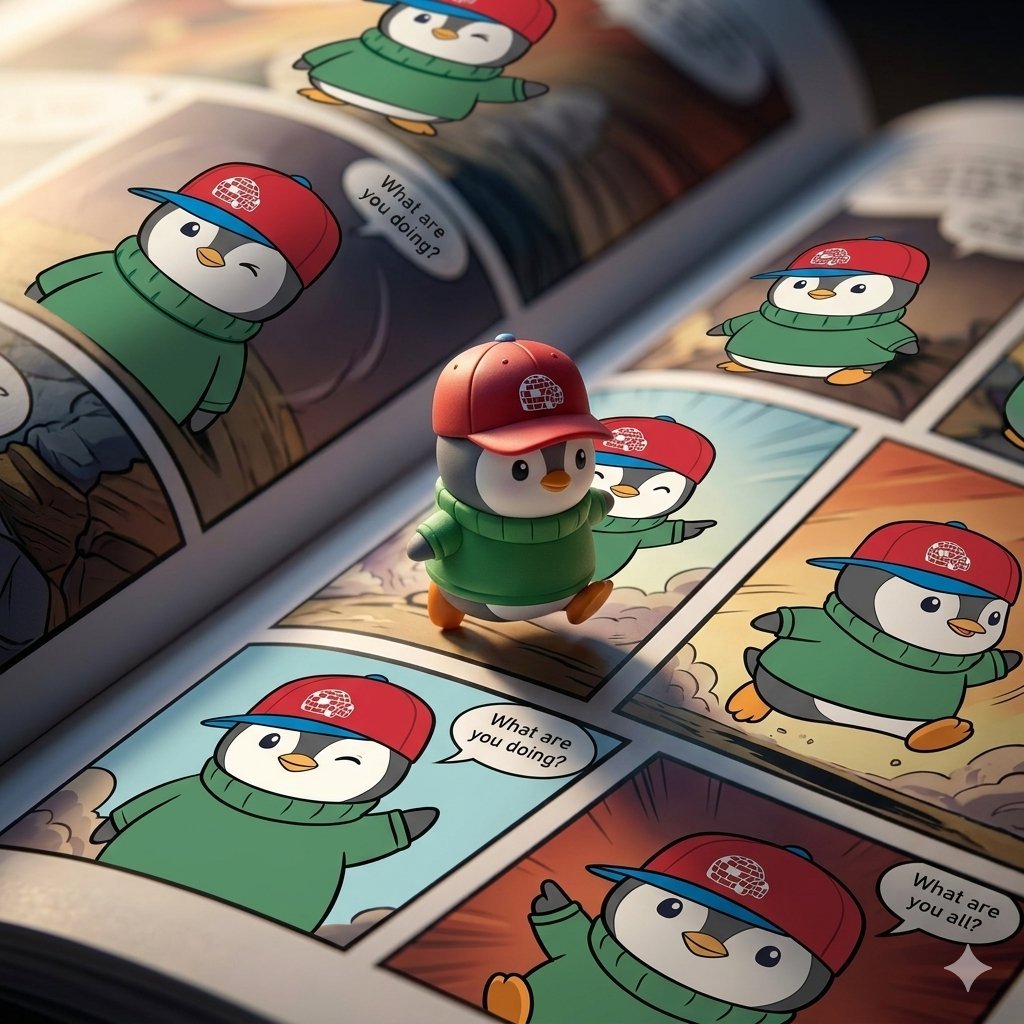
Image Replacement Prompt
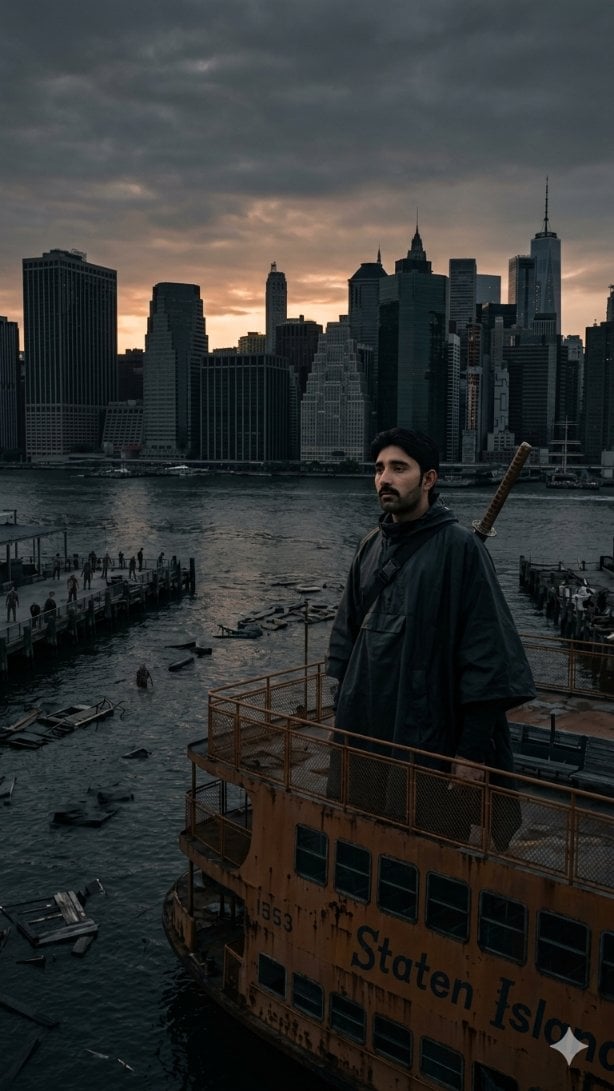
Post-Apocalyptic Staten Island Ferry
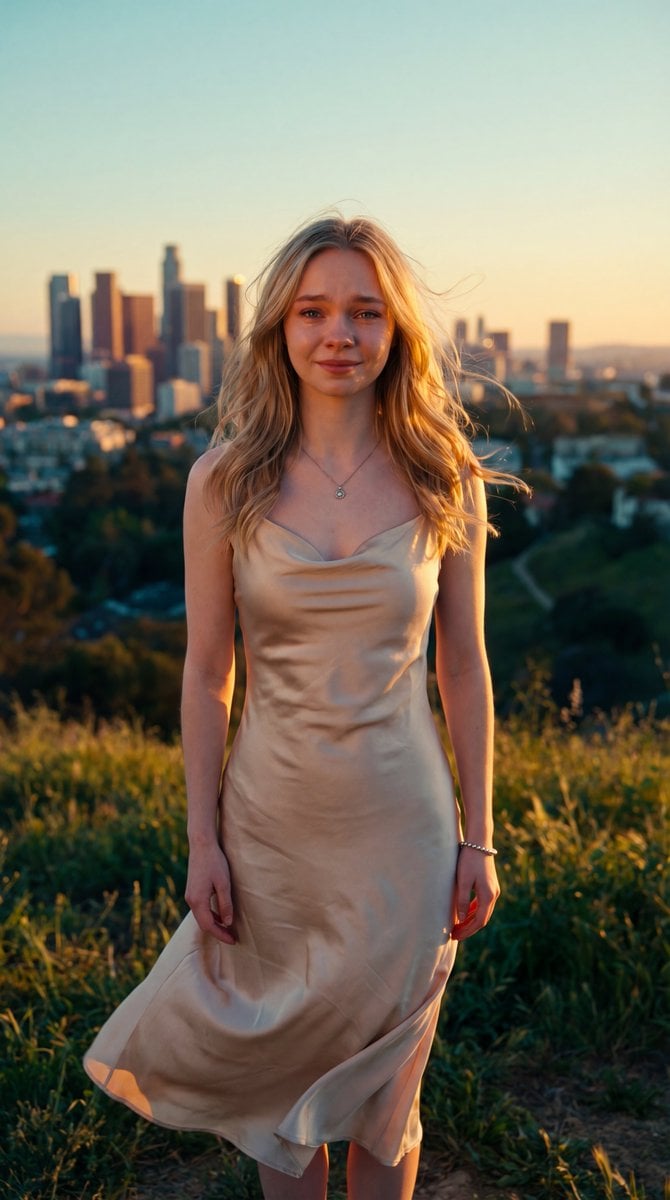
Cinematic Golden Hour Portrait
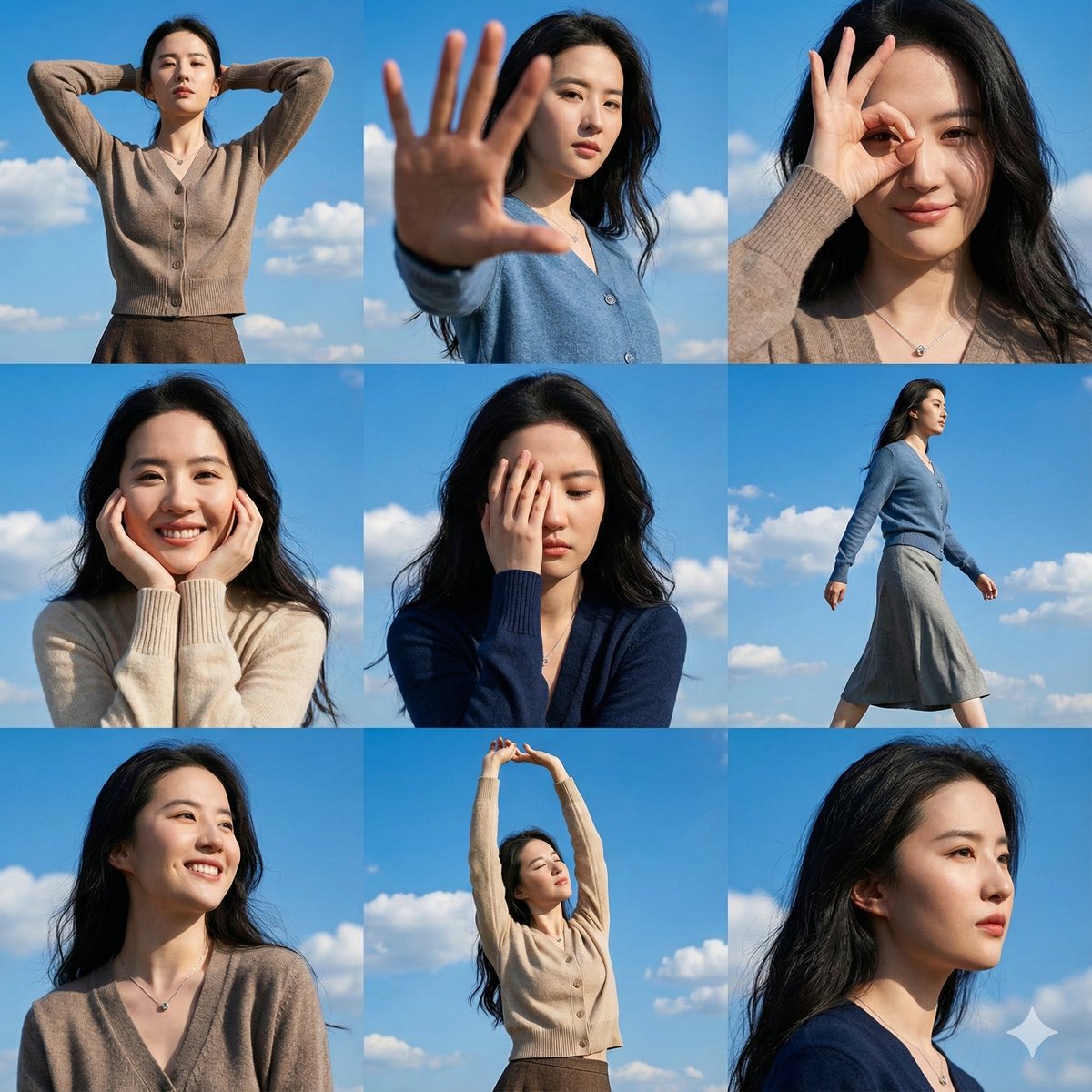
High-Resolution 3x3 Grid Photo Collage for Female Travel Photography

3D Realistic X Profile Interface

Anime Adventure Character Poster Design
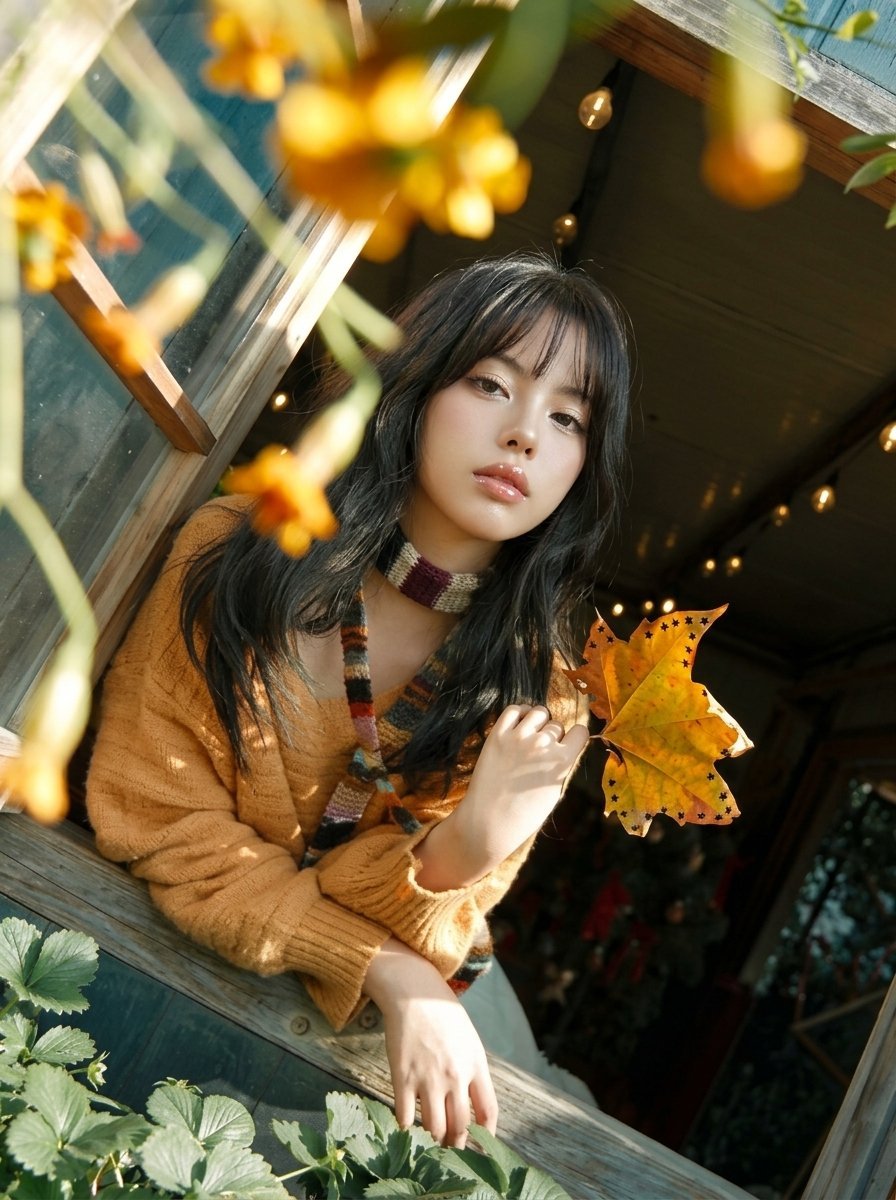
Y2K Windowsill Maple Leaf — Early 2000s Digital Photo
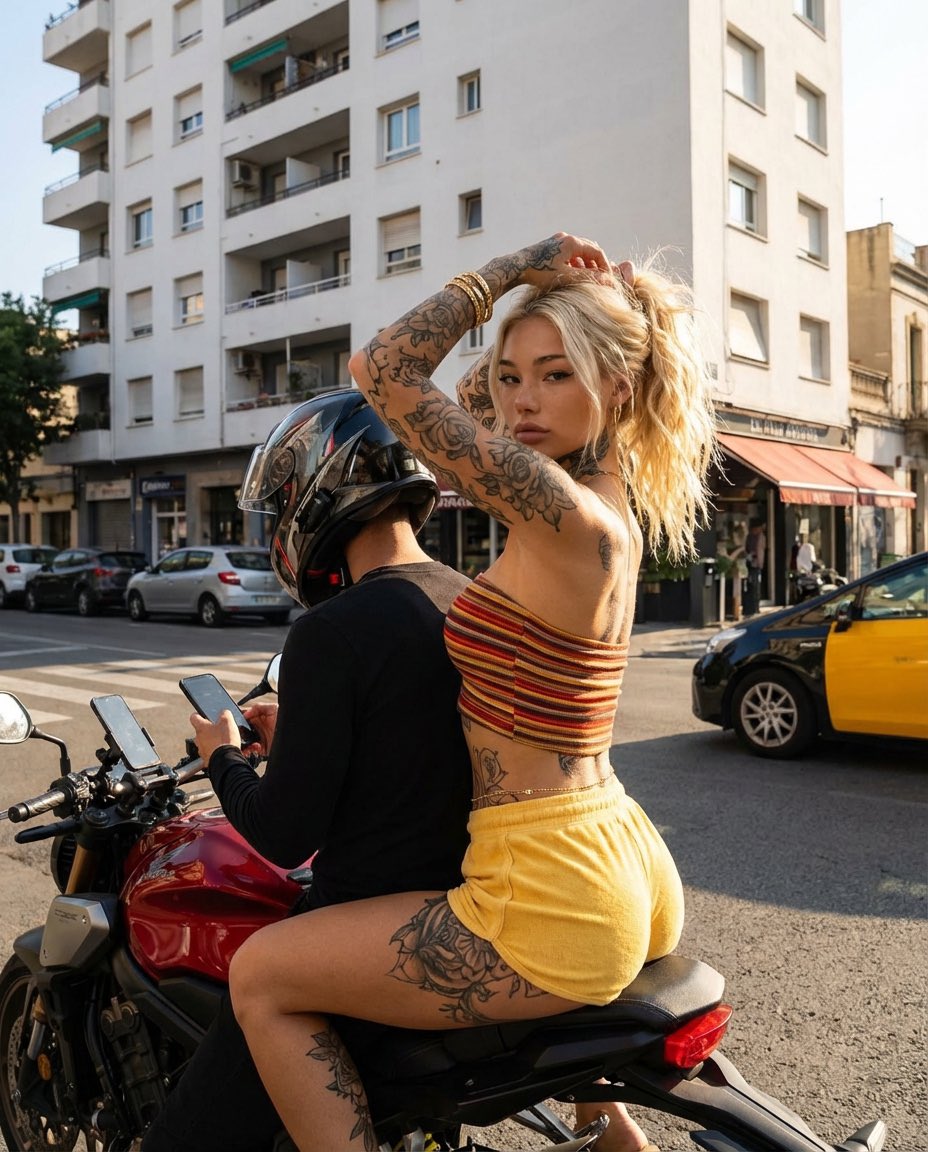
Photorealistic Street Photography of Tattooed Woman on Motorcycle
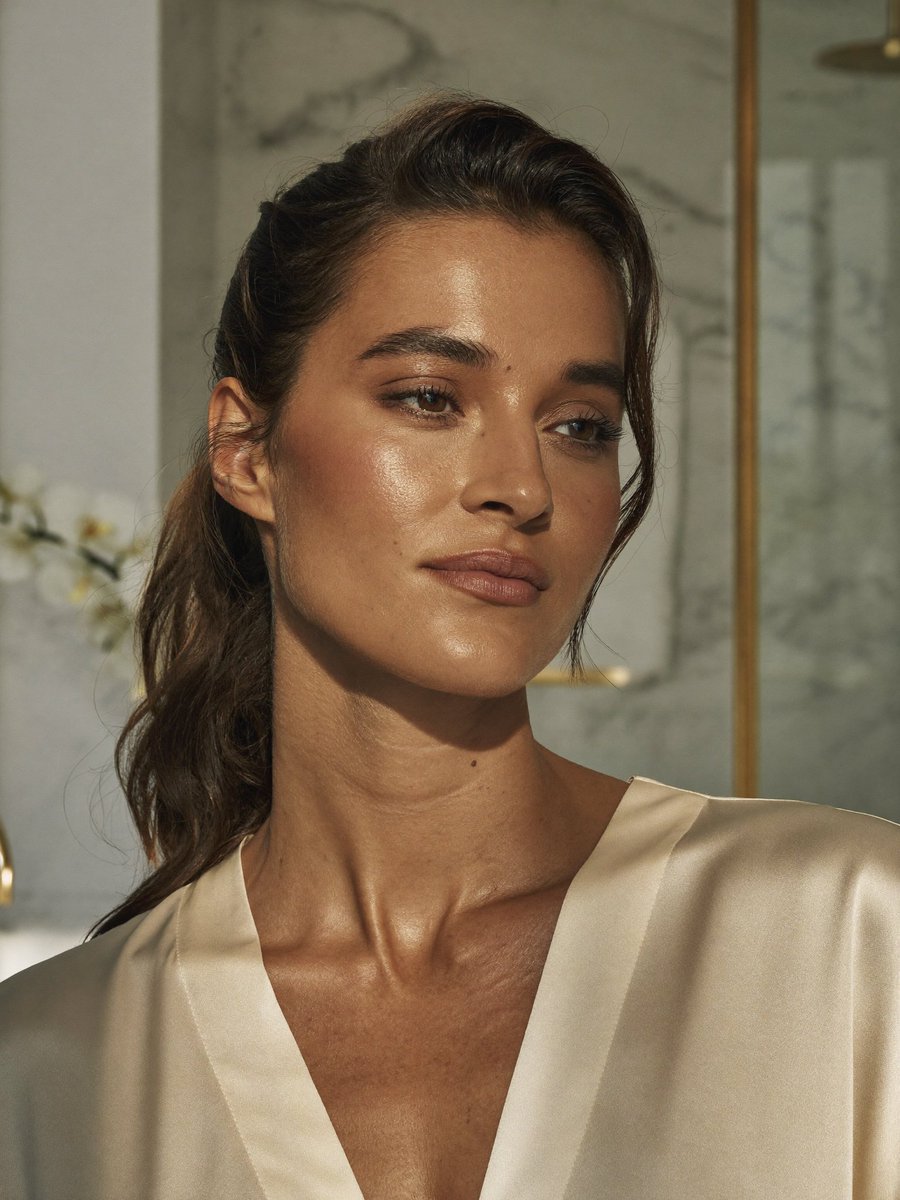
Censored Realistic Spa Portrait
Browse template categories
Tiny 3D Avatar in Front of X Profile questions
How do I use the Tiny 3D Avatar in Front of X Profile template?
Add your photo if the template asks for one, edit the prompt if you like — the template's model and format are already selected — and press Generate. Your version opens in PicX Studio.
Can I customize the Tiny 3D Avatar in Front of X Profile template?
Yes. You can change the subject, setting, lighting, mood, format, and available model controls before creating your image.
Is the Tiny 3D Avatar in Front of X Profile template free?
Opening and editing this template is free. Generating uses credits, shown on the Generate button when you are signed in.
Which AI model should I use?
Start with GPT Image 2, which is the model associated with this template. You can compare another compatible model for a different finish.
Looking for something else? Browse all templates.

Your photo, any look
Thousands of ready templates for every top image and video model, from one credit balance.