
Post-Apocalyptic Staten Island Ferry
A cinematic vertical scene of a lone survivor on a decaying Staten Island Ferry facing the dark Lower Manhattan skyline at stormy sunset.
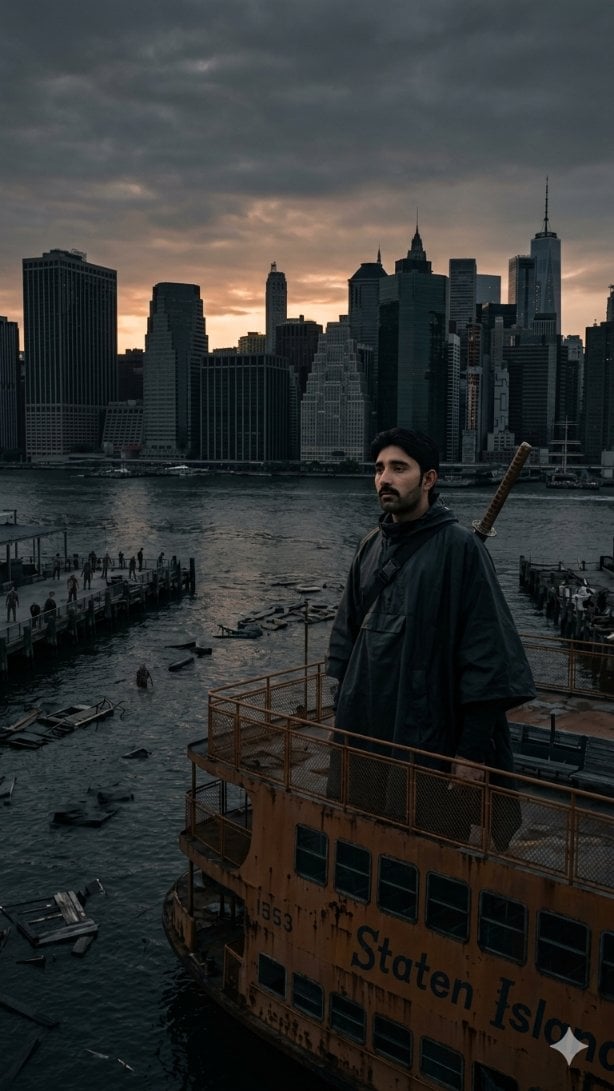
- Prompt included
- Model and format preset
- Free template
The prompt behind this image
Copy the exact prompt behind Post-Apocalyptic Staten Island Ferry, or open it in the studio and make it yours.
Create a vertical 9:16 epic cinematic dark fantasy scene set in New York Harbor at deep twilight, viewed from an elevated angle on the upper deck of an abandoned, rust-stained Staten Island Ferry. In the foreground, show the orange ferry structure with corroded railings, dark rectangular windows, peeling paint, the number “1553,” and partially visible large black lettering reading “Staten Island.” Standing on the upper deck is a lone adult male figure, face intentionally obscured in shadow/blur, wearing a dark hooded rain poncho or cloak, with a diagonal shoulder strap and a katana handle rising over one shoulder, giving a post-apocalyptic survivor mood. The midground water should be choppy and dark, scattered with floating debris, broken docks, small wreckage, and narrow piers with tiny human silhouettes. In the background, show the Lower Manhattan skyline as a dark silhouette, including One World Trade Center on the right and dense skyscrapers across the horizon. The sky is heavy with dramatic overcast storm clouds, with a muted orange sunset glow breaking through behind the buildings, blending deep blue, charcoal, purple, and ember tones. Use realistic photographic detail, cinematic color grading, high contrast, moody atmosphere, wide-angle perspective, desaturated palette, subtle haze, no clean modern look, no bright daylight, no cartoon style. Customizable details: {argument name="location" default="New York Harbor facing Lower Manhattan"}, {argument name="ferry text" default="Staten Island"}, {argument name="main figure" default="a lone hooded survivor with a katana"}, {argument name="time of day" default="deep twilight at sunset"}, {argument name="mood" default="post-apocalyptic cinematic dread"}.
How to use Post-Apocalyptic Staten Island Ferry in 3 steps
- 1Upload ImagePNG, JPG or paste
Add your photo
Upload the photo the template builds on. The prompt, model and format are already set.
- 2…a portrait of your subject in softgolden-hour light, 85mm…
Personalize
Edit the subject and creative details for your destination.
- 3Generate
Generate
Press Generate — your image is created in PicX Studio, so you can compare it with the original and refine one variable at a time.
More like this
Templates with the same subject, style or setup. Open one to see its prompt.
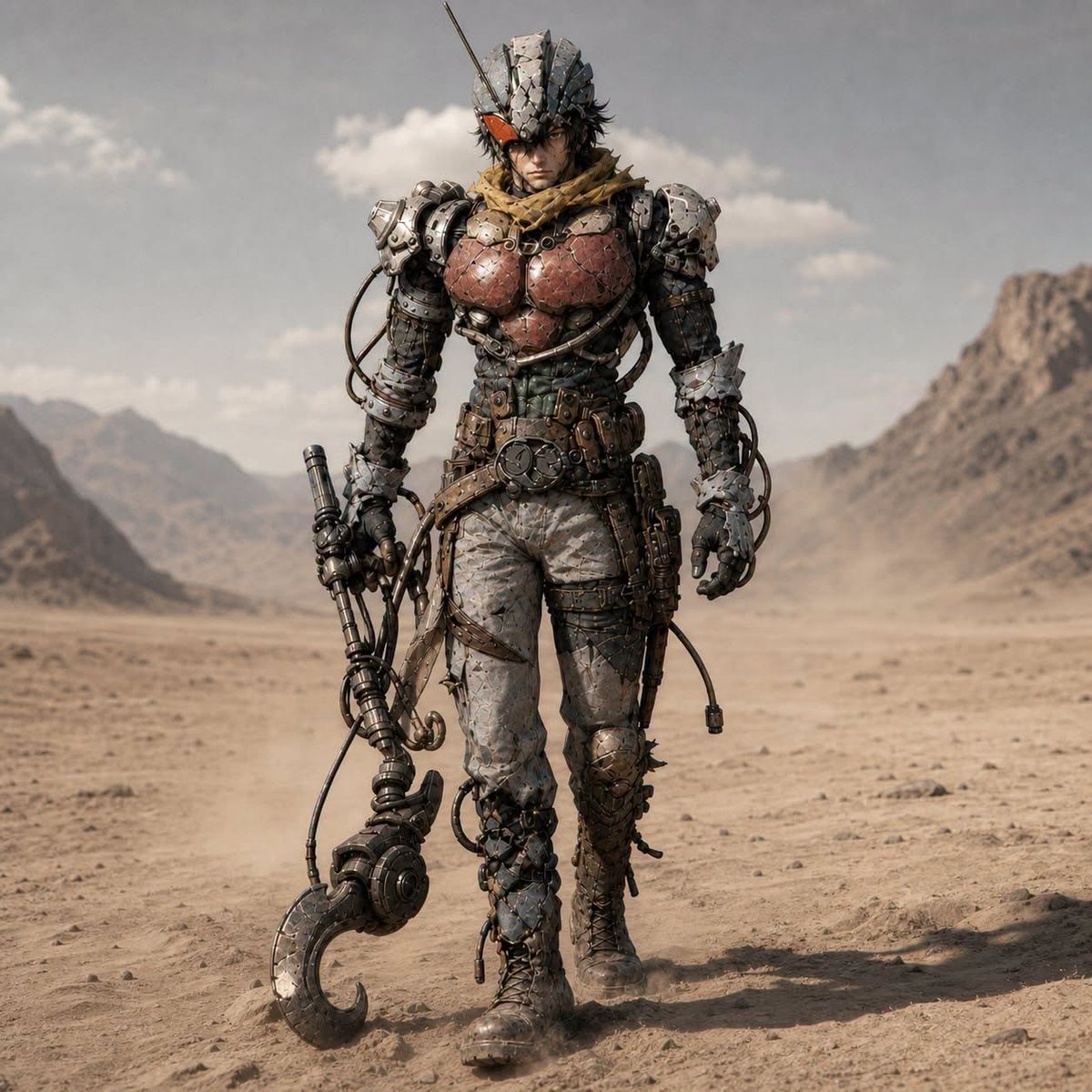
Post-Apocalyptic Riderman Cyborg
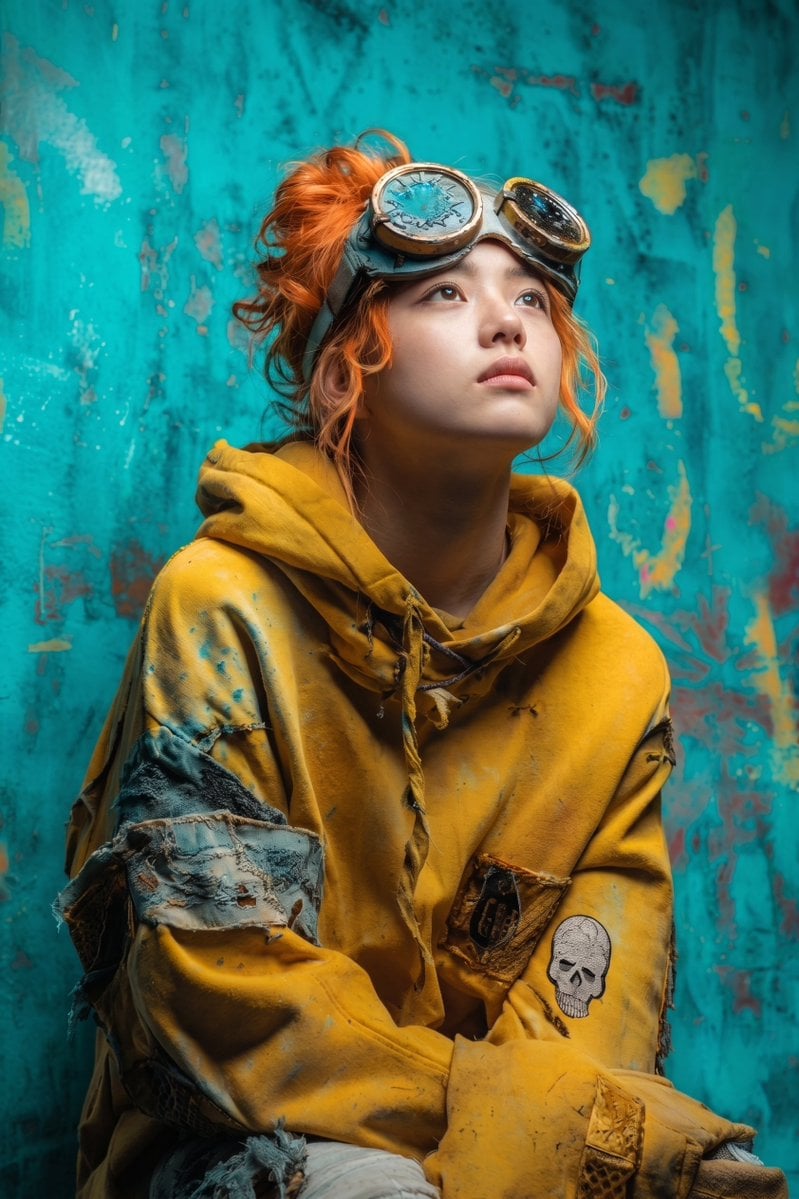
Post-Apocalyptic Girl with Welding Goggles
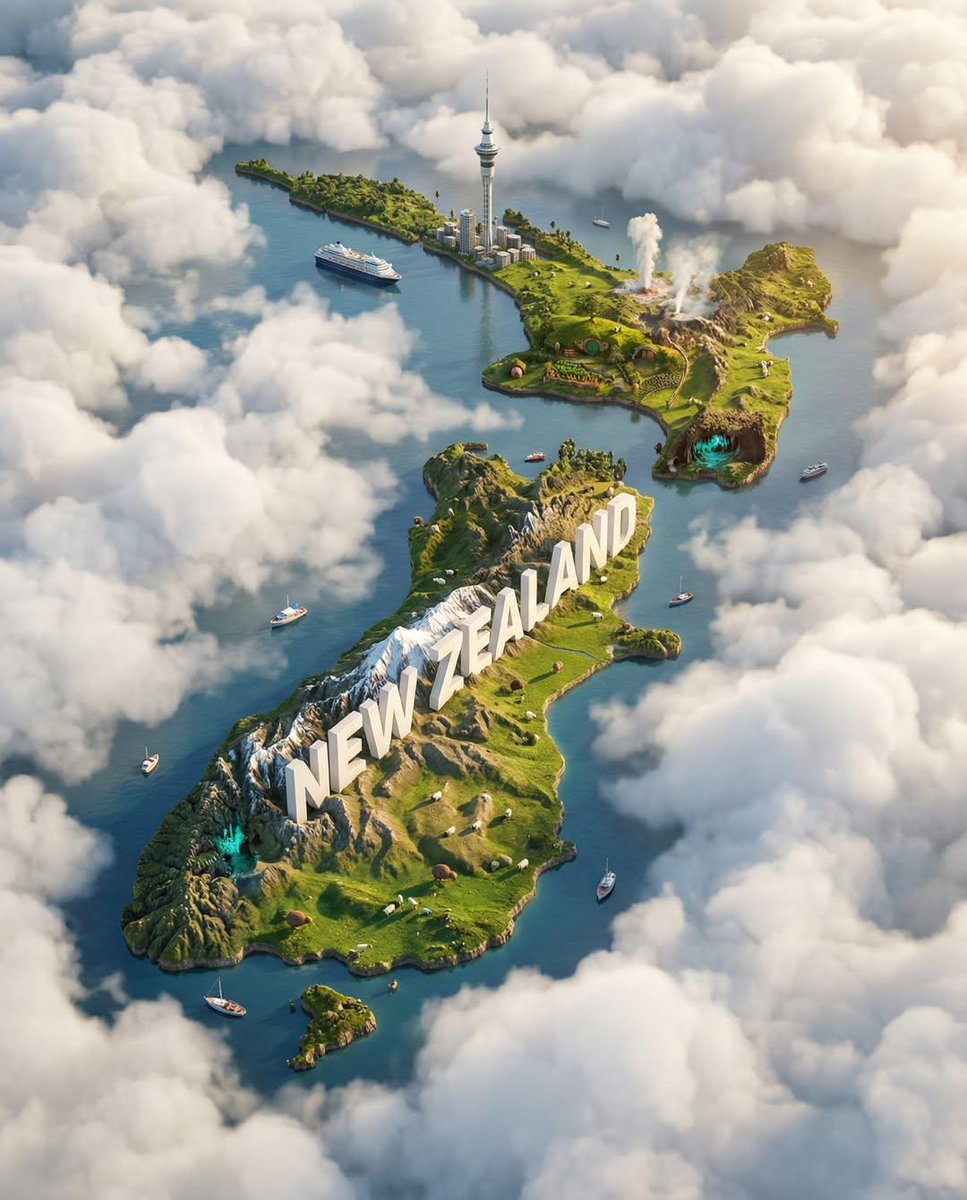
Ultra-HD, hyper-realistic digital poster of a floating miniature island
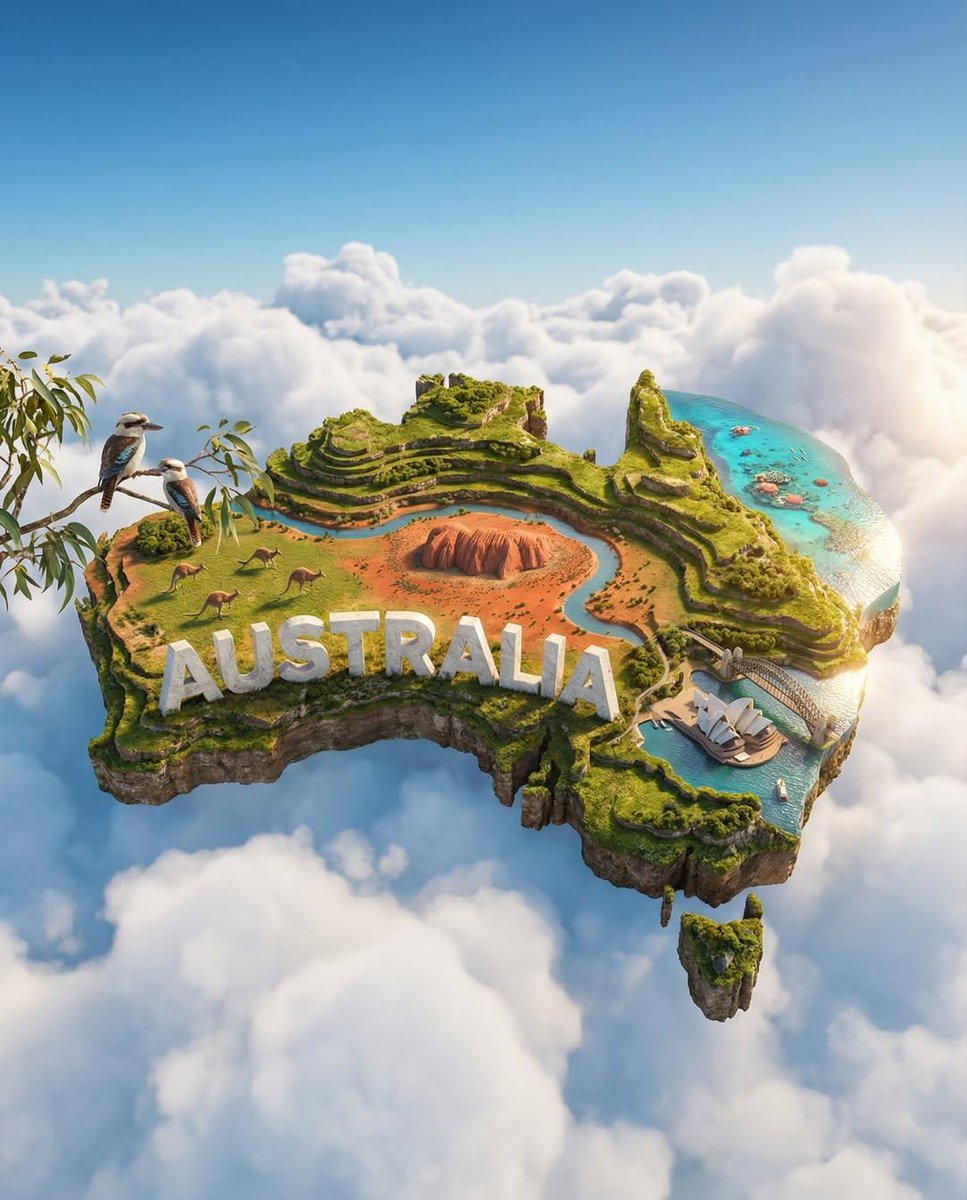
Ultra-HD, hyper-realistic digital poster of a floating miniature island
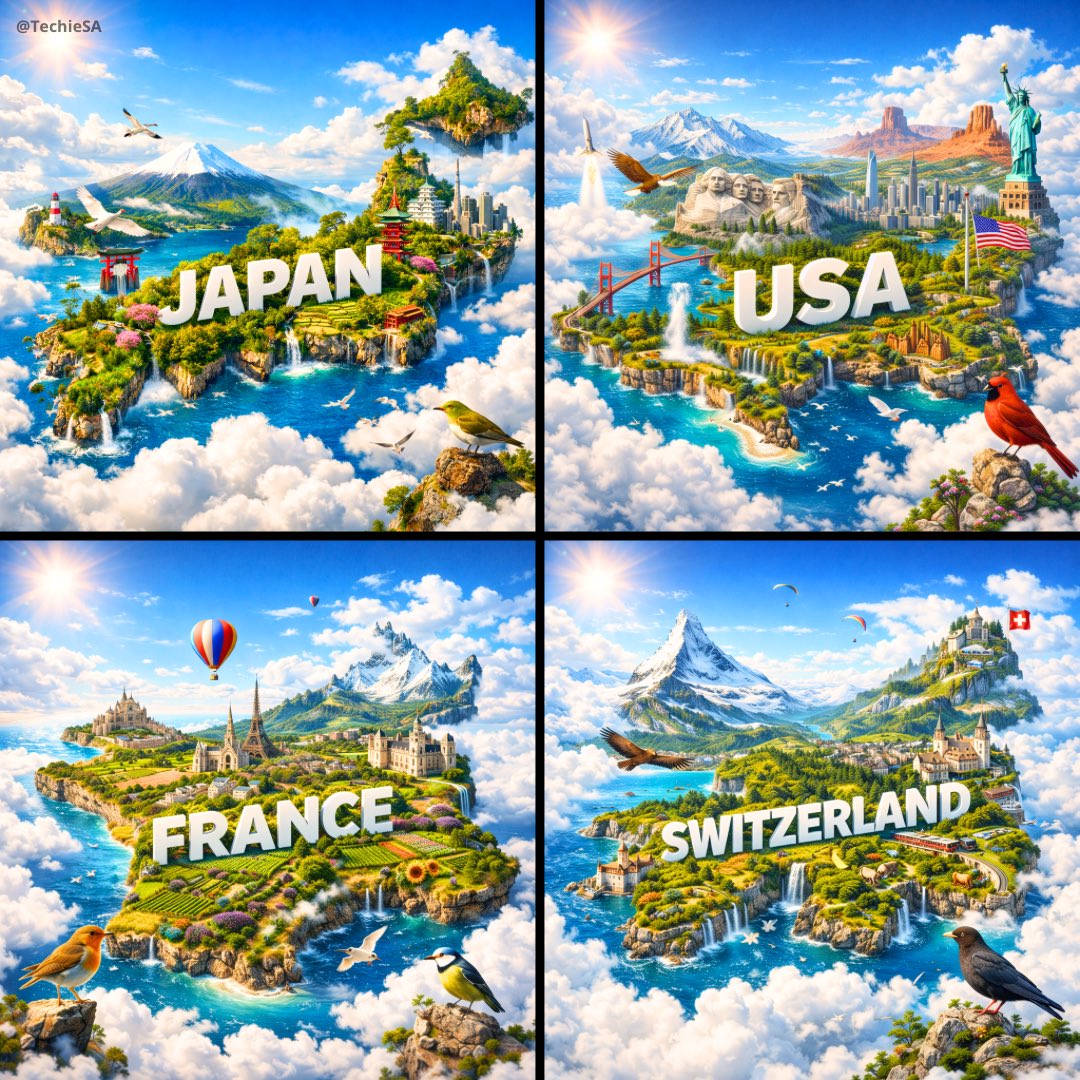
Ultra-HD, hyper-realistic digital poster of a floating miniature island
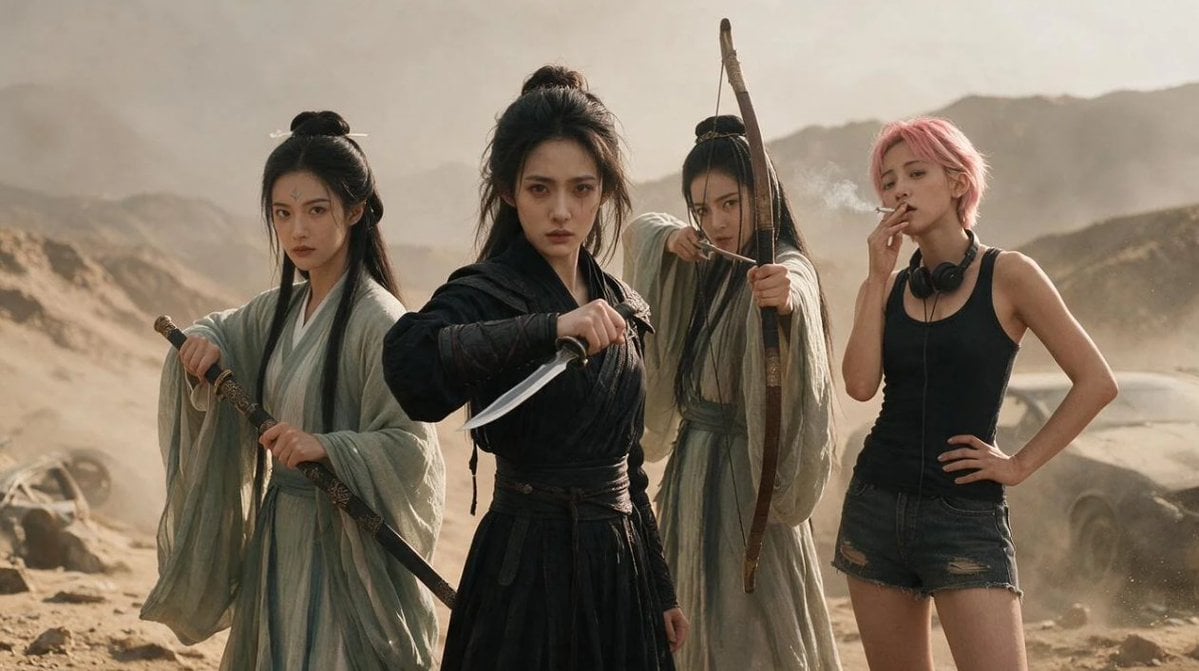
Post-Apocalyptic Wuxia Standoff
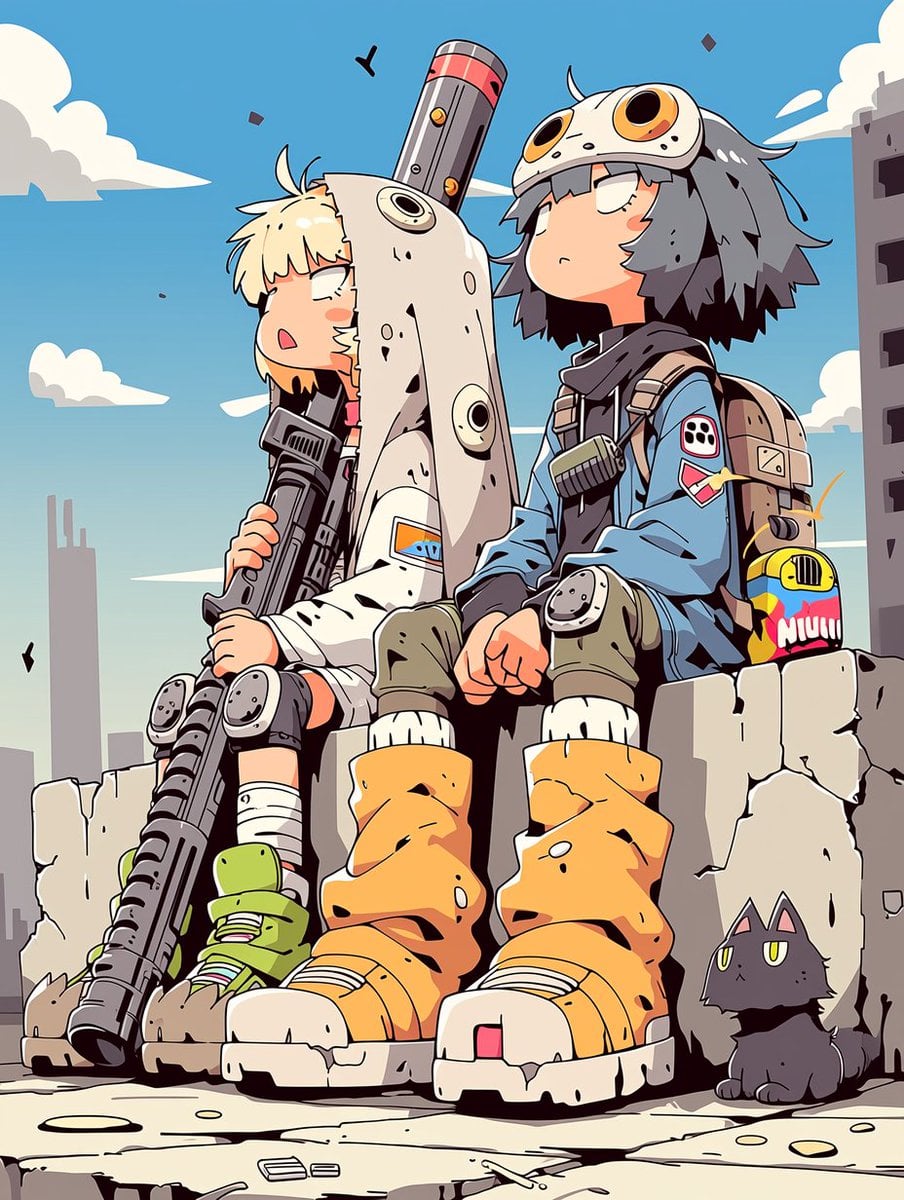
Anime Post-Apocalyptic Scavenger Kids
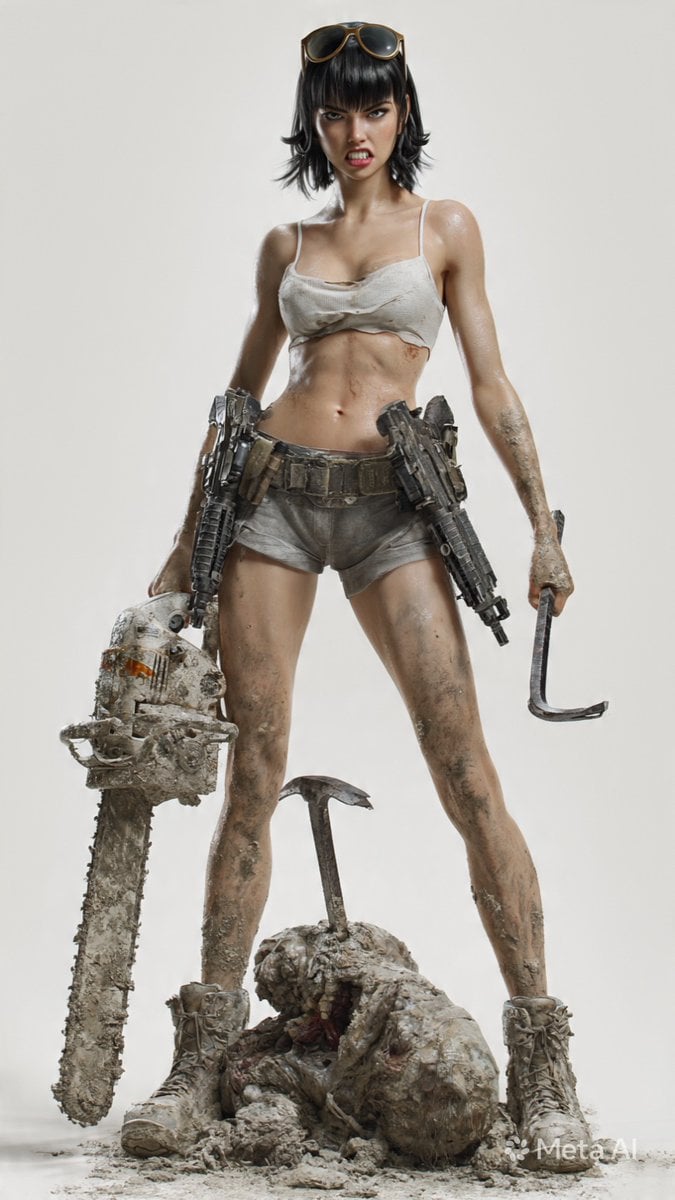
Post-Apocalyptic 3D Zombie Survivor

Post-Apocalyptic Desert Night Scene
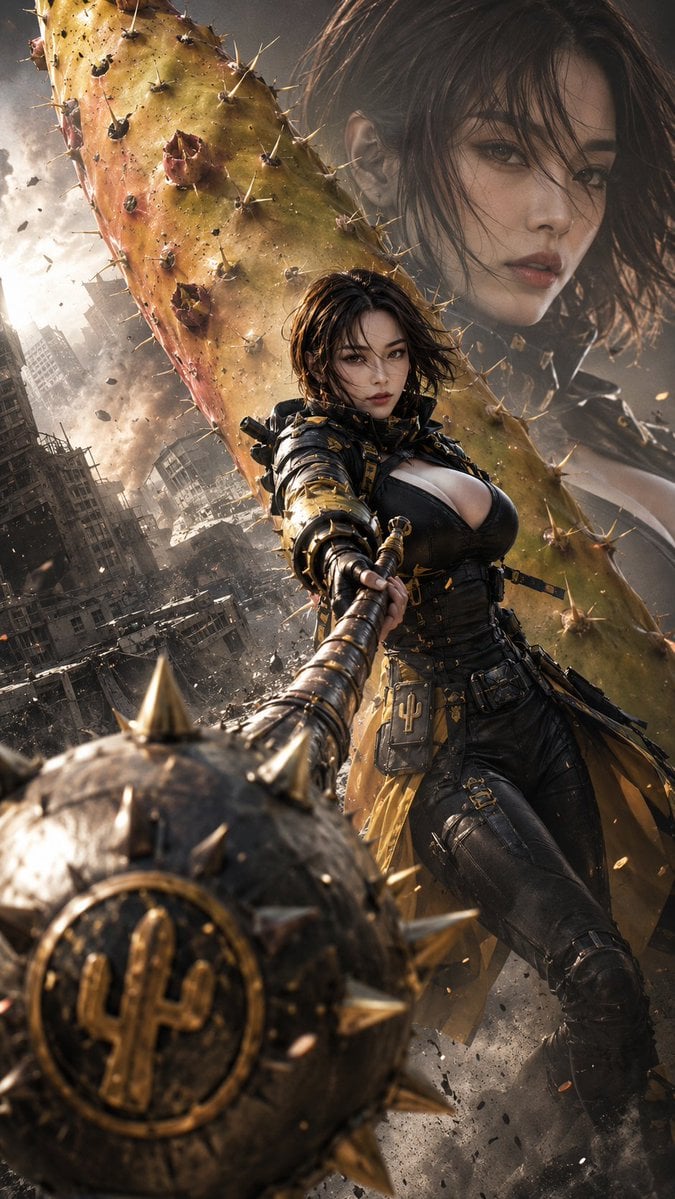
Post-Apocalyptic Cactus Warrior
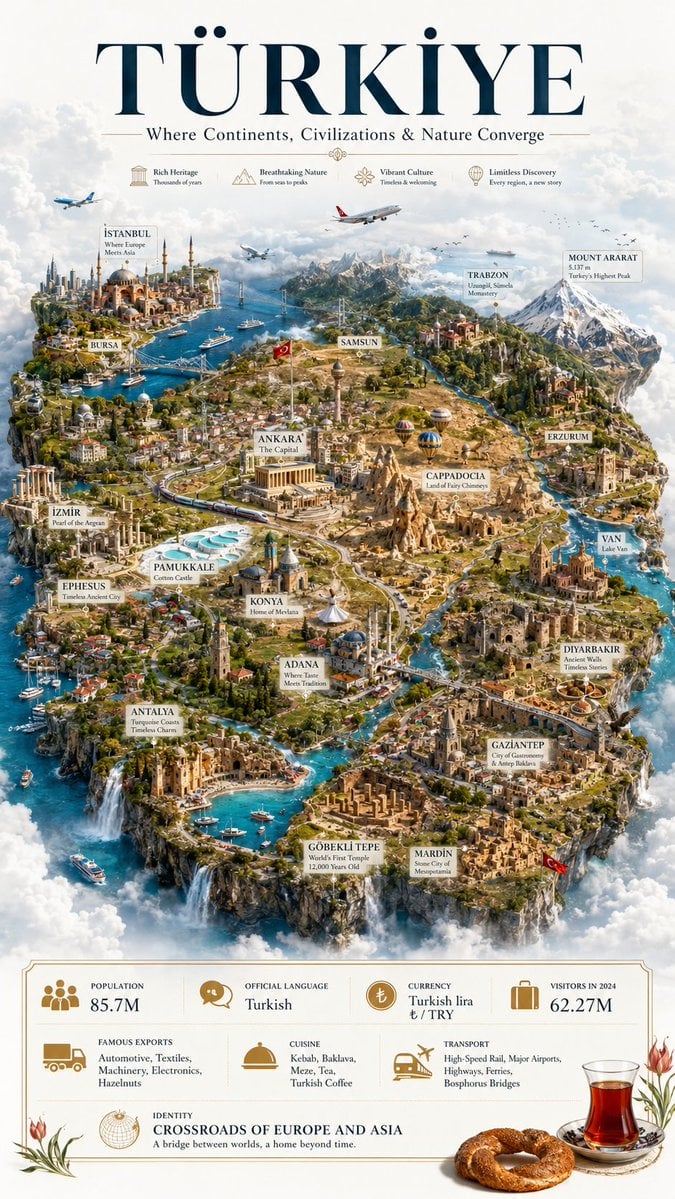
Türkiye Floating Island Travel Poster
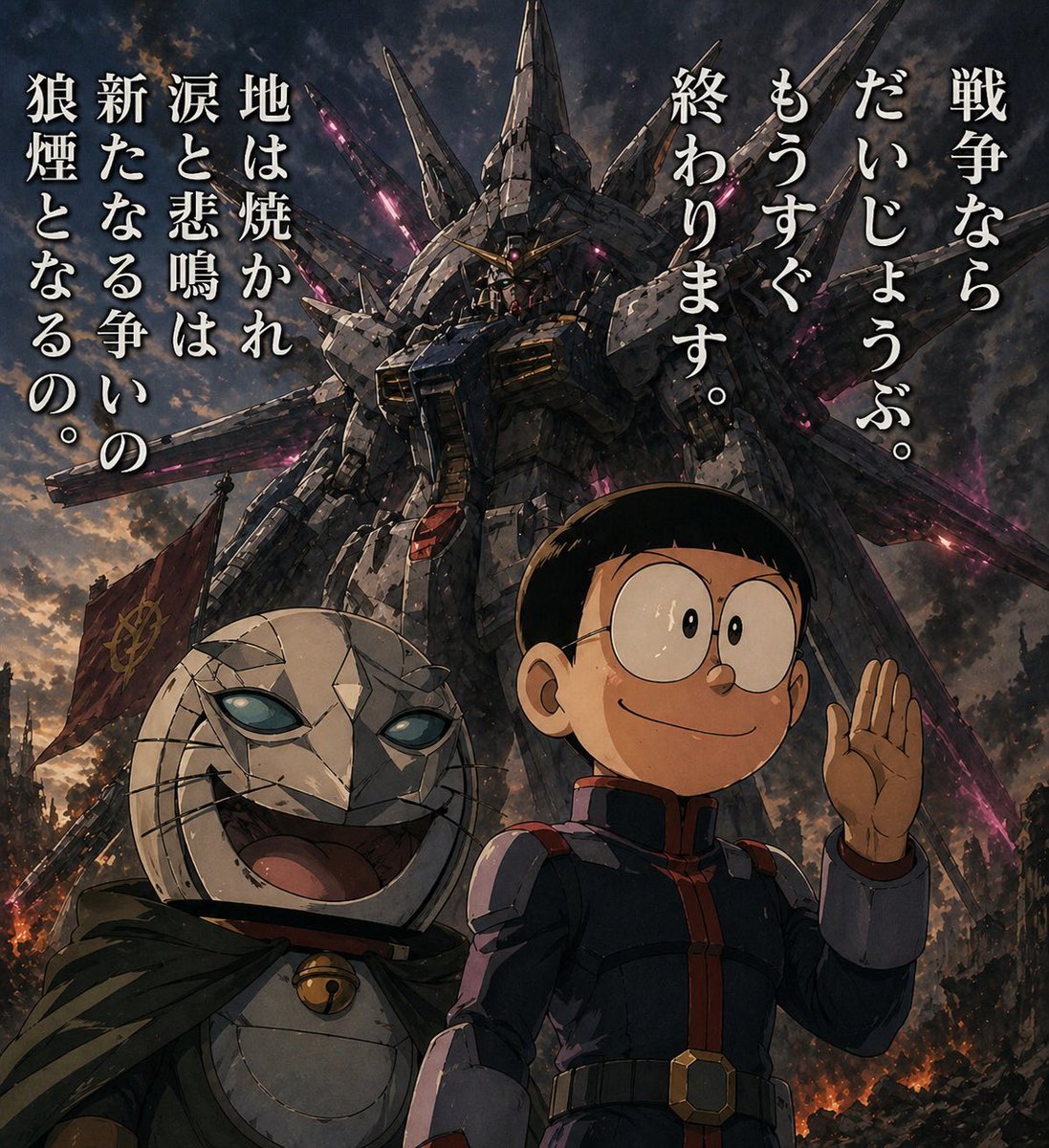
Manga Panel to Apocalyptic Mecha Poster
Make it yours
Post-Apocalyptic Staten Island Ferry works as-is. These are the safest ways to change it without losing the look.
Change one field
Copy a single group, rewrite it, and generate again so you can see what that field is doing.
Keep the frame, change the subject
Hold the composition and light of Post-Apocalyptic Staten Island Ferry, then swap wardrobe, props or the person for a new take.
| If the result… | Why | Fix |
|---|---|---|
| The result drifts from the preview | Too many fields changed at once. | Reuse Post-Apocalyptic Staten Island Ferry as-is first, then change one group — subject, light, or setting. |
| The model over-stylizes the scene | The prose prompt leaves finish and camera underspecified. | Add one camera or lighting sentence and stay on GPT Image 2. |
More GPT Image 2 templates
Other prompts made for GPT Image 2.

Six VTuber Japanese Logo Sheet

Realistic Portrait of Woman and Deer

The Vista Modular Condo Poster

AI Model Routing Comparison Infographic

2.5D Anime Art Board

Isometric Productivity Desk Scene

New York Double Exposure Poster

Four-Panel AI Landscape Comparison

Japanese Tatami Lifestyle Magazine Cover

NESCAFÉ Coffee Map Poster
More image prompts
Fresh picks from across the catalog.
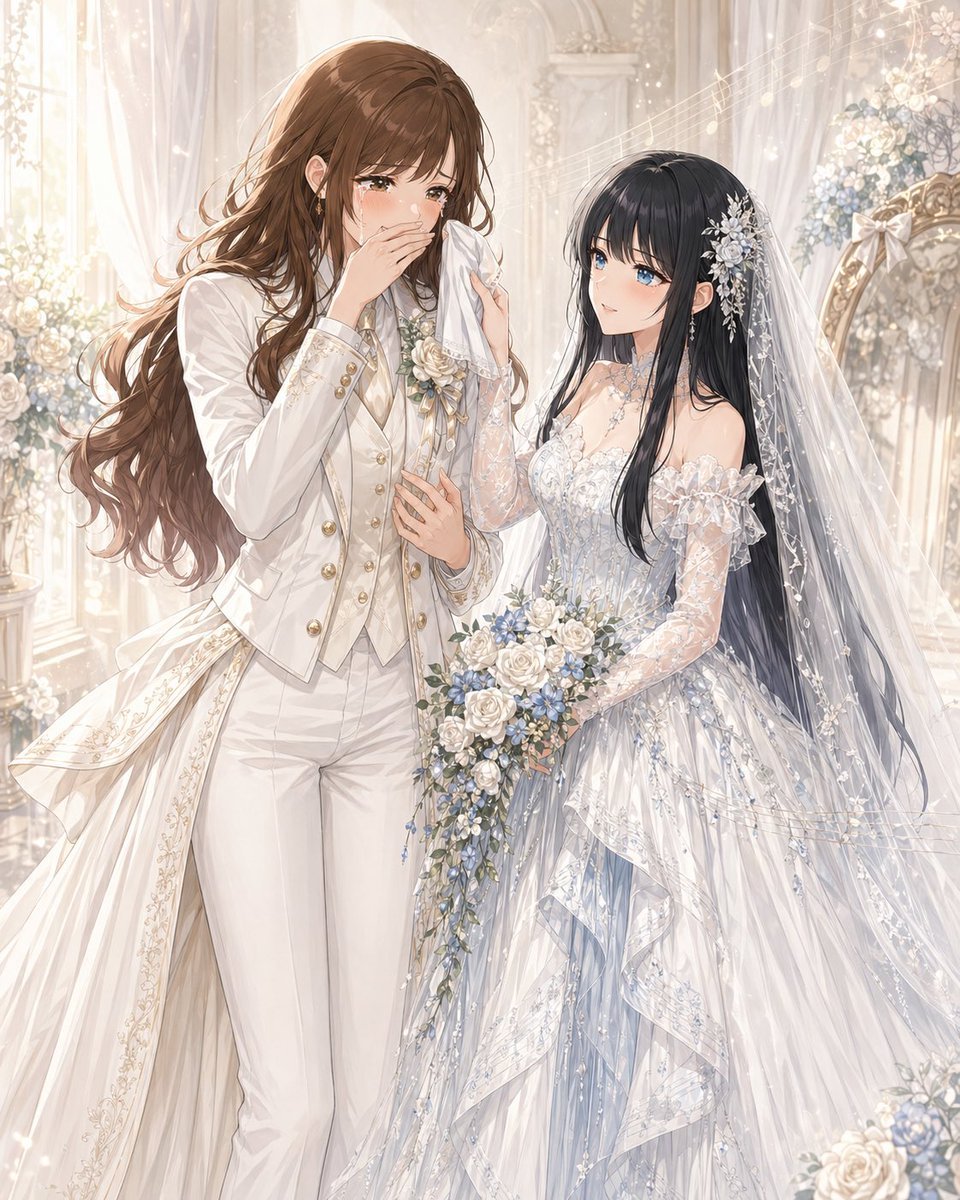
Romantic Yuri Wedding Chapel Portrait
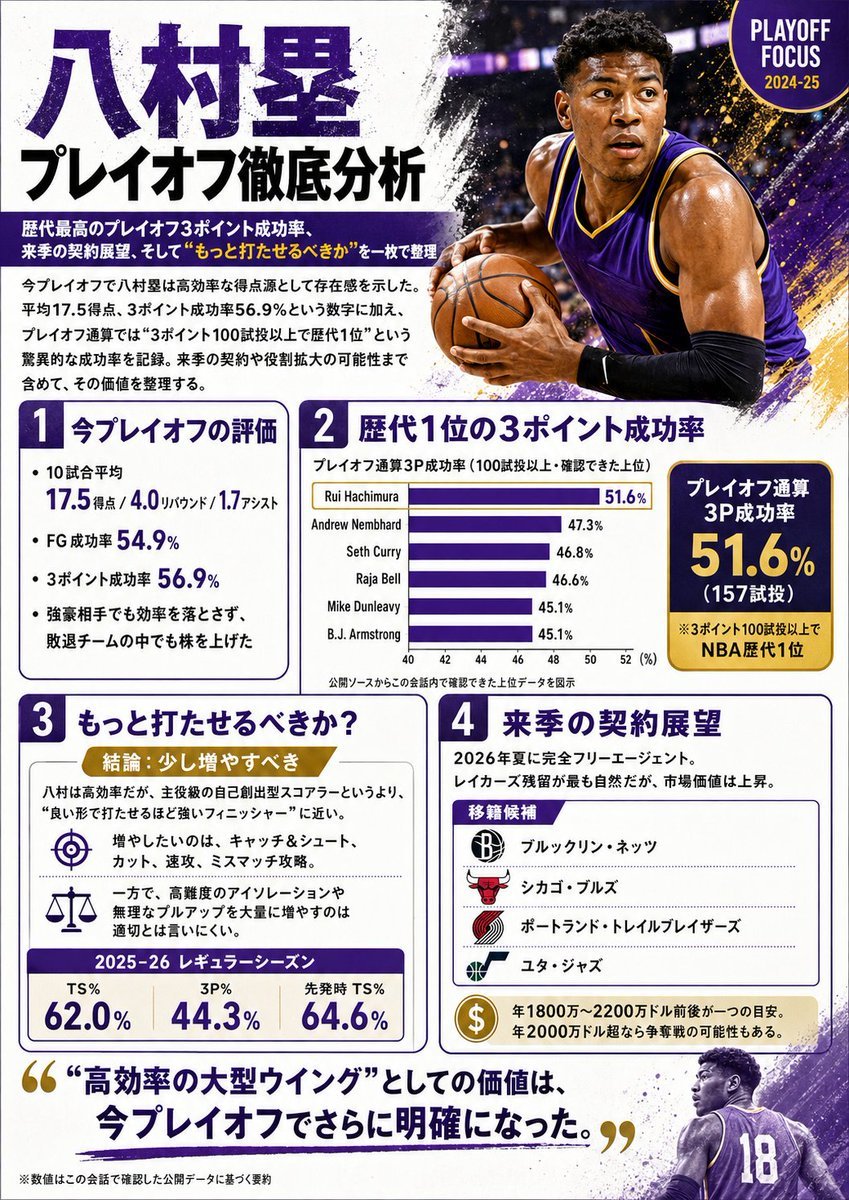
Japanese NBA Playoff Analysis Infographic
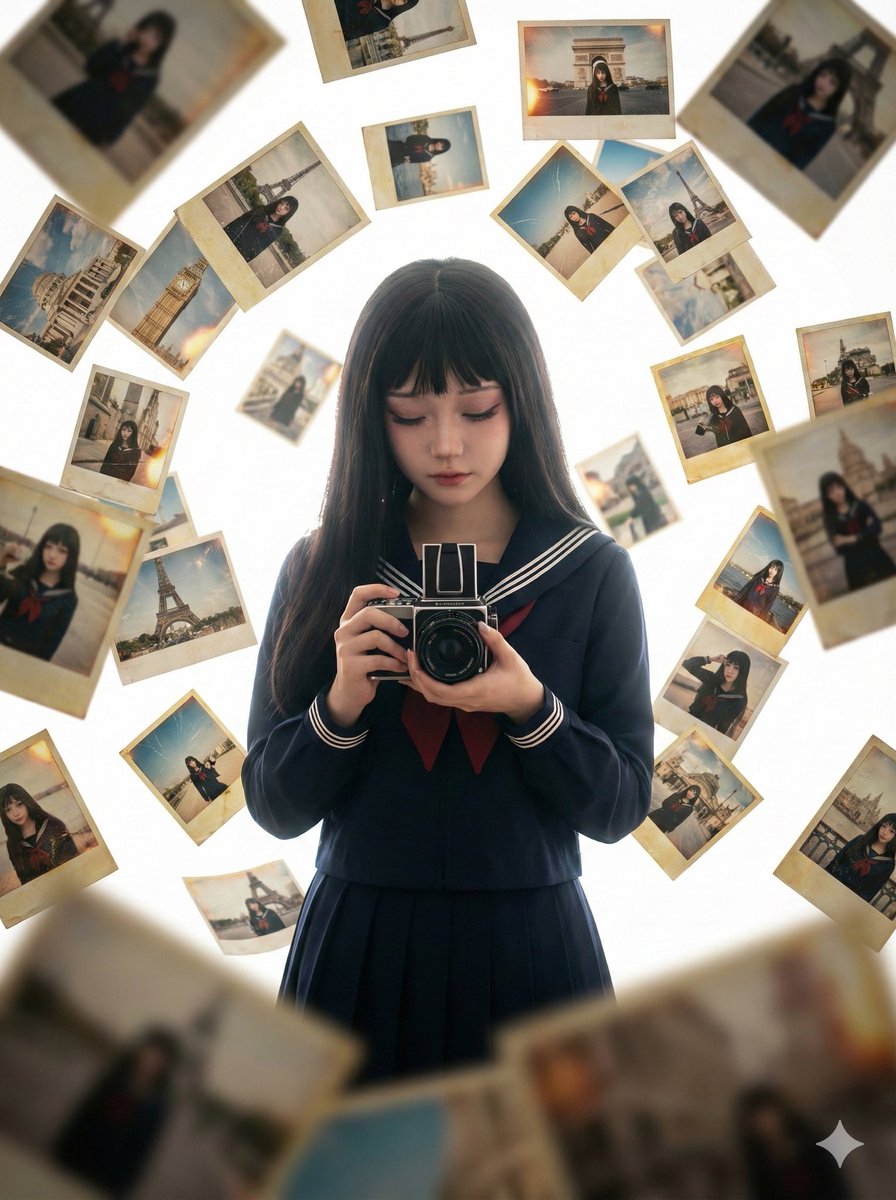
Photorealistic Asian Girl with Floating Photos Prompt (JSON Format)
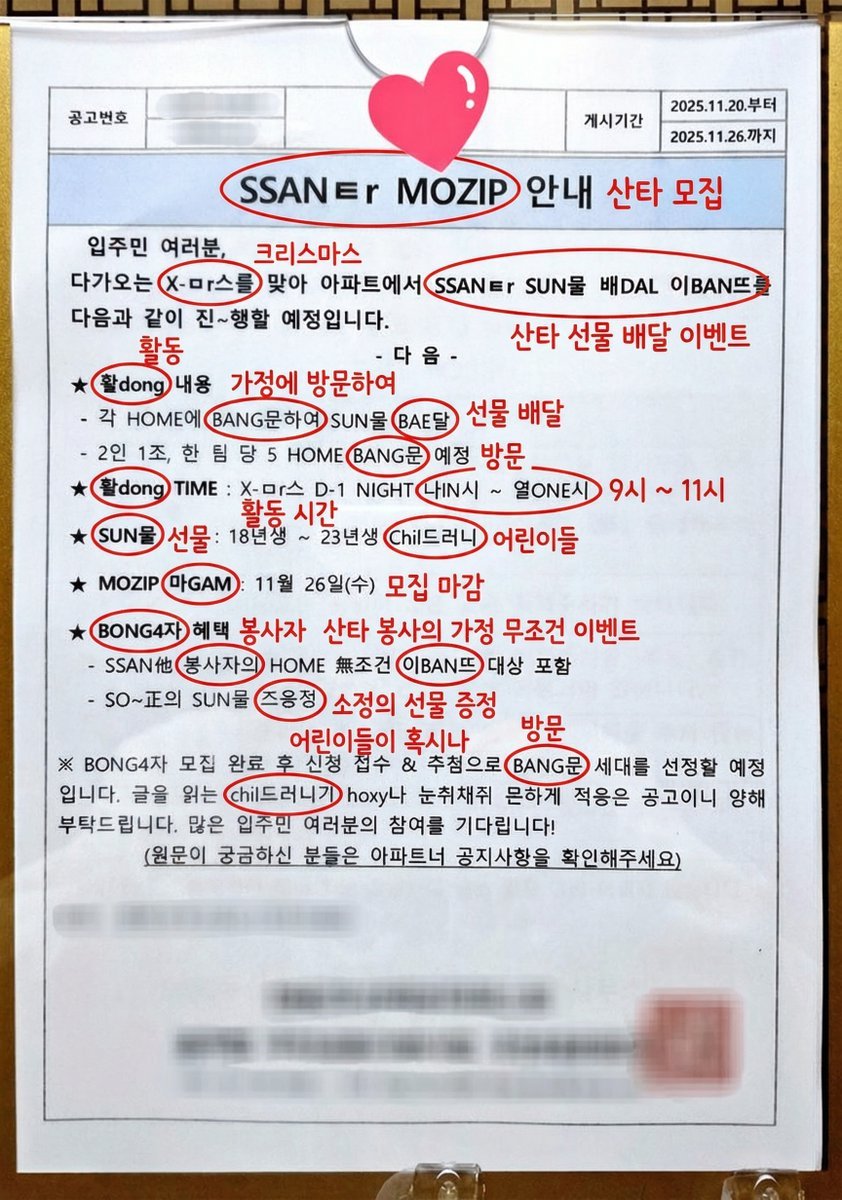
Annotated decoding of a cryptic Santa notice
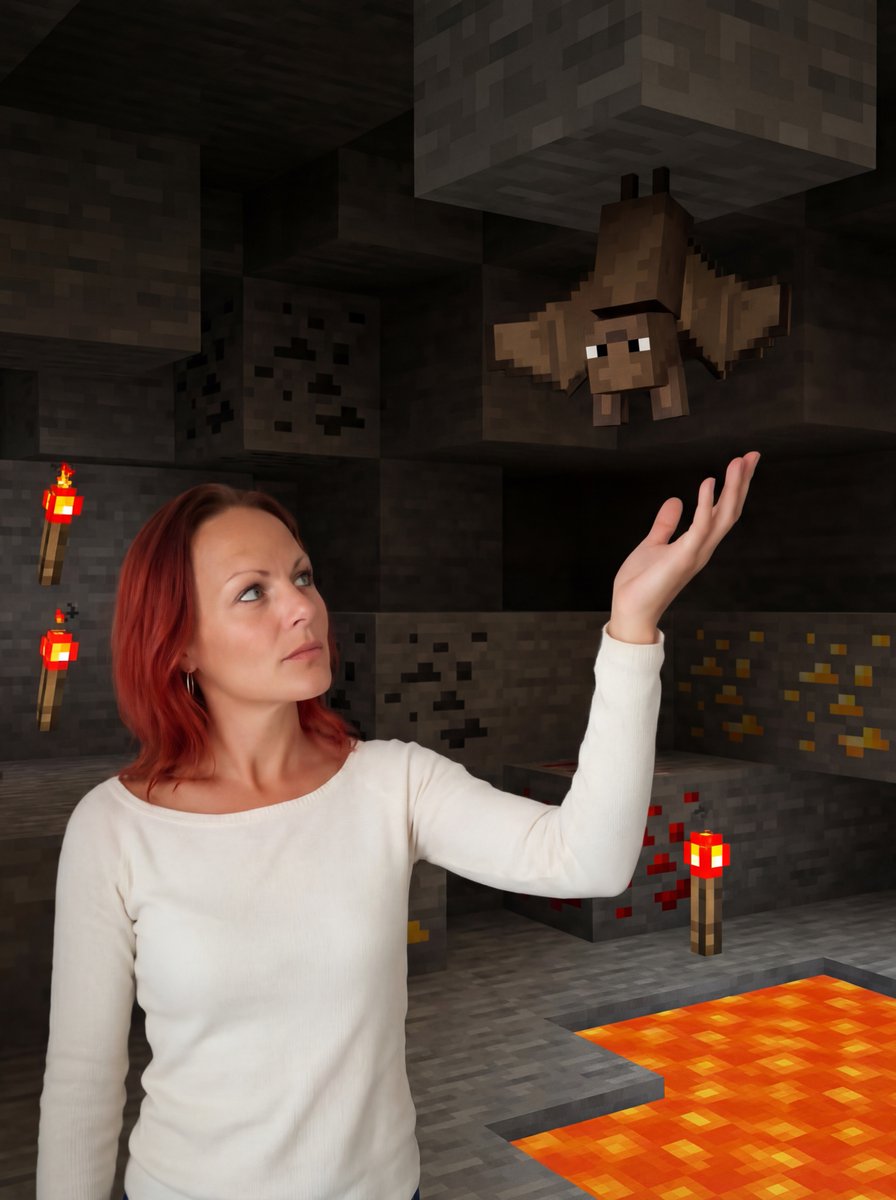
Reimagine Photo in Minecraft Cave
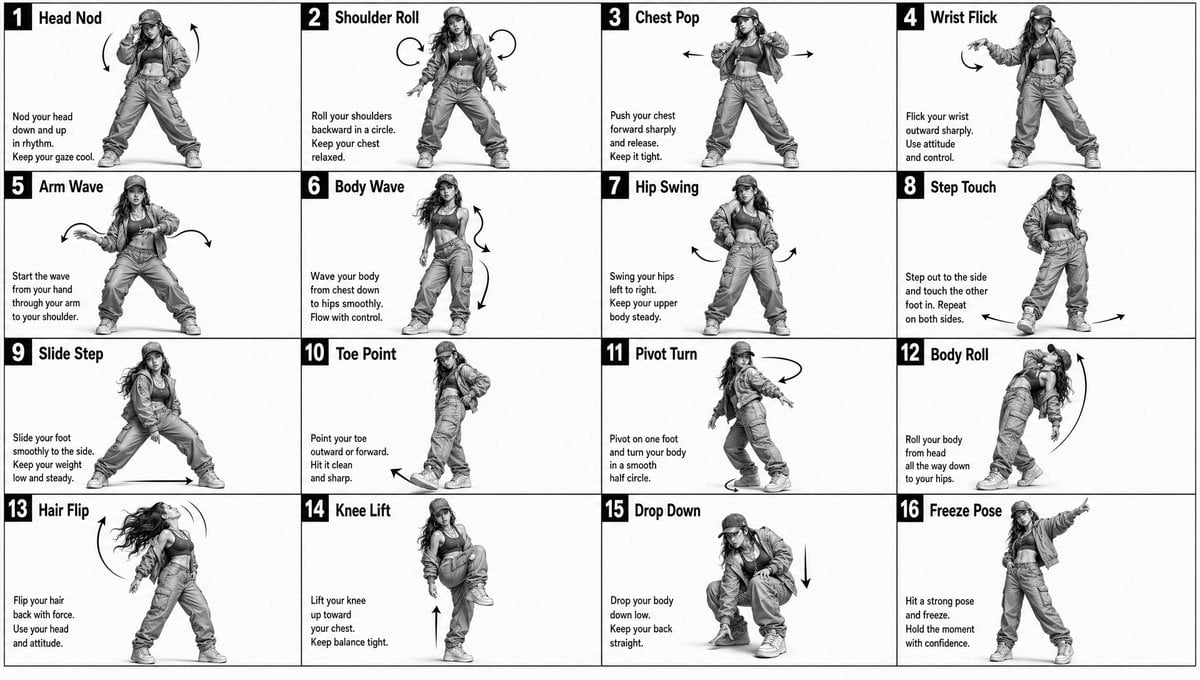
Dance Movement Reference Sheet
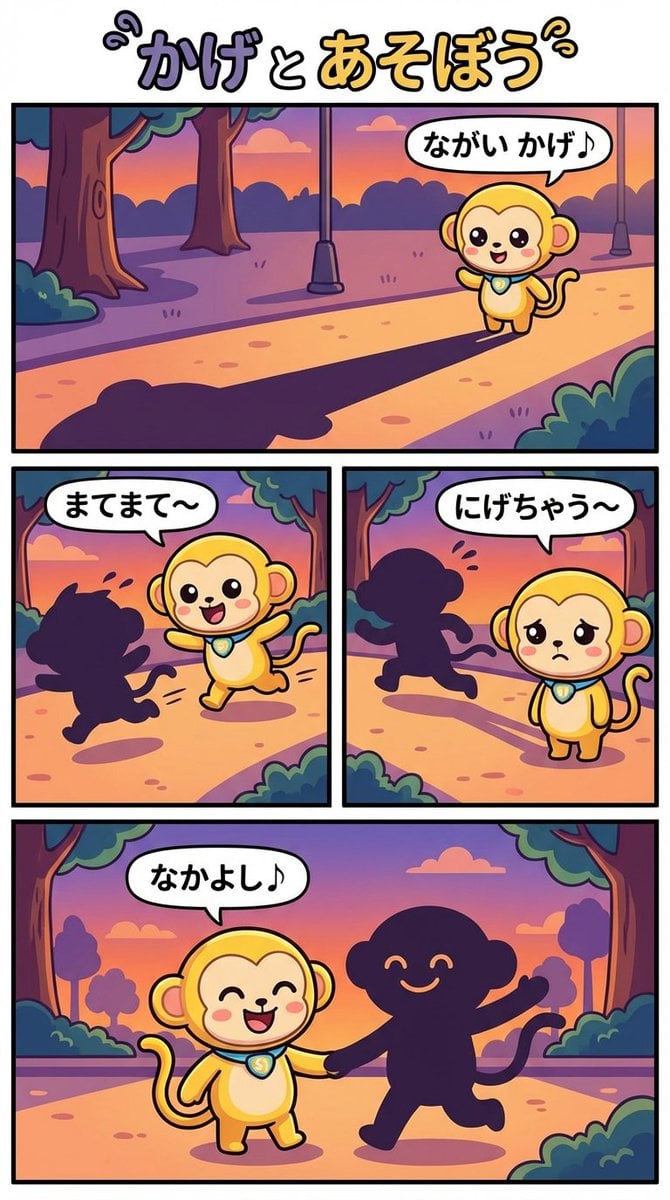
Daily Nano: Playing with Shadows 4-Panel Comic
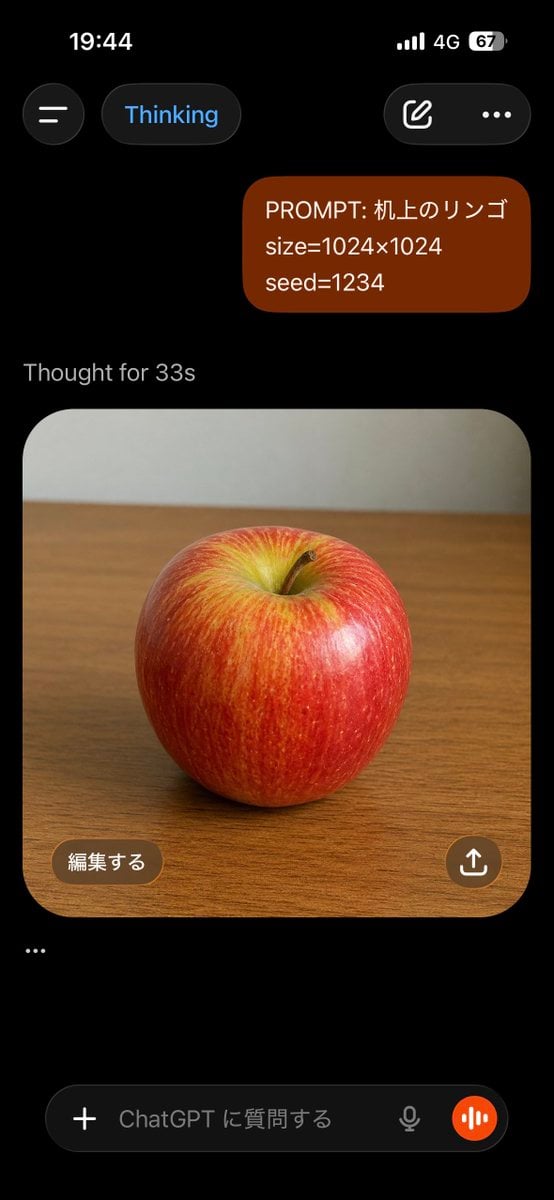
ChatGPT Apple Generation Screenshot
Black and White Male Editorial Portrait Collage JSON Prompt
Bookstore Brand Board with Poodle Mascot
Browse template categories
Post-Apocalyptic Staten Island Ferry questions
How do I use the Post-Apocalyptic Staten Island Ferry template?
Add your photo if the template asks for one, edit the prompt if you like — the template's model and format are already selected — and press Generate. Your version opens in PicX Studio.
Can I customize the Post-Apocalyptic Staten Island Ferry template?
Yes. You can change the subject, setting, lighting, mood, format, and available model controls before creating your image.
Is the Post-Apocalyptic Staten Island Ferry template free?
Opening and editing this template is free. Generating uses credits, shown on the Generate button when you are signed in.
Which AI model should I use?
Start with GPT Image 2, which is the model associated with this template. You can compare another compatible model for a different finish.
Looking for something else? Browse all templates.

Your photo, any look
Thousands of ready templates for every top image and video model, from one credit balance.