
Black and White Male Editorial Portrait Collage JSON Prompt
A detailed JSON prompt for generating a 3x3 grid collage of black and white studio portraits of a male subject, focusing on varied expressions and poses (like smirking, pointing, and mock pain) while maintaining…
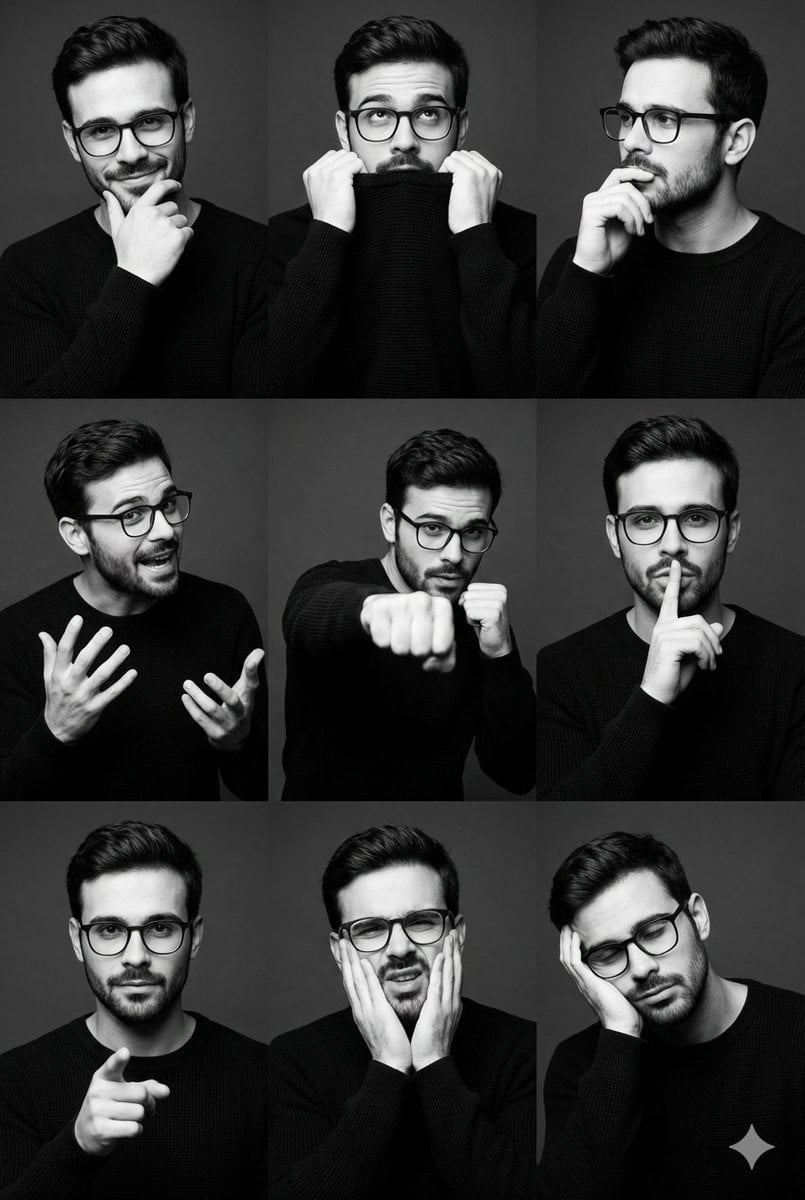
- Prompt included
- Model and format preset
- Free template
The prompt behind this image
Copy the exact prompt behind Black and White Male Editorial Portrait Collage JSON Prompt, or open it in the studio and make it yours.
- Image Type
- studio portrait collage
- Layout › Structure
- 3x3 grid
- Layout › Aspect Ratio
- 2:3
- Layout › Orientation
- vertical
- Layout › Spacing
- even margins between frames
- Layout › Consistency
- same subject and styling across all frames
- Subject › Count
- 1
- Subject › Gender Presentation
- male
- Subject › Age Range
- late 20s to early 30s
- Subject › Ethnicity
- unclear / ambiguous
- Subject › Build
- athletic, lean
- Subject › Hair › Color
- dark brown
- Subject › Hair › Style
- short sides with voluminous swept-back top
- Subject › Hair › Texture
- smooth with natural wave
- Subject › Facial Hair › Type
- light stubble
- Subject › Facial Hair › Density
- low to medium
- Subject › Wardrobe › Top
- long-sleeve knit sweater
- Subject › Wardrobe › Color
- black
- Subject › Wardrobe › Fit
- slim fit
- Subject › Wardrobe › Texture
- fine ribbed or waffle knit
- Expressions And Poses
- smirking with hand on chin, pulling sweater collar to mouth, thoughtful side gaze with hand near lips, animated mid-gesture with expressive hands, boxing/fist-forward dynamic pose, finger-to-lips 'shh' gesture, direct gaze with pointing finger, mock pain or exaggerated discomfort expression, head resting on hand, fatigued or bored
- Composition › Framing
- medium close-up to medium shot
- Composition › Camera Angle
- eye-level
- Composition › Cropping
- consistent head-and-torso framing
Raw JSON
{
"image_type": "studio portrait collage",
"layout": {
"structure": "3x3 grid",
"aspect ratio": "2:3",
"orientation": "vertical",
"spacing": "even margins between frames",
"consistency": "same subject and styling across all frames"
},
"subject": {
"count": 1,
"gender_presentation": "male",
"age_range": "late 20s to early 30s",
"ethnicity": "unclear / ambiguous",
"build": "athletic, lean",
"hair": {
"color": "dark brown",
"style": "short sides with voluminous swept-back top",
"texture": "smooth with natural wave"
},
"facial_hair": {
"type": "light stubble",
"density": "low to medium"
},
"wardrobe": {
"top": "long-sleeve knit sweater",
"color": "black",
"fit": "slim fit",
"texture": "fine ribbed or waffle knit"
}
},
"expressions_and_poses": [
"smirking with hand on chin",
"pulling sweater collar to mouth",
"thoughtful side gaze with hand near lips",
"animated mid-gesture with expressive hands",
"boxing/fist-forward dynamic pose",
"finger-to-lips 'shh' gesture",
"direct gaze with pointing finger",
"mock pain or exaggerated discomfort expression",
"head resting on hand, fatigued or bored"
],
"composition": {
"framing": "medium close-up to medium shot",
"camera_angle": "eye-level",
"cropping": "consistent head-and-torso framing",
"negative_space": "minimal, subject-centered"
},
"lighting": {
"style": "studio",
"setup": "single key light with soft fill",
"direction": "front-left dominant",
"contrast": "medium to high",
"shadow_quality": "soft-edged shadows with sculpted facial definition"
},
"color_and_tone": {
"palette": "monochrome",
"treatment": "black and white",
"contrast": "high contrast",
"midtones": "well-preserved skin detail",
"highlights": "controlled, non-blown"
},
"background": {
"type": "seamless studio backdrop",
"color": "dark gray to near-black",
"texture": "smooth, matte",
"distractions": "none"
},
"technical_details": {
"lens_equivalent": "50mm–85mm portrait range",
"depth_of_field": "moderate, subject fully in focus",
"sharpness": "high",
"grain": "minimal to none",
"resolution": "high-resolution editorial quality"
},
"artistic_style": {
"genre": "fashion/editorial portraiture",
"mood": "confident, playful, expressive",
"influences": "modern menswear editorial, actor portfolio photography",
"storytelling": "personality exploration through varied expressions"
},
"post_processing": {
"skin_retouching": "natural, minimal",
"contrast_curve": "strong S-curve",
"clarity": "moderate",
"vignette": "subtle or none"
},
"typography": {
"present": false
},
"overall_aesthetic": "clean, masculine, contemporary studio portrait series optimized for branding, modeling, or editorial use"
}How to use Black and White Male Editorial Portrait Collage JSON Prompt in 3 steps
- 1
Open
The prompt is already in the box next to the preview, with the template's model and format selected.
- 2…a portrait of your subject in softgolden-hour light, 85mm…
Personalize
Edit the subject and creative details for your destination.
- 3Generate
Generate
Press Generate — your image is created in PicX Studio, so you can compare it with the original and refine one variable at a time.
More like this
Templates with the same subject, style or setup. Open one to see its prompt.

untitled

Caution Tape Fashion — Industrial Editorial
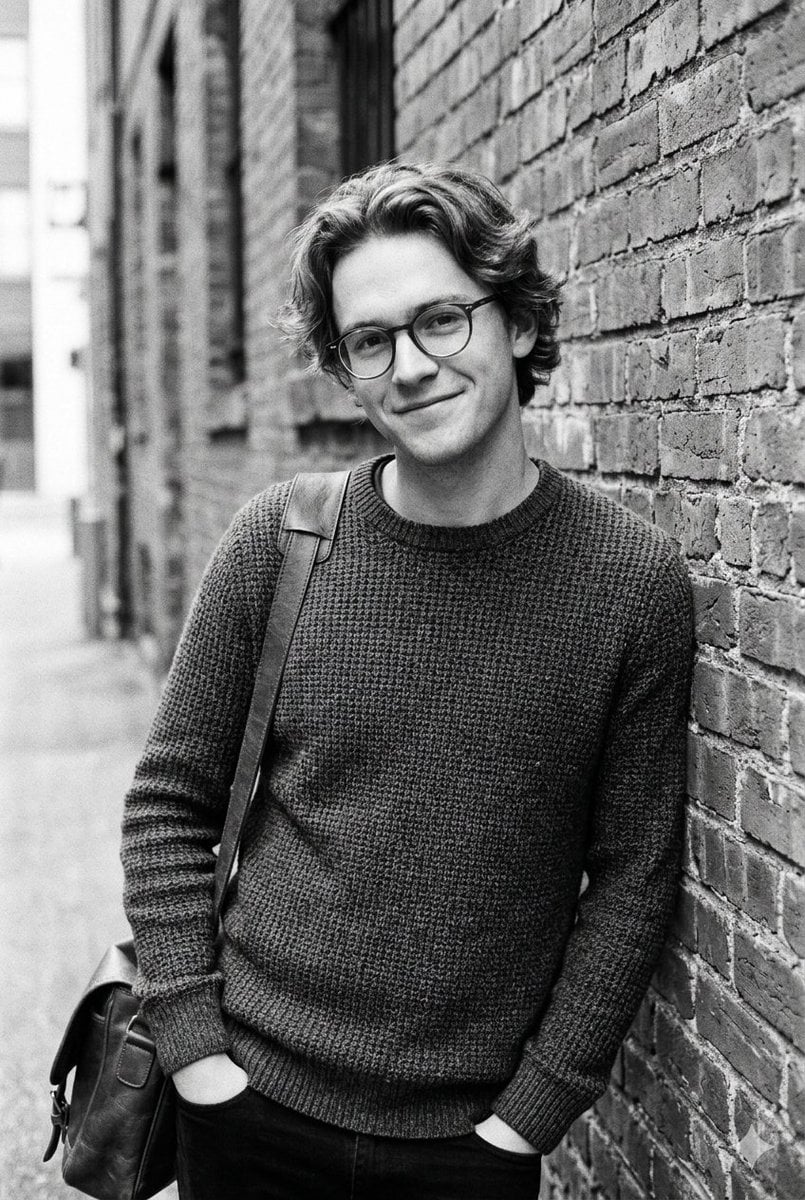
Black and White Urban Male Portrait
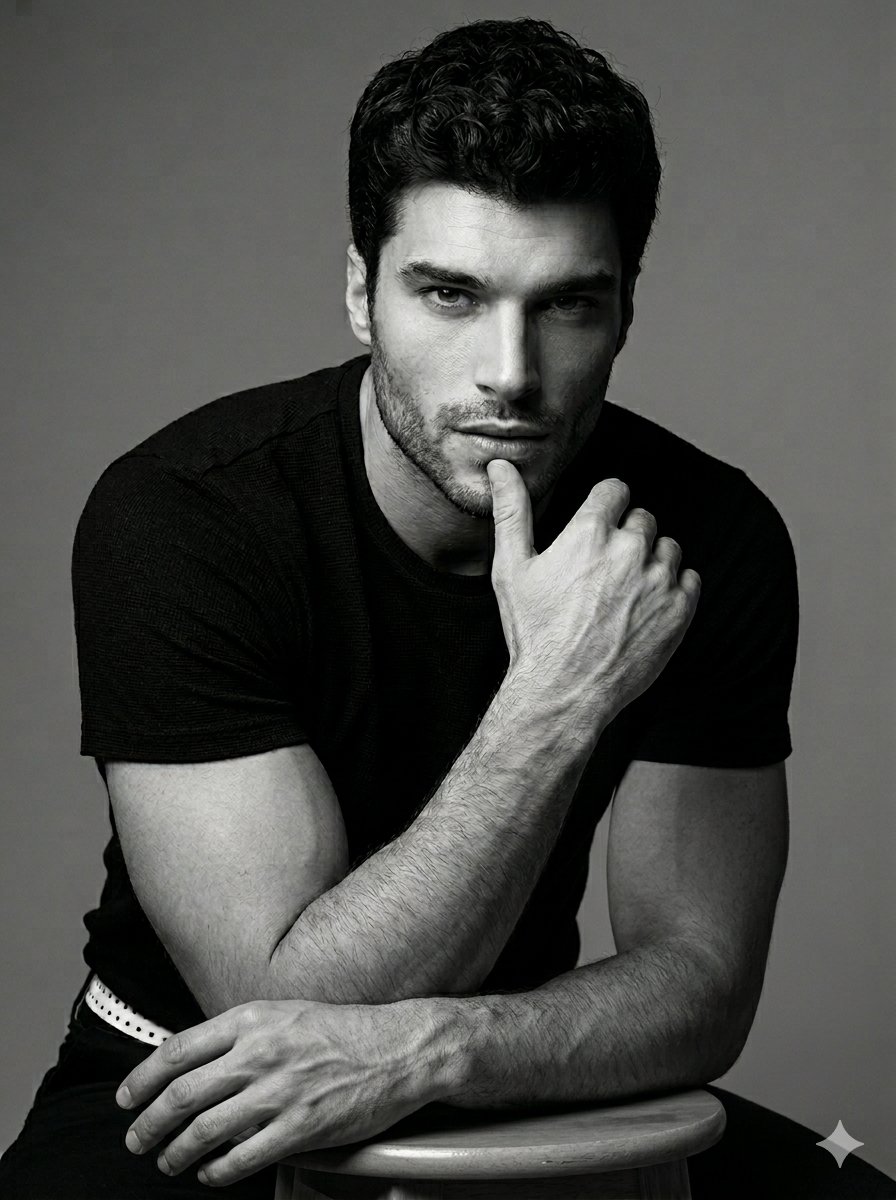
Black and White Male Studio Portrait
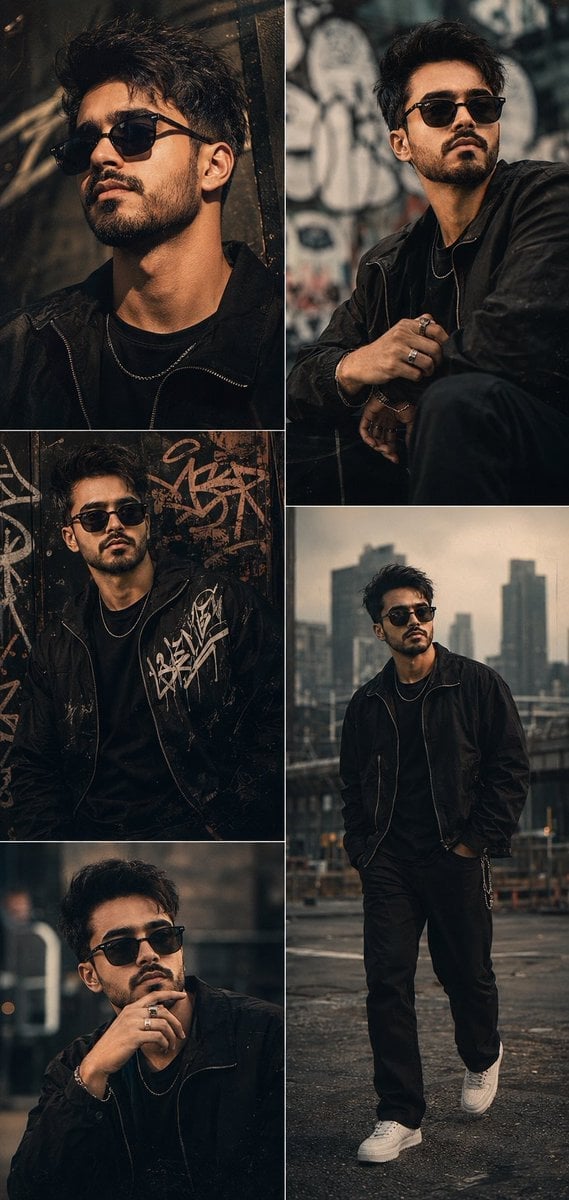
Cinematic Male Editorial Collage
Black and White Fashion Editorial Triptych

Couture Fashion Editorial Woman and Drag

Nano Banana 2 Editorial Fashion Portrait
Black and White Cafe Portrait
Male Fashion Editorial Portrait
Fine Art Black and White Portrait
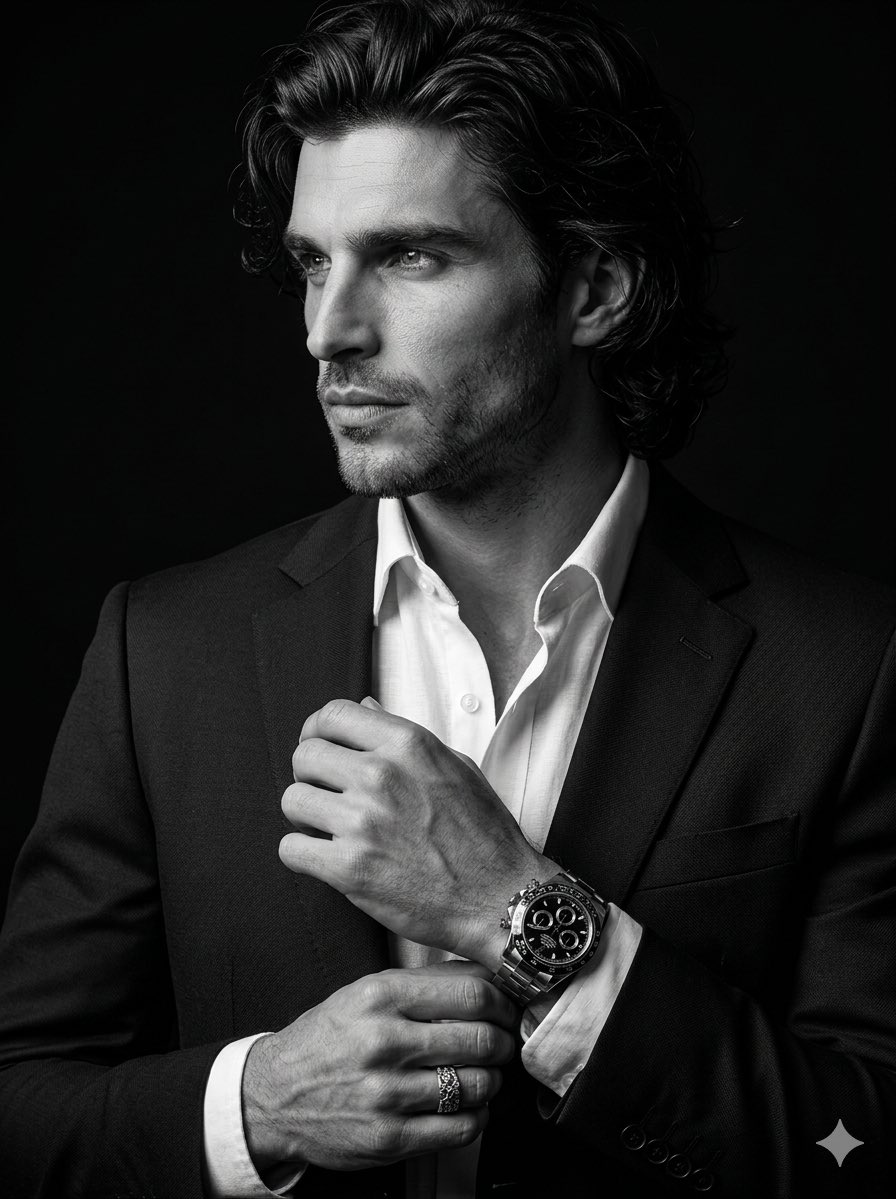
Cinematic Black-and-White Suit Portrait
Make it yours
Black and White Male Editorial Portrait Collage JSON Prompt works as-is. These are the safest ways to change it without losing the look.
Swap the setting
Keep the rest of the prompt and replace the location block. The current setting is “seamless studio backdrop”.
Swap the light
One lighting change is enough to compare takes. Current light: “studio”.
Change one field
Copy a single group, rewrite it, and generate again so you can see what that field is doing.
| If the result… | Why | Fix |
|---|---|---|
| The result drifts from the preview | Too many fields changed at once. | Reuse Black and White Male Editorial Portrait Collage JSON Prompt as-is first, then change one group — subject, light, or setting. |
| Nano Banana 2 ignores part of the JSON | Some models flatten or skip nested keys. | Keep the same values and paste them as a short paragraph instead. |
More Nano Banana 2 templates
Other prompts made for Nano Banana 2.

Photorealistic Leaf Shaped Like a Dragon

K-Pop Idol Portrait Grid for Rapid Selection

Poetic Rain Forest Portrait During Golden Hour

Urban Street Portrait with Cartoon Inner Self Duo

Candid Nighttime Photo with Cat Prompt

High-Concept 3D Diorama Generation Prompt

Cinematic Futuristic Studio Portrait Template

Skincare Editorial Photography Collage Prompt

Hyper-Realistic Commercial Product Photography (Splash Effect)

Hyper-Realistic Nightclub Portrait Prompt
More image prompts
Fresh picks from across the catalog.
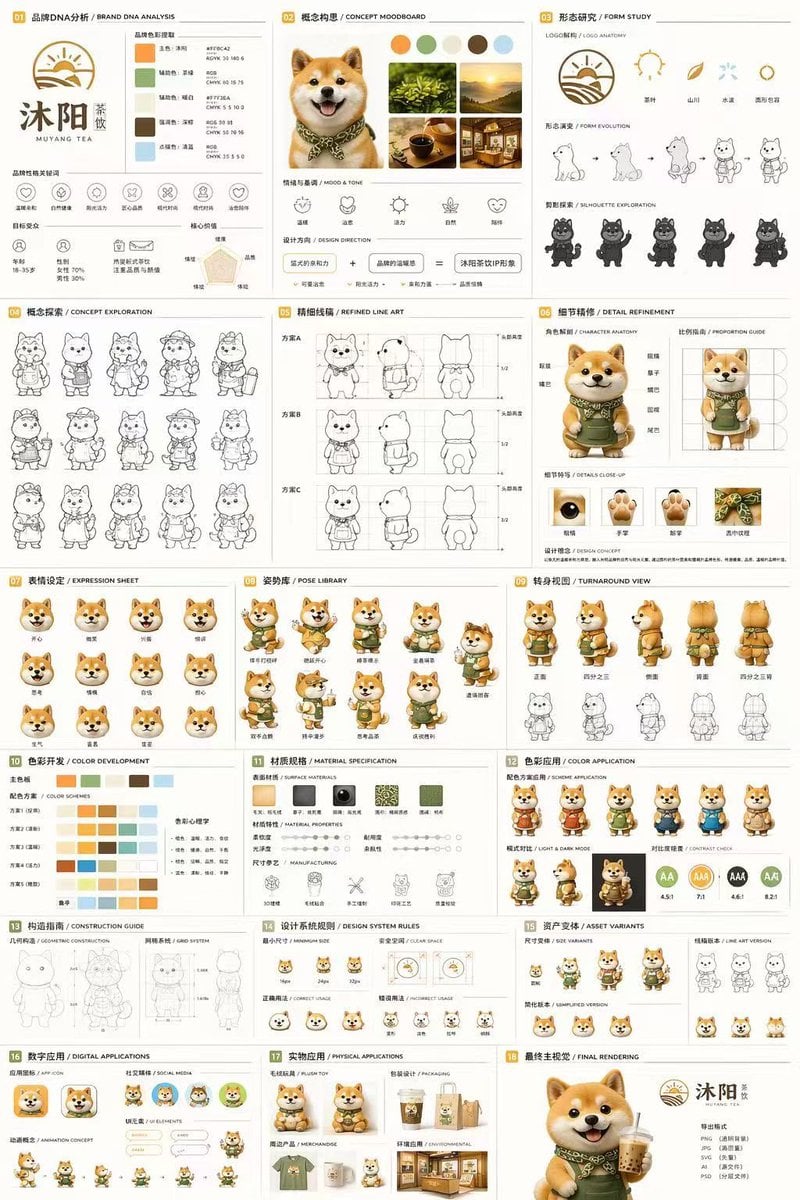
Gpt2 Product Marketing 18 Panel Mascot Brand Identity Document
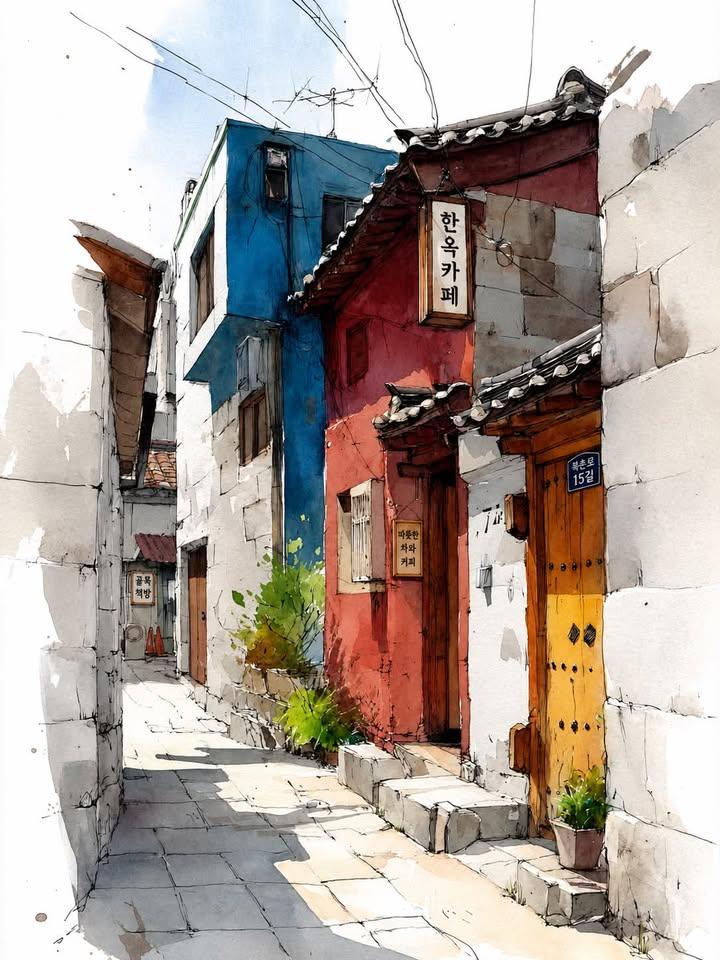
Watercolor Korean Hanok Village Sketch
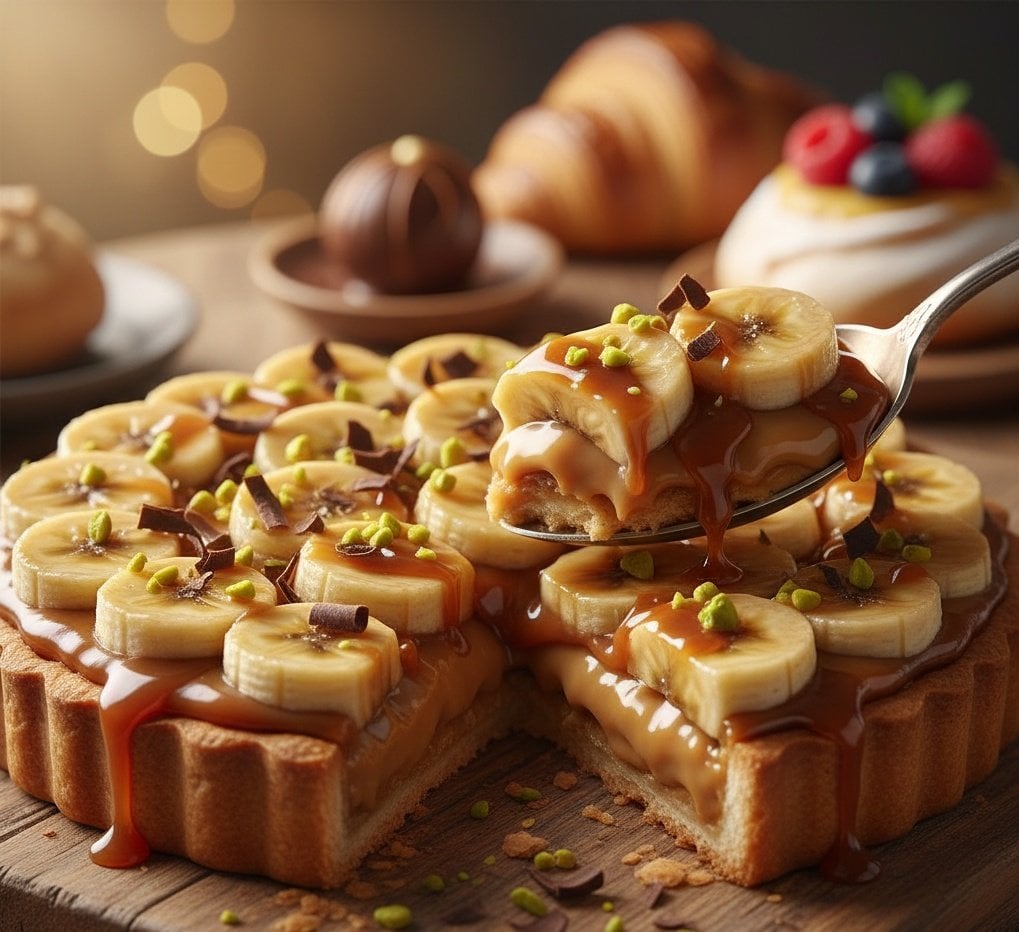
Ultra-Realistic Banana Caramel Tart Food Photography Prompt
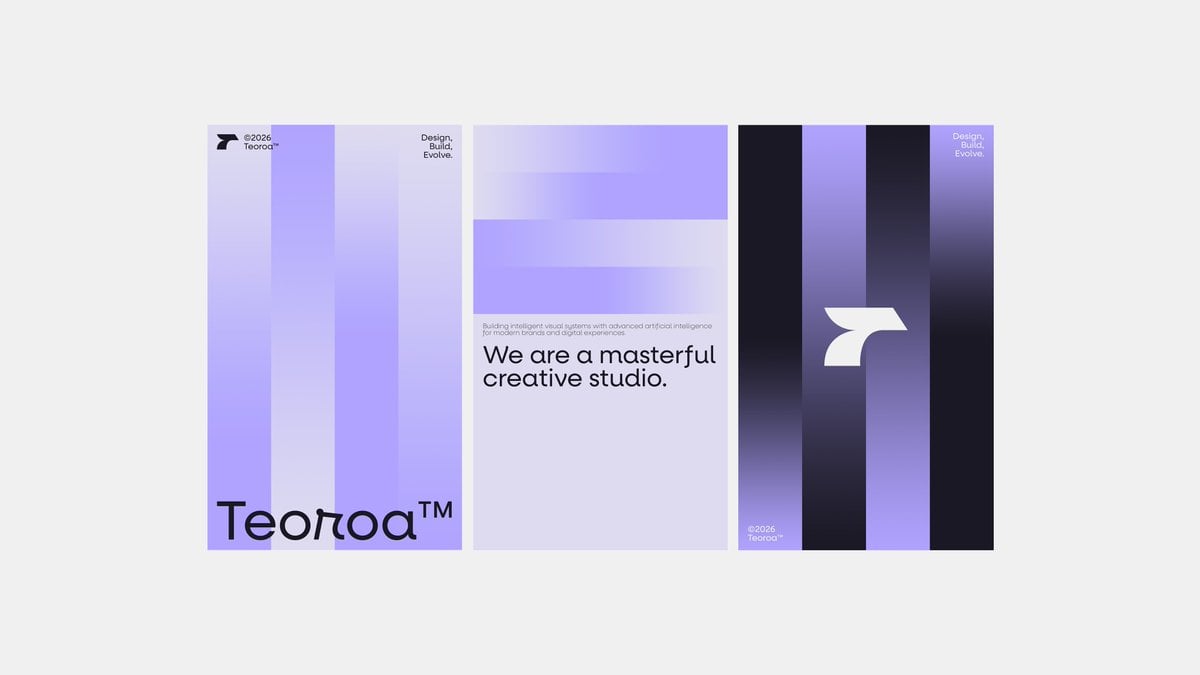
Minimalist Purple Brand Poster Triptych
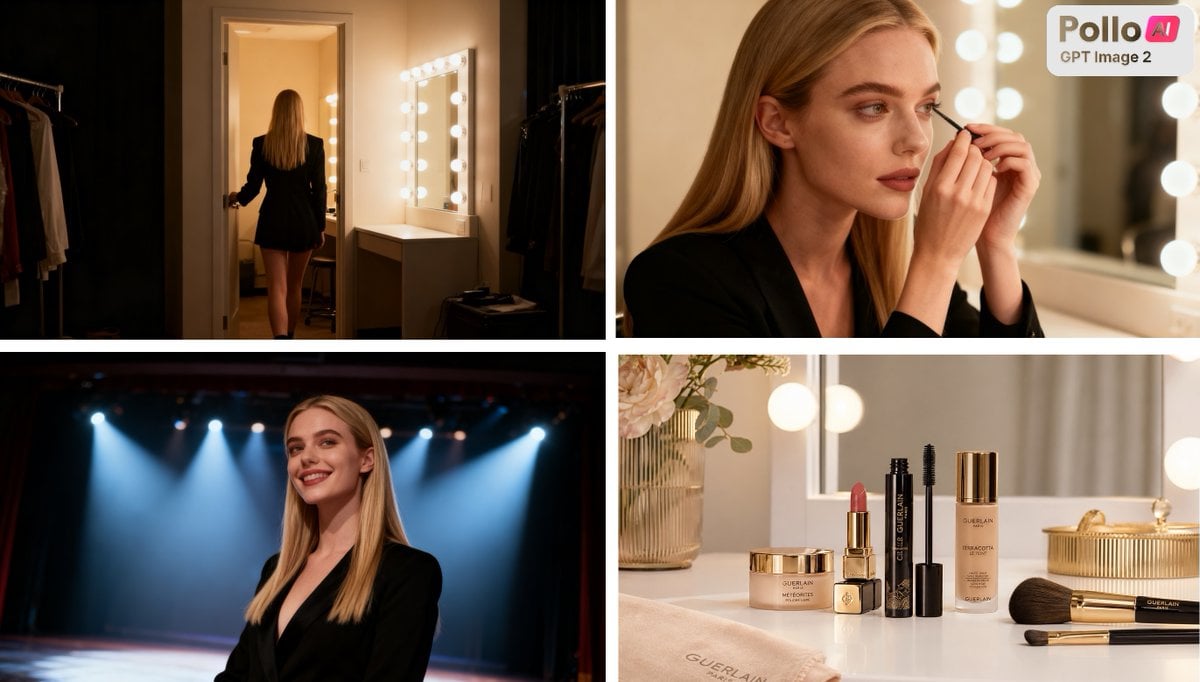
Luxury Beauty Ad Storyboard
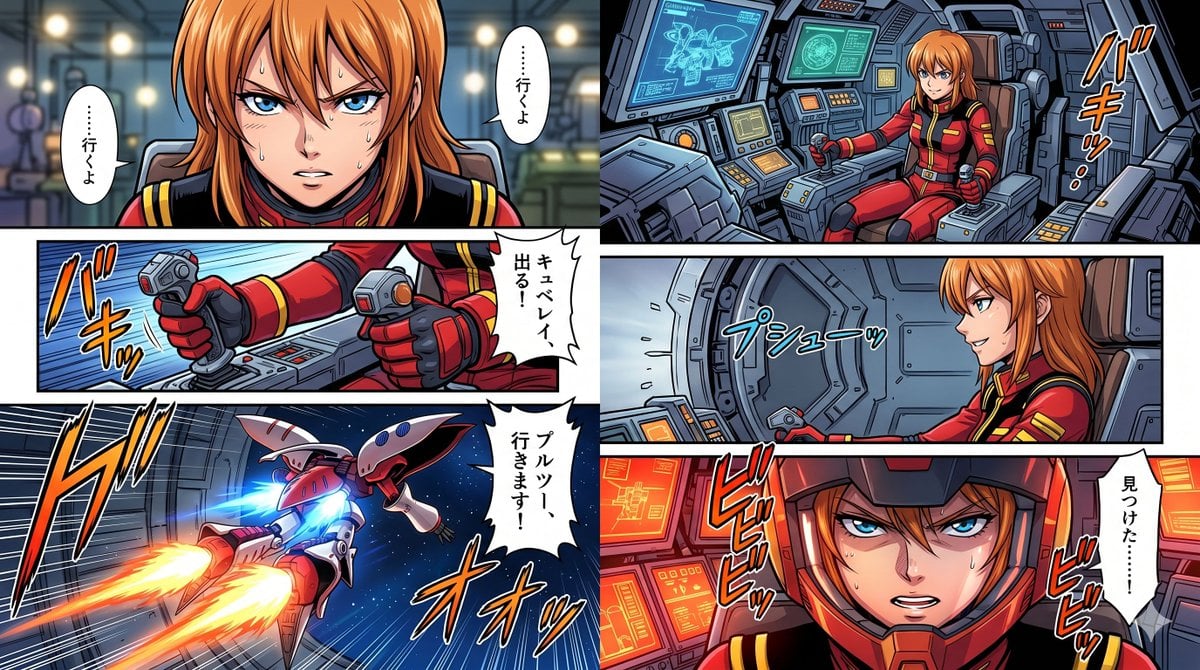
Six-Panel Mecha Pilot Manga
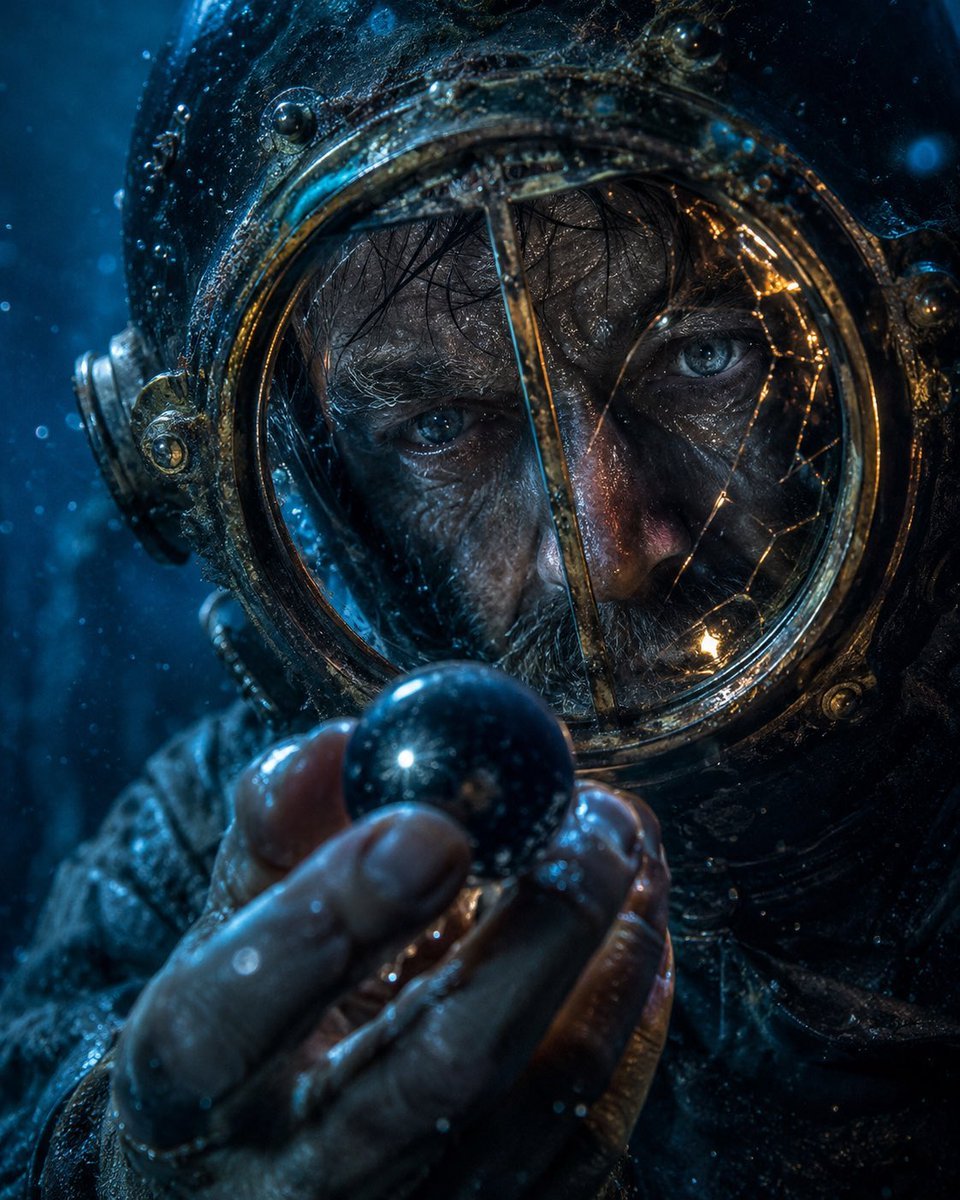
Deep-Sea Diver Artifact Close-Up
Cinematic Portrait of Woman with Braids
Antique Chinese Noblewoman Poster
Korean Hanbok Fashion Triptych
Browse template categories
Black and White Male Editorial Portrait Collage JSON Prompt questions
How do I use the Black and White Male Editorial Portrait Collage JSON Prompt template?
Add your photo if the template asks for one, edit the prompt if you like — the template's model and format are already selected — and press Generate. Your version opens in PicX Studio.
Can I customize the Black and White Male Editorial Portrait Collage JSON Prompt template?
Yes. You can change the subject, setting, lighting, mood, format, and available model controls before creating your image.
Is the Black and White Male Editorial Portrait Collage JSON Prompt template free?
Opening and editing this template is free. Generating uses credits, shown on the Generate button when you are signed in.
Which AI model should I use?
Start with Nano Banana 2, which is the model associated with this template. You can compare another compatible model for a different finish.
Looking for something else? Browse all templates.

Your photo, any look
Thousands of ready templates for every top image and video model, from one credit balance.