
Minimalist Purple Brand Poster Triptych
A clean three-panel branding poster composition for a futuristic creative studio, ideal for design portfolio covers, agency identity concepts, or editorial brand presentations.
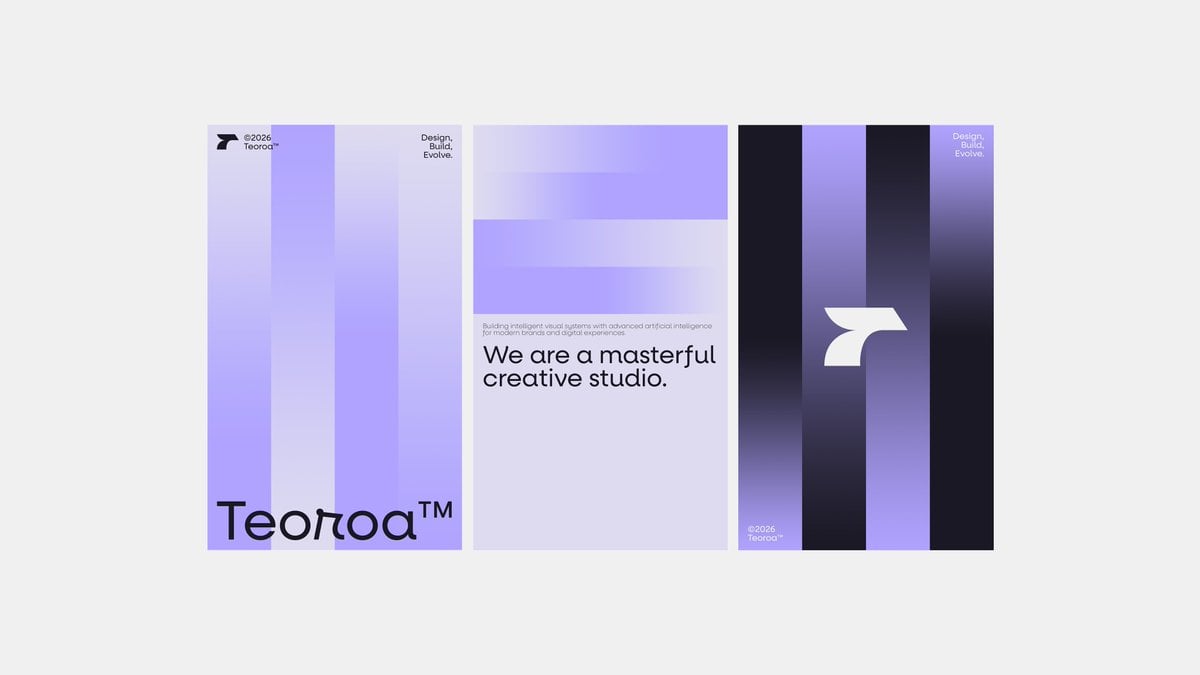
- Prompt included
- Model and format preset
- Free template
The prompt behind this image
Copy the exact prompt behind Minimalist Purple Brand Poster Triptych, or open it in the studio and make it yours.
- Type
- modern brand poster triptych mockup
- Style
- minimalist Swiss-inspired graphic design, clean editorial layout, futuristic creative studio branding, soft gradients, sharp vector shapes, spacious composition
- Subject › Brand Name
- {argument name="brand name" default="Teoroa"}
- Subject › Tagline
- {argument name="tagline" default="Design, Build, Evolve."}
- Subject › Headline
- {argument name="headline text" default="We are a masterful creative studio."}
- Subject › Body Copy
- {argument name="body text" default="Building intelligent visual systems with advanced artificial intelligence for modern brands and digital experiences."}
- Subject › Year Mark
- {argument name="year text" default="©2026"}
- Layout › Background
- light neutral gray canvas with three tall portrait posters centered horizontally and evenly spaced
- Layout › Sections › 0 › Title
- left poster
- Layout › Sections › 0 › Position
- left
- Layout › Sections › 0 › Count
- 4
- Layout › Sections › 0 › Labels
- small logo and ©2026 at top left, tagline at top right, large brand name across bottom, 4 vertical translucent gradient bars
- Layout › Sections › 0 › Design
- pale lavender poster with four wide vertical columns in slightly different purple and lilac tones, soft blur gradients, tiny black logo mark at the upper left, small black ©2026 and brand name text beside it, small stacked tagline in black at the upper right, oversized black logotype along the bottom edge
- Layout › Sections › 1 › Title
- center poster
- Layout › Sections › 1 › Position
- middle
- Layout › Sections › 1 › Count
- 4
- Layout › Sections › 1 › Labels
- tagline at top right, 2 horizontal translucent gradient bands, small paragraph above headline, large headline
- Layout › Sections › 1 › Design
- light lavender poster with two broad horizontal bars near the top in pale violet gradient, small stacked tagline in black at the upper right corner, a single line of tiny gray body text above a bold black sans-serif headline placed in the lower half, lots of empty space beneath
- Layout › Sections › 2 › Title
- right poster
- Layout › Sections › 2 › Position
- right
- Layout › Sections › 2 › Count
- 4
- Layout › Sections › 2 › Labels
- tagline at top right, large central symbol, small ©2026 and brand name at bottom left, 4 dark vertical gradient bars
- Layout › Sections › 2 › Design
- dark indigo-to-purple poster with four vertical bands alternating black, violet, and near-black gradients, small light tagline at the upper right, a large white abstract curved geometric logo centered slightly right, and tiny light ©2026 plus brand name at the lower left
- Layout › Overall Count
- 3
Raw JSON
{"type":"modern brand poster triptych mockup","style":"minimalist Swiss-inspired graphic design, clean editorial layout, futuristic creative studio branding, soft gradients, sharp vector shapes, spacious composition","subject":{"brand name":"{argument name=\"brand name\" default=\"Teoroa\"}","tagline":"{argument name=\"tagline\" default=\"Design, Build, Evolve.\"}","headline":"{argument name=\"headline text\" default=\"We are a masterful creative studio.\"}","body copy":"{argument name=\"body text\" default=\"Building intelligent visual systems with advanced artificial intelligence for modern brands and digital experiences.\"}","year mark":"{argument name=\"year text\" default=\"©2026\"}"},"layout":{"background":"light neutral gray canvas with three tall portrait posters centered horizontally and evenly spaced","sections":[{"title":"left poster","position":"left","count":4,"labels":["small logo and ©2026 at top left","tagline at top right","large brand name across bottom","4 vertical translucent gradient bars"],"design":"pale lavender poster with four wide vertical columns in slightly different purple and lilac tones, soft blur gradients, tiny black logo mark at the upper left, small black ©2026 and brand name text beside it, small stacked tagline in black at the upper right, oversized black logotype along the bottom edge"},{"title":"center poster","position":"middle","count":4,"labels":["tagline at top right","2 horizontal translucent gradient bands","small paragraph above headline","large headline"],"design":"light lavender poster with two broad horizontal bars near the top in pale violet gradient, small stacked tagline in black at the upper right corner, a single line of tiny gray body text above a bold black sans-serif headline placed in the lower half, lots of empty space beneath"},{"title":"right poster","position":"right","count":4,"labels":["tagline at top right","large central symbol","small ©2026 and brand name at bottom left","4 dark vertical gradient bars"],"design":"dark indigo-to-purple poster with four vertical bands alternating black, violet, and near-black gradients, small light tagline at the upper right, a large white abstract curved geometric logo centered slightly right, and tiny light ©2026 plus brand name at the lower left"}],"overall count":3},"color palette":{"count":5,"colors":["light gray background","pale lavender","soft lilac","medium violet","deep indigo-black"]},"typography":"bold modern geometric sans-serif with very large brand wordmark and headline, tiny editorial supporting text, high contrast scale changes","rendering":"flat graphic design mockup, crisp print-ready poster presentation, subtle glow and gradient transparency, no people, no 3D objects"}How to use Minimalist Purple Brand Poster Triptych in 3 steps
- 1Upload ImagePNG, JPG or paste
Add your photo
Upload the photo the template builds on. The prompt, model and format are already set.
- 2…a portrait of your subject in softgolden-hour light, 85mm…
Personalize
Edit the subject and creative details for your destination.
- 3Generate
Generate
Press Generate — your image is created in PicX Studio, so you can compare it with the original and refine one variable at a time.
More like this
Templates with the same subject, style or setup. Open one to see its prompt.

Luxury Fashion Campaign Typography Poster System

Premium Fashion Editorial Campaign Poster System
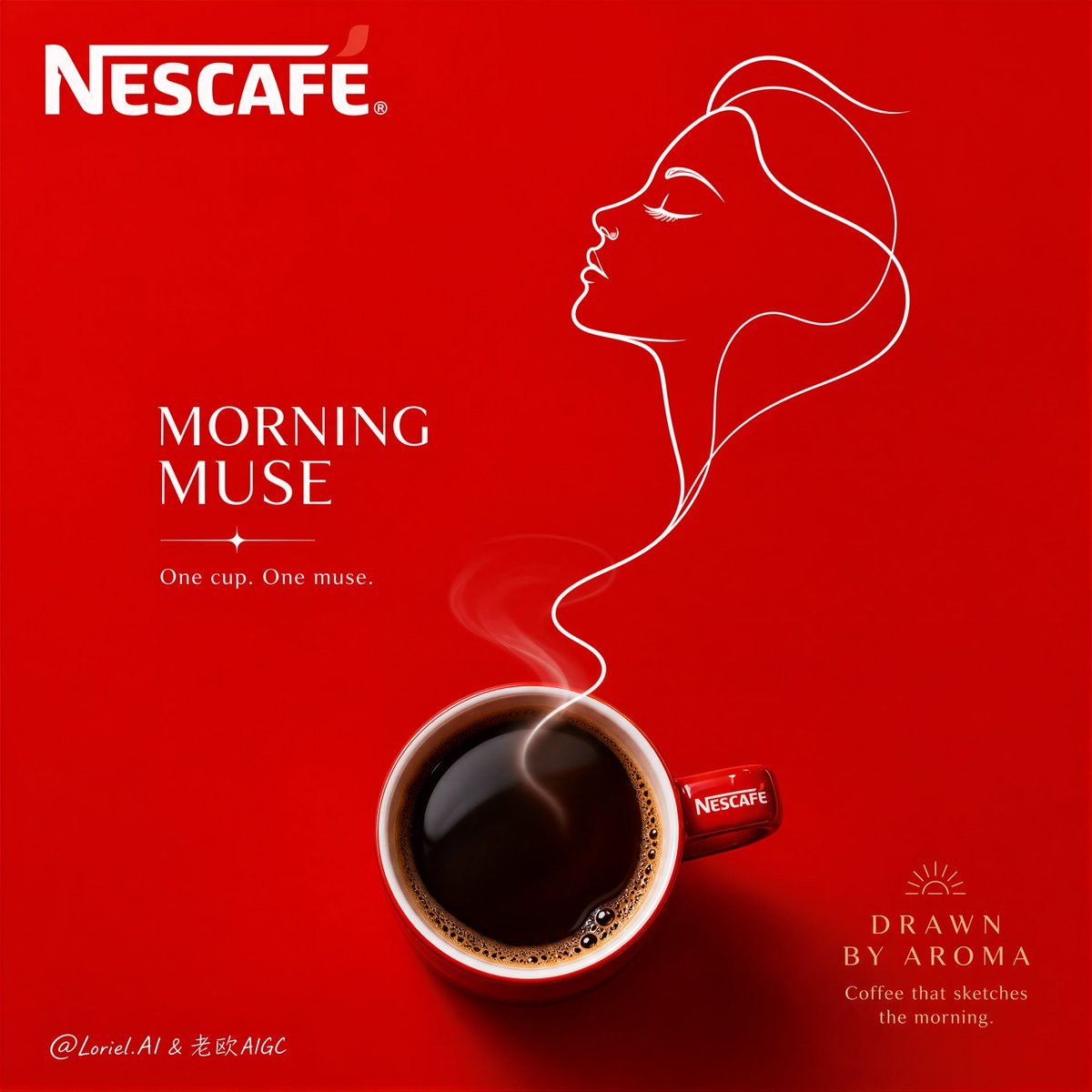
Minimalist Nescafé Brand Poster

Premium Vintage Travel Poster Landscape
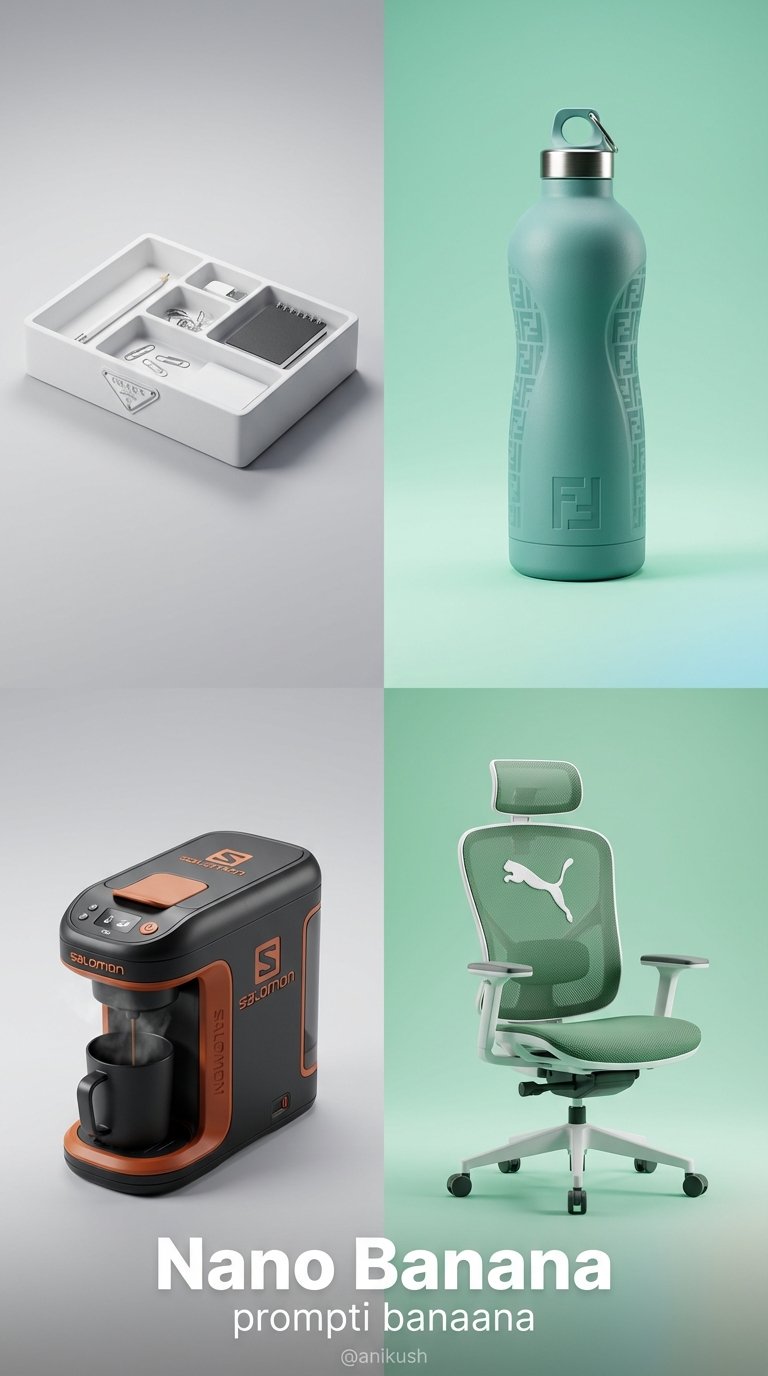
Minimalist Luxury Brand Concept

Japan Travel Brochure Poster
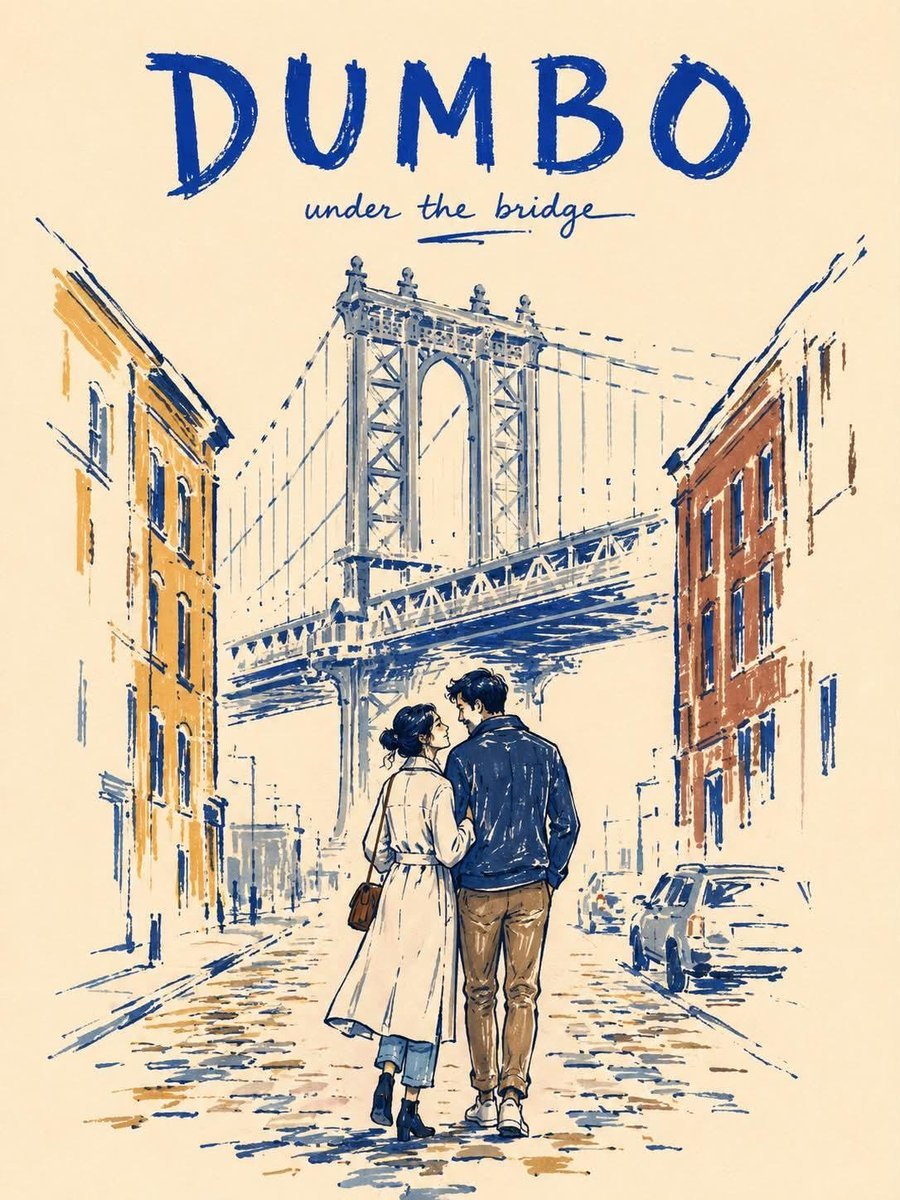
Minimalist Marker Travel Poster

Minimalist Olive Green Editorial Poster
Minimalist Marker Pen NYC Travel Poster
Japanese Minimalist Editorial Fashion Poster
Minimalist Tokyo City Line-Art Poster
Purple Mechanical Goddess Triptych
Make it yours
Minimalist Purple Brand Poster Triptych works as-is. These are the safest ways to change it without losing the look.
Swap the setting
Keep the rest of the prompt and replace the location block. The current setting is “light neutral gray canvas with three tall portrait posters centered horizontally”.
Change one field
Copy a single group, rewrite it, and generate again so you can see what that field is doing.
Keep the frame, change the subject
Hold the composition and light of Minimalist Purple Brand Poster Triptych, then swap wardrobe, props or the person for a new take.
| If the result… | Why | Fix |
|---|---|---|
| The result drifts from the preview | Too many fields changed at once. | Reuse Minimalist Purple Brand Poster Triptych as-is first, then change one group — subject, light, or setting. |
| GPT Image 2 ignores part of the JSON | Some models flatten or skip nested keys. | Keep the same values and paste them as a short paragraph instead. |
More GPT Image 2 templates
Other prompts made for GPT Image 2.

Six VTuber Japanese Logo Sheet

Realistic Portrait of Woman and Deer

The Vista Modular Condo Poster

AI Model Routing Comparison Infographic

2.5D Anime Art Board

Isometric Productivity Desk Scene

New York Double Exposure Poster

Four-Panel AI Landscape Comparison

Japanese Tatami Lifestyle Magazine Cover

NESCAFÉ Coffee Map Poster
More image prompts
Fresh picks from across the catalog.
Glam Editorial Fashion Shoot with Rose Theme
Smoke Memory Portrait

Stunning Photo Prompt for Gemini Nano Banana (Generic)
Geometric Bird Riding Bicycle

Zhu Bajie 3D Character Poster
Chrome Ripple Flow Product Photography Prompt
Luxury Fragrance Advertising Photography Prompt

Ultra-Cute Chibi Character Prompt
Concrete Wall with ASR Map Cracking

Renaissance Window Light Portrait Prompt with Reference Lock
Browse template categories
Minimalist Purple Brand Poster Triptych questions
How do I use the Minimalist Purple Brand Poster Triptych template?
Add your photo if the template asks for one, edit the prompt if you like — the template's model and format are already selected — and press Generate. Your version opens in PicX Studio.
Can I customize the Minimalist Purple Brand Poster Triptych template?
Yes. You can change the subject, setting, lighting, mood, format, and available model controls before creating your image.
Is the Minimalist Purple Brand Poster Triptych template free?
Opening and editing this template is free. Generating uses credits, shown on the Generate button when you are signed in.
Which AI model should I use?
Start with GPT Image 2, which is the model associated with this template. You can compare another compatible model for a different finish.
Looking for something else? Browse all templates.

Your photo, any look
Thousands of ready templates for every top image and video model, from one credit balance.