
Zhu Bajie 3D Character Poster
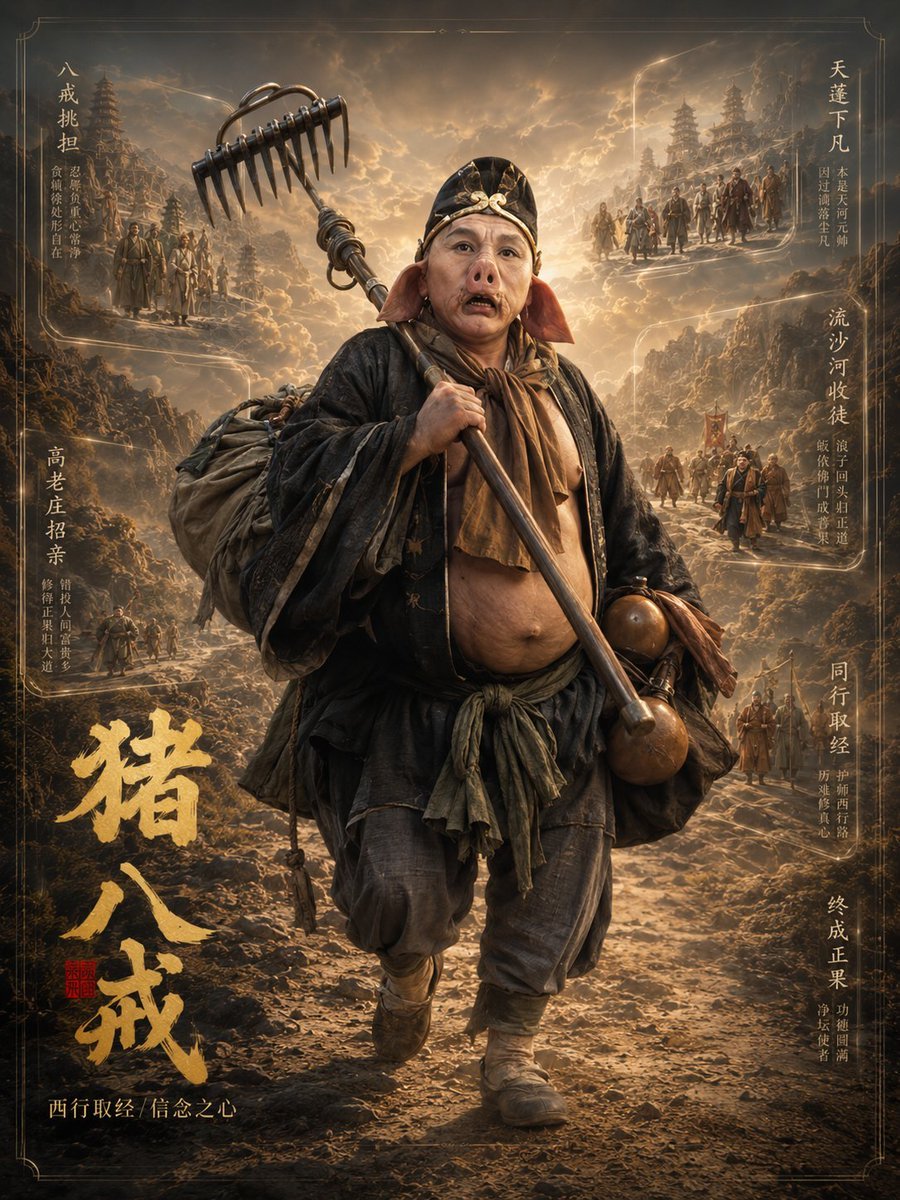
A cinematic 3D fantasy character-profile poster of Zhu Bajie from Journey to the West with ornate Chinese calligraphy and mythic story vignettes.
- Prompt included
- Model and format preset
- Premium template
The prompt behind this image
Copy the exact prompt behind Zhu Bajie 3D Character Poster, or open it in the studio and make it yours.
Goal: Create a cinematic vertical character-profile poster for a dark fantasy Journey to the West returning-heroes series, focused on {argument name="character name" default="猪八戒"}. The image should feel like a high-end 3D/photoreal fantasy movie key art poster, with the character standing full body in the foreground and breaking the poster frame with his weapon. Canvas: Vertical 3:4 poster, aged parchment and bronze-gold color palette, ornate thin border lines at the edges, dramatic backlit clouds, dusty mountain road, ancient Chinese pagodas and pilgrimage scenery in the distance. Main subject: One full-body stocky monk-warrior figure, Zhu Bajie inspired, centered and walking toward the viewer. He has a large round belly exposed under loose layered dark travel robes, worn cloth pants, wrapped boots, a scarf at the neck, a bundled traveler backpack over one shoulder, and two round brown gourds tied at his right side. His face is deliberately covered by a plain soft-edged brown rectangular blur mask, while the rest of the body remains sharp and detailed. He carries an oversized nine-toothed rake weapon diagonally across his body; the metal rake head rises above the upper left area and visually breaks out of the frame. The weapon should look heavy, metallic, ancient, and battle-worn. Background layout: Behind the main figure, show layered narrative scenes embedded into the cloudy mountain landscape like glowing sepia memory panels. Use exactly 7 small story vignette areas with Chinese vertical calligraphy captions: 3 on the left side and 4 on the right side. The vignettes should depict tiny robed pilgrims, monks, soldiers, mountain paths, temple silhouettes, and journey scenes, all integrated into the environment rather than as modern boxes. Visible text: Add a large brush-calligraphy gold title near the lower left reading {argument name="large title text" default="猪八戒"}. Add a small red seal stamp beside it. Add a small gold subtitle along the bottom left reading {argument name="subtitle text" default="西行取经|信念之心"}. Add the 7 vertical side captions as decorative Chinese calligraphy: left side captions include {argument name="left side captions" default="一戒挑担;高老庄招亲;贪嗔痴处皆自在人"}; right side captions include {argument name="right side captions" default="天蓬下凡;流沙河收徒;同行取经;终成正果"}. Make the calligraphy legible but secondary, with thin explanatory microtext beside some captions. Style: Ultra-detailed 3D character render blended with painterly cinematic concept art, warm golden rim light from the cloudy sky, volumetric dust, dramatic depth, intricate fabric texture, mud and wear on clothing, ornate historical Chinese fantasy design, epic mythological atmosphere. Use a muted brown, amber, charcoal, and gold palette. High contrast, sharp foreground, atmospheric background. Constraints: Include exactly 1 central character, exactly 1 oversized nine-toothed rake, exactly 1 backpack bundle, exactly 2 hanging gourds, exactly 7 side-story vignette caption areas, and 1 large gold calligraphy title. Do not add modern UI elements, English text, watermarks, logos, or extra characters in the foreground.
How to use Zhu Bajie 3D Character Poster in 3 steps
- 1Upload ImagePNG, JPG or paste
Add your photo
Upload the photo the template builds on. The prompt, model and format are already set.
- 2…a portrait of your subject in softgolden-hour light, 85mm…
Personalize
Edit the subject and creative details for your destination.
- 3Generate
Generate
Press Generate — your image is created in PicX Studio, so you can compare it with the original and refine one variable at a time.
More like this
Templates with the same subject, style or setup. Open one to see its prompt.

Japan Travel Brochure Poster

Cartoon TV Show Poster Pack

Trendy Cafe Drink Promo Poster

Urban Fashion Editorial Collage Streetwear Poster

Premium Fashion Editorial Cover Layout System

Polo Ralph Lauren Luxury American Heritage Fashion Campaign

Monochrome Halftone Editorial Fashion Poster

Retro Mirror Luxury Fashion Campaign Poster

Luxury Fashion Campaign Typography Poster System

Premium Fashion Editorial Campaign Poster System

Ultra-Stylized High-Fashion Streetwear Poster

Urban Fashion Editorial Collage Poster
Make it yours
Zhu Bajie 3D Character Poster works as-is. These are the safest ways to change it without losing the look.
Change one field
Copy a single group, rewrite it, and generate again so you can see what that field is doing.
Keep the frame, change the subject
Hold the composition and light of Zhu Bajie 3D Character Poster, then swap wardrobe, props or the person for a new take.
| If the result… | Why | Fix |
|---|---|---|
| The result drifts from the preview | Too many fields changed at once. | Reuse Zhu Bajie 3D Character Poster as-is first, then change one group — subject, light, or setting. |
| The model over-stylizes the scene | The prose prompt leaves finish and camera underspecified. | Add one camera or lighting sentence and stay on GPT Image 2. |
More GPT Image 2 templates
Other prompts made for GPT Image 2.

Six VTuber Japanese Logo Sheet

Realistic Portrait of Woman and Deer

The Vista Modular Condo Poster

AI Model Routing Comparison Infographic

2.5D Anime Art Board

Isometric Productivity Desk Scene

New York Double Exposure Poster

Four-Panel AI Landscape Comparison

Japanese Tatami Lifestyle Magazine Cover

NESCAFÉ Coffee Map Poster
More image prompts
Fresh picks from across the catalog.

Cafe Portrait Glare Removal Comparison
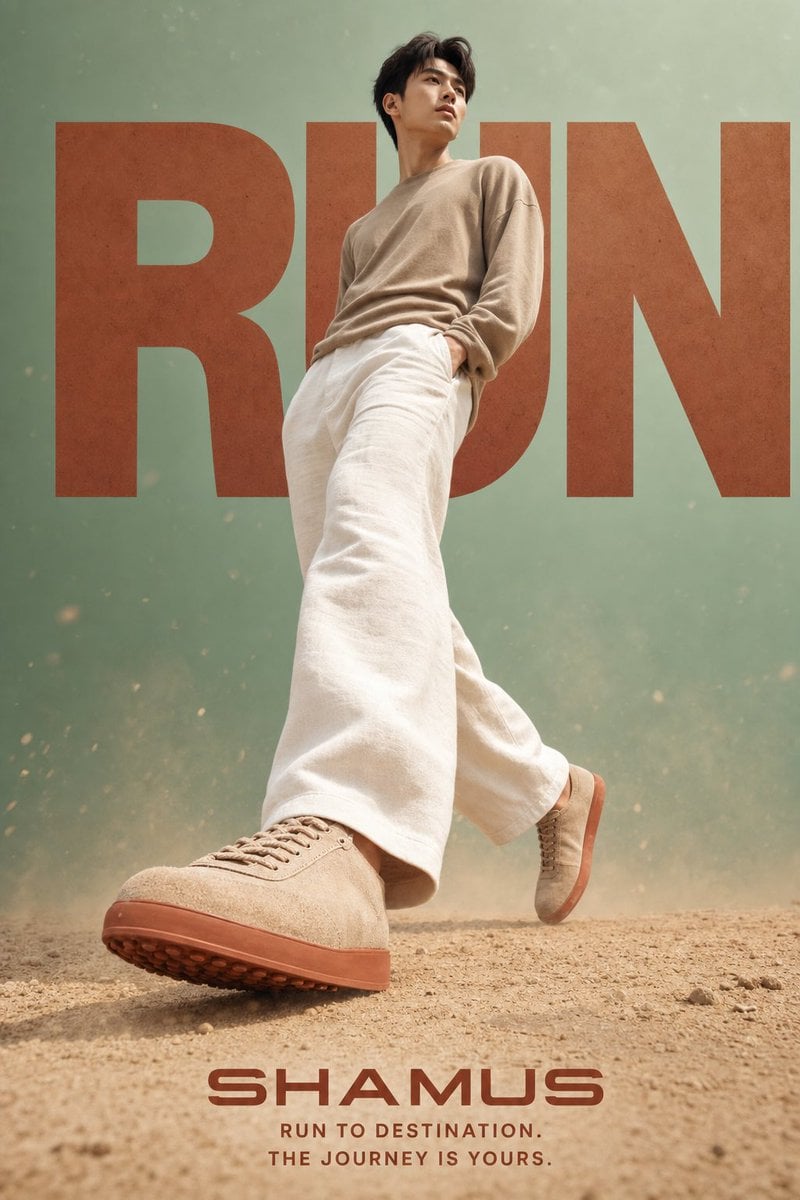
Lifestyle Sneaker Editorial Poster
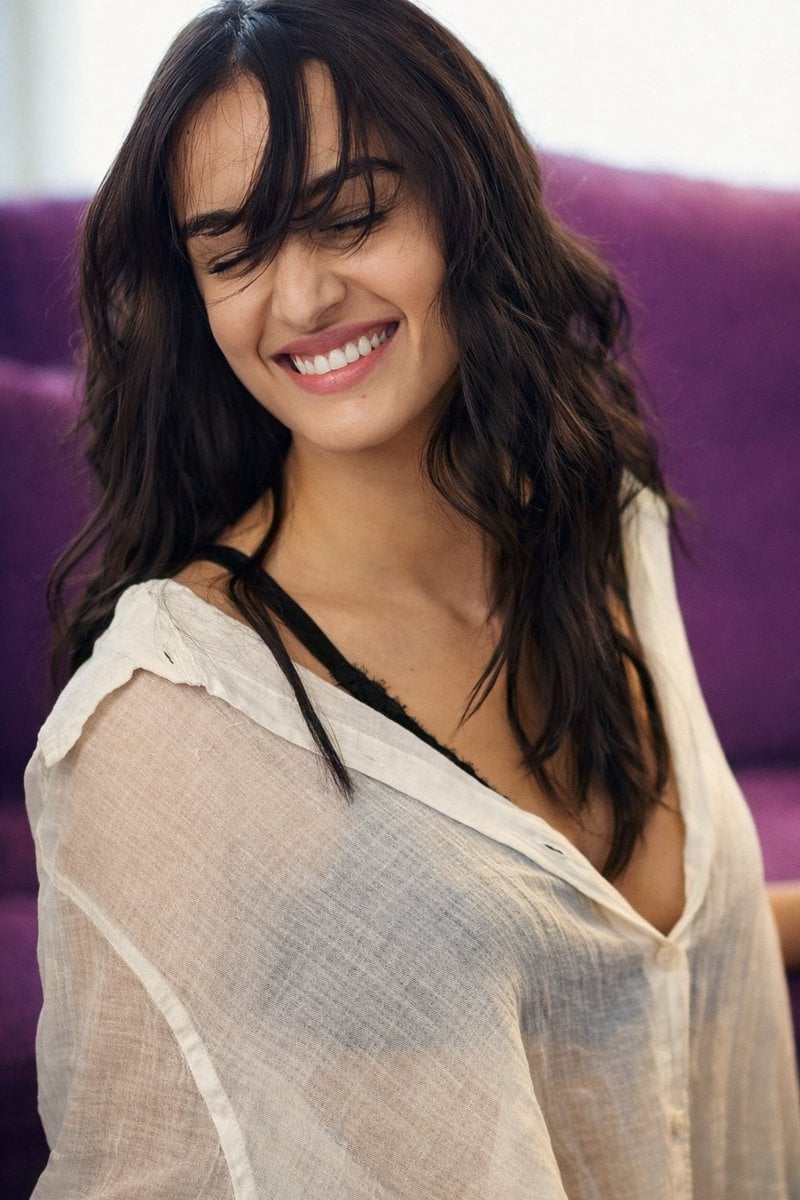
Photorealistic Image Prompt for Shraddha Kapoor in White
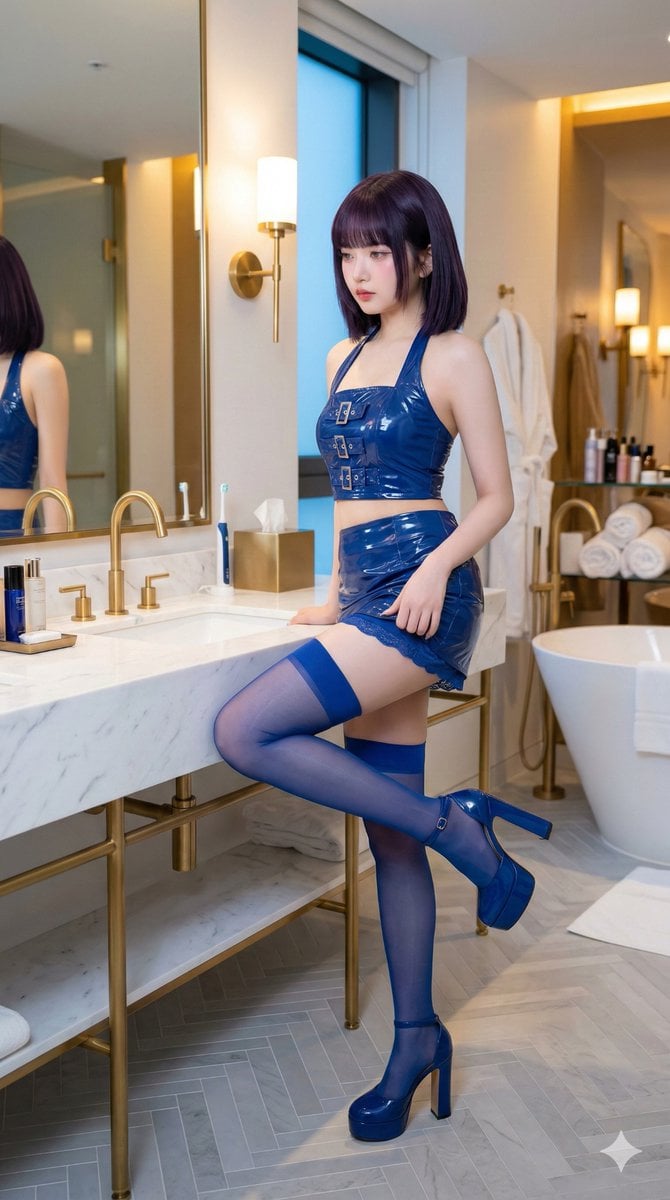
IVE's An Yujin in Luxury Bathroom
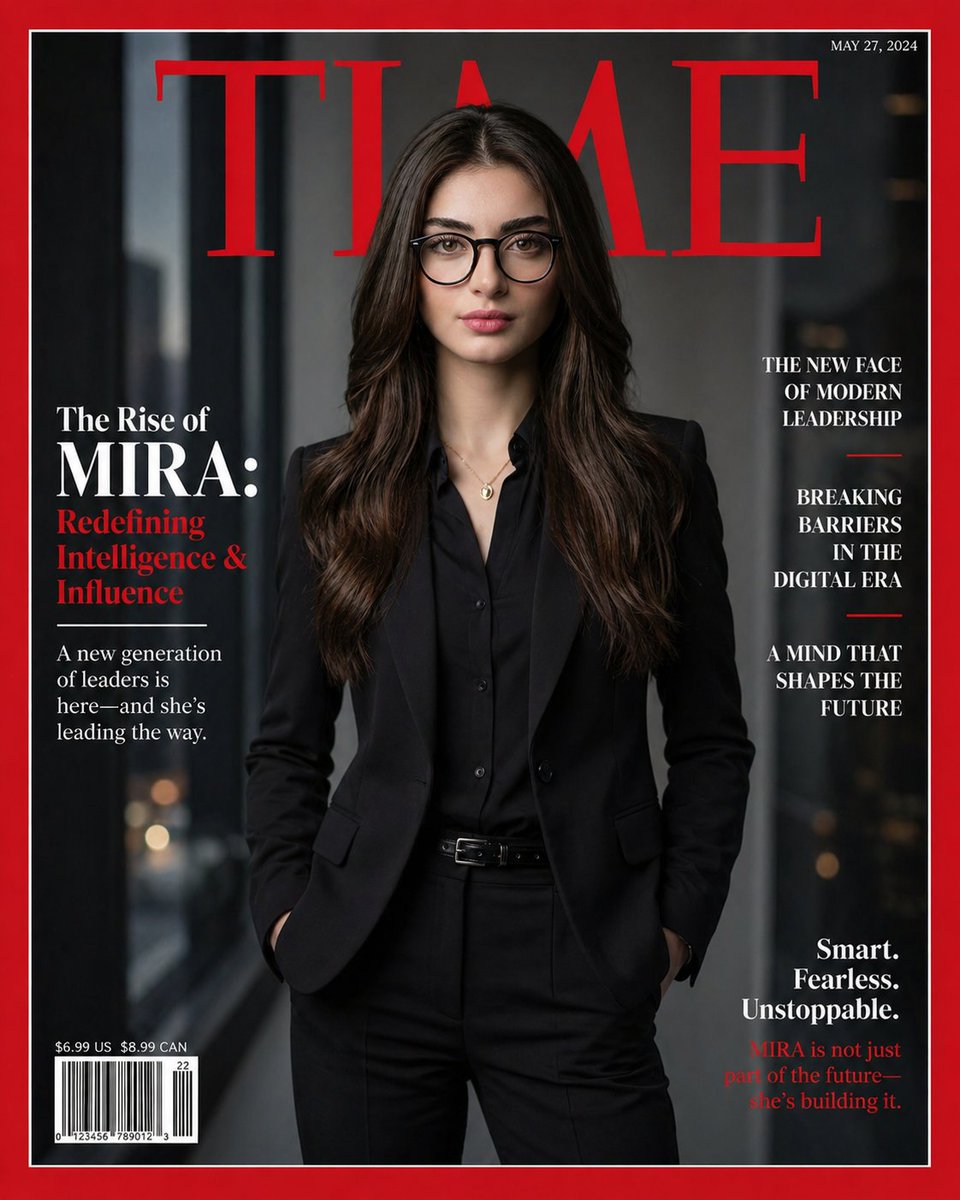
Personalized TIME magazine cover
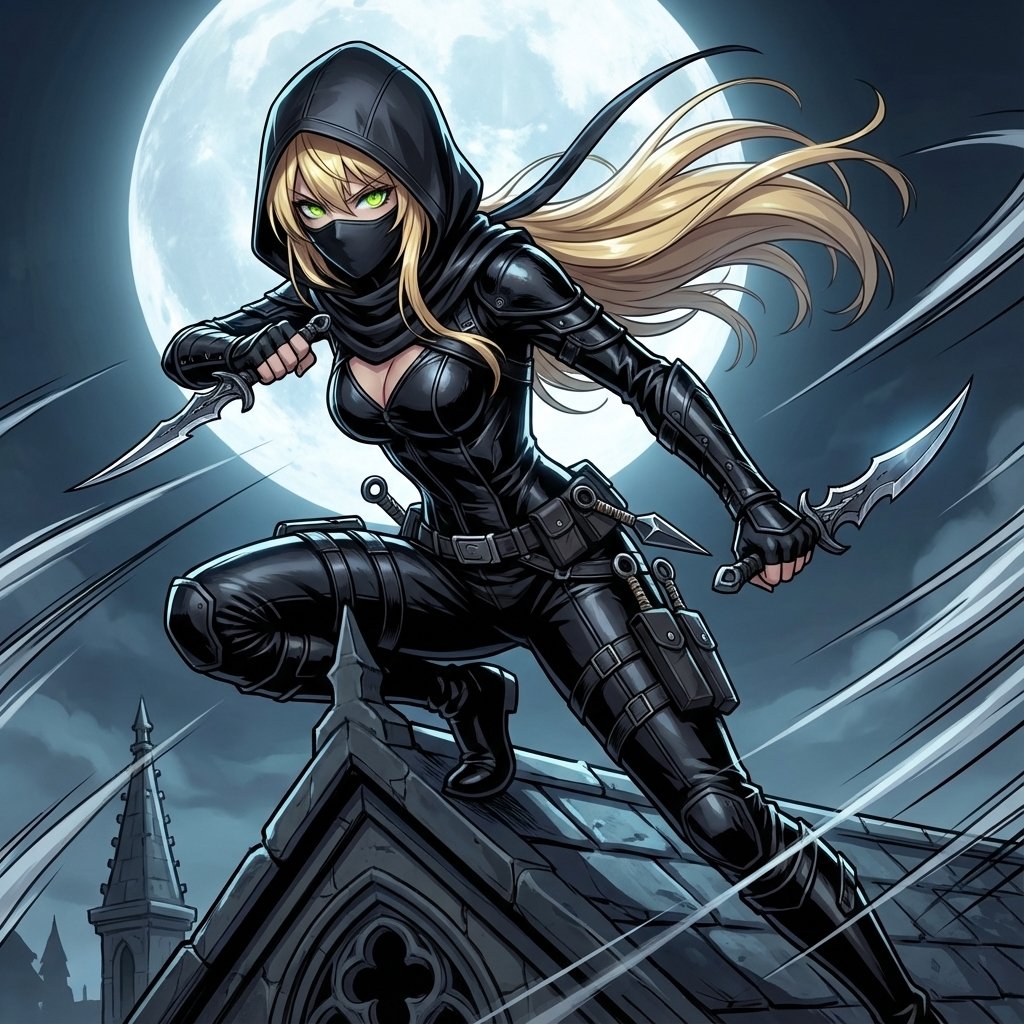
Assassin Style Conversion Prompt (Japanese)
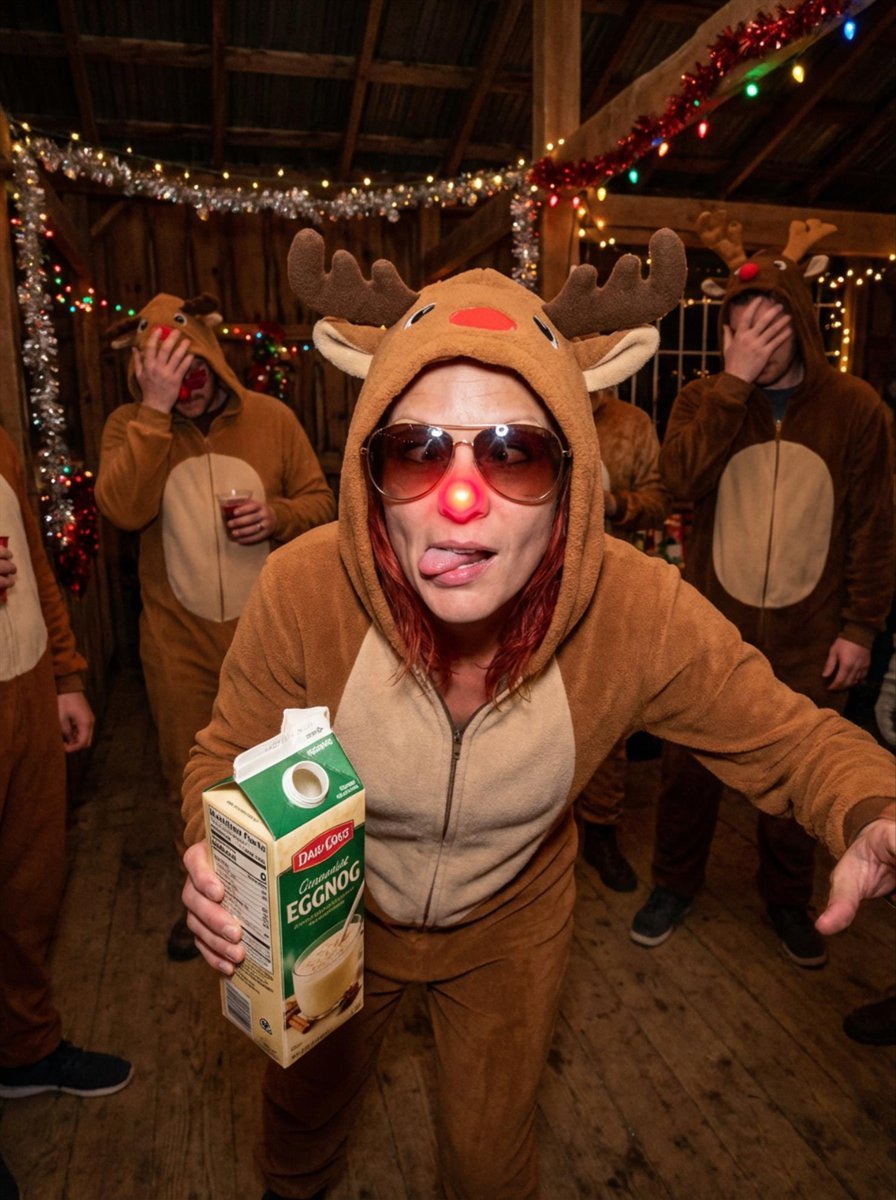
Human Christmas Present with a Bulldog
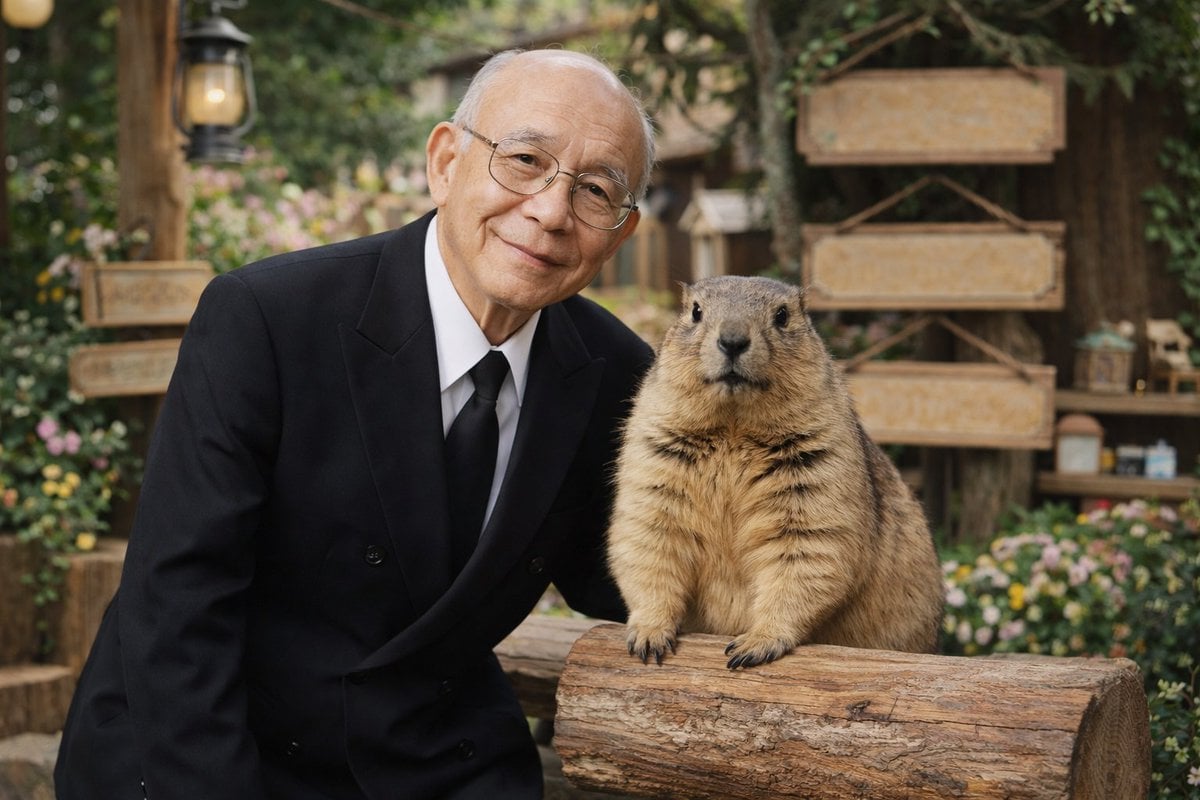
Elderly Man and Marmot Portrait
Editorial Winter Poster Collage with Strict Face Preservation
Extreme Close-Up Laughing Couple Portrait
Browse template categories
Zhu Bajie 3D Character Poster questions
How do I use the Zhu Bajie 3D Character Poster template?
Add your photo if the template asks for one, edit the prompt if you like — the template's model and format are already selected — and press Generate. Your version opens in PicX Studio.
Can I customize the Zhu Bajie 3D Character Poster template?
Yes. You can change the subject, setting, lighting, mood, format, and available model controls before creating your image.
Is the Zhu Bajie 3D Character Poster template free?
Opening and editing this template is free. Generating uses credits, shown on the Generate button when you are signed in.
Which AI model should I use?
Start with GPT Image 2, which is the model associated with this template. You can compare another compatible model for a different finish.
Looking for something else? Browse all templates.

Your photo, any look
Thousands of ready templates for every top image and video model, from one credit balance.