
Chrome Ripple Flow Product Photography Prompt
A complex product photography prompt focusing on generating a floating product with matte black and metallic silver finishes, centrally placed within a single, continuous, undulating background surface featuring a fine…
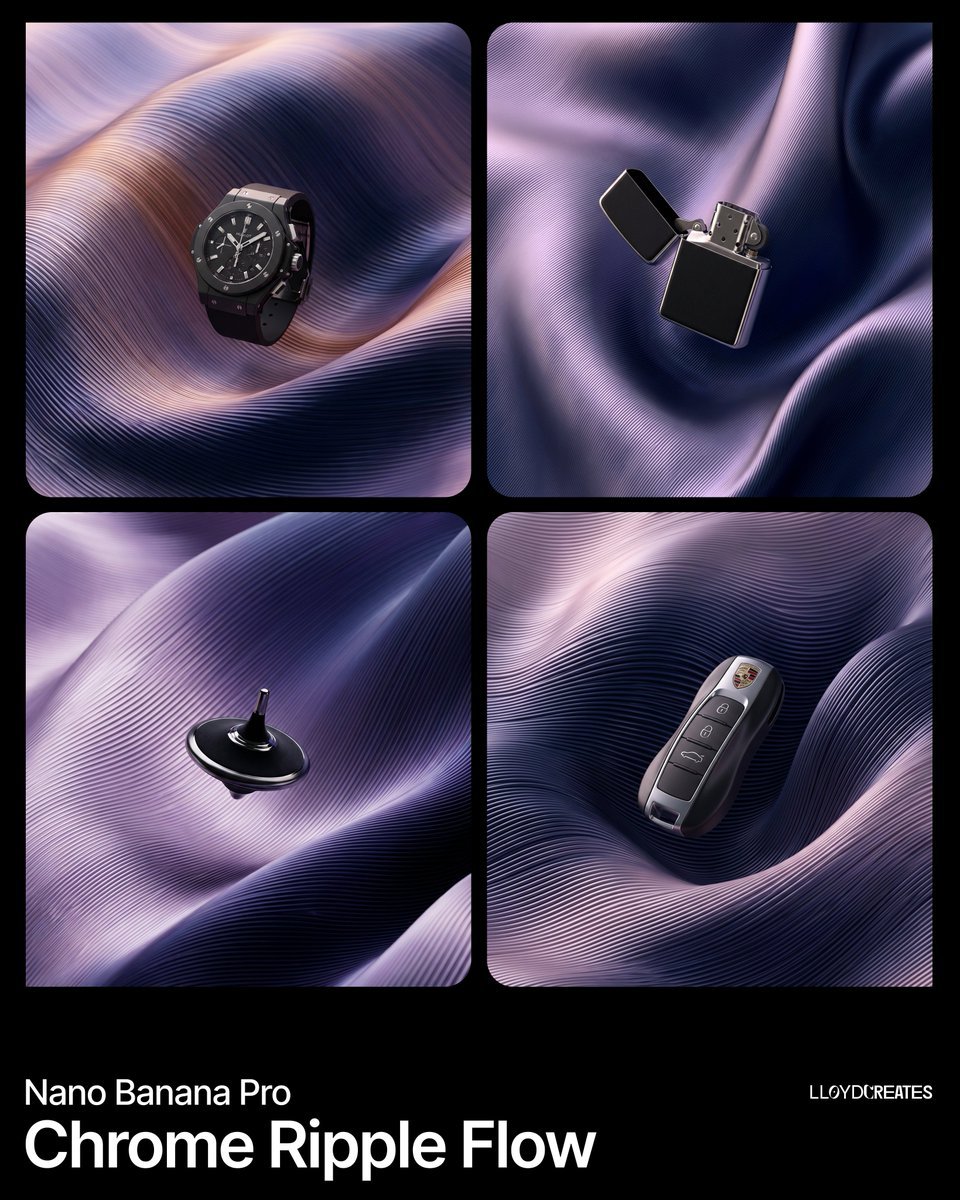
- Prompt included
- Model and format preset
- Premium template
The prompt behind this image
Copy the exact prompt behind Chrome Ripple Flow Product Photography Prompt, or open it in the studio and make it yours.
{ "image_generation_request": { "subject": "{argument name="product name" default="PRODUCT"}", "product_finish": { "primary": "matte black with subtle light absorption", "secondary": "polished metallic silver with mirror-like reflections", "treatment": "duotone — matte black body with metallic silver accents, trim, edges, or panel insets" }, "composition": { "placement": "dead center, full view, floating suspended within the folded surface environment", "scale": "product occupies roughly 30-40% of the frame", "constraints": [ "product must be entirely visible with no cropping", "no pedestals, stands, platforms, or ground planes", "the surface folds frame the product but never obscure more than 10% of it", "product is the sharpest element in the scene" ] }, "background_environment": { "description": "A single continuous undulating surface that fills the entire frame, folding over and around itself in large voluminous waves — like a massive sheet of pleated metallic silk or a single machined metal panel that has been softly twisted and draped. This is NOT multiple separate ribbons or strands. It is ONE connected surface.", "base_color": "{argument name="deep background color" default="INSERT DEEP BACKGROUND COLOR visible in crevices — e.g. pure black, midnight navy"}", "surface_color_1": "{argument name="gradient color A" default="INSERT GRADIENT COLOR A — e.g. soft lavender, warm copper, pearl rose"}", "surface_color_2": "[INSERT GRADIENT COLOR B — e.g. deep indigo, cobalt blue, violet]", "color_behavior": "The two colors blend in a smooth continuous gradient across the single surface, shifting based on the surface's curvature and light angle. Where the surface faces the light it shows color_1, where it curves away it transitions to color_2. The transition is seamless with no hard edges or stripes.", "surface_texture": { "type": "fine parallel ribs embossed into the surface — like the grooves on a vinyl record or finely pleated accordion fabric", "rib_description": "extremely fine, uniform, tightly spaced parallel lines that follow the flow direction of the surface. The ribs are a TEXTURE on the surface, not separate objects. They create a subtle corrugated micro-relief that catches light along each tiny ridge.", "rib_density": "very high — approximately 50-100 visible lines per inch of surface, creating a dense linear grain", "rib_depth": "shallow — the ribs are subtle surface detail, not deep cuts. They create gentle highlight-shadow alternation across the surface" }, "surface_form": { "fold_style": "large, smooth, voluminous folds like draped heavy silk — broad sweeping curves with gentle twists", "fold_count": "3-5 major folds visible, each one wide and generous, NOT many small tangled ribbons", "fold_behavior": "folds overlap softly, tucking under and over each other with smooth transitions. Where folds meet they create dee"
How to use Chrome Ripple Flow Product Photography Prompt in 3 steps
- 1
Open
The prompt is already in the box next to the preview, with the template's model and format selected.
- 2…a portrait of your subject in softgolden-hour light, 85mm…
Personalize
Edit the subject and creative details for your destination.
- 3Generate
Generate
Press Generate — your image is created in PicX Studio, so you can compare it with the original and refine one variable at a time.
More like this
Templates with the same subject, style or setup. Open one to see its prompt.
Product Elemental Lifestyle - Midjourney v7/v8

Flower Petal Sunglasses Couture Portrait
Unfolds beside a tranquil pond, where gentle ripples catch the warm

Mountain Valley Lifestyle Portrait

青蛇小青写真大片,绿色紧身蛇鳞裙,湿发红唇,妖娆妩媚

A double exposure, long exposure editorial photograph of a man Use image

Portrait of a young woman in her early 20s walking calmly on a beautiful

Artistic portrait of an elegant Asian woman wearing a black silk

A high-quality photo collage featuring the same person with identical

LIGHTING each element still lit by its original source, windows casting

A 3x3 grid storyboard contact sheet comprised of nine candid, cinematic

A high-definition cinematic portrait of a sophisticated woman sitting
Make it yours
Chrome Ripple Flow Product Photography Prompt works as-is. These are the safest ways to change it without losing the look.
Change one field
Copy a single group, rewrite it, and generate again so you can see what that field is doing.
Keep the frame, change the subject
Hold the composition and light of Chrome Ripple Flow Product Photography Prompt, then swap wardrobe, props or the person for a new take.
| If the result… | Why | Fix |
|---|---|---|
| The result drifts from the preview | Too many fields changed at once. | Reuse Chrome Ripple Flow Product Photography Prompt as-is first, then change one group — subject, light, or setting. |
| The model over-stylizes the scene | The prose prompt leaves finish and camera underspecified. | Add one camera or lighting sentence and stay on Nano Banana 2. |
More Nano Banana 2 templates
Other prompts made for Nano Banana 2.

Photorealistic Leaf Shaped Like a Dragon

K-Pop Idol Portrait Grid for Rapid Selection

Poetic Rain Forest Portrait During Golden Hour

Urban Street Portrait with Cartoon Inner Self Duo

Candid Nighttime Photo with Cat Prompt

High-Concept 3D Diorama Generation Prompt

Cinematic Futuristic Studio Portrait Template

Skincare Editorial Photography Collage Prompt

Hyper-Realistic Commercial Product Photography (Splash Effect)

Hyper-Realistic Nightclub Portrait Prompt
More image prompts
Fresh picks from across the catalog.
Minimalist Fashion Portrait with Sculptural Bodice
Anime Korean woman in forest
Luxury Editorial Fashion Board
Chicago Bulls Arena Portrait
Y2K Anime Streetwear Model
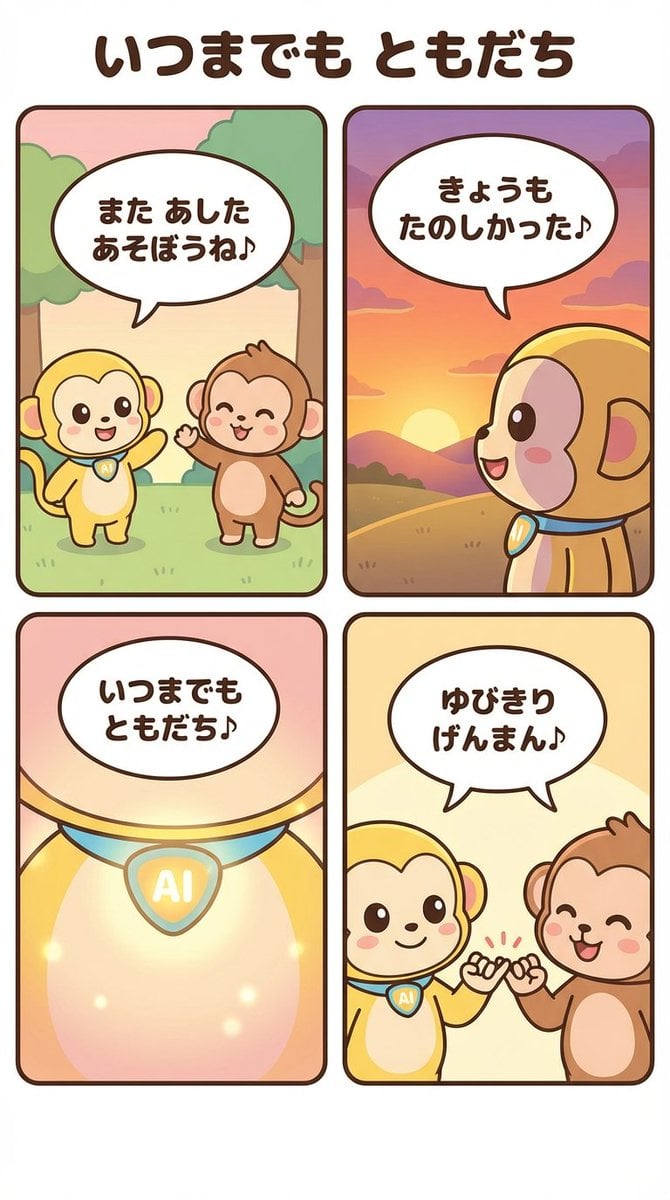
Generating a 4-Panel Comic Strip: 'Friends Forever'
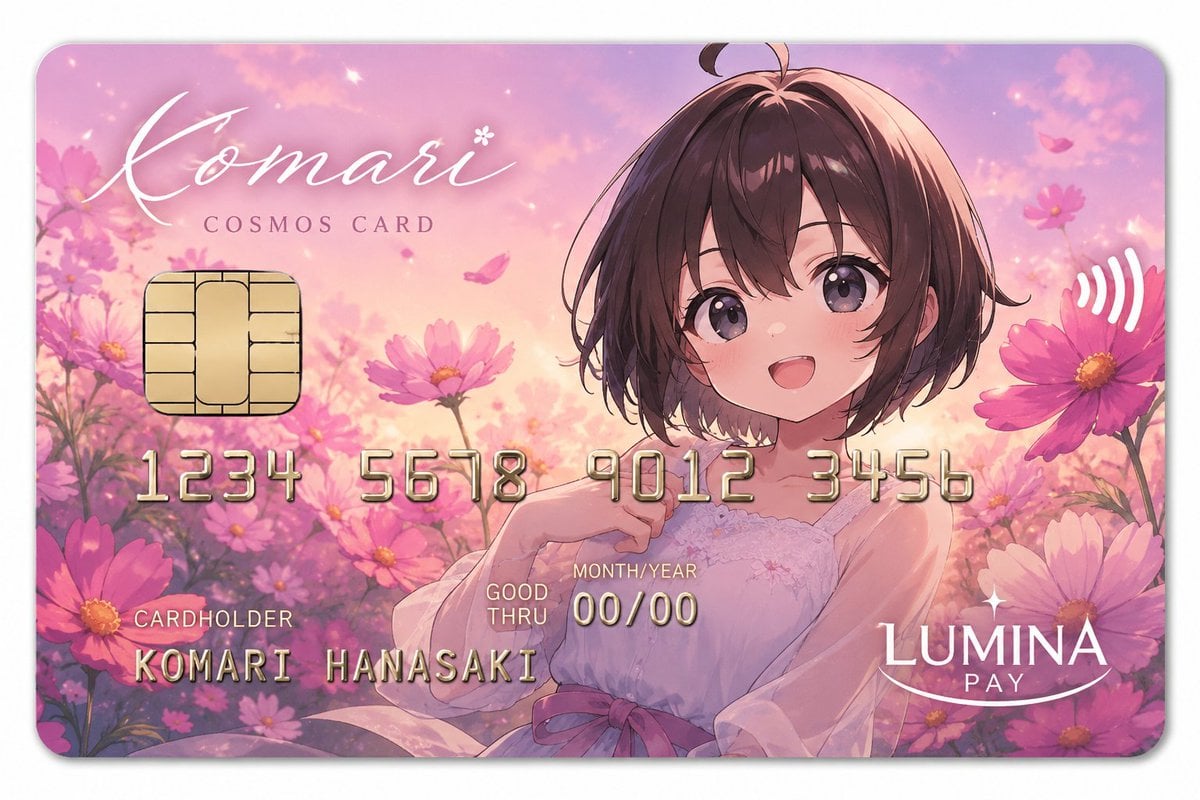
Anime Cosmos Payment Card
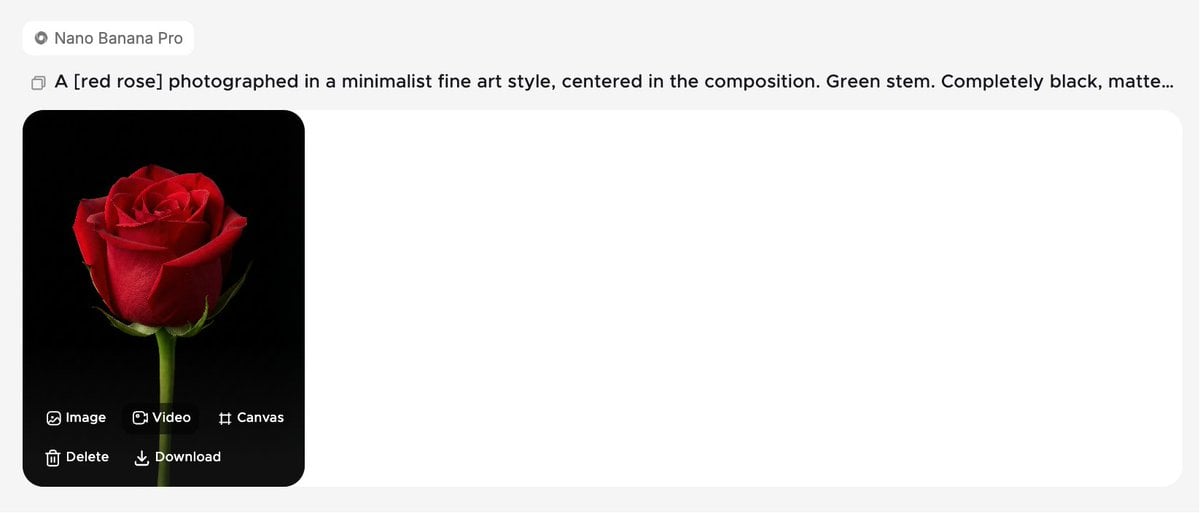
Minimalist Fine Art Flower Macro
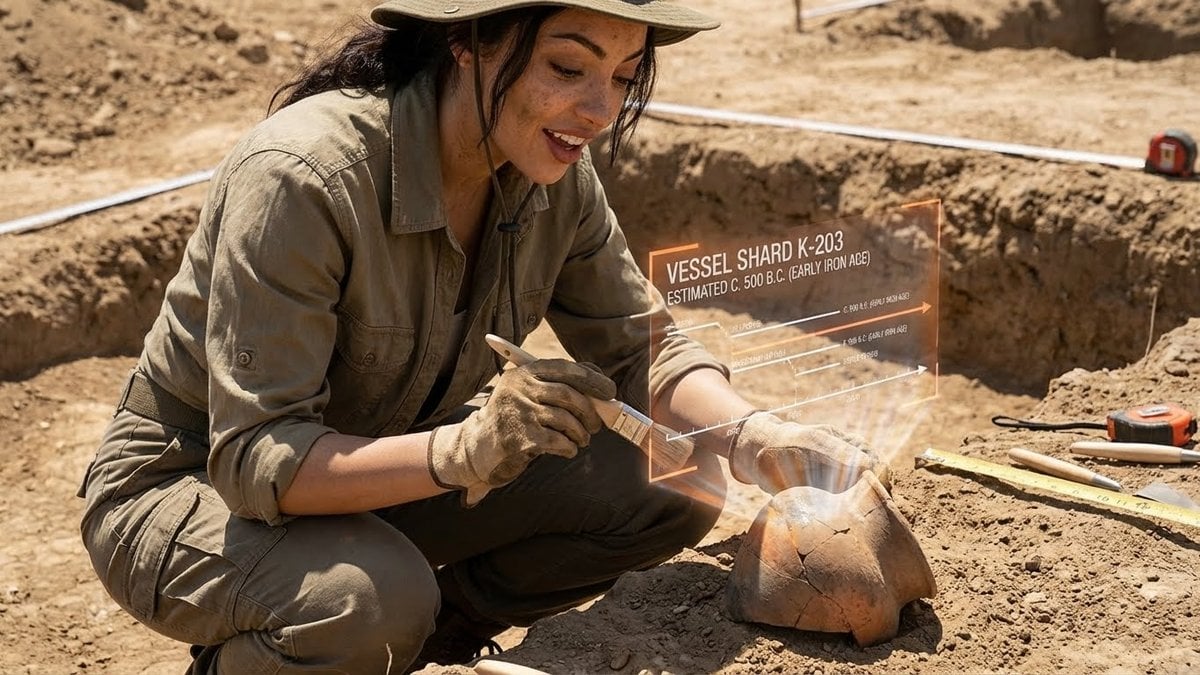
Structured Prompt for Archaeological Dig Scene with 3D Data Overlay
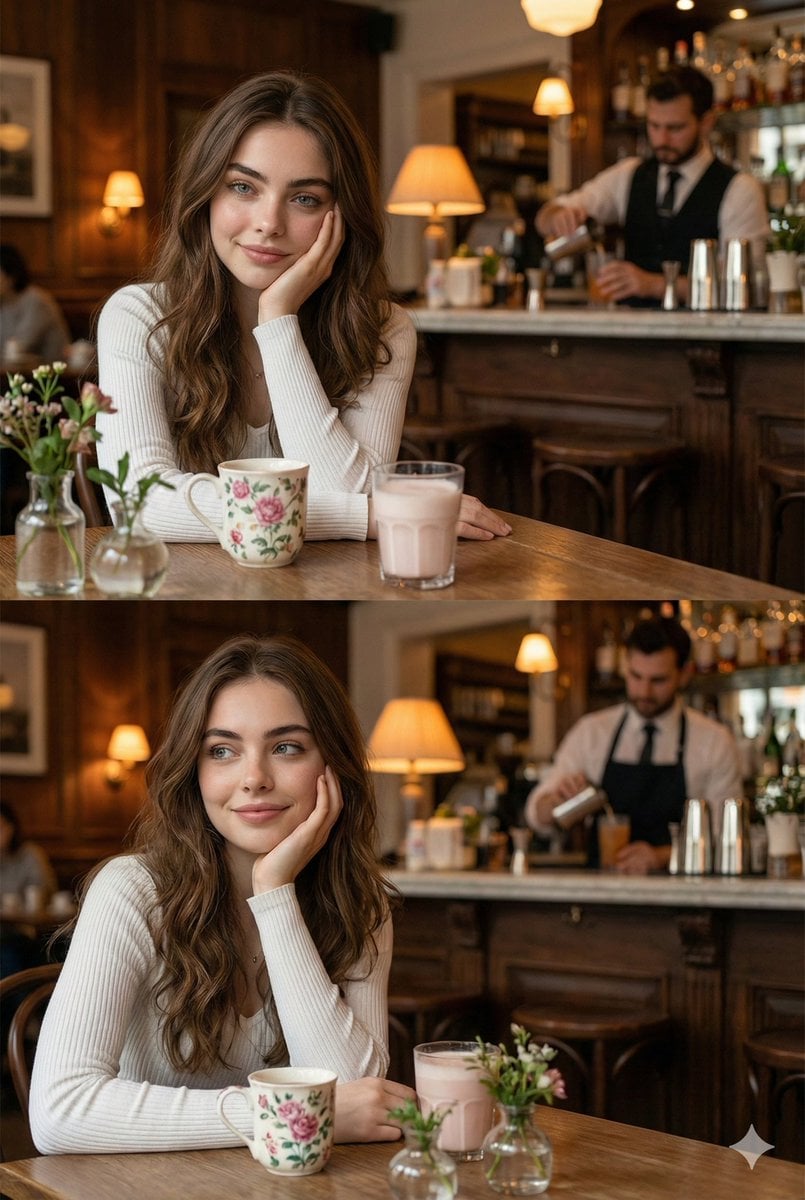
Hyper-realistic photo of a young woman in a cozy café
Browse template categories
Chrome Ripple Flow Product Photography Prompt questions
How do I use the Chrome Ripple Flow Product Photography Prompt template?
Add your photo if the template asks for one, edit the prompt if you like — the template's model and format are already selected — and press Generate. Your version opens in PicX Studio.
Can I customize the Chrome Ripple Flow Product Photography Prompt template?
Yes. You can change the subject, setting, lighting, mood, format, and available model controls before creating your image.
Is the Chrome Ripple Flow Product Photography Prompt template free?
Opening and editing this template is free. Generating uses credits, shown on the Generate button when you are signed in.
Which AI model should I use?
Start with Nano Banana 2, which is the model associated with this template. You can compare another compatible model for a different finish.
Looking for something else? Browse all templates.

Your photo, any look
Thousands of ready templates for every top image and video model, from one credit balance.