
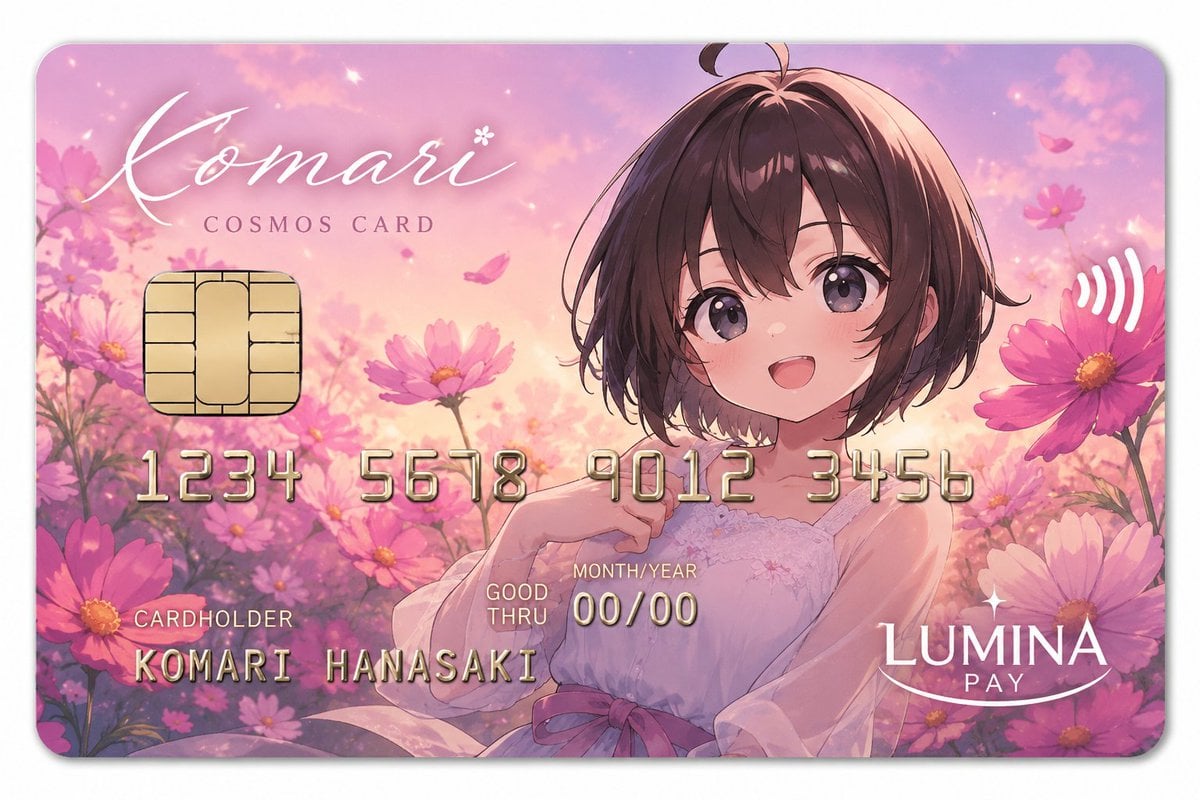
Anime Cosmos Payment Card
Generates a pastel anime-style fantasy payment card with cosmos flowers, embossed details, and customizable card branding.
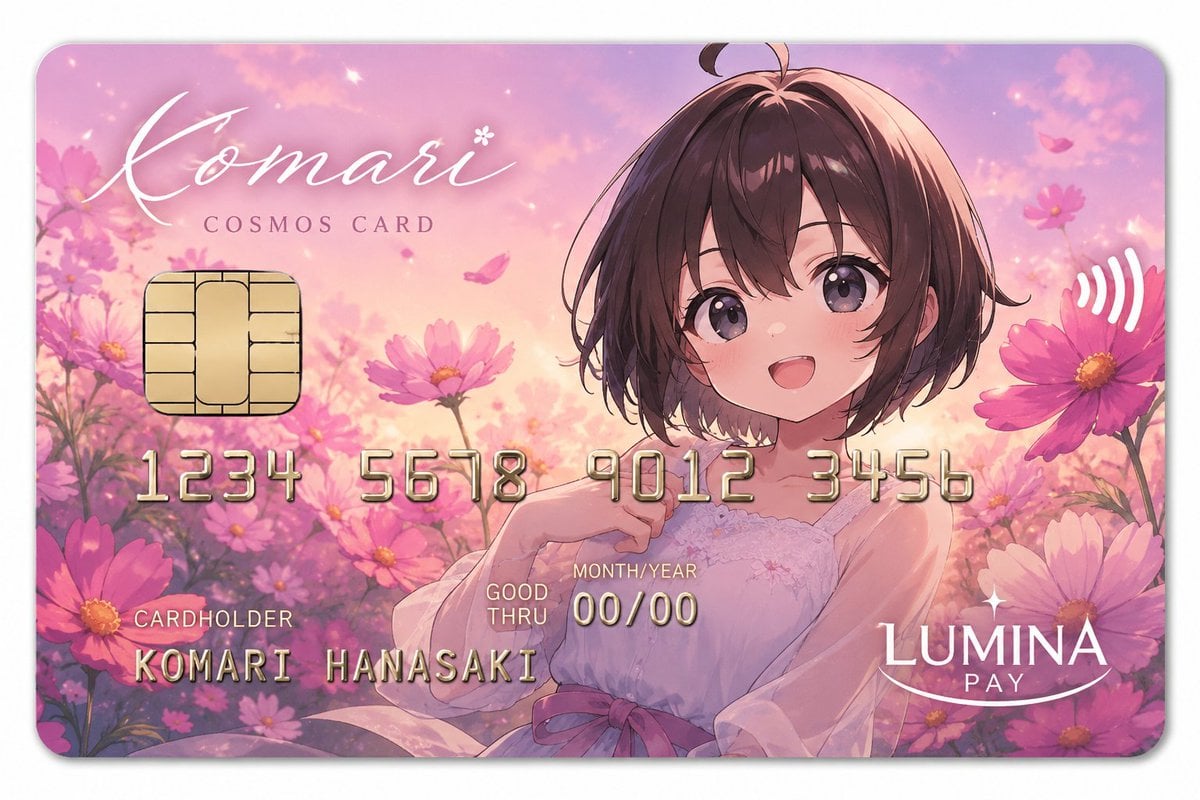
- Prompt included
- Model and format preset
- Free template
The prompt behind this image
Copy the exact prompt behind Anime Cosmos Payment Card, or open it in the studio and make it yours.
Goal: Create a glossy anime-style fantasy payment card design for {argument name="character name" default="Komari Hanasaki"}, themed around pink cosmos flowers and a dreamy sunset garden. Canvas: Horizontal rounded-rectangle credit card, 16:10 ratio, shown straight-on against a plain white background with a soft drop shadow. The card has rounded corners, a thin pale border, and a polished plastic finish. Visual style: Soft romantic anime illustration, pastel pink, lavender, peach, and warm gold palette, luminous sunset sky, delicate sparkles, floating petals, shallow depth of field, elegant premium card aesthetic. Main illustration: A young anime girl with short dark brown bobbed hair and a small ahoge sits among blooming cosmos flowers. She wears a pale white-pink sleeveless dress with subtle lace and a pink waist ribbon. Her face is covered by a centered opaque square privacy block in muted brown-pink, approximately one quarter of the card height and width, placed over the upper-right-center of the portrait. Background: A field of pink cosmos flowers fills the entire card, with large blossoms on both left and right edges, smaller flowers behind the character, glowing particles, soft clouds, and drifting petals in the sky. Card elements: Include exactly 7 main card UI/text elements: 1 gold EMV chip on the left, 1 white contactless symbol on the upper right, 1 large card title, 1 embossed card number line, 1 cardholder label/name block, 1 expiry block, and 1 payment brand logo. Text content: Top left large white cursive script reads {argument name="card title" default="Komari"} with a small flower mark near the final letter. Beneath it, spaced uppercase serif text reads “COSMOS CARD”. Across the middle, embossed metallic-gold digits are divided into exactly 4 groups: “1234”, “5678”, “9012”, “3456”. Bottom left label reads “CARDHOLDER”, with embossed name “KOMARI HANASAKI” below it. Near the lower center, small text reads “GOOD THRU”, above/near “MONTH/YEAR”, with expiry “00/00”. Bottom right white logo reads {argument name="payment brand" default="LUMINA PAY"}, with “LUMINA” large, “PAY” below, and a curved smile underline. Constraints: Keep all text legible and aligned like a premium credit card. Use metallic embossing on the card number and cardholder name. Do not add extra numbers, logos, watermarks, or additional card fields.
How to use Anime Cosmos Payment Card in 3 steps
- 1Upload ImagePNG, JPG or paste
Add your photo
Upload the photo the template builds on. The prompt, model and format are already set.
- 2…a portrait of your subject in softgolden-hour light, 85mm…
Personalize
Edit the subject and creative details for your destination.
- 3Generate
Generate
Press Generate — your image is created in PicX Studio, so you can compare it with the original and refine one variable at a time.
More like this
Templates with the same subject, style or setup. Open one to see its prompt.











Make it yours
Anime Cosmos Payment Card works as-is. These are the safest ways to change it without losing the look.
Change one field
Copy a single group, rewrite it, and generate again so you can see what that field is doing.
Keep the frame, change the subject
Hold the composition and light of Anime Cosmos Payment Card, then swap wardrobe, props or the person for a new take.
| If the result… | Why | Fix |
|---|---|---|
| The result drifts from the preview | Too many fields changed at once. | Reuse Anime Cosmos Payment Card as-is first, then change one group — subject, light, or setting. |
| The model over-stylizes the scene | The prose prompt leaves finish and camera underspecified. | Add one camera or lighting sentence and stay on GPT Image 2. |
More GPT Image 2 templates
Other prompts made for GPT Image 2.

Six VTuber Japanese Logo Sheet

Realistic Portrait of Woman and Deer

The Vista Modular Condo Poster

AI Model Routing Comparison Infographic

2.5D Anime Art Board

Isometric Productivity Desk Scene

New York Double Exposure Poster

Four-Panel AI Landscape Comparison

Japanese Tatami Lifestyle Magazine Cover

NESCAFÉ Coffee Map Poster
More image prompts
Fresh picks from across the catalog.

Cinematic Fashion Portrait of a Stylish Man

Ultra-Realistic Cinematic Male Portrait Prompt
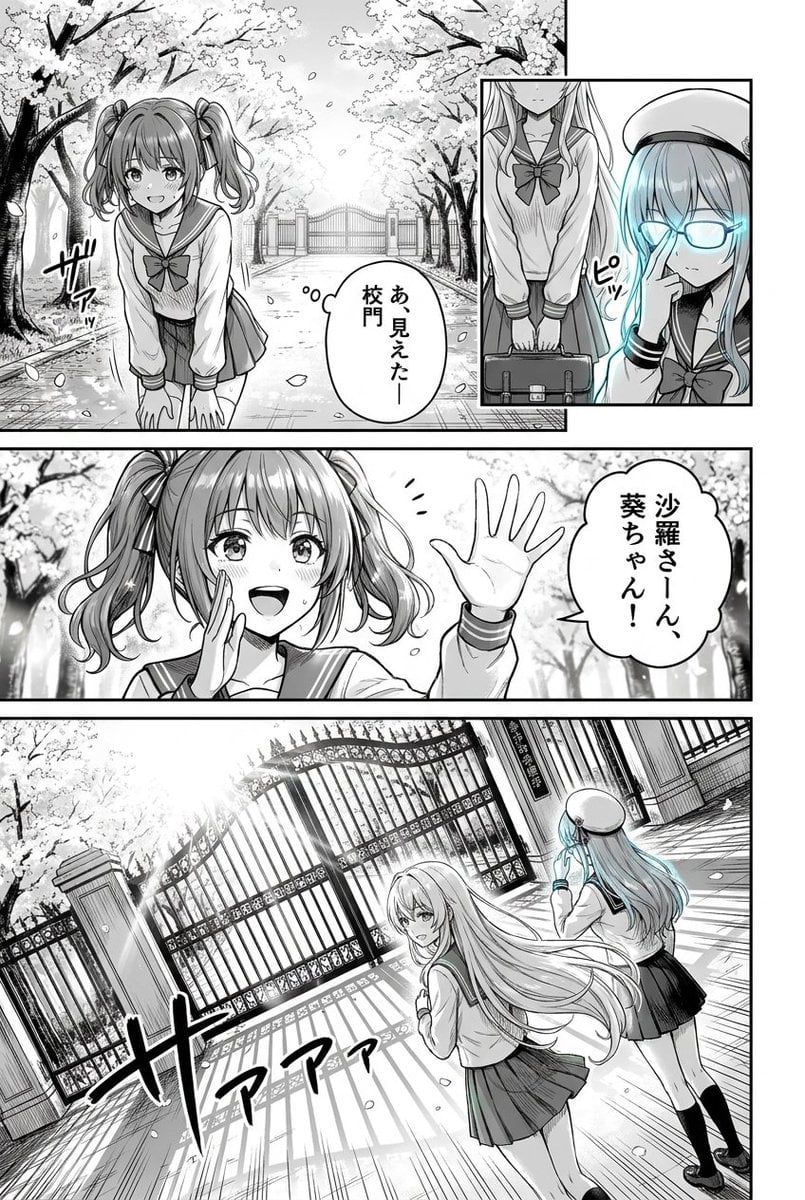
Cherry Blossom School Gate Manga Page

Macro Shot of Miniature Sniper Scene
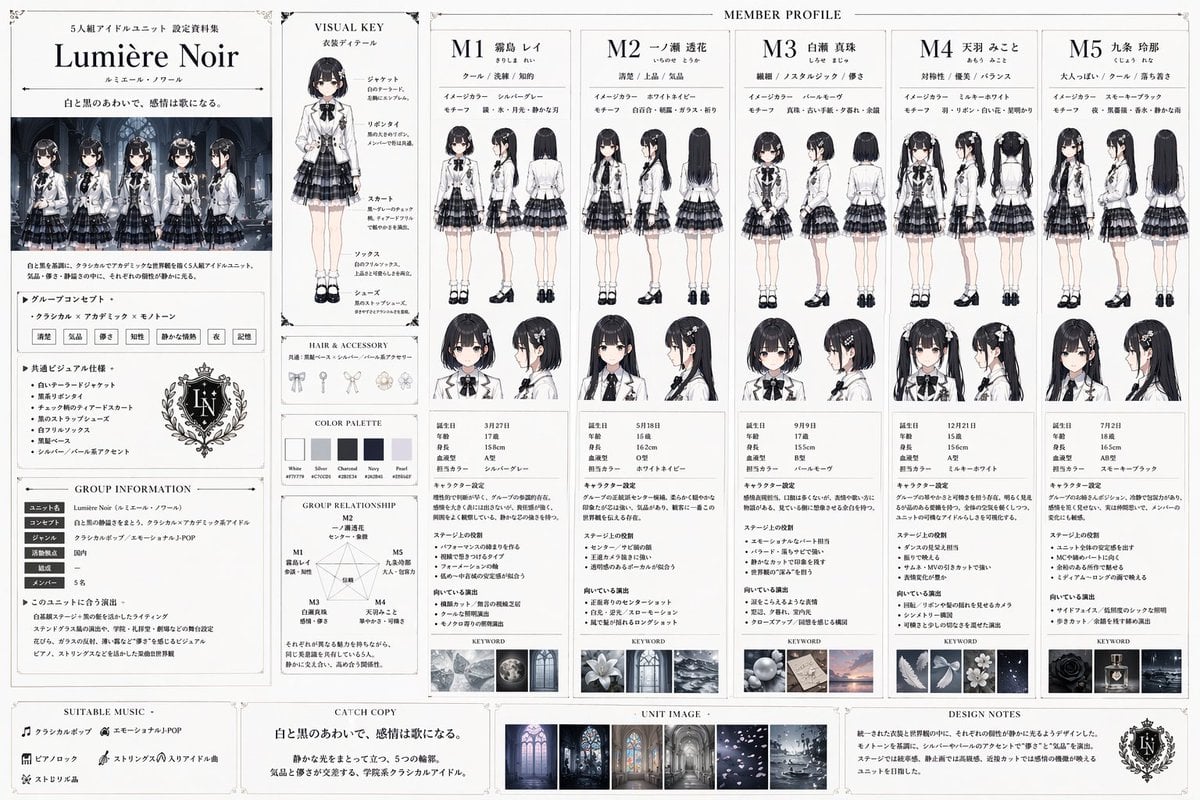
Idol Unit Concept Reference Sheet
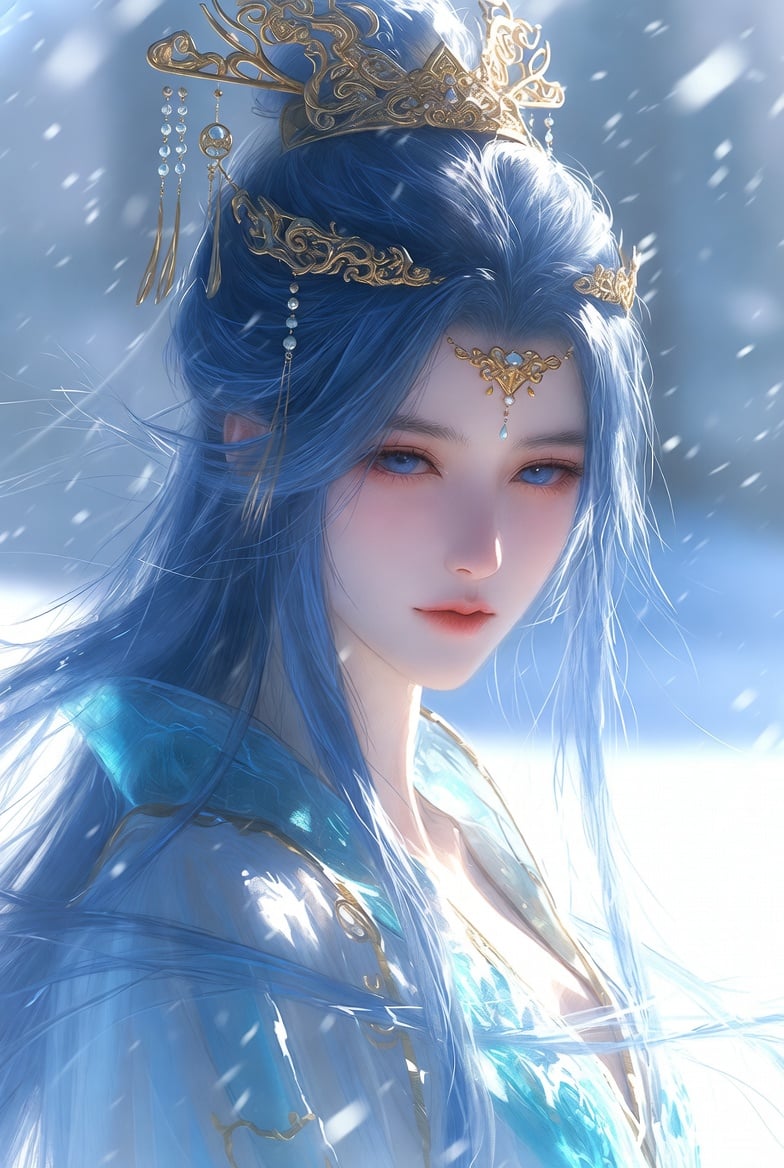
Detailed Cinematic Wuxia Scene Prompt: Dark Raven vs. Azure Frost

Intimate Portrait with Foreground Bokeh and Fir Tree

Ultra Realistic Fashion Editorial Portra
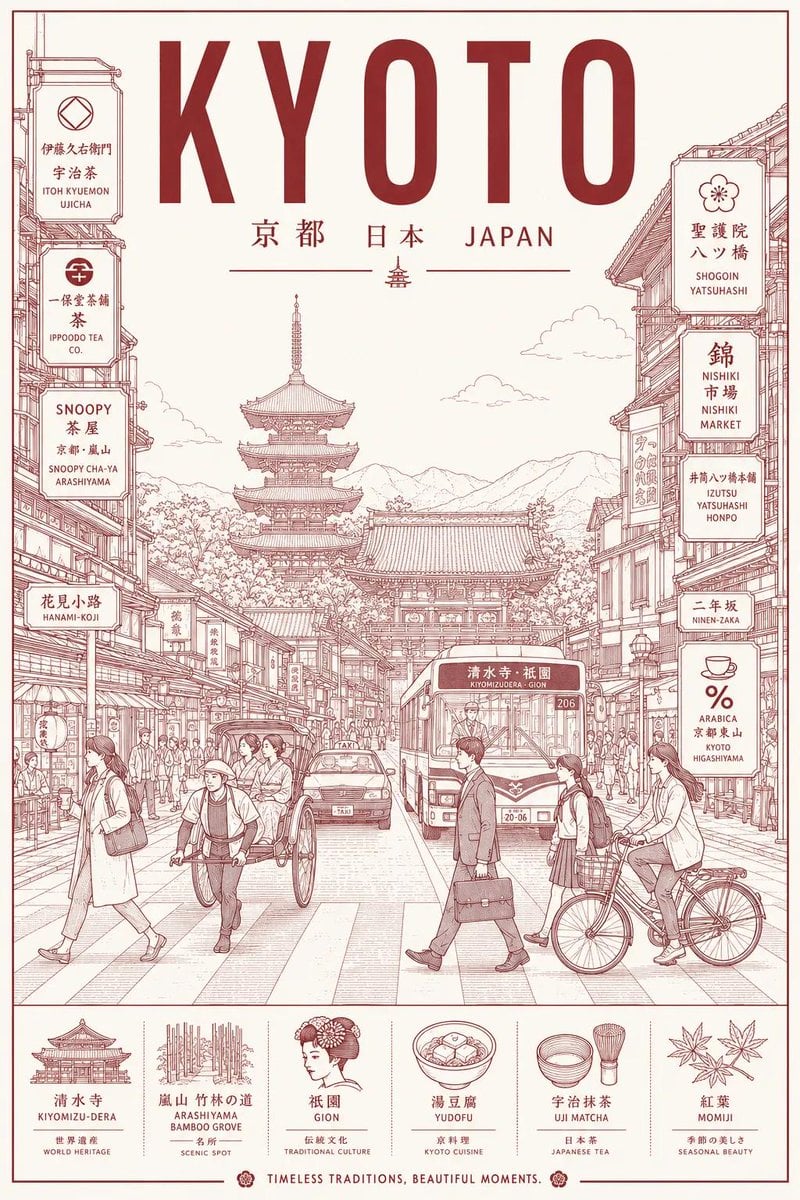
Minimalist Line Art Travel Poster
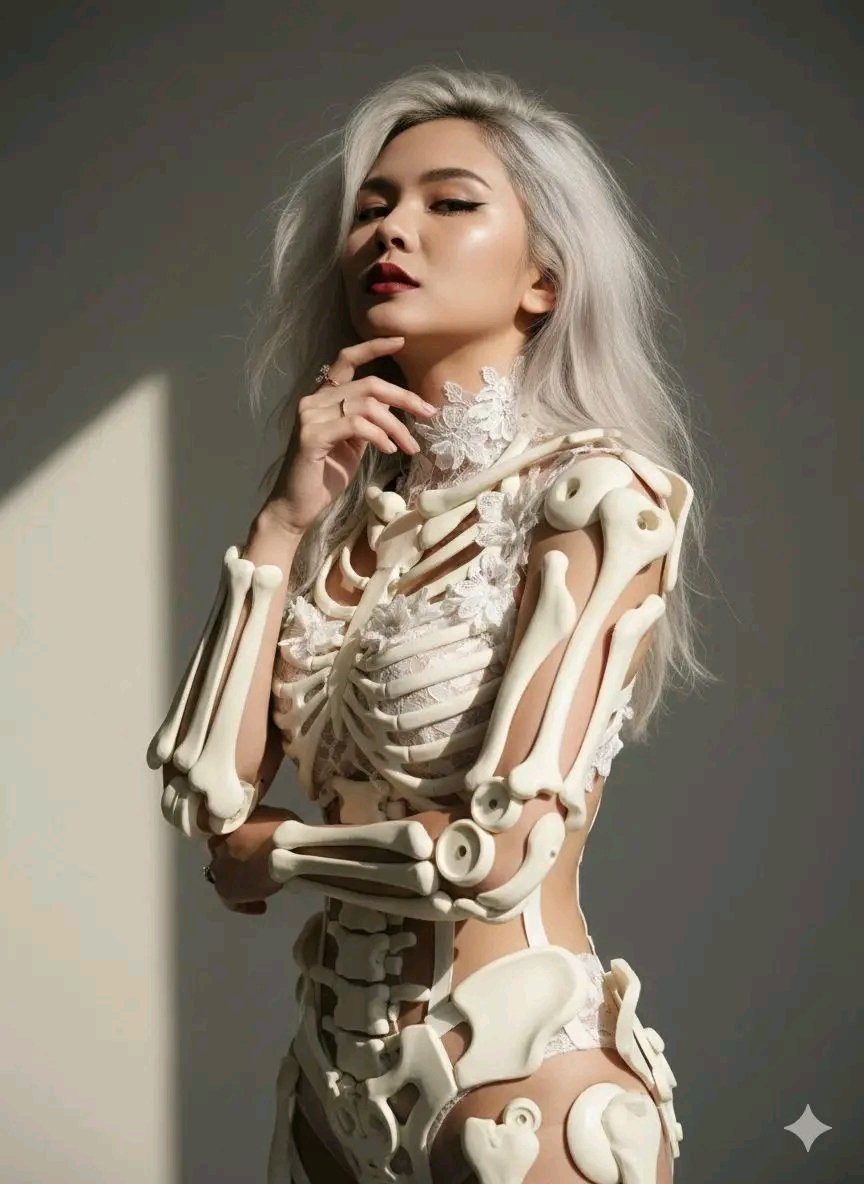
Avant-Garde Sculptural Portrait with Skeletal Elements
Browse template categories
Anime Cosmos Payment Card questions
How do I use the Anime Cosmos Payment Card template?
Add your photo if the template asks for one, edit the prompt if you like — the template's model and format are already selected — and press Generate. Your version opens in PicX Studio.
Can I customize the Anime Cosmos Payment Card template?
Yes. You can change the subject, setting, lighting, mood, format, and available model controls before creating your image.
Is the Anime Cosmos Payment Card template free?
Opening and editing this template is free. Generating uses credits, shown on the Generate button when you are signed in.
Which AI model should I use?
Start with GPT Image 2, which is the model associated with this template. You can compare another compatible model for a different finish.
Looking for something else? Browse all templates.

Your photo, any look
Thousands of ready templates for every top image and video model, from one credit balance.