
Idol Unit Concept Reference Sheet
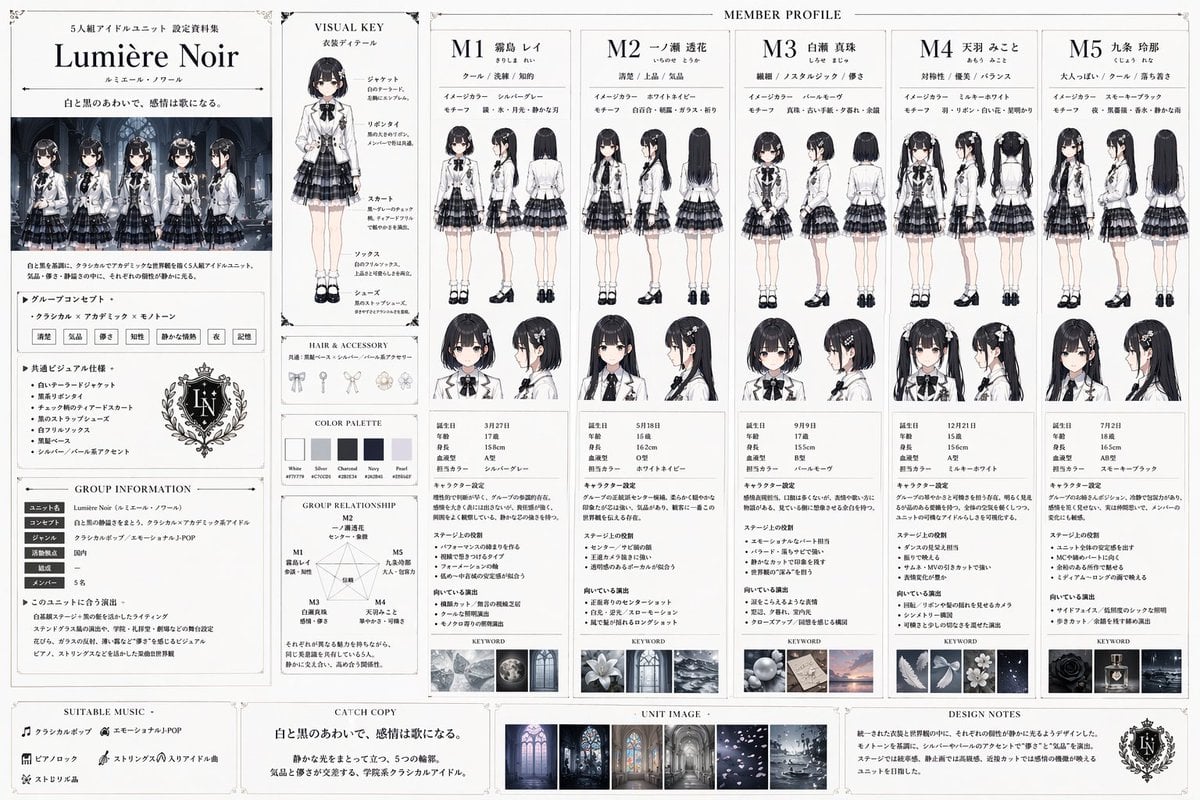
Generates a highly detailed, multi-column reference sheet for a 5-member idol group, including character turnarounds, stats, group relationships, and uniform design notes.
- Prompt included
- Model and format preset
- Free template
The prompt behind this image
Copy the exact prompt behind Idol Unit Concept Reference Sheet, or open it in the studio and make it yours.
- Type
- idol unit setting material collection
- Unit Details › Name
- {argument name="unit name" default="Lumière Noir"}
- Unit Details › Concept
- {argument name="unit style" default="Classical x Academic x Monotone"}
- Unit Details › Catchphrase
- {argument name="catchphrase" default="白と黒のあわいで、感情は歌になる。"}
- Unit Details › Uniform
- {argument name="uniform description" default="white tailored jacket, black ribbon tie, black and grey tiered check skirt"}
- Layout › Left Sidebar › Sections
- Unit Logo and Title, Group Illustration featuring 5 members, Group Concept Text, Common Visual Specifications, Group Information Table, Group Relationship Diagram with 1 pentagon network
- Layout › Main Content › Title
- MEMBER PROFILE
- Layout › Main Content › Columns
- 5
- Layout › Main Content › Shared Elements Per Column
- Member ID (M1 to M5) and Name, 3 descriptive keywords, Image Color and Motif, 2 full-body views (front and back), 2 headshots (front and side), Profile Stats Table, Character Setting Text, Stage Role Text, Direction Text, 1 Keyword Mood Image
- Layout › Main Content › Members › 0 › Id
- M1
- Layout › Main Content › Members › 0 › Hair
- short black hair
- Layout › Main Content › Members › 0 › Color
- silver-gray
- Layout › Main Content › Members › 1 › Id
- M2
- Layout › Main Content › Members › 1 › Hair
- long straight black hair
- Layout › Main Content › Members › 1 › Color
- white-navy
- Layout › Main Content › Members › 2 › Id
- M3
- Layout › Main Content › Members › 2 › Hair
- short black bob
- Layout › Main Content › Members › 2 › Color
- pearl-mauve
- Layout › Main Content › Members › 3 › Id
- M4
- Layout › Main Content › Members › 3 › Hair
- black twin tails
- Layout › Main Content › Members › 3 › Color
- milky-white
- Layout › Main Content › Members › 4 › Id
- M5
- Layout › Main Content › Members › 4 › Hair
- long wavy black hair
- Layout › Main Content › Members › 4 › Color
- smoky-black
Raw JSON
{
  "type": "idol unit setting material collection",
  "unit_details": {
    "name": "{argument name=\"unit name\" default=\"Lumière Noir\"}",
    "concept": "{argument name=\"unit style\" default=\"Classical x Academic x Monotone\"}",
    "catchphrase": "{argument name=\"catchphrase\" default=\"白と黒のあわいで、感情は歌になる。\"}",
    "uniform": "{argument name=\"uniform description\" default=\"white tailored jacket, black ribbon tie, black and grey tiered check skirt\"}"
  },
  "layout": {
    "left_sidebar": {
      "sections": [
        "Unit Logo and Title",
        "Group Illustration featuring 5 members",
        "Group Concept Text",
        "Common Visual Specifications",
        "Group Information Table",
        "Group Relationship Diagram with 1 pentagon network"
      ]
    },
    "main_content": {
      "title": "MEMBER PROFILE",
      "columns": 5,
      "shared_elements_per_column": [
        "Member ID (M1 to M5) and Name",
        "3 descriptive keywords",
        "Image Color and Motif",
        "2 full-body views (front and back)",
        "2 headshots (front and side)",
        "Profile Stats Table",
        "Character Setting Text",
        "Stage Role Text",
        "Direction Text",
        "1 Keyword Mood Image"
      ],
      "members": [
        { "id": "M1", "hair": "short black hair", "color": "silver-gray" },
        { "id": "M2", "hair": "long straight black hair", "color": "white-navy" },
        { "id": "M3", "hair": "short black bob", "color": "pearl-mauve" },
        { "id": "M4", "hair": "black twin tails", "color": "milky-white" },
        { "id": "M5", "hair": "long wavy black hair", "color": "smoky-black" }
      ]
    },
    "middle_inserts": {
      "visual_key": "1 full-body model with 5 callout labels for uniform parts",
      "hair_and_accessory": "3 accessory illustrations",
      "color_palette": "5 color swatches"
    },
    "bottom_footer": {
      "sections": [
        "SUITABLE MUSIC",
        "CATCH COPY",
        "UNIT IMAGE with 3 small mood board photos",
        "DESIGN NOTES"
      ]
    }
  }
}How to use Idol Unit Concept Reference Sheet in 3 steps
- 1Upload ImagePNG, JPG or paste
Add your photo
Upload the photo the template builds on. The prompt, model and format are already set.
- 2…a portrait of your subject in softgolden-hour light, 85mm…
Personalize
Edit the subject and creative details for your destination.
- 3Generate
Generate
Press Generate — your image is created in PicX Studio, so you can compare it with the original and refine one variable at a time.
More like this
Templates with the same subject, style or setup. Open one to see its prompt.

Dancer Character - Four View Reference Sheet

Movement Sheet - Dance Reference (Seedance 2.0)
High-Fashion Character Concept Art Sheet

Futuristic Anime Tactical Concept Sheet

Gray Studio Character Reference Sheet

Retro Manga StackChan Concept Sheet

Anime Character Sheet Reference Prompt
Photoreal Character Reference Sheet
Ciao Nova Character Reference Sheet

Glass Brand Logo Volcanic Landscape

Blueprint Split Reality Archetype Prompt

Real Illustration Split Portrait Transition
Make it yours
Idol Unit Concept Reference Sheet works as-is. These are the safest ways to change it without losing the look.
Change one field
Copy a single group, rewrite it, and generate again so you can see what that field is doing.
Keep the frame, change the subject
Hold the composition and light of Idol Unit Concept Reference Sheet, then swap wardrobe, props or the person for a new take.
| If the result… | Why | Fix |
|---|---|---|
| The result drifts from the preview | Too many fields changed at once. | Reuse Idol Unit Concept Reference Sheet as-is first, then change one group — subject, light, or setting. |
| GPT Image 2 ignores part of the JSON | Some models flatten or skip nested keys. | Keep the same values and paste them as a short paragraph instead. |
More GPT Image 2 templates
Other prompts made for GPT Image 2.

Six VTuber Japanese Logo Sheet

Realistic Portrait of Woman and Deer

The Vista Modular Condo Poster

AI Model Routing Comparison Infographic

2.5D Anime Art Board

Isometric Productivity Desk Scene

New York Double Exposure Poster

Four-Panel AI Landscape Comparison

Japanese Tatami Lifestyle Magazine Cover

NESCAFÉ Coffee Map Poster
More image prompts
Fresh picks from across the catalog.
Minimal Fox Spirit Character Sketch
Convert image into YouTube thumbnail with OMW text
Social Media Profile Neon Line Art
Mixed-Media Fashion Editorial
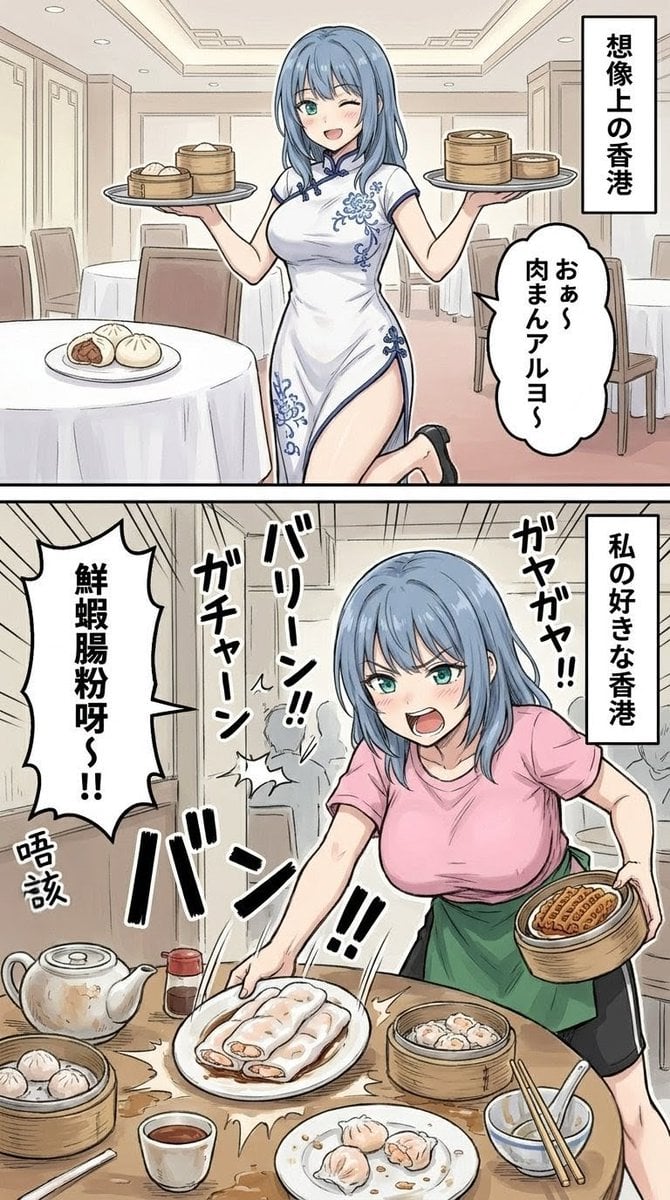
Two-Panel Hong Kong Dim Sum Manga
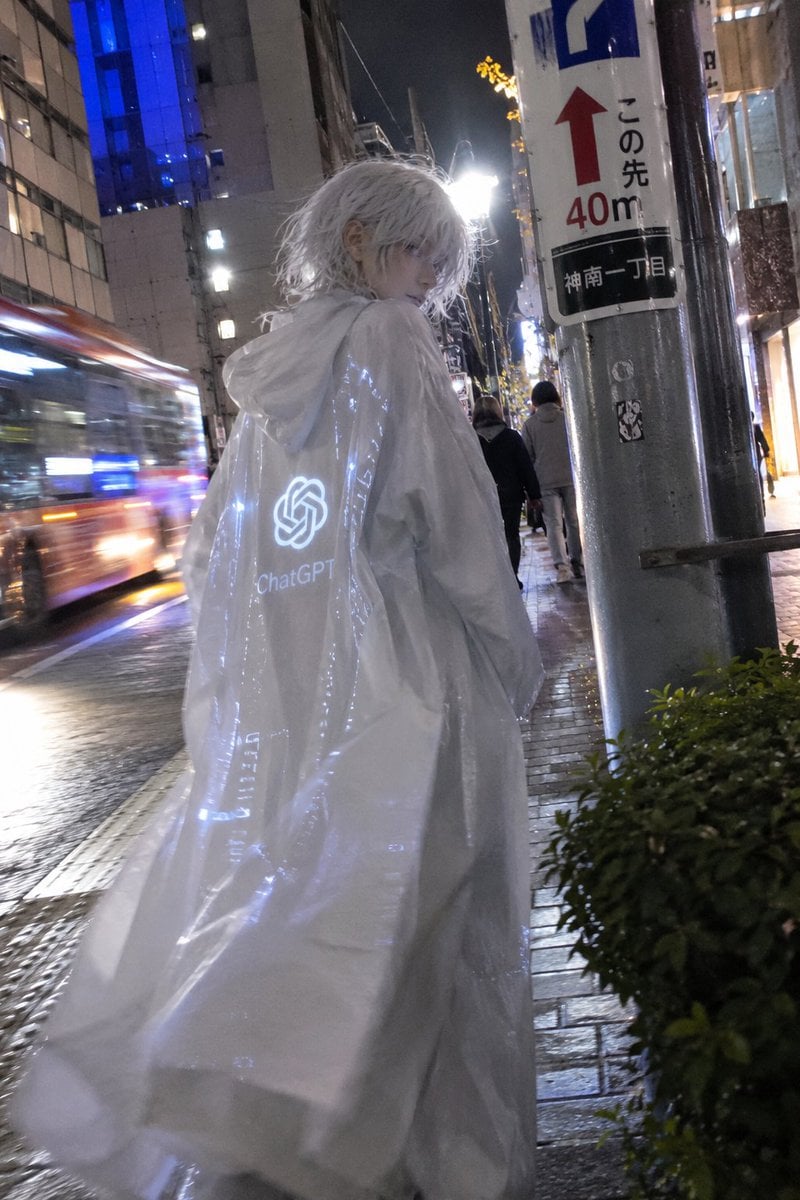
Mystical ChatGPT Raincoat Figure

Difficulty Resizing Text in Nano Banana Pro
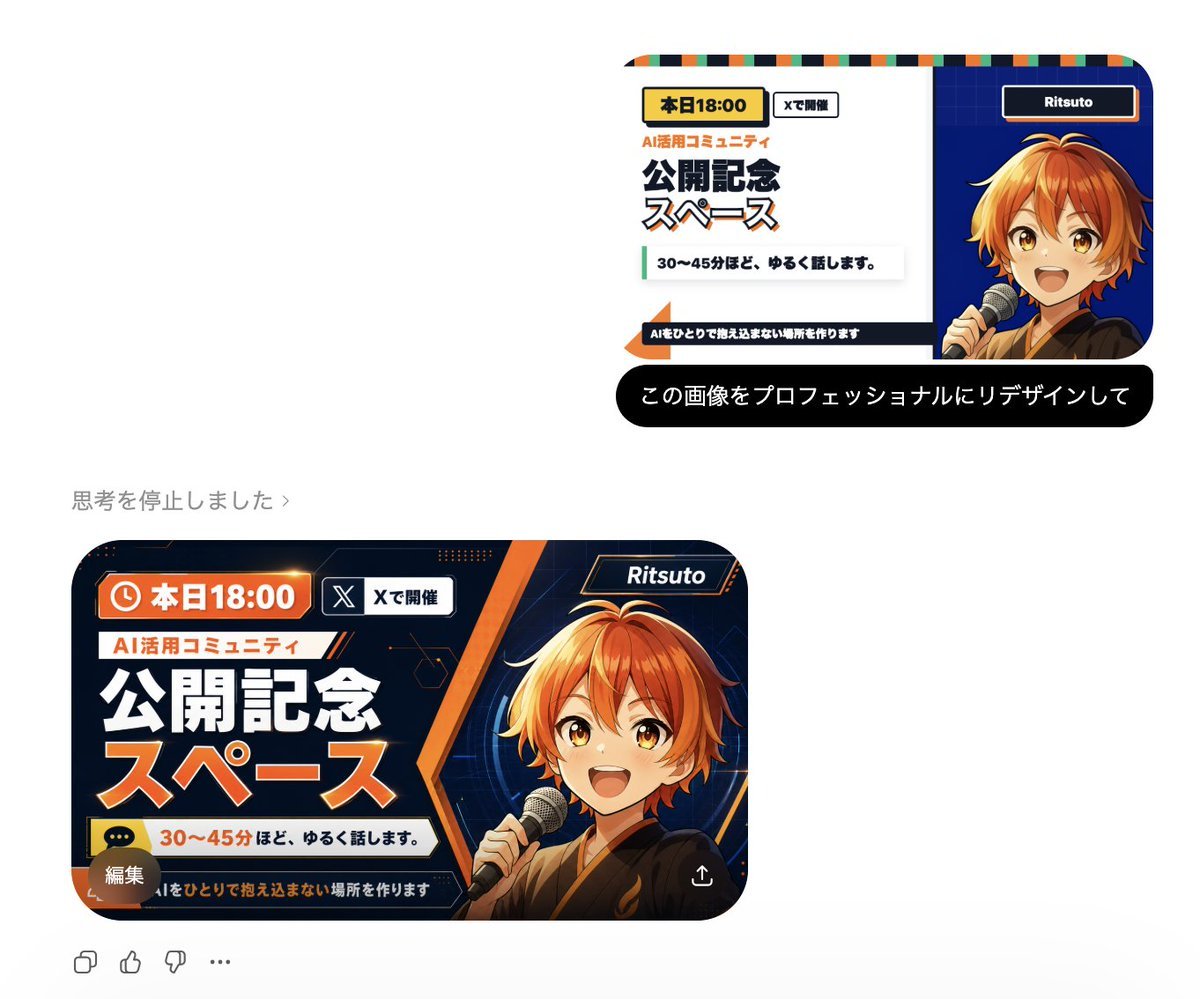
Professional Image Redesign

Macro Food Photography of Martabak Telur Prompt
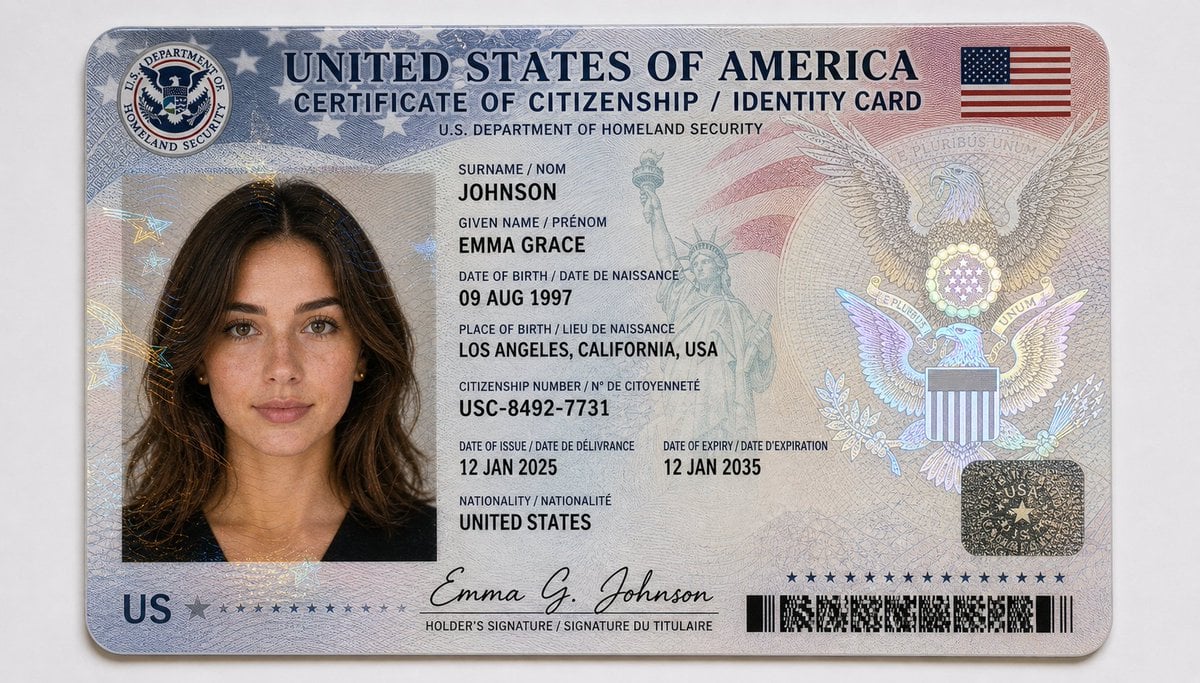
US Citizenship Identity Card Mockup
Browse template categories
Idol Unit Concept Reference Sheet questions
How do I use the Idol Unit Concept Reference Sheet template?
Add your photo if the template asks for one, edit the prompt if you like — the template's model and format are already selected — and press Generate. Your version opens in PicX Studio.
Can I customize the Idol Unit Concept Reference Sheet template?
Yes. You can change the subject, setting, lighting, mood, format, and available model controls before creating your image.
Is the Idol Unit Concept Reference Sheet template free?
Opening and editing this template is free. Generating uses credits, shown on the Generate button when you are signed in.
Which AI model should I use?
Start with GPT Image 2, which is the model associated with this template. You can compare another compatible model for a different finish.
Looking for something else? Browse all templates.

Your photo, any look
Thousands of ready templates for every top image and video model, from one credit balance.