
Y2K Anime Streetwear Model
A vertical anime fashion illustration of an androgynous blond model in Y2K denim streetwear for stylish character art or social media posts.
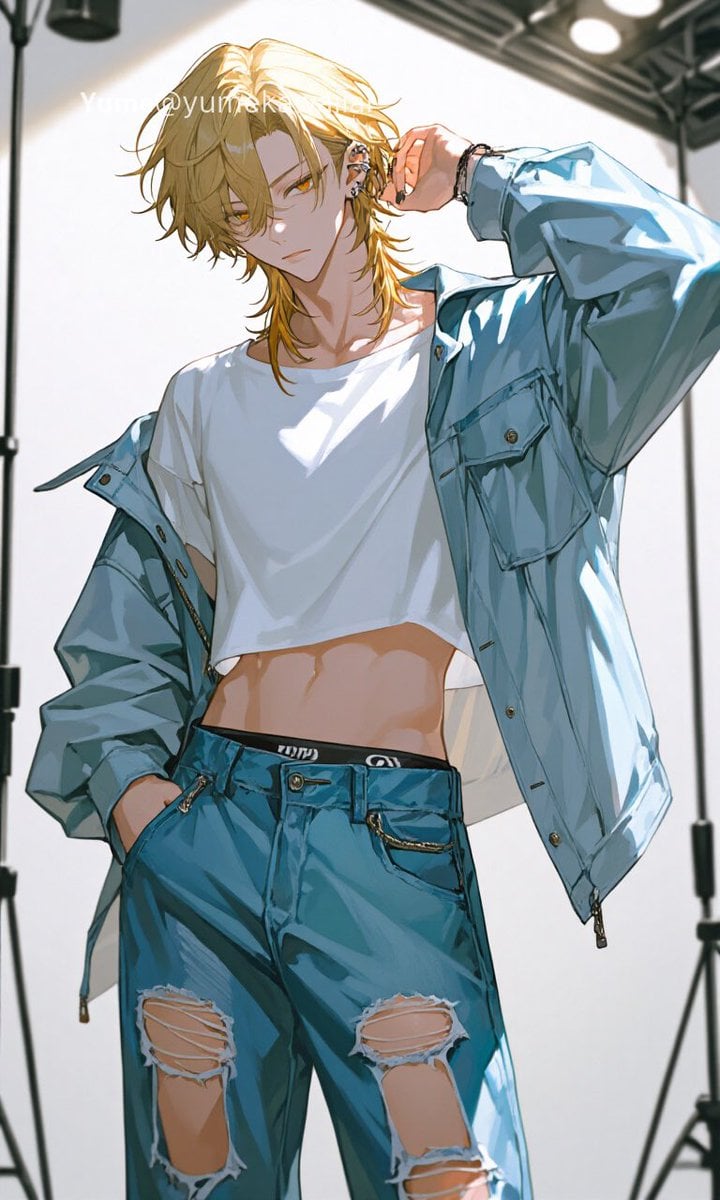
- Prompt included
- Model and format preset
- Free template
The prompt behind this image
Copy the exact prompt behind Y2K Anime Streetwear Model, or open it in the studio and make it yours.
Create a vertical 9:16 anime-style fashion illustration of a slender androgynous young adult model in Y2K streetwear, shown from upper thighs to head in a low-angle studio photo pose. The character has {argument name="hair color" default="messy golden blond"} medium-length layered hair with long face-framing strands, but the face is intentionally hidden by a centered opaque beige square censor block. Pose the model with the left hand tucked in a pants pocket and the right arm raised, fingers near the ear as if adjusting an earring, giving a cool runway attitude. Include exactly 7 visible fashion elements: 1 oversized pale blue denim jacket worn open and slipping off one shoulder, 2 cropped plain white T-shirt exposing the midriff, 3 teal-blue low-rise ripped jeans, 4 black waistband with tiny abstract white markings but no readable brand logo, 5 chunky silver ear jewelry, 6 black bracelet or wrist accessory, and 7 small gold chain detail hanging from the jeans pocket. Make the jeans have exactly 3 major torn knee/thigh openings: one large rip on the left thigh, one large rip on the right thigh, and one smaller rip lower on the right leg. Use crisp high-detail Japanese anime rendering with glossy fabric highlights, sharp ink lines, warm skin shading, dramatic sunlight from above, and a bright white photography-studio background with visible black light stands, ceiling rigging, and round studio lights. Add a faint white social-media watermark across the upper hair area reading {argument name="watermark text" default="Yume@yumeK"}. Avoid any recognizable brand logos or real fashion trademarks.
How to use Y2K Anime Streetwear Model in 3 steps
- 1Upload ImagePNG, JPG or paste
Add your photo
Upload the photo the template builds on. The prompt, model and format are already set.
- 2…a portrait of your subject in softgolden-hour light, 85mm…
Personalize
Edit the subject and creative details for your destination.
- 3Generate
Generate
Press Generate — your image is created in PicX Studio, so you can compare it with the original and refine one variable at a time.
More like this
Templates with the same subject, style or setup. Open one to see its prompt.

1988 Mall Style
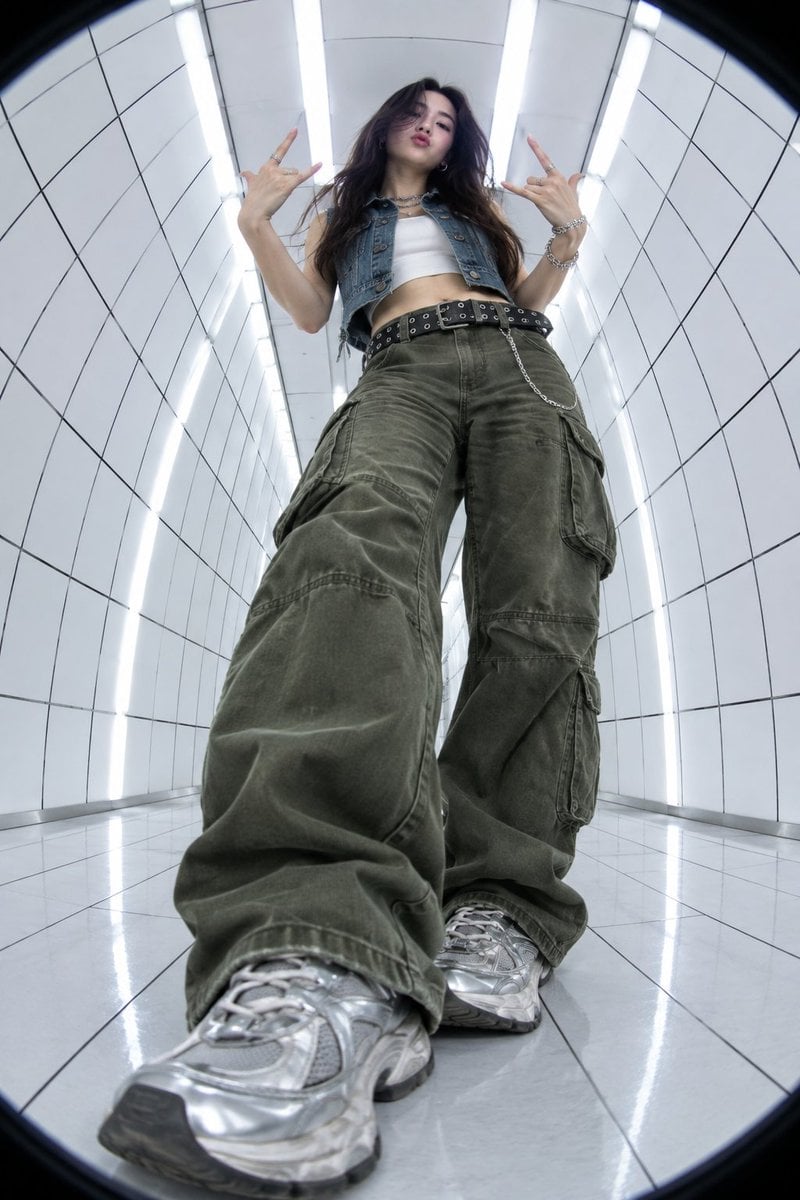
Y2K Fisheye Streetwear Portrait
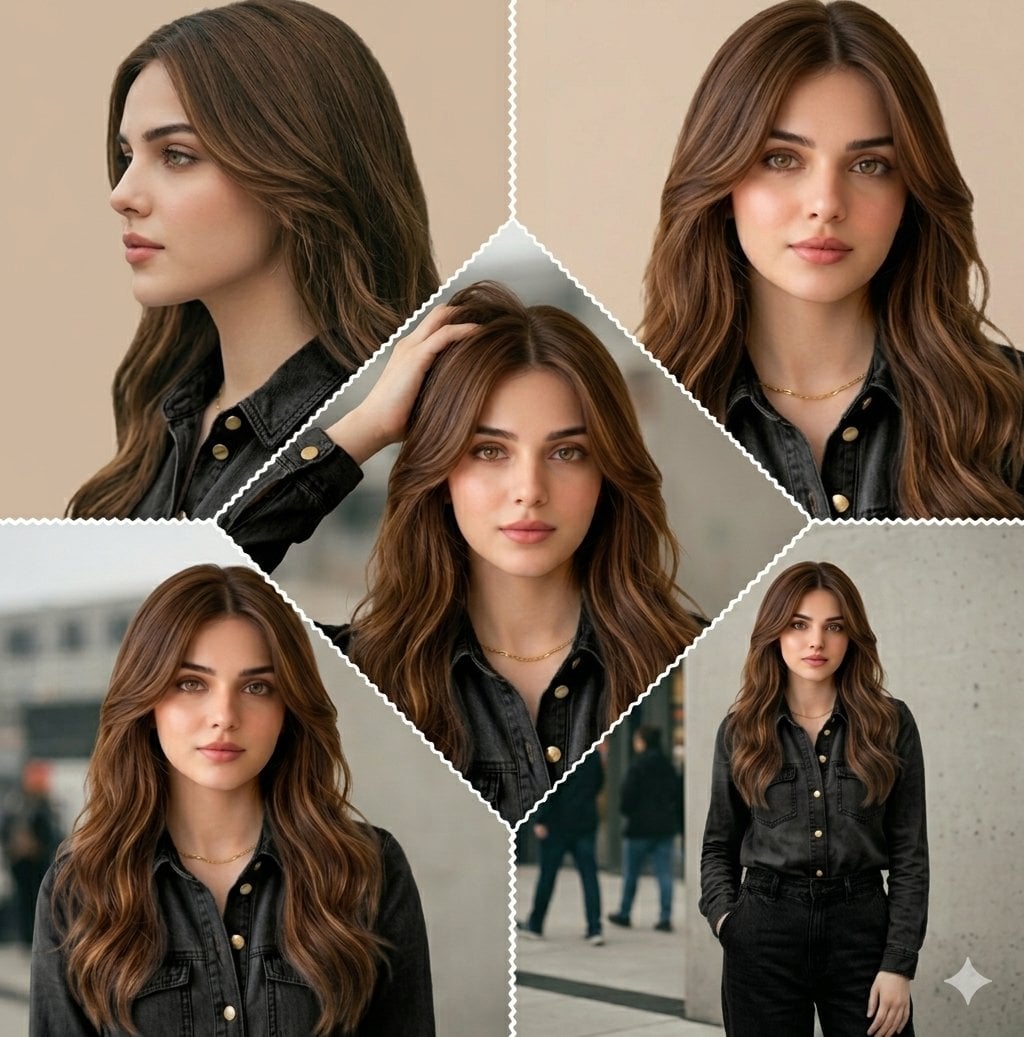
Cinematic Streetwear Model Collage
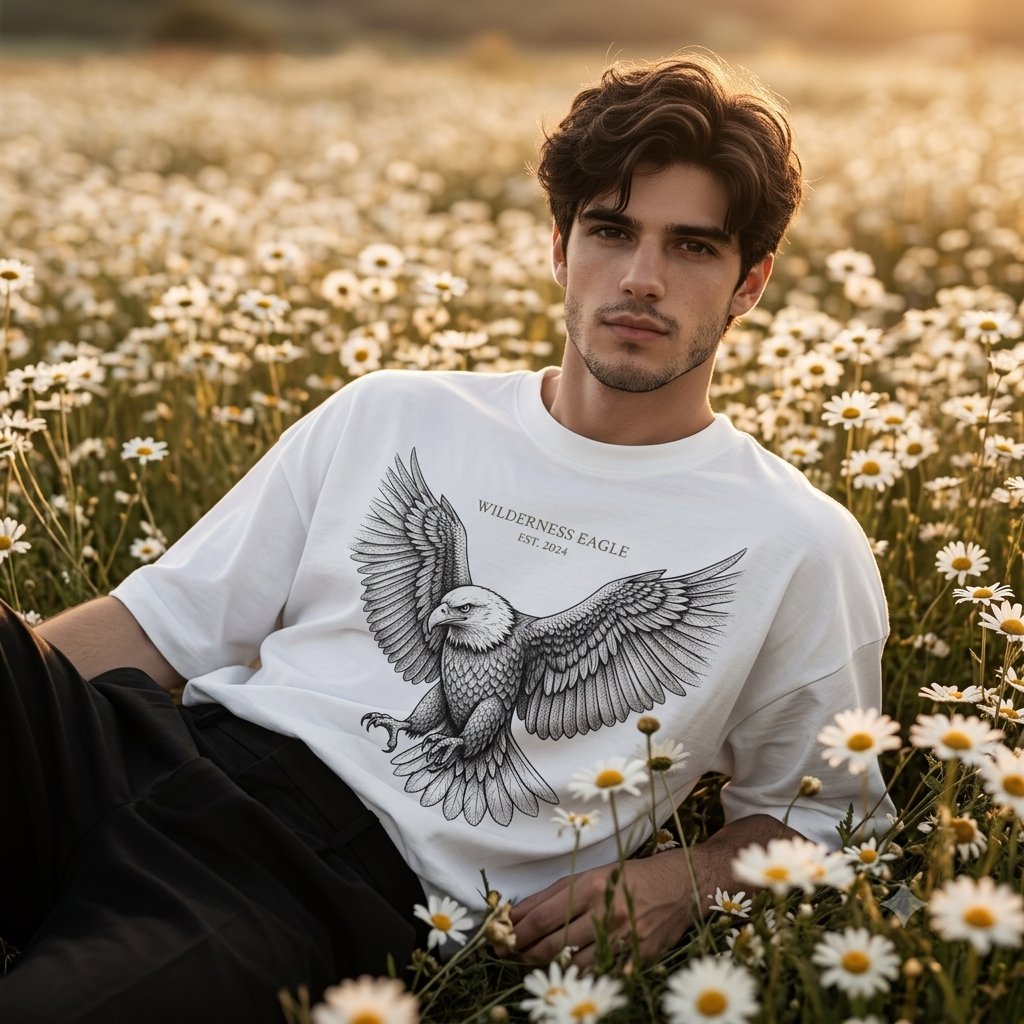
Male Model Streetwear Campaign in Daisy Field
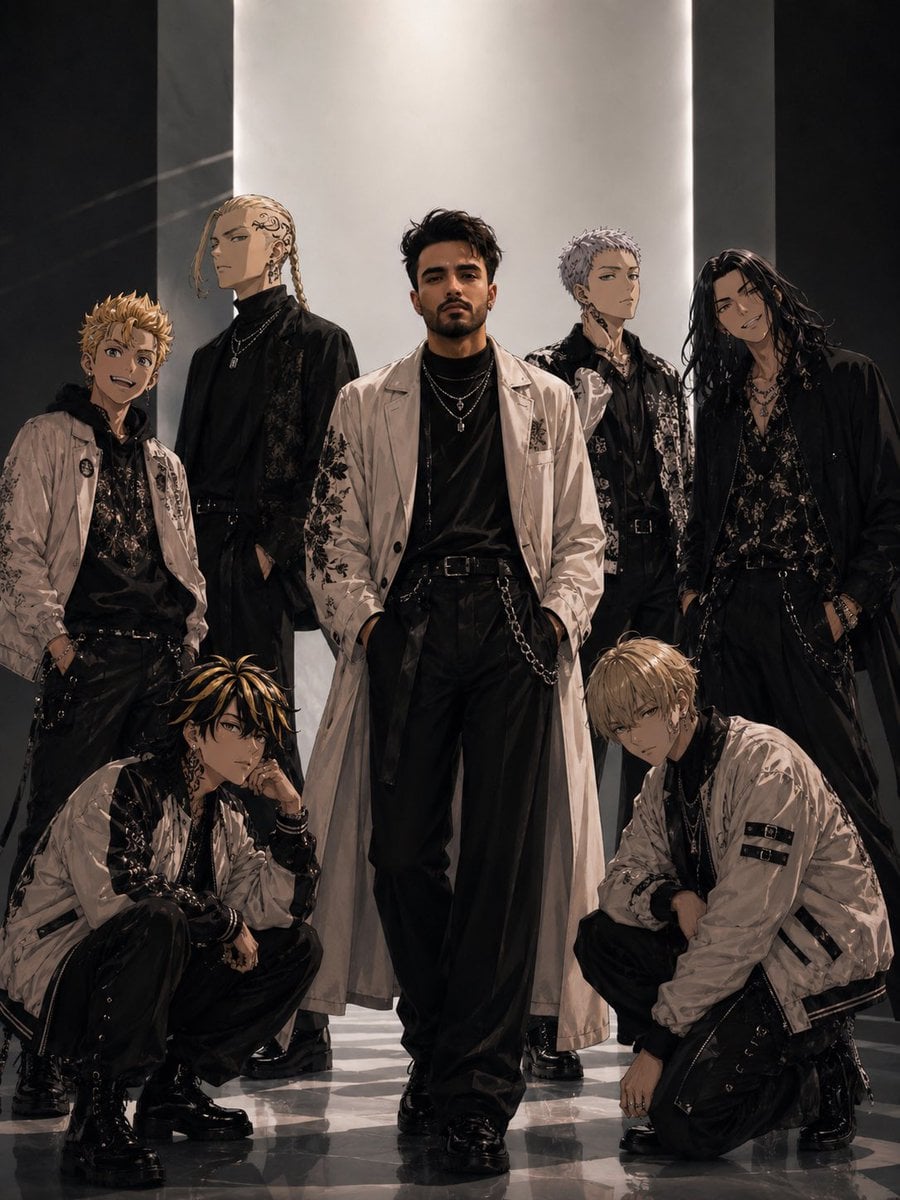
Tokyo Streetwear Anime Leader Portrait
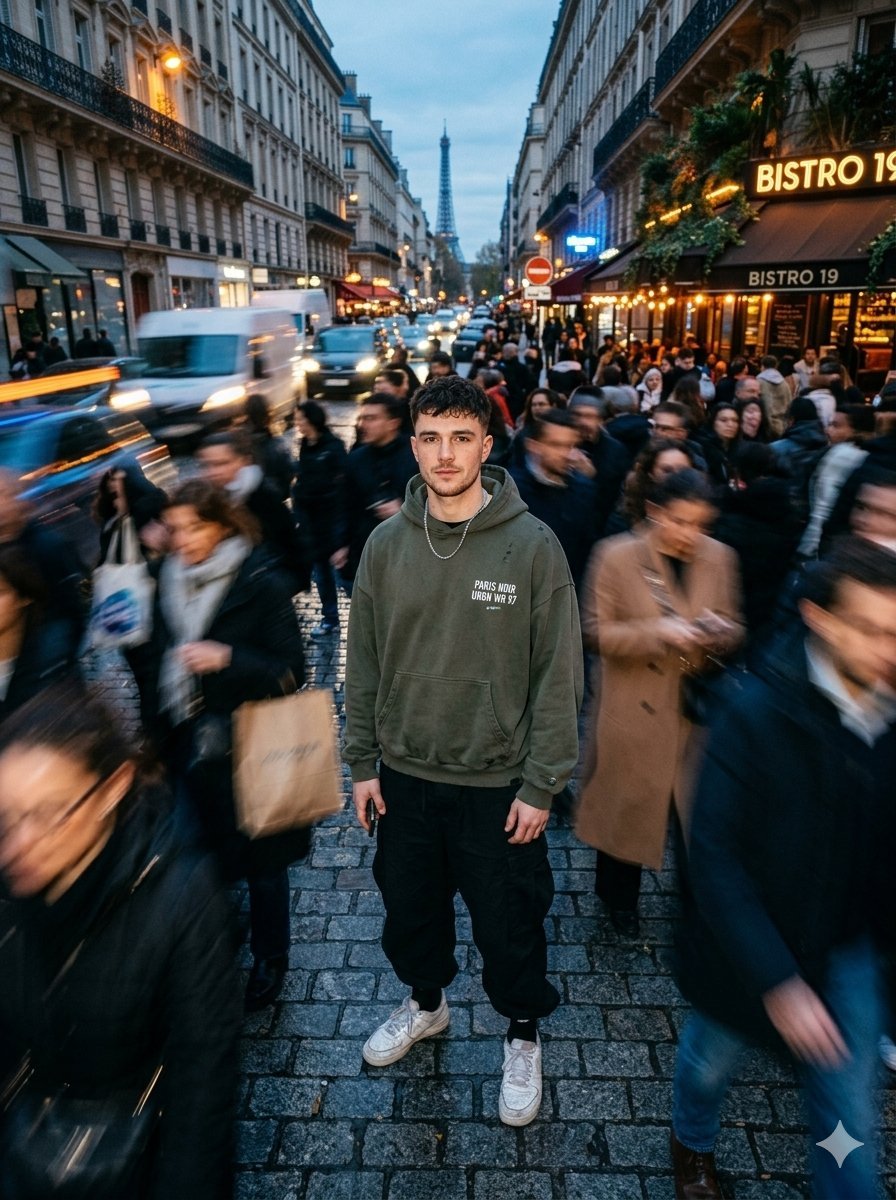
Streetwear Model in Paris Crowd

Cel 2D Finale Fireworks

Cel 2D Garden Maze

Cel 2D Rooftop Concert

Cel 2D Bicycle Coast

Cel 2D Castle Gate

Cel 2D Kitchen Chaos
Make it yours
Y2K Anime Streetwear Model works as-is. These are the safest ways to change it without losing the look.
Change one field
Copy a single group, rewrite it, and generate again so you can see what that field is doing.
Keep the frame, change the subject
Hold the composition and light of Y2K Anime Streetwear Model, then swap wardrobe, props or the person for a new take.
| If the result… | Why | Fix |
|---|---|---|
| The result drifts from the preview | Too many fields changed at once. | Reuse Y2K Anime Streetwear Model as-is first, then change one group — subject, light, or setting. |
| The model over-stylizes the scene | The prose prompt leaves finish and camera underspecified. | Add one camera or lighting sentence and stay on GPT Image 2. |
More GPT Image 2 templates
Other prompts made for GPT Image 2.

Six VTuber Japanese Logo Sheet

Realistic Portrait of Woman and Deer

The Vista Modular Condo Poster

AI Model Routing Comparison Infographic

2.5D Anime Art Board

Isometric Productivity Desk Scene

New York Double Exposure Poster

Four-Panel AI Landscape Comparison

Japanese Tatami Lifestyle Magazine Cover

NESCAFÉ Coffee Map Poster
More image prompts
Fresh picks from across the catalog.
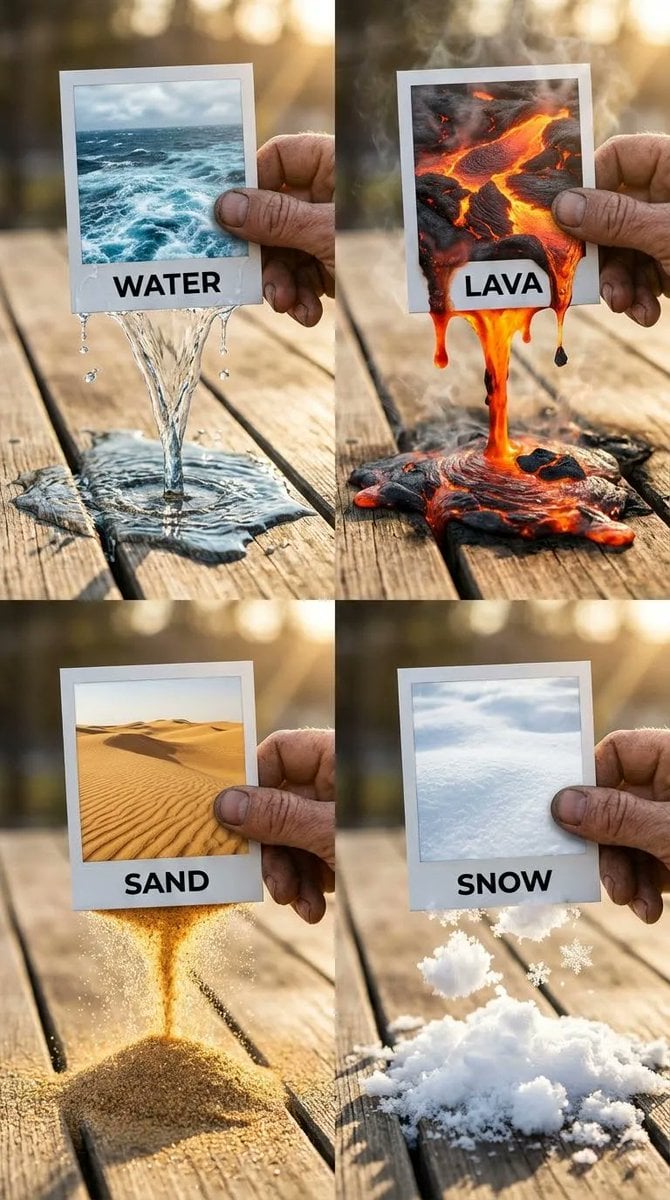
Elemental Physics Spill Collage Prompt
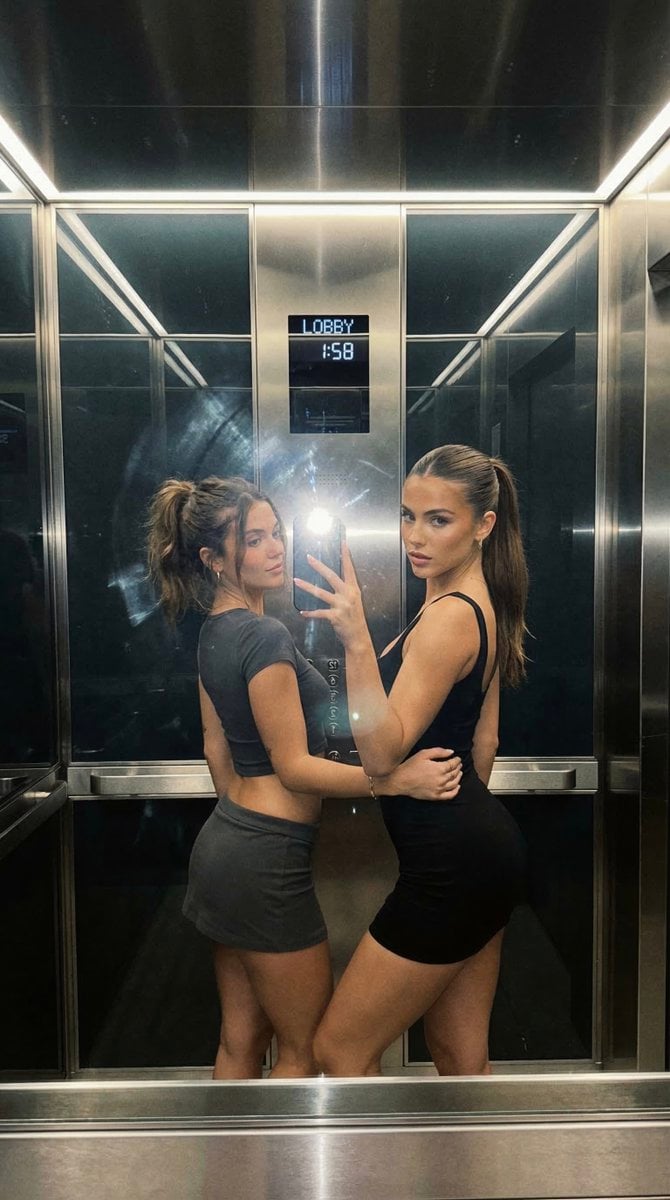
Nightlife Mirror Selfie JSON Prompt for Nano Banana Pro
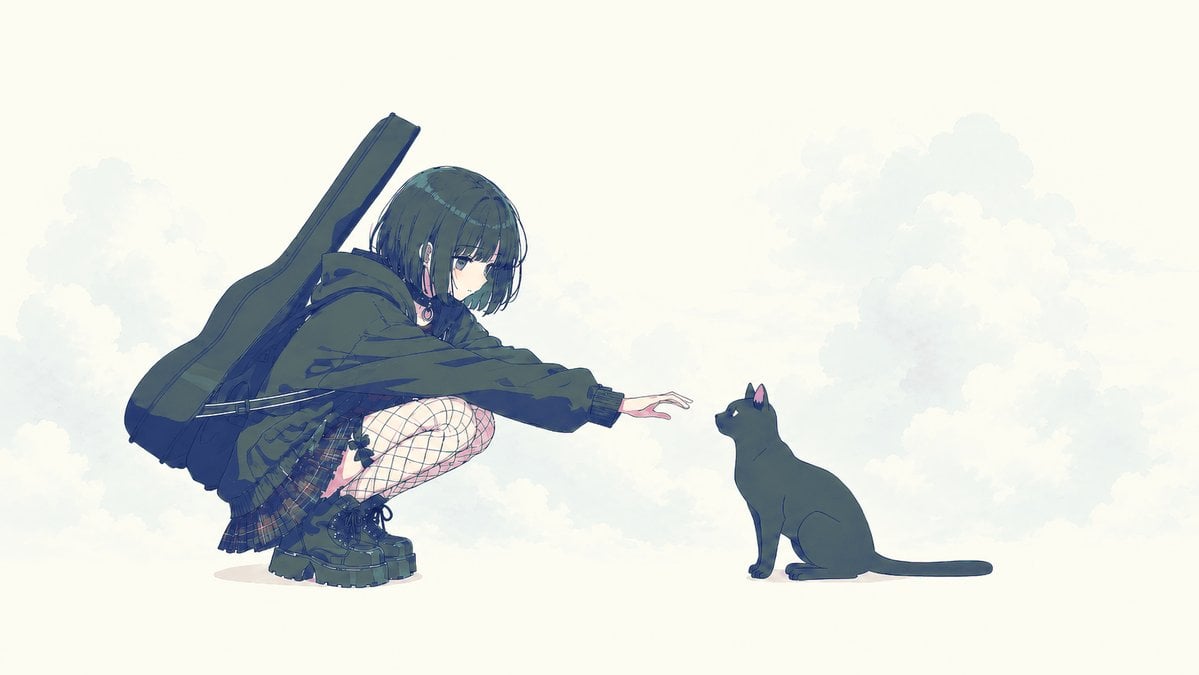
Anime Girl Reaching Toward Cat
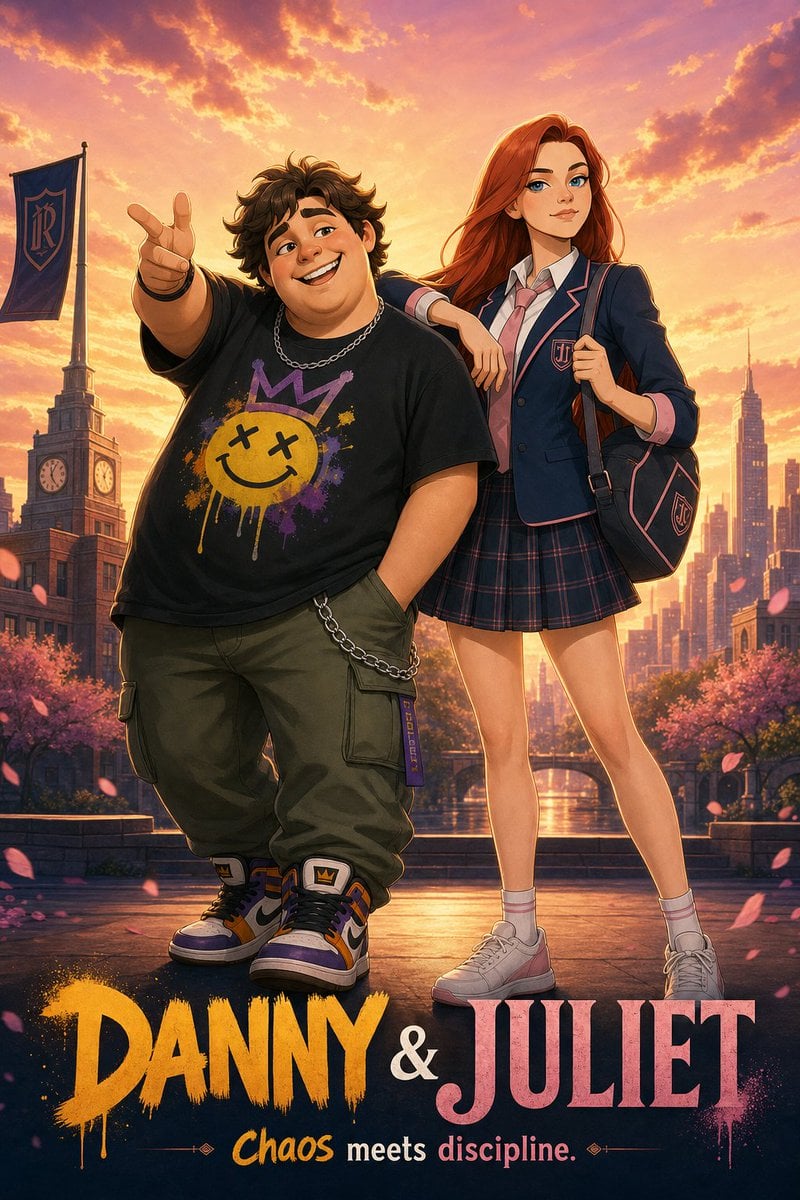
Anime Duo School Poster
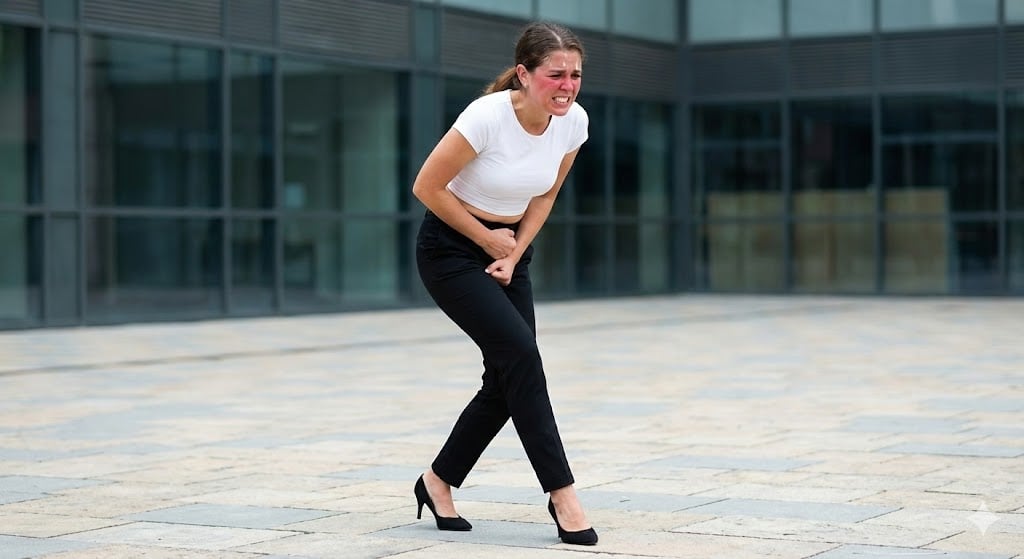
Toilet Urgency Walking Prompt Generator (Midjourney/Nano Banana Pro)
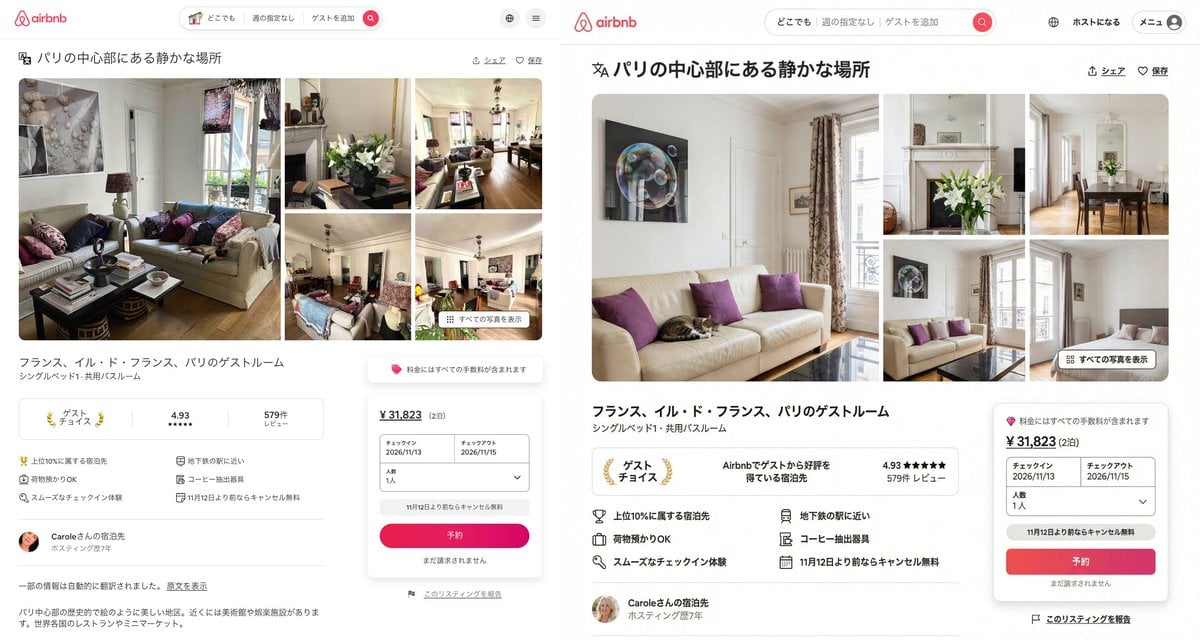
Recreating Airbnb UI with Image-to-Text and Nano Banana Pro
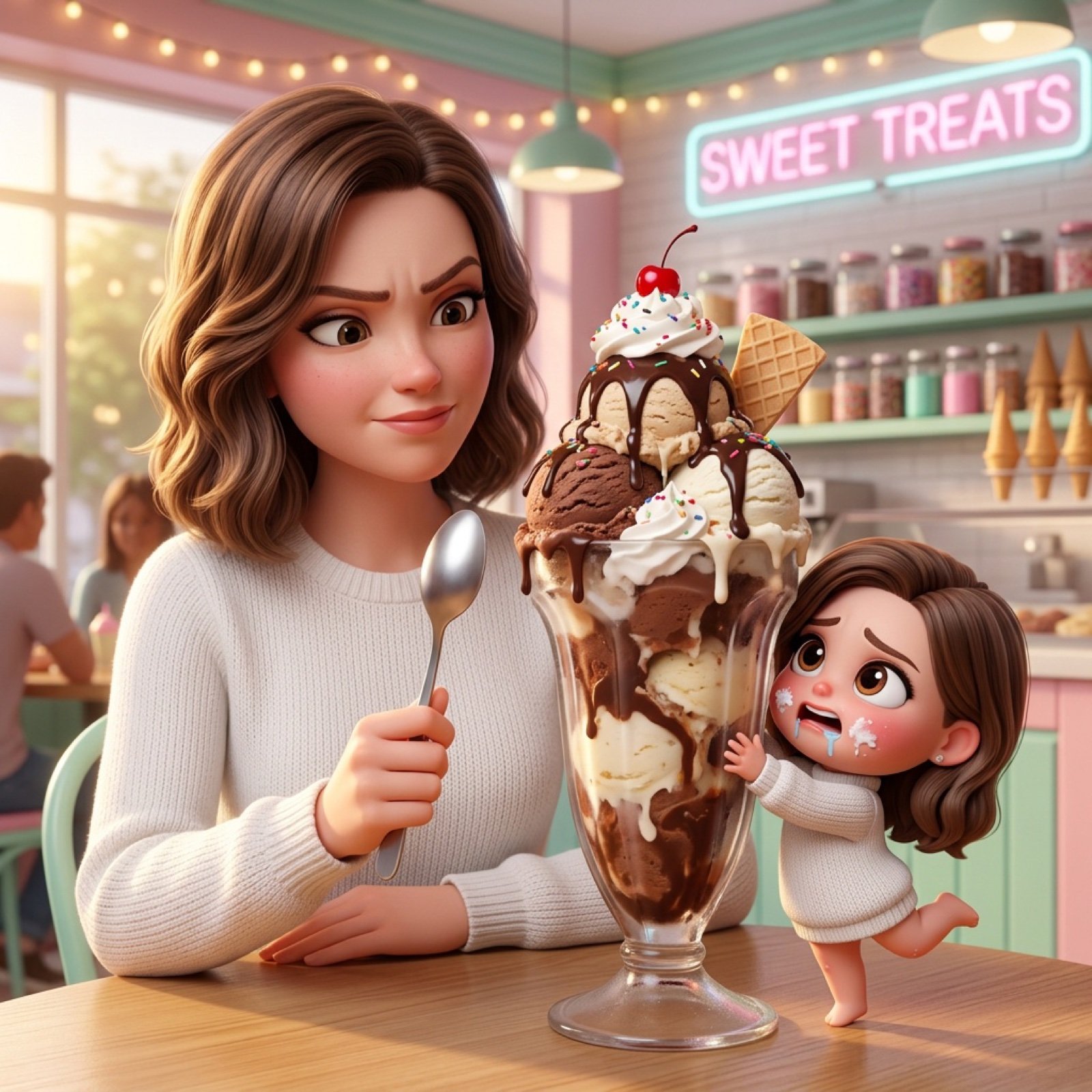
Ice Cream Heist Chibi Cartoon Prompt
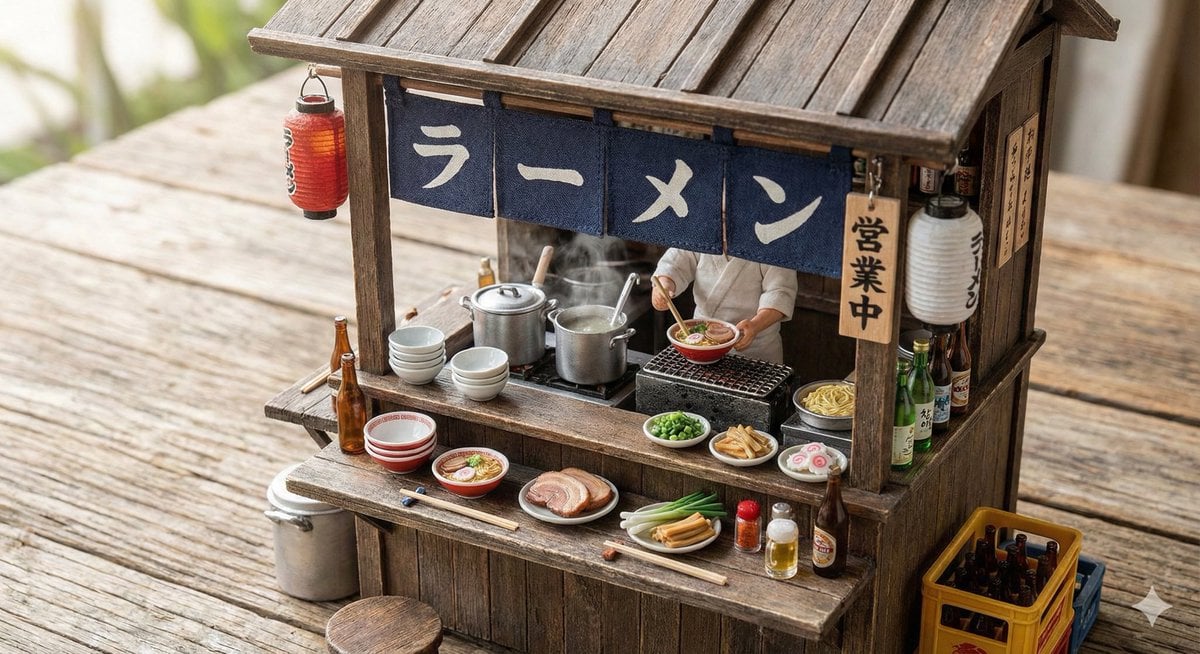
Generating Various Everyday Scenes
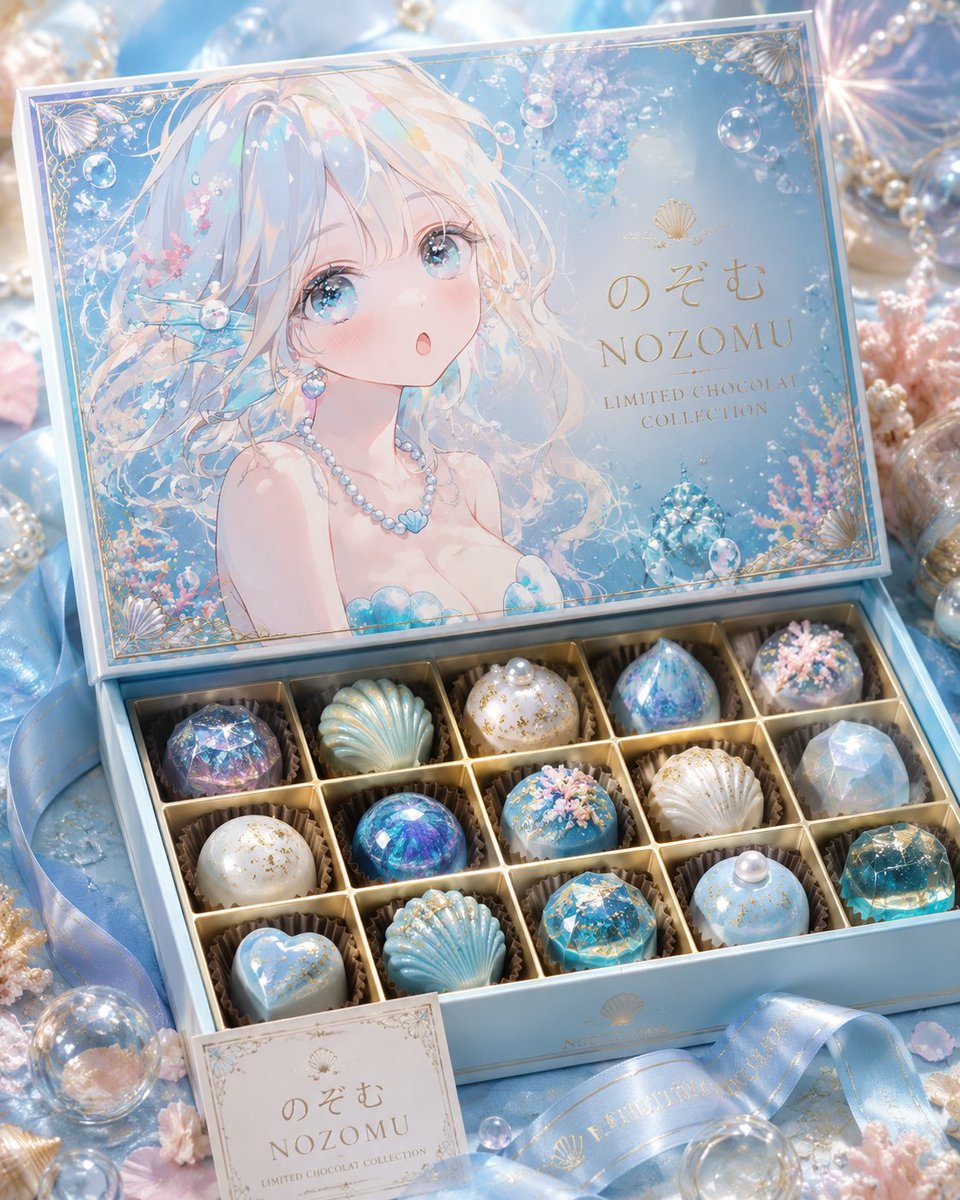
Luxury Ocean Princess Chocolate Box
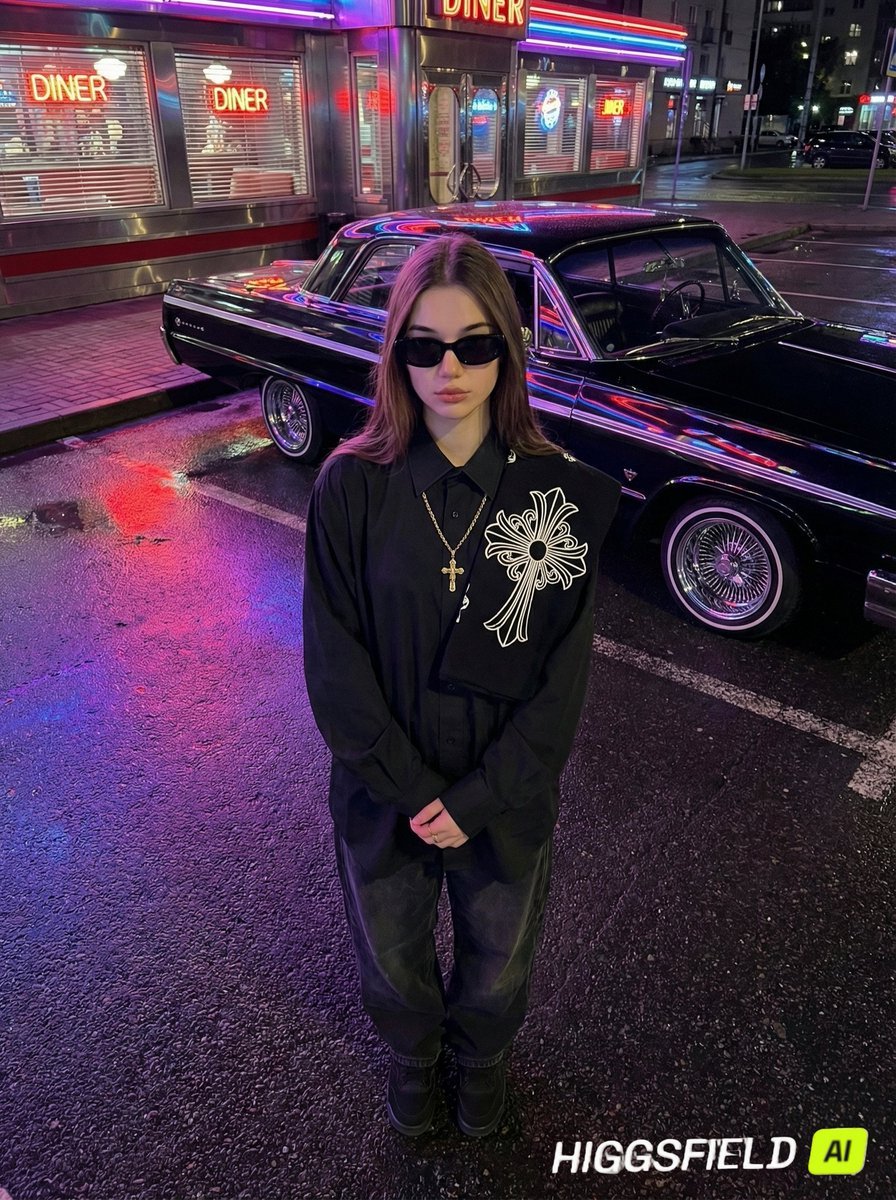
Urban Noir Identity Preservation Prompt
Browse template categories
Y2K Anime Streetwear Model questions
How do I use the Y2K Anime Streetwear Model template?
Add your photo if the template asks for one, edit the prompt if you like — the template's model and format are already selected — and press Generate. Your version opens in PicX Studio.
Can I customize the Y2K Anime Streetwear Model template?
Yes. You can change the subject, setting, lighting, mood, format, and available model controls before creating your image.
Is the Y2K Anime Streetwear Model template free?
Opening and editing this template is free. Generating uses credits, shown on the Generate button when you are signed in.
Which AI model should I use?
Start with GPT Image 2, which is the model associated with this template. You can compare another compatible model for a different finish.
Looking for something else? Browse all templates.

Your photo, any look
Thousands of ready templates for every top image and video model, from one credit balance.