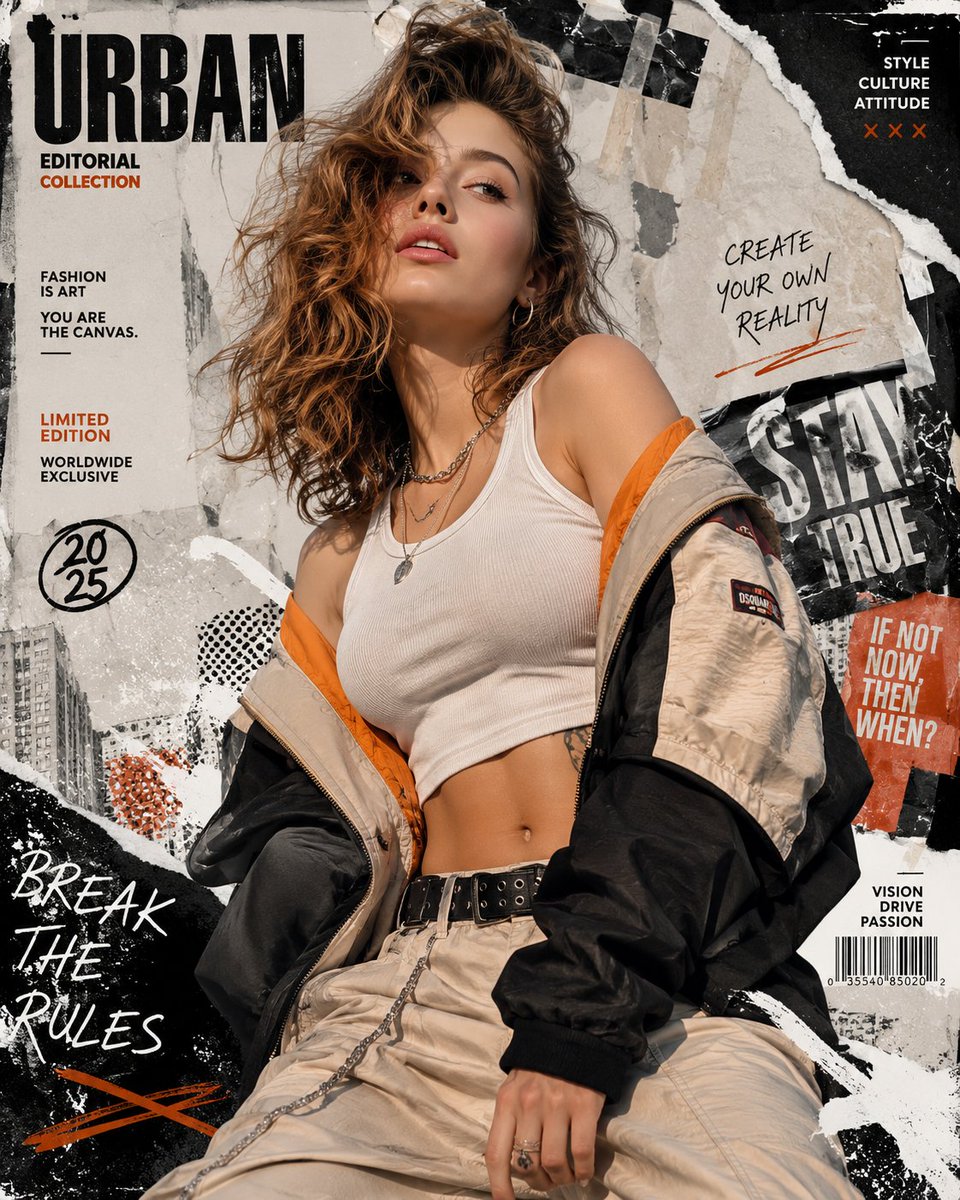
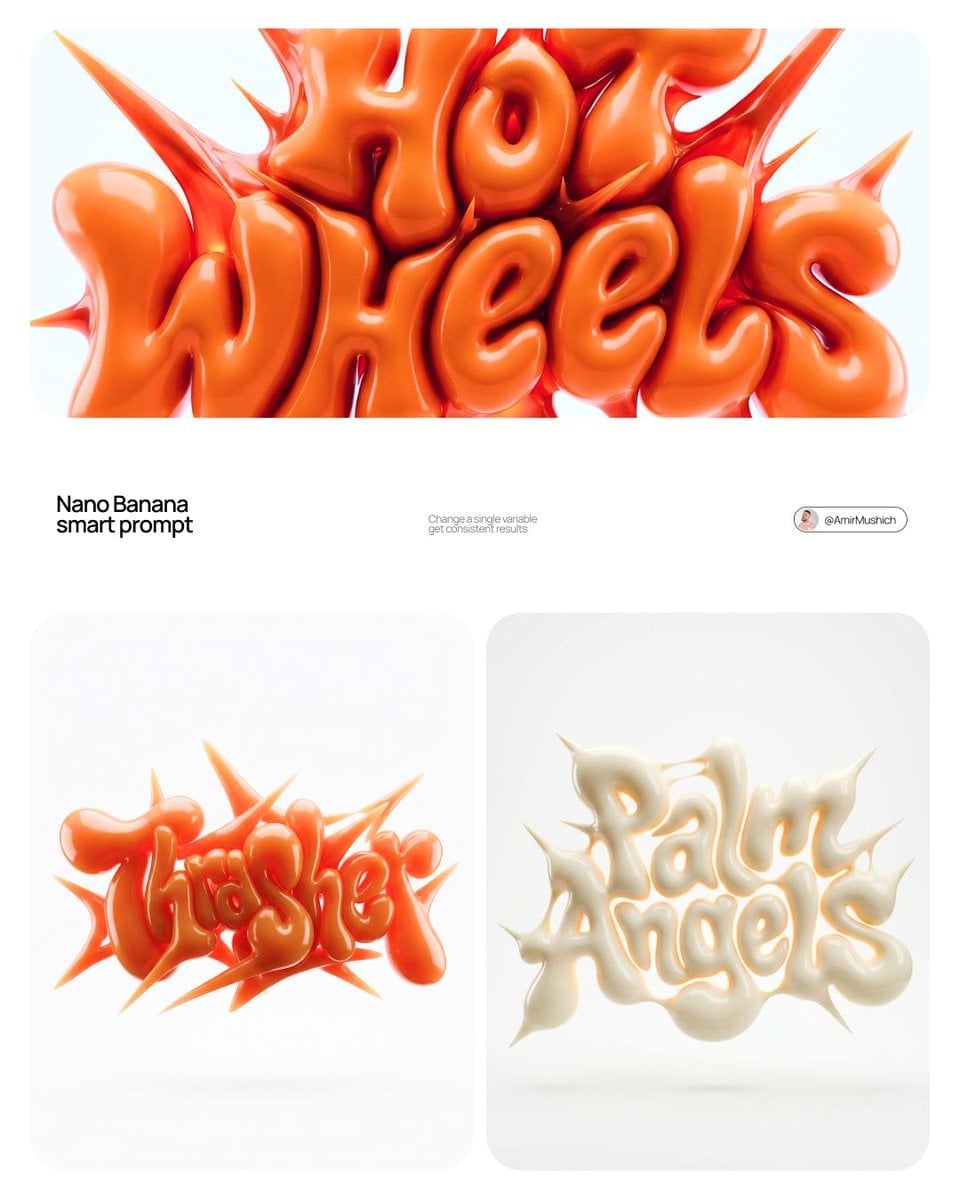
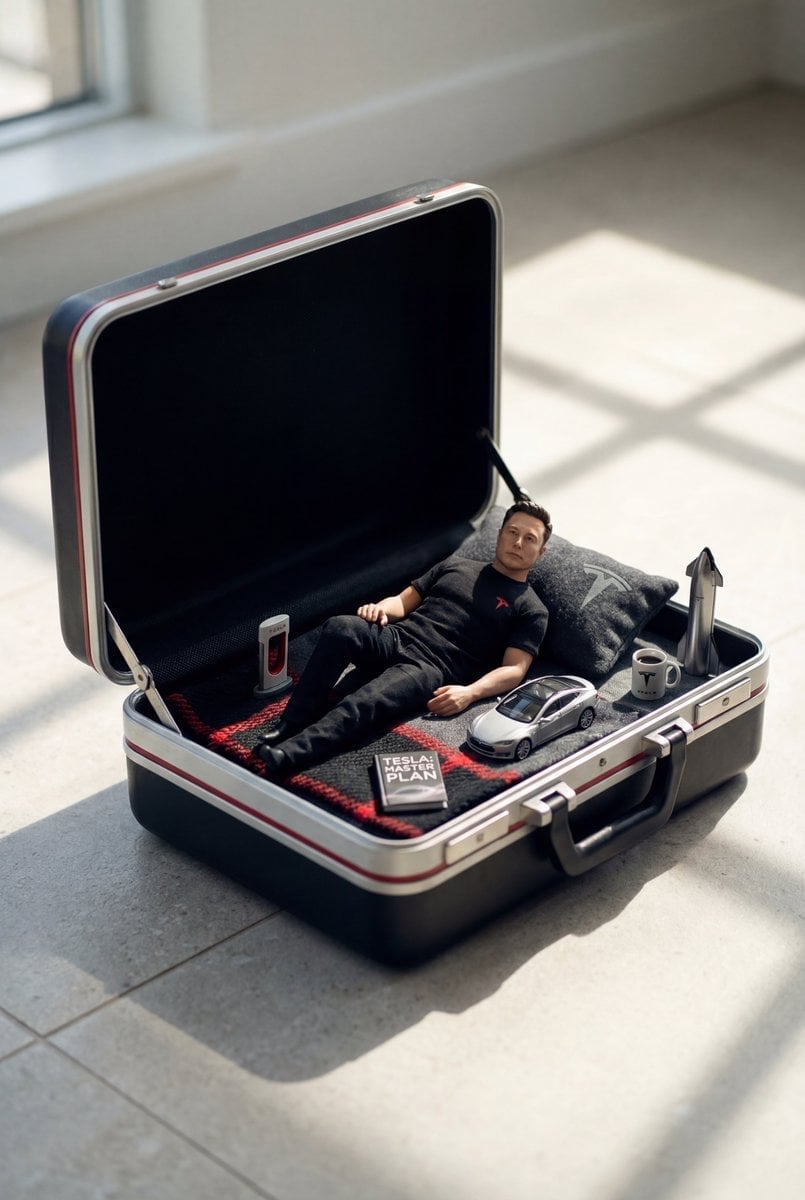
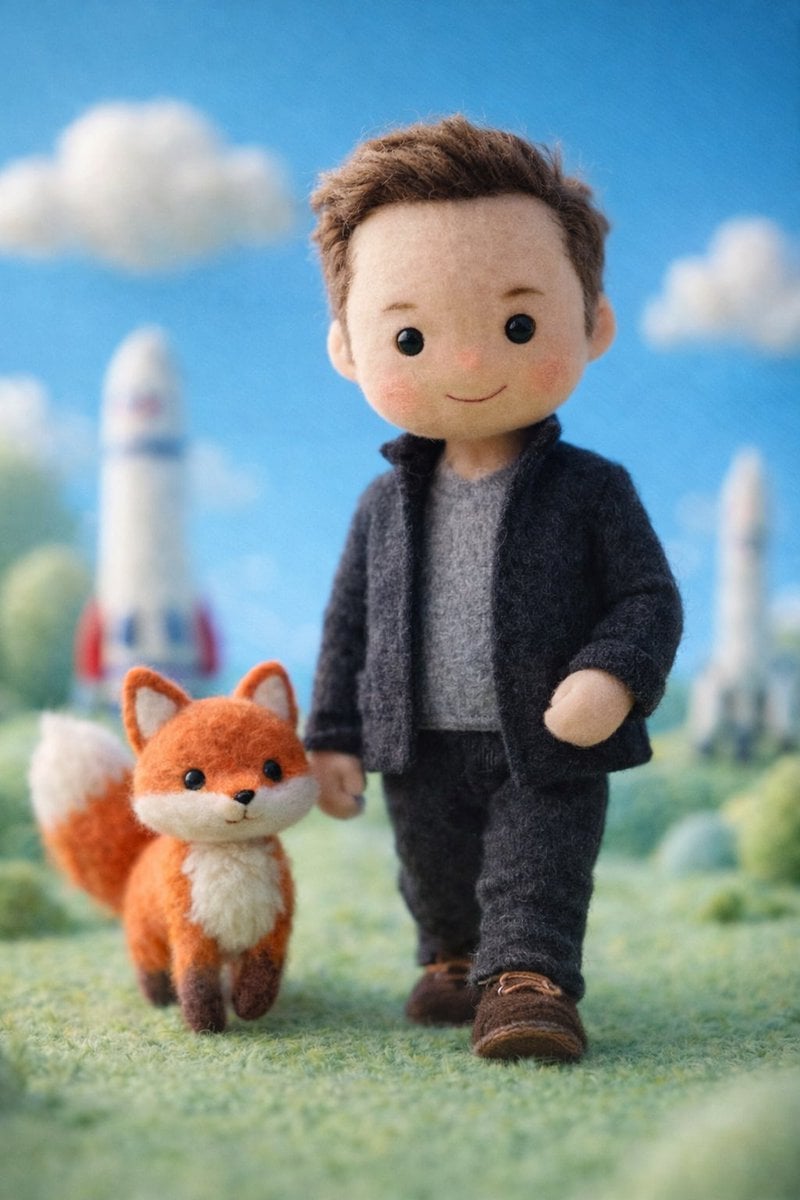
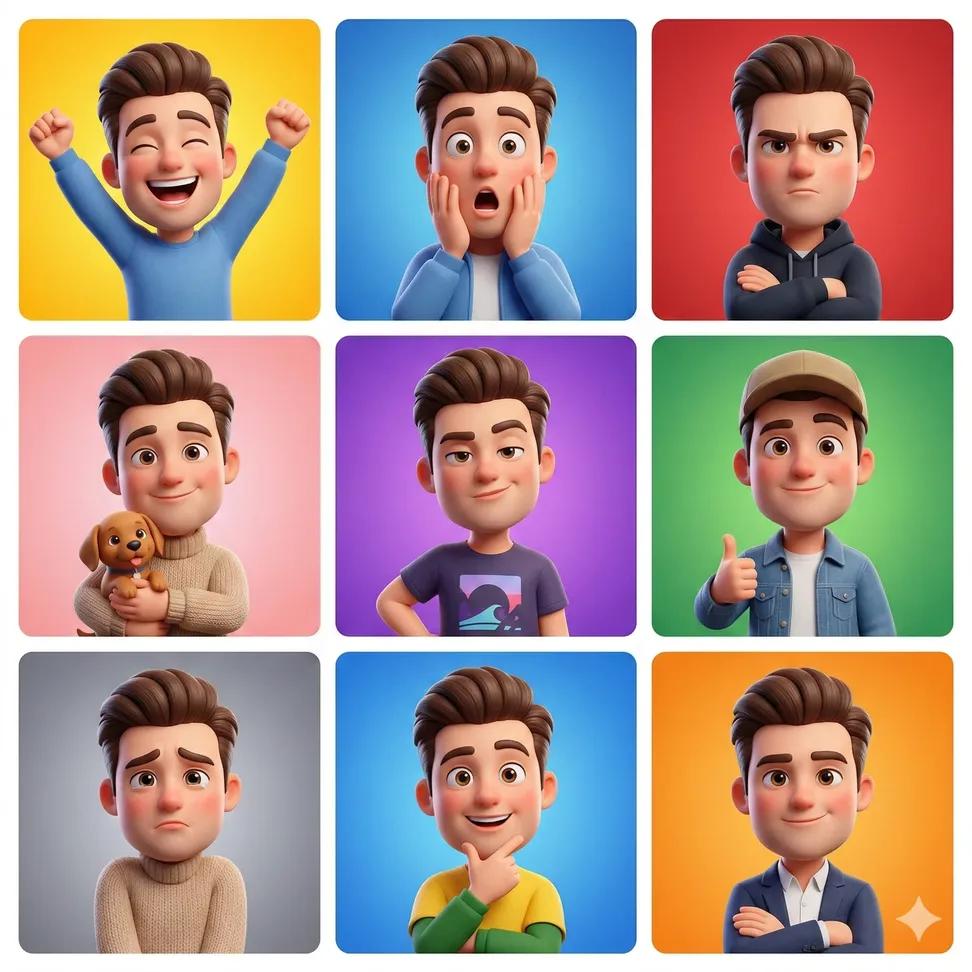
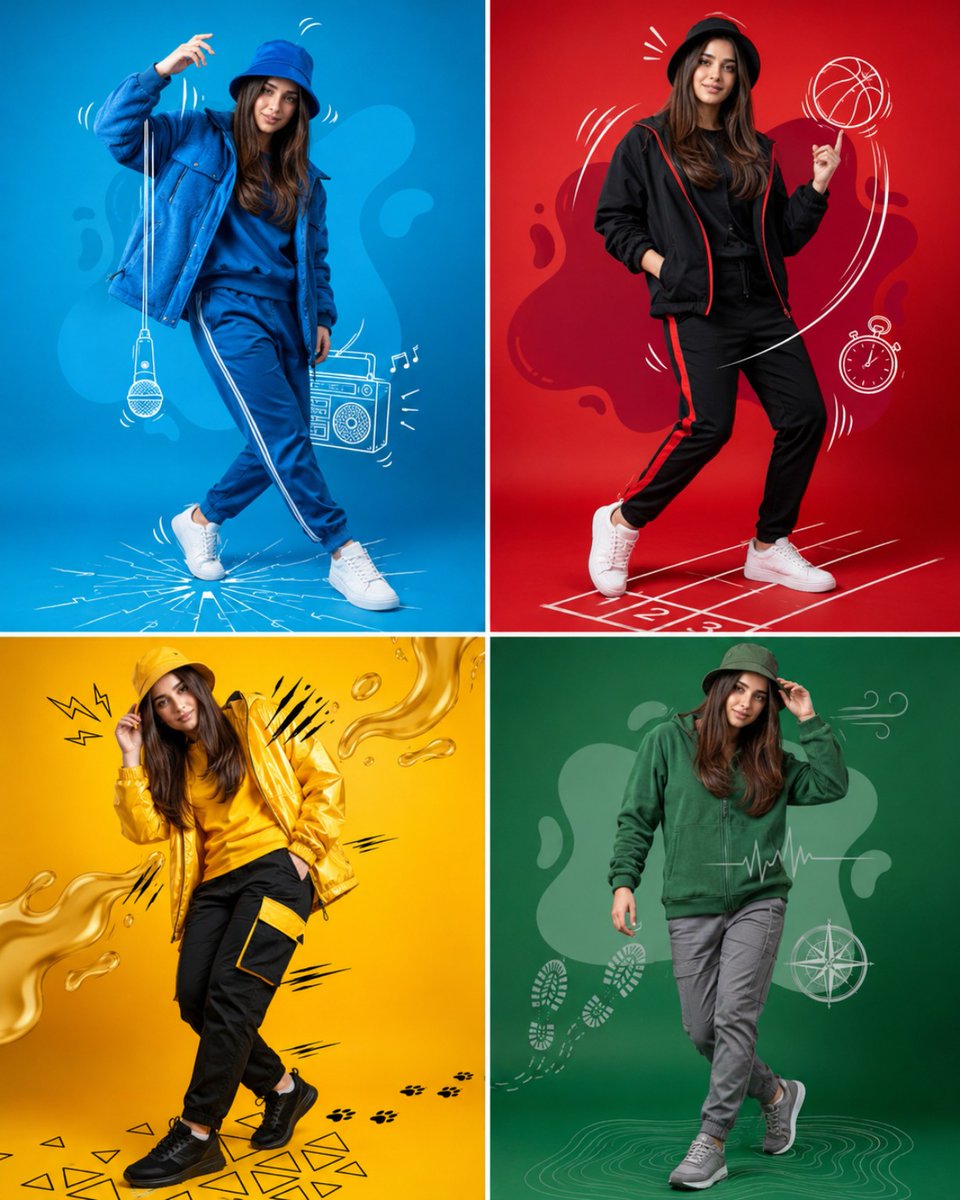
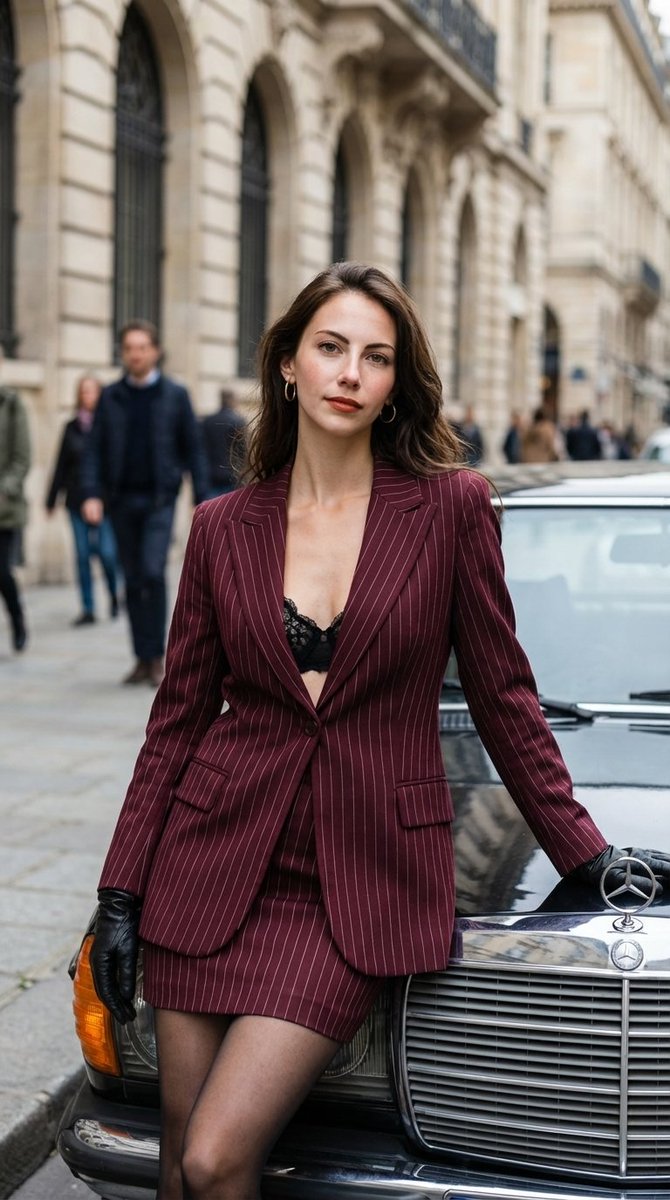
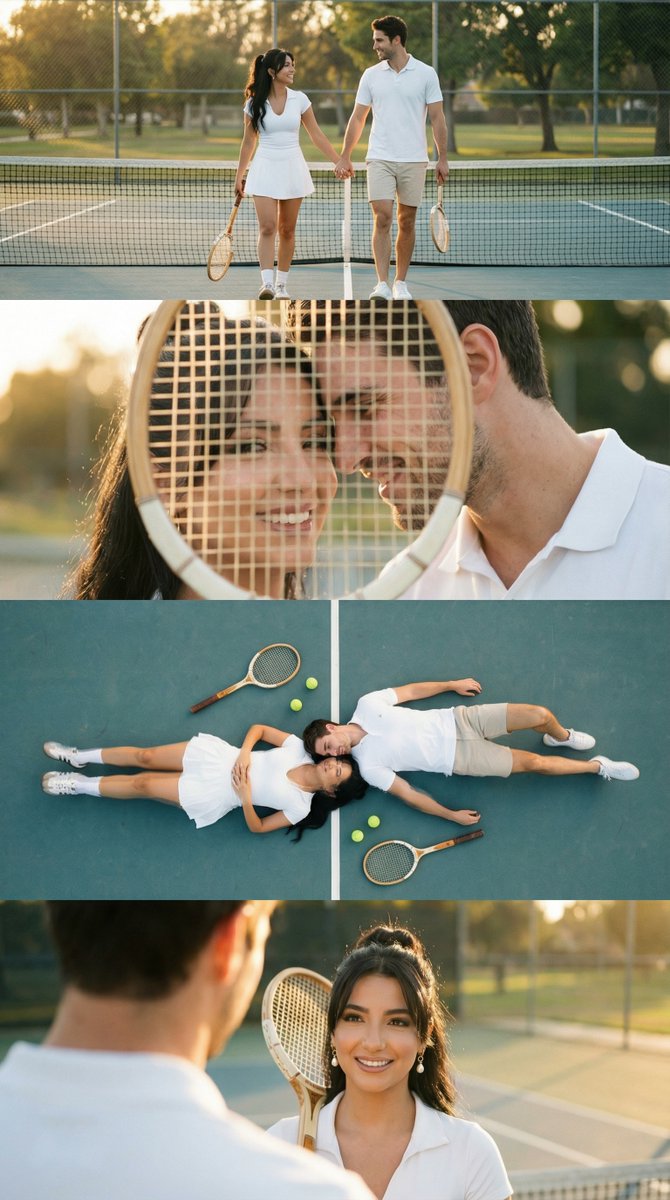
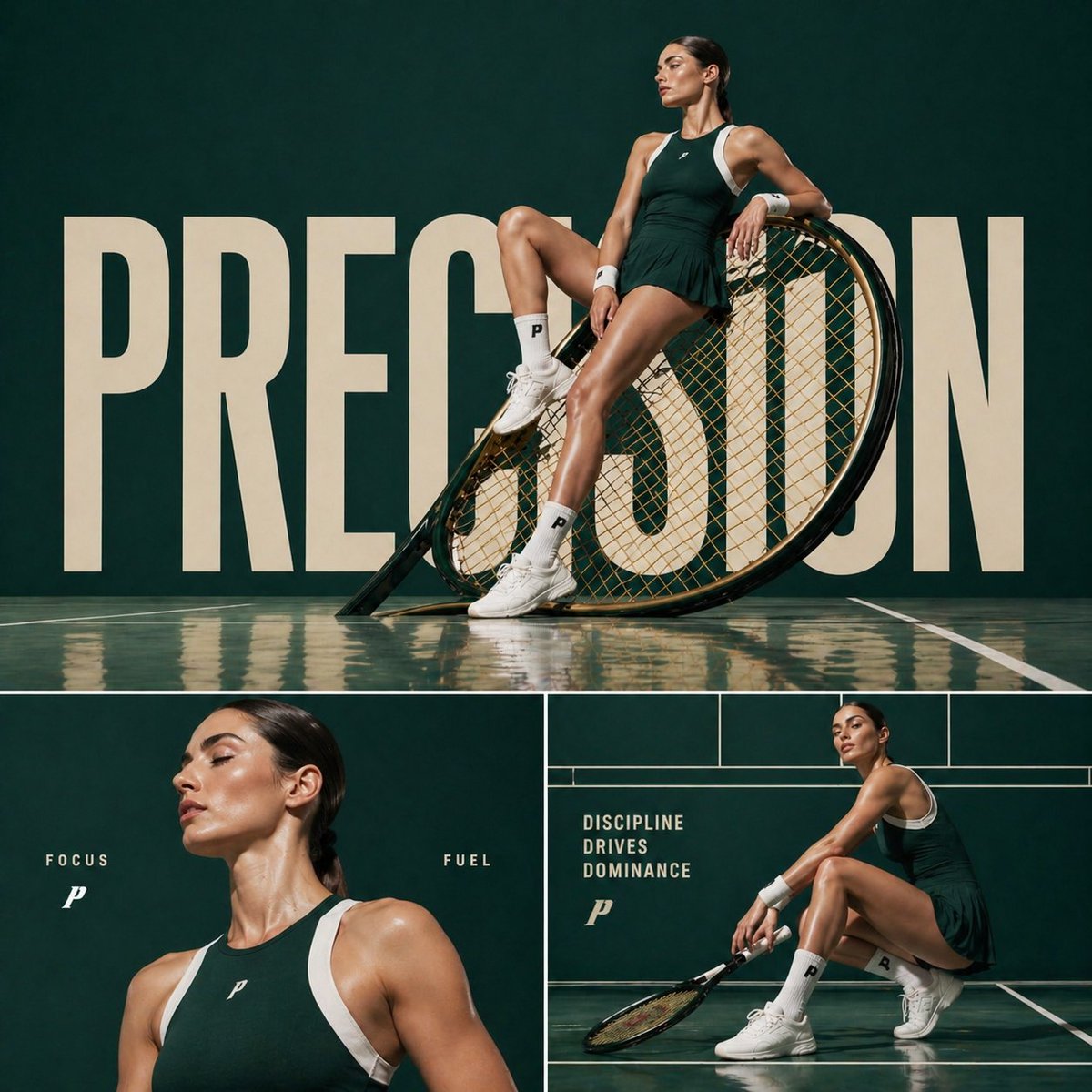
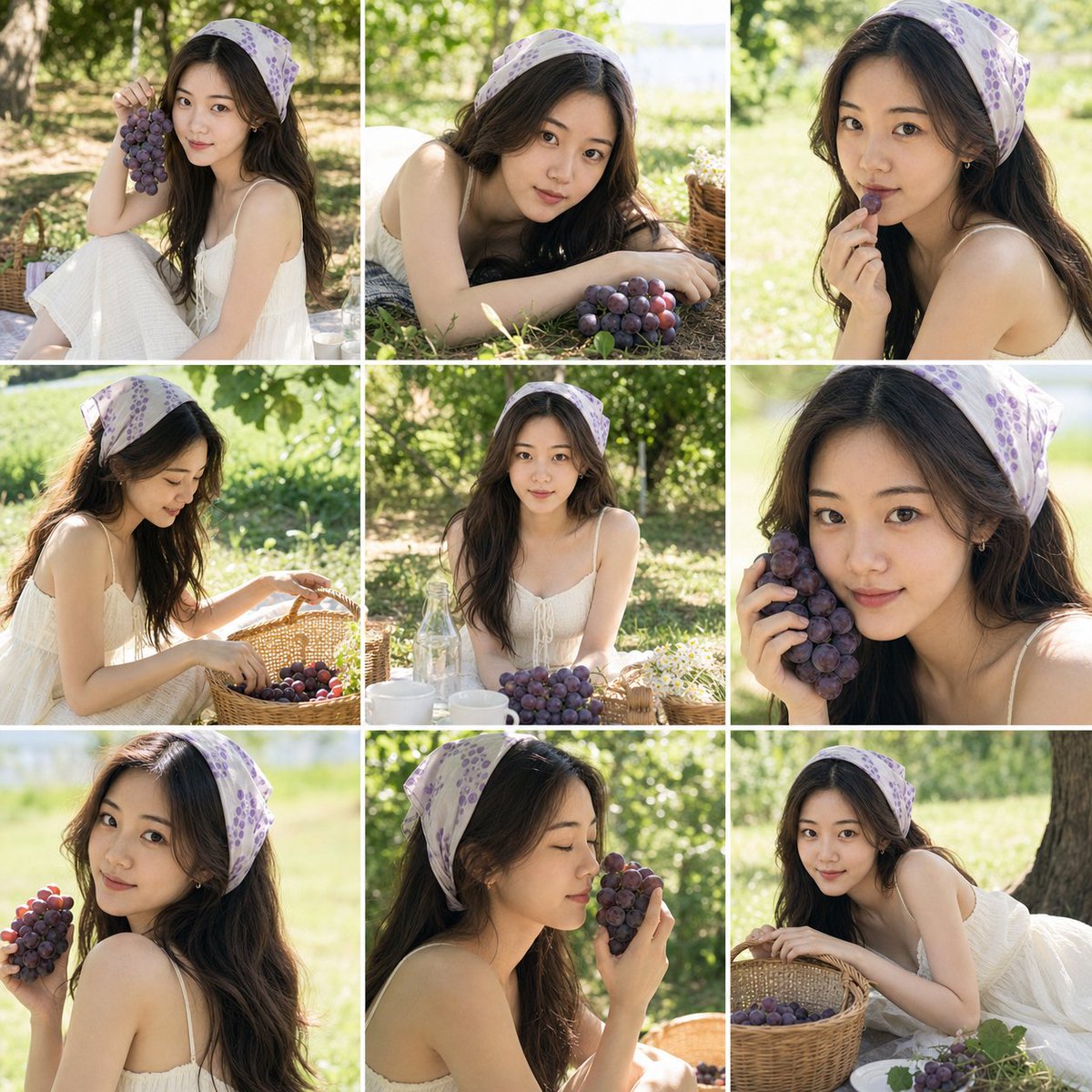
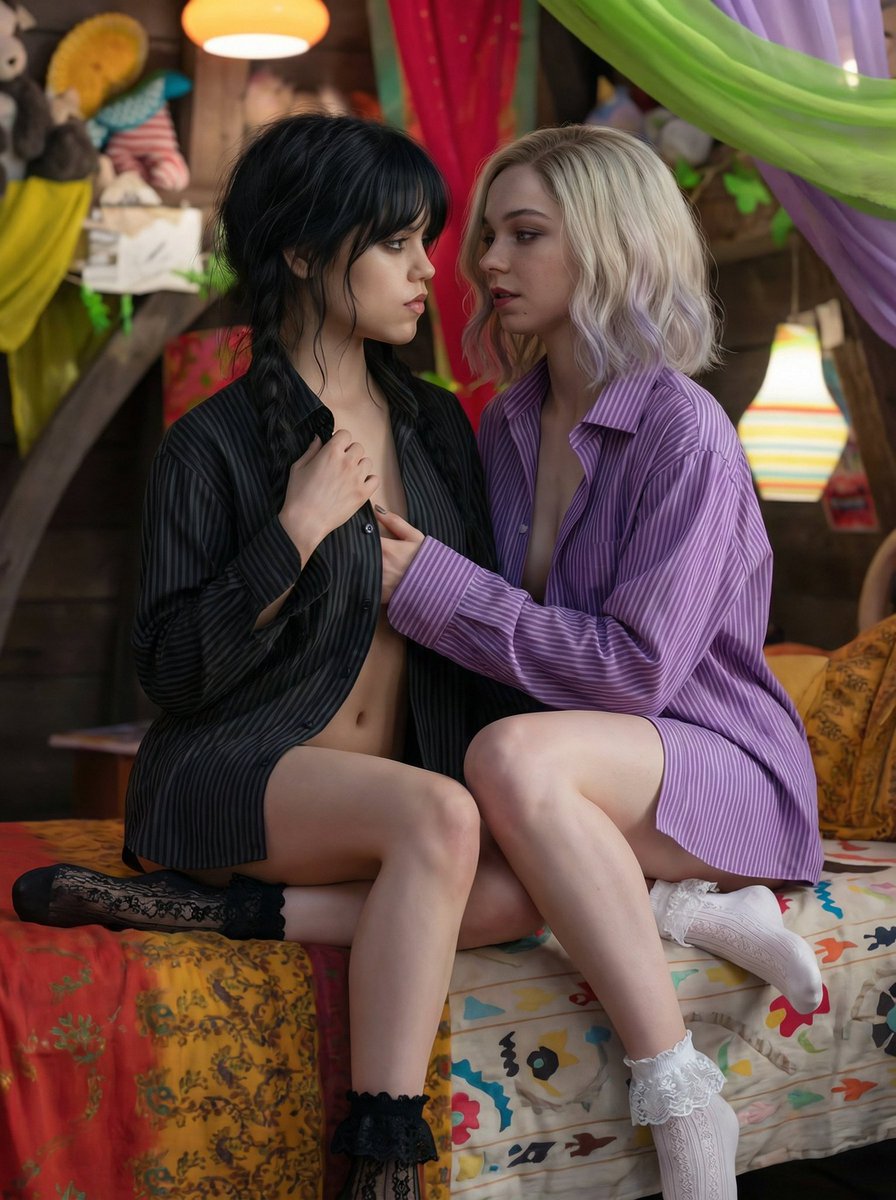
How do I use the Cinematic Streetwear Model Collage template?
Choose the primary action to open PicX Studio with the available template settings. Review the model and format, personalize the creative direction, and generate when ready.
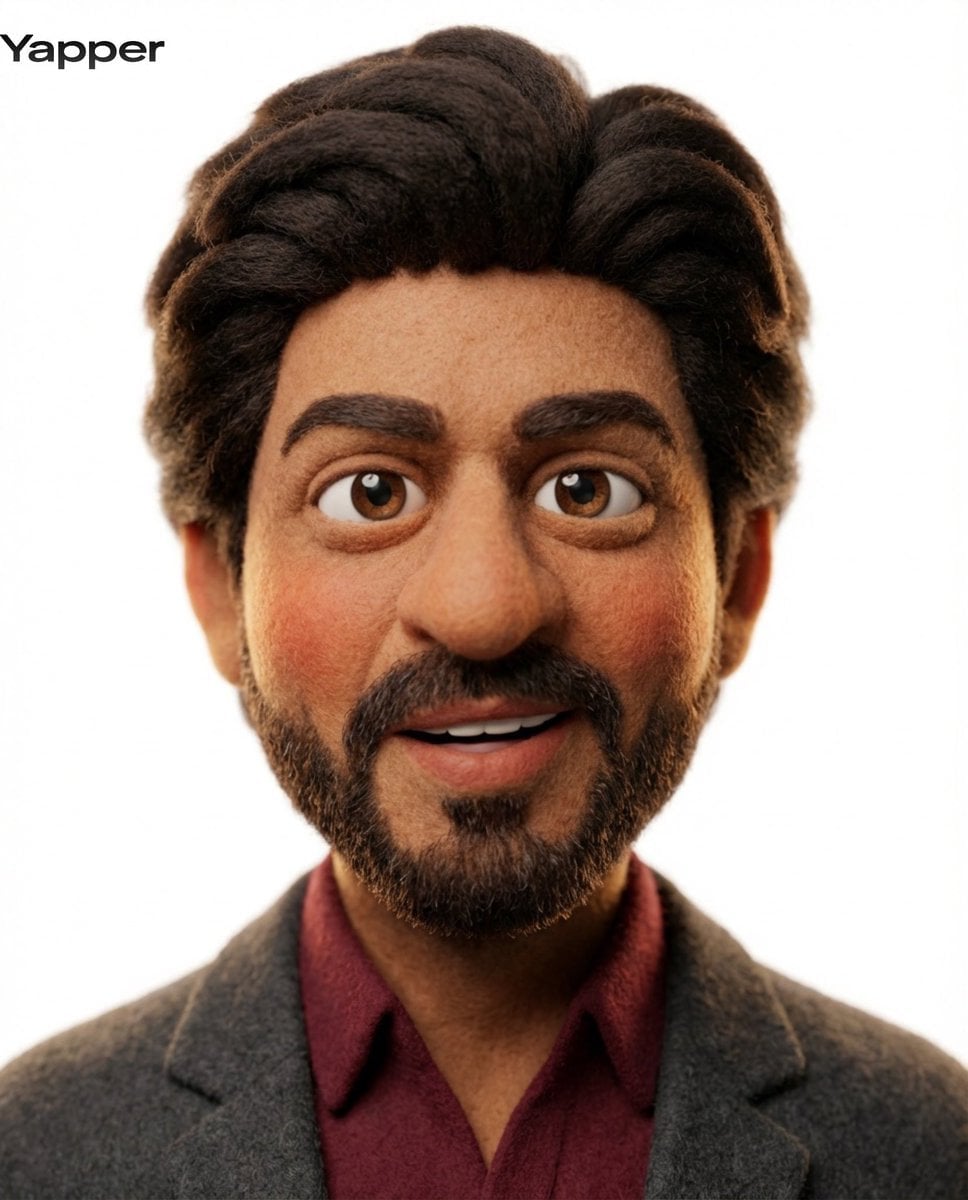
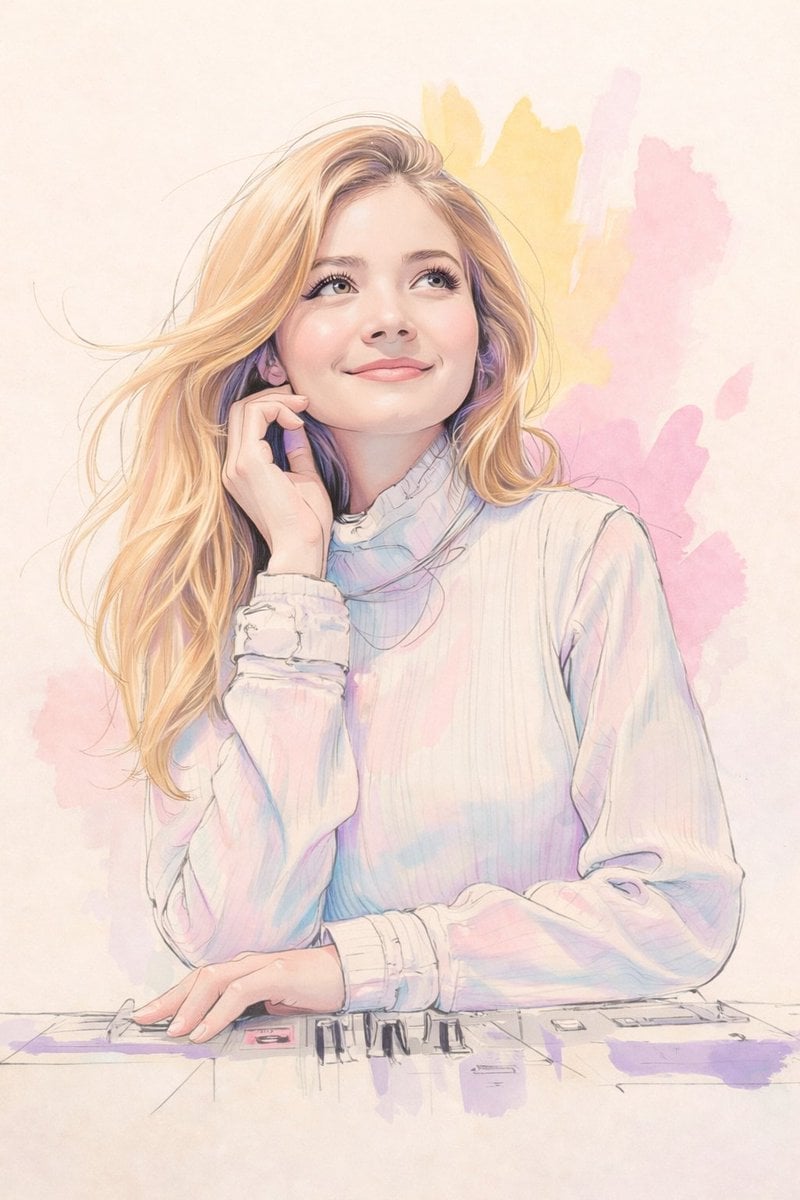
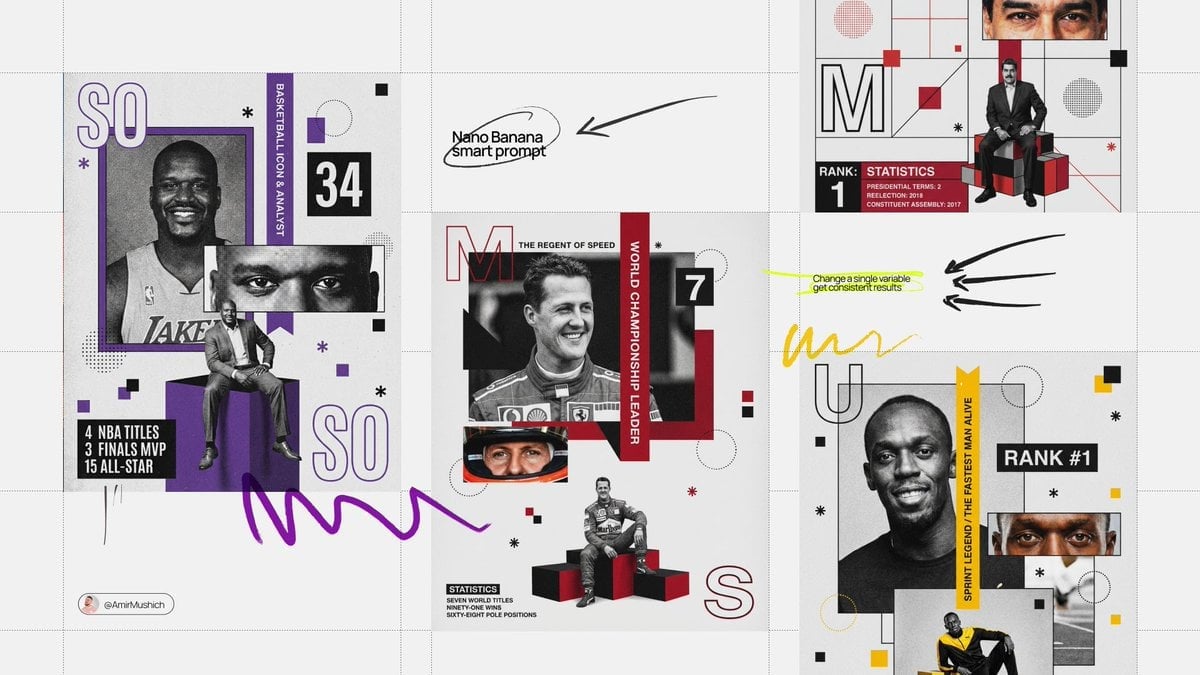
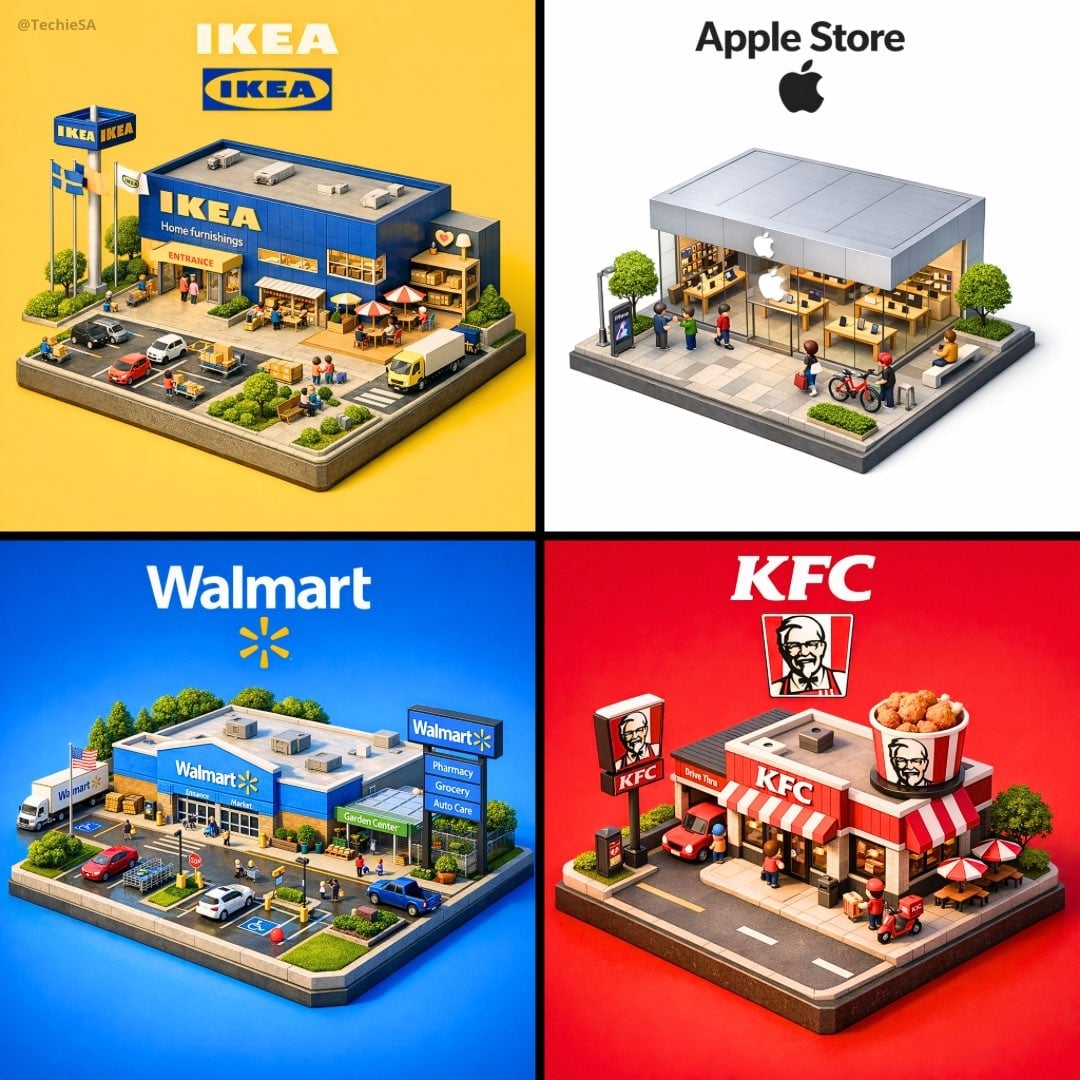
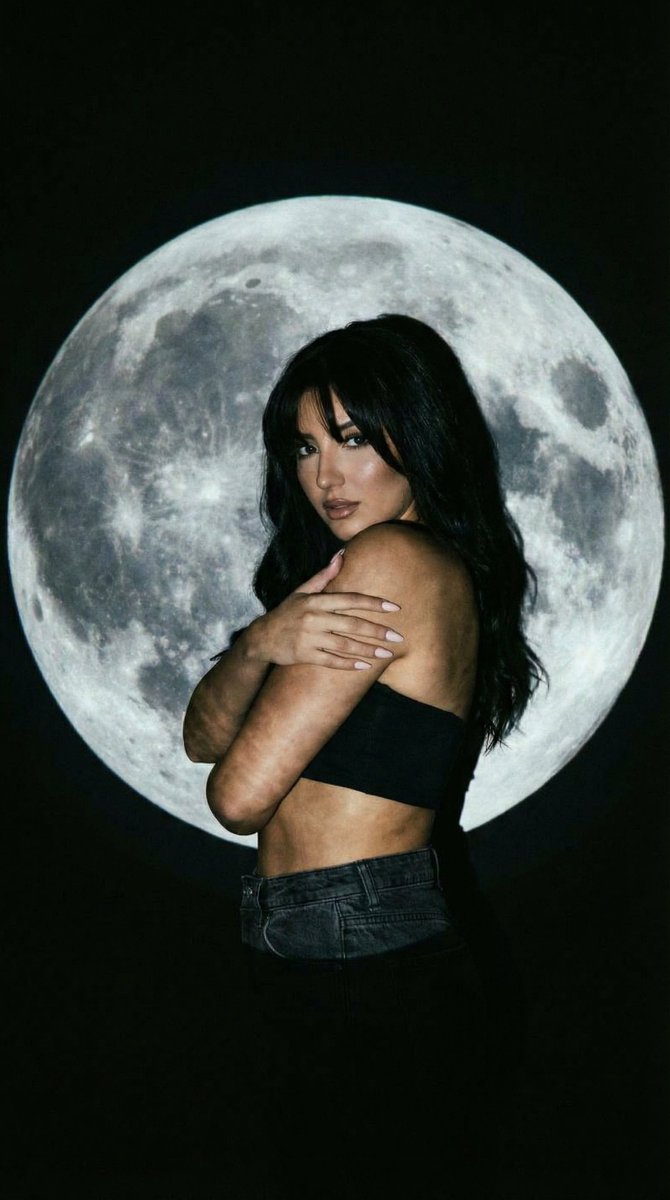
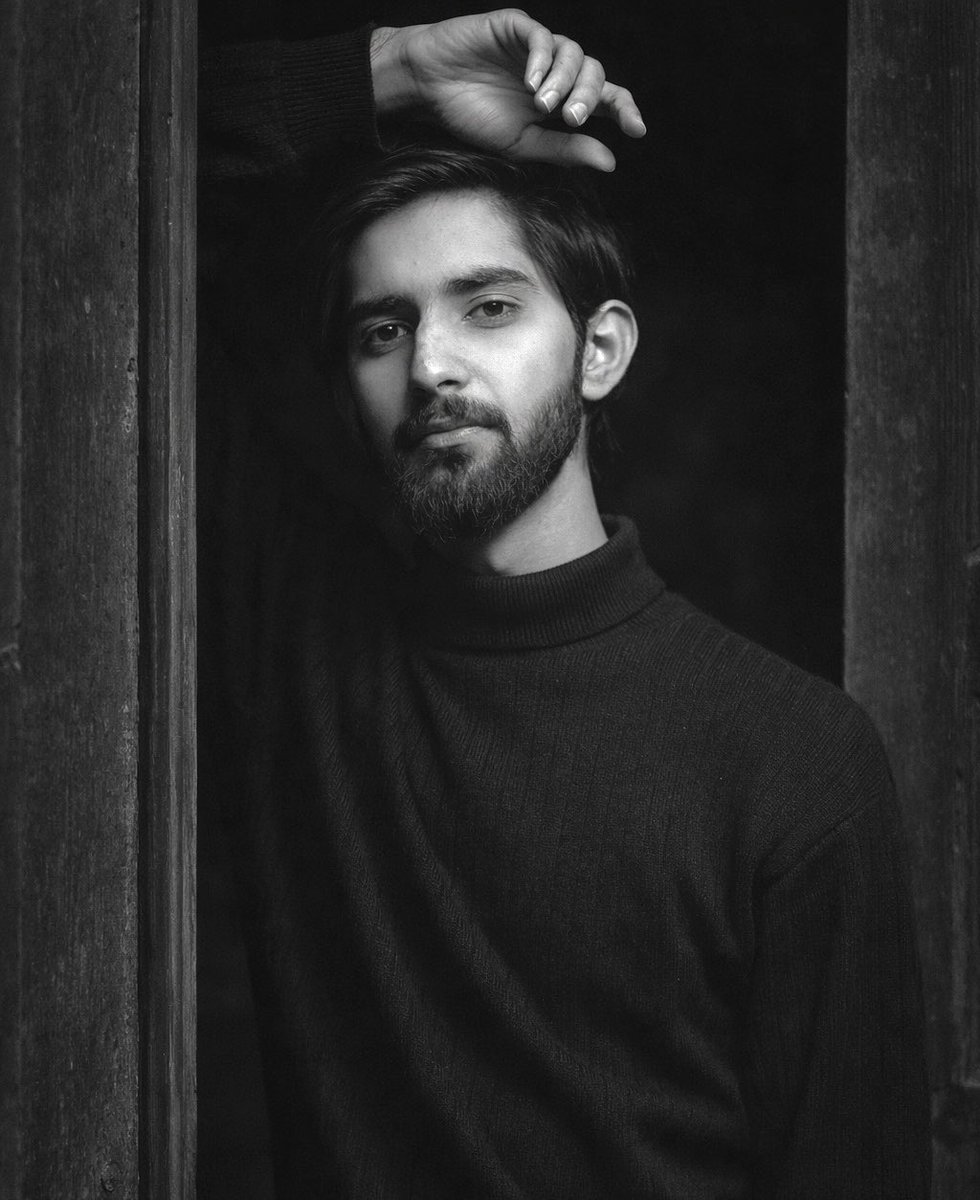
Generates a borderless collage featuring several expressive portraits of the same model with soft film lighting and rich streetwear textures.
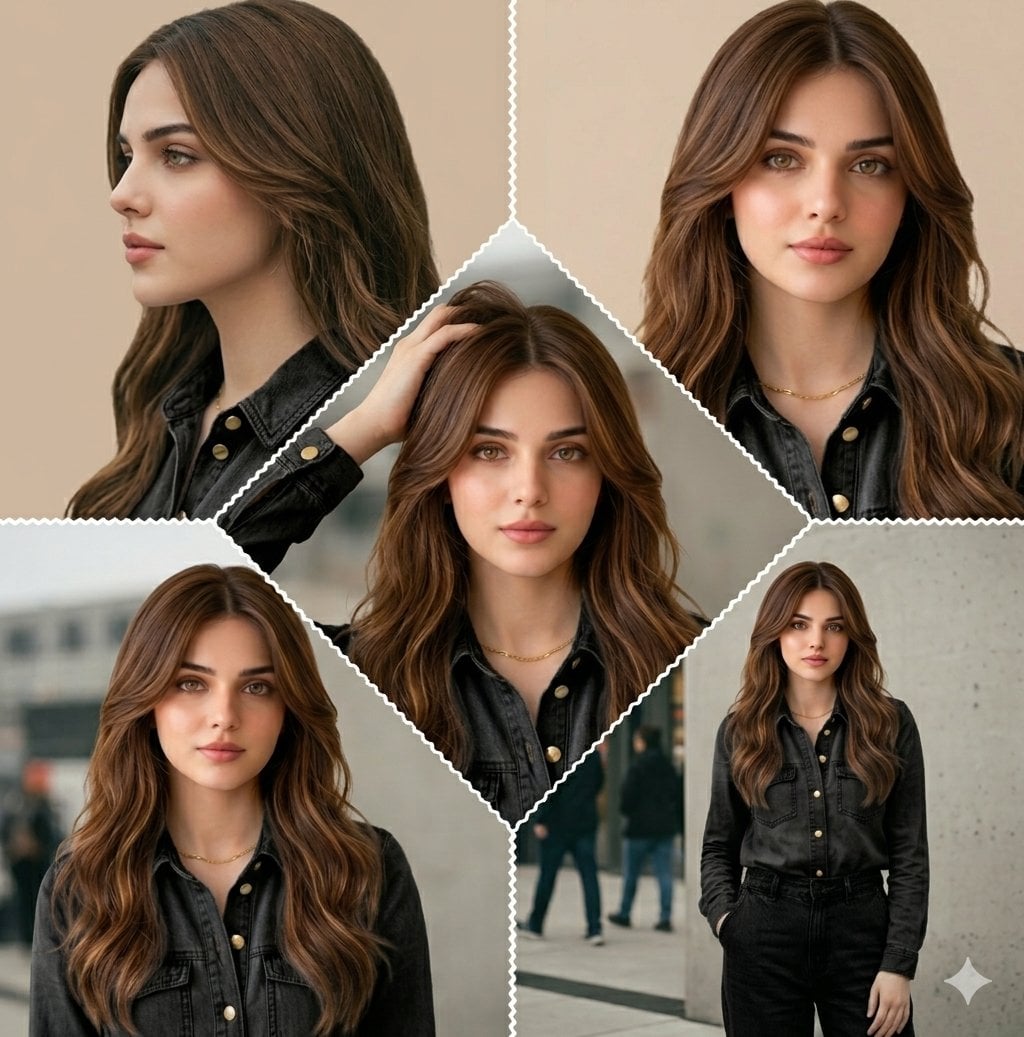
A cinematic border-less collage featuring the same model in multiple expressive portraits. {argument name="lighting" default="Soft diffused film lighting"}, high clarity, rich textures, and subtle grain. The model has {argument name="hair style" default="messy stylish hair"}, glowing skin, {argument name="outfit" default="layered streetwear"}, and dark sunglasses. Frames include: sharp side profile, intimate front close-up with hand in hair, bold intense gaze, thoughtful mid-close shot, and relaxed medium portrait. Seamless consistency in mood, color grading, and visual storytelling.
Choose the primary action to open PicX Studio with the available template settings. Review the model and format, personalize the creative direction, and generate when ready.
Yes. You can change the subject, setting, lighting, mood, format, and available model controls before creating your image.
This template is free to open and customize. Generation usage is shown in PicX Studio before you create.
Start with Nano Banana 2, which is the model associated with this template. You can compare another compatible model for a different finish.
Follow a topic to a crawlable collection of related PicX Studio templates.