
Gpt2 E Commerce Main Image Luxury Fur Lined Loafer Lifestyle Photo
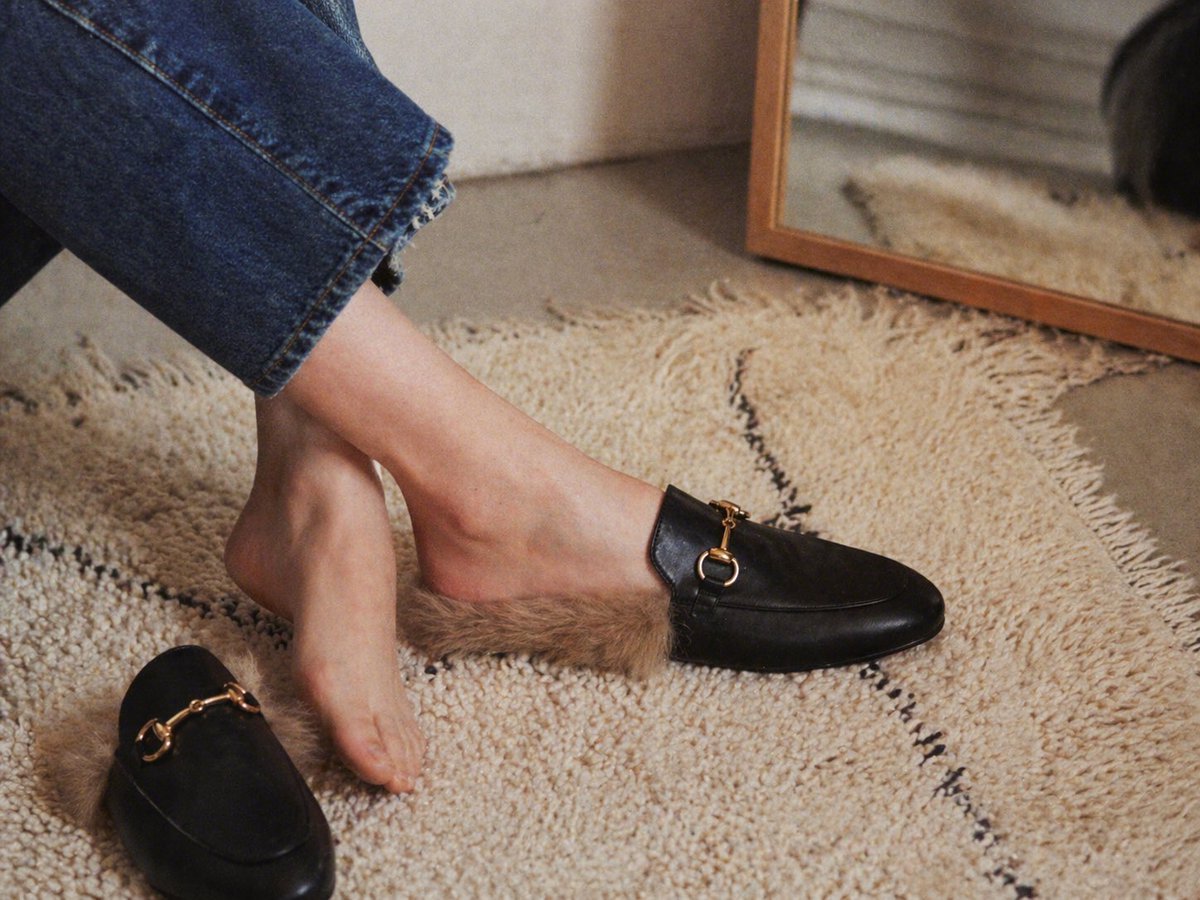
This prompt generates a cozy high-end fashion product shot of fur-lined black mule loafers being tried on in a warm minimalist home interior, ideal for footwear ads and editorial ecommerce imagery.
- Prompt included
- Model and format preset
- Free template
The prompt behind this image
Copy the exact prompt behind Gpt2 E Commerce Main Image Luxury Fur Lined Loafer Lifestyle Photo, or open it in the studio and make it yours.
A warm, editorial-style lifestyle product photo shot indoors from a low close-up angle, focused on a woman's lower legs and feet as she tries on 1 pair of black leather backless loafers with tan faux-fur lining. One loafer is worn on the right foot and the left foot is bare, hovering just above the textured cream shag rug, while the second matching loafer lies on the rug in the lower left foreground. The shoes have smooth black leather uppers, a rounded almond toe, open mule-style heel, plush brown fur spilling out around the opening, and a small polished gold horsebit hardware detail across the vamp. The model wears cropped medium-blue denim jeans with a raw frayed hem. The setting is a cozy minimalist interior with a cream rug featuring 2 thin irregular black lines, a neutral wall, and a leaning rectangular mirror with a medium wood frame in the upper right background, softly reflecting the rug and part of the scene. Use soft natural window light, shallow depth of field, subtle film grain, realistic skin texture, muted beige and black palette, relaxed candid composition, premium fashion catalog mood, high detail, photorealistic.
How to use Gpt2 E Commerce Main Image Luxury Fur Lined Loafer Lifestyle Photo in 3 steps
- 1
Open
The prompt is already in the box next to the preview, with the template's model and format selected.
- 2…a portrait of your subject in softgolden-hour light, 85mm…
Personalize
Edit the subject and creative details for your destination.
- 3Generate
Generate
Press Generate — your image is created in PicX Studio, so you can compare it with the original and refine one variable at a time.
More like this
Templates with the same subject, style or setup. Open one to see its prompt.
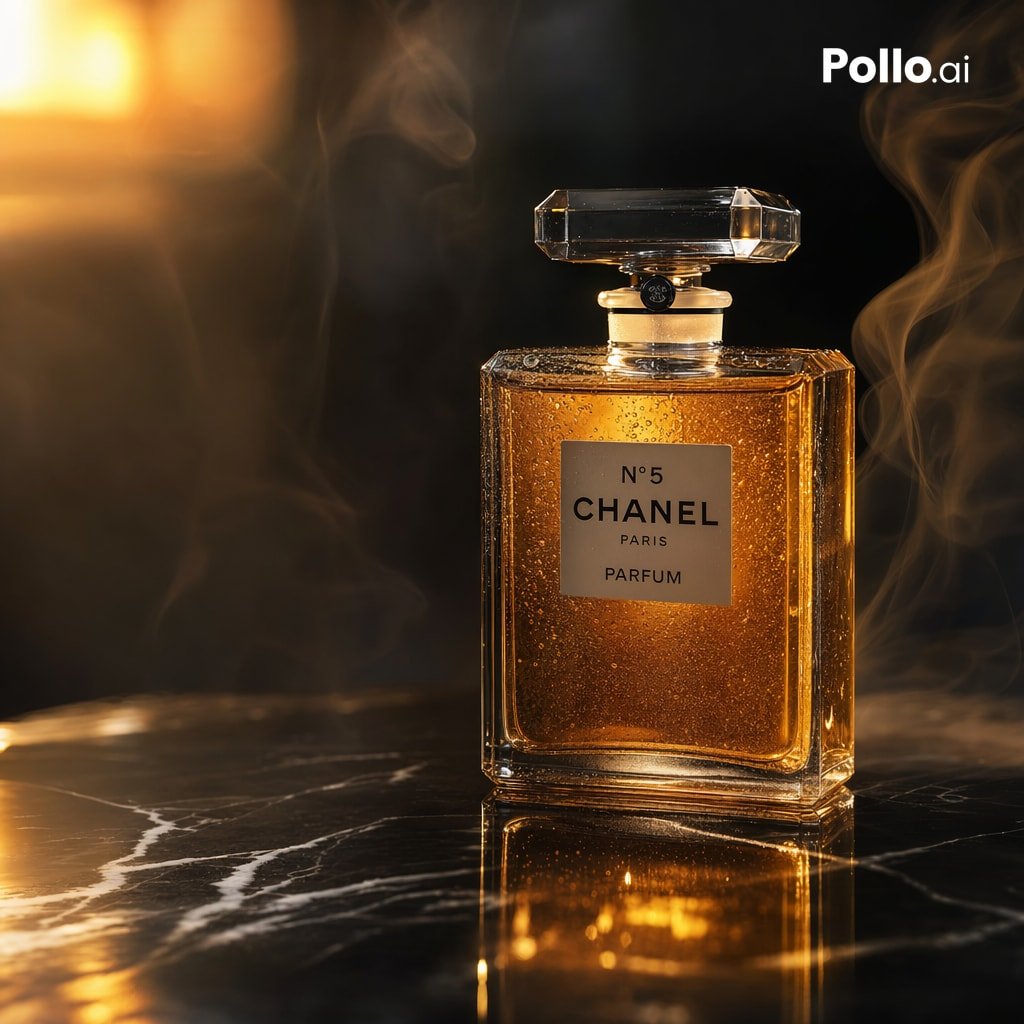
Gpt2 E Commerce Main Image Luxury Amber Perfume Ad
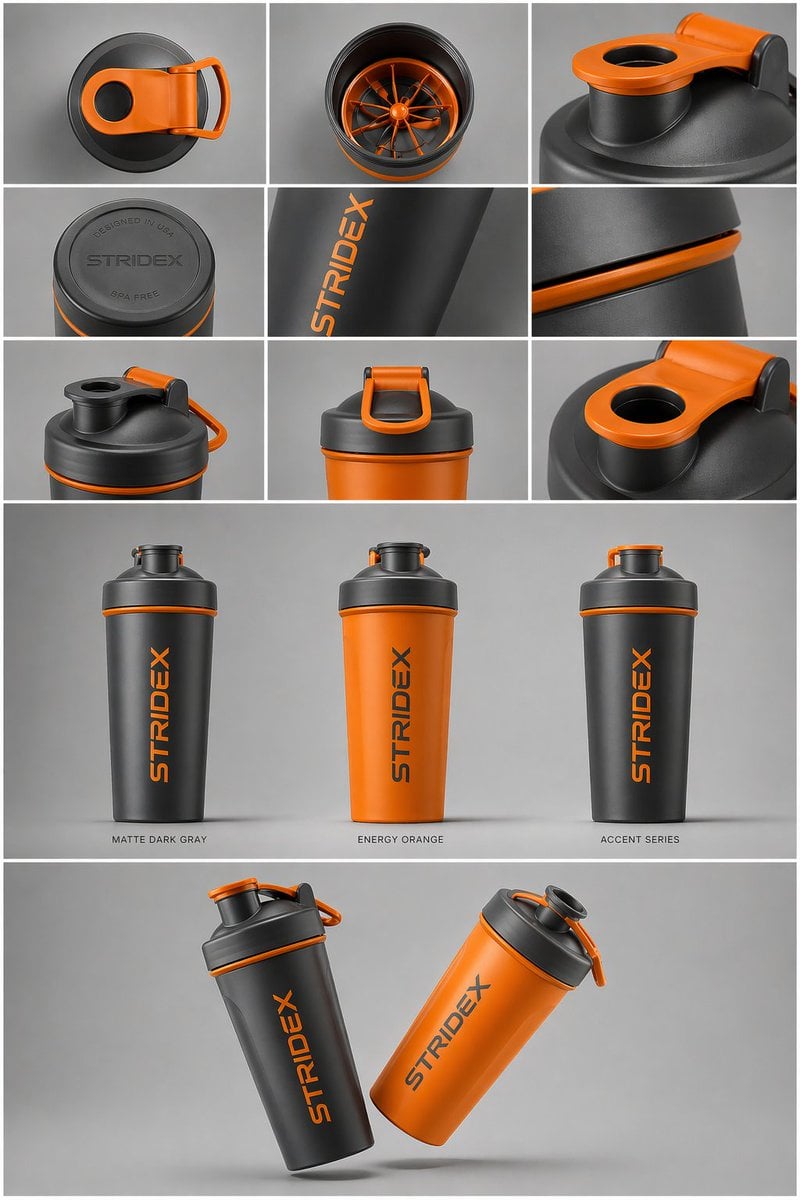
Gpt2 E Commerce Main Image Industrial Design Presentation Sheet
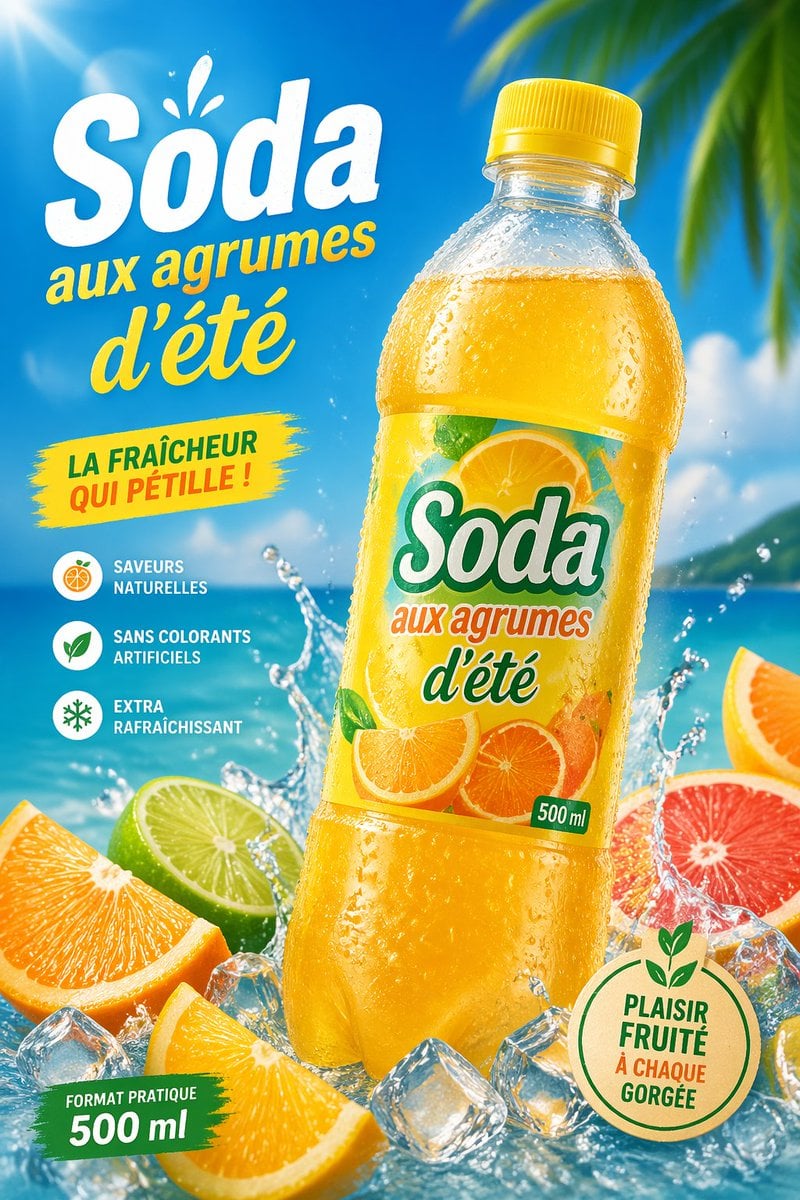
Gpt2 E Commerce Main Image Tropical Citrus Soda Ad Poster
Gpt2 E Commerce Main Image Skincare Product Studio Shot

Gpt2 E Commerce Main Image 9 Panel Product Tvc Storyboard
Gpt2 E Commerce Main Image Minimalist Product Ad Pure Crunch
Gpt2 E Commerce Main Image Elegant Cosmetic Poster

Gpt2 E Commerce Main Image Earbuds E Commerce Infographic
Gpt2 E Commerce Main Image Traditional Chinese Art and Porcelain Vases
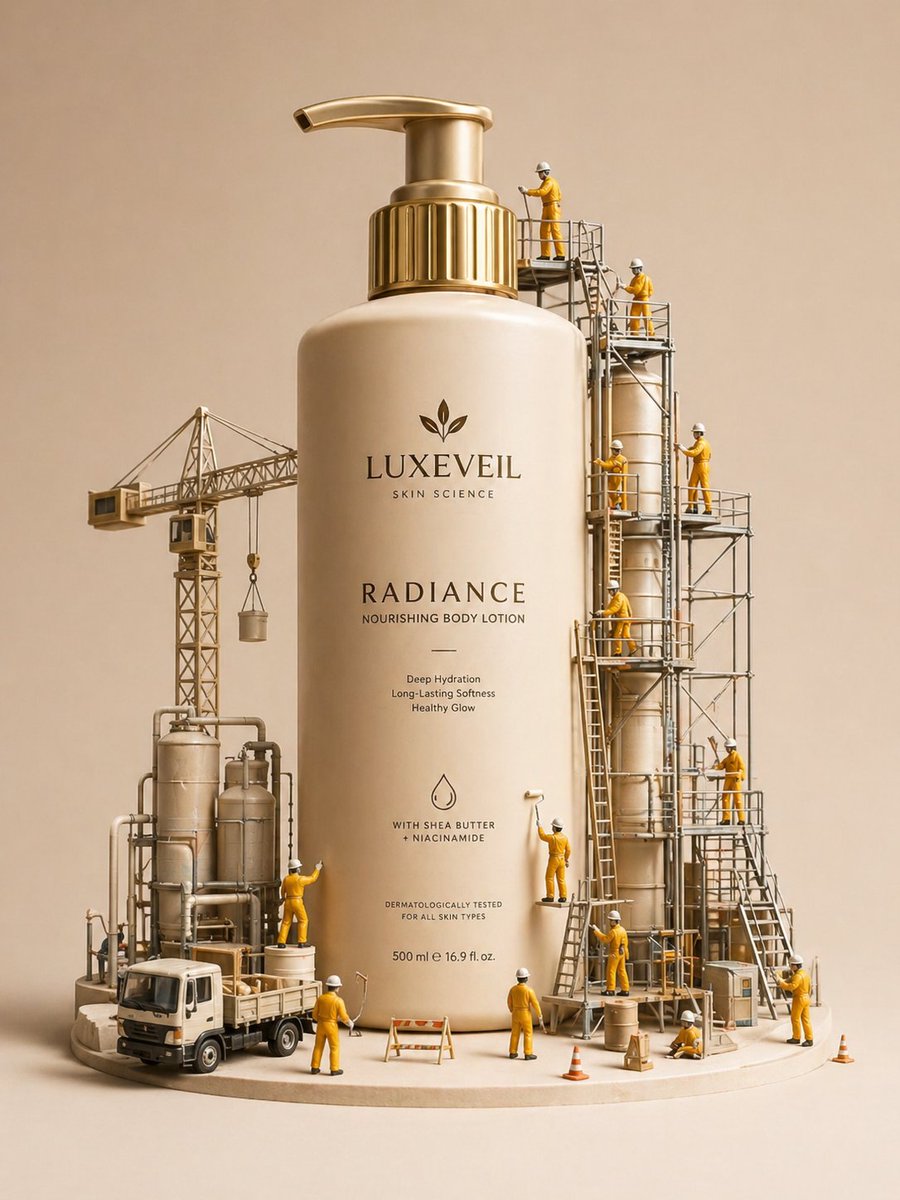
Gpt2 E Commerce Main Image Miniature Diorama Skincare Advertisement
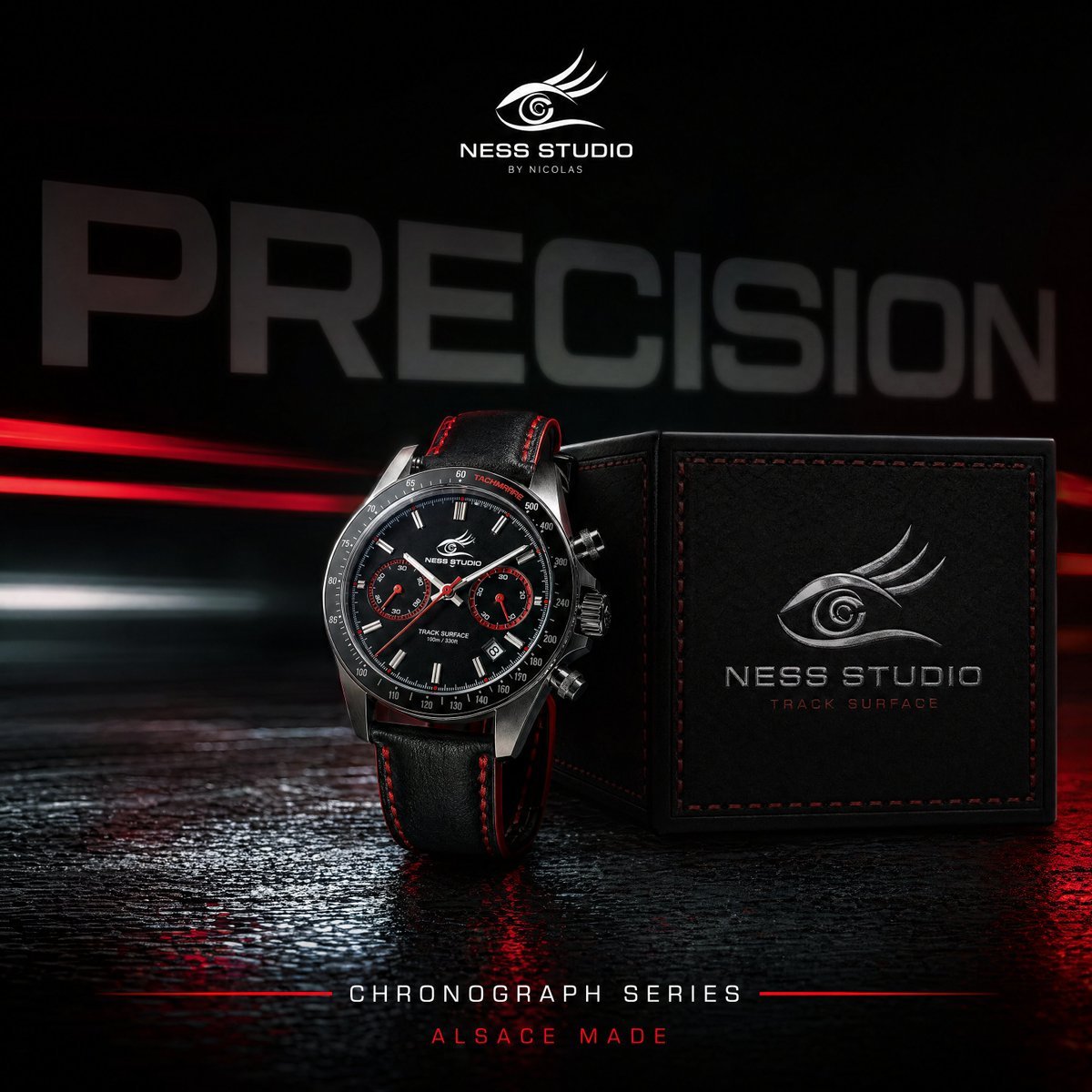
Gpt2 Product Marketing Luxury Chronograph Watch Ad
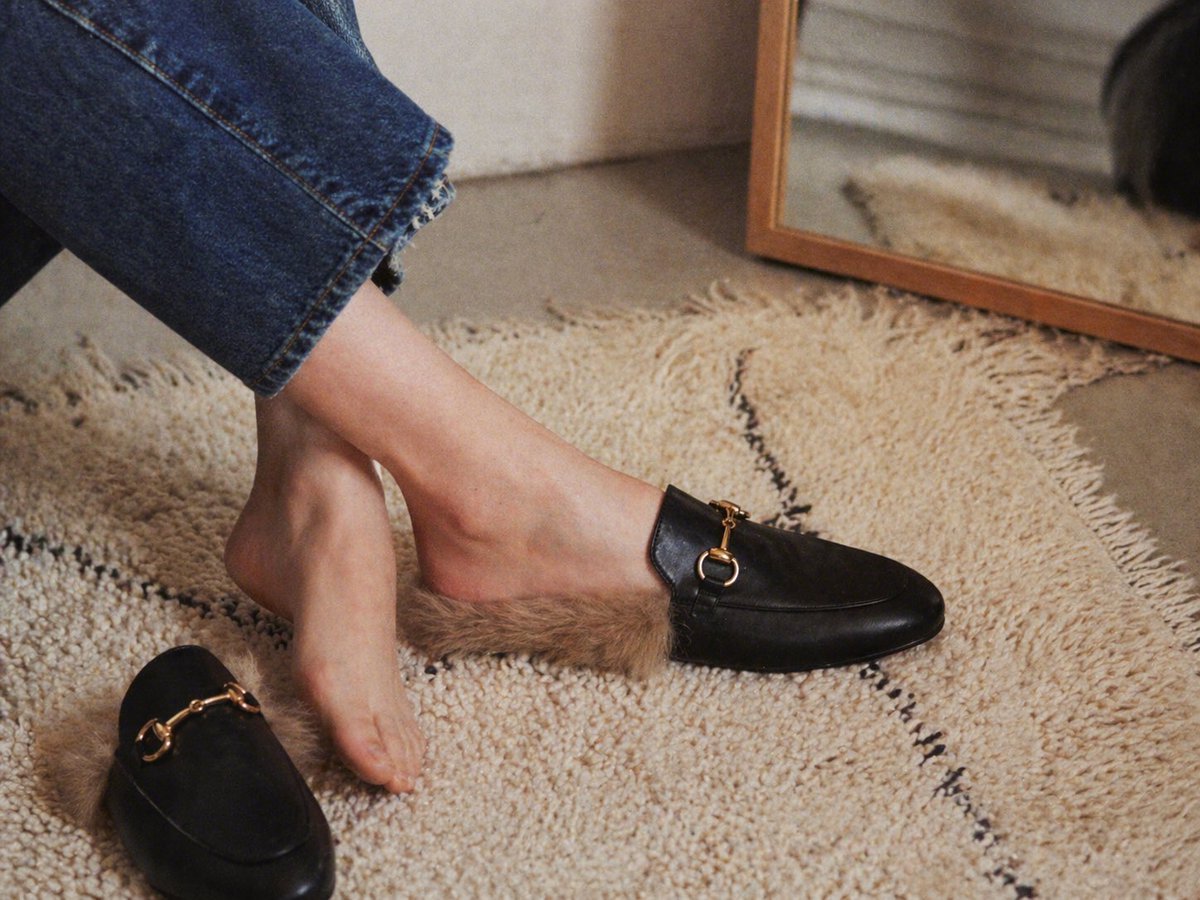
Luxury Fur-Lined Loafer Lifestyle Photo
Make it yours
Gpt2 E Commerce Main Image Luxury Fur Lined Loafer Lifestyle Photo works as-is. These are the safest ways to change it without losing the look.
Change one field
Copy a single group, rewrite it, and generate again so you can see what that field is doing.
Keep the frame, change the subject
Hold the composition and light of gpt2-e-commerce-main-image-luxury-fur-lined-loafer-lifestyle-photo, then swap wardrobe, props or the person for a new take.
| If the result… | Why | Fix |
|---|---|---|
| The result drifts from the preview | Too many fields changed at once. | Reuse gpt2-e-commerce-main-image-luxury-fur-lined-loafer-lifestyle-photo as-is first, then change one group — subject, light, or setting. |
| The model over-stylizes the scene | The prose prompt leaves finish and camera underspecified. | Add one camera or lighting sentence and stay on GPT Image 2. |
More GPT Image 2 templates
Other prompts made for GPT Image 2.

Six VTuber Japanese Logo Sheet

Realistic Portrait of Woman and Deer

The Vista Modular Condo Poster

AI Model Routing Comparison Infographic

2.5D Anime Art Board

Isometric Productivity Desk Scene

New York Double Exposure Poster

Four-Panel AI Landscape Comparison

Japanese Tatami Lifestyle Magazine Cover

NESCAFÉ Coffee Map Poster
More image prompts
Fresh picks from across the catalog.
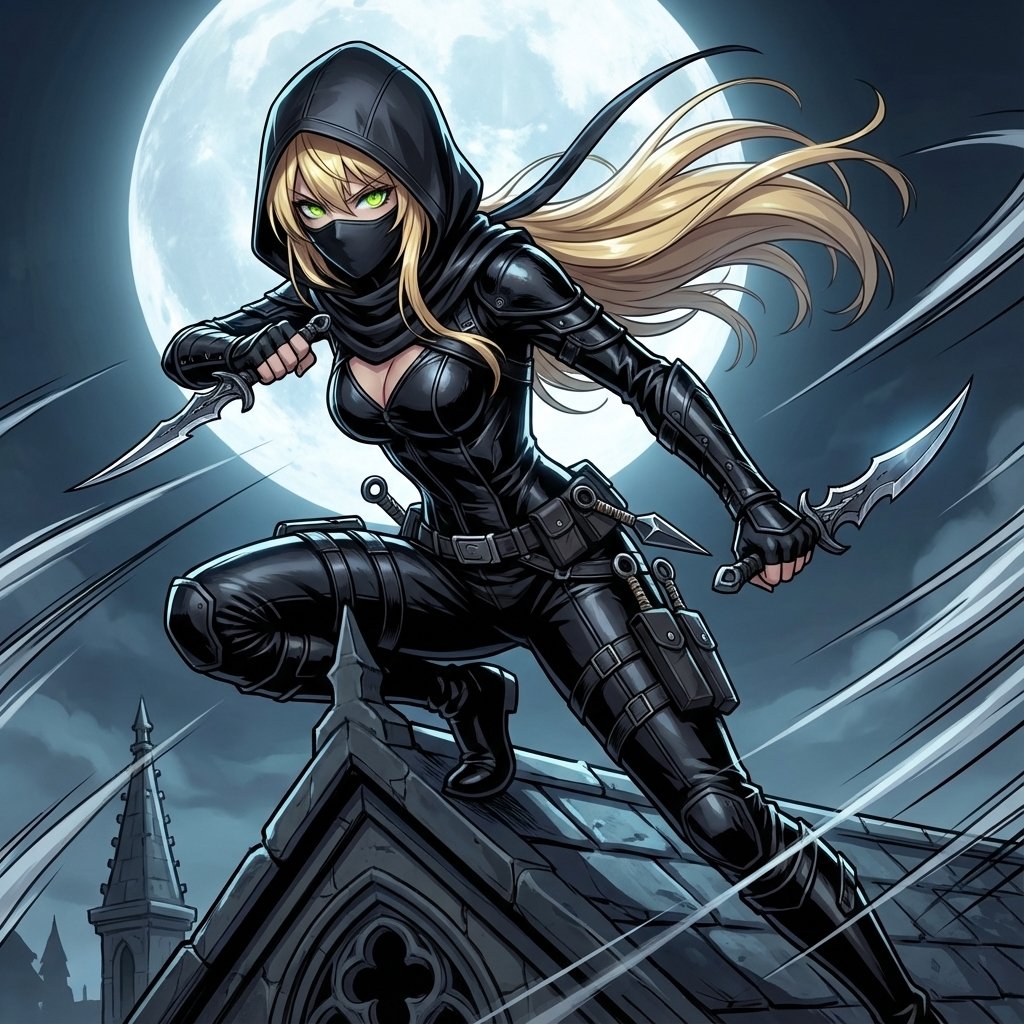
Assassin Style Conversion Prompt (Japanese)
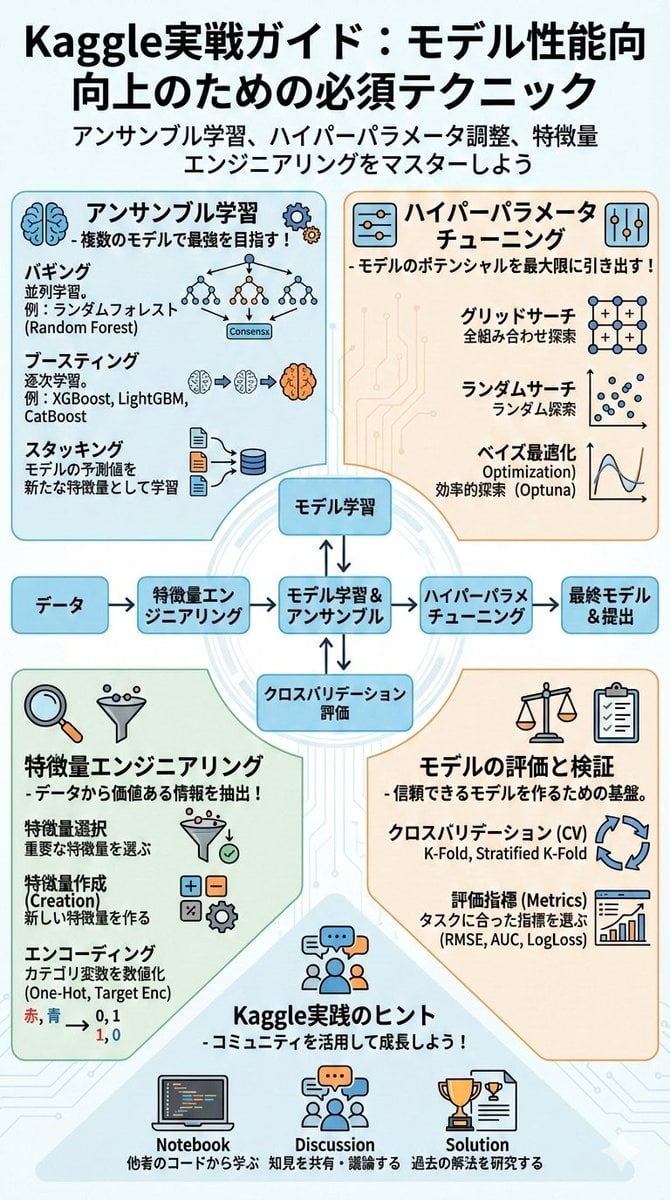
Summarize a book into a Japanese poster image
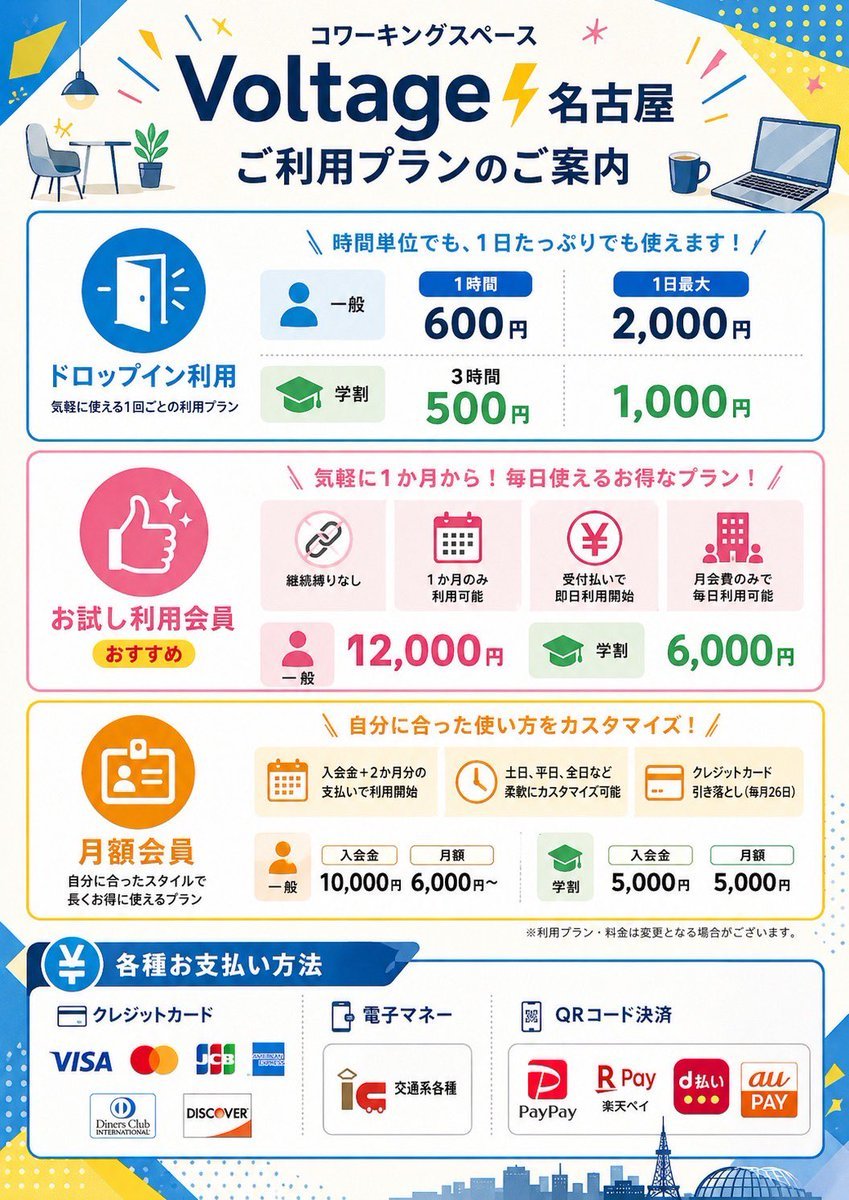
Japanese Coworking Pricing Flyer
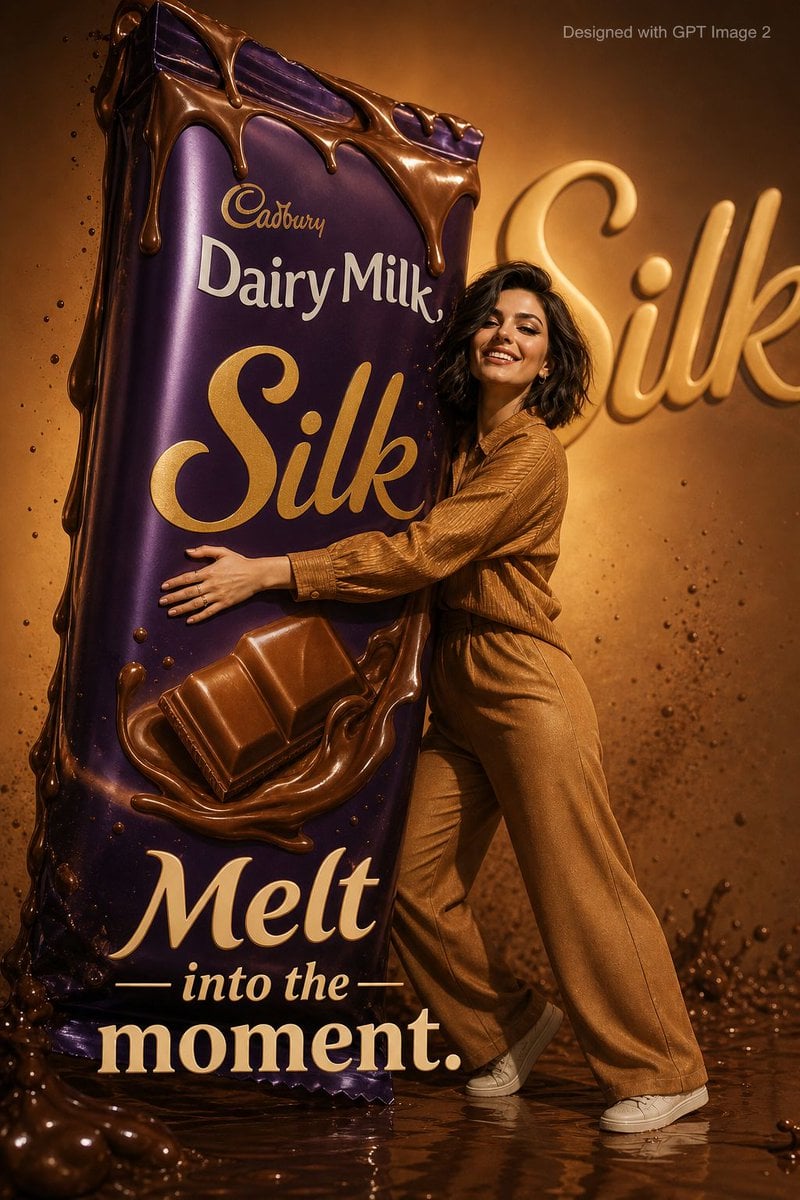
Playful Chocolate Advertisement Poster

Oriental Fantasy Illustration Prompt

Chocolate Brand Advertisement Poster
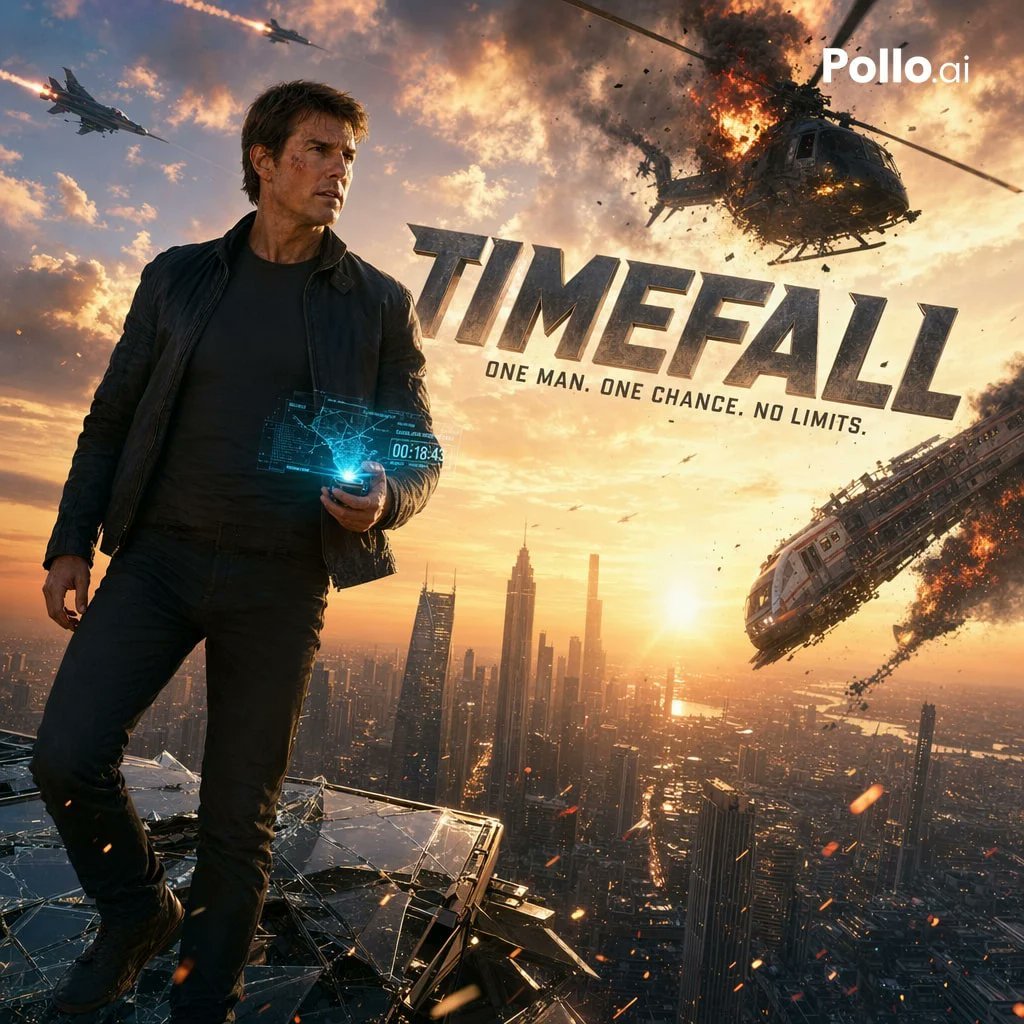
Cinematic Sci-Fi Action Poster
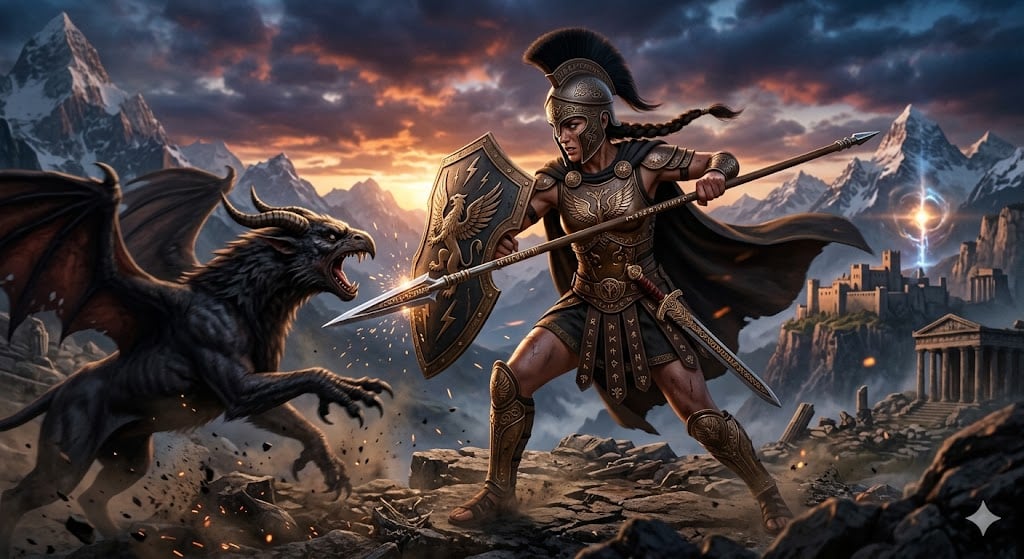
Nano Banana Pro Image Generation of a Mythological Warrior
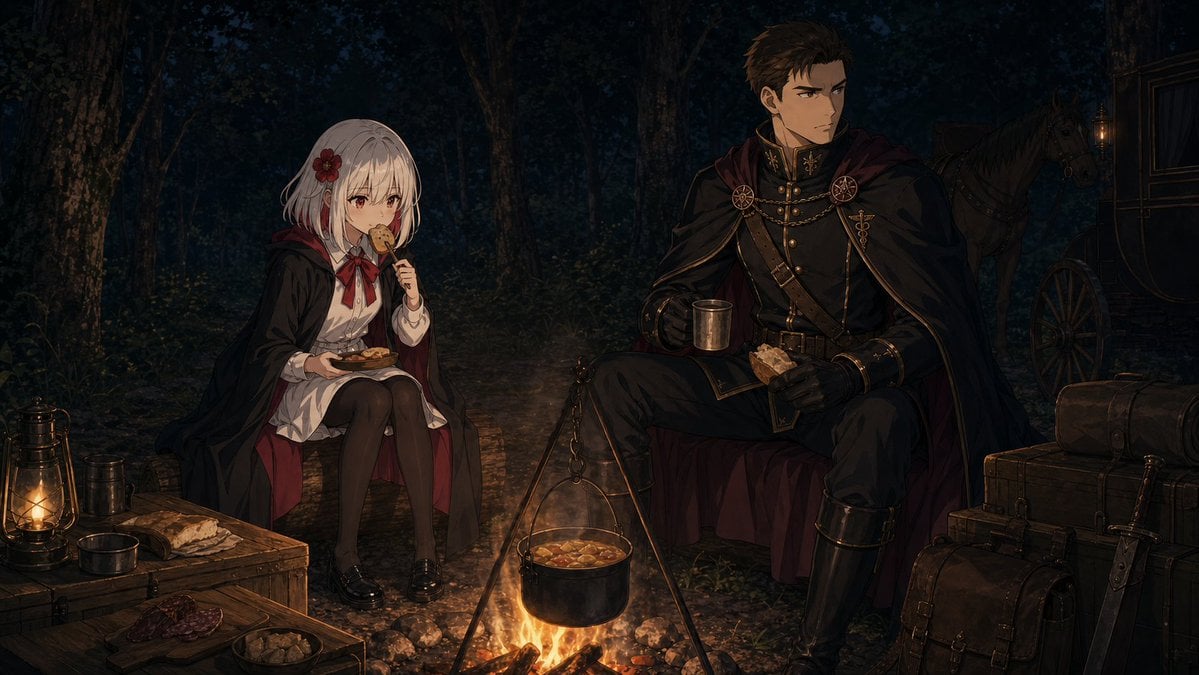
Night Forest Fantasy Camp
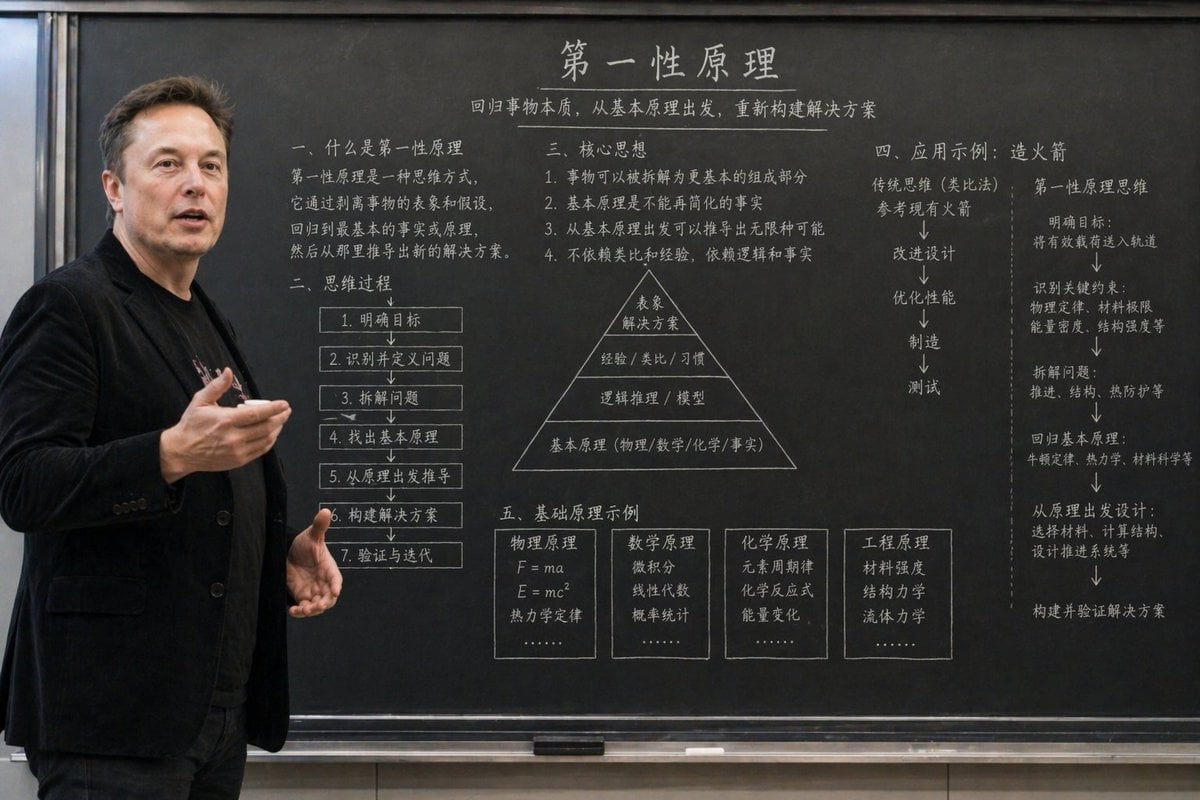
Educational Classroom Scene Prompt
Featured in prompt roundups
Hand-picked collections that include this template.
Browse template categories
Gpt2 E Commerce Main Image Luxury Fur Lined Loafer Lifestyle Photo questions
How do I use the gpt2-e-commerce-main-image-luxury-fur-lined-loafer-lifestyle-photo template?
Add your photo if the template asks for one, edit the prompt if you like — the template's model and format are already selected — and press Generate. Your version opens in PicX Studio.
Can I customize the gpt2-e-commerce-main-image-luxury-fur-lined-loafer-lifestyle-photo template?
Yes. You can change the subject, setting, lighting, mood, format, and available model controls before creating your image.
Is the gpt2-e-commerce-main-image-luxury-fur-lined-loafer-lifestyle-photo template free?
Opening and editing this template is free. Generating uses credits, shown on the Generate button when you are signed in.
Which AI model should I use?
Start with GPT Image 2, which is the model associated with this template. You can compare another compatible model for a different finish.
Looking for something else? Browse all templates.

Your photo, any look
Thousands of ready templates for every top image and video model, from one credit balance.