
Gpt2 E Commerce Main Image 9 Panel Product Tvc Storyboard
This prompt turns a single product reference photo into a polished 9-frame vertical commercial storyboard for e-commerce pitching, previsualization, or ad video planning.

- Prompt included
- Model and format preset
- Free template
The prompt behind this image
Copy the exact prompt behind Gpt2 E Commerce Main Image 9 Panel Product Tvc Storyboard, or open it in the studio and make it yours.
Using the provided reference image, transform the single casual product photo into a polished e-commerce TVC storyboard board for a {argument name="video duration" default="15-second"} ad in a {argument name="aspect ratio" default="9:16"} vertical format, presented as a 9-panel grid. Keep the same blue-and-white ceramic ashtray as the product base, but restage it across cinematic advertising shots with warm premium lighting, shallow depth of field, and a refined lifestyle desktop environment. Add a dark storyboard layout with Chinese titles and timing for each panel. Include exactly 9 scenes: 1) environment-establishing wide shot with desk, books, window, and the product placed in context; 2) hero product medium shot on the table; 3) extreme close-up of the blue floral craftsmanship pattern; 4) use case showing a hand placing a cigarette into the ashtray with visible smoke; 5) top-down capacity display showing multiple cigarette butts inside; 6) cleaning scene under running water in a sink with a hand holding the product; 7) bottom-detail close-up showing the underside and anti-slip pads; 8) mood/lifestyle scene at night with the product on a desk, smoke rising, and ambient lamp light; 9) brand closing frame with the product as the hero plus Chinese marketing text. Add the overall header text “产品TVC分镜脚本(15秒 / 9:16竖屏 / 9宫格)” and a product subtitle naming it {argument name="product name" default="青花瓷烟灰缸"}. Give each of the 9 panels a Chinese scene title and timestamp, plus small descriptive Chinese copy beneath each image in the style of a professional commercial shot list. Use premium, realistic commercial photography throughout, consistent product identity, elegant Chinese aesthetic, and a clean high-end storyboard presentation.
How to use Gpt2 E Commerce Main Image 9 Panel Product Tvc Storyboard in 3 steps
- 1Upload ImagePNG, JPG or paste
Add your photo
Upload the photo the template builds on. The prompt, model and format are already set.
- 2…a portrait of your subject in softgolden-hour light, 85mm…
Personalize
Edit the subject and creative details for your destination.
- 3Generate
Generate
Press Generate — your image is created in PicX Studio, so you can compare it with the original and refine one variable at a time.
More like this
Templates with the same subject, style or setup. Open one to see its prompt.
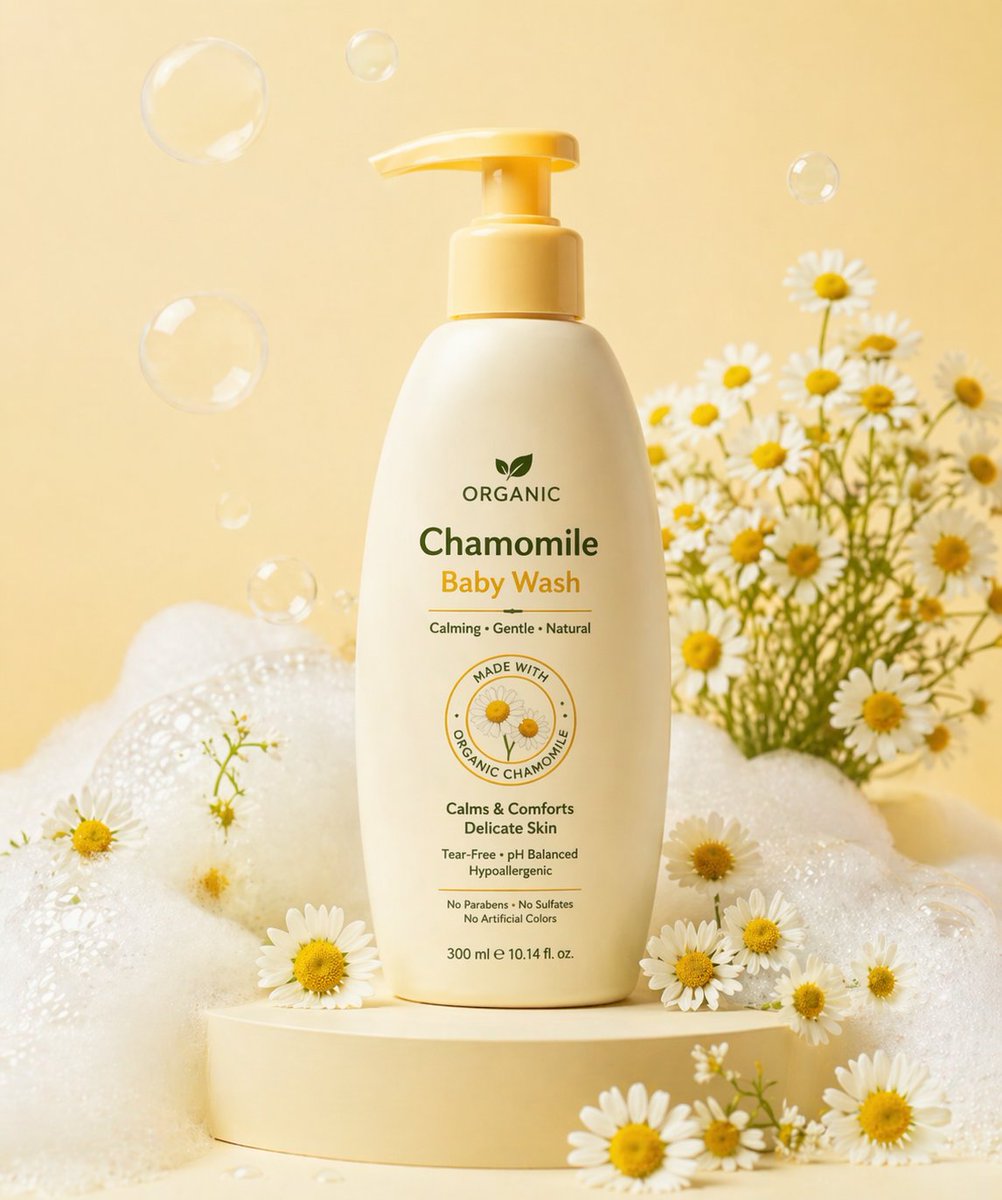
Gpt2 E Commerce Main Image Skincare Product Studio Shot
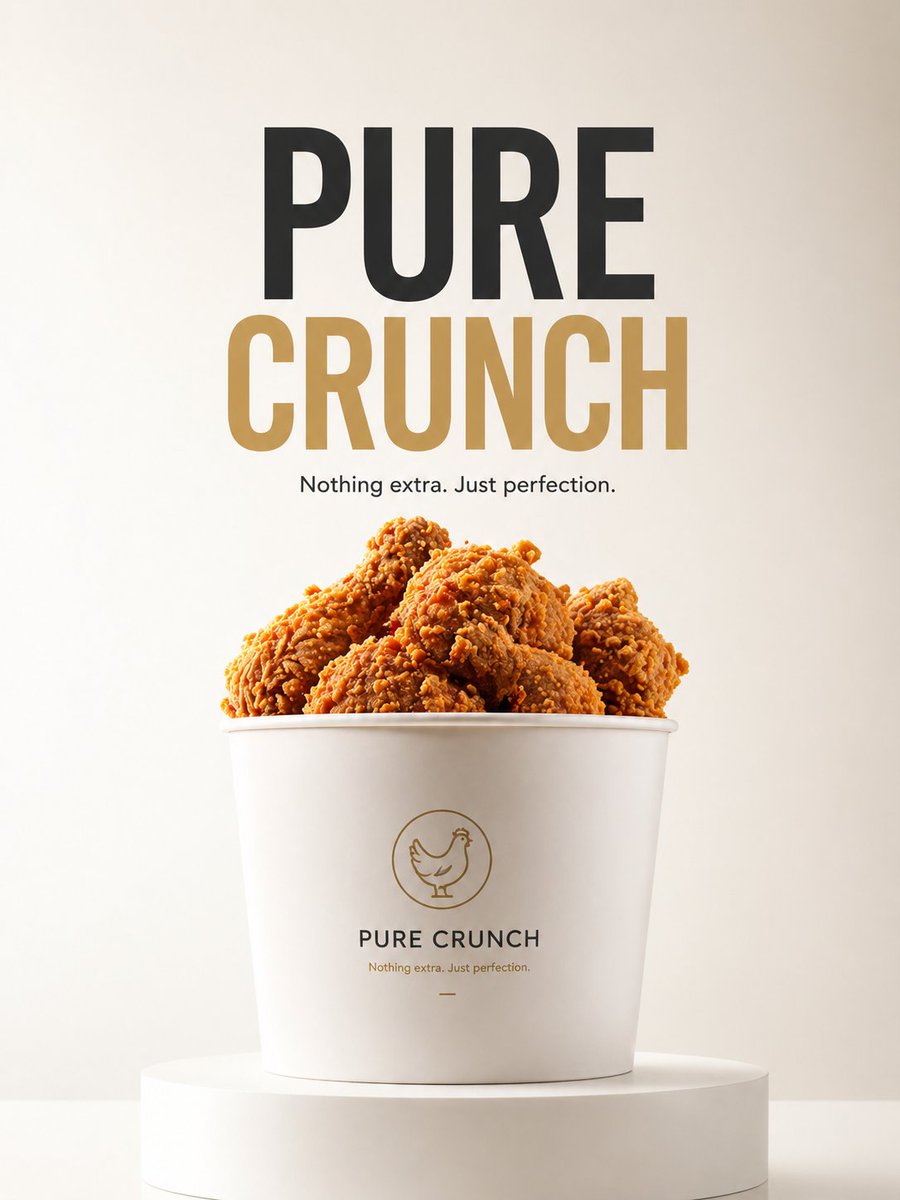
Gpt2 E Commerce Main Image Minimalist Product Ad Pure Crunch
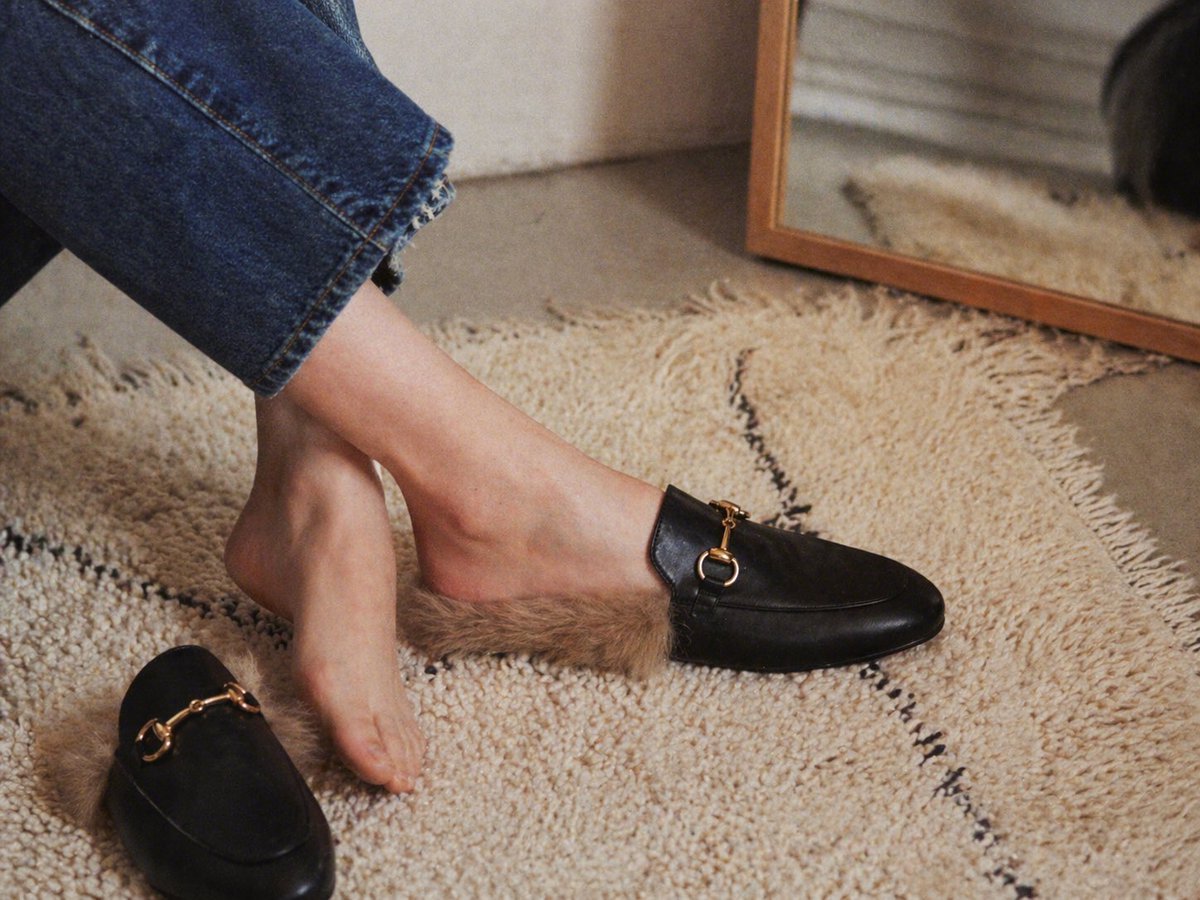
Gpt2 E Commerce Main Image Luxury Fur Lined Loafer Lifestyle Photo
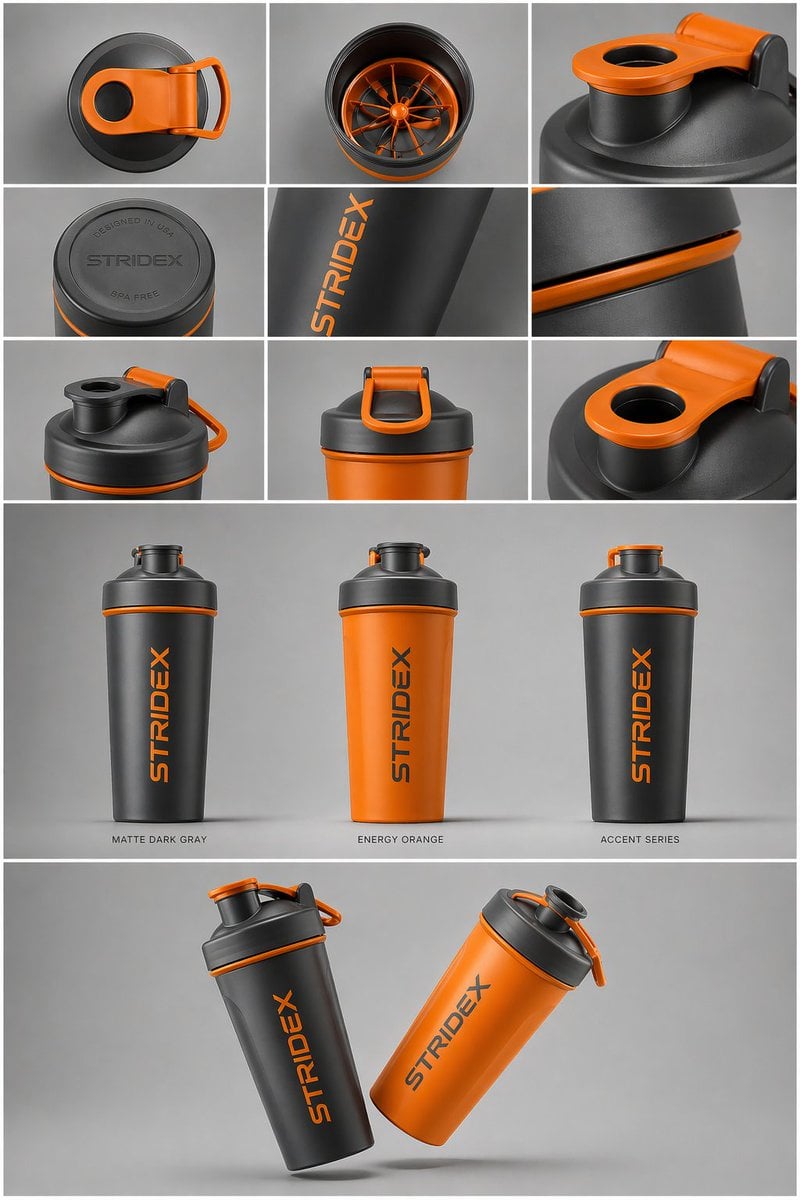
Gpt2 E Commerce Main Image Industrial Design Presentation Sheet
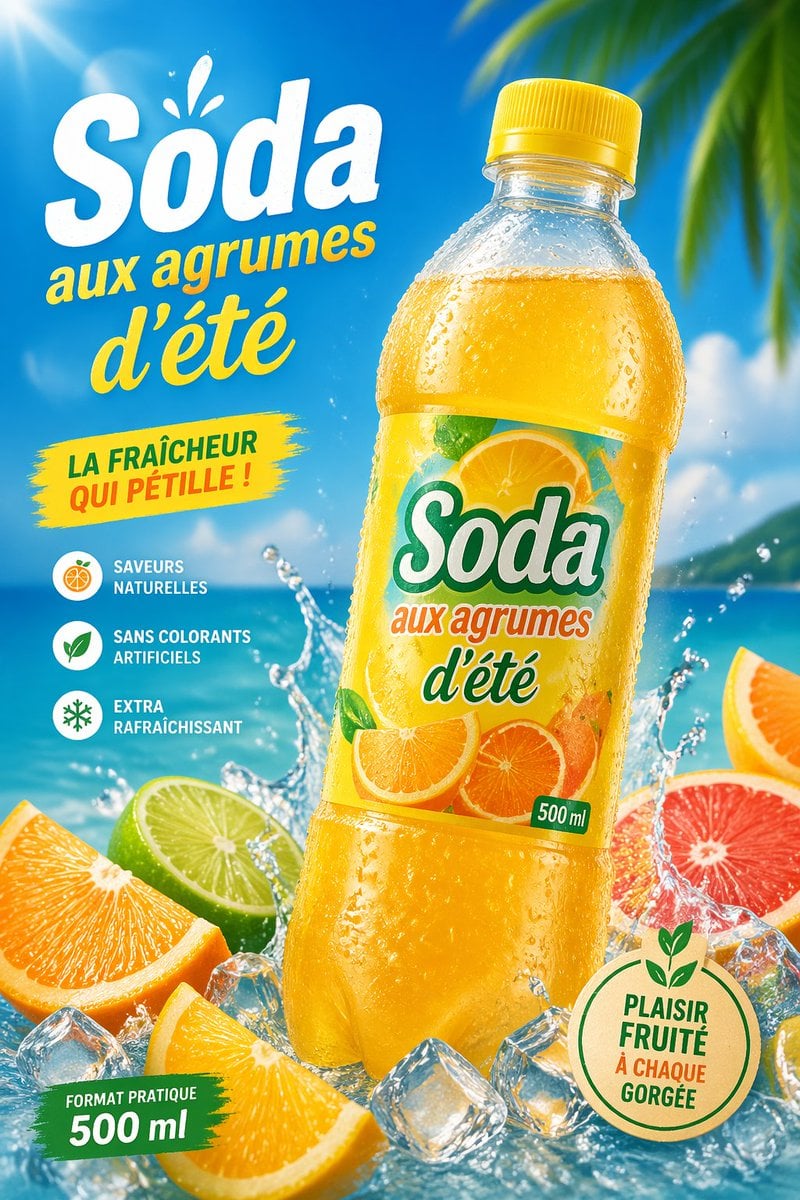
Gpt2 E Commerce Main Image Tropical Citrus Soda Ad Poster
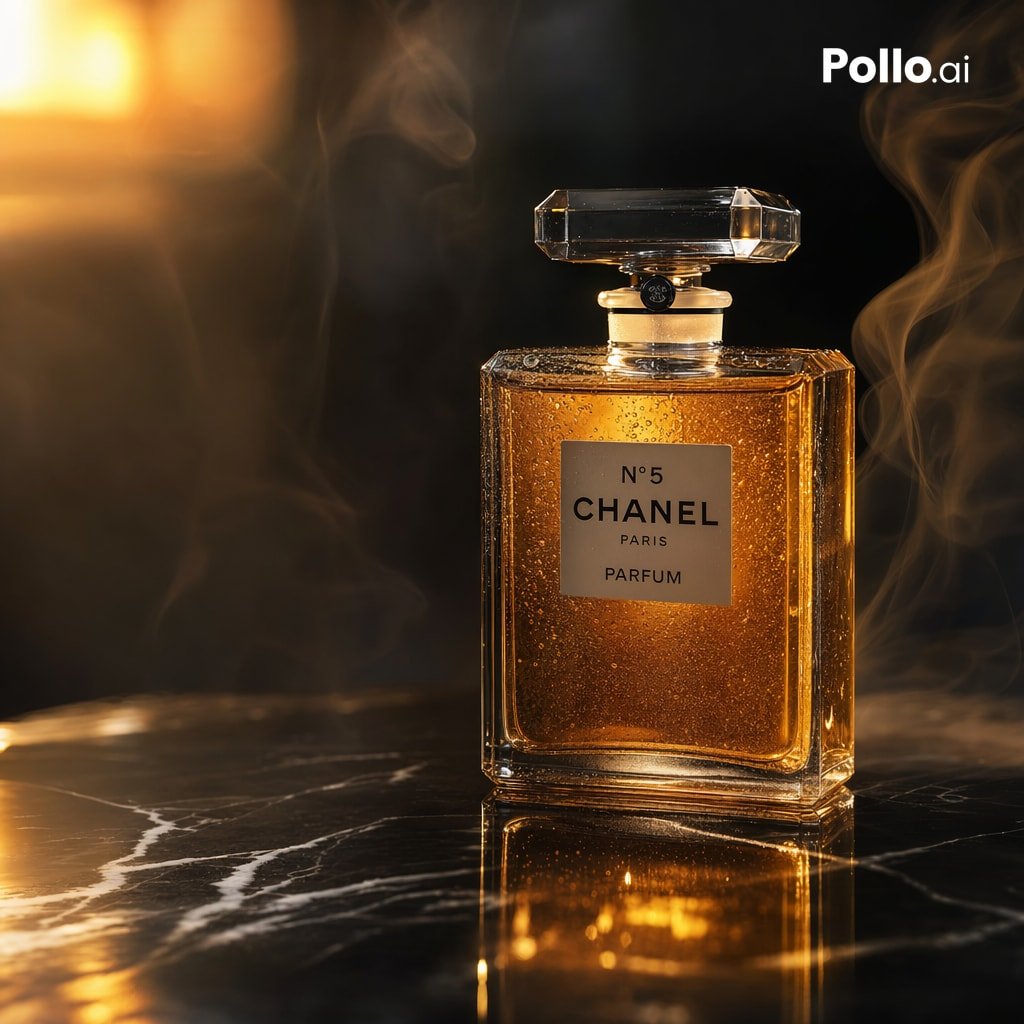
Gpt2 E Commerce Main Image Luxury Amber Perfume Ad
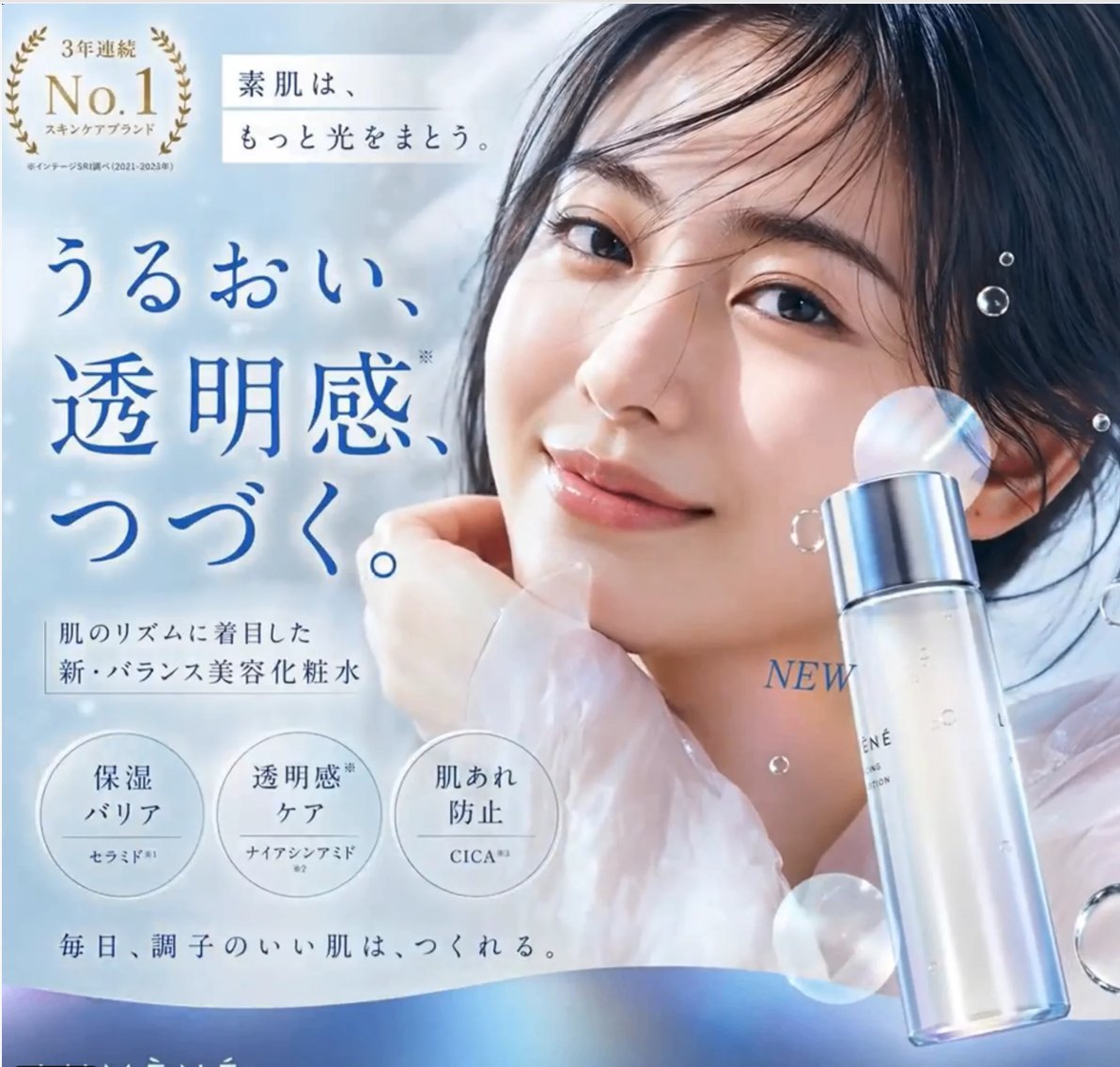
Gpt2 E Commerce Main Image Elegant Cosmetic Poster

Gpt2 E Commerce Main Image Earbuds E Commerce Infographic
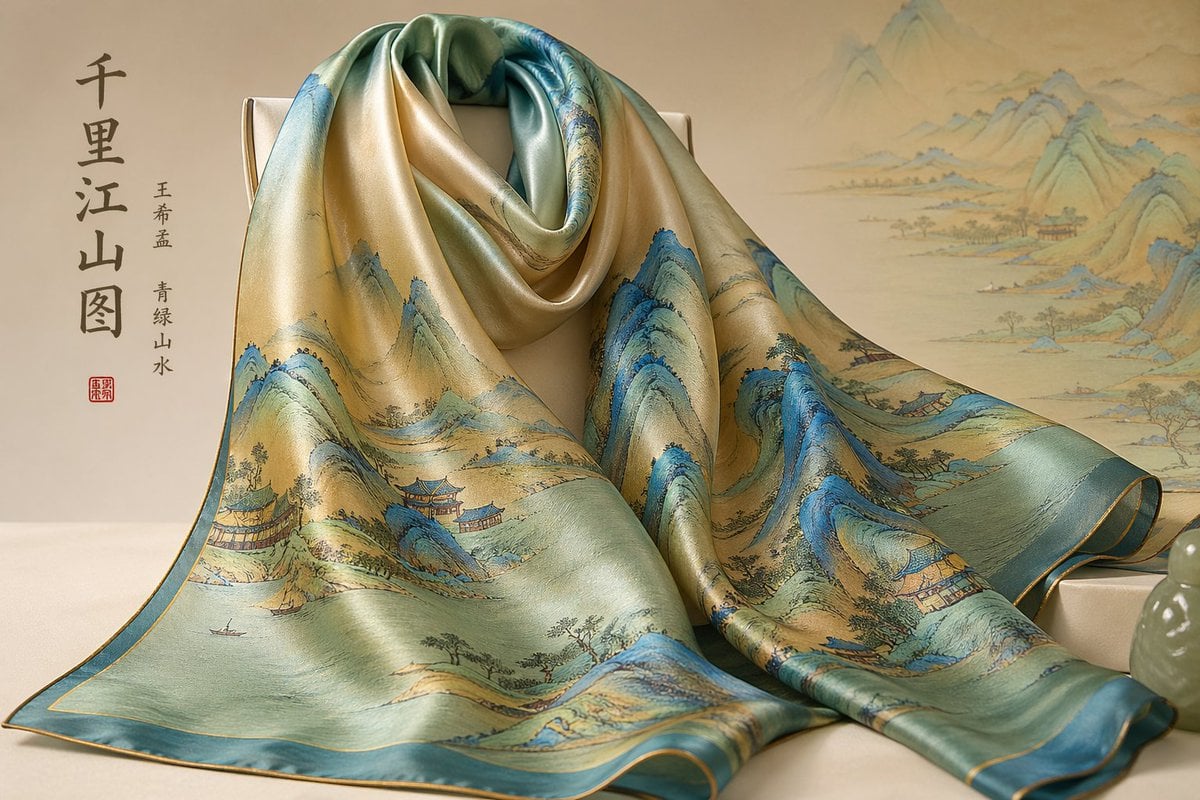
Gpt2 E Commerce Main Image Traditional Chinese Art and Porcelain Vases
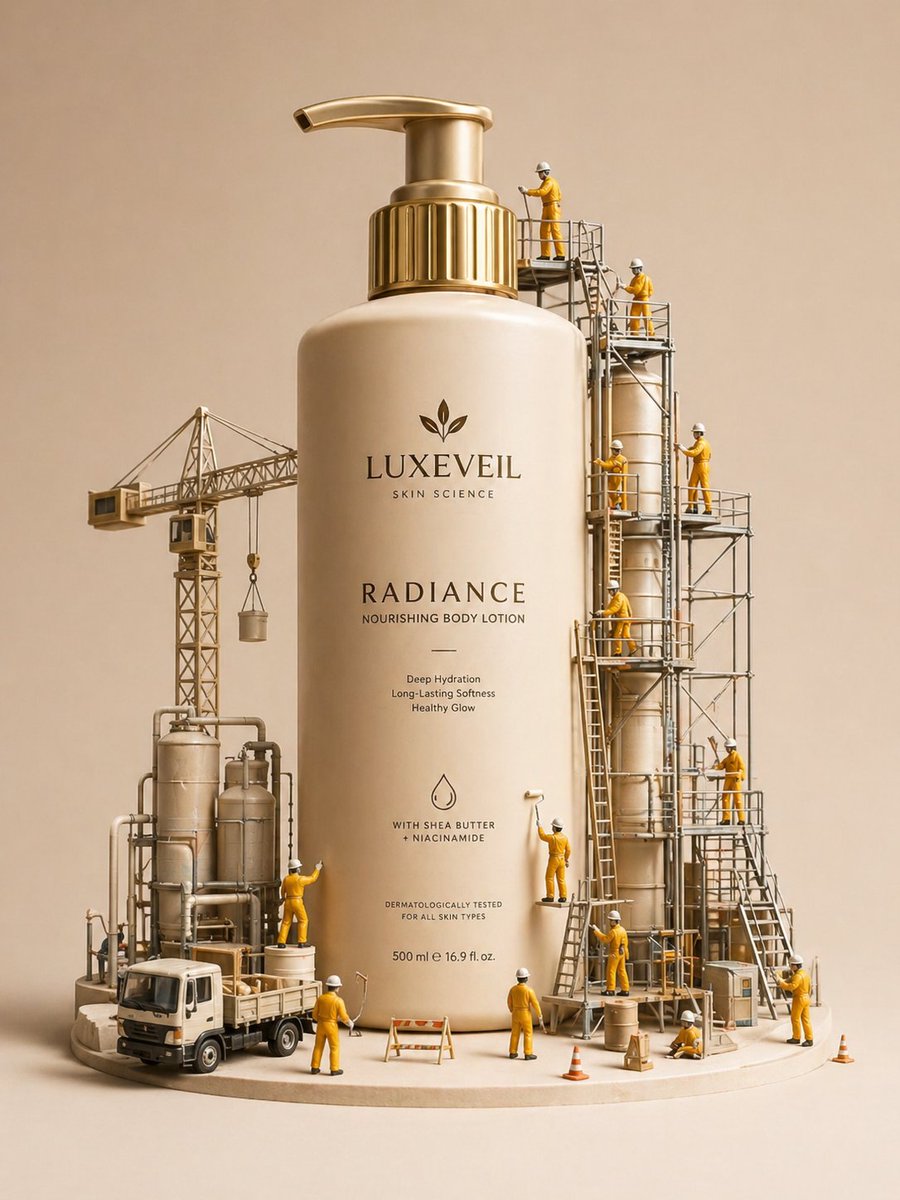
Gpt2 E Commerce Main Image Miniature Diorama Skincare Advertisement
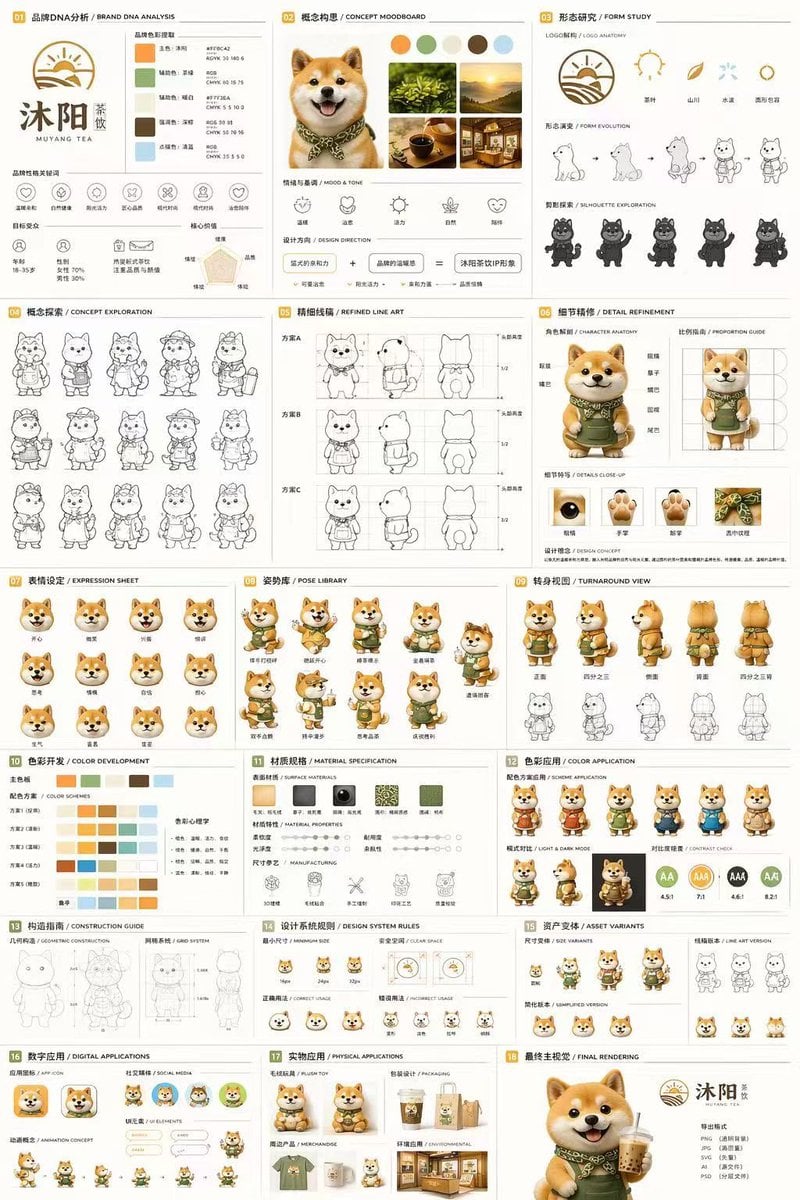
Gpt2 Product Marketing 18 Panel Mascot Brand Identity Document
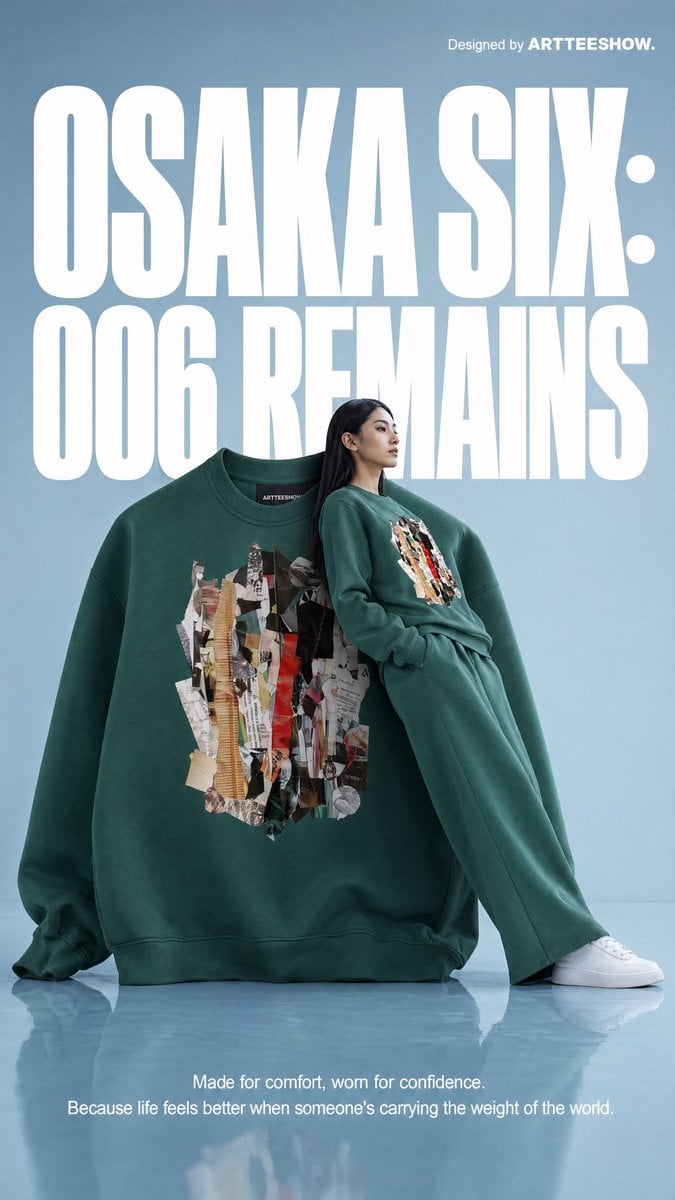
Gpt2 Product Marketing Editorial Osaka Six Sweatshirt Ad
Make it yours
Gpt2 E Commerce Main Image 9 Panel Product Tvc Storyboard works as-is. These are the safest ways to change it without losing the look.
Change one field
Copy a single group, rewrite it, and generate again so you can see what that field is doing.
Keep the frame, change the subject
Hold the composition and light of gpt2-e-commerce-main-image-9-panel-product-tvc-storyboard, then swap wardrobe, props or the person for a new take.
| If the result… | Why | Fix |
|---|---|---|
| The result drifts from the preview | Too many fields changed at once. | Reuse gpt2-e-commerce-main-image-9-panel-product-tvc-storyboard as-is first, then change one group — subject, light, or setting. |
| The model over-stylizes the scene | The prose prompt leaves finish and camera underspecified. | Add one camera or lighting sentence and stay on GPT Image 2. |
More GPT Image 2 templates
Other prompts made for GPT Image 2.

Six VTuber Japanese Logo Sheet

Realistic Portrait of Woman and Deer

The Vista Modular Condo Poster

AI Model Routing Comparison Infographic

2.5D Anime Art Board

Isometric Productivity Desk Scene

New York Double Exposure Poster

Four-Panel AI Landscape Comparison

Japanese Tatami Lifestyle Magazine Cover

NESCAFÉ Coffee Map Poster
More image prompts
Fresh picks from across the catalog.
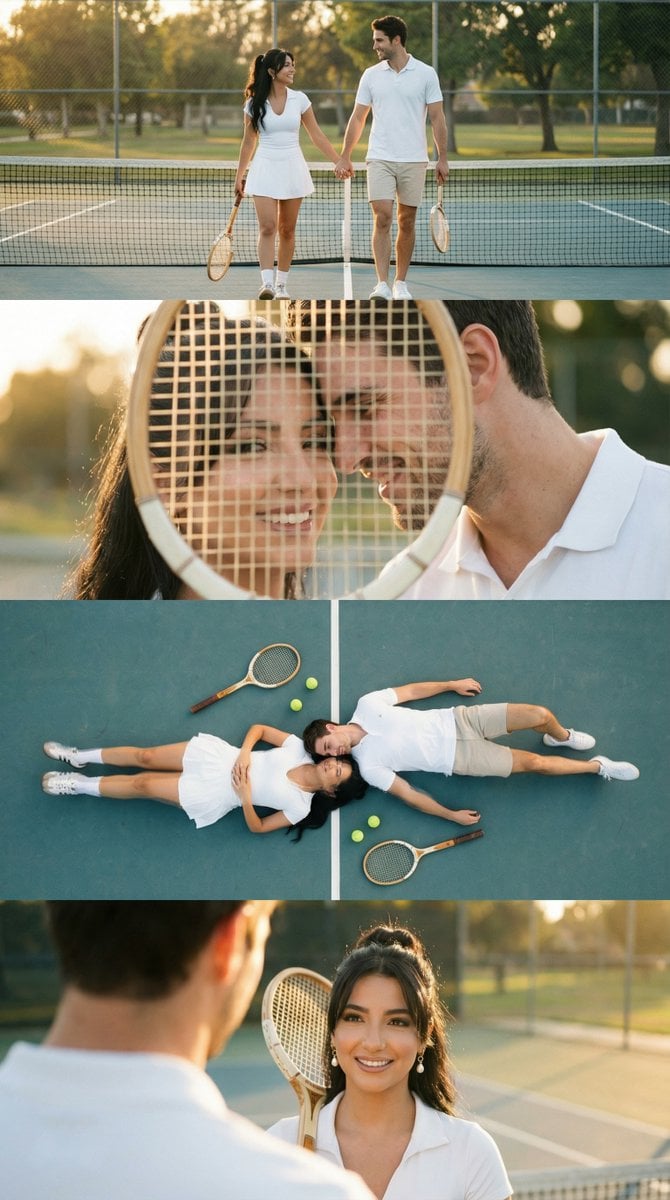
Panel Tennis Couple Storyboard Prompt
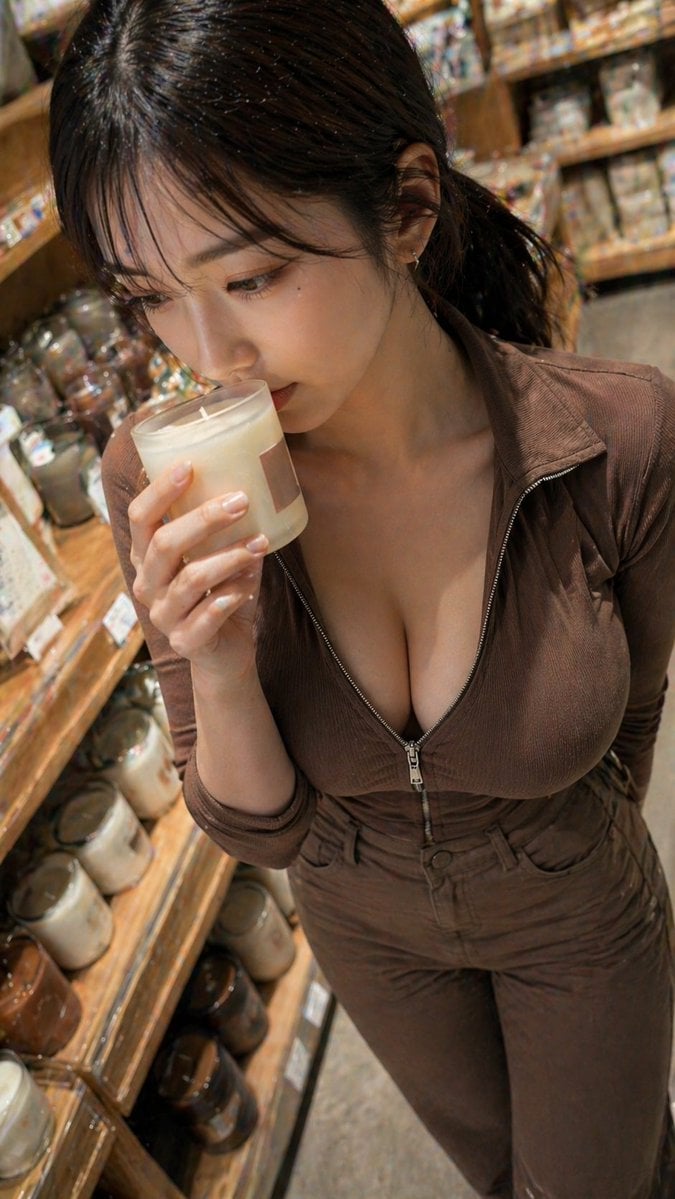
Warm Candle Shop Lifestyle Portrait
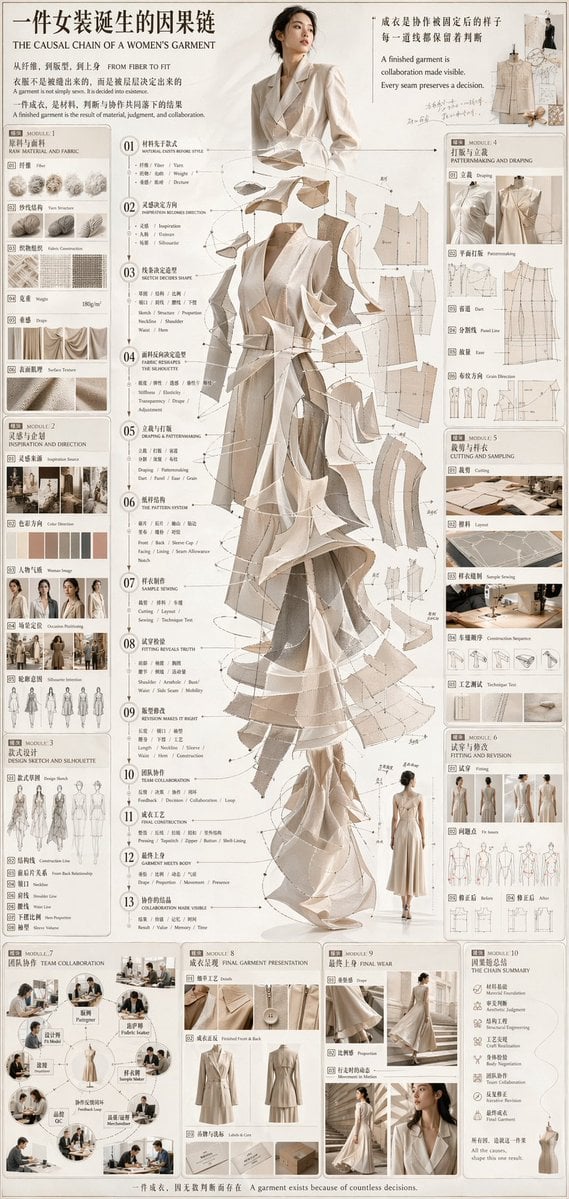
Couture Garment Process Infographic
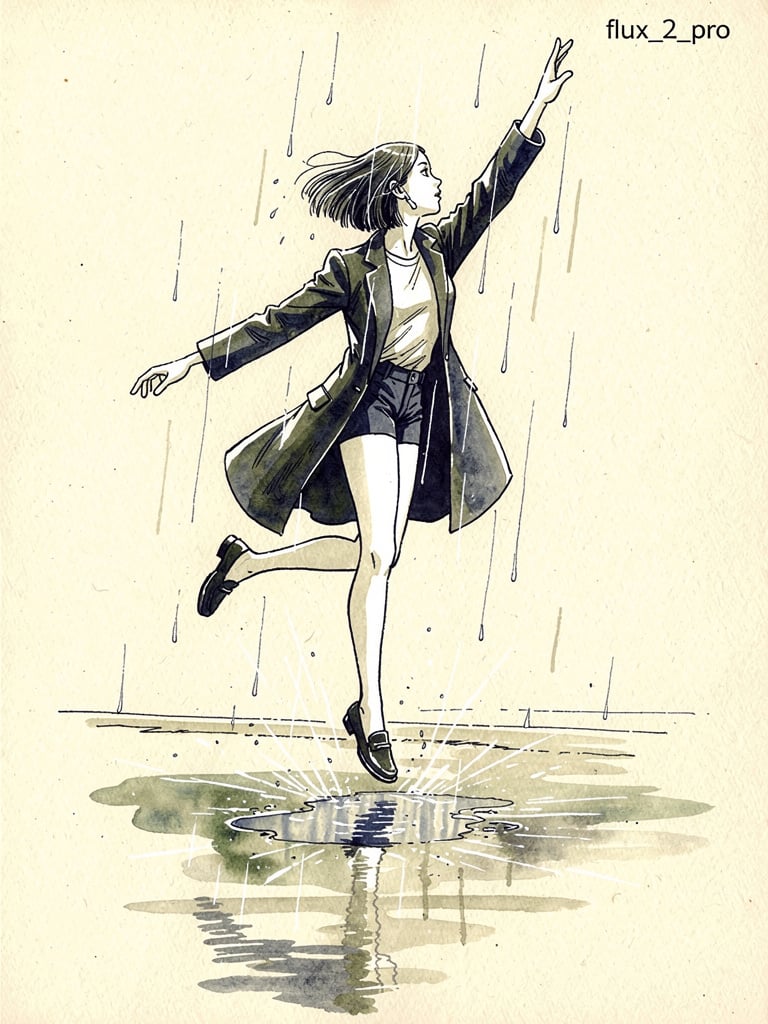
Ink pen style illustration of a woman jumping in the rain
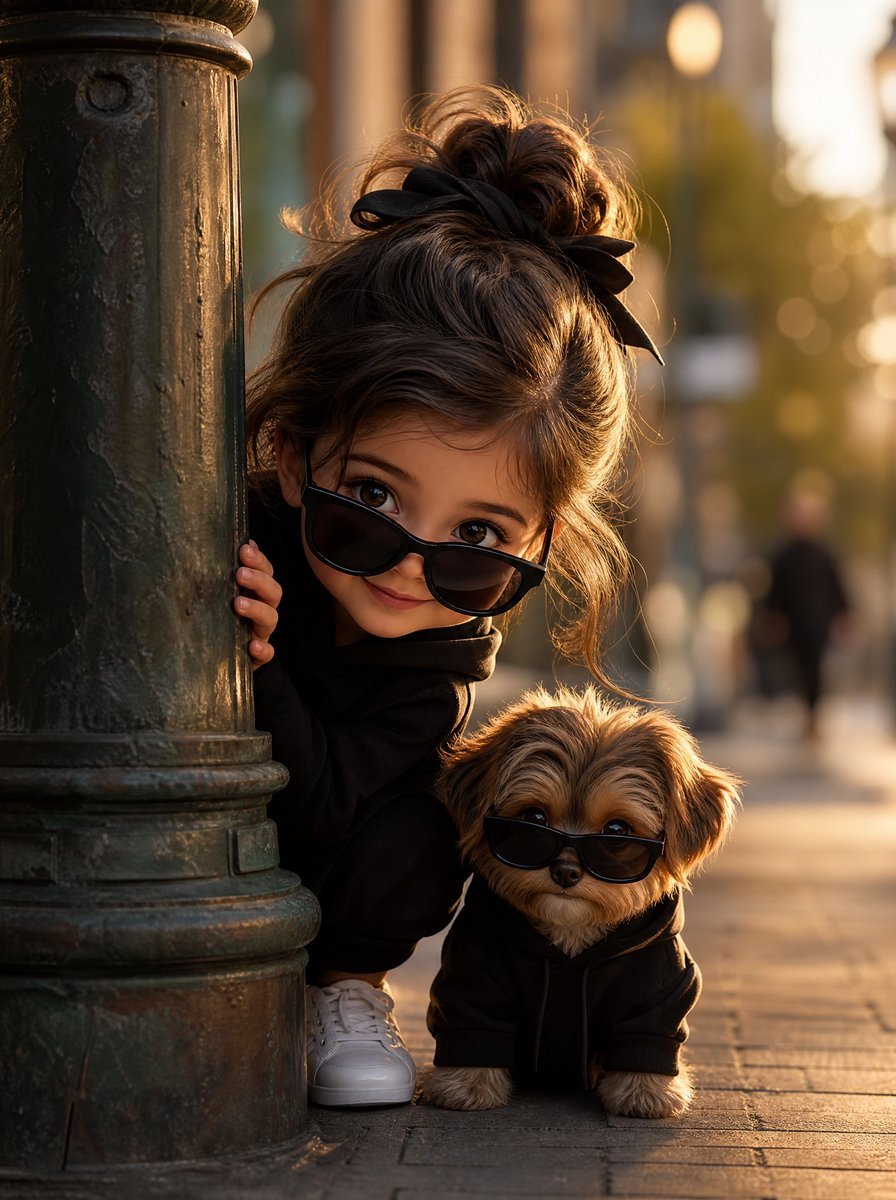
Girl and Puppy Behind Lamppost
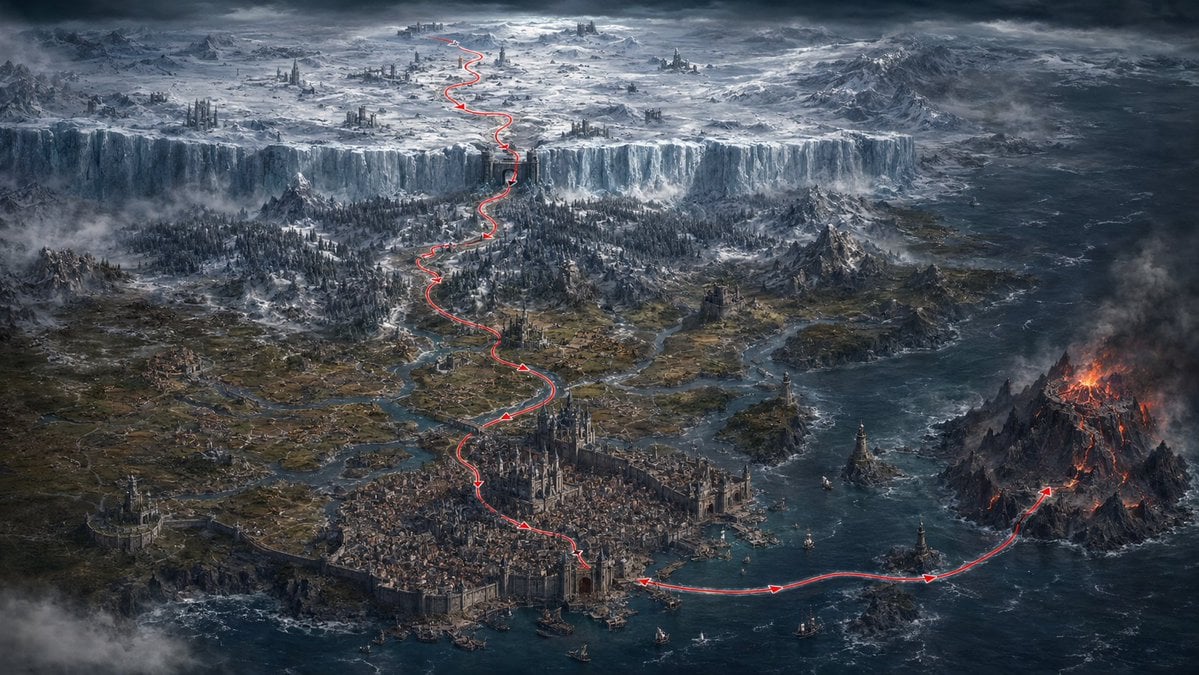
Dark Fantasy Route Map
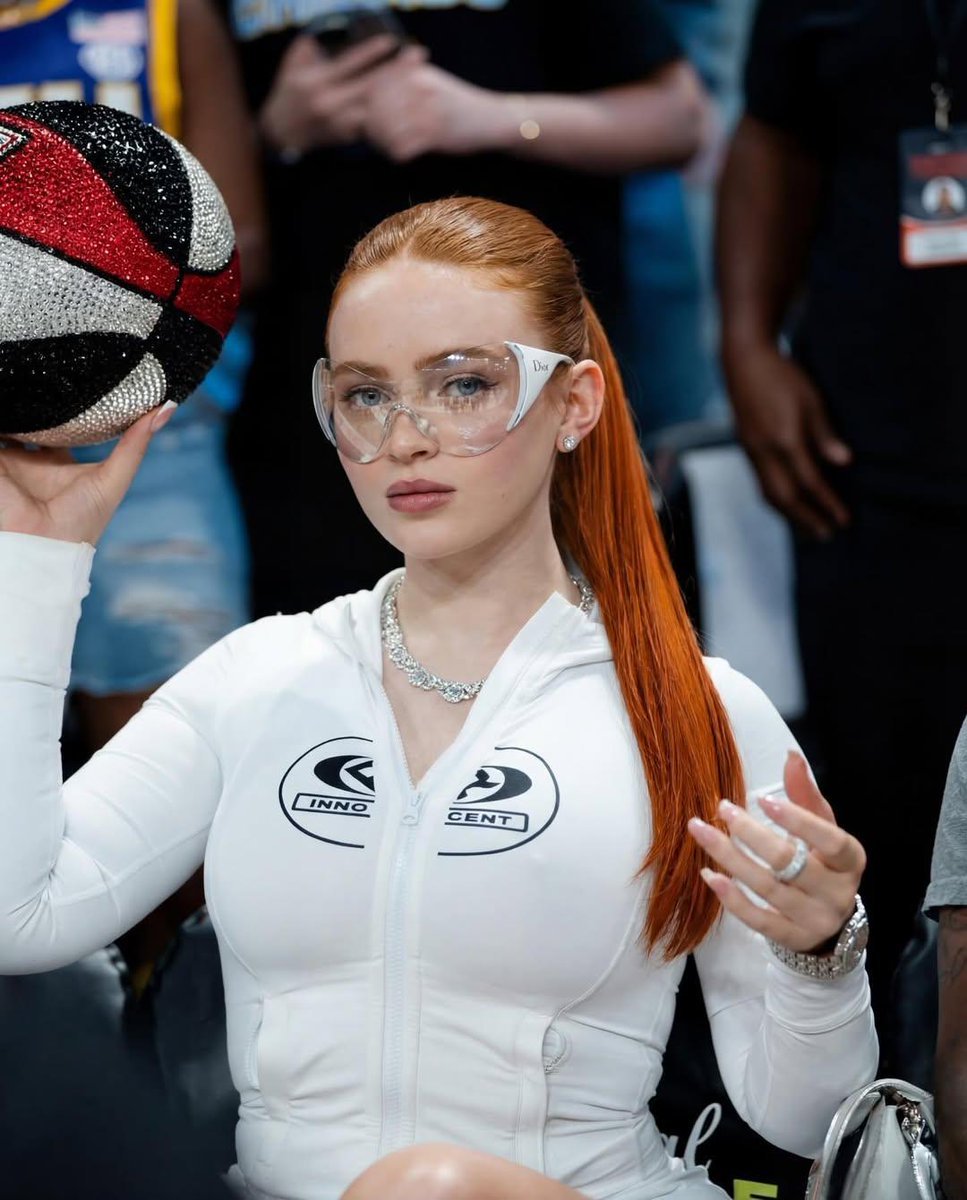
Cinematic Medium Shot of a Woman with a Luxury Basketball
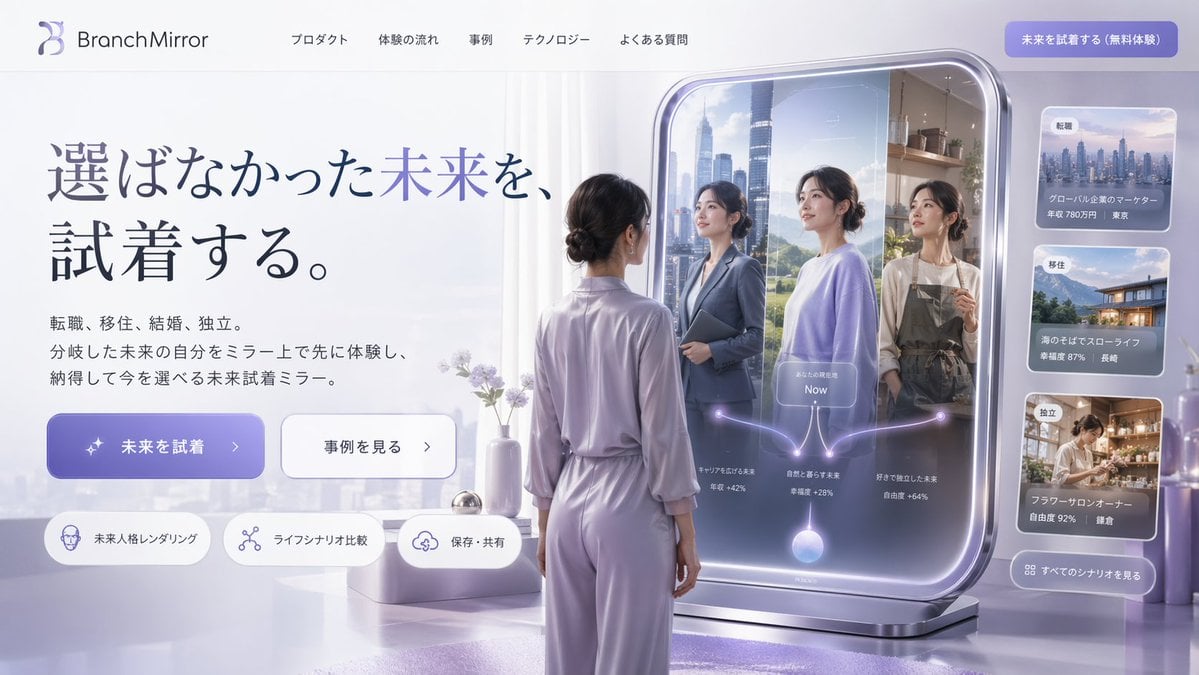
Futuristic Smart Mirror Website Mockup
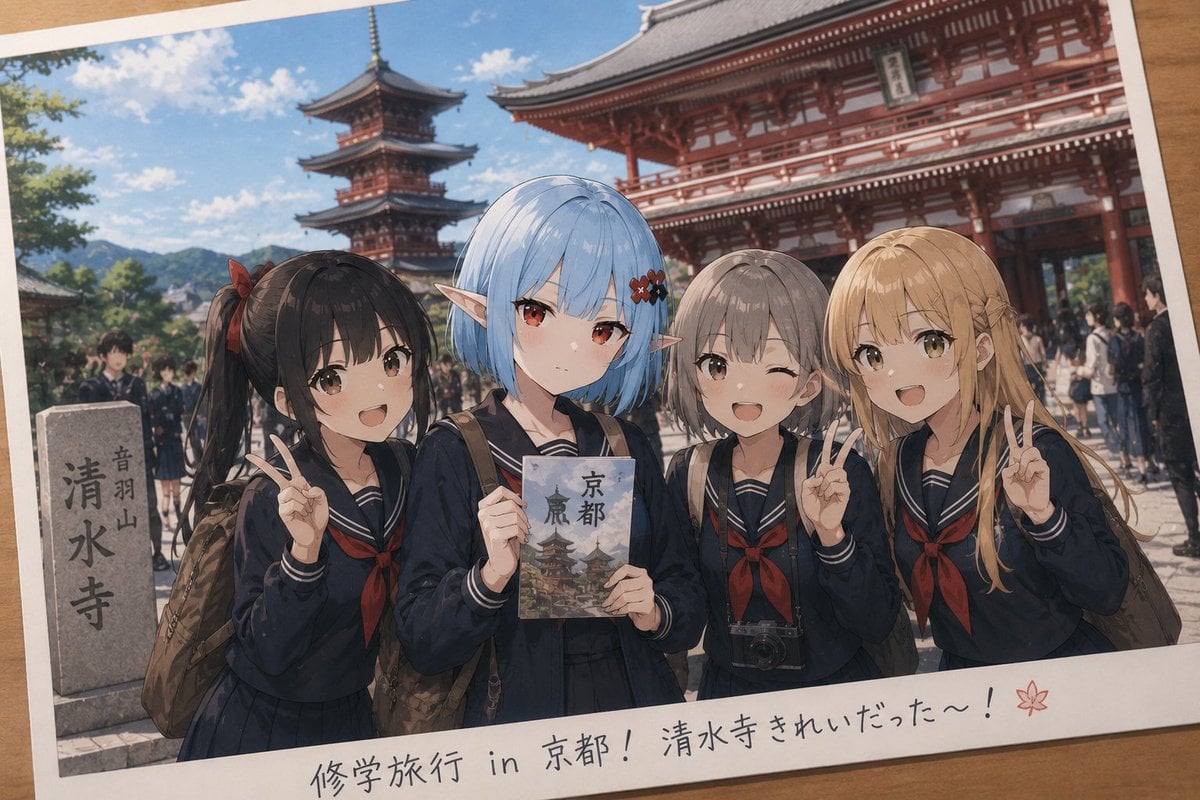
Event Photo Synthesis Illustration
Minimalist Fairy-Tale Children's Illustration
Browse template categories
Gpt2 E Commerce Main Image 9 Panel Product Tvc Storyboard questions
How do I use the gpt2-e-commerce-main-image-9-panel-product-tvc-storyboard template?
Add your photo if the template asks for one, edit the prompt if you like — the template's model and format are already selected — and press Generate. Your version opens in PicX Studio.
Can I customize the gpt2-e-commerce-main-image-9-panel-product-tvc-storyboard template?
Yes. You can change the subject, setting, lighting, mood, format, and available model controls before creating your image.
Is the gpt2-e-commerce-main-image-9-panel-product-tvc-storyboard template free?
Opening and editing this template is free. Generating uses credits, shown on the Generate button when you are signed in.
Which AI model should I use?
Start with GPT Image 2, which is the model associated with this template. You can compare another compatible model for a different finish.
Looking for something else? Browse all templates.

Your photo, any look
Thousands of ready templates for every top image and video model, from one credit balance.