
Gpt2 Product Marketing 18 Panel Mascot Brand Identity Document
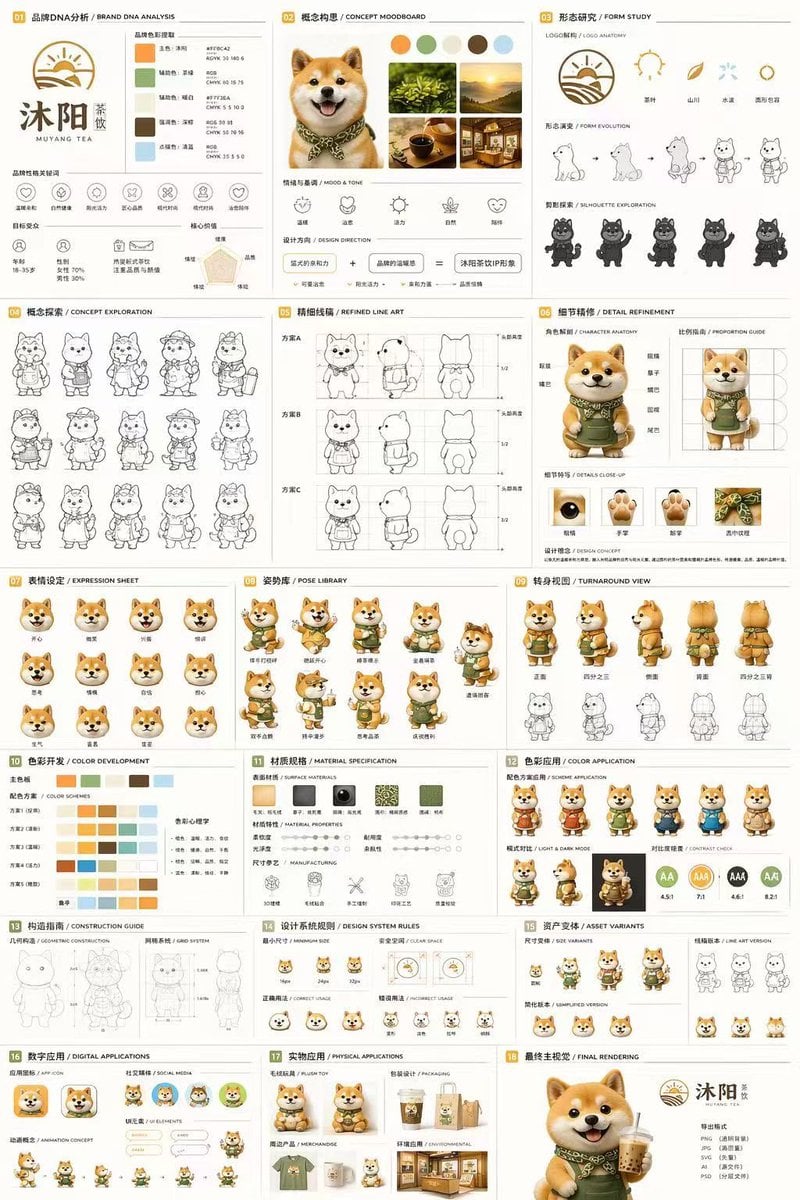
A comprehensive 18-section brand guideline and character design sheet for a 3D mascot, detailing everything from moodboards and line art to 3D turnarounds and physical mockups.
- Prompt included
- Model and format preset
- Free template
The prompt behind this image
Copy the exact prompt behind Gpt2 Product Marketing 18 Panel Mascot Brand Identity Document, or open it in the studio and make it yours.
- Type
- 18-panel brand identity and character design document
- Brand › Name
- {argument name="brand name" default="沐阳 MUYANG TEA"}
- Brand › Industry
- {argument name="industry" default="tea shop"}
- Brand › Colors
- {argument name="primary color" default="yellow"}, {argument name="secondary color" default="green"}, white, brown, dark green
- Subject
- {argument name="character description" default="3D rendered cute Shiba Inu mascot wearing a green apron"}
- Layout › Grid
- 3 columns by 6 rows
- Layout › Sections › 0 › Title
- 01 品牌DNA分析 / BRAND DNA ANALYSIS
- Layout › Sections › 0 › Elements
- logo, 5 color swatches, 6 icons, target audience charts
- Layout › Sections › 1 › Title
- 02 概念构思 / CONCEPT MOODBOARD
- Layout › Sections › 1 › Elements
- 5 photo references, 4 mood icons, design equation
- Layout › Sections › 2 › Title
- 03 形态研究 / FORM STUDY
- Layout › Sections › 2 › Elements
- 4 logo anatomy icons, 4 evolution steps, 4 silhouettes
- Layout › Sections › 3 › Title
- 04 概念探索 / CONCEPT EXPLORATION
- Layout › Sections › 3 › Elements
- 12 line-art character sketches
- Layout › Sections › 4 › Title
- 05 精细线稿 / REFINED LINE ART
- Layout › Sections › 4 › Elements
- 3 rows of front and side line art with proportion guides
- Layout › Sections › 5 › Title
- 06 细节精修 / DETAIL REFINEMENT
- Layout › Sections › 5 › Elements
- 2 full-body renders with labels, 4 circular close-ups
- Layout › Sections › 6 › Title
- 07 表情设定 / EXPRESSION SHEET
- Layout › Sections › 6 › Elements
- 11 3D rendered head expressions
- Layout › Sections › 7 › Title
- 08 姿势库 / POSE LIBRARY
- Layout › Sections › 7 › Elements
- 9 full-body 3D rendered poses
- Layout › Sections › 8 › Title
- 09 转身视图 / TURNAROUND VIEW
- Layout › Sections › 8 › Elements
- 5 full-body 3D renders, 5 matching line-art views
Raw JSON
{
  "type": "18-panel brand identity and character design document",
  "brand": {
    "name": "{argument name=\"brand name\" default=\"沐阳 MUYANG TEA\"}",
    "industry": "{argument name=\"industry\" default=\"tea shop\"}",
    "colors": ["{argument name=\"primary color\" default=\"yellow\"}", "{argument name=\"secondary color\" default=\"green\"}", "white", "brown", "dark green"]
  },
  "subject": "{argument name=\"character description\" default=\"3D rendered cute Shiba Inu mascot wearing a green apron\"}",
  "layout": {
    "grid": "3 columns by 6 rows",
    "sections": [
      {
        "title": "01 品牌DNA分析 / BRAND DNA ANALYSIS",
        "elements": ["logo", "5 color swatches", "6 icons", "target audience charts"]
      },
      {
        "title": "02 概念构思 / CONCEPT MOODBOARD",
        "elements": ["5 photo references", "4 mood icons", "design equation"]
      },
      {
        "title": "03 形态研究 / FORM STUDY",
        "elements": ["4 logo anatomy icons", "4 evolution steps", "4 silhouettes"]
      },
      {
        "title": "04 概念探索 / CONCEPT EXPLORATION",
        "elements": ["12 line-art character sketches"]
      },
      {
        "title": "05 精细线稿 / REFINED LINE ART",
        "elements": ["3 rows of front and side line art with proportion guides"]
      },
      {
        "title": "06 细节精修 / DETAIL REFINEMENT",
        "elements": ["2 full-body renders with labels", "4 circular close-ups"]
      },
      {
        "title": "07 表情设定 / EXPRESSION SHEET",
        "elements": ["11 3D rendered head expressions"]
      },
      {
        "title": "08 姿势库 / POSE LIBRARY",
        "elements": ["9 full-body 3D rendered poses"]
      },
      {
        "title": "09 转身视图 / TURNAROUND VIEW",
        "elements": ["5 full-body 3D renders", "5 matching line-art views"]
      },
      {
        "title": "10 色彩开发 / COLOR DEVELOPMENT",
        "elements": ["5 rows of 5-color palettes", "color psychology text"]
      },
      {
        "title": "11 材质规格 / MATERIAL SPECIFICATION",
        "elements": ["5 texture swatches", "property sliders", "4 manufacturing icons"]
      },
      {
        "title": "12 色彩应用 / COLOR APPLICATION",
        "elements": ["4 color variant renders", "2 light/dark renders", "4 contrast rating circles"]
      },
      {
        "title": "13 构造指南 / CONSTRUCTION GUIDE",
        "elements": ["2 line-art diagrams for geometry and grid"]
      },
      {
        "title": "14 设计系统规则 / DESIGN SYSTEM RULES",
        "elements": ["minimum size icons", "clear space diagram", "4 usage examples"]
      },
      {
        "title": "15 资产变体 / ASSET VARIANTS",
        "elements": ["3 size variants", "3 line-art variants", "3 simplified flat heads"]
      },
      {
        "title": "16 数字应用 / DIGITAL APPLICATIONS",
        "elements": ["1 app icon", "2 social avatars", "UI elements", "3-step animation cycle"]
      },
      {
        "title": "17 实物应用 / PHYSICAL APPLICATIONS",
        "elements": ["plush toy mockup", "packaging mockup", "merchandise mockup", "storefront mockup"]
      },
      {
        "title": "18 最终主视觉 / FINAL RENDERING",
        "elements": ["large high-res 3D render of mascot holding tea", "logo", "file format list"]
      }
    ]
  }
}How to use Gpt2 Product Marketing 18 Panel Mascot Brand Identity Document in 3 steps
- 1
Open
The prompt is already in the box next to the preview, with the template's model and format selected.
- 2…a portrait of your subject in softgolden-hour light, 85mm…
Personalize
Edit the subject and creative details for your destination.
- 3Generate
Generate
Press Generate — your image is created in PicX Studio, so you can compare it with the original and refine one variable at a time.
More like this
Templates with the same subject, style or setup. Open one to see its prompt.
Gpt2 Product Marketing Anime Character Brand Identity Merch Board

Gpt2 E Commerce Main Image 9 Panel Product Tvc Storyboard
Gpt2 Product Marketing Editorial Osaka Six Sweatshirt Ad

Gpt2 Product Marketing Streetwear Sneaker Poster Ad
Gpt2 Product Marketing Luxury Chronograph Watch Ad
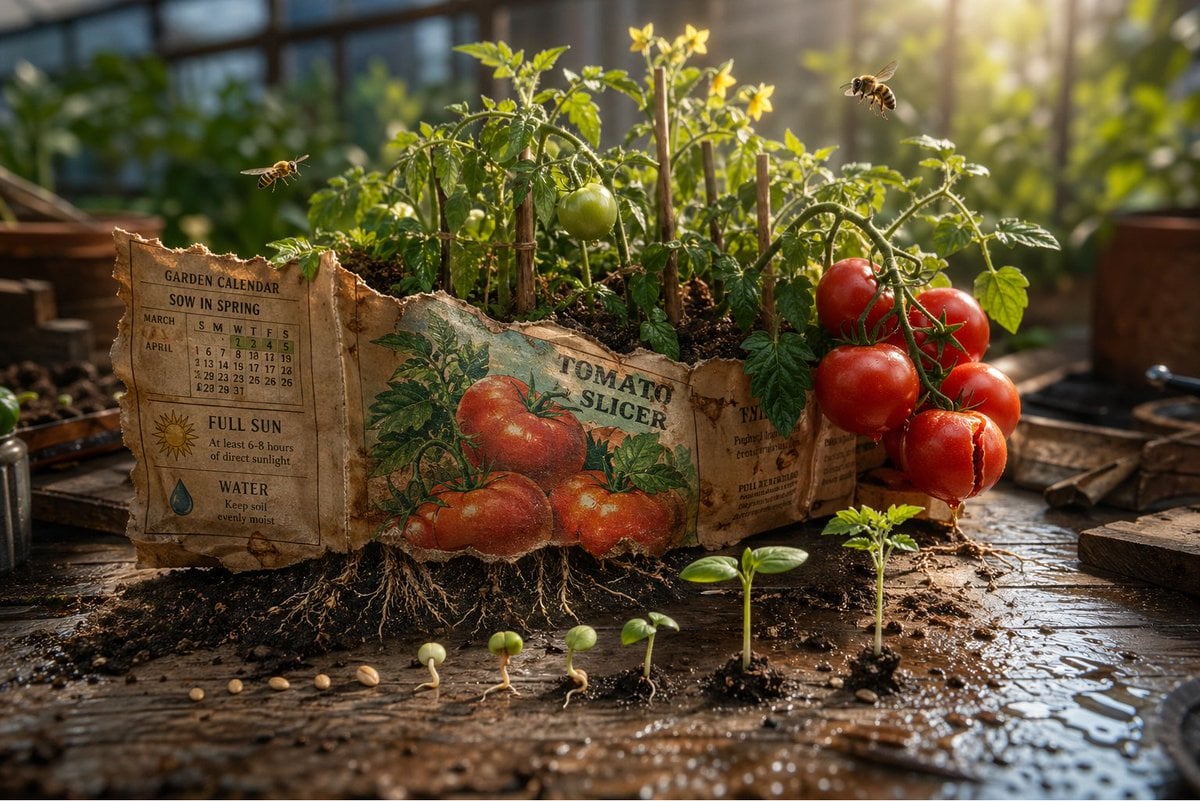
Gpt2 Product Marketing Magical Seed Packet Diorama
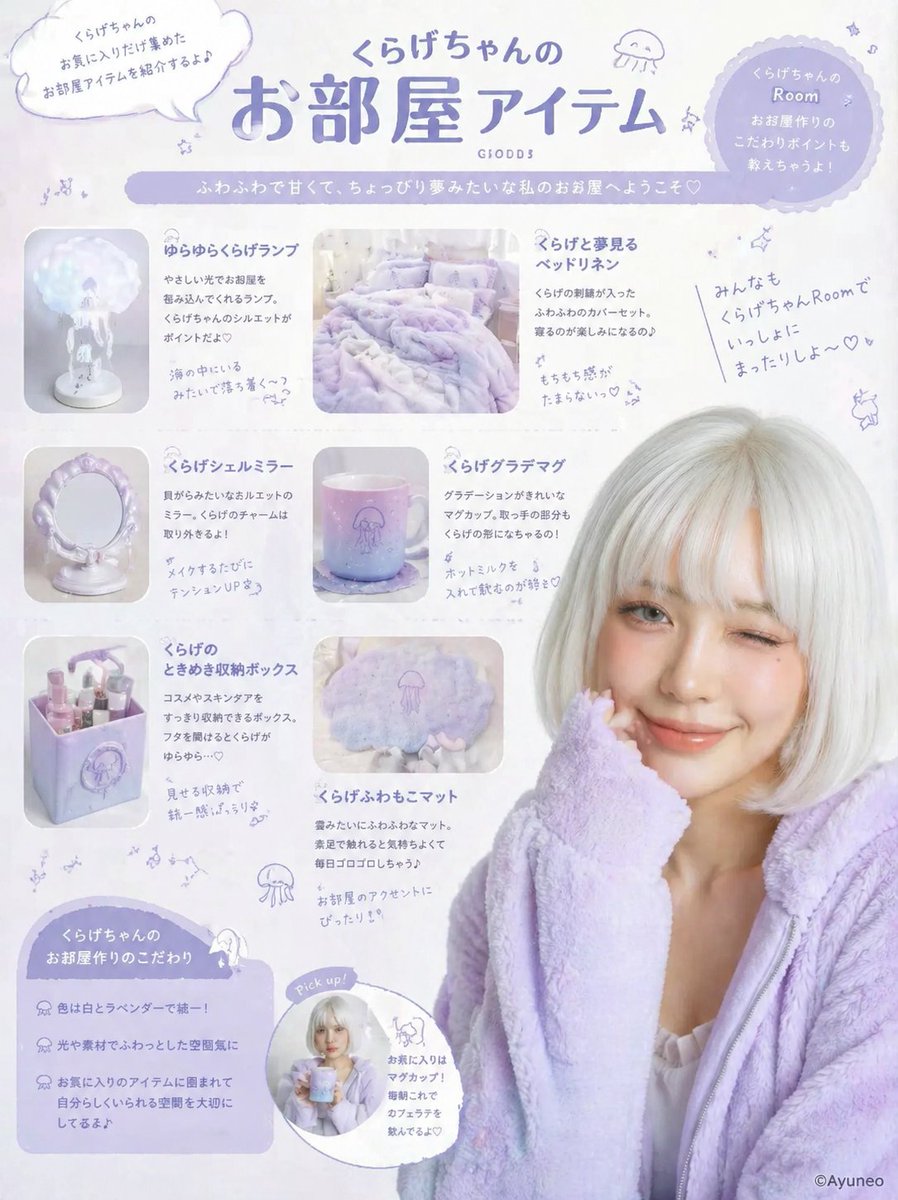
Gpt2 Product Marketing Pastel Jellyfish Room Goods Poster
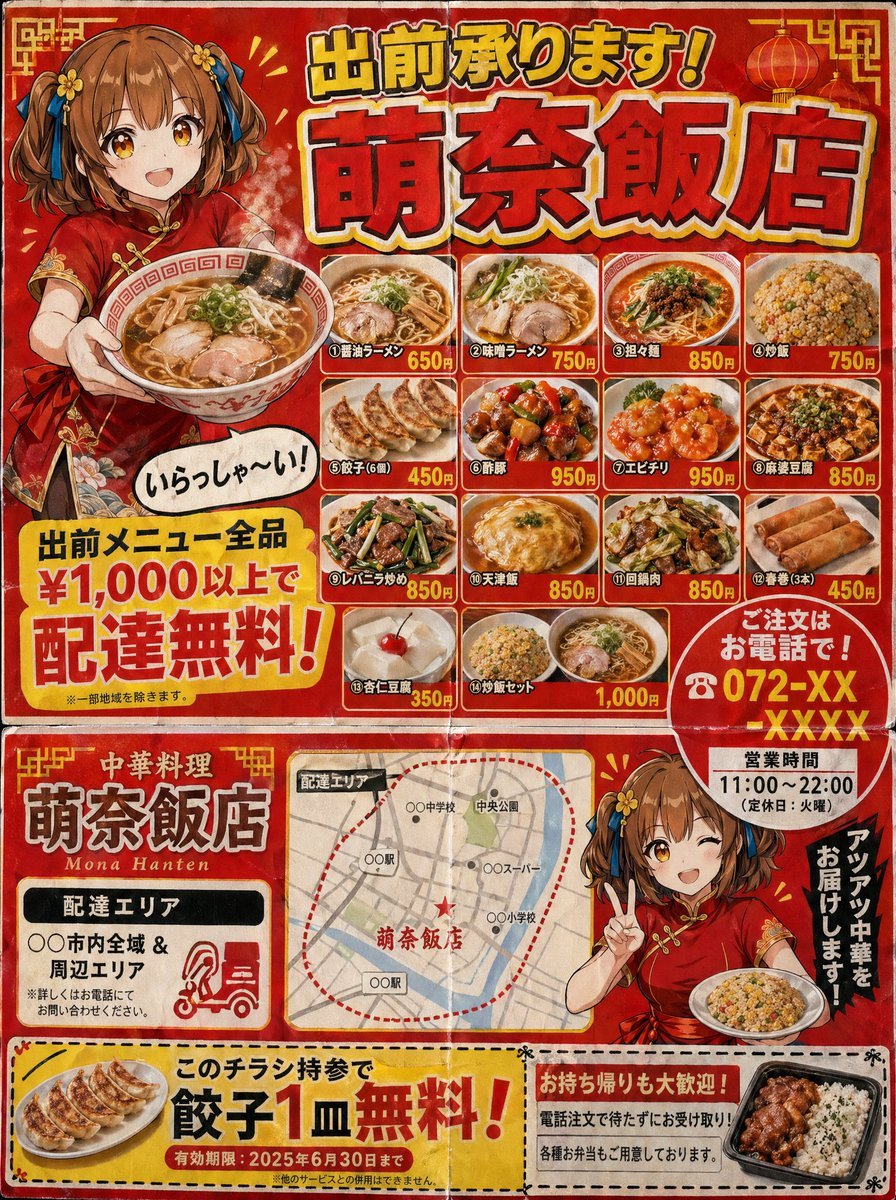
Gpt2 Product Marketing Japanese Chinese Food Delivery Flyer
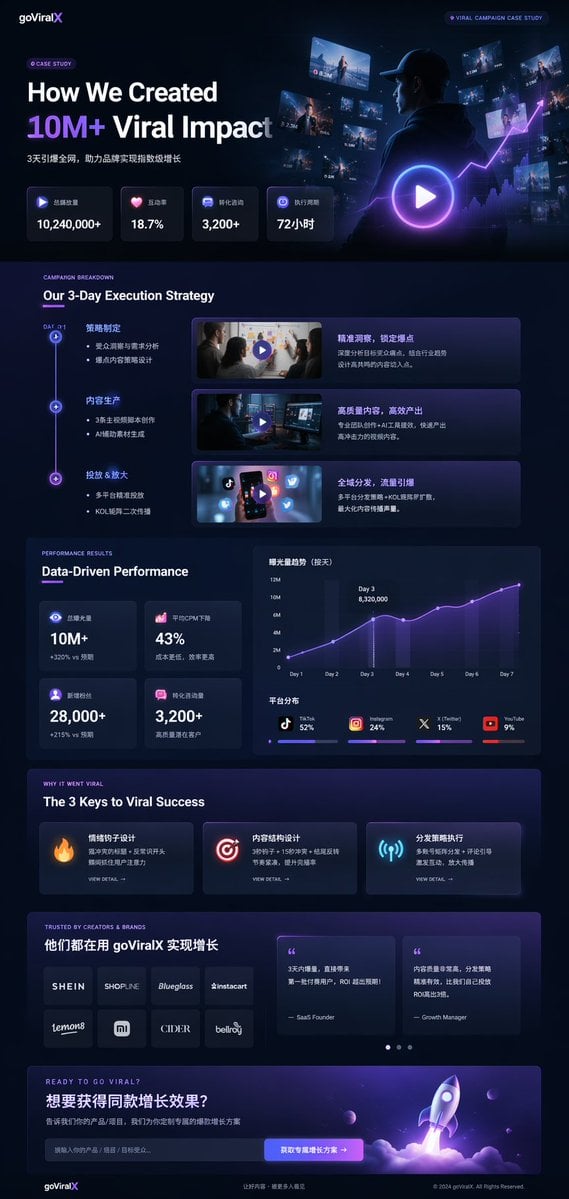
Gpt2 Product Marketing Dark Mode Marketing Case Study Ui
Giant Product Lifestyle Mockup
Vibrant Citrus Energy Bloom
Vibrant Citrus Gin Spritz Promo
Make it yours
Gpt2 Product Marketing 18 Panel Mascot Brand Identity Document works as-is. These are the safest ways to change it without losing the look.
Change one field
Copy a single group, rewrite it, and generate again so you can see what that field is doing.
Keep the frame, change the subject
Hold the composition and light of gpt2-product-marketing-18-panel-mascot-brand-identity-document, then swap wardrobe, props or the person for a new take.
| If the result… | Why | Fix |
|---|---|---|
| The result drifts from the preview | Too many fields changed at once. | Reuse gpt2-product-marketing-18-panel-mascot-brand-identity-document as-is first, then change one group — subject, light, or setting. |
| GPT Image 2 ignores part of the JSON | Some models flatten or skip nested keys. | Keep the same values and paste them as a short paragraph instead. |
More GPT Image 2 templates
Other prompts made for GPT Image 2.

Six VTuber Japanese Logo Sheet

Realistic Portrait of Woman and Deer

The Vista Modular Condo Poster

AI Model Routing Comparison Infographic

2.5D Anime Art Board

Isometric Productivity Desk Scene

New York Double Exposure Poster

Four-Panel AI Landscape Comparison

Japanese Tatami Lifestyle Magazine Cover

NESCAFÉ Coffee Map Poster
More image prompts
Fresh picks from across the catalog.
Anime School Commute Storyboard Grid
Sports Fashion Advertisement Poster
Dreamy Golden Hour Orange Grove Portrait Prompt
Rainy Neon Anime Alley Woman
Stylized 3D Character Toy Render
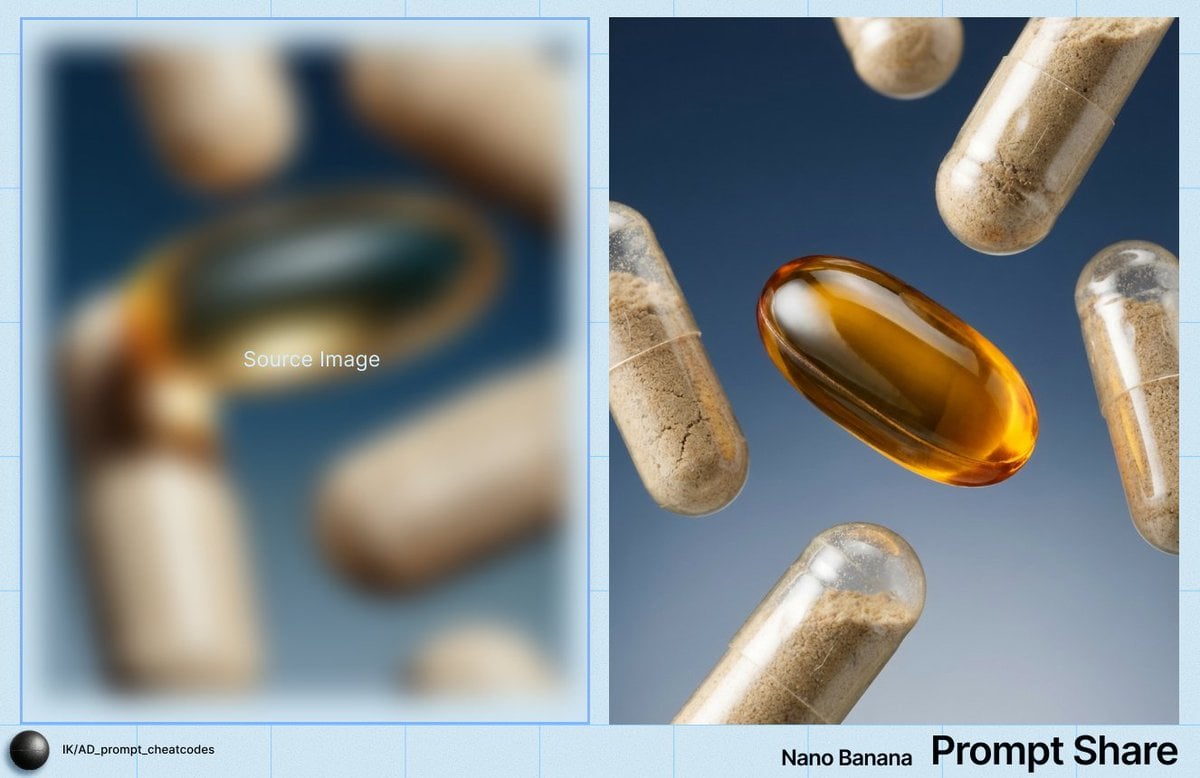
Macro Product Shot of Capsules and Softgel
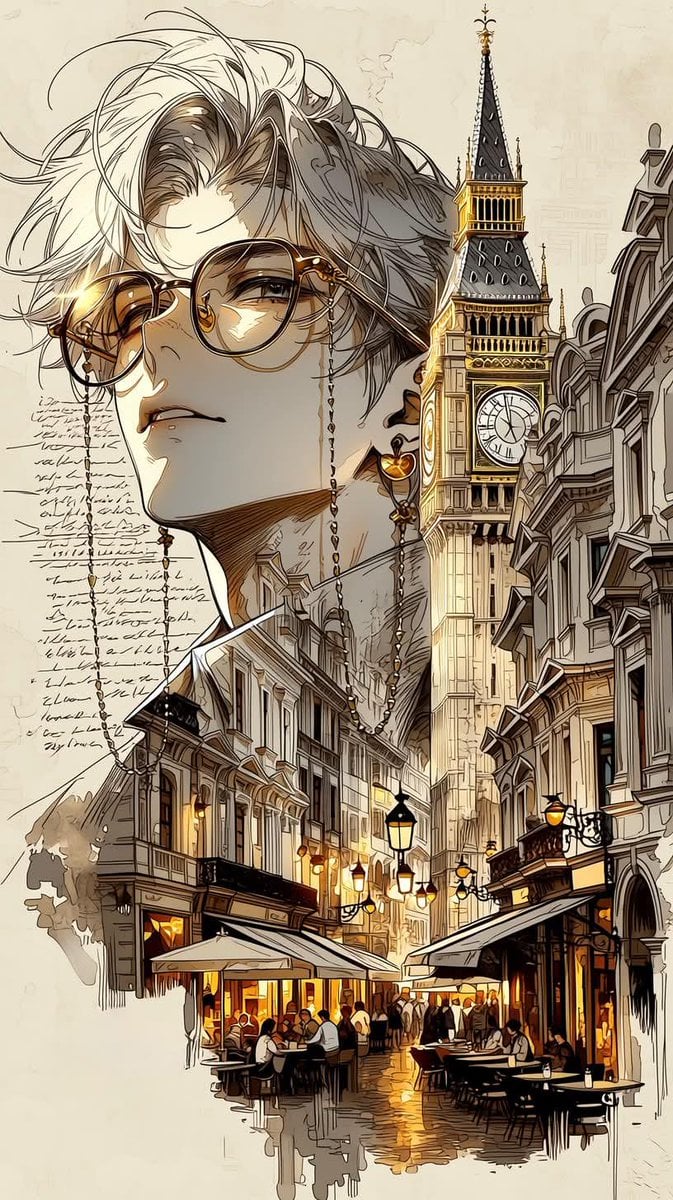
European City Travel Illustration
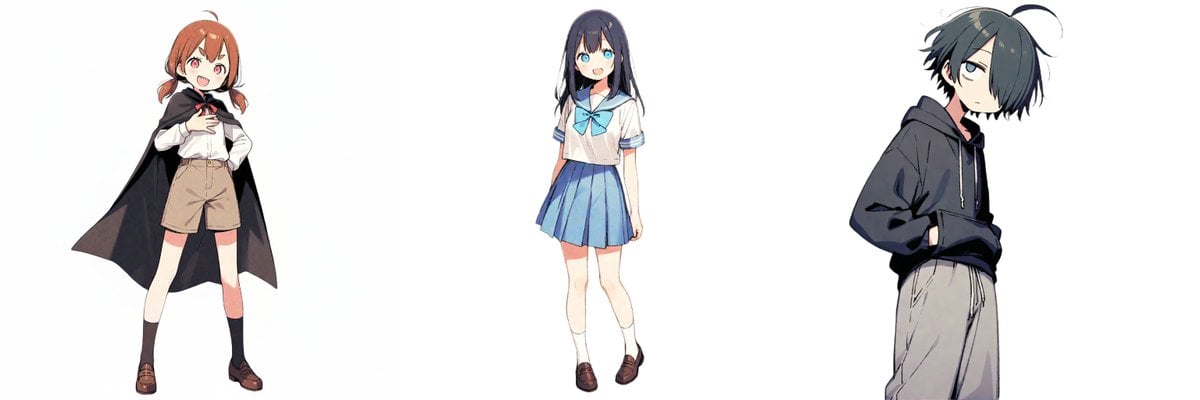
New Year's Card Illustration with Seven Lucky Gods Costume Swap
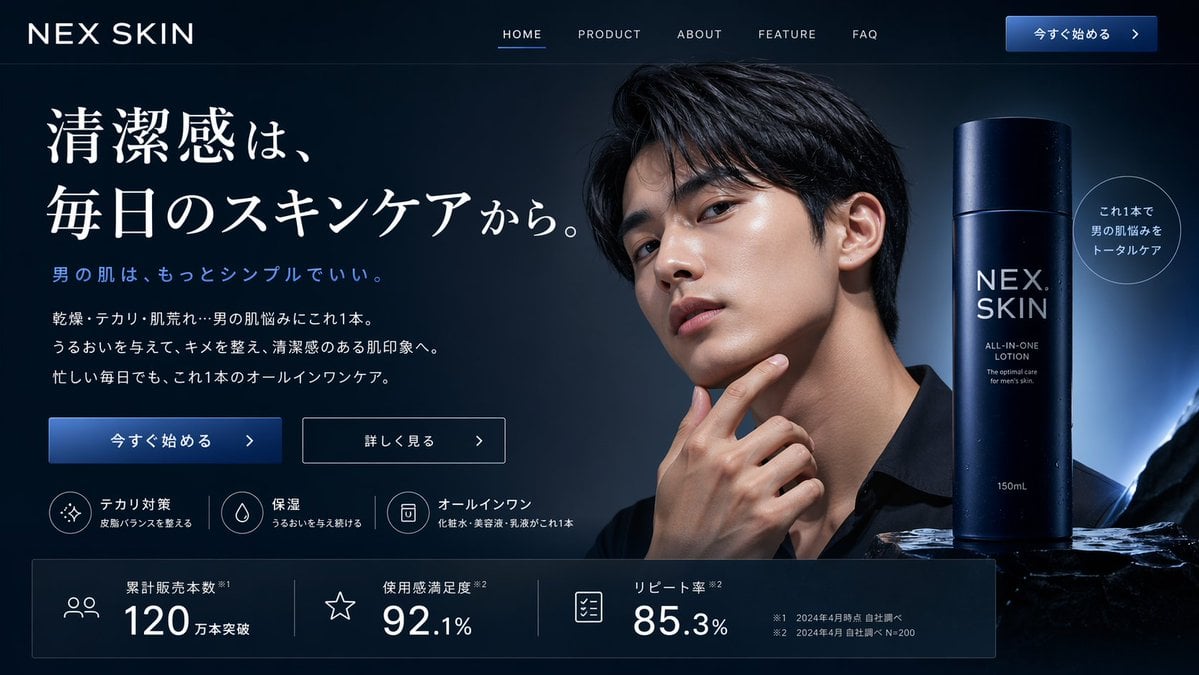
Men's Skincare Website Landing Page Mockup

Cinematic Portrait in Kashmir Mustard Field
Browse template categories
Gpt2 Product Marketing 18 Panel Mascot Brand Identity Document questions
How do I use the gpt2-product-marketing-18-panel-mascot-brand-identity-document template?
Add your photo if the template asks for one, edit the prompt if you like — the template's model and format are already selected — and press Generate. Your version opens in PicX Studio.
Can I customize the gpt2-product-marketing-18-panel-mascot-brand-identity-document template?
Yes. You can change the subject, setting, lighting, mood, format, and available model controls before creating your image.
Is the gpt2-product-marketing-18-panel-mascot-brand-identity-document template free?
Opening and editing this template is free. Generating uses credits, shown on the Generate button when you are signed in.
Which AI model should I use?
Start with GPT Image 2, which is the model associated with this template. You can compare another compatible model for a different finish.
Looking for something else? Browse all templates.

Your photo, any look
Thousands of ready templates for every top image and video model, from one credit balance.