
Macro Product Shot of Capsules and Softgel
A highly technical prompt for generating an extreme close-up macro product image of pharmaceutical capsules and a single oval softgel suspended in midair.
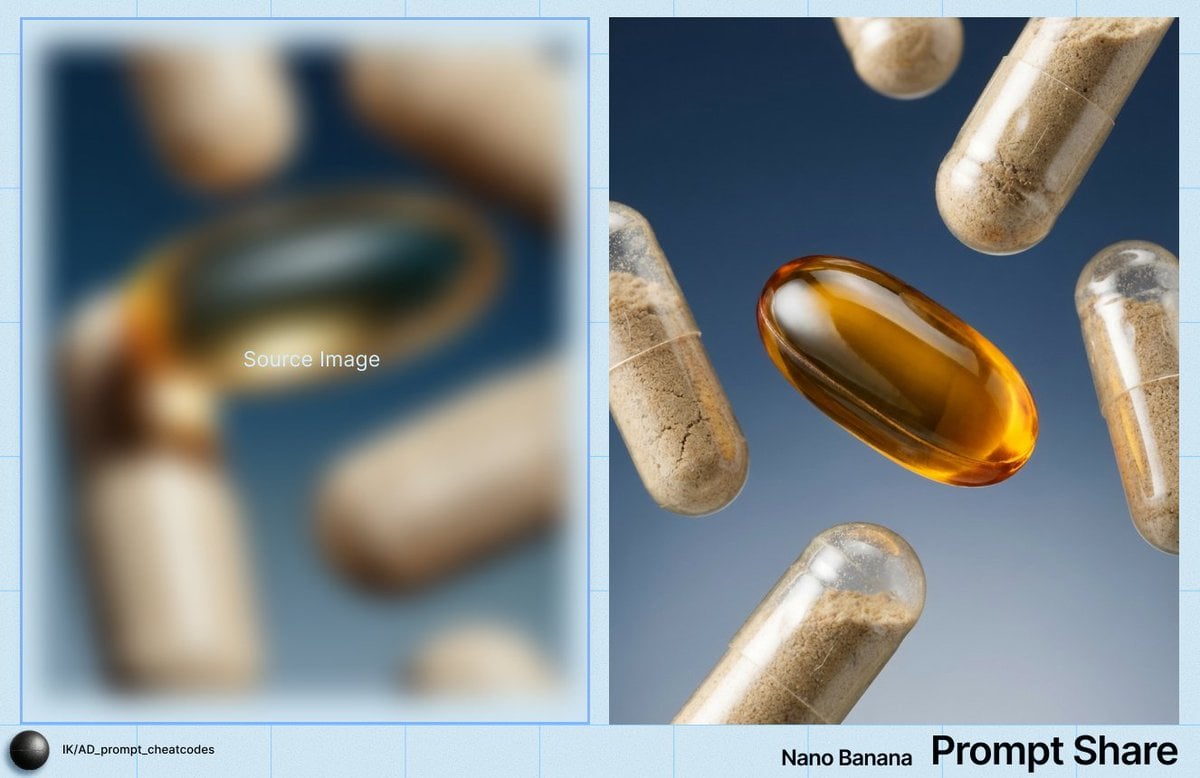
- Prompt included
- Model and format preset
- Premium template
The prompt behind this image
Copy the exact prompt behind Macro Product Shot of Capsules and Softgel, or open it in the studio and make it yours.
IMAGE: Frame & Composition: The camera presents an extreme close-up macro composition with a straight-on, perpendicular viewing angle to the subject plane; the frame is tightly cropped on multiple capsules and a single oval softgel suspended in midair, with no visible container or support; objects are distributed diagonally across the frame, creating a loose radial balance around the central softgel, which occupies the visual and spatial center; several capsules are partially cropped by the frame edges, reinforcing a floating, weightless arrangement; depth cues suggest all elements are within a narrow spatial range, with slight size variation indicating minimal distance differences from the lens. Lighting & Atmosphere: A controlled studio key light originates from the lower left, producing strong specular highlights along the curved surfaces of the transparent capsules and a concentrated luminous hotspot within the amber softgel; shadow transitions are smooth and soft, indicating a diffused light source with moderate directional bias; reflections are crisp but not harsh, suggesting polished surfaces without environmental haze; the background remains evenly lit with no visible bloom, fog, or particulate atmosphere. Subject Geometry & Materiality: The primary subject is an elongated, oval softgel oriented horizontally with a slight upward tilt on its right edge; its gelatin shell is transparent amber with a smooth, high-gloss surface and a visible internal meniscus line; surrounding it are cylindrical two-piece capsules oriented at varied angles, each composed of semi-transparent shells filled with fine granular powder; the powder exhibits uneven density, settling toward the lower halves of the capsules, creating subtle tonal gradients; shell seams are visible as fine circumferential lines; surface reflections reveal smooth plastic-like material with micro-scratches and minute dust inclusions visible under macro magnification. Environmental Layering: The foreground and midground are occupied entirely by the capsules and softgel, all rendered in sharp focus with minimal depth separation; no object fully occludes another, though overlaps occur at shallow angles; the background is a uniform gradient field transitioning from {argument name="background color top" default="deep blue"} at the top to a {argument name="background color bottom" default="lighter blue-gray"} toward the bottom, completely out of focus and free of discernible texture or structure; there are no environmental props or surfaces present. Technical Artifacts & Color: The color palette is limited and controlled, dominated by warm amber and beige tones of the capsules contrasted against a cool blue gradient background; saturation is moderate, with the softgel exhibiting the highest chroma; image grain is minimal and fine, consistent with a high-resolution studio capture; no chromatic aberration, motion blur, or compositing edges are visible; highlights are clean with smooth roll-of
How to use Macro Product Shot of Capsules and Softgel in 3 steps
- 1
Open
The prompt is already in the box next to the preview, with the template's model and format selected.
- 2…a portrait of your subject in softgolden-hour light, 85mm…
Personalize
Edit the subject and creative details for your destination.
- 3Generate
Generate
Press Generate — your image is created in PicX Studio, so you can compare it with the original and refine one variable at a time.
More like this
Templates with the same subject, style or setup. Open one to see its prompt.
Seedance - Brand Commercial
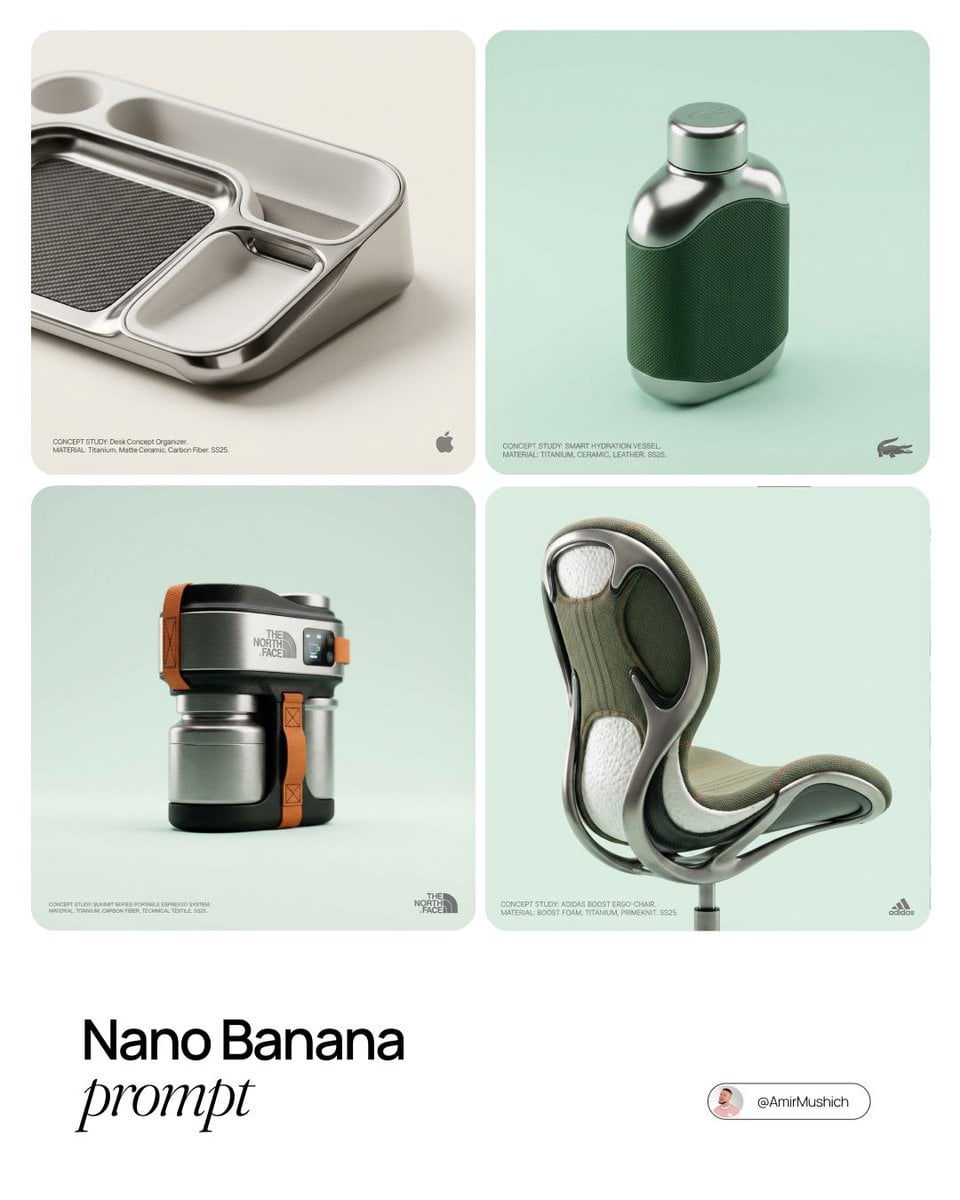
Editorial Concept Study Product Design

A k.pop idol on the stage with mic

Trendy Cafe Drink Promo Poster

Minimalist Skincare Product Water Stone Still

Giant Forced Perspective Street Product Selfie

Playful Futuristic Brand Kit Board

Headphones Lifestyle Nine Panel Grid

Cappuccino Bottle Splash Product Ad

Luxury Toothpaste Commercial Storyboard

Parle Hide and Seek Cookie Campaign Poster

Moss Logo Minimalist Brand Flat Lay
Make it yours
Macro Product Shot of Capsules and Softgel works as-is. These are the safest ways to change it without losing the look.
Change one field
Copy a single group, rewrite it, and generate again so you can see what that field is doing.
Keep the frame, change the subject
Hold the composition and light of Macro Product Shot of Capsules and Softgel, then swap wardrobe, props or the person for a new take.
| If the result… | Why | Fix |
|---|---|---|
| The result drifts from the preview | Too many fields changed at once. | Reuse Macro Product Shot of Capsules and Softgel as-is first, then change one group — subject, light, or setting. |
| The model over-stylizes the scene | The prose prompt leaves finish and camera underspecified. | Add one camera or lighting sentence and stay on Nano Banana 2. |
More Nano Banana 2 templates
Other prompts made for Nano Banana 2.

Photorealistic Leaf Shaped Like a Dragon

K-Pop Idol Portrait Grid for Rapid Selection

Poetic Rain Forest Portrait During Golden Hour

Urban Street Portrait with Cartoon Inner Self Duo

Candid Nighttime Photo with Cat Prompt

High-Concept 3D Diorama Generation Prompt

Cinematic Futuristic Studio Portrait Template

Skincare Editorial Photography Collage Prompt

Hyper-Realistic Commercial Product Photography (Splash Effect)

Hyper-Realistic Nightclub Portrait Prompt
More image prompts
Fresh picks from across the catalog.
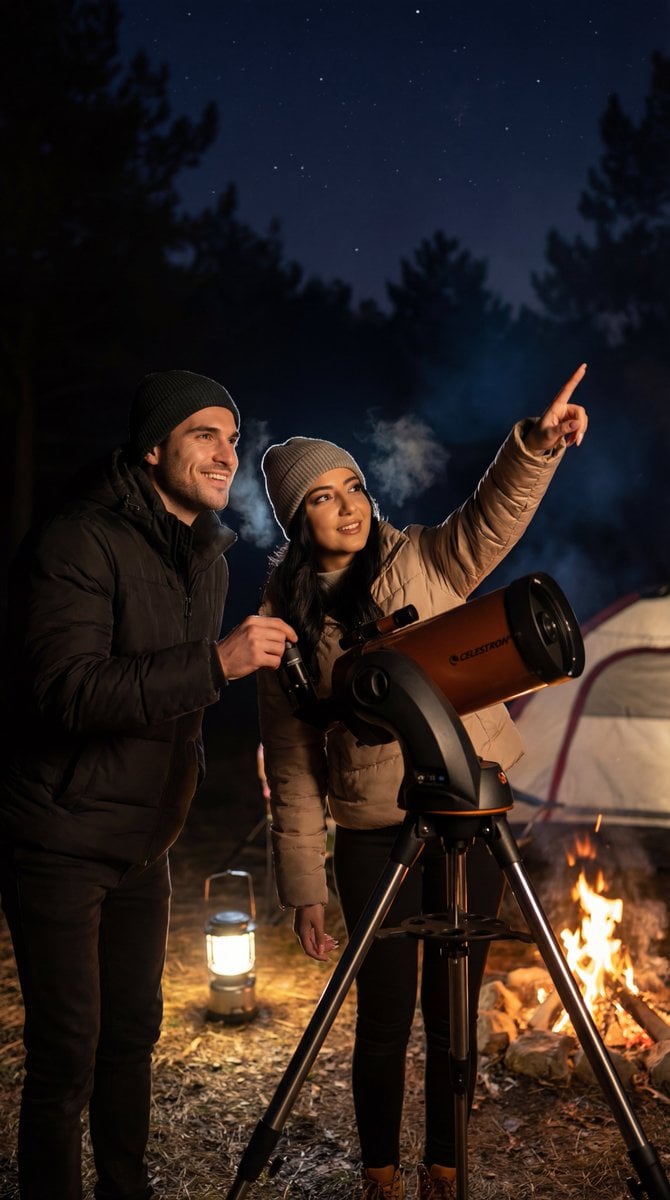
Ultra-Photorealistic Candid Film Still of Night Camping and Stargazing

Japanese Accounting SaaS Hero Banner
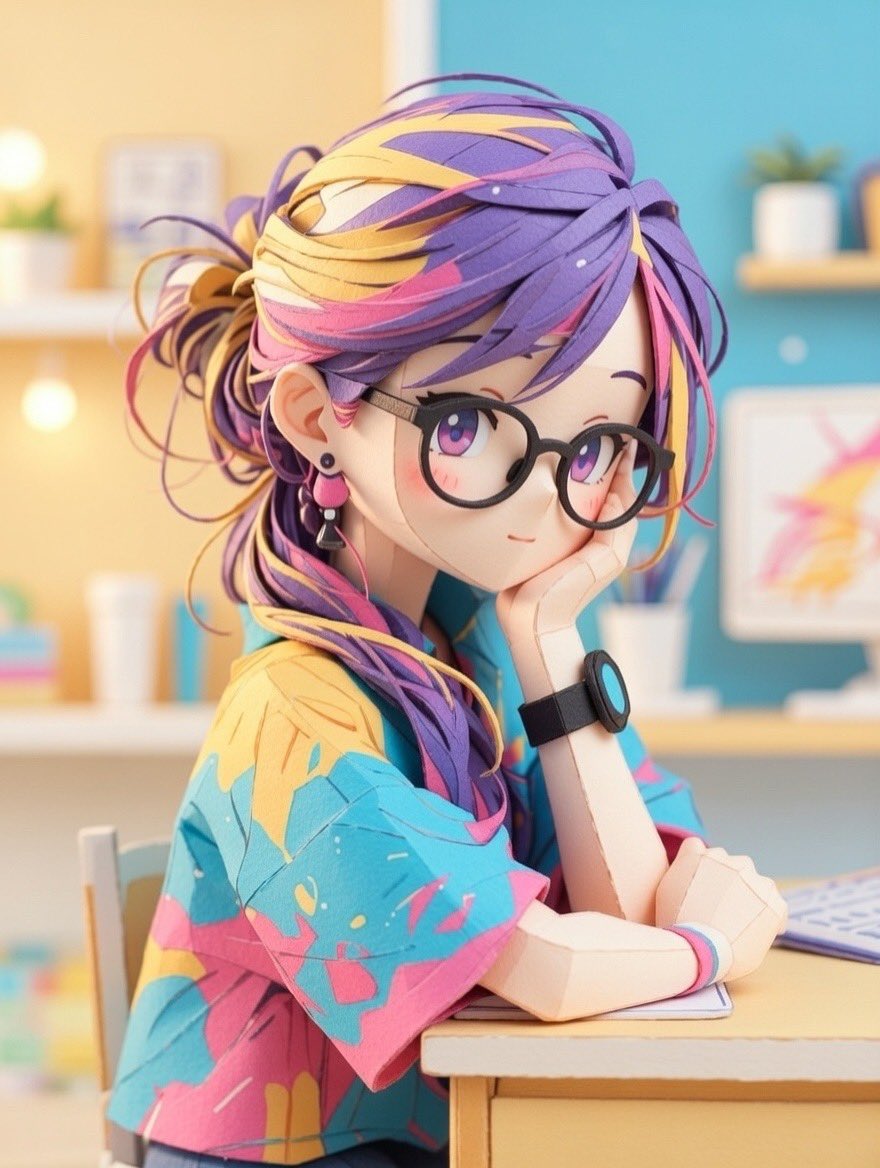
Converting Images to Cute Paper Crafts with Grok and Nano Banana Pro

Anime Horror Game Thumbnail Composite

Infographic Generation from Images and Text using Nano Banana Pro
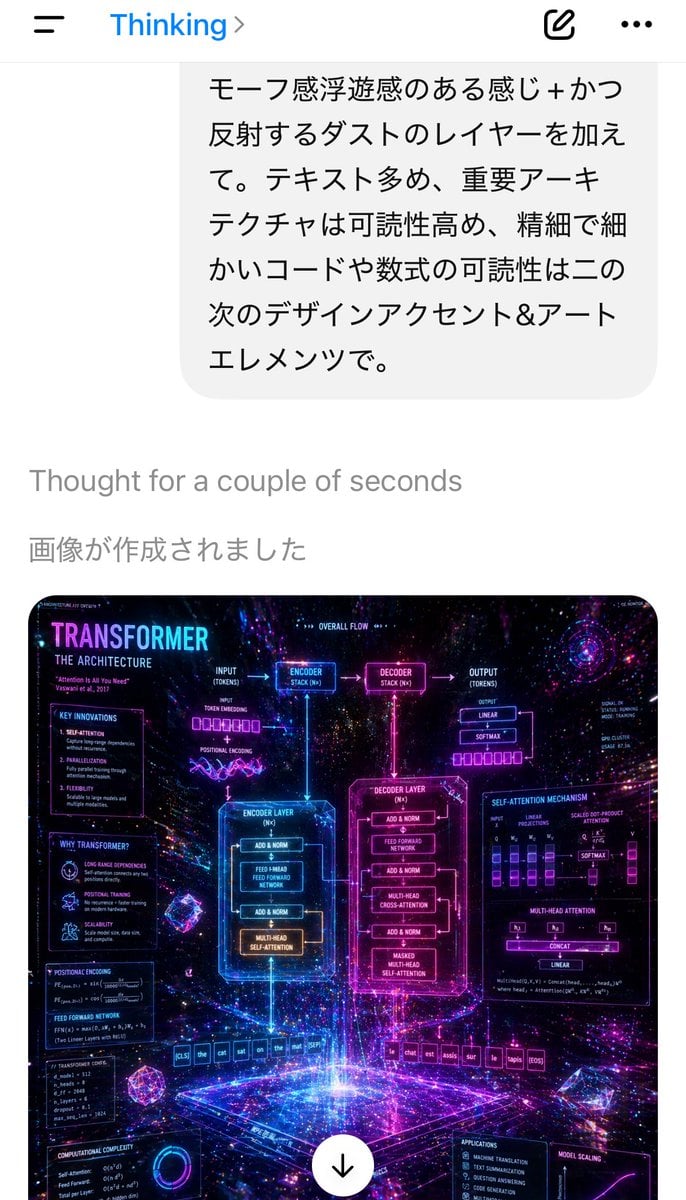
Mobile AI Chat Screenshot with Transformer Poster
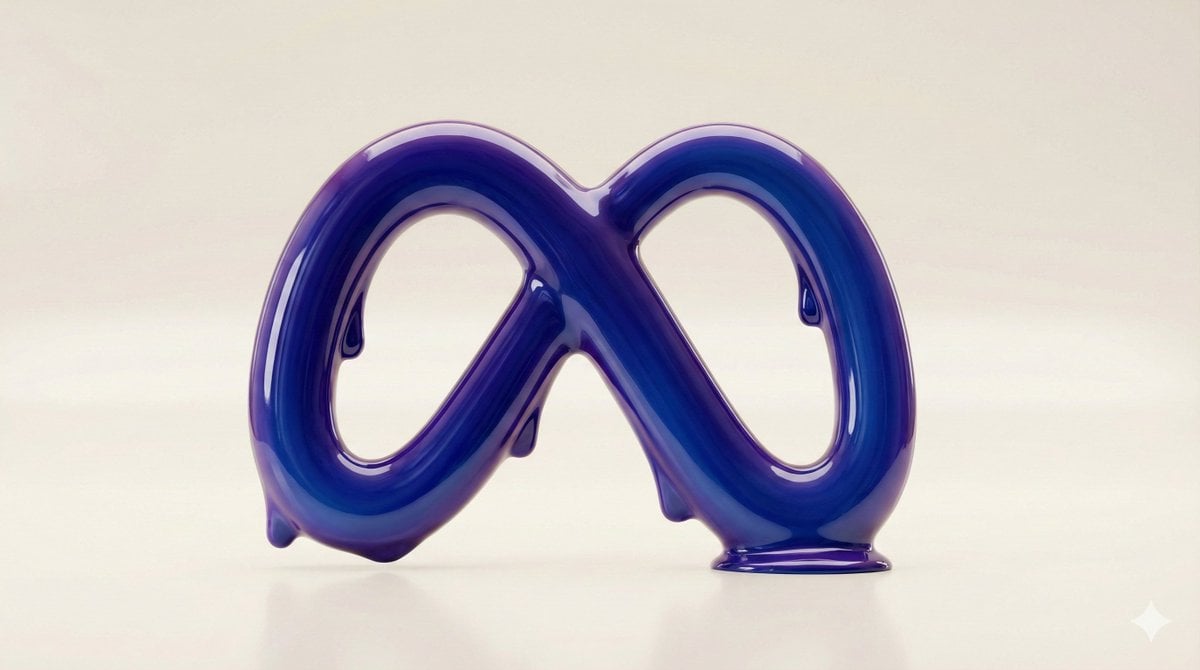
Liquid Gloss Logo Generation
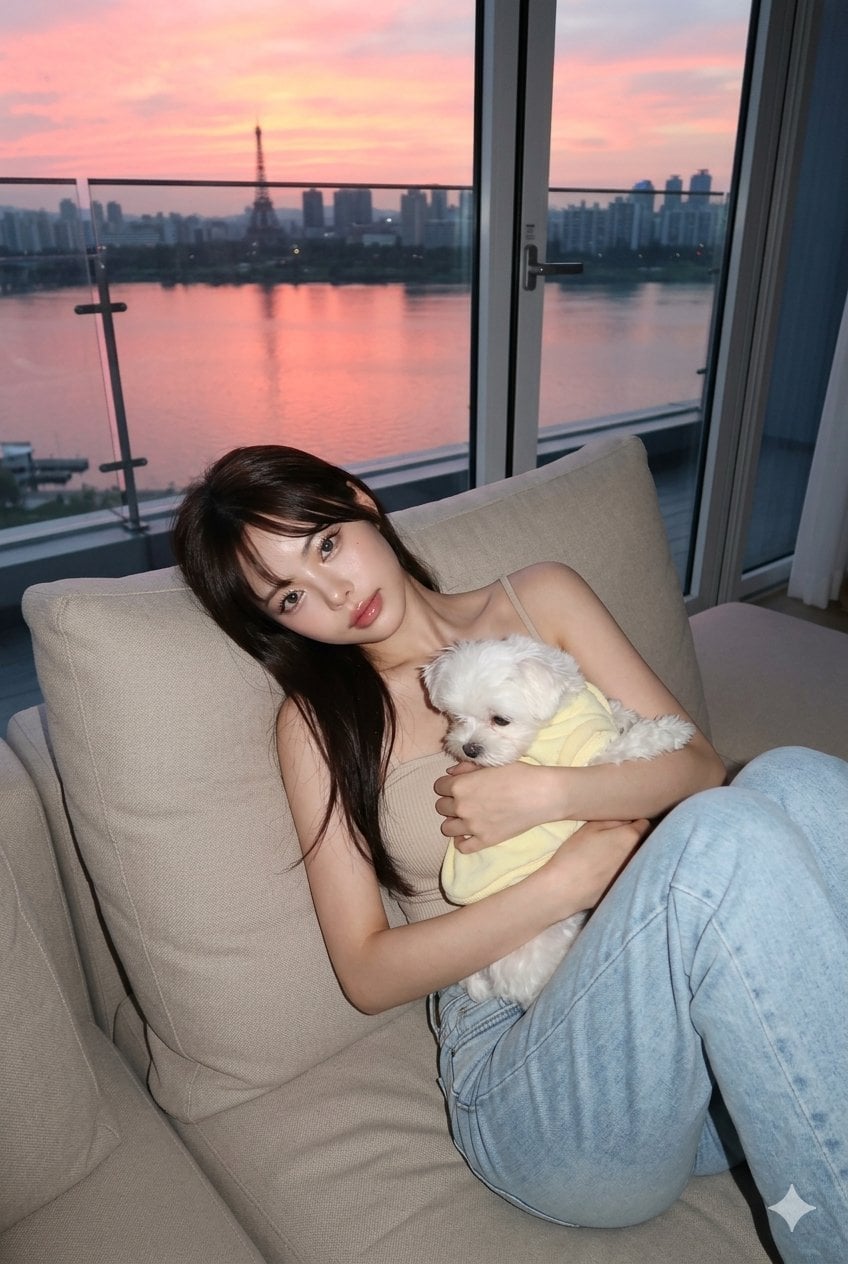
untitled
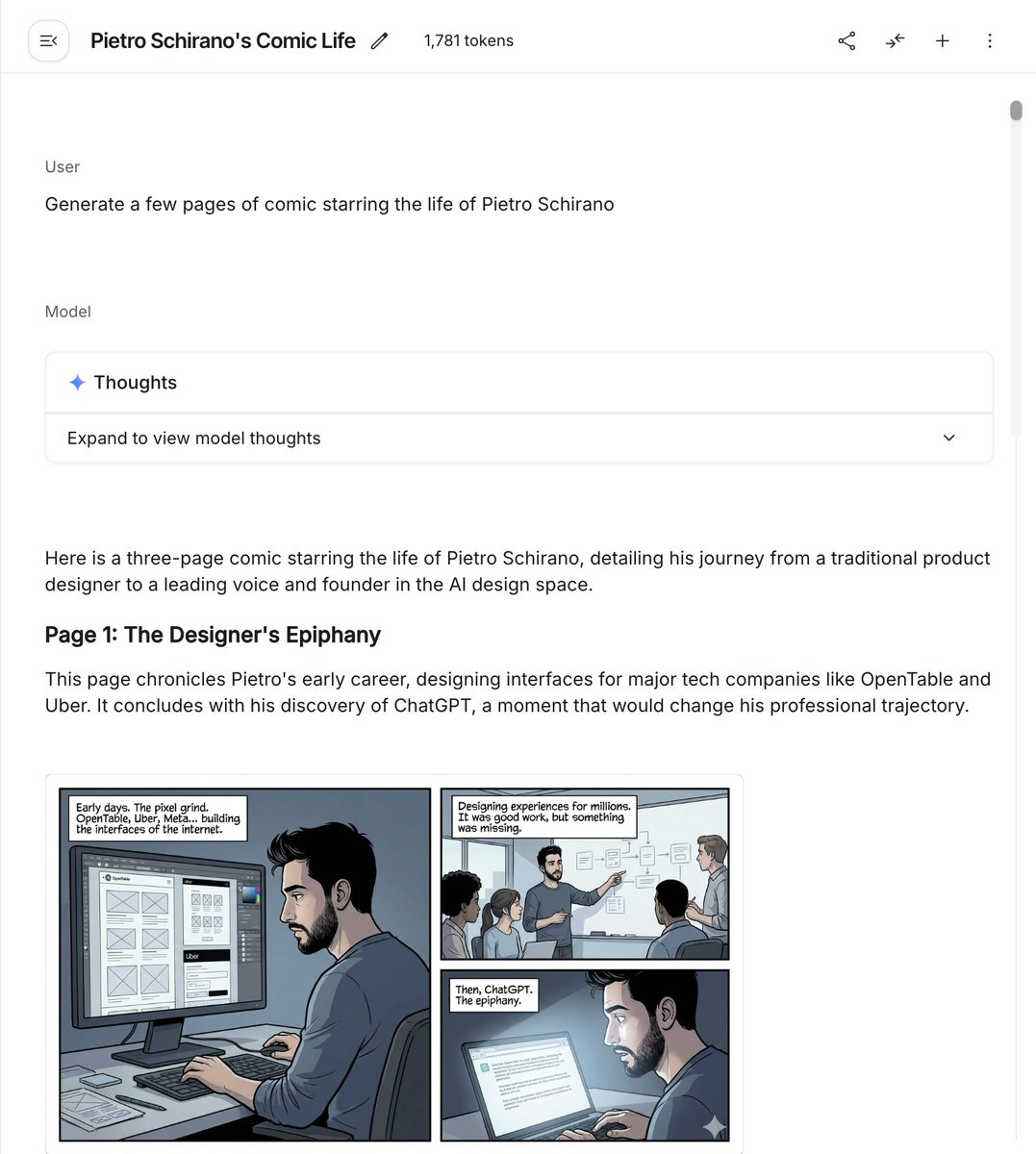
Six-panel life comic

Romantic Pastel Illustration with Strict Identity Lock
Browse template categories
Macro Product Shot of Capsules and Softgel questions
How do I use the Macro Product Shot of Capsules and Softgel template?
Add your photo if the template asks for one, edit the prompt if you like — the template's model and format are already selected — and press Generate. Your version opens in PicX Studio.
Can I customize the Macro Product Shot of Capsules and Softgel template?
Yes. You can change the subject, setting, lighting, mood, format, and available model controls before creating your image.
Is the Macro Product Shot of Capsules and Softgel template free?
Opening and editing this template is free. Generating uses credits, shown on the Generate button when you are signed in.
Which AI model should I use?
Start with Nano Banana 2, which is the model associated with this template. You can compare another compatible model for a different finish.
Looking for something else? Browse all templates.

Your photo, any look
Thousands of ready templates for every top image and video model, from one credit balance.