
Six-panel life comic
A prompt idea for generating a six-panel comic summarizing events from your life last week, ideal for personal storytelling visuals.
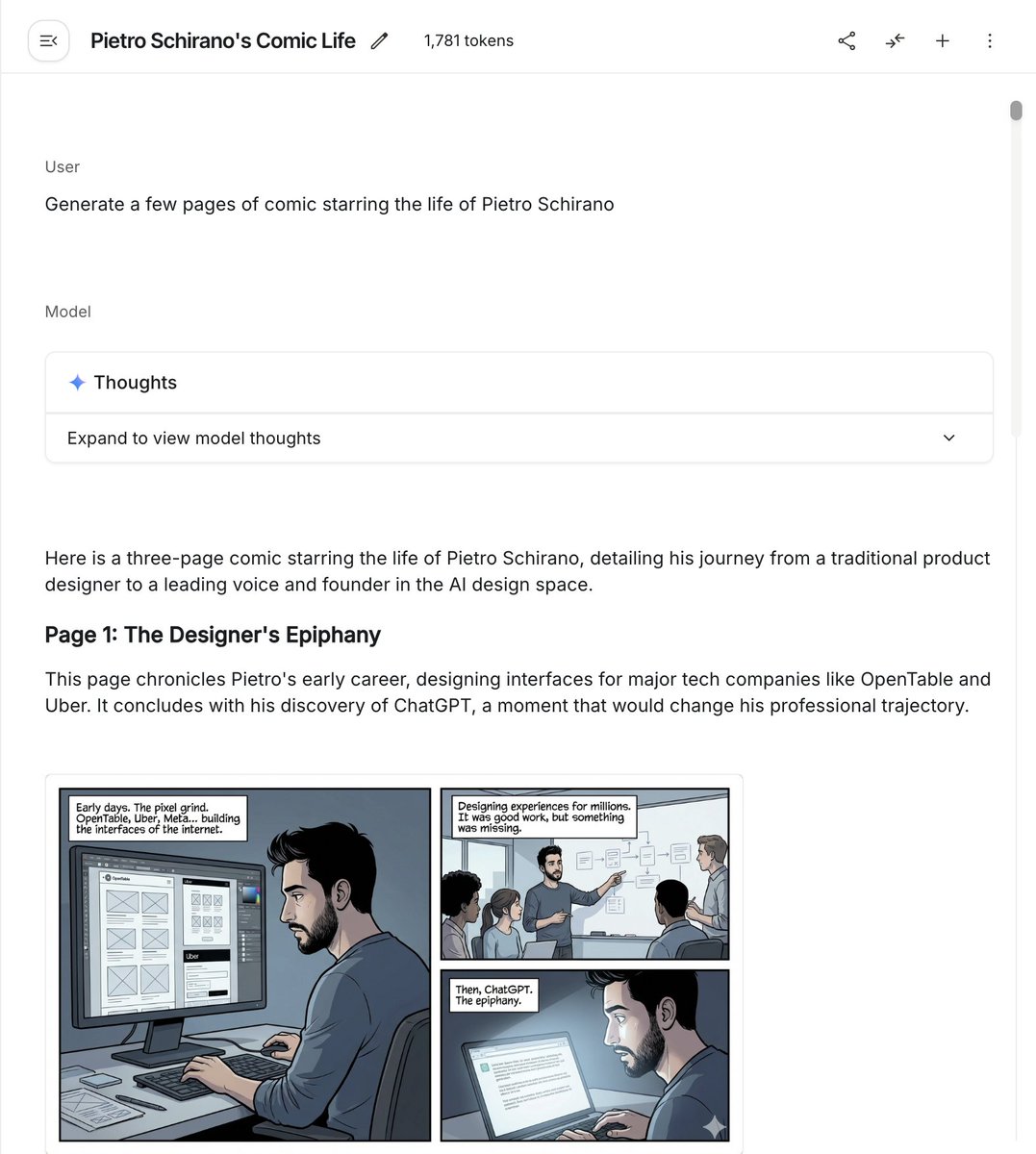
- Prompt included
- Model and format preset
- Free template
The prompt behind this image
Copy the exact prompt behind Six-panel life comic, or open it in the studio and make it yours.
make a {argument name="number_of_panels" default="6"}-panel comic of my life last week
How to use Six-panel life comic in 3 steps
- 1
Open
The prompt is already in the box next to the preview, with the template's model and format selected.
- 2…a portrait of your subject in softgolden-hour light, 85mm…
Personalize
Edit the subject and creative details for your destination.
- 3Generate
Generate
Press Generate — your image is created in PicX Studio, so you can compare it with the original and refine one variable at a time.
More like this
Templates with the same subject, style or setup. Open one to see its prompt.
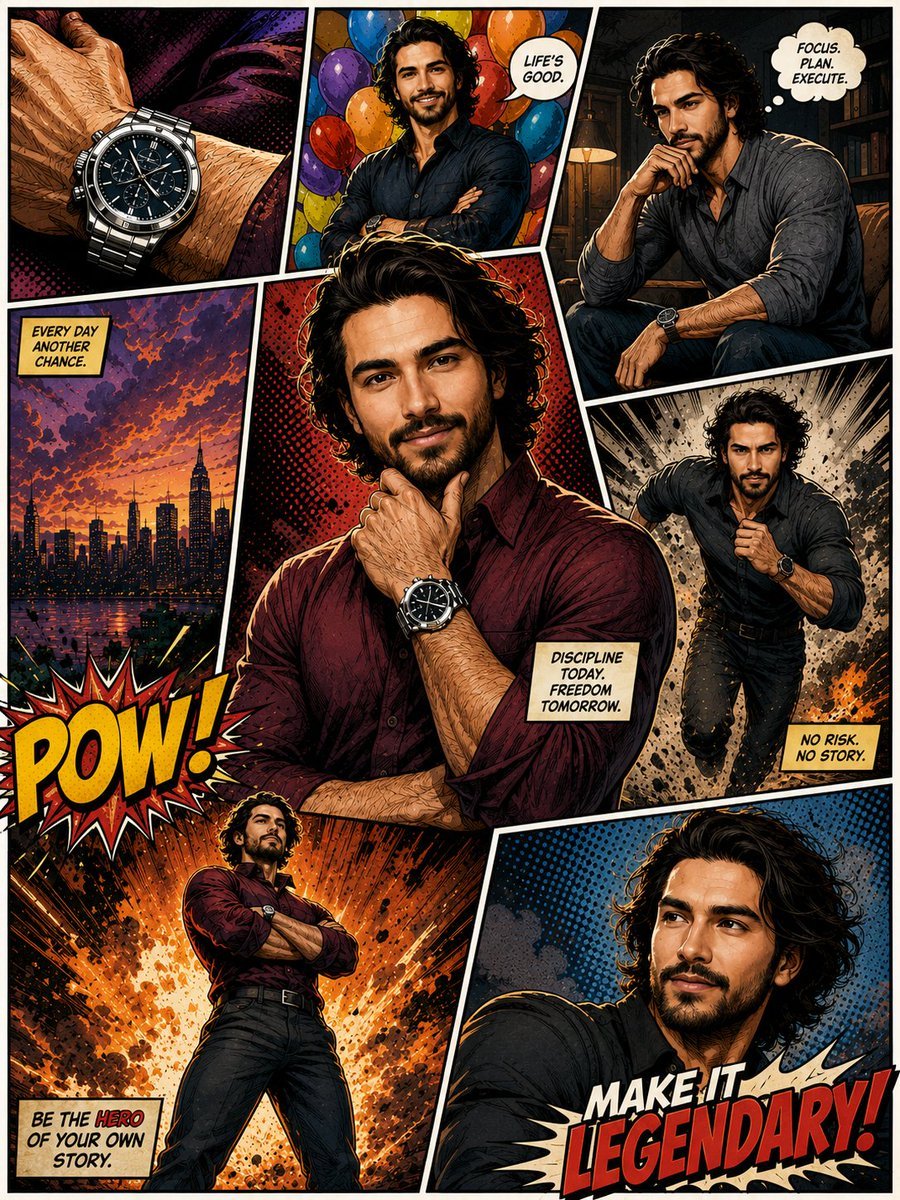
Hero Portrait Comic Multi-Panel Poster
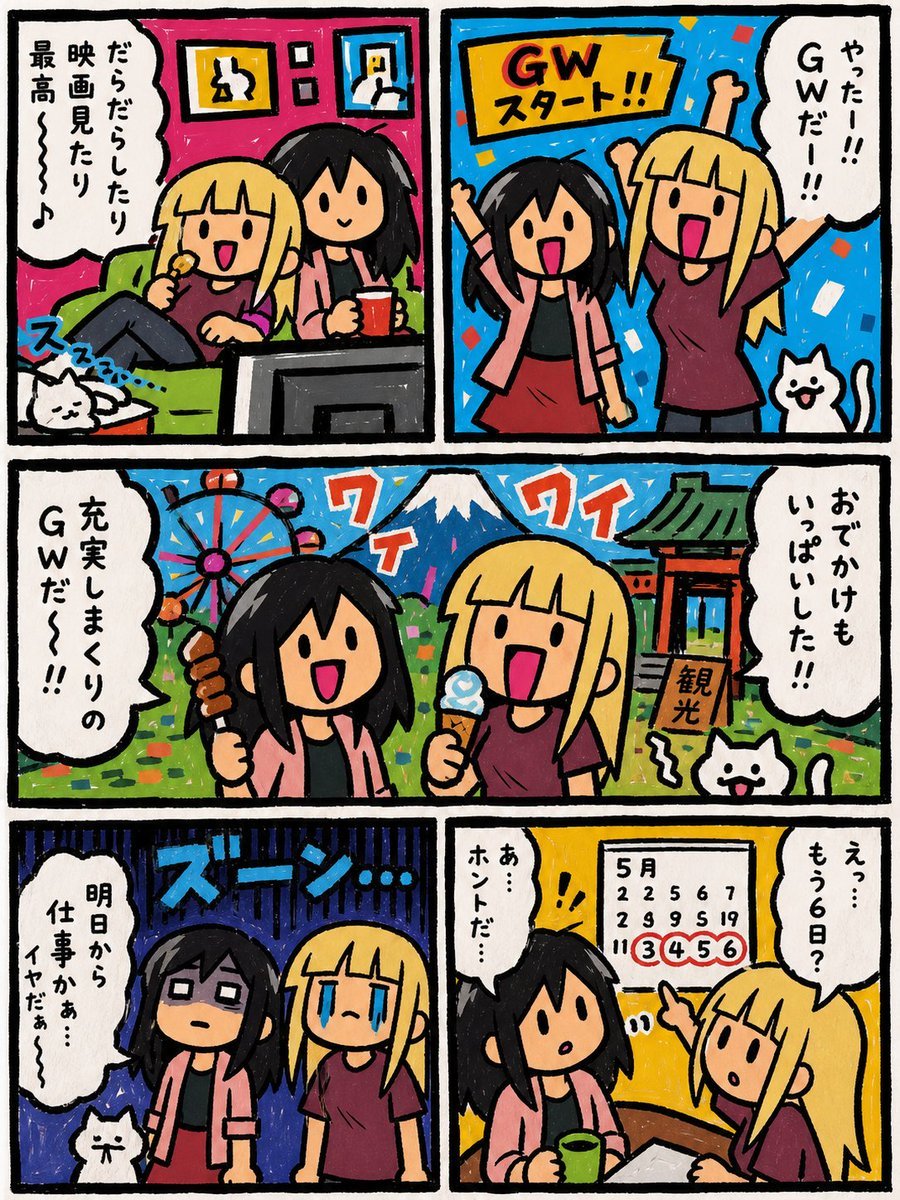
Six-Panel Golden Week Manga Comic
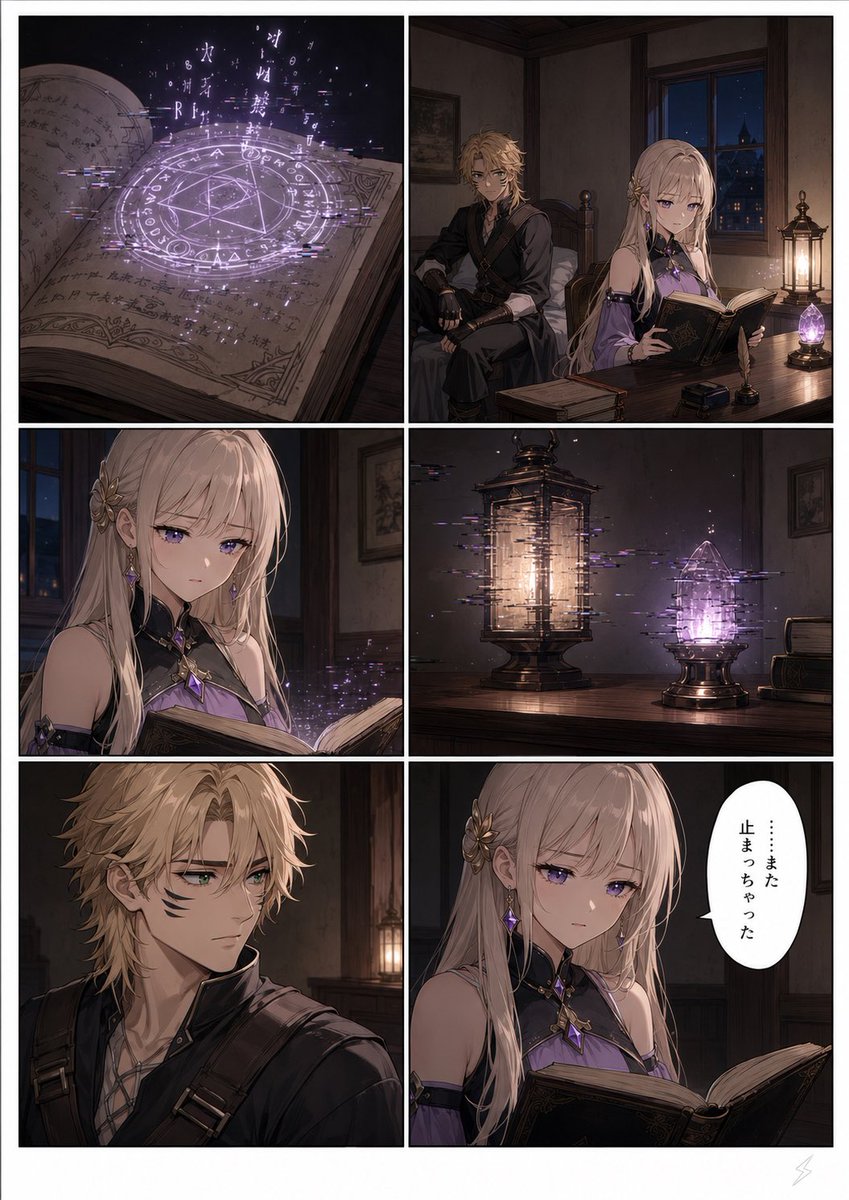
Six-Panel Fantasy Magic Comic Page
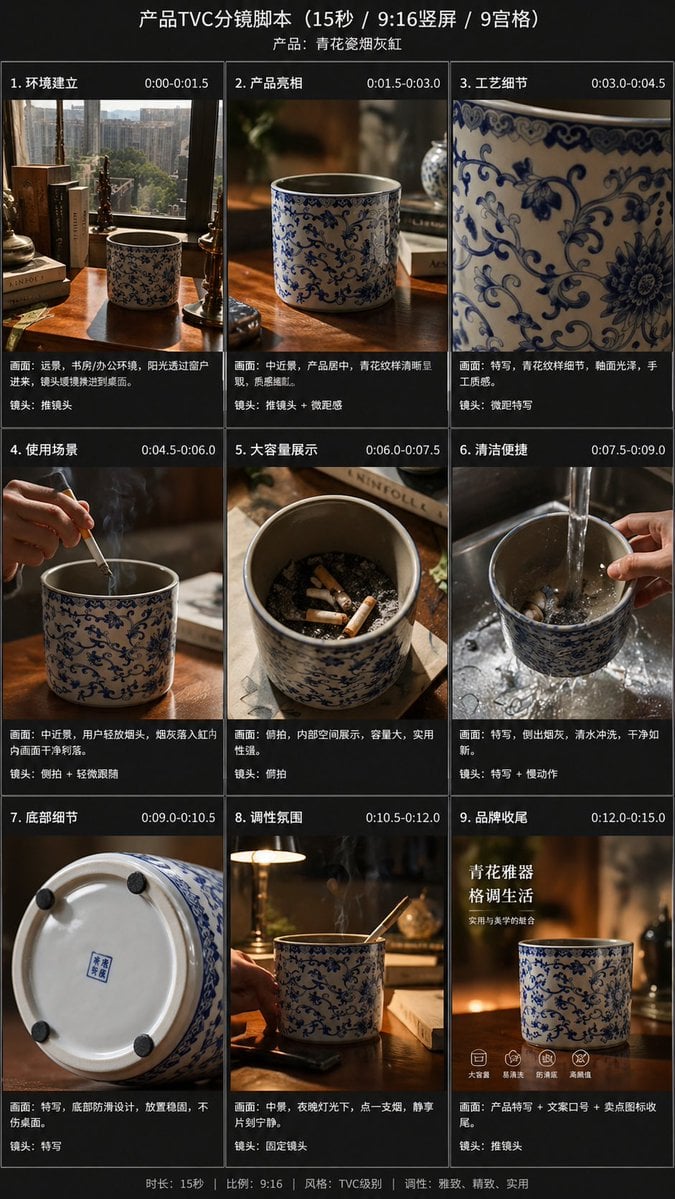
Gpt2 E Commerce Main Image 9 Panel Product Tvc Storyboard
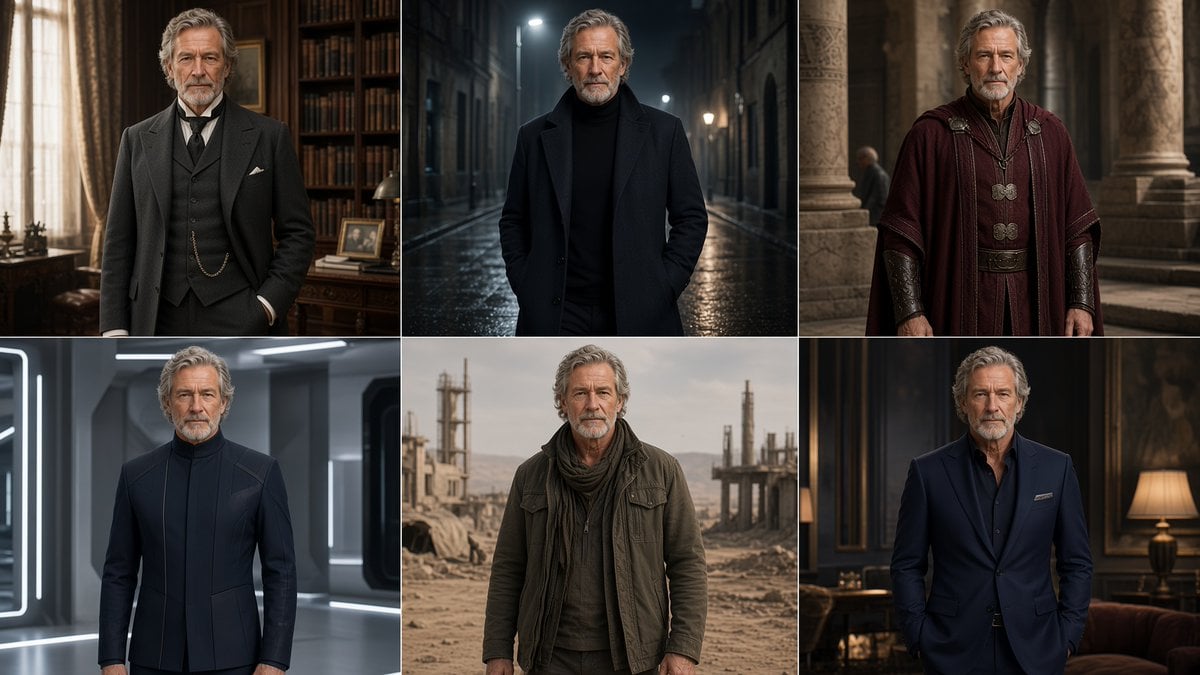
Six-Panel Cinematic Character Variations
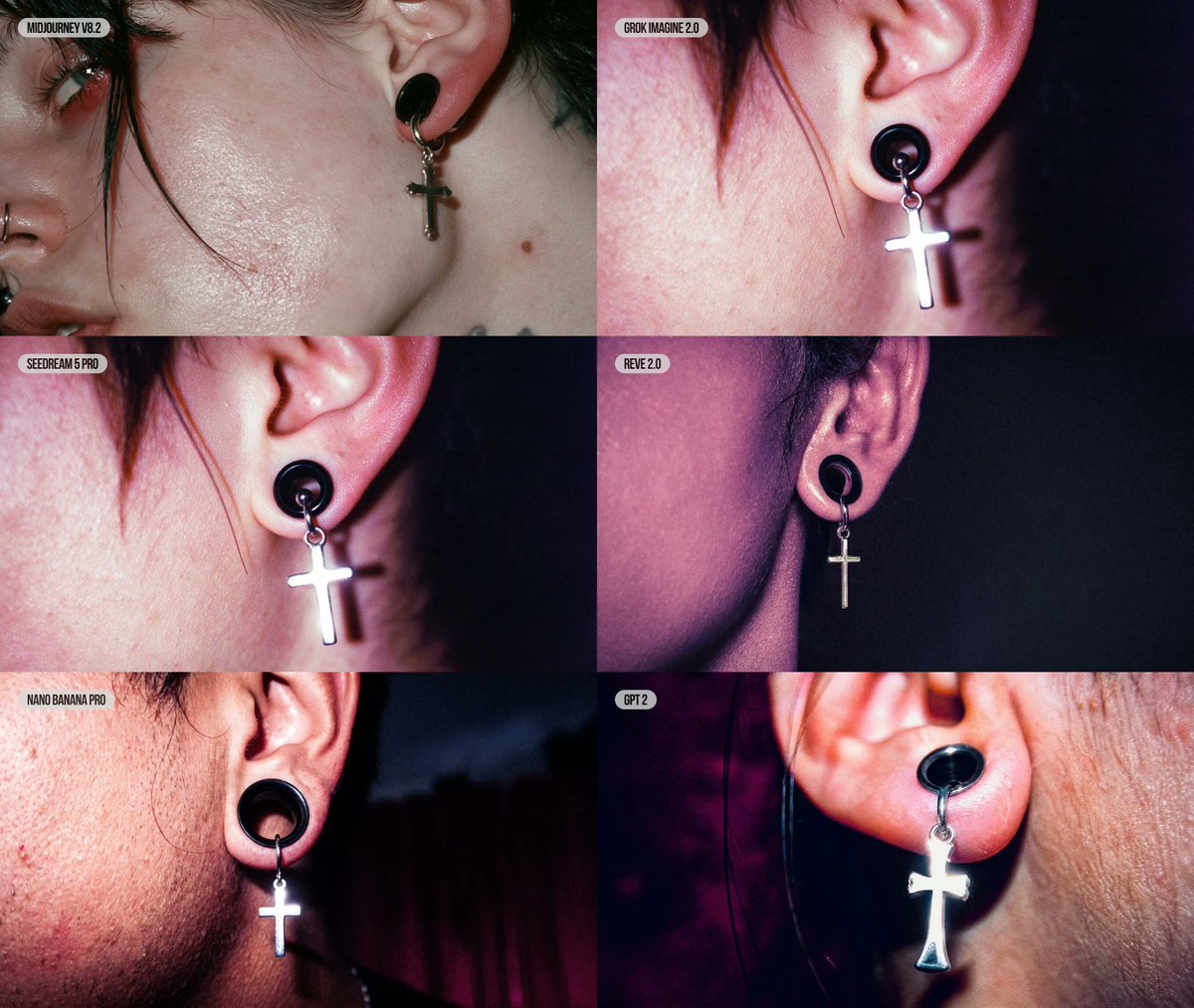
Six-Panel AI Jewelry Portrait Comparison

Cozy Six-Panel Bedtime Stages Collage
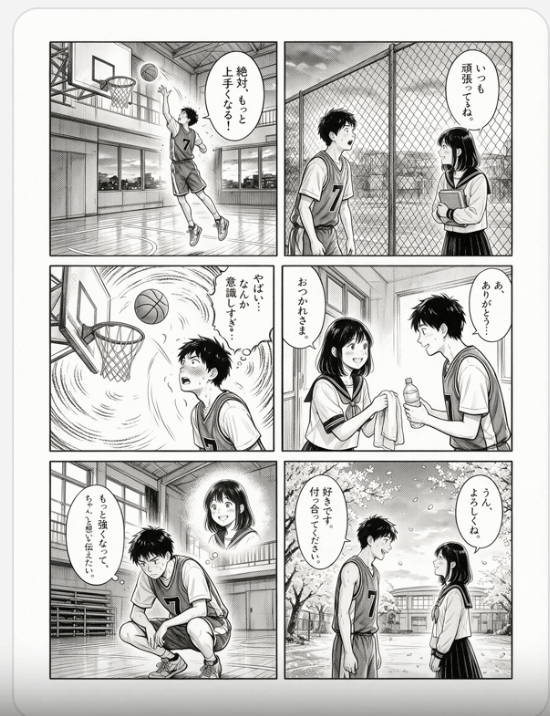
Six-Panel Basketball Romance Manga
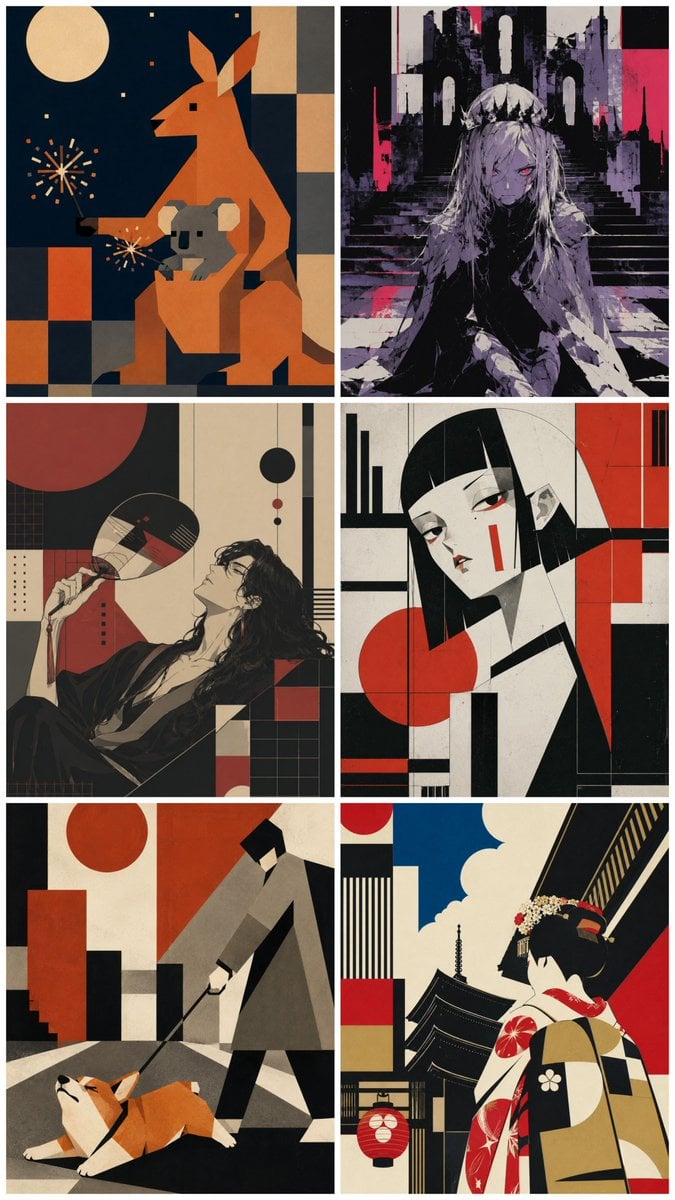
Six-Panel Retro Japanese Poster Collage
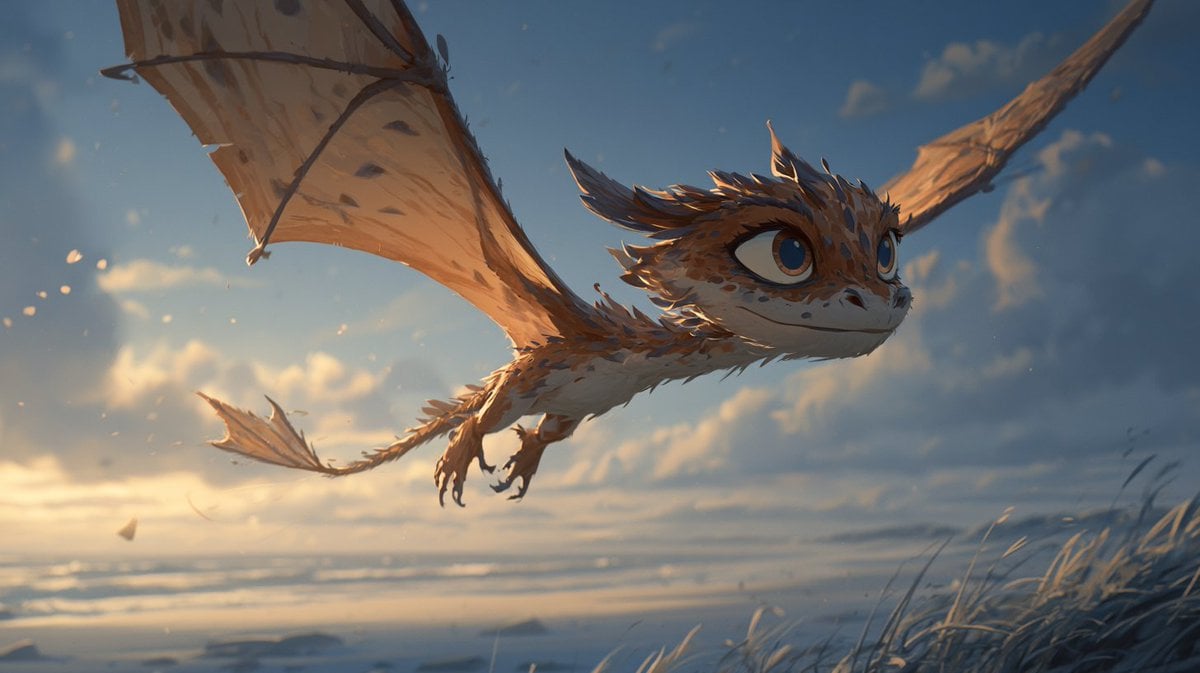
Multi-Panel Comic Illustration
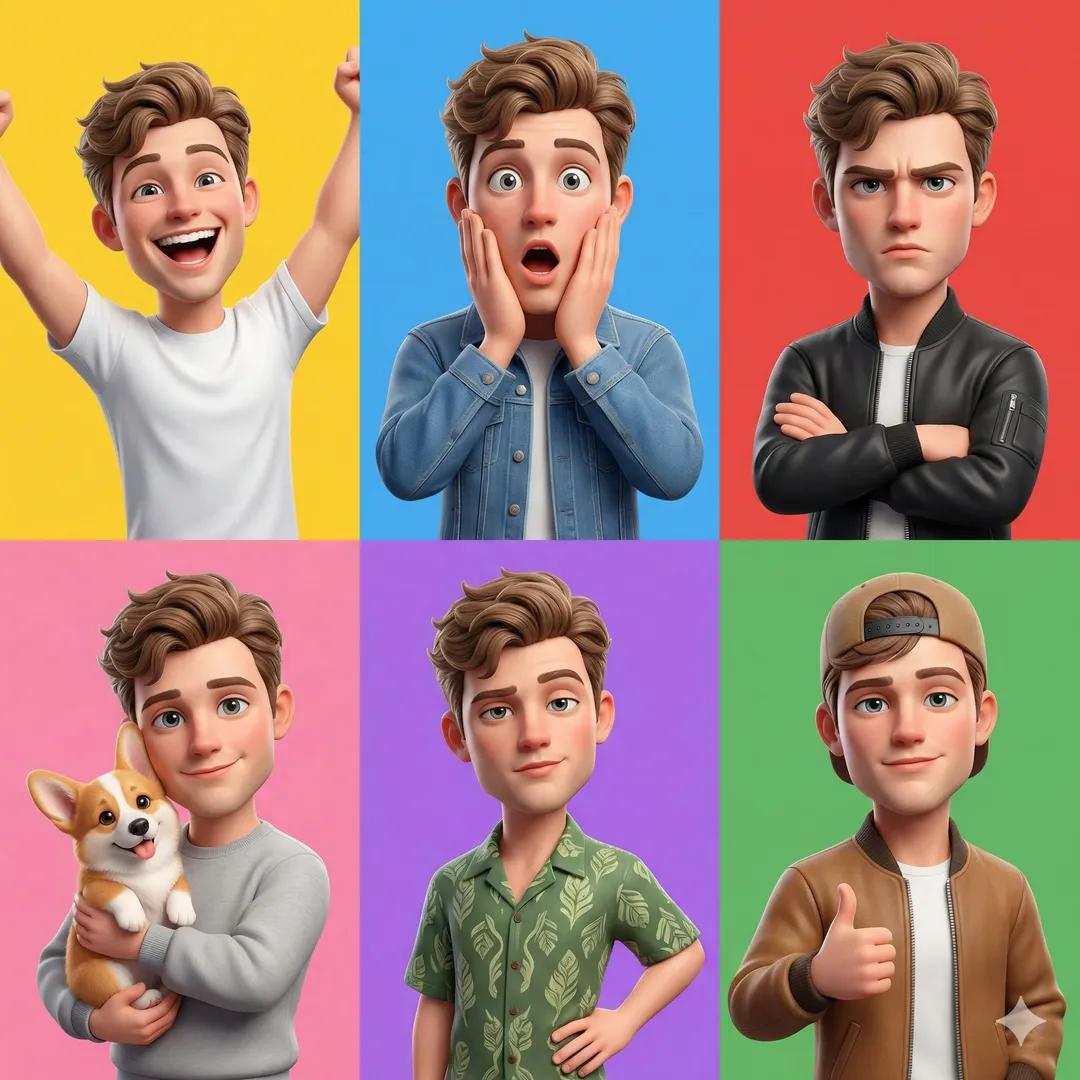
Pixar 6-Panel Streethero Expression Grid
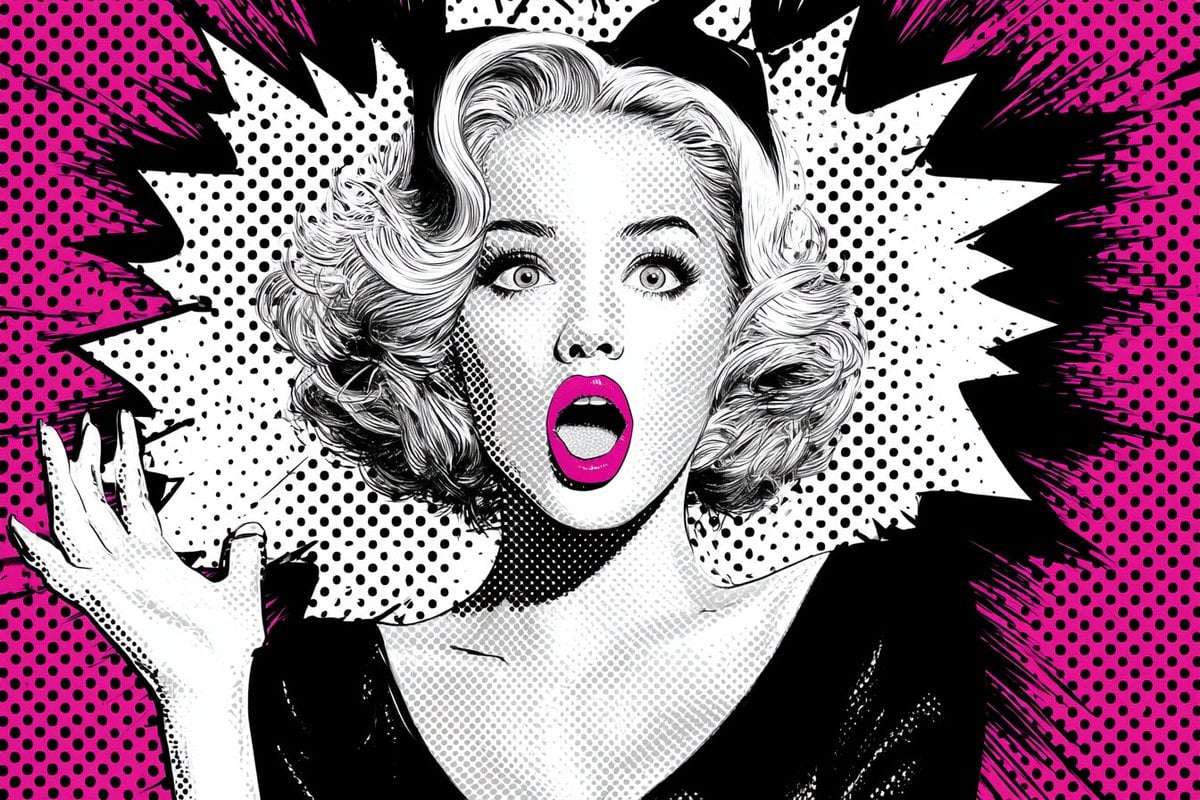
Pop Art Superhero Explosion Poster
Make it yours
Six-panel life comic works as-is. These are the safest ways to change it without losing the look.
Change one field
Copy a single group, rewrite it, and generate again so you can see what that field is doing.
Keep the frame, change the subject
Hold the composition and light of Six-panel life comic, then swap wardrobe, props or the person for a new take.
| If the result… | Why | Fix |
|---|---|---|
| The result drifts from the preview | Too many fields changed at once. | Reuse Six-panel life comic as-is first, then change one group — subject, light, or setting. |
| The model over-stylizes the scene | The prose prompt leaves finish and camera underspecified. | Add one camera or lighting sentence and stay on Nano Banana 2. |
More Nano Banana 2 templates
Other prompts made for Nano Banana 2.
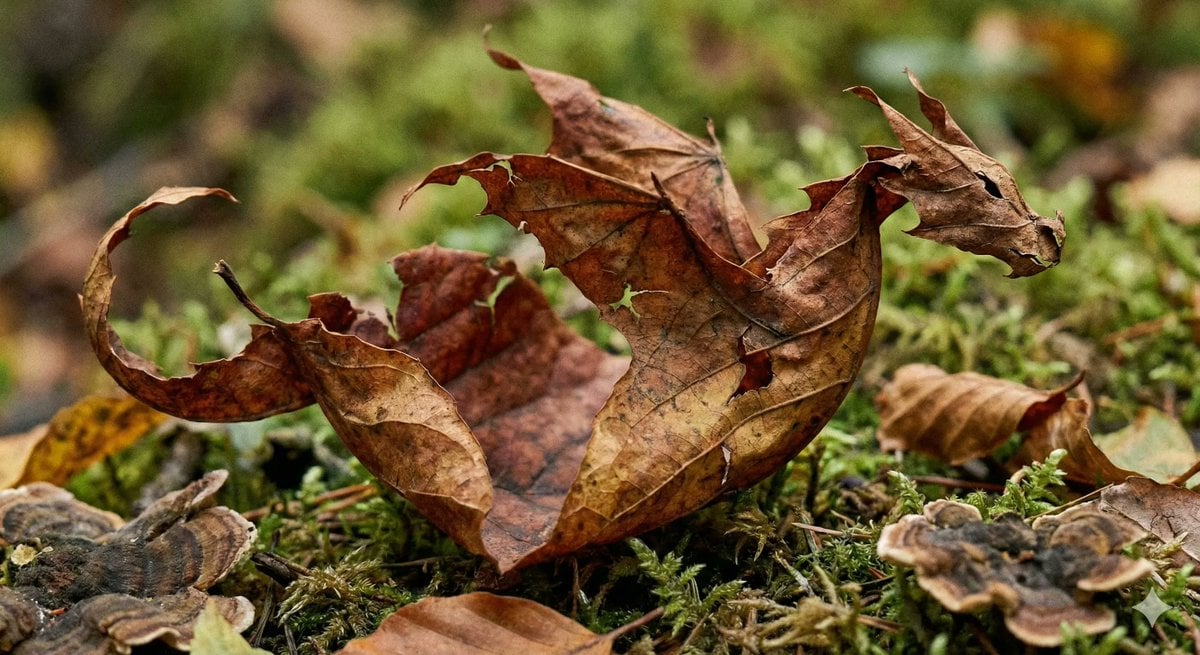
Photorealistic Leaf Shaped Like a Dragon
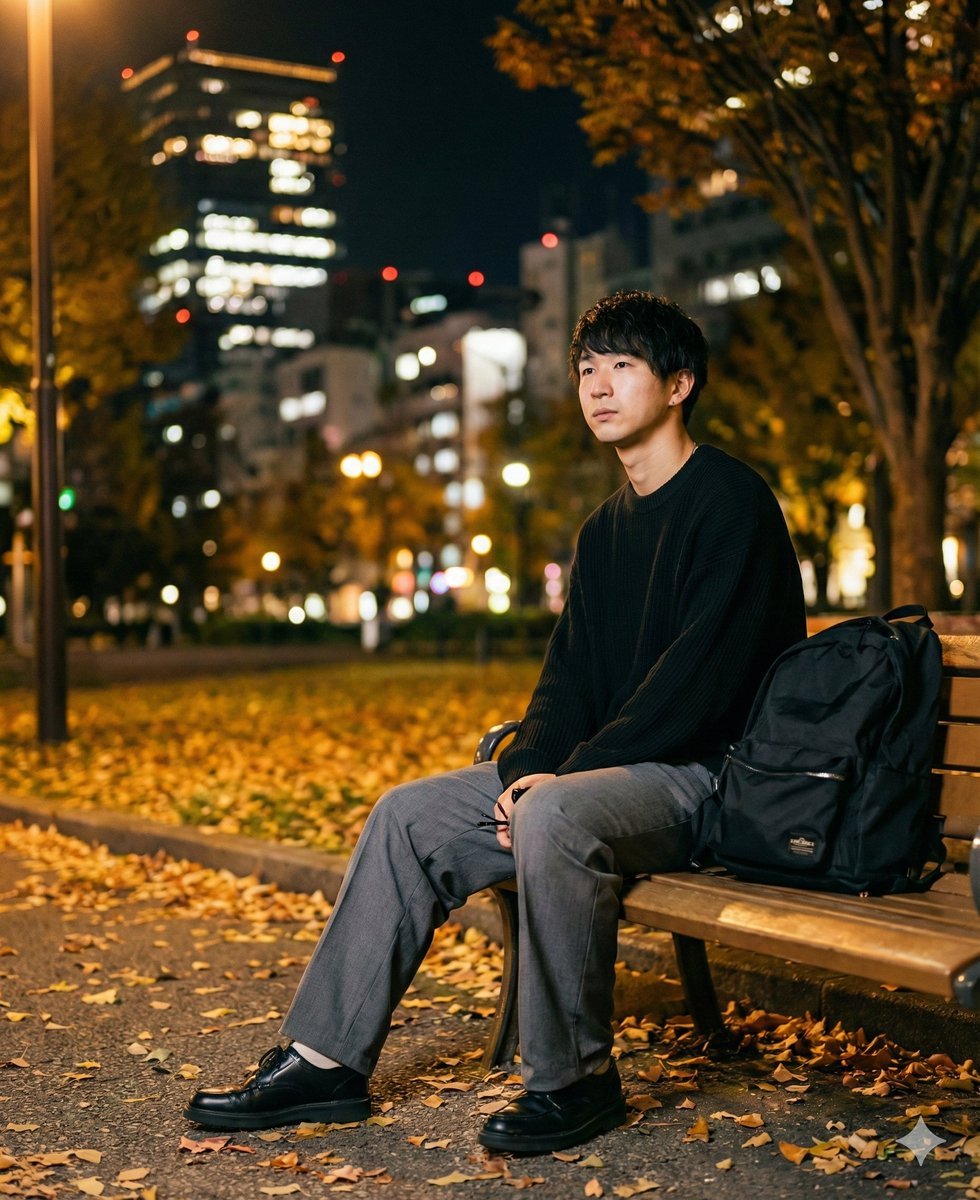
K-Pop Idol Portrait Grid for Rapid Selection
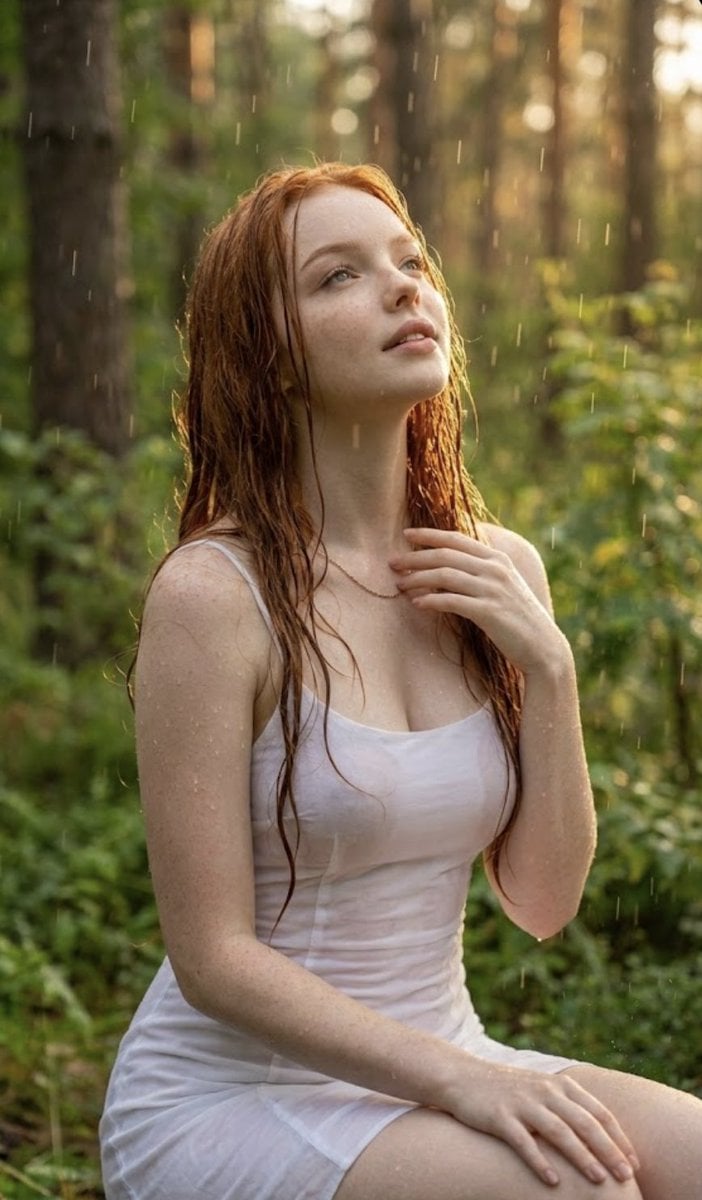
Poetic Rain Forest Portrait During Golden Hour
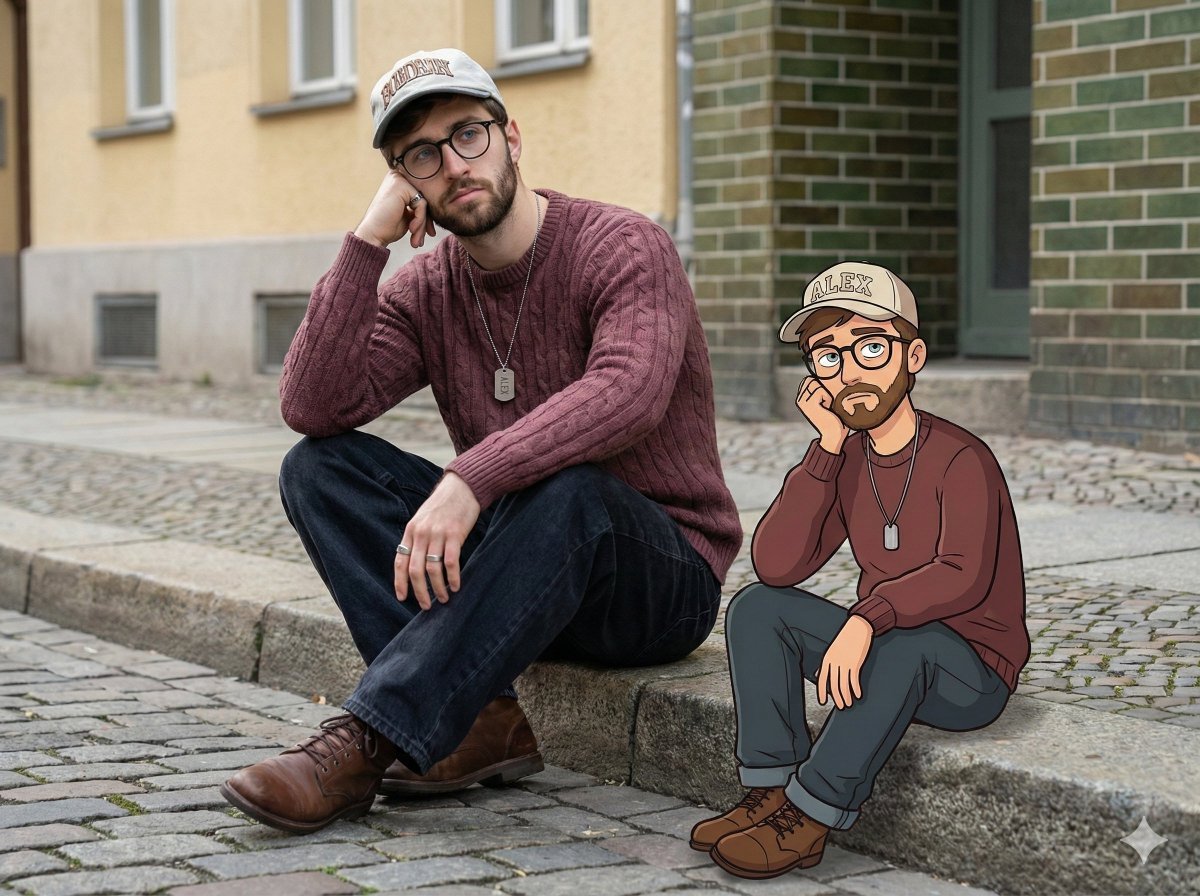
Urban Street Portrait with Cartoon Inner Self Duo
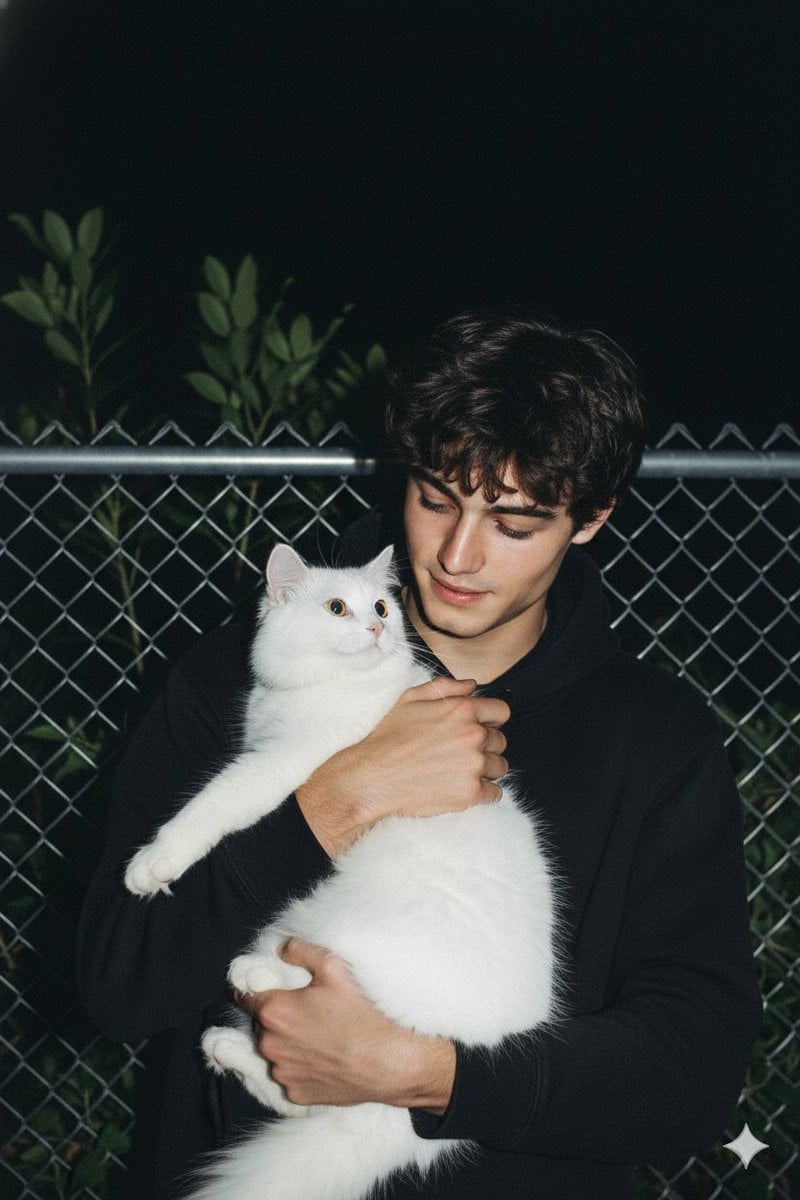
Candid Nighttime Photo with Cat Prompt
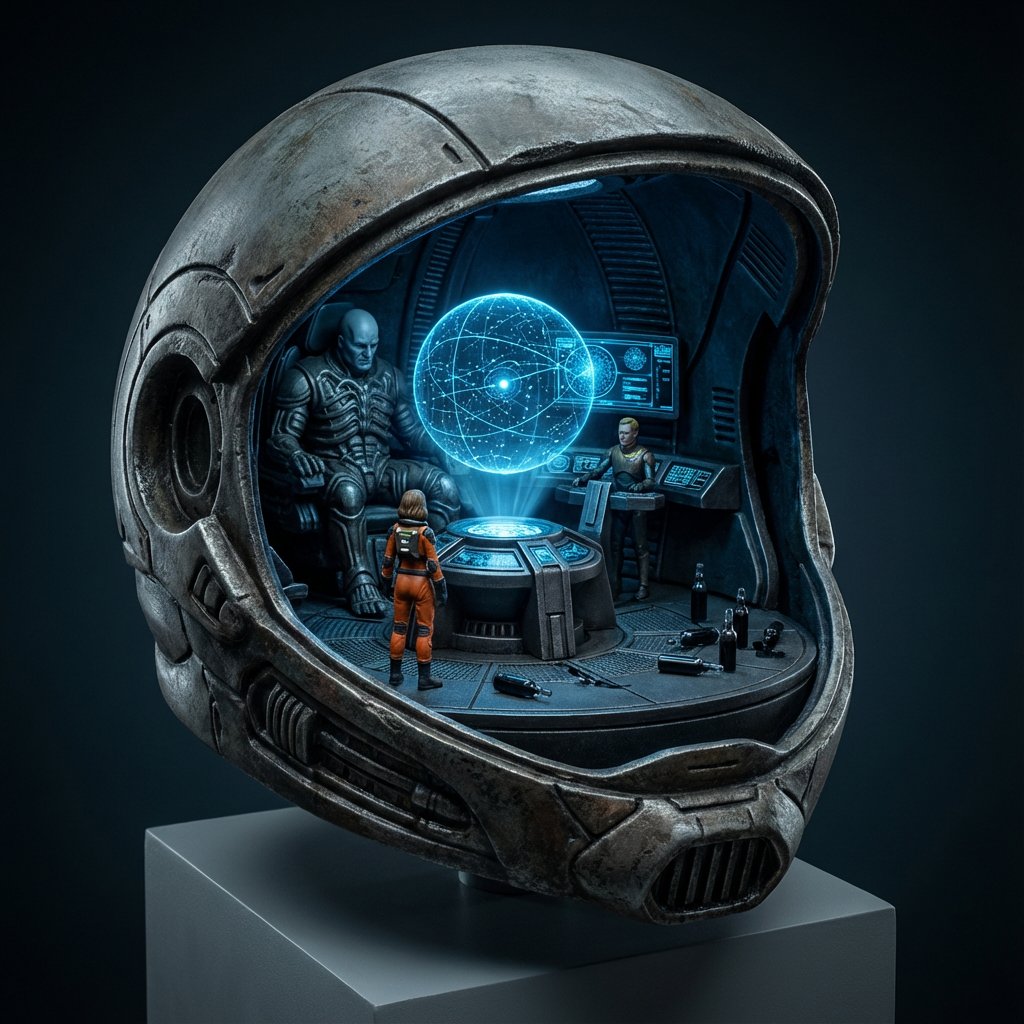
High-Concept 3D Diorama Generation Prompt
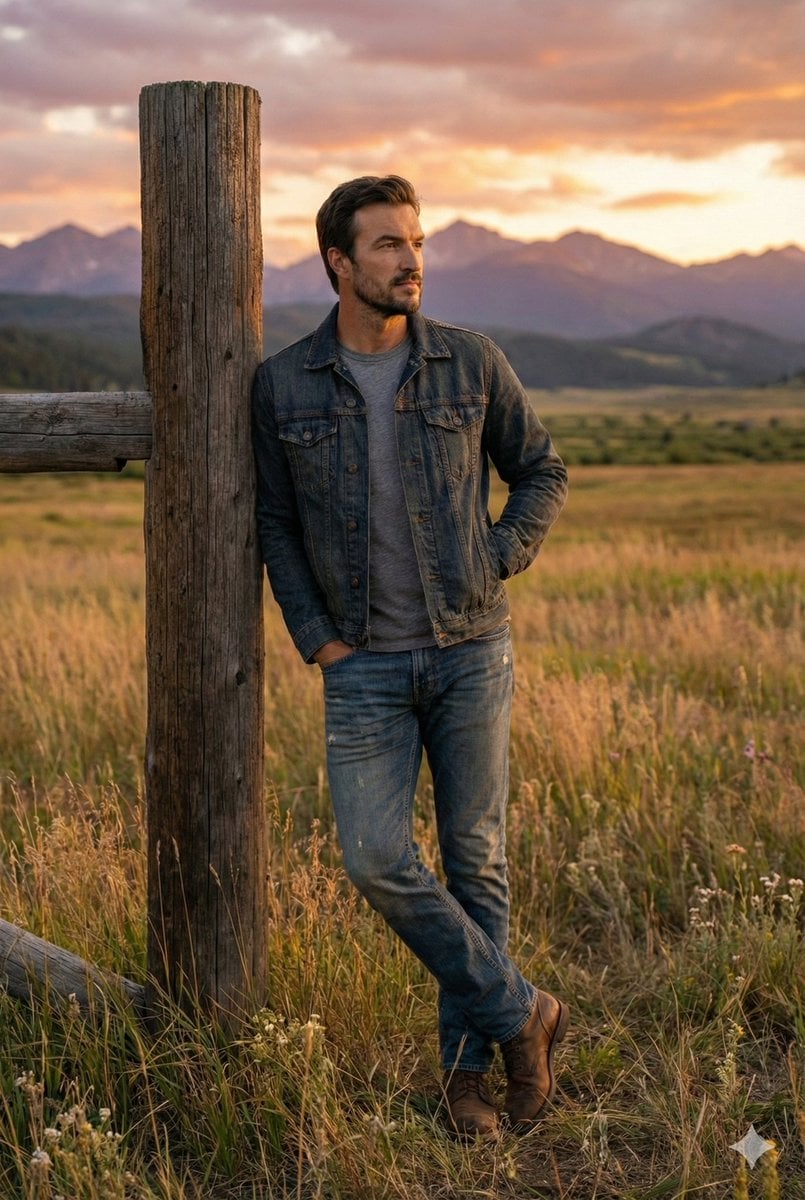
Cinematic Futuristic Studio Portrait Template
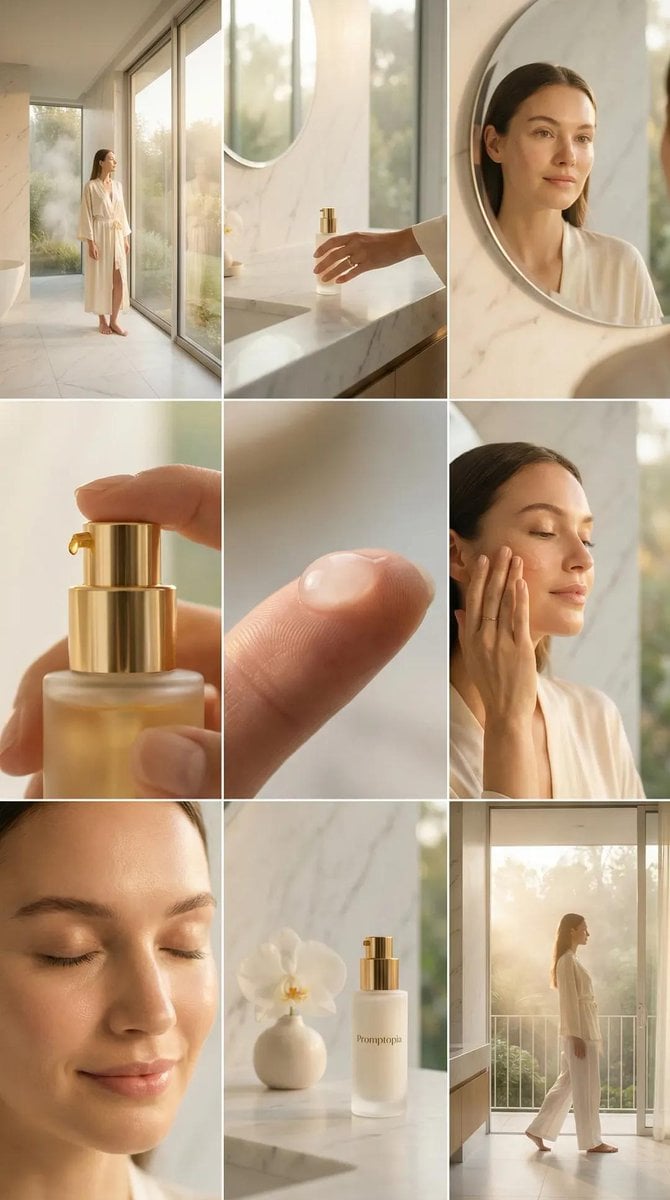
Skincare Editorial Photography Collage Prompt
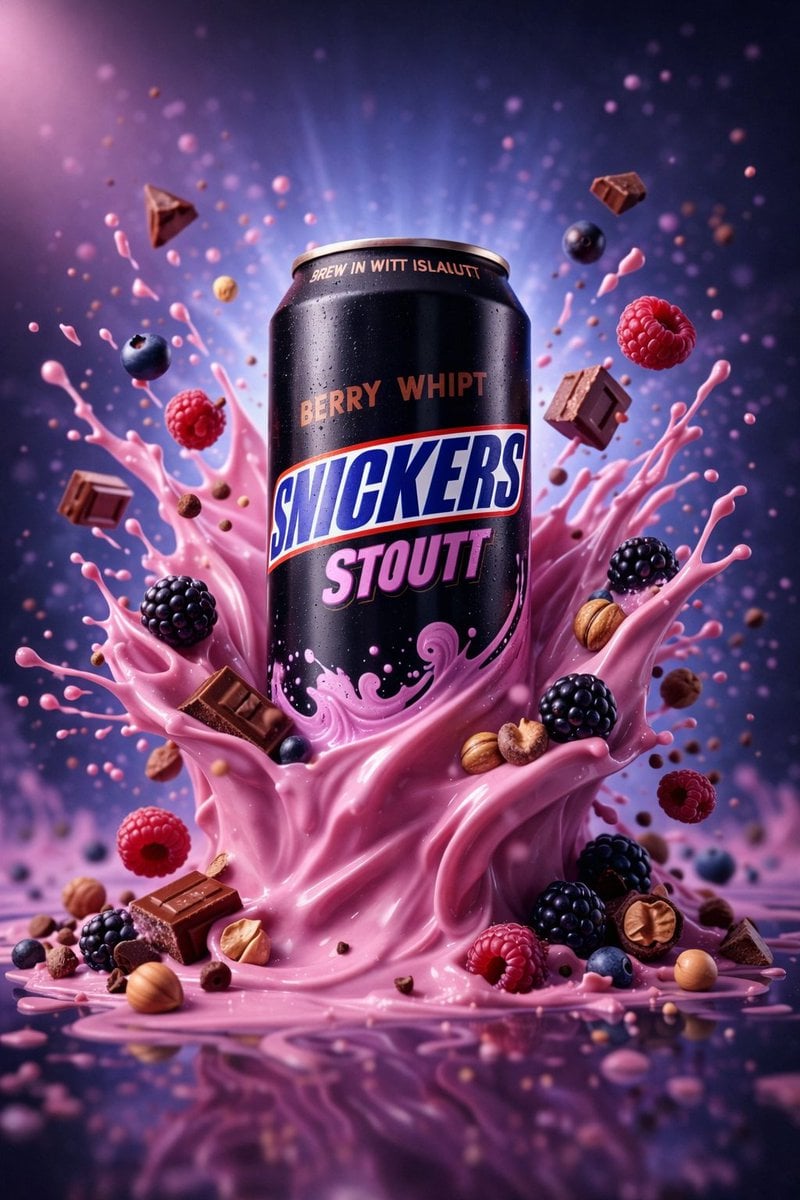
Hyper-Realistic Commercial Product Photography (Splash Effect)
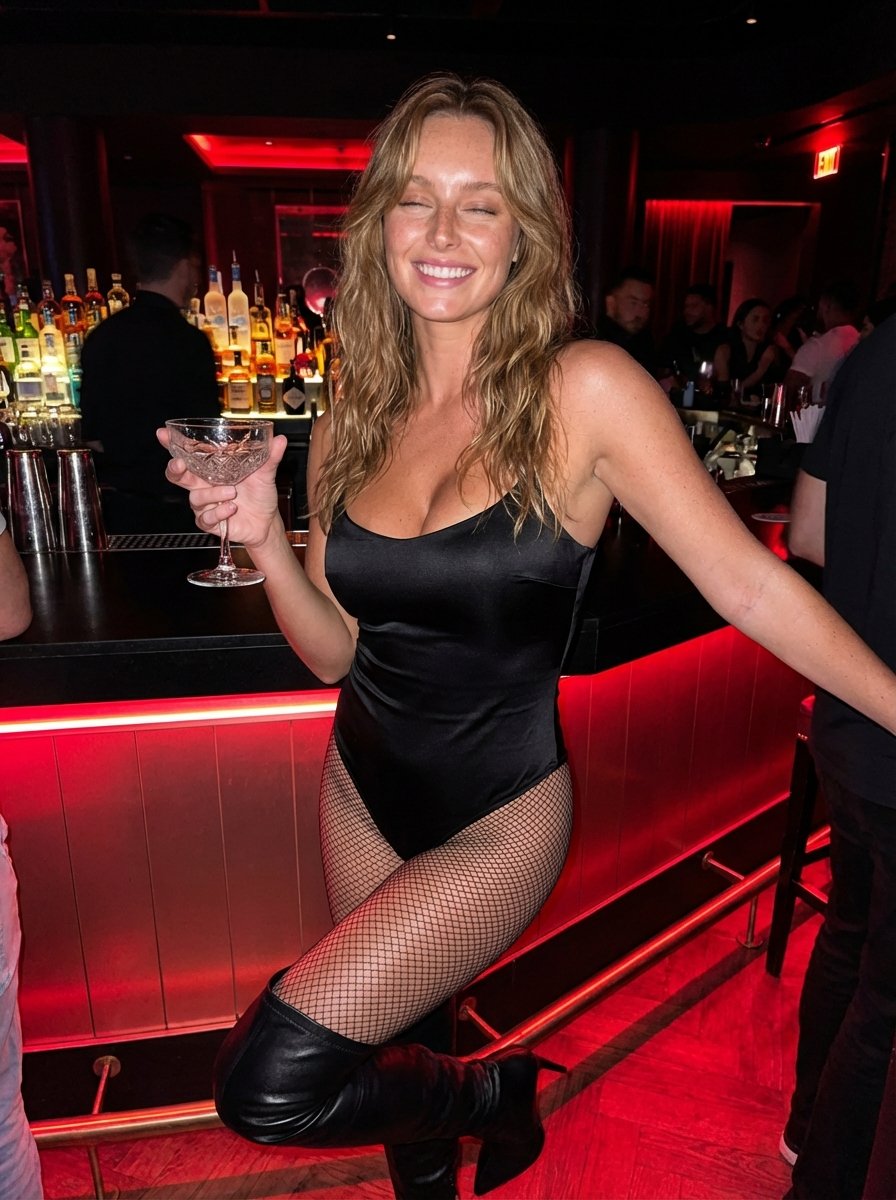
Hyper-Realistic Nightclub Portrait Prompt
More image prompts
Fresh picks from across the catalog.
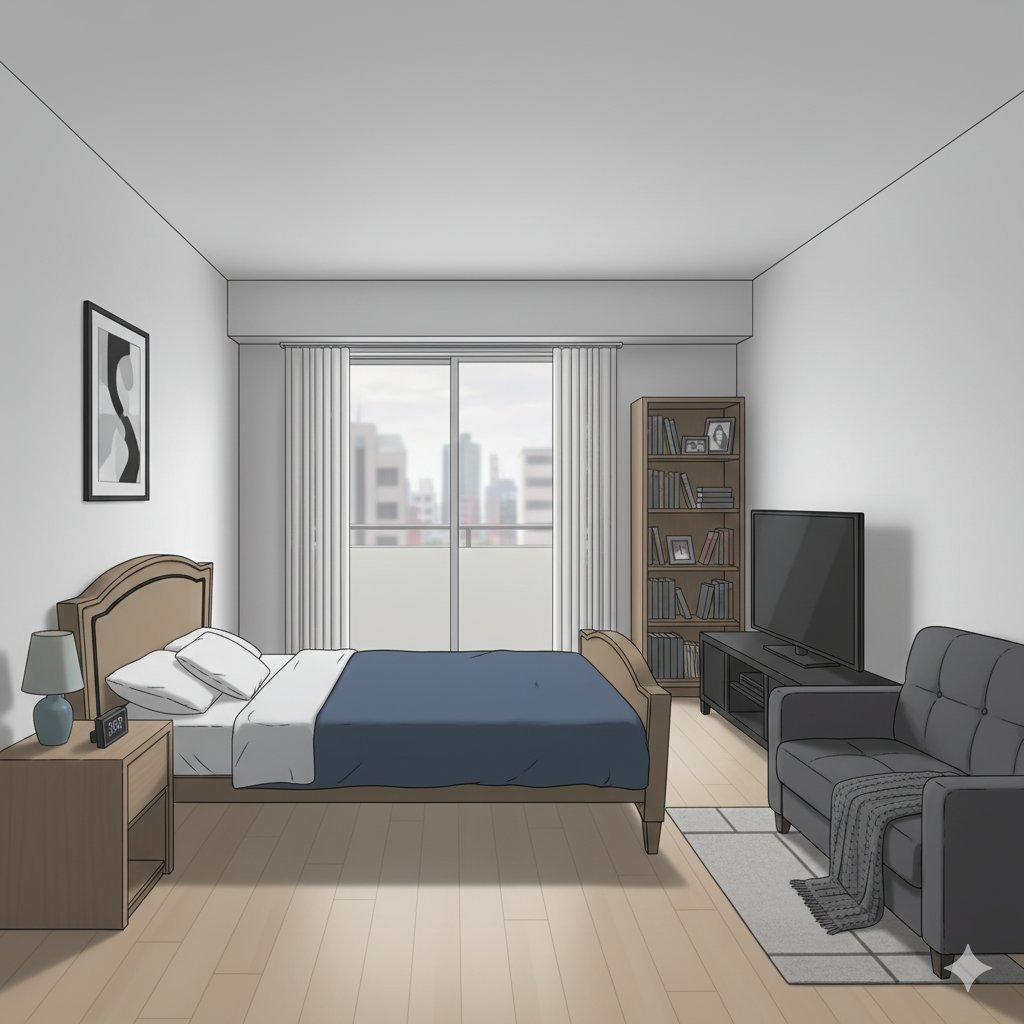
Isometric living room layout based on a sofa photo
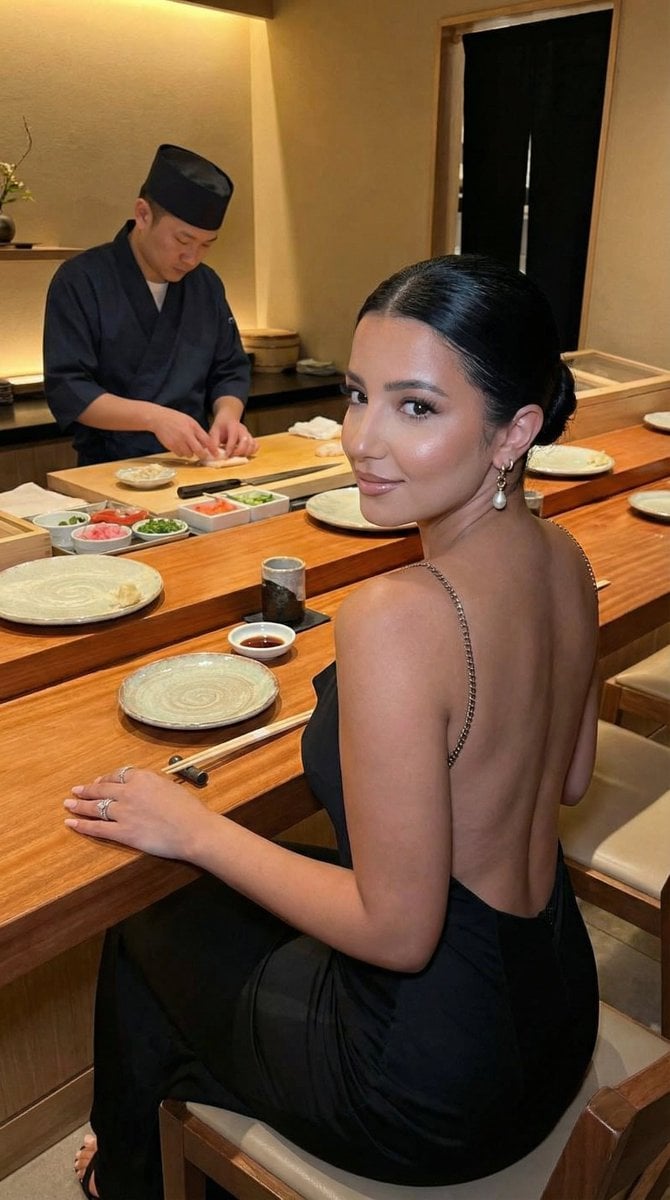
Luxury Omakase Sushi Bar Editorial Portrait (Image-to-Image)
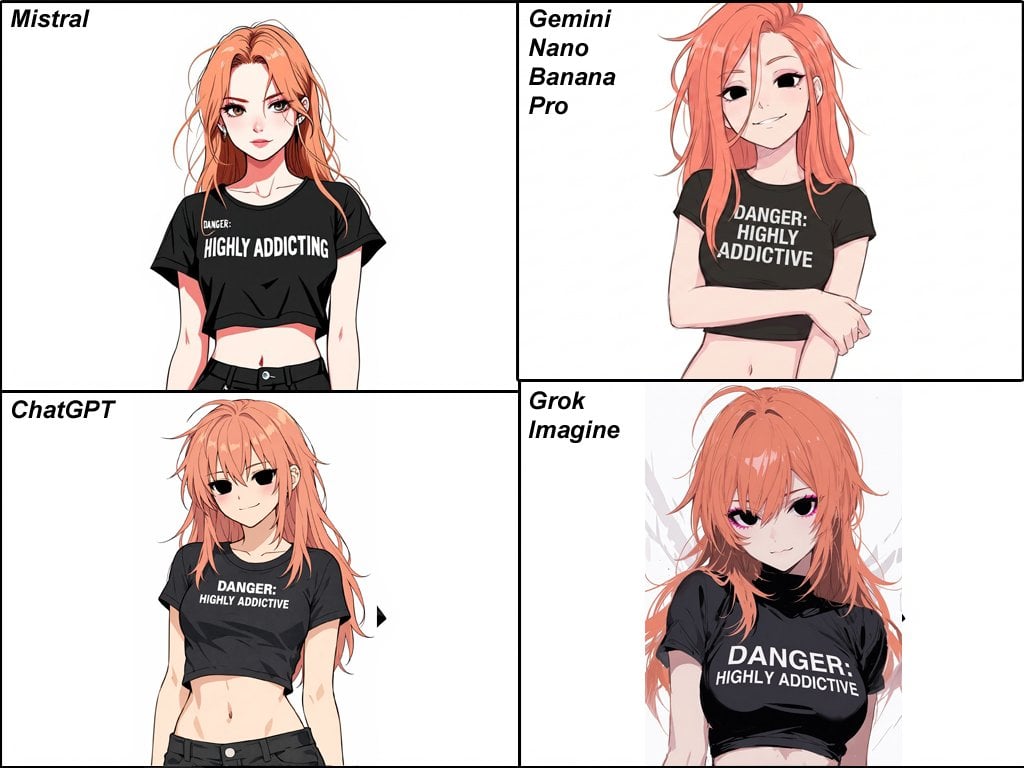
Anime Egirl Illustration Prompt Shootout
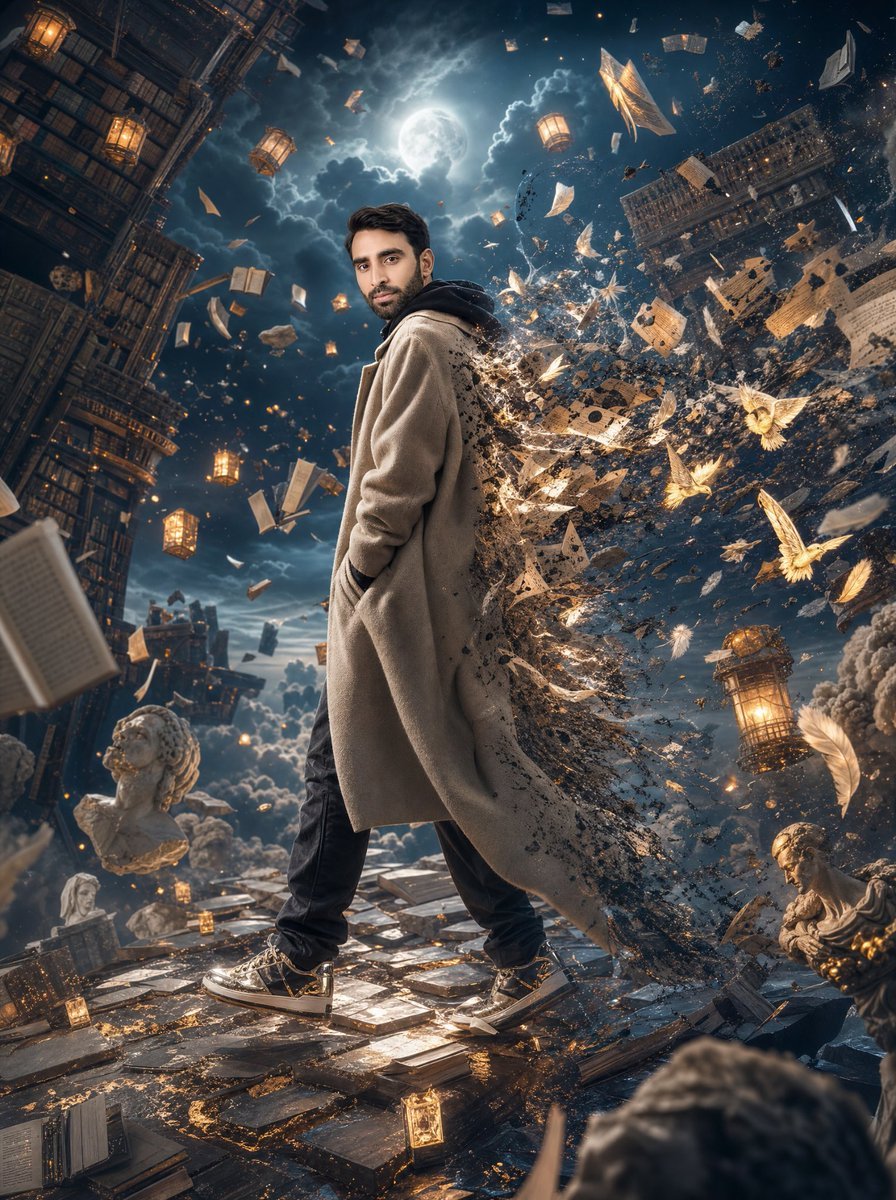
Surreal Floating Library Walker
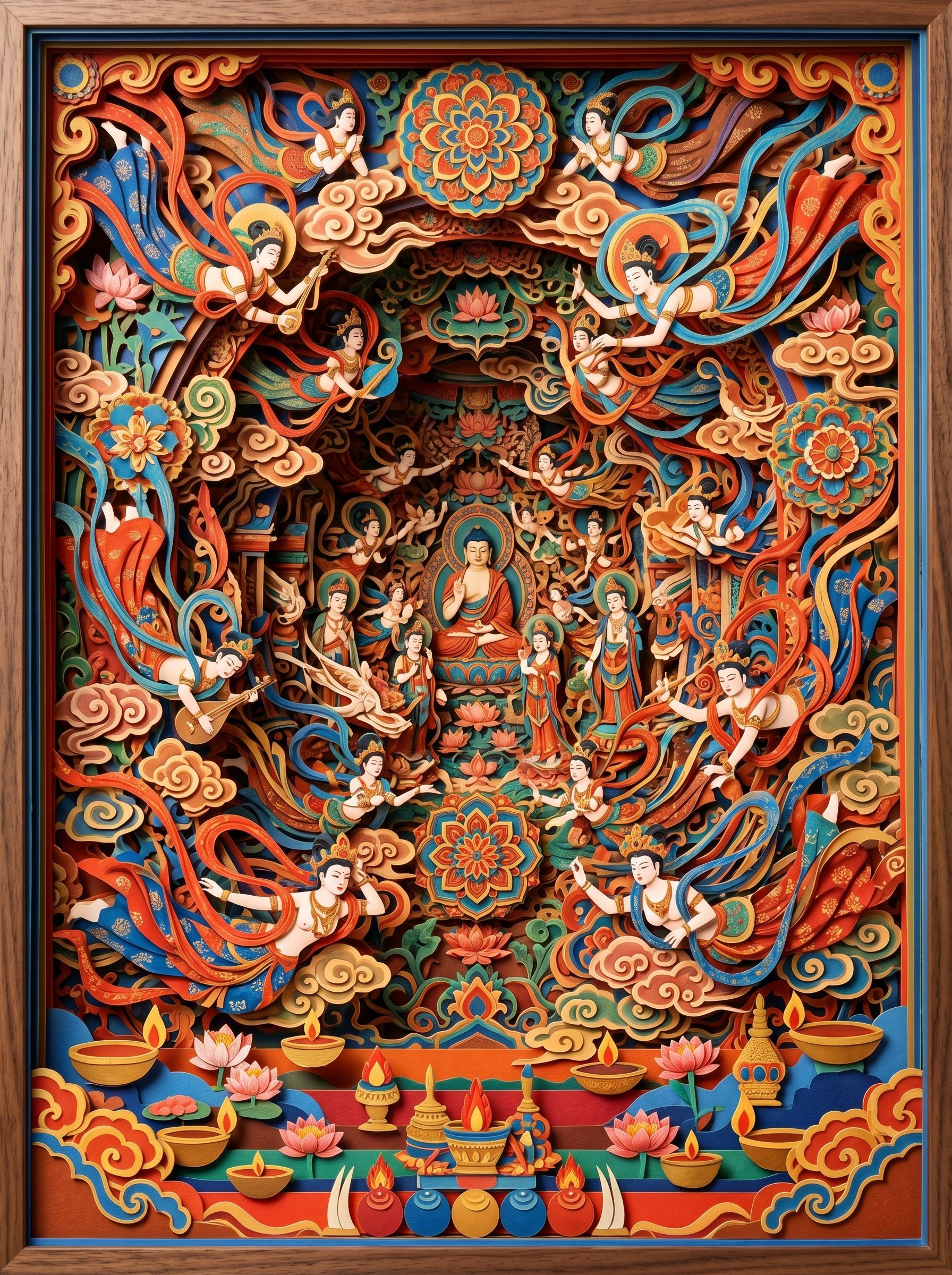
敦煌纸雕飞天 — 3D Layered Paper Cutout
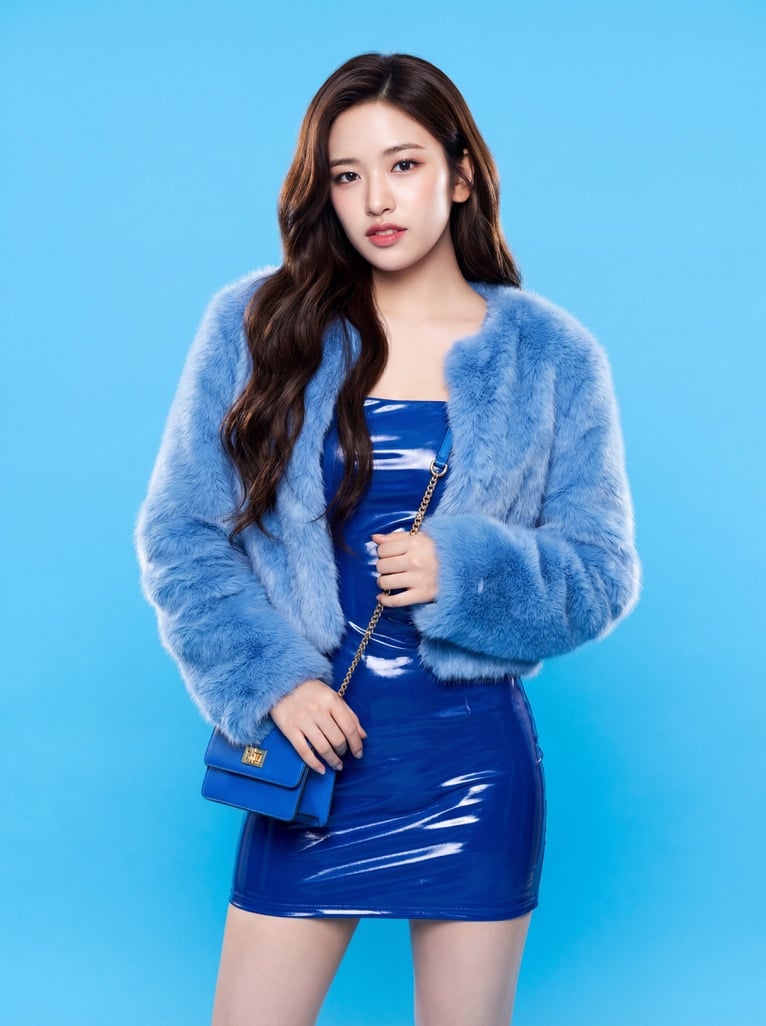
Ive Yujin Fashion Portrait in Blue
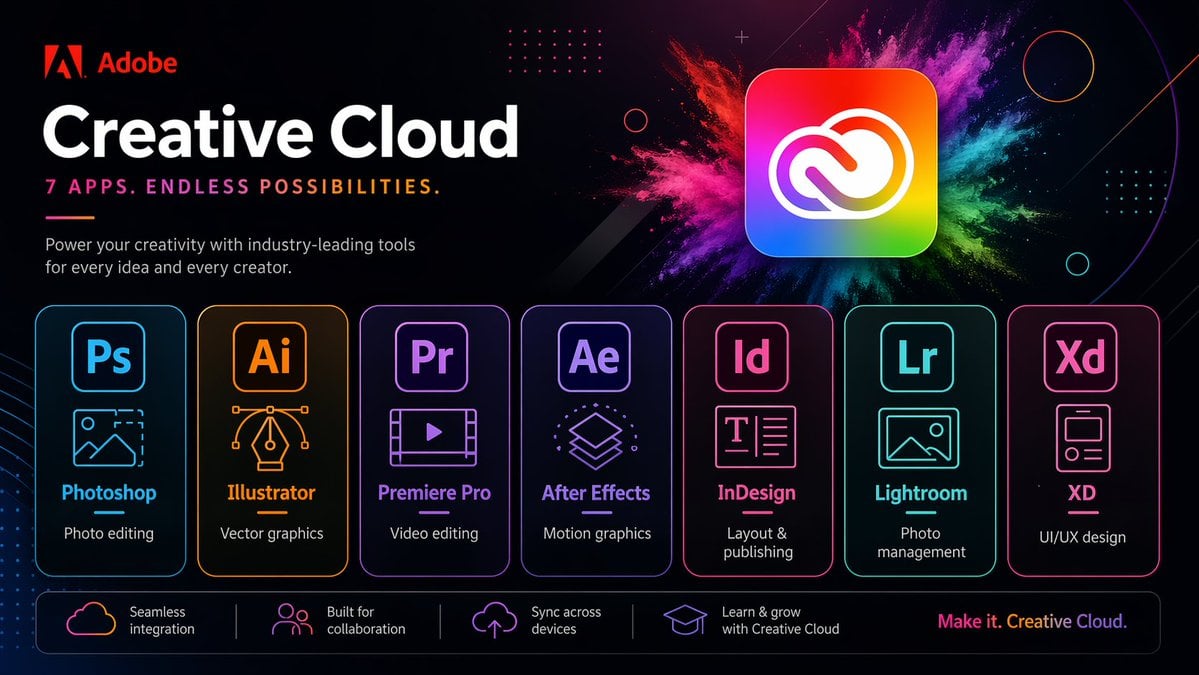
Neon Creative Cloud Promo Poster
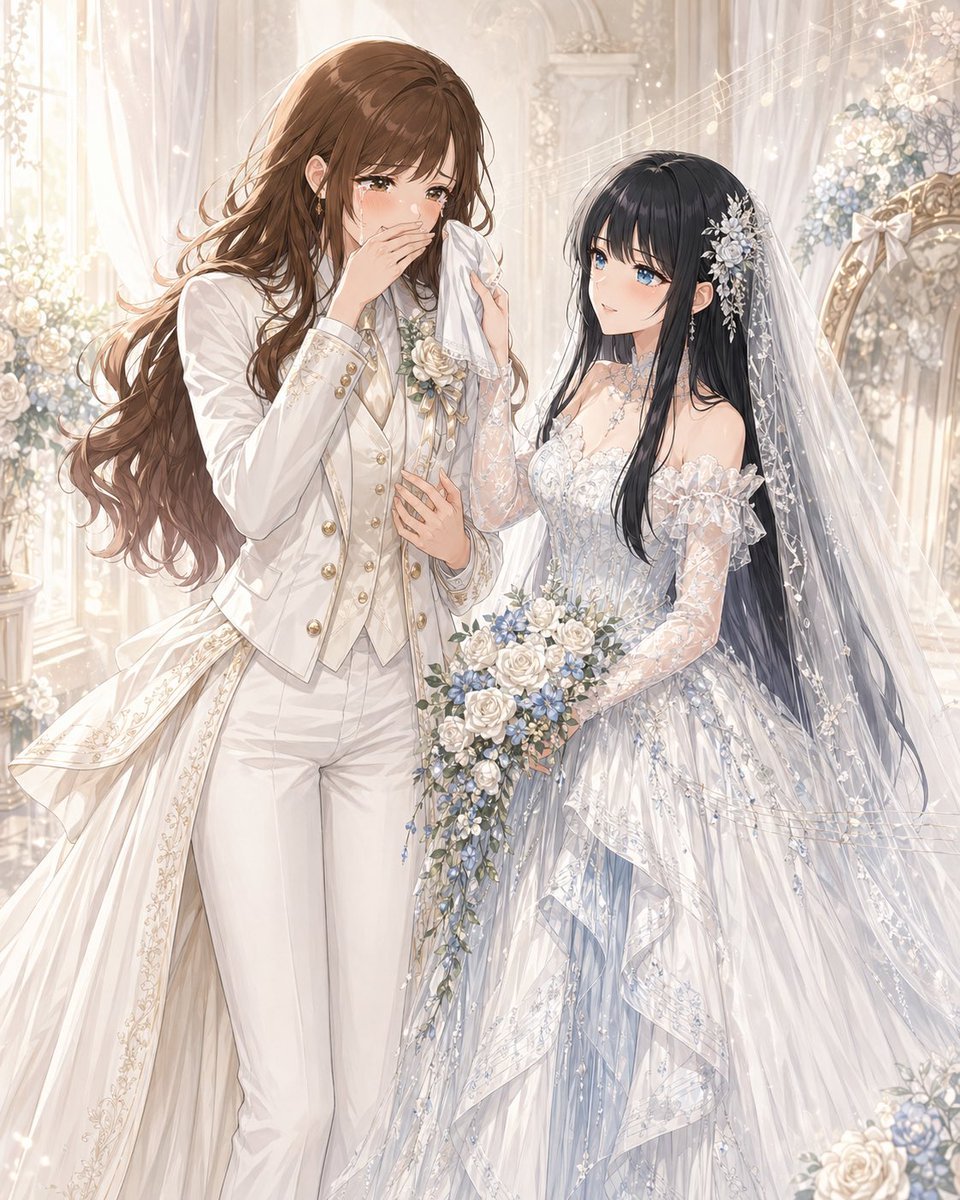
Romantic Yuri Wedding Chapel Portrait
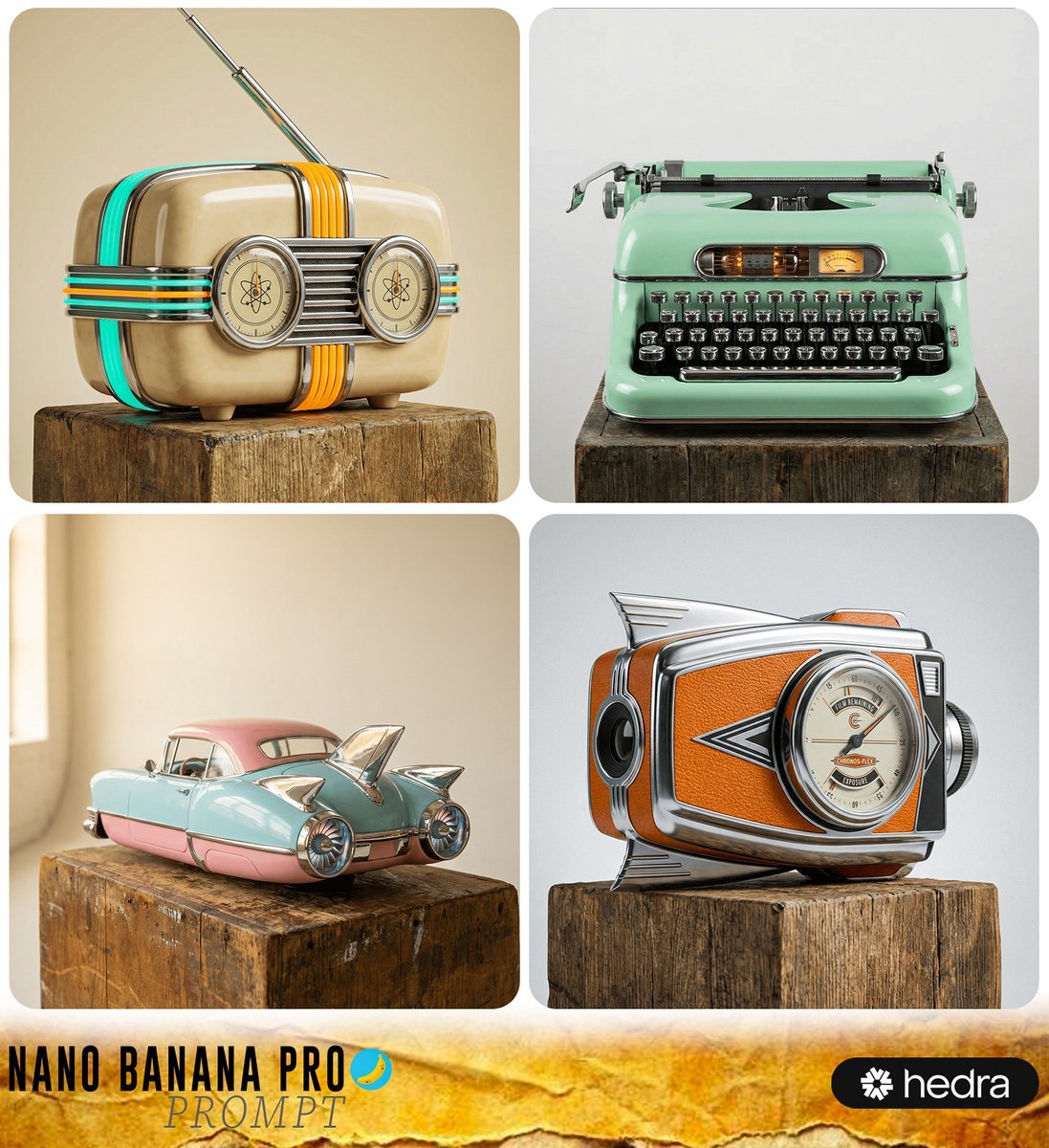
Retro-Futuristic Product Photography Prompt
Isometric Miniature Stock Scene By Nano
Browse template categories
Six-panel life comic questions
How do I use the Six-panel life comic template?
Add your photo if the template asks for one, edit the prompt if you like — the template's model and format are already selected — and press Generate. Your version opens in PicX Studio.
Can I customize the Six-panel life comic template?
Yes. You can change the subject, setting, lighting, mood, format, and available model controls before creating your image.
Is the Six-panel life comic template free?
Opening and editing this template is free. Generating uses credits, shown on the Generate button when you are signed in.
Which AI model should I use?
Start with Nano Banana 2, which is the model associated with this template. You can compare another compatible model for a different finish.
Looking for something else? Browse all templates.

Your photo, any look
Thousands of ready templates for every top image and video model, from one credit balance.