
Six-Panel Cinematic Character Variations
Creates a photorealistic 3-by-2 character concept sheet showing the same older man across six cinematic genre settings.
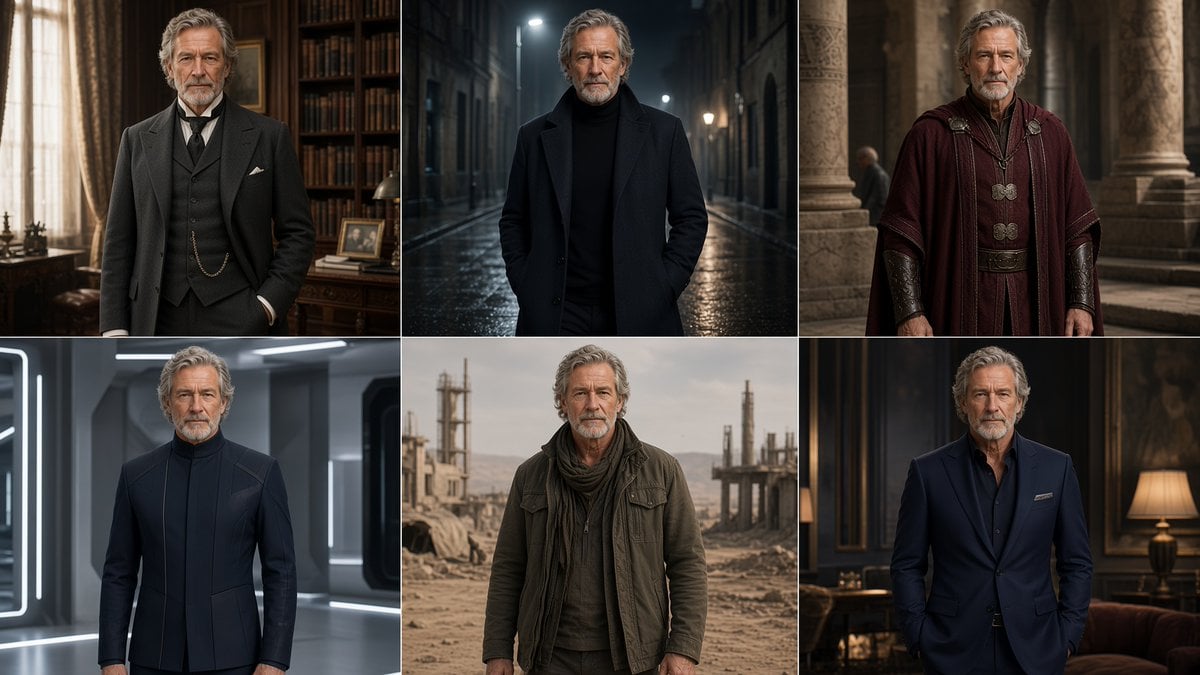
- Prompt included
- Model and format preset
- Free template
The prompt behind this image
Copy the exact prompt behind Six-Panel Cinematic Character Variations, or open it in the studio and make it yours.
Goal: Create a cinematic 6-panel character concept sheet showing the same older male character, {argument name="character name" default="an unnamed distinguished older man"}, reimagined across different genres and settings while keeping his face, age, posture, and stern expression consistent. Canvas: Wide 16:9 image divided into a clean 3 columns by 2 rows grid, with thin white dividers between panels. Each panel is a realistic waist-up portrait, centered composition, high-end photographic lighting, shallow depth of field, detailed skin texture, gray wavy hair, short gray beard, serious direct gaze, hands often in pockets or relaxed at sides. Subject details: The man is in his late 60s to early 70s, tall and dignified, rugged but refined face, silver-gray swept-back wavy hair, neatly trimmed gray beard and mustache, light skin, calm authoritative presence, looking toward the camera in all panels. Keep his facial identity identical across all six images. Panel layout and exact count: Include exactly 6 discrete portraits: 1. Top left: Victorian or early 20th-century gentleman in a dark three-piece suit with waistcoat, tie, pocket watch chain, white pocket square, standing in an elegant private library or study with tall bookshelves, heavy curtains, warm window light, wooden desk, framed photo, and antique decor. 2. Top center: Modern noir version wearing a black turtleneck and long dark overcoat, hands in pockets, standing in a narrow wet city alley at night with streetlights, reflective pavement, cool blue-gray lighting, cinematic urban mood. 3. Top right: Ancient Roman or fantasy statesman wearing a deep burgundy cloak/tunic with ornate clasps, leather bracers, decorative belt, standing among stone columns and classical architecture, warm muted historical lighting. 4. Bottom left: Futuristic sci-fi commander wearing a sleek dark navy high-collar uniform with minimalist seams, standing in a clean metallic spaceship corridor or advanced laboratory with white glowing light strips and cool gray surfaces. 5. Bottom center: Post-apocalyptic survivor wearing a worn olive jacket, layered dark sweater, scarf, weathered practical clothing, standing in a dusty desert industrial wasteland with ruins, pipes, construction frames, and a hazy beige sky. 6. Bottom right: Contemporary luxury version wearing a fitted navy suit over a dark open-collar shirt with pocket square, hands in pockets, standing in an upscale dim lounge or hotel interior with dark paneling, warm lamps, sofa, and elegant moody decor. Visual style: Ultra-realistic cinematic photography, consistent character likeness, premium film still quality, natural proportions, detailed fabrics, atmospheric backgrounds, dramatic but believable lighting, rich contrast, sharp subject with softly blurred background. Constraints: No text, no logos, no captions, no watermark. Preserve the exact 3-by-2 grid and exactly six genre interpretations of the same man. Avoid changing his age, ethnicity, beard, hairstyle, or facial structure between panels. Use {argument name="overall mood" default="serious, dignified, cinematic"} and {argument name="image quality" default="photorealistic high-budget film still"}.
How to use Six-Panel Cinematic Character Variations in 3 steps
- 1Upload ImagePNG, JPG or paste
Add your photo
Upload the photo the template builds on. The prompt, model and format are already set.
- 2…a portrait of your subject in softgolden-hour light, 85mm…
Personalize
Edit the subject and creative details for your destination.
- 3Generate
Generate
Press Generate — your image is created in PicX Studio, so you can compare it with the original and refine one variable at a time.
More like this
Templates with the same subject, style or setup. Open one to see its prompt.

Pixar 6-Panel Streethero Expression Grid

Six Japanese Train Logo Variations
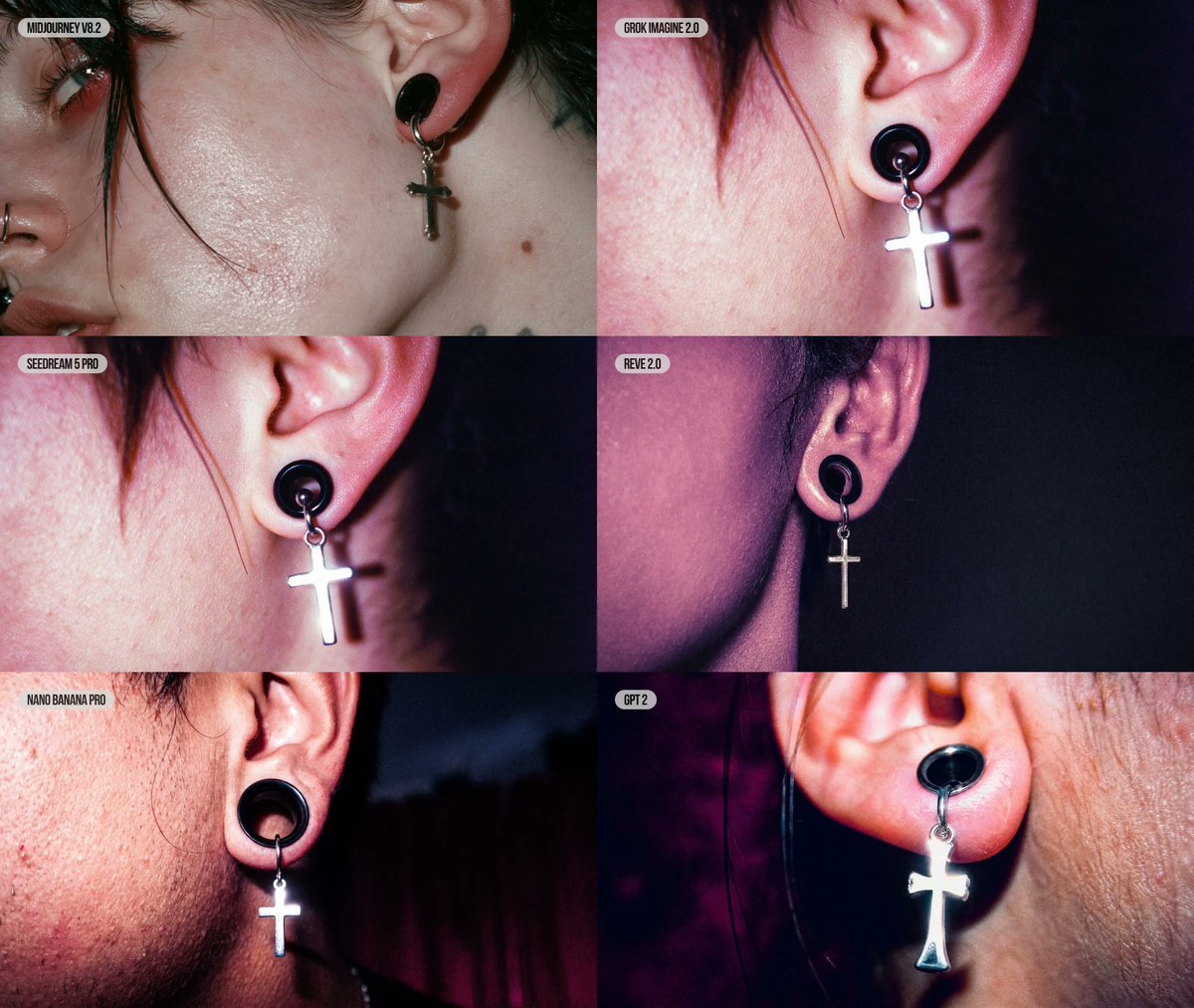
Six-Panel AI Jewelry Portrait Comparison

Cozy Six-Panel Bedtime Stages Collage
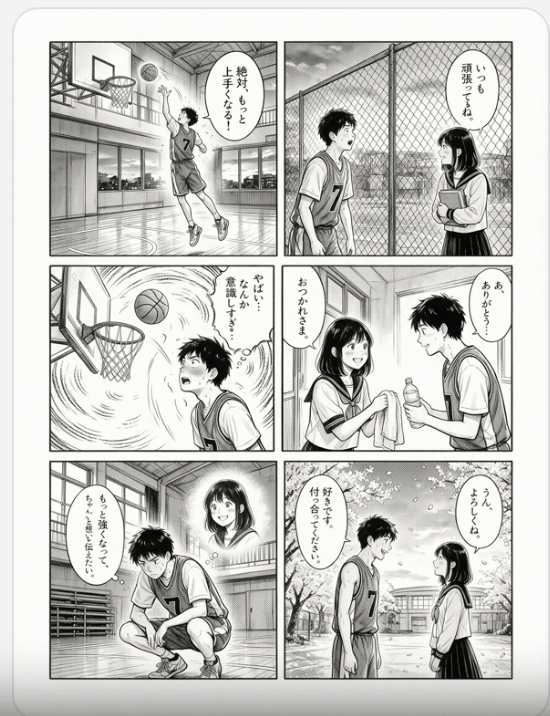
Six-Panel Basketball Romance Manga

Six-Panel Retro Japanese Poster Collage
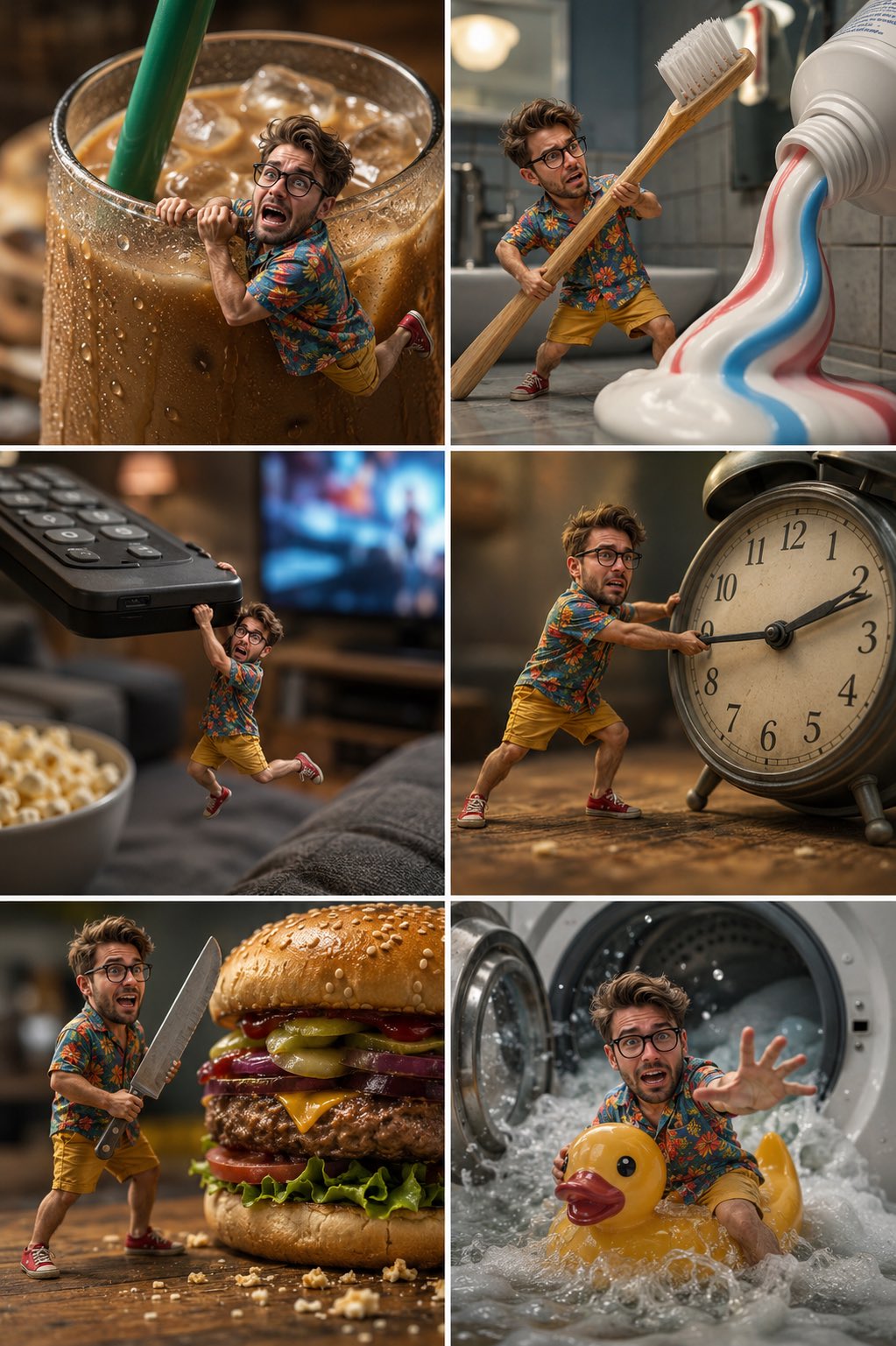
Tiny Man Macro Survival Six-Panel Collage
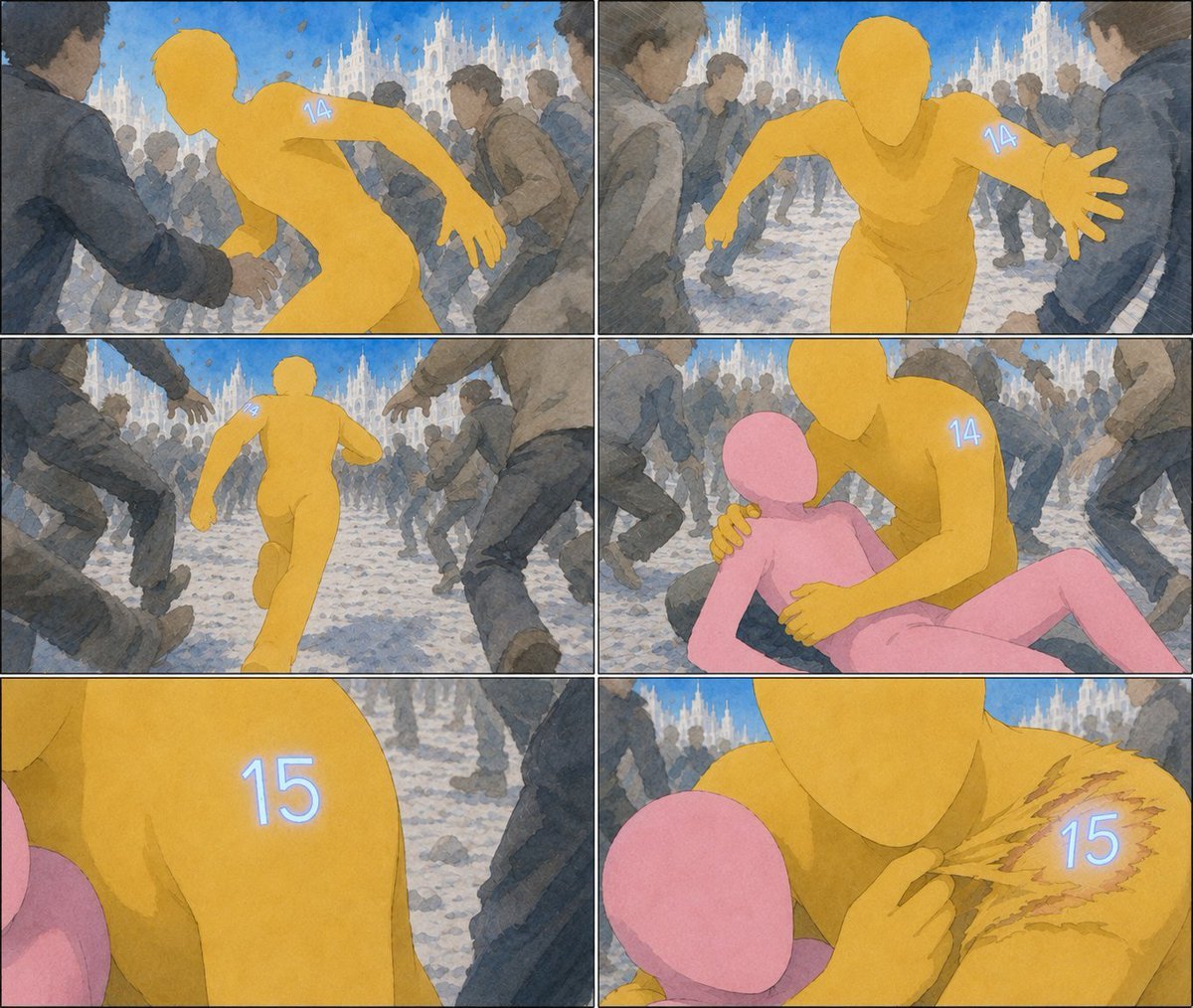
Six-Panel Numbered Humanoid Storyboard
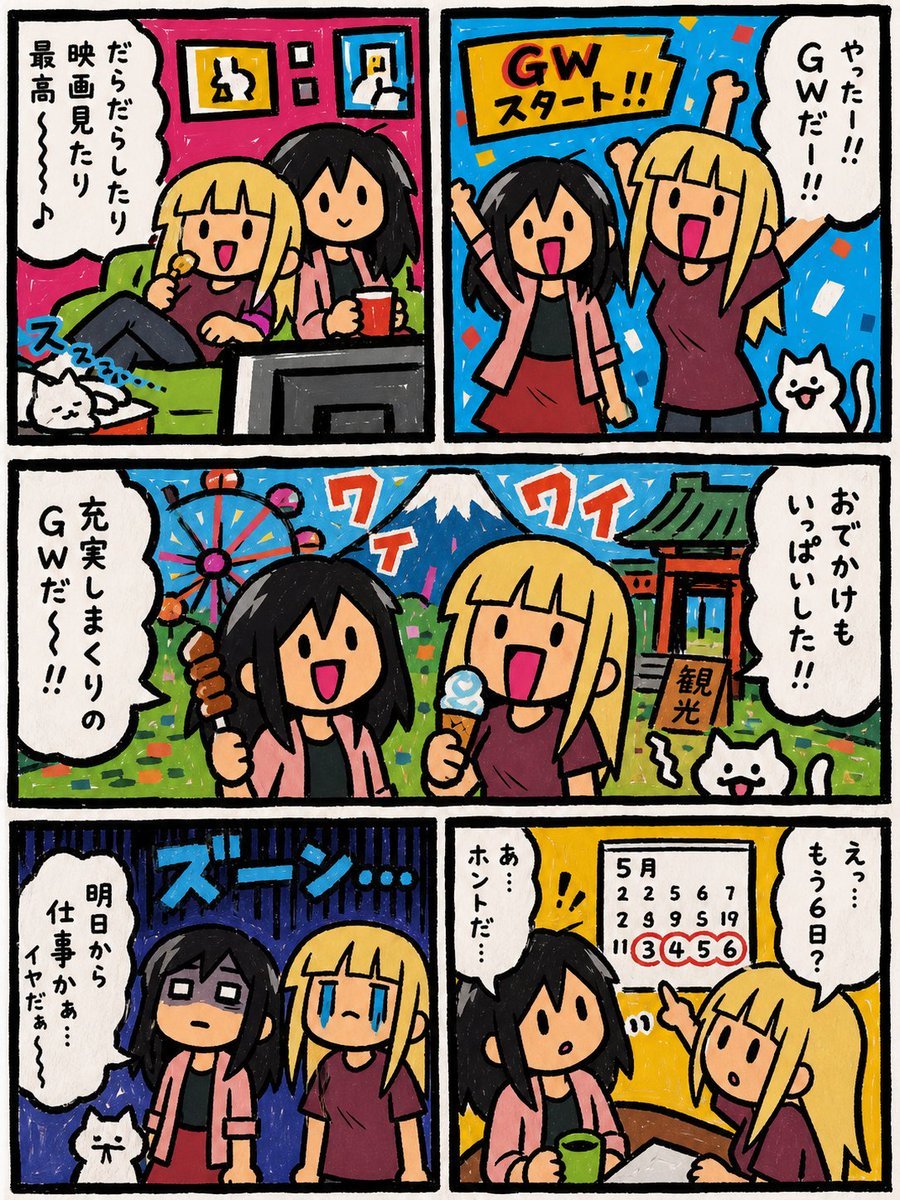
Six-Panel Golden Week Manga Comic
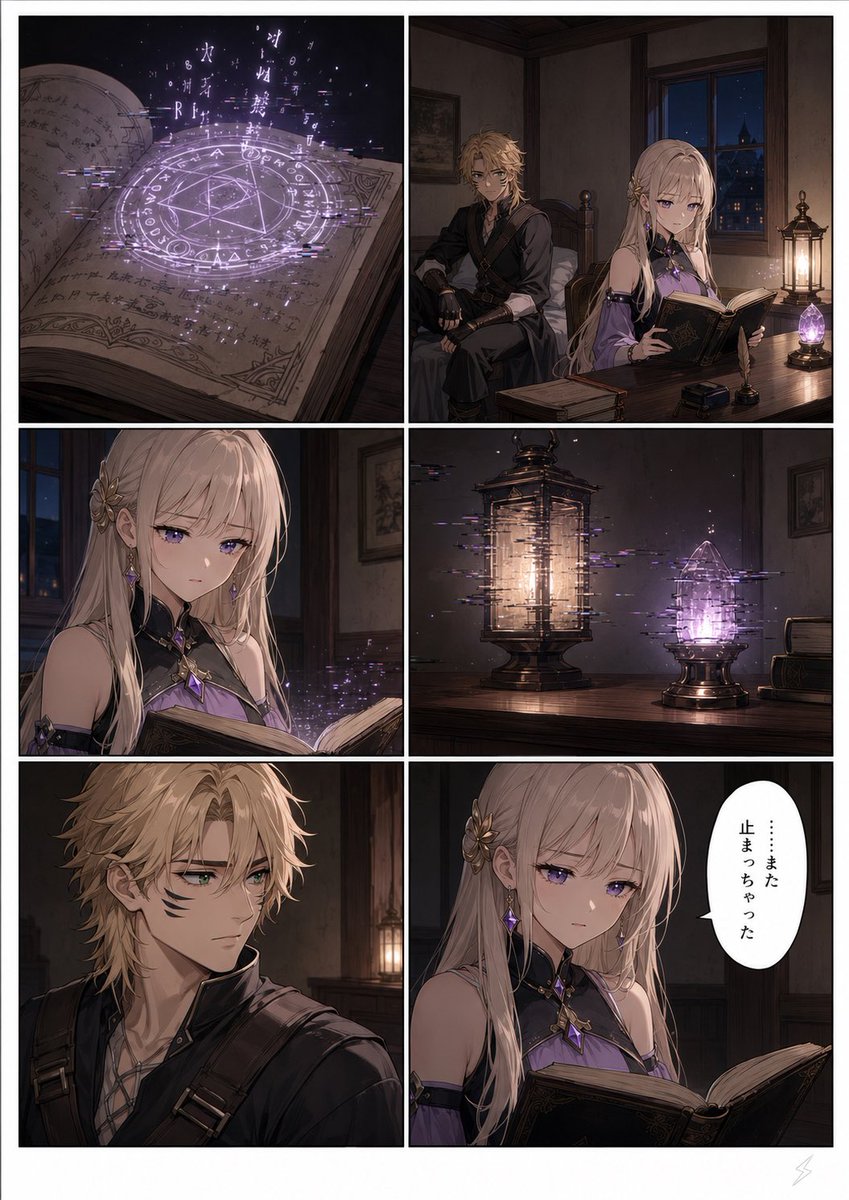
Six-Panel Fantasy Magic Comic Page

Panel SaaS Ad Banner Variations
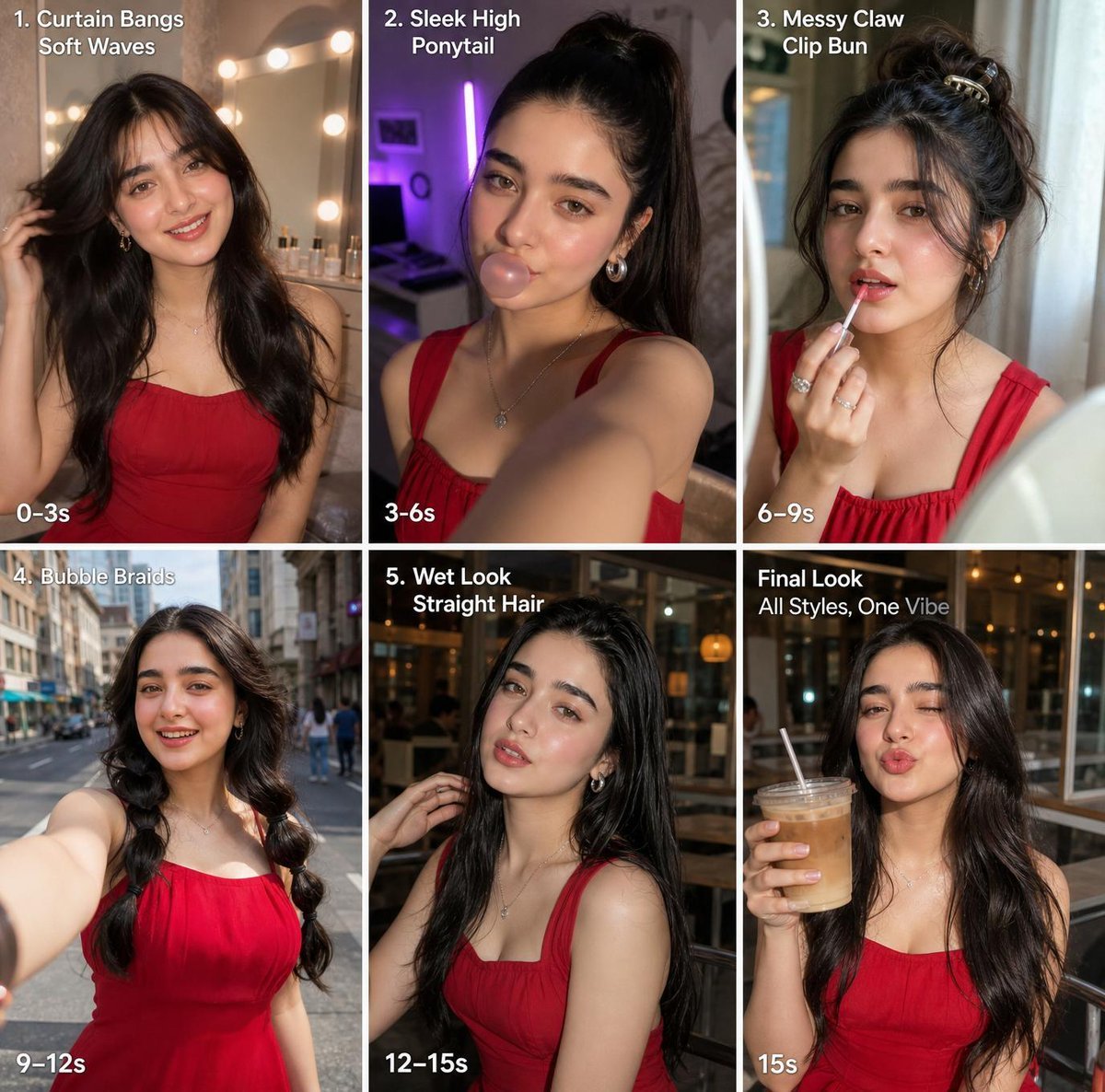
Six-Panel Hairstyle Storyboard
Make it yours
Six-Panel Cinematic Character Variations works as-is. These are the safest ways to change it without losing the look.
Change one field
Copy a single group, rewrite it, and generate again so you can see what that field is doing.
Keep the frame, change the subject
Hold the composition and light of Six-Panel Cinematic Character Variations, then swap wardrobe, props or the person for a new take.
| If the result… | Why | Fix |
|---|---|---|
| The result drifts from the preview | Too many fields changed at once. | Reuse Six-Panel Cinematic Character Variations as-is first, then change one group — subject, light, or setting. |
| The model over-stylizes the scene | The prose prompt leaves finish and camera underspecified. | Add one camera or lighting sentence and stay on GPT Image 2. |
More GPT Image 2 templates
Other prompts made for GPT Image 2.

Realistic Portrait of Woman and Deer

The Vista Modular Condo Poster

AI Model Routing Comparison Infographic

2.5D Anime Art Board

Isometric Productivity Desk Scene

New York Double Exposure Poster

Four-Panel AI Landscape Comparison

Japanese Tatami Lifestyle Magazine Cover

NESCAFÉ Coffee Map Poster

Brutalist Cogito Chinese Typography Poster
More image prompts
Fresh picks from across the catalog.
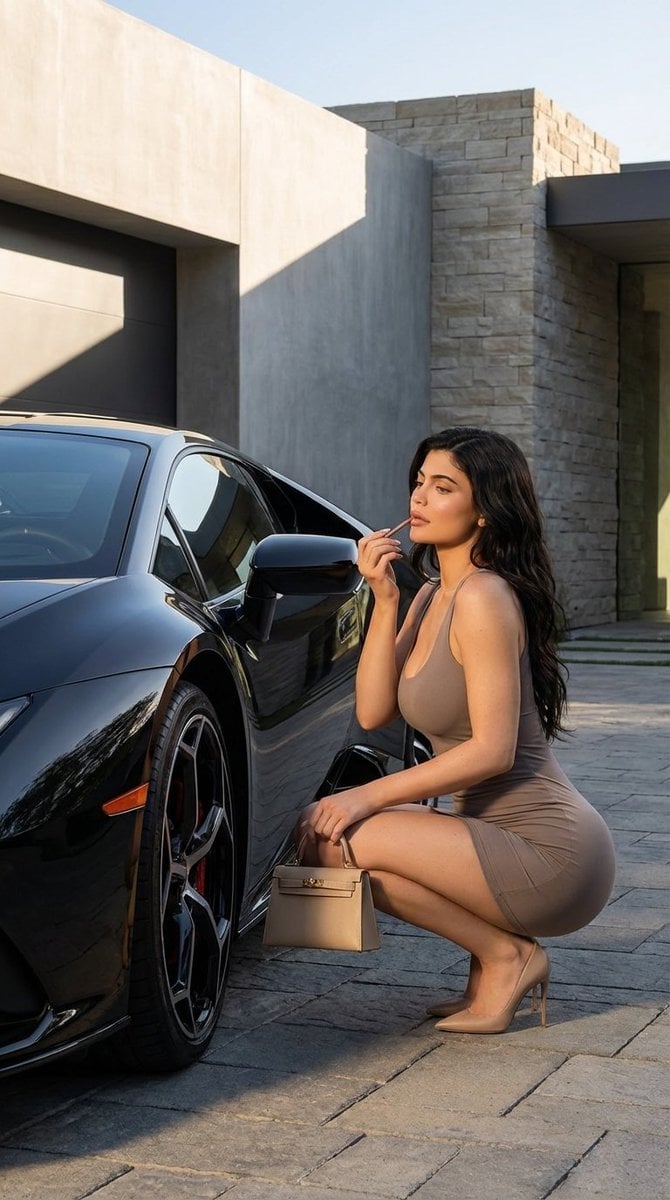
Luxury Photoshoot Prompt with Sports Car and Face Preservation
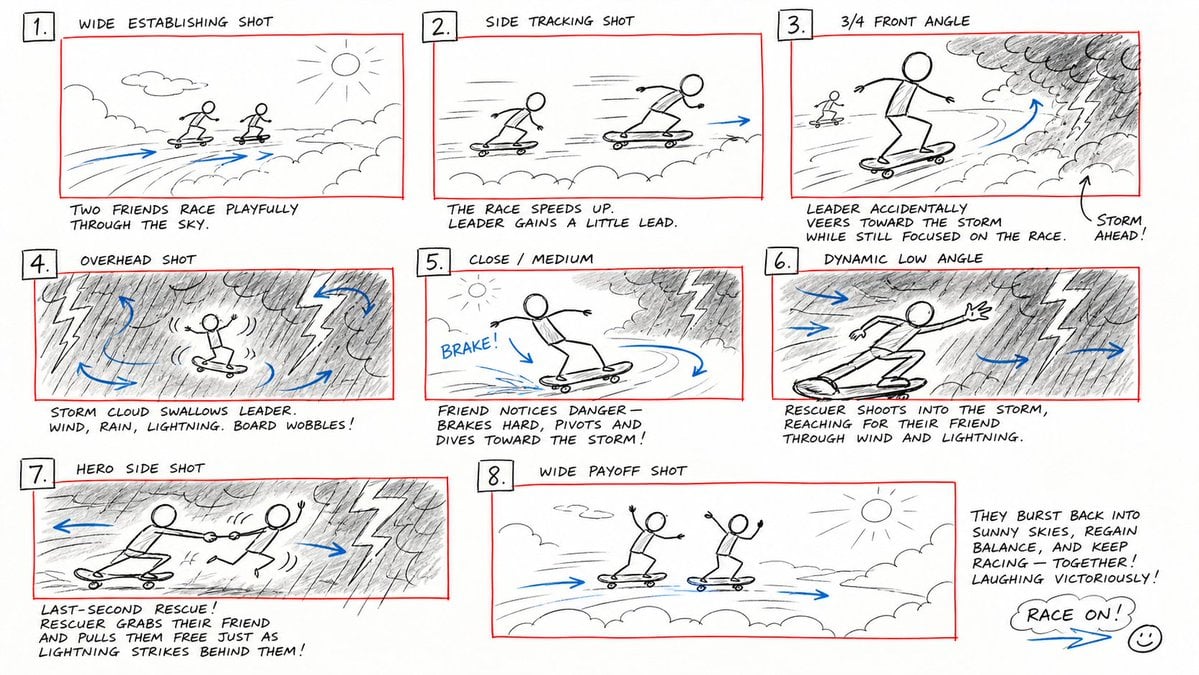
Hand-Drawn Storyboard Previs Sketch
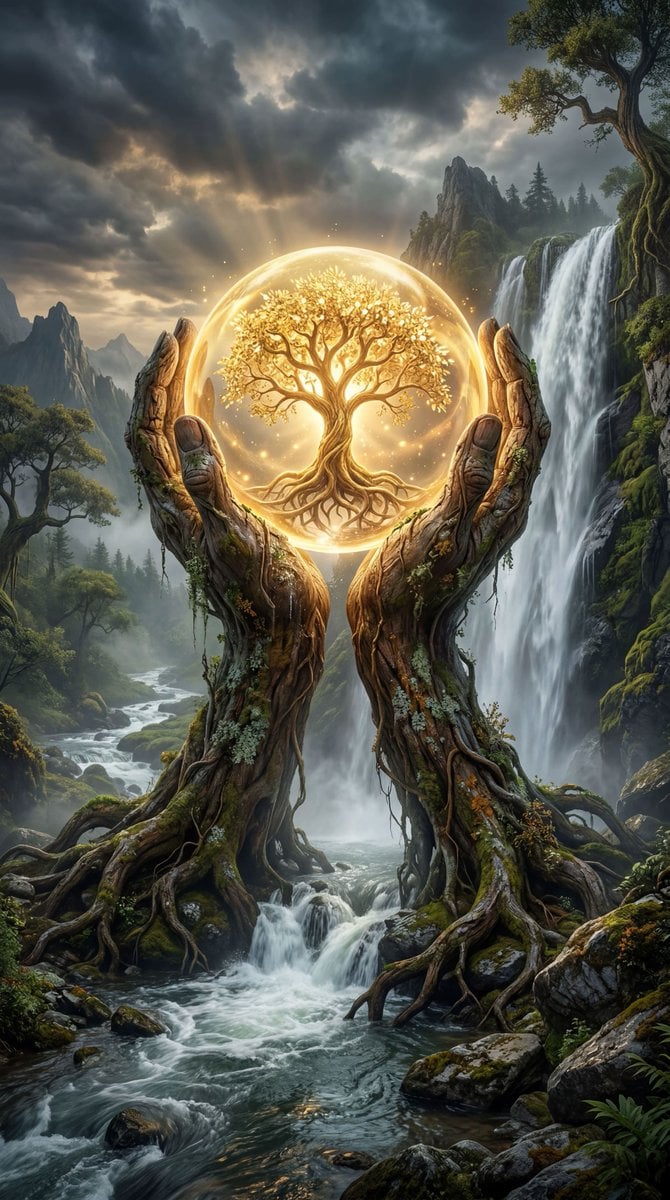
Mystical Tree of Life Landscape
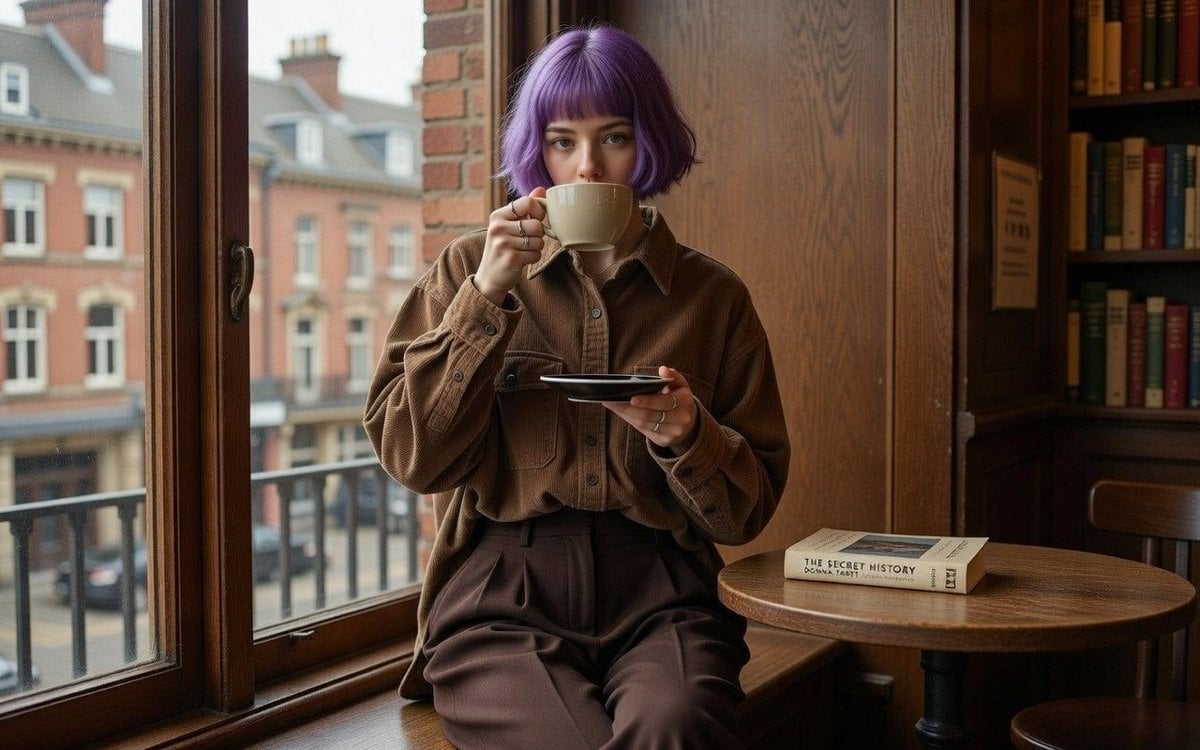
Dark Academia Library Portrait
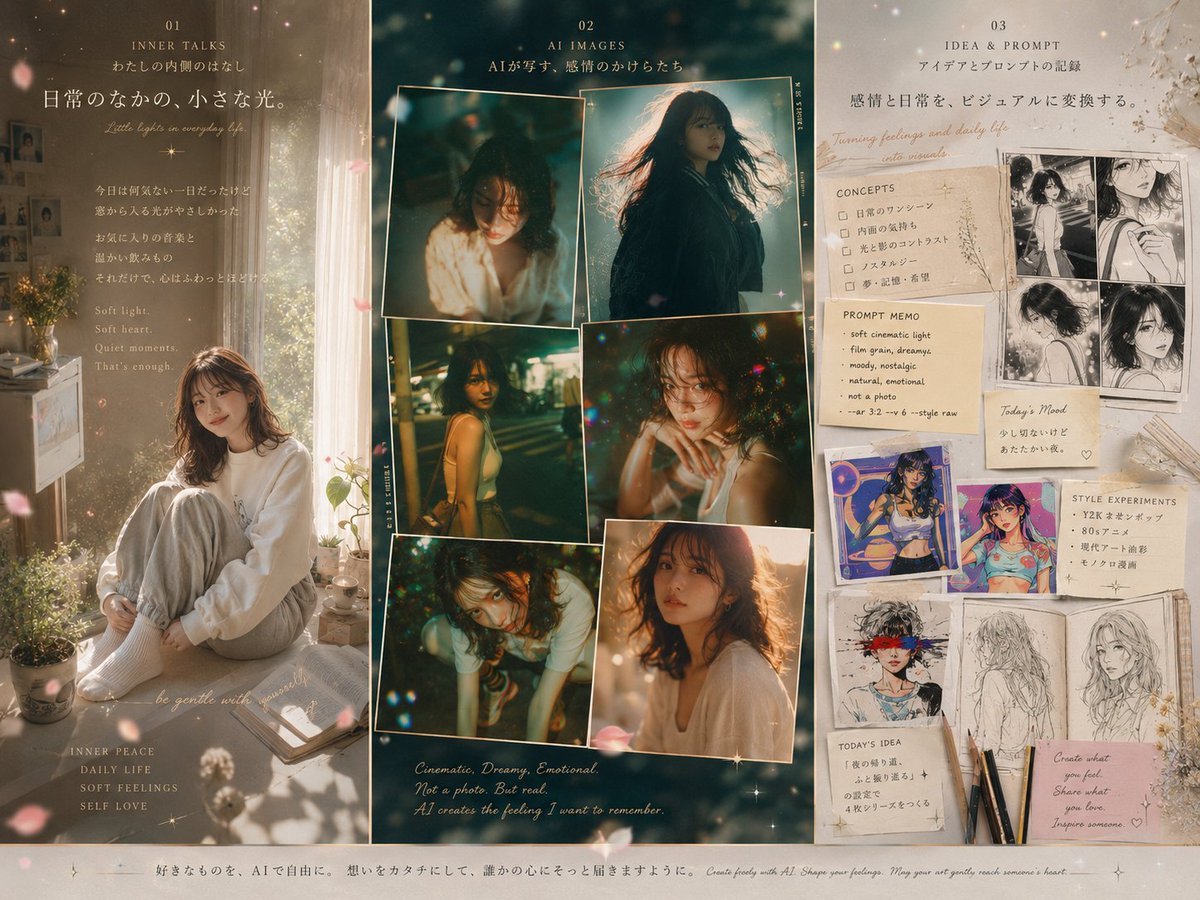
Three-Panel Dreamy AI Posting Styles
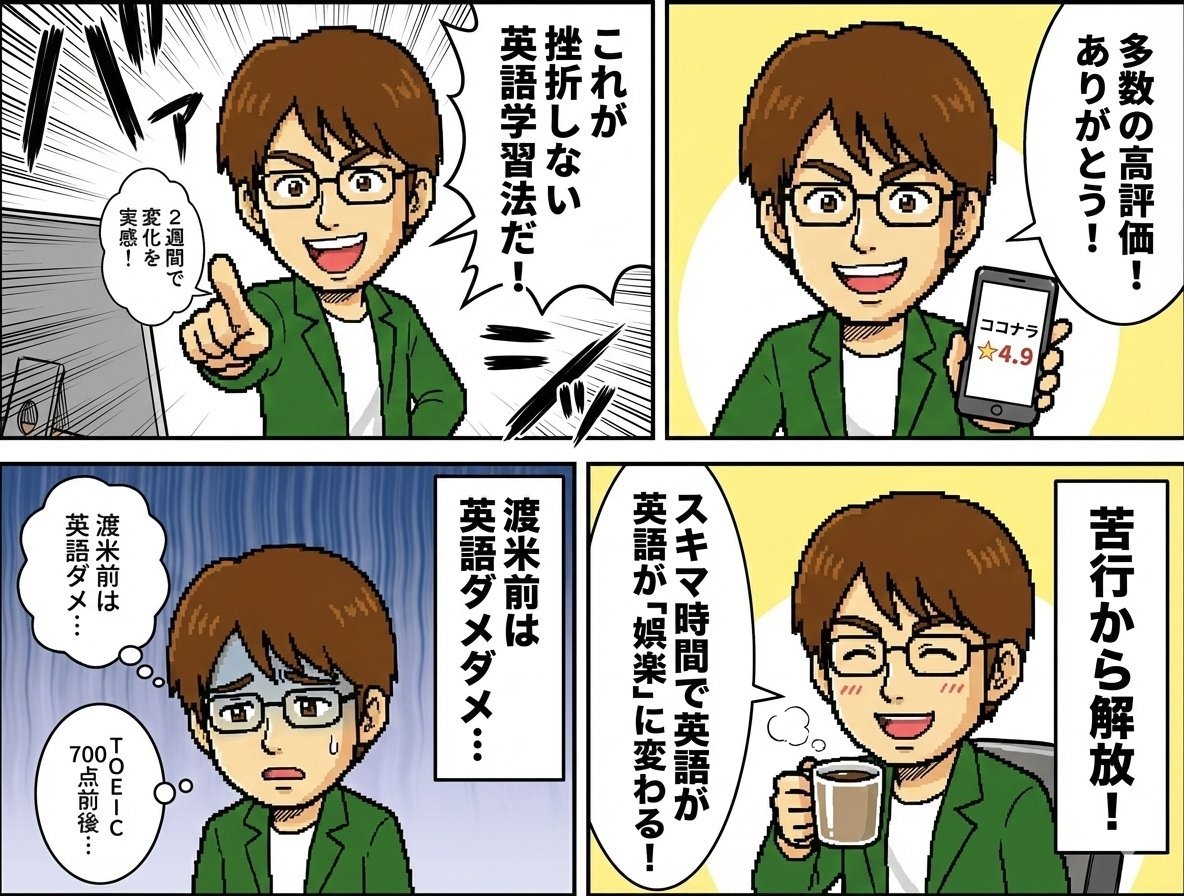
Profile 4-Panel Manga Generation

Image Generation Prompt with Strong Light Effects and Neutral Expression (Japanese)
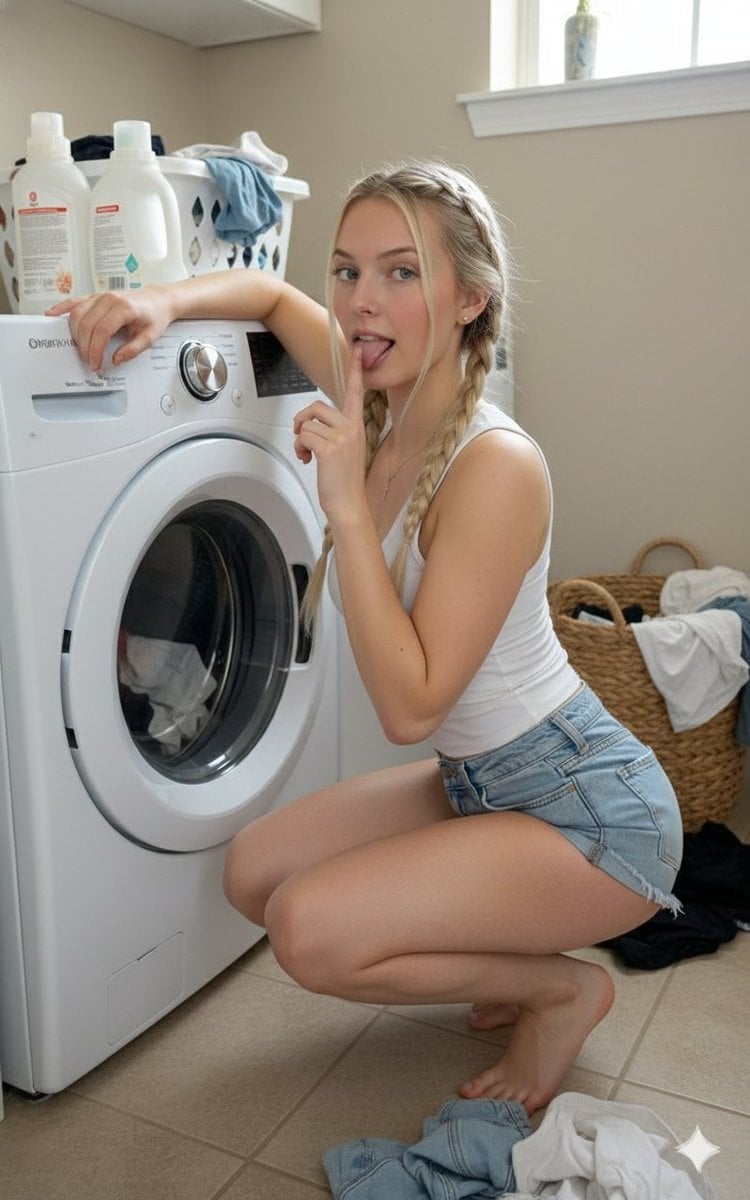
Playful Laundry Room Portrait Prompt
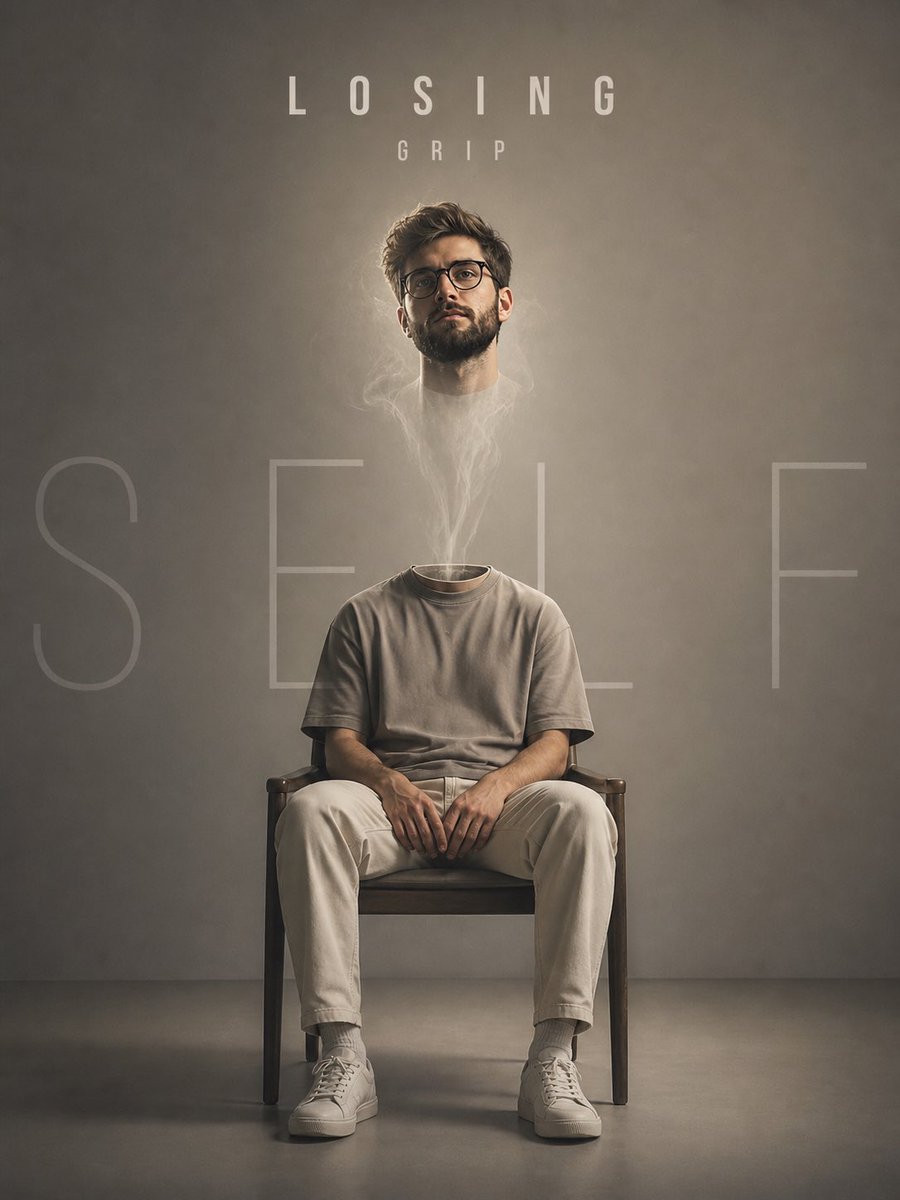
Floating Head Concept Art
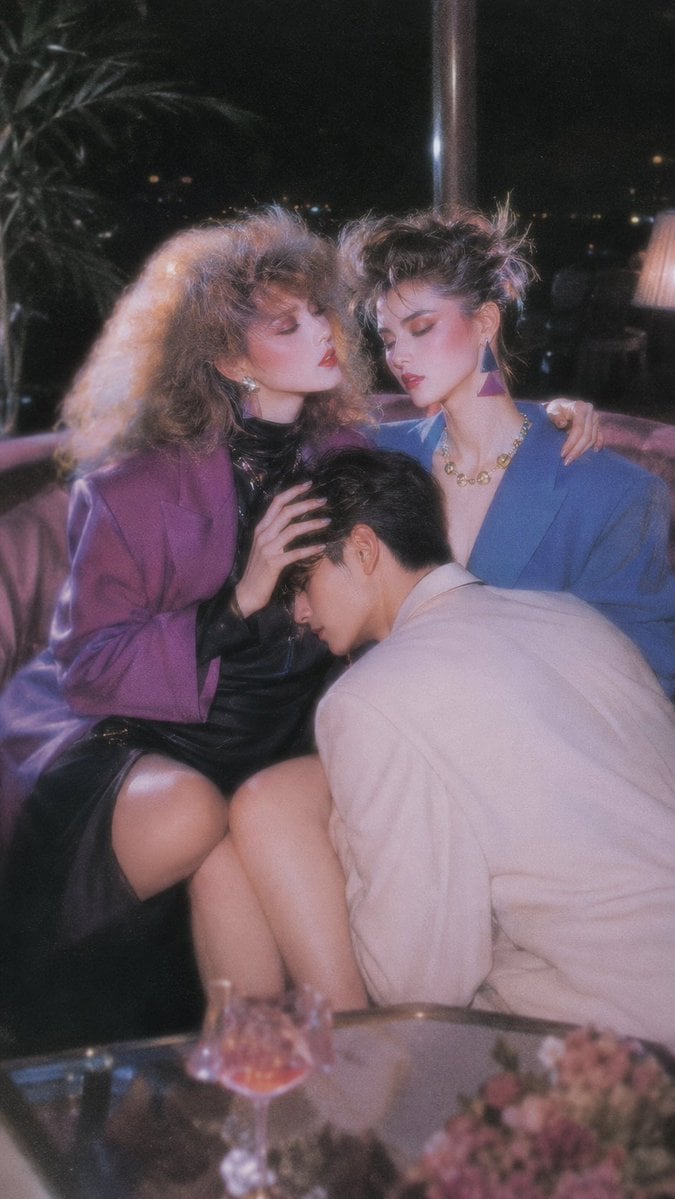
Retro Nightlife Flash Wallpaper
Browse template categories
Six-Panel Cinematic Character Variations questions
How do I use the Six-Panel Cinematic Character Variations template?
Add your photo if the template asks for one, edit the prompt if you like — the template's model and format are already selected — and press Generate. Your version opens in PicX Studio.
Can I customize the Six-Panel Cinematic Character Variations template?
Yes. You can change the subject, setting, lighting, mood, format, and available model controls before creating your image.
Is the Six-Panel Cinematic Character Variations template free?
Opening and editing this template is free. Generating uses credits, shown on the Generate button when you are signed in.
Which AI model should I use?
Start with GPT Image 2, which is the model associated with this template. You can compare another compatible model for a different finish.
Looking for something else? Browse all templates.

Your photo, any look
Thousands of ready templates for every top image and video model, from one credit balance.