
Six-Panel Numbered Humanoid Storyboard
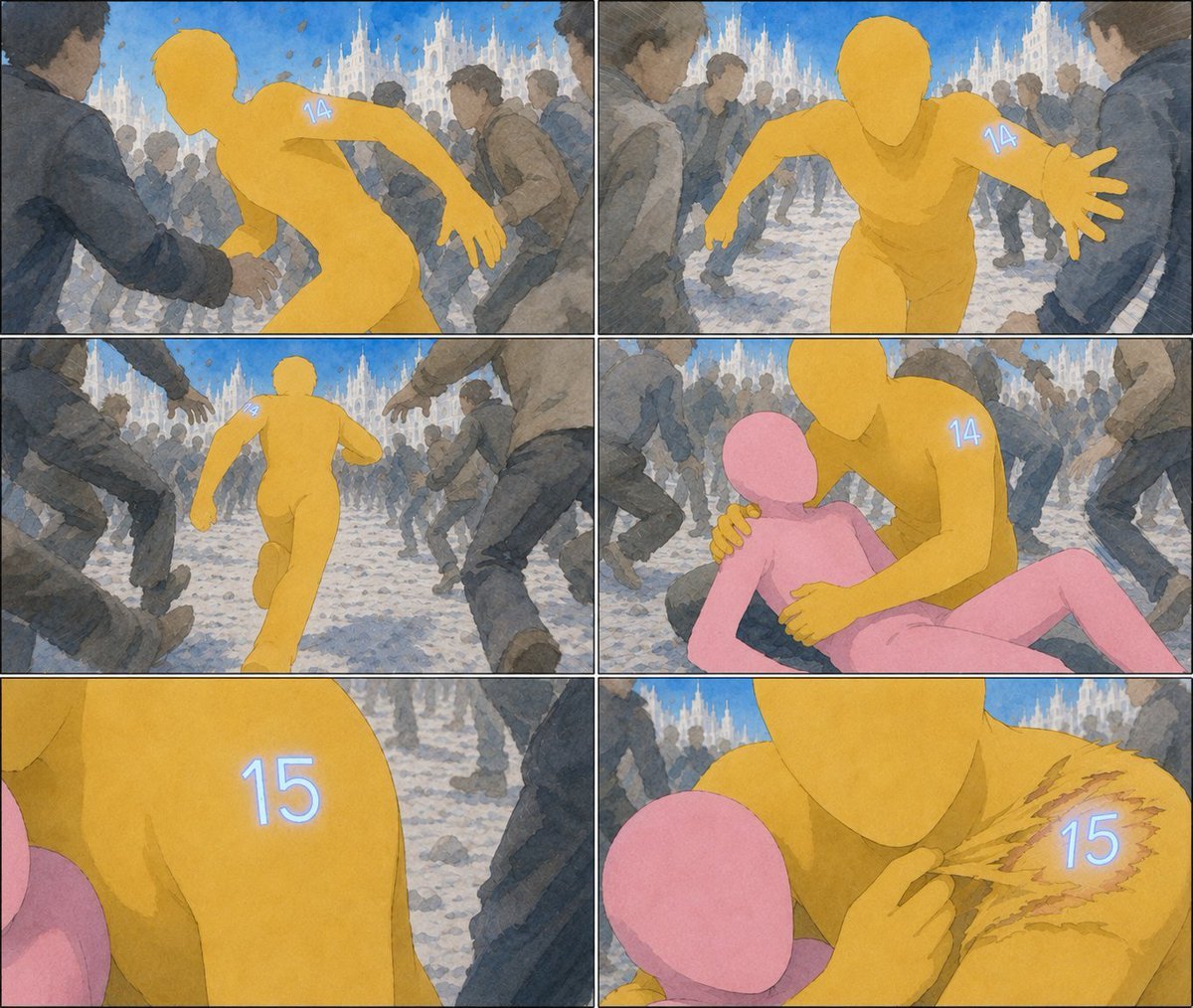
Generates a watercolor comic storyboard showing a yellow faceless humanoid changing from number 14 to 15 while protecting a pink figure in a crowded cathedral square.
- Prompt included
- Model and format preset
- Free template
The prompt behind this image
Copy the exact prompt behind Six-Panel Numbered Humanoid Storyboard, or open it in the studio and make it yours.
Goal: Create a wordless six-panel cinematic storyboard/comic page in a loose watercolor-and-ink style about a faceless yellow humanoid marked with a glowing number changing from 14 to 15 while protecting a pink humanoid in a crowded public square. Canvas: Landscape page, approximately 4:3 aspect ratio, divided into exactly 6 panels with thin black gutters. Arrange the panels in a 2-column by 3-row grid, with each panel having slightly different camera distance and action framing. Visual style: Soft hand-painted watercolor, muted blue-gray crowd, expressive sketchy outlines, gentle paper texture, cinematic motion blur, natural daylight, dramatic action composition. The background is a crowded European-style plaza with pale stone paving and ornate white Gothic cathedral spires under a bright blue sky. The crowd should be faceless or indistinct, wearing dark coats and moving urgently, so the colored humanoids stand out. Characters: The main figure is a smooth faceless {argument name="main character color" default="golden yellow"} humanoid runner with simplified anatomy and no clothing, initially marked with a small glowing pale-blue number {argument name="first number" default="14"} on the shoulder/upper arm. The protected figure is a smooth faceless {argument name="secondary character color" default="pink"} humanoid, smaller and vulnerable. The main figure later bears a glowing pale-blue number {argument name="second number" default="15"} on the shoulder. No other readable text appears. Layout and panel content: Use exactly 6 discrete panels. Panel 1, top left: rear three-quarter view of the yellow figure pushing through a moving crowd, body twisted as if grabbed or chased, glowing "14" visible on the upper back/shoulder. Panel 2, top right: frontal action shot of the yellow figure running toward the viewer with one hand outstretched, "14" glowing on the right shoulder, cathedral and crowd behind. Panel 3, middle left: rear long shot of the yellow figure sprinting away through a corridor of legs and people, the crowd framing the runner, cathedral in the distance. Panel 4, middle right: the yellow figure kneels or leans over the pink figure on the ground, holding them protectively with one hand on the shoulder and one hand near the torso; "14" is still visible on the yellow shoulder. Panel 5, bottom left: close-up crop of the yellow shoulder with the glowing number "15" replacing the previous number, the pink figure partly visible at the edge, crowd blurred in the background. Panel 6, bottom right: intimate close-up of the yellow figure and pink figure; the yellow figure touches or peels back a ragged, scratched patch on the shoulder, revealing the glowing "15" beneath, with torn-looking ochre marks around the number. Constraints: Keep the image entirely wordless except for the glowing numbers {argument name="first number" default="14"} and {argument name="second number" default="15"}. Do not add speech bubbles, captions, logos, watermarks, extra panels, or additional numbered characters. Maintain consistent character colors and body shapes across all panels.
How to use Six-Panel Numbered Humanoid Storyboard in 3 steps
- 1Upload ImagePNG, JPG or paste
Add your photo
Upload the photo the template builds on. The prompt, model and format are already set.
- 2…a portrait of your subject in softgolden-hour light, 85mm…
Personalize
Edit the subject and creative details for your destination.
- 3Generate
Generate
Press Generate — your image is created in PicX Studio, so you can compare it with the original and refine one variable at a time.
More like this
Templates with the same subject, style or setup. Open one to see its prompt.

Headphones Lifestyle Nine Panel Grid
Six-Panel Hairstyle Storyboard
Six-Panel Drunken Kung Fu Storyboard
Six-Panel Cinematic Storyboard Sketch
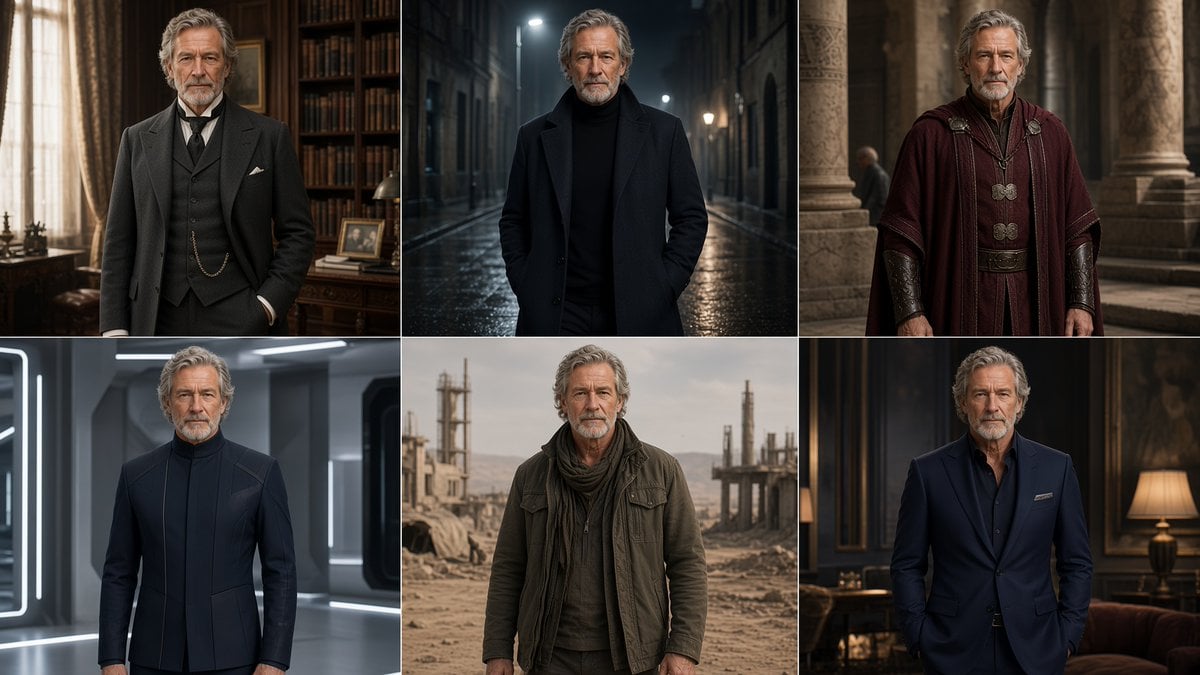
Six-Panel Cinematic Character Variations
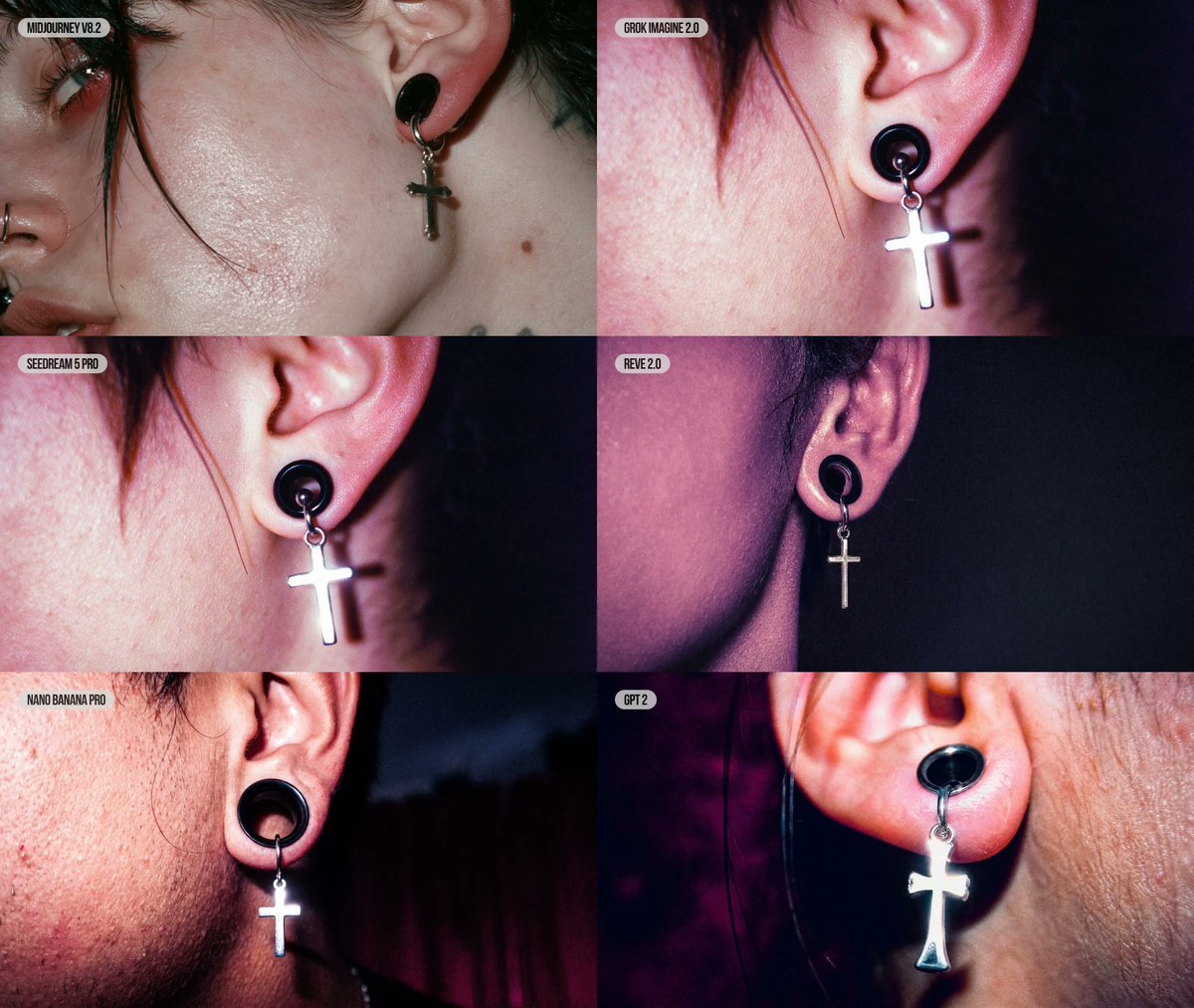
Six-Panel AI Jewelry Portrait Comparison

Cozy Six-Panel Bedtime Stages Collage
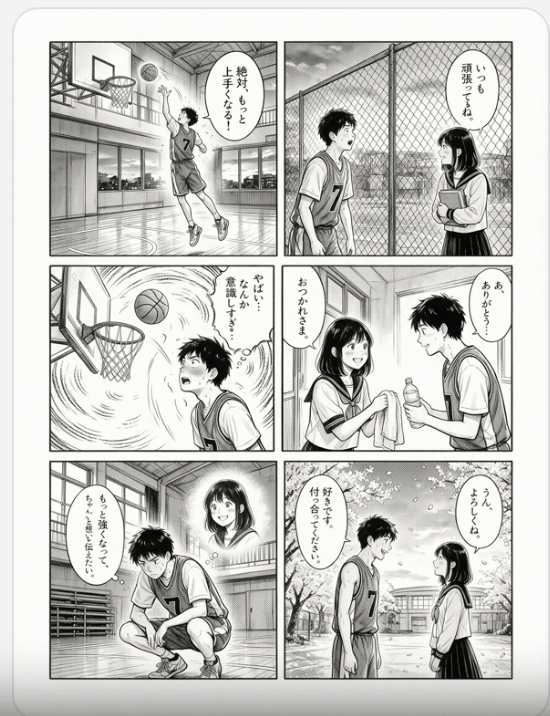
Six-Panel Basketball Romance Manga

Six-Panel Retro Japanese Poster Collage
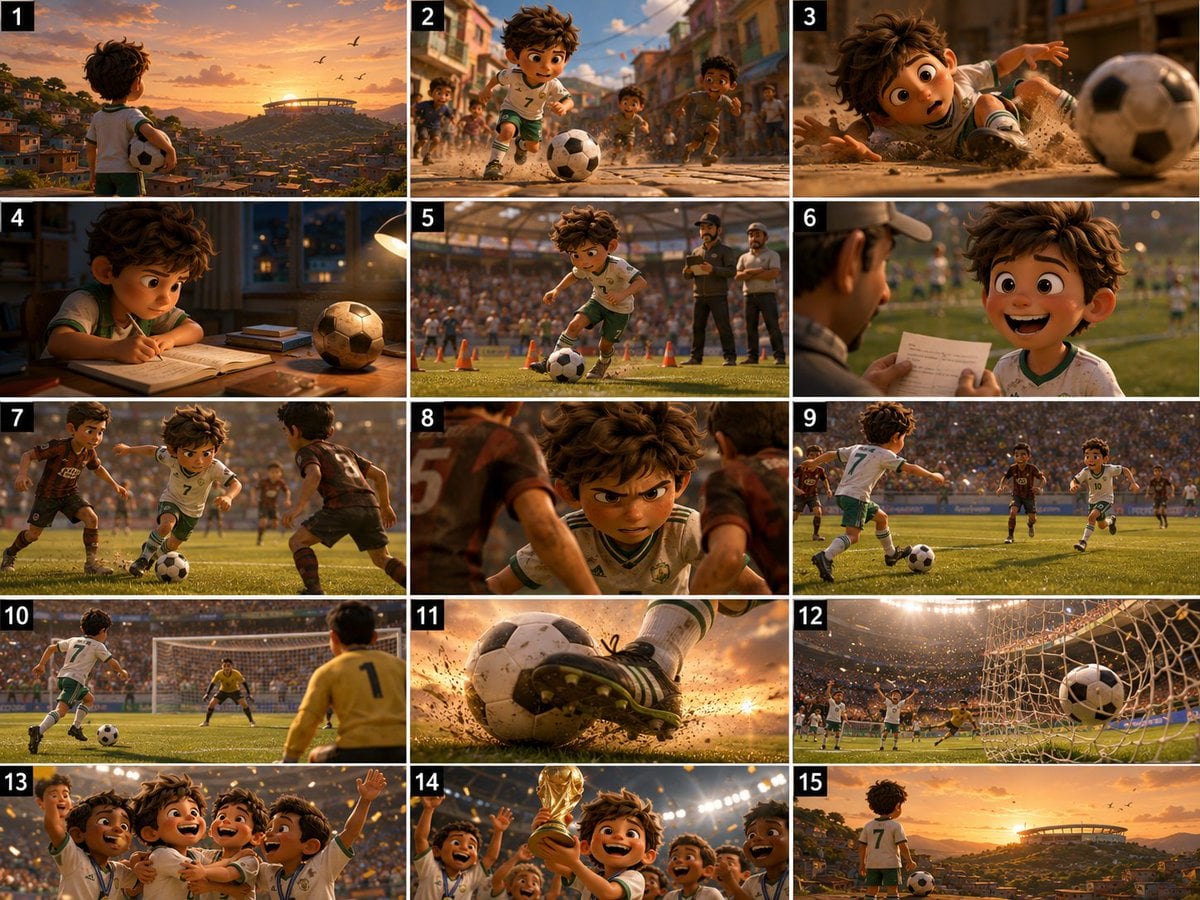
Panel Football Boy Storyboard

Surreal Cat Astronaut — Humanoid Face Freefall

Pixar 6-Panel Streethero Expression Grid
Make it yours
Six-Panel Numbered Humanoid Storyboard works as-is. These are the safest ways to change it without losing the look.
Change one field
Copy a single group, rewrite it, and generate again so you can see what that field is doing.
Keep the frame, change the subject
Hold the composition and light of Six-Panel Numbered Humanoid Storyboard, then swap wardrobe, props or the person for a new take.
| If the result… | Why | Fix |
|---|---|---|
| The result drifts from the preview | Too many fields changed at once. | Reuse Six-Panel Numbered Humanoid Storyboard as-is first, then change one group — subject, light, or setting. |
| The model over-stylizes the scene | The prose prompt leaves finish and camera underspecified. | Add one camera or lighting sentence and stay on GPT Image 2. |
More GPT Image 2 templates
Other prompts made for GPT Image 2.

Realistic Portrait of Woman and Deer

The Vista Modular Condo Poster

AI Model Routing Comparison Infographic

2.5D Anime Art Board

Isometric Productivity Desk Scene

New York Double Exposure Poster

Four-Panel AI Landscape Comparison

Japanese Tatami Lifestyle Magazine Cover

NESCAFÉ Coffee Map Poster

Brutalist Cogito Chinese Typography Poster
More image prompts
Fresh picks from across the catalog.
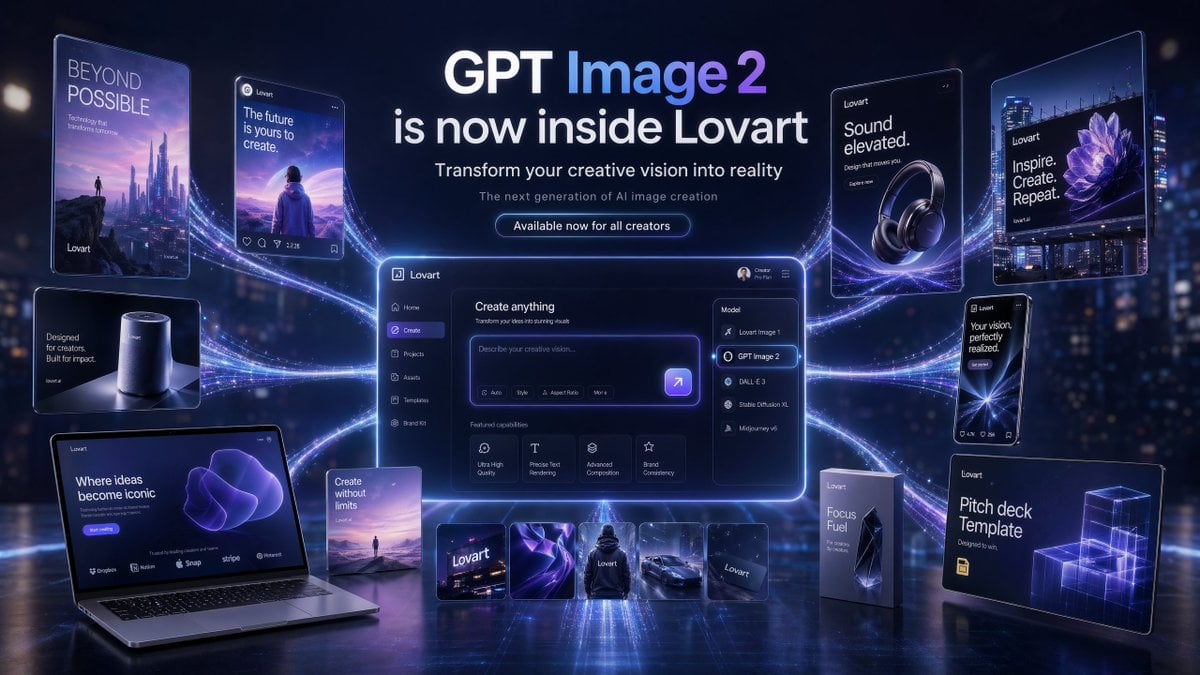
Futuristic GPT Image 2 Launch Banner
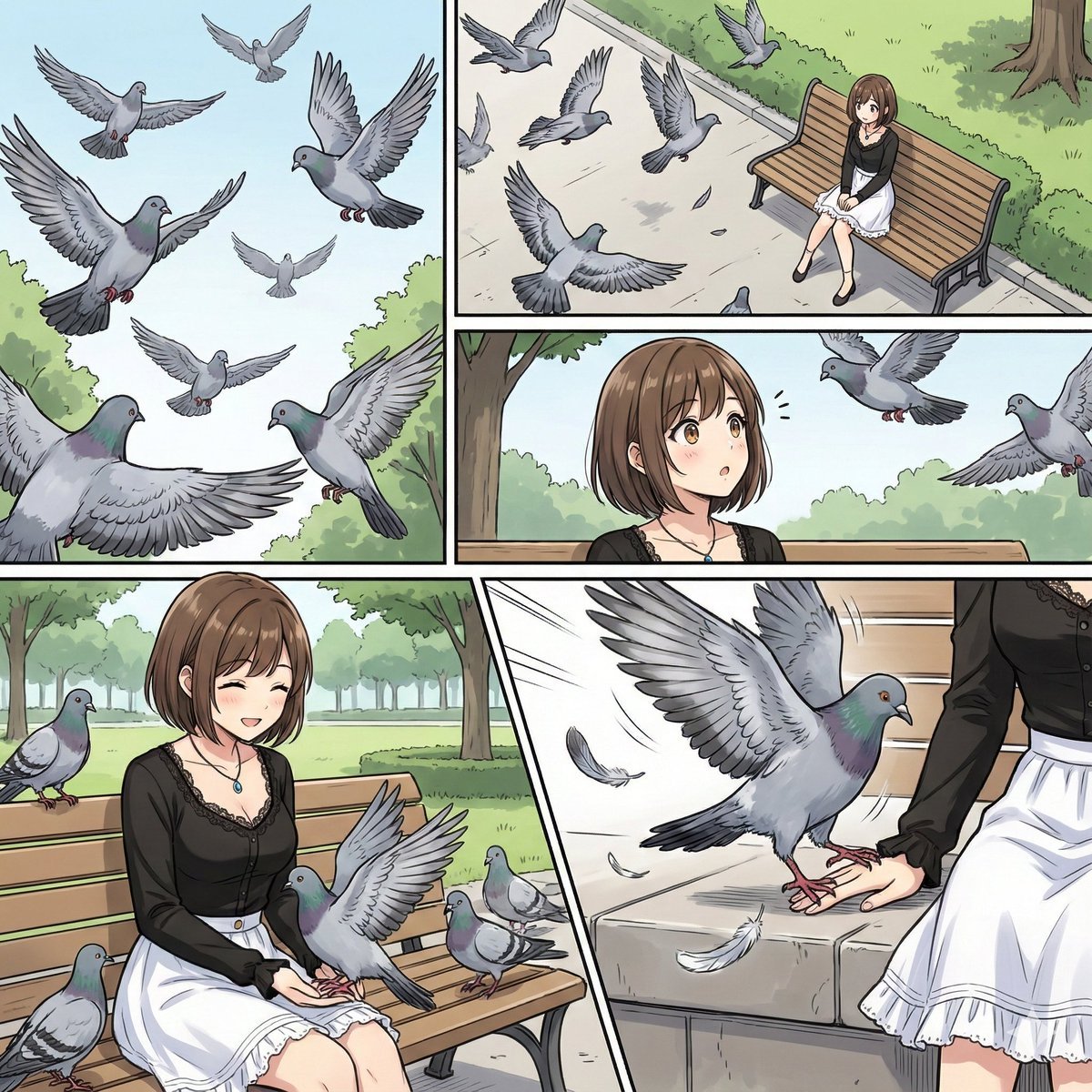
Cinematic Storyboard Generation Prompt
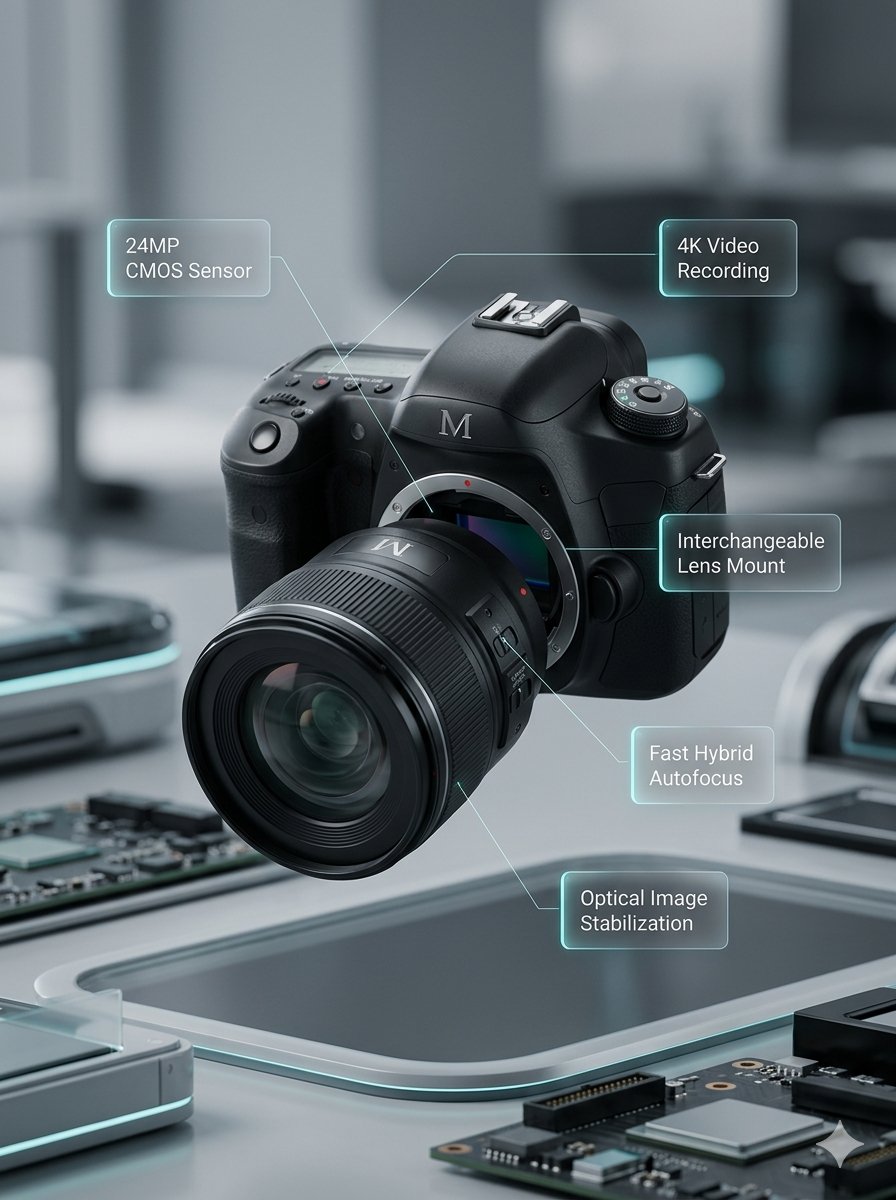
Deconstructed and Assembled M DSLR Camera Visualization
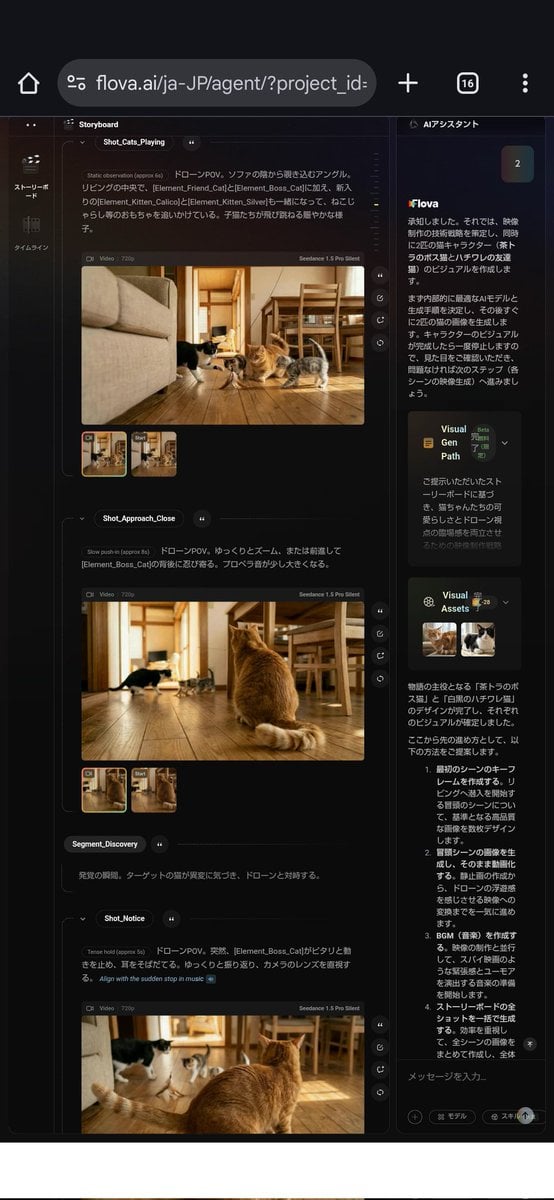
Nano Banana used for background and character design
High-Contrast Flash Portrait with Identity Lock
Illustration Refinement and Quality Upgrade
Vintage Cruise Ship in Istanbul

Casual Woman in Cafe Photo Prompt for Gemini Nano Banana
Curvy Woman Tennis Court Portrait

Neon Luxury Mirror Selfie
Browse template categories
Six-Panel Numbered Humanoid Storyboard questions
How do I use the Six-Panel Numbered Humanoid Storyboard template?
Add your photo if the template asks for one, edit the prompt if you like — the template's model and format are already selected — and press Generate. Your version opens in PicX Studio.
Can I customize the Six-Panel Numbered Humanoid Storyboard template?
Yes. You can change the subject, setting, lighting, mood, format, and available model controls before creating your image.
Is the Six-Panel Numbered Humanoid Storyboard template free?
Opening and editing this template is free. Generating uses credits, shown on the Generate button when you are signed in.
Which AI model should I use?
Start with GPT Image 2, which is the model associated with this template. You can compare another compatible model for a different finish.
Looking for something else? Browse all templates.

Your photo, any look
Thousands of ready templates for every top image and video model, from one credit balance.