
Six-Panel Hairstyle Storyboard
Generates a photorealistic 2-by-3 hairstyle transformation storyboard for a short-form beauty video concept.
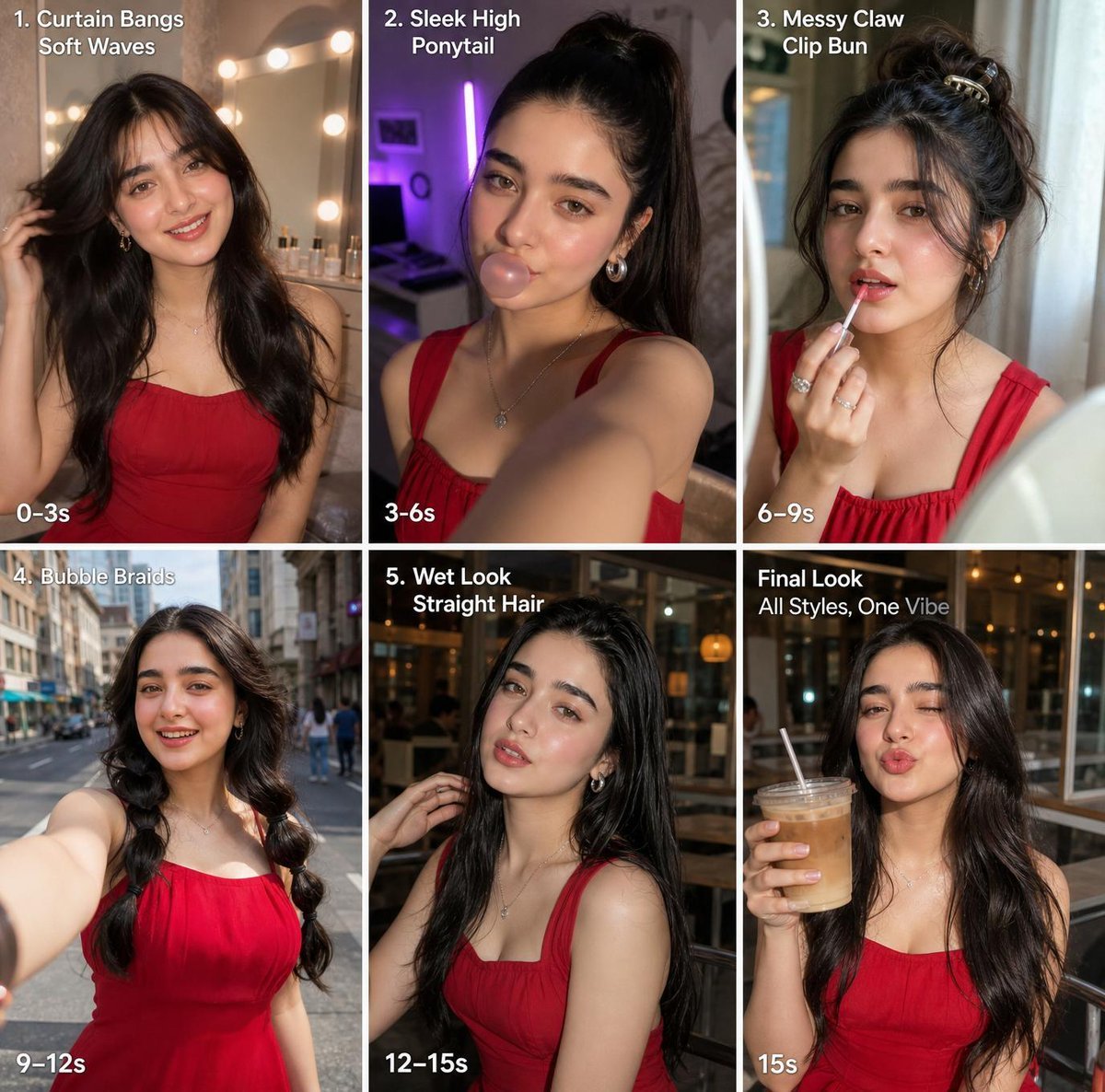
- Prompt included
- Model and format preset
- Free template
The prompt behind this image
Copy the exact prompt behind Six-Panel Hairstyle Storyboard, or open it in the studio and make it yours.
- Type
- six-panel vertical short-video storyboard collage
- Purpose
- hairstyle transformation storyboard for GPT image generation
- Overall Style
- photorealistic social-media storyboard, selfie and lifestyle photography, warm cinematic lighting, white grid borders between panels, bold white overlay text, consistent young woman across all panels with her face intentionally covered by a centered soft-edged square privacy blur
- Character › Description
- same young adult woman in every panel, medium skin tone, long dark hair, wearing a fitted red sleeveless square-neck dress or top, delicate necklace, feminine styling
- Character › Hair Color
- {argument name="hair color" default="dark brunette / black"}
- Character › Outfit
- {argument name="outfit" default="red sleeveless square-neck dress"}
- Character › Privacy Treatment
- large centered rectangular face blur on every portrait
- Layout › Format
- 2 rows by 3 columns collage, square overall composition, thin white gutters, each panel has a different setting and hairstyle, text in upper-left and timing in lower-left
- Layout › Panel Count
- 6
- Layout › Panels › 0 › Number
- 1
- Layout › Panels › 0 › Position
- top-left
- Layout › Panels › 0 › Title
- 1. Curtain Bangs
- Layout › Panels › 0 › Subtitle
- Soft Waves
- Layout › Panels › 0 › Time Label
- 0–3s
- Layout › Panels › 0 › Scene
- indoor vanity mirror setup with round warm bulbs glowing in the background, woman taking a casual selfie pose with one hand lifting her soft wavy hair, long curtain bangs framing the blurred face
- Layout › Panels › 1 › Number
- 2
- Layout › Panels › 1 › Position
- top-center
- Layout › Panels › 1 › Title
- 2. Sleek High
- Layout › Panels › 1 › Subtitle
- Ponytail
- Layout › Panels › 1 › Time Label
- 3–6s
- Layout › Panels › 1 › Scene
- bedroom or dressing room with purple accent lighting, arm extended in selfie angle, hair pulled into a tall sleek high ponytail, red straps visible
- Layout › Panels › 2 › Number
- 3
- Layout › Panels › 2 › Position
- top-right
- Layout › Panels › 2 › Title
- 3. Messy Claw
Raw JSON
{"type":"six-panel vertical short-video storyboard collage","purpose":"hairstyle transformation storyboard for GPT image generation","overall_style":"photorealistic social-media storyboard, selfie and lifestyle photography, warm cinematic lighting, white grid borders between panels, bold white overlay text, consistent young woman across all panels with her face intentionally covered by a centered soft-edged square privacy blur","character":{"description":"same young adult woman in every panel, medium skin tone, long dark hair, wearing a fitted red sleeveless square-neck dress or top, delicate necklace, feminine styling","hair color":"{argument name=\"hair color\" default=\"dark brunette / black\"}","outfit":"{argument name=\"outfit\" default=\"red sleeveless square-neck dress\"}","privacy treatment":"large centered rectangular face blur on every portrait"},"layout":{"format":"2 rows by 3 columns collage, square overall composition, thin white gutters, each panel has a different setting and hairstyle, text in upper-left and timing in lower-left","panel_count":6,"panels":[{"number":1,"position":"top-left","title":"1. Curtain Bangs","subtitle":"Soft Waves","time_label":"0–3s","scene":"indoor vanity mirror setup with round warm bulbs glowing in the background, woman taking a casual selfie pose with one hand lifting her soft wavy hair, long curtain bangs framing the blurred face"},{"number":2,"position":"top-center","title":"2. Sleek High","subtitle":"Ponytail","time_label":"3–6s","scene":"bedroom or dressing room with purple accent lighting, arm extended in selfie angle, hair pulled into a tall sleek high ponytail, red straps visible"},{"number":3,"position":"top-right","title":"3. Messy Claw","subtitle":"Clip Bun","time_label":"6–9s","scene":"bathroom or mirror selfie with pale curtain and soft daylight, woman holding a small makeup item near her face, hair gathered into a messy bun secured with a claw clip, loose tendrils around neck"},{"number":4,"position":"bottom-left","title":"4. Bubble Braids","subtitle":"","time_label":"9–12s","scene":"city street daytime selfie, buildings and pedestrians softly blurred behind her, hair styled into two long bubble braid sections or bubble pigtails with volume, arm extended toward camera"},{"number":5,"position":"bottom-center","title":"5. Wet Look","subtitle":"Straight Hair","time_label":"12–15s","scene":"evening cafe or restaurant exterior with warm interior lights, woman seated or standing near glass, one hand touching slick glossy straight hair, damp wet-look texture"},{"number":6,"position":"bottom-right","title":"Final Look","subtitle":"All Styles, One Vibe","time_label":"15s","scene":"night cafe patio or urban evening setting with warm lights, woman holding an iced coffee with straw, hair down in relaxed long waves, confident final beauty shot"}]},"text_style":{"font":"clean bold white sans-serif, slight drop shadow for readability","headline text":"{argument name=\"headline text\" default=\"Final Look\"}","timing text":"white, bold, placed at the lower-left of each panel"},"visual_notes":"Use realistic smartphone photography, cohesive red outfit across all panels, consistent necklace and glam styling, varied backgrounds matching each hairstyle segment, high detail hair texture, social media tutorial storyboard aesthetic.","negative_prompt":"no extra panels, no distorted hands, no unreadable labels, no different outfit colors, no uncovered face, no cartoon style, no watermark"}How to use Six-Panel Hairstyle Storyboard in 3 steps
- 1Upload ImagePNG, JPG or paste
Add your photo
Upload the photo the template builds on. The prompt, model and format are already set.
- 2…a portrait of your subject in softgolden-hour light, 85mm…
Personalize
Edit the subject and creative details for your destination.
- 3Generate
Generate
Press Generate — your image is created in PicX Studio, so you can compare it with the original and refine one variable at a time.
More like this
Templates with the same subject, style or setup. Open one to see its prompt.

Headphones Lifestyle Nine Panel Grid
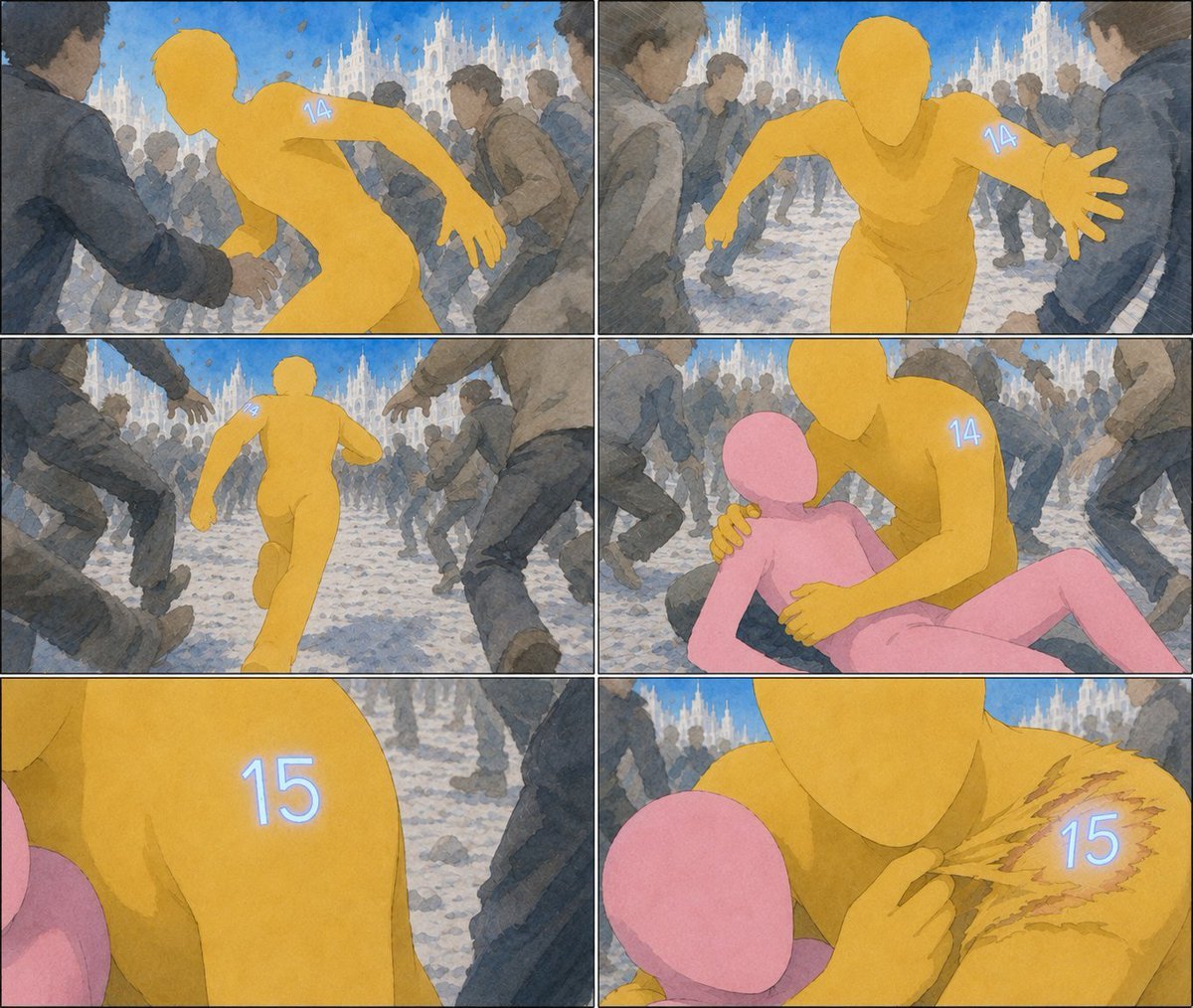
Six-Panel Numbered Humanoid Storyboard
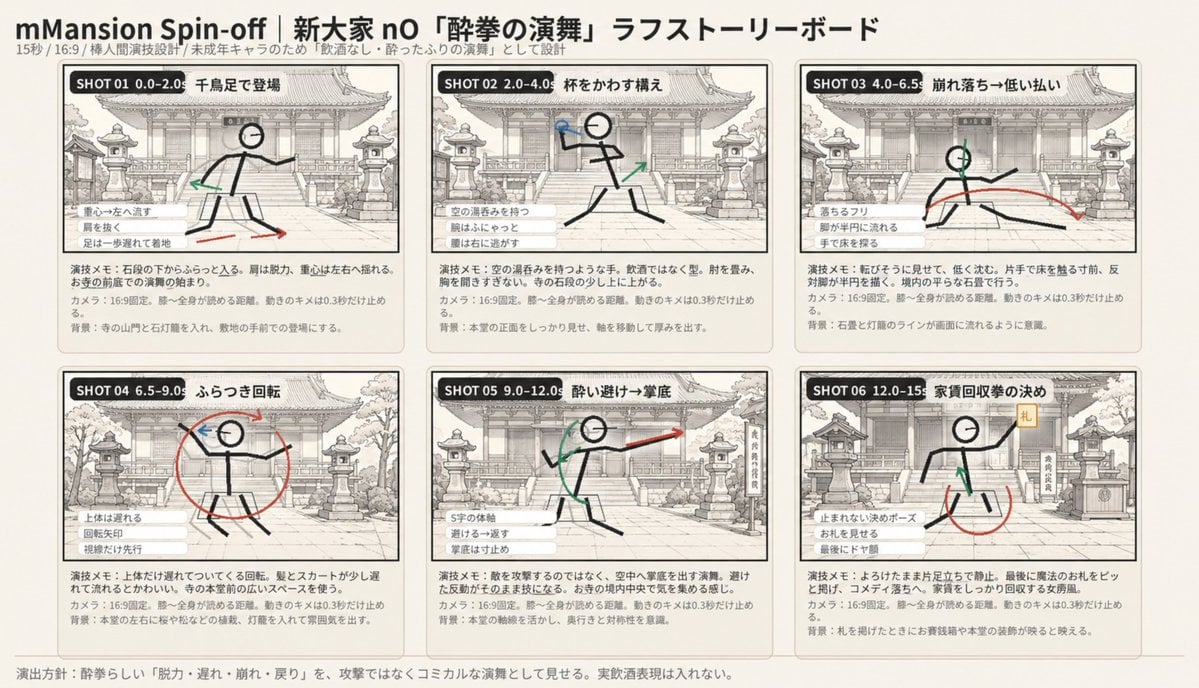
Six-Panel Drunken Kung Fu Storyboard
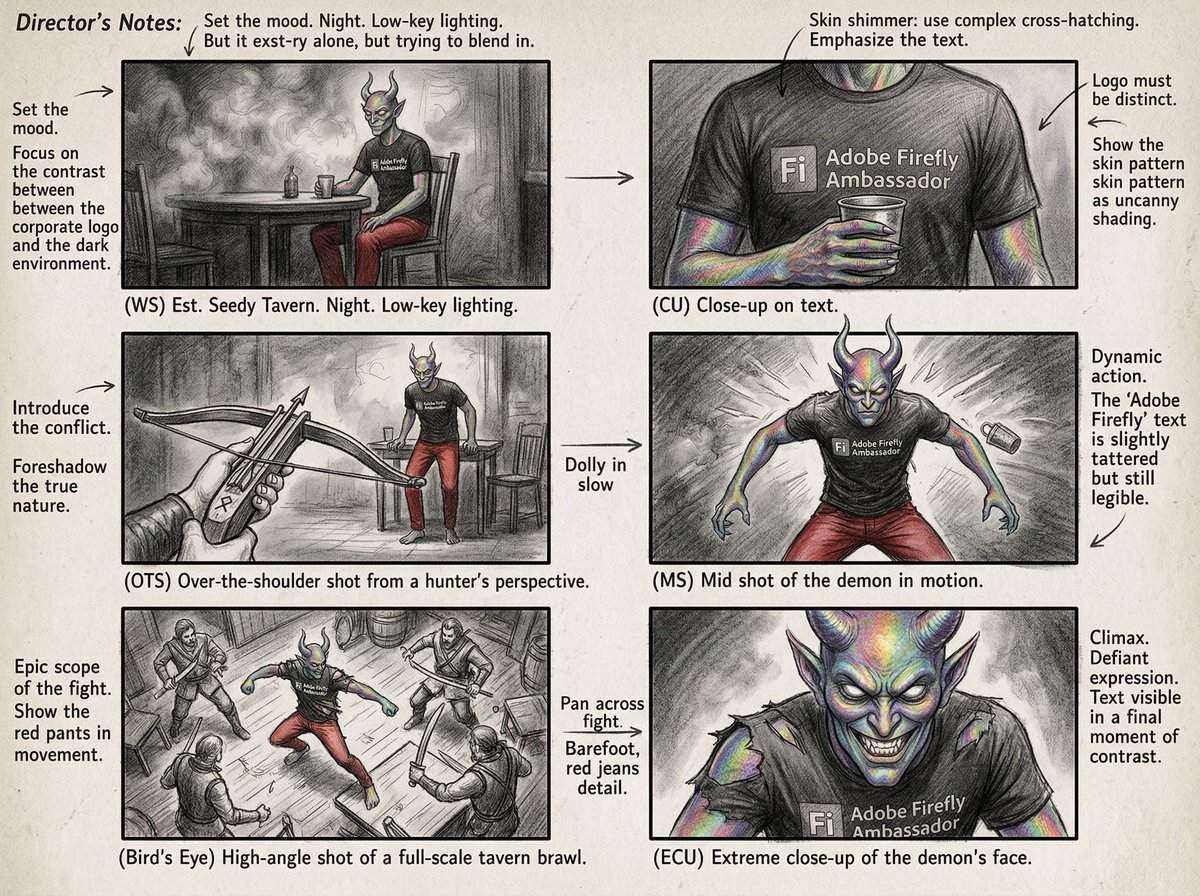
Six-Panel Cinematic Storyboard Sketch
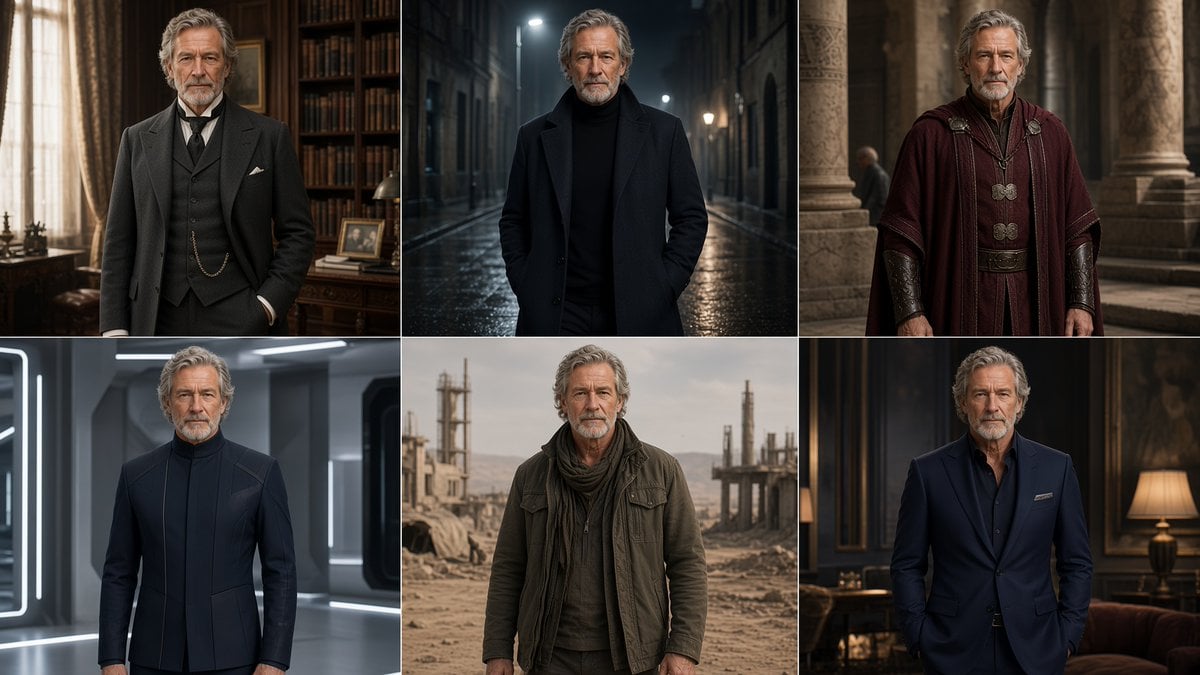
Six-Panel Cinematic Character Variations
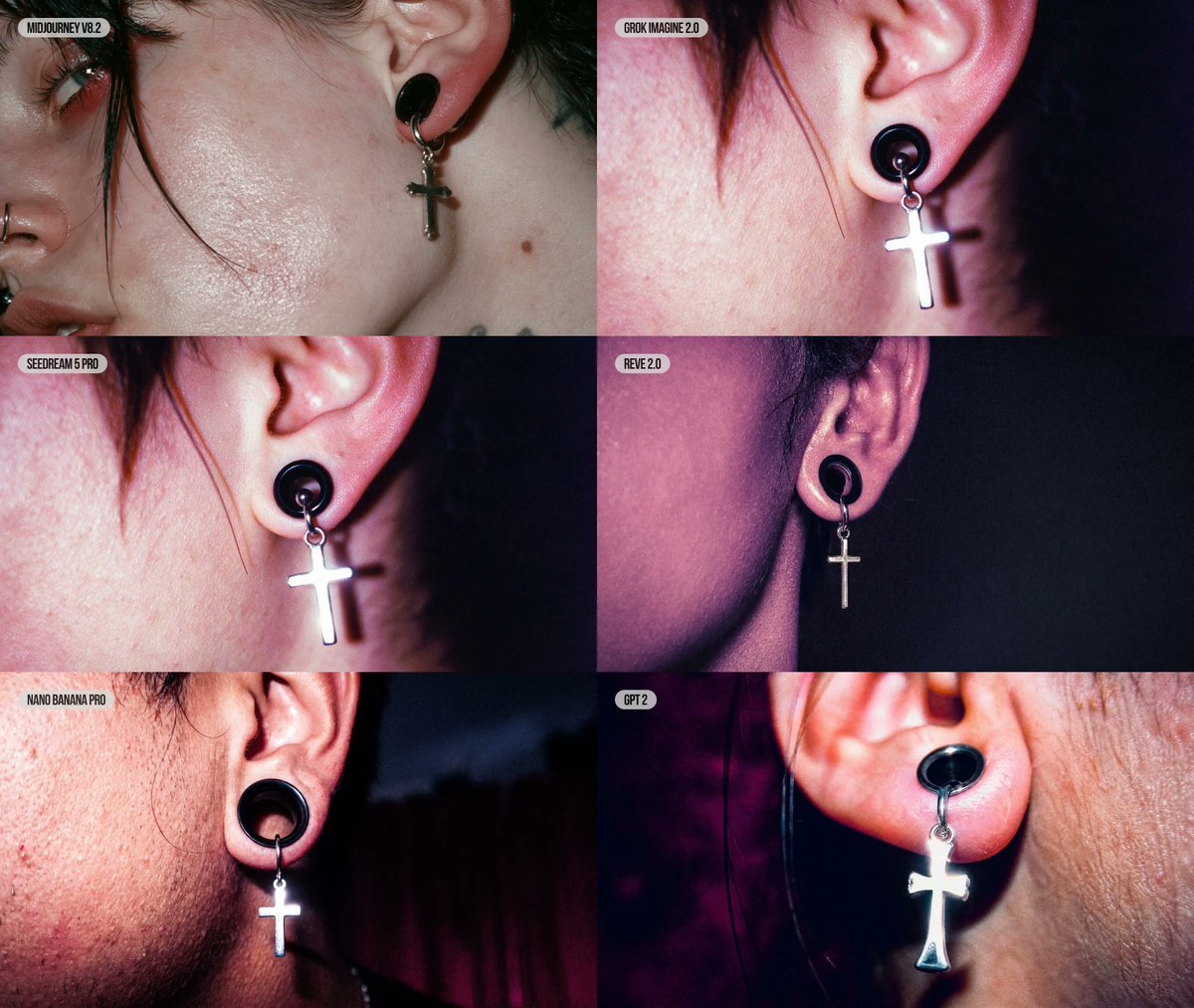
Six-Panel AI Jewelry Portrait Comparison
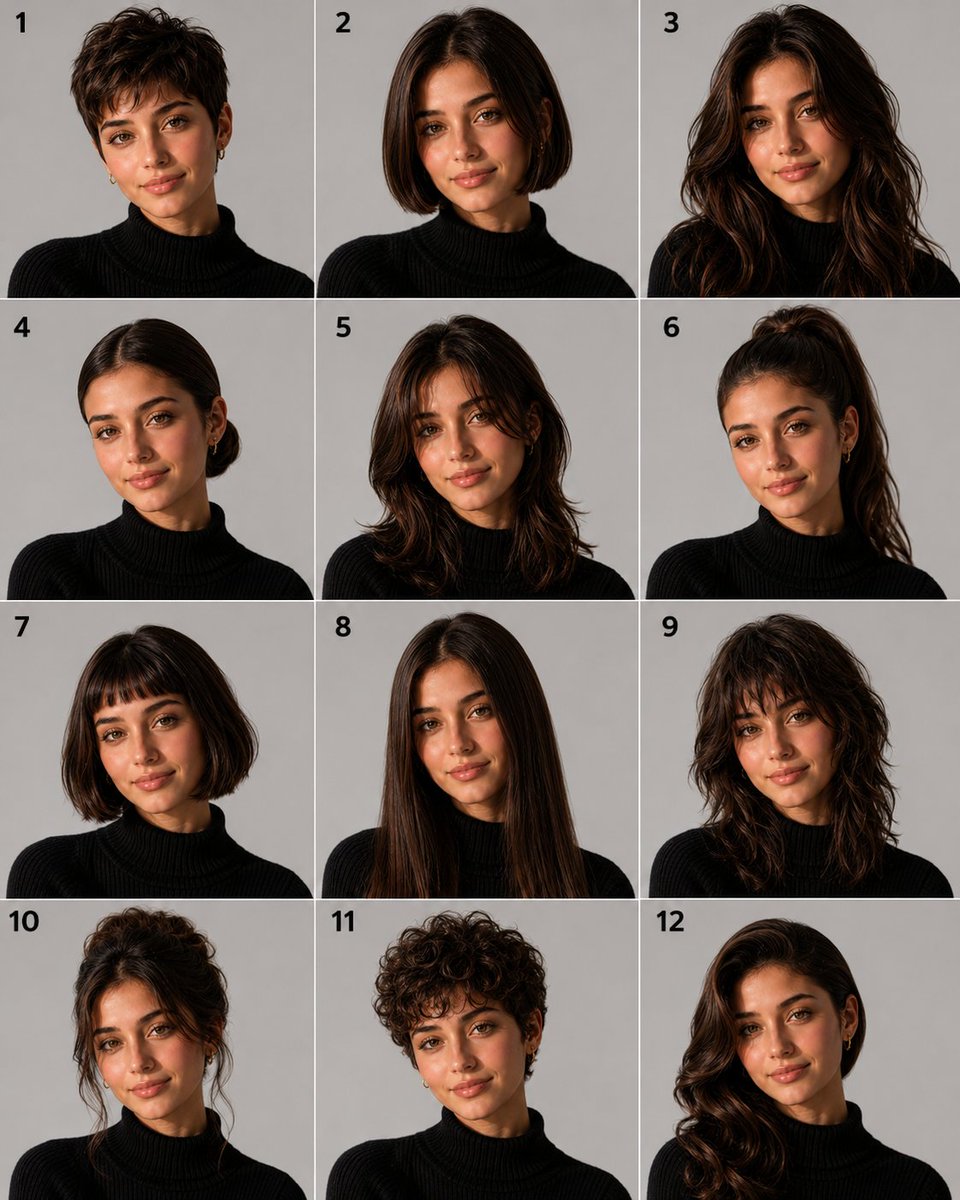
Panel Hairstyle Lookbook Grid

Cozy Six-Panel Bedtime Stages Collage
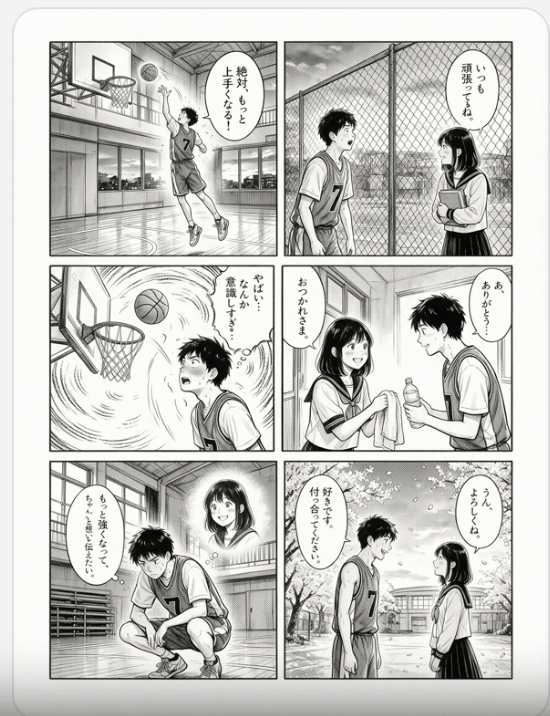
Six-Panel Basketball Romance Manga

Six-Panel Retro Japanese Poster Collage
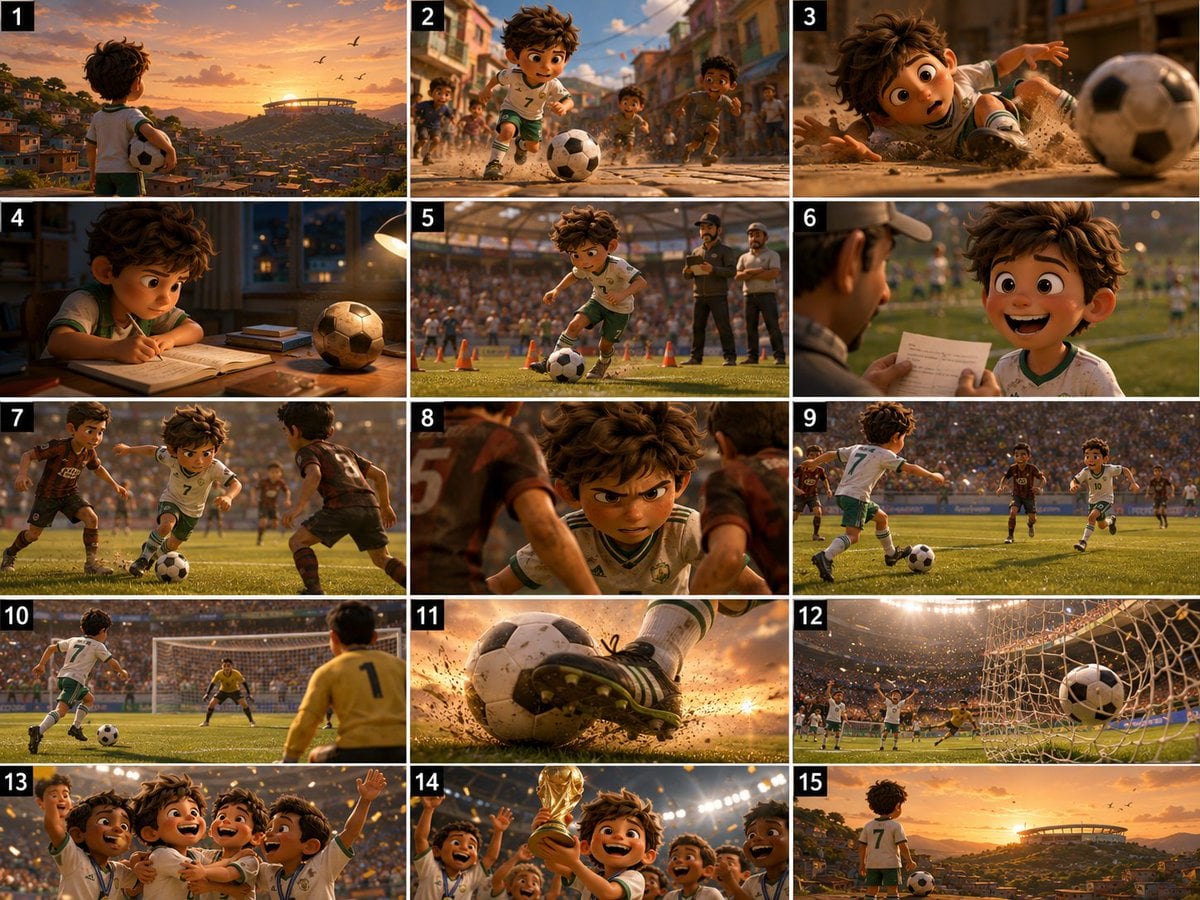
Panel Football Boy Storyboard

Pixar 6-Panel Streethero Expression Grid
Make it yours
Six-Panel Hairstyle Storyboard works as-is. These are the safest ways to change it without losing the look.
Change one field
Copy a single group, rewrite it, and generate again so you can see what that field is doing.
Keep the frame, change the subject
Hold the composition and light of Six-Panel Hairstyle Storyboard, then swap wardrobe, props or the person for a new take.
| If the result… | Why | Fix |
|---|---|---|
| The result drifts from the preview | Too many fields changed at once. | Reuse Six-Panel Hairstyle Storyboard as-is first, then change one group — subject, light, or setting. |
| GPT Image 2 ignores part of the JSON | Some models flatten or skip nested keys. | Keep the same values and paste them as a short paragraph instead. |
More GPT Image 2 templates
Other prompts made for GPT Image 2.

Six VTuber Japanese Logo Sheet

Realistic Portrait of Woman and Deer

The Vista Modular Condo Poster

AI Model Routing Comparison Infographic

2.5D Anime Art Board

Isometric Productivity Desk Scene

New York Double Exposure Poster

Four-Panel AI Landscape Comparison

Japanese Tatami Lifestyle Magazine Cover

NESCAFÉ Coffee Map Poster
More image prompts
Fresh picks from across the catalog.
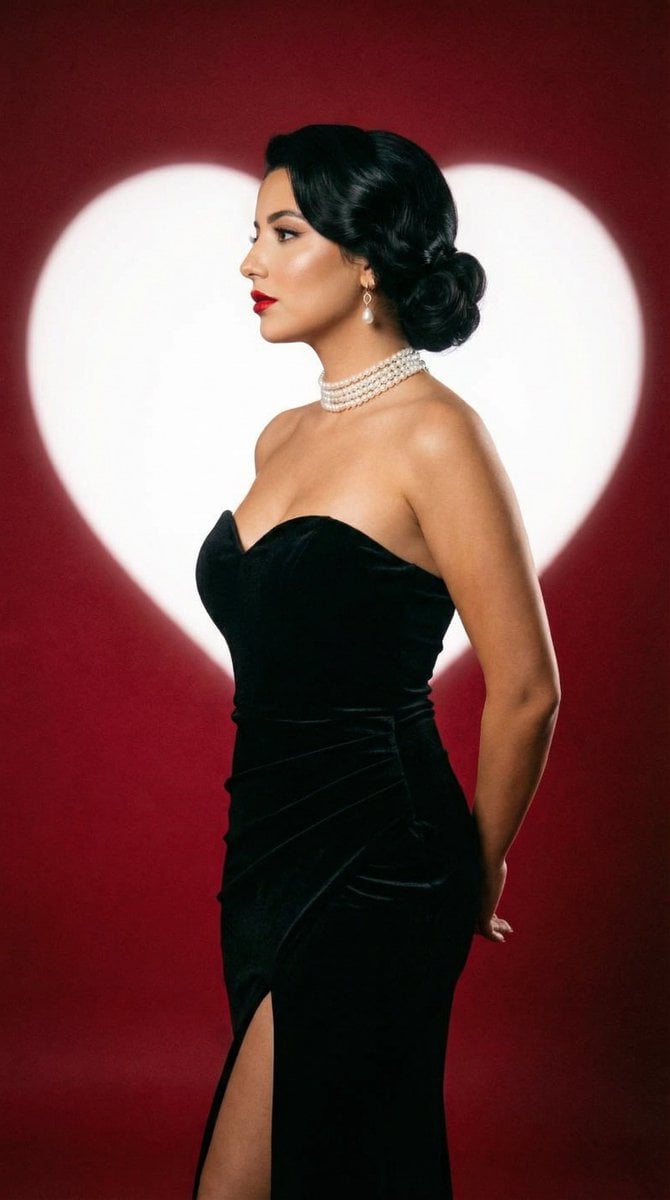
Classic Hollywood Studio Portrait with Heart Backdrop
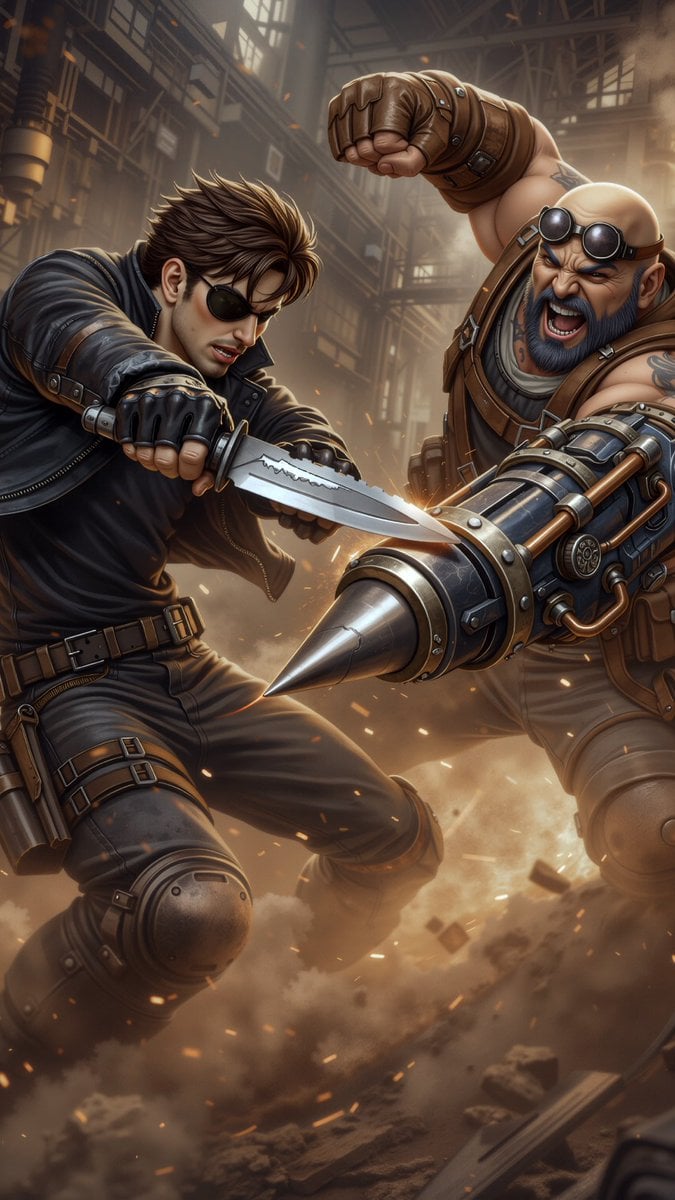
Combat Scene Generation Comparison
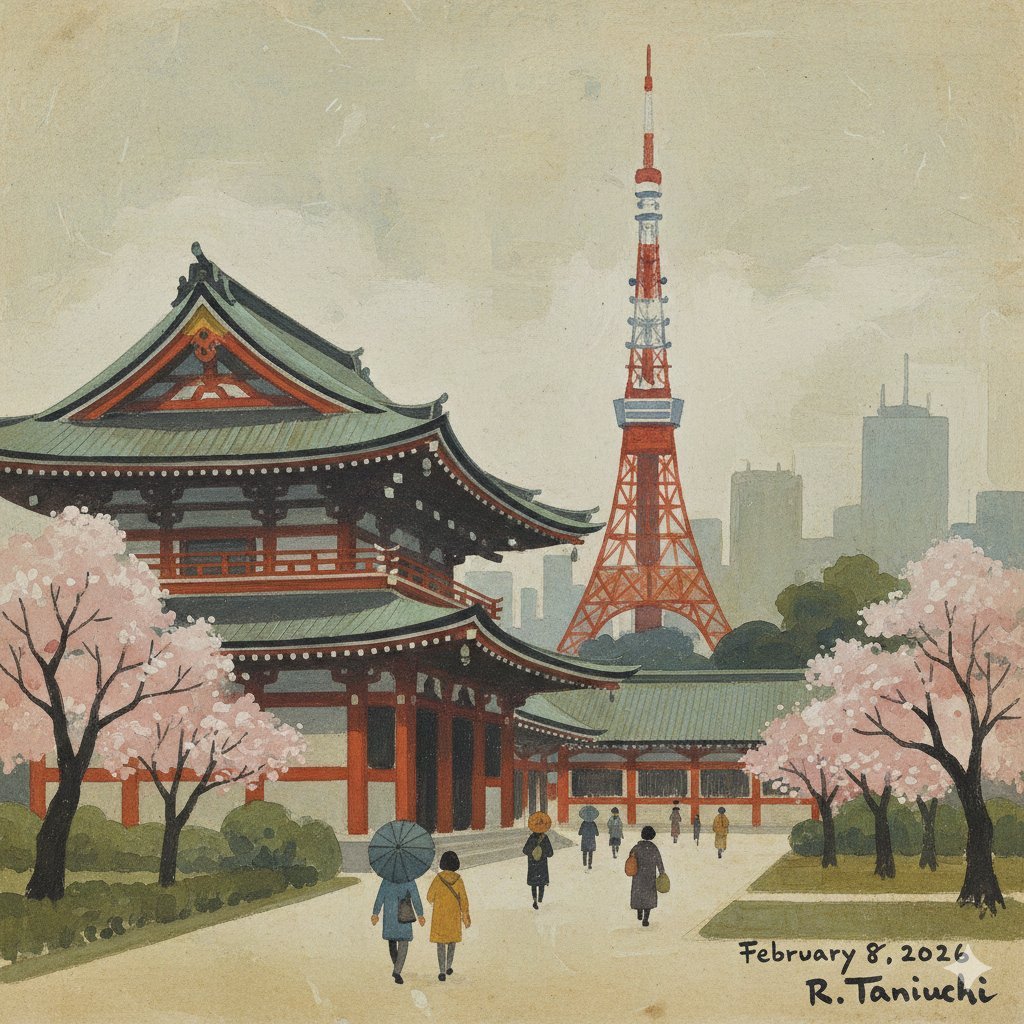
Transforming Zojoji Temple into a Rokuro Taniuchi Style Painting
Messy Room Student Hangout
Cyber Vocaloid Concert Idol
Candid Urban Street Photography Prompt (JSON Structure)
Mysterious Red Rim Lighting Portrait
Ultra-Realistic Beverage Product Photography
Boy Fighting Storm With Umbrella
Cinematic Close-Up at an Electronic Music Festival
Browse template categories
Six-Panel Hairstyle Storyboard questions
How do I use the Six-Panel Hairstyle Storyboard template?
Add your photo if the template asks for one, edit the prompt if you like — the template's model and format are already selected — and press Generate. Your version opens in PicX Studio.
Can I customize the Six-Panel Hairstyle Storyboard template?
Yes. You can change the subject, setting, lighting, mood, format, and available model controls before creating your image.
Is the Six-Panel Hairstyle Storyboard template free?
Opening and editing this template is free. Generating uses credits, shown on the Generate button when you are signed in.
Which AI model should I use?
Start with GPT Image 2, which is the model associated with this template. You can compare another compatible model for a different finish.
Looking for something else? Browse all templates.

Your photo, any look
Thousands of ready templates for every top image and video model, from one credit balance.