
Boy Fighting Storm With Umbrella
A cinematic photorealistic vertical scene of a schoolboy struggling with an inside-out umbrella during a violent rainy street storm.
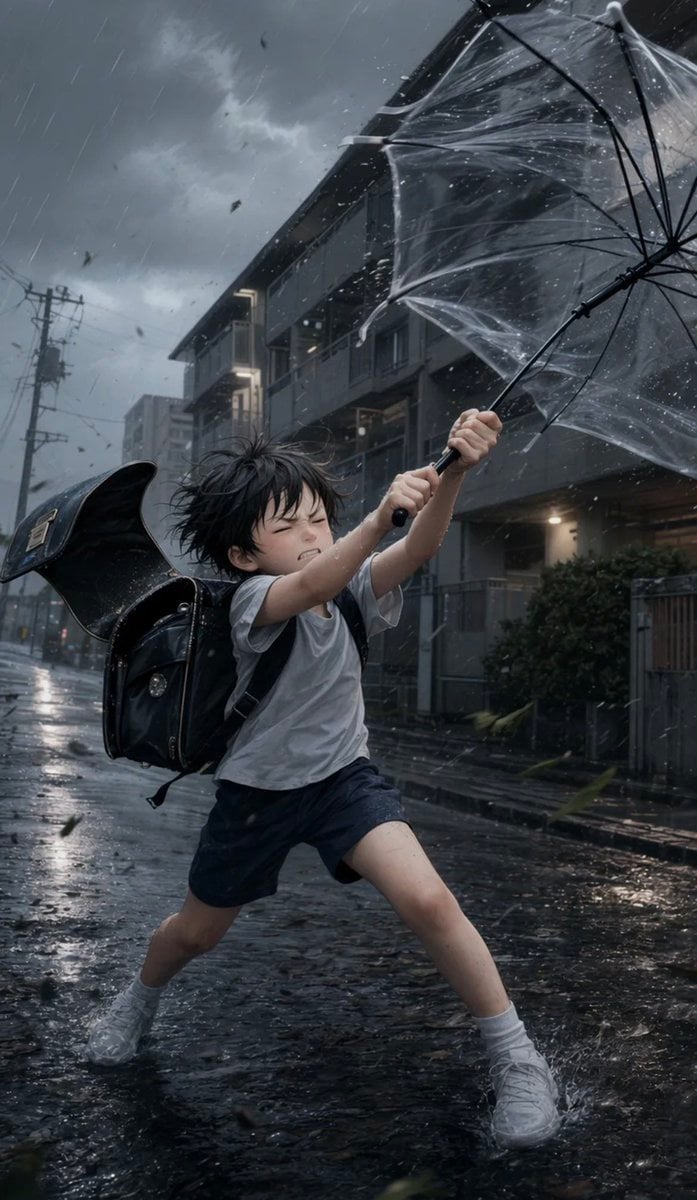
- Prompt included
- Model and format preset
- Free template
The prompt behind this image
Copy the exact prompt behind Boy Fighting Storm With Umbrella, or open it in the studio and make it yours.
Create a dramatic vertical cinematic photorealistic image of {argument name="character name" default="Seiren"}, an elementary-school-aged Japanese boy caught in a violent rainstorm on a residential city street. He has messy windblown {argument name="hair color" default="black"} hair and an obscured/softly blurred face, wearing a soaked white short-sleeve T-shirt, dark navy shorts, white socks, and white sneakers. A large glossy black Japanese randoseru school backpack is strapped to his back, tilted open and flaring in the wind. He stands in a wide braced stance on wet reflective asphalt, leaning forward with both hands gripping a black umbrella handle, fighting the storm as the transparent plastic umbrella is blown inside-out and stretched toward the upper right of the frame; show the umbrella ribs and clear plastic canopy sharply, covered with droplets and spray. The scene is set in a dim Japanese suburban street lined with apartment buildings, balconies, railings, shrubbery, utility poles, and overhead wires, under dark gray storm clouds. Use strong diagonal rain streaks, splashing water, flying leaves and debris, reflections from streetlights and building lights on the pavement, and a cold blue-gray color grade. Composition: low-angle full-body action shot, boy centered slightly lower left, umbrella dominating the upper right, background receding down the street to the left, high motion energy, realistic wet fabric and skin, dramatic backlighting, shallow atmospheric haze, no text, no watermark.
How to use Boy Fighting Storm With Umbrella in 3 steps
- 1Upload ImagePNG, JPG or paste
Add your photo
Upload the photo the template builds on. The prompt, model and format are already set.
- 2…a portrait of your subject in softgolden-hour light, 85mm…
Personalize
Edit the subject and creative details for your destination.
- 3Generate
Generate
Press Generate — your image is created in PicX Studio, so you can compare it with the original and refine one variable at a time.
More like this
Templates with the same subject, style or setup. Open one to see its prompt.
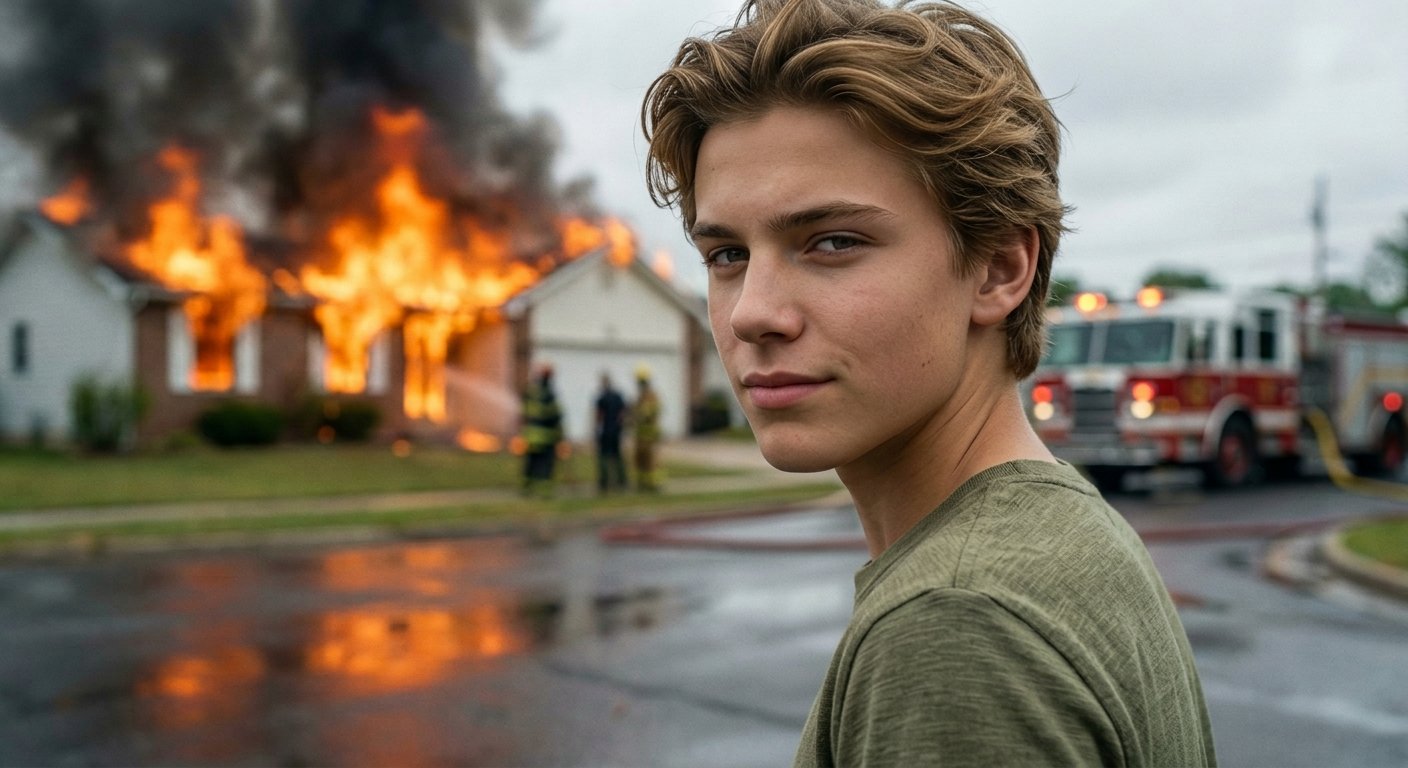
Cinematic Fire Portrait - Boy
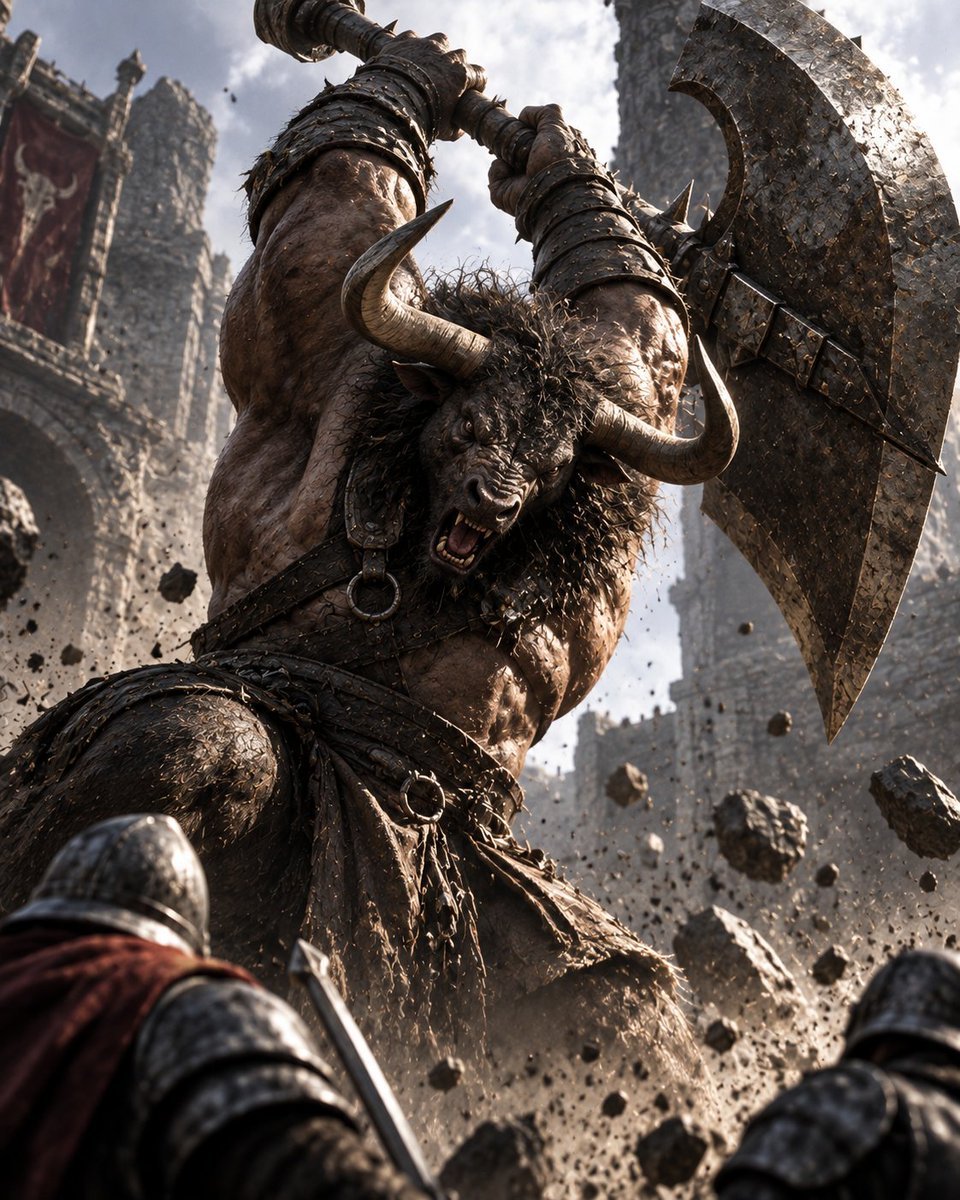
Minotaur Storming Fortress
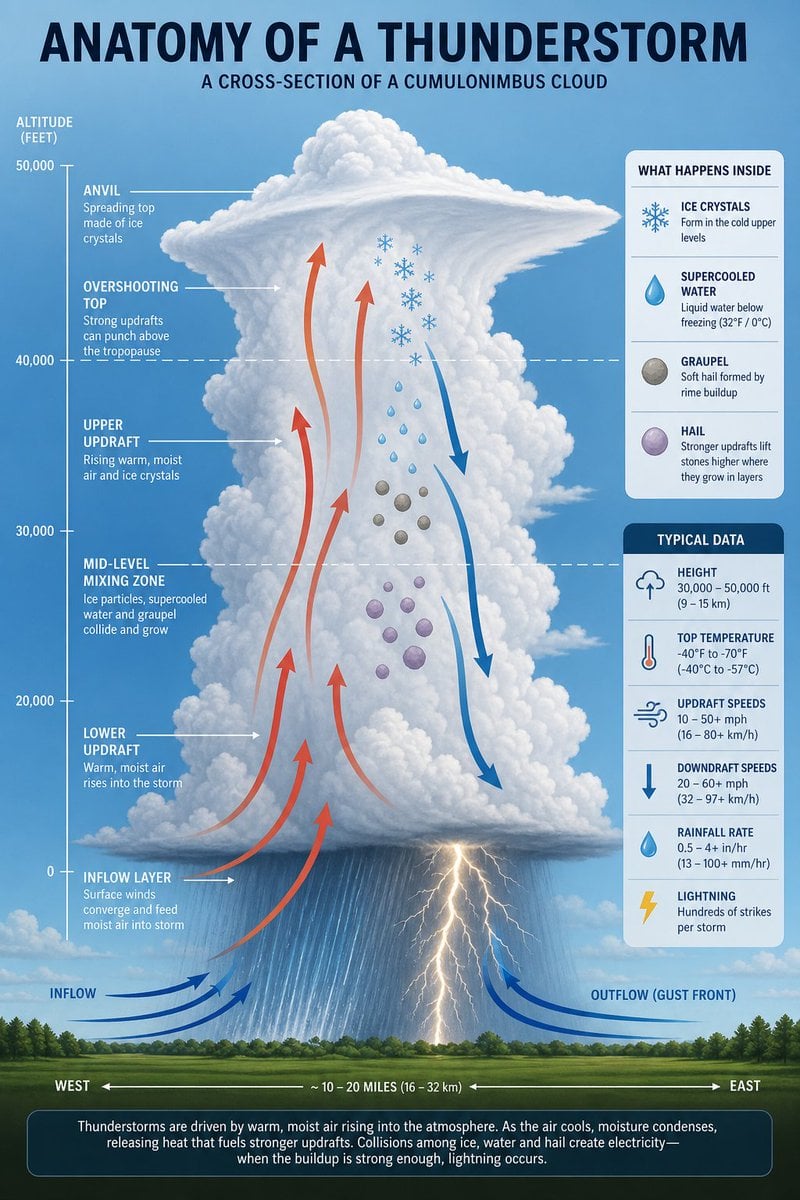
Thunderstorm Anatomy and Photography
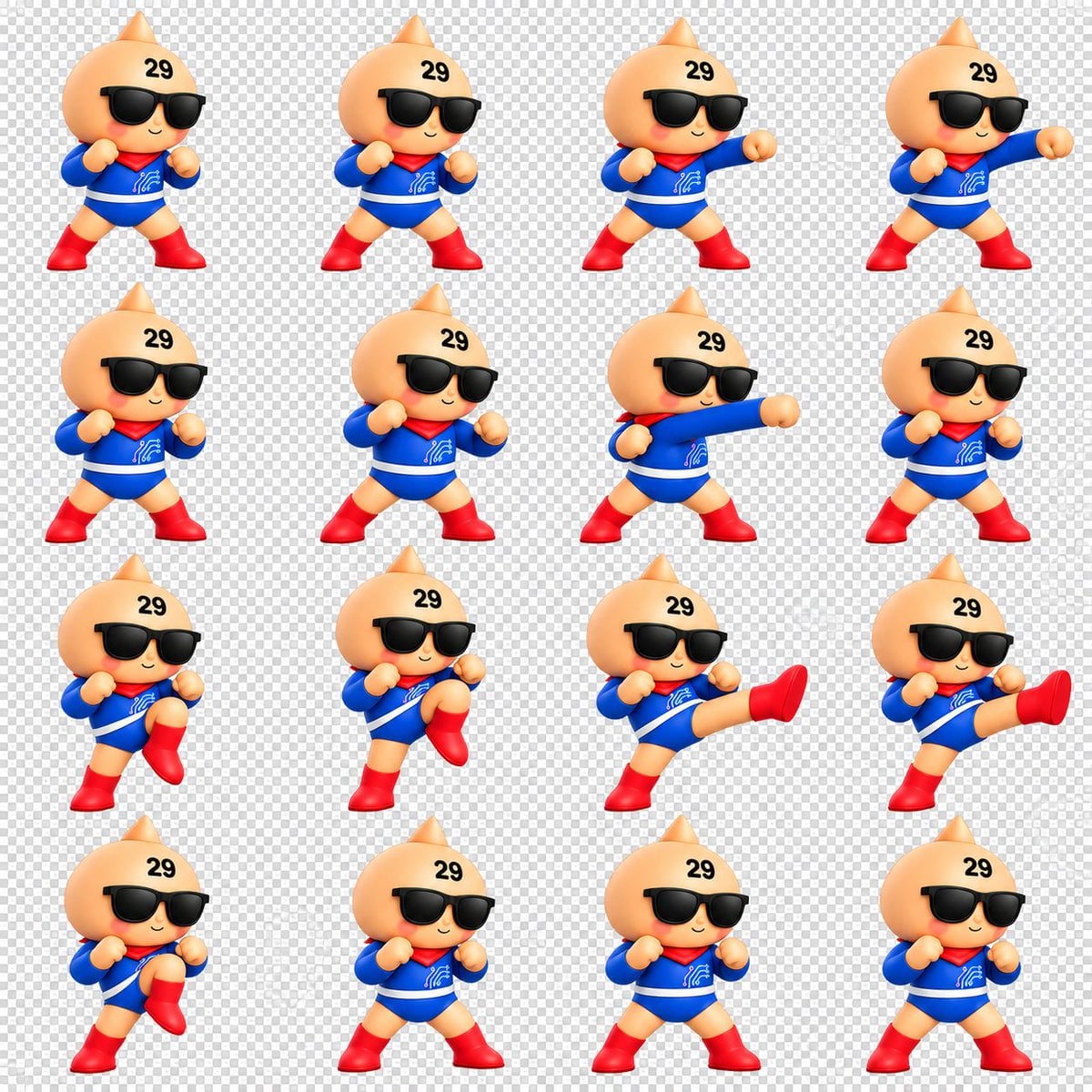
Chibi Mascot Fighting Sprite Sheet
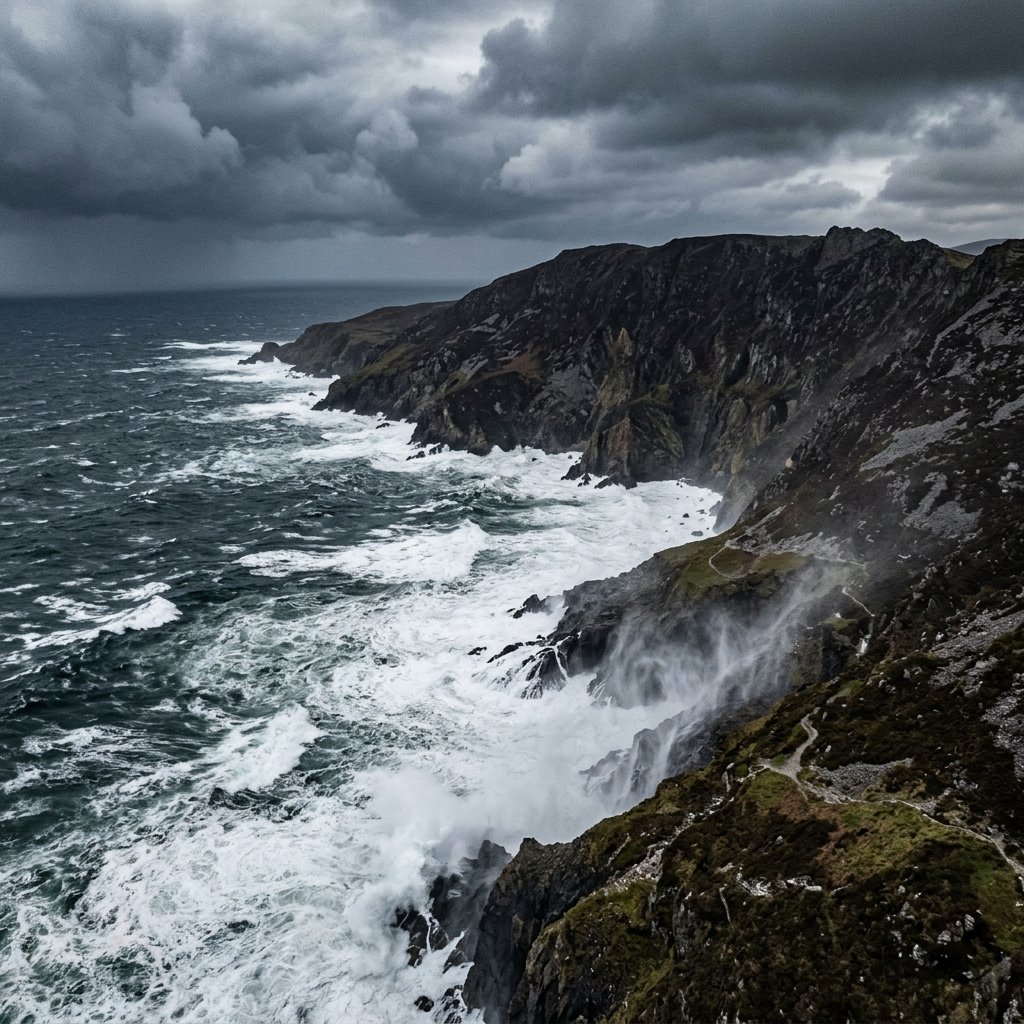
Stormy Coastal Cliff Landscape
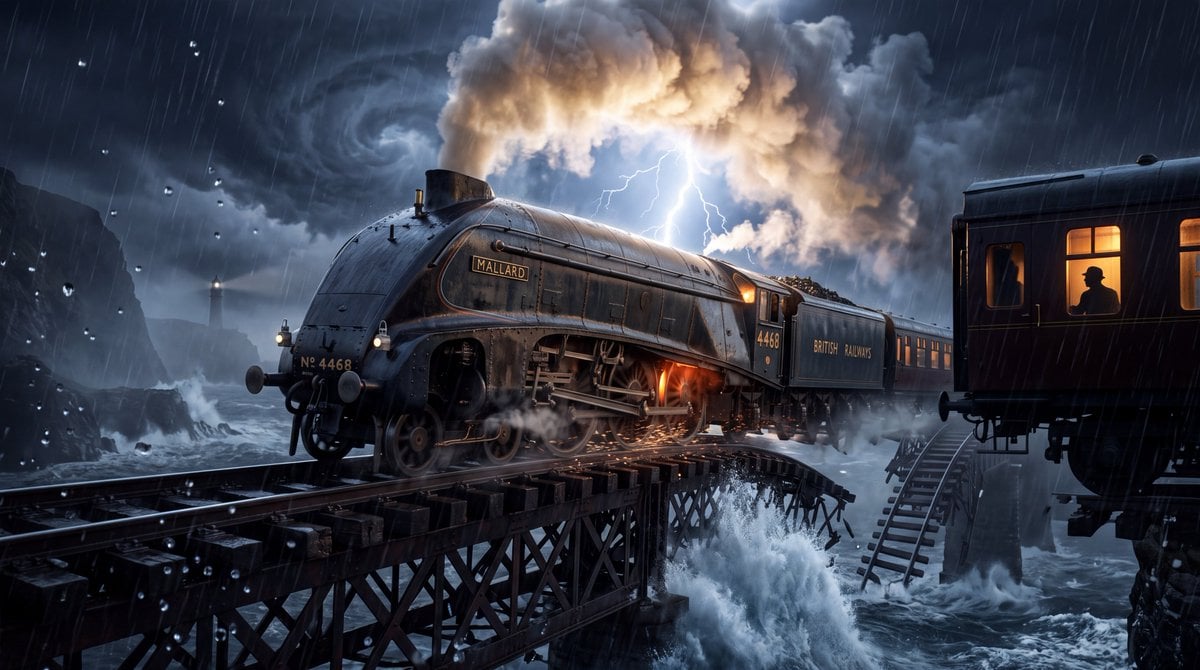
Steam Locomotive Collapsing Bridge Storm
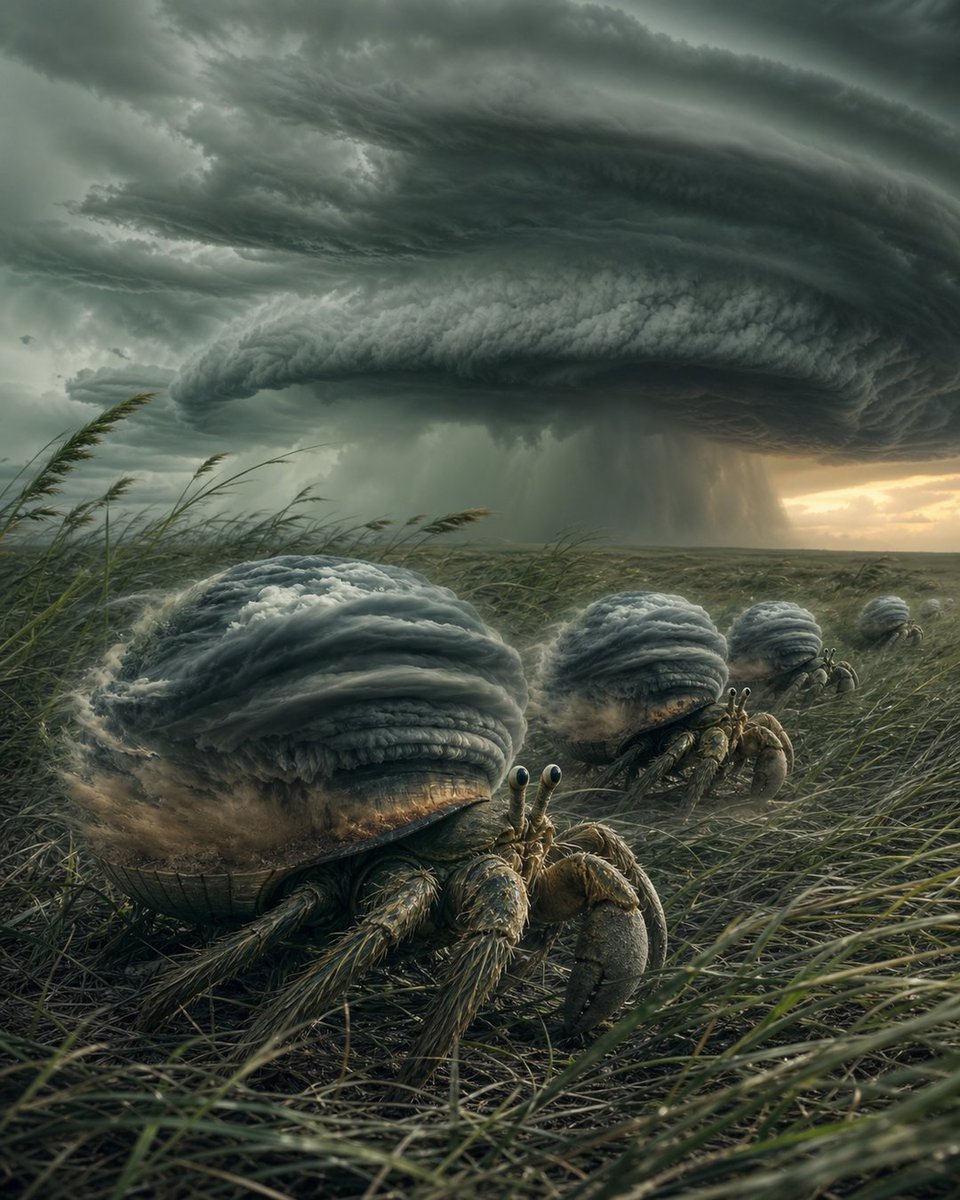
Hermit Crabs Carrying Storm Clouds
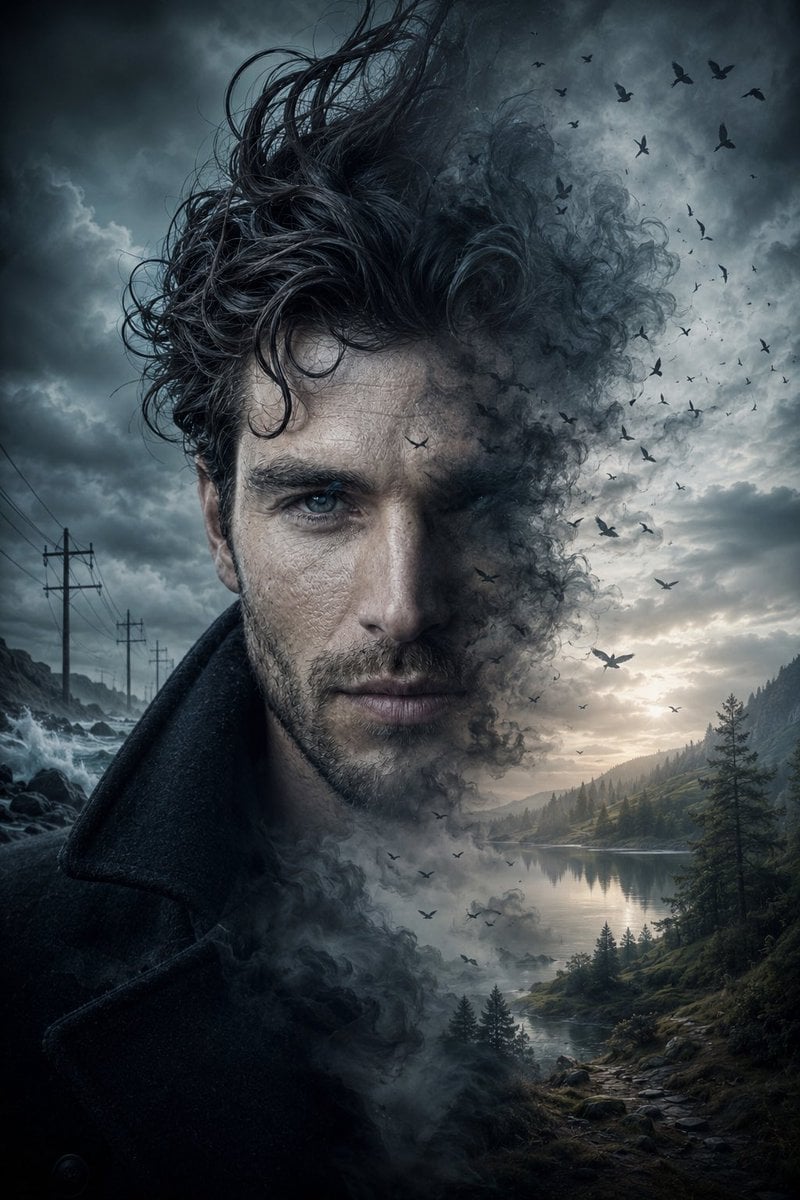
Cinematic Double Exposure Storm Portrait
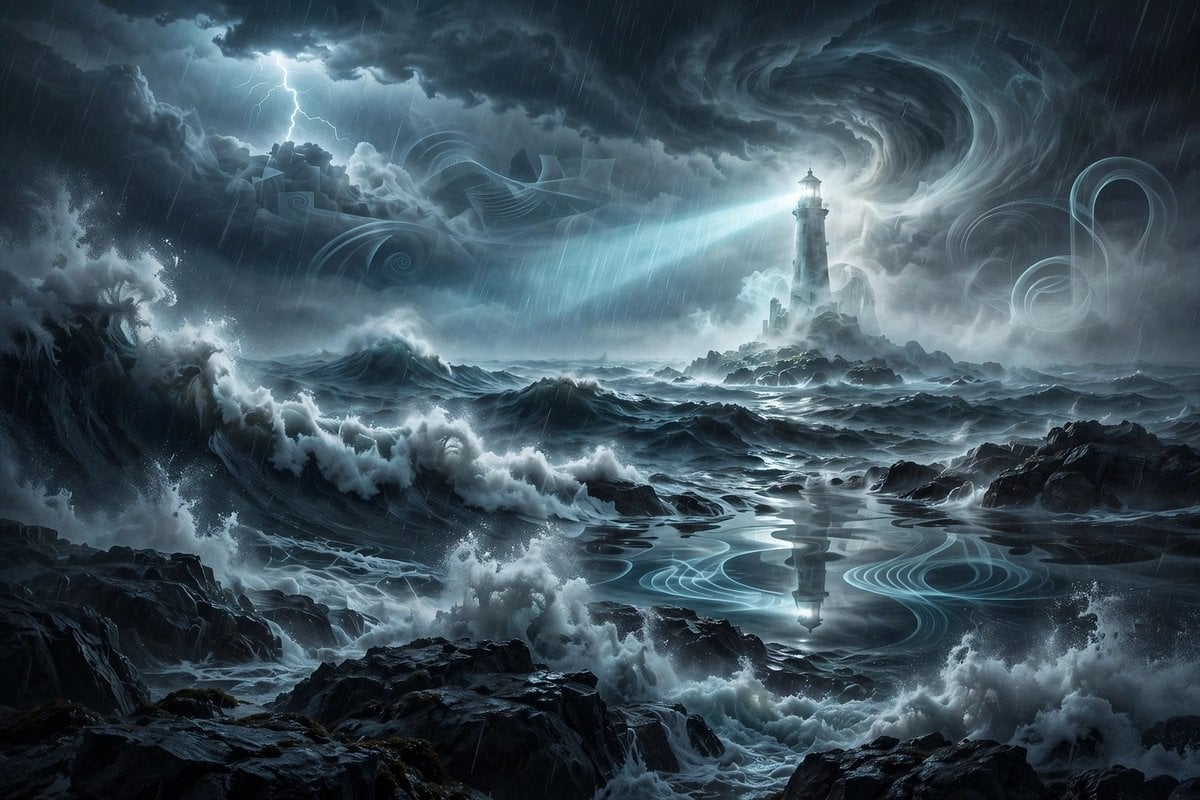
Ghostly Lighthouse Storm Seascape
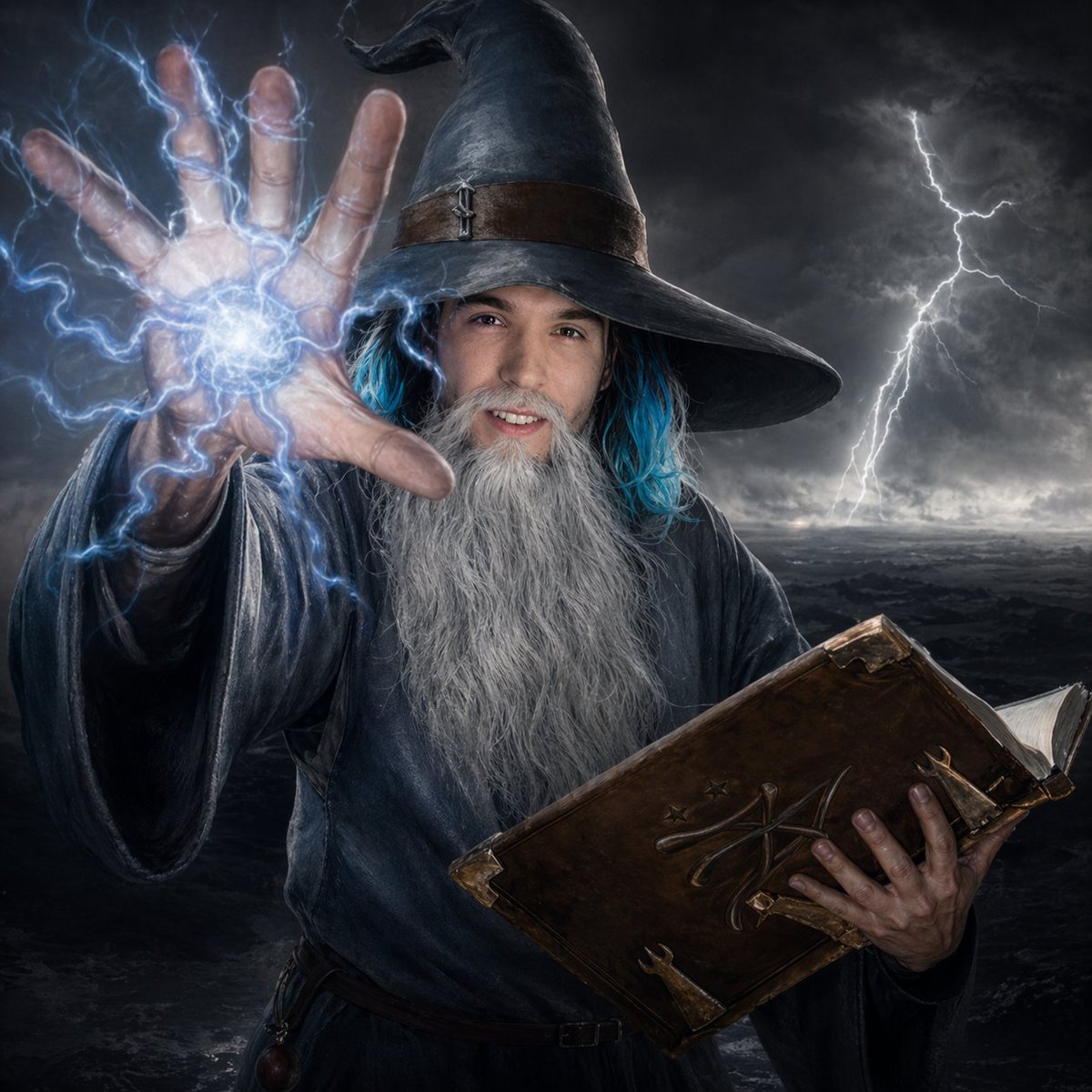
Storm Wizard Casting Lightning
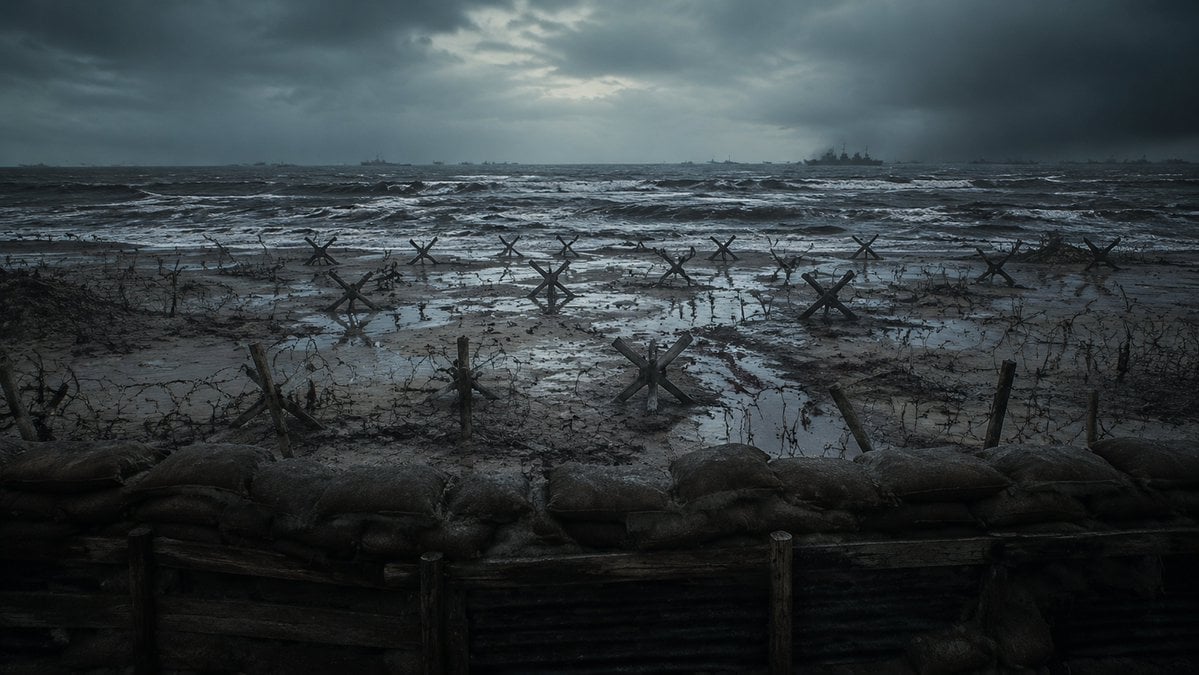
Stormy WWII Beach Defenses
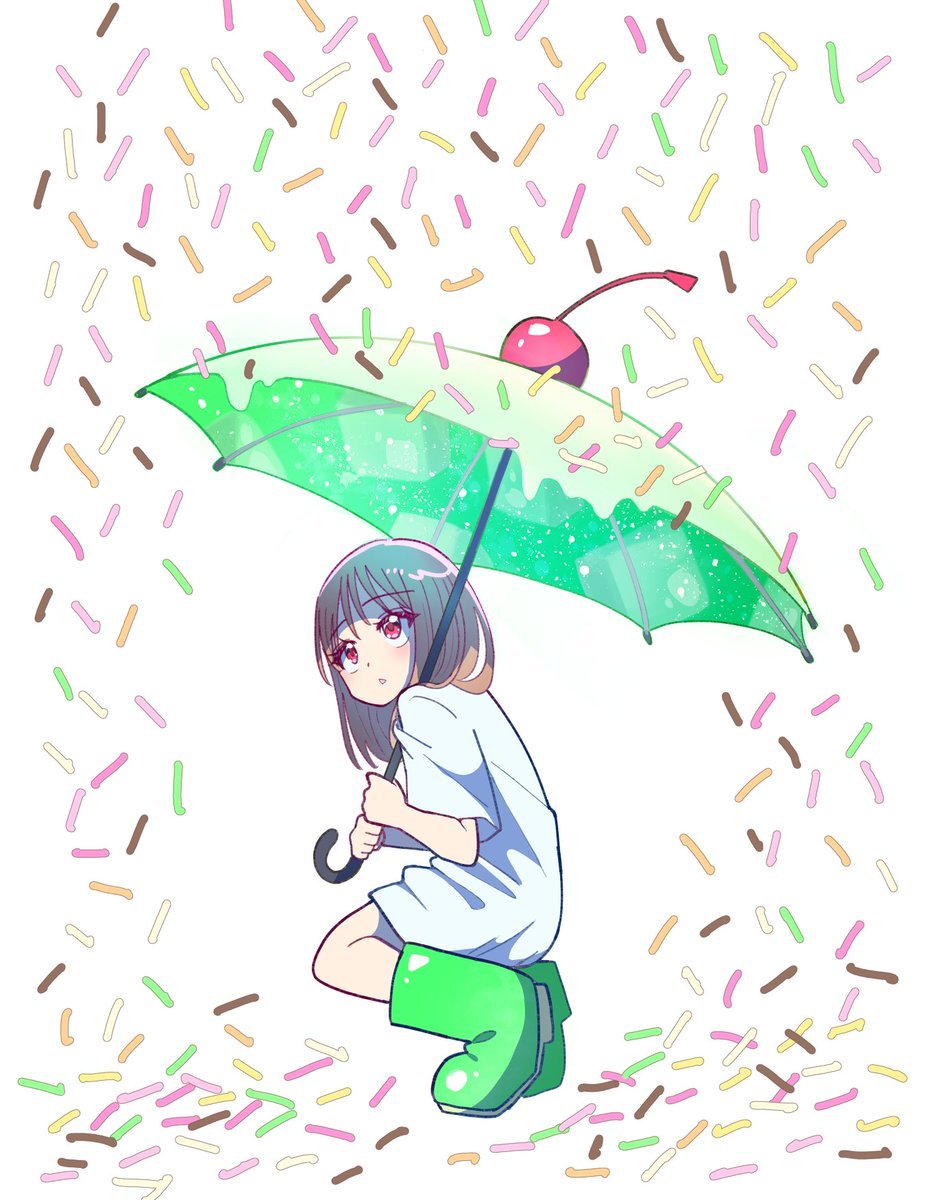
Anime Girl with Melon Soda Umbrella
Make it yours
Boy Fighting Storm With Umbrella works as-is. These are the safest ways to change it without losing the look.
Change one field
Copy a single group, rewrite it, and generate again so you can see what that field is doing.
Keep the frame, change the subject
Hold the composition and light of Boy Fighting Storm With Umbrella, then swap wardrobe, props or the person for a new take.
| If the result… | Why | Fix |
|---|---|---|
| The result drifts from the preview | Too many fields changed at once. | Reuse Boy Fighting Storm With Umbrella as-is first, then change one group — subject, light, or setting. |
| The model over-stylizes the scene | The prose prompt leaves finish and camera underspecified. | Add one camera or lighting sentence and stay on GPT Image 2. |
More GPT Image 2 templates
Other prompts made for GPT Image 2.

Six VTuber Japanese Logo Sheet

Realistic Portrait of Woman and Deer

The Vista Modular Condo Poster

AI Model Routing Comparison Infographic

2.5D Anime Art Board

Isometric Productivity Desk Scene

New York Double Exposure Poster

Four-Panel AI Landscape Comparison

Japanese Tatami Lifestyle Magazine Cover

NESCAFÉ Coffee Map Poster
More image prompts
Fresh picks from across the catalog.

Ultra-Wide Desert Dunes With Lone Palm
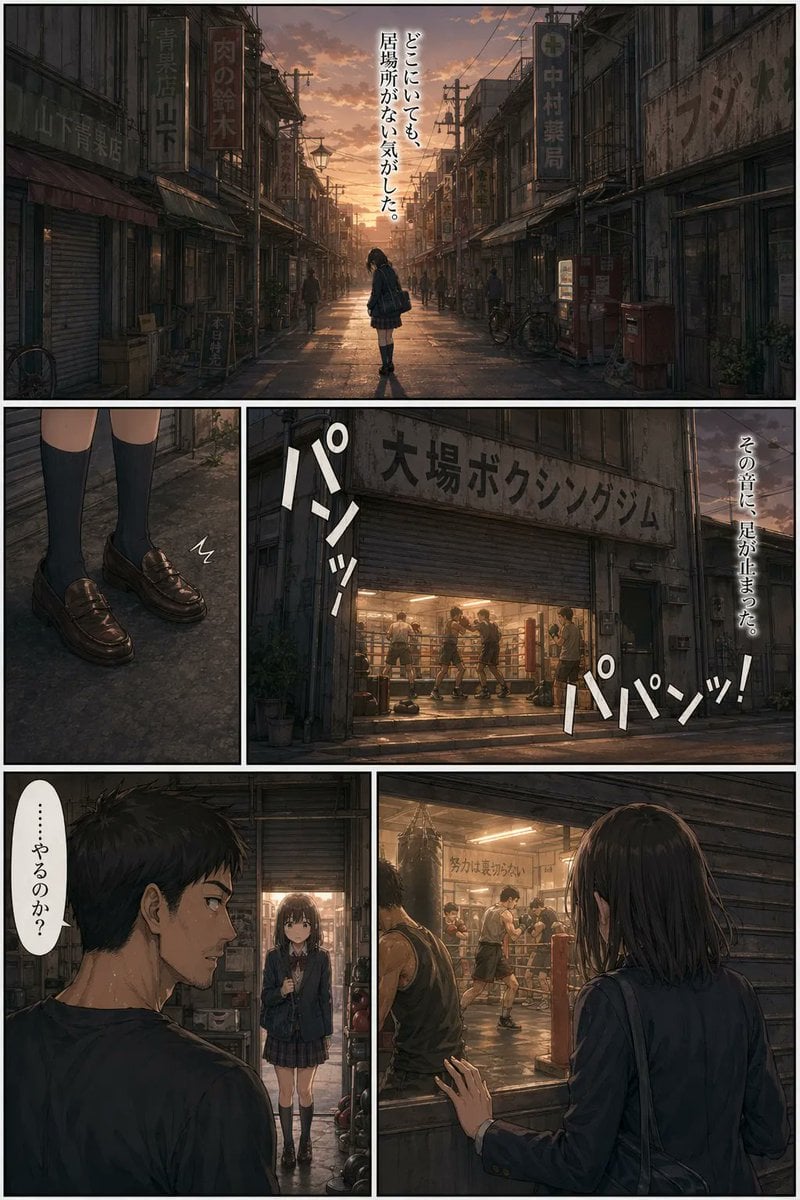
Sunset Boxing Gym Manga Page

Paris Night Party Dance

Modern Loft Staircase Portrait Identity Preservation Prompt
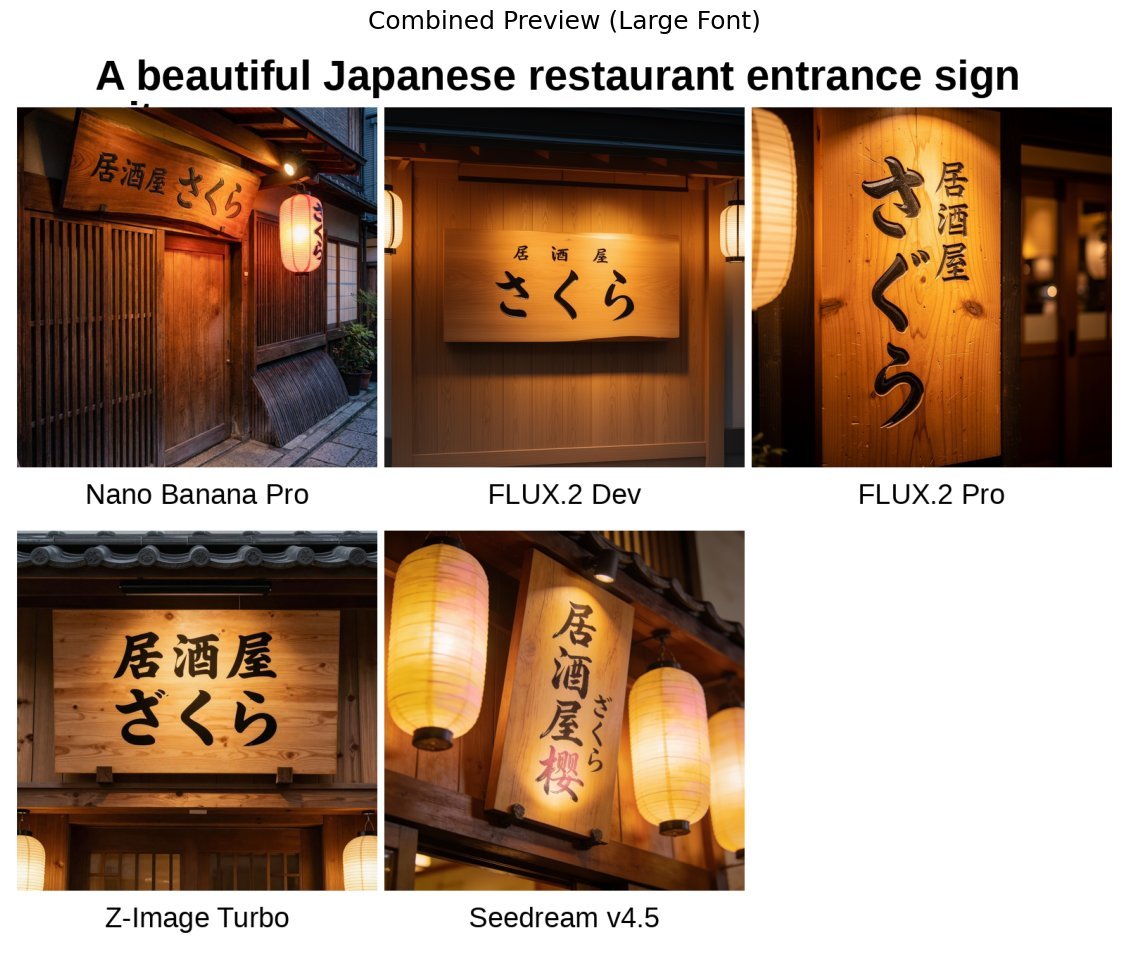
Japanese izakaya entrance sign image prompt for Nano Banana Pro
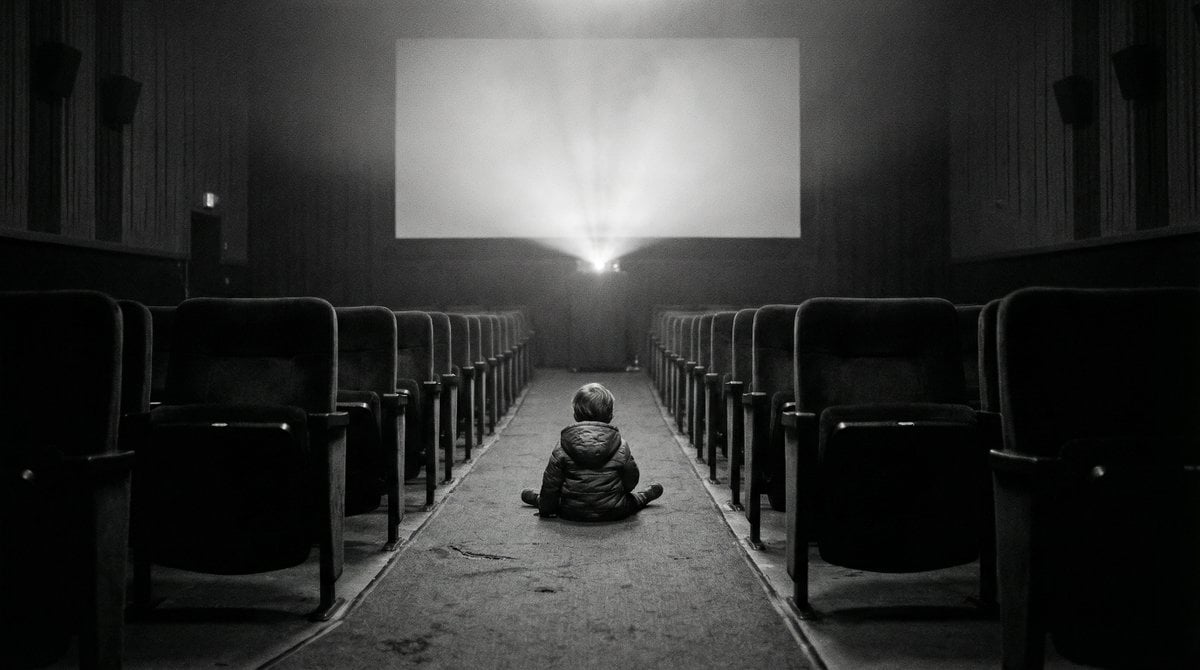
Black and White Documentary Photo of Child in Cinema
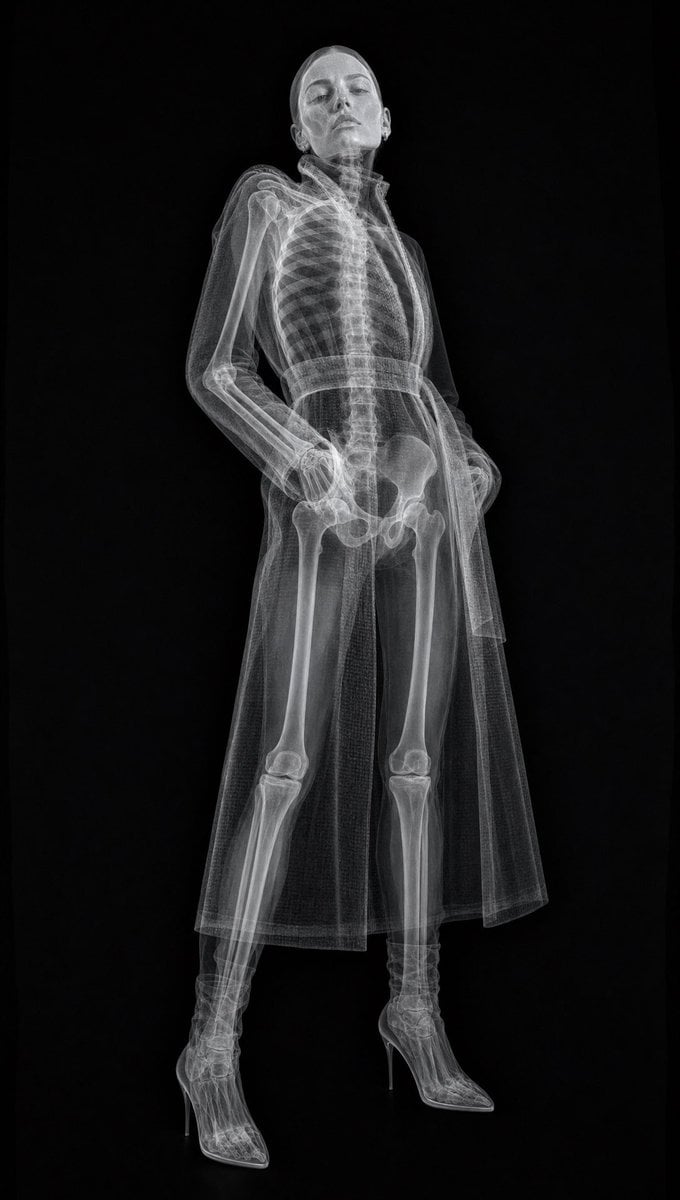
Realistic Medical X-ray Scan
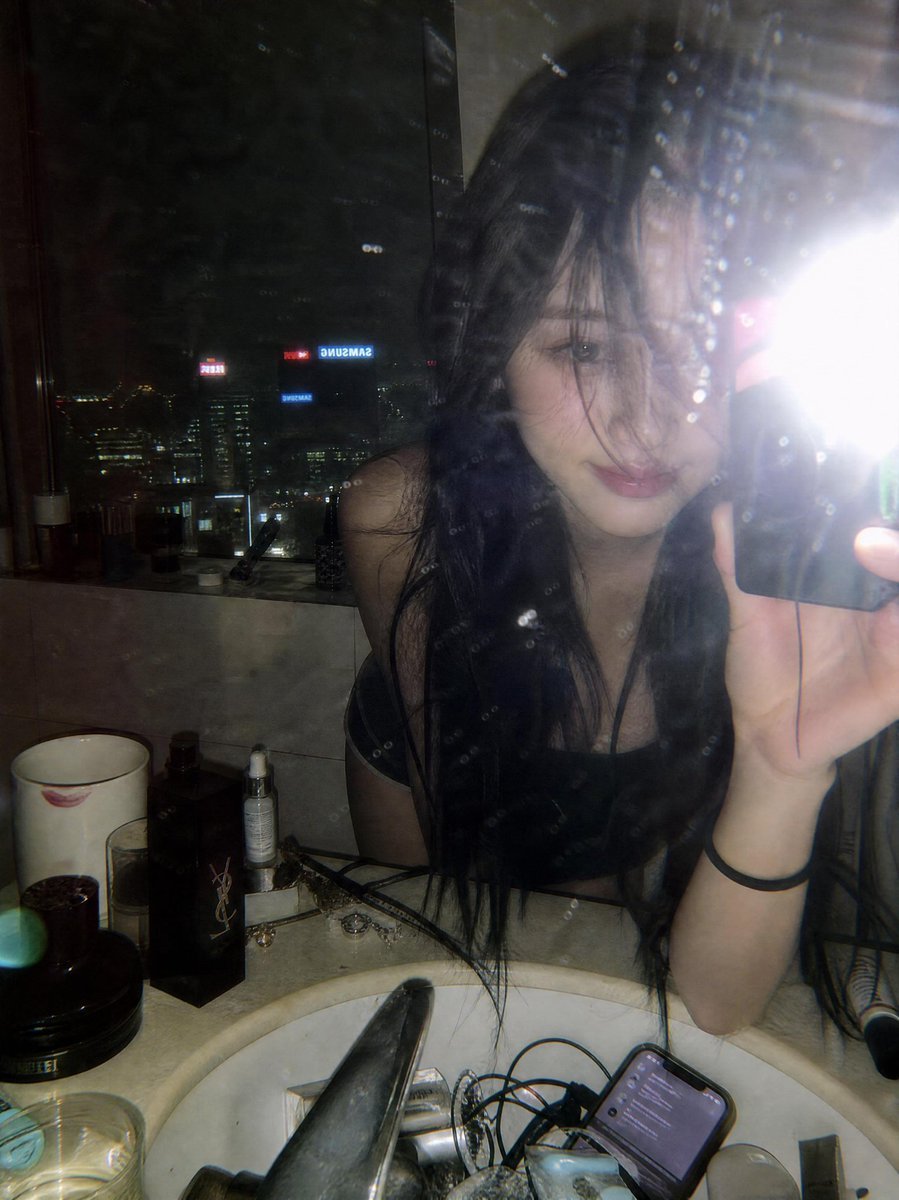
Late Night Luxury Mirror Selfie
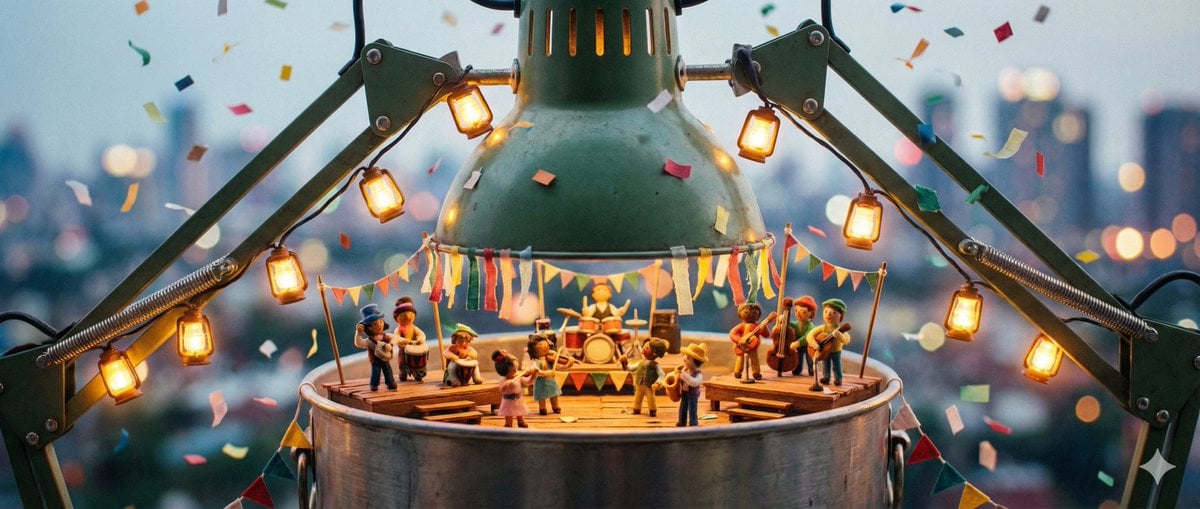
Tiny Characters Festival on Everyday Object Prompt

3D Artsy Video Game Controller Grid
Browse template categories
Boy Fighting Storm With Umbrella questions
How do I use the Boy Fighting Storm With Umbrella template?
Add your photo if the template asks for one, edit the prompt if you like — the template's model and format are already selected — and press Generate. Your version opens in PicX Studio.
Can I customize the Boy Fighting Storm With Umbrella template?
Yes. You can change the subject, setting, lighting, mood, format, and available model controls before creating your image.
Is the Boy Fighting Storm With Umbrella template free?
Opening and editing this template is free. Generating uses credits, shown on the Generate button when you are signed in.
Which AI model should I use?
Start with GPT Image 2, which is the model associated with this template. You can compare another compatible model for a different finish.
Looking for something else? Browse all templates.

Your photo, any look
Thousands of ready templates for every top image and video model, from one credit balance.