
Chibi Mascot Fighting Sprite Sheet
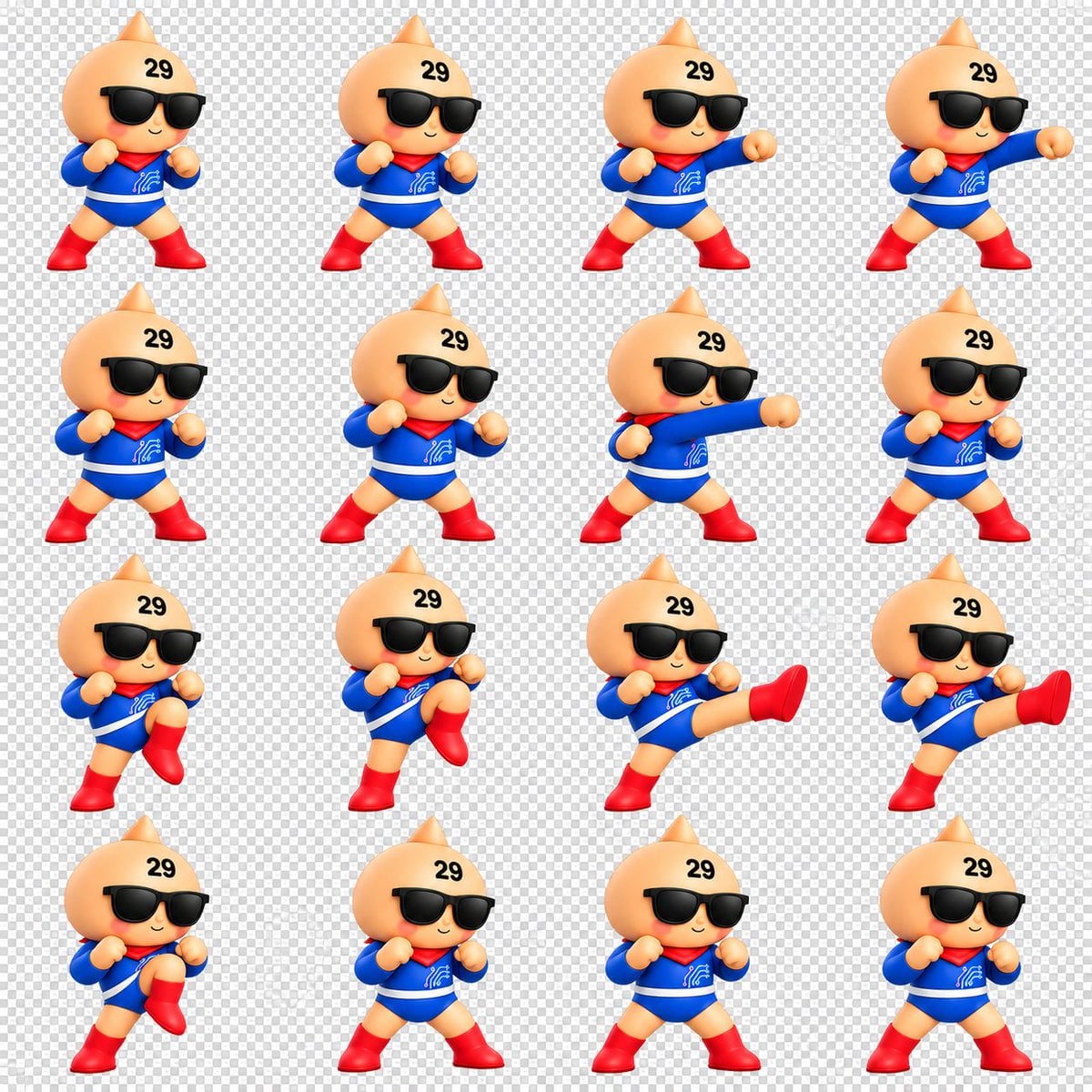
Creates a 16-frame 3D chibi mascot battle animation sprite sheet for GIFs, games, or character motion studies.
- Prompt included
- Model and format preset
- Free template
The prompt behind this image
Copy the exact prompt behind Chibi Mascot Fighting Sprite Sheet, or open it in the studio and make it yours.
Goal: Create a clean 3D chibi fighting animation sprite sheet for a cute mascot character, suitable for making a looping GIF. Canvas: Square 1:1 canvas, about 1200 x 1200 px, with a transparent-background preview shown as a light gray checkerboard. Arrange the sprites in an evenly spaced 4 columns by 4 rows grid, for exactly 16 separate animation frames. Leave generous padding around each character and keep all frames at a consistent scale. Character: A toy-like glossy 3D chibi mascot with a peach-colored round onion/droplet-shaped head and a small pointed top, tiny smiling mouth, rosy cheeks, oversized black sunglasses, and the black number {argument name="forehead number" default="29"} printed on the upper forehead. The body is small and heroic, wearing a bright {argument name="suit color" default="blue"} long-sleeve bodysuit with a white belt stripe, a red scarf/capelet at the neck, a small white circuit-like emblem on the chest, red gloves or rounded fists, and shiny red boots. Use soft studio lighting, smooth plastic/vinyl toy material, rounded proportions, and a cheerful confident expression. Sprite actions: Depict exactly 16 frames of a simple battle motion sequence, all facing mostly forward with slight 3/4 turns. Count and show these frames in order from left to right, top to bottom: 1 neutral guard stance with both fists raised; 2 wider guard stance; 3 right-arm straight punch beginning; 4 right-arm punch fully extended; 5 reset guard stance; 6 guard stance leaning slightly; 7 long straight punch across the body; 8 return to guard; 9 left knee lift preparation; 10 higher knee lift; 11 side kick fully extended to the right; 12 second extended side kick frame; 13 knee lift recovery; 14 neutral guard stance; 15 neutral guard stance variation; 16 final neutral guard stance. Visual style: High-quality cute 3D render, Nintendo-like mascot toy aesthetic, crisp edges, saturated primary colors, soft shadows, consistent camera angle, consistent character size, no motion blur, no outlines except natural 3D shading. Constraints: No text labels other than the forehead number. Do not add weapons, backgrounds, UI elements, frame borders, watermarks, or extra characters. Keep the checkerboard transparency preview visible behind every frame.
How to use Chibi Mascot Fighting Sprite Sheet in 3 steps
- 1Upload ImagePNG, JPG or paste
Add your photo
Upload the photo the template builds on. The prompt, model and format are already set.
- 2…a portrait of your subject in softgolden-hour light, 85mm…
Personalize
Edit the subject and creative details for your destination.
- 3Generate
Generate
Press Generate — your image is created in PicX Studio, so you can compare it with the original and refine one variable at a time.
More like this
Templates with the same subject, style or setup. Open one to see its prompt.
Chibi Miner Game Sprite Sheet
Chibi Desktop Pet Sprite Sheet
3D Chibi Sprite Sheet Generator

Character Battle Motion Sprite Sheet
Cartoon Character GIF Sprite Sheet

Chibi Anime Ninja Sticker Sheet
Chibi Boy and Sprout Mascot

Halloween Nun Chibi Character Sheet

Cute Layered Paper Cut Chibi Girl
Puffy Chibi Sticker Sheet
Kawaii Chibi Sticker Sheet

Anime Rain Poncho Parade
Make it yours
Chibi Mascot Fighting Sprite Sheet works as-is. These are the safest ways to change it without losing the look.
Change one field
Copy a single group, rewrite it, and generate again so you can see what that field is doing.
Keep the frame, change the subject
Hold the composition and light of Chibi Mascot Fighting Sprite Sheet, then swap wardrobe, props or the person for a new take.
| If the result… | Why | Fix |
|---|---|---|
| The result drifts from the preview | Too many fields changed at once. | Reuse Chibi Mascot Fighting Sprite Sheet as-is first, then change one group — subject, light, or setting. |
| The model over-stylizes the scene | The prose prompt leaves finish and camera underspecified. | Add one camera or lighting sentence and stay on GPT Image 2. |
More GPT Image 2 templates
Other prompts made for GPT Image 2.

Six VTuber Japanese Logo Sheet

Realistic Portrait of Woman and Deer

The Vista Modular Condo Poster

AI Model Routing Comparison Infographic

2.5D Anime Art Board

Isometric Productivity Desk Scene

New York Double Exposure Poster

Four-Panel AI Landscape Comparison

Japanese Tatami Lifestyle Magazine Cover

NESCAFÉ Coffee Map Poster
More image prompts
Fresh picks from across the catalog.
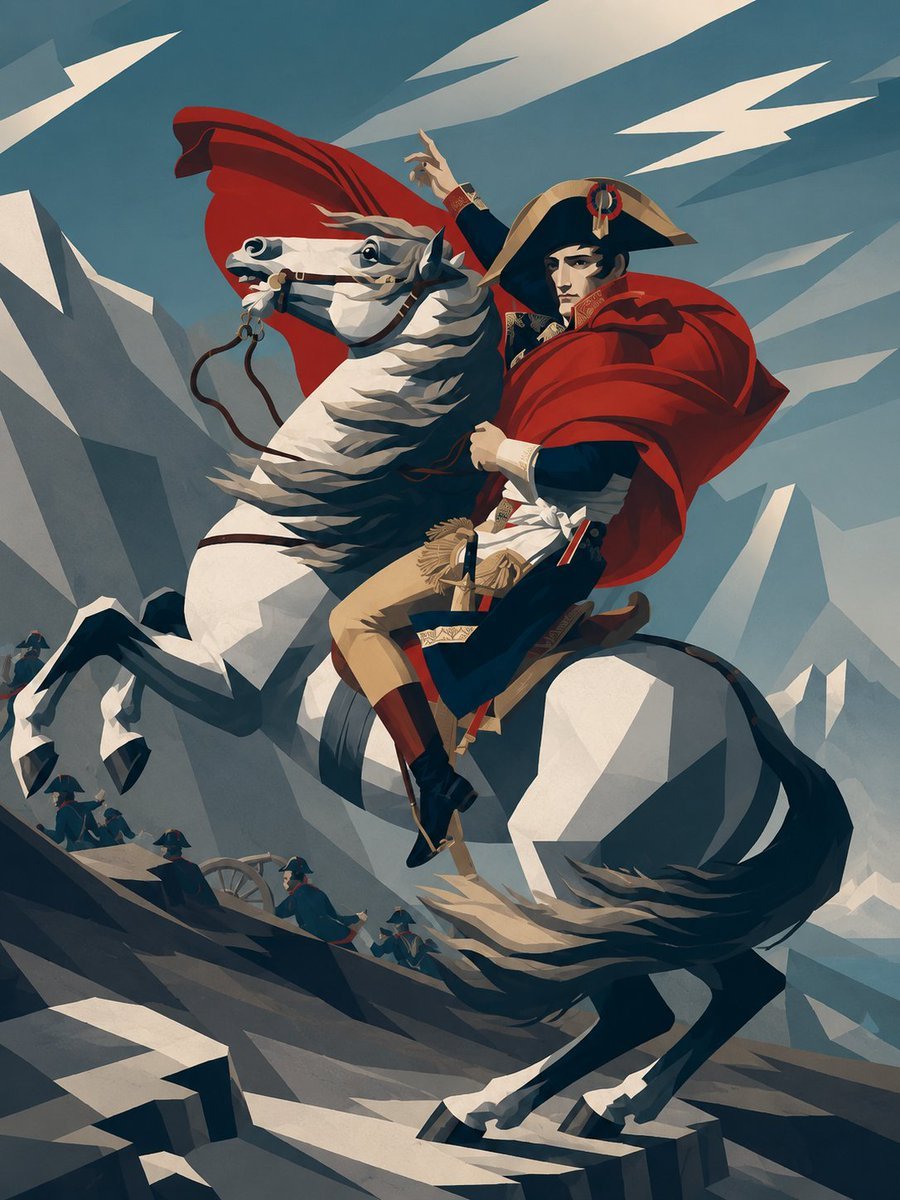
Minimalist Geometric Napoleon Portrait
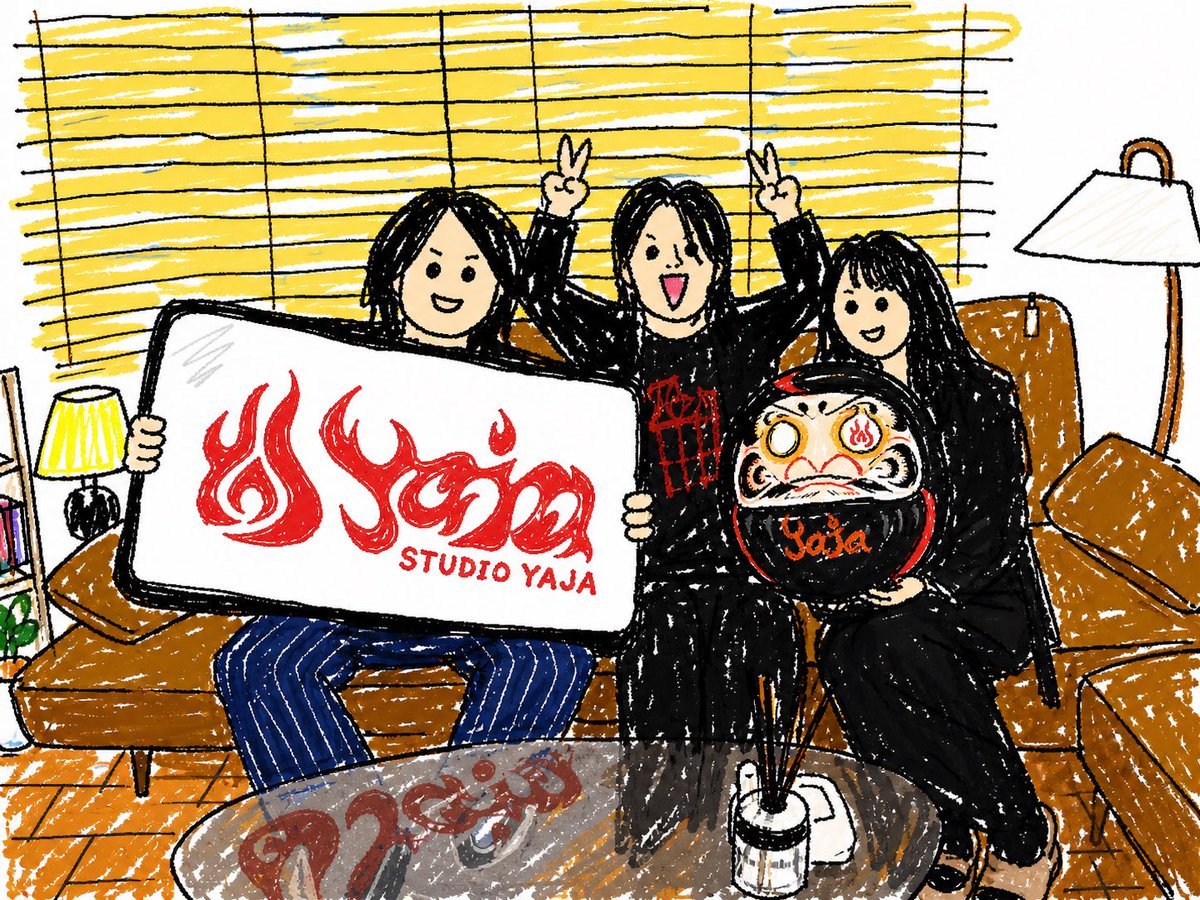
Crayon Friends Studio Celebration
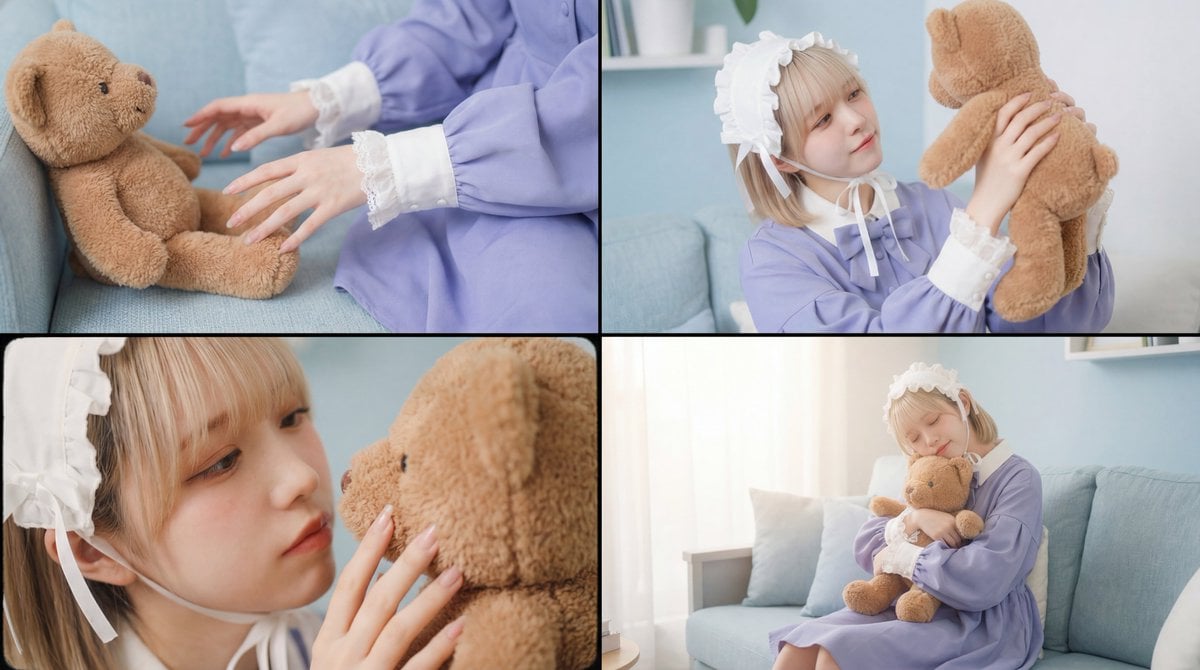
Warm, Nostalgic Cinematic Video of a Woman with a Teddy Bear
Nano Banana Pro-themed hero image (duplicate Chinese prompt 2)
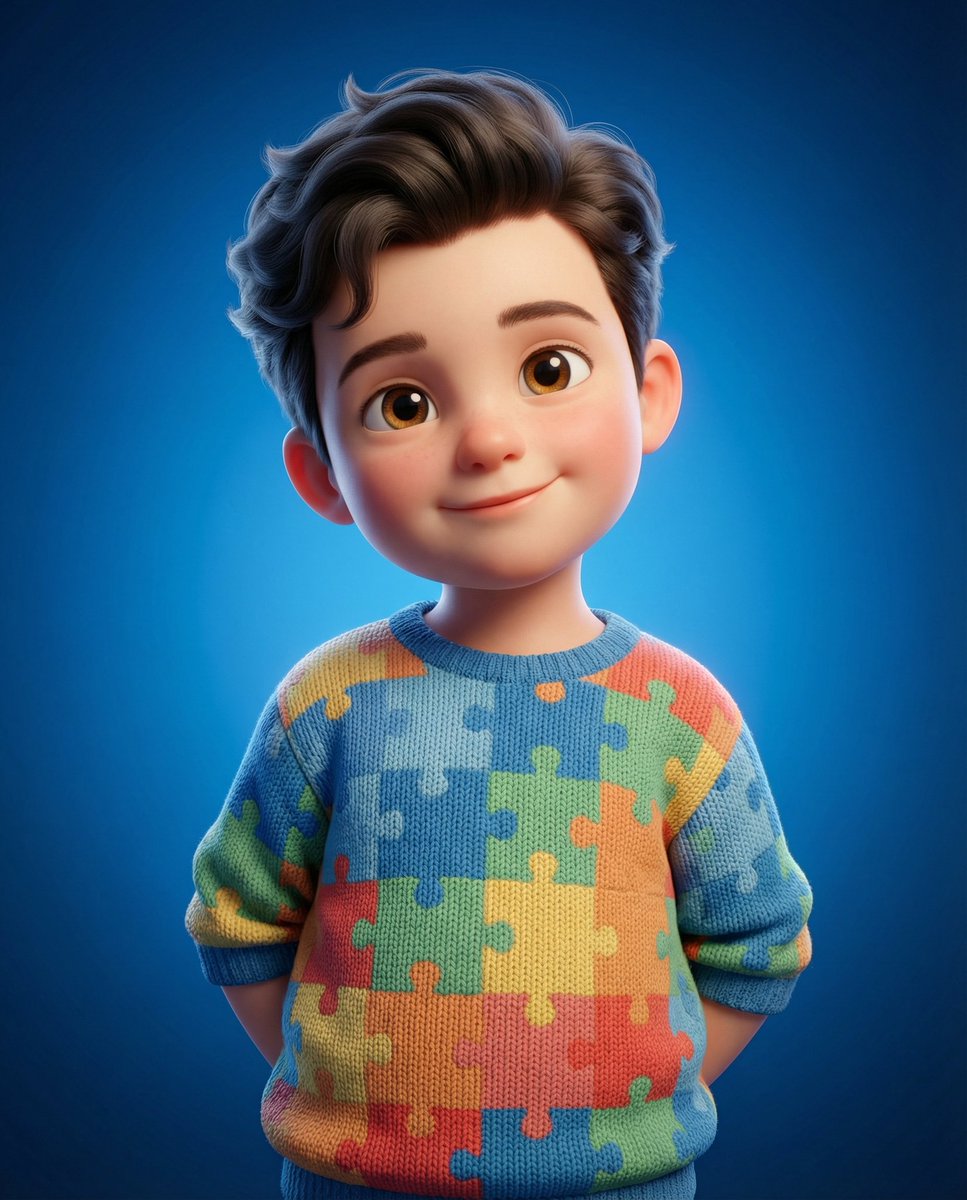
3D Render of Childlike Character in Puzzle Sweater
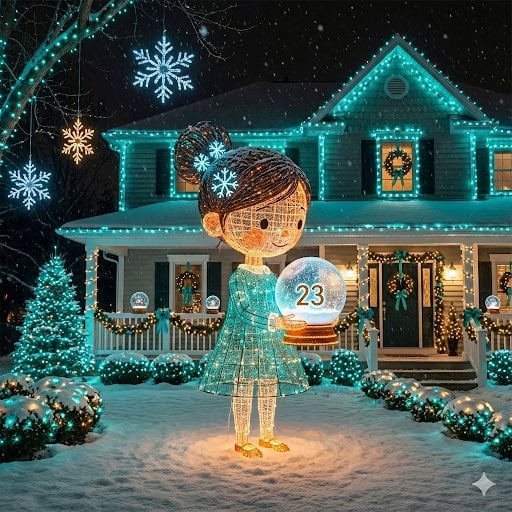
Image-to-Outdoor Christmas Decor Prompt
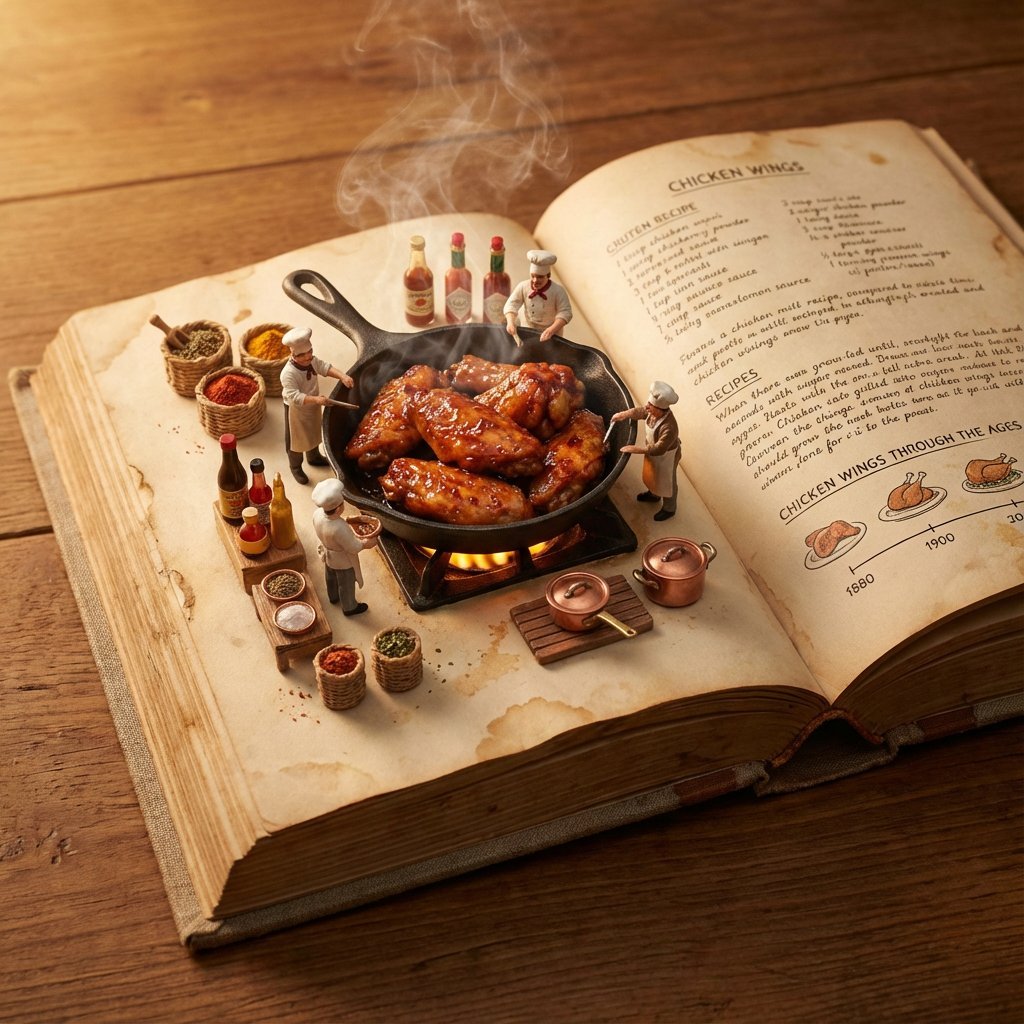
Vintage Cookbook Food Scene
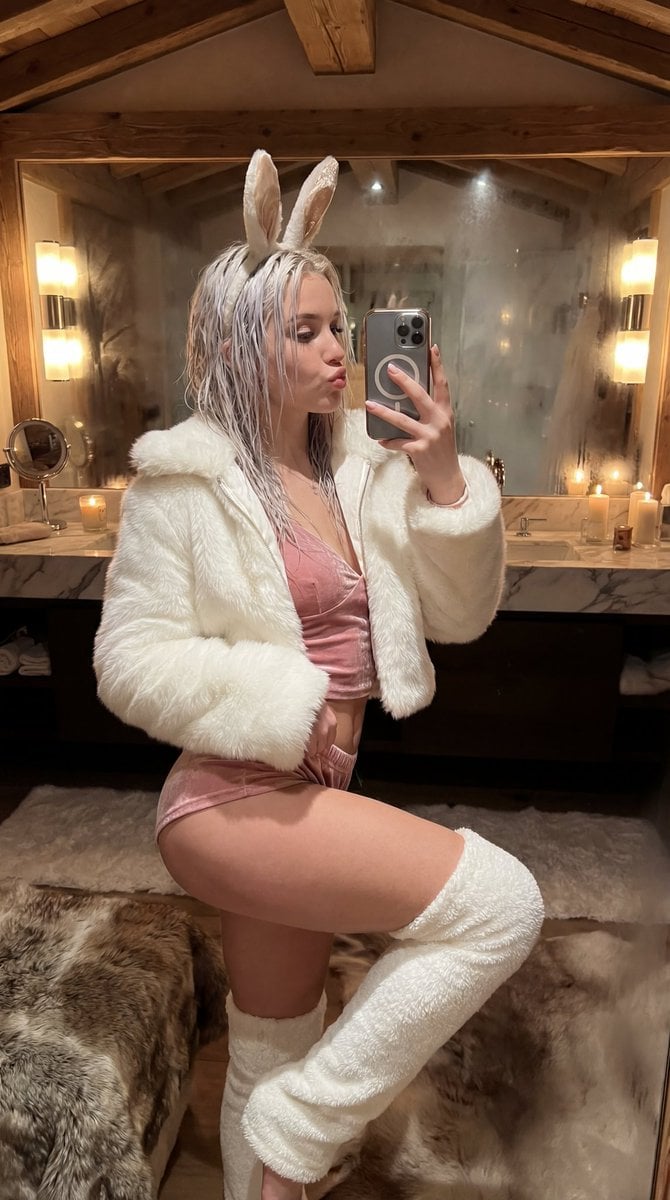
Après-Ski Naughty Bunny Selfie Prompt
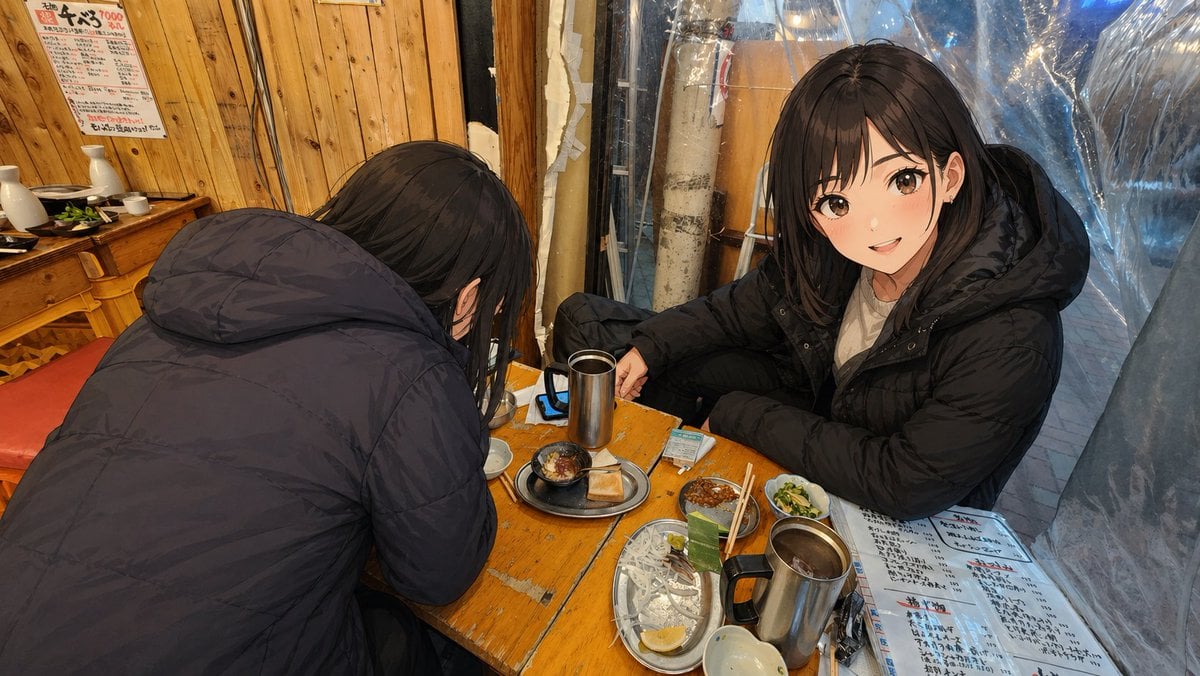
Anime Characters in Real Izakaya Photo
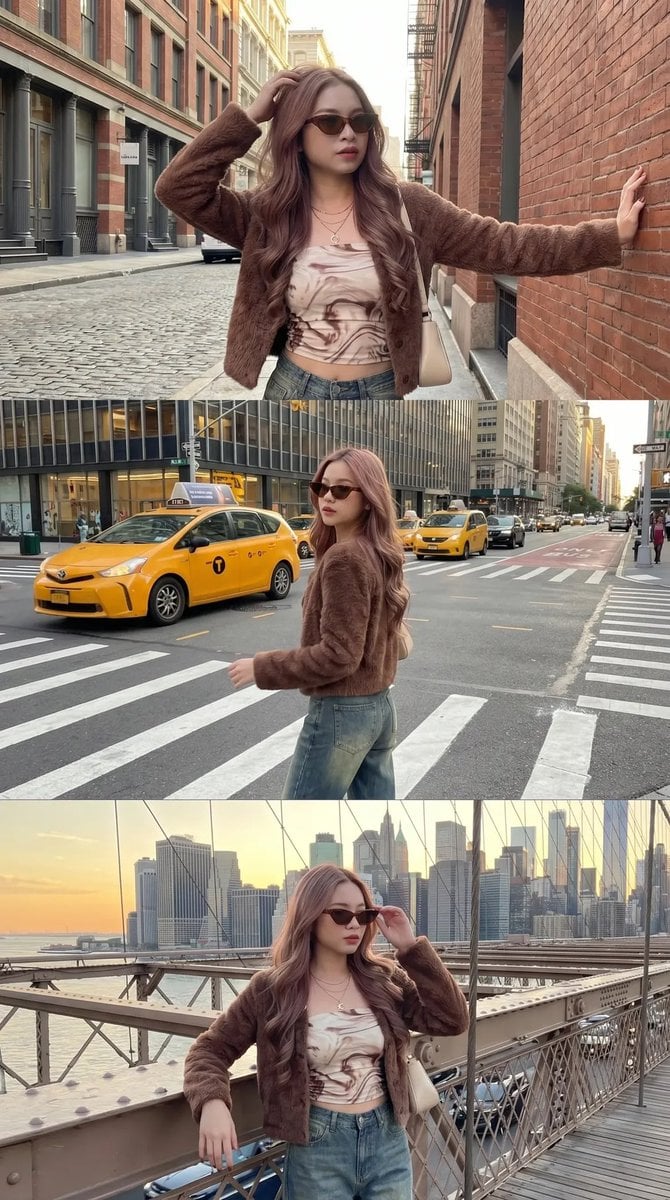
Urban Fashion Street Photography
Browse template categories
Chibi Mascot Fighting Sprite Sheet questions
How do I use the Chibi Mascot Fighting Sprite Sheet template?
Add your photo if the template asks for one, edit the prompt if you like — the template's model and format are already selected — and press Generate. Your version opens in PicX Studio.
Can I customize the Chibi Mascot Fighting Sprite Sheet template?
Yes. You can change the subject, setting, lighting, mood, format, and available model controls before creating your image.
Is the Chibi Mascot Fighting Sprite Sheet template free?
Opening and editing this template is free. Generating uses credits, shown on the Generate button when you are signed in.
Which AI model should I use?
Start with GPT Image 2, which is the model associated with this template. You can compare another compatible model for a different finish.
Looking for something else? Browse all templates.

Your photo, any look
Thousands of ready templates for every top image and video model, from one credit balance.