
Cartoon Character GIF Sprite Sheet
A technical prompt designed for GPT Image 2.5 to generate a 4x4 sprite sheet of a character performing a continuous animation, perfect for creating smooth custom GIFs.
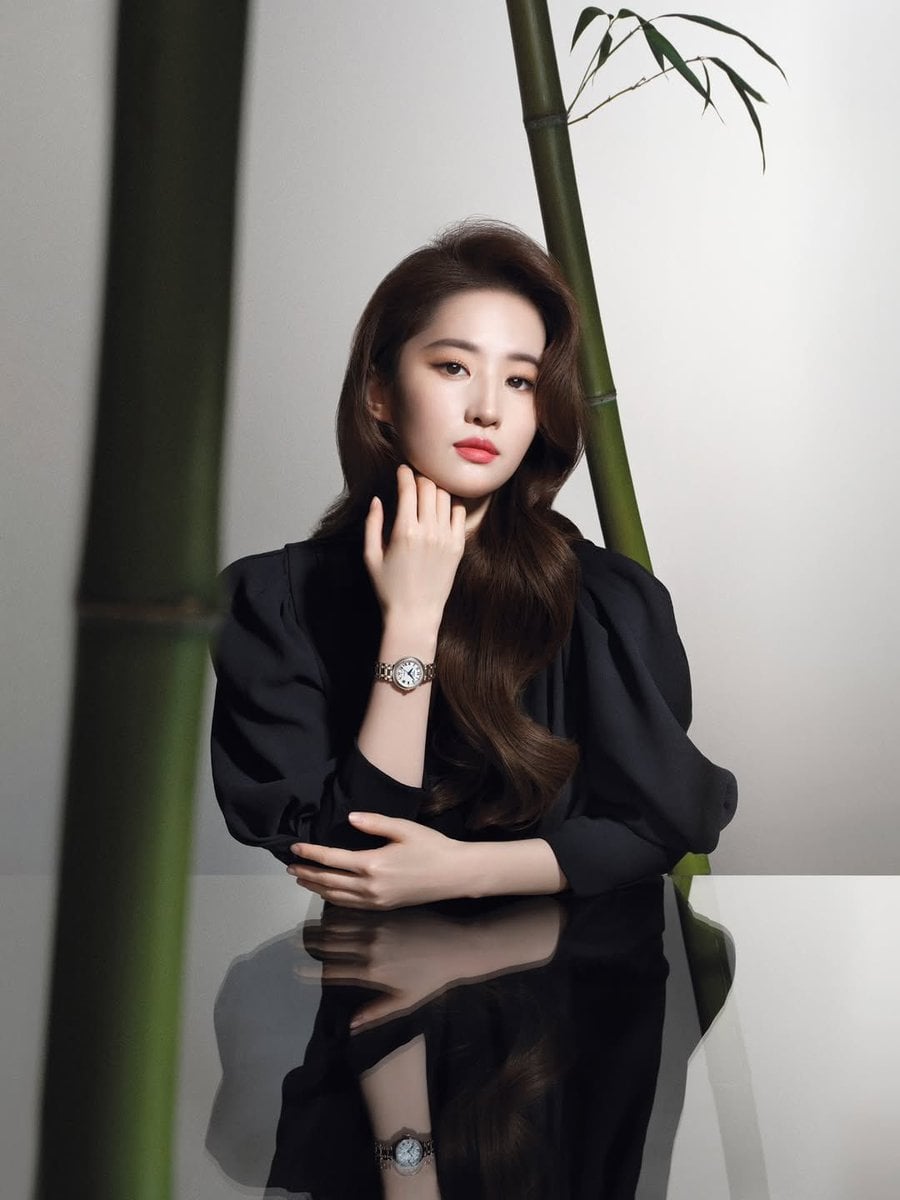
- Prompt included
- Model and format preset
- Free template
The prompt behind this image
Copy the exact prompt behind Cartoon Character GIF Sprite Sheet, or open it in the studio and make it yours.
为我生成图中角色的卡通Line风格的半身像GIF表情包每一帧的图片,注意头饰和发型要正确。 使用 4行x4列 布局共生成16个小图片。16个小图片为“飞吻”动画的连贯的拆分动作,使用这16张可以组成一个完整的、循环动画,动作流畅逼真,最后一帧应流畅地循环回到第一帧。16张图片里都使用跟图片搭配的字体写着汉字“爱你哦”。16个小图片之间需要有足够留白方便后续切割,每张图片都不要超出自己的区域。 注意不要原图复制,只是使用图片里的人物。背景为纯白色,不要画分割线。图片比例1:1
How to use Cartoon Character GIF Sprite Sheet in 3 steps
- 1Upload ImagePNG, JPG or paste
Add your photo
Upload the photo the template builds on. The prompt, model and format are already set.
- 2…a portrait of your subject in softgolden-hour light, 85mm…
Personalize
Edit the subject and creative details for your destination.
- 3Generate
Generate
Press Generate — your image is created in PicX Studio, so you can compare it with the original and refine one variable at a time.
More like this
Templates with the same subject, style or setup. Open one to see its prompt.
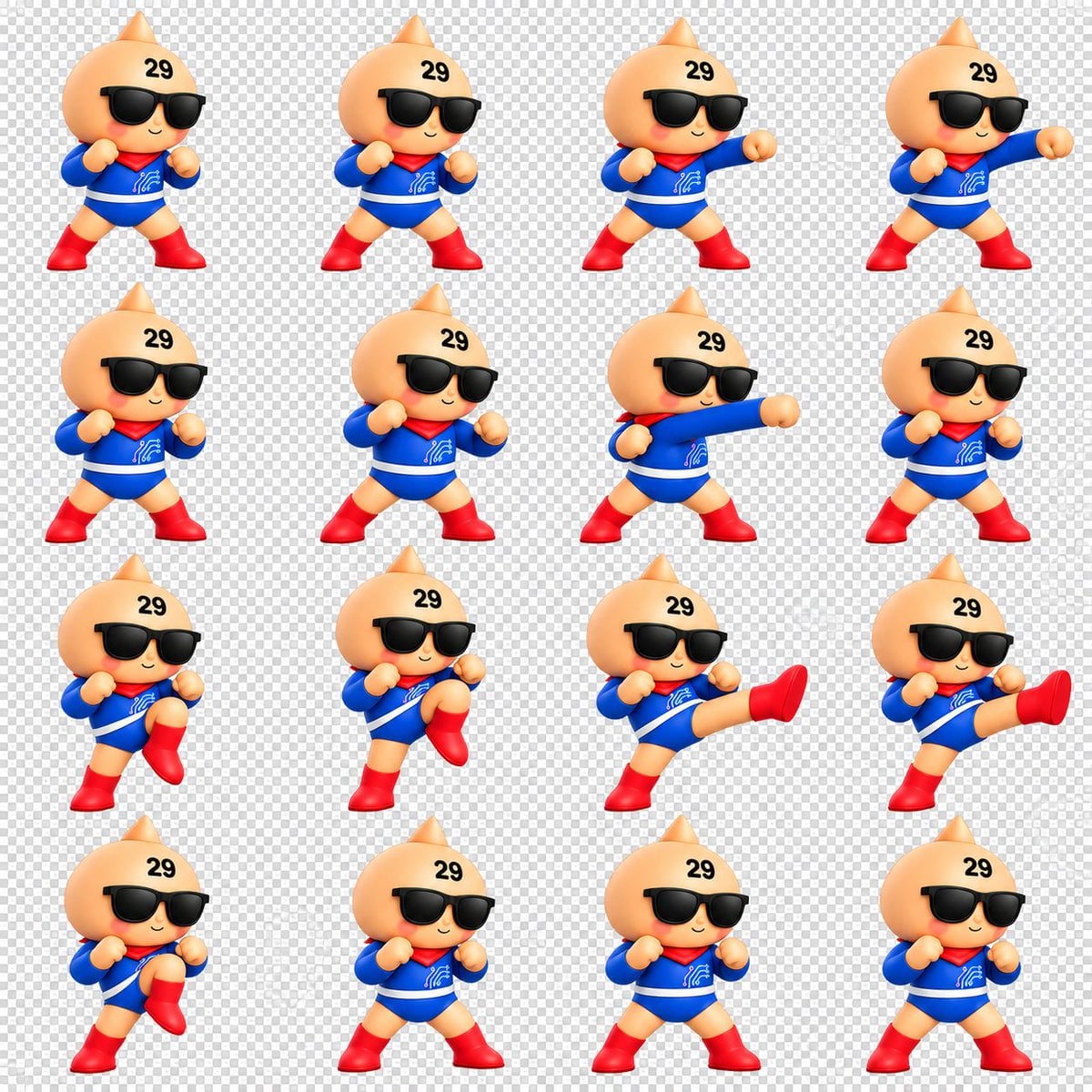
Chibi Mascot Fighting Sprite Sheet

Character Battle Motion Sprite Sheet
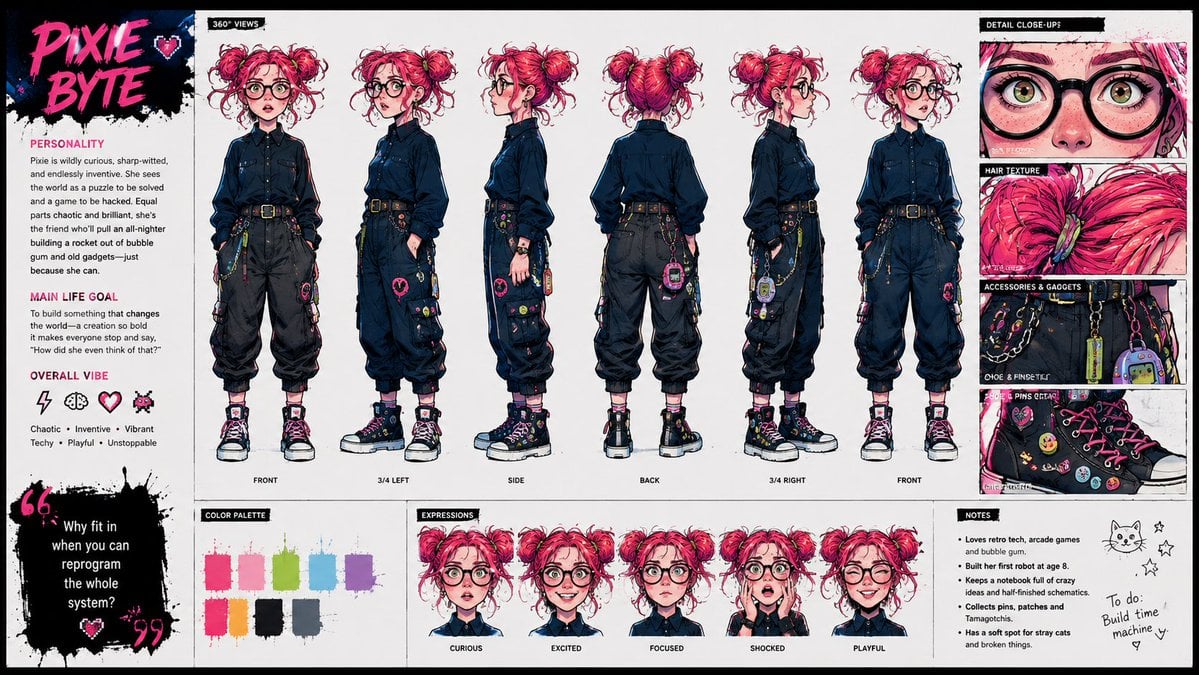
Punk Cartoon Character Sheet

Toon Cartoon Finale Fireworks

Toon Cartoon Garden Maze

Toon Cartoon Rooftop Concert

Toon Cartoon Kitchen Chaos

Toon Cartoon Carnival Ride
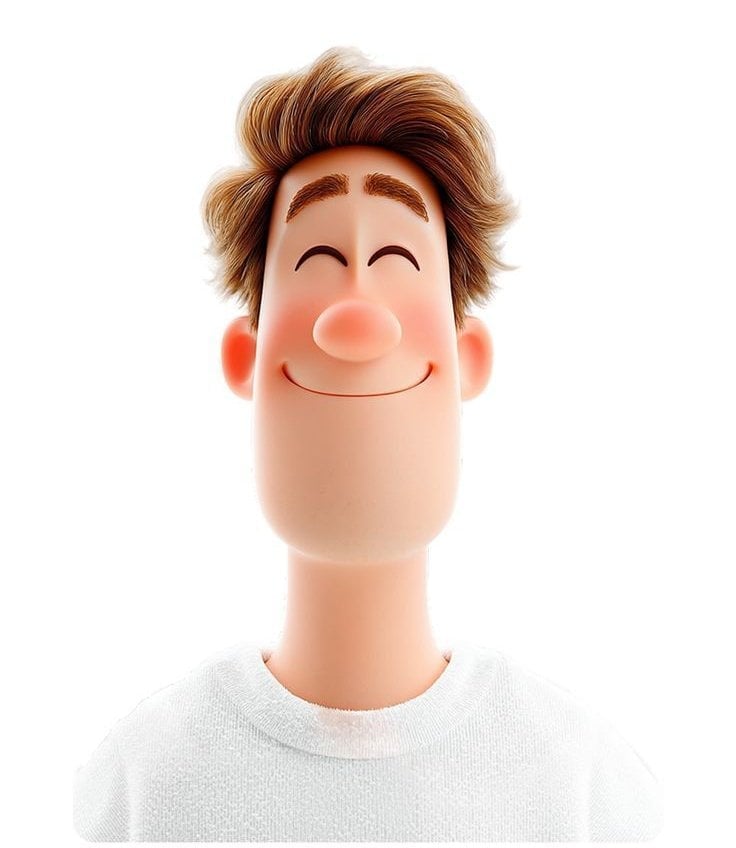
Toon Cartoon Rainy Bus Stop

Toon Cartoon Space Dock

Toon Cartoon Cafe Morning

Toon Cartoon Street Festival
Make it yours
Cartoon Character GIF Sprite Sheet works as-is. These are the safest ways to change it without losing the look.
Change one field
Copy a single group, rewrite it, and generate again so you can see what that field is doing.
Keep the frame, change the subject
Hold the composition and light of Cartoon Character GIF Sprite Sheet, then swap wardrobe, props or the person for a new take.
| If the result… | Why | Fix |
|---|---|---|
| The result drifts from the preview | Too many fields changed at once. | Reuse Cartoon Character GIF Sprite Sheet as-is first, then change one group — subject, light, or setting. |
| The model over-stylizes the scene | The prose prompt leaves finish and camera underspecified. | Add one camera or lighting sentence and stay on GPT Image 2. |
More GPT Image 2 templates
Other prompts made for GPT Image 2.

Six VTuber Japanese Logo Sheet

Realistic Portrait of Woman and Deer

The Vista Modular Condo Poster

AI Model Routing Comparison Infographic

2.5D Anime Art Board

Isometric Productivity Desk Scene

New York Double Exposure Poster

Four-Panel AI Landscape Comparison

Japanese Tatami Lifestyle Magazine Cover

NESCAFÉ Coffee Map Poster
More image prompts
Fresh picks from across the catalog.
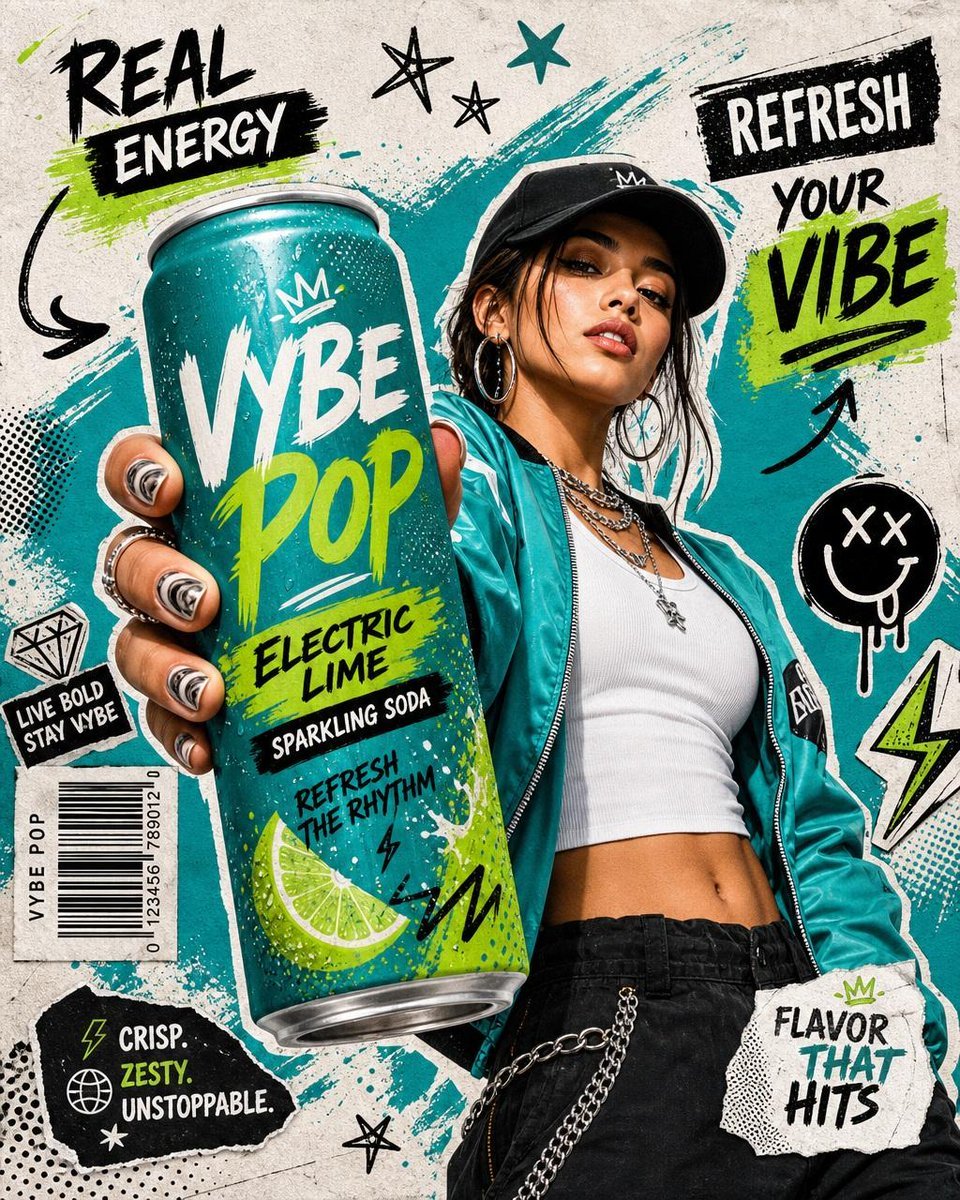
Realistic Commercial Beverage Advertisement
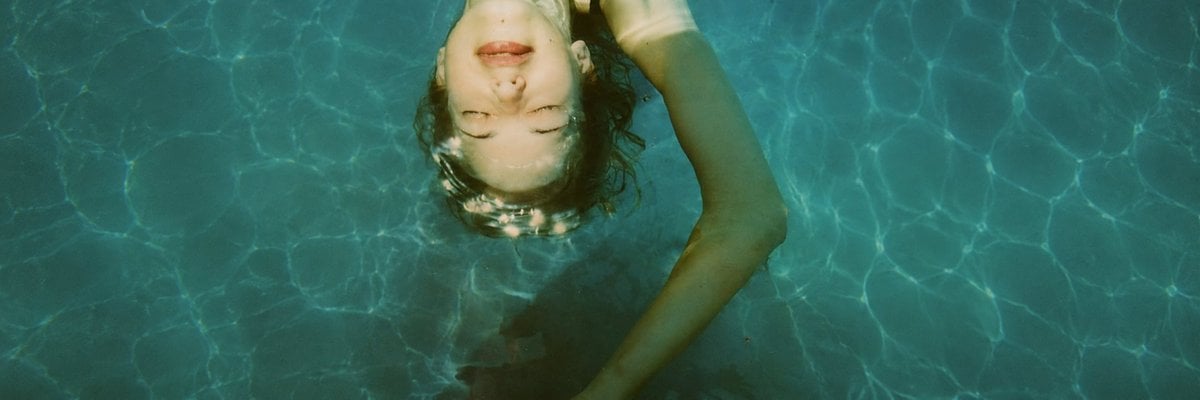
Anonymized Swimmer in Teal Pool
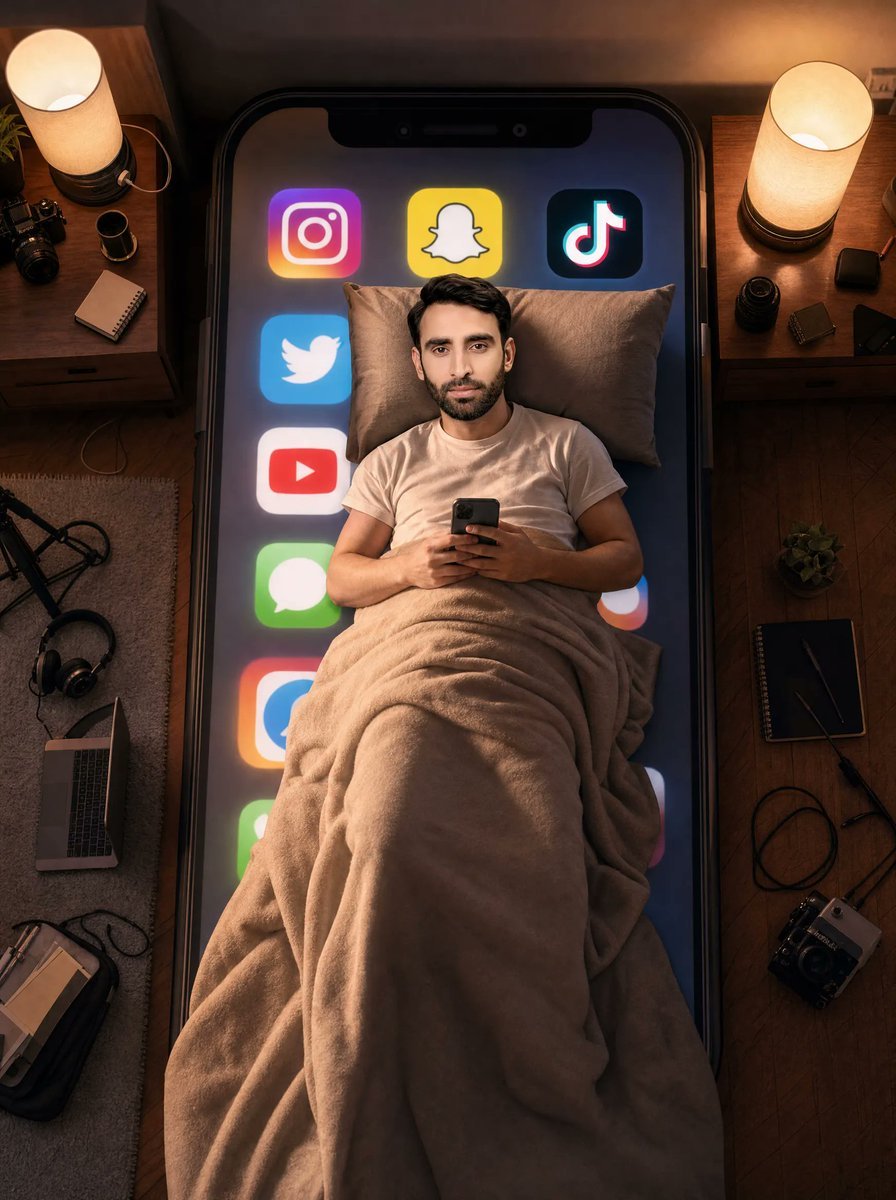
Man Sleeping on Giant Smartphone
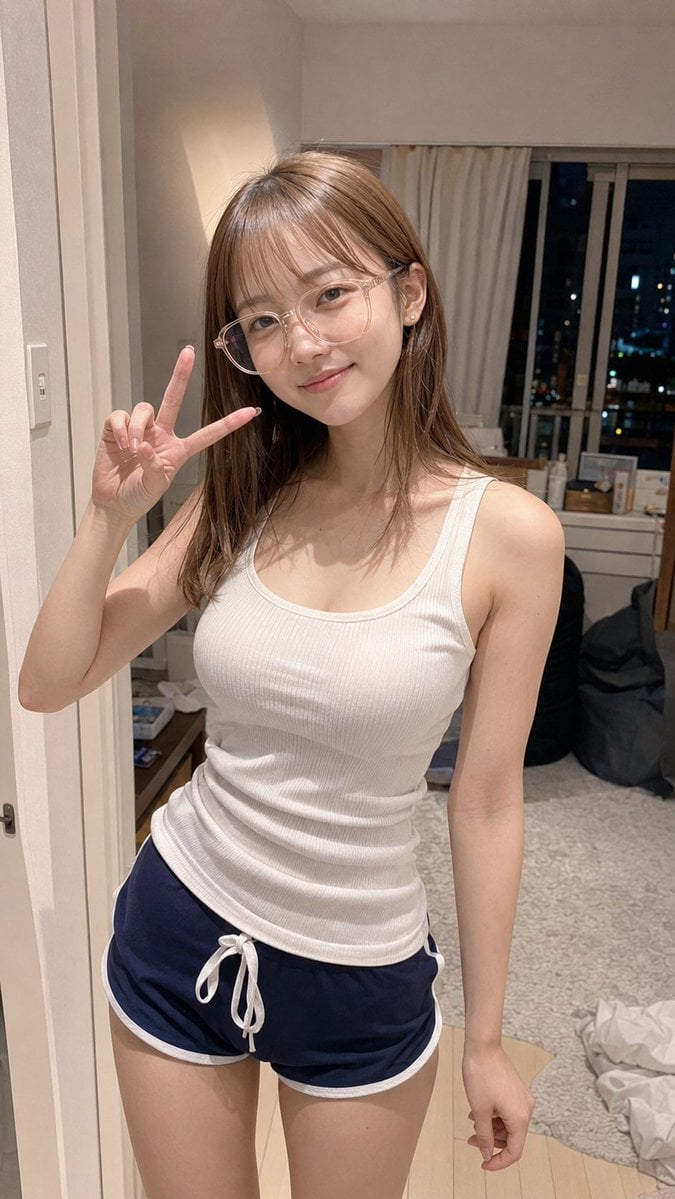
Apartment Standing Pose Transformation
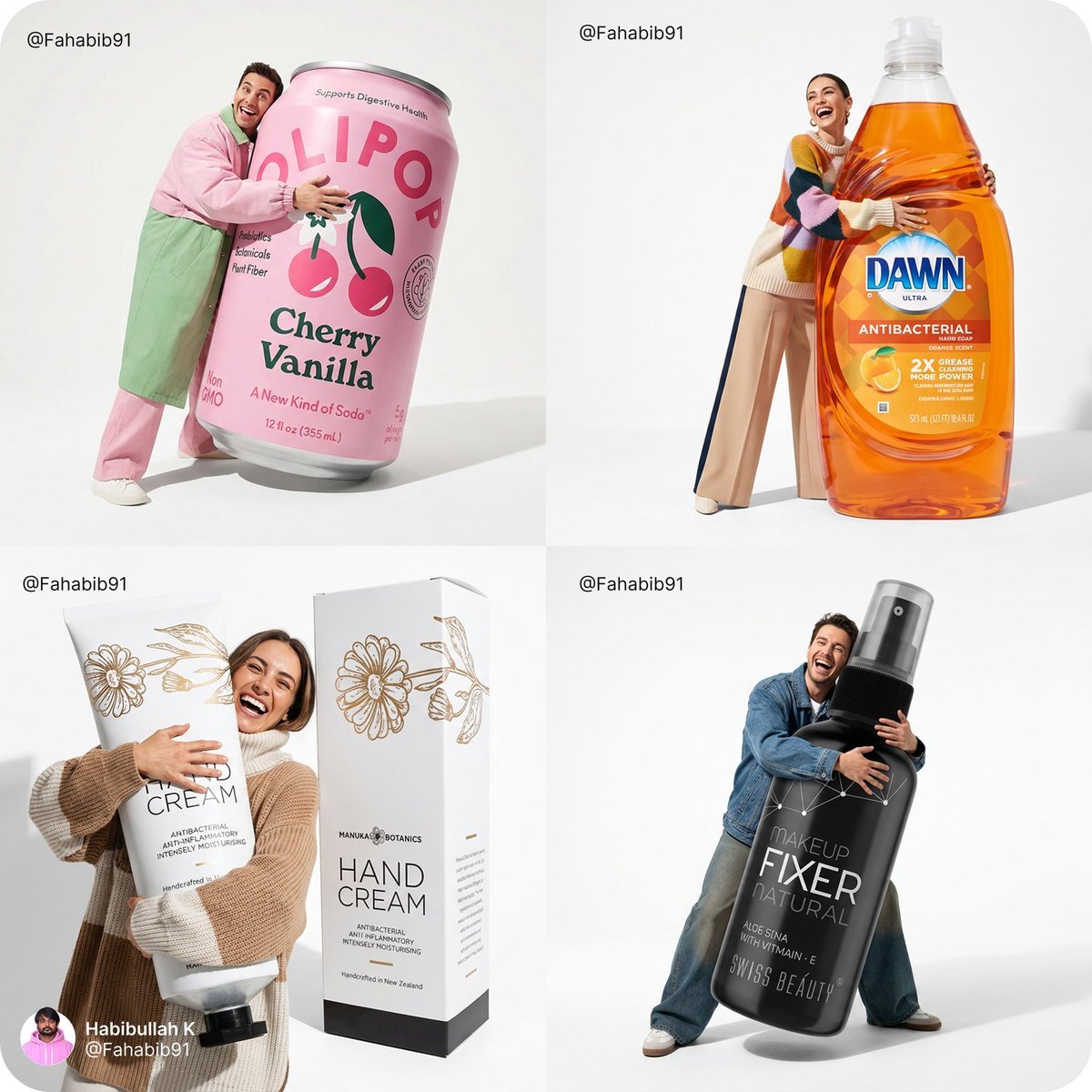
Fun Commercial Photography Prompt
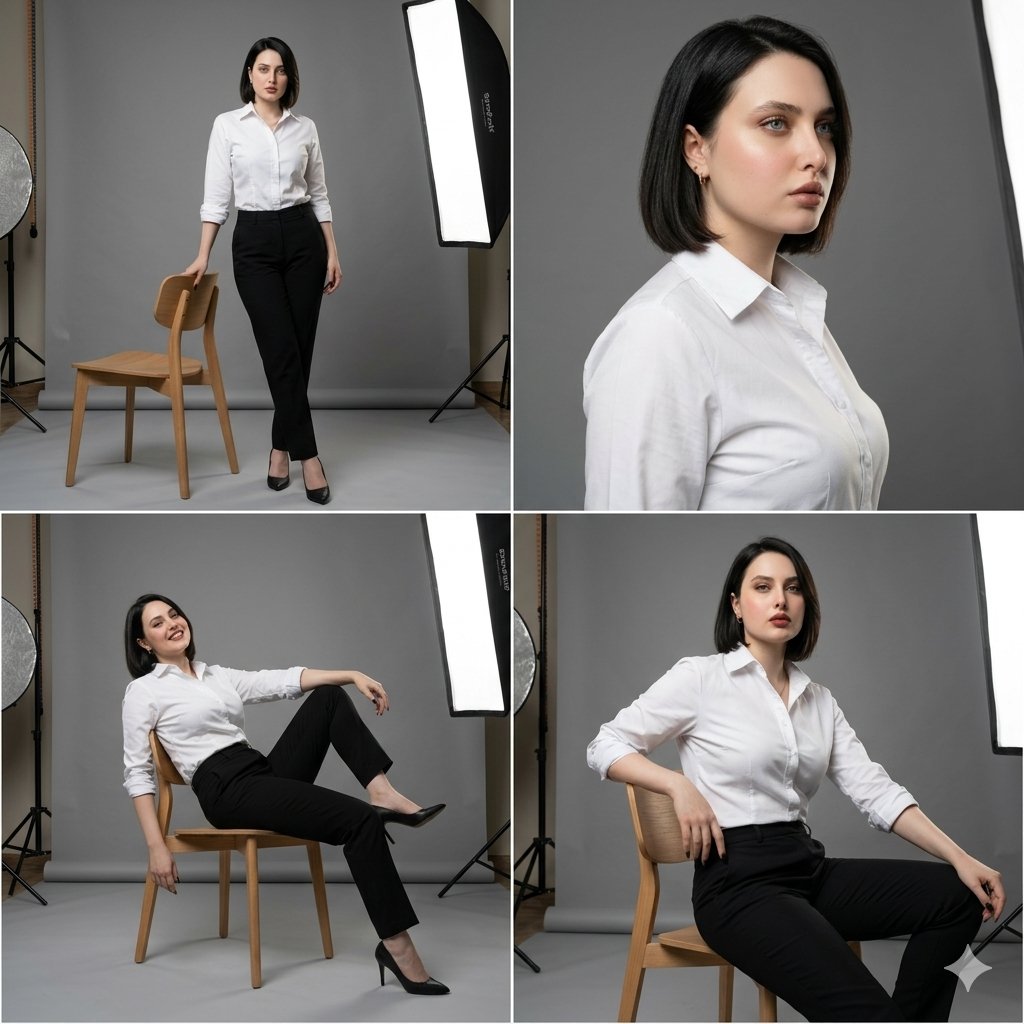
Professional Fashion Collage
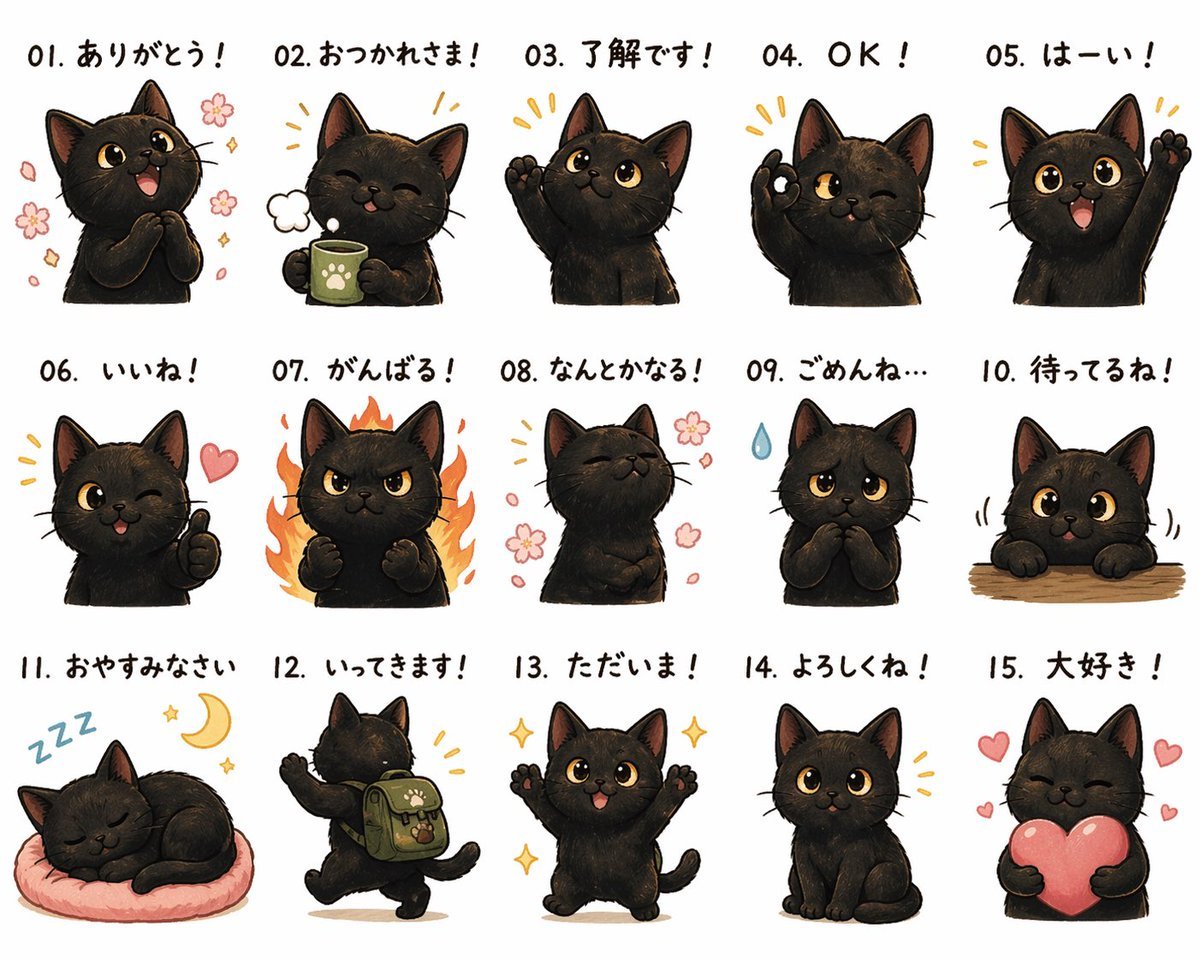
Cute Black Cat Japanese Sticker Sheet
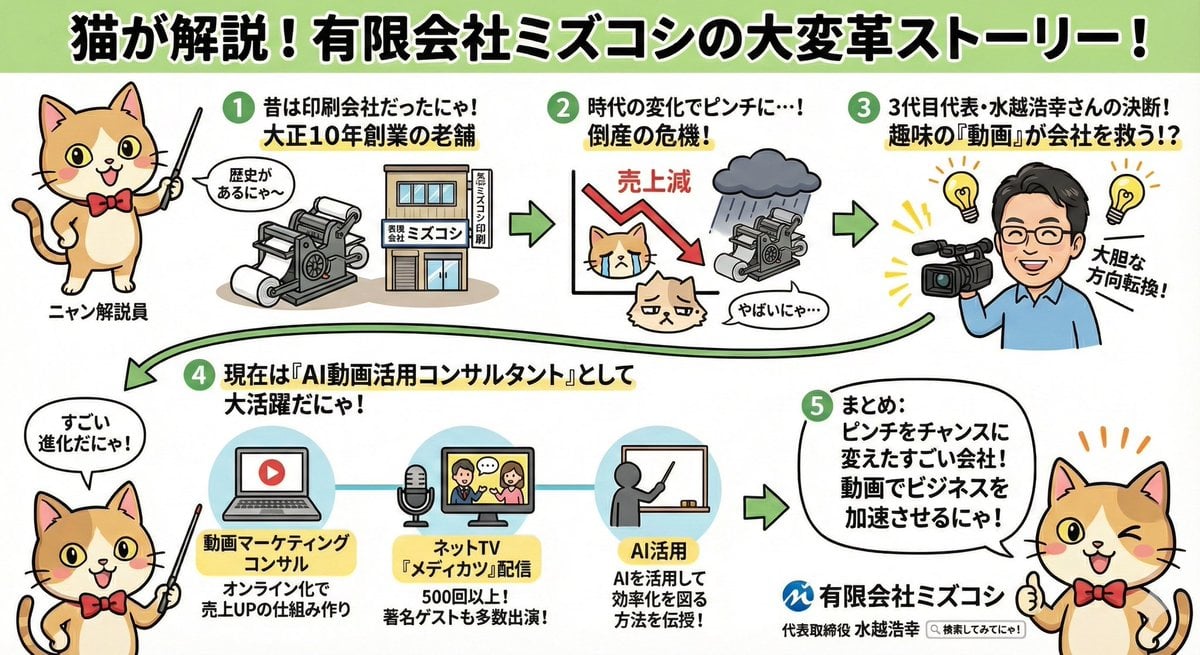
Anime-style Graphic Recording from Web Search Results
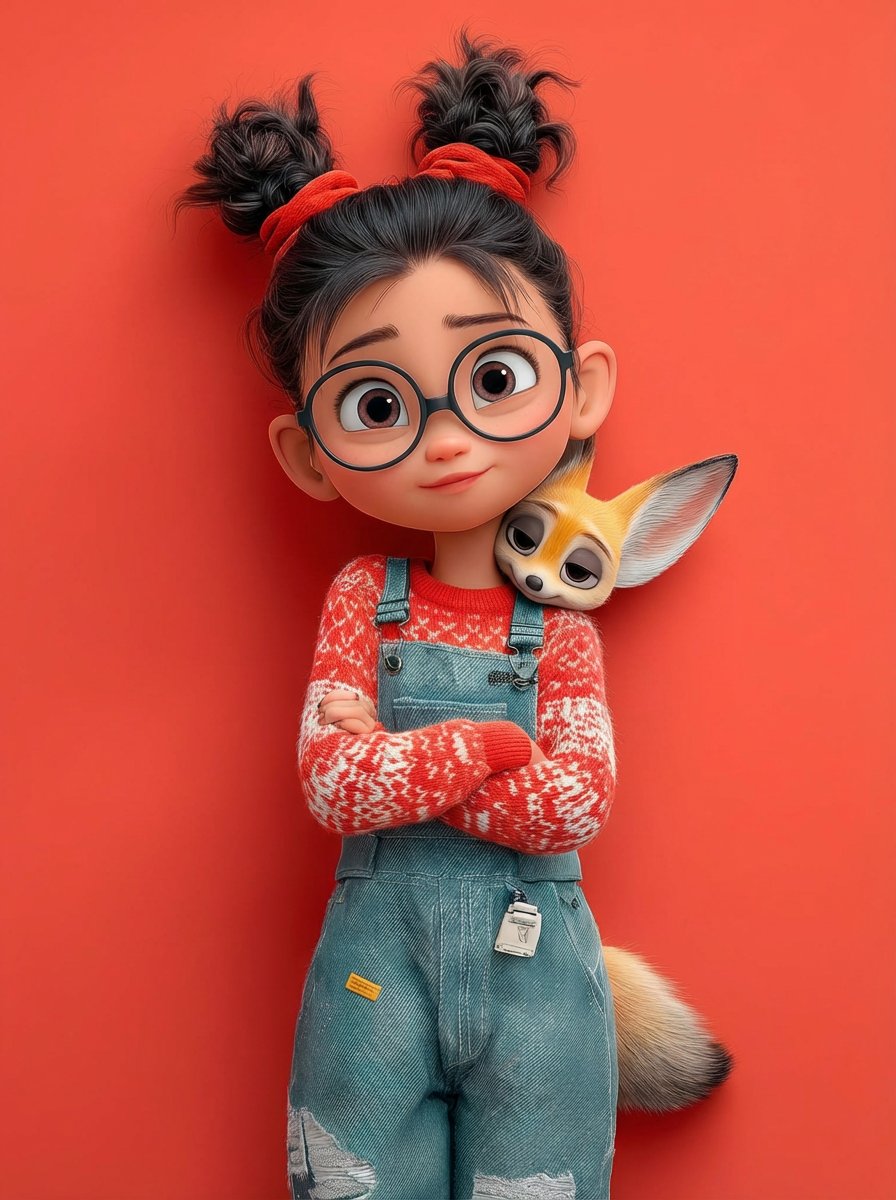
Pixar 3D Character Portrait with Fennec Fox
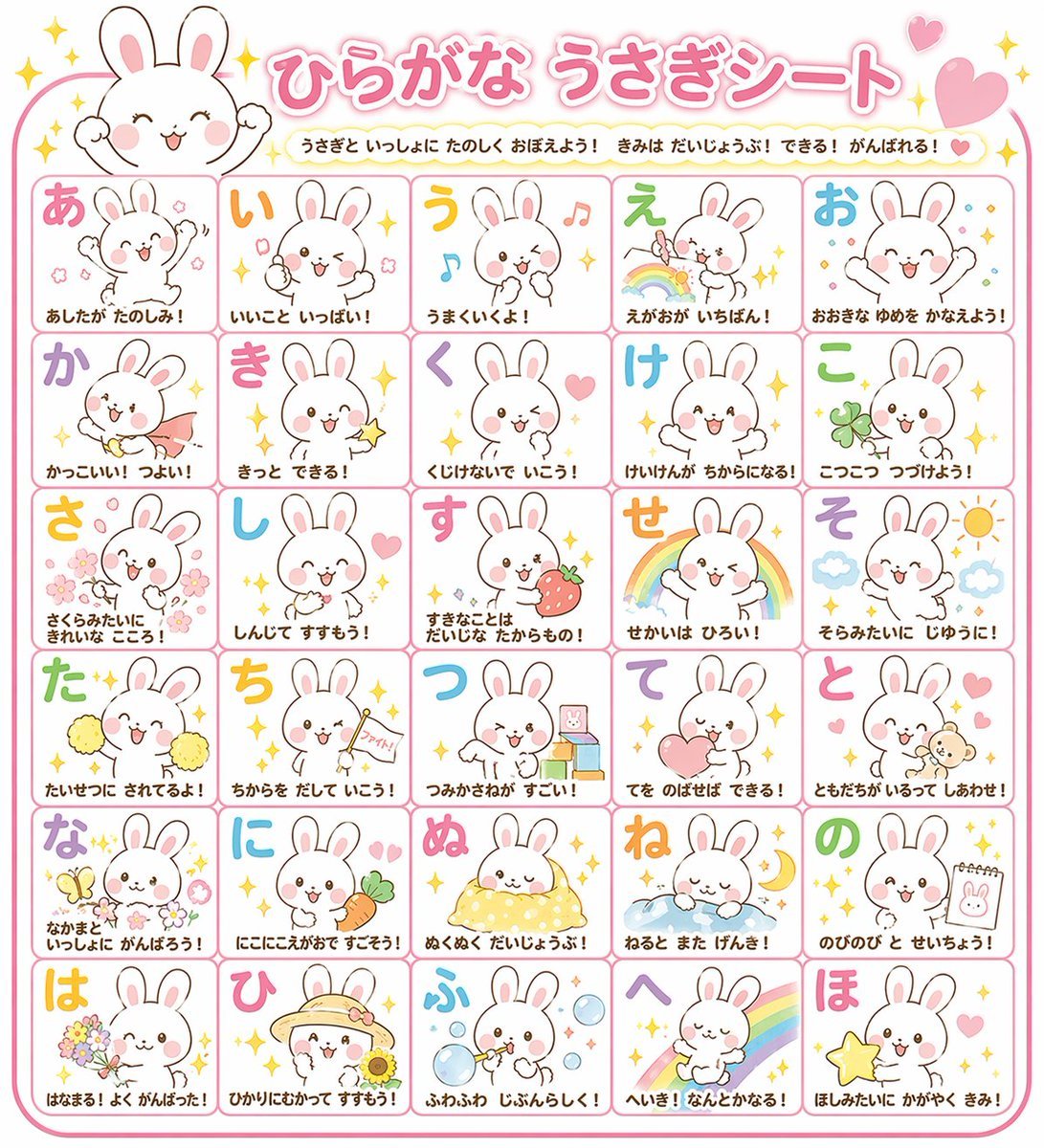
Educational Hiragana Sheet
Browse template categories
Cartoon Character GIF Sprite Sheet questions
How do I use the Cartoon Character GIF Sprite Sheet template?
Add your photo if the template asks for one, edit the prompt if you like — the template's model and format are already selected — and press Generate. Your version opens in PicX Studio.
Can I customize the Cartoon Character GIF Sprite Sheet template?
Yes. You can change the subject, setting, lighting, mood, format, and available model controls before creating your image.
Is the Cartoon Character GIF Sprite Sheet template free?
Opening and editing this template is free. Generating uses credits, shown on the Generate button when you are signed in.
Which AI model should I use?
Start with GPT Image 2, which is the model associated with this template. You can compare another compatible model for a different finish.
Looking for something else? Browse all templates.

Your photo, any look
Thousands of ready templates for every top image and video model, from one credit balance.