
Cute Black Cat Japanese Sticker Sheet
A 15-panel kawaii black kitten sticker sheet with Japanese reaction phrases, ideal for chat stickers, LINE-style packs, and social media visuals.
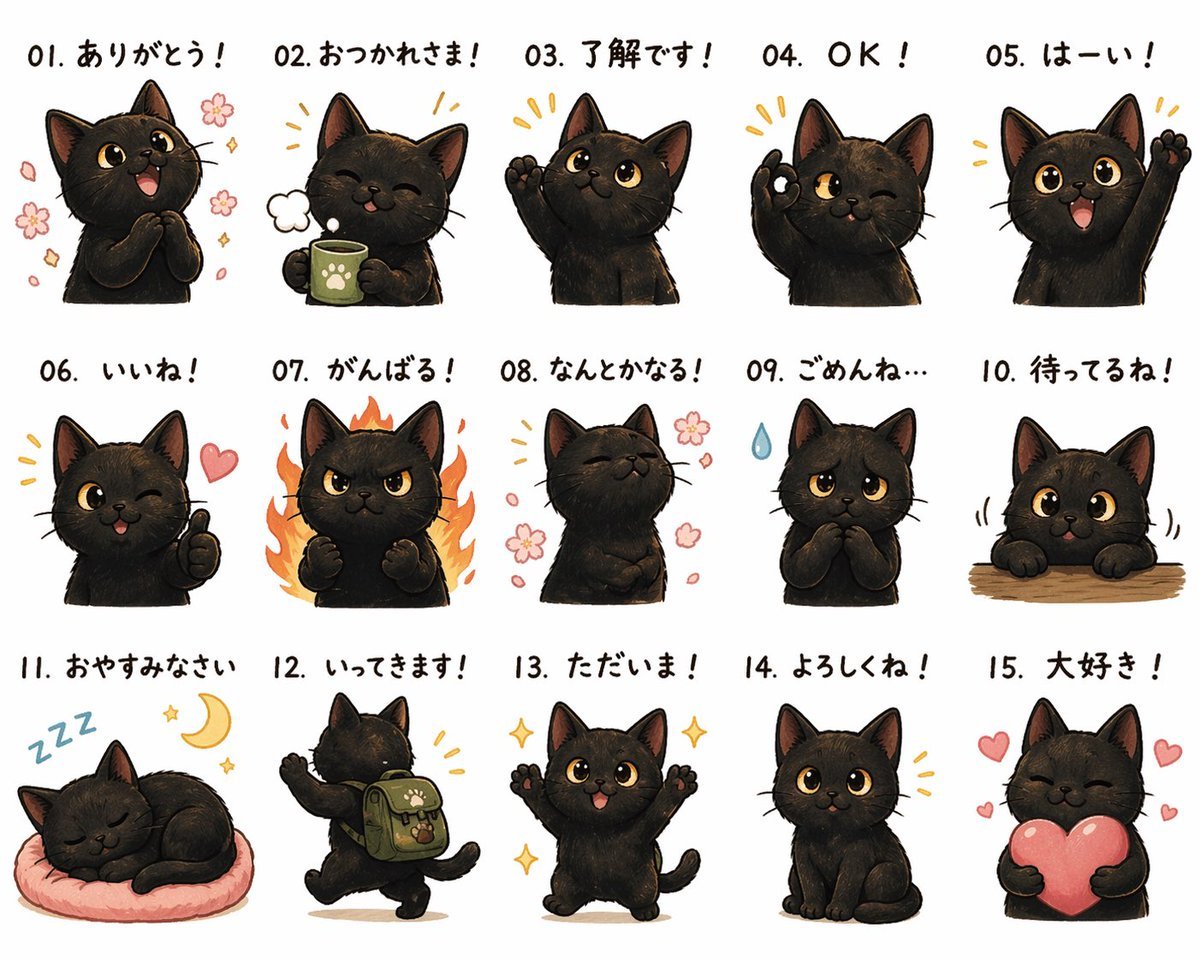
- Prompt included
- Model and format preset
- Free template
The prompt behind this image
Copy the exact prompt behind Cute Black Cat Japanese Sticker Sheet, or open it in the studio and make it yours.
- Type
- Japanese cat sticker sheet
- Subject › Animal
- black kitten
- Subject › Style
- cute chibi-style digital illustration with soft painterly shading, rounded proportions, big amber eyes, tiny pink mouth, subtle fur texture, clean white background
- Subject › Color
- deep black fur with warm brown highlights inside the ears
- Layout › Grid › Rows
- 3
- Layout › Grid › Columns
- 5
- Layout › Grid › Count
- 15
- Layout › Sections › 0 › Title
- 01. ありがとう!
- Layout › Sections › 0 › Position
- row 1, column 1
- Layout › Sections › 0 › Count
- 1
- Layout › Sections › 0 › Labels
- happy thankful pose with paws clasped at chest, open smile, pink cherry blossom petals around the cat
- Layout › Sections › 1 › Title
- 02. おつかれさま!
- Layout › Sections › 1 › Position
- row 1, column 2
- Layout › Sections › 1 › Count
- 1
- Layout › Sections › 1 › Labels
- smiling with eyes closed, holding a green mug with a paw-print emblem, small puff of steam or breath beside face
- Layout › Sections › 2 › Title
- 03. 了解です!
- Layout › Sections › 2 › Position
- row 1, column 3
- Layout › Sections › 2 › Count
- 1
- Layout › Sections › 2 › Labels
- one paw raised in acknowledgment, bright attentive expression
- Layout › Sections › 3 › Title
- 04. OK!
- Layout › Sections › 3 › Position
- row 1, column 4
- Layout › Sections › 3 › Count
- 1
- Layout › Sections › 3 › Labels
- winking and making an OK hand gesture with one paw, cheerful confidence
- Layout › Sections › 4 › Title
- 05. はーい!
Raw JSON
{"type":"Japanese cat sticker sheet","subject":{"animal":"black kitten","style":"cute chibi-style digital illustration with soft painterly shading, rounded proportions, big amber eyes, tiny pink mouth, subtle fur texture, clean white background","color":"deep black fur with warm brown highlights inside the ears"},"layout":{"grid":{"rows":3,"columns":5,"count":15},"sections":[{"title":"01. ありがとう!","position":"row 1, column 1","count":1,"labels":["happy thankful pose with paws clasped at chest, open smile, pink cherry blossom petals around the cat"]},{"title":"02. おつかれさま!","position":"row 1, column 2","count":1,"labels":["smiling with eyes closed, holding a green mug with a paw-print emblem, small puff of steam or breath beside face"]},{"title":"03. 了解です!","position":"row 1, column 3","count":1,"labels":["one paw raised in acknowledgment, bright attentive expression"]},{"title":"04. OK!","position":"row 1, column 4","count":1,"labels":["winking and making an OK hand gesture with one paw, cheerful confidence"]},{"title":"05. はーい!","position":"row 1, column 5","count":1,"labels":["big smile, one paw raised high as if volunteering or greeting"]},{"title":"06. いいね!","position":"row 2, column 1","count":1,"labels":["winking with tongue slightly out, thumbs-up gesture, pink heart beside face"]},{"title":"07. がんばる!","position":"row 2, column 2","count":1,"labels":["determined angry-cute face, both paws clenched, surrounded by orange flames"]},{"title":"08. なんとかなる!","position":"row 2, column 3","count":1,"labels":["calm optimistic pose with eyes closed and chest slightly puffed out, pink flowers floating around"]},{"title":"09. ごめんね…","position":"row 2, column 4","count":1,"labels":["apologetic sad expression, paws held together near chest, single blue sweat drop beside head"]},{"title":"10. 待ってるね!","position":"row 2, column 5","count":1,"labels":["cat peeking over a wooden tabletop with both paws visible, patient hopeful expression, slight motion lines"]},{"title":"11. おやすみなさい","position":"row 3, column 1","count":1,"labels":["sleeping curled up on a soft pink round cushion, blue ZZZ marks and yellow crescent moon above"]},{"title":"12. いってきます!","position":"row 3, column 2","count":1,"labels":["back view walking away energetically, one paw raised, wearing a green backpack with paw-print patch and small charm"]},{"title":"13. ただいま!","position":"row 3, column 3","count":1,"labels":["front-facing excited return-home pose with both paws up, open smile, sparkles around"]},{"title":"14. よろしくね!","position":"row 3, column 4","count":1,"labels":["sitting neatly, gentle friendly expression, small golden accent lines around head"]},{"title":"15. 大好き!","position":"row 3, column 5","count":1,"labels":["eyes closed in happiness while hugging a large pink heart, smaller hearts floating around"]}],"text":{"placement":"above each sticker","style":"bold handwritten Japanese text in black, each phrase prefixed by a two-digit number from 01 to 15"}},"customization":{"character":"{argument name=\"character type\" default=\"black kitten\"}","fur color":"{argument name=\"fur color\" default=\"deep black\"}","eye color":"{argument name=\"eye color\" default=\"amber\"}","sheet title style":"{argument name=\"caption language\" default=\"Japanese\"}","background":"{argument name=\"background color\" default=\"white\"}"}}How to use Cute Black Cat Japanese Sticker Sheet in 3 steps
- 1Upload ImagePNG, JPG or paste
Add your photo
Upload the photo the template builds on. The prompt, model and format are already set.
- 2…a portrait of your subject in softgolden-hour light, 85mm…
Personalize
Edit the subject and creative details for your destination.
- 3Generate
Generate
Press Generate — your image is created in PicX Studio, so you can compare it with the original and refine one variable at a time.
More like this
Templates with the same subject, style or setup. Open one to see its prompt.
Cute Japanese LINE Sticker Sheet
Cat-Eared Maid Emote Sticker Sheet
Chibi Japanese Schoolgirl Sticker Sheet
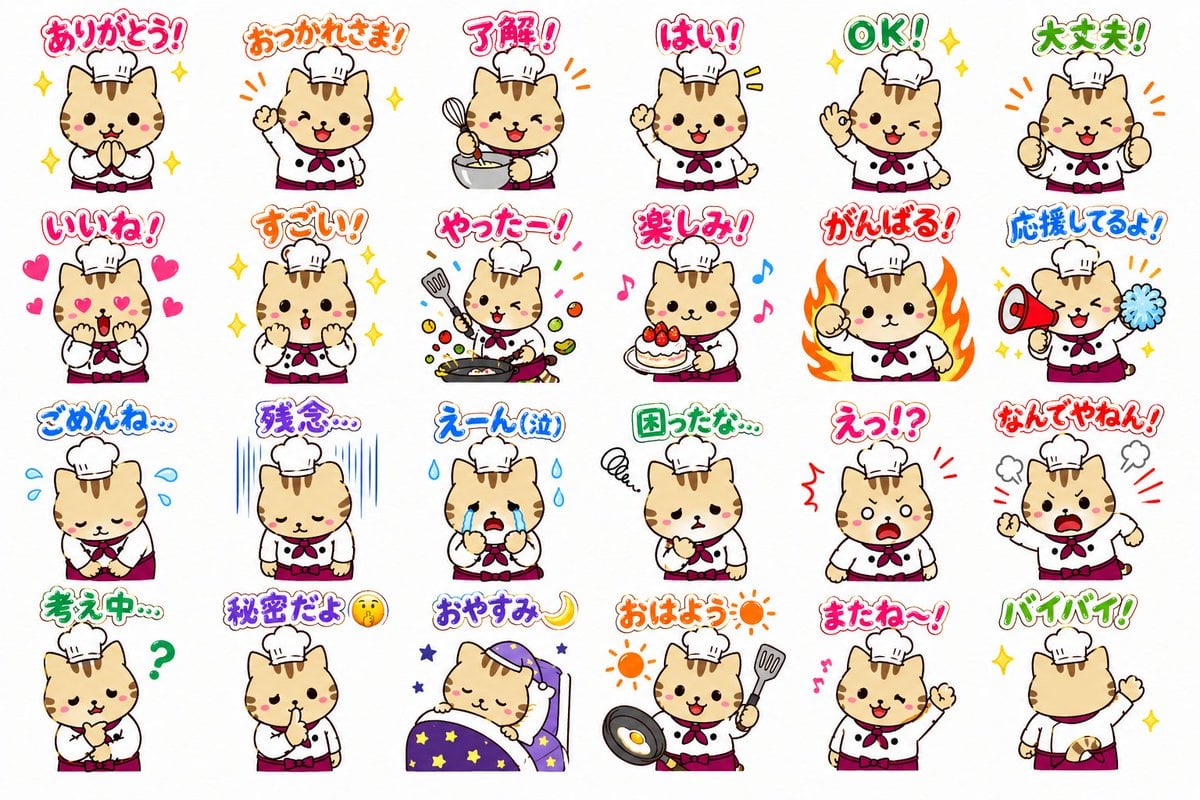
Chef Cat LINE Sticker Sheet

Cute Sticker

Chibi Anime Ninja Sticker Sheet

Six VTuber Japanese Logo Sheet

Minecraft Homage Illustrious Style

Minecraft Japanese Research Lab Exploration

Brand Sticker Sheet Monoline Vector

A trendy, high-end Sticker Sheet set
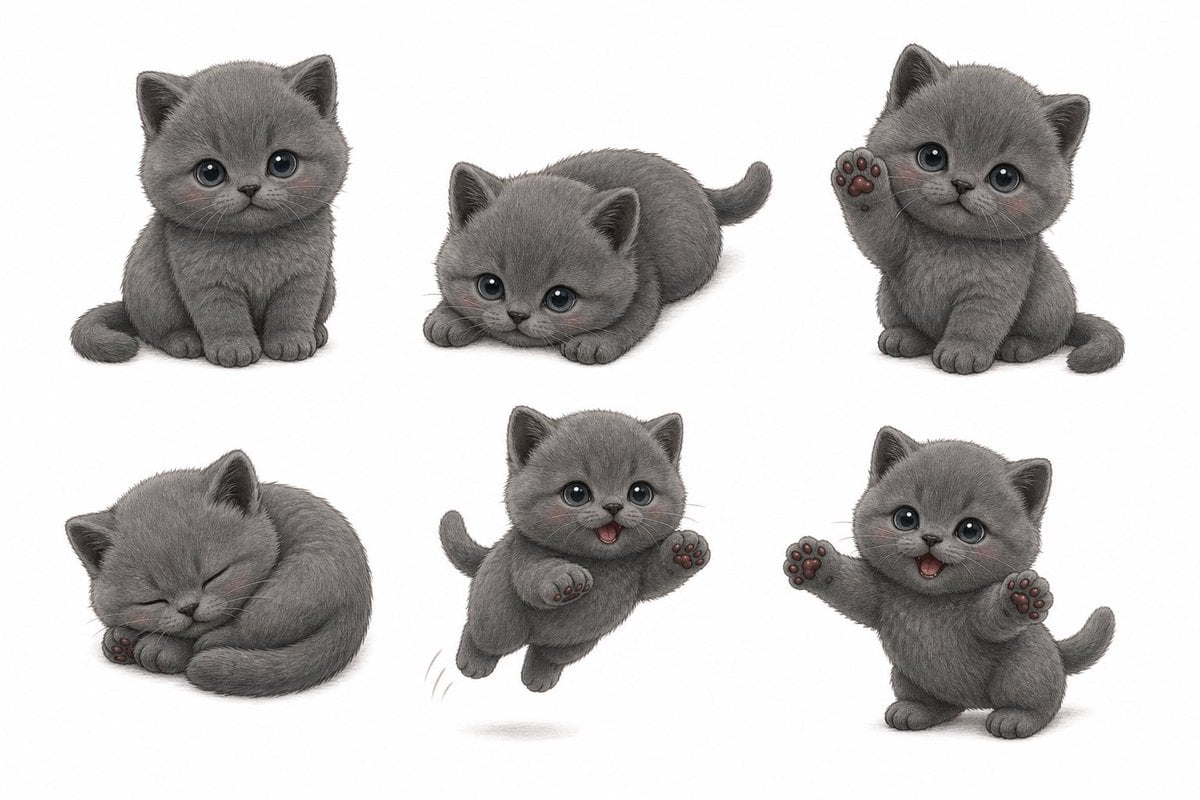
Gray Kitten Sticker Pack Sheet
Make it yours
Cute Black Cat Japanese Sticker Sheet works as-is. These are the safest ways to change it without losing the look.
Swap the setting
Keep the rest of the prompt and replace the location block. The current setting is “{argument name="background color" default="white"}”.
Change one field
Copy a single group, rewrite it, and generate again so you can see what that field is doing.
Keep the frame, change the subject
Hold the composition and light of Cute Black Cat Japanese Sticker Sheet, then swap wardrobe, props or the person for a new take.
| If the result… | Why | Fix |
|---|---|---|
| The result drifts from the preview | Too many fields changed at once. | Reuse Cute Black Cat Japanese Sticker Sheet as-is first, then change one group — subject, light, or setting. |
| GPT Image 2 ignores part of the JSON | Some models flatten or skip nested keys. | Keep the same values and paste them as a short paragraph instead. |
More GPT Image 2 templates
Other prompts made for GPT Image 2.

Realistic Portrait of Woman and Deer

The Vista Modular Condo Poster

AI Model Routing Comparison Infographic

2.5D Anime Art Board

Isometric Productivity Desk Scene

New York Double Exposure Poster

Four-Panel AI Landscape Comparison

Japanese Tatami Lifestyle Magazine Cover

NESCAFÉ Coffee Map Poster

Brutalist Cogito Chinese Typography Poster
More image prompts
Fresh picks from across the catalog.

Character Promotion Poster Framework
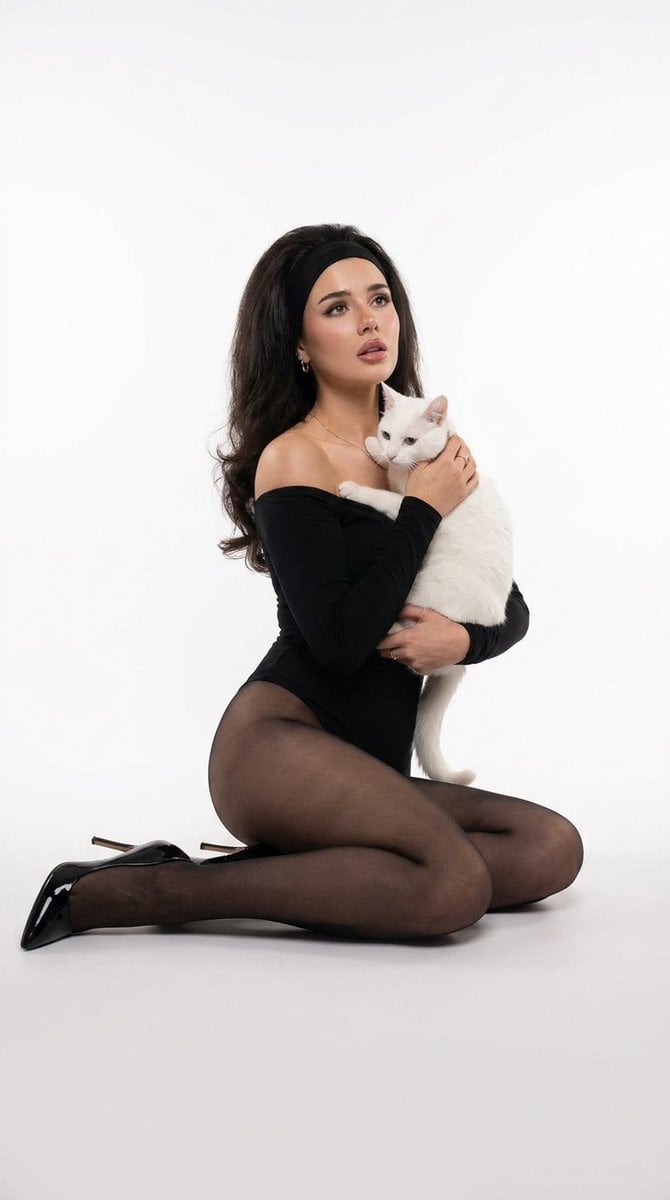
Studio Legwear Photography

Industrial Humanoid Robot Blueprint

Gpt2 Social Media Post Nostalgic 16 Photo Couple Grid

New Chinese Aesthetics Style Chart
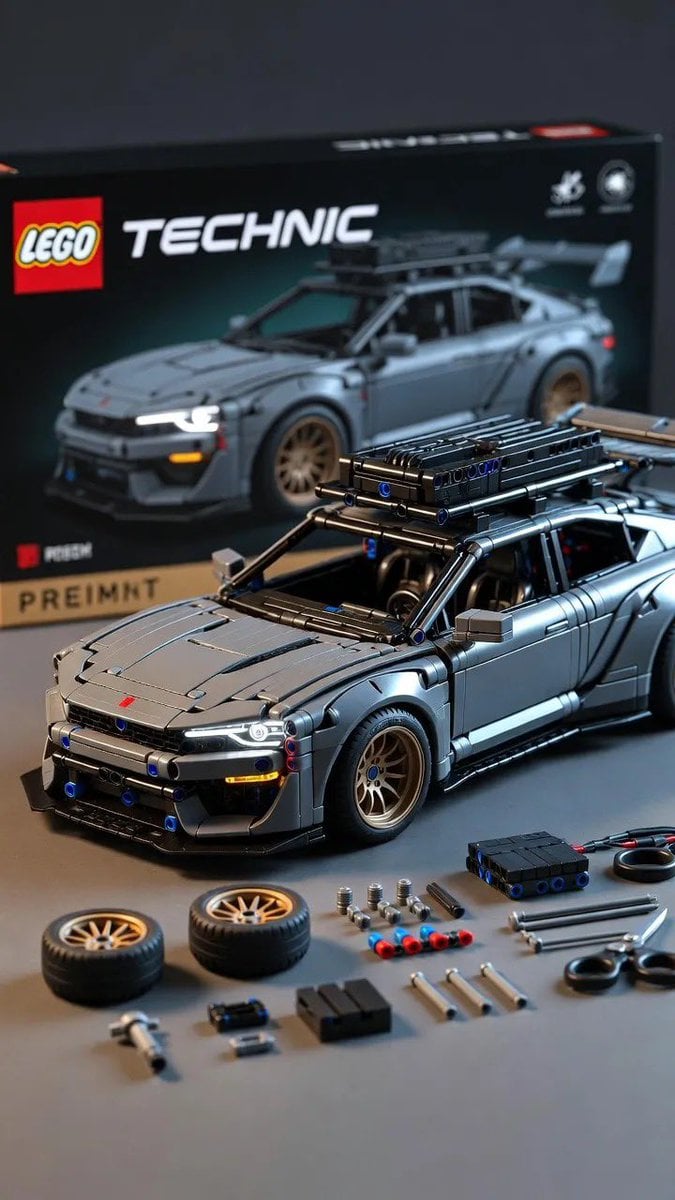
Ultra-Detailed LEGO Technic Product Render

Grunge Street Photography Portrait with a Sports Car
Anime Party Spot the Difference
Three-View Hooded Fantasy Dress Sheet

Paper-Cut Diorama Illustration
Browse template categories
Cute Black Cat Japanese Sticker Sheet questions
How do I use the Cute Black Cat Japanese Sticker Sheet template?
Add your photo if the template asks for one, edit the prompt if you like — the template's model and format are already selected — and press Generate. Your version opens in PicX Studio.
Can I customize the Cute Black Cat Japanese Sticker Sheet template?
Yes. You can change the subject, setting, lighting, mood, format, and available model controls before creating your image.
Is the Cute Black Cat Japanese Sticker Sheet template free?
Opening and editing this template is free. Generating uses credits, shown on the Generate button when you are signed in.
Which AI model should I use?
Start with GPT Image 2, which is the model associated with this template. You can compare another compatible model for a different finish.
Looking for something else? Browse all templates.

Your photo, any look
Thousands of ready templates for every top image and video model, from one credit balance.