
Cute Japanese LINE Sticker Sheet
Generates a 3-by-3 sheet of cute anime-style Japanese LINE stickers featuring one character with everyday greeting phrases and poses.
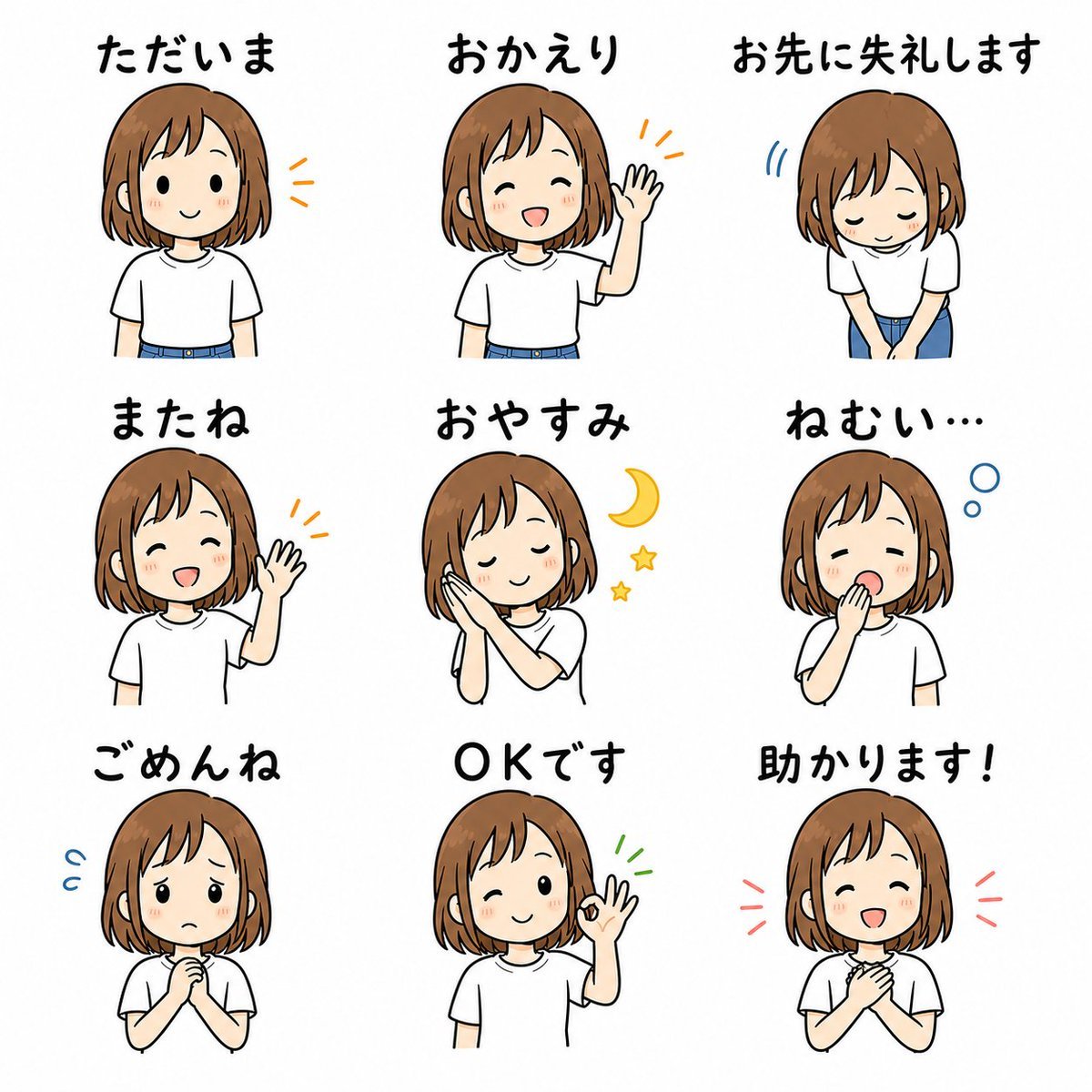
- Prompt included
- Model and format preset
- Free template
The prompt behind this image
Copy the exact prompt behind Cute Japanese LINE Sticker Sheet, or open it in the studio and make it yours.
- Type
- LINE sticker sheet illustration
- Format
- single square canvas showing 9 separate sticker designs in a clean 3 by 3 grid
- Style
- cute hand-drawn anime/manga style, simple black outlines, soft flat colors, white background, friendly casual everyday feel, consistent character across all stickers, each sticker has bold handwritten Japanese text above it
- Character › Description
- young girl character, shoulder-length light brown bob haircut with bangs, round face, small dot eyes, rosy cheeks, white short-sleeve T-shirt, blue jeans or blue skirt visible at the waist
- Character › Hair Color
- {argument name="hair color" default="light brown"}
- Character › Shirt
- {argument name="shirt color" default="white"}
- Character › Expression Style
- simple cute chibi-like facial features with warm blush
- Layout › Background
- plain white with generous spacing between stickers
- Layout › Grid › Rows
- 3
- Layout › Grid › Columns
- 3
- Layout › Grid › Total Stickers
- 9
- Layout › Stickers › 0 › Position
- top left
- Layout › Stickers › 0 › Label
- ただいま
- Layout › Stickers › 0 › Meaning
- I'm home
- Layout › Stickers › 0 › Pose
- front-facing half-body smile, relaxed arms down, small orange emphasis marks beside the character
- Layout › Stickers › 1 › Position
- top center
- Layout › Stickers › 1 › Label
- おかえり
- Layout › Stickers › 1 › Meaning
- Welcome back
- Layout › Stickers › 1 › Pose
- front-facing character waving one hand, cheerful greeting, orange emphasis marks near the raised hand
- Layout › Stickers › 2 › Position
- top right
- Layout › Stickers › 2 › Label
- お先に失礼します
- Layout › Stickers › 2 › Meaning
- Excuse me for leaving first
- Layout › Stickers › 2 › Pose
- polite bow with eyes closed, hands together in front, small blue motion marks beside the head
- Layout › Stickers › 3 › Position
- middle left
Raw JSON
{"type":"LINE sticker sheet illustration","format":"single square canvas showing 9 separate sticker designs in a clean 3 by 3 grid","style":"cute hand-drawn anime/manga style, simple black outlines, soft flat colors, white background, friendly casual everyday feel, consistent character across all stickers, each sticker has bold handwritten Japanese text above it","character":{"description":"young girl character, shoulder-length light brown bob haircut with bangs, round face, small dot eyes, rosy cheeks, white short-sleeve T-shirt, blue jeans or blue skirt visible at the waist","hair color":"{argument name=\"hair color\" default=\"light brown\"}","shirt":"{argument name=\"shirt color\" default=\"white\"}","expression style":"simple cute chibi-like facial features with warm blush"},"layout":{"background":"plain white with generous spacing between stickers","grid":{"rows":3,"columns":3,"total stickers":9},"stickers":[{"position":"top left","label":"ただいま","meaning":"I'm home","pose":"front-facing half-body smile, relaxed arms down, small orange emphasis marks beside the character"},{"position":"top center","label":"おかえり","meaning":"Welcome back","pose":"front-facing character waving one hand, cheerful greeting, orange emphasis marks near the raised hand"},{"position":"top right","label":"お先に失礼します","meaning":"Excuse me for leaving first","pose":"polite bow with eyes closed, hands together in front, small blue motion marks beside the head"},{"position":"middle left","label":"またね","meaning":"See you","pose":"big closed-eye smile, one hand raised waving, orange emphasis marks near the hand"},{"position":"middle center","label":"おやすみ","meaning":"Good night","pose":"sleepy peaceful face with eyes closed, hands clasped against cheek, yellow crescent moon and two yellow stars to the right"},{"position":"middle right","label":"ねむい…","meaning":"Sleepy...","pose":"yawning with one hand covering mouth, eyes half closed, two blue sleep bubbles near the head"},{"position":"bottom left","label":"ごめんね","meaning":"Sorry","pose":"worried apologetic expression, hands clasped in front of chest, blue sweat marks beside the head"},{"position":"bottom center","label":"OKです","meaning":"OK","pose":"smiling wink, one hand making an OK sign, small green emphasis marks beside the raised hand"},{"position":"bottom right","label":"助かります!","meaning":"That helps!","pose":"grateful expression, hands clasped at chest, red emphasis marks on both sides of the head"}]},"text":{"font":"bold rounded handwritten Japanese lettering, black, placed above each character","labels":"use exactly these 9 Japanese phrases: ただいま, おかえり, お先に失礼します, またね, おやすみ, ねむい…, ごめんね, OKです, 助かります!","custom phrase set":"{argument name=\"sticker phrases\" default=\"ただいま / おかえり / お先に失礼します / またね / おやすみ / ねむい… / ごめんね / OKです / 助かります!\"}"},"composition notes":"keep every sticker separate and evenly spaced, consistent character proportions and outfit across all 9 poses, no shadows or complex background, suitable as a cute Japanese LINE sticker pack preview","rendering":"high-resolution clean digital illustration, crisp readable text, soft warm colors, minimal props"}How to use Cute Japanese LINE Sticker Sheet in 3 steps
- 1Upload ImagePNG, JPG or paste
Add your photo
Upload the photo the template builds on. The prompt, model and format are already set.
- 2…a portrait of your subject in softgolden-hour light, 85mm…
Personalize
Edit the subject and creative details for your destination.
- 3Generate
Generate
Press Generate — your image is created in PicX Studio, so you can compare it with the original and refine one variable at a time.
More like this
Templates with the same subject, style or setup. Open one to see its prompt.

Brand Sticker Sheet Monoline Vector
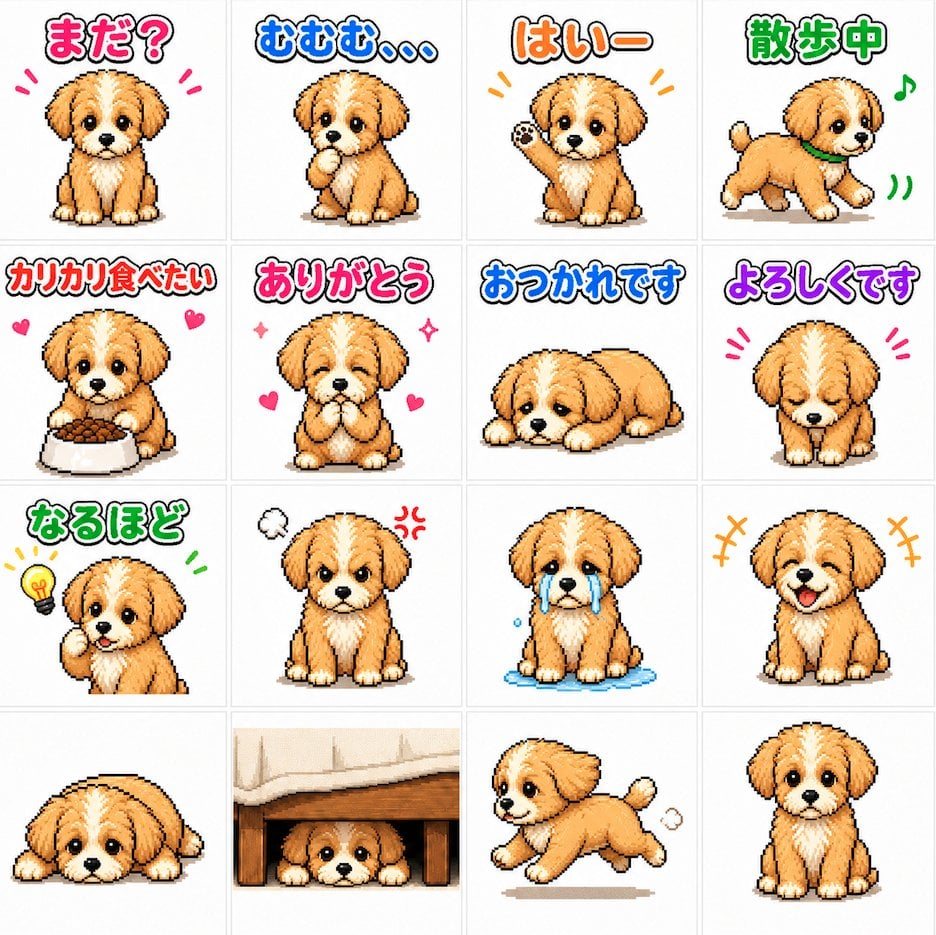
Cute Puppy LINE Sticker Grid
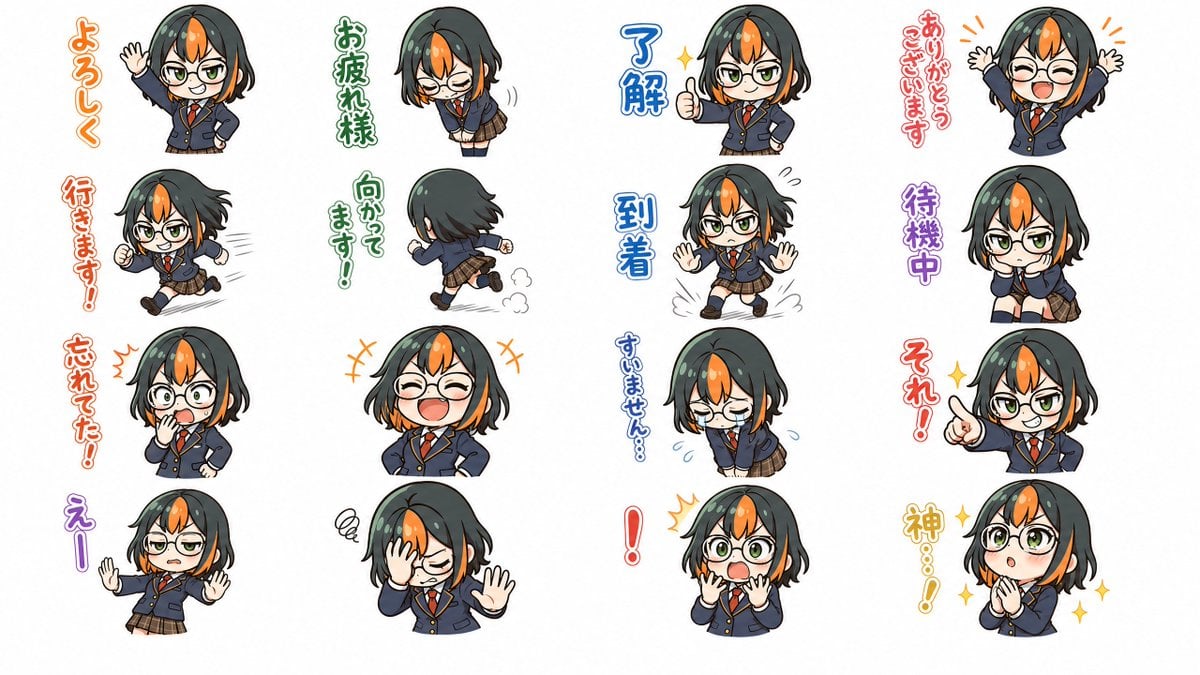
Chibi Japanese Schoolgirl Sticker Sheet
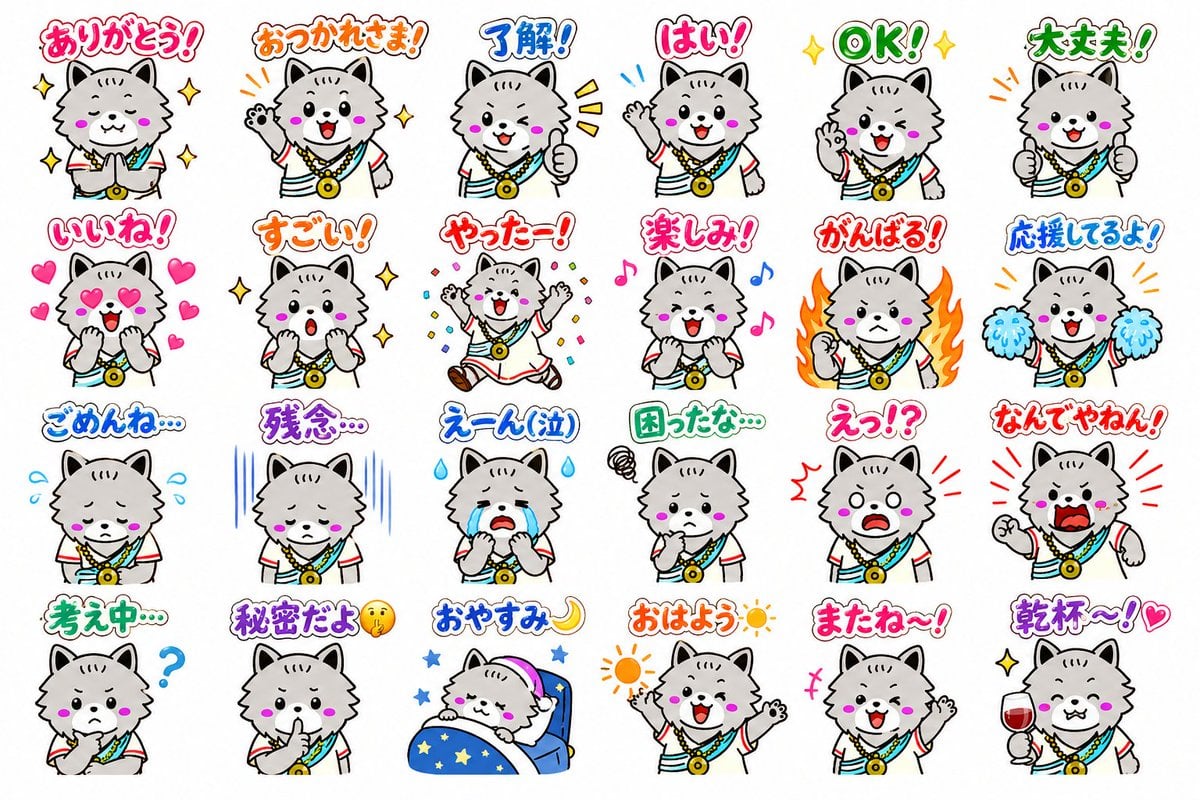
24 Cute Mascot LINE Stickers
Chef Cat LINE Sticker Sheet
Cute Sticker

Chibi Anime Ninja Sticker Sheet

Six VTuber Japanese Logo Sheet

Minecraft Homage Illustrious Style

Minecraft Japanese Research Lab Exploration

A trendy, high-end Sticker Sheet set
Gray Kitten Sticker Pack Sheet
Make it yours
Cute Japanese LINE Sticker Sheet works as-is. These are the safest ways to change it without losing the look.
Swap the setting
Keep the rest of the prompt and replace the location block. The current setting is “plain white with generous spacing between stickers”.
Change one field
Copy a single group, rewrite it, and generate again so you can see what that field is doing.
Keep the frame, change the subject
Hold the composition and light of Cute Japanese LINE Sticker Sheet, then swap wardrobe, props or the person for a new take.
| If the result… | Why | Fix |
|---|---|---|
| The result drifts from the preview | Too many fields changed at once. | Reuse Cute Japanese LINE Sticker Sheet as-is first, then change one group — subject, light, or setting. |
| GPT Image 2 ignores part of the JSON | Some models flatten or skip nested keys. | Keep the same values and paste them as a short paragraph instead. |
More GPT Image 2 templates
Other prompts made for GPT Image 2.

Realistic Portrait of Woman and Deer

The Vista Modular Condo Poster

AI Model Routing Comparison Infographic

2.5D Anime Art Board

Isometric Productivity Desk Scene

New York Double Exposure Poster

Four-Panel AI Landscape Comparison

Japanese Tatami Lifestyle Magazine Cover

NESCAFÉ Coffee Map Poster

Brutalist Cogito Chinese Typography Poster
More image prompts
Fresh picks from across the catalog.

Character Generation from Google Slides Shapes
Teddy Bear Mona Lisa Hybrid
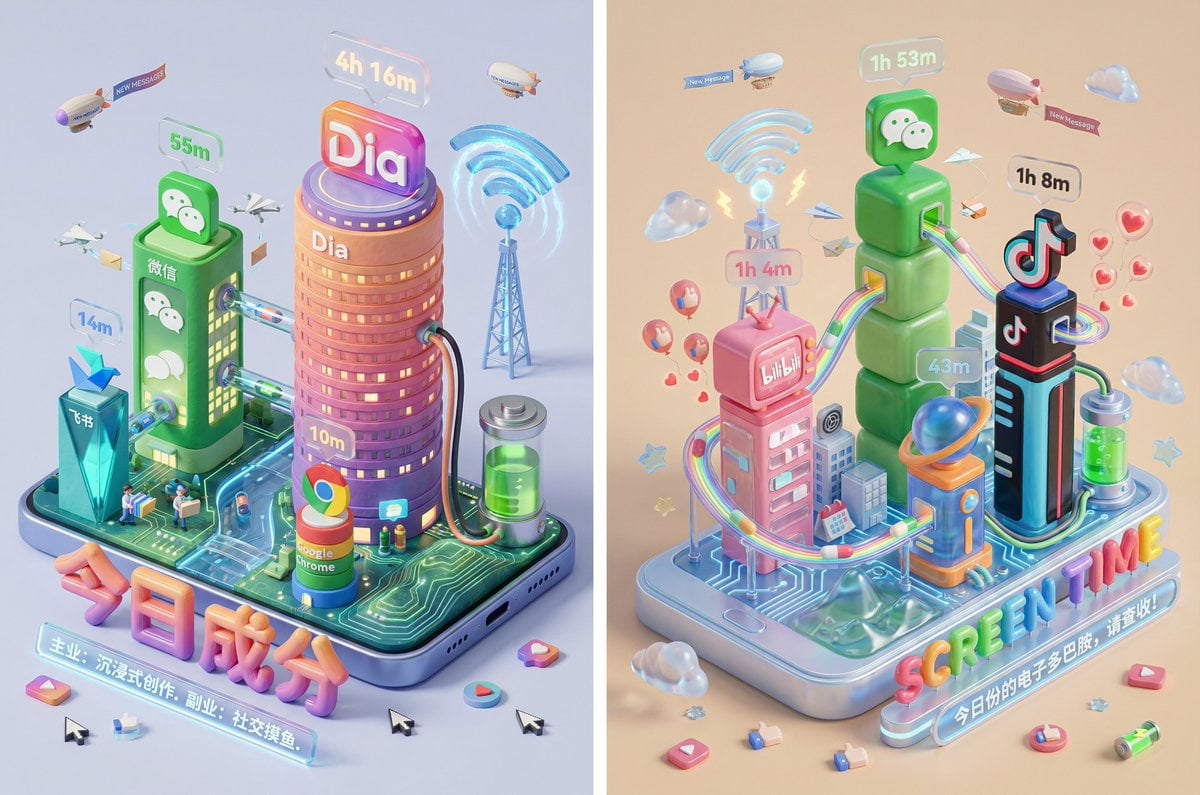
Screen Time Digital Town Visualization Prompt

Grok Video Prompt: High-Speed Skateboard Tricks
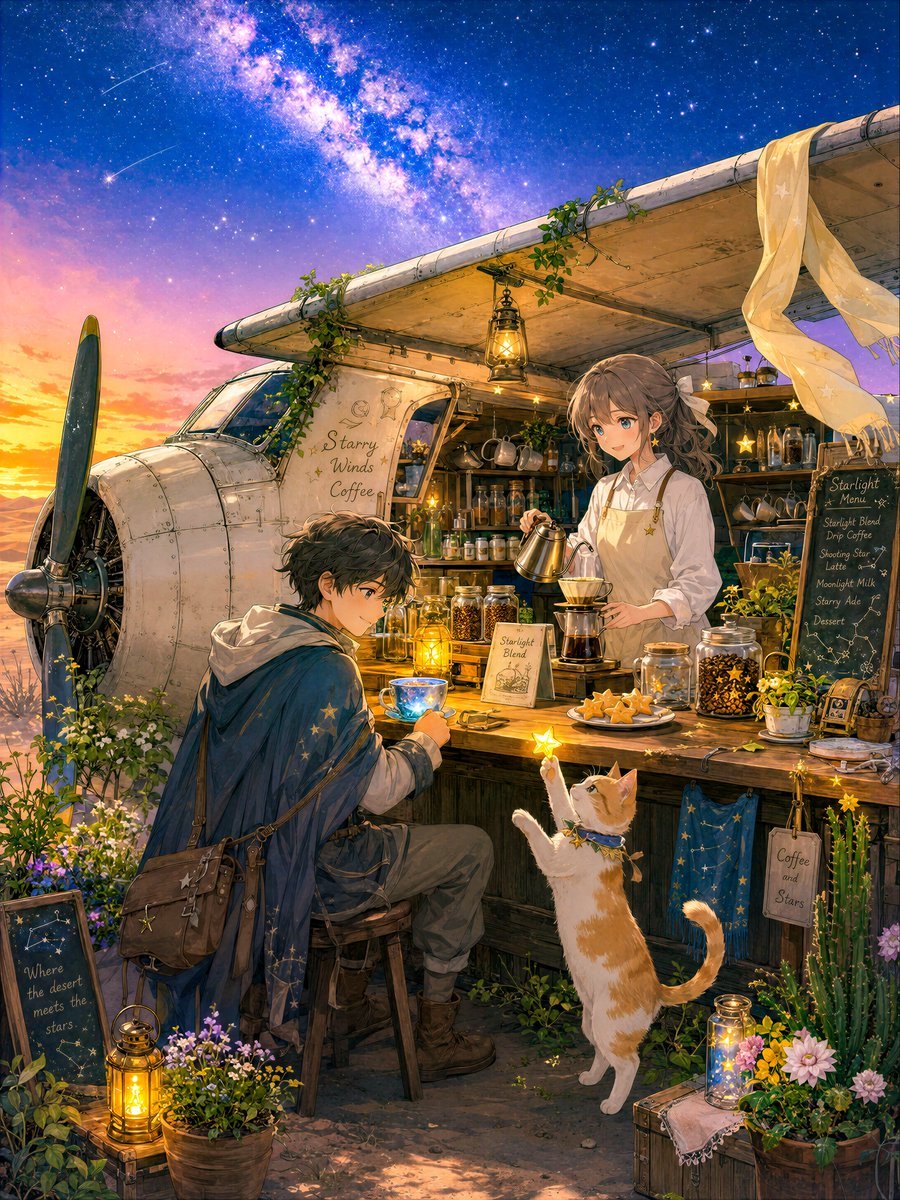
Desert Night Airplane Cafe Story
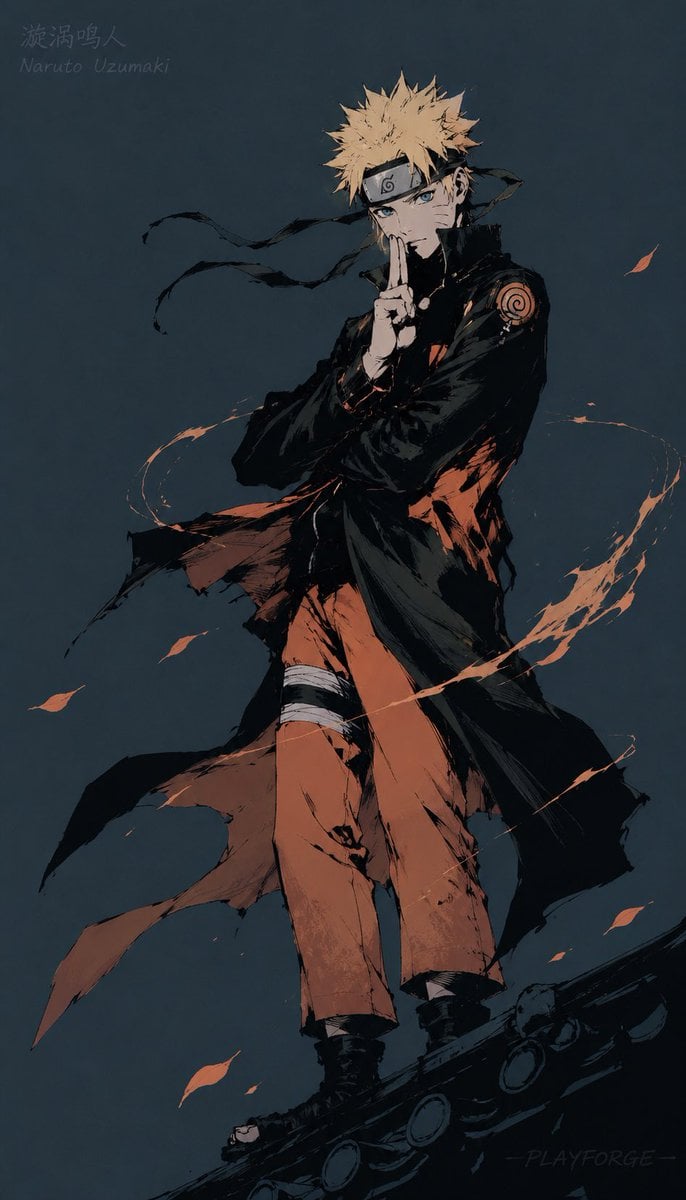
Gritty Naruto Poster Illustration
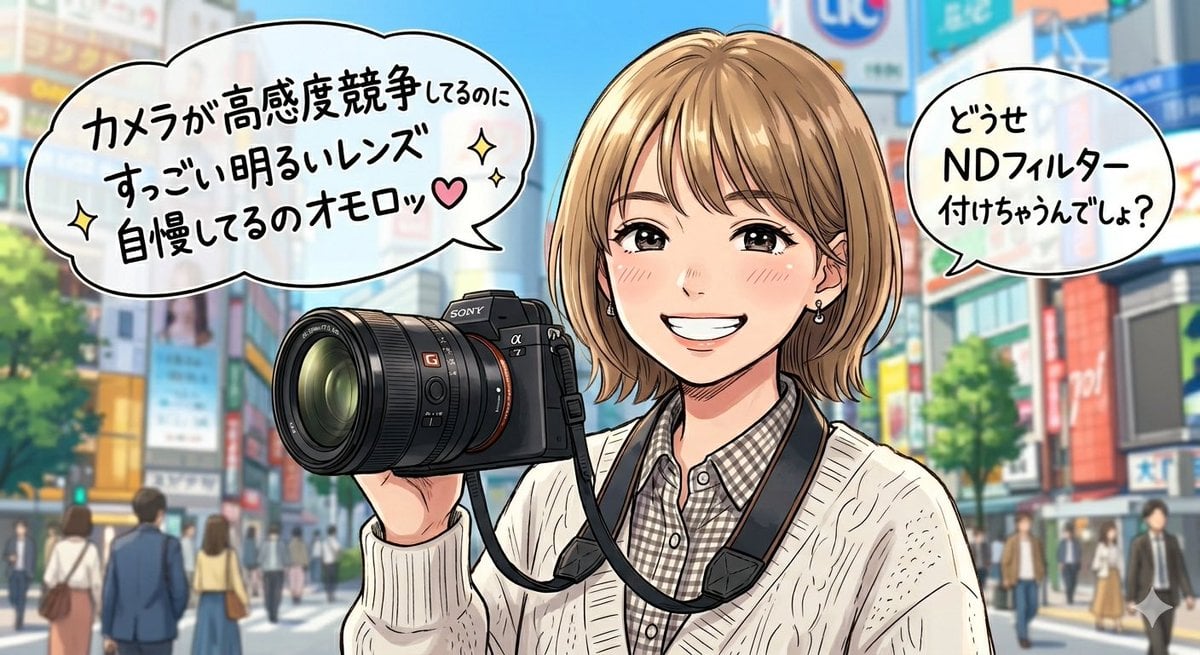
Sarcastic Anime Camera Girl
Anime Girl Squatting in Oversized Hoodie
Product Shot Enhancement Prompt

Korean Reality Dating Show Participant Portrait
Browse template categories
Cute Japanese LINE Sticker Sheet questions
How do I use the Cute Japanese LINE Sticker Sheet template?
Add your photo if the template asks for one, edit the prompt if you like — the template's model and format are already selected — and press Generate. Your version opens in PicX Studio.
Can I customize the Cute Japanese LINE Sticker Sheet template?
Yes. You can change the subject, setting, lighting, mood, format, and available model controls before creating your image.
Is the Cute Japanese LINE Sticker Sheet template free?
Opening and editing this template is free. Generating uses credits, shown on the Generate button when you are signed in.
Which AI model should I use?
Start with GPT Image 2, which is the model associated with this template. You can compare another compatible model for a different finish.
Looking for something else? Browse all templates.

Your photo, any look
Thousands of ready templates for every top image and video model, from one credit balance.