
Sarcastic Anime Camera Girl
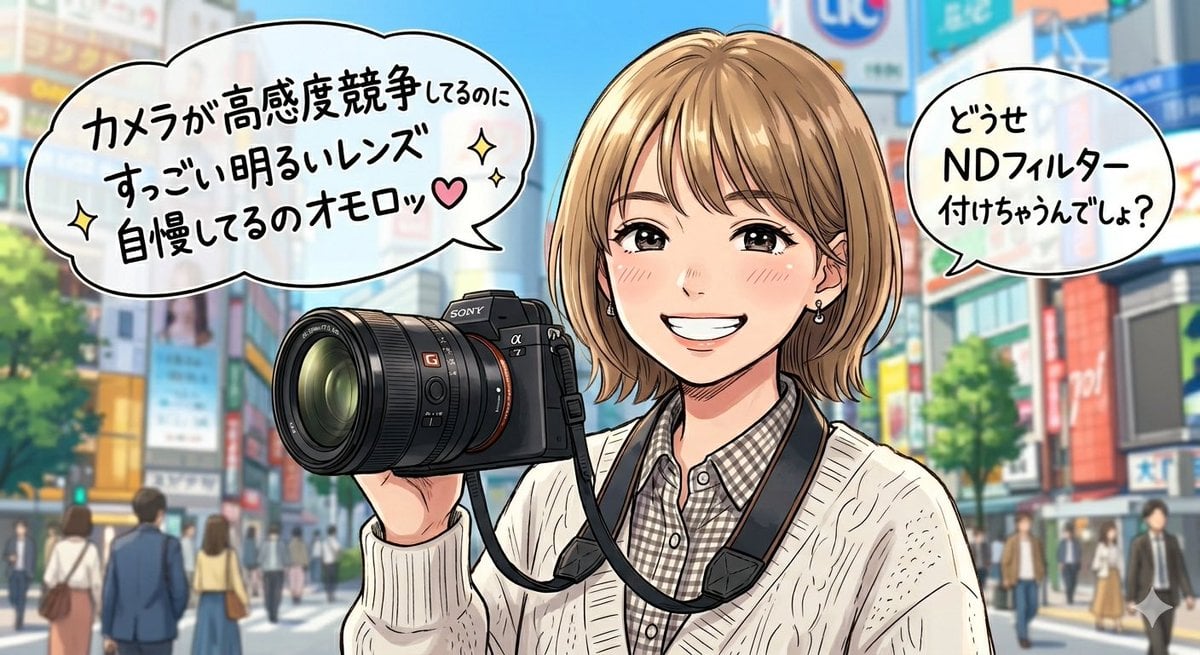
Generates a wide single-panel anime illustration of a teasing young photographer in a city street with two Japanese manga speech bubbles.
- Prompt included
- Model and format preset
- Free template
The prompt behind this image
Copy the exact prompt behind Sarcastic Anime Camera Girl, or open it in the studio and make it yours.
Create a single-panel anime-style social media illustration set on a bright modern Japanese city street resembling Shibuya or a busy shopping district, with colorful storefront signs, soft depth-of-field pedestrians, trees, and a vivid blue sky in the background. In the foreground, show a young woman photographer from the waist up, holding a large black Sony-style mirrorless camera with a prominent wide lens toward the viewer; the camera strap hangs around her neck. She has a short blonde bob haircut with layered ends and side-swept bangs, small earrings, and wears a cream cable-knit cardigan over a gray-and-white checkered button-up shirt. Her face is deliberately covered by a flat opaque rectangular censor block in a skin-tone beige, centered over the face. Use polished Japanese anime/manga line art with clean outlines, glossy highlights, saturated daylight colors, and a slightly teasing comedic tone. Include exactly 2 white manga speech bubbles with thick black outlines: the large left bubble says {argument name="left speech bubble text" default="カメラが高感度競争してるのに すっごい明るいレンズ 自慢してるのオモロッ♥"} with small sparkle icons and a pink heart, and the smaller upper-right bubble says {argument name="right speech bubble text" default="どうせ NDフィルター 付けちゃうんでしょ?"}. Add a few decorative sparkle symbols around the dialogue and near the bottom right. Compose the image in a wide 16:9 aspect ratio, with the camera and character dominating the center-left and center, speech bubbles occupying the upper left and upper right, and the city background blurred enough to keep focus on the character and dialogue.
How to use Sarcastic Anime Camera Girl in 3 steps
- 1Upload ImagePNG, JPG or paste
Add your photo
Upload the photo the template builds on. The prompt, model and format are already set.
- 2…a portrait of your subject in softgolden-hour light, 85mm…
Personalize
Edit the subject and creative details for your destination.
- 3Generate
Generate
Press Generate — your image is created in PicX Studio, so you can compare it with the original and refine one variable at a time.
More like this
Templates with the same subject, style or setup. Open one to see its prompt.











Make it yours
Sarcastic Anime Camera Girl works as-is. These are the safest ways to change it without losing the look.
Change one field
Copy a single group, rewrite it, and generate again so you can see what that field is doing.
Keep the frame, change the subject
Hold the composition and light of Sarcastic Anime Camera Girl, then swap wardrobe, props or the person for a new take.
| If the result… | Why | Fix |
|---|---|---|
| The result drifts from the preview | Too many fields changed at once. | Reuse Sarcastic Anime Camera Girl as-is first, then change one group — subject, light, or setting. |
| The model over-stylizes the scene | The prose prompt leaves finish and camera underspecified. | Add one camera or lighting sentence and stay on GPT Image 2. |
More GPT Image 2 templates
Other prompts made for GPT Image 2.

Six VTuber Japanese Logo Sheet

Realistic Portrait of Woman and Deer

The Vista Modular Condo Poster

AI Model Routing Comparison Infographic

2.5D Anime Art Board

Isometric Productivity Desk Scene

New York Double Exposure Poster

Four-Panel AI Landscape Comparison

Japanese Tatami Lifestyle Magazine Cover

NESCAFÉ Coffee Map Poster
More image prompts
Fresh picks from across the catalog.
Catgirl Idol Concert Stage
Cozy Oil Pastel Illustration
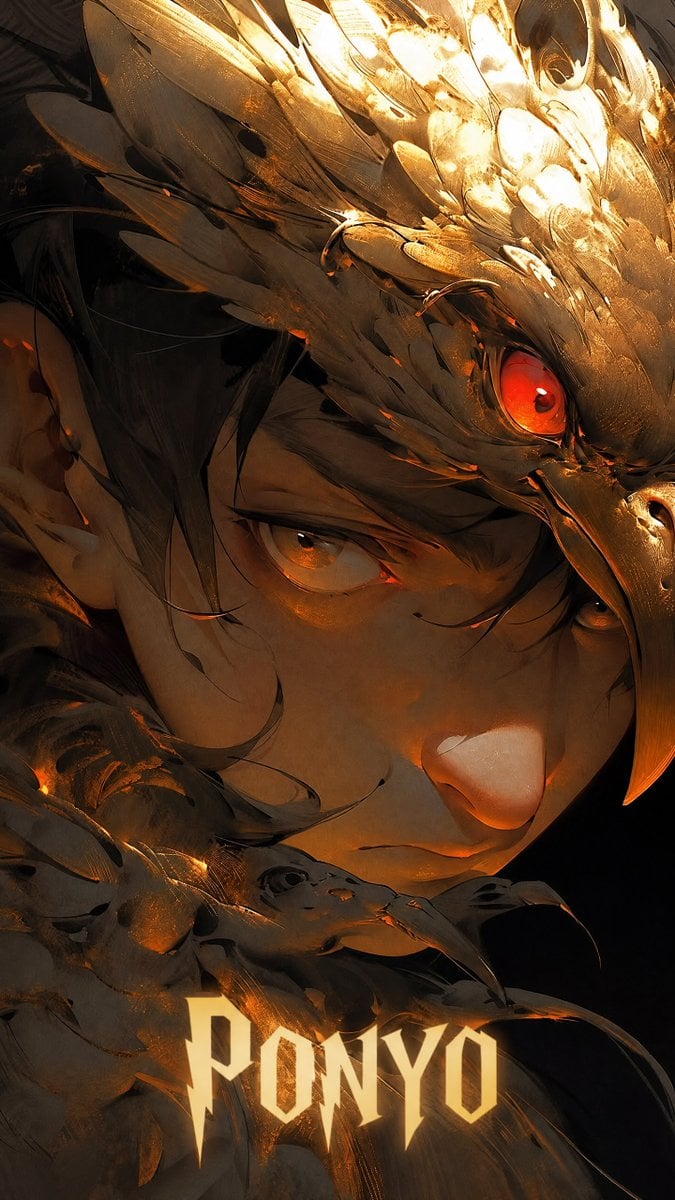
Dark Fantasy Ponyo Warrior Poster
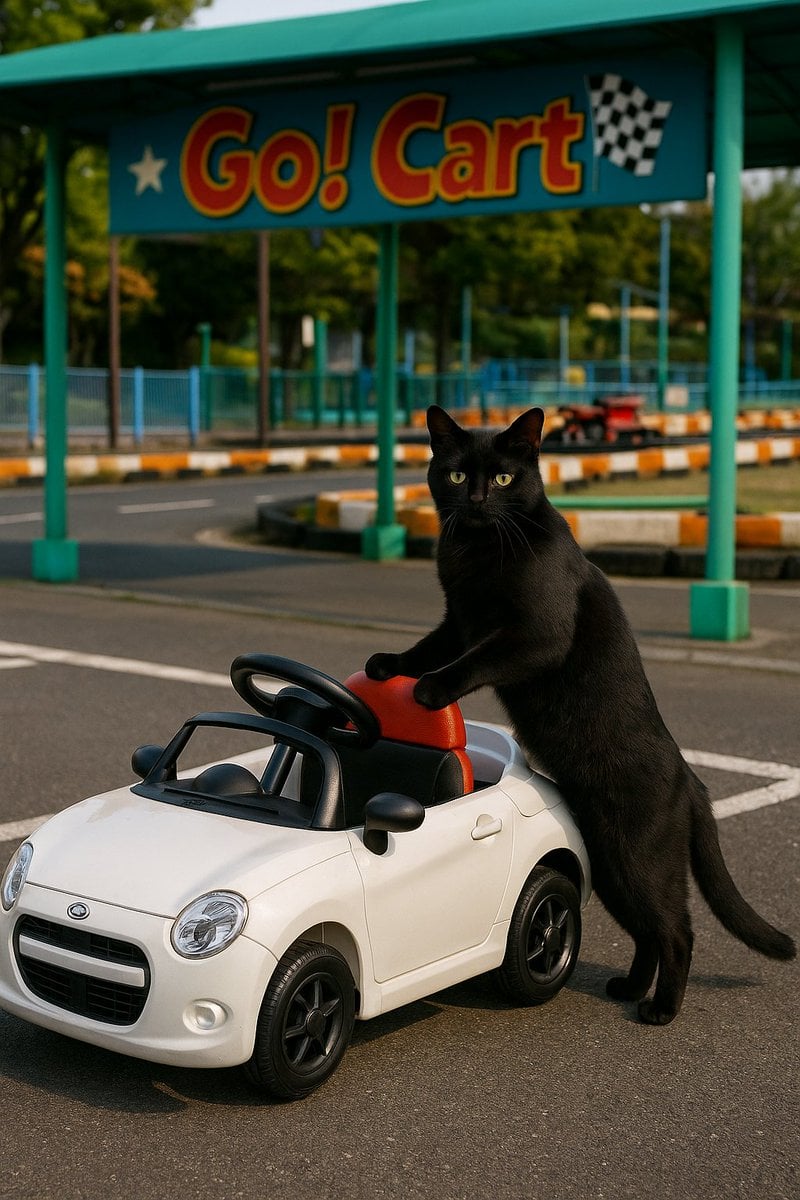
Cat with Toy Car at Go-Kart Track
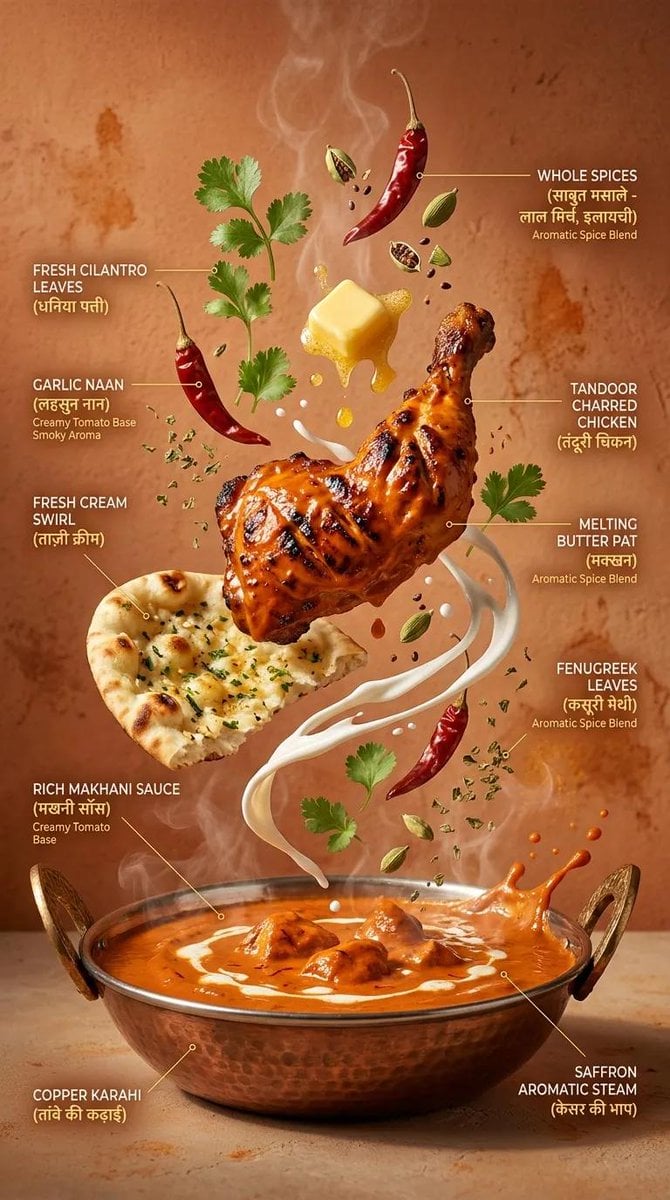
Cinematic Exploding Ramen Infographic
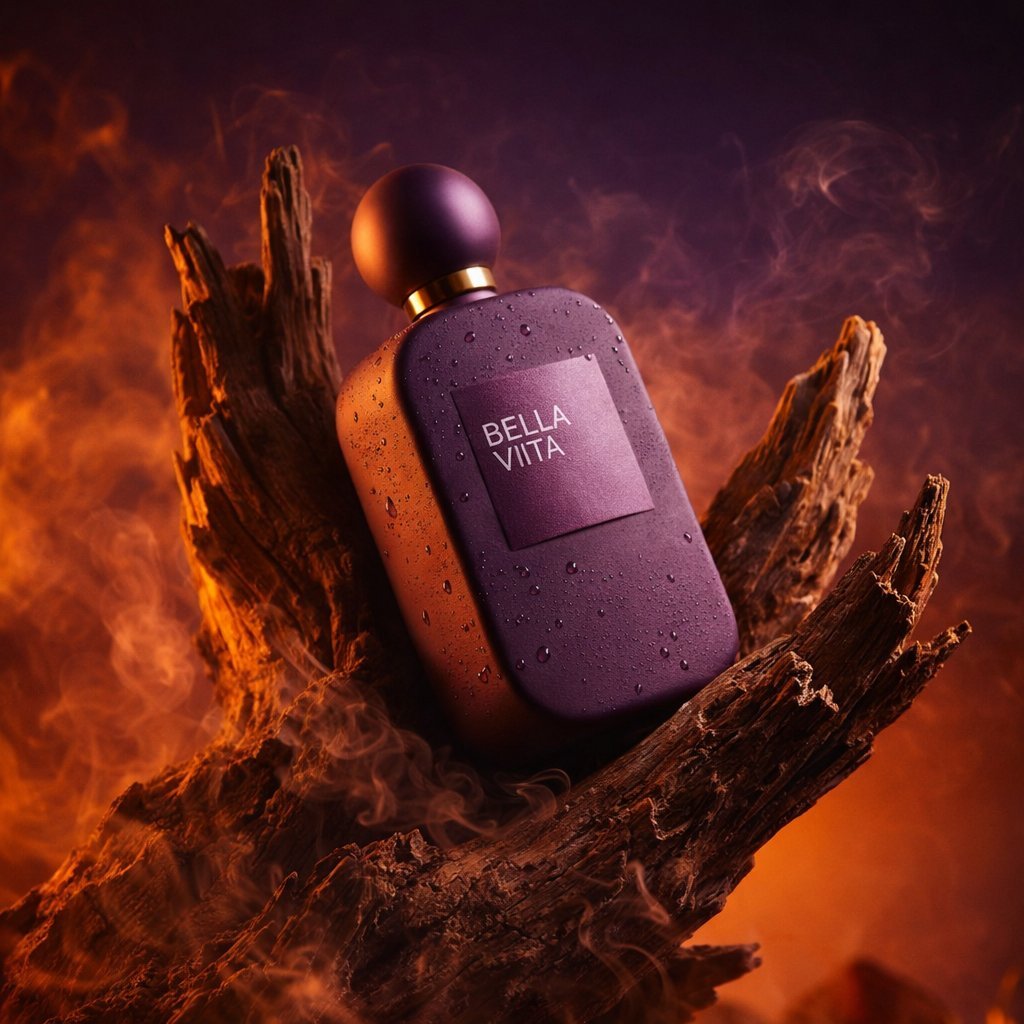
Photorealistic Product Photography in a Forest Setting
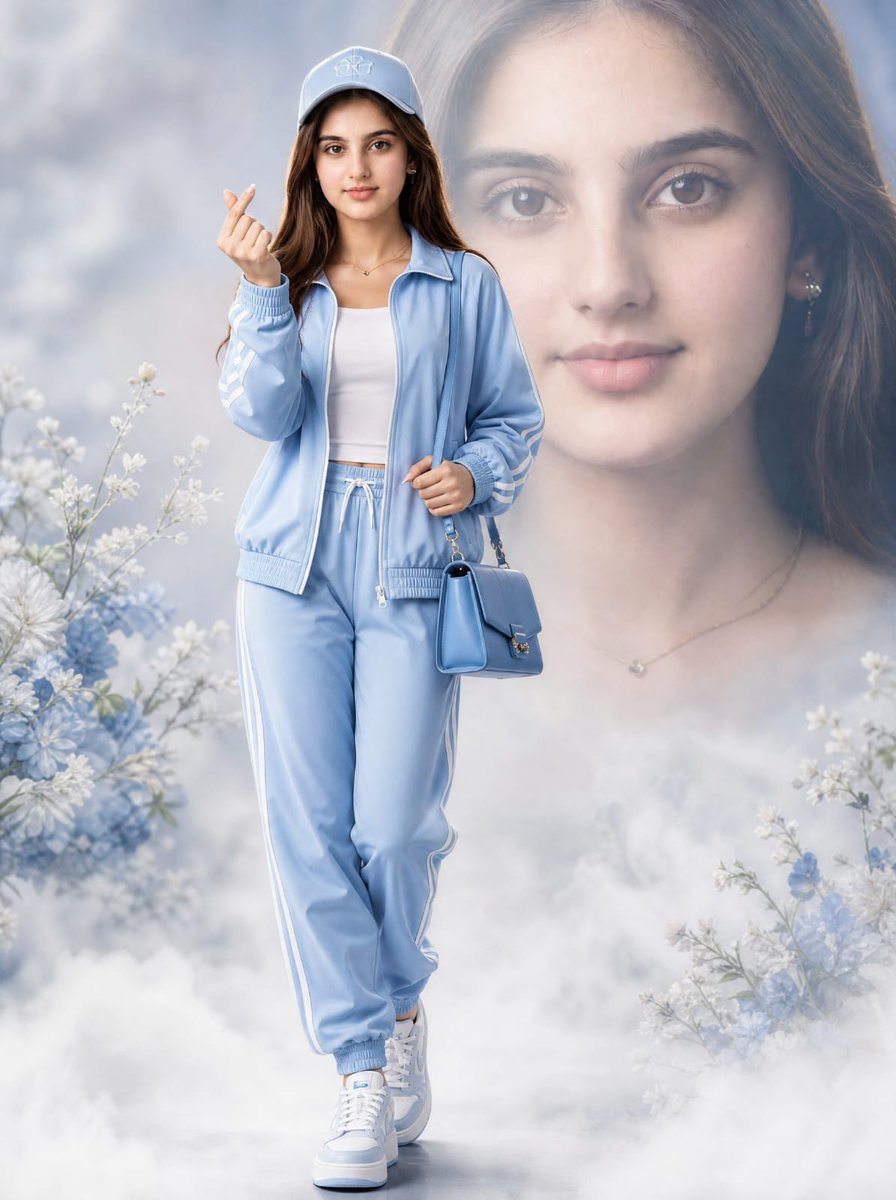
Light Blue Tracksuit Fashion Portrait
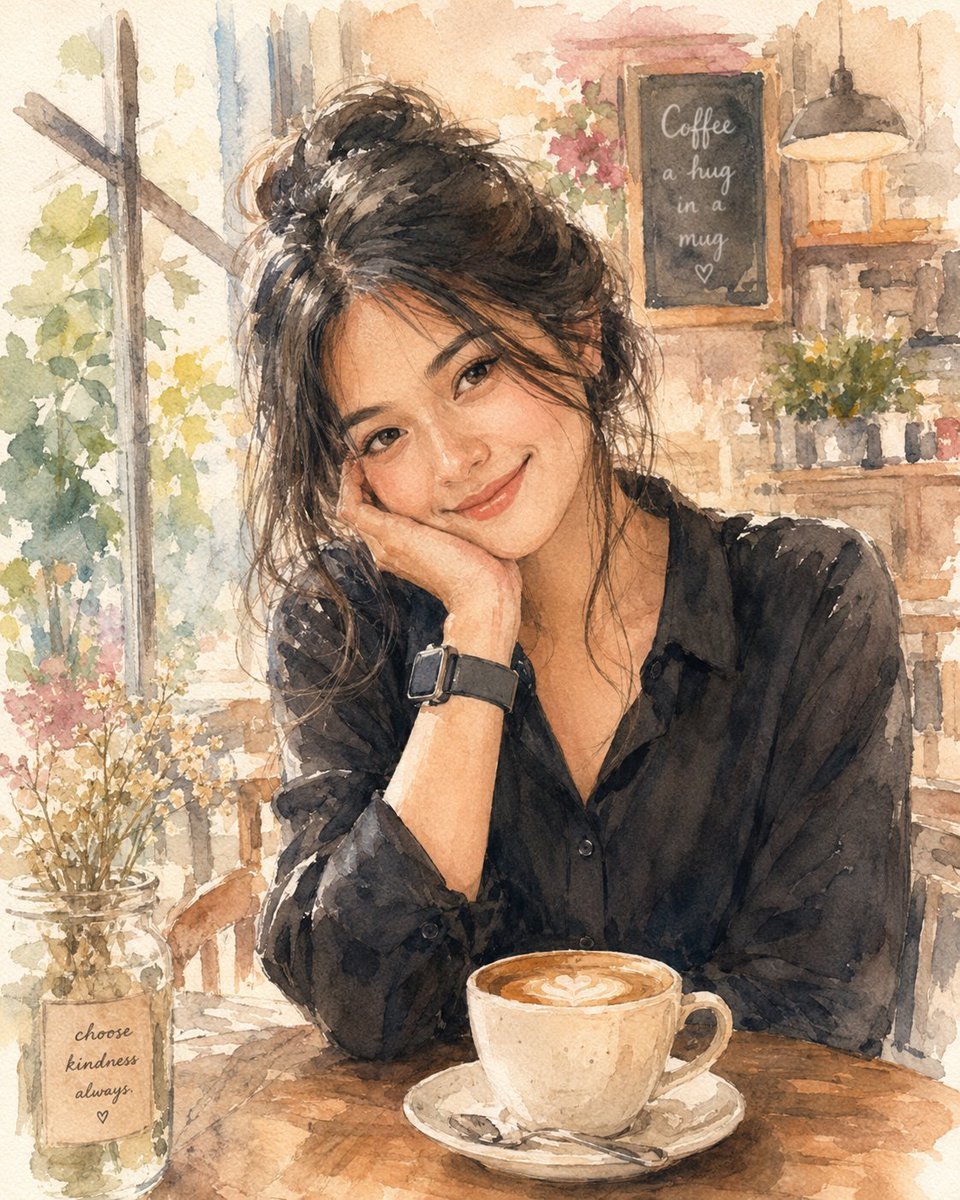
Soft Watercolor Café Illustration

Calligraphic Dreamy Risograph Poster
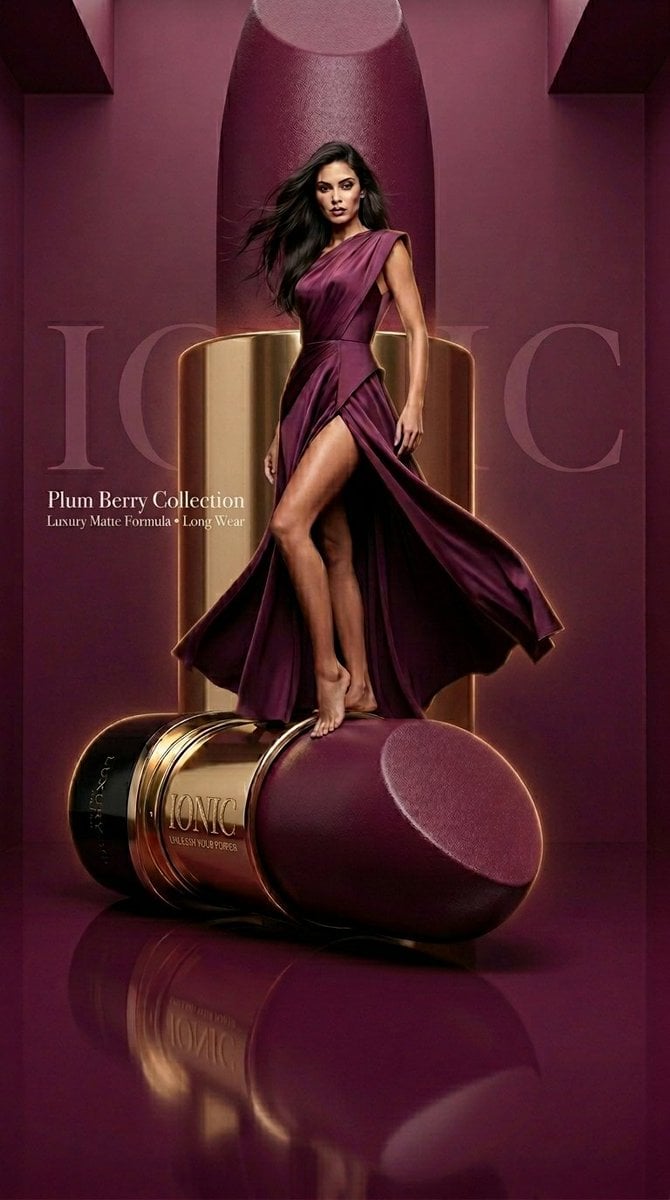
Monochromatic Beauty Lipstick Campaign
Browse template categories
Sarcastic Anime Camera Girl questions
How do I use the Sarcastic Anime Camera Girl template?
Add your photo if the template asks for one, edit the prompt if you like — the template's model and format are already selected — and press Generate. Your version opens in PicX Studio.
Can I customize the Sarcastic Anime Camera Girl template?
Yes. You can change the subject, setting, lighting, mood, format, and available model controls before creating your image.
Is the Sarcastic Anime Camera Girl template free?
Opening and editing this template is free. Generating uses credits, shown on the Generate button when you are signed in.
Which AI model should I use?
Start with GPT Image 2, which is the model associated with this template. You can compare another compatible model for a different finish.
Looking for something else? Browse all templates.

Your photo, any look
Thousands of ready templates for every top image and video model, from one credit balance.