
A trendy, high-end Sticker Sheet set
[BRAND NAME].

- Prompt included
- Model and format preset
- Free template
The prompt behind this image
Copy the exact prompt behind A trendy, high-end Sticker Sheet set, or open it in the studio and make it yours.
[BRAND NAME]. Act as a vector illustrator designing a trendy, high-end "Sticker Sheet" set. THE TASK: Deconstruct the brand identity of [BRAND NAME] into a playful, cohesive set of approximately 8-10 unique sticker designs arranged on a single sheet. Content Generation: Do not just make logos. Autonomously invent a mix of: Mascots/Characters: Stylized busts of people wearing brand-relevant accessories or expressing emotions. Key Products: Iconic items associated with the brand. Symbols/Objects: Abstract shapes or tools relevant to the brand's lifestyle. VISUAL STYLE (MONOLINE VECTOR): The art style must strictly match "Modern Trendy Line Art." Line Work: Use a THICK, UNIFORM line weight (monoline) for all internal details. The lines should be smooth, rounded, and confident. Coloring: The stickers must be filled with Solid Off-White or Cream, utilizing the line color for details. NO gradients, NO shading, NO 3D effects. Flat 2D vector look. The "Sticker" Effect: Every element must have a thick, distinct White (or Cream) Die-Cut Border surrounding it, separating it from the background. COLOR PALETTE (HIGH CONTRAST): Background: A solid, deep, saturated color to create maximum contrast. Stickers: High-brightness Cream or White fill with Dark (Black or Dark Brown) outlines. COMPOSITION: The stickers are scattered naturally across the sheet (knolling layout) with even spacing. No overlapping.
How to use A trendy, high-end Sticker Sheet set in 3 steps
- 1
Open
The prompt is already in the box next to the preview, with the template's model and format selected.
- 2…a portrait of your subject in softgolden-hour light, 85mm…
Personalize
Edit the subject and creative details for your destination.
- 3Generate
Generate
Press Generate — your image is created in PicX Studio, so you can compare it with the original and refine one variable at a time.
More like this
Templates with the same subject, style or setup. Open one to see its prompt.

Brand Sticker Sheet Monoline Vector

Premium 4 3 presentation cover slide introducing Chronicle

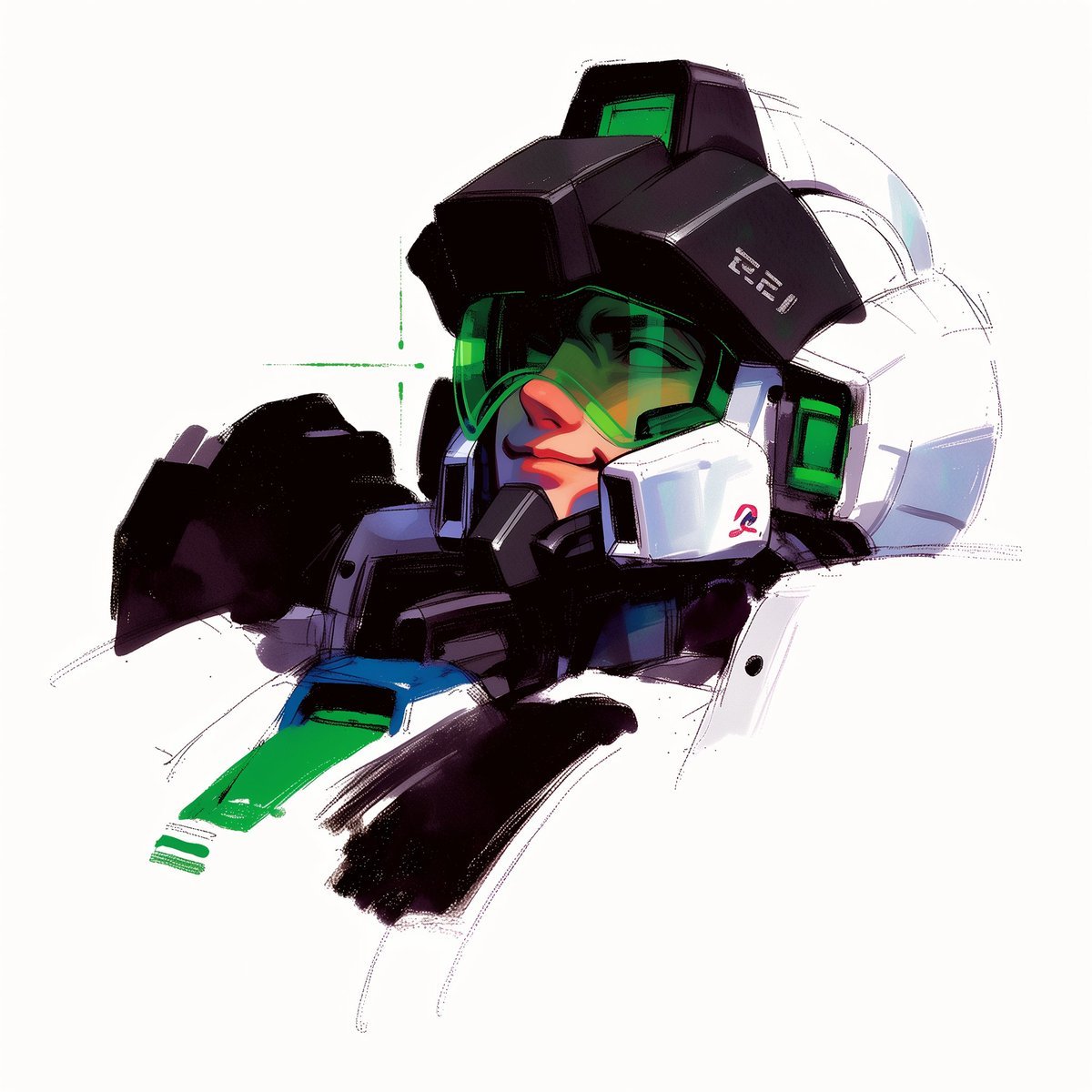
Act as a 3D Product Visualization Artist
UI & Graphic Prompt #299

A 3x3 grid storyboard contact sheet comprised of nine candid, cinematic
To hyper-realistic 3D CGI collectible figurine render
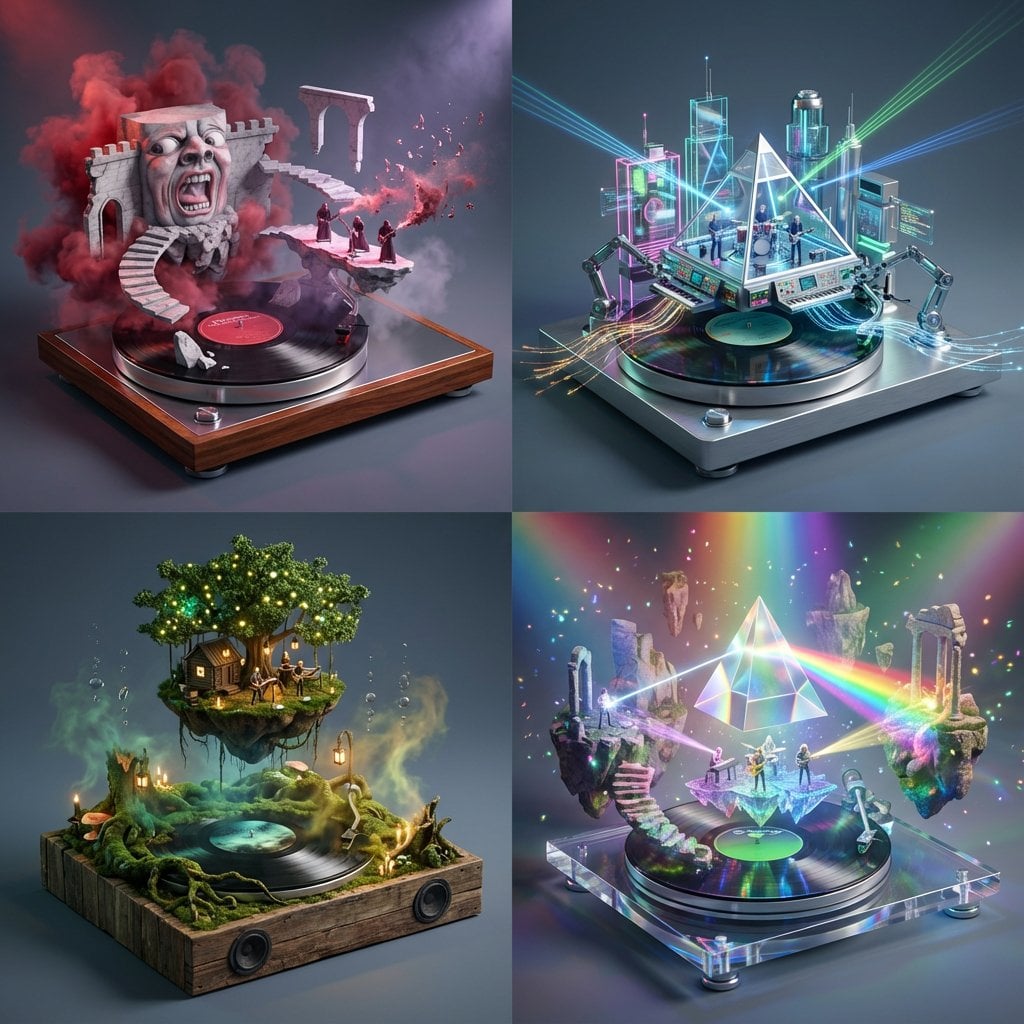
Act as a Music Historian and Set Designer
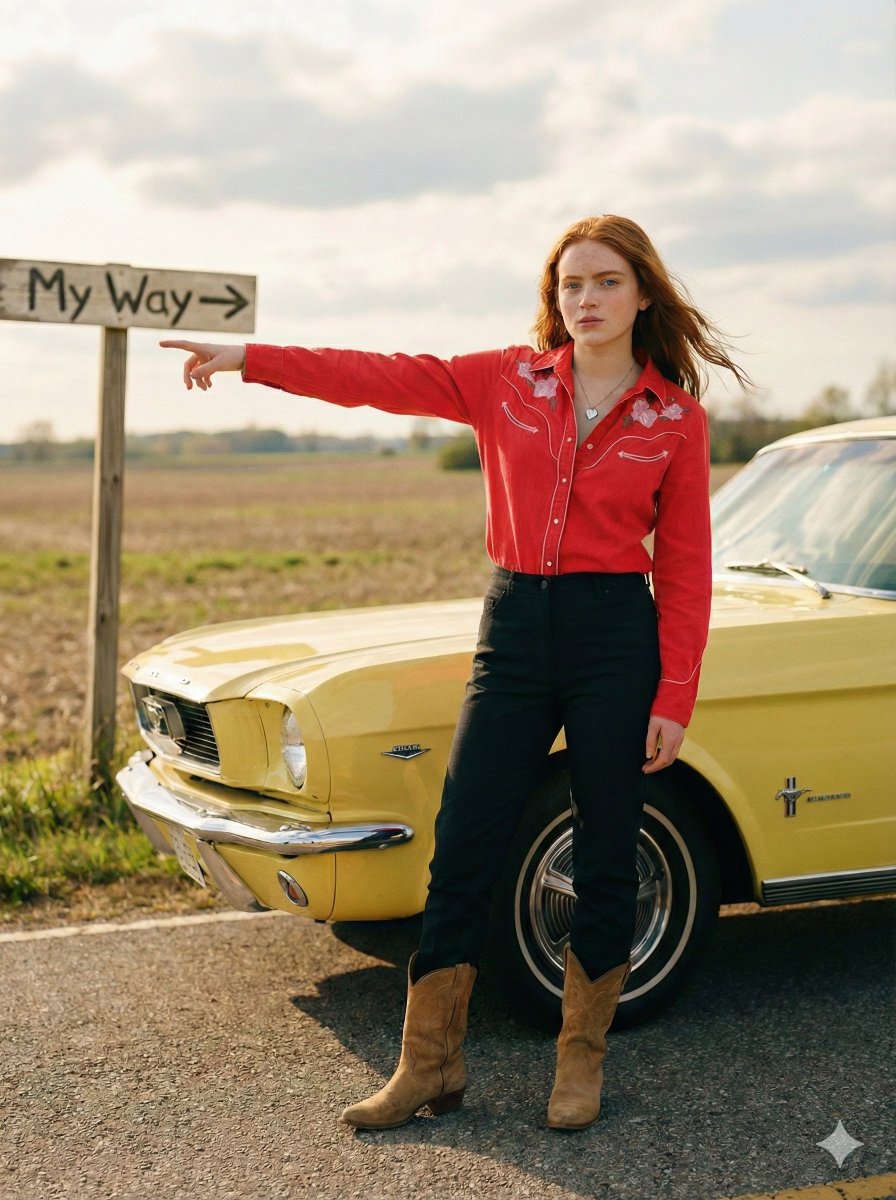
Standing beside the car, torso slightly angled, arm extended

Chibi Anime Ninja Sticker Sheet
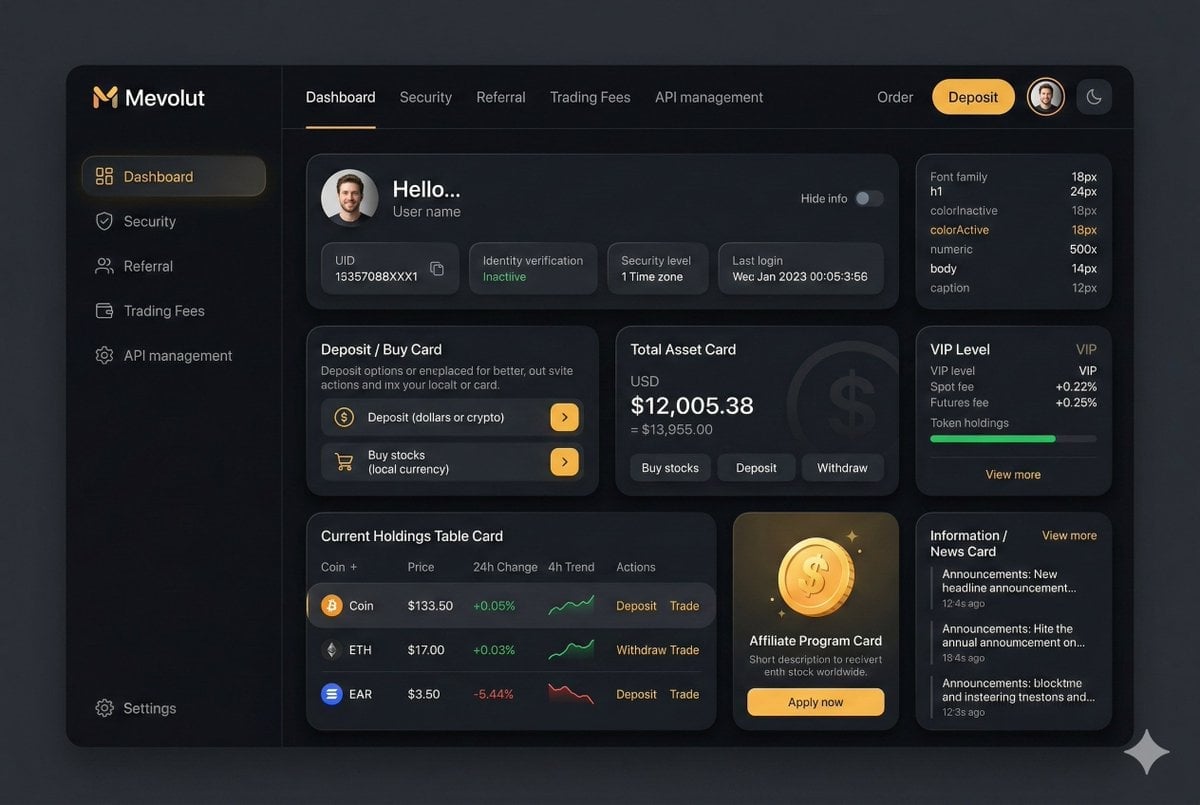
Fintech Crypto Dashboard UI Design

青蛇小青写真大片,绿色紧身蛇鳞裙,湿发红唇,妖娆妩媚
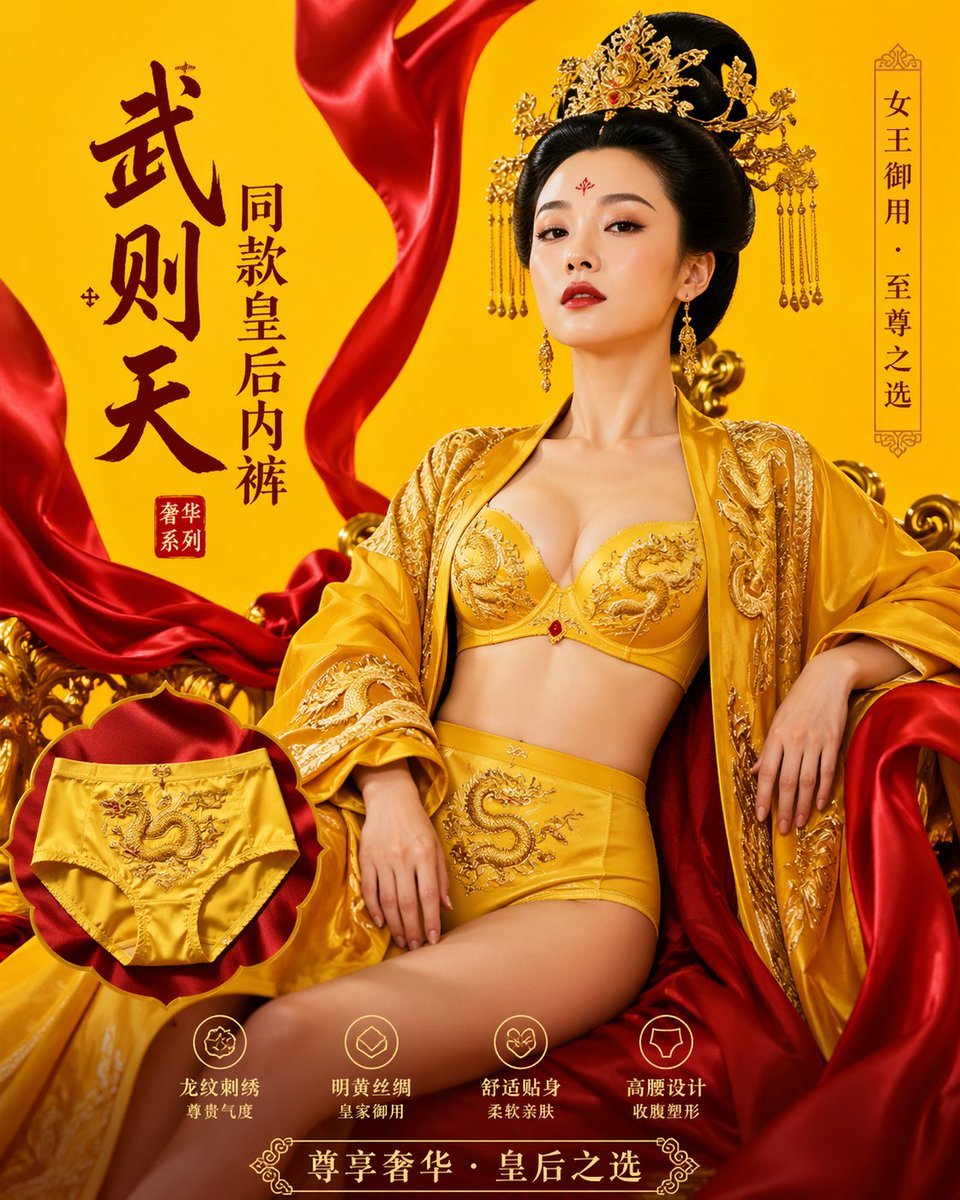
武则天同款皇后内衣广告大片,明黄底色龙纹刺绣,大红丝绸飘带衬托
Make it yours
A trendy, high-end Sticker Sheet set works as-is. These are the safest ways to change it without losing the look.
Change one field
Copy a single group, rewrite it, and generate again so you can see what that field is doing.
Keep the frame, change the subject
Hold the composition and light of A trendy, high-end Sticker Sheet set, then swap wardrobe, props or the person for a new take.
| If the result… | Why | Fix |
|---|---|---|
| The result drifts from the preview | Too many fields changed at once. | Reuse A trendy, high-end Sticker Sheet set as-is first, then change one group — subject, light, or setting. |
| The model over-stylizes the scene | The prose prompt leaves finish and camera underspecified. | Add one camera or lighting sentence and stay on Nano Banana 2. |
More Nano Banana 2 templates
Other prompts made for Nano Banana 2.

Photorealistic Leaf Shaped Like a Dragon

K-Pop Idol Portrait Grid for Rapid Selection

Poetic Rain Forest Portrait During Golden Hour

Urban Street Portrait with Cartoon Inner Self Duo

Candid Nighttime Photo with Cat Prompt

High-Concept 3D Diorama Generation Prompt

Cinematic Futuristic Studio Portrait Template

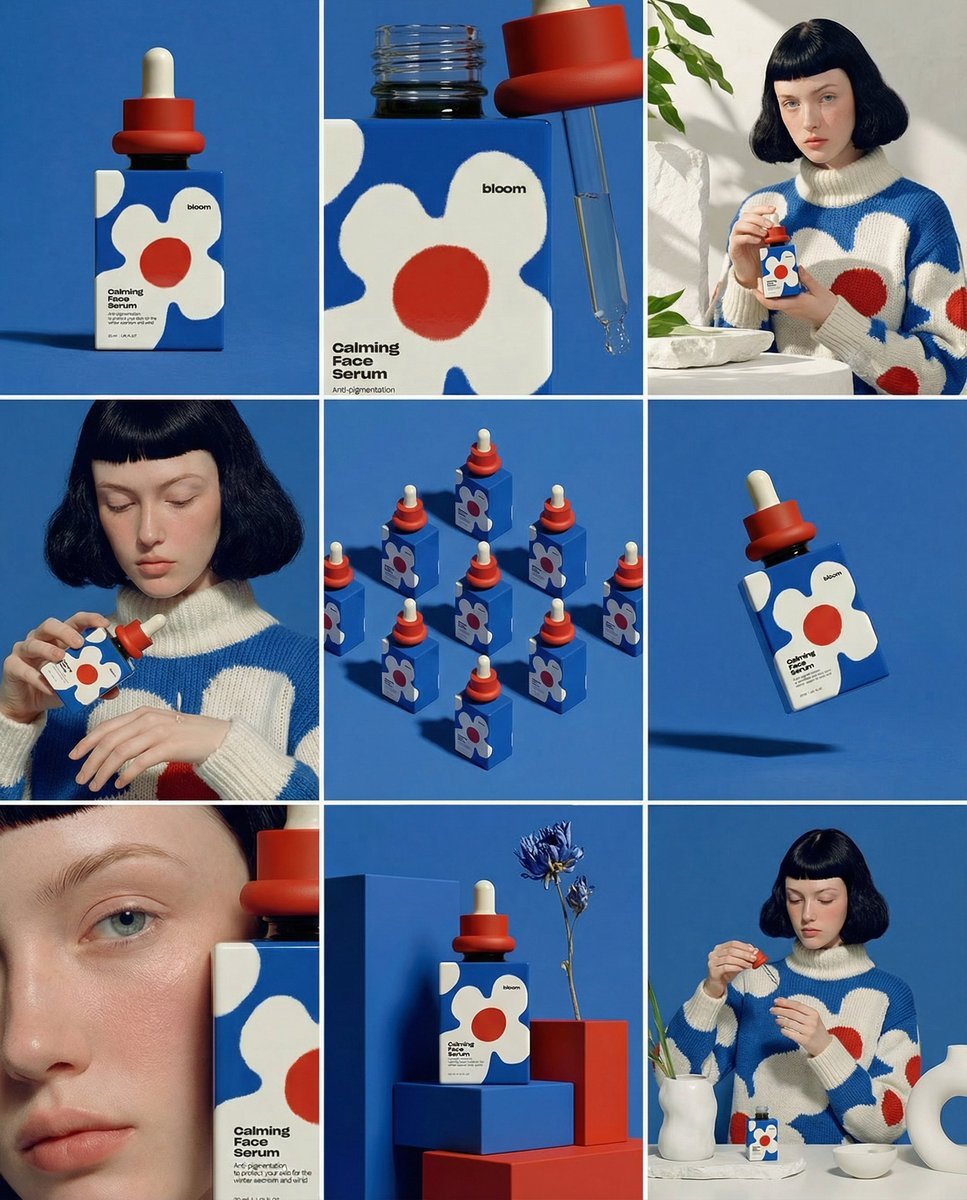
Skincare Editorial Photography Collage Prompt

Hyper-Realistic Commercial Product Photography (Splash Effect)

Hyper-Realistic Nightclub Portrait Prompt
More image prompts
Fresh picks from across the catalog.
Minimalist Editorial Illustration Prompt
Harajuku Kawaii Pop Idol
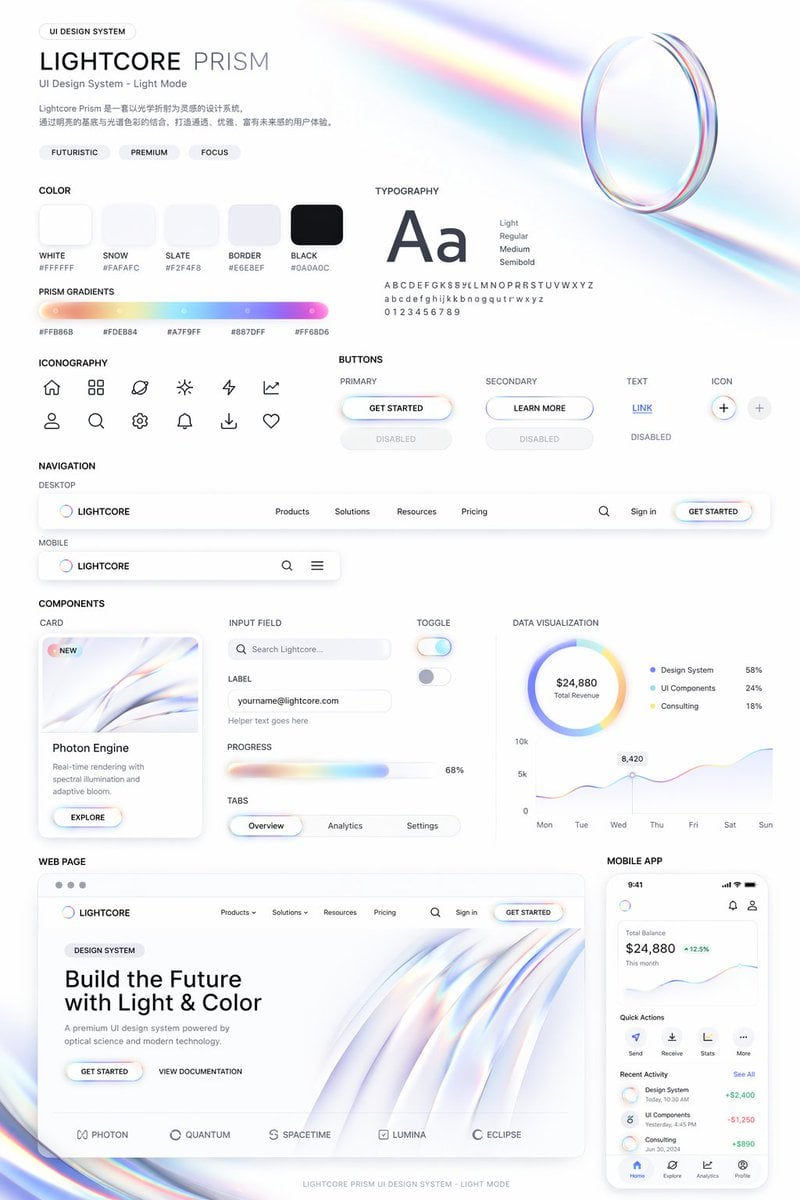
Light Mode UI Design System Board
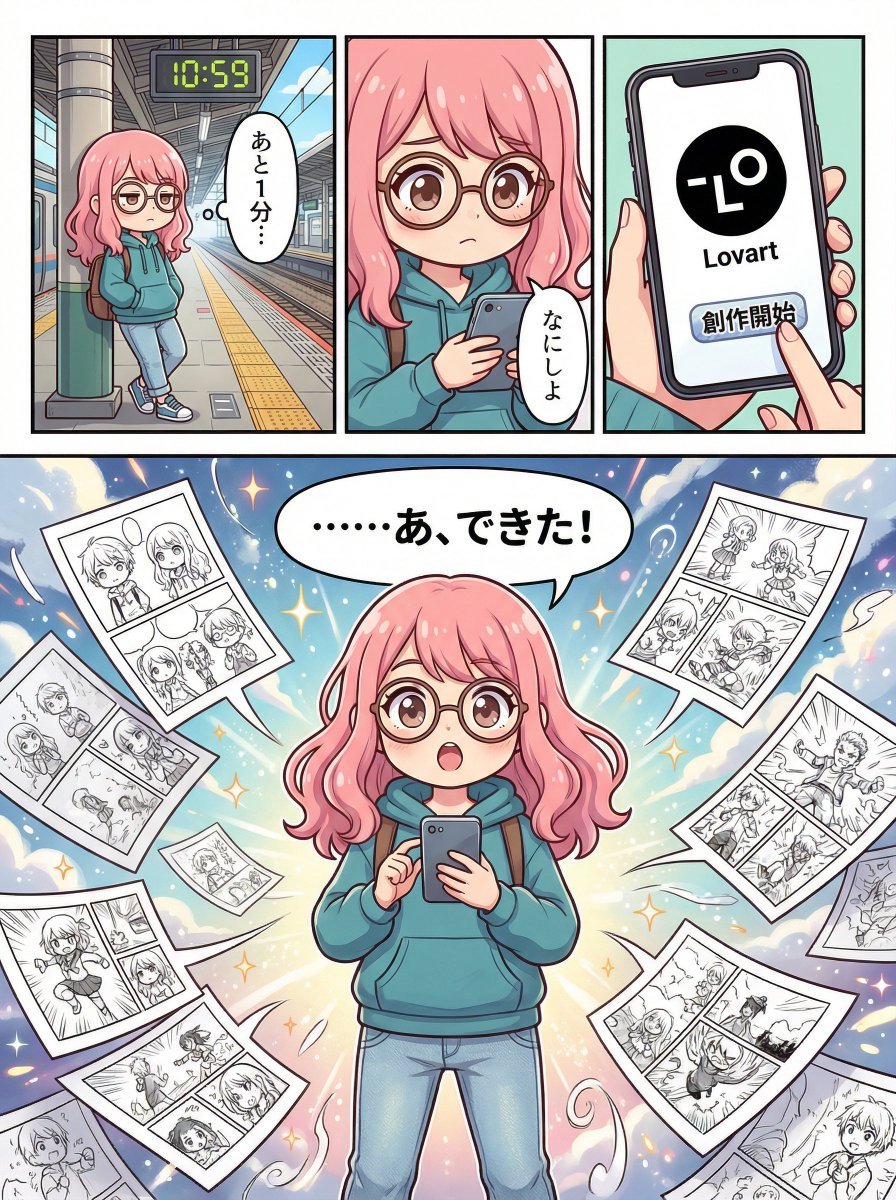
Four-Panel Manga Creation about Lovart App
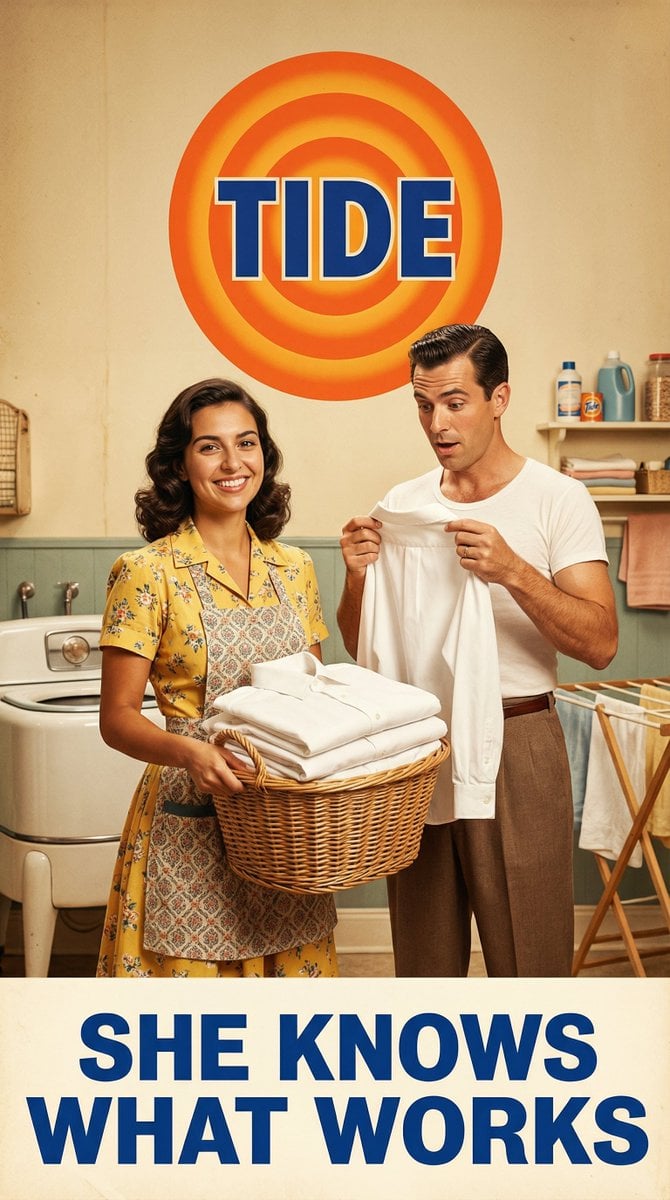
Vintage 1950s Detergent Ad Recreation Prompt
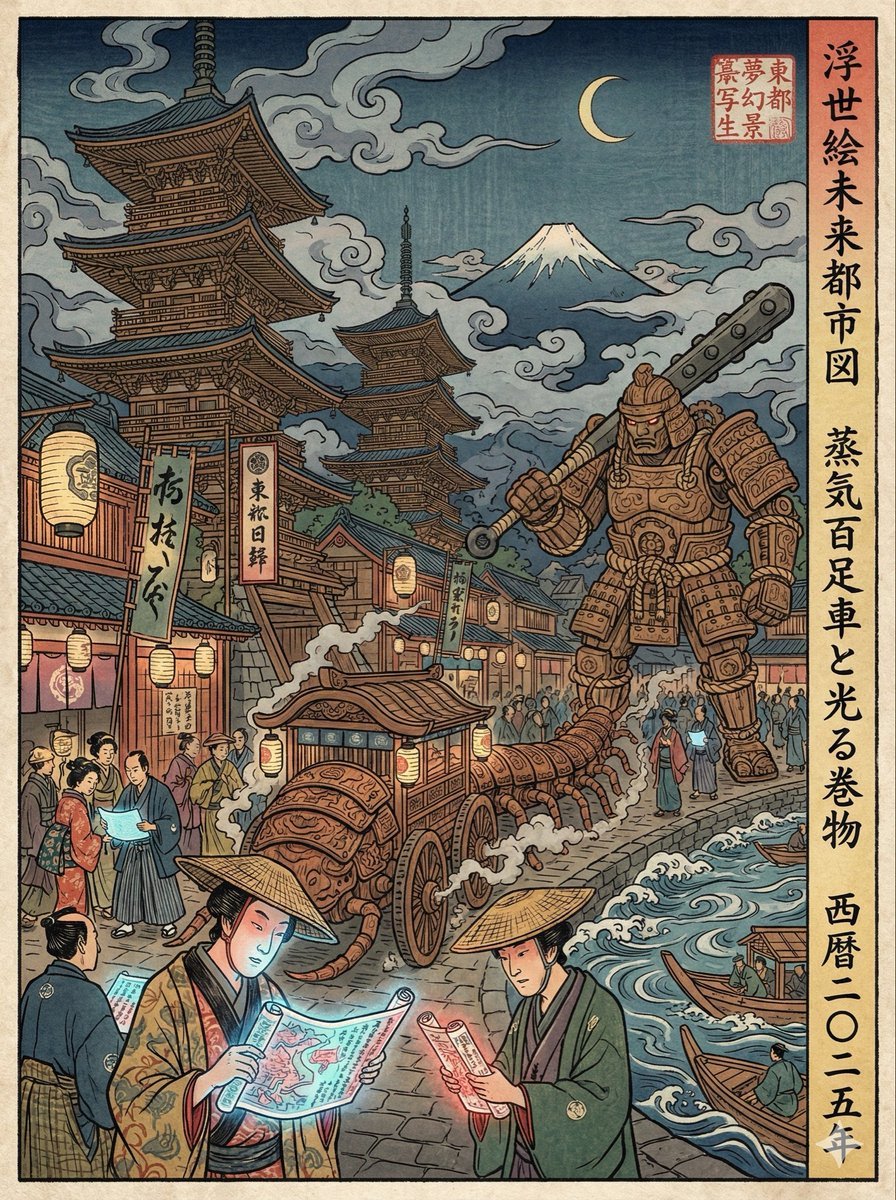
Edo-period Ukiyo-e reinterpretation of a modern scene
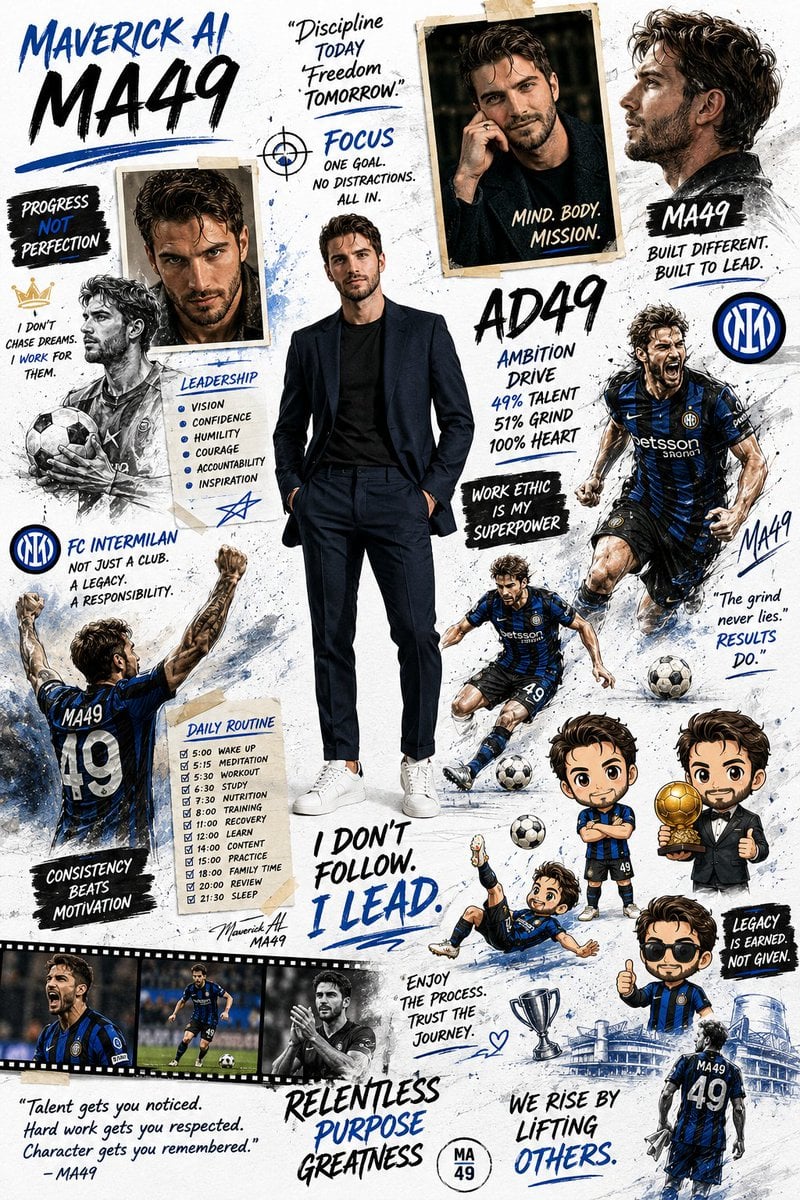
Motivational Sports Scrapbook Collage

Cinematic Outdoor Lifestyle Portrait with SUV
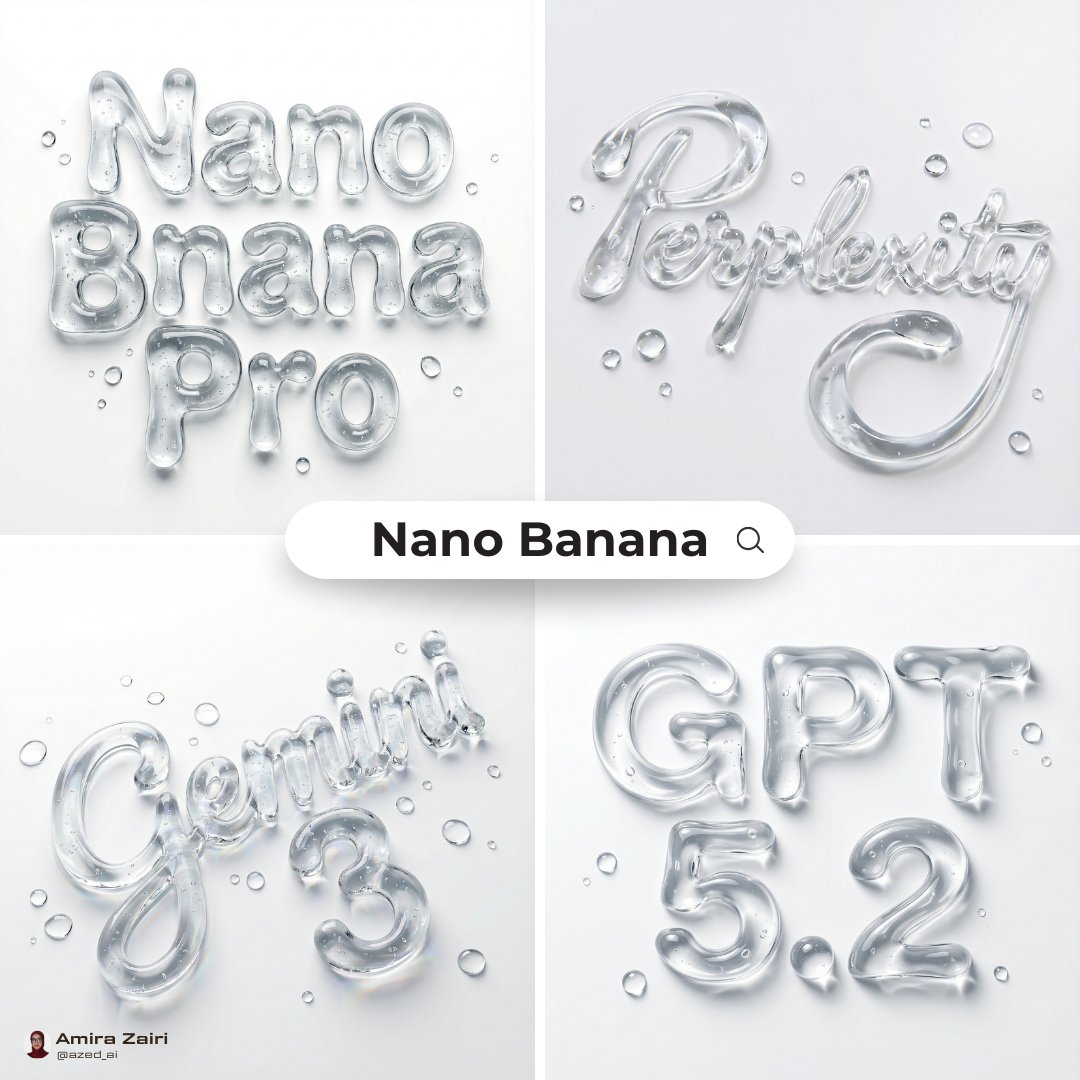
Abstract Liquid Typography Generation Prompt
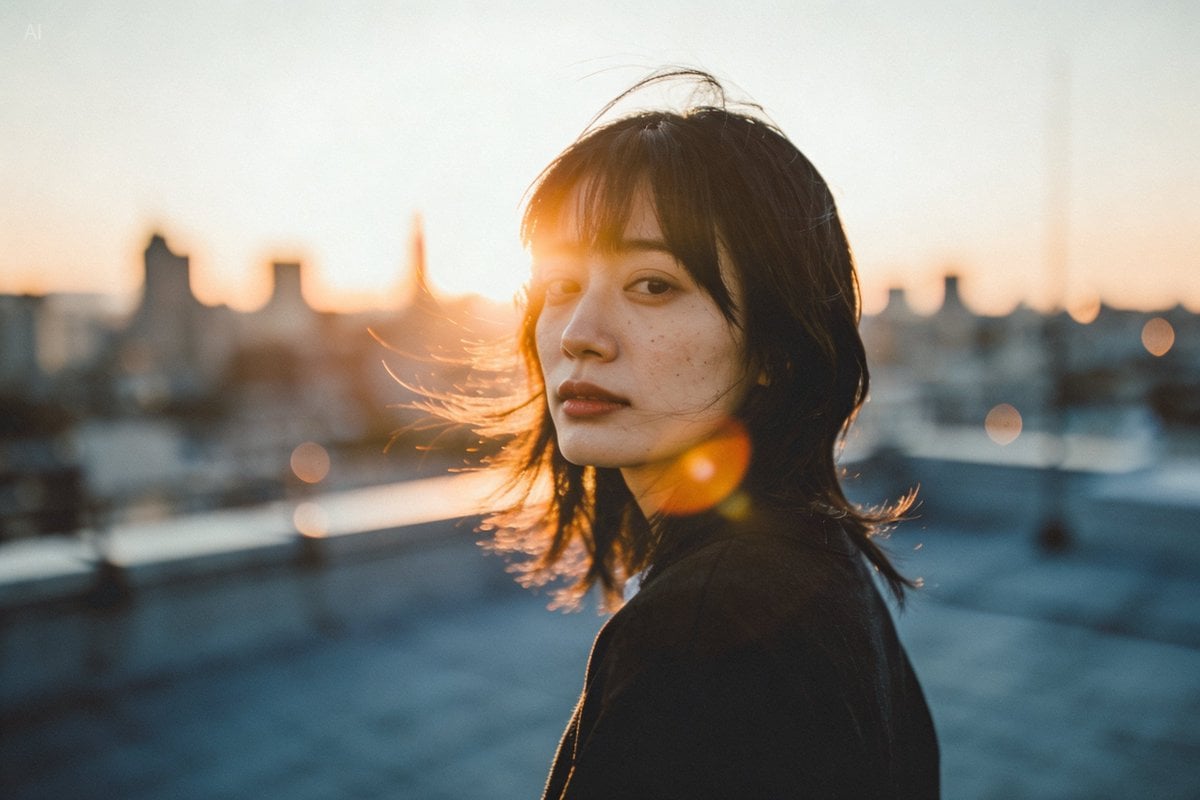
Golden hour rooftop portrait photography prompt
Browse template categories
A trendy, high-end Sticker Sheet set questions
How do I use the A trendy, high-end Sticker Sheet set template?
Add your photo if the template asks for one, edit the prompt if you like — the template's model and format are already selected — and press Generate. Your version opens in PicX Studio.
Can I customize the A trendy, high-end Sticker Sheet set template?
Yes. You can change the subject, setting, lighting, mood, format, and available model controls before creating your image.
Is the A trendy, high-end Sticker Sheet set template free?
Opening and editing this template is free. Generating uses credits, shown on the Generate button when you are signed in.
Which AI model should I use?
Start with Nano Banana 2, which is the model associated with this template. You can compare another compatible model for a different finish.
Looking for something else? Browse all templates.

Your photo, any look
Thousands of ready templates for every top image and video model, from one credit balance.