
Premium 4 3 presentation cover slide introducing Chronicle
Create a premium 4:3 presentation cover slide introducing Chronicle, the AI-native presentation platform from Style: elegant, minimal, modern, premium startup aesthetic.

- Prompt included
- Model and format preset
- Free template
The prompt behind this image
Copy the exact prompt behind Premium 4 3 presentation cover slide introducing Chronicle, or open it in the studio and make it yours.
Create a premium 4:3 presentation cover slide introducing Chronicle, the AI-native presentation platform from https://t.co/SSfpg45Jtr. Style: elegant, minimal, modern, premium startup aesthetic. Similar to high-end brand guideline covers (like Apple / Linear / Notion style). Soft gradient background with subtle depth, clean whitespace, refined typography, polished editorial layout. Main title: CHRONICLE Subtitle: AI PRESENTATION PLATFORM Body copy (small elegant text): Turn raw ideas into polished, high-impact presentations. Start from notes, docs, links, or existing decks. Generate beautiful, on-brand slides with AI. Edit freely on a flexible canvas. Export to PPT, PDF, or publish as a website. Feature highlights (small premium labels): STORY-FIRST ON-BRAND DESIGN AI EDITING FREEFORM CANVAS PPT EXPORT TEAM COLLABORATION Bottom-right elegant logo text: chronicle Visual feeling: business-class premium, strategy deck quality, consulting-grade presentation, slightly futuristic but highly professional. Composition: clean editorial balance, asymmetrical layout, strong whitespace, presentation software hero shot feeling. Aspect ratio: 4:3 Language: English only
How to use Premium 4 3 presentation cover slide introducing Chronicle in 3 steps
- 1
Open
The prompt is already in the box next to the preview, with the template's model and format selected.
- 2…a portrait of your subject in softgolden-hour light, 85mm…
Personalize
Edit the subject and creative details for your destination.
- 3Generate
Generate
Press Generate — your image is created in PicX Studio, so you can compare it with the original and refine one variable at a time.
More like this
Templates with the same subject, style or setup. Open one to see its prompt.

Act as a 3D Product Visualization Artist

A trendy, high-end Sticker Sheet set
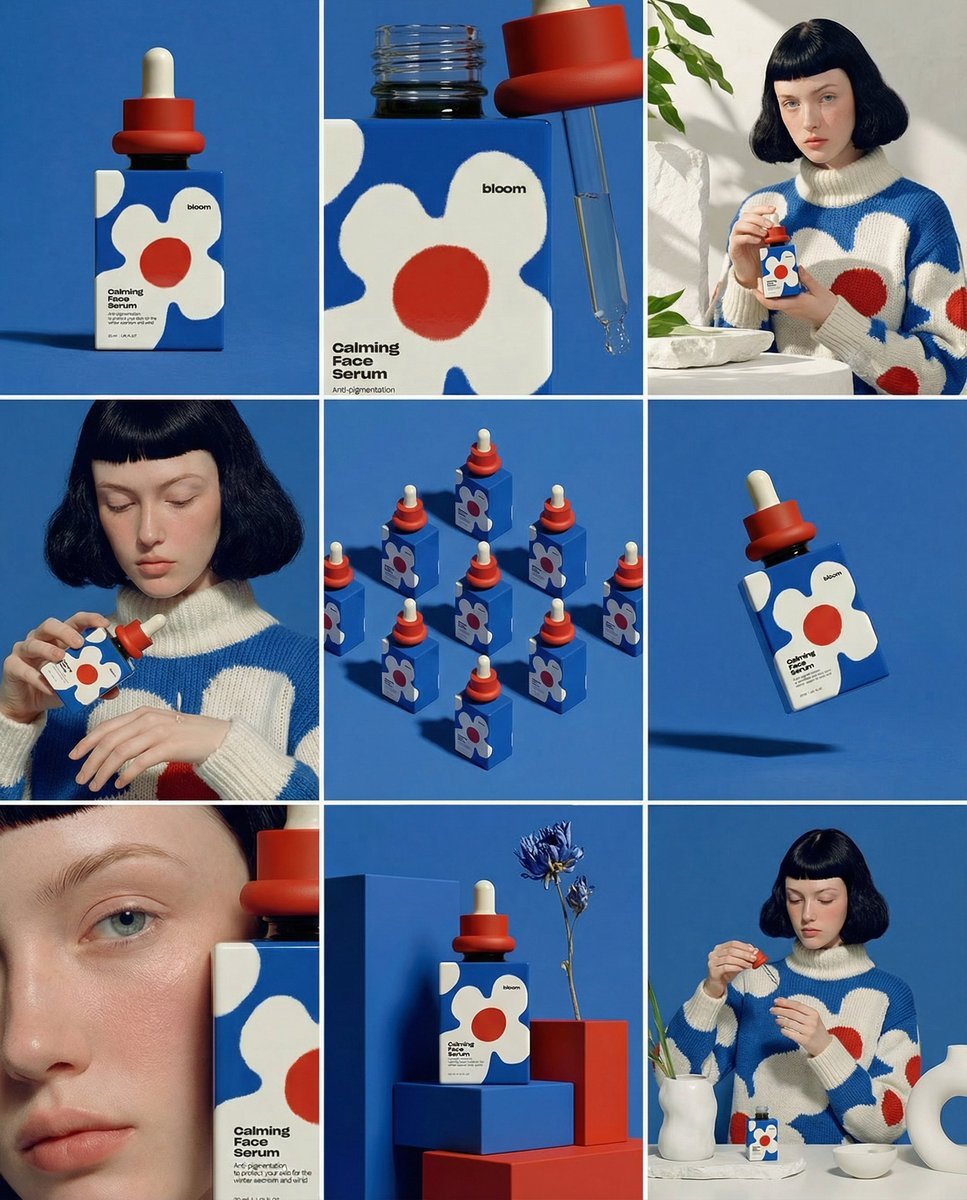
UI & Graphic Prompt #299

Brand Sticker Sheet Monoline Vector
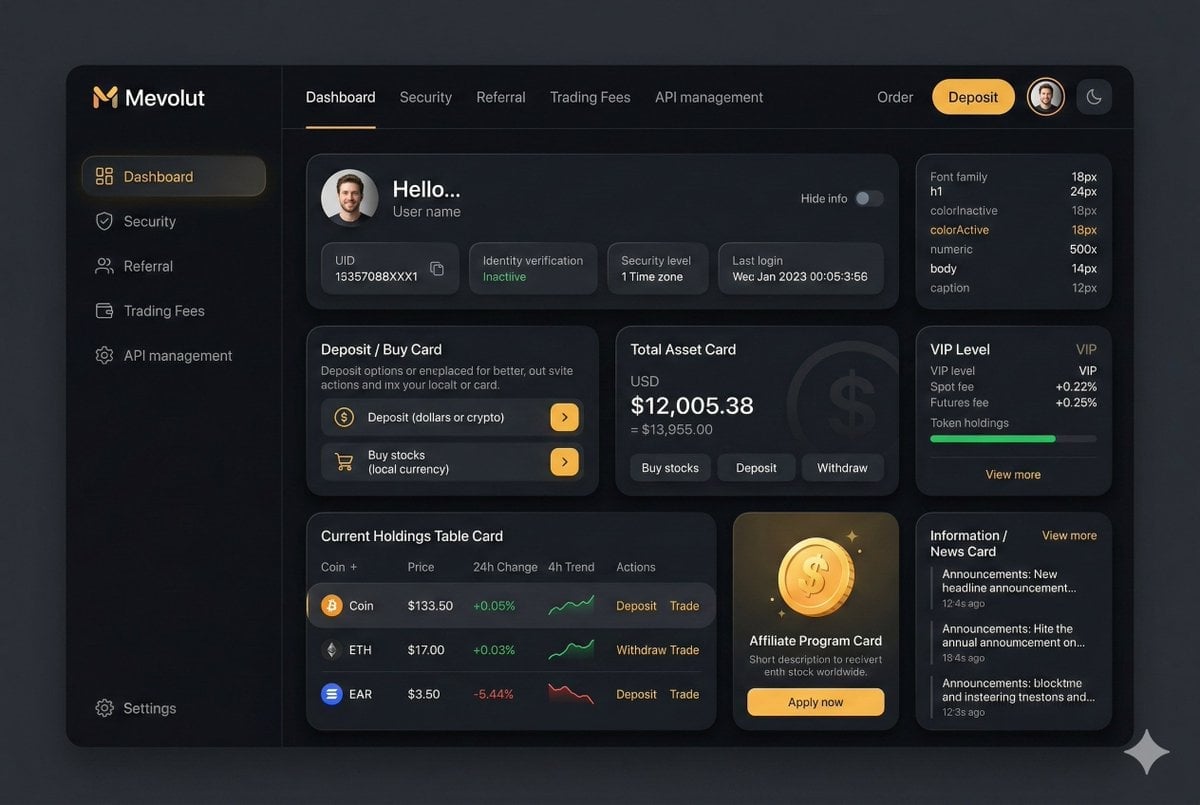
Fintech Crypto Dashboard UI Design

青蛇小青写真大片,绿色紧身蛇鳞裙,湿发红唇,妖娆妩媚

武则天同款皇后内衣广告大片,明黄底色龙纹刺绣,大红丝绸飘带衬托

赵飞燕同款掌中舞香膏广告,错金缠枝莲铜瓶,冷艳诡谲深宫氛围感,竖屏9 16
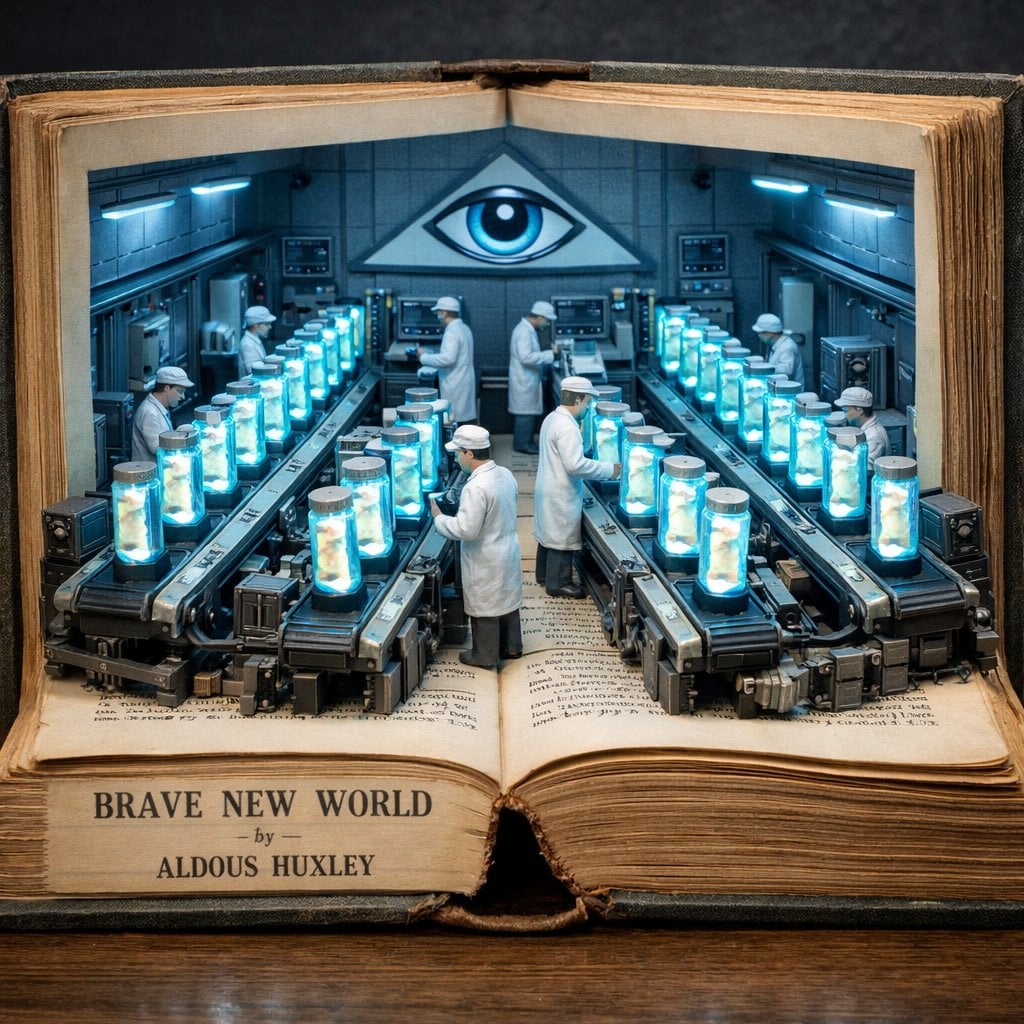
Surreal diorama emerging from an open vintage book of Brave New World

请根据 主题 生成一张高质量竖版 科普百科图

A double exposure, long exposure editorial photograph of a man Use image
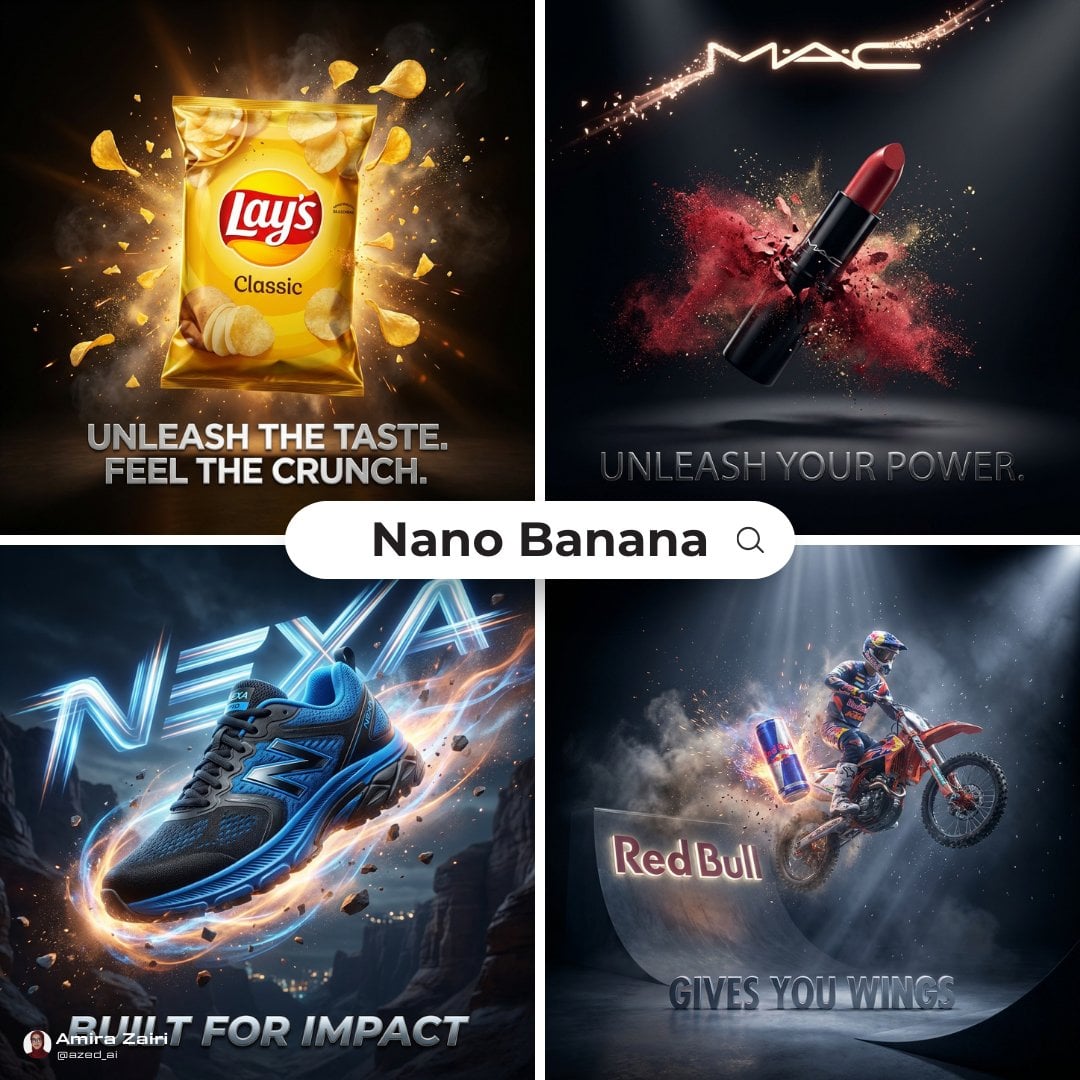
Cinematic 3D action-packed advertisement captured in an intense
Make it yours
Premium 4 3 presentation cover slide introducing Chronicle works as-is. These are the safest ways to change it without losing the look.
Change one field
Copy a single group, rewrite it, and generate again so you can see what that field is doing.
Keep the frame, change the subject
Hold the composition and light of Premium 4 3 presentation cover slide introducing Chronicle, then swap wardrobe, props or the person for a new take.
| If the result… | Why | Fix |
|---|---|---|
| The result drifts from the preview | Too many fields changed at once. | Reuse Premium 4 3 presentation cover slide introducing Chronicle as-is first, then change one group — subject, light, or setting. |
| The model over-stylizes the scene | The prose prompt leaves finish and camera underspecified. | Add one camera or lighting sentence and stay on GPT Image 2. |
More GPT Image 2 templates
Other prompts made for GPT Image 2.

Six VTuber Japanese Logo Sheet

Realistic Portrait of Woman and Deer

The Vista Modular Condo Poster

AI Model Routing Comparison Infographic

2.5D Anime Art Board

Isometric Productivity Desk Scene

New York Double Exposure Poster

Four-Panel AI Landscape Comparison

Japanese Tatami Lifestyle Magazine Cover

NESCAFÉ Coffee Map Poster
More image prompts
Fresh picks from across the catalog.

Cracked Egg with Shape Outline
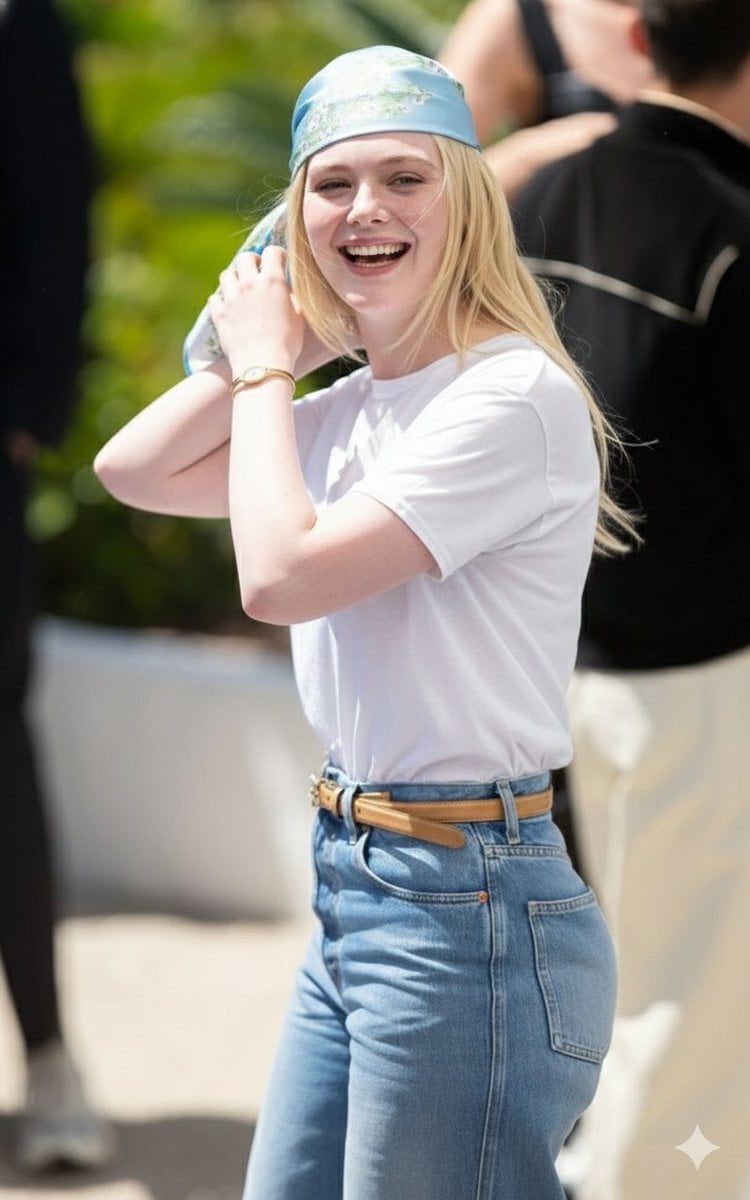
Candid Paparazzi-Style Street Photograph
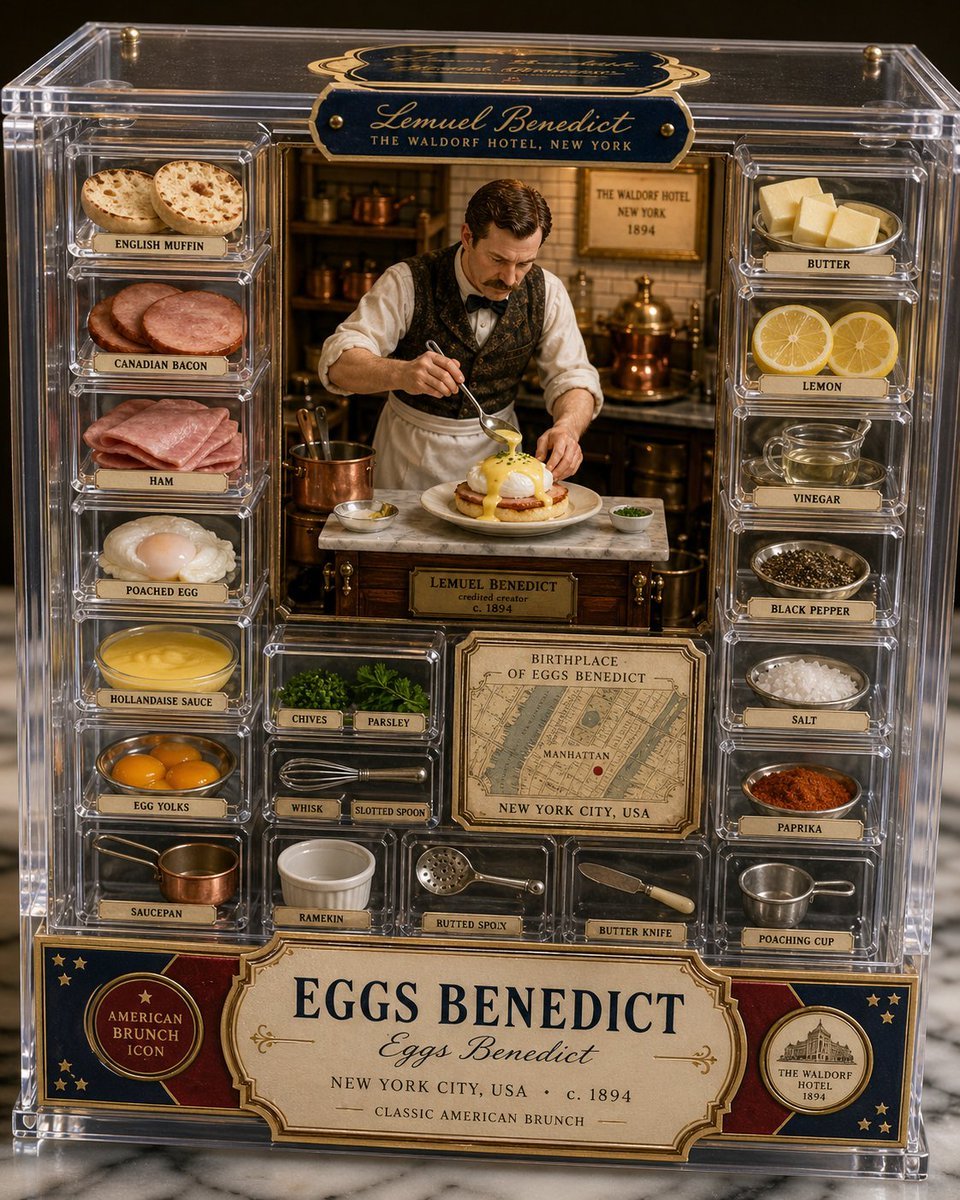
Luxury Eggs Benedict Diorama Box
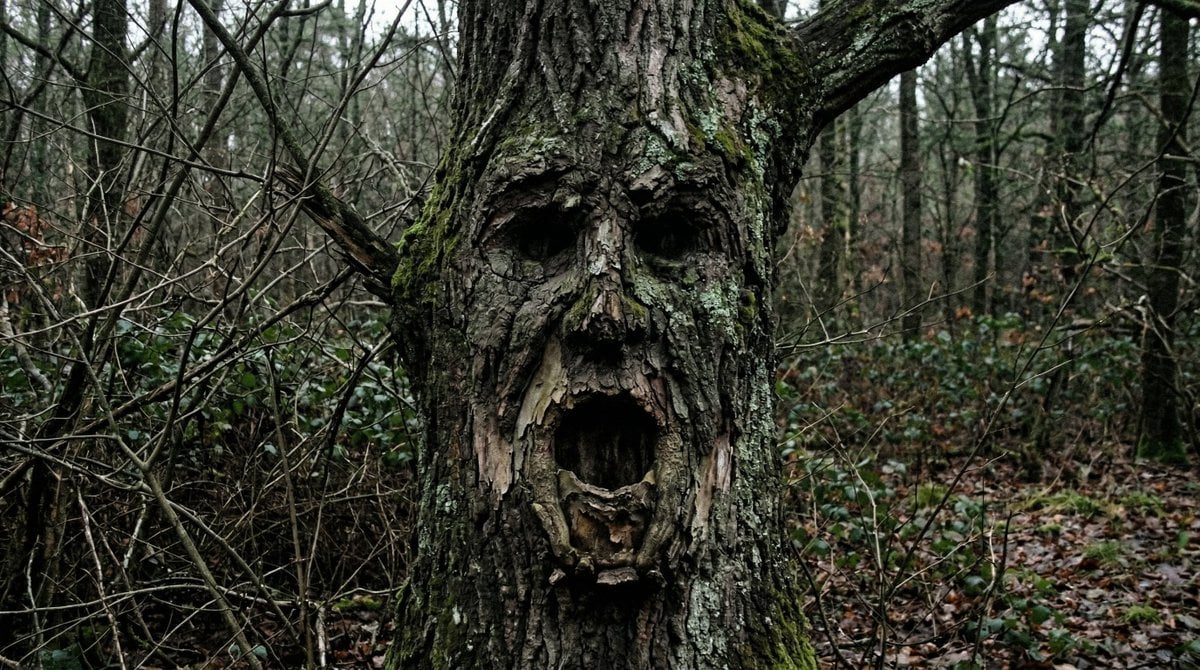
Oddly Terrifying Everyday Photo Prompt

Ultra-Realistic 3D Automotive Brand Render

Romance Manga Kitchen Pendant Scene
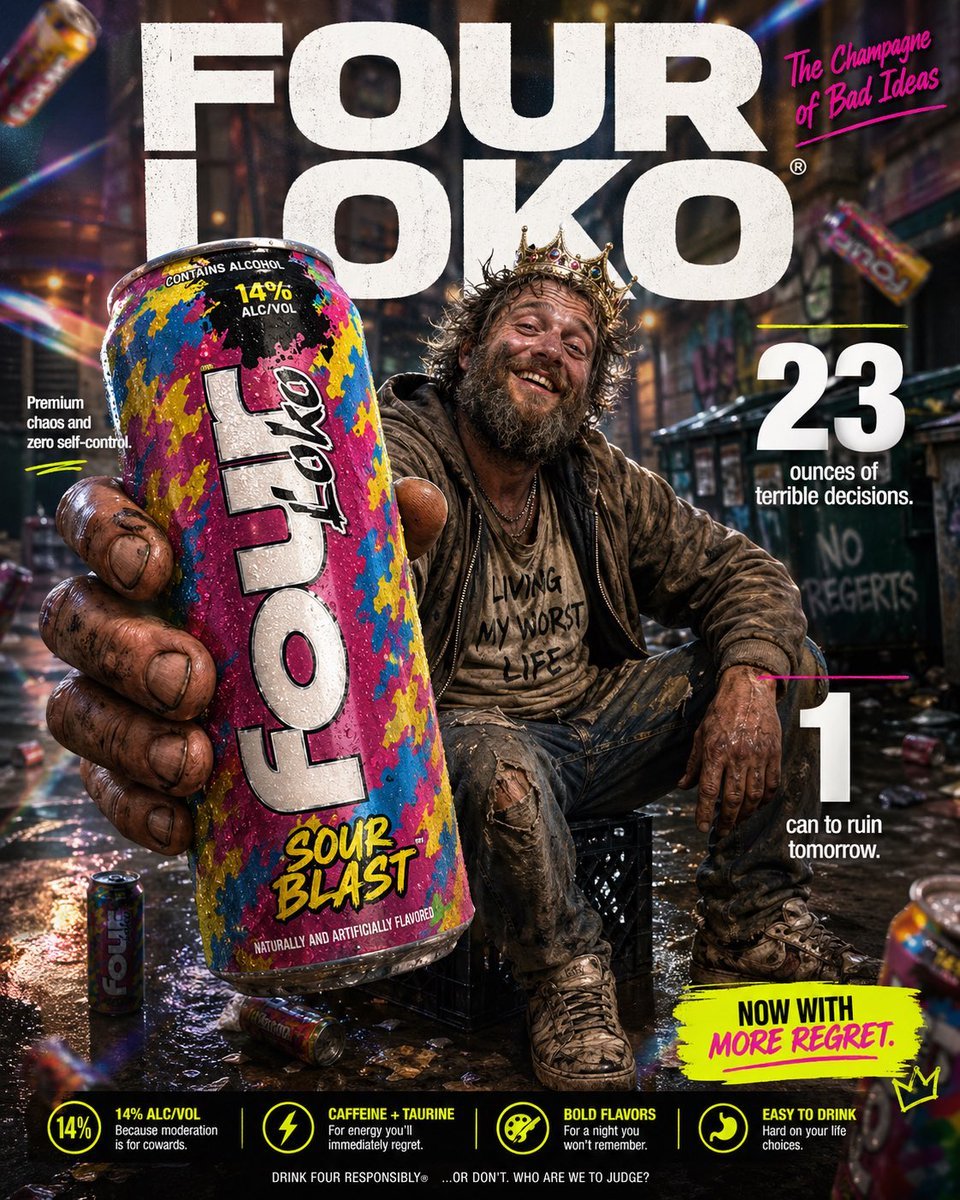
Parody Luxury Product Advertisement

Pastel Anime Spring Magazine Cover
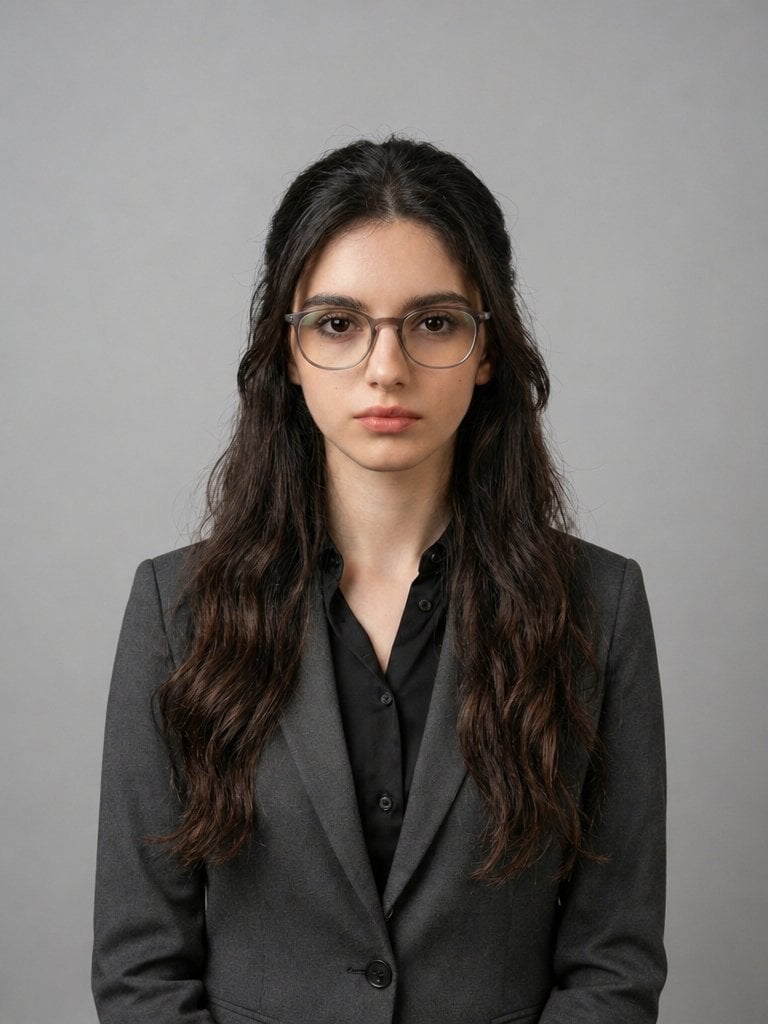
X Iqrasaifiii Pov Du Hast Gerade Erkannt Dass Du Professionelle Corporate Fotos Ganz Bequem
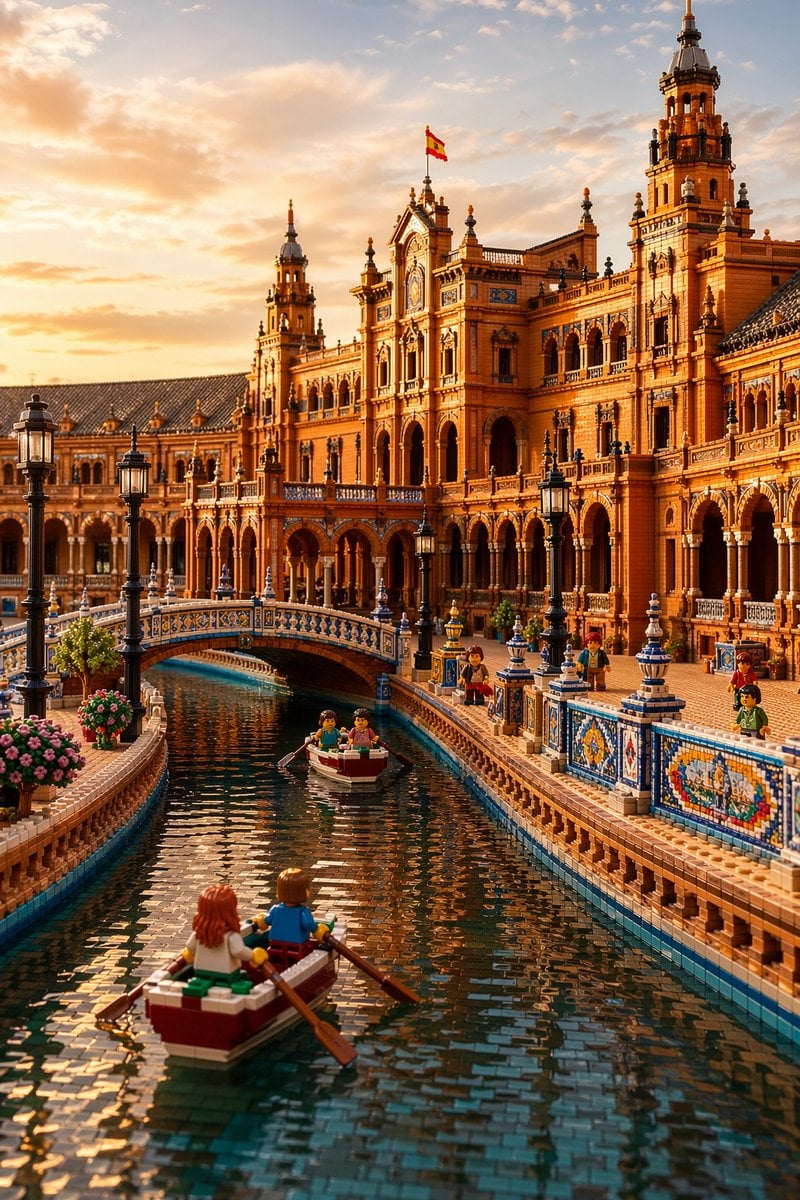
LEGO Plaza de España at Sunset
Browse template categories
Premium 4 3 presentation cover slide introducing Chronicle questions
How do I use the Premium 4 3 presentation cover slide introducing Chronicle template?
Add your photo if the template asks for one, edit the prompt if you like — the template's model and format are already selected — and press Generate. Your version opens in PicX Studio.
Can I customize the Premium 4 3 presentation cover slide introducing Chronicle template?
Yes. You can change the subject, setting, lighting, mood, format, and available model controls before creating your image.
Is the Premium 4 3 presentation cover slide introducing Chronicle template free?
Opening and editing this template is free. Generating uses credits, shown on the Generate button when you are signed in.
Which AI model should I use?
Start with GPT Image 2, which is the model associated with this template. You can compare another compatible model for a different finish.
Looking for something else? Browse all templates.

Your photo, any look
Thousands of ready templates for every top image and video model, from one credit balance.