
Parody Luxury Product Advertisement
A complex prompt for a high-impact parody e-commerce infographic, blending a gritty urban subject with ultra-premium studio lighting and professional advertising layouts.
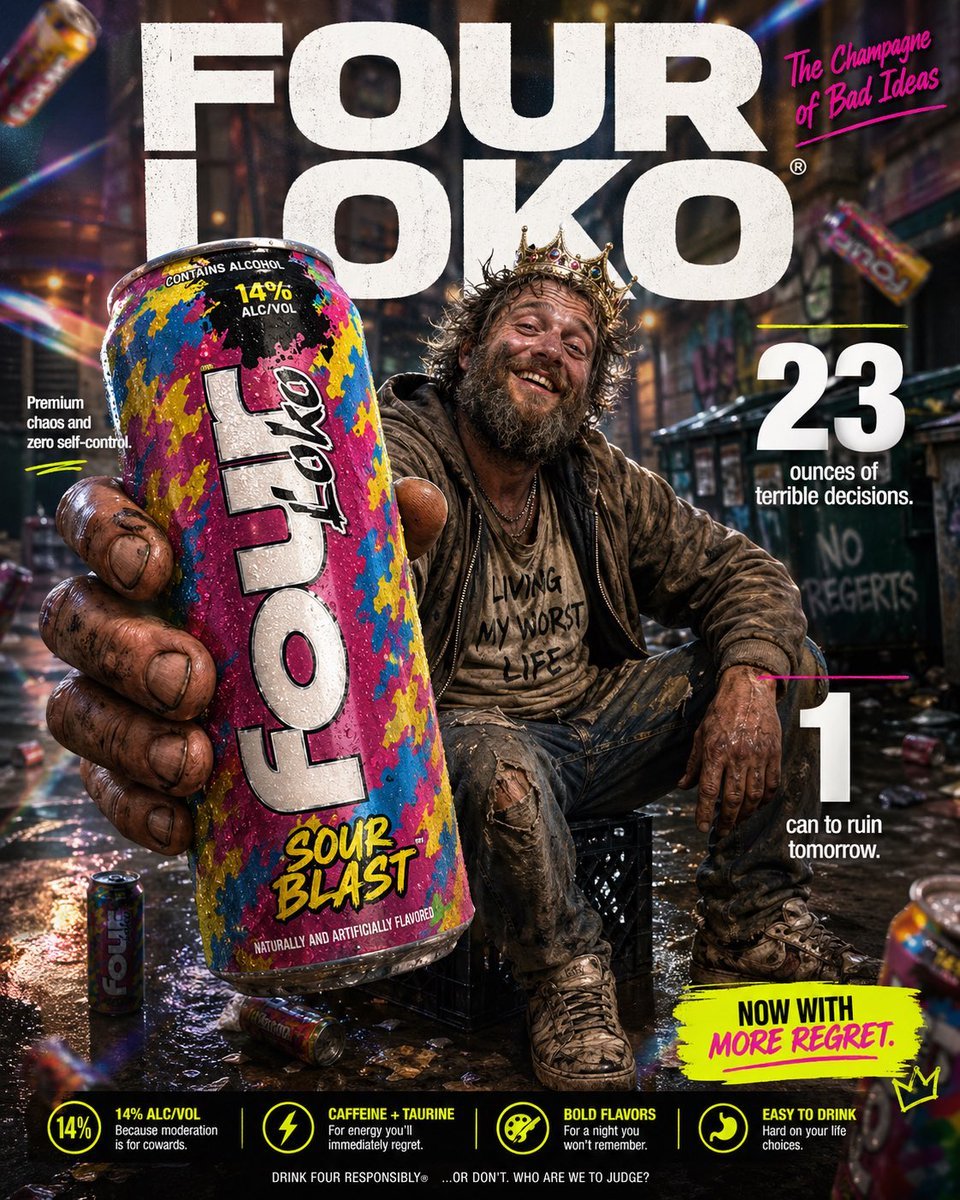
- Prompt included
- Model and format preset
- Free template
The prompt behind this image
Copy the exact prompt behind Parody Luxury Product Advertisement, or open it in the studio and make it yours.
High-impact parody e-commerce infographic for “{argument name="product" default="Four Loko"}” malt beverage. Foreground: An extreme close-up of a rough, weathered hand holding a tall, brightly colored can of {argument name="product" default="Four Loko"} toward the camera. The can is slightly cold with visible condensation droplets and a loud, chaotic flavor design. The hand and can have a slight macro-lens blur for depth, with the can still reading clearly as the hero product. Central Subject: In the mid-ground, a funny, disheveled {argument name="subject" default="homeless-looking man"} sitting casually on a milk crate in an urban alley. He has a scruffy beard, messy hair, layered worn clothing, and a huge unbothered grin. He should look chaotic but oddly charismatic, like the accidental king of bad decisions. He is posed like a confident lifestyle-ad model, proudly showing off the can. Background & Lighting: A ridiculously polished ad-style backdrop mixed with a grimy city alley setting. Soft-focus urban textures, dumpster shapes, graffiti hints, and scattered clutter in the distance. Add dramatic studio lighting, soft glow, rainbow prism flares, and subtle light leaks to make the whole thing look way too premium for the subject matter. A few blurred {argument name="product" default="Four Loko"} cans can float artistically in the background for extra absurdity. Typography & Layout (Bold sans-serif, white and neon accent styling): Top Center (Background): Massive, bold text reading “{argument name="brand name" default="FOUR LOKO"}” positioned behind the subject. Top Right: Bold text reading “The Champagne of Bad Ideas”. Mid-Left: “Premium chaos and zero self-control” Mid-Right: Large, bold “23” with the text “ounces of terrible decisions.” Bottom-Right: Large, bold “1” with the text “can to ruin tomorrow.” Optional small callout text near the bottom: “Now with more regret.” Style: Ultra-detailed, 8k parody commercial photography, sharp focus on the can, shallow depth of field, vibrant trashy color palette, clean advertising composition, exaggerated premium product-ad aesthetic, funny visual contrast between polished branding and the wrecked subject.
How to use Parody Luxury Product Advertisement in 3 steps
- 1
Open
The prompt is already in the box next to the preview, with the template's model and format selected.
- 2…a portrait of your subject in softgolden-hour light, 85mm…
Personalize
Edit the subject and creative details for your destination.
- 3Generate
Generate
Press Generate — your image is created in PicX Studio, so you can compare it with the original and refine one variable at a time.
More like this
Templates with the same subject, style or setup. Open one to see its prompt.

Minimalist Skincare Product Water Stone Still

Luxury Toothpaste Commercial Storyboard
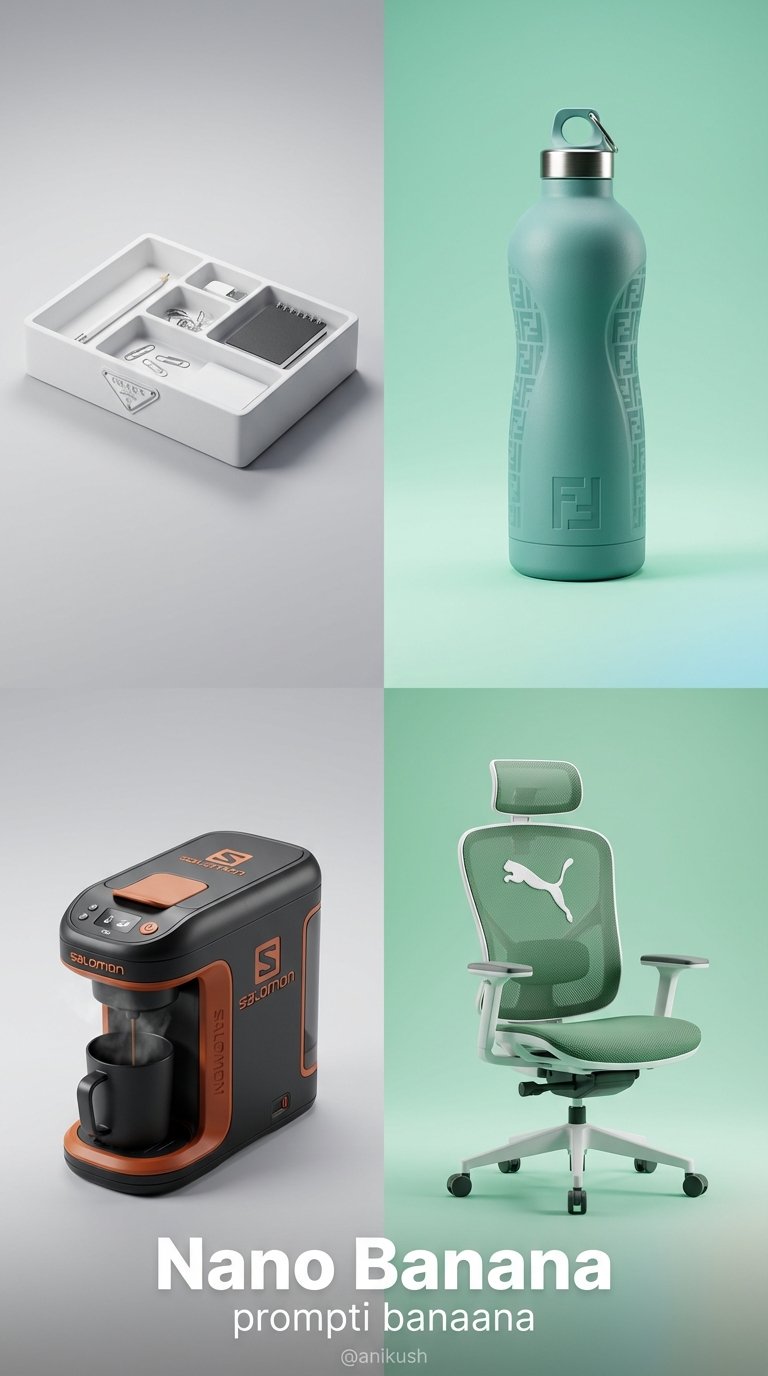
Minimalist Luxury Brand Concept

A luxury brand advertisement featuring three stylish arranged
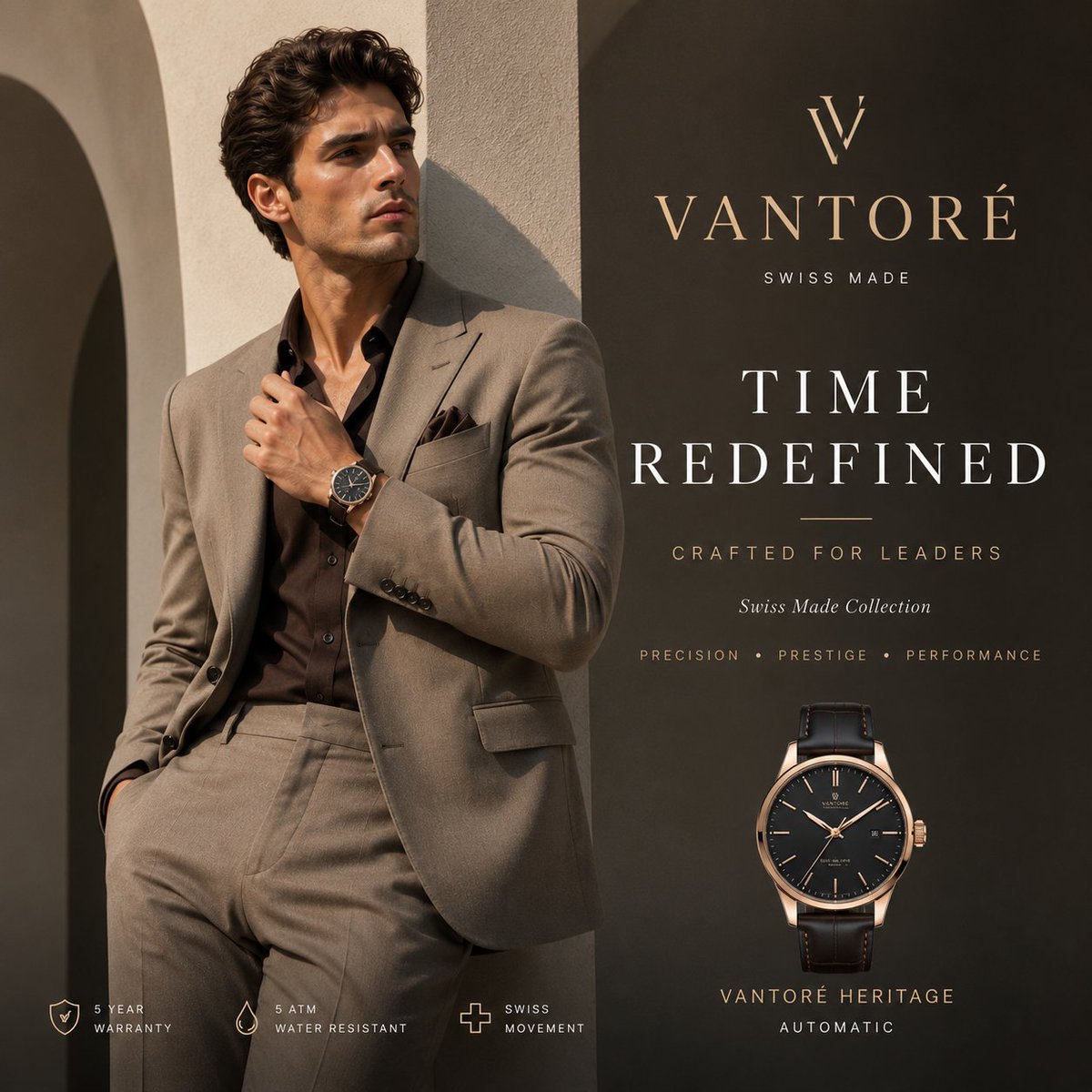
Luxury VANTORÉ Watch Advertisement

Luxury Citrus Sparkling Drink Advertisement

A k.pop idol on the stage with mic
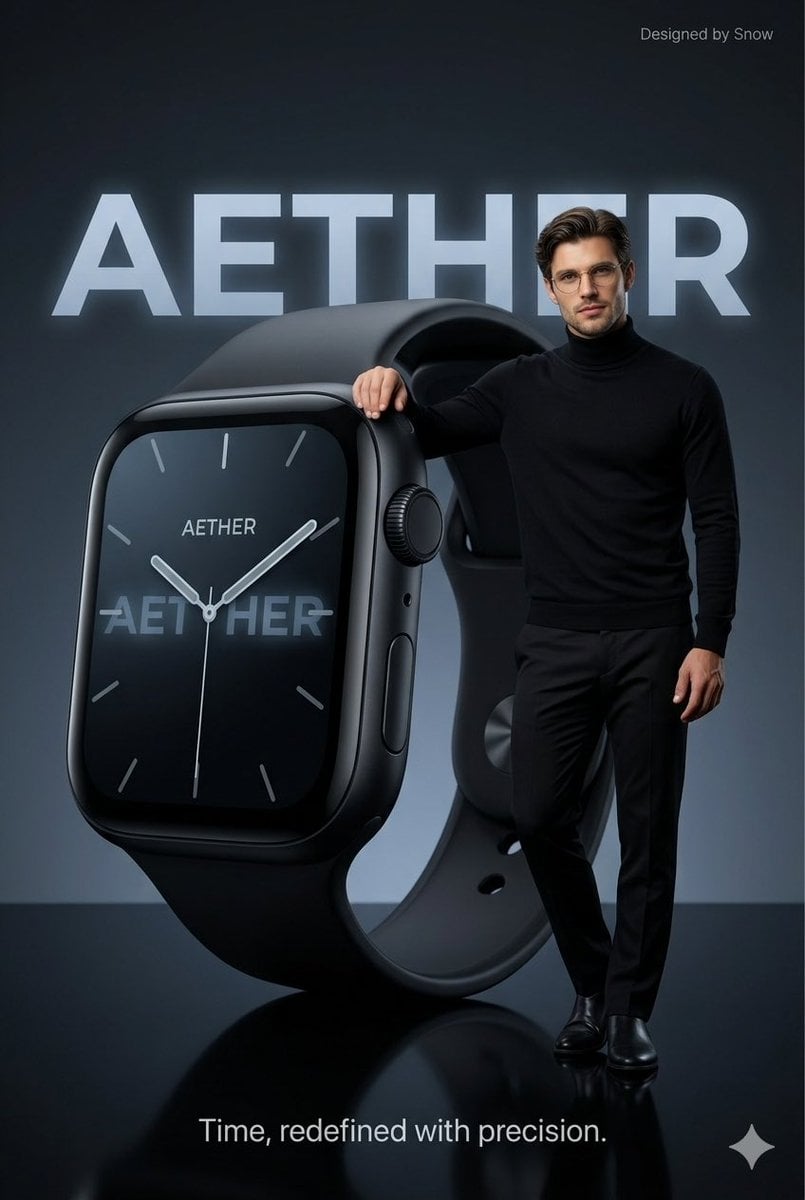
Minimalist Luxury Tech Advertisement
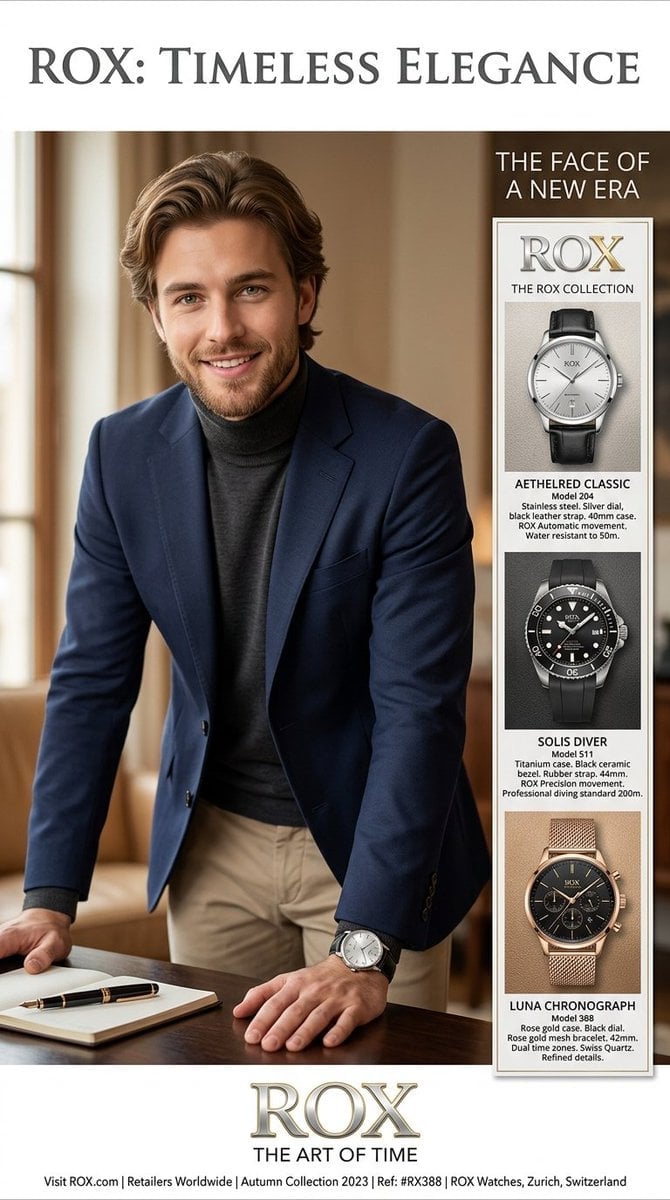
Luxury Watch Magazine Advertisement
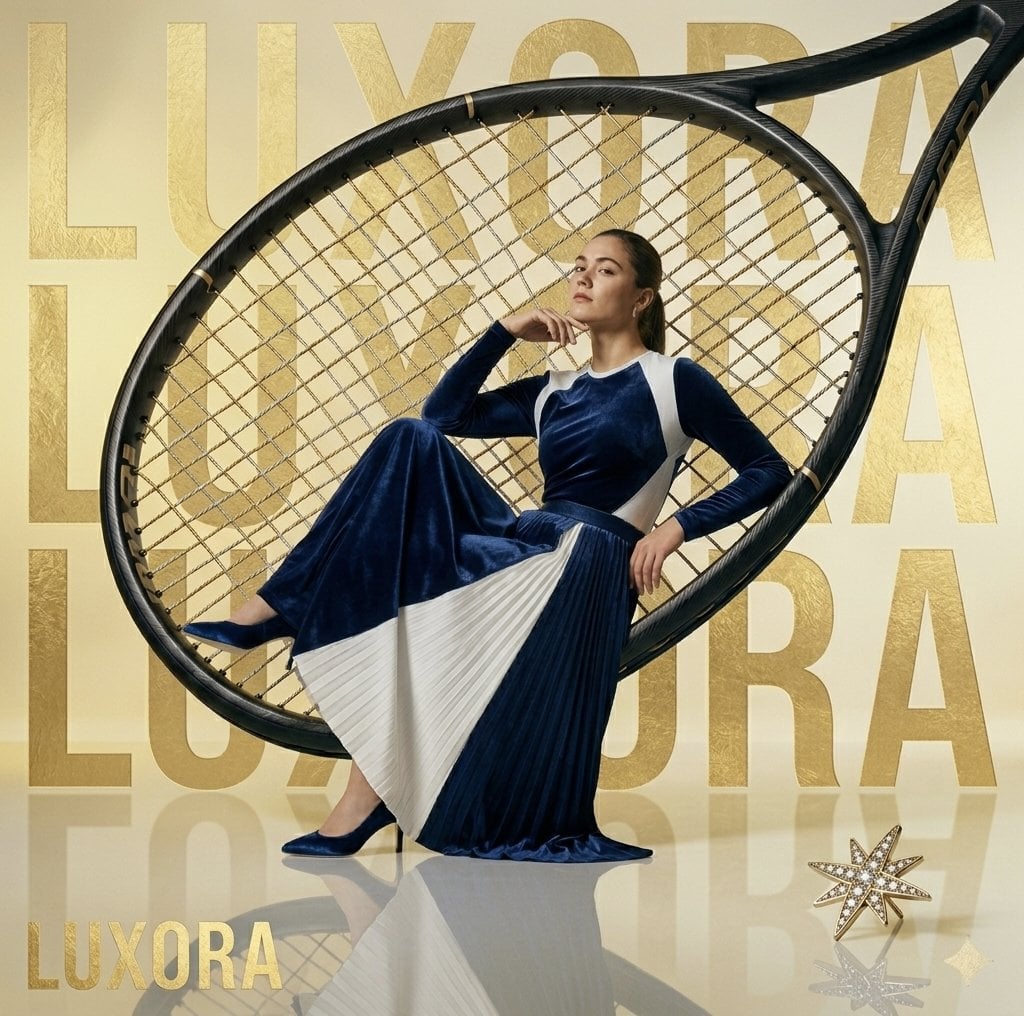
Avant-Garde Luxury Editorial Advertisement
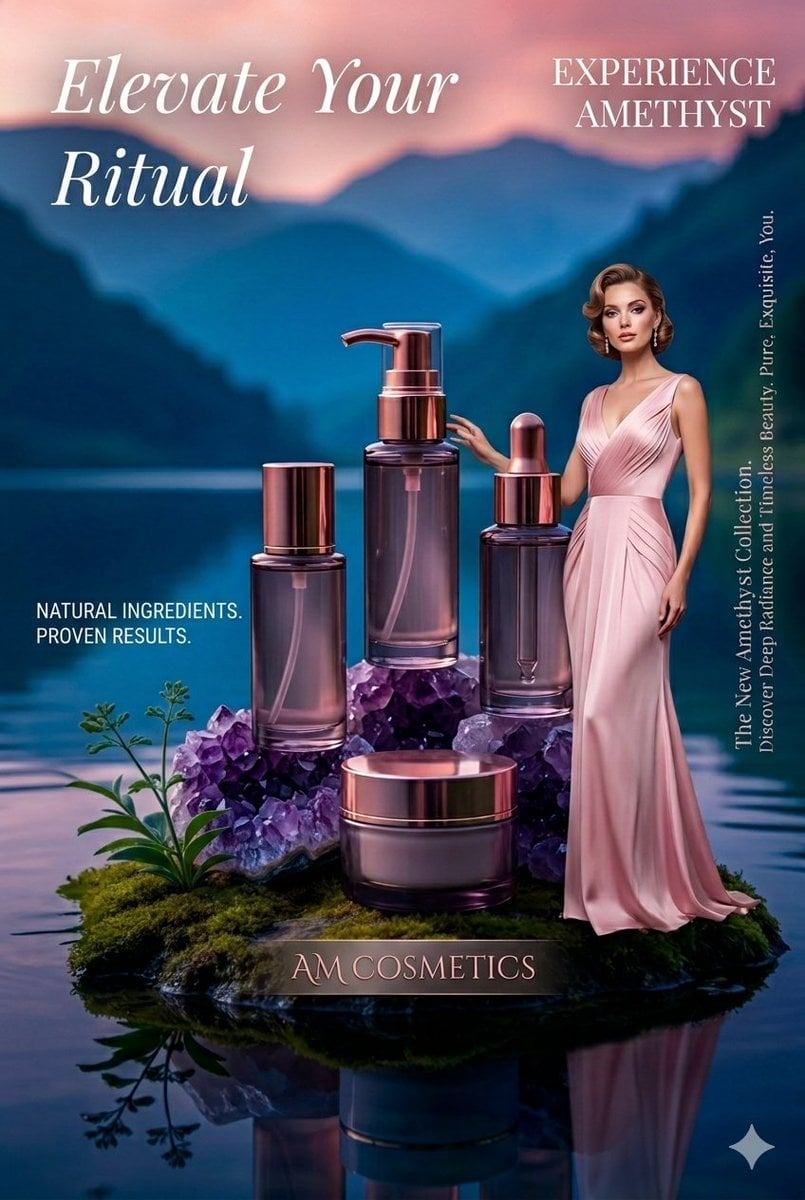
Luxury Skincare Product Photography
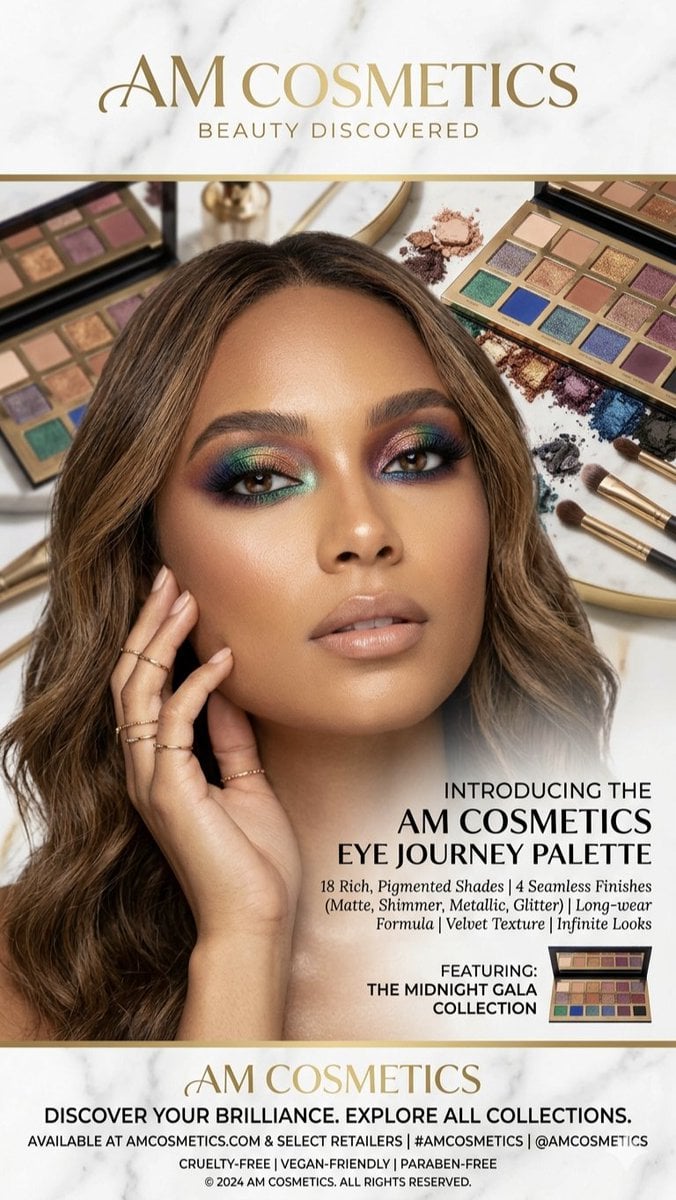
Luxury Makeup Palette Advertisement
Make it yours
Parody Luxury Product Advertisement works as-is. These are the safest ways to change it without losing the look.
Change one field
Copy a single group, rewrite it, and generate again so you can see what that field is doing.
Keep the frame, change the subject
Hold the composition and light of Parody Luxury Product Advertisement, then swap wardrobe, props or the person for a new take.
| If the result… | Why | Fix |
|---|---|---|
| The result drifts from the preview | Too many fields changed at once. | Reuse Parody Luxury Product Advertisement as-is first, then change one group — subject, light, or setting. |
| The model over-stylizes the scene | The prose prompt leaves finish and camera underspecified. | Add one camera or lighting sentence and stay on GPT Image 2. |
More GPT Image 2 templates
Other prompts made for GPT Image 2.

Six VTuber Japanese Logo Sheet

Realistic Portrait of Woman and Deer

The Vista Modular Condo Poster

AI Model Routing Comparison Infographic

2.5D Anime Art Board

Isometric Productivity Desk Scene

New York Double Exposure Poster

Four-Panel AI Landscape Comparison

Japanese Tatami Lifestyle Magazine Cover

NESCAFÉ Coffee Map Poster
More image prompts
Fresh picks from across the catalog.
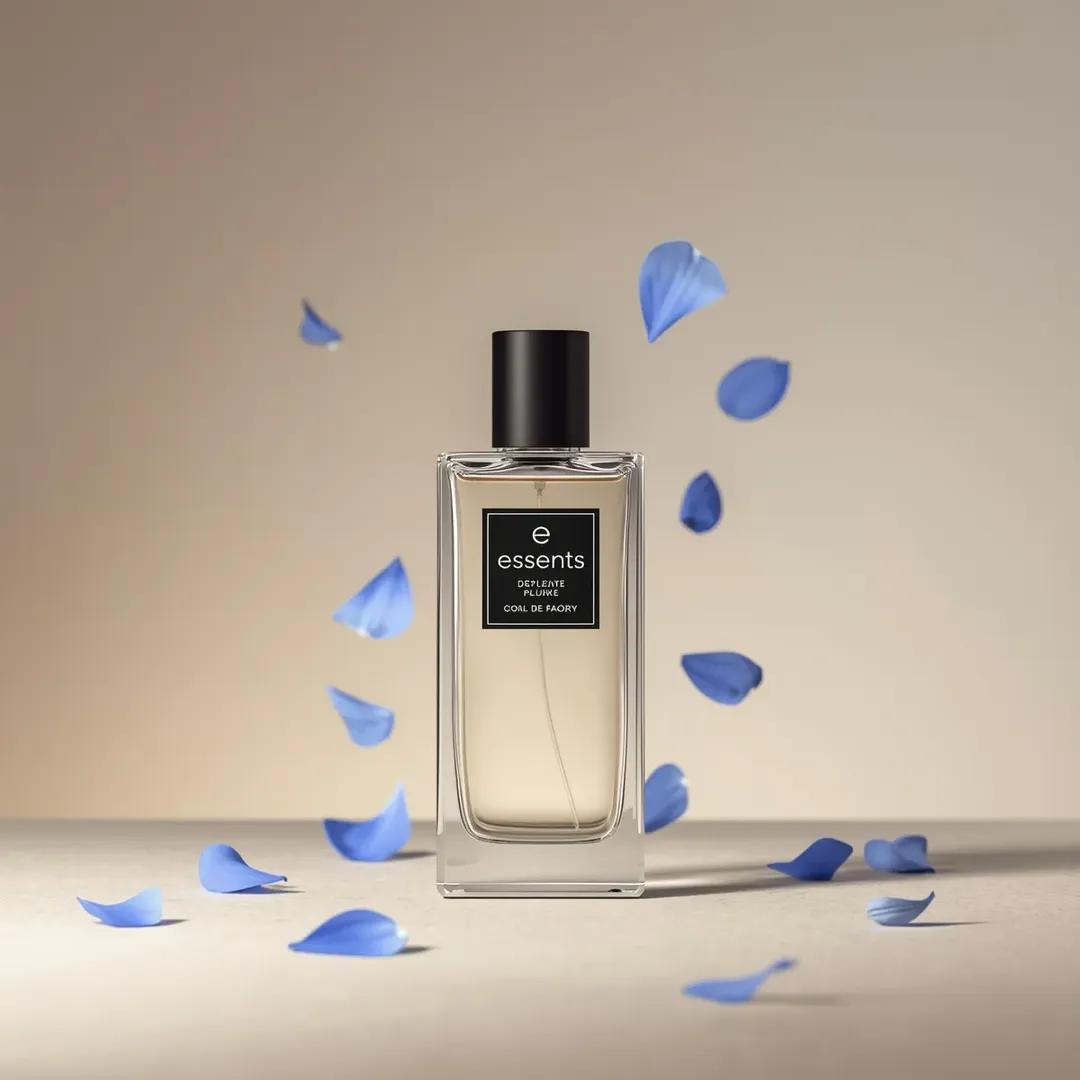
Luxury Perfume Bottle Product Shot Prompt
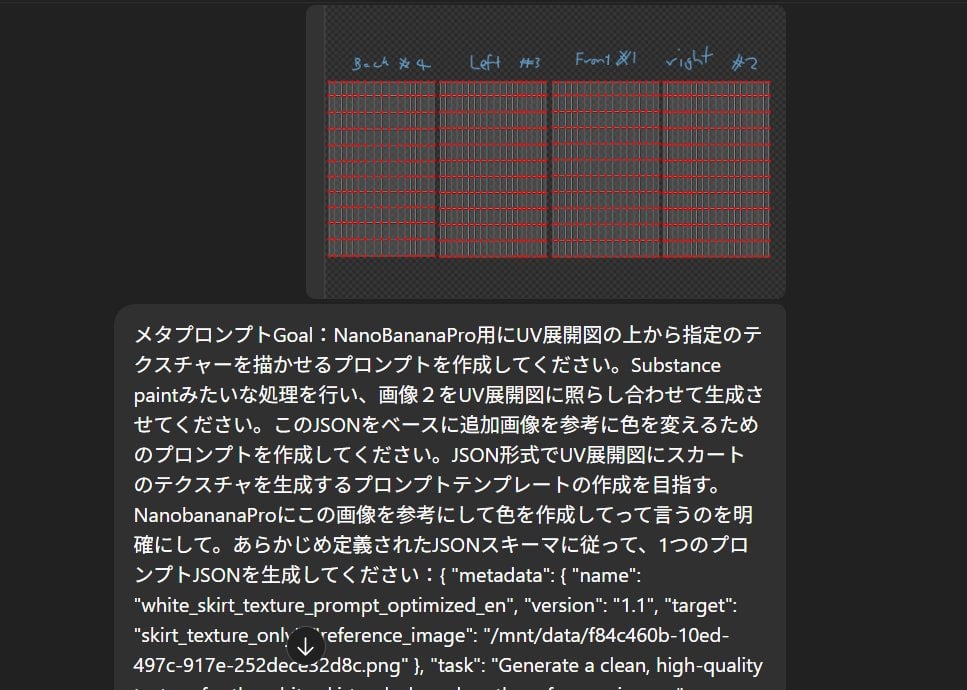
Texture Creation via JSON and UV Map Metaprompt
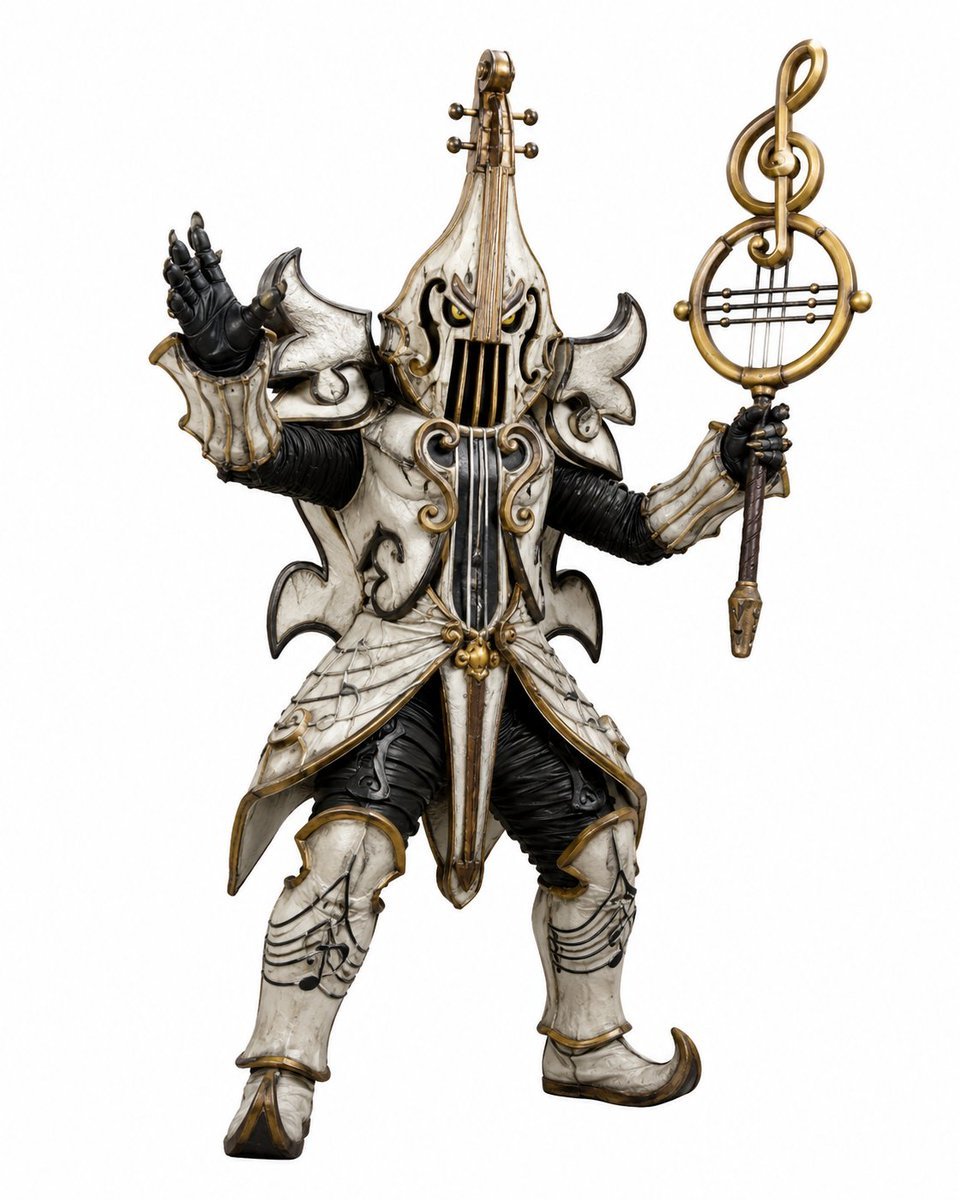
Music-Themed Tokusatsu Kaijin
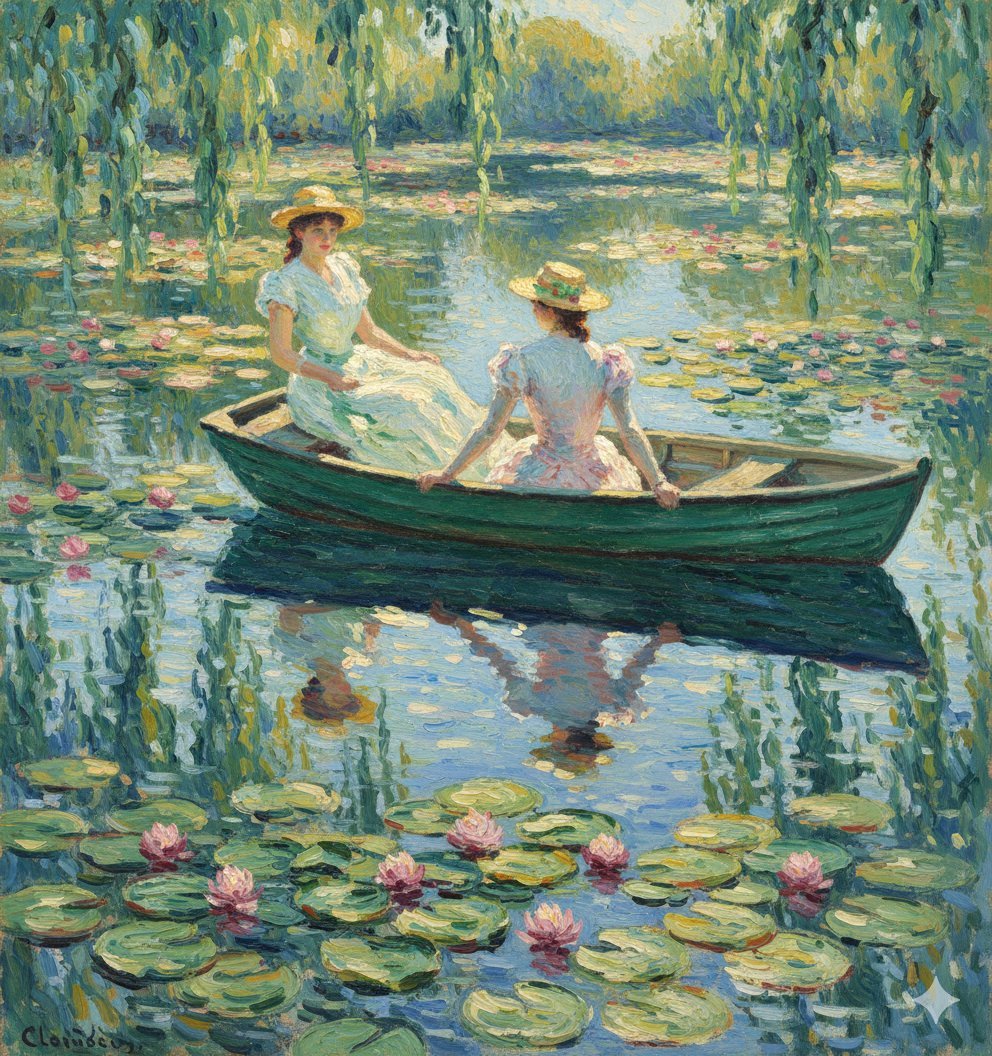
Monet Style Boat Ride Image Generation
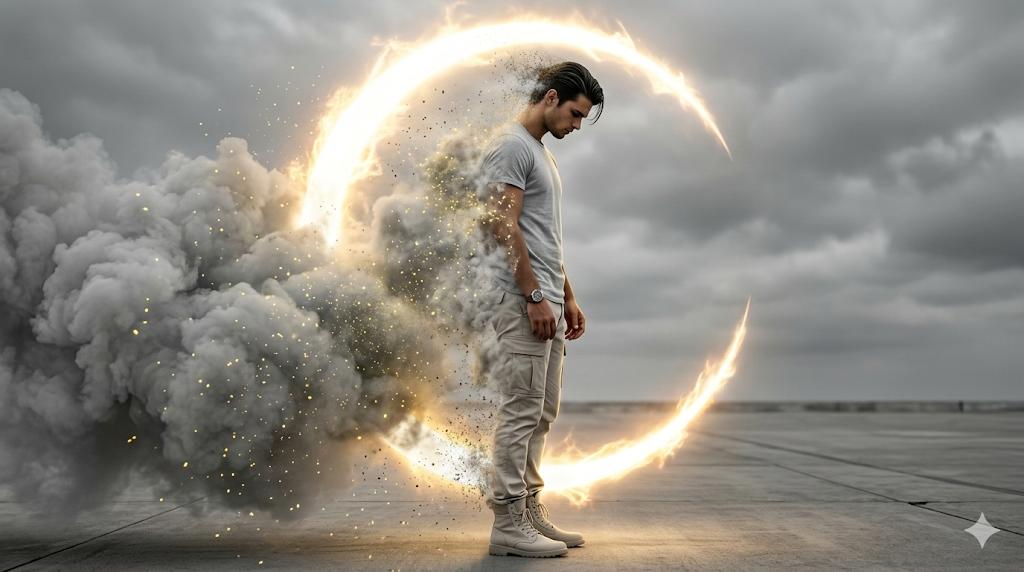
Cinematic Disintegration Portrait Prompt
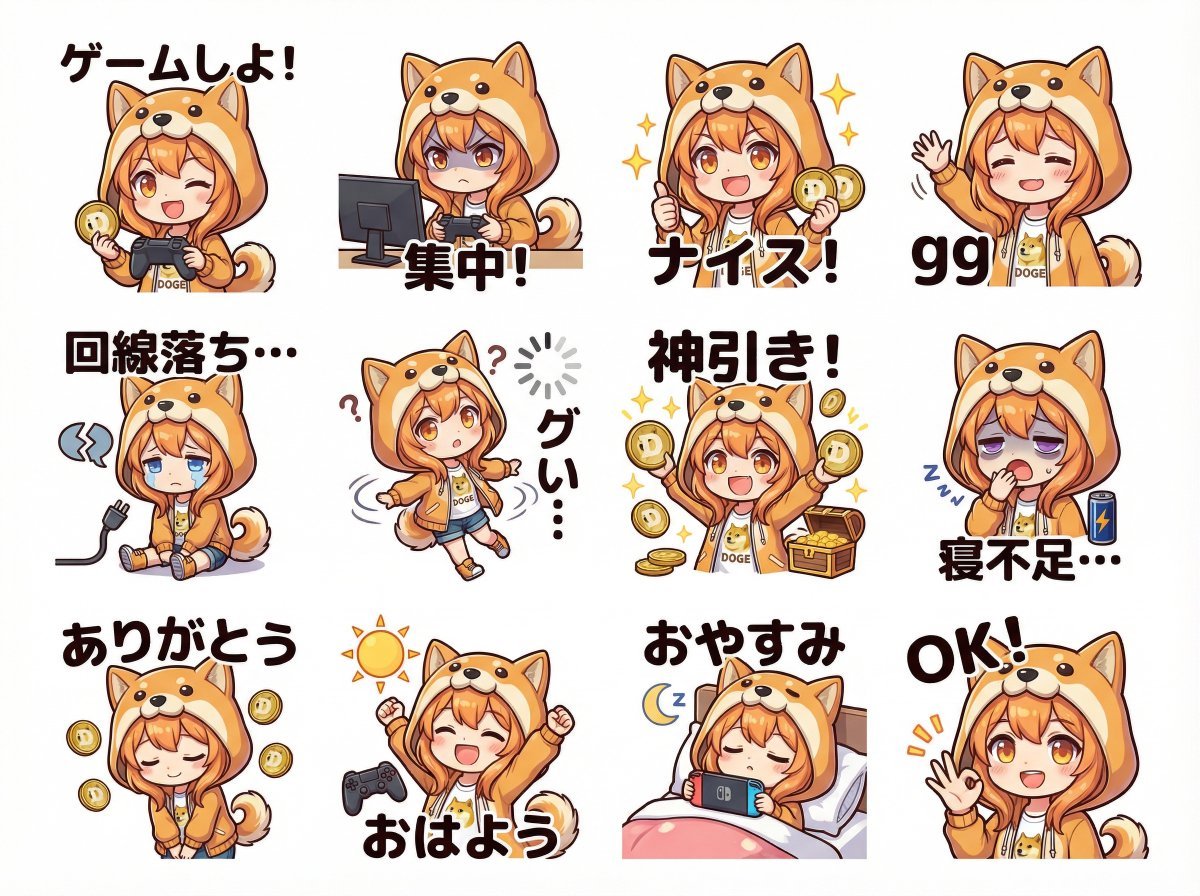
Cute Shima-enaga LINE sticker set
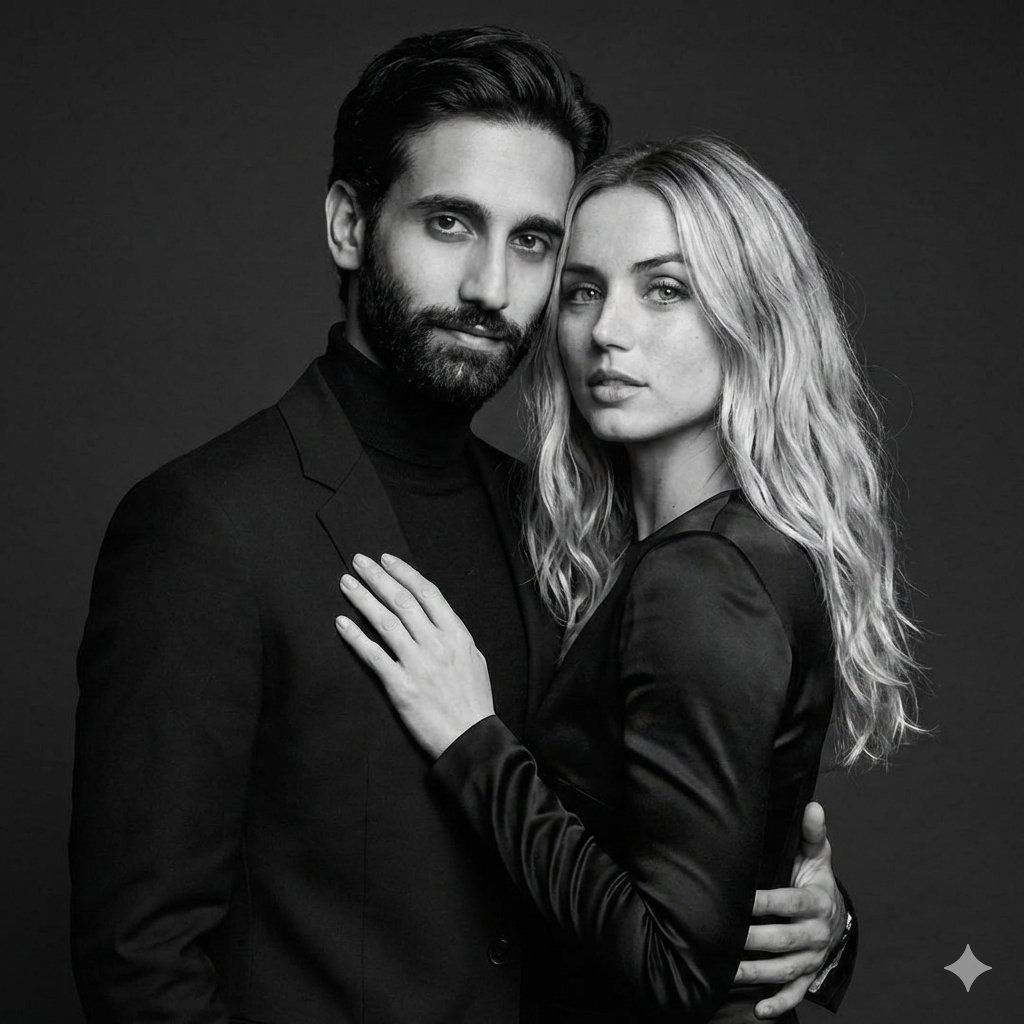
Black-and-White Studio Portrait of a Couple with Identity Lock
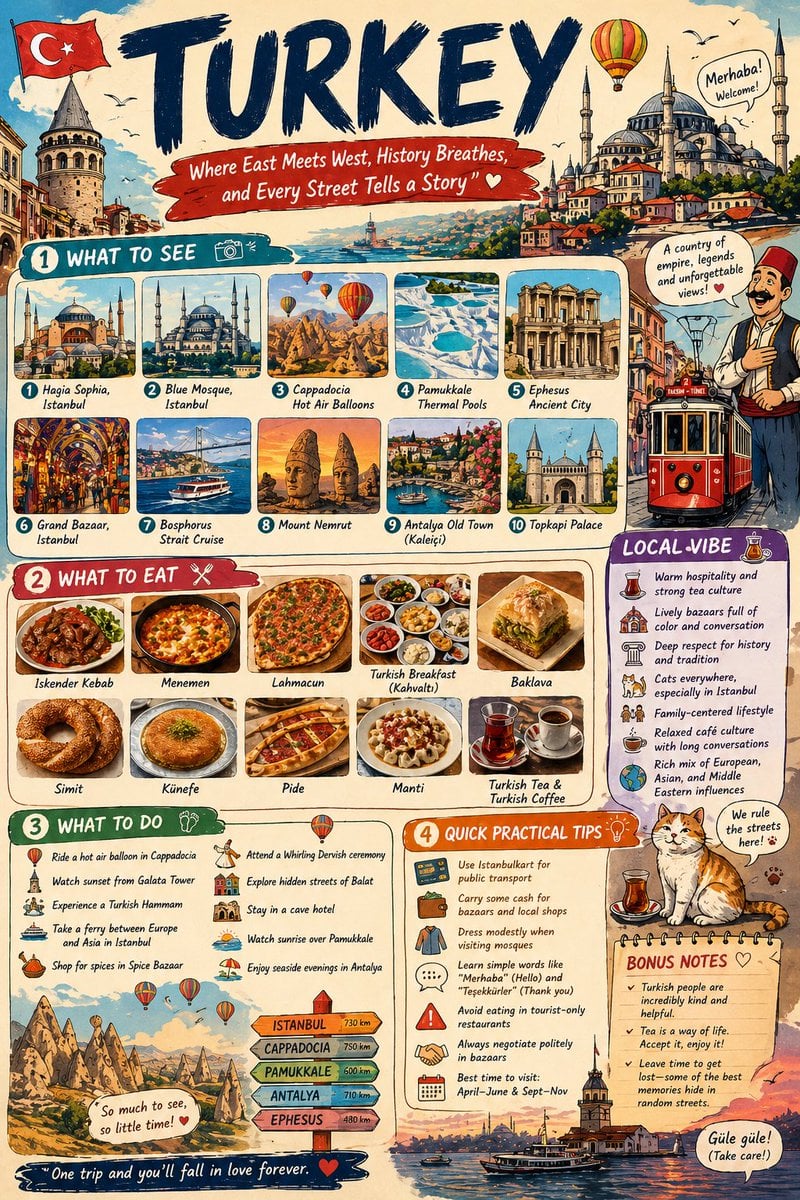
Infographic Travel Guide Poster
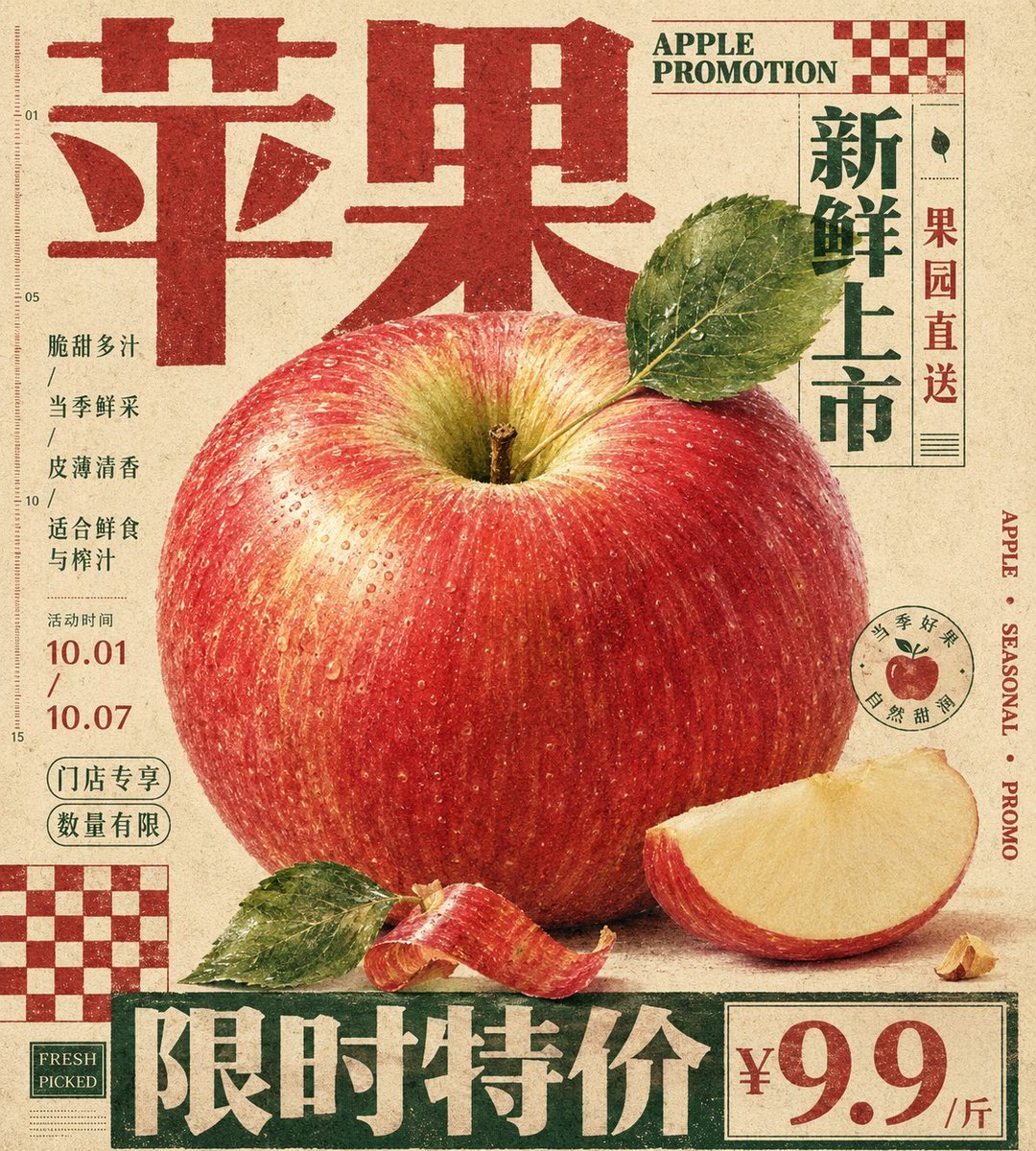
Vintage Tactile Print Poster
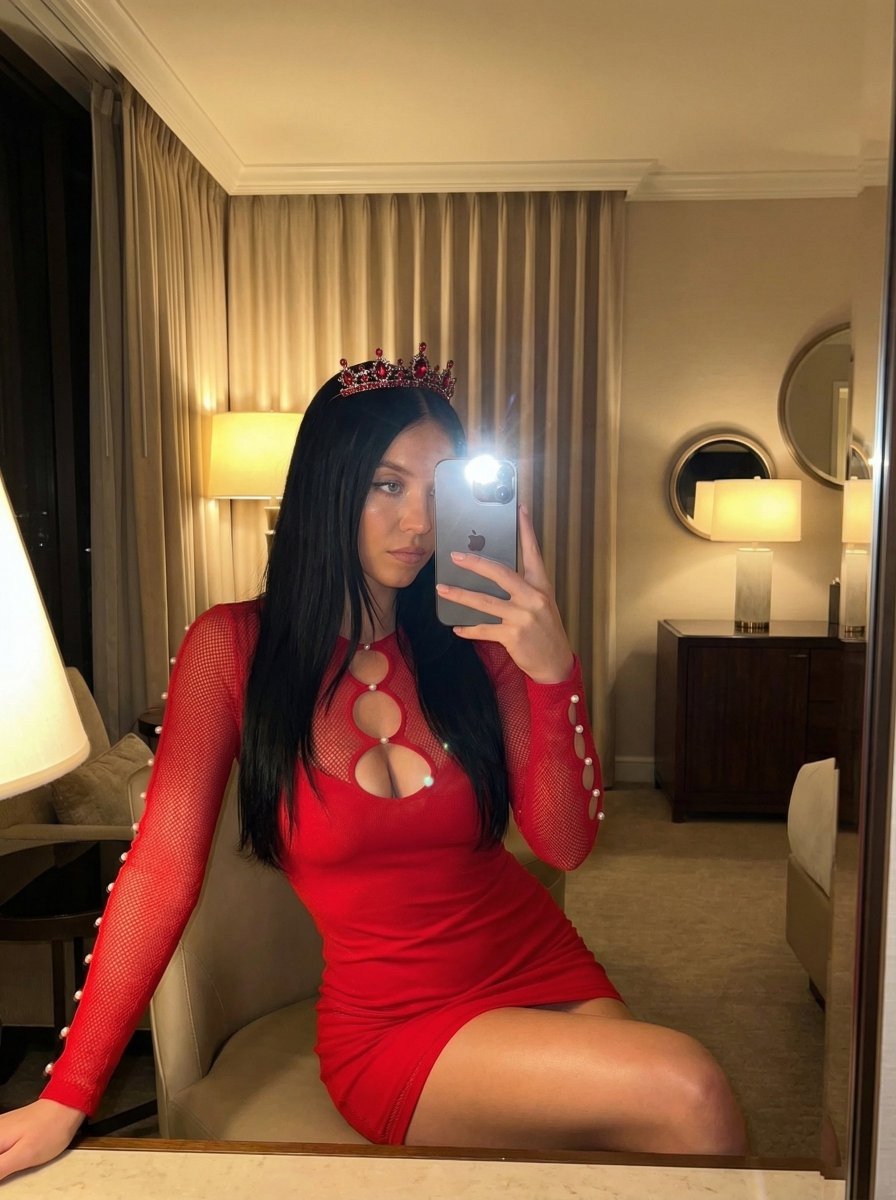
Luxury Mirror Selfie Prompt for Nano Banana Pro
Browse template categories
Parody Luxury Product Advertisement questions
How do I use the Parody Luxury Product Advertisement template?
Add your photo if the template asks for one, edit the prompt if you like — the template's model and format are already selected — and press Generate. Your version opens in PicX Studio.
Can I customize the Parody Luxury Product Advertisement template?
Yes. You can change the subject, setting, lighting, mood, format, and available model controls before creating your image.
Is the Parody Luxury Product Advertisement template free?
Opening and editing this template is free. Generating uses credits, shown on the Generate button when you are signed in.
Which AI model should I use?
Start with GPT Image 2, which is the model associated with this template. You can compare another compatible model for a different finish.
Looking for something else? Browse all templates.

Your photo, any look
Thousands of ready templates for every top image and video model, from one credit balance.