How do I use the Luxury Watch Magazine Advertisement template?
Choose the primary action to open PicX Studio with the available template settings. Review the model and format, personalize the creative direction, and generate when ready.
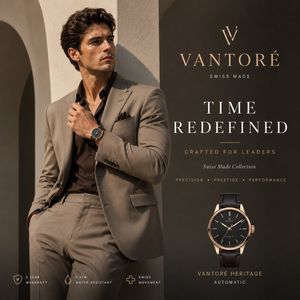
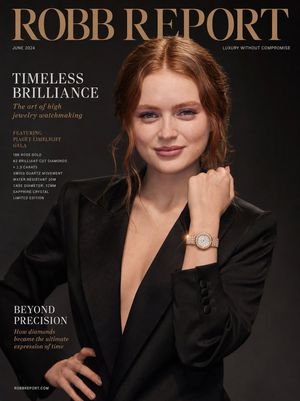
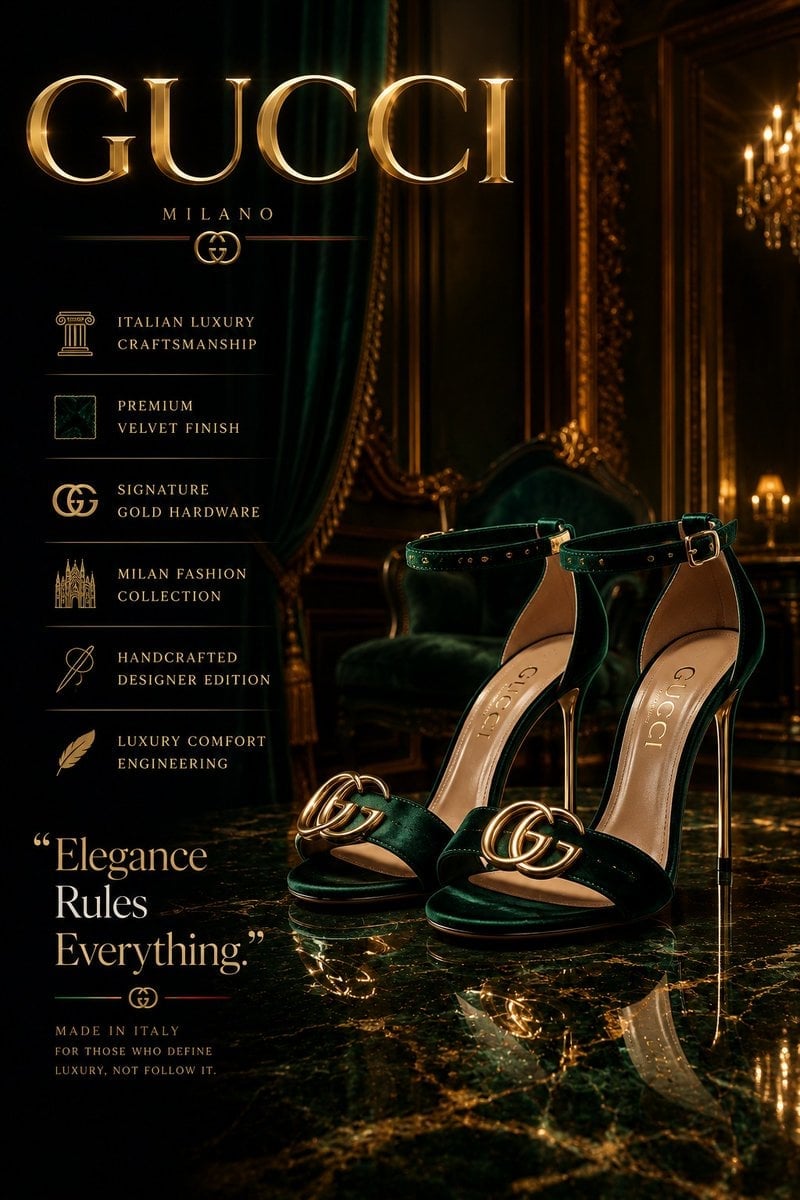
A prompt for a vertical magazine layout advertisement for a luxury watch brand, combining a lifestyle portrait with a product catalog.
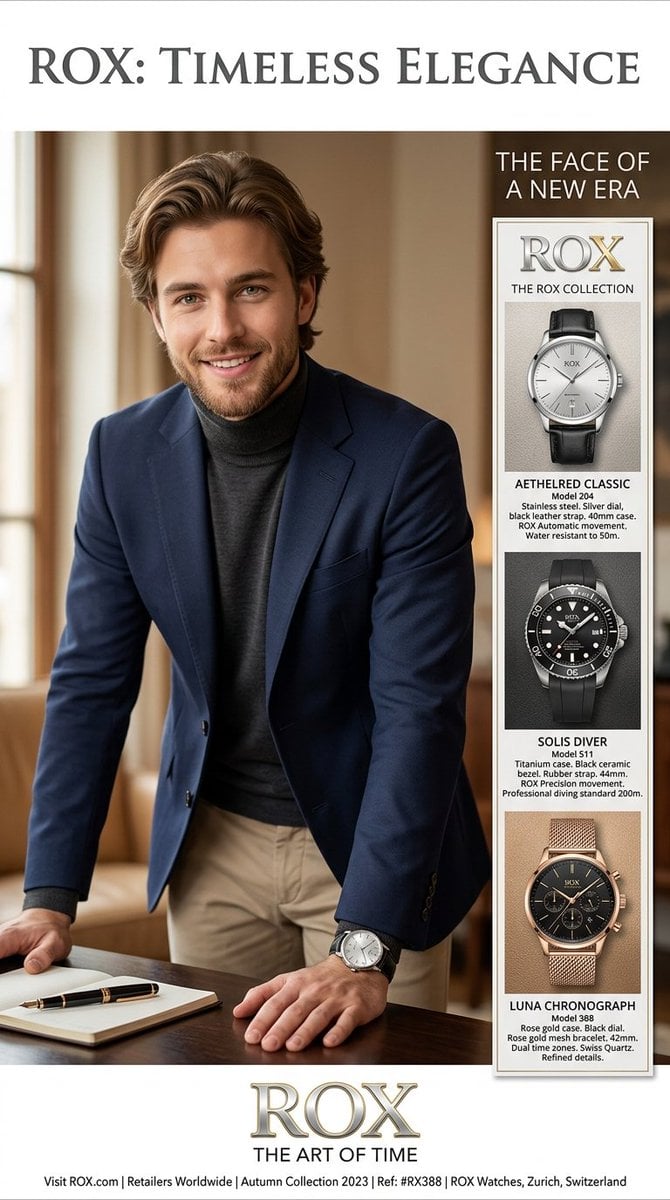
A high-end, vertical magazine advertisement features a split-panel design, combining a professional lifestyle portrait with a detailed product catalog for a luxury watch brand named '{argument name="brand name" default="ROX"}.' On the left, a large, warm-toned photograph shows a handsome young man in a {argument name="outfit" default="navy blazer and charcoal turtleneck"}, smiling as he leans over a desk with a fountain pen and notebook, clearly displaying a ROX watch on his wrist. To the right, a sleek white sidebar titled 'THE ROX COLLECTION' is structured like a menu, featuring three distinct watch models stacked vertically: a silver 'Aethelred Classic' with a leather strap, a black 'Solis Diver' with a rubber strap, and a rose gold 'Luna Chronograph' with a gold mesh bracelet. Below each product image are precise text descriptions detailing materials, case size, movement, and water resistance, all written in clean, legible fonts. The entire composition is framed by elegant serif branding at the very top reading '{argument name="headline" default="ROX: TIMELESS ELEGANCE"},' a tagline at the bottom stating 'ROX THE ART OF TIME,' and a final line of smaller text listing the website and collection details, all rendered with sharp focus and ultra-photorealistic detail.
Choose the primary action to open PicX Studio with the available template settings. Review the model and format, personalize the creative direction, and generate when ready.
Yes. You can change the subject, setting, lighting, mood, format, and available model controls before creating your image.
This template is free to open and customize. Generation usage is shown in PicX Studio before you create.
Start with Nano Banana 2, which is the model associated with this template. You can compare another compatible model for a different finish.
Follow a topic to a crawlable collection of related PicX Studio templates.