
Luxury Split Watch Campaign
A premium square fashion advertisement layout featuring two male models, architectural backdrops, luxury watch product shots, and elegant brand typography.
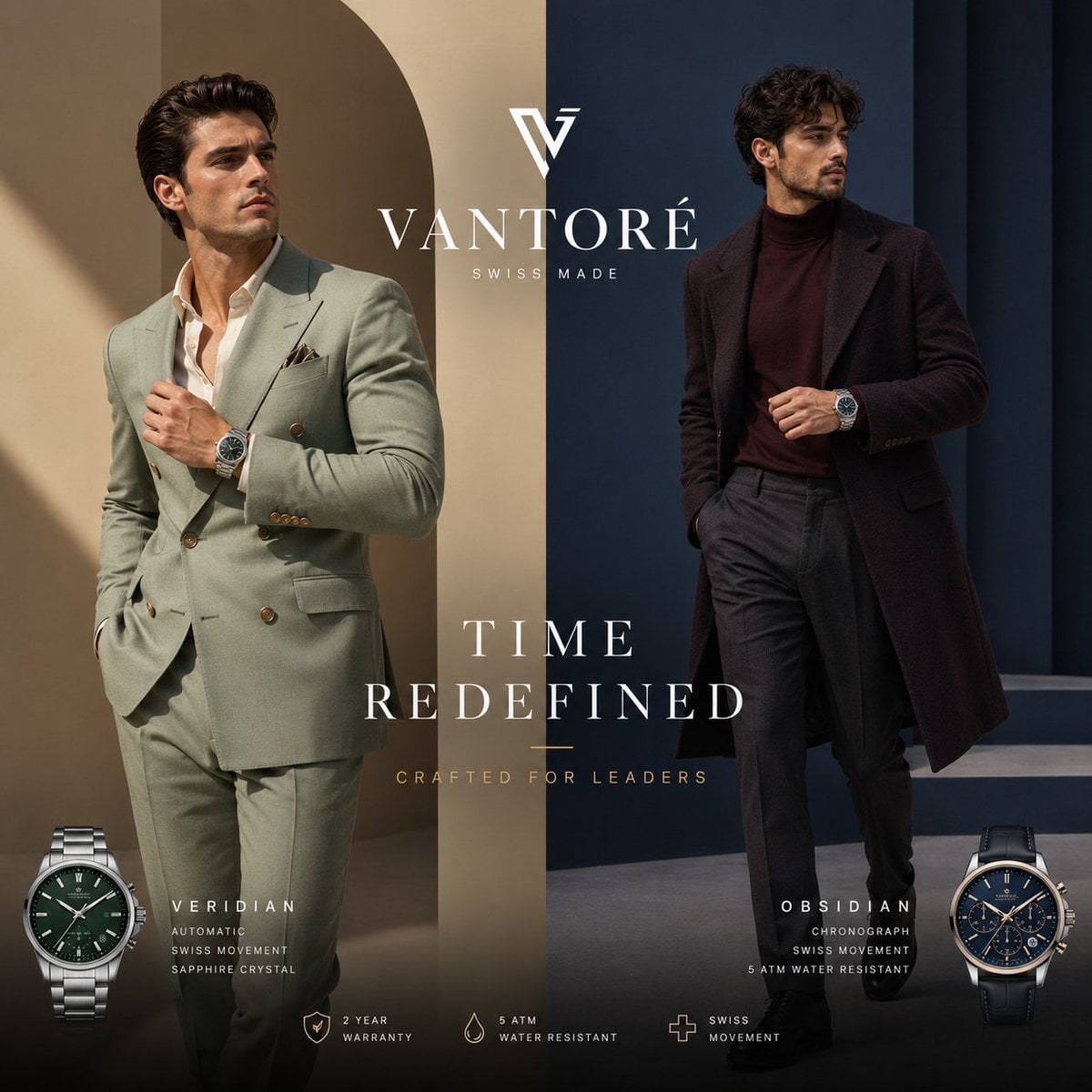
- Prompt included
- Model and format preset
- Premium template
The prompt behind this image
Copy the exact prompt behind Luxury Split Watch Campaign, or open it in the studio and make it yours.
Create a luxurious square 1:1 high-end men's watch campaign advertisement for {argument name="brand name" default="VANTORÉ"}. The composition is split vertically into two contrasting architectural fashion-editorial halves: the left half is warm beige stone with a tall arch and diagonal sunlight shadow, and the right half is deep navy-blue modern architecture with vertical columns and a low platform. Place two completely different adult male models, both with faces intentionally obscured by soft rectangular blur masks. Model 1 on the left wears a pale sage-green double-breasted suit with gold buttons, an open white dress shirt, a pocket square, and a silver bracelet watch on his left wrist; he stands confidently with one hand adjusting his jacket and one hand in his trouser pocket. Model 2 on the right wears a dark burgundy turtleneck, long dark overcoat, charcoal pleated trousers, black shoes, and a dark-strap chronograph watch on his left wrist; he stands relaxed with one hand in his pocket and one hand near his chest. Center the brand monogram above the large serif wordmark {argument name="brand name" default="VANTORÉ"}, with small spaced text “SWISS MADE” underneath. In the middle-lower area, add the main campaign headline in elegant white uppercase serif type: {argument name="headline text" default="TIME REDEFINED"}, with a small gold divider line below and the tagline {argument name="tagline" default="CRAFTED FOR LEADERS"} in small spaced gold uppercase letters. Include exactly two large product watch cutouts at the bottom corners: left product watch labeled {argument name="left watch model" default="VERIDIAN"}, a stainless steel bracelet watch with a deep green dial, automatic styling, and text lines “AUTOMATIC”, “SWISS MOVEMENT”, “SAPPHIRE CRYSTAL”; right product watch labeled {argument name="right watch model" default="OBSIDIAN"}, a dark leather-strap chronograph with navy dial and text lines “CHRONOGRAPH”, “SWISS MOVEMENT”, “5 ATM WATER RESISTANT”. Along the bottom center, include exactly three small minimalist feature icons with labels: a shield icon labeled “2 YEAR WARRANTY”, a water droplet icon labeled “5 ATM WATER RESISTANT”, and a medical-cross-like plus icon labeled “SWISS MOVEMENT”. Use premium fashion advertising lighting, realistic photography, refined contrast, clean negative space, centered luxury typography, subtle gold accents, sharp fabric texture, polished metal watch highlights, and no extra objects, no watermark, no additional text.
How to use Luxury Split Watch Campaign in 3 steps
- 1Upload ImagePNG, JPG or paste
Add your photo
Upload the photo the template builds on. The prompt, model and format are already set.
- 2…a portrait of your subject in softgolden-hour light, 85mm…
Personalize
Edit the subject and creative details for your destination.
- 3Generate
Generate
Press Generate — your image is created in PicX Studio, so you can compare it with the original and refine one variable at a time.
More like this
Templates with the same subject, style or setup. Open one to see its prompt.

Polo Ralph Lauren Luxury American Heritage Fashion Campaign

Blue Backdrop Luxury Fashion Portrait Campaign
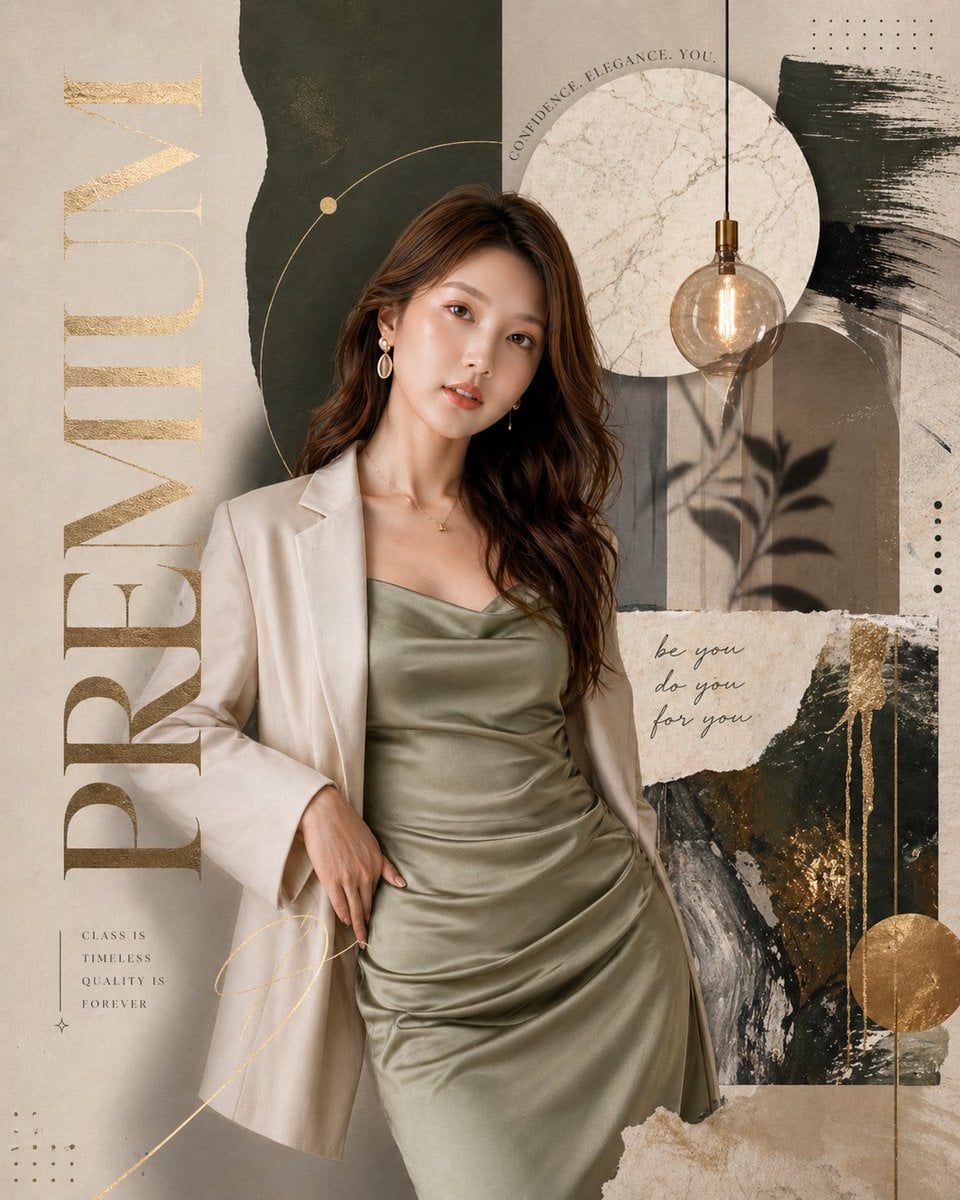
Luxury Watch Cash Reflect
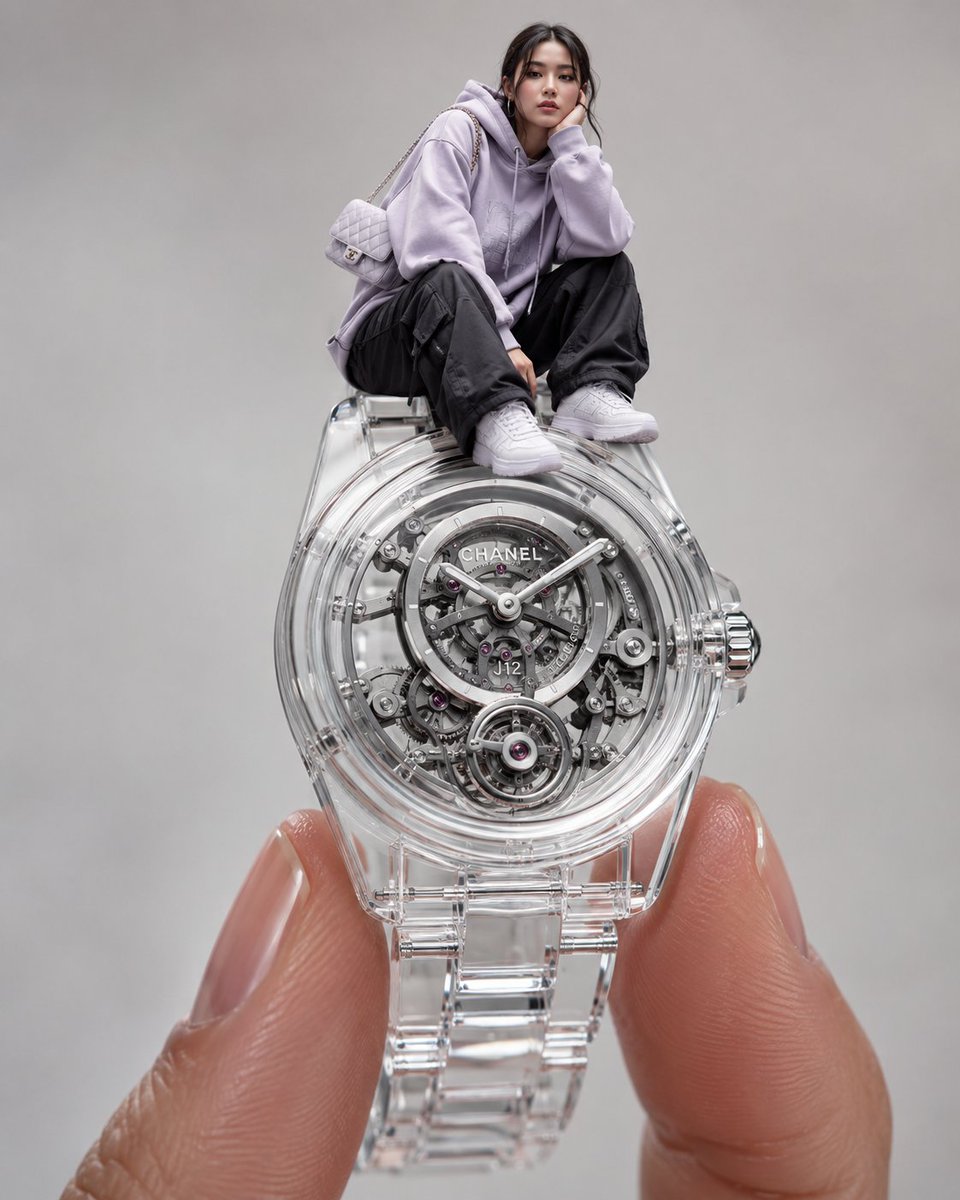
Surreal Luxury Wristwatch Fashion Campaign
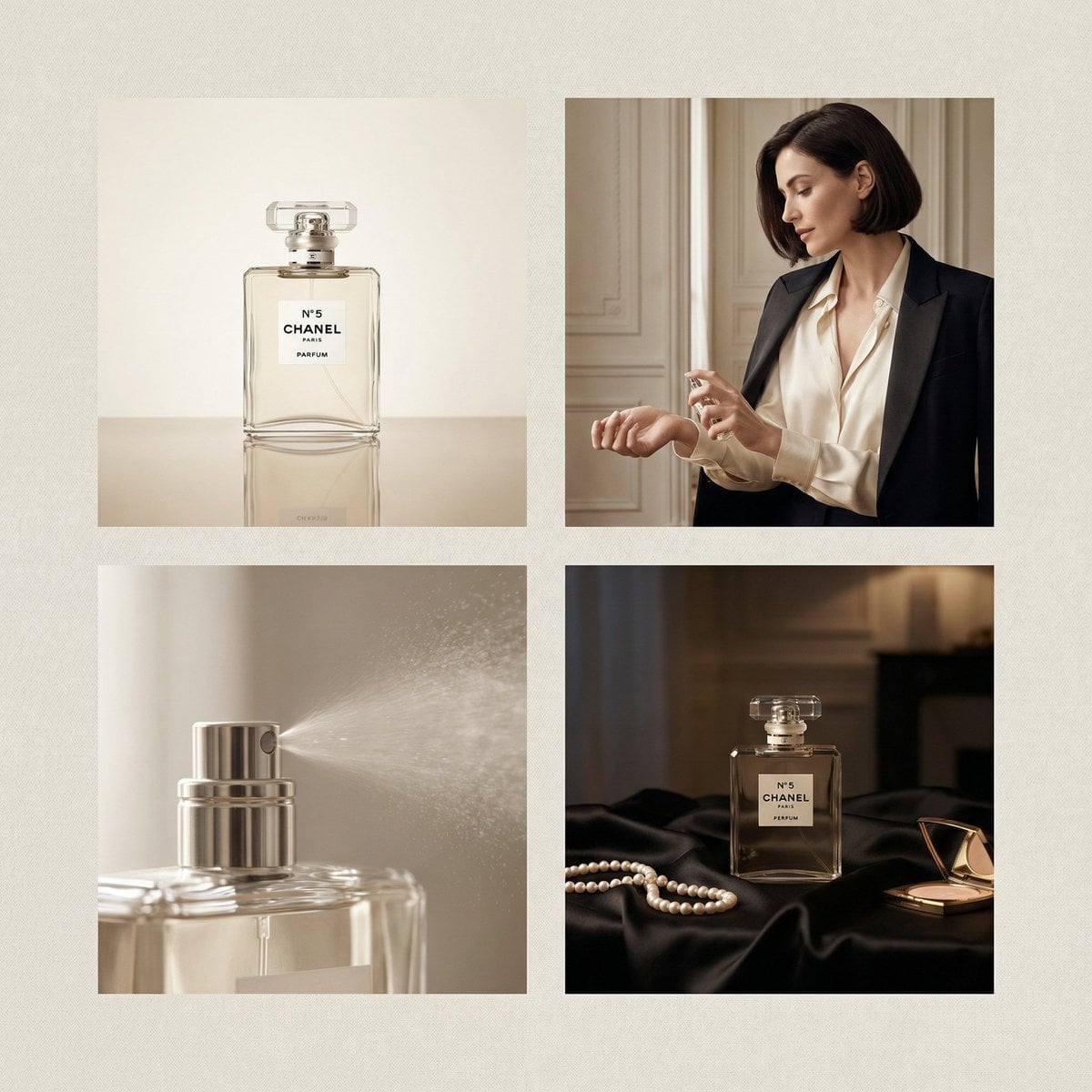
Chanel Perfume 2x2 Grid Luxury Campaign
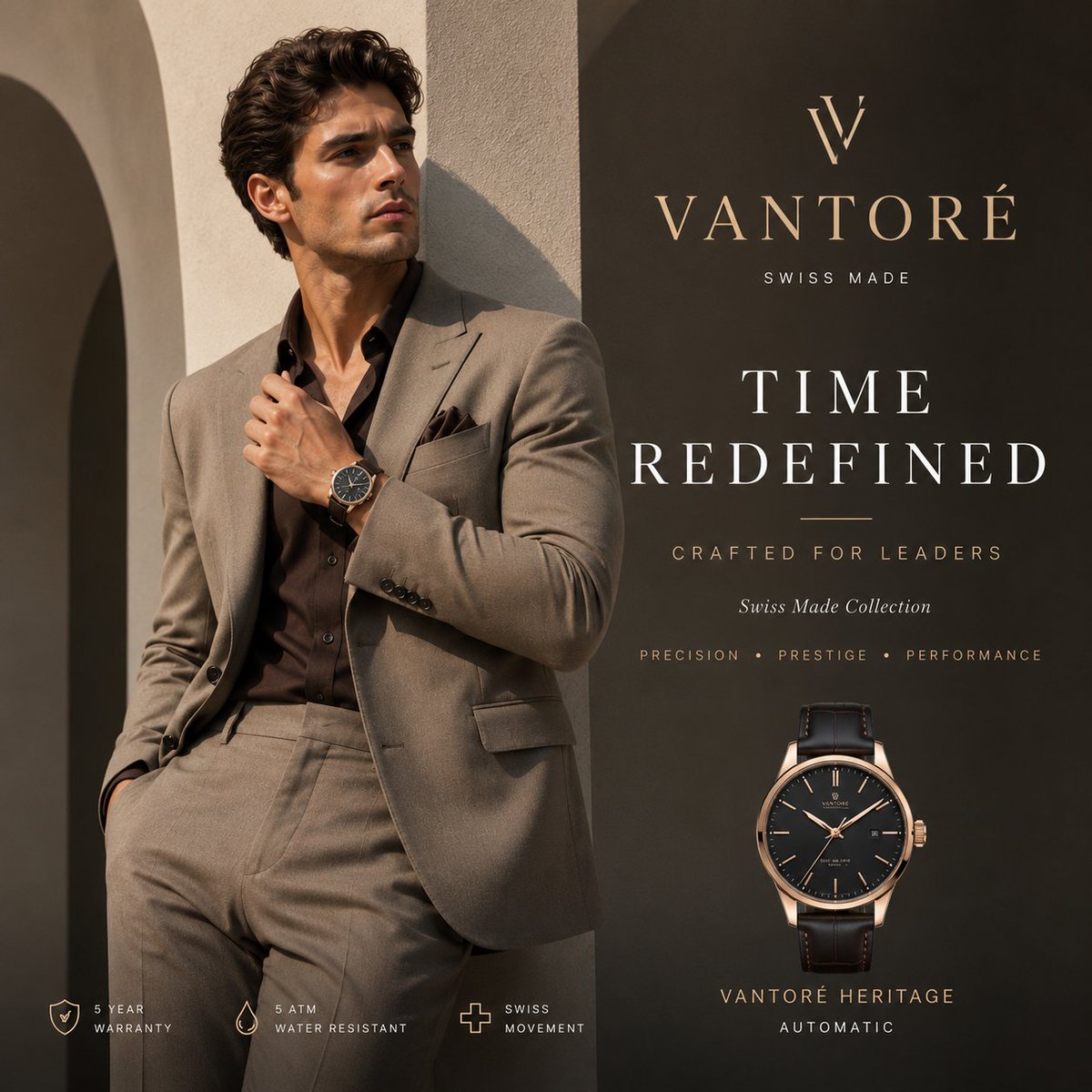
Luxury VANTORÉ Watch Advertisement
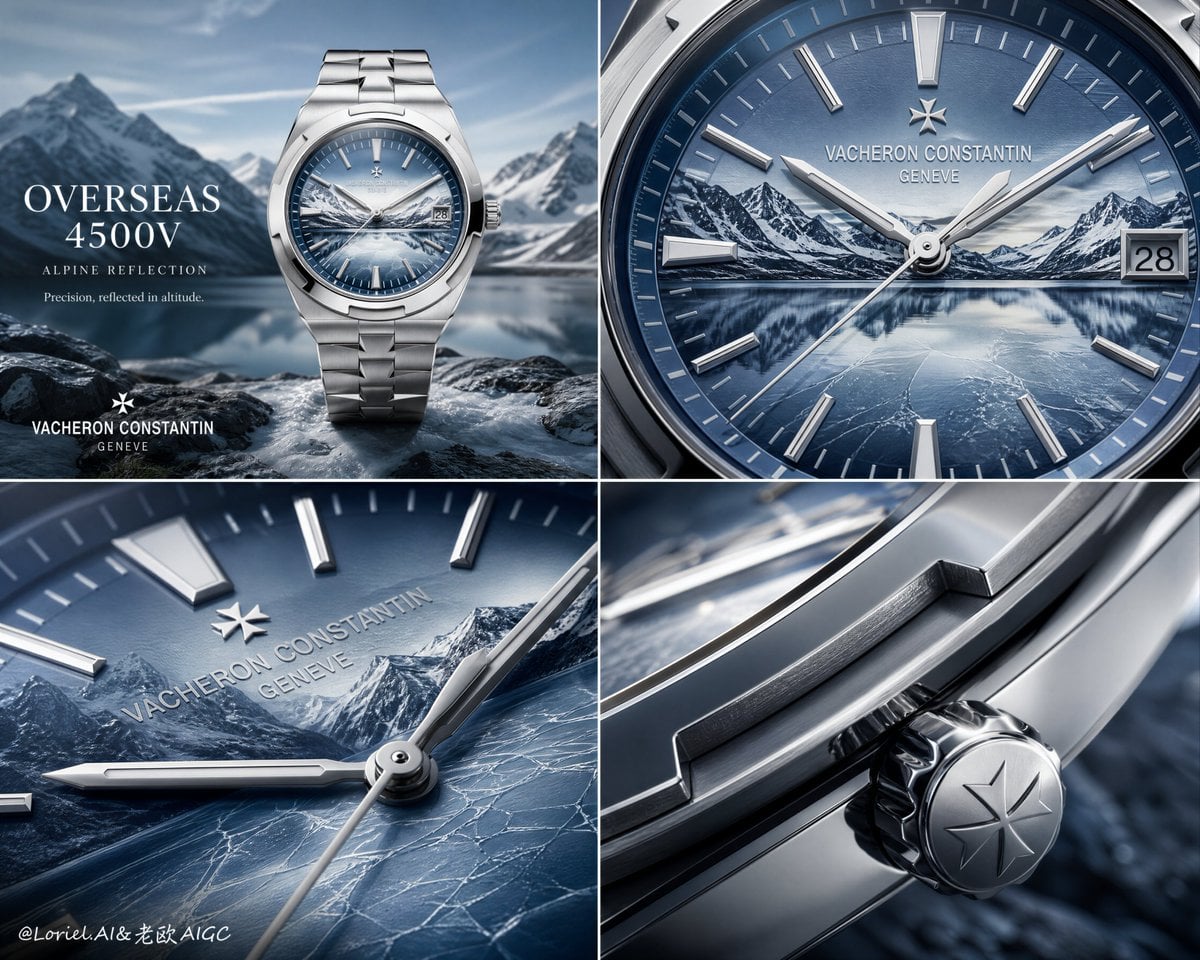
Luxury Watch Alpine Advertising Board
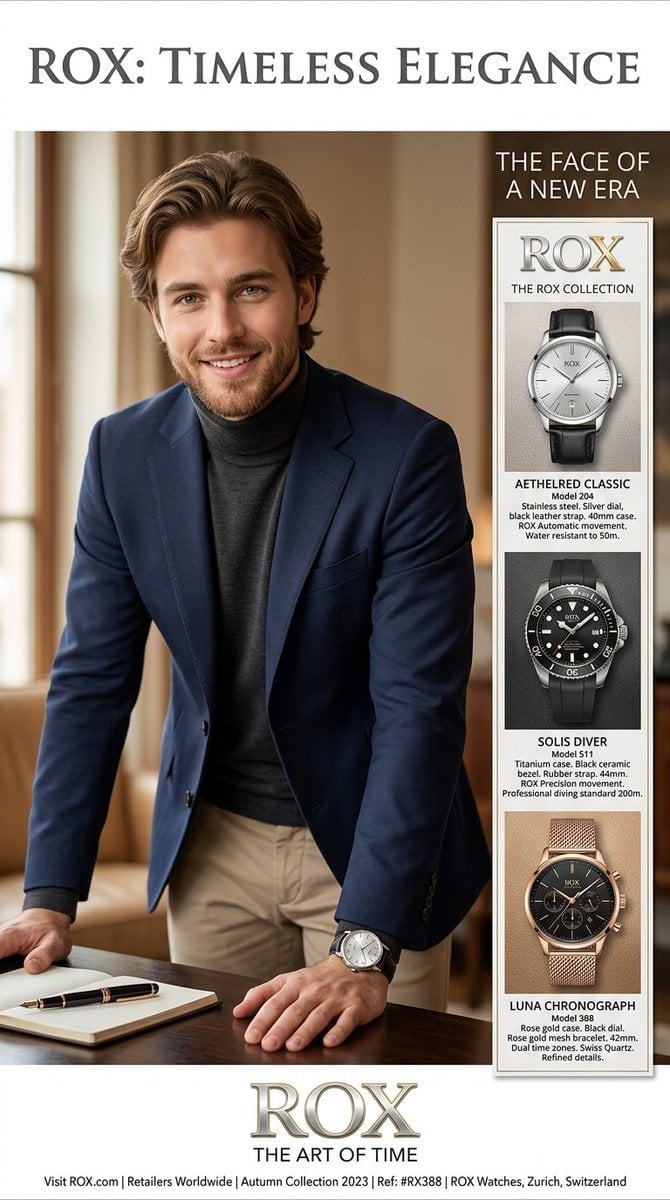
Luxury Watch Magazine Advertisement
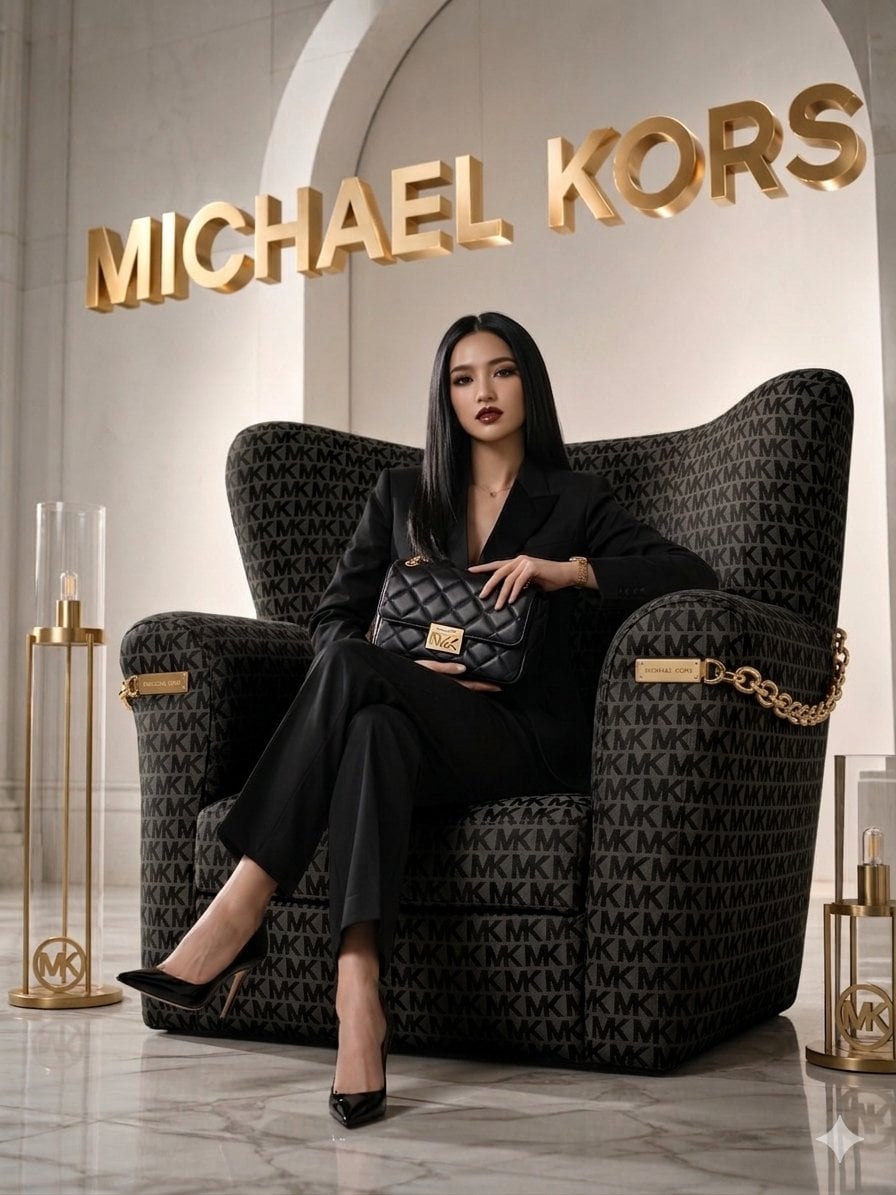
Luxury Brand Campaign Portrait
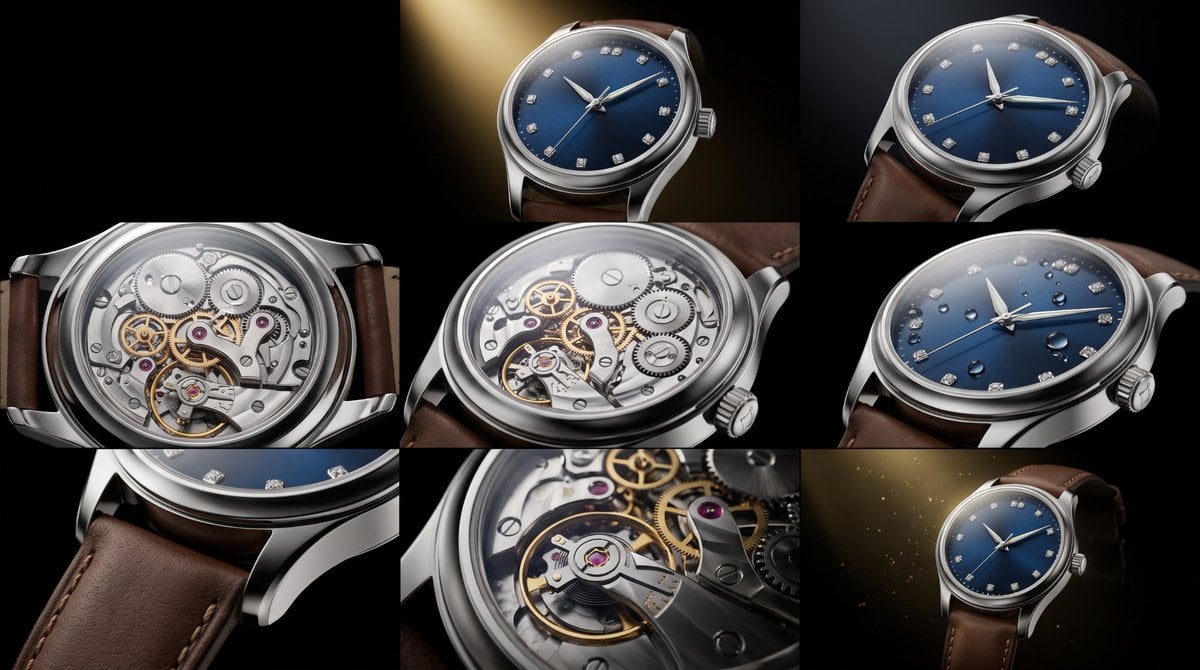
Luxury Watch Commercial Sequence
Sealing Wax Letter Desk
Ballroom Floor Reflections
Make it yours
Luxury Split Watch Campaign works as-is. These are the safest ways to change it without losing the look.
Change one field
Copy a single group, rewrite it, and generate again so you can see what that field is doing.
Keep the frame, change the subject
Hold the composition and light of Luxury Split Watch Campaign, then swap wardrobe, props or the person for a new take.
| If the result… | Why | Fix |
|---|---|---|
| The result drifts from the preview | Too many fields changed at once. | Reuse Luxury Split Watch Campaign as-is first, then change one group — subject, light, or setting. |
| The model over-stylizes the scene | The prose prompt leaves finish and camera underspecified. | Add one camera or lighting sentence and stay on GPT Image 2. |
More GPT Image 2 templates
Other prompts made for GPT Image 2.

Six VTuber Japanese Logo Sheet

Realistic Portrait of Woman and Deer

The Vista Modular Condo Poster

AI Model Routing Comparison Infographic

2.5D Anime Art Board

Isometric Productivity Desk Scene

New York Double Exposure Poster

Four-Panel AI Landscape Comparison

Japanese Tatami Lifestyle Magazine Cover

NESCAFÉ Coffee Map Poster
More image prompts
Fresh picks from across the catalog.
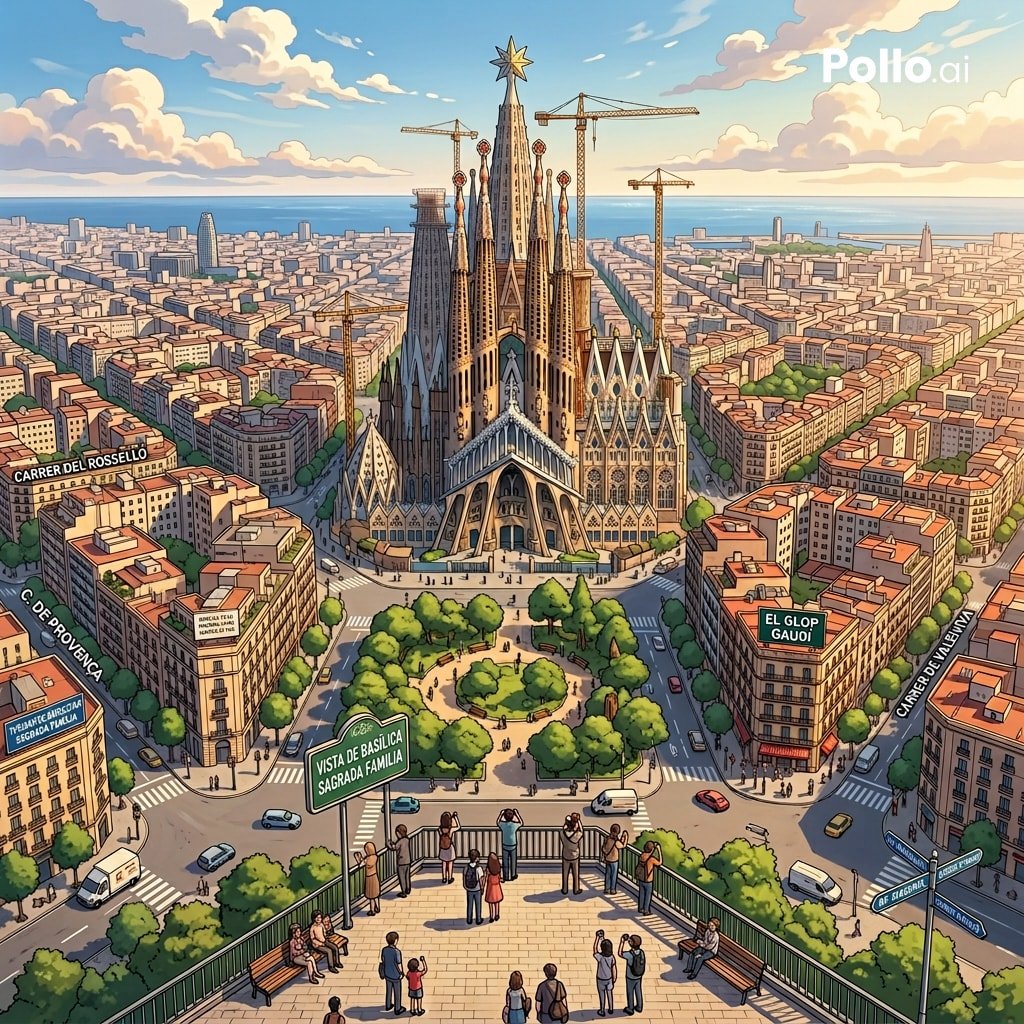
Google Maps to Anime Panorama Conversion
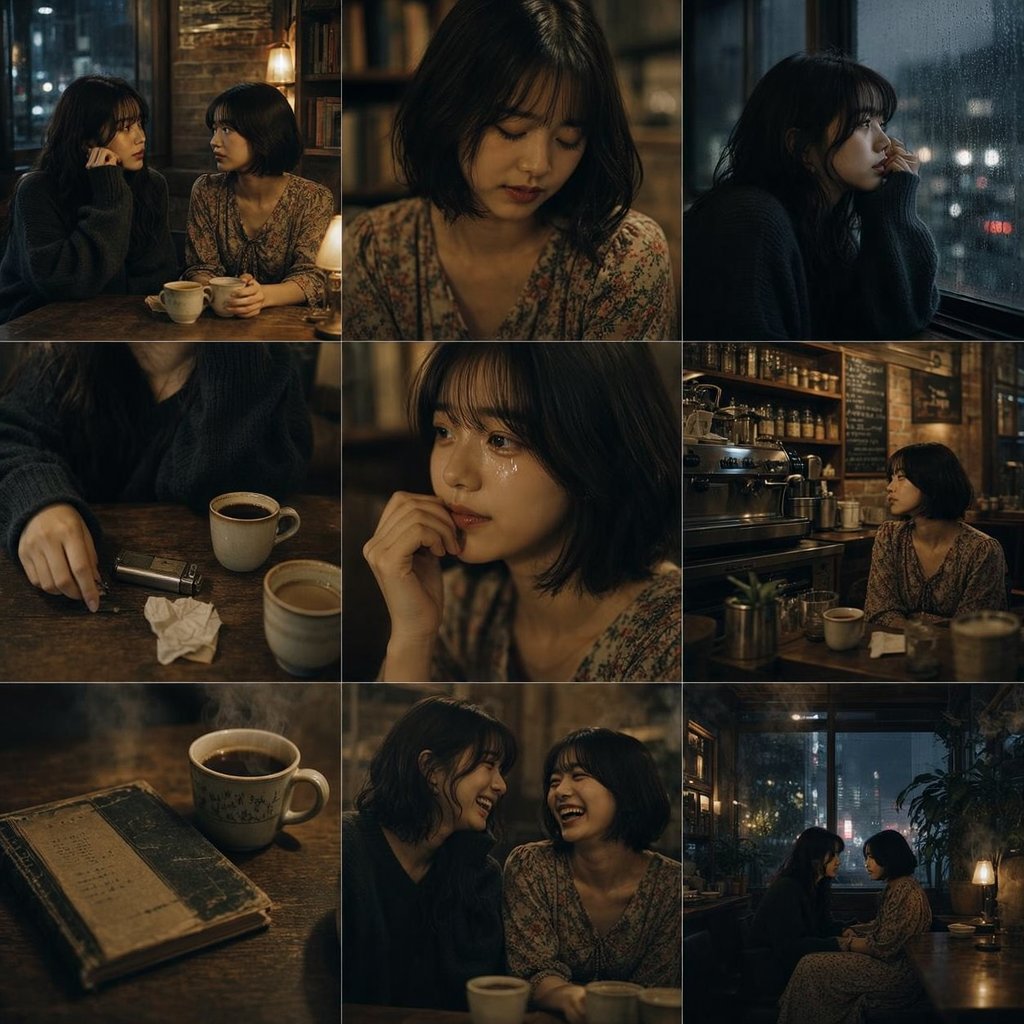
Moody Rainy Cafe 3x3 Photo Grid
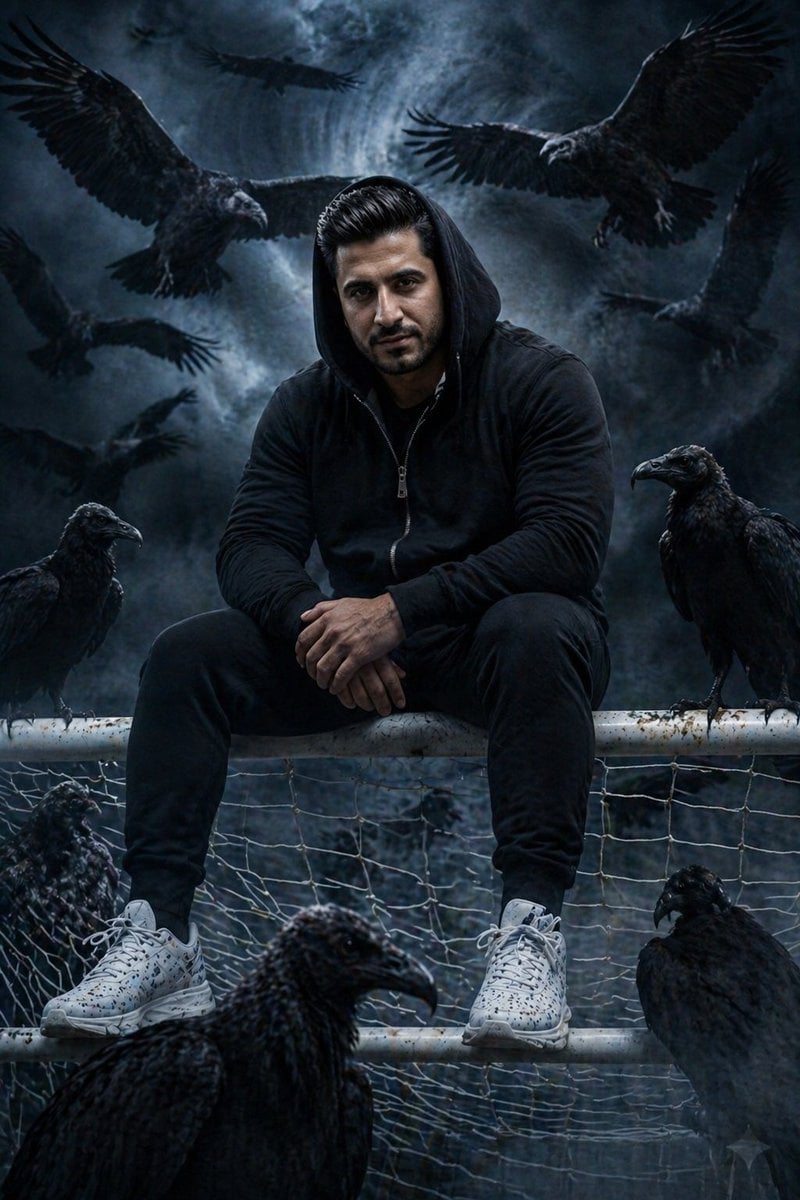
Cinematic South Asian Male Portrait with Vultures
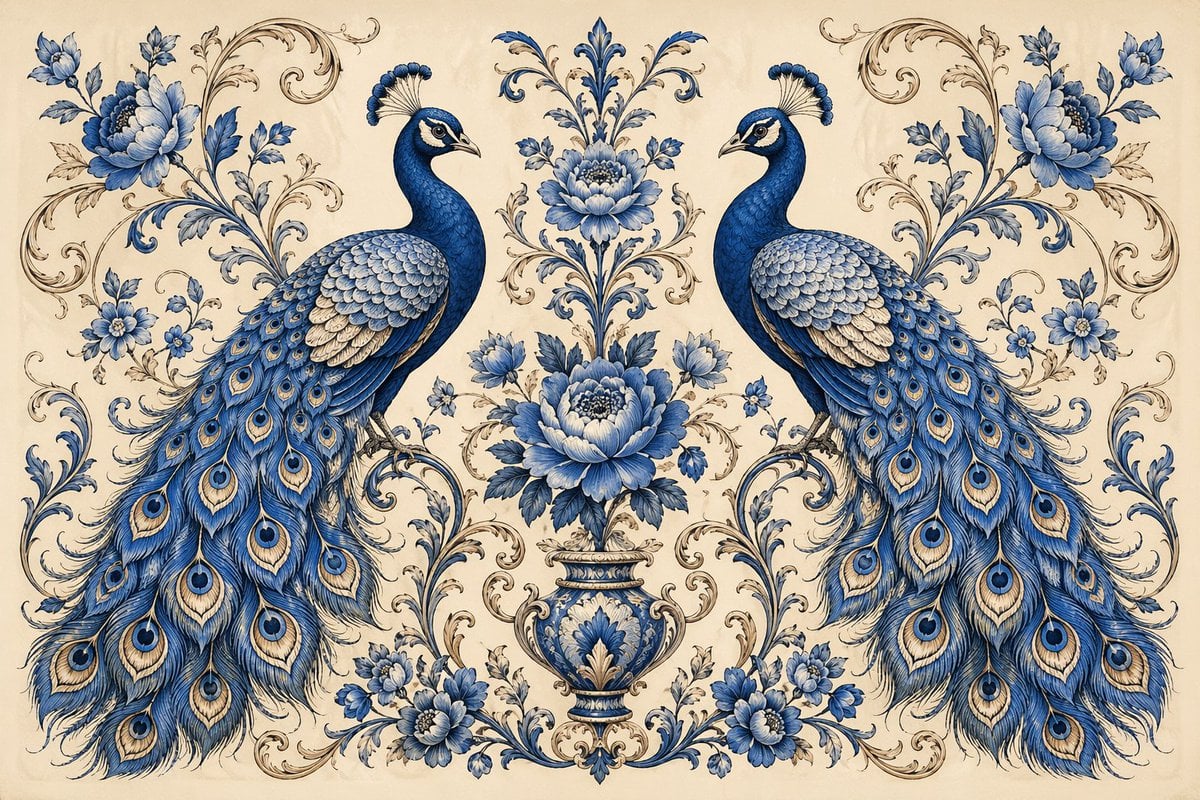
Vintage Peacock Botanical Illustration
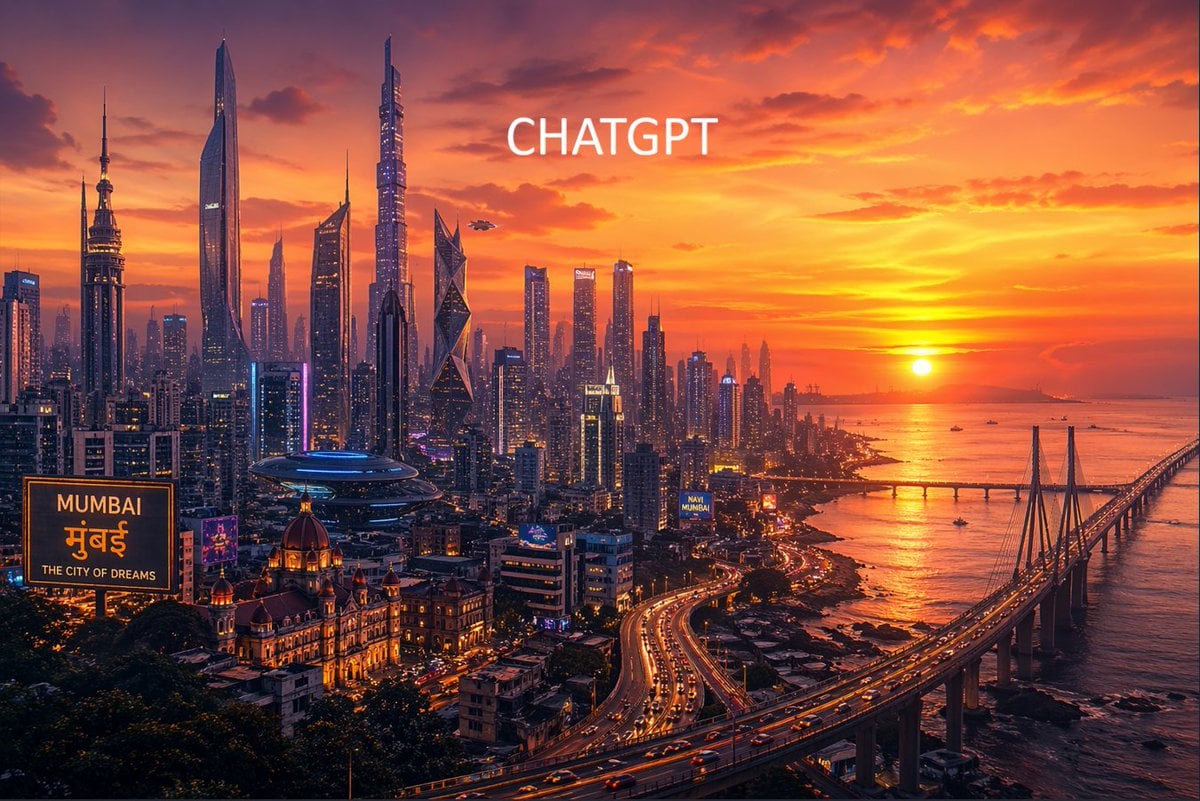
Futuristic Mumbai Sunset Skyline
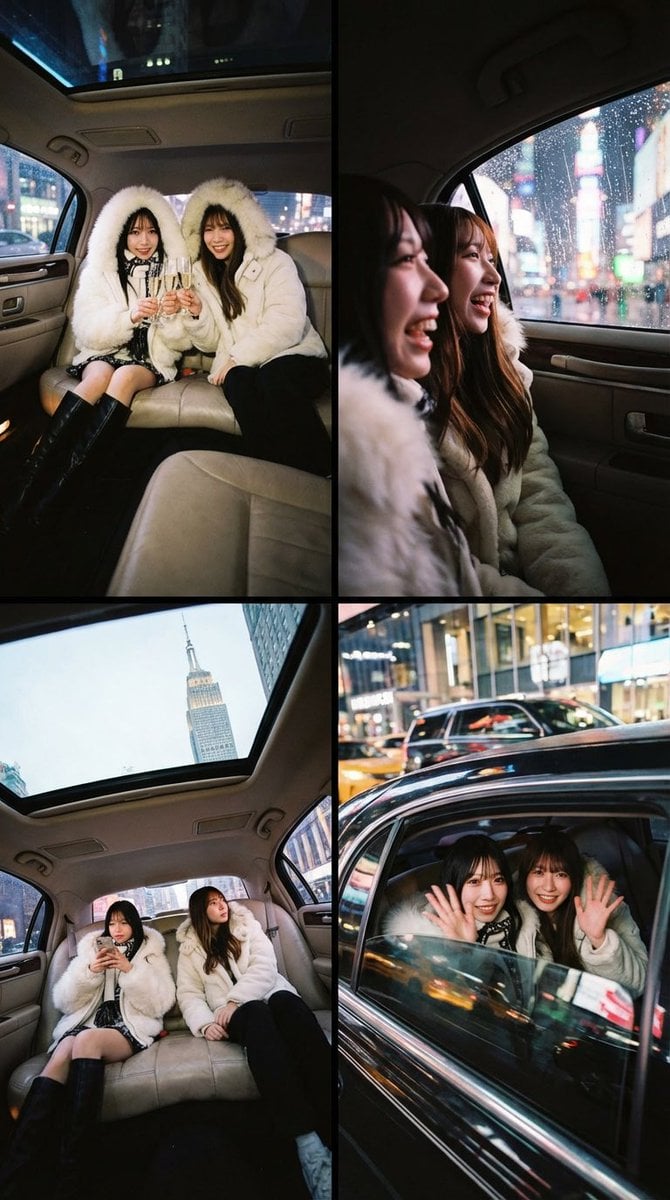
Two-Person Composition and Angle Arrangement Prompt

Japanese AI Clinic Billing Statement
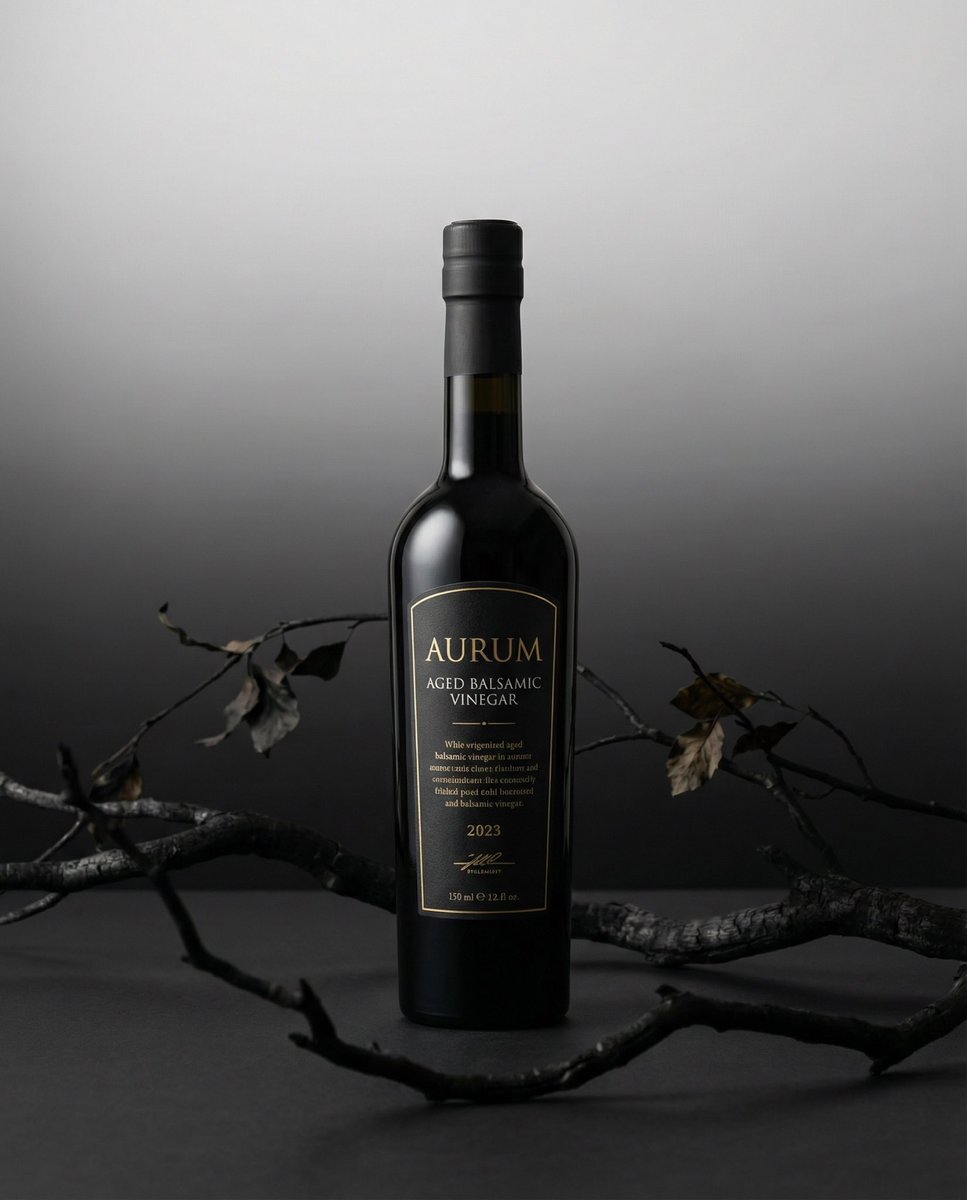
Product hero shot with charred black branches framing
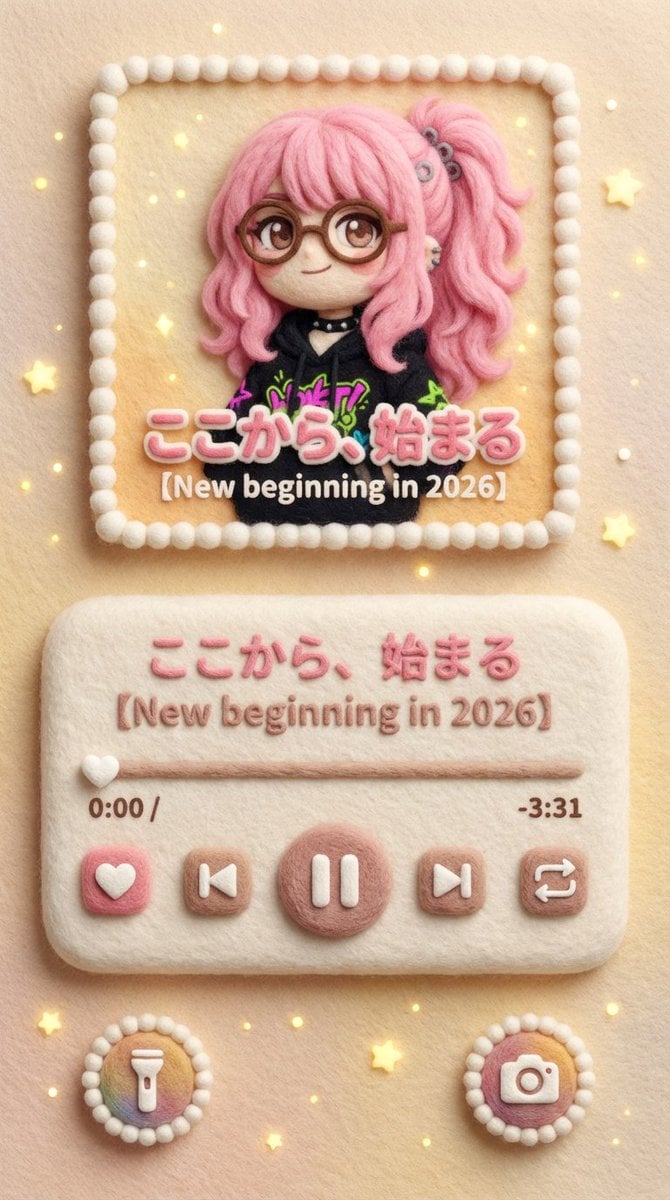
Felted Wool Smartphone Lock Screen Music Player
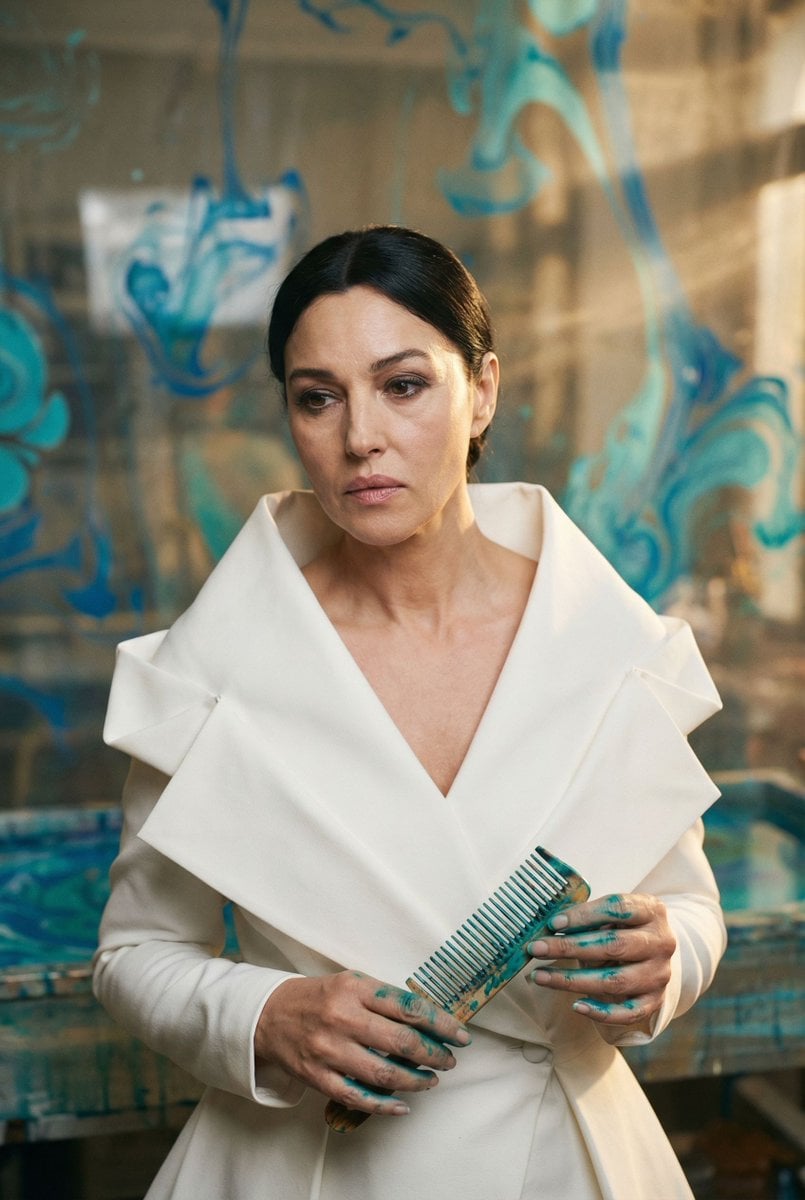
Cinematic Portrait of 'The Melancholic Prodigy'
Browse template categories
Luxury Split Watch Campaign questions
How do I use the Luxury Split Watch Campaign template?
Add your photo if the template asks for one, edit the prompt if you like — the template's model and format are already selected — and press Generate. Your version opens in PicX Studio.
Can I customize the Luxury Split Watch Campaign template?
Yes. You can change the subject, setting, lighting, mood, format, and available model controls before creating your image.
Is the Luxury Split Watch Campaign template free?
Opening and editing this template is free. Generating uses credits, shown on the Generate button when you are signed in.
Which AI model should I use?
Start with GPT Image 2, which is the model associated with this template. You can compare another compatible model for a different finish.
Looking for something else? Browse all templates.

Your photo, any look
Thousands of ready templates for every top image and video model, from one credit balance.