
Cinematic Portrait of 'The Melancholic Prodigy'
A highly structured JSON prompt for a cinematic medium format portrait in a surreal paper-marbling atelier.
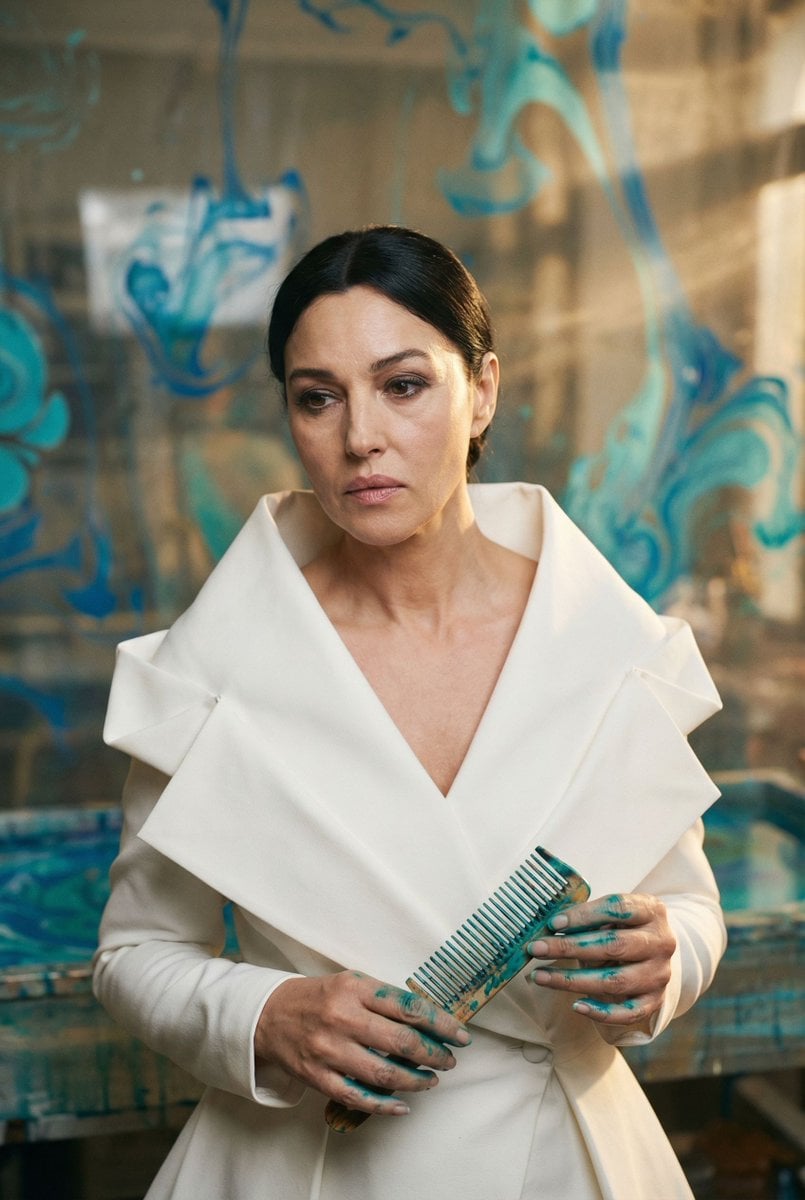
- Prompt included
- Model and format preset
- Free template
The prompt behind this image
Copy the exact prompt behind Cinematic Portrait of 'The Melancholic Prodigy', or open it in the studio and make it yours.
{ "vibe_title_en": "Ink Architecture", "master_prompt": "Cinematic medium format portrait of The Protagonist as 'The Melancholic Prodigy' in a surreal artisanal paper-marbling atelier. The subject wears an avant-garde, architectural white garment with exaggerated, origami-like folded lapels that mimic high-fashion sculpture. They are caught in a moment of sorrowful focus, fingers slightly stained with cyan and teal ink, delicately holding a marbling comb. The background is a practical-effect installation of suspended, swirling blue and turquoise liquid patterns that look like floating marbled paper or frozen smoke, physically interacting with the depth of field. Lighting is a mix of warm, dusty golden-hour beams cutting through the air (volumetric haze) and the cool reflection of the blue inks. Shot on a Hasselblad H6D-100c with an 80mm f/2.8 lens at eye level to create a direct, intimate 1:1 connection. The image quality is hyper-realistic with visible skin pores, fabric weave, and analog film grain (Kodak Portra 400), avoiding any plastic AI smoothness.", "meta": { "intent": "Editorial Fashion / Surreal Portrait", "priorities": "Texture, Lighting, Narrative Emotion", "device_profile": "High-End Desktop Display" }, "frame": { "aspect": "2:3", "composition": "Central Symmetrical with Fluid Background", "layout": "Subject Centered, Background Swirling Outwards", "camera_angle": "Eye Level (0 degrees elevation)", "tilt_roll_degrees": "0" }, "subject": { "gender": "Female", "identity": "The Melancholic Prodigy", "demographics": "Ageless, Ethereal", "face": "Sorrowful focus, hyper-realistic skin texture, minimal makeup", "hair": "Sleek, pulled back to emphasize the structural collar", "body": "Static but tense, shoulders relaxed", "expression": "Deep contemplation, slight melancholic gaze towards the lens", "pose": "Hands raised near chest, stained with ink, holding a delicate tool" }, "wardrobe_accessories": { "garments": [ { "item": "Architectural Blazer/Dress", "material": "Stiffened Silk or Neoprene", "color": "Pure White", "fit": "Avant-garde, Oversized Collar, Structured" } ], "accessories": [ { "item": "Marbling Comb", "color": "Antique Brass", "material": "Metal", "brand_style": "Vintage Artisan" } ] }, "environment": { "setting": "Surreal Paper Marbling Atelier", "surfaces": "Liquid ink vats, floating paper textures", "depth": "Shallow depth of field, background is a blur of cyan swirls", "atmosphere": "Dusty, Hazy, Smell of Ink and Old Paper", "lens_interaction": "Light refraction through suspended particles" }, "lighting": { "key": "Soft Rembrandt Light (Warm Gold)", "fill": "Cool Teal Bounce from Ink Vats", "rim": "Subtle White Edge Light", "shadows": "Deep, rich
How to use Cinematic Portrait of 'The Melancholic Prodigy' in 3 steps
- 1
Open
The prompt is already in the box next to the preview, with the template's model and format selected.
- 2…a portrait of your subject in softgolden-hour light, 85mm…
Personalize
Edit the subject and creative details for your destination.
- 3Generate
Generate
Press Generate — your image is created in PicX Studio, so you can compare it with the original and refine one variable at a time.
More like this
Templates with the same subject, style or setup. Open one to see its prompt.

Found Photograph: Us, 1970

80s Couple Studio Portrait

80s Bollywood Star

80s Golden Hour Cinema

Me in 1985

1985 Studio Portrait

Hyper-Realistic Minecraft POV Portrait

Rooftop Fisheye — Cat-Ear Balaclava at Golden Hour

Rainy Café Window Moody Portrait

untitled

2025 Aesthetic Photography

Nano Banana Is So Addictive
Make it yours
Cinematic Portrait of 'The Melancholic Prodigy' works as-is. These are the safest ways to change it without losing the look.
Change one field
Copy a single group, rewrite it, and generate again so you can see what that field is doing.
Keep the frame, change the subject
Hold the composition and light of Cinematic Portrait of 'The Melancholic Prodigy', then swap wardrobe, props or the person for a new take.
| If the result… | Why | Fix |
|---|---|---|
| The result drifts from the preview | Too many fields changed at once. | Reuse Cinematic Portrait of 'The Melancholic Prodigy' as-is first, then change one group — subject, light, or setting. |
| The model over-stylizes the scene | The prose prompt leaves finish and camera underspecified. | Add one camera or lighting sentence and stay on Nano Banana 2. |
More Nano Banana 2 templates
Other prompts made for Nano Banana 2.

Photorealistic Leaf Shaped Like a Dragon

K-Pop Idol Portrait Grid for Rapid Selection

Poetic Rain Forest Portrait During Golden Hour

Urban Street Portrait with Cartoon Inner Self Duo

Candid Nighttime Photo with Cat Prompt

High-Concept 3D Diorama Generation Prompt

Cinematic Futuristic Studio Portrait Template

Skincare Editorial Photography Collage Prompt

Hyper-Realistic Commercial Product Photography (Splash Effect)

Hyper-Realistic Nightclub Portrait Prompt
More image prompts
Fresh picks from across the catalog.
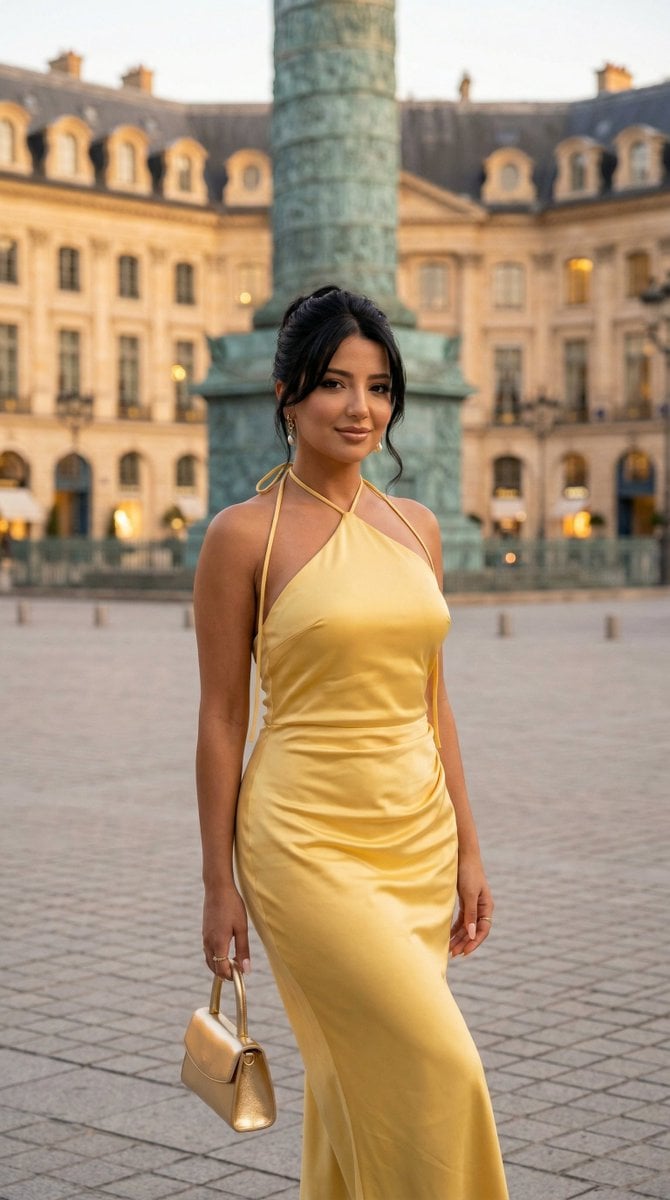
Nano Banana - Place Vendome Yellow Satin
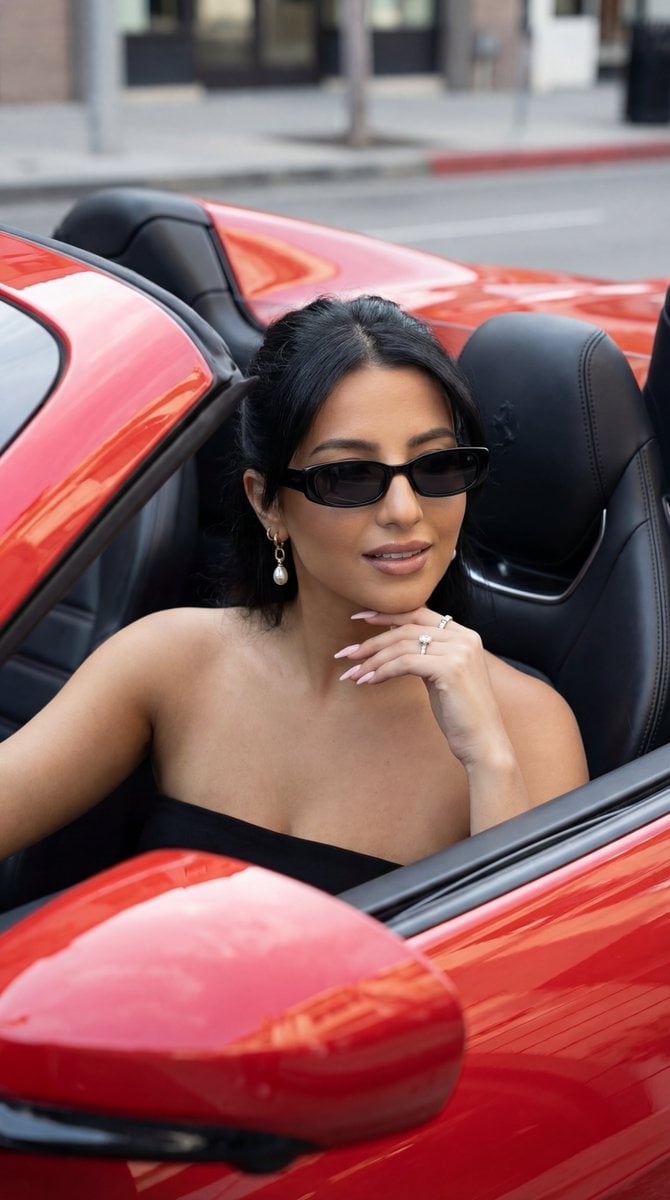
Luxury Car Editorial Portrait (Identity Lock)
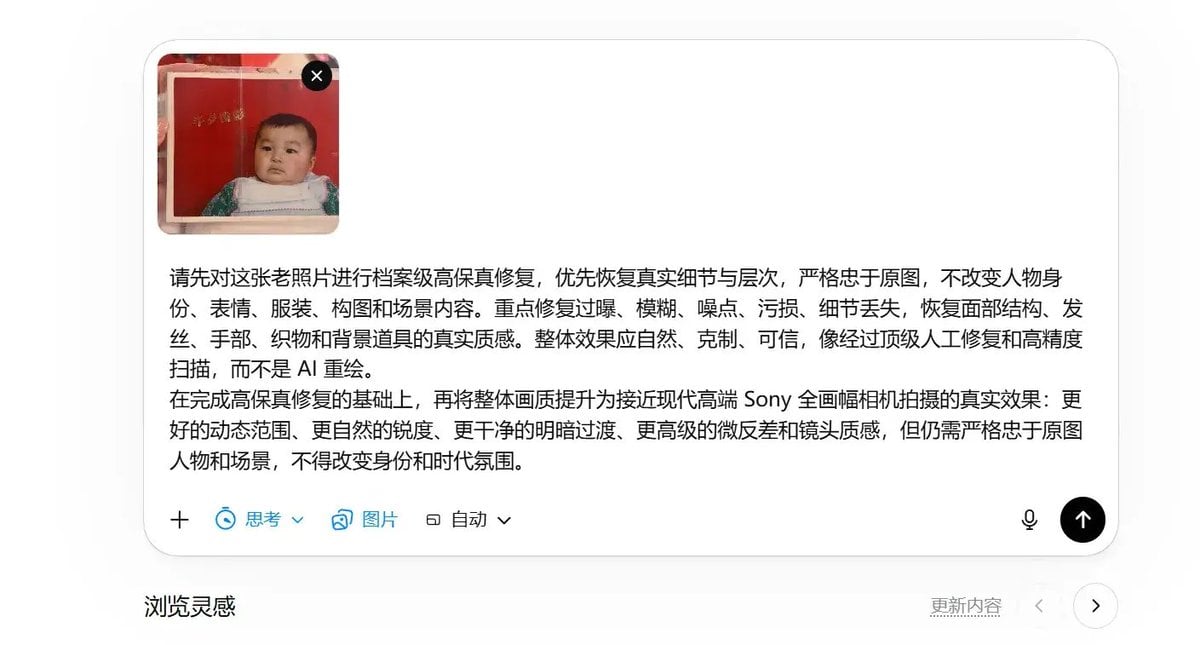
High-Fidelity Archival Photo Restoration

Epic Gugugaga Movie Poster
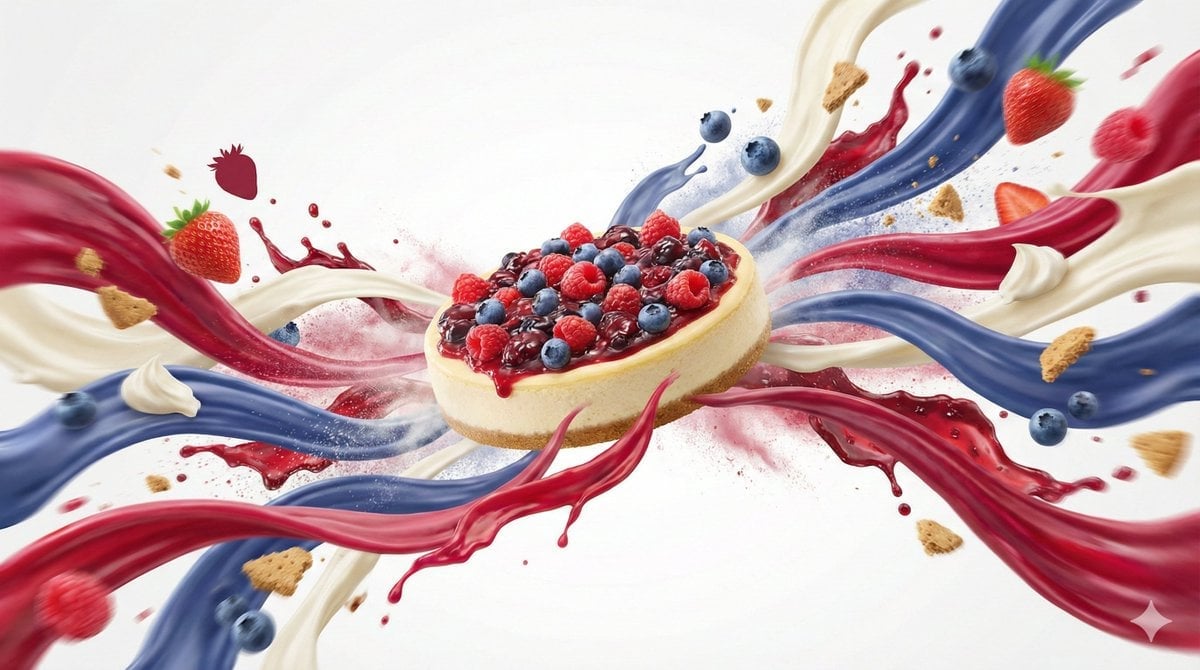
Dynamic Food Advertisement with Flavor Wave
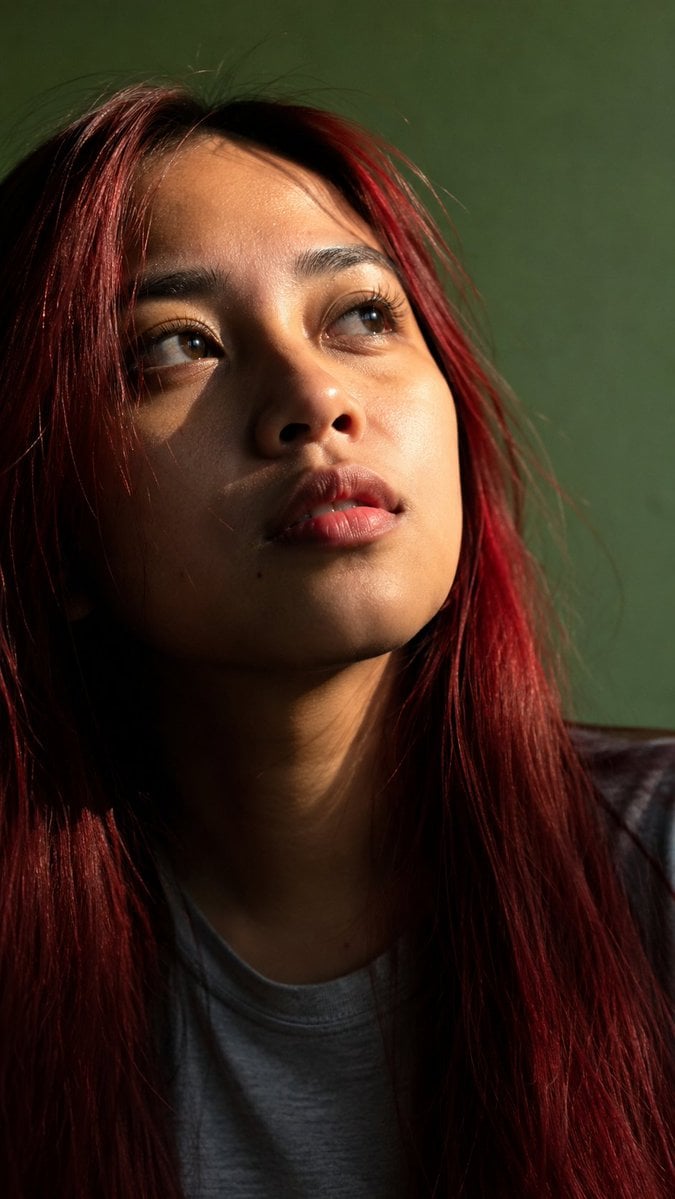
Censored Sunlit Red-Hair Portrait

Anime AI Course Presentation Thumbnail
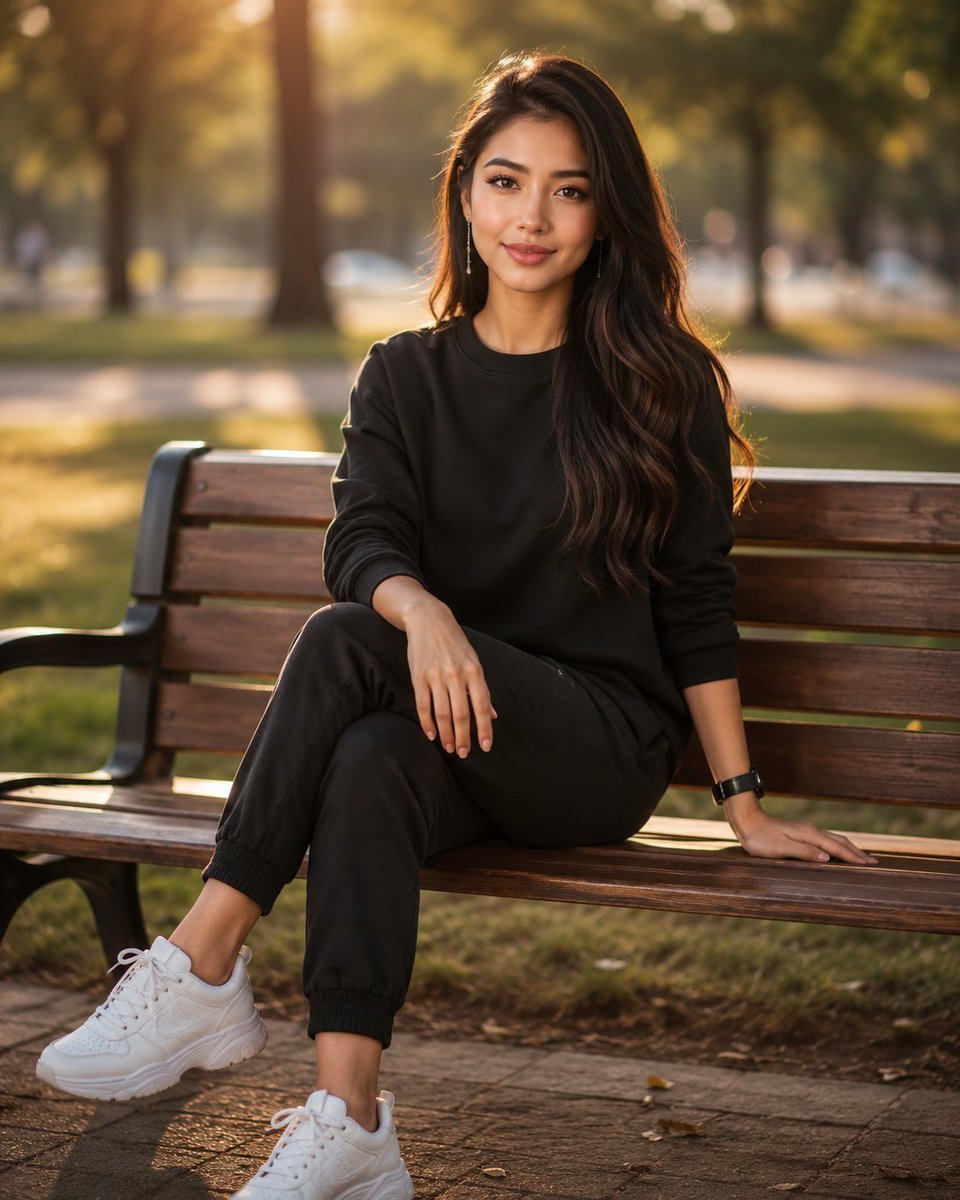
Golden Hour Park Bench Portrait
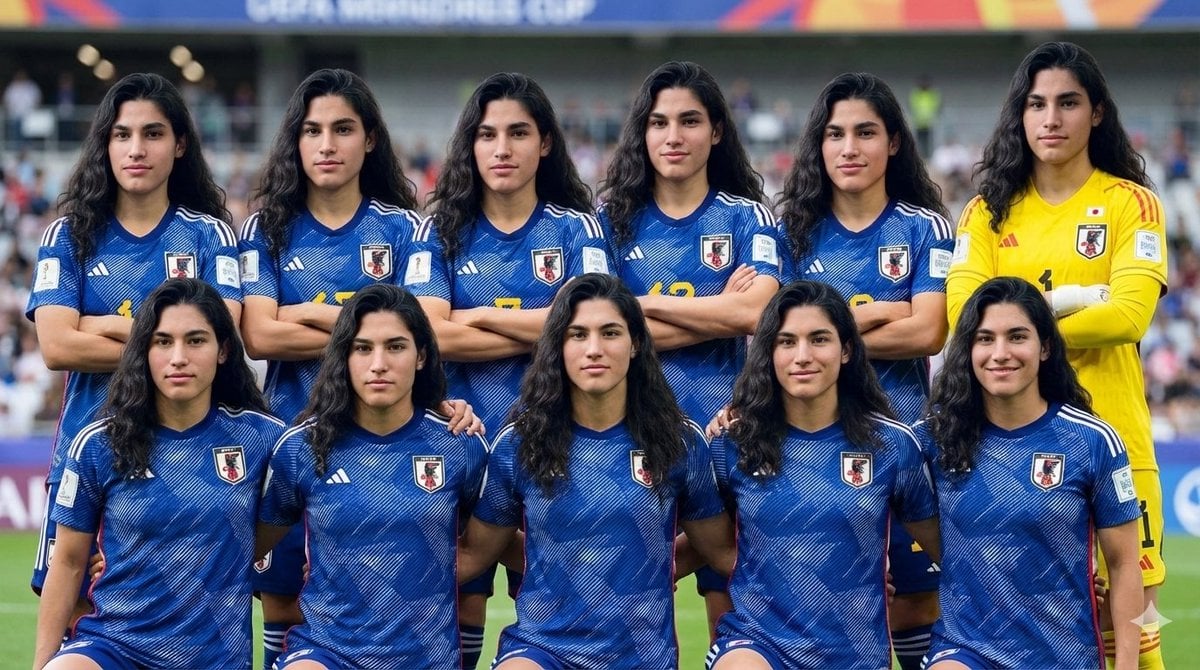
Character as Japan Soccer Representative
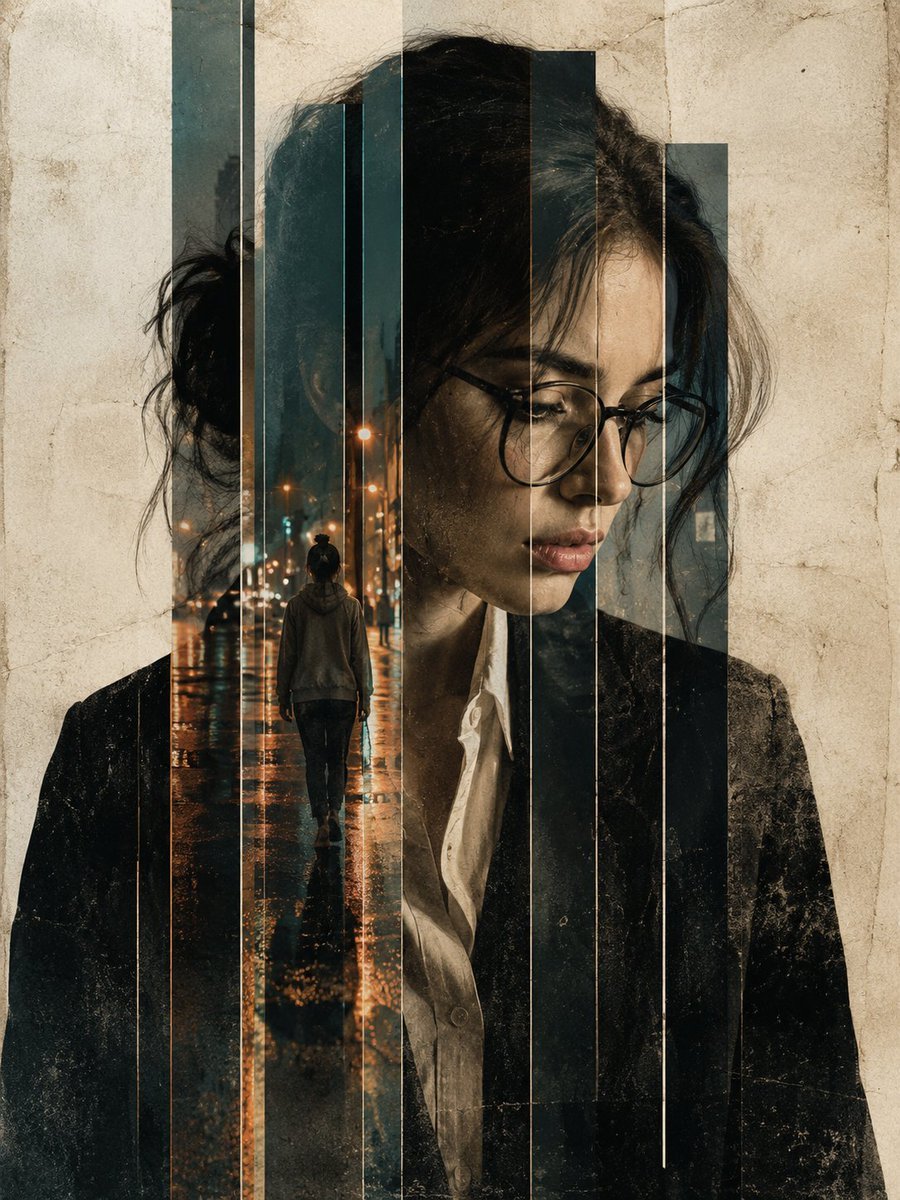
Double Exposure Editorial Portrait
Browse template categories
Cinematic Portrait of 'The Melancholic Prodigy' questions
How do I use the Cinematic Portrait of 'The Melancholic Prodigy' template?
Add your photo if the template asks for one, edit the prompt if you like — the template's model and format are already selected — and press Generate. Your version opens in PicX Studio.
Can I customize the Cinematic Portrait of 'The Melancholic Prodigy' template?
Yes. You can change the subject, setting, lighting, mood, format, and available model controls before creating your image.
Is the Cinematic Portrait of 'The Melancholic Prodigy' template free?
Opening and editing this template is free. Generating uses credits, shown on the Generate button when you are signed in.
Which AI model should I use?
Start with Nano Banana 2, which is the model associated with this template. You can compare another compatible model for a different finish.
Looking for something else? Browse all templates.

Your photo, any look
Thousands of ready templates for every top image and video model, from one credit balance.