
Epic Gugugaga Movie Poster
This prompt generates a dramatic parody film poster featuring a plush penguin idolized by tribal figures, styled like an award-winning cinematic release poster for social posts or mock movie marketing.
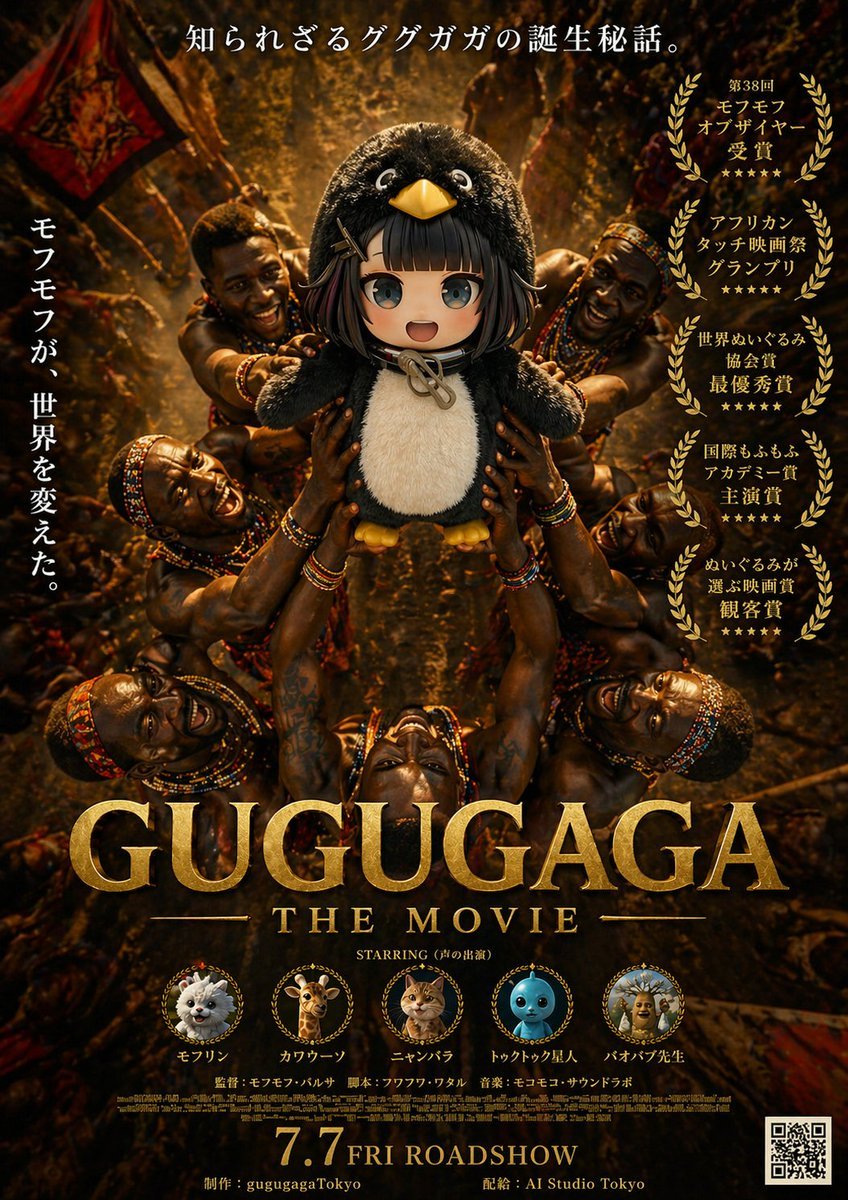
- Prompt included
- Model and format preset
- Free template
The prompt behind this image
Copy the exact prompt behind Epic Gugugaga Movie Poster, or open it in the studio and make it yours.
A dramatic fictional movie poster for {argument name="movie title" default="GUGUGAGA"}, designed like an epic prestige film one-sheet with dark golden-brown cinematic lighting and a serious award-winning tone. The composition is vertical and symmetrical. In the center, a plush black-and-white penguin mascot with a round body, big glossy eyes, a yellow beak, and small yellow feet is held aloft in a ritual-like presentation by multiple African tribal warriors surrounding it from all sides. Exactly 6 visible warriors are arranged around the penguin, with muscular arms reaching inward and upward to support the mascot, creating a radial halo of hands and bodies. Their skin is richly lit with warm highlights, and they wear colorful beaded necklaces, bracelets, headbands, and traditional adornments. The background is a dense, dimly lit ceremonial setting with warm firelight, earthy shadows, fabric banners, and a textured amber glow, giving the scene an ancient, mythic atmosphere. At the very top, centered Japanese copy reads: 「知られざるググガガの誕生秘話。」 On the left side, a vertical Japanese tagline reads: 「モフモフが、世界を変えた。」 On the right side, place exactly 5 stacked gold laurel award blocks with Japanese text, each framed by laurel wreaths. The 5 award texts are: 「第38回 モフモフ オブザイヤー 受賞」, 「アフリカン タッチ映画祭 グランプリ」, 「世界ぬいぐるみ 協会賞 最優秀賞」, 「国際もふもふ アカデミー賞 主演賞」, and 「ぬいぐるみが 選ぶ映画賞 観客賞」. Across the lower middle, place the huge metallic gold serif title {argument name="movie title" default="GUGUGAGA"}, with smaller gold serif subtitle beneath it reading {argument name="subtitle text" default="THE MOVIE"}. Below that, add a small centered line reading: STARRING (声の出演). Along the lower section, include exactly 5 circular cast medallions with tiny laurel-like frames and labels beneath them. The 5 cast items are: a fluffy white pomeranian-like dog labeled 「モフリン」, a giraffe labeled 「カワウーソン」, an orange tabby cat labeled 「ニャンバラ」, a blue round toy-like character labeled 「トゥクトゥク星人」, and a scholarly baboon or monkey figure labeled 「バオバブ先生」. Beneath the cast row, add small Japanese-style credit lines including director, screenplay, and music in a fine poster-credit style. At the bottom center, display a large gold release date line reading {argument name="release date" default="7.7 FRI ROADSHOW"}. Along the bottom edge, include small production and distribution credits reading 「制作:gugugagaTokyo」 and 「配給:AI Studio Tokyo」. Put a black-and-white QR code in the bottom-right corner. Use ultra-detailed photorealistic poster rendering, dramatic contrast, gilded typography, luxurious texture, prestige cinema marketing design, and a tongue-in-cheek parody of an Oscar-bait adventure drama.
How to use Epic Gugugaga Movie Poster in 3 steps
- 1Upload ImagePNG, JPG or paste
Add your photo
Upload the photo the template builds on. The prompt, model and format are already set.
- 2…a portrait of your subject in softgolden-hour light, 85mm…
Personalize
Edit the subject and creative details for your destination.
- 3Generate
Generate
Press Generate — your image is created in PicX Studio, so you can compare it with the original and refine one variable at a time.
More like this
Templates with the same subject, style or setup. Open one to see its prompt.

Gpt2 Youtube Thumbnail Wuxia Movie Character Posters
Epic Concept/Movie Poster Generator
Epic Anime Movie Poster from Photo

Epic LEGO Spider-Man movie poster scene

Japan Travel Brochure Poster

Cartoon TV Show Poster Pack

Trendy Cafe Drink Promo Poster

Urban Fashion Editorial Collage Streetwear Poster

Premium Fashion Editorial Cover Layout System

Polo Ralph Lauren Luxury American Heritage Fashion Campaign

Monochrome Halftone Editorial Fashion Poster

Retro Mirror Luxury Fashion Campaign Poster
Make it yours
Epic Gugugaga Movie Poster works as-is. These are the safest ways to change it without losing the look.
Change one field
Copy a single group, rewrite it, and generate again so you can see what that field is doing.
Keep the frame, change the subject
Hold the composition and light of Epic Gugugaga Movie Poster, then swap wardrobe, props or the person for a new take.
| If the result… | Why | Fix |
|---|---|---|
| The result drifts from the preview | Too many fields changed at once. | Reuse Epic Gugugaga Movie Poster as-is first, then change one group — subject, light, or setting. |
| The model over-stylizes the scene | The prose prompt leaves finish and camera underspecified. | Add one camera or lighting sentence and stay on GPT Image 2. |
More GPT Image 2 templates
Other prompts made for GPT Image 2.

Six VTuber Japanese Logo Sheet

Realistic Portrait of Woman and Deer

The Vista Modular Condo Poster

AI Model Routing Comparison Infographic

2.5D Anime Art Board

Isometric Productivity Desk Scene

New York Double Exposure Poster

Four-Panel AI Landscape Comparison

Japanese Tatami Lifestyle Magazine Cover

NESCAFÉ Coffee Map Poster
More image prompts
Fresh picks from across the catalog.

Medical Infographic Poster for Drug Information (Bento Grid Style)
Cinematic Male Suit Portrait
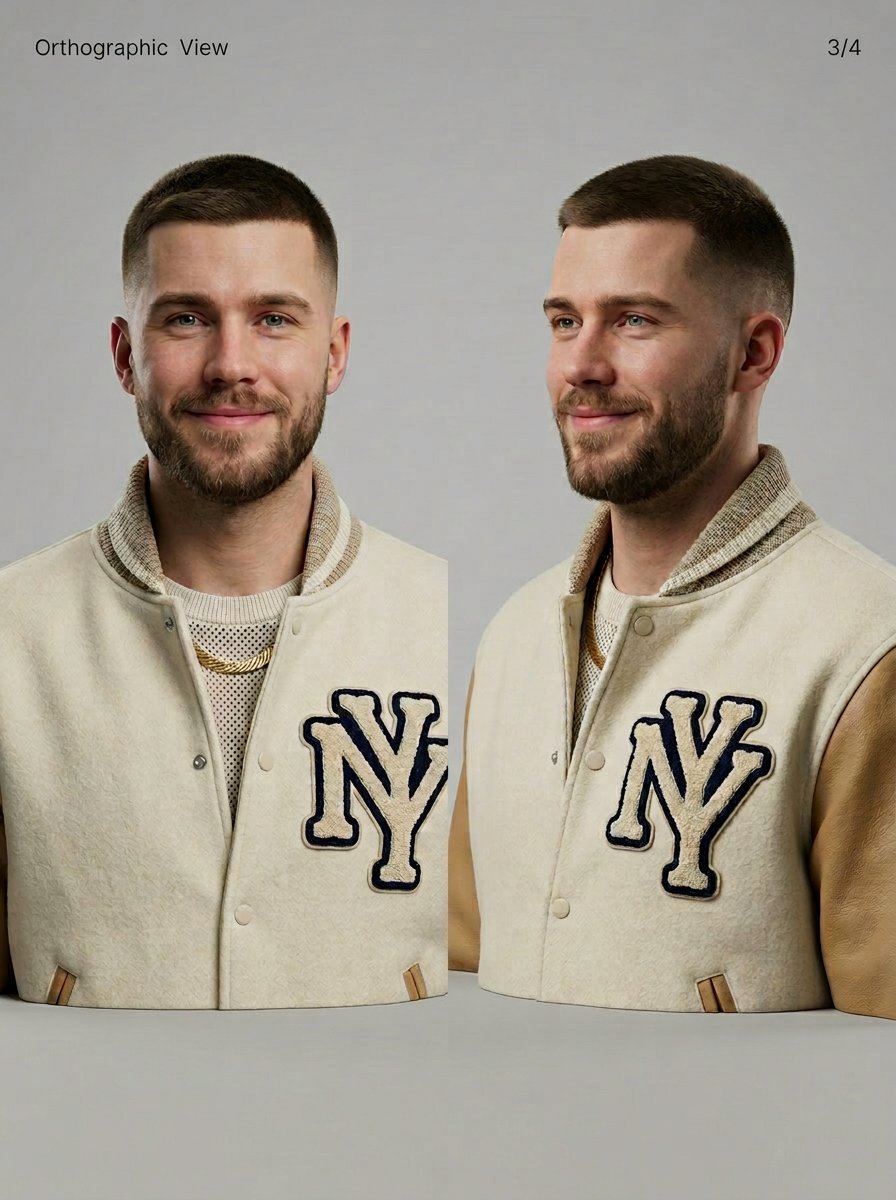
3D Character Sheet for Varsity Jacket Prompt
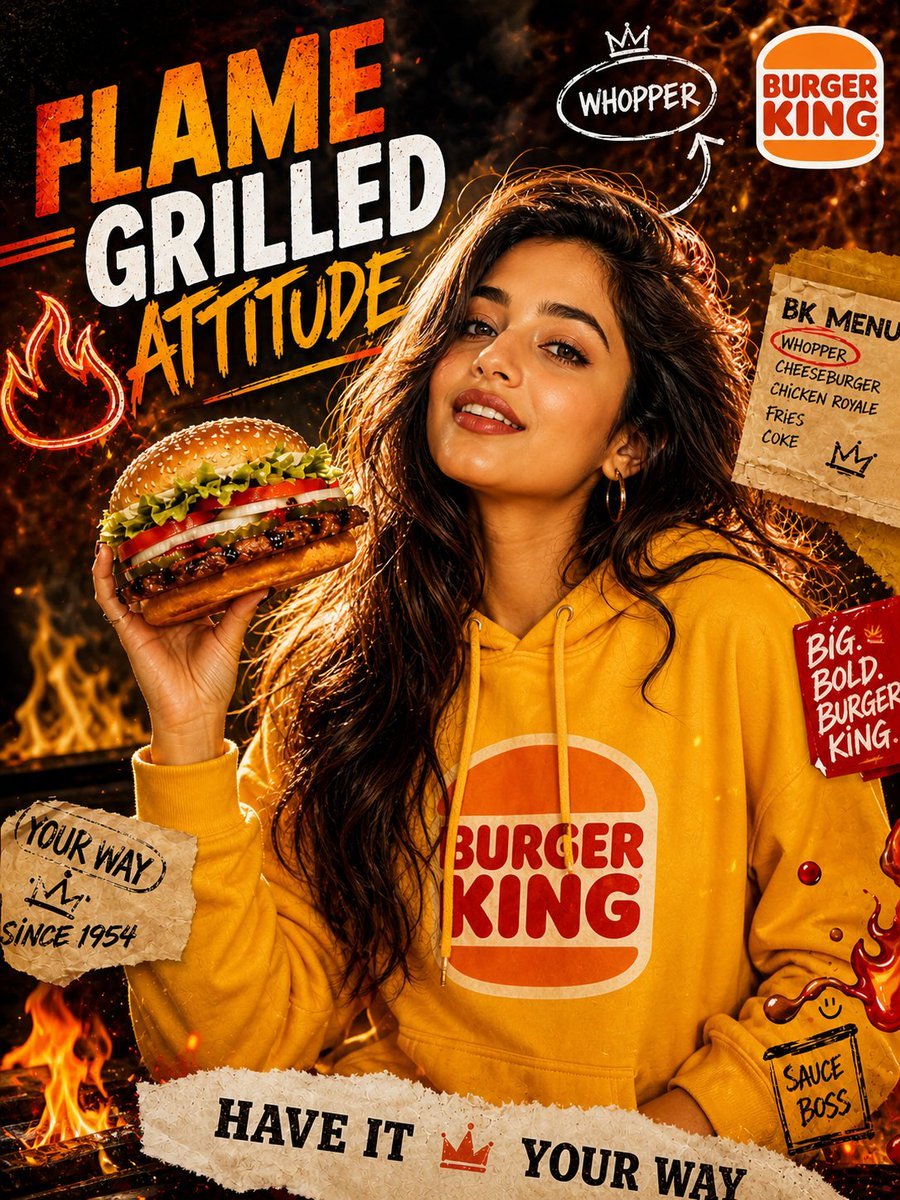
Dramatic Flame-Grilled Ad Poster
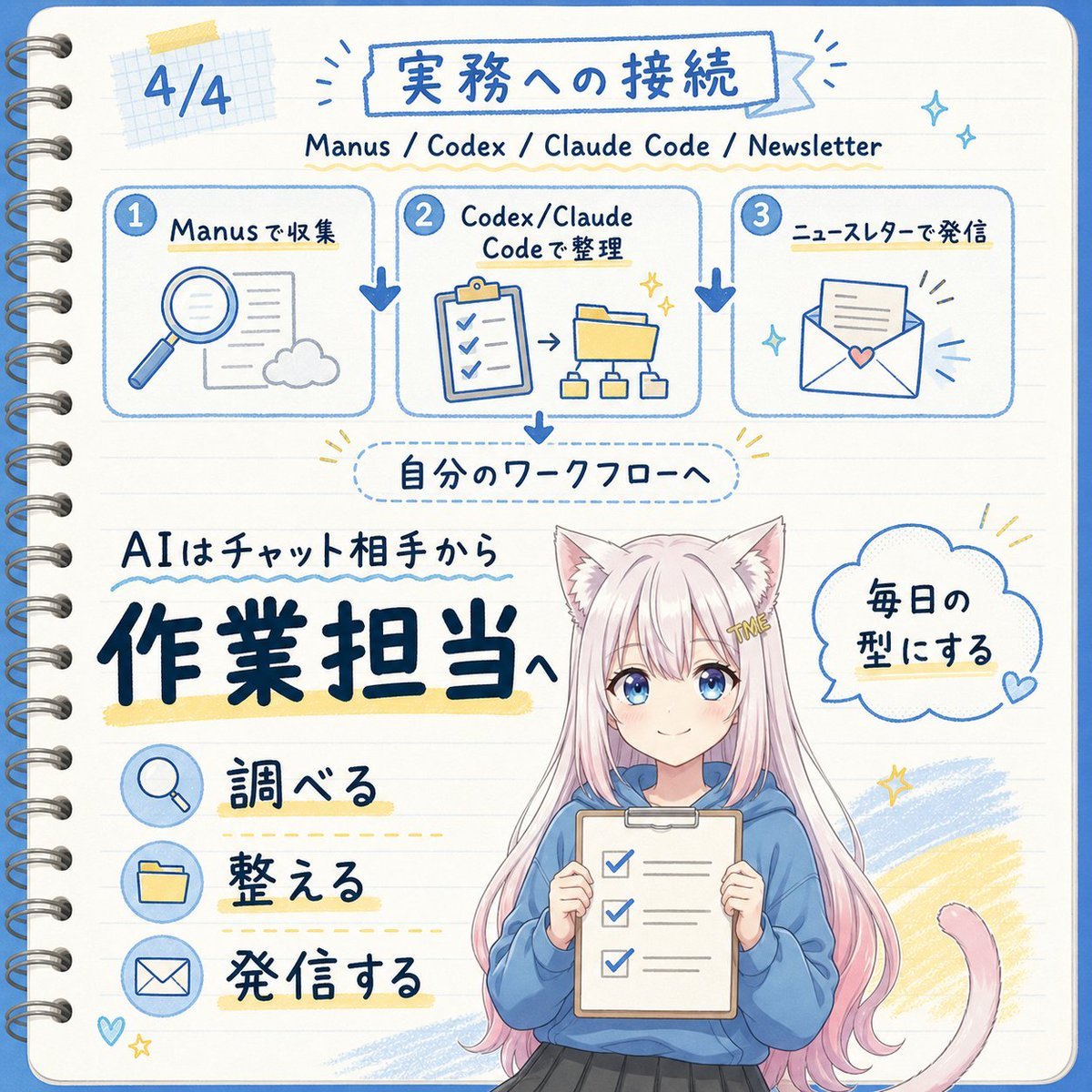
Japanese AI Workflow Notebook Infographic
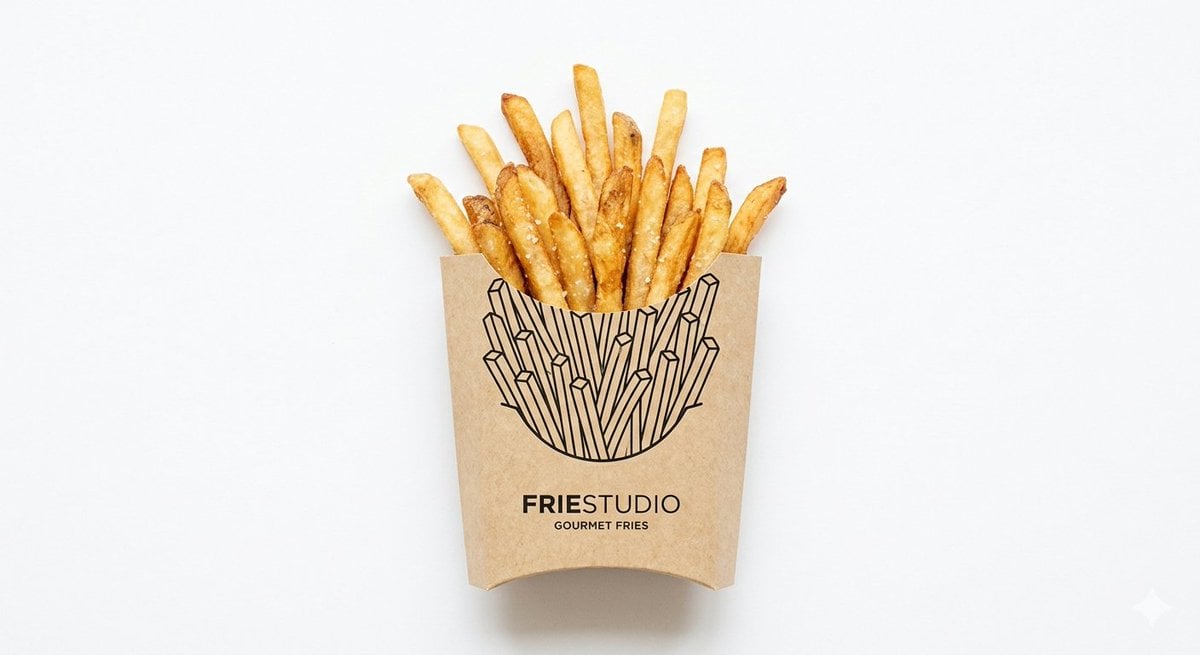
Minimalist Food Illustration and Photorealism Blend

Ultra-Realistic Cinematic Food Photography of Noodles
Nighttime Sportbike Rider Portrait
Structured Fashion Portrait with Precise Pose and Outfit Details
Chinese Conceptual Poster Generator
Browse template categories
Epic Gugugaga Movie Poster questions
How do I use the Epic Gugugaga Movie Poster template?
Add your photo if the template asks for one, edit the prompt if you like — the template's model and format are already selected — and press Generate. Your version opens in PicX Studio.
Can I customize the Epic Gugugaga Movie Poster template?
Yes. You can change the subject, setting, lighting, mood, format, and available model controls before creating your image.
Is the Epic Gugugaga Movie Poster template free?
Opening and editing this template is free. Generating uses credits, shown on the Generate button when you are signed in.
Which AI model should I use?
Start with GPT Image 2, which is the model associated with this template. You can compare another compatible model for a different finish.
Looking for something else? Browse all templates.

Your photo, any look
Thousands of ready templates for every top image and video model, from one credit balance.