
Epic Concept/Movie Poster Generator
A massive, highly detailed prompt that directs the AI to automatically derive visual metaphors, hierarchy, and cinematic lighting for an epic poster based on a single theme.
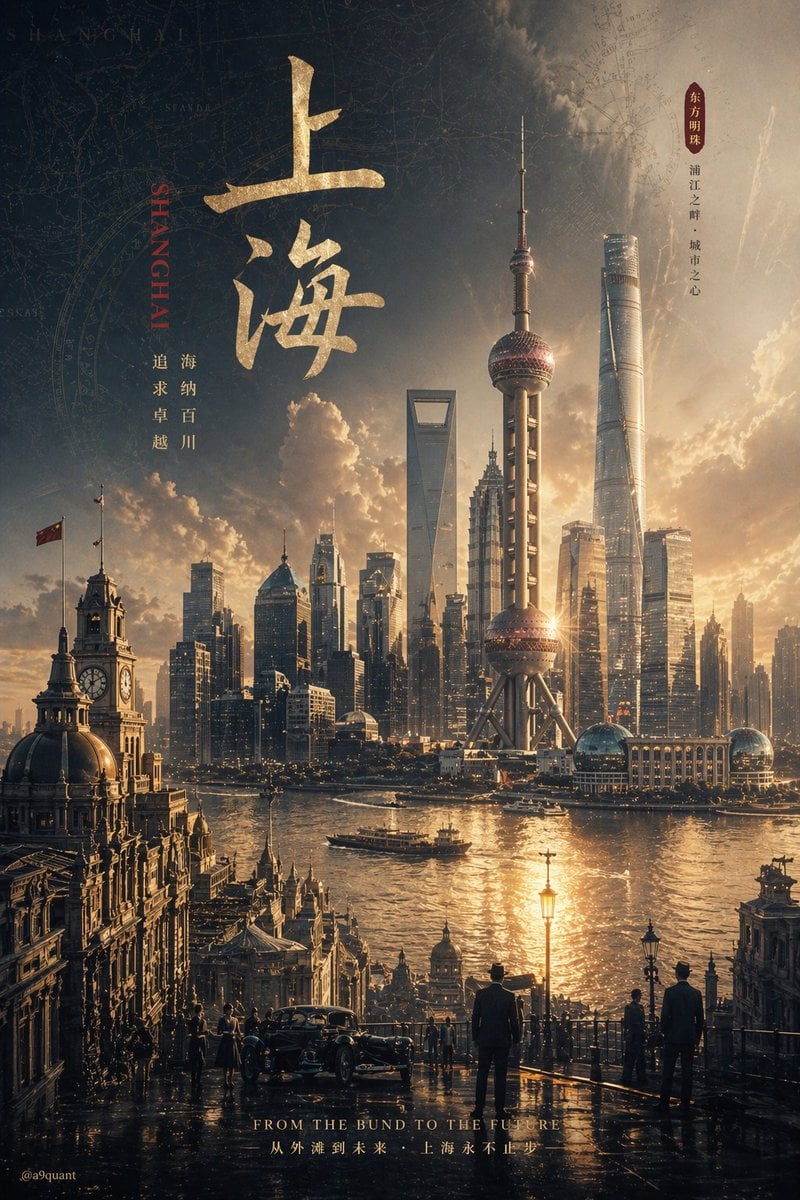
- Prompt included
- Model and format preset
- Free template
The prompt behind this image
Copy the exact prompt behind Epic Concept/Movie Poster Generator, or open it in the studio and make it yours.
The GPT-Image-2 prompt should automatically generate a top-tier concept poster / infographic-style cinematic poster centered on {argument name="theme" default="a ranking of China's historical emperors"}. The AI is required to automatically derive and cohesively design all of the following visual systems based on this theme, without needing any further specification from me: - Core subject (the AI may automatically judge whether a person, product, building, object, symbol, scene, or abstract image fits best) - Bottom support structure - Floating symbols or spiritual emblems above - Scene-enclosing elements - Metaphor system - Color hierarchy - Material contrast - Lighting logic - Title, subtitle, and supporting copy - A sense of brand identity and premium expression The final image must be: A striking, precise, unified, cinematic, ultra-detailed concept key visual poster suitable for high-end printing. [Overall Style] Hyper-realistic 3D commercial CGI rendering, blending cinematic lighting, luxury visual language, futuristic concept design, and epic composition. The image must have a "single main visual core" — it must not be cluttered, must not look like a collage, and must not look like an ordinary e-commerce poster. [Automatic Derivation Rules] Based on [the theme], the AI must automatically decide on the most suitable: 1. Core visual metaphor 2. Subject type and pose 3. Form of the support structure 4. Form of the floating elements 5. Scene shell and spatial atmosphere 6. Primary color, secondary color, and accent color 7. Material combinations 8. Typographic character and layout style [Composition Rules] - Absolute sense of premium quality - Strong central order, unified overall - Allow a central-axis-symmetrical or near-axis epic composition - Clear visual gravity, forming a distinct hierarchical landing point from top to bottom - Clean, restrained edge negative space with room to breathe [Visual Quality] - Ultra-high detail - Clear volumetric light - Realistic materials - Natural reflections, refractions, shadows, mist, and depth of field - Overall quality on par with a high-end brand campaign key visual / luxury invitation poster / conceptual editorial poster [Typography System] - Overall composition should be 90% visual, 10% text - The AI should automatically generate the best-fitting main title and subtitle based on [the theme] - The title must be concise, sharp, and impactful - Text must be as minimal and precise as possible — do not pile up words [Signature Requirement] Naturally add the author's signature in a bottom corner of the image: @a9quant
How to use Epic Concept/Movie Poster Generator in 3 steps
- 1
Open
The prompt is already in the box next to the preview, with the template's model and format selected.
- 2…a portrait of your subject in softgolden-hour light, 85mm…
Personalize
Edit the subject and creative details for your destination.
- 3Generate
Generate
Press Generate — your image is created in PicX Studio, so you can compare it with the original and refine one variable at a time.
More like this
Templates with the same subject, style or setup. Open one to see its prompt.
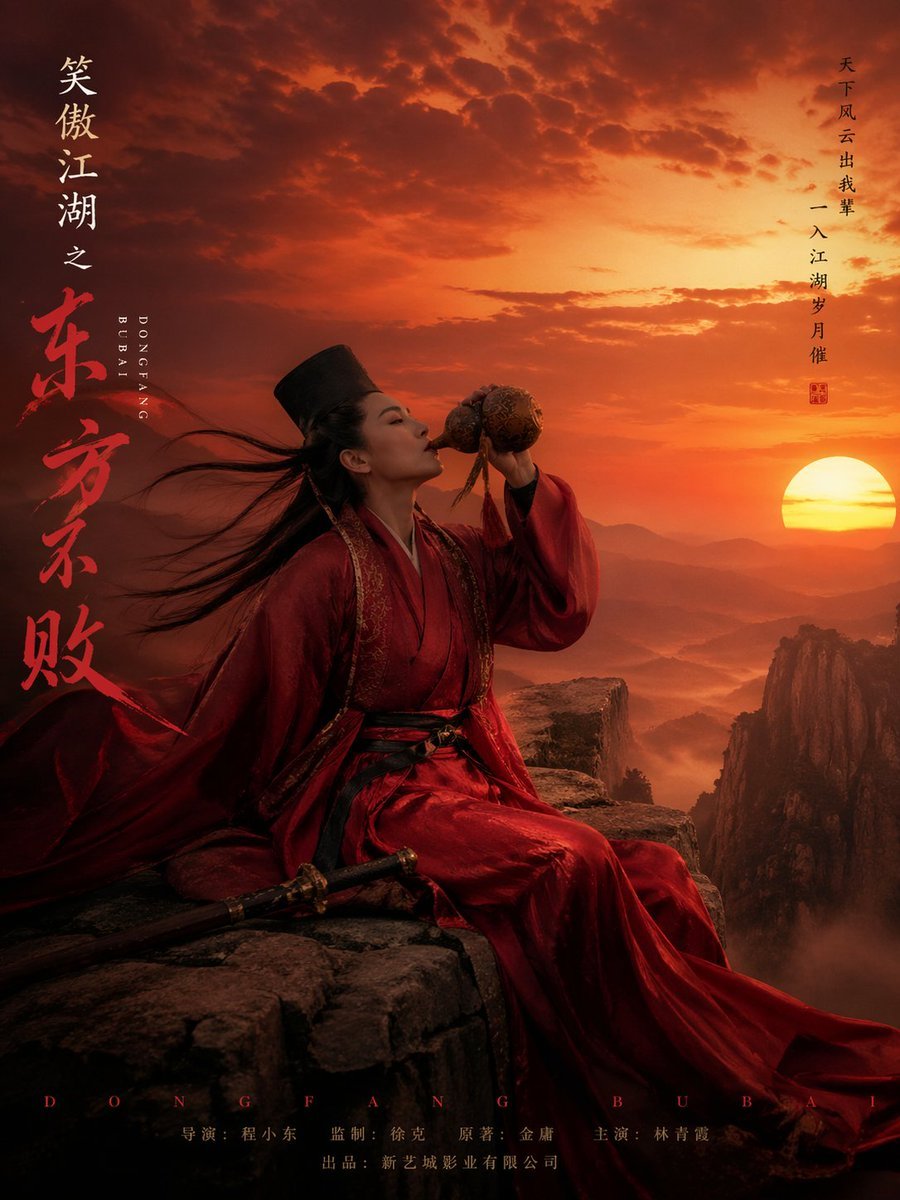
Gpt2 Youtube Thumbnail Wuxia Movie Character Posters
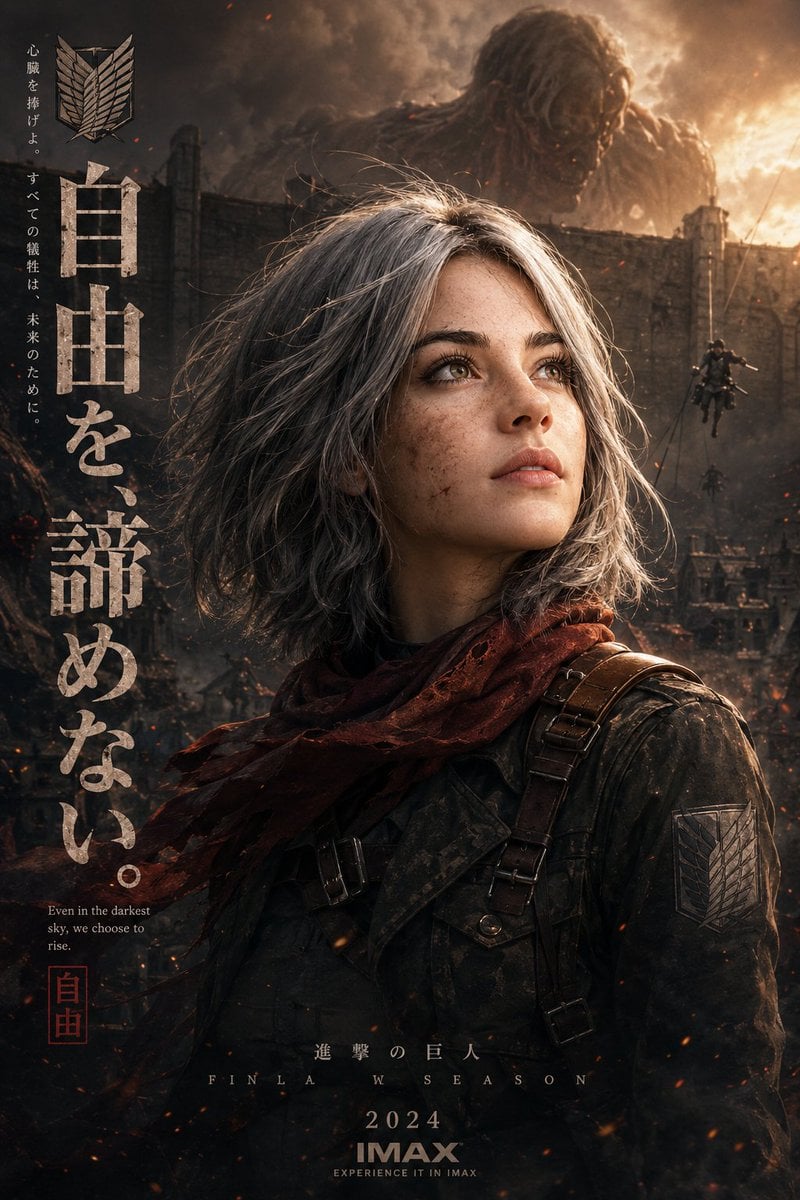
Epic Anime Movie Poster from Photo

Epic LEGO Spider-Man movie poster scene

Japan Travel Brochure Poster

Cartoon TV Show Poster Pack

Trendy Cafe Drink Promo Poster

Urban Fashion Editorial Collage Streetwear Poster

Premium Fashion Editorial Cover Layout System

Polo Ralph Lauren Luxury American Heritage Fashion Campaign

Monochrome Halftone Editorial Fashion Poster

Retro Mirror Luxury Fashion Campaign Poster
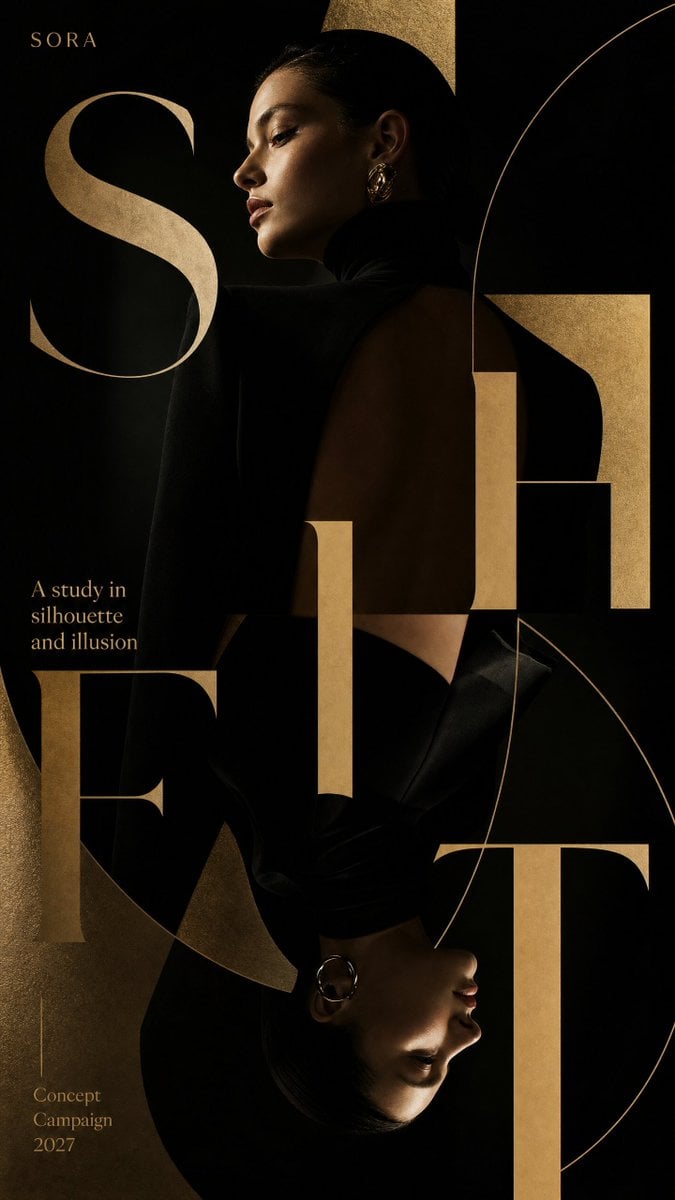
Luxury Fashion Campaign Typography Poster System
Make it yours
Epic Concept/Movie Poster Generator works as-is. These are the safest ways to change it without losing the look.
Change one field
Copy a single group, rewrite it, and generate again so you can see what that field is doing.
Keep the frame, change the subject
Hold the composition and light of Epic Concept/Movie Poster Generator, then swap wardrobe, props or the person for a new take.
| If the result… | Why | Fix |
|---|---|---|
| The result drifts from the preview | Too many fields changed at once. | Reuse Epic Concept/Movie Poster Generator as-is first, then change one group — subject, light, or setting. |
| The model over-stylizes the scene | The prose prompt leaves finish and camera underspecified. | Add one camera or lighting sentence and stay on GPT Image 2. |
More GPT Image 2 templates
Other prompts made for GPT Image 2.

Six VTuber Japanese Logo Sheet

Realistic Portrait of Woman and Deer

The Vista Modular Condo Poster

AI Model Routing Comparison Infographic

2.5D Anime Art Board

Isometric Productivity Desk Scene

New York Double Exposure Poster

Four-Panel AI Landscape Comparison

Japanese Tatami Lifestyle Magazine Cover

NESCAFÉ Coffee Map Poster
More image prompts
Fresh picks from across the catalog.
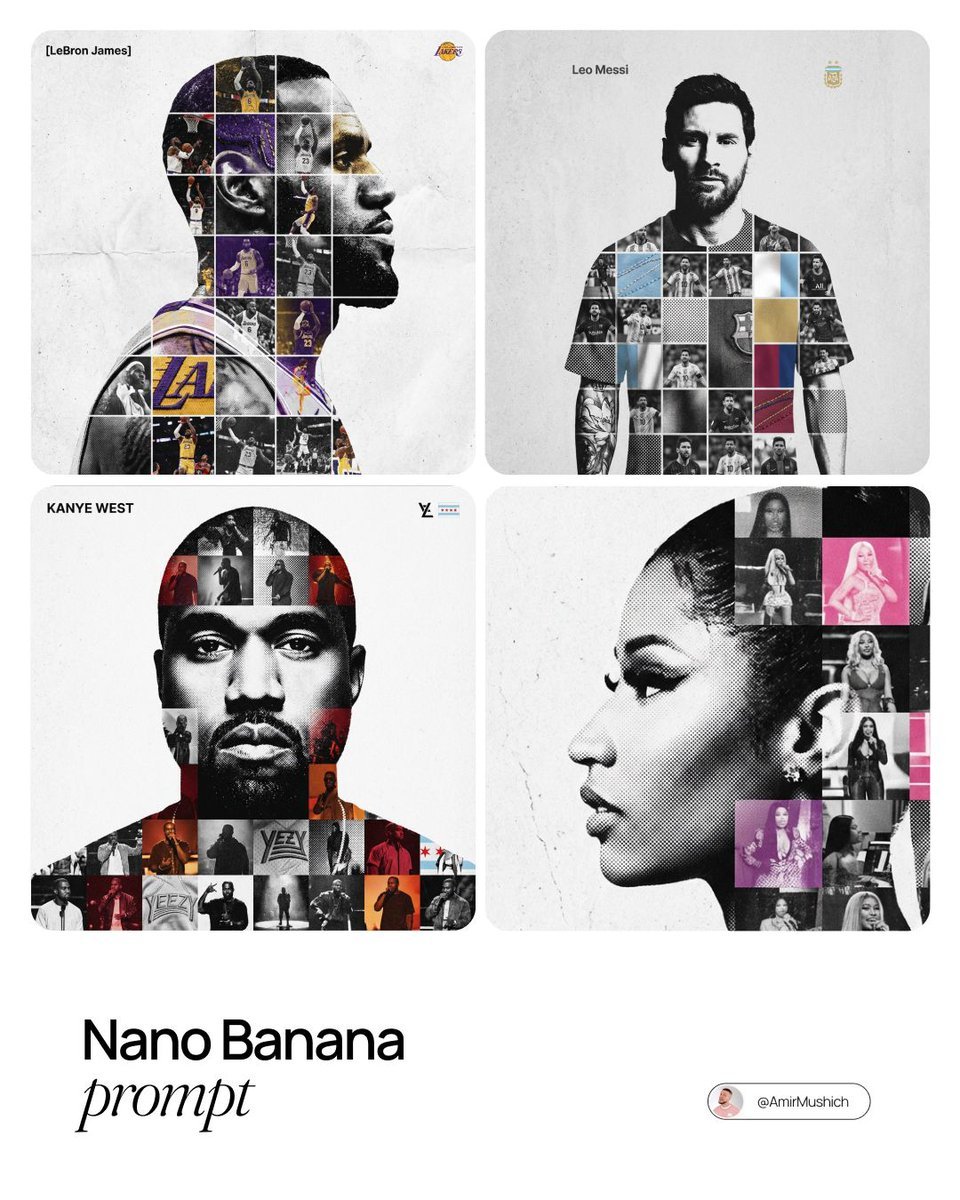
Photo-Grid Tribute Poster Design Prompt

Premium Studio Shot of Blueberry Mint Iced Drink

Anime Sakura Smartphone Case Product Shot
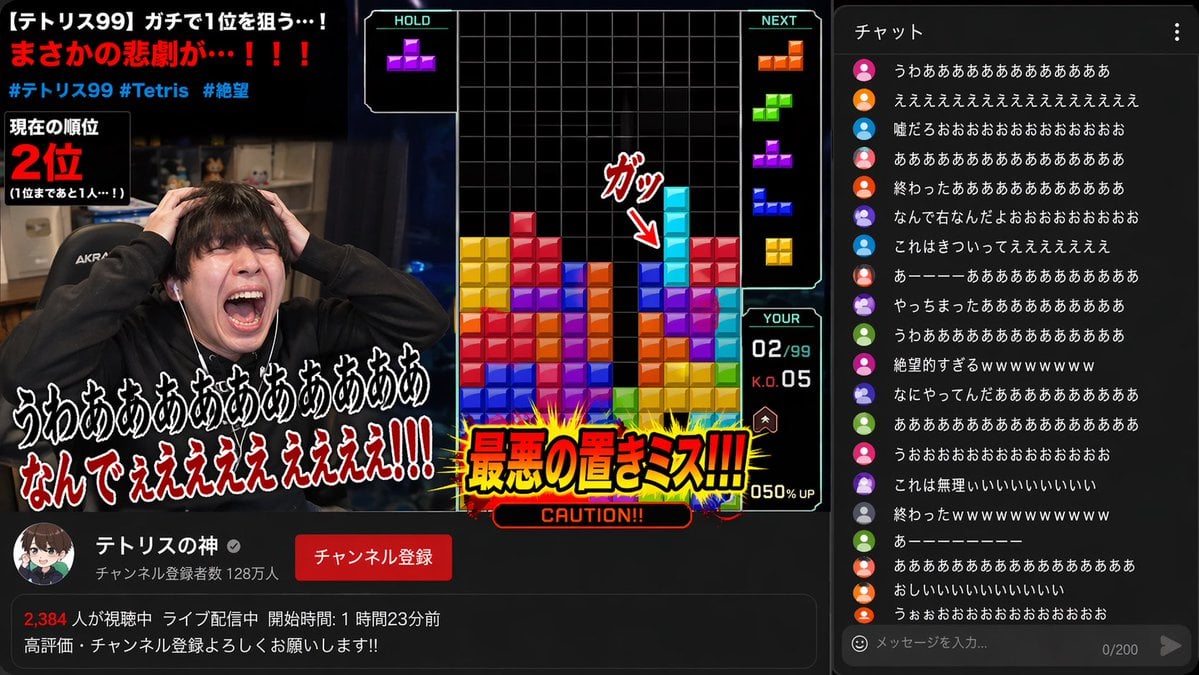
YouTube Gaming Stream Despair Scene
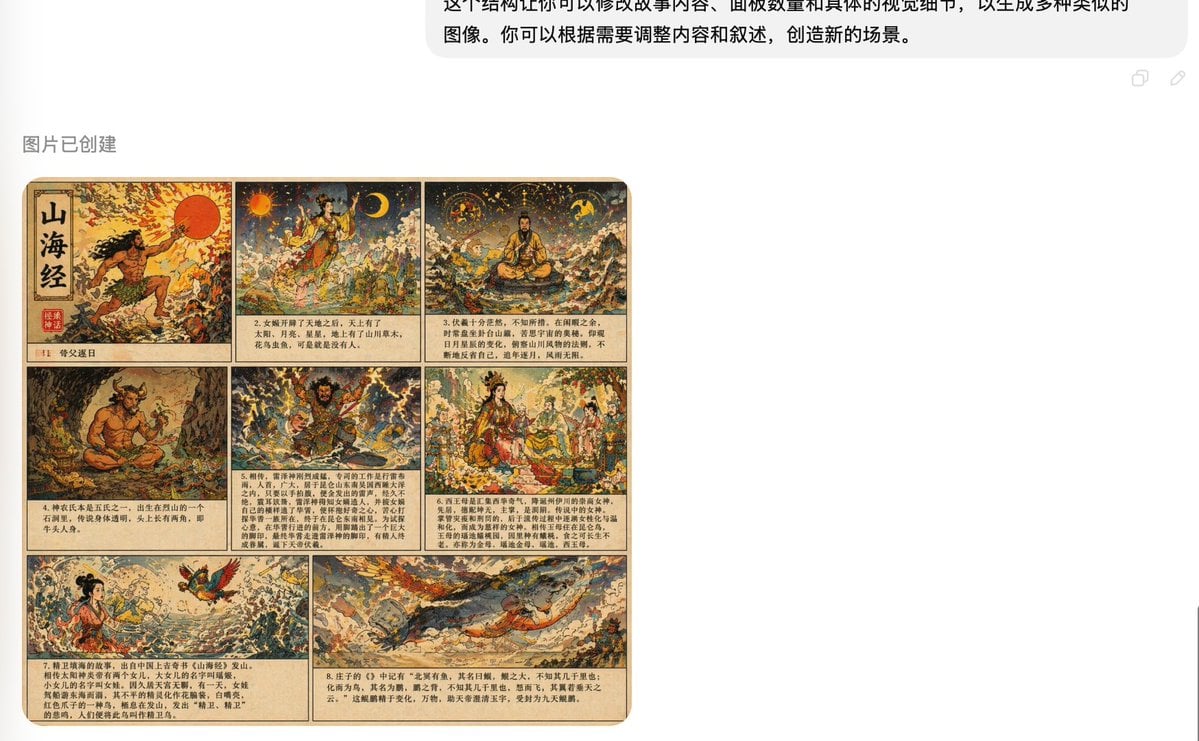
Shan Hai Jing Vintage Comic Page

Hyper-Realistic Urban Soccer Bicycle Kick Action Shot
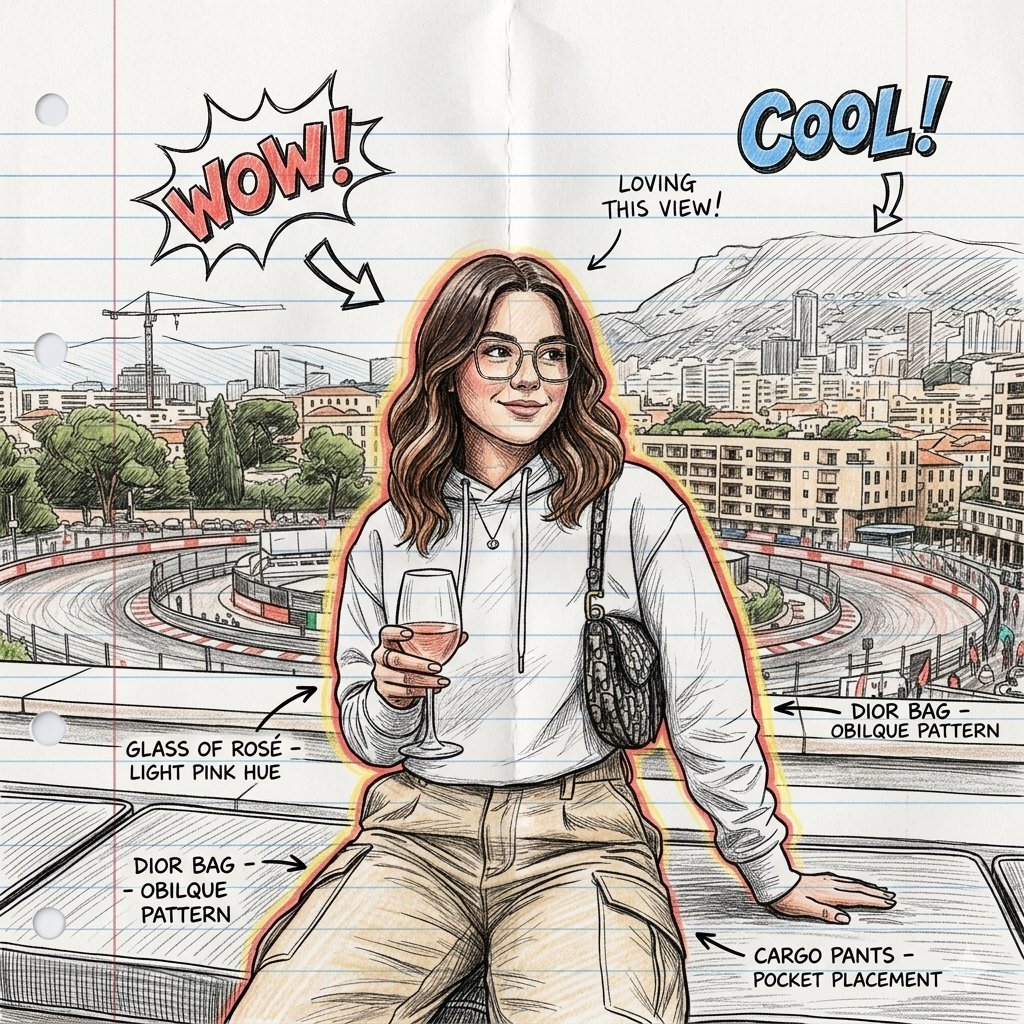
Gemini Nano Banana 2
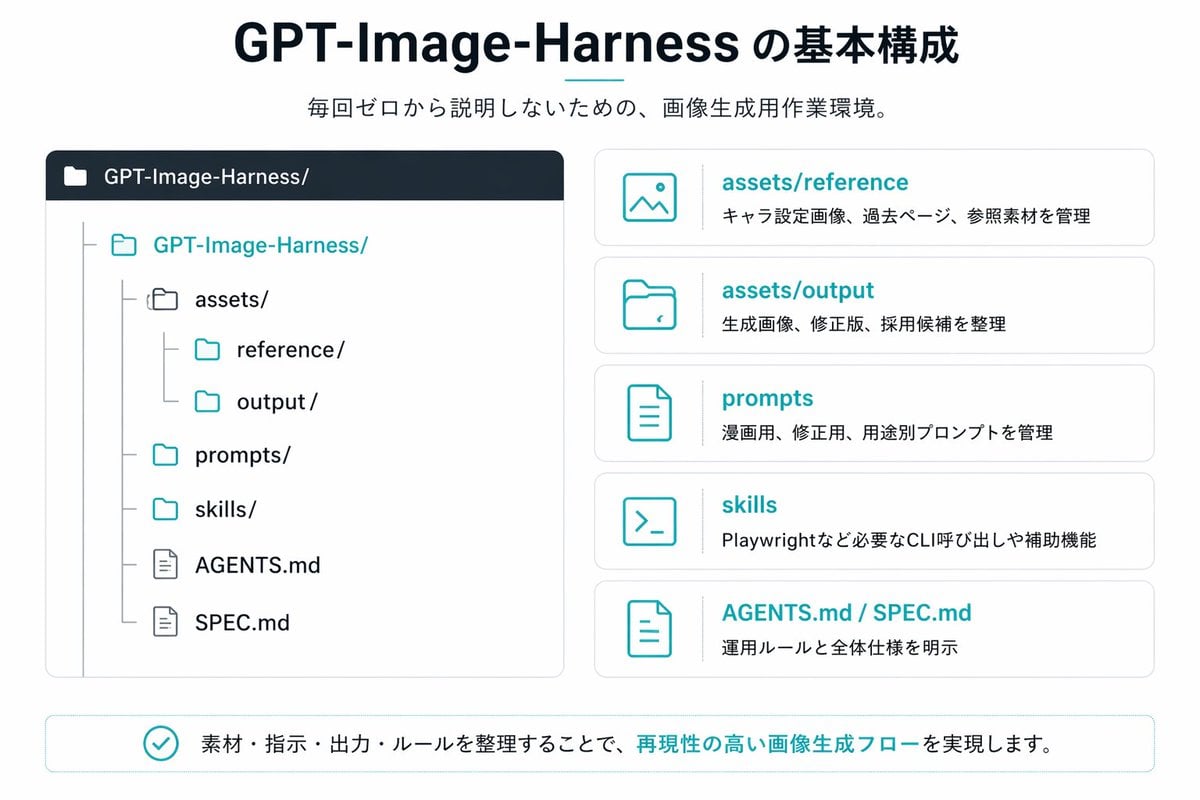
Japanese GPT-Image-Harness Infographic
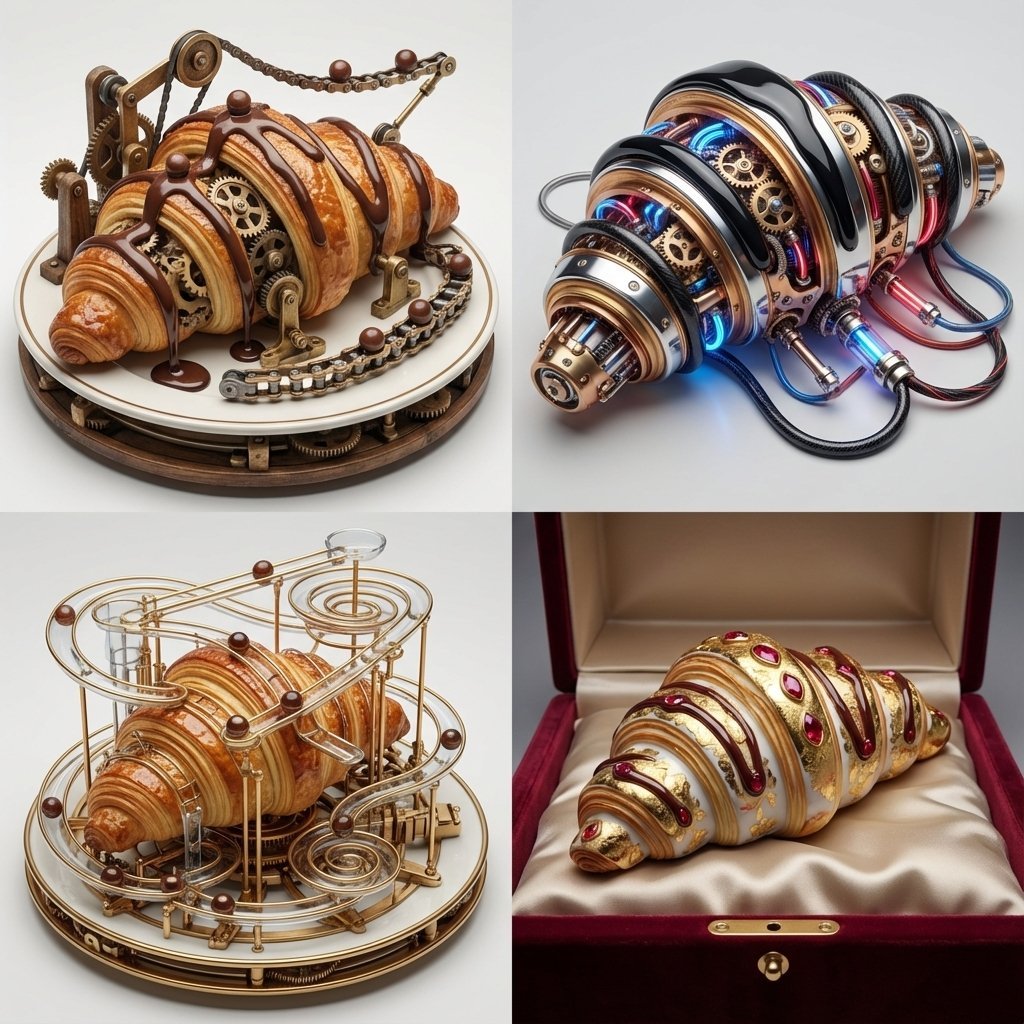
Michelin-Star Chef Fantasy Food Re-imagination Grid
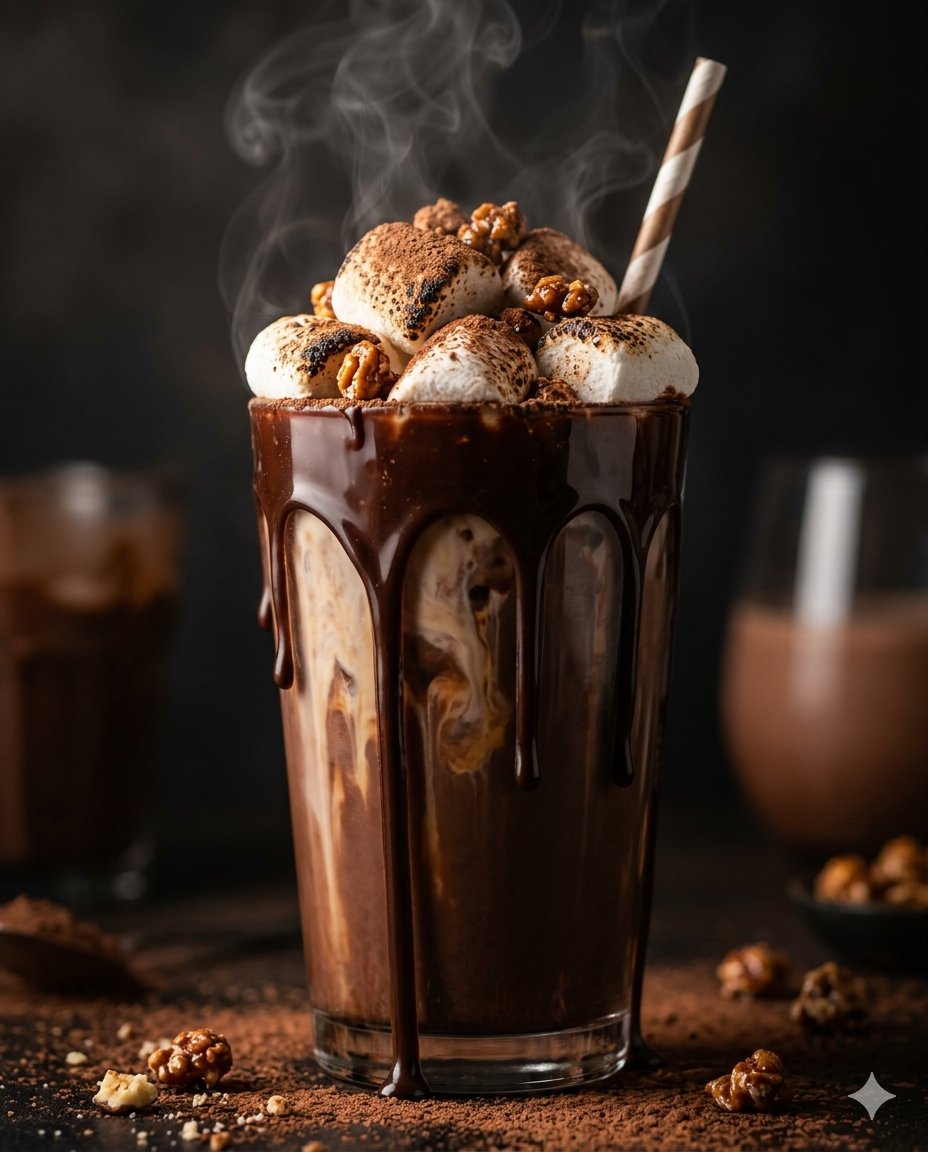
Editorial Food Photography of Chocolate Brownie Stack
Browse template categories
Epic Concept/Movie Poster Generator questions
How do I use the Epic Concept/Movie Poster Generator template?
Add your photo if the template asks for one, edit the prompt if you like — the template's model and format are already selected — and press Generate. Your version opens in PicX Studio.
Can I customize the Epic Concept/Movie Poster Generator template?
Yes. You can change the subject, setting, lighting, mood, format, and available model controls before creating your image.
Is the Epic Concept/Movie Poster Generator template free?
Opening and editing this template is free. Generating uses credits, shown on the Generate button when you are signed in.
Which AI model should I use?
Start with GPT Image 2, which is the model associated with this template. You can compare another compatible model for a different finish.
Looking for something else? Browse all templates.

Your photo, any look
Thousands of ready templates for every top image and video model, from one credit balance.