How do I use the Japanese GPT-Image-Harness Infographic template?
Edit the prompt in the box under the preview — the template's model and format are already selected — and press Generate. Your version appears right on this page.
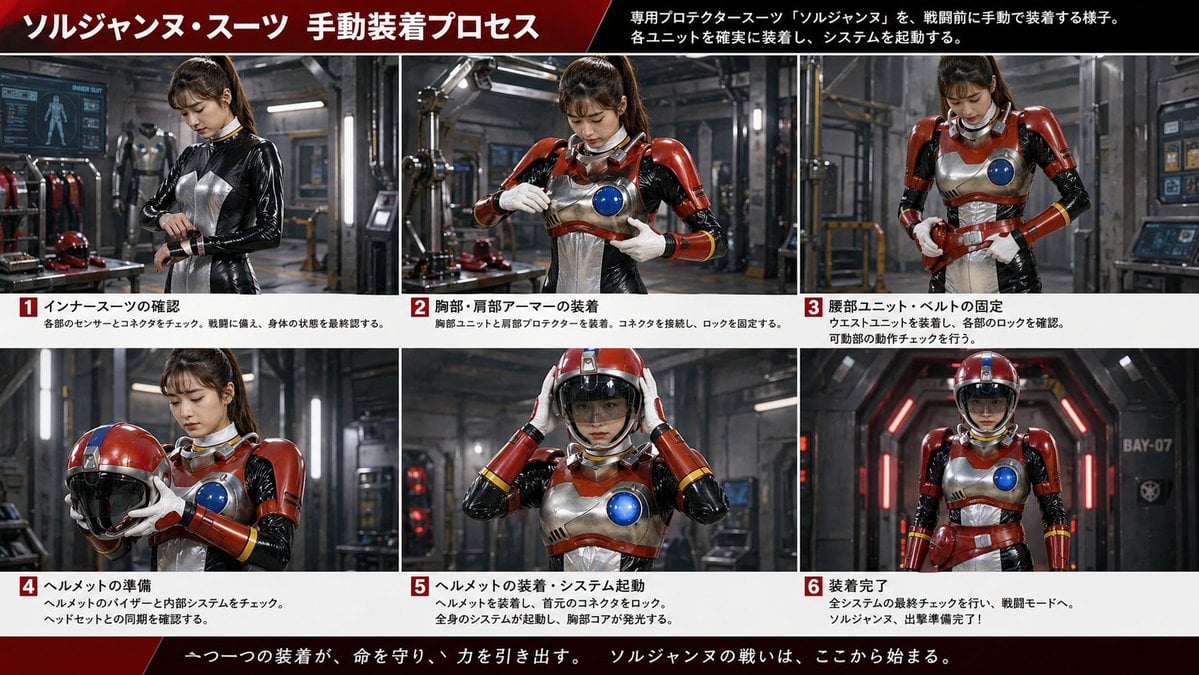
A clean Japanese presentation-style infographic showing a repository structure and five explanatory cards, ideal for documenting an AI image generation workflow or project folder system.

This template uses your photo — add one with the + button.
{"type":"Japanese infographic slide","style":"clean flat vector presentation graphic, minimal corporate design, white background, dark navy and teal accent colors, subtle light gray borders, crisp typography, balanced spacing","canvas":{"aspect_ratio":"16:9"},"title_block":{"headline":"{argument name=\"headline text\" default=\"GPT-Image-Harness の基本構成\"}","subheadline":"{argument name=\"subheadline text\" default=\"毎回ゼロから説明しないための、画像生成用作業環境。\"}","headline_alignment":"center top","headline_style":"bold sans-serif, very large, dark navy","accent":"short horizontal teal line under headline"},"layout":{"sections":[{"title":"repository tree","position":"left large panel","count":1,"panel_style":"rounded rectangle with light gray outline and dark navy header bar","header_label":"GPT-Image-Harness/","content":{"type":"folder tree","root":"GPT-Image-Harness/","items_count":8,"items":["assets/","reference/","output/","prompts/","skills/","AGENTS.md","SPEC.md"],"hierarchy":"assets contains reference and output; root also contains prompts, skills, AGENTS.md, and SPEC.md","icon_style":"outline folder and document icons, teal for active folders, gray for nested guides"}},{"title":"feature cards","position":"right stacked column","count":5,"panel_style":"five separate rounded white cards with light gray outline, evenly spaced vertically","labels":["assets/reference","assets/output","prompts","skills","AGENTS.md / SPEC.md"],"descriptions":["キャラ設定画像、過去ページ、参照素材を管理","生成画像、修正版、採用候補を整理","漫画用、修正版、用途別プロンプトを管理","Playwrightなど必要なCLI呼び出しや補助機能","運用ルールと全体仕様を明示"],"icons":["image icon","folder icon","document icon","terminal icon","document icon"],"title_color":"teal","body_color":"dark gray"},{"title":"bottom message","position":"bottom full width banner","count":1,"panel_style":"rounded rectangle with light teal outline","content":{"icon":"teal circled checkmark","text":"{argument name=\"footer message\" default=\"素材・指示・出力・ルールを整理することで、再現性の高い画像生成フローを実現します。\"}","emphasis":"the phrase 再現性の高い画像生成フロー is teal and bold"}}],"composition":"title and subtitle centered at top, large repository diagram on left, five explanatory cards on right, summary banner across bottom"},"text_language":"Japanese","visual_details":{"left_panel_header_gradient":"dark navy to slightly lighter navy","folder_tree_line_color":"light gray","teal_hex_approx":"#22B8C7","navy_hex_approx":"#0F2236","background":"very light gray-white"}}
Edit the prompt in the box under the preview — the template's model and format are already selected — and press Generate. Your version appears right on this page.
Yes. You can change the subject, setting, lighting, mood, format, and available model controls before creating your image.
Opening and editing this template is free. Generating uses credits, shown on the Generate button when you are signed in.
Start with GPT Image 2, which is the model associated with this template. You can compare another compatible model for a different finish.
Follow a topic to a crawlable collection of related PicX Studio templates.