
Dynamic 3D Floating Head Portrait
A highly specific prompt for generating a hyper-stylized, dynamic 3D floating head portrait based on a reference image, featuring a confident expression, diamond-studded braces, silver sports sunglasses, and an official…
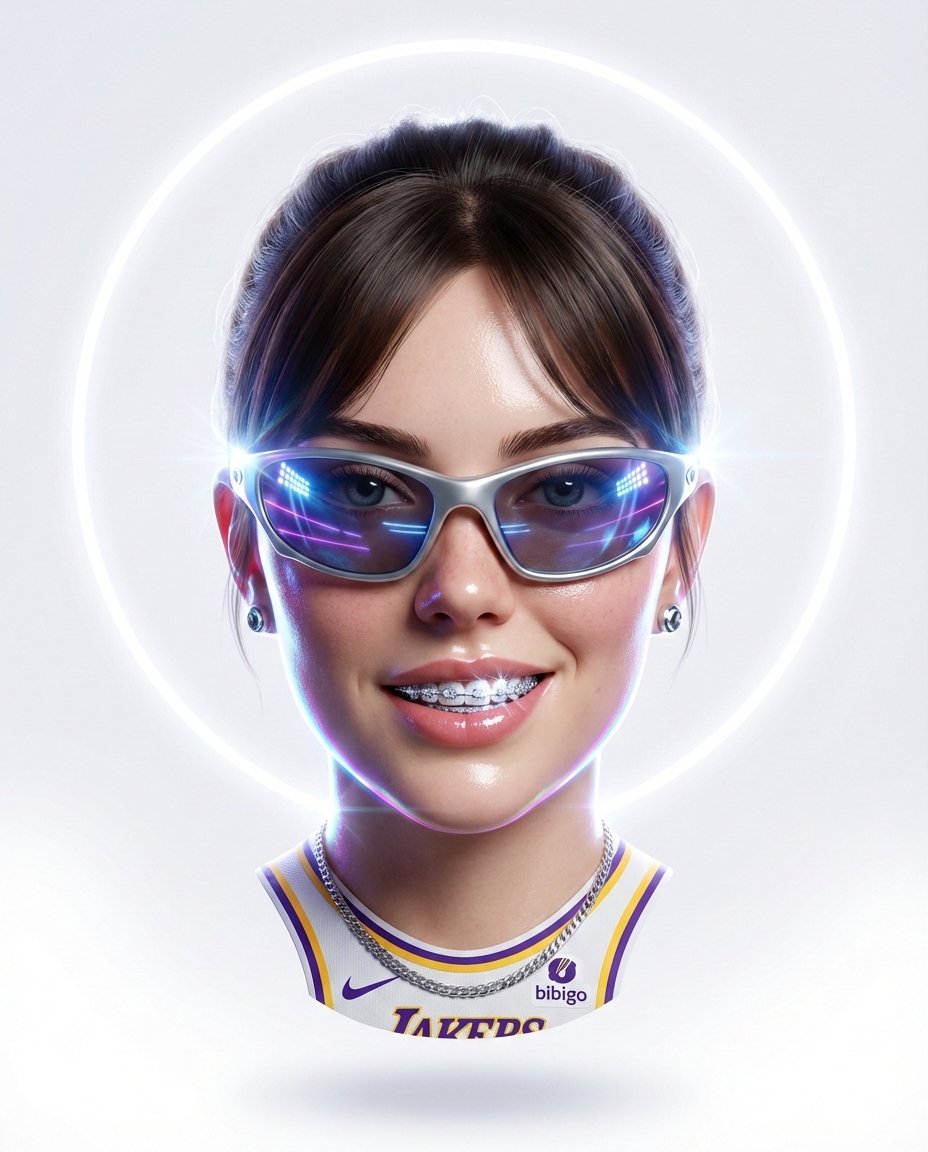
- Prompt included
- Model and format preset
- Premium template
The prompt behind this image
Copy the exact prompt behind Dynamic 3D Floating Head Portrait, or open it in the studio and make it yours.
Hyper-stylized dynamic 3D floating head portrait of the attached reference image, perfectly centered, upright, symmetrical, filling 80% of the 4:5 frame. No neck. No shoulder edges. Clean cut-out. Subject floating in white space.Predominantly white background enhanced with subtle tonal gradients and soft volumetric glow. A thin luminous neon halo ring glows behind the head, slightly diffused but clean and circular. Facial features match reference photo precisely. Expression: confident, dominant smirk with focused eye contact. Diamond-studded braces sparkle under sharp lighting. Sleek silver sports sunglasses reflect digital stadium lights and neon streaks. Chrome stud earrings and polished silver chain subtly visible. Official lakers shirt strictly front view chest logo and sponsor visible only. Lighting combines bright frontal fill with strong rim lights. Subtle neon reflections trace along jawline edges. Micro lens flares appear at high-intensity highlights. White-on-white energy with controlled neon accents. Futuristic champion aura. Glossy skin, exaggerated reflections, cinematic intensity. Aspect ratio 4:5.
How to use Dynamic 3D Floating Head Portrait in 3 steps
- 1Upload ImagePNG, JPG or paste
Add your photo
Upload the photo the template builds on. The prompt, model and format are already set.
- 2…a portrait of your subject in softgolden-hour light, 85mm…
Personalize
Edit the subject and creative details for your destination.
- 3Generate
Generate
Press Generate — your image is created in PicX Studio, so you can compare it with the original and refine one variable at a time.
More like this
Templates with the same subject, style or setup. Open one to see its prompt.
Surreal Floating Head Cinematic Portrait

Surreal Floating Head Sky Portrait

Found Photograph: Us, 1970

80s Couple Studio Portrait

80s Bollywood Star

80s Golden Hour Cinema

Me in 1985

1985 Studio Portrait

Hyper-Realistic Minecraft POV Portrait

Rooftop Fisheye — Cat-Ear Balaclava at Golden Hour

Dynamic Double-Exposure Artistic Portrait
Floating Philippines Island Travel Portrait
Make it yours
Dynamic 3D Floating Head Portrait works as-is. These are the safest ways to change it without losing the look.
Change one field
Copy a single group, rewrite it, and generate again so you can see what that field is doing.
Keep the frame, change the subject
Hold the composition and light of Dynamic 3D Floating Head Portrait, then swap wardrobe, props or the person for a new take.
| If the result… | Why | Fix |
|---|---|---|
| The result drifts from the preview | Too many fields changed at once. | Reuse Dynamic 3D Floating Head Portrait as-is first, then change one group — subject, light, or setting. |
| The model over-stylizes the scene | The prose prompt leaves finish and camera underspecified. | Add one camera or lighting sentence and stay on Nano Banana 2. |
More Nano Banana 2 templates
Other prompts made for Nano Banana 2.

Photorealistic Leaf Shaped Like a Dragon

K-Pop Idol Portrait Grid for Rapid Selection

Poetic Rain Forest Portrait During Golden Hour

Urban Street Portrait with Cartoon Inner Self Duo

Candid Nighttime Photo with Cat Prompt

High-Concept 3D Diorama Generation Prompt

Cinematic Futuristic Studio Portrait Template

Skincare Editorial Photography Collage Prompt

Hyper-Realistic Commercial Product Photography (Splash Effect)

Hyper-Realistic Nightclub Portrait Prompt
More image prompts
Fresh picks from across the catalog.

Packaging mockup with tiny text test prompt
Cinematic Cake Making Process Video Prompt
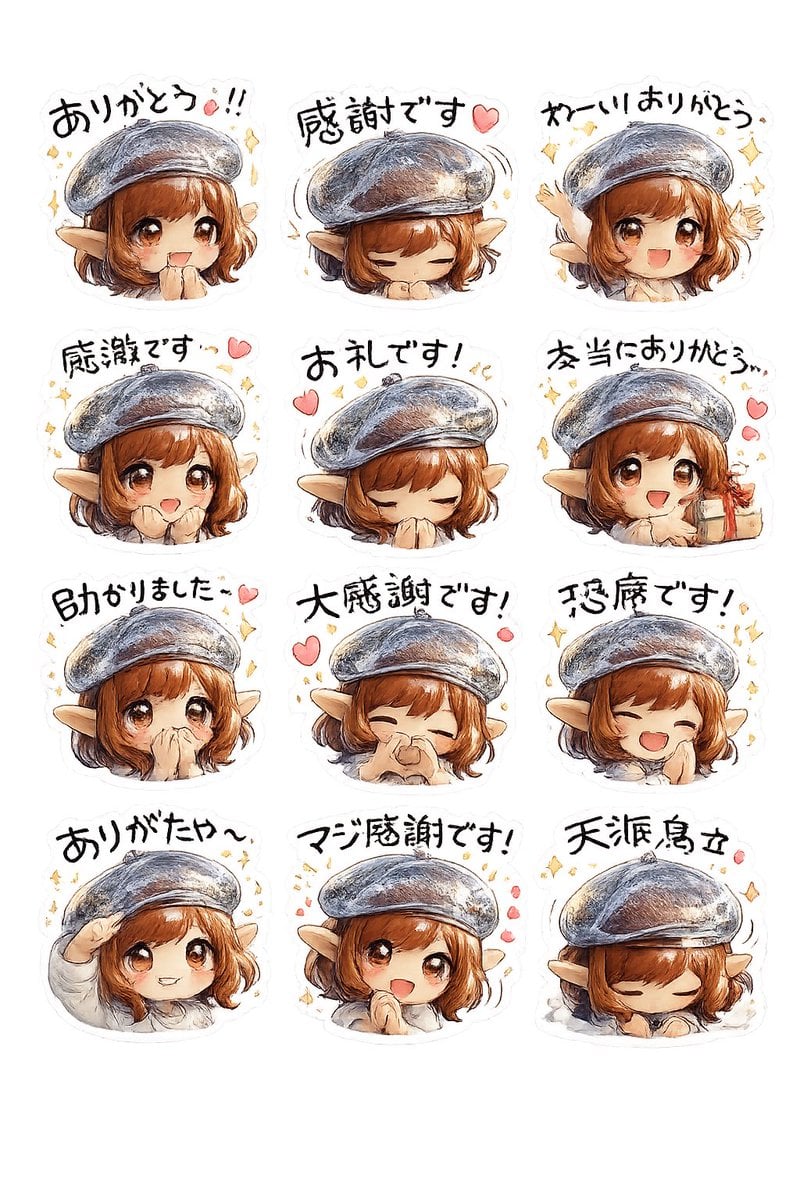
Elf Girl Thank-You Sticker Sheet
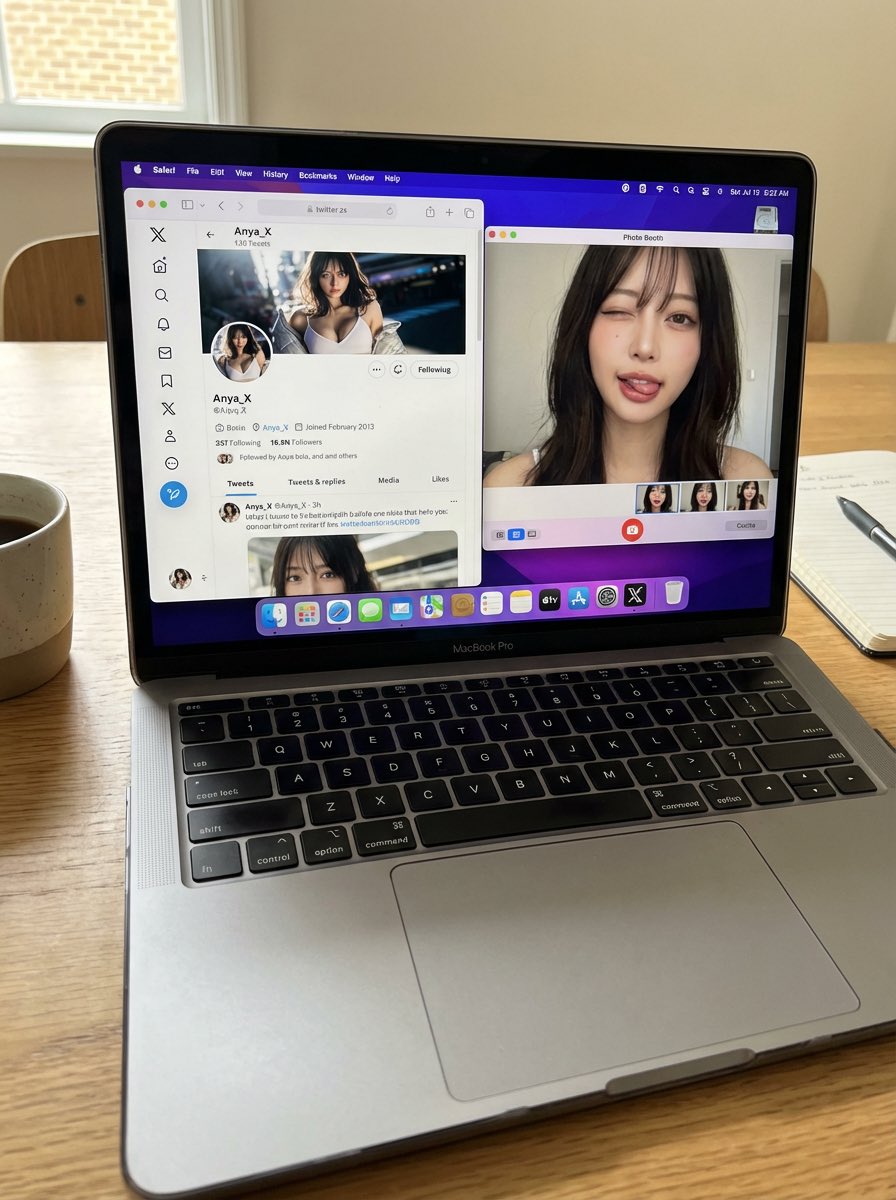
Photorealistic MacBook Desktop Selfie Scene
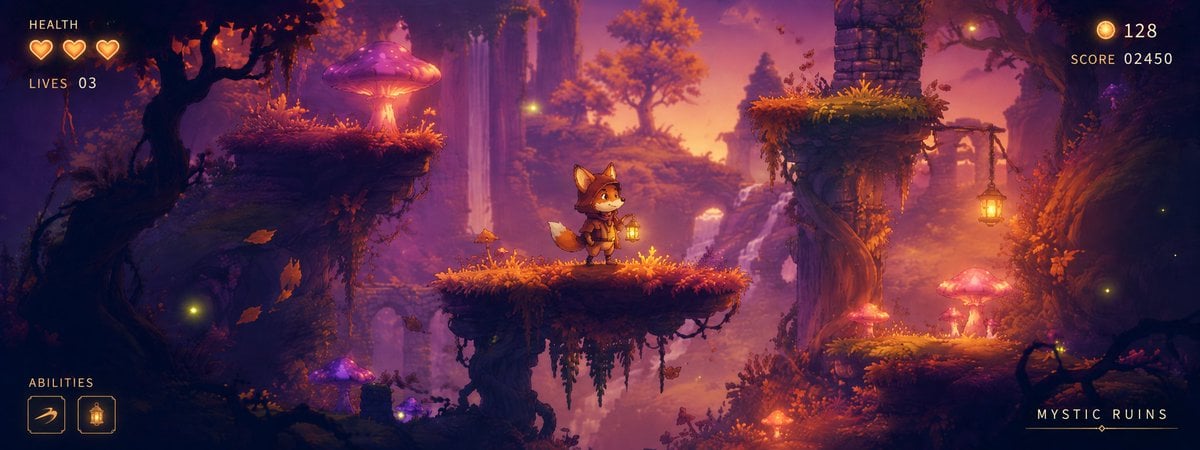
Mystic Ruins Platformer Screenshot
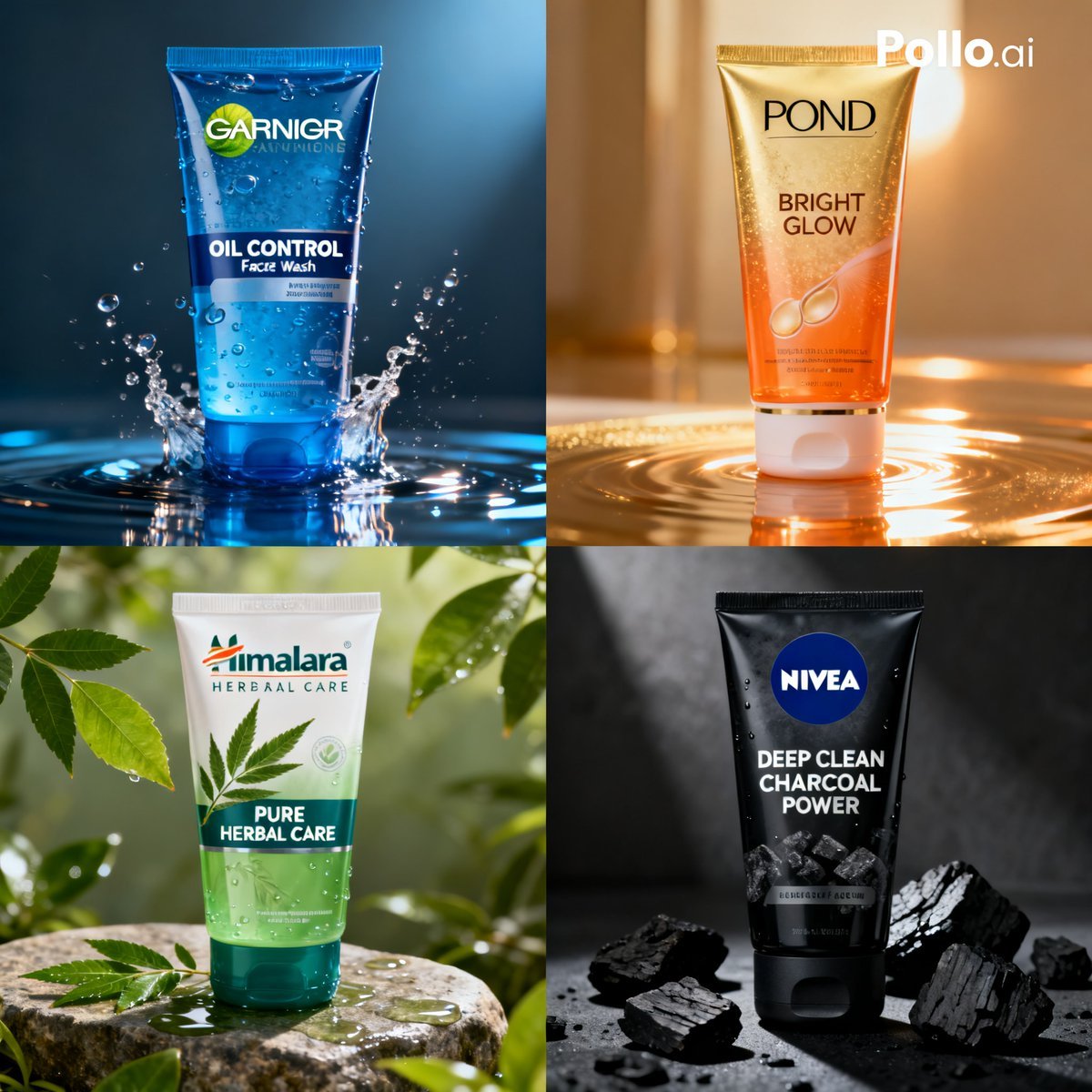
Panel Face Wash Ad Grid
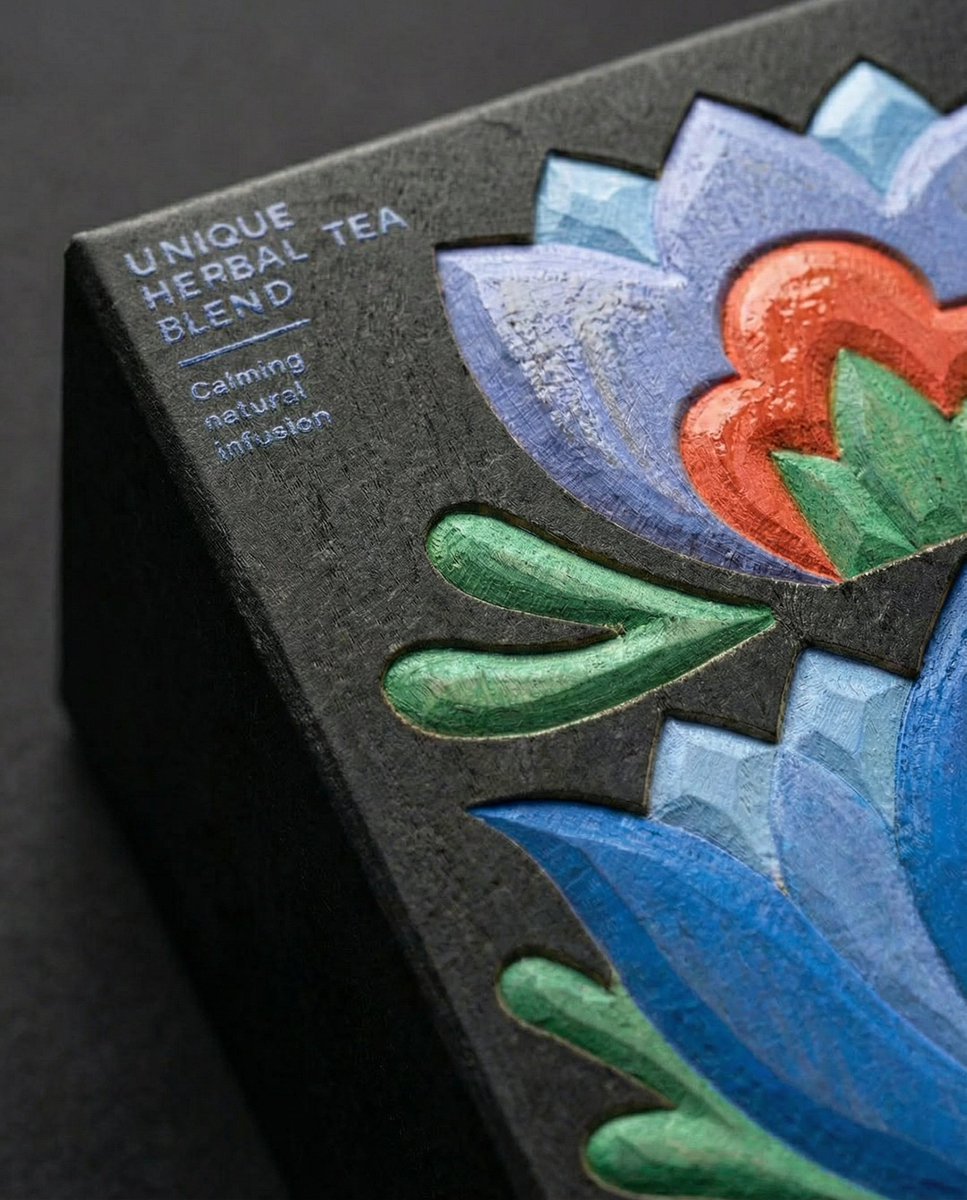
Close-Up Illustration Detail Enhancement Prompt
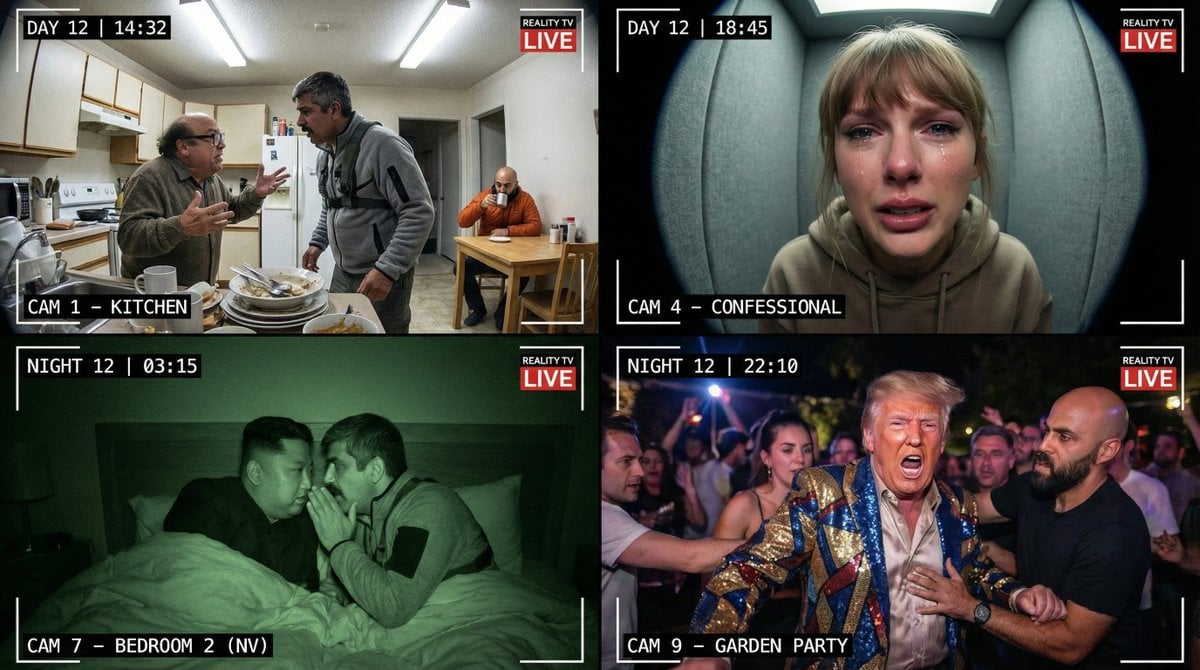
Raw Reality TV Broadcast Screenshots (2x2 Grid)
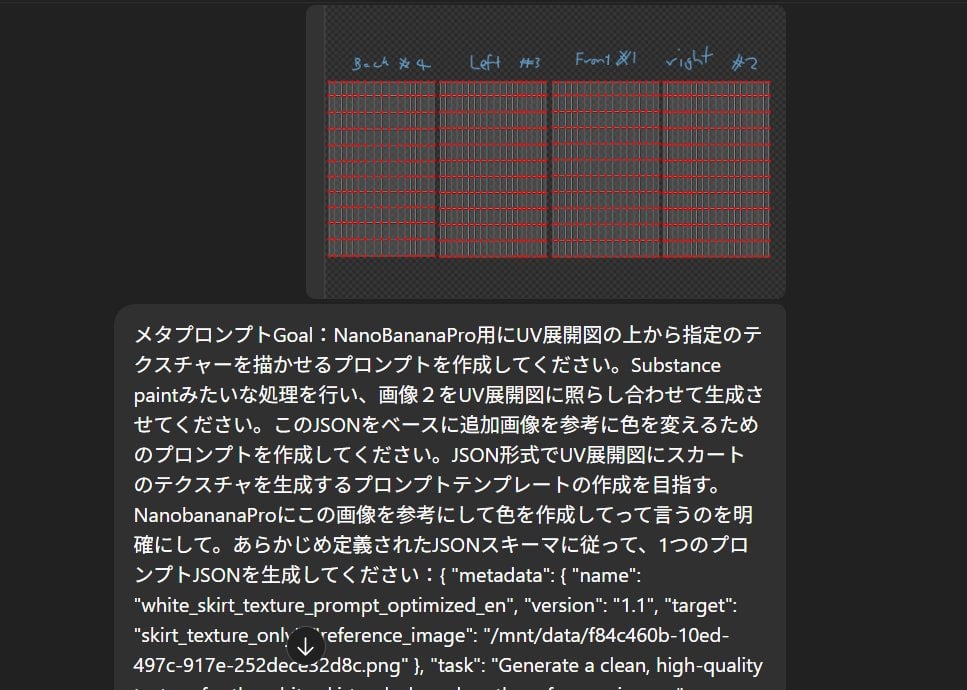
Texture Creation via JSON and UV Map Metaprompt
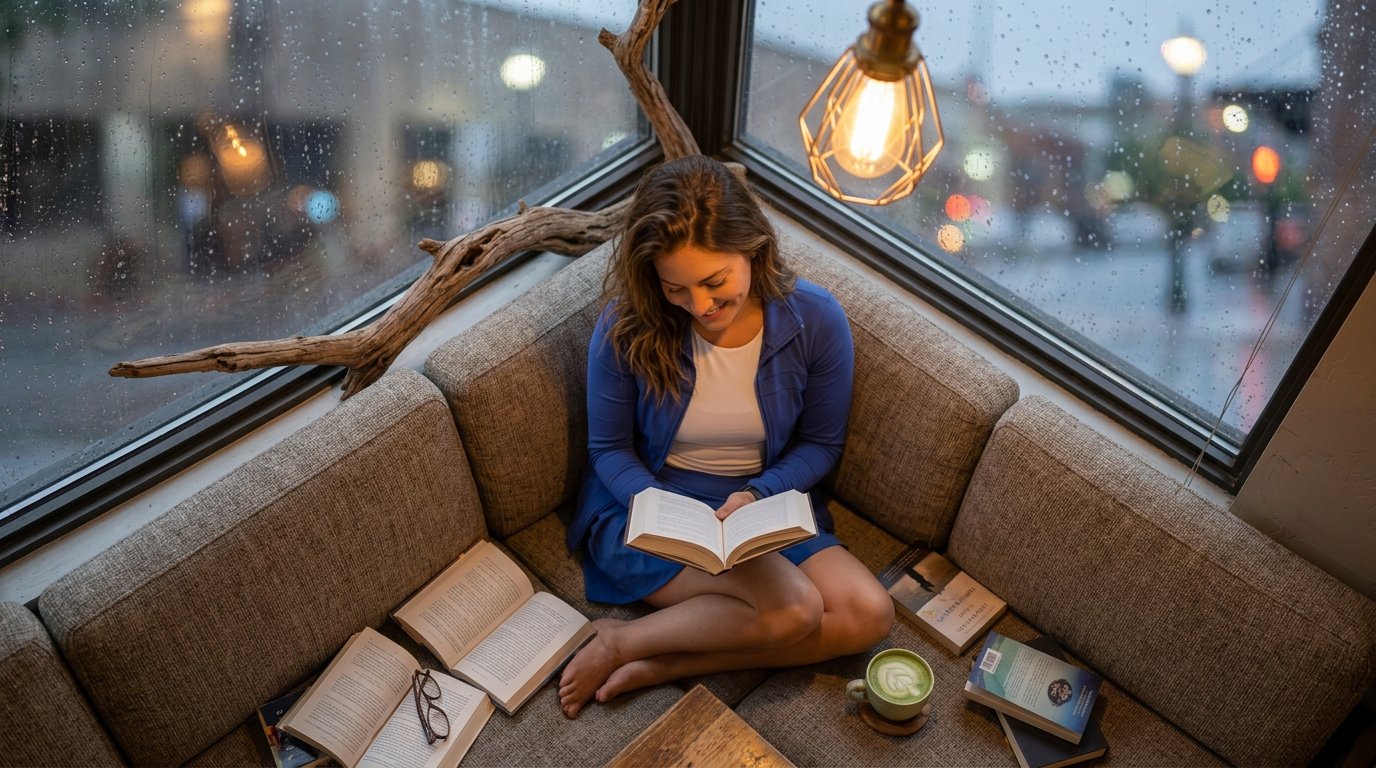
reading
Browse template categories
Dynamic 3D Floating Head Portrait questions
How do I use the Dynamic 3D Floating Head Portrait template?
Add your photo if the template asks for one, edit the prompt if you like — the template's model and format are already selected — and press Generate. Your version opens in PicX Studio.
Can I customize the Dynamic 3D Floating Head Portrait template?
Yes. You can change the subject, setting, lighting, mood, format, and available model controls before creating your image.
Is the Dynamic 3D Floating Head Portrait template free?
Opening and editing this template is free. Generating uses credits, shown on the Generate button when you are signed in.
Which AI model should I use?
Start with Nano Banana 2, which is the model associated with this template. You can compare another compatible model for a different finish.
Looking for something else? Browse all templates.

Your photo, any look
Thousands of ready templates for every top image and video model, from one credit balance.