
Floating Philippines Island Travel Portrait
A hyper-realistic cinematic portrait of a traveler on a suspended miniature island featuring iconic Philippine landscapes.
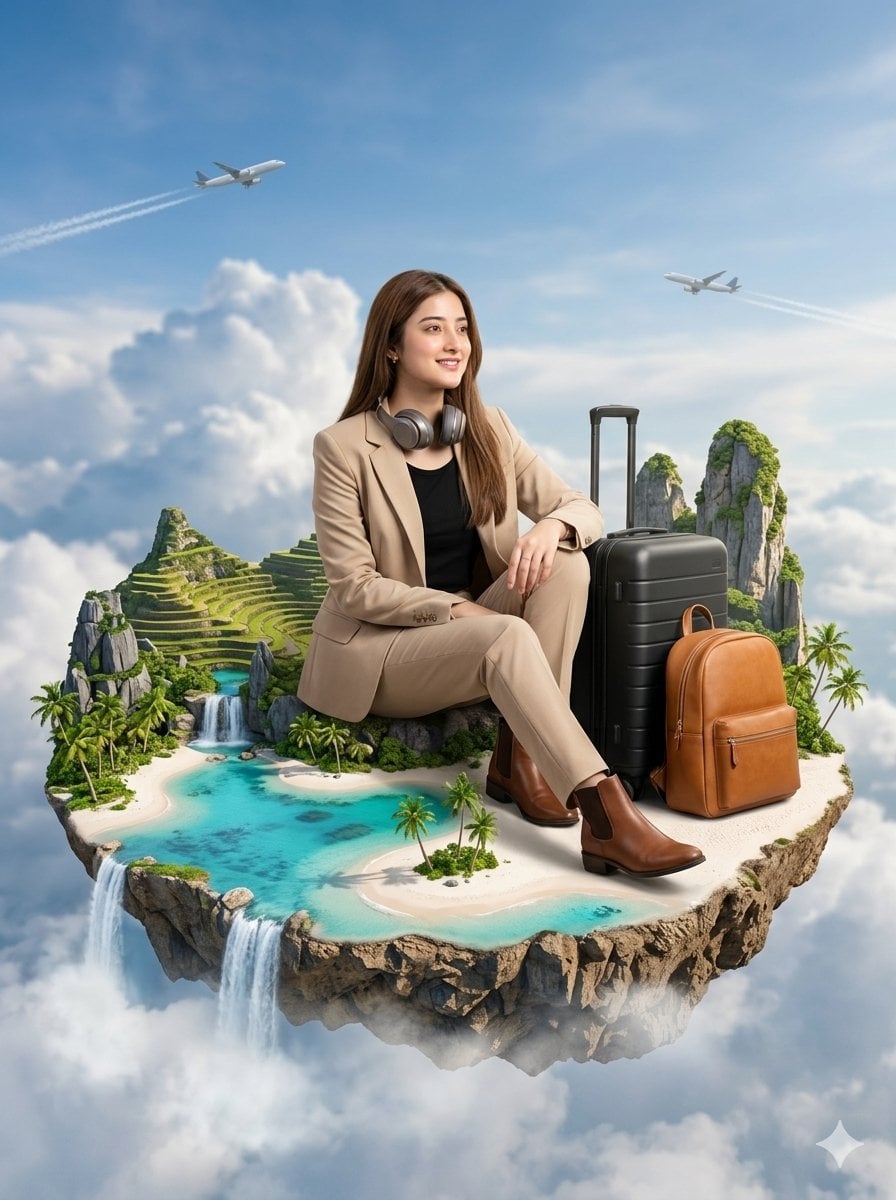
- Prompt included
- Model and format preset
- Free template
The prompt behind this image
Copy the exact prompt behind Floating Philippines Island Travel Portrait, or open it in the studio and make it yours.
A hyper-realistic cinematic portrait of a young woman (use the uploaded image as a strict face reference for identity consistency: preserve authentic facial structure, natural skin texture, pores, subtle imperfections, and realistic proportions — no stylization, no cartoon, no anime). Her face should appear like a real DSLR photograph with lifelike detail and cinematic realism. She is sitting confidently on a breathtaking floating miniature island inspired by the Philippines, suspended high in the sky. The island contains ultra-detailed tropical scenery including white sand beaches, crystal-clear turquoise lagoons, coconut palm trees, Banaue rice terraces, Chocolate Hills, Mayon Volcano, and dramatic El Nido limestone cliffs — all miniaturized yet photorealistic. Small waterfalls cascade from the edges of the island into soft clouds below, surrounded by atmospheric mist and depth. She is wearing a luxurious beige travel suit with a modern fitted blazer and tailored pants, paired with a black inner top and stylish brown leather boots. Realistic fabric folds and premium textures are visible. A pair of sleek wireless headphones rests naturally around her neck. Her pose is relaxed, confident, and natural, looking slightly toward the horizon with accurate anatomy and cinematic posture. Beside her are a matte black suitcase and a luxury tan leather backpack with highly detailed textures, enhancing the premium travel aesthetic. The floating island is surrounded by a bright blue sky filled with soft volumetric clouds. Two commercial airplanes fly far in the background with subtle contrails. Lighting is warm natural sunlight with cinematic softness, realistic shadows, HDR global illumination, and depth of field. Style: photorealistic, Unreal Engine 5 + Octane Render aesthetic, ultra-detailed, 8K, HDR lighting, physically accurate rendering, natural cinematic color grading, premium travel advertisement vibe. Negative prompts: cartoon, anime, CGI-looking skin, plastic face, over-smoothed skin, distorted anatomy, unrealistic proportions, low detail, blurry face, fake lighting
How to use Floating Philippines Island Travel Portrait in 3 steps
- 1Upload ImagePNG, JPG or paste
Add your photo
Upload the photo the template builds on. The prompt, model and format are already set.
- 2…a portrait of your subject in softgolden-hour light, 85mm…
Personalize
Edit the subject and creative details for your destination.
- 3Generate
Generate
Press Generate — your image is created in PicX Studio, so you can compare it with the original and refine one variable at a time.
More like this
Templates with the same subject, style or setup. Open one to see its prompt.

untitled

Kids Crayon Travel Journal Illustration
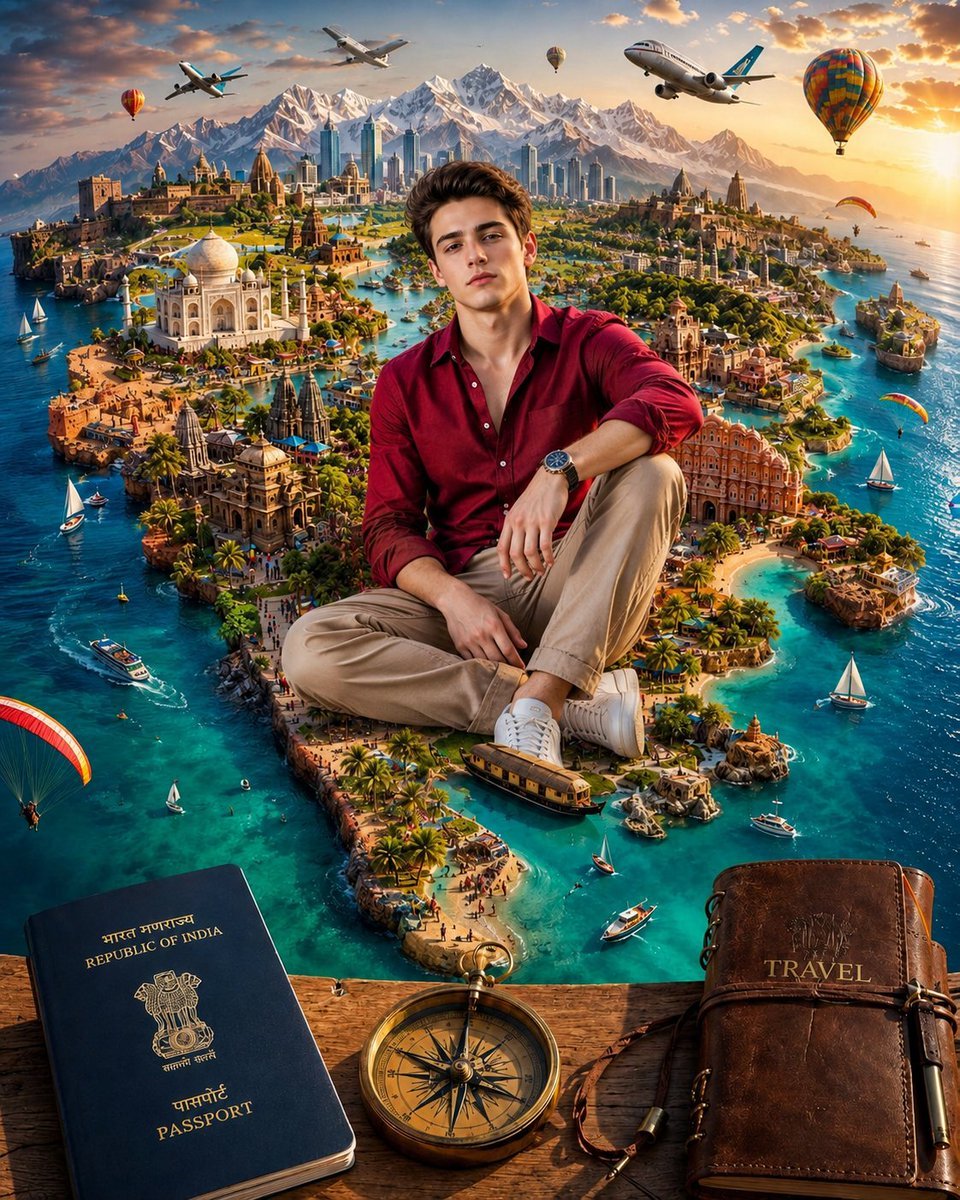
Surreal India Travel Island Portrait
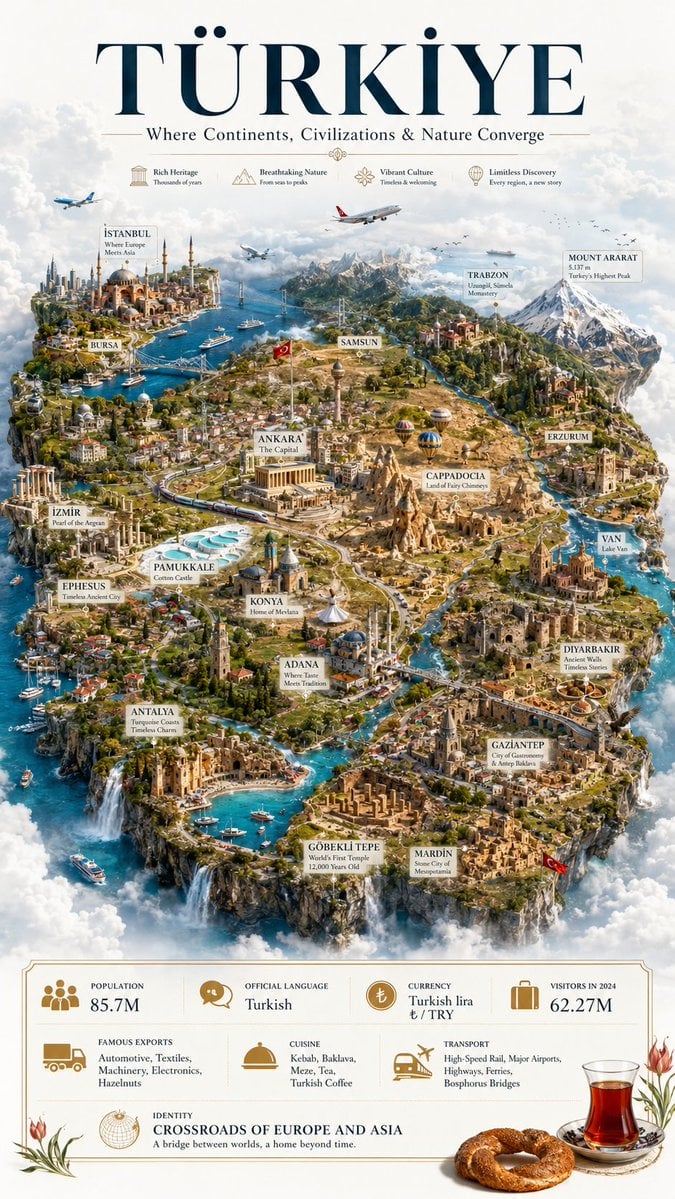
Türkiye Floating Island Travel Poster

Found Photograph: Us, 1970

80s Couple Studio Portrait

80s Bollywood Star

80s Golden Hour Cinema

Me in 1985

1985 Studio Portrait
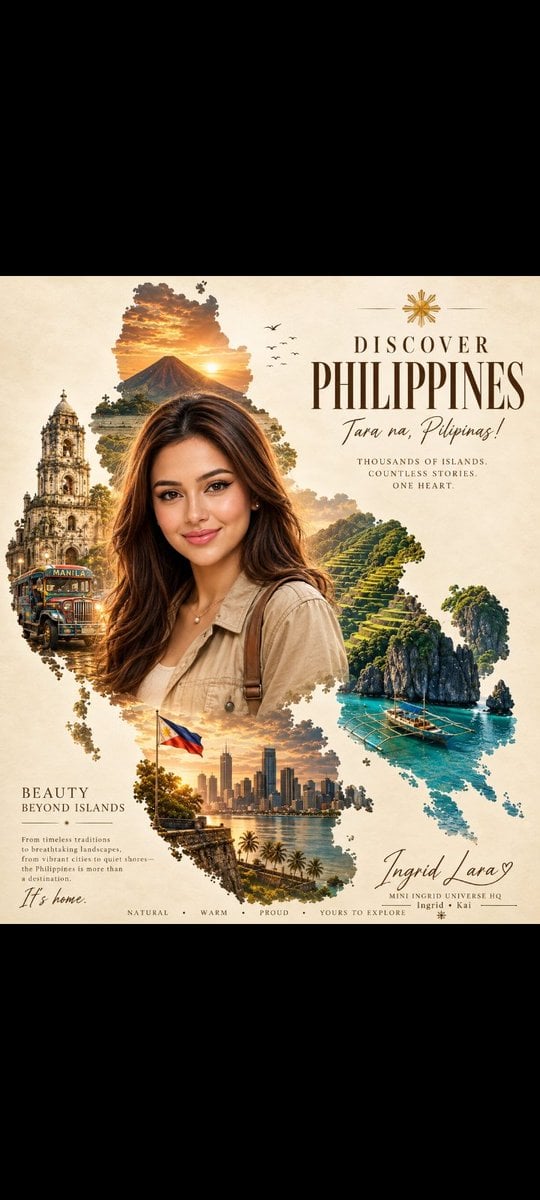
Vintage Philippines Travel Poster

Hyper-Realistic Minecraft POV Portrait
Make it yours
Floating Philippines Island Travel Portrait works as-is. These are the safest ways to change it without losing the look.
Change one field
Copy a single group, rewrite it, and generate again so you can see what that field is doing.
Keep the frame, change the subject
Hold the composition and light of Floating Philippines Island Travel Portrait, then swap wardrobe, props or the person for a new take.
| If the result… | Why | Fix |
|---|---|---|
| The result drifts from the preview | Too many fields changed at once. | Reuse Floating Philippines Island Travel Portrait as-is first, then change one group — subject, light, or setting. |
| The model over-stylizes the scene | The prose prompt leaves finish and camera underspecified. | Add one camera or lighting sentence and stay on Nano Banana 2. |
More Nano Banana 2 templates
Other prompts made for Nano Banana 2.

Photorealistic Leaf Shaped Like a Dragon

K-Pop Idol Portrait Grid for Rapid Selection

Poetic Rain Forest Portrait During Golden Hour

Urban Street Portrait with Cartoon Inner Self Duo

Candid Nighttime Photo with Cat Prompt

High-Concept 3D Diorama Generation Prompt

Cinematic Futuristic Studio Portrait Template

Skincare Editorial Photography Collage Prompt

Hyper-Realistic Commercial Product Photography (Splash Effect)

Hyper-Realistic Nightclub Portrait Prompt
More image prompts
Fresh picks from across the catalog.
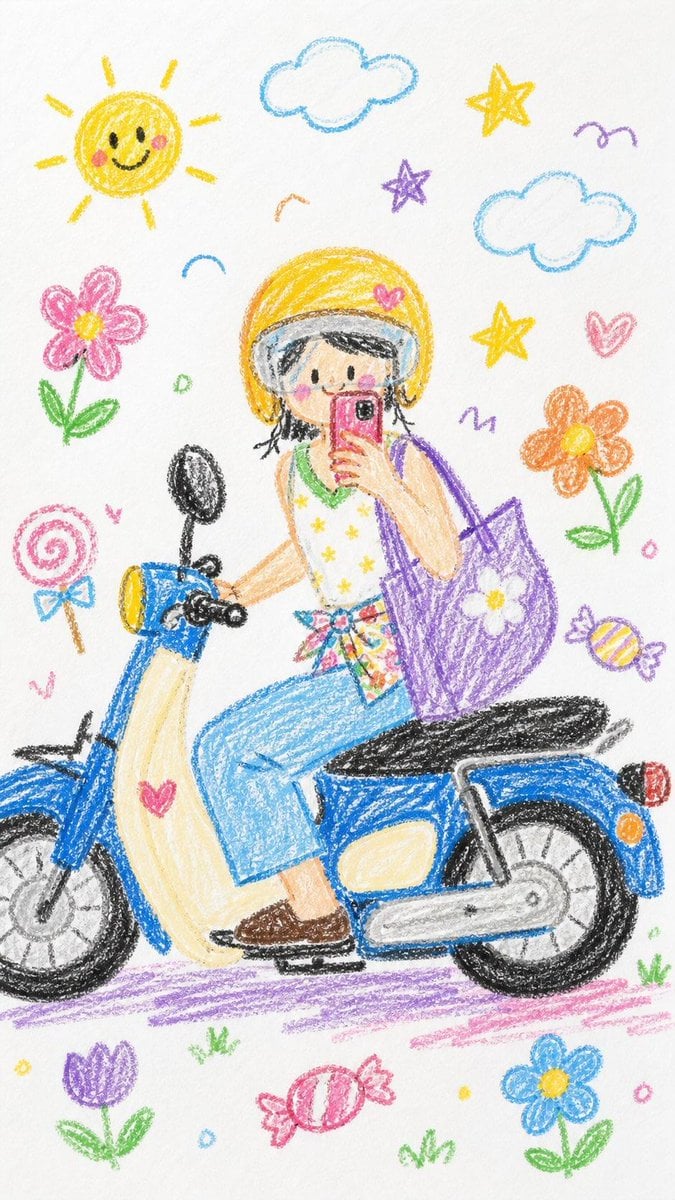
Crayon Style Image Transformation

Shadow Ensemble Movie Poster Template
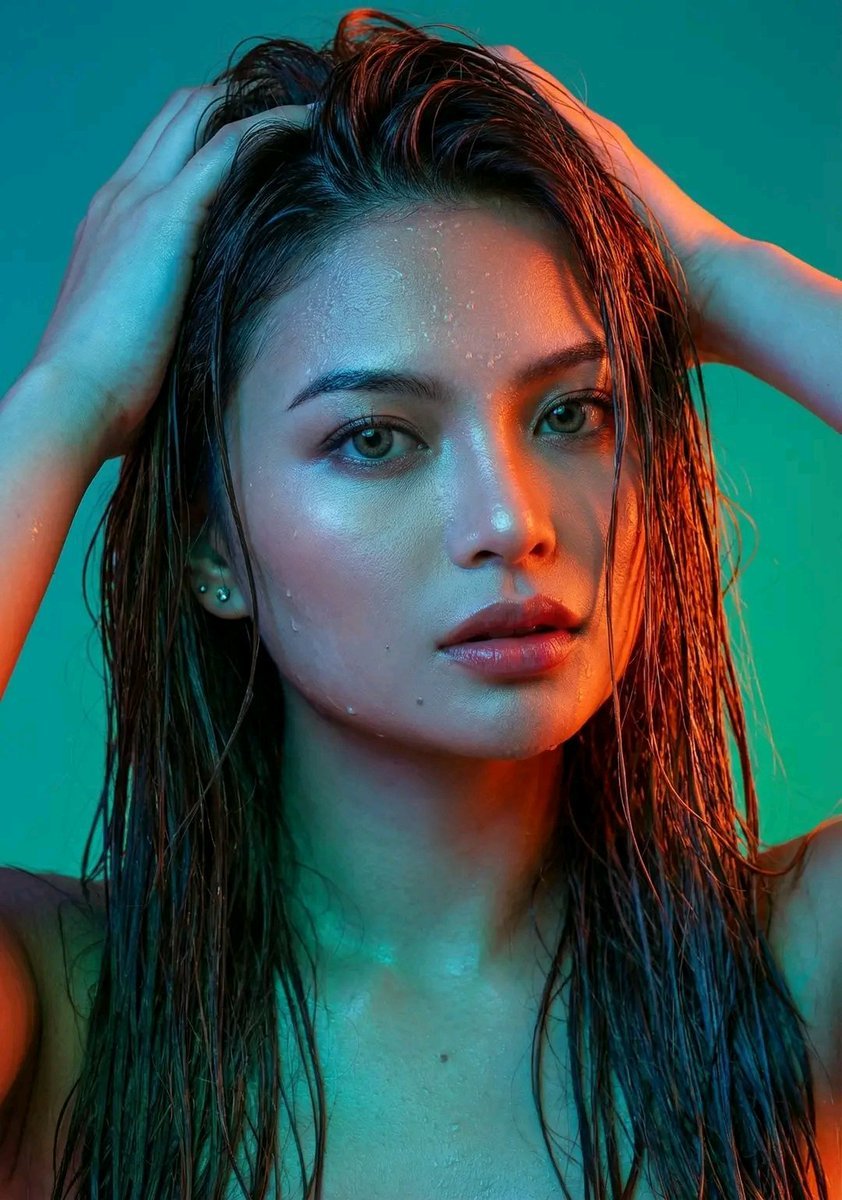
Dramatic Neon Portrait with Wet Hair and Color Contrast
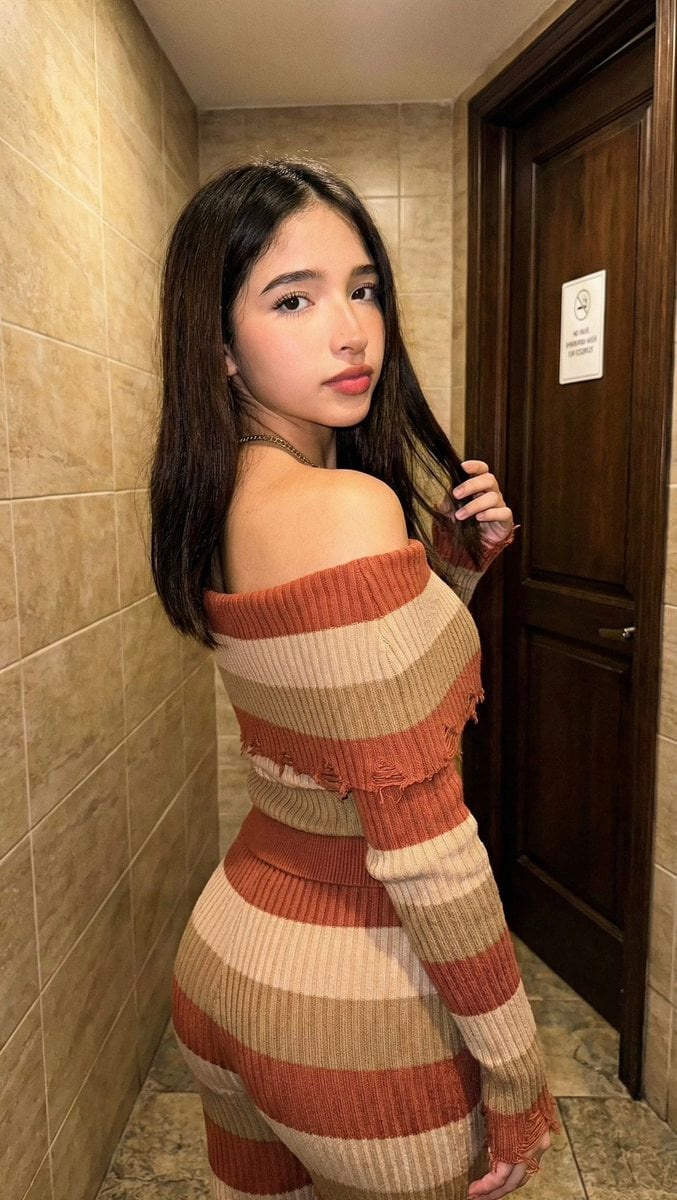
High-Fidelity Portrait with Extreme Identity Mapping and Technical Rib-Knit Texture
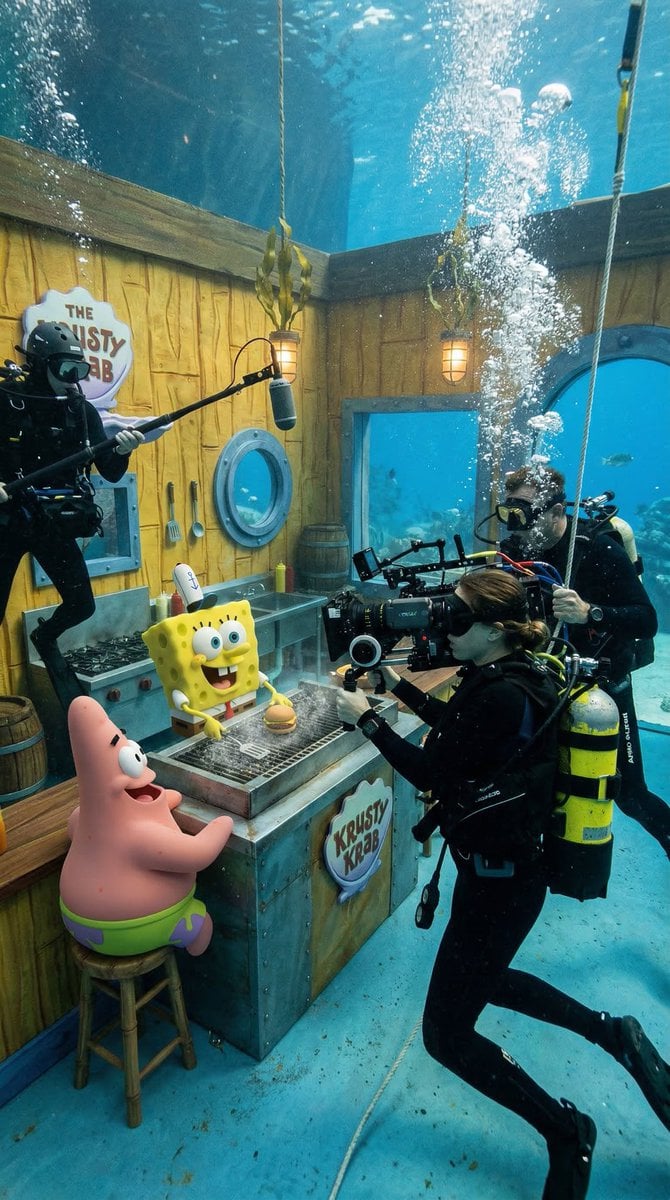
Photorealistic BTS SpongeBob Scene
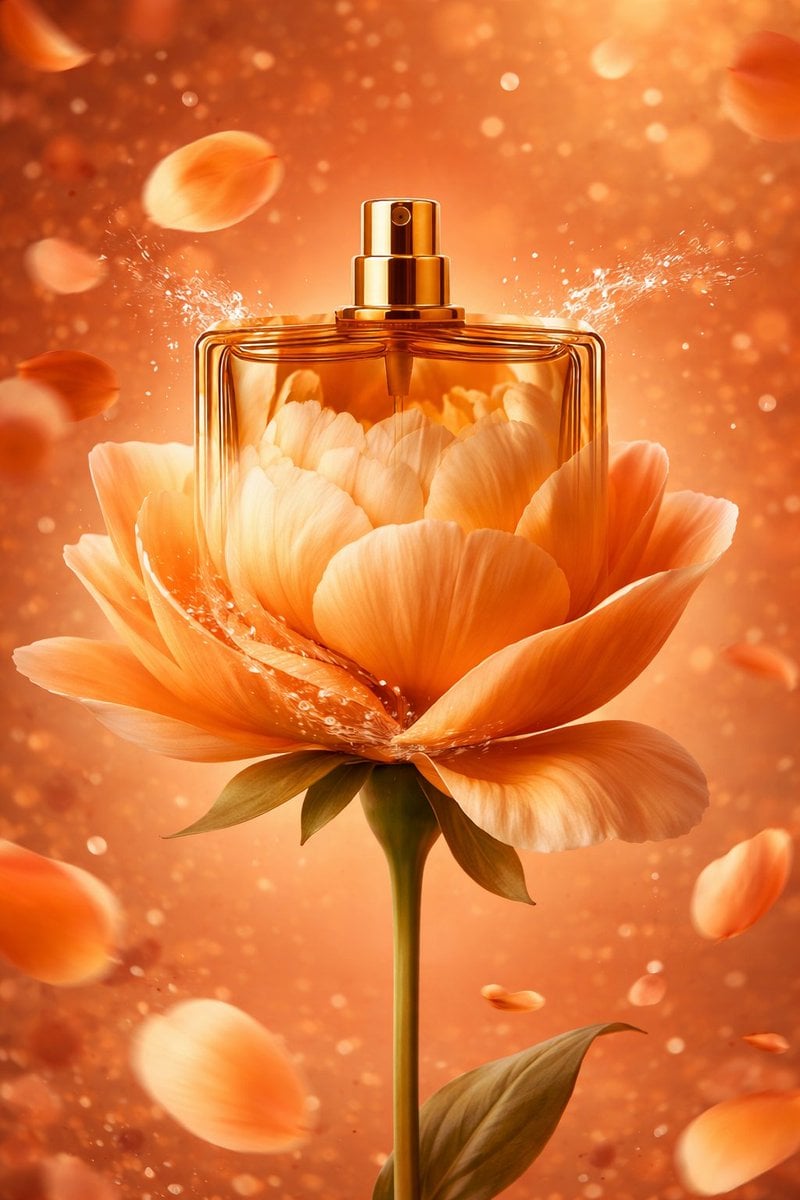
AI-Stylized Perfume Product Visual with Internal Petals
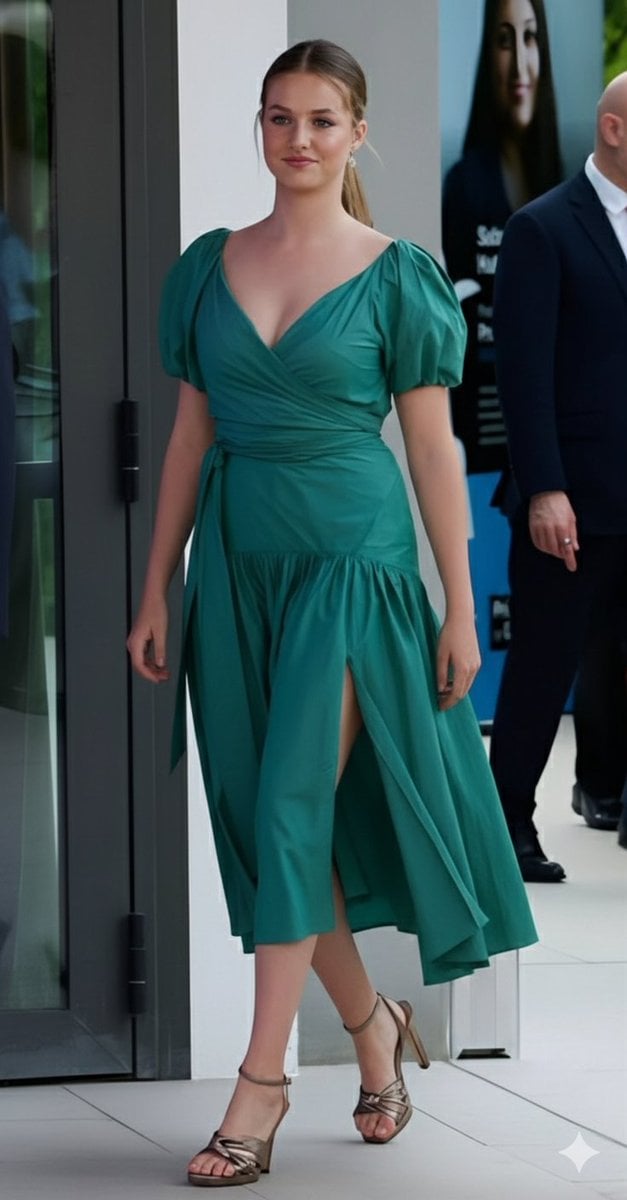
Emerald Green Satin Dress Fashion Editorial
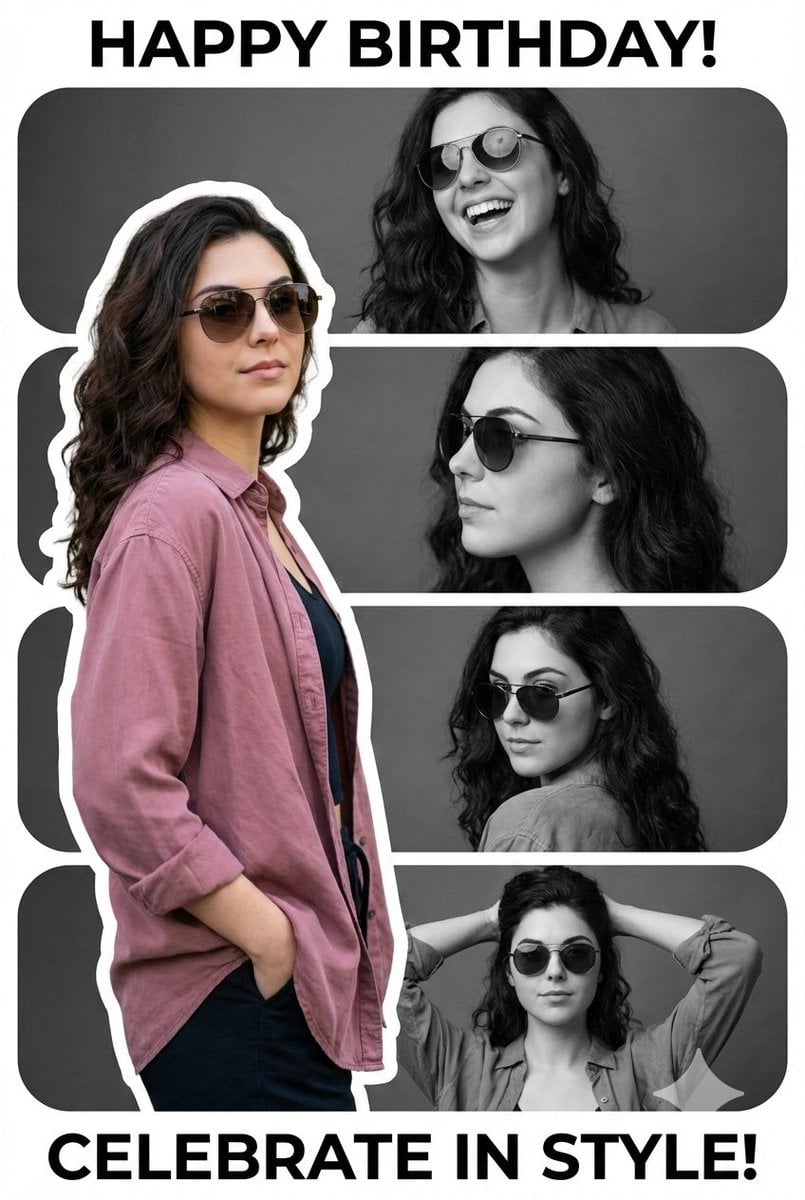
Vertical Birthday Poster Collage with Cinematic Monochrome Photos

Chrono-Holiday Artisan: Christmas Card Re-render by Era
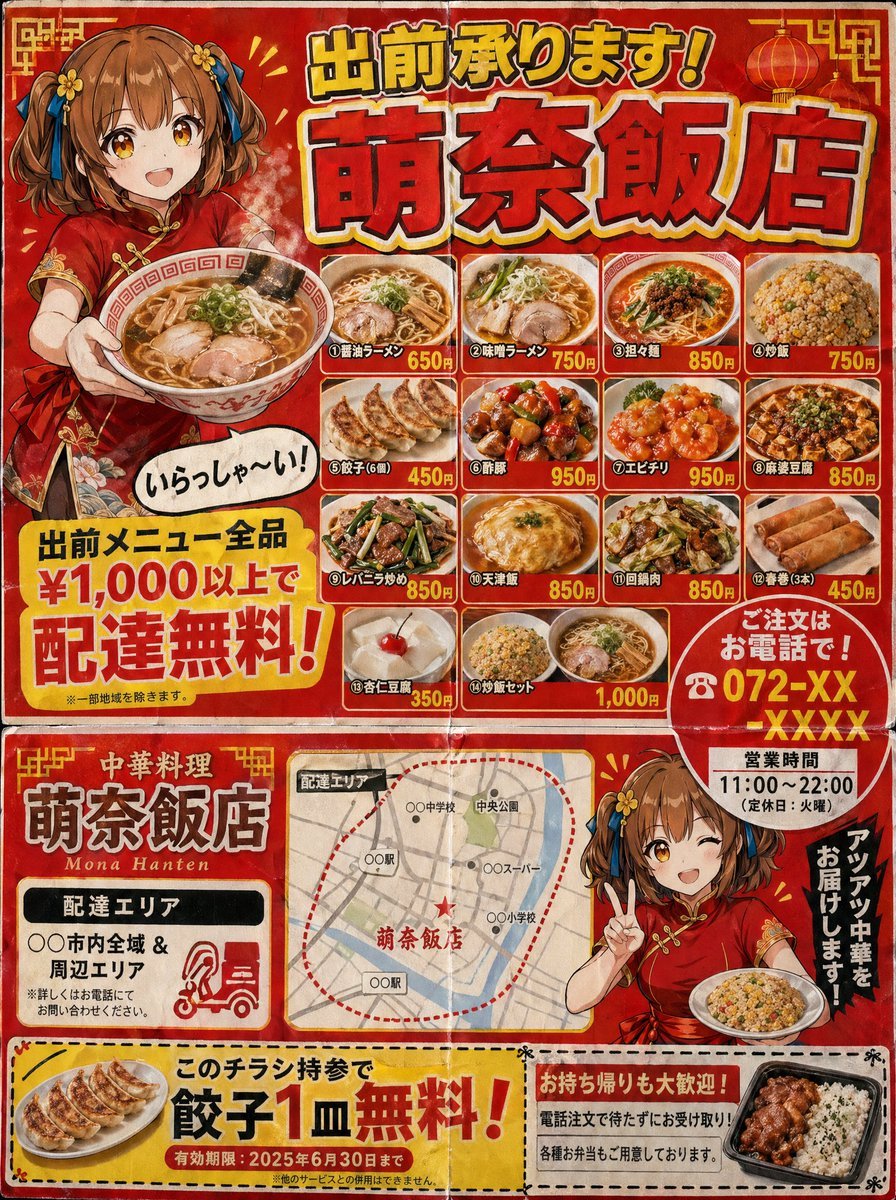
Authentic Japanese Delivery Flyer
Browse template categories
Floating Philippines Island Travel Portrait questions
How do I use the Floating Philippines Island Travel Portrait template?
Add your photo if the template asks for one, edit the prompt if you like — the template's model and format are already selected — and press Generate. Your version opens in PicX Studio.
Can I customize the Floating Philippines Island Travel Portrait template?
Yes. You can change the subject, setting, lighting, mood, format, and available model controls before creating your image.
Is the Floating Philippines Island Travel Portrait template free?
Opening and editing this template is free. Generating uses credits, shown on the Generate button when you are signed in.
Which AI model should I use?
Start with Nano Banana 2, which is the model associated with this template. You can compare another compatible model for a different finish.
Looking for something else? Browse all templates.

Your photo, any look
Thousands of ready templates for every top image and video model, from one credit balance.