
High-Fidelity Portrait with Extreme Identity Mapping and Technical Rib-Knit Texture
An extremely technical and detailed prompt for generating a high-fidelity portrait using an iPhone 17 Pro sensor simulation.
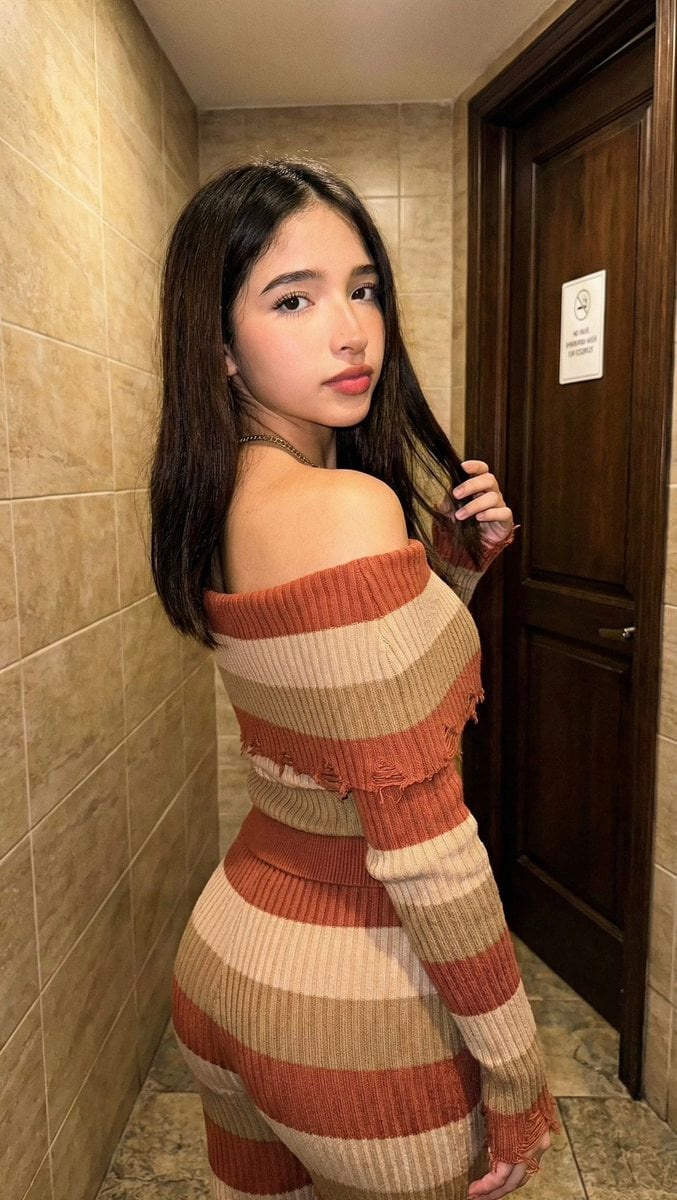
- Prompt included
- Model and format preset
- Free template
The prompt behind this image
Copy the exact prompt behind High-Fidelity Portrait with Extreme Identity Mapping and Technical Rib-Knit Texture, or open it in the studio and make it yours.
[Header] (9:16) Raw high-fidelity photograph, iPhone 17 Pro sensor simulation, indoor ambient lighting with soft front-fill flash, zero bokeh, SHARP focus from the foreground subject to the background tiled wall, f/5.6 aperture for structural depth, authentic digital grain. [Subject & Identity Inheritance] Identity Mapping: Absolute physical inheritance from Reference Image A. The generated subject must inherit the exact facial geometry, specific eye shape, lip volume, chin structure, and all original hair characteristics (texture, length, volume, and part) directly from Image A without manual descriptor intervention. Bio-Fidelity: Detailed skin physics including micro-pores, satin-finish hydration, and visible fine vellus hair along the jawline. High-definition rendering of the shoulders and neck architecture. Expression: Magnetic presence; inheriting the self-assured gaze and facial resting-state directly from Image A, looking back over the shoulder. [Outfit & Physicality] Technical Description: High-impact technical rib-knit body-conscious set in muted {argument name="outfit color" default="earth-tone"} horizontal stripes (terracotta, tan, and beige). Textile Geometry: Off-the-shoulder neckline architecture with full-length compression-fit sleeves featuring technical distressed/frayed cuff detailing. Surface Physics: High-tensile material-to-skin surface compression. The textile must exhibit realistic physical tension lines as it contours the anatomical gluteal proportions, pelvic symmetry, and an emphasized waist-to-hip ratio. Physicality: Athletic-to-lean build; extreme torso torsion and symmetrical proximal limb geometry. [Pose & Composition] Geometry: Extreme S-curve torsion pose. The subject is standing in a rear-profile perspective, rotating her upper torso 180 degrees to face the camera directly. Interaction: Left hand is subtly raised, fingers interacting with a hair strand near the shoulder, showing realistic finger-joint articulation and skin texture. Framing: Medium shot, vertical focus. The subject is positioned on the left side of the frame, angled to lead the viewer’s eye toward the background hallway. [Environment & Lighting] Atmosphere: Modern domestic or hotel interior hallway. Interior Details: Foreground features a high-detail tiled wall with horizontal tan/beige rectangular porcelain tiles and precise grout lines. Background includes a dark-wood door with a white technical signage card. Neutral grey stone-tile flooring with realistic specular reflections. Lighting: Diffused 3000K warm indoor light supplemented by a soft front-fill flash. This creates brilliant illumination on the subject’s skin and the rib-knit texture, while casting clean, defined shadows on the tiled background. [Failure Prevention Rule] Command: "Identity Mapping: Inherit all facial and hair traits from Reference Image A onto the subject." Use "Technical rib-knit body-conscious set" and "Anatomical gluteal proportions" to ensure high-fidelity
How to use High-Fidelity Portrait with Extreme Identity Mapping and Technical Rib-Knit Texture in 3 steps
- 1Upload ImagePNG, JPG or paste
Add your photo
Upload the photo the template builds on. The prompt, model and format are already set.
- 2…a portrait of your subject in softgolden-hour light, 85mm…
Personalize
Edit the subject and creative details for your destination.
- 3Generate
Generate
Press Generate — your image is created in PicX Studio, so you can compare it with the original and refine one variable at a time.
More like this
Templates with the same subject, style or setup. Open one to see its prompt.
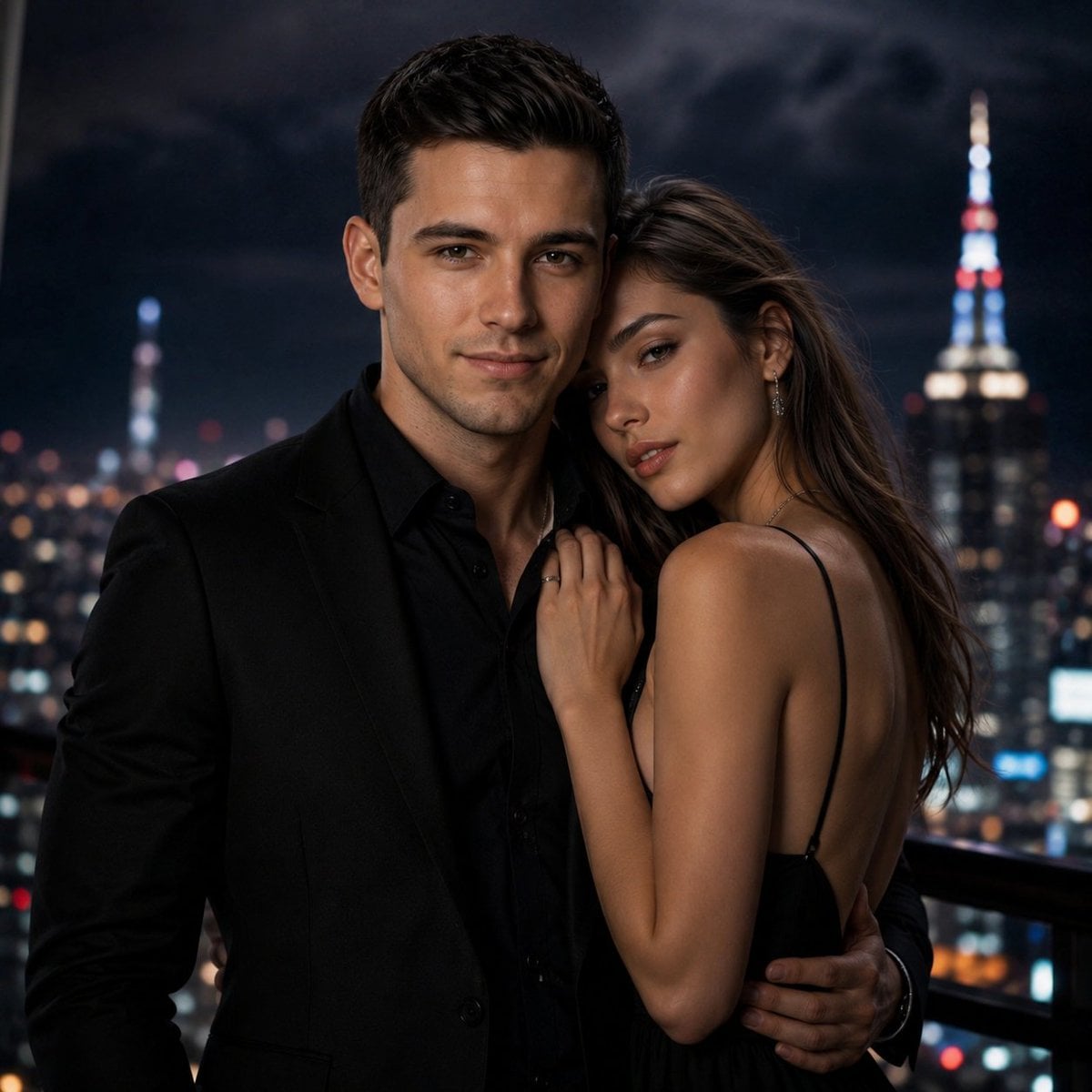
High-Fidelity Identity Portrait Template
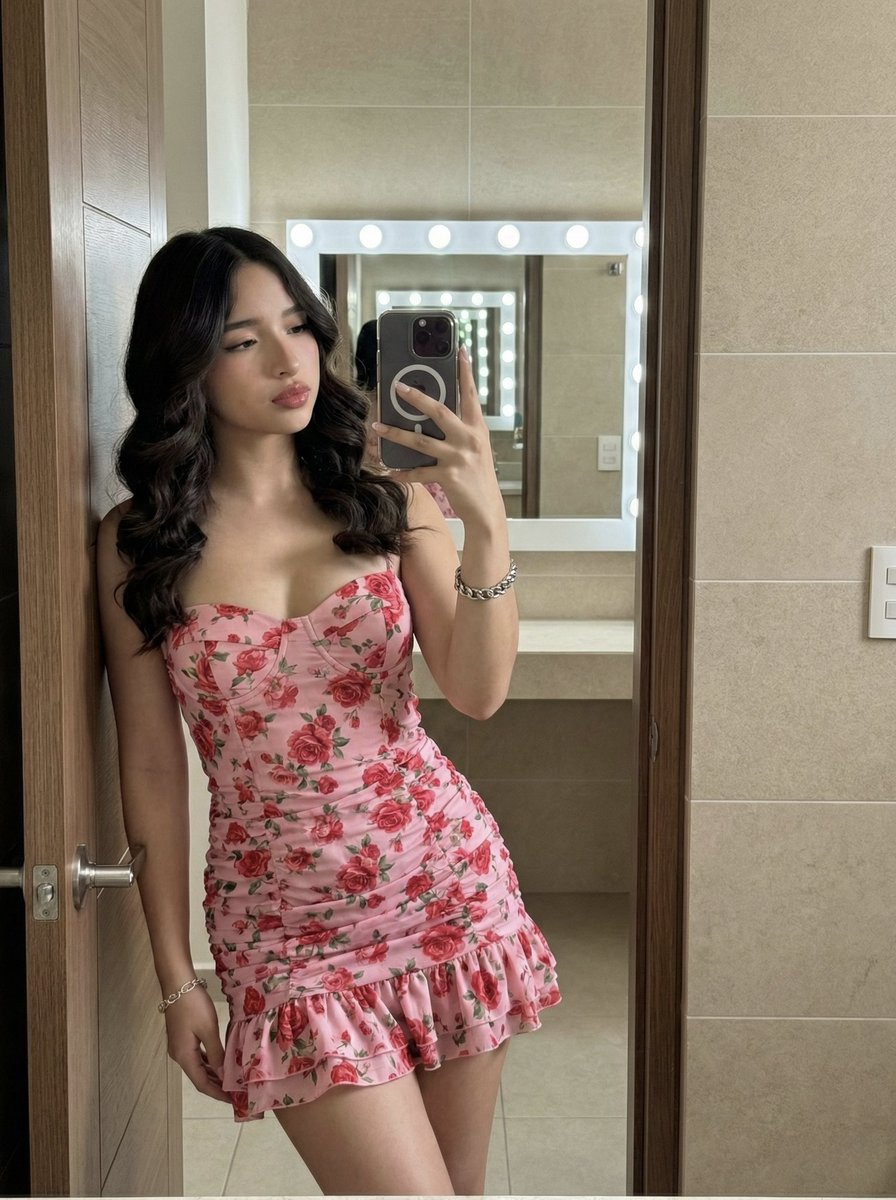
High-Fidelity Mirror Selfie Portrait with Identity Lock
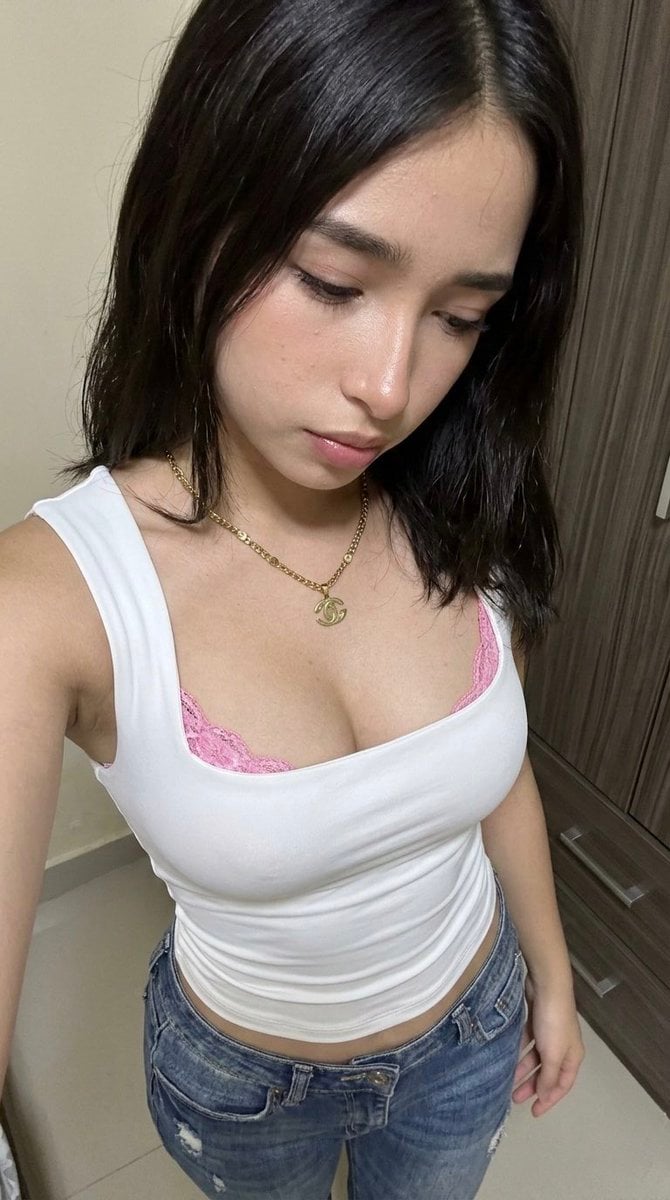
High-Angle POV Portrait with Bio-Fidelity and Technical Wear
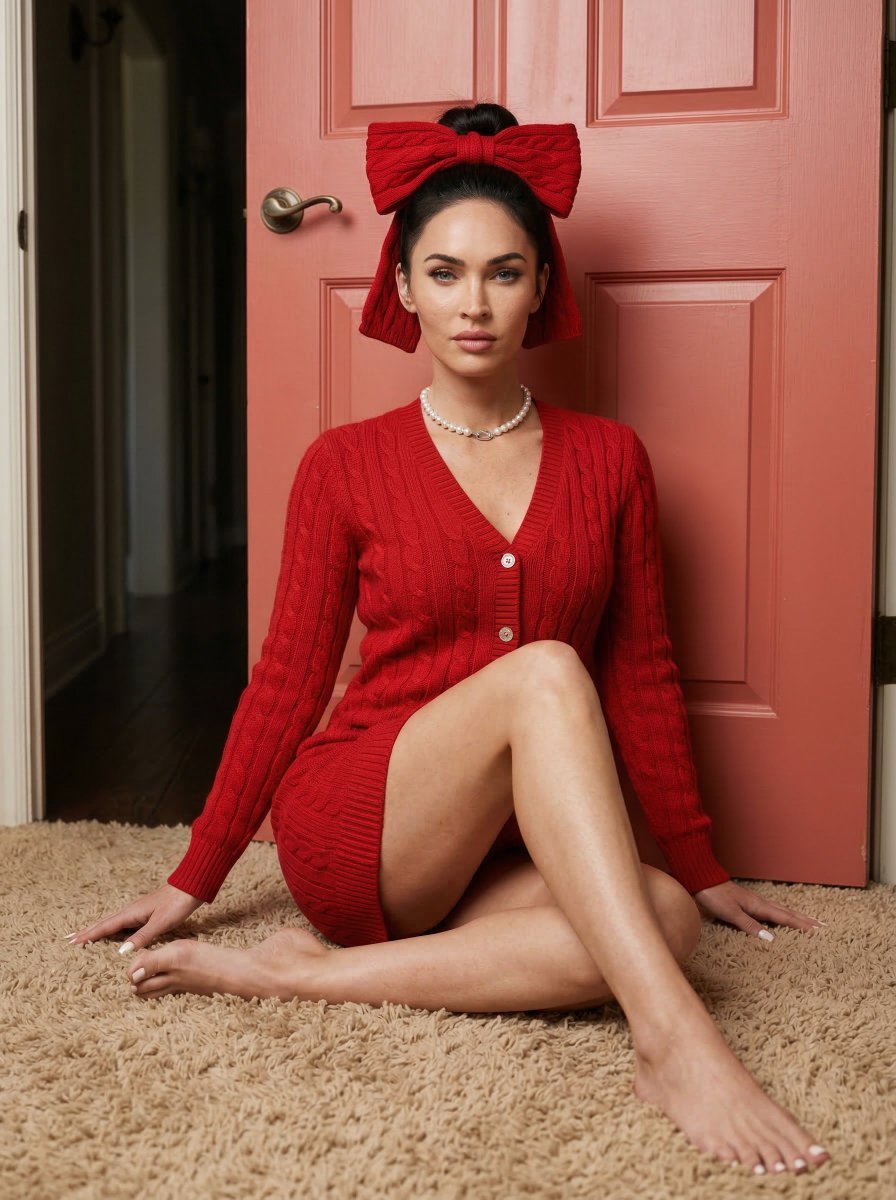
Aesthetic Seated Portrait with Cable-Knit Dress and Ribbon Bow

Found Photograph: Us, 1970

80s Couple Studio Portrait

80s Bollywood Star

80s Golden Hour Cinema

Me in 1985

1985 Studio Portrait
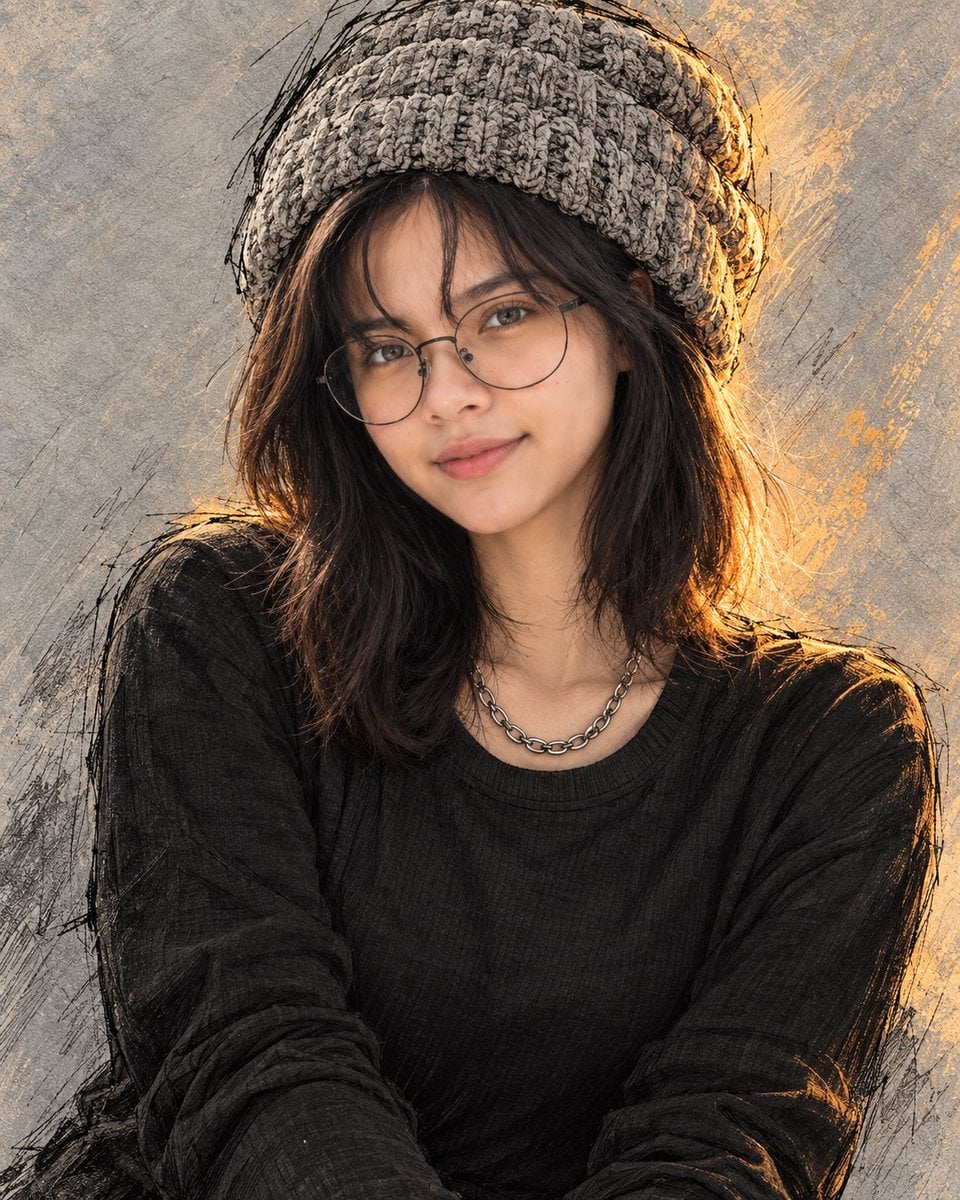
Golden Hour Knitted Beanie Portrait

Cinematic Male Portrait in Knit Sweater
Make it yours
High-Fidelity Portrait with Extreme Identity Mapping and Technical Rib-Knit Texture works as-is. These are the safest ways to change it without losing the look.
Change one field
Copy a single group, rewrite it, and generate again so you can see what that field is doing.
Keep the frame, change the subject
Hold the composition and light of High-Fidelity Portrait with Extreme Identity Mapping and Technical Rib-Knit Texture, then swap wardrobe, props or the person for a new take.
| If the result… | Why | Fix |
|---|---|---|
| The result drifts from the preview | Too many fields changed at once. | Reuse High-Fidelity Portrait with Extreme Identity Mapping and Technical Rib-Knit Texture as-is first, then change one group — subject, light, or setting. |
| The model over-stylizes the scene | The prose prompt leaves finish and camera underspecified. | Add one camera or lighting sentence and stay on Nano Banana 2. |
More Nano Banana 2 templates
Other prompts made for Nano Banana 2.

Photorealistic Leaf Shaped Like a Dragon

K-Pop Idol Portrait Grid for Rapid Selection

Poetic Rain Forest Portrait During Golden Hour

Urban Street Portrait with Cartoon Inner Self Duo

Candid Nighttime Photo with Cat Prompt

High-Concept 3D Diorama Generation Prompt

Cinematic Futuristic Studio Portrait Template

Skincare Editorial Photography Collage Prompt

Hyper-Realistic Commercial Product Photography (Splash Effect)

Hyper-Realistic Nightclub Portrait Prompt
More image prompts
Fresh picks from across the catalog.

Dark Mode Marketing Case Study UI
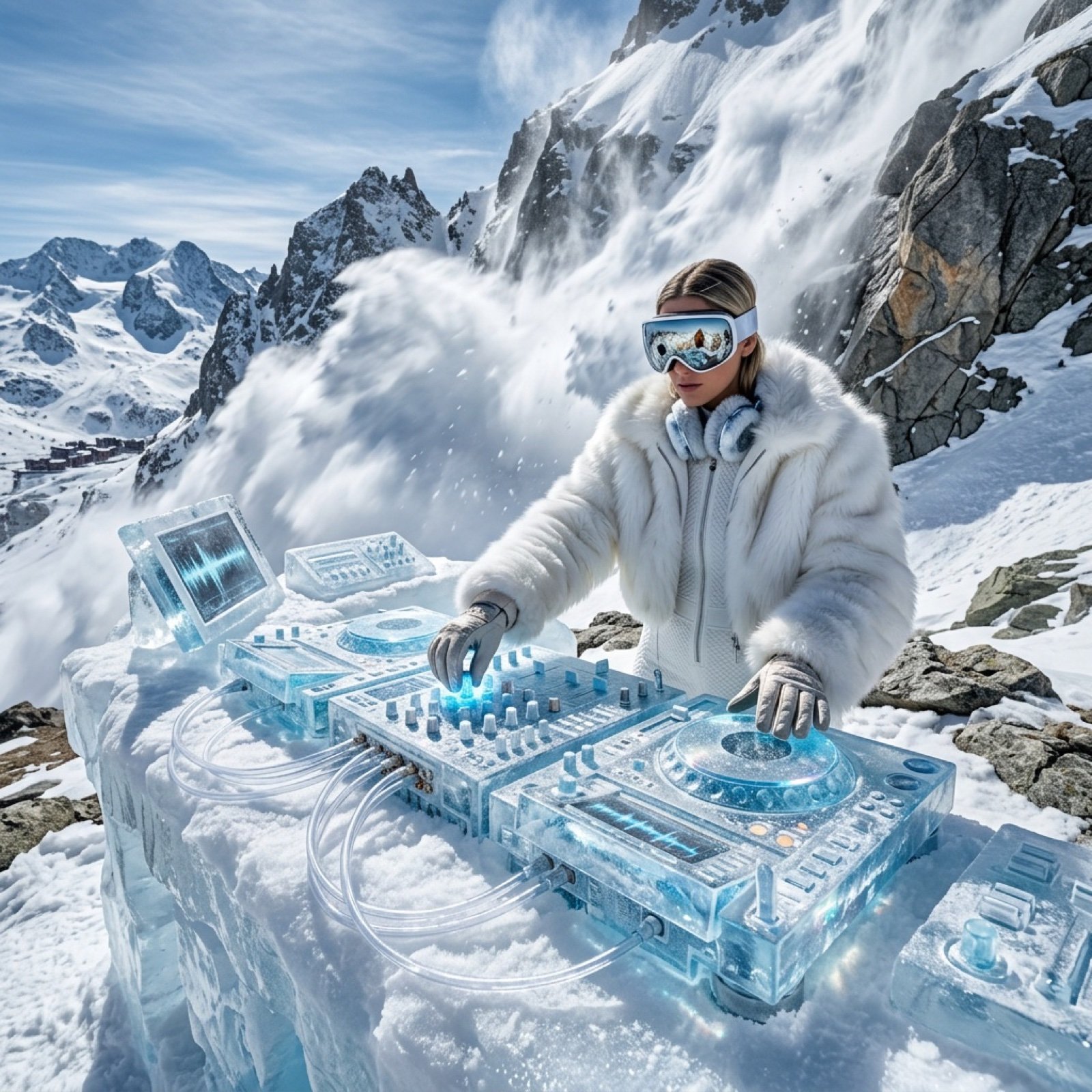
Futuristic Ice DJ Setup Prompt
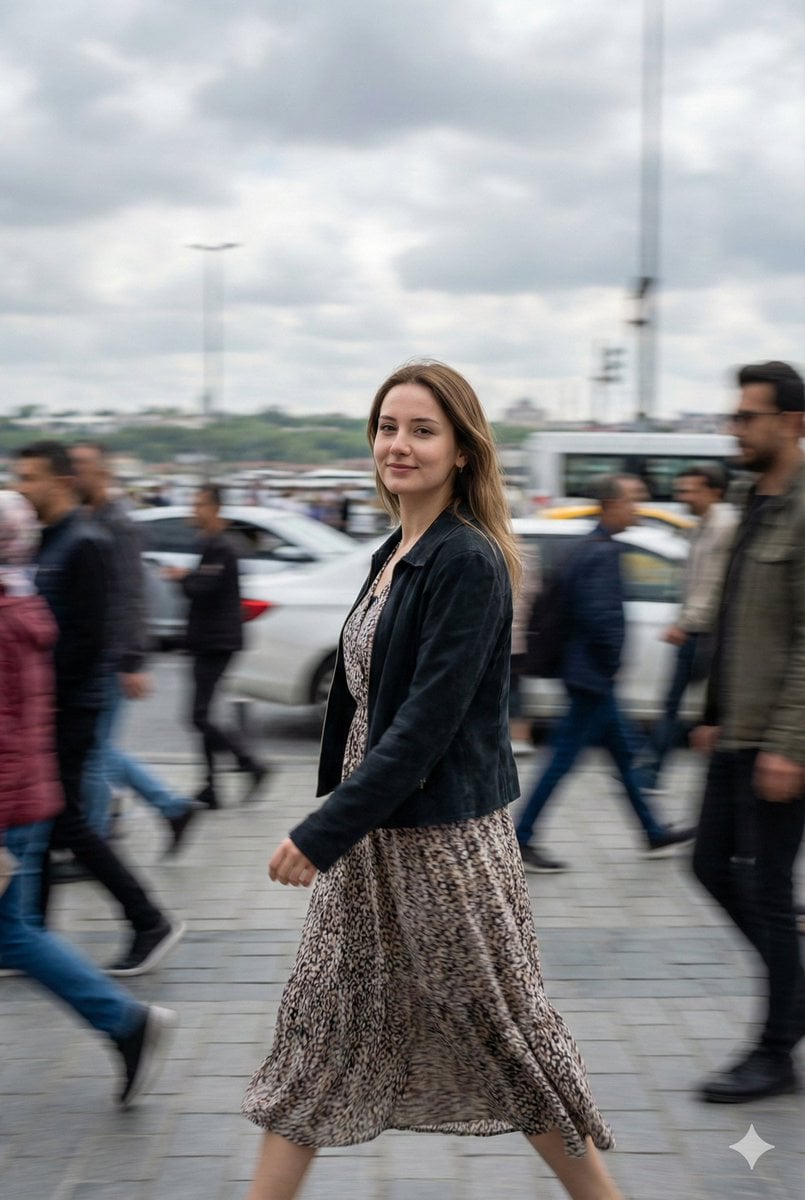
Cinematic Motion Blur Street Portrait Prompt
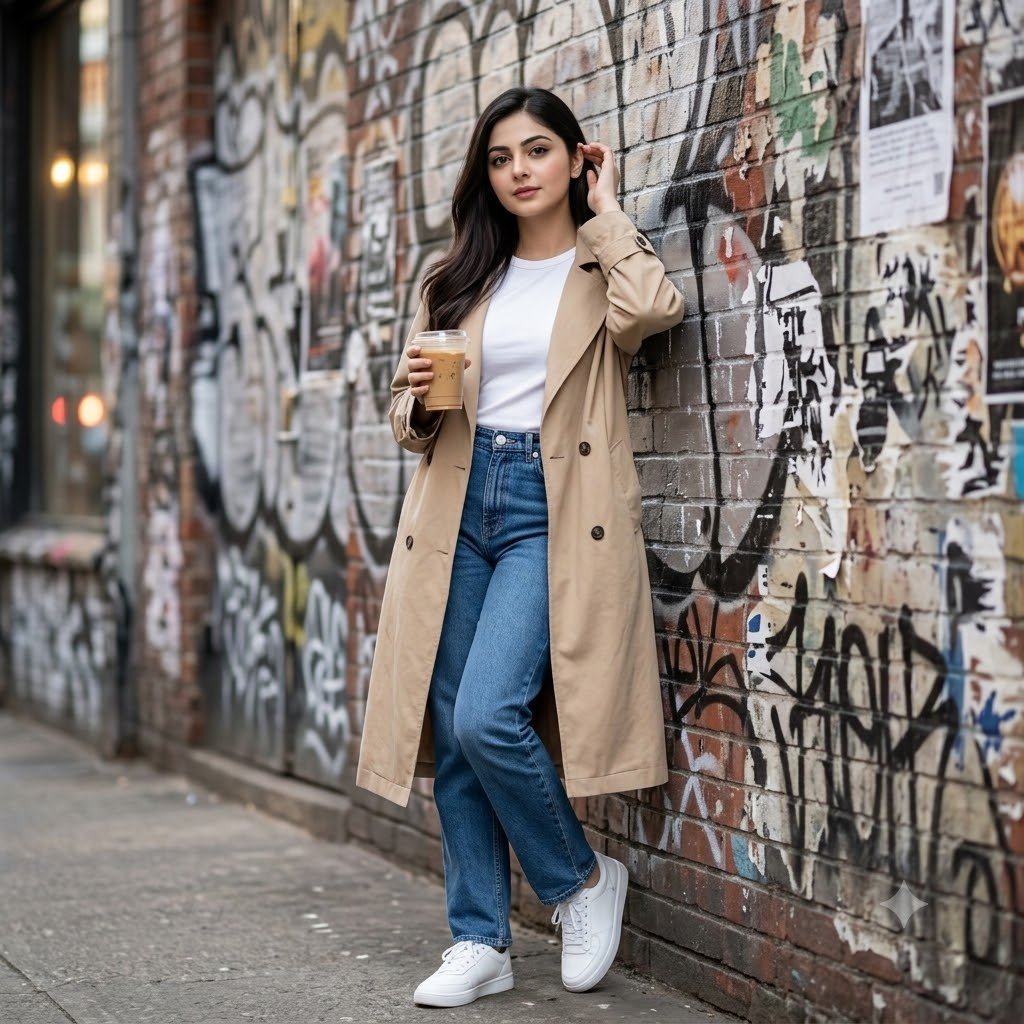
Urban Graffiti Brick Wall Portrait
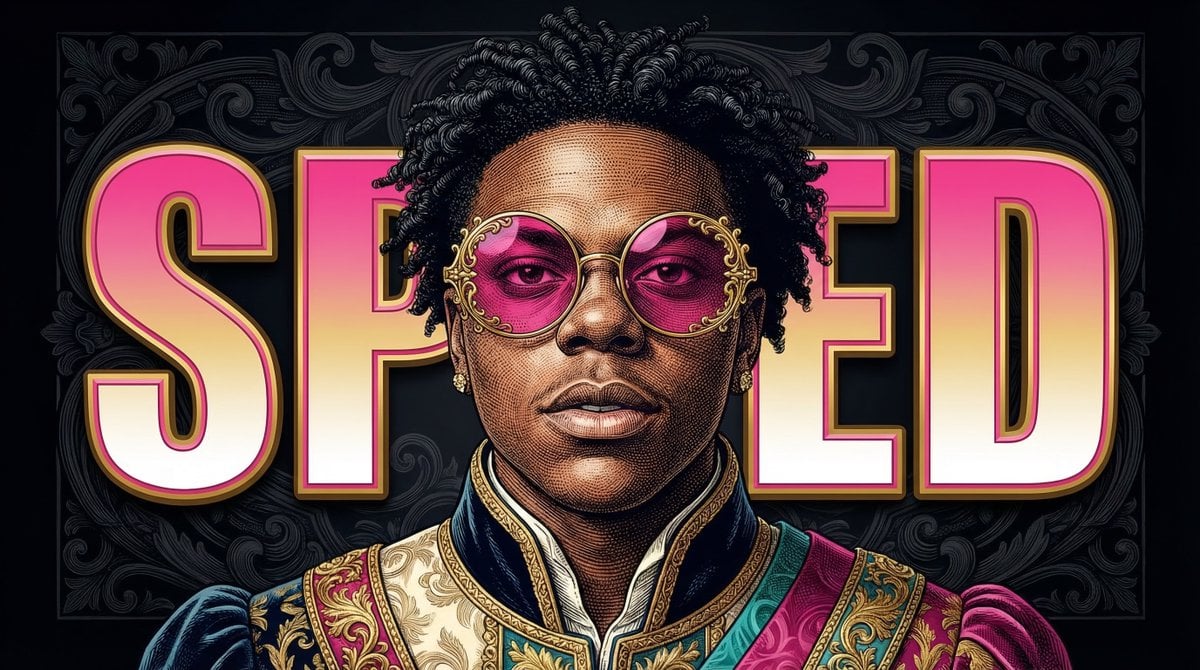
Neo-Baroque Engraved Pop Portrait
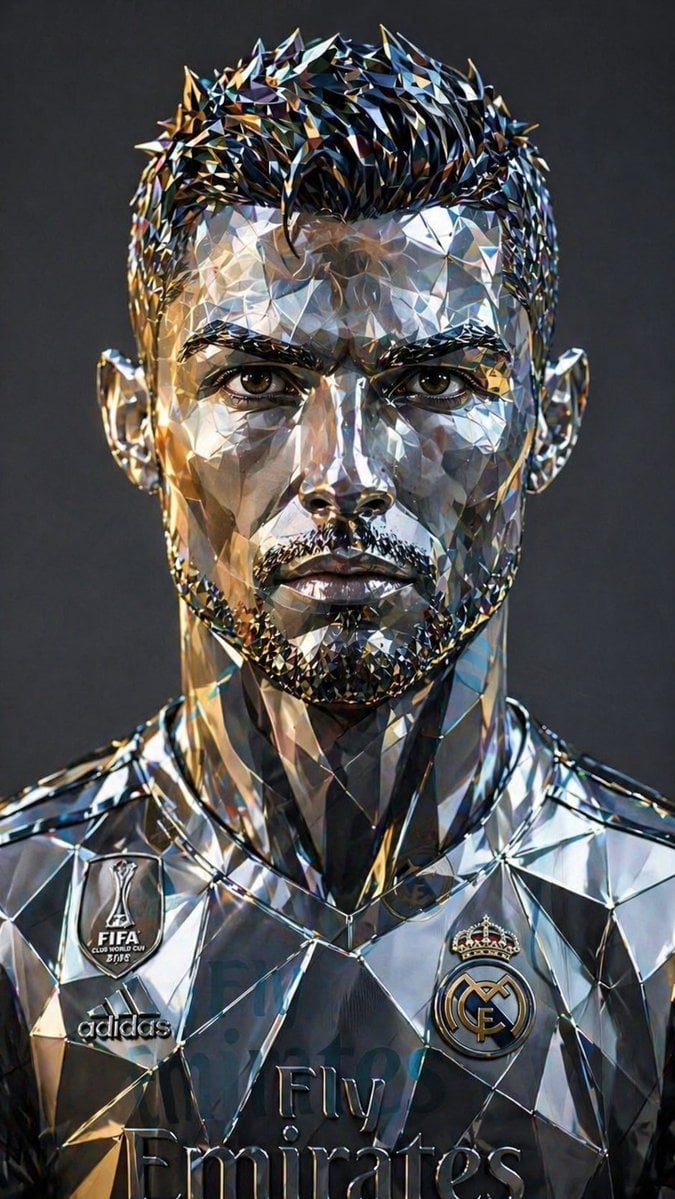
Futuristic Low-Poly Metallic Portrait
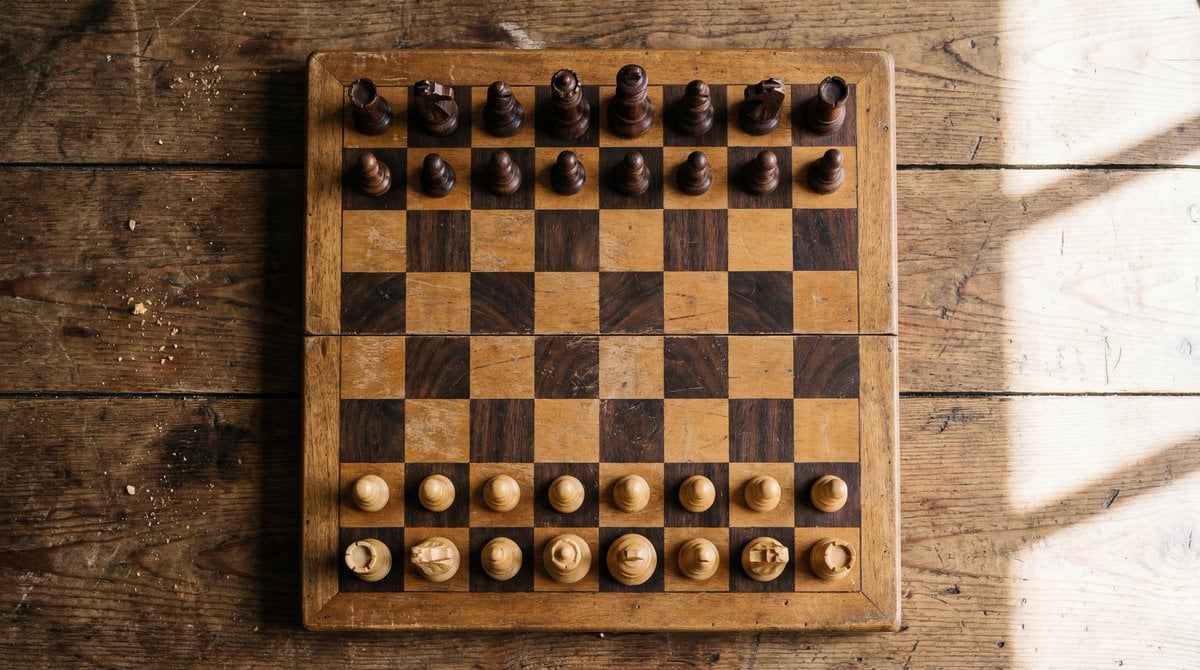
Top View of Chess Board in Starting Position
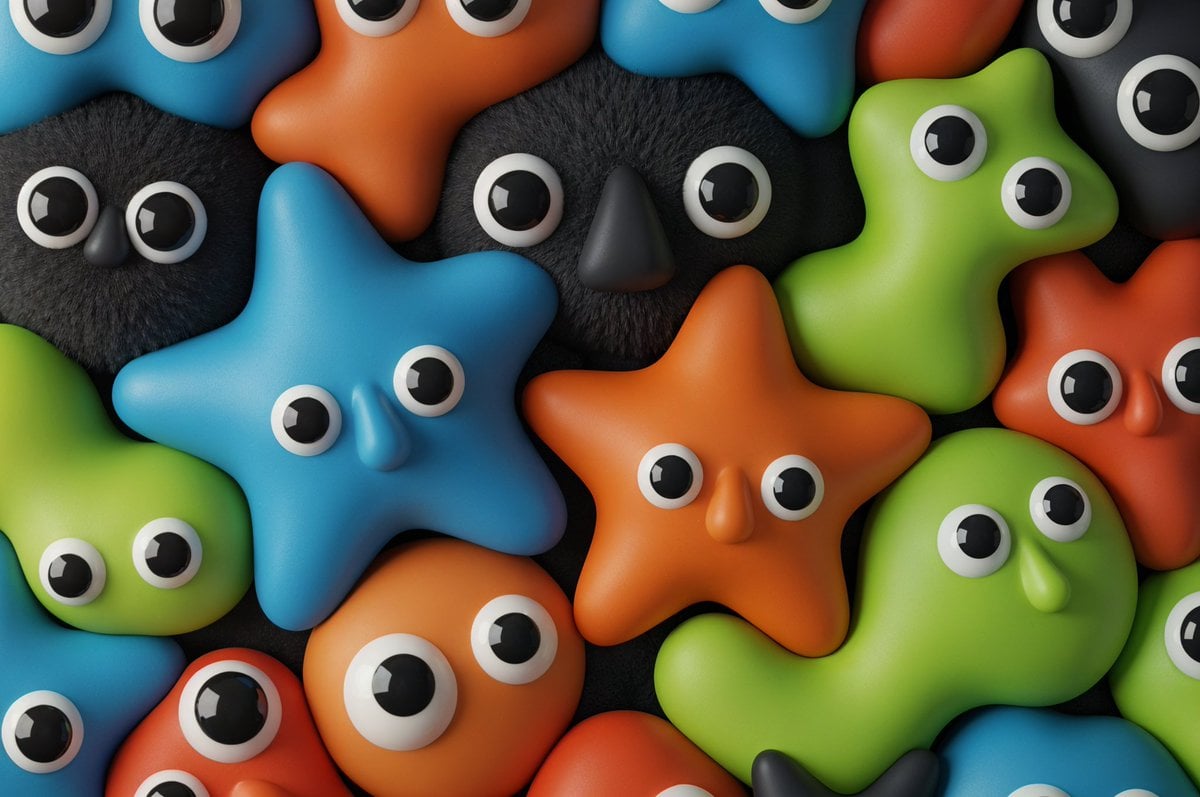
Neo-Skeuomorphism Crowd Scene Prompt
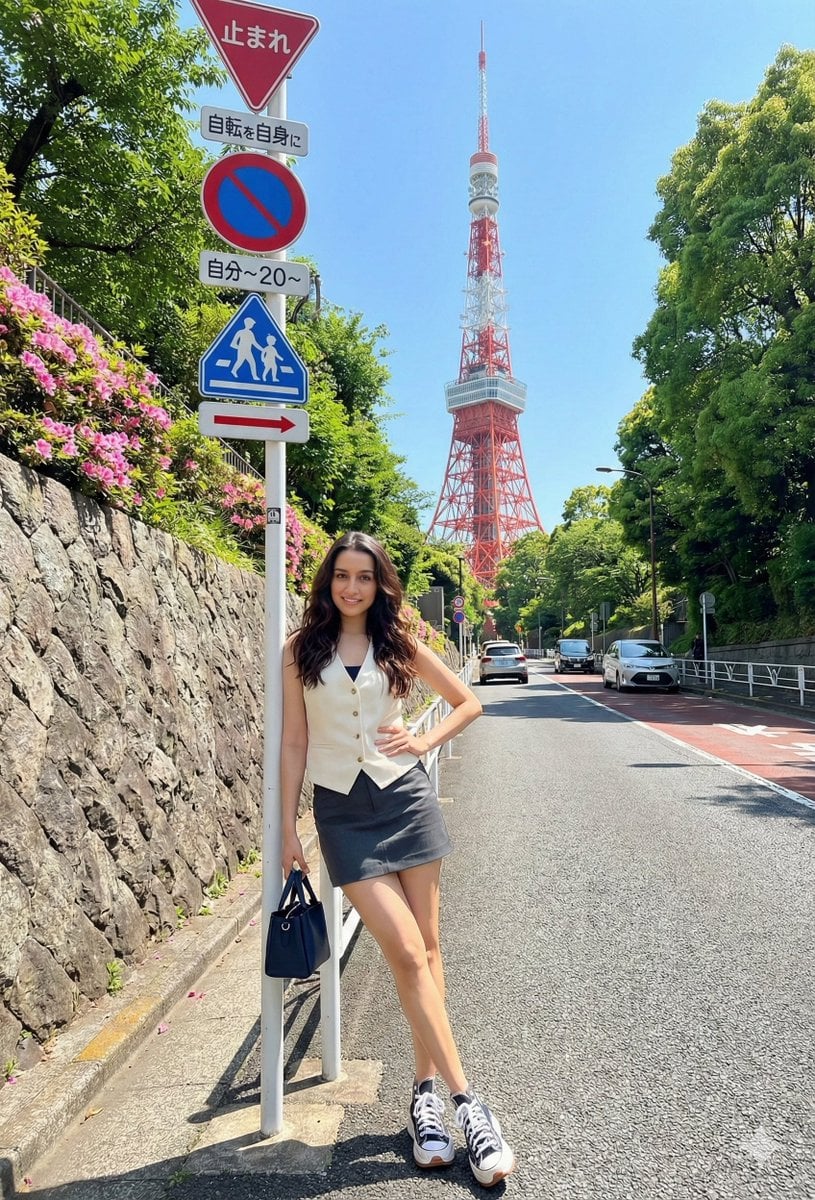
Japanese Travel Photo Prompts (Tokyo & Theme Park)
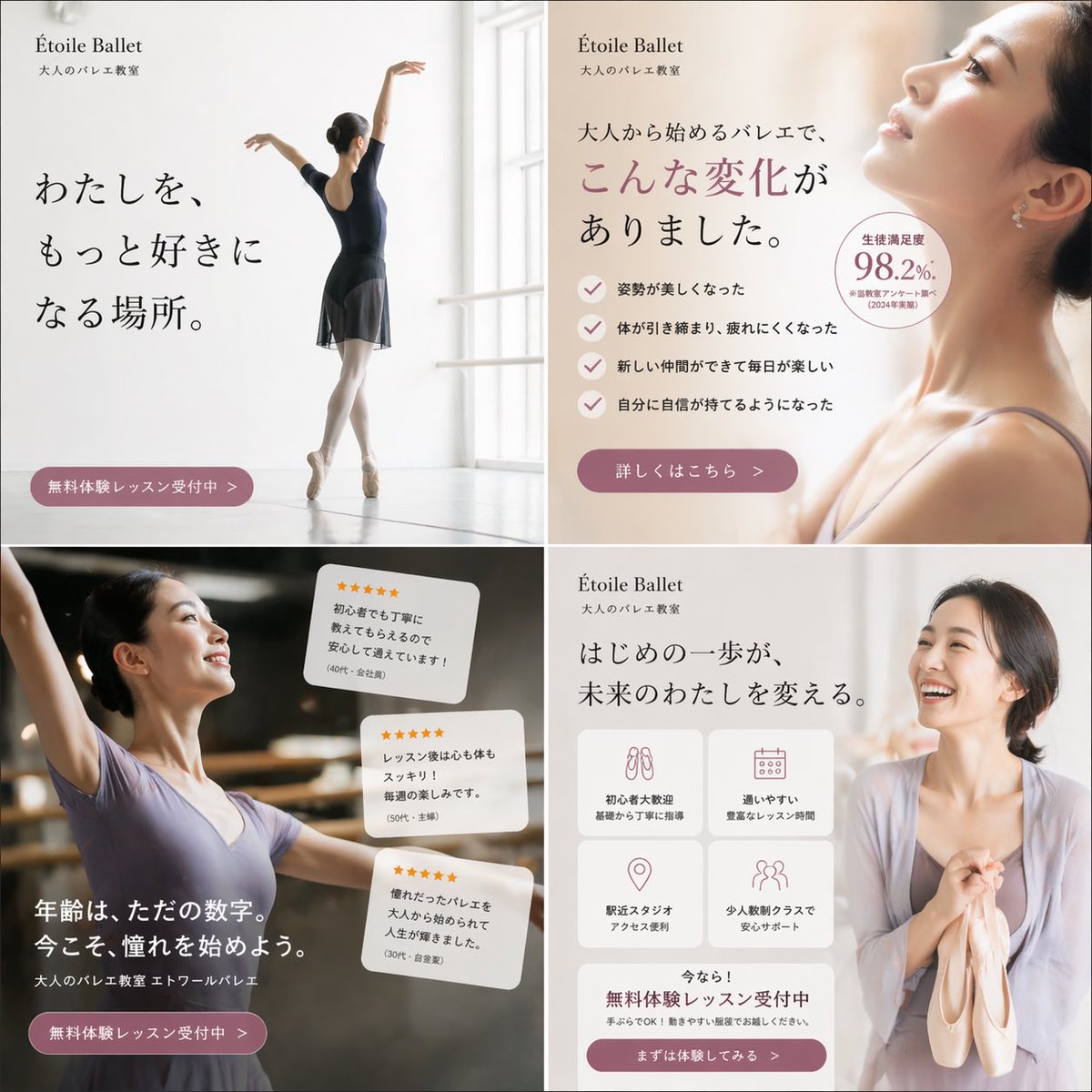
Elegant Ballet School Promo Grid
Browse template categories
High-Fidelity Portrait with Extreme Identity Mapping and Technical Rib-Knit Texture questions
How do I use the High-Fidelity Portrait with Extreme Identity Mapping and Technical Rib-Knit Texture template?
Add your photo if the template asks for one, edit the prompt if you like — the template's model and format are already selected — and press Generate. Your version opens in PicX Studio.
Can I customize the High-Fidelity Portrait with Extreme Identity Mapping and Technical Rib-Knit Texture template?
Yes. You can change the subject, setting, lighting, mood, format, and available model controls before creating your image.
Is the High-Fidelity Portrait with Extreme Identity Mapping and Technical Rib-Knit Texture template free?
Opening and editing this template is free. Generating uses credits, shown on the Generate button when you are signed in.
Which AI model should I use?
Start with Nano Banana 2, which is the model associated with this template. You can compare another compatible model for a different finish.
Looking for something else? Browse all templates.

Your photo, any look
Thousands of ready templates for every top image and video model, from one credit balance.