Prone Beach Selfie Portrait Prompt
{
"subject": {
"demographics": "Young adult female, tan skin tone, fit and curvy physique",
"hair": "Wavy dirty blonde to light brown hair with sun-bleached highlights, damp beach texture, pushed back by sunglasses, dark roots visible",
"face": "Oval face shape, prominent freckles across nose and cheeks, full lips with a neutral to slight pout expression, dark brown eyes looking directly at camera, groomed eyebrows",
"upper_body": "Full, natural bust volume clearly visible in deep cleavage due to prone position, compression from arms creates fullness, vivid {argument name="bikini color" default="royal blue"} string bikini top with triangle cups",
"lower_body": "Curvy hips and buttocks visible in background due to foreshortening, wearing matching royal blue bikini bottoms (thong or cheeky cut), legs bent at knees",
"limbs": "Bare arms, smooth skin texture, feet raised in the air with soles visible and crossed at ankles",
"accessories": "Chunky royal blue hoop earrings matching the swimwear, thin silver chain necklace, silver ring on right ring finger, black rectangular sunglasses resting on top of head"
},
"pose": {
"type": "Prone (lying on stomach), propped up on elbows",
"head_and_neck": "Head facing forward, chin resting heavily on the right fist/hand, gaze locked on viewer",
"arms": "Elbows resting on the white towel, right hand curled under chin for support, left forearm flat on towel",
"torso": "Arching slightly to lift upper chest, chest pressed inward by arms creating deep cleavage",
"legs": "Bent upwards at the knees at a sharp angle, lower legs perpendicular to the ground, feet crossed at the ankles",
"orientation": "Front-facing perspective looking down the length of the body"
},
"environment": {
"location": "Wooden pier or dock extending over water",
"foreground": "White textured terry-cloth towel spread over weathered grey wood planks",
"midground": "White painted wooden railings of the pier, calm dark green-blue ocean water",
"background": "Distant mountains, hazy overcast sky, soft horizon line",
"atmosphere": "Overcast beach day, cool and breezy seaside ambiance"
},
"camera": {
"shot_type": "Medium-full shot, eye-level with the subject (low angle relative to standing height)",
"perspective": "Foreshortened perspective emphasizing the face and upper body while showing the lifted legs in the background",
"focal_length": "50mm to 85mm portrait lens",
"depth_of_field": "Subject sharply in focus, background slightly softened but distinct",
"framing": "Centered subject, head near top third, towel filling bottom foreground"
},
"lighting": {
"source": "Natural diffuse daylight",
"condition": "Overcast/cloudy sky causing soft, shadowless illumination",
"quality": "Even lighting on face, soft subsurface scattering on skin, no harsh highlights or deep shadows",
"shadows": "Subtle contact shadows under the arms and torso on the towel"
},
"mood_and_expression": {
"emotion": "Relaxed, confident, slightly sultry, direct engagement",
"eye_co




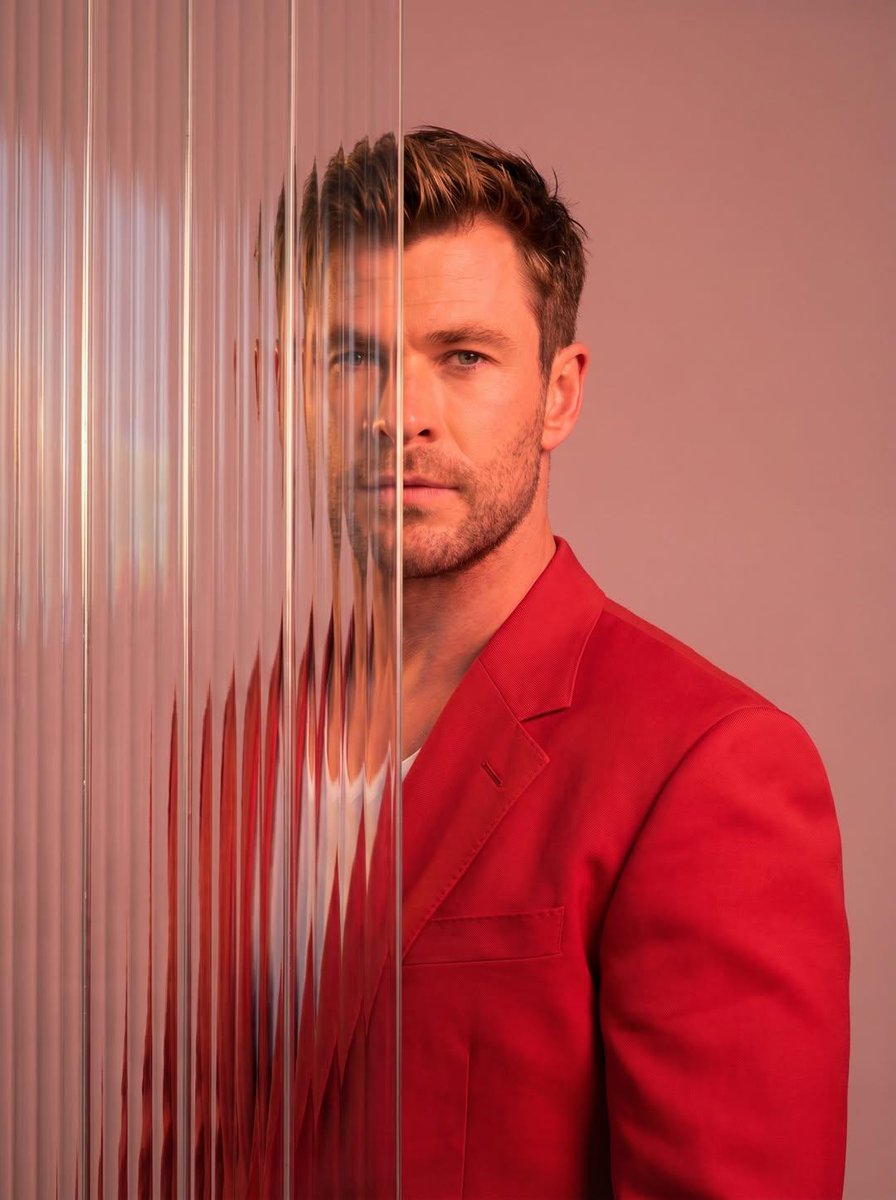
![Ultra-realistic 8K full body portrait wearing a clean and pressed white — Ultra-realistic 8K full body portrait of [PERSON’S FULL NAME], wearing a clean and pre](https://images.meigen.ai/tweets/2011898760650170378/0.jpg)




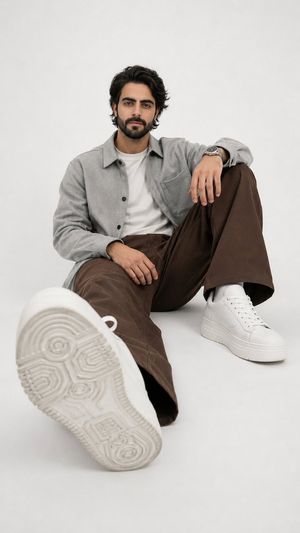
![Ultra-realistic 8K full body portrait wearing a clean and pressed white — Ultra-realistic 8K full body portrait of [PERSON’S FULL NAME], wearing a clean and pre](https://images.meigen.ai/tweets/2018389139826037141/0.jpg)







![Naive doodle-style subject illustration — A doodle-style {argument name="subject" default="[subject]"}, naive lines, humorous shape exaggeration](https://pbs.twimg.com/media/G6Wl2YxbsAARB2b.jpg)