
Neon Cyber-Kawaii VTuber Portrait
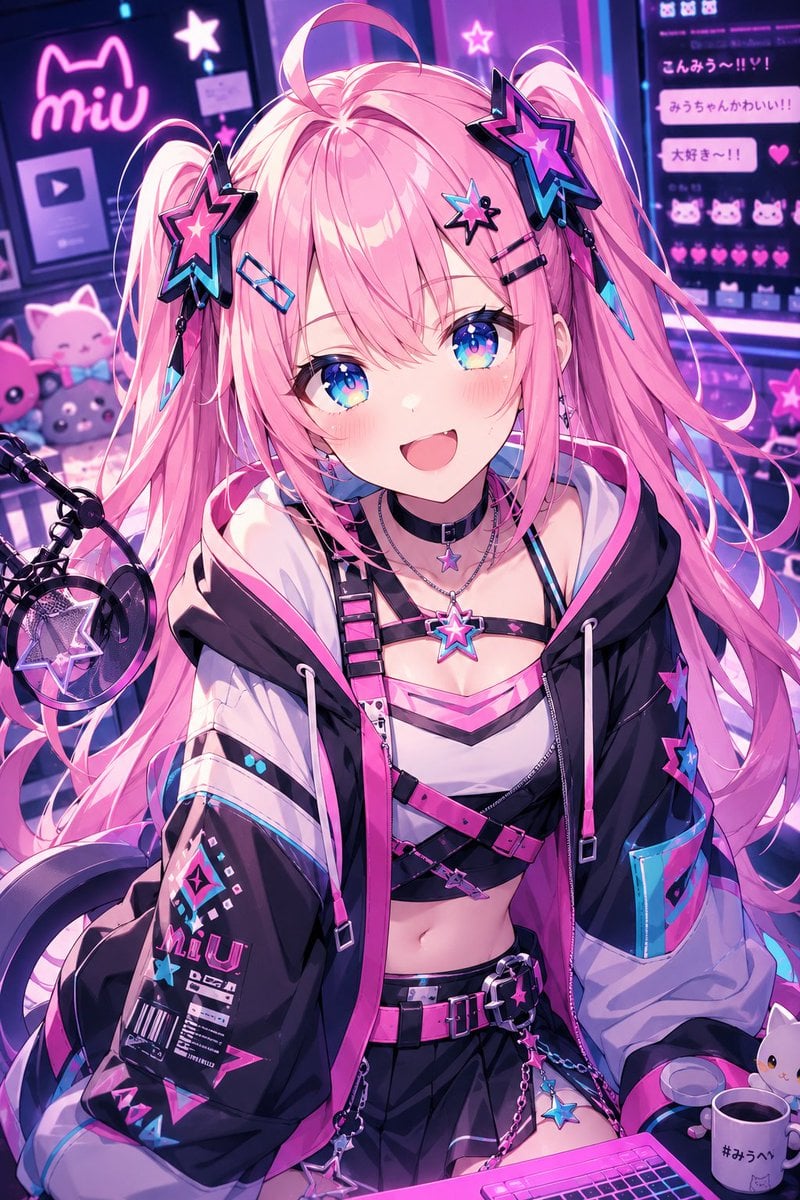
Generates a detailed anime cyber-kawaii VTuber streamer portrait with pink twin-tails, neon studio décor, and a face-obscuring pastel censor block.
- Prompt included
- Model and format preset
- Free template
The prompt behind this image
Copy the exact prompt behind Neon Cyber-Kawaii VTuber Portrait, or open it in the studio and make it yours.
Create a vibrant anime-style vertical streamer portrait of {argument name="character name" default="Miu"}, a cyber-kawaii virtual idol seated at a streaming desk in a neon bedroom studio. She has extremely long {argument name="hair color" default="cotton-candy pink"} twin-tails with flowing strands, oversized black-and-pink star hair clips on both sides, small dangling crystal charms, and a playful ahoge curl on top; her face is deliberately covered by a large flat pastel pink rectangular censor block centered over the entire face. Dress her in a black, white, hot-pink, and cyan oversized techwear hoodie with printed graphics, star patches, zipper details, drawstrings, and glossy trim, worn off the shoulders over a cropped strappy top, layered belts, a pleated black mini skirt, chain accessories, star pendants, a choker, and a glowing star necklace. Include exactly 6 prominent star accessories: two large star hair clips, one star choker charm, one glowing chest necklace charm, one hanging belt-chain star, and one star patch on the sleeve. The scene is a cozy neon livestream setup with a large microphone and pop filter on the left, a bright pink keyboard at the bottom, a mug on the right with Japanese hashtag text, pastel plush cats in the background, and wall monitors filled with cute chat bubbles, hearts, cat icons, and the glowing name logo {argument name="logo text" default="miu"}. Use a saturated magenta, violet, cyan, and electric blue color palette, glossy highlights, detailed linework, dramatic rim lighting, soft bloom, bokeh neon signs, and a high-detail modern anime illustration style. The composition should be a close-up three-quarter bust-to-thigh view, centered on the character, with the background slightly blurred but still readable as a streamer room. Add visible Japanese-style chat messages such as {argument name="chat message" default="こんみう〜!!!"} and pink heart reactions on the right monitor, while keeping the overall mood energetic, cute, futuristic, and idol-streamer themed.
How to use Neon Cyber-Kawaii VTuber Portrait in 3 steps
- 1Upload ImagePNG, JPG or paste
Add your photo
Upload the photo the template builds on. The prompt, model and format are already set.
- 2…a portrait of your subject in softgolden-hour light, 85mm…
Personalize
Edit the subject and creative details for your destination.
- 3Generate
Generate
Press Generate — your image is created in PicX Studio, so you can compare it with the original and refine one variable at a time.
More like this
Templates with the same subject, style or setup. Open one to see its prompt.
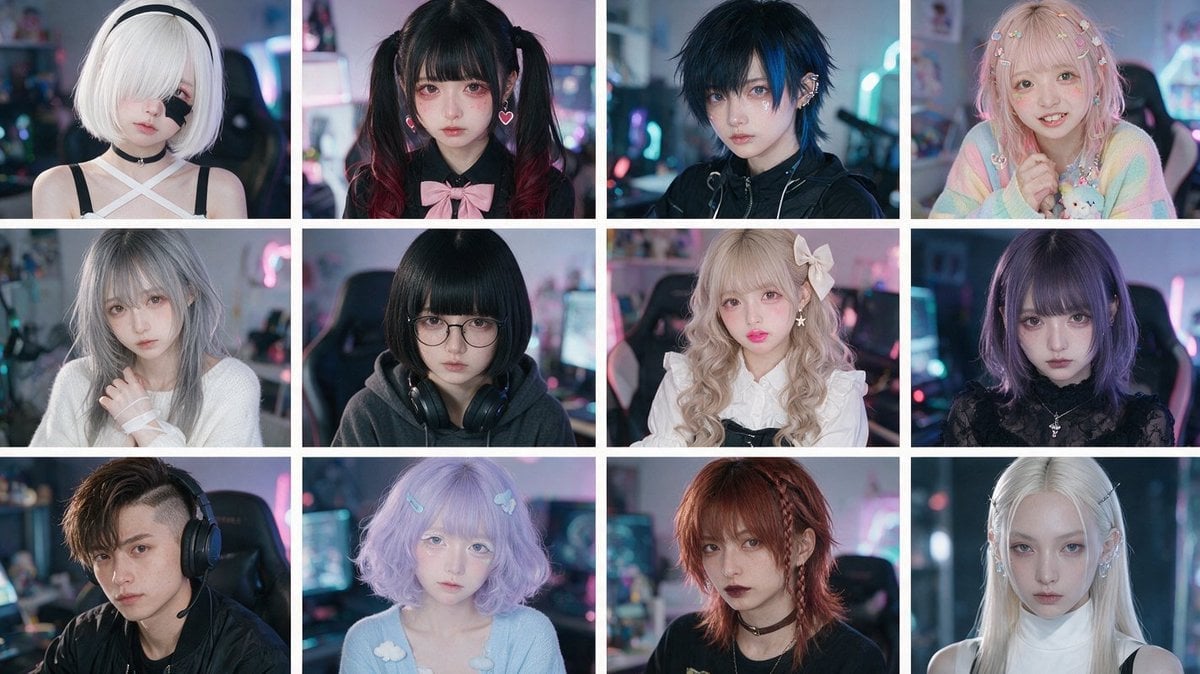
Cyber-Kawaii Influencer Portrait Grid
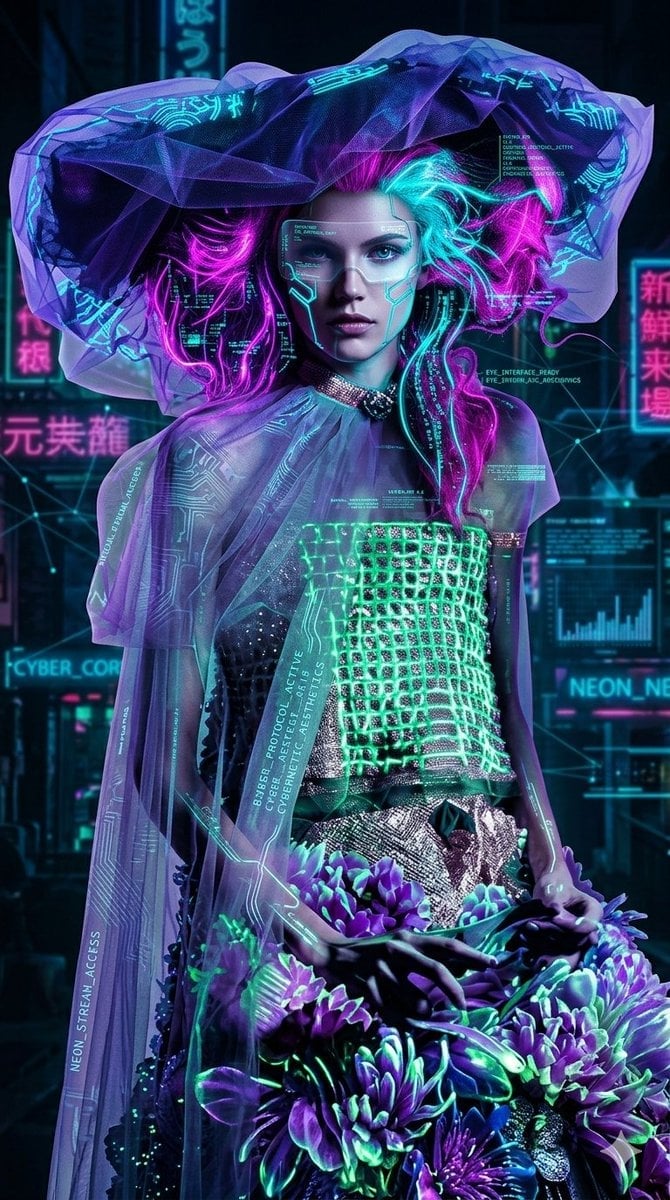
Cyberpunk Neon Floral Portrait

Spider-Man 2099 Cyberpunk Neon Future City
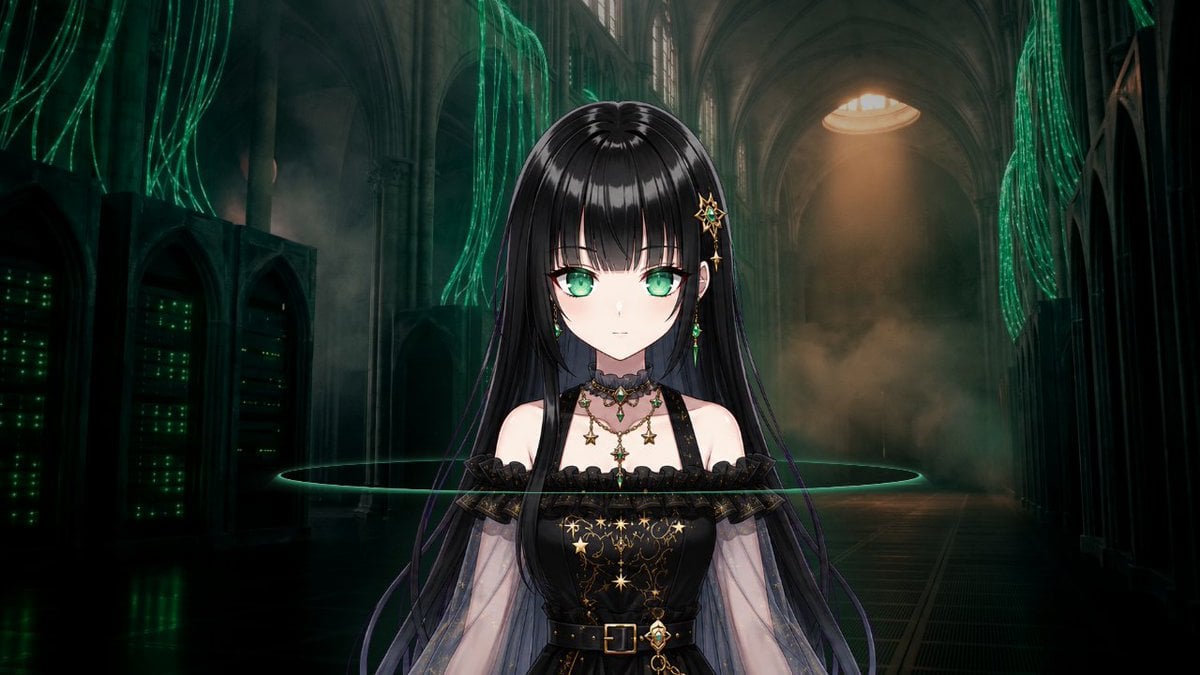
Gothic Cyber VTuber Cathedral Portrait

Found Photograph: Us, 1970

80s Couple Studio Portrait

80s Neon Disco Night

80s Bollywood Star

80s Golden Hour Cinema

Me in 1985

1985 Studio Portrait

Hyper-Realistic Minecraft POV Portrait
Make it yours
Neon Cyber-Kawaii VTuber Portrait works as-is. These are the safest ways to change it without losing the look.
Change one field
Copy a single group, rewrite it, and generate again so you can see what that field is doing.
Keep the frame, change the subject
Hold the composition and light of Neon Cyber-Kawaii VTuber Portrait, then swap wardrobe, props or the person for a new take.
| If the result… | Why | Fix |
|---|---|---|
| The result drifts from the preview | Too many fields changed at once. | Reuse Neon Cyber-Kawaii VTuber Portrait as-is first, then change one group — subject, light, or setting. |
| The model over-stylizes the scene | The prose prompt leaves finish and camera underspecified. | Add one camera or lighting sentence and stay on GPT Image 2. |
More GPT Image 2 templates
Other prompts made for GPT Image 2.

Six VTuber Japanese Logo Sheet

Realistic Portrait of Woman and Deer

The Vista Modular Condo Poster

AI Model Routing Comparison Infographic

2.5D Anime Art Board

Isometric Productivity Desk Scene

New York Double Exposure Poster

Four-Panel AI Landscape Comparison

Japanese Tatami Lifestyle Magazine Cover

NESCAFÉ Coffee Map Poster
More image prompts
Fresh picks from across the catalog.
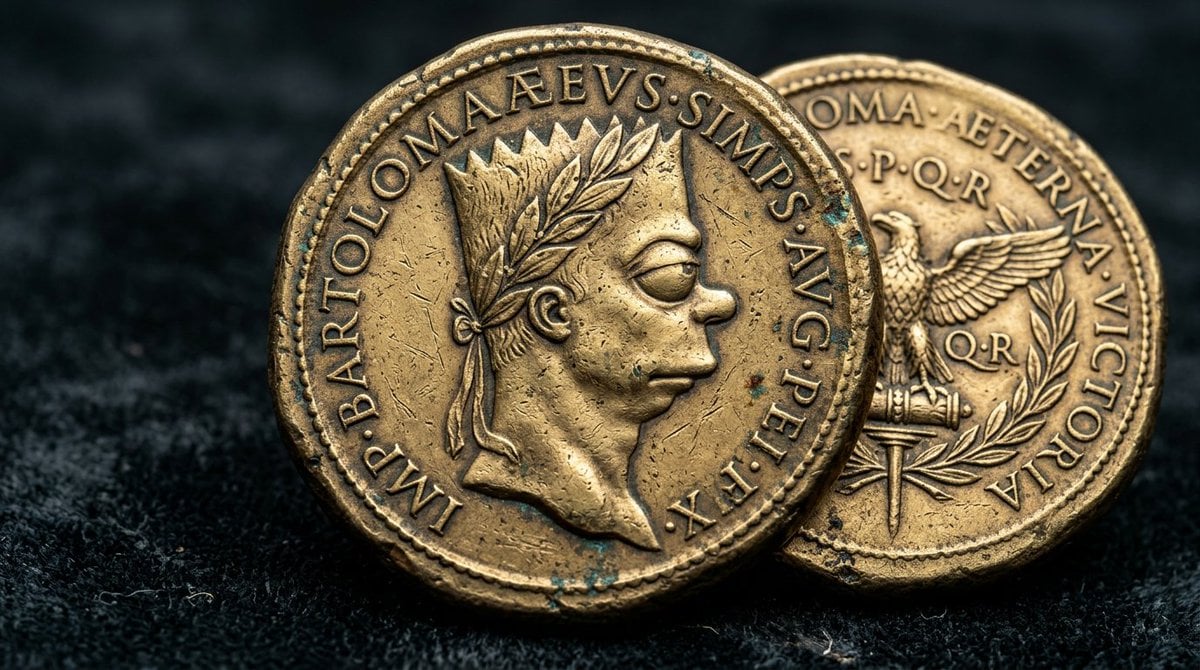
Hyperrealistic Ancient Roman Empire Coin
Goku Anime Character Sheet
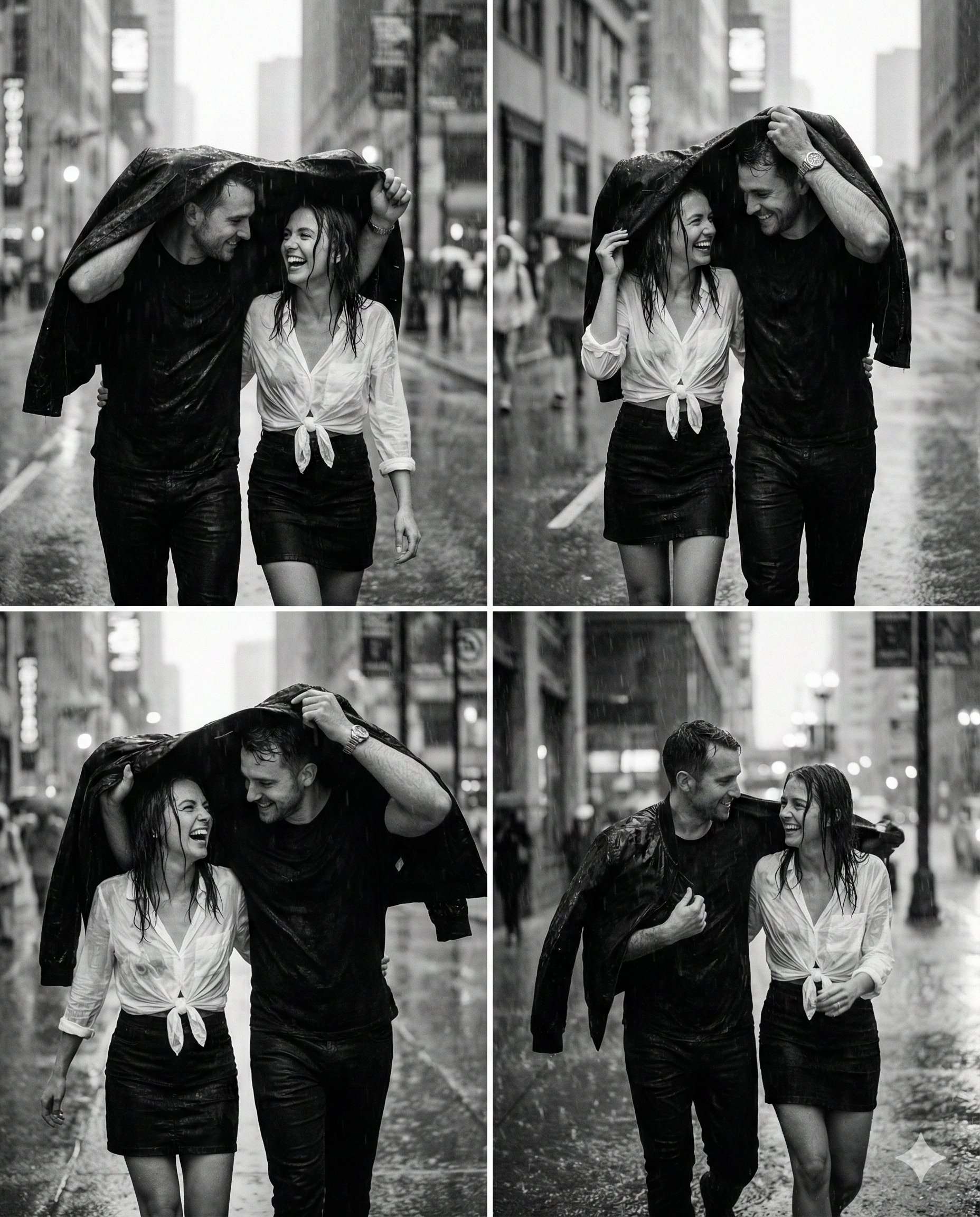
Magical Ai Prompt for Couple
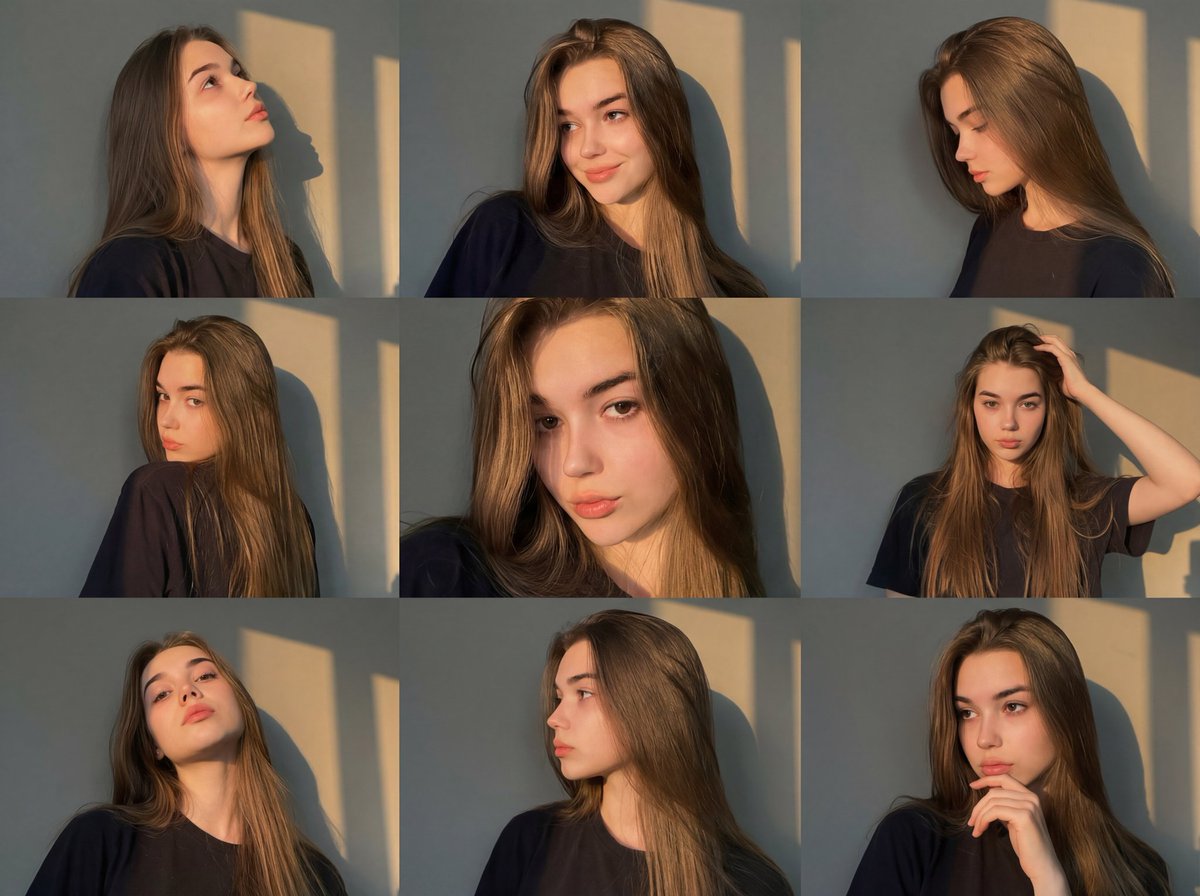
Golden Hour Portrait Collage JSON Prompt
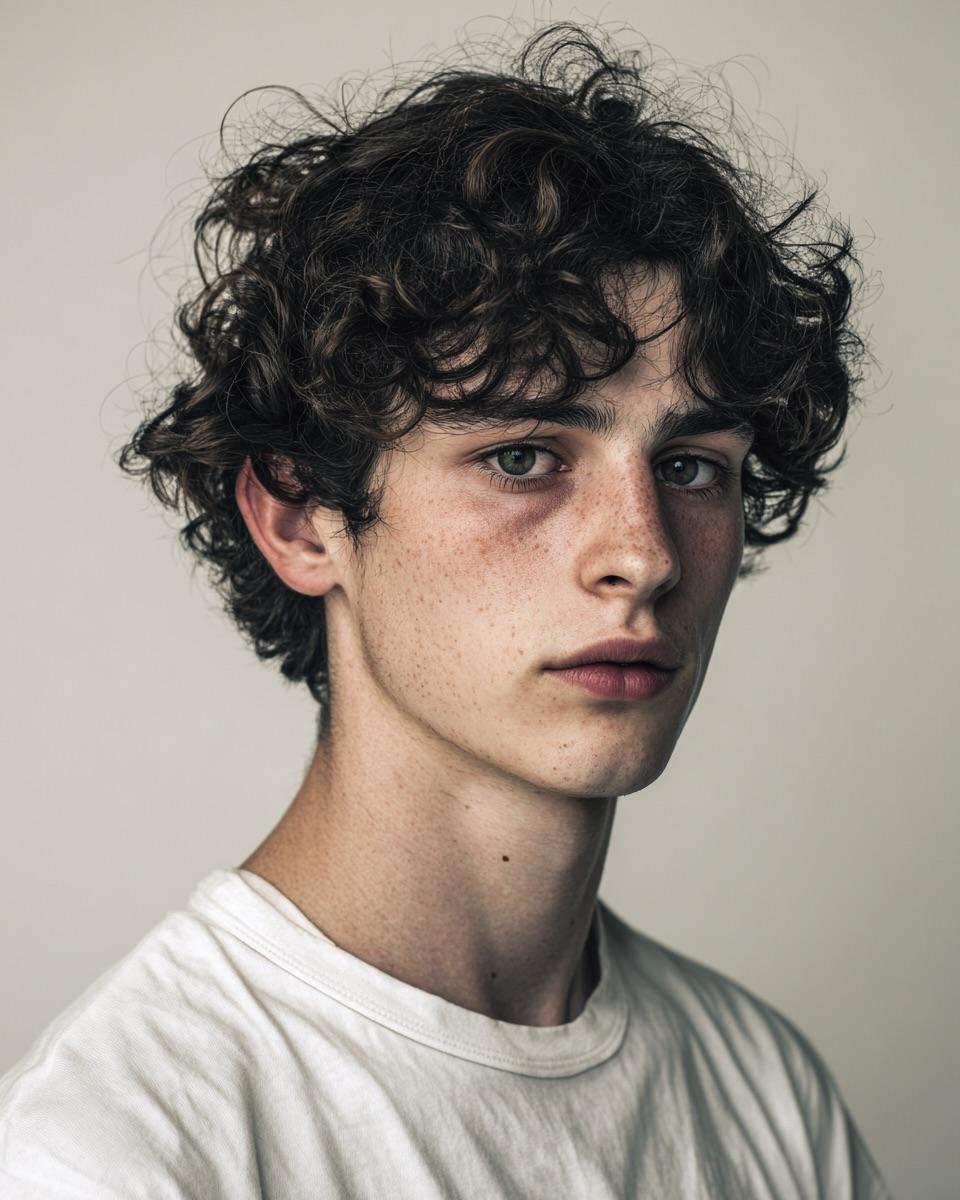
Minimalist Editorial Portrait Prompt
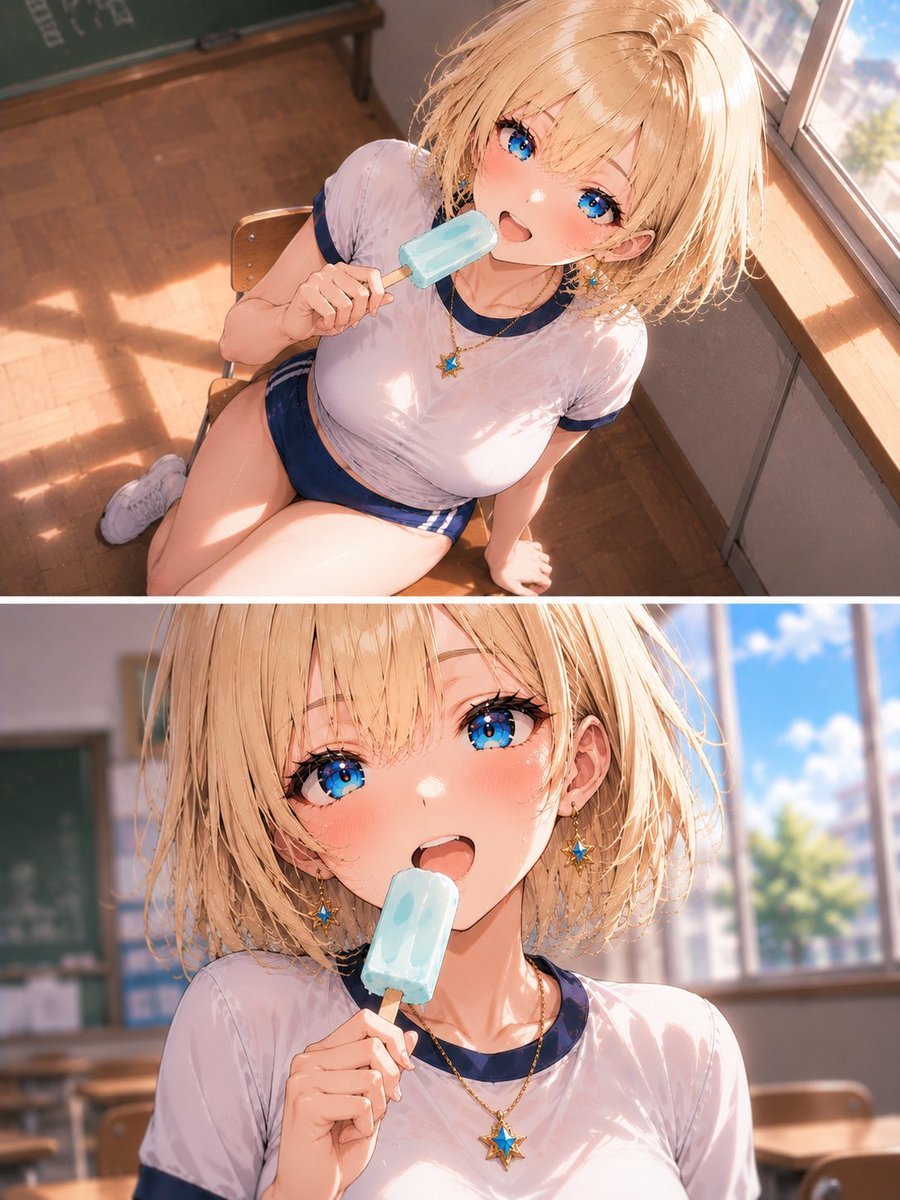
Blonde Schoolgirl Ice Pop Diptych
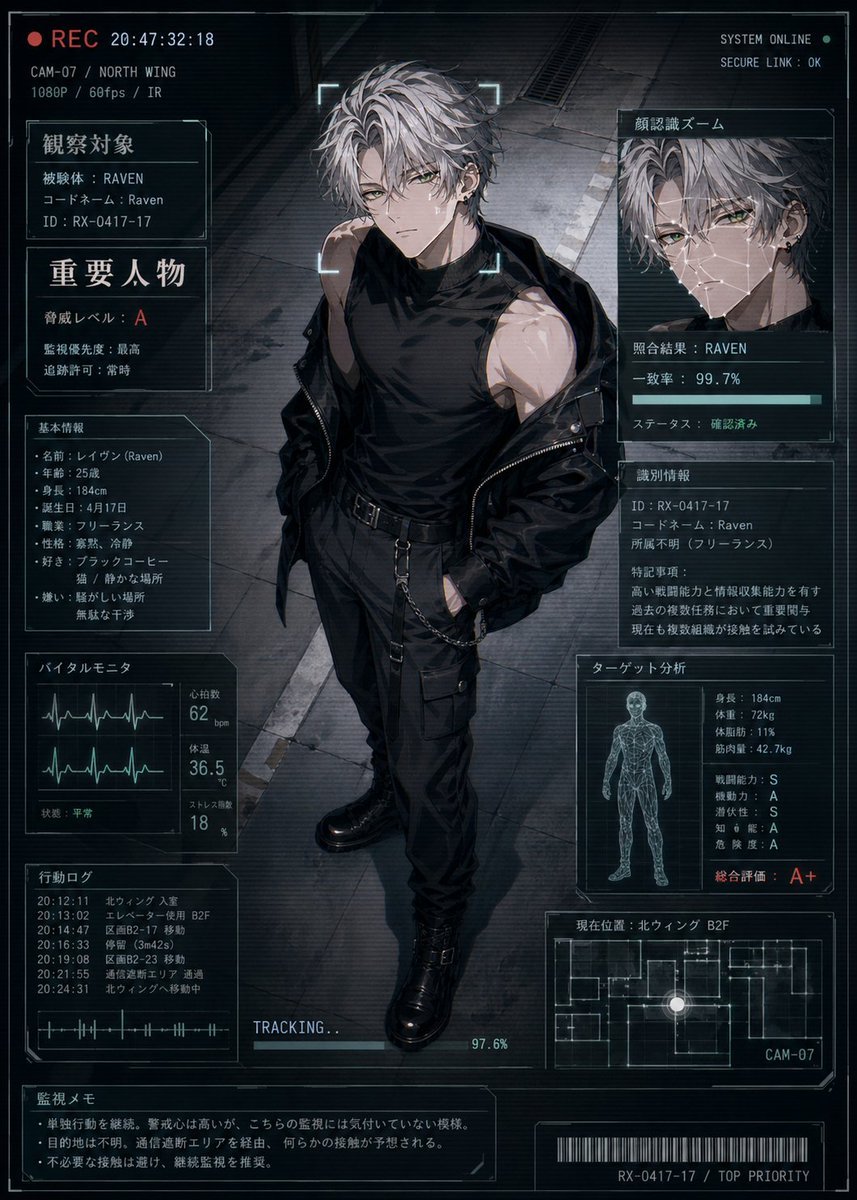
Cyberpunk Character Status Screen
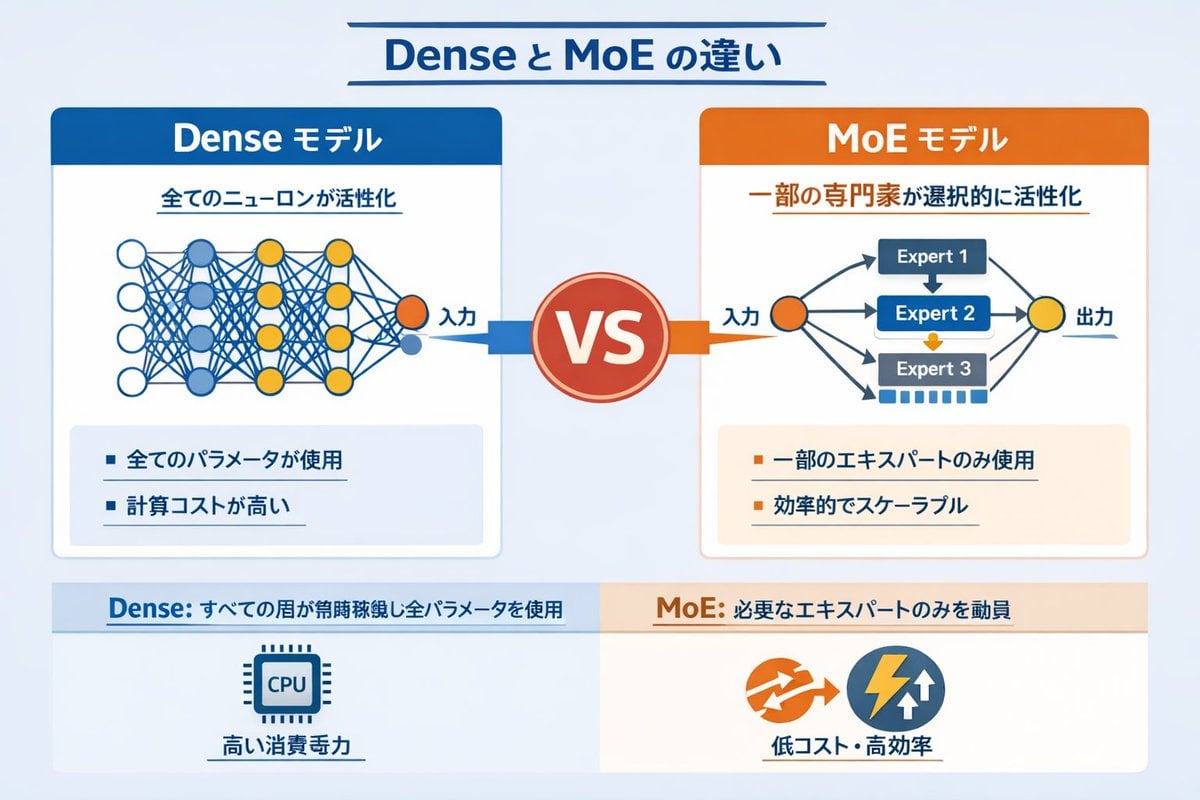
Dense vs MoE Neural Network Infographic
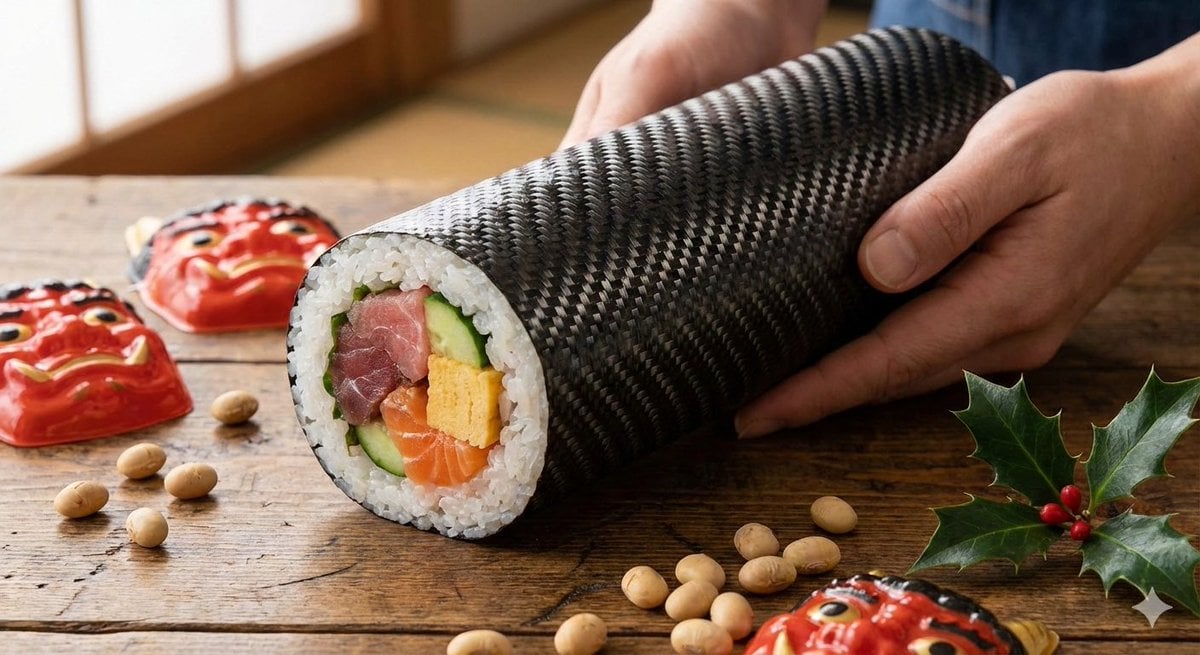
Carbon Pattern Printed Ehomaki Sushi Roll
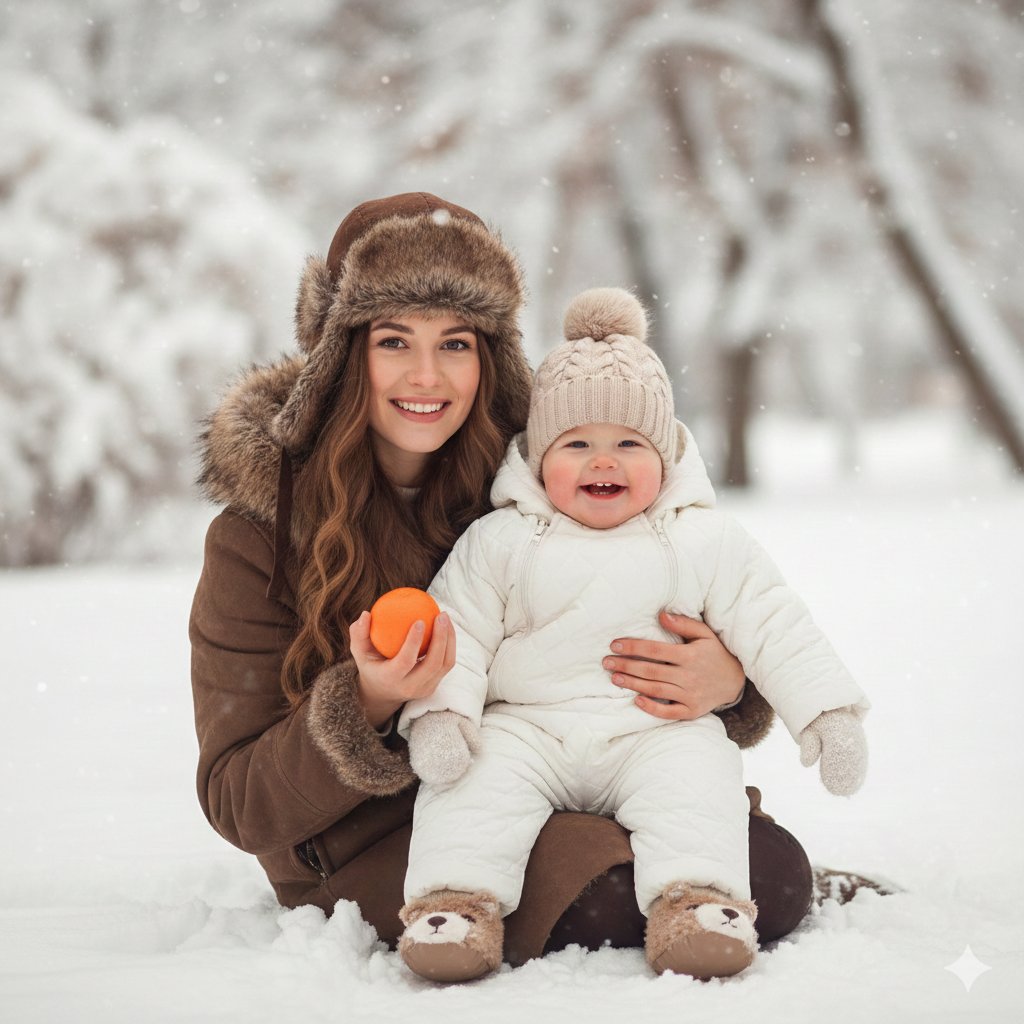
Hygge Winter Family Photo Prompt
Browse template categories
Neon Cyber-Kawaii VTuber Portrait questions
How do I use the Neon Cyber-Kawaii VTuber Portrait template?
Add your photo if the template asks for one, edit the prompt if you like — the template's model and format are already selected — and press Generate. Your version opens in PicX Studio.
Can I customize the Neon Cyber-Kawaii VTuber Portrait template?
Yes. You can change the subject, setting, lighting, mood, format, and available model controls before creating your image.
Is the Neon Cyber-Kawaii VTuber Portrait template free?
Opening and editing this template is free. Generating uses credits, shown on the Generate button when you are signed in.
Which AI model should I use?
Start with GPT Image 2, which is the model associated with this template. You can compare another compatible model for a different finish.
Looking for something else? Browse all templates.

Your photo, any look
Thousands of ready templates for every top image and video model, from one credit balance.