How do I use the Cyberpunk Neon Floral Portrait template?
Choose the primary action to open PicX Studio with the available template settings. Review the model and format, personalize the creative direction, and generate when ready.
A high-fashion cyberpunk portrait prompt blending neon tech with floral elegance and a futuristic city background.
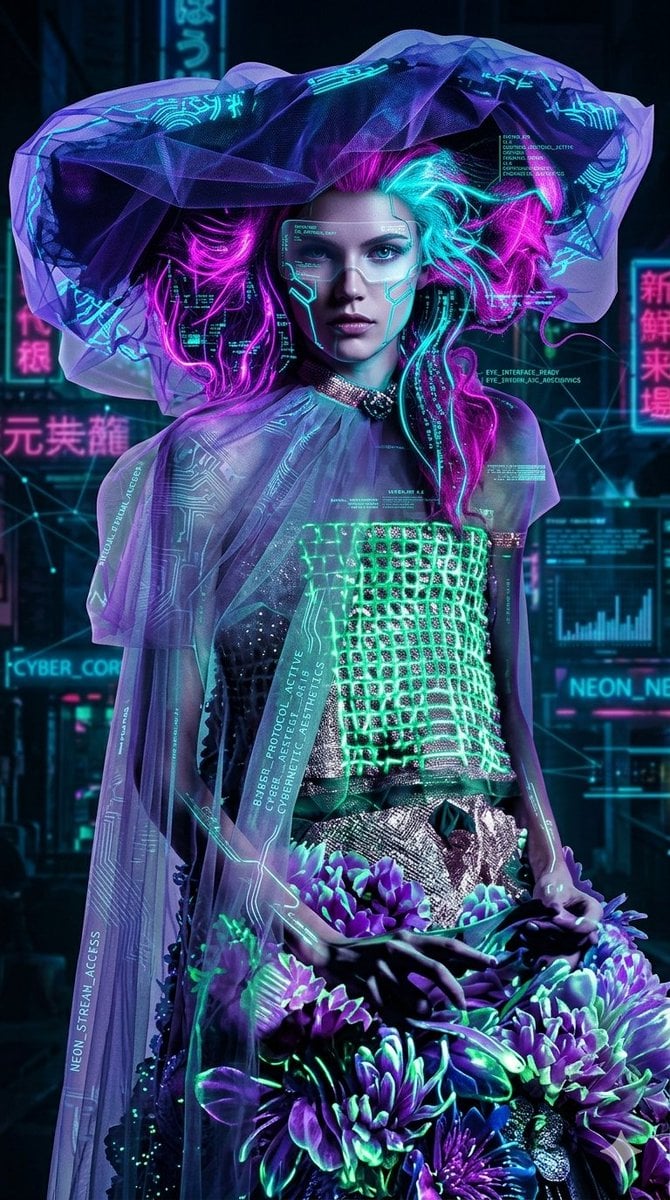
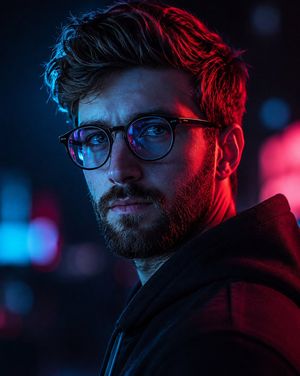
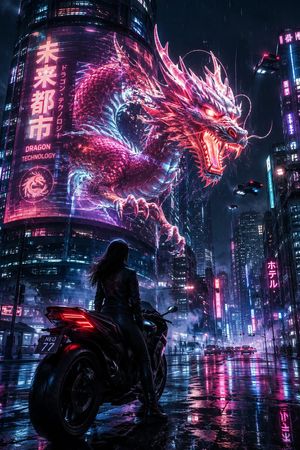
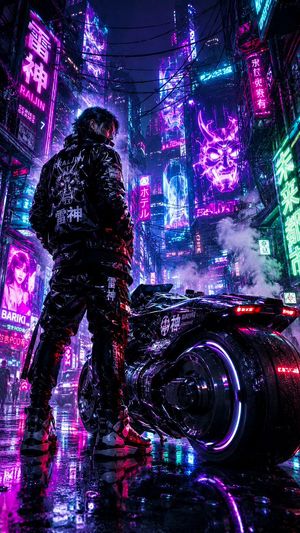
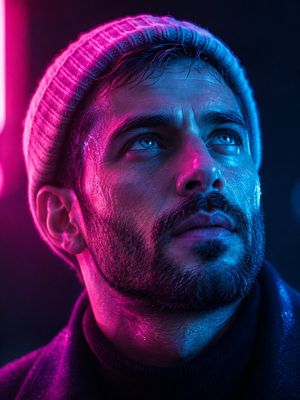
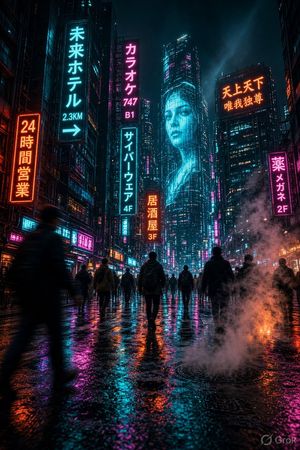
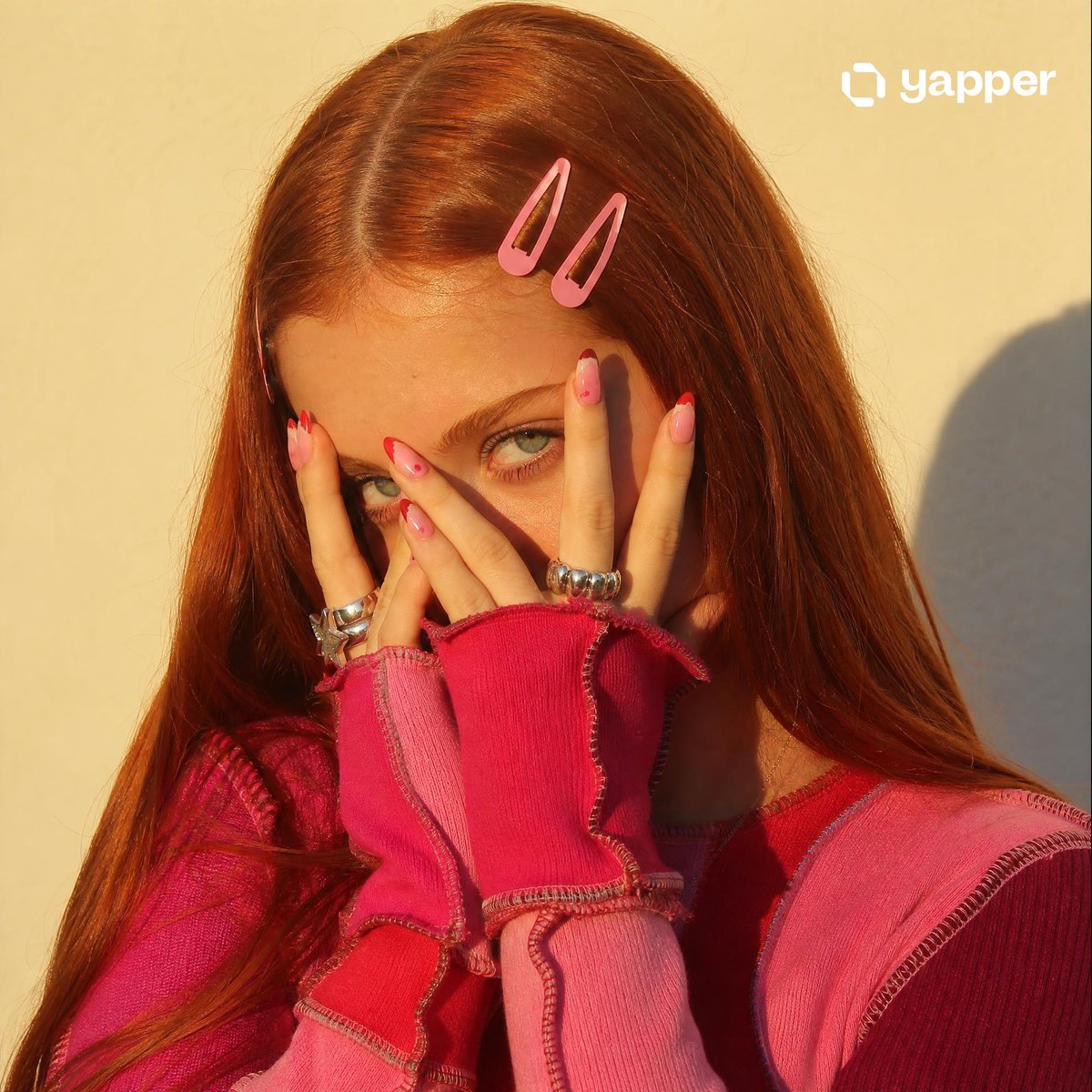
A high-fashion cyberpunk portrait featuring a woman in an avant-garde ensemble of glowing {argument name="neon textures" default="neon textures"} and translucent {argument name="fabric" default="violet tulle"}. She wears a digital HUD visor over her eyes, with her hair electrified in vibrant {argument name="hair colors" default="magenta and cyan"} hues. The composition blends organic elements like a lush bouquet of purple flowers with digital overlays, data streams, and glowing circuitry, all set against a bustling, neon-lit futuristic city background.
Choose the primary action to open PicX Studio with the available template settings. Review the model and format, personalize the creative direction, and generate when ready.
Yes. You can change the subject, setting, lighting, mood, format, and available model controls before creating your image.
This template is free to open and customize. Generation usage is shown in PicX Studio before you create.
Start with Nano Banana 2, which is the model associated with this template. You can compare another compatible model for a different finish.
Follow a topic to a crawlable collection of related PicX Studio templates.