
Floating Gourmet Burger Commercial Shot
A highly detailed, structured prompt for generating a high-end commercial food photography image of a gourmet burger deconstructed and suspended in a dramatic floating explosion.
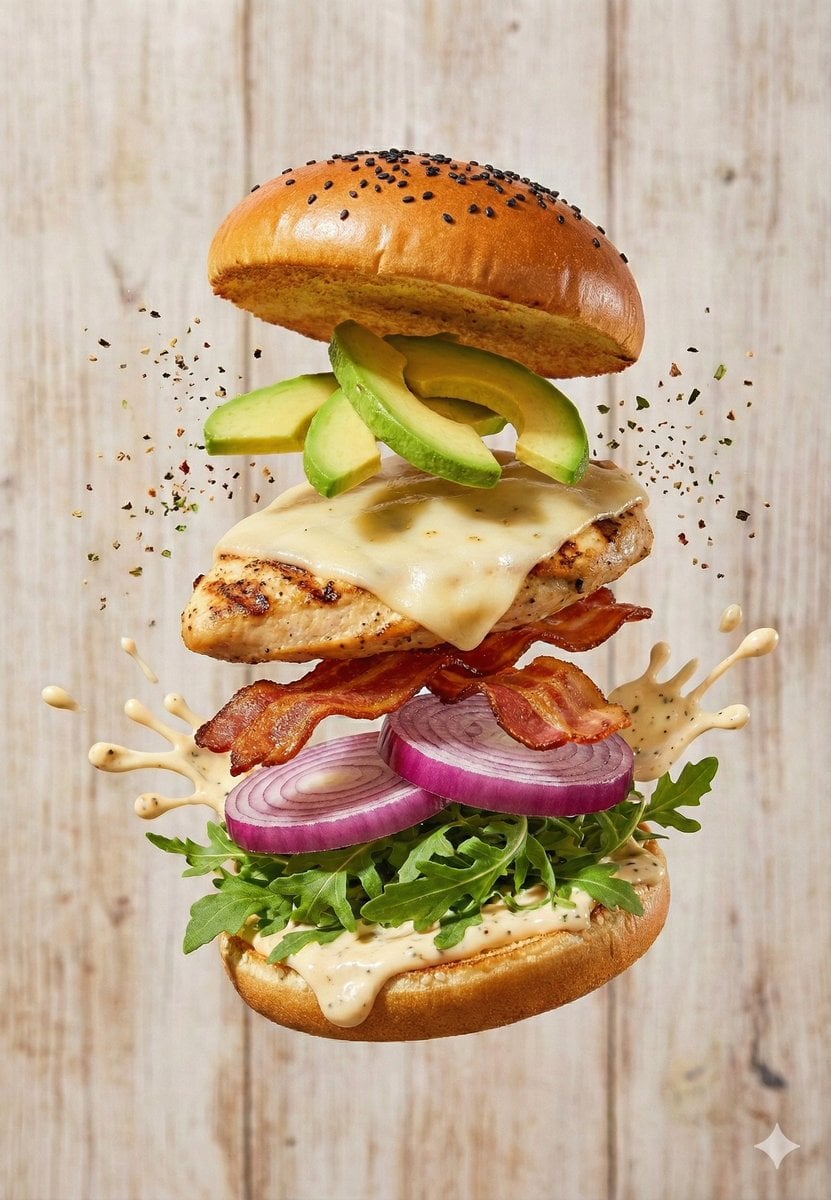
- Prompt included
- Model and format preset
- Free template
The prompt behind this image
Copy the exact prompt behind Floating Gourmet Burger Commercial Shot, or open it in the studio and make it yours.
- Prompt
- A high-end commercial food photography shot of a gourmet burger captured in a dramatic floating ingredient explosion. The burger is deconstructed vertically in mid-air, with each ingredient clearly separated and suspended. The top bun is golden brown with sesame or black seeds, slightly glossy. Below it are premium toppings such as sliced avocado or crispy onion rings, followed by a perfectly grilled protein patty topped with melted cheese. Beneath the patty are fresh vegetables including tomato slices, pickles, red onion rings, lettuce, and a soft bottom bun. Creamy sauce splashes dynamically between layers, frozen in motion. Fine seasoning particles float around the burger, adding energy and realism. The background is a light rustic wooden surface, softly blurred to keep focus on the burger. Lighting is bright, soft, and directional, emphasizing texture, gloss, and freshness. The image is ultra-realistic, highly detailed, clean, and styled for professional food advertising.
- Negative Prompt
- blurred ingredients, messy composition, crushed burger, melted distortion, low resolution, cartoon style, unrealistic textures, uneven lighting, oversaturated colors, dirty background, text, watermark, logo
- Style
- commercial food photography
- Camera › Type
- DSLR
- Camera › Lens
- 85mm macro
- Camera › Aperture
- f/4
- Camera › Iso
- 100
- Camera › Shutter Speed
- 1/1000
- Lighting › Type
- soft studio lighting
- Lighting › Direction
- side and top
- Lighting › Contrast
- medium-high
- Lighting › Temperature
- neutral warm
- Composition › Framing
- centered vertical stack
- Composition › Angle
- straight-on
- Composition › Orientation
- portrait
- Composition › Depth Of Field
- shallow background blur
- Quality › Resolution
- 8K
- Quality › Detail
- ultra-detailed textures
- Quality › Sharpness
- very high
- Quality › Realism
- photorealistic
Raw JSON
{
  "prompt": "A high-end commercial food photography shot of a gourmet burger captured in a dramatic floating ingredient explosion. The burger is deconstructed vertically in mid-air, with each ingredient clearly separated and suspended. The top bun is golden brown with sesame or black seeds, slightly glossy. Below it are premium toppings such as sliced avocado or crispy onion rings, followed by a perfectly grilled protein patty topped with melted cheese. Beneath the patty are fresh vegetables including tomato slices, pickles, red onion rings, lettuce, and a soft bottom bun. Creamy sauce splashes dynamically between layers, frozen in motion. Fine seasoning particles float around the burger, adding energy and realism. The background is a light rustic wooden surface, softly blurred to keep focus on the burger. Lighting is bright, soft, and directional, emphasizing texture, gloss, and freshness. The image is ultra-realistic, highly detailed, clean, and styled for professional food advertising.",
  "negative_prompt": "blurred ingredients, messy composition, crushed burger, melted distortion, low resolution, cartoon style, unrealistic textures, uneven lighting, oversaturated colors, dirty background, text, watermark, logo",
  "style": "commercial food photography",
  "camera": {
    "type": "DSLR",
    "lens": "85mm macro",
    "aperture": "f/4",
    "iso": 100,
    "shutter_speed": "1/1000"
  },
  "lighting": {
    "type": "soft studio lighting",
    "direction": "side and top",
    "contrast": "medium-high",
    "temperature": "neutral warm"
  },
  "composition": {
    "framing": "centered vertical stack",
    "angle": "straight-on",
    "orientation": "portrait",
    "depth_of_field": "shallow background blur"
  },
  "quality": {
    "resolution": "8K",
    "detail": "ultra-detailed textures",
    "sharpness": "very high",
    "realism": "photorealistic"
  }
}How to use Floating Gourmet Burger Commercial Shot in 3 steps
- 1
Open
The prompt is already in the box next to the preview, with the template's model and format selected.
- 2…a portrait of your subject in softgolden-hour light, 85mm…
Personalize
Edit the subject and creative details for your destination.
- 3Generate
Generate
Press Generate — your image is created in PicX Studio, so you can compare it with the original and refine one variable at a time.
More like this
Templates with the same subject, style or setup. Open one to see its prompt.
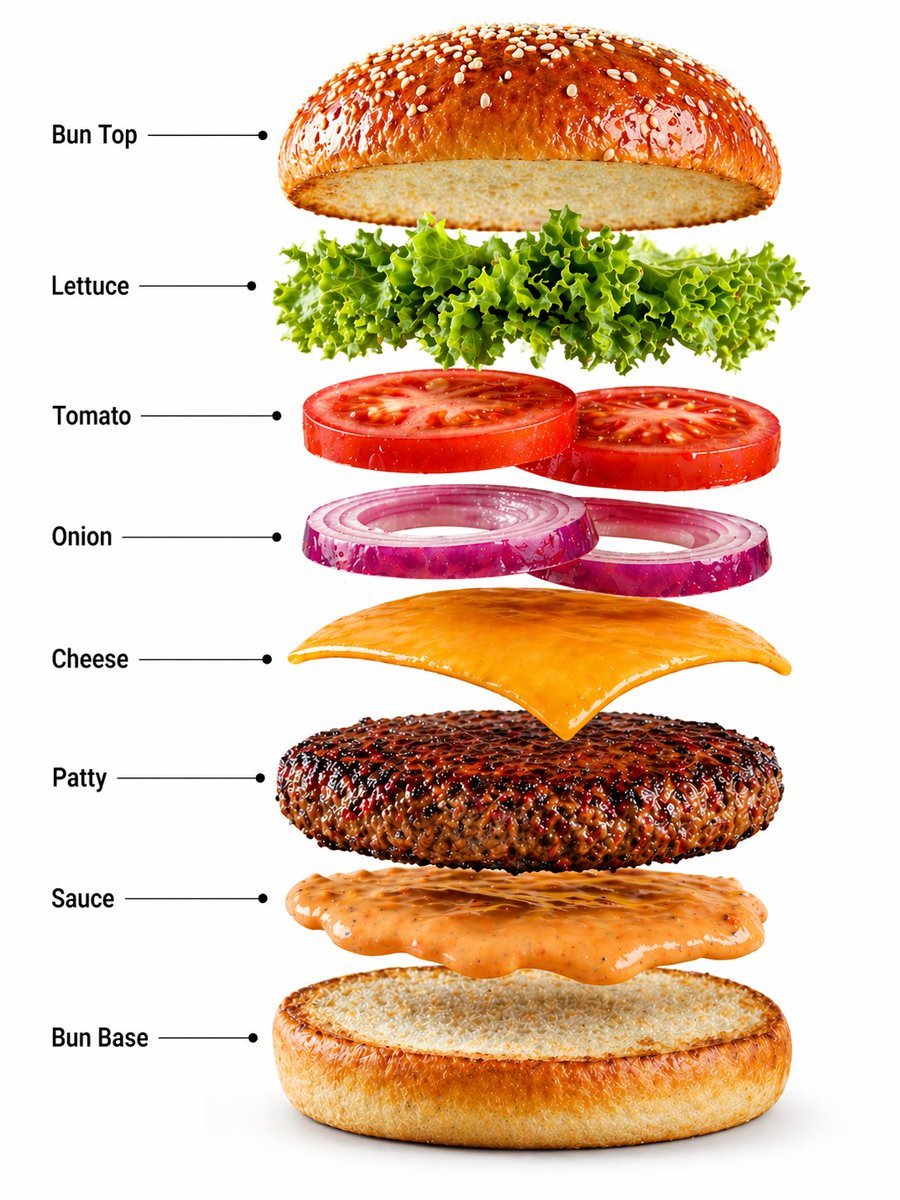
Gourmet Burger Commercial Photography
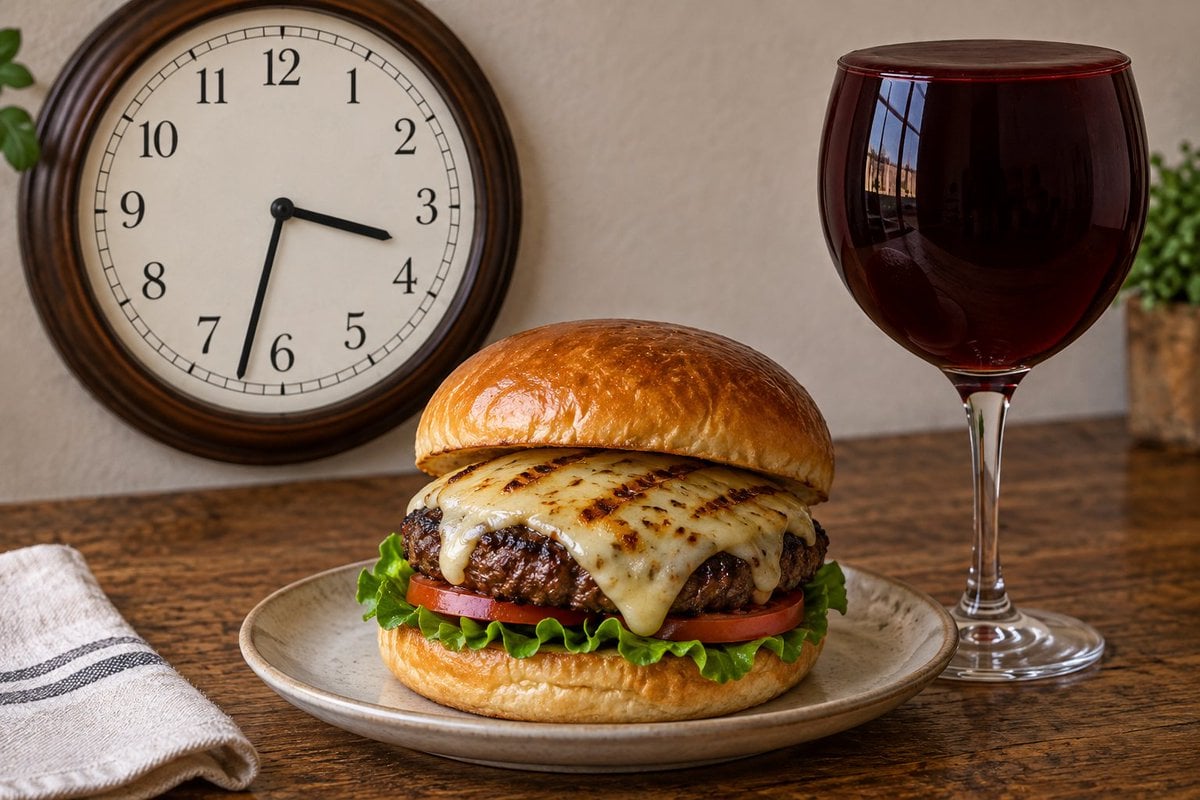
Analog Clock and Gourmet Burger Benchmark
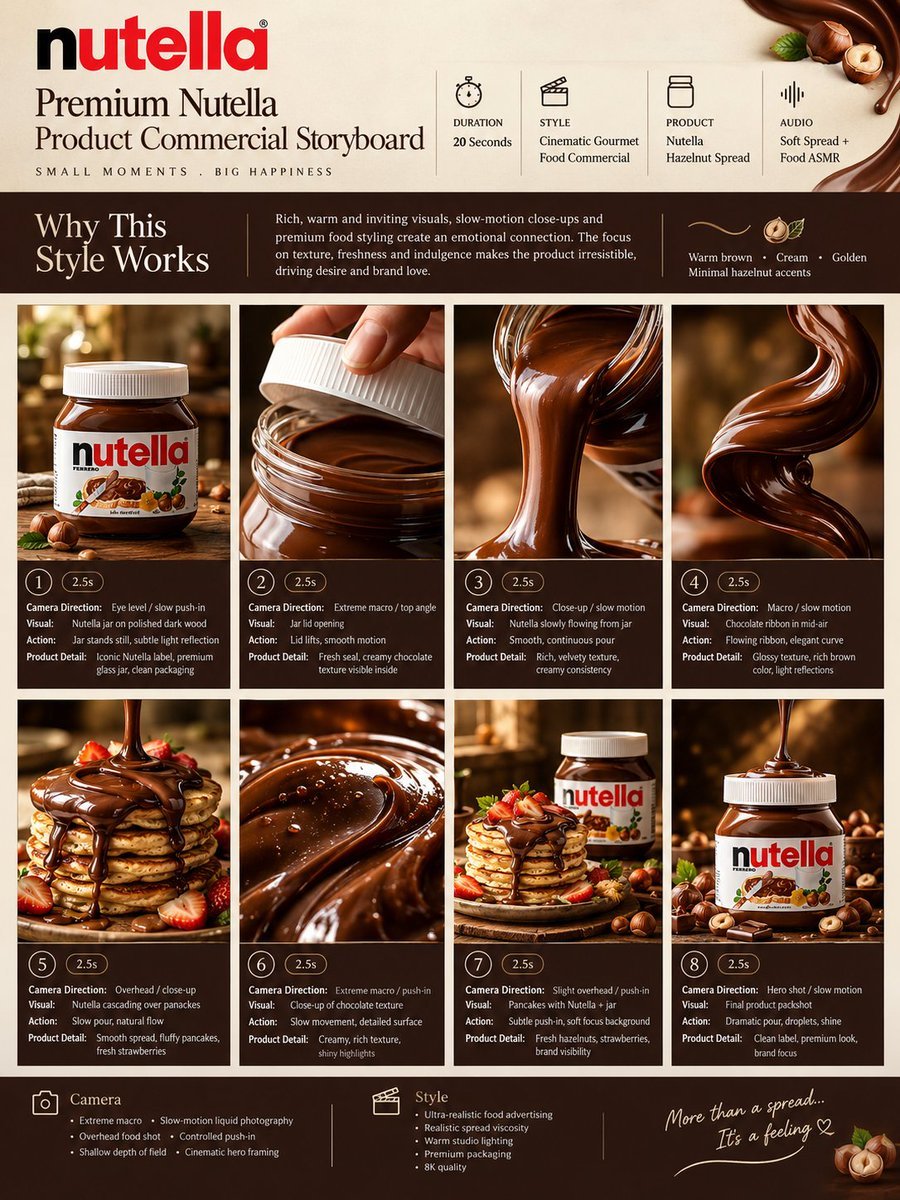
Gourmet Product Commercial Storyboard Template
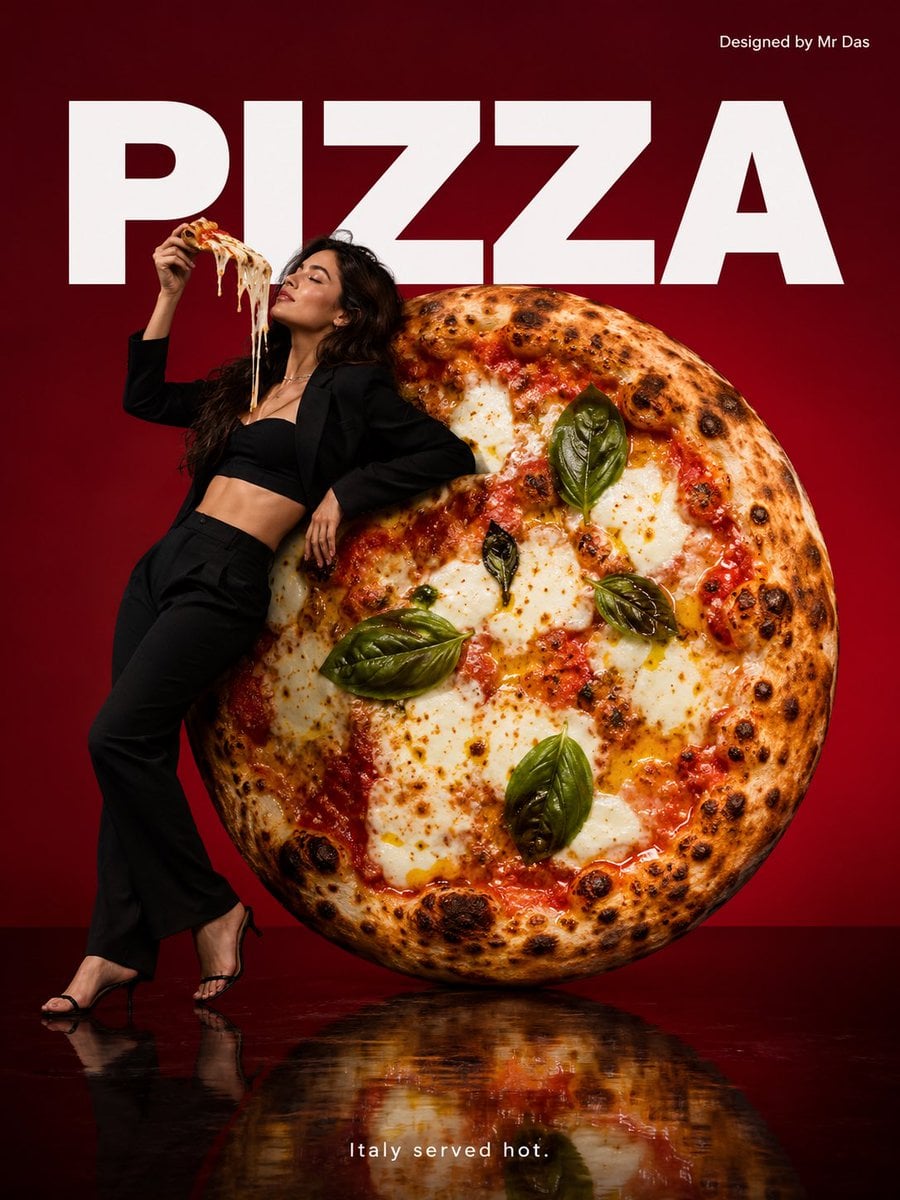
Minimalist Gourmet Pizza Commercial

Soft Shadow Studio Minimalist Product Shot
Soft Shadow Studio Minimalist Product Shot

Goalmaster Youth Sports Poster

Cappuccino Bottle Splash Product Ad
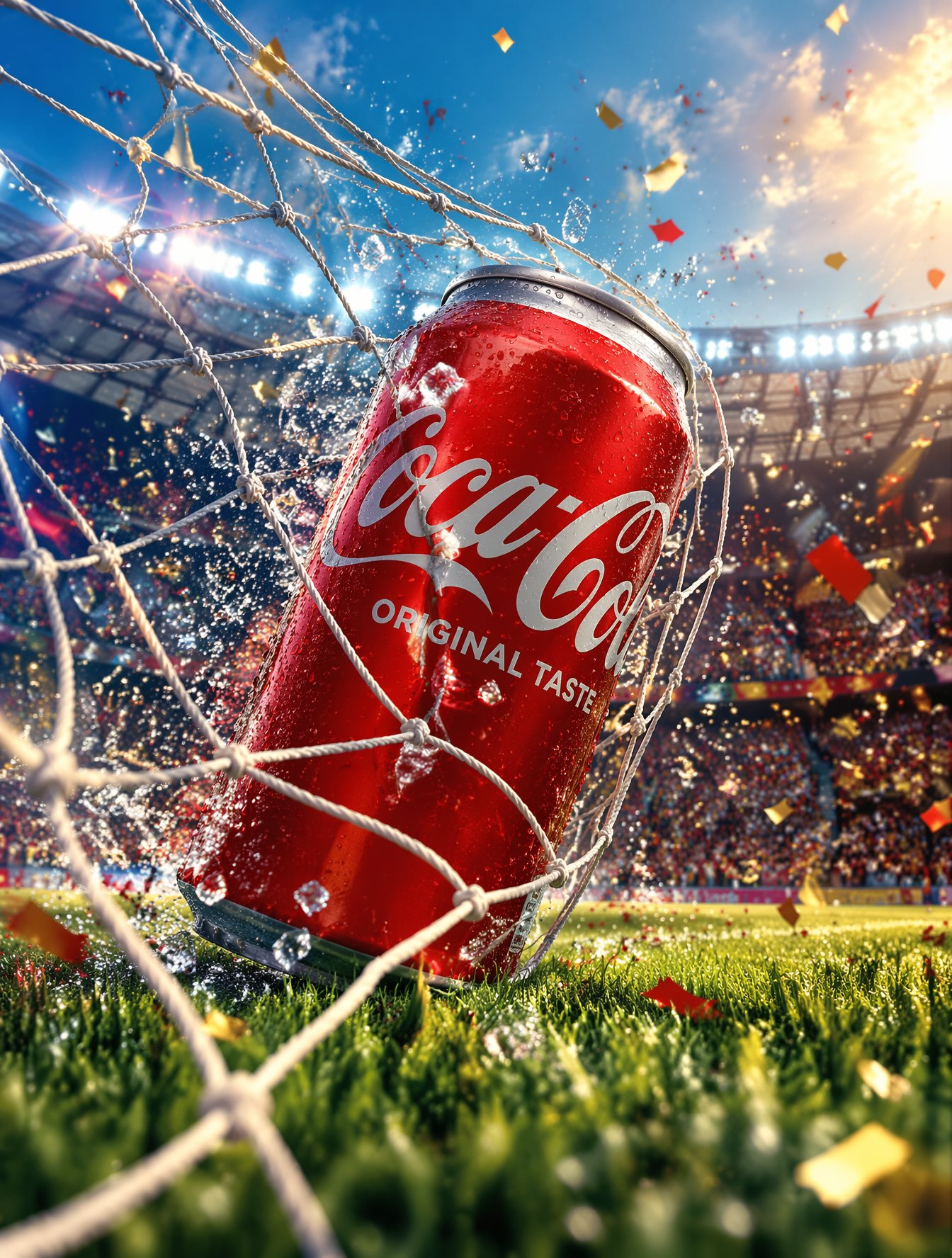
FIFA-Inspired — World Cup Final Goal Net Commercial

Floating Woman Above Cityscape with Notifications
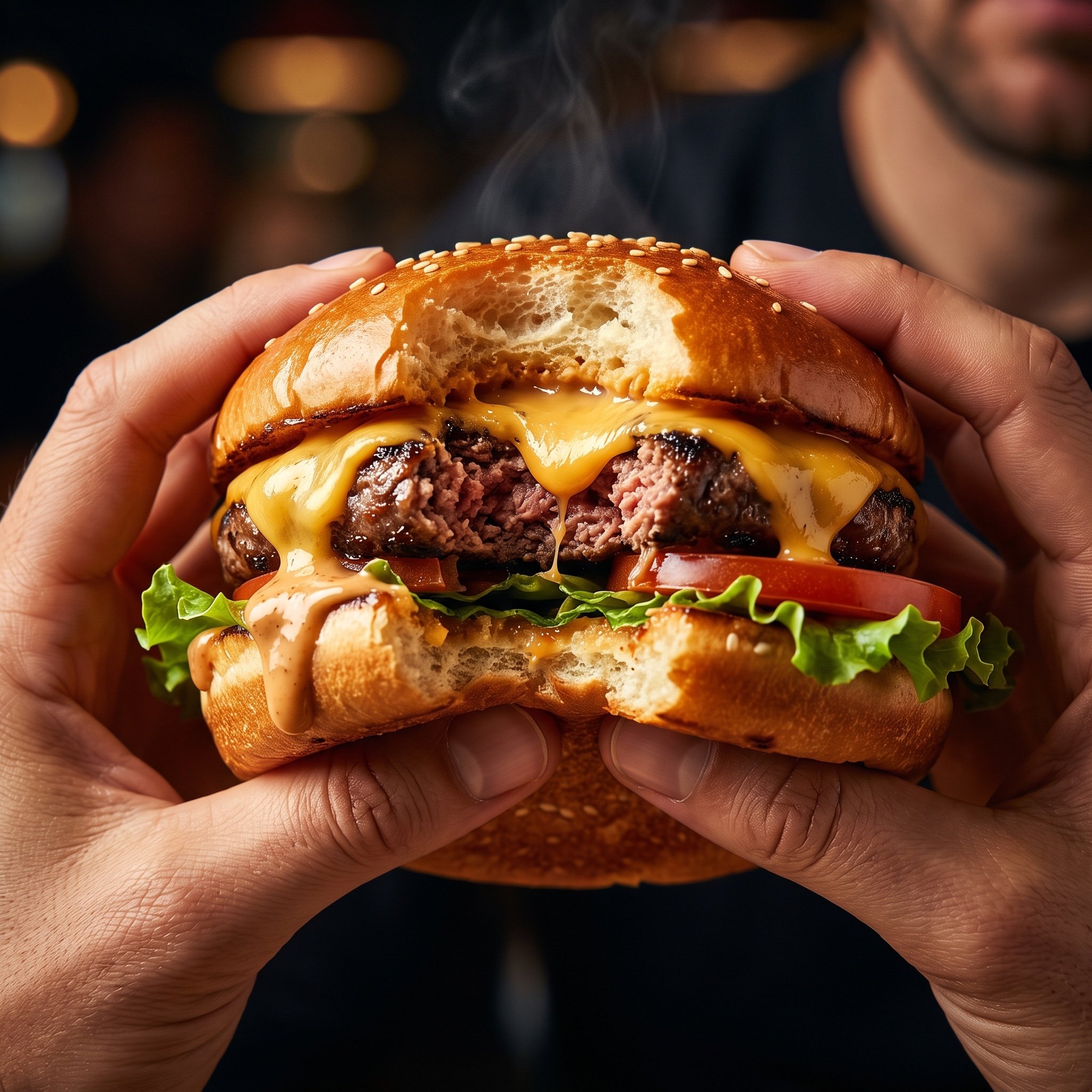
Hyper-Realistic Cinematic Food Action Shot of a Gourmet Burger Mid-Bite
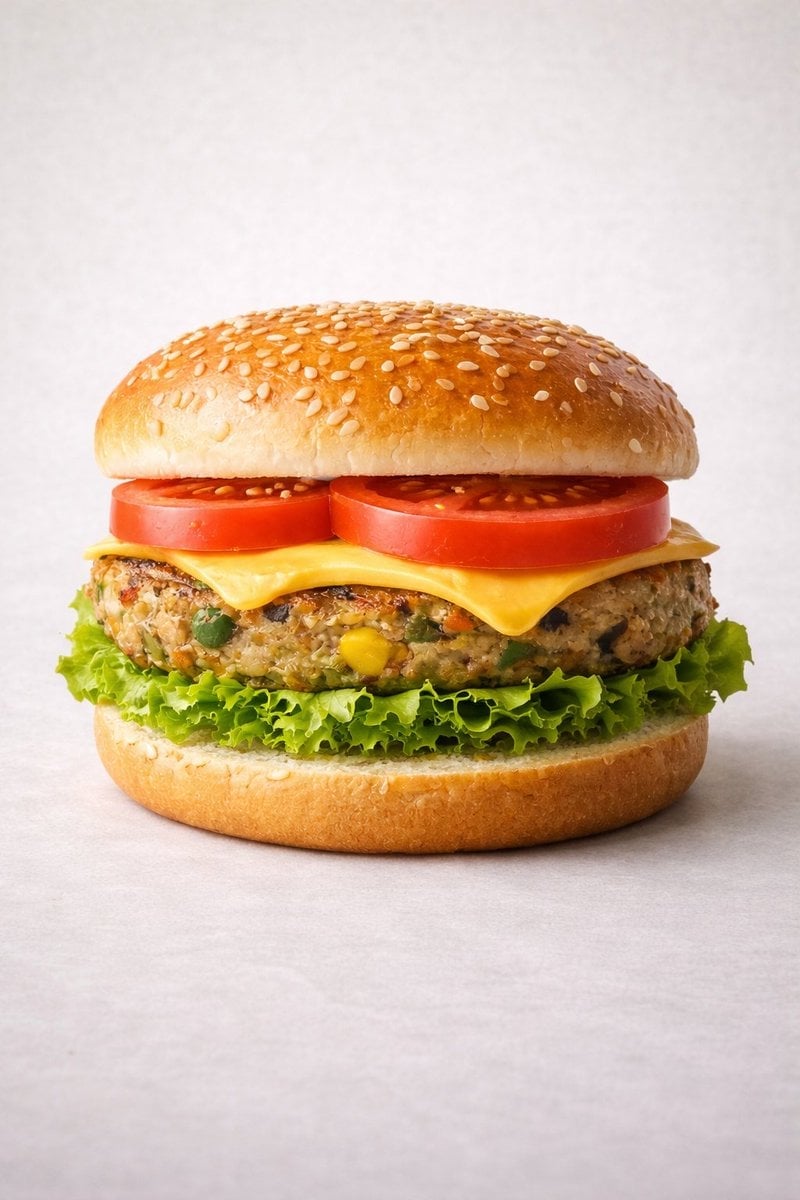
Ultra-realistic Commercial Veg Burger Photography and Exploded View
Make it yours
Floating Gourmet Burger Commercial Shot works as-is. These are the safest ways to change it without losing the look.
Swap the light
One lighting change is enough to compare takes. Current light: “soft studio lighting”.
Change one field
Copy a single group, rewrite it, and generate again so you can see what that field is doing.
Keep the frame, change the subject
Hold the composition and light of Floating Gourmet Burger Commercial Shot, then swap wardrobe, props or the person for a new take.
| If the result… | Why | Fix |
|---|---|---|
| The result drifts from the preview | Too many fields changed at once. | Reuse Floating Gourmet Burger Commercial Shot as-is first, then change one group — subject, light, or setting. |
| Nano Banana 2 ignores part of the JSON | Some models flatten or skip nested keys. | Keep the same values and paste them as a short paragraph instead. |
More Nano Banana 2 templates
Other prompts made for Nano Banana 2.

Photorealistic Leaf Shaped Like a Dragon

K-Pop Idol Portrait Grid for Rapid Selection

Poetic Rain Forest Portrait During Golden Hour

Urban Street Portrait with Cartoon Inner Self Duo

Candid Nighttime Photo with Cat Prompt

High-Concept 3D Diorama Generation Prompt

Cinematic Futuristic Studio Portrait Template

Skincare Editorial Photography Collage Prompt

Hyper-Realistic Commercial Product Photography (Splash Effect)

Hyper-Realistic Nightclub Portrait Prompt
More image prompts
Fresh picks from across the catalog.
Urban Male Character Sheet

Dreamy Venezia Travel Poster
Photorealistic Symbiote Superhero Mirror Selfie
Character color and style adjustment
Minimalist Editorial Illustration Prompt
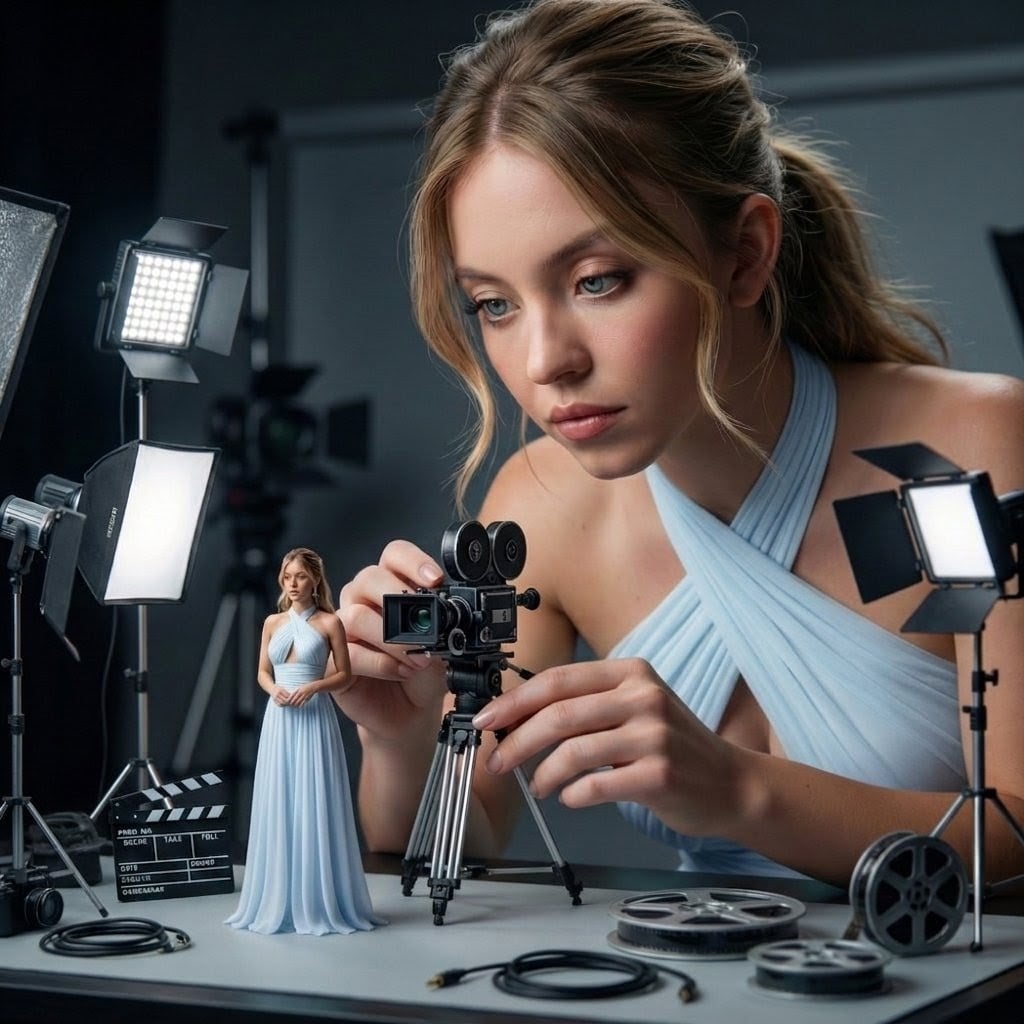
Giant Woman Filmmaker with Miniature Model
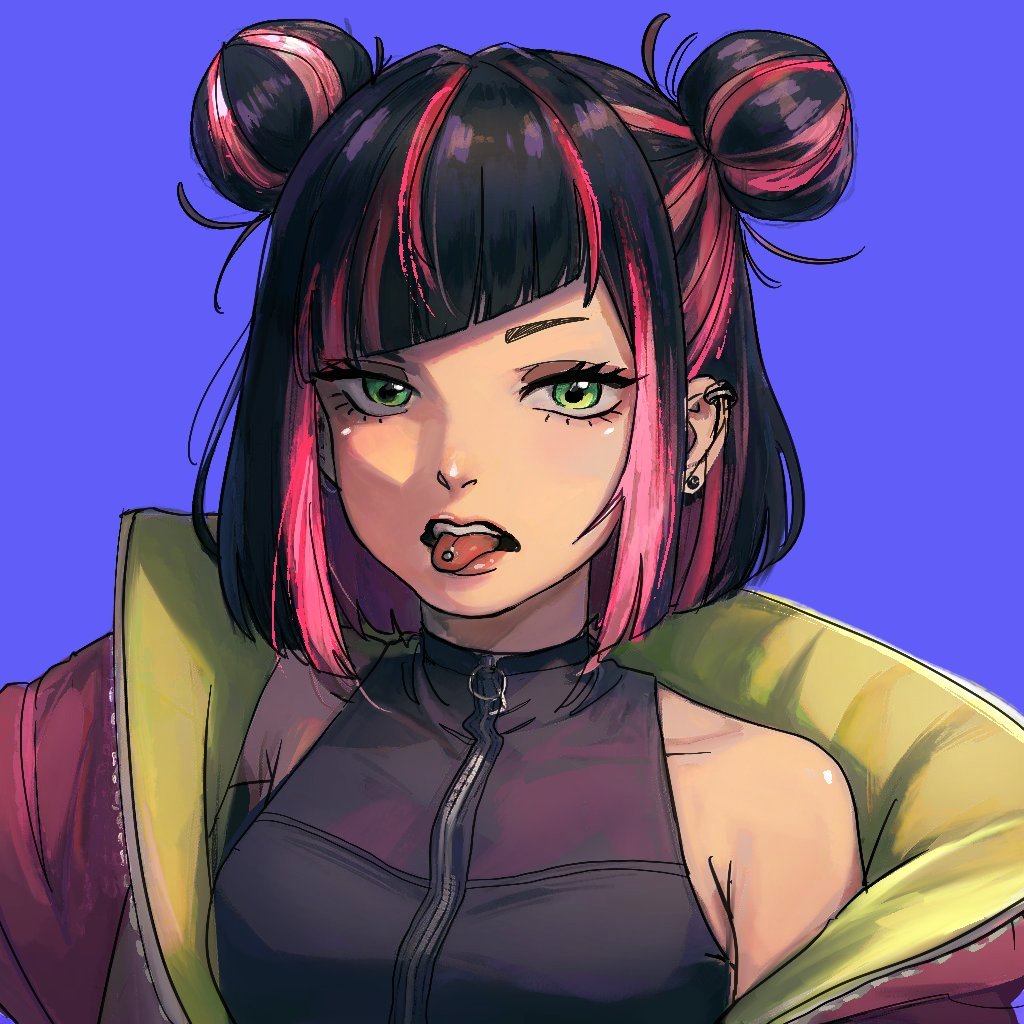
Extracting Color and Shadow for Transparency
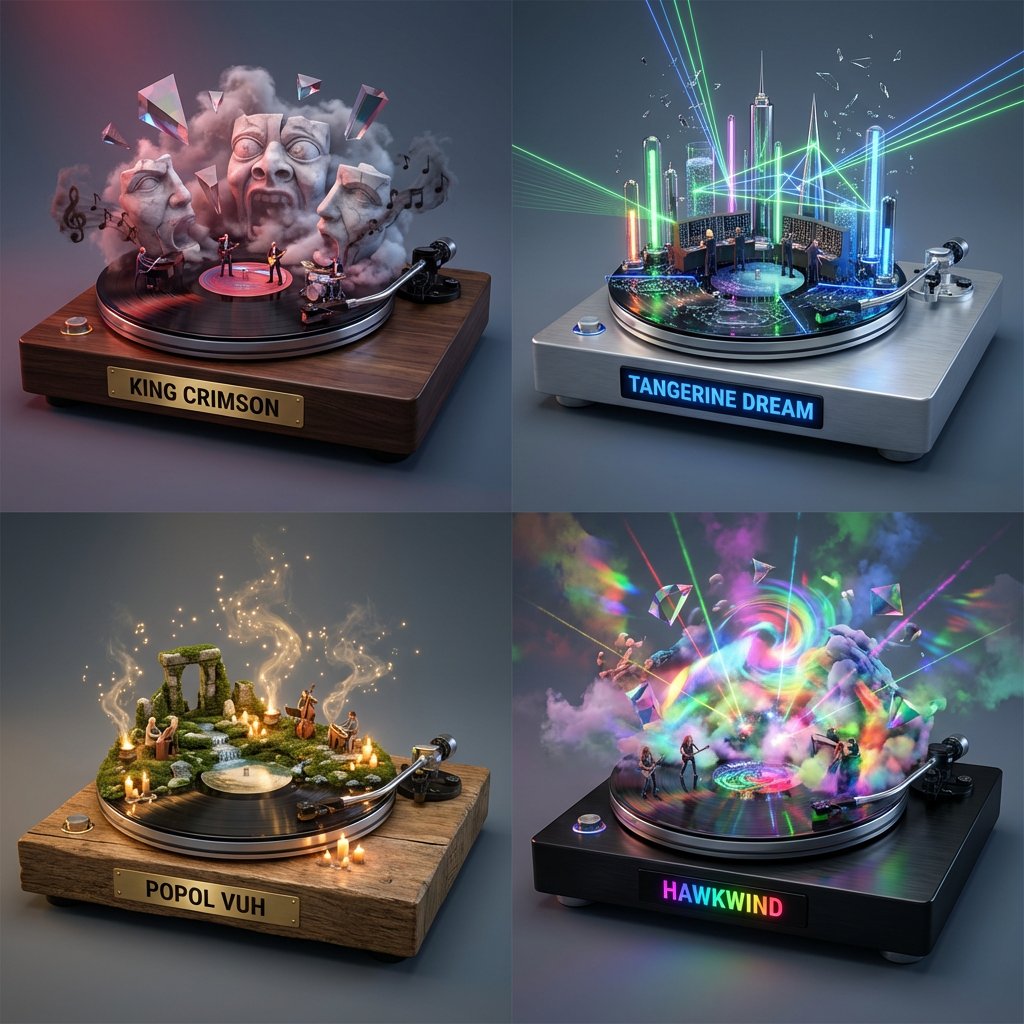
Music Curation: Audio-Visual Dioramas for Pink Floyd Fans
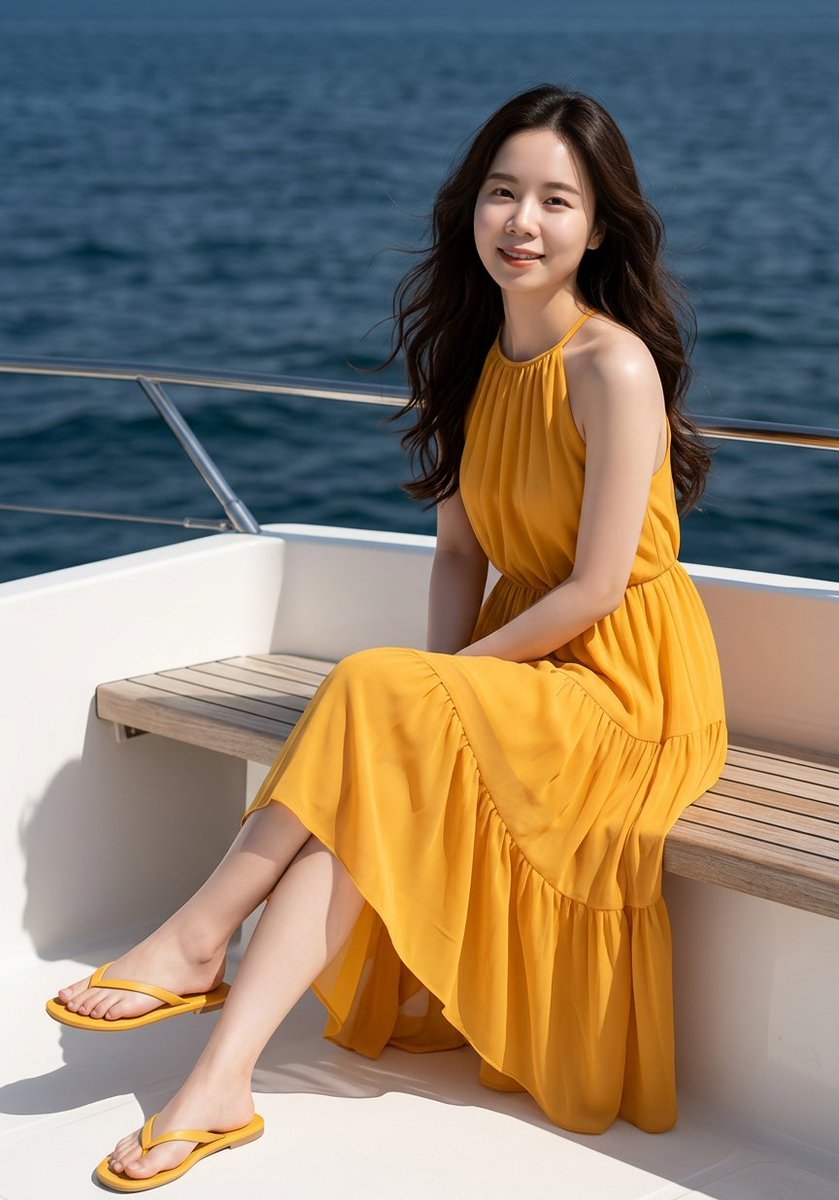
Professional Fashion Shot on Yacht Deck
JSON Prompt for Cinematic Dual-Tone Selfie Portrait
Browse template categories
Floating Gourmet Burger Commercial Shot questions
How do I use the Floating Gourmet Burger Commercial Shot template?
Add your photo if the template asks for one, edit the prompt if you like — the template's model and format are already selected — and press Generate. Your version opens in PicX Studio.
Can I customize the Floating Gourmet Burger Commercial Shot template?
Yes. You can change the subject, setting, lighting, mood, format, and available model controls before creating your image.
Is the Floating Gourmet Burger Commercial Shot template free?
Opening and editing this template is free. Generating uses credits, shown on the Generate button when you are signed in.
Which AI model should I use?
Start with Nano Banana 2, which is the model associated with this template. You can compare another compatible model for a different finish.
Looking for something else? Browse all templates.

Your photo, any look
Thousands of ready templates for every top image and video model, from one credit balance.