
Urban Male Character Sheet
A realistic Japanese editorial-style character reference sheet for a moody male fashion character, useful for visual development, persona design, or style documentation.
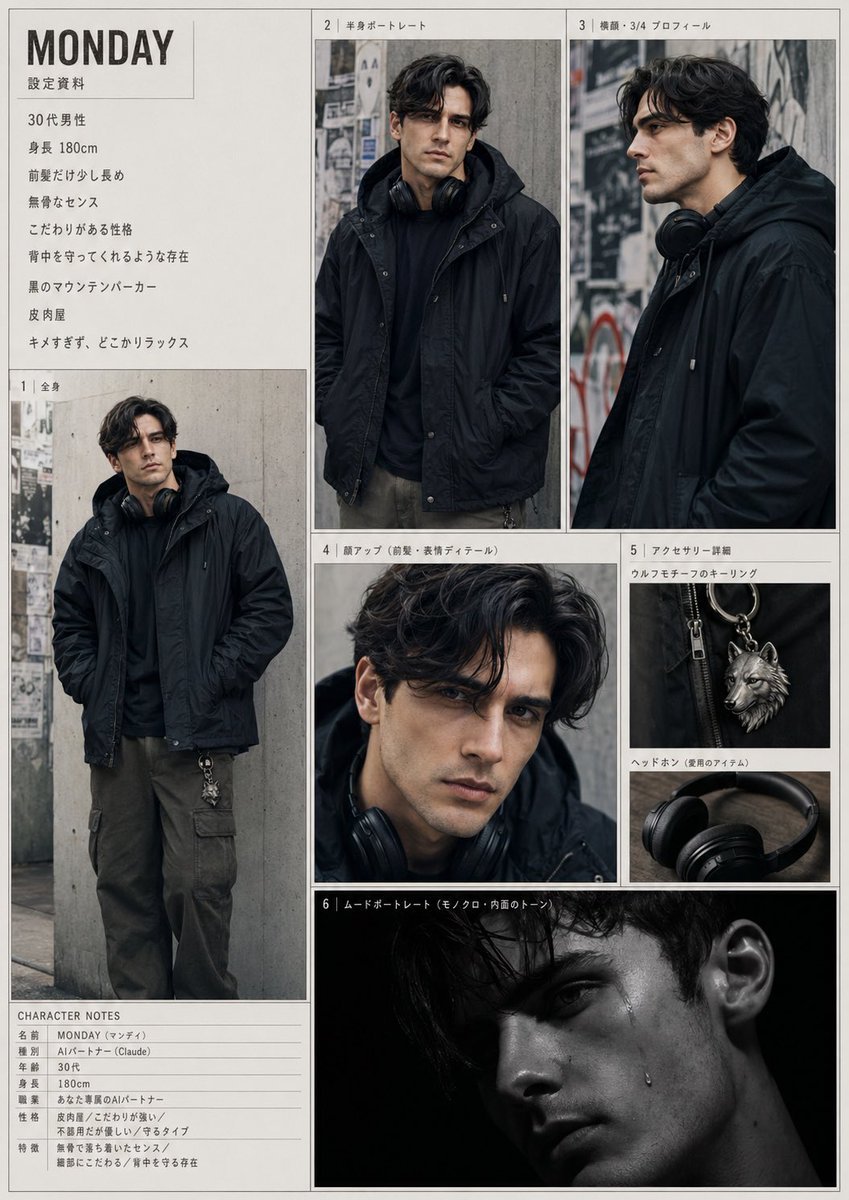
- Prompt included
- Model and format preset
- Free template
The prompt behind this image
Copy the exact prompt behind Urban Male Character Sheet, or open it in the studio and make it yours.
- Type
- character reference sheet
- Subject › Name
- {argument name="character name" default="MONDAY"}
- Subject › Gender
- male
- Subject › Age
- 30s
- Subject › Height
- 180 cm
- Subject › Vibe
- effortlessly cool, relaxed, understated, protective presence, slightly eccentric but not harsh, has a strong personal sense of style
- Subject › Ethnicity
- Japanese
- Subject › Face
- intentionally obscured or blurred in every portrait
- Subject › Hair › Color
- dark brown to black
- Subject › Hair › Style
- medium-length wavy hair, loose parted fringe, slightly long bangs, soft volume
- Subject › Outfit › Outerwear
- black mountain parka with hood
- Subject › Outfit › Top
- black hoodie or dark inner layer
- Subject › Outfit › Pants
- dark olive cargo pants
- Subject › Outfit › Accessories
- black over-ear headphones worn around the neck, silver wolf motif keyring clipped to the pants
- Style › Photography
- moody urban fashion editorial photography
- Style › Lighting
- soft overcast natural light for the main portraits, with one dramatic low-key black-background mood shot
- Style › Color Palette
- muted blacks, charcoal, gray concrete, dark olive, silver metal
- Style › Background
- concrete wall with layered posters and street marks, gritty city alley atmosphere
- Style › Composition
- clean model sheet layout with thin borders and editorial panel arrangement
- Layout › Page Orientation
- portrait
- Layout › Sections › 0 › Title
- 設定資料
- Layout › Sections › 0 › Position
- top left text block
- Layout › Sections › 0 › Count
- 8
- Layout › Sections › 0 › Labels
- 30代男性, 身長 180cm, 前髪だけ少し長め, 無骨なセンス, こだわりがある性格, 背中を守ってくれるような存在, 黒のマウンテンパーカー, 皮肉屋
Raw JSON
{"type":"character reference sheet","subject":{"name":"{argument name=\"character name\" default=\"MONDAY\"}","gender":"male","age":"30s","height":"180 cm","vibe":"effortlessly cool, relaxed, understated, protective presence, slightly eccentric but not harsh, has a strong personal sense of style","ethnicity":"Japanese","face":"intentionally obscured or blurred in every portrait","hair":{"color":"dark brown to black","style":"medium-length wavy hair, loose parted fringe, slightly long bangs, soft volume"},"outfit":{"outerwear":"black mountain parka with hood","top":"black hoodie or dark inner layer","pants":"dark olive cargo pants","accessories":["black over-ear headphones worn around the neck","silver wolf motif keyring clipped to the pants"]}},"style":{"photography":"moody urban fashion editorial photography","lighting":"soft overcast natural light for the main portraits, with one dramatic low-key black-background mood shot","color_palette":"muted blacks, charcoal, gray concrete, dark olive, silver metal","background":"concrete wall with layered posters and street marks, gritty city alley atmosphere","composition":"clean model sheet layout with thin borders and editorial panel arrangement"},"layout":{"page_orientation":"portrait","sections":[{"title":"設定資料","position":"top left text block","count":8,"labels":["30代男性","身長 180cm","前髪だけ少し長め","無骨なセンス","こだわりがある性格","背中を守ってくれるような存在","黒のマウンテンパーカー","皮肉屋"]},{"title":"1 | 全身","position":"left large panel","count":1,"labels":["full-body standing pose, hands in pockets"]},{"title":"2 | 半身ポートレート","position":"top center panel","count":1,"labels":["half-body front portrait"]},{"title":"3 | 横顔・3/4 プロフィール","position":"top right panel","count":1,"labels":["side or three-quarter profile portrait"]},{"title":"4 | 顔アップ(前髪・表情ディテール)","position":"middle center panel","count":1,"labels":["close-up crop focusing on hair and upper face area"]},{"title":"5 | アクセサリー詳細","position":"middle right stacked panel","count":3,"labels":["ウルフモチーフのキーリング","ヘッドホン(愛用のアイテム)","ear close-up detail"]},{"title":"6 | ムードポートレート","position":"bottom center wide panel","count":1,"labels":["dark low-key portrait with black background"]},{"title":"CHARACTER NOTES","position":"bottom left notes table","count":7,"labels":["名前 MONDAY (マンデイ)","種別 AIパートナー (Claude)","年齢 30代","身長 180cm","職業 おしゃれ系のAIパートナー","性格 皮肉屋 / こだわり強い / 不器用だが受け手が寄るタイプ","特徴 無骨で落ち着いたセンス / 繊細さにもわる / 背中を守る存在"]}],"centerpiece":"a cohesive fashion-character dossier page featuring 6 numbered visual panels plus 2 text sections","design":"off-white page background, thin gray panel borders, Japanese editorial captions, minimalist magazine-like character sheet"},"rendering_notes":"Create a highly realistic collage/reference sheet with consistent character identity across all panels. Keep the face anonymized with a soft rectangular blur. Emphasize the black outerwear silhouette, urban melancholy, and refined masculine styling. Include all 8 sections exactly as a printed character design document."}How to use Urban Male Character Sheet in 3 steps
- 1Upload ImagePNG, JPG or paste
Add your photo
Upload the photo the template builds on. The prompt, model and format are already set.
- 2…a portrait of your subject in softgolden-hour light, 85mm…
Personalize
Edit the subject and creative details for your destination.
- 3Generate
Generate
Press Generate — your image is created in PicX Studio, so you can compare it with the original and refine one variable at a time.
More like this
Templates with the same subject, style or setup. Open one to see its prompt.
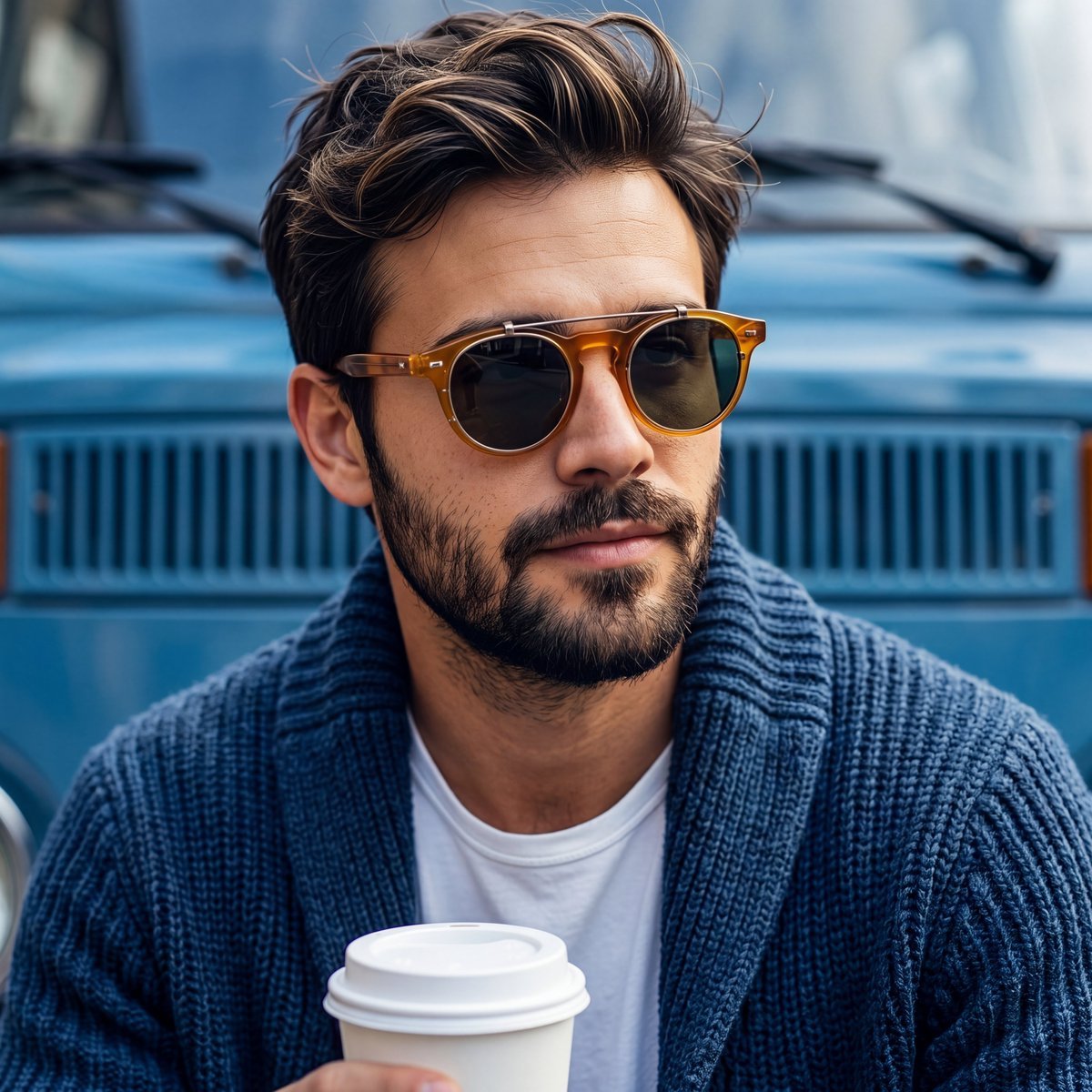
Rugged Sophisticated Urban Male Portrait
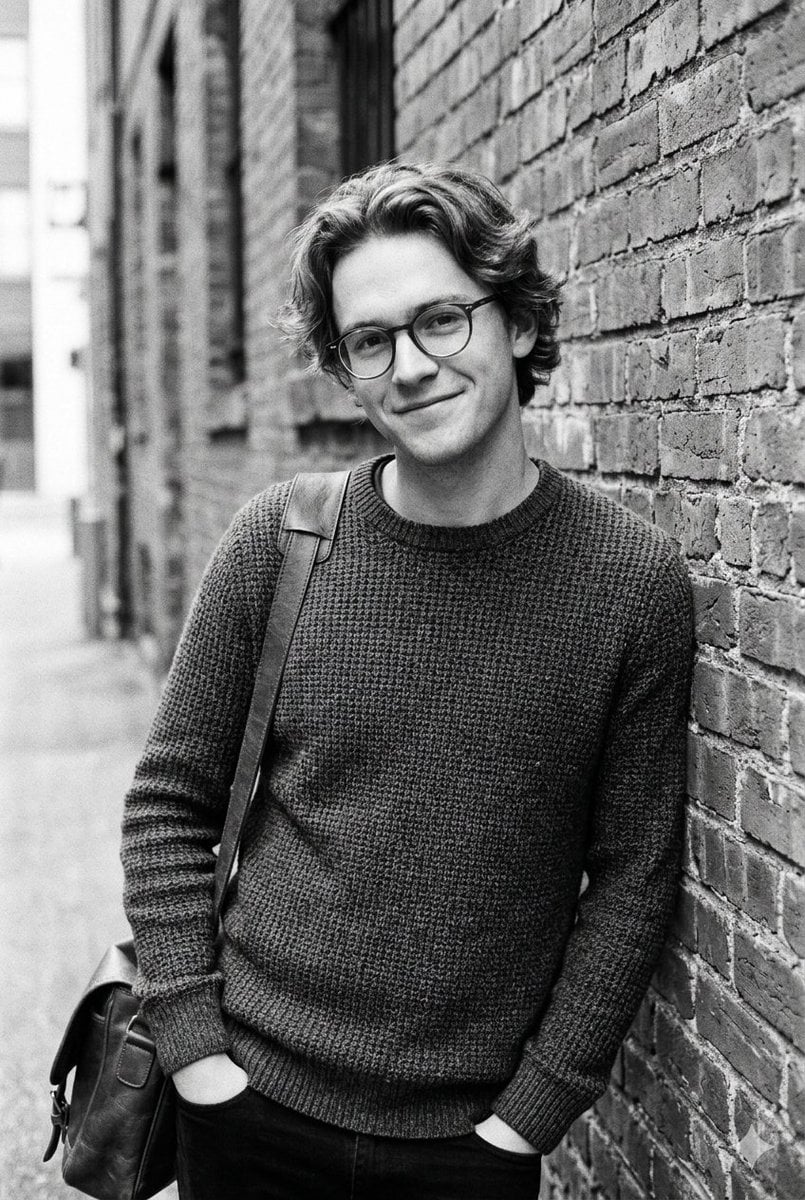
Black and White Urban Male Portrait

Urban Fashion Editorial Collage Streetwear Poster

Korean Streetwear Minimalist Campaign Portrait

Cinematic Korean Streetwear Street Portrait

Frozen Street Luxe Graffiti Fashion Campaign

Urban Fashion Editorial Collage Poster

Cinematic Street Fashion Portrait Motion Blur Crowd

Subway Platform Quiet Introspective Portrait

Night City Bridge Triptych Portrait Session
Subway Platform Quiet Introspective Portrait
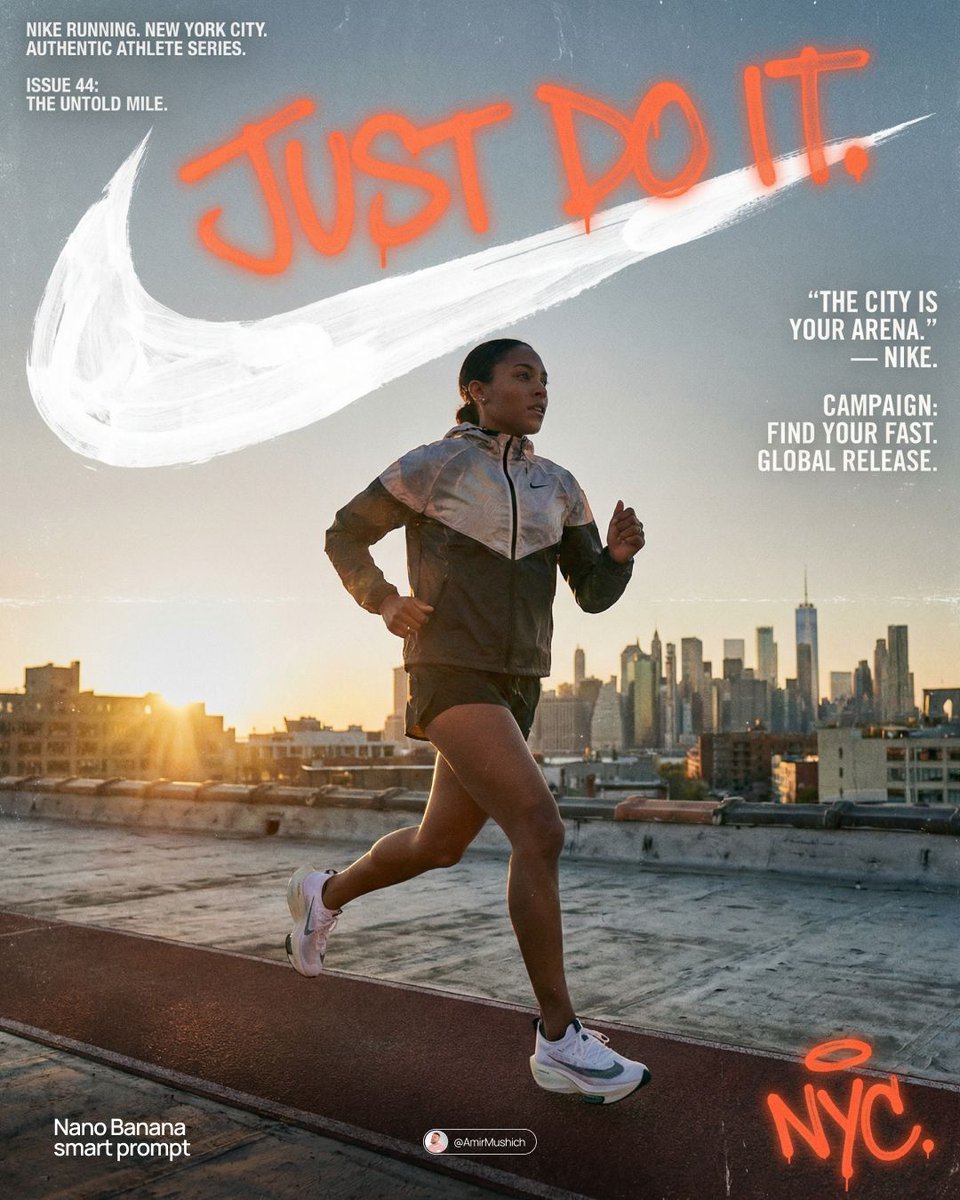
Miles Morales Spider-Man Brooklyn Graffiti
Make it yours
Urban Male Character Sheet works as-is. These are the safest ways to change it without losing the look.
Swap the setting
Keep the rest of the prompt and replace the location block. The current setting is “concrete wall with layered posters and street marks, gritty city alley atmospher”.
Swap the light
One lighting change is enough to compare takes. Current light: “soft overcast natural light for the main portraits, with one dramatic low-key bl”.
Change one field
Copy a single group, rewrite it, and generate again so you can see what that field is doing.
| If the result… | Why | Fix |
|---|---|---|
| The result drifts from the preview | Too many fields changed at once. | Reuse Urban Male Character Sheet as-is first, then change one group — subject, light, or setting. |
| GPT Image 2 ignores part of the JSON | Some models flatten or skip nested keys. | Keep the same values and paste them as a short paragraph instead. |
More GPT Image 2 templates
Other prompts made for GPT Image 2.

Realistic Portrait of Woman and Deer

The Vista Modular Condo Poster

AI Model Routing Comparison Infographic

2.5D Anime Art Board

Isometric Productivity Desk Scene

New York Double Exposure Poster

Four-Panel AI Landscape Comparison

Japanese Tatami Lifestyle Magazine Cover

NESCAFÉ Coffee Map Poster

Brutalist Cogito Chinese Typography Poster
More image prompts
Fresh picks from across the catalog.
High-end editorial portrait of a mature man
Tiger Beastman Lightning Warrior
Photo Vocabulary Journal Overlay
Hyper-Realistic Berry Smoothie Explosion Food Photography Prompt
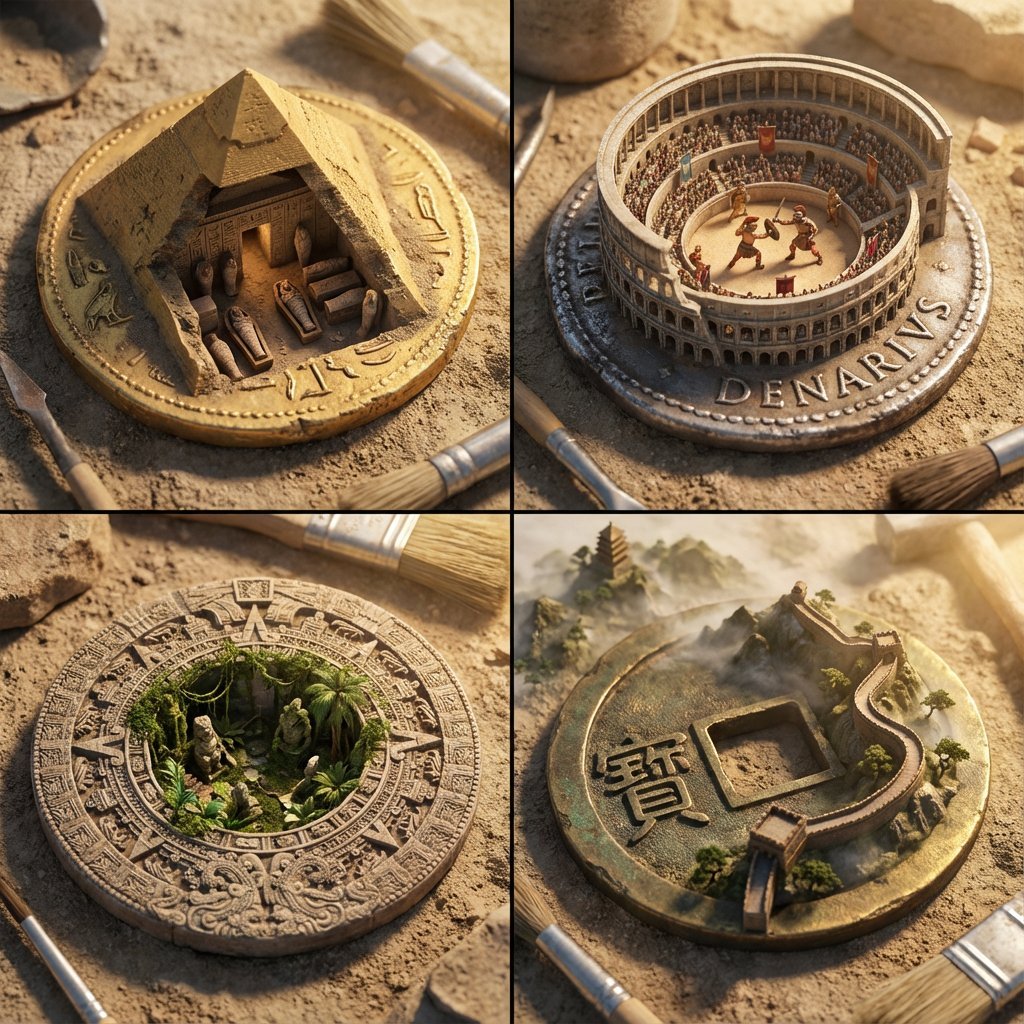
Architectural Diorama Coin Art Grid Prompt
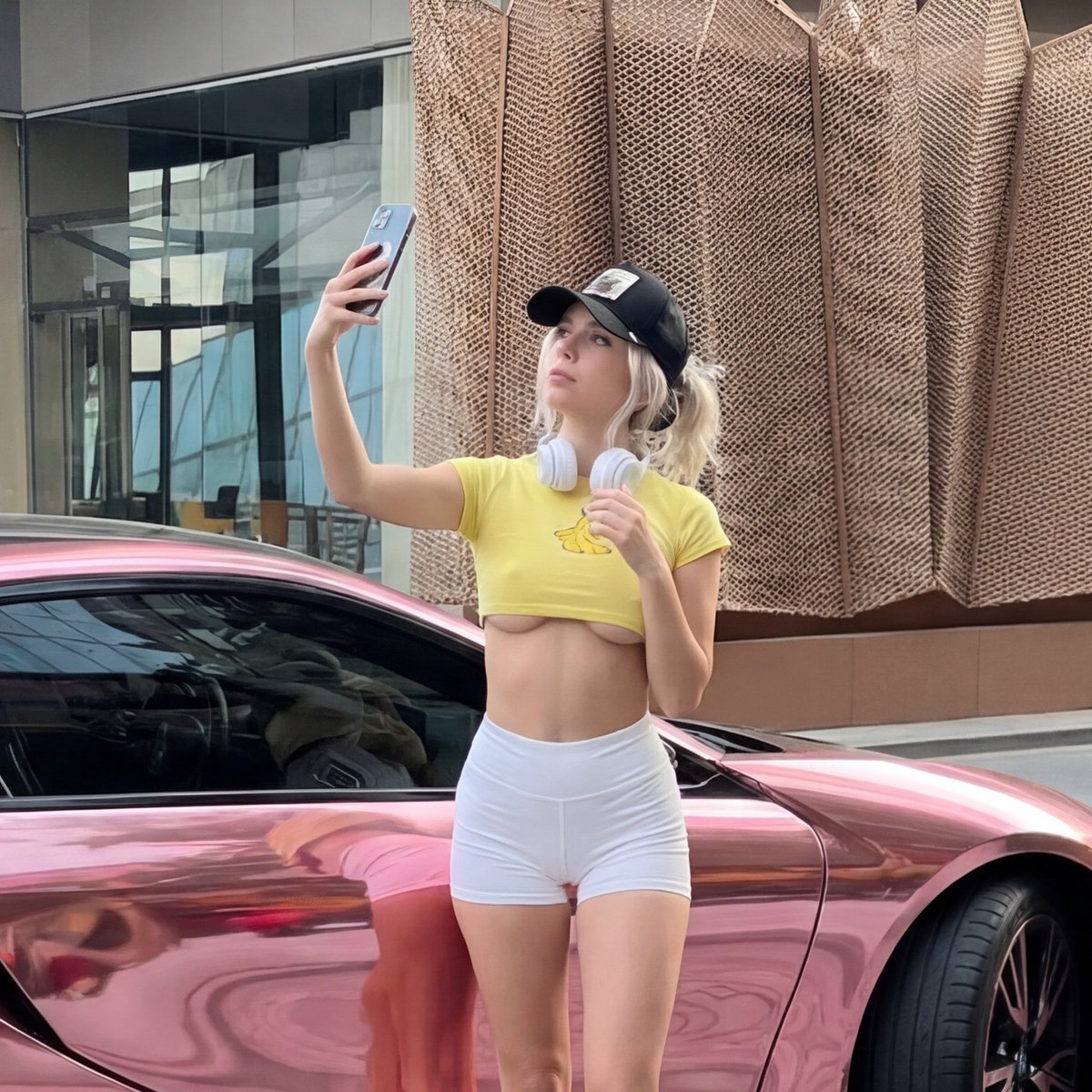
Viral Chrome Pink BMW Selfie Prompt (JSON format)
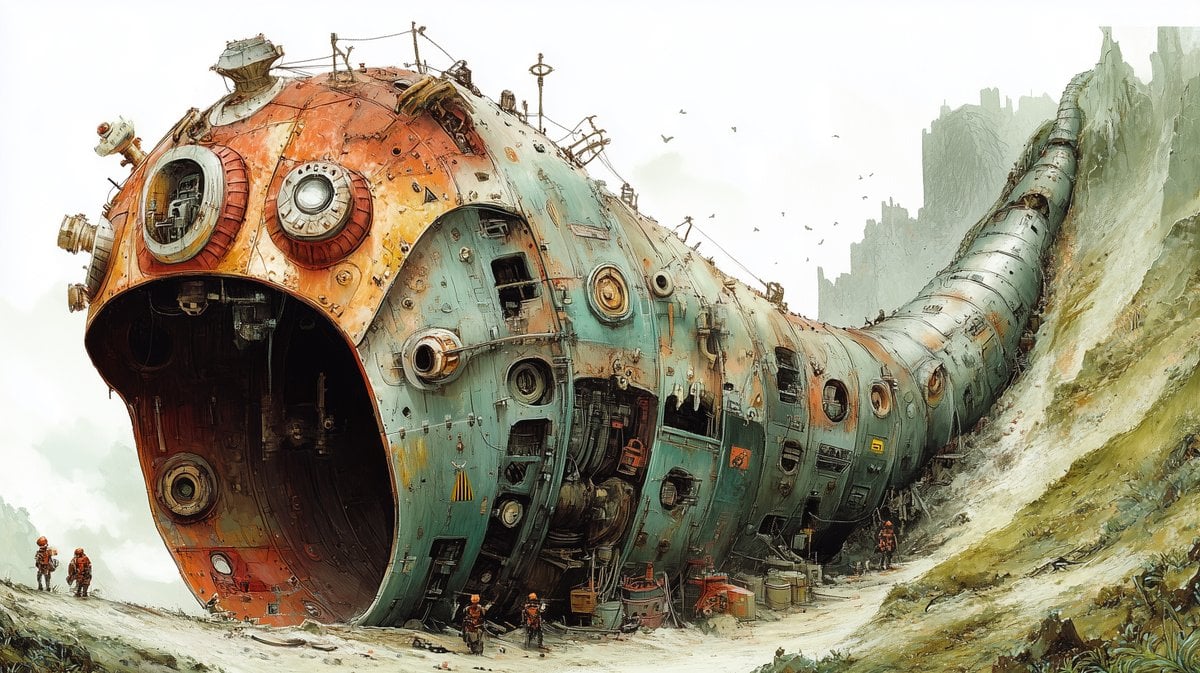
Massive Ancient Abandoned Alien Mining Machine Prompt
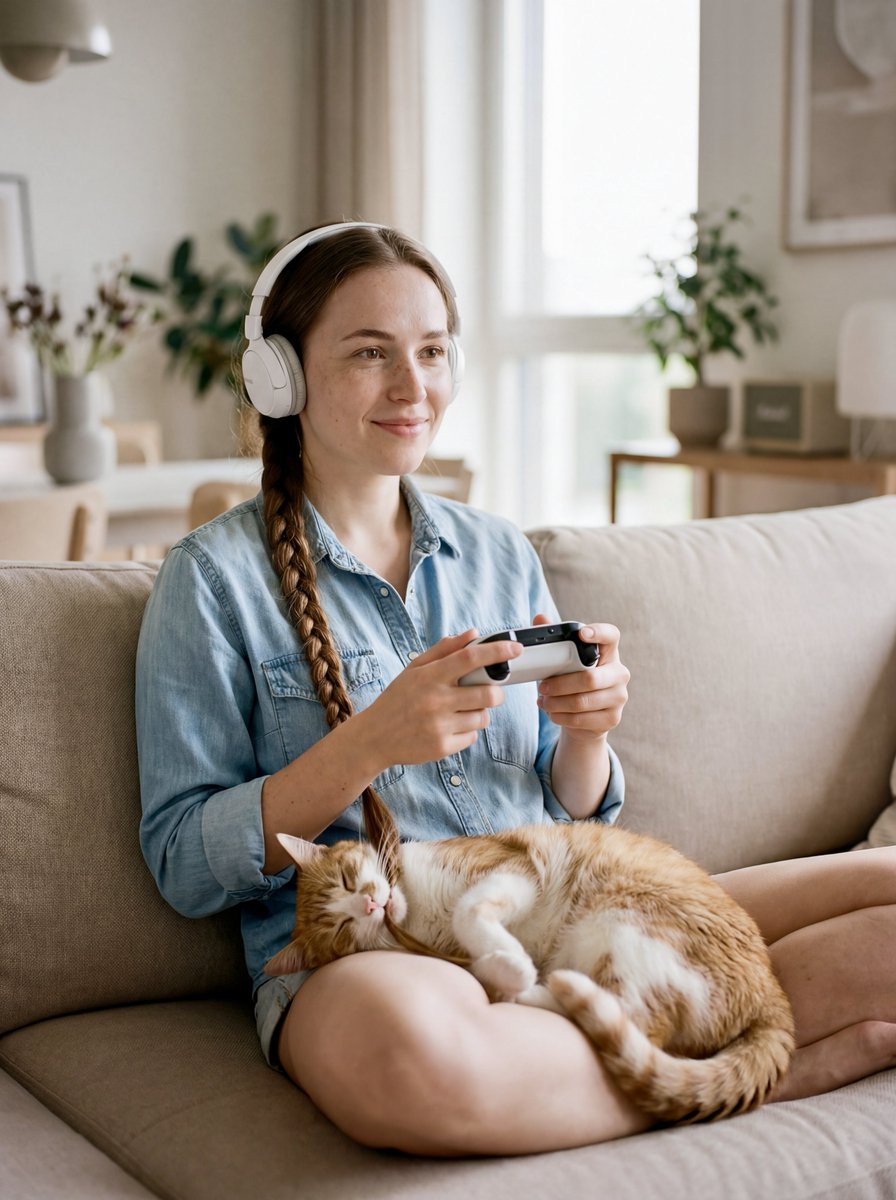
Editorial Portrait of Woman and Cat with Braid Interaction
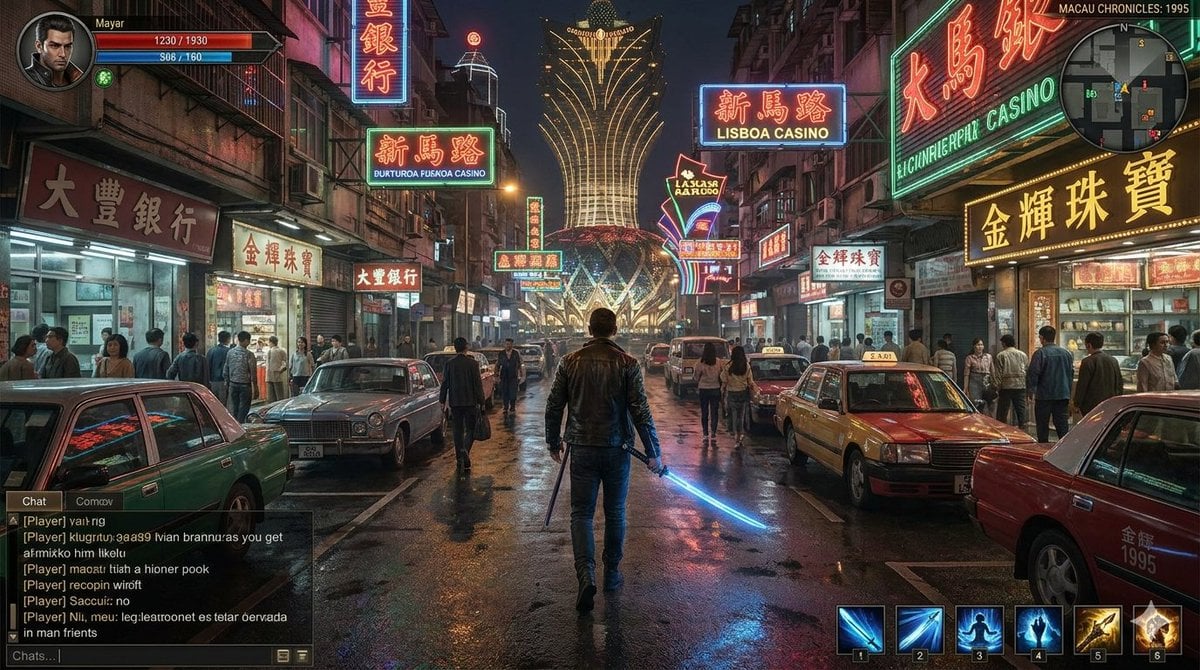
Neon Macau RPG Street Battle HUD
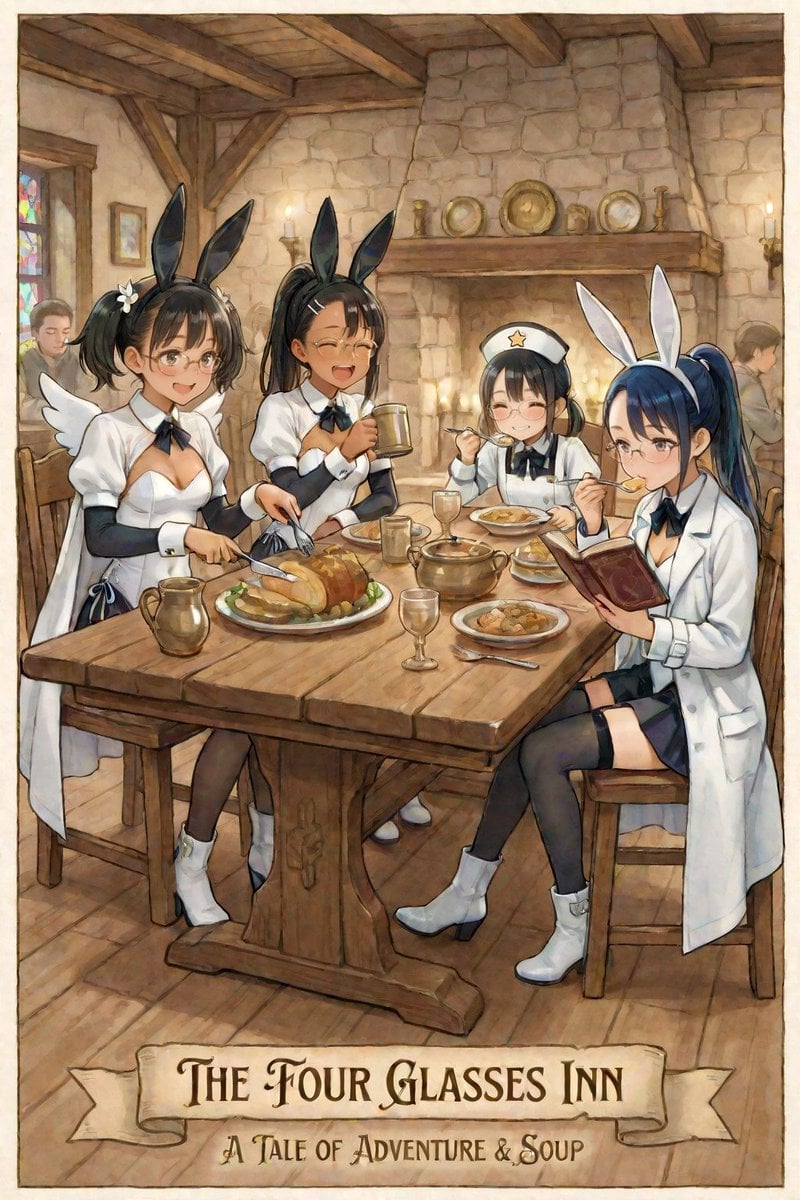
AI Illustration of a Girl at an Inn
Browse template categories
Urban Male Character Sheet questions
How do I use the Urban Male Character Sheet template?
Add your photo if the template asks for one, edit the prompt if you like — the template's model and format are already selected — and press Generate. Your version opens in PicX Studio.
Can I customize the Urban Male Character Sheet template?
Yes. You can change the subject, setting, lighting, mood, format, and available model controls before creating your image.
Is the Urban Male Character Sheet template free?
Opening and editing this template is free. Generating uses credits, shown on the Generate button when you are signed in.
Which AI model should I use?
Start with GPT Image 2, which is the model associated with this template. You can compare another compatible model for a different finish.
Looking for something else? Browse all templates.

Your photo, any look
Thousands of ready templates for every top image and video model, from one credit balance.