
Neon Macau RPG Street Battle HUD
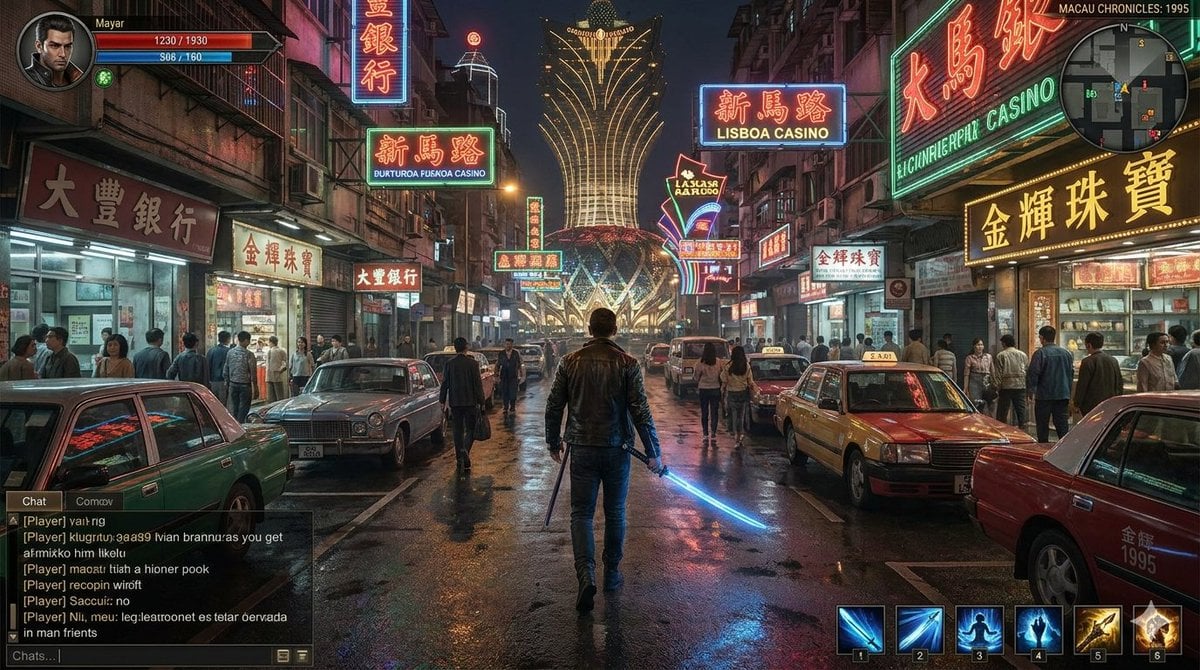
This prompt generates a cinematic AAA-style gameplay screenshot of a sword-wielding protagonist in a neon-soaked 1990s Macau street, ideal for game concept art, UI mockups, or action RPG promotional visuals.
- Prompt included
- Model and format preset
- Premium template
The prompt behind this image
Copy the exact prompt behind Neon Macau RPG Street Battle HUD, or open it in the studio and make it yours.
A cinematic third-person action RPG gameplay screenshot set in {argument name="city setting" default="Macau"} in {argument name="year" default="1995"}, viewed from behind a lone male protagonist walking down the center of a crowded wet street at night. The scene is dense with neon signage in Chinese characters, casino signs, jewelry shops, banks, and old mid-rise buildings packed tightly on both sides, with a glowing landmark tower in the distance shaped like a giant illuminated lotus or stylized casino facade. The main character is centered in the frame, wearing a dark leather jacket and jeans, seen from the back, holding a glowing blue energy sword in his right hand and a second short weapon or baton in the left. The street is lined with 6 clearly visible cars, including vintage sedans and 2 taxi cabs, while many pedestrians stand on sidewalks and spill into the street, creating a busy urban nightlife atmosphere. The pavement is rain-slick and highly reflective, mirroring the red, blue, gold, and green neon lights for a moody cyberpunk-meets-1990s crime-drama look. Add a complete in-game HUD overlay: top left has a circular character portrait, the player name {argument name="player name" default="Mayar"}, a red health bar reading 1230 / 1930, a blue energy bar reading 508 / 1160, and a small green status icon; top right has a circular minimap and the location text {argument name="location label" default="MACAU CHRONICLES: 1995"}; bottom left has a semi-transparent chat box with multiple lines of player chat text; bottom right has 6 numbered ability icons in a hotbar, with blue sword-slash skills, a silhouette movement skill, a hand-power icon, a golden weapon skill, and a glowing ultimate icon. Highly detailed, photorealistic game-engine rendering, centered composition, dramatic atmospheric lighting, realistic crowd scale, immersive AAA open-world RPG interface, nostalgic 1990s East Asian street mood with subtle sci-fi fantasy elements.
How to use Neon Macau RPG Street Battle HUD in 3 steps
- 1Upload ImagePNG, JPG or paste
Add your photo
Upload the photo the template builds on. The prompt, model and format are already set.
- 2…a portrait of your subject in softgolden-hour light, 85mm…
Personalize
Edit the subject and creative details for your destination.
- 3Generate
Generate
Press Generate — your image is created in PicX Studio, so you can compare it with the original and refine one variable at a time.
More like this
Templates with the same subject, style or setup. Open one to see its prompt.

Neon Violet Streetwear Fashion Portrait
Anime RPG Tokyo Street HUD
Rainy Neon Macau RPG Screenshot

Two Tickets, One Night

Meet Me When It Rains

Two Hearts. One Scooter.

80s Neon Disco Night

1986 Street Couple

1985 Street Scene

Minecraft Voxel Pixel Art Aesthetic System

Minecraft Next-Gen Voxel World Screenshot

Cartoon TV Show Poster Pack
Make it yours
Neon Macau RPG Street Battle HUD works as-is. These are the safest ways to change it without losing the look.
Change one field
Copy a single group, rewrite it, and generate again so you can see what that field is doing.
Keep the frame, change the subject
Hold the composition and light of Neon Macau RPG Street Battle HUD, then swap wardrobe, props or the person for a new take.
| If the result… | Why | Fix |
|---|---|---|
| The result drifts from the preview | Too many fields changed at once. | Reuse Neon Macau RPG Street Battle HUD as-is first, then change one group — subject, light, or setting. |
| The model over-stylizes the scene | The prose prompt leaves finish and camera underspecified. | Add one camera or lighting sentence and stay on GPT Image 2. |
More GPT Image 2 templates
Other prompts made for GPT Image 2.

Six VTuber Japanese Logo Sheet

Realistic Portrait of Woman and Deer

The Vista Modular Condo Poster

AI Model Routing Comparison Infographic

2.5D Anime Art Board

Isometric Productivity Desk Scene

New York Double Exposure Poster

Four-Panel AI Landscape Comparison

Japanese Tatami Lifestyle Magazine Cover

NESCAFÉ Coffee Map Poster
More image prompts
Fresh picks from across the catalog.
Vintage Doll Mall Portrait
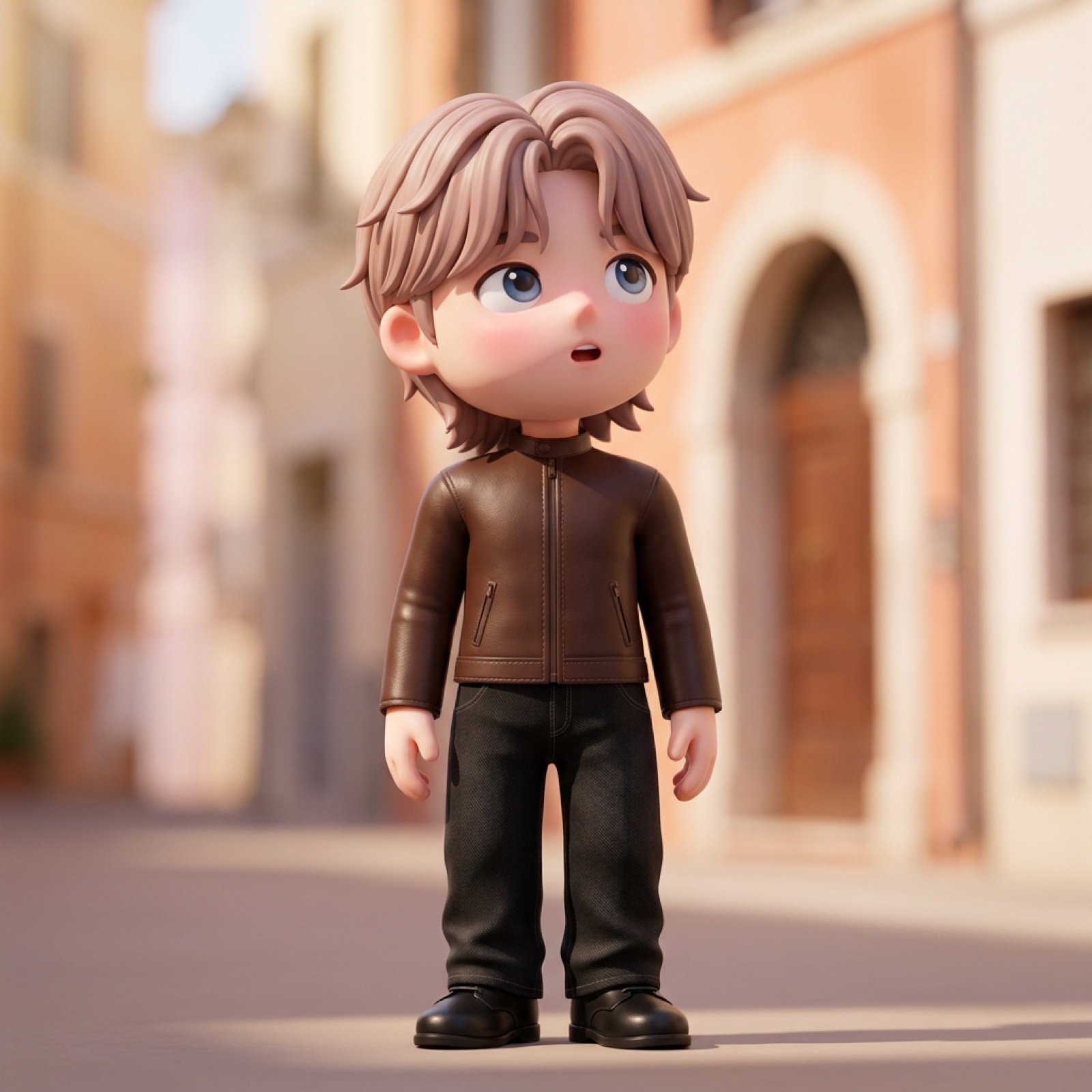
3D Chibi Character Render (Claymorphism Style)
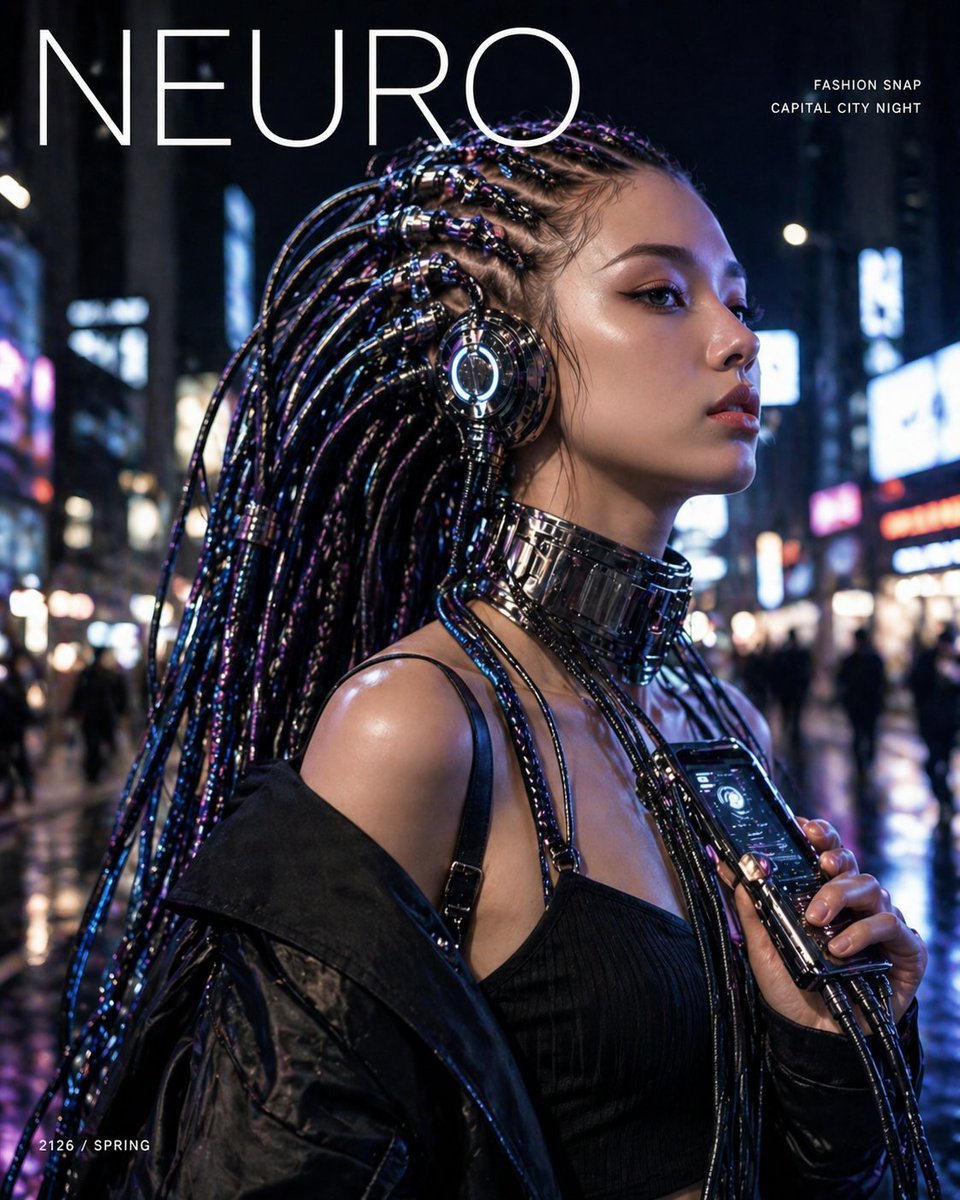
Cyberpunk Fashion Magazine Cover
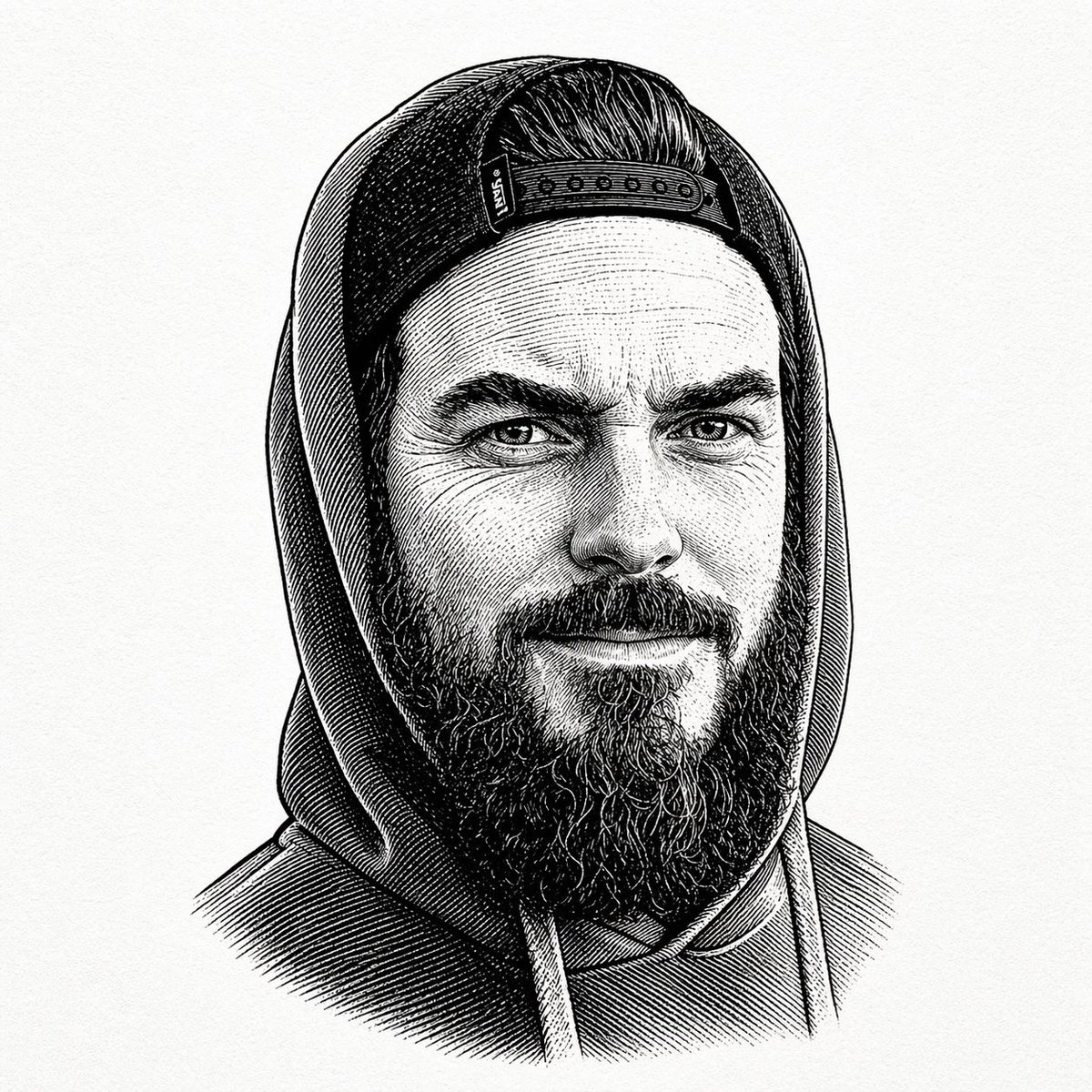
Gpt2 Profile Avatar Vintage Engraved Hoodie Portrait
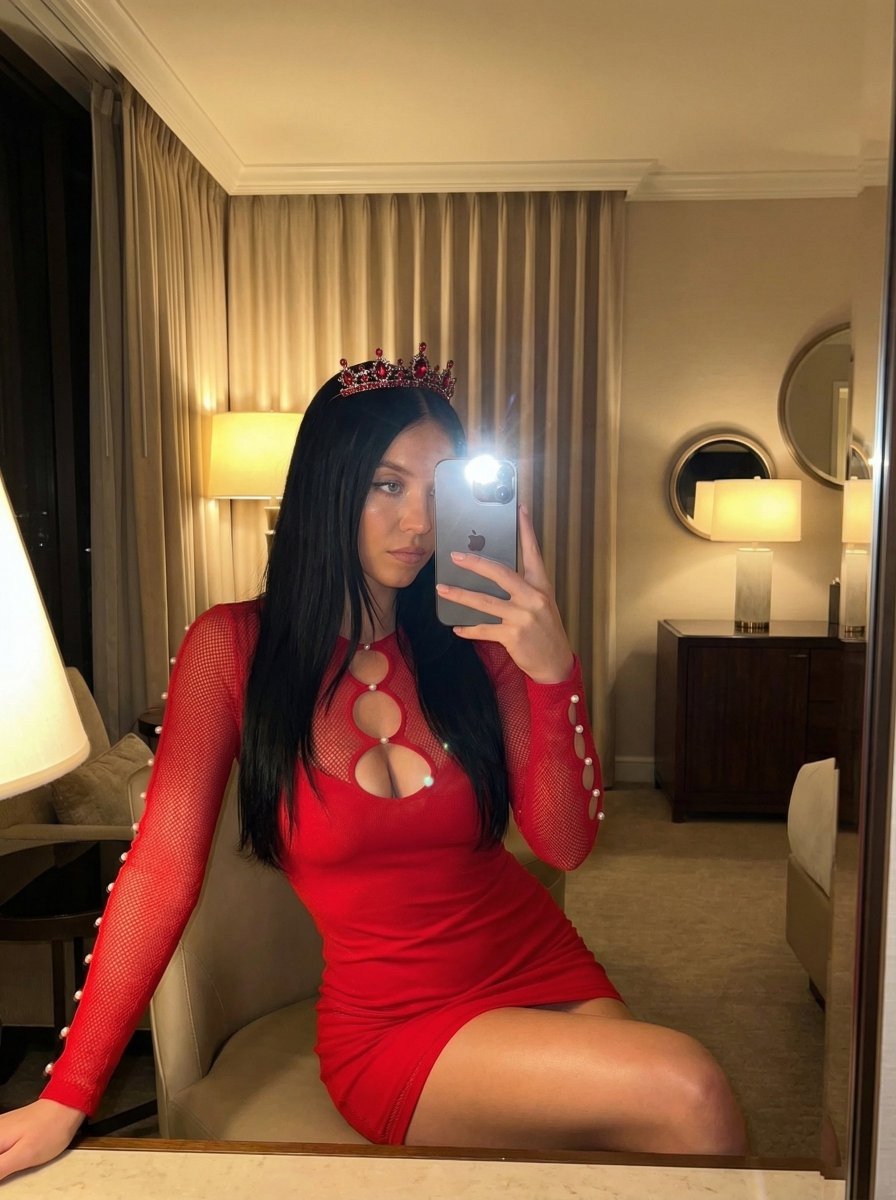
Luxury Mirror Selfie Prompt for Nano Banana Pro
Candid Street Photography of Young Adults at a Southeast Asian Food Stall
Gym Mirror Selfie Prompt
Cinematic diptych of teenagers on a rooftop
Hermes and Constellation Fantasy Image
Futuristic Techwear Studio Portrait
Browse template categories
Neon Macau RPG Street Battle HUD questions
How do I use the Neon Macau RPG Street Battle HUD template?
Add your photo if the template asks for one, edit the prompt if you like — the template's model and format are already selected — and press Generate. Your version opens in PicX Studio.
Can I customize the Neon Macau RPG Street Battle HUD template?
Yes. You can change the subject, setting, lighting, mood, format, and available model controls before creating your image.
Is the Neon Macau RPG Street Battle HUD template free?
Opening and editing this template is free. Generating uses credits, shown on the Generate button when you are signed in.
Which AI model should I use?
Start with GPT Image 2, which is the model associated with this template. You can compare another compatible model for a different finish.
Looking for something else? Browse all templates.

Your photo, any look
Thousands of ready templates for every top image and video model, from one credit balance.