
Neon Violet Streetwear Fashion Portrait
Curated from MeiGen gallery ID 2026182718435066073: Neon Violet Streetwear Fashion Portrait.

- Prompt included
- Model and format preset
- Free template
The prompt behind this image
Copy the exact prompt behind Neon Violet Streetwear Fashion Portrait, or open it in the studio and make it yours.
Fashion photography, professional man model, shot with Canon eos r3, 50mm f/1.2 rf lens, f/2.8 settings, 1/160s, iso 1600, gradient neon violet, streetwear style, holographic effect on wear, luminescent sneaker soles, dark backdrop with deep purple atmospheric lighting, professional studio setup with two led strip lights at floor level and one overhead softbox, cyberpunk aesthetic, side profile active pose with silhouette, dramatic contrast, ultra sharp details, photorealistic quality, rich detailing.
How to use Neon Violet Streetwear Fashion Portrait in 3 steps
- 1
Open
The prompt is already in the box next to the preview, with the template's model and format selected.
- 2…a portrait of your subject in softgolden-hour light, 85mm…
Personalize
Edit the subject and creative details for your destination.
- 3Generate
Generate
Press Generate — your image is created in PicX Studio, so you can compare it with the original and refine one variable at a time.
More like this
Templates with the same subject, style or setup. Open one to see its prompt.
Neon Violet Streetwear Fashion Portrait

80s Couple Studio Portrait

1988 Mall Style

1985 Studio Portrait

Nano Banana 2 High Fashion Sports Campai

Couture Fashion Editorial Woman and Drag

Ive Yujin Fashion Portrait in Blue

Nano Banana 2 Editorial Fashion Portrait

Caution Tape Fashion — Industrial Editorial

Minimalist Studio Fashion Portrait Grid
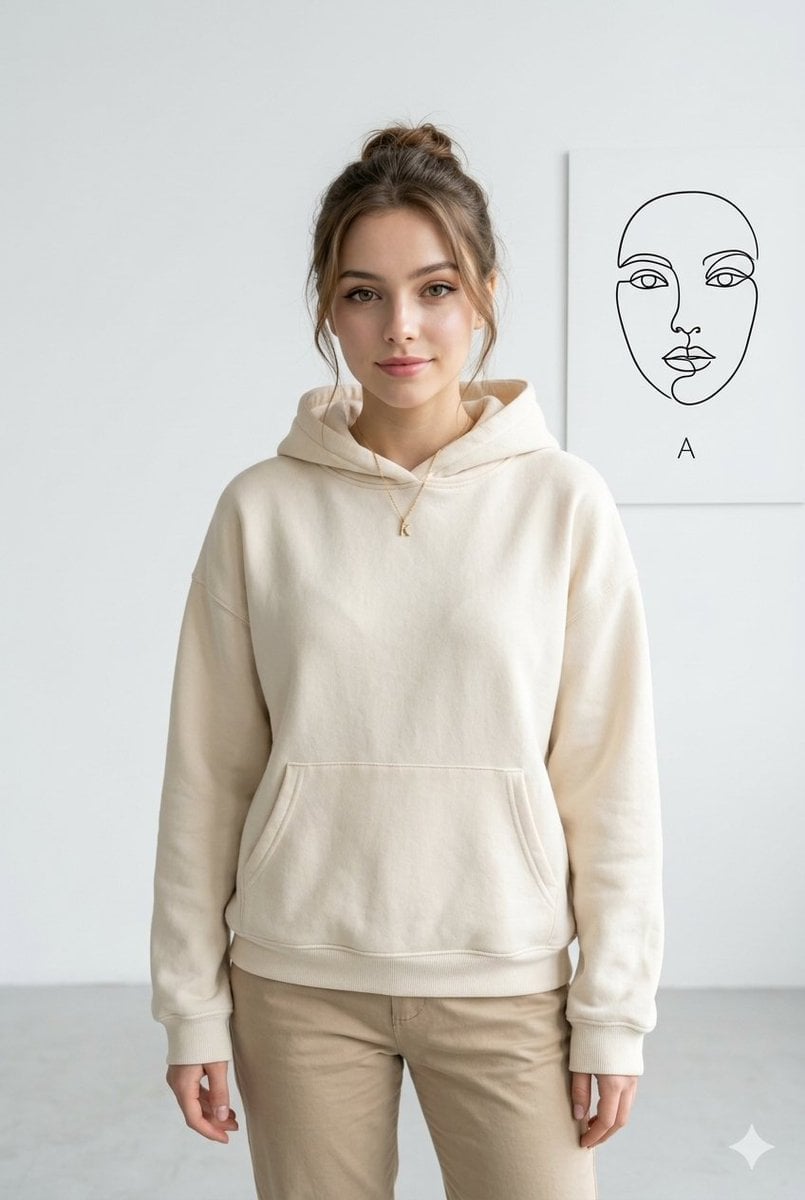
Minimalist Studio Fashion Portrait
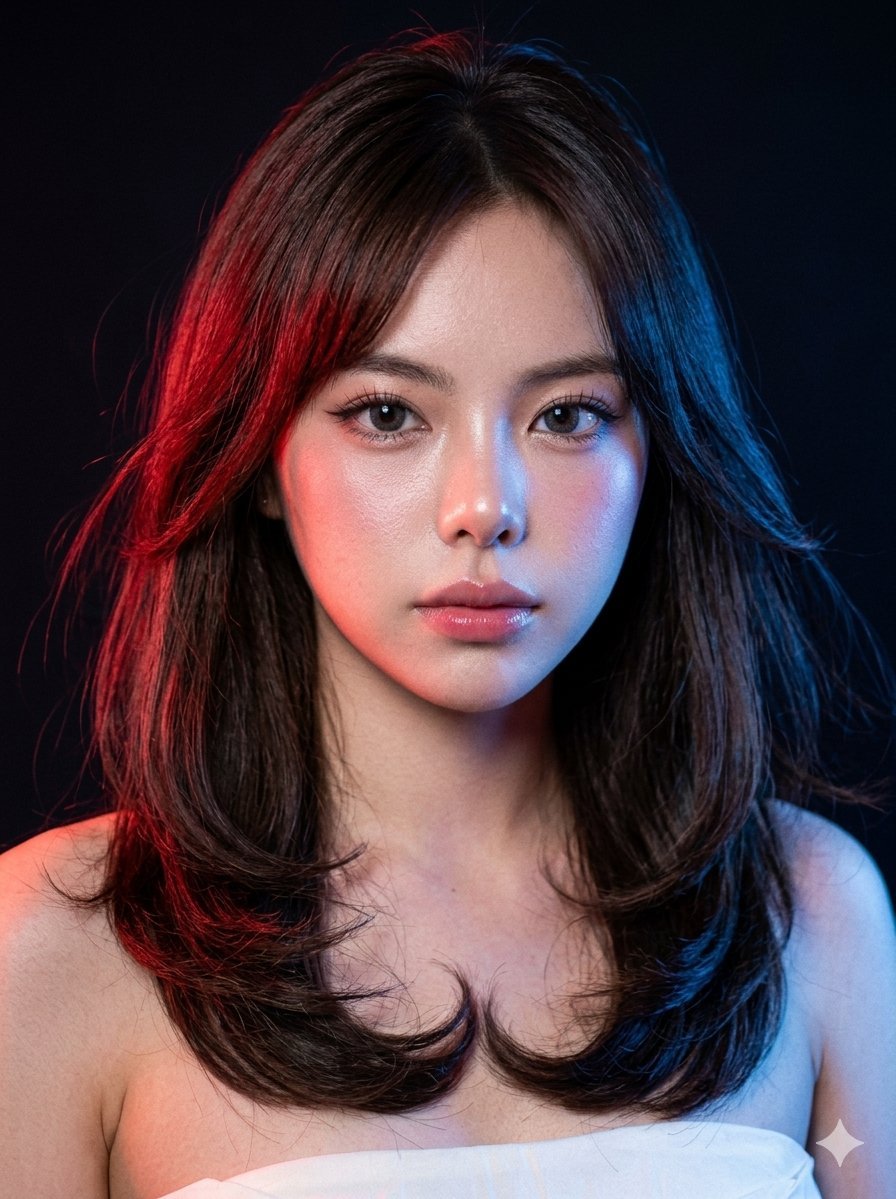
Neon Gel Lighting Studio Portrait
Make it yours
Neon Violet Streetwear Fashion Portrait works as-is. These are the safest ways to change it without losing the look.
Change one field
Copy a single group, rewrite it, and generate again so you can see what that field is doing.
Keep the frame, change the subject
Hold the composition and light of Neon Violet Streetwear Fashion Portrait, then swap wardrobe, props or the person for a new take.
| If the result… | Why | Fix |
|---|---|---|
| The result drifts from the preview | Too many fields changed at once. | Reuse Neon Violet Streetwear Fashion Portrait as-is first, then change one group — subject, light, or setting. |
| The model over-stylizes the scene | The prose prompt leaves finish and camera underspecified. | Add one camera or lighting sentence and stay on PicX Studio. |
More image prompts
Fresh picks from across the catalog.
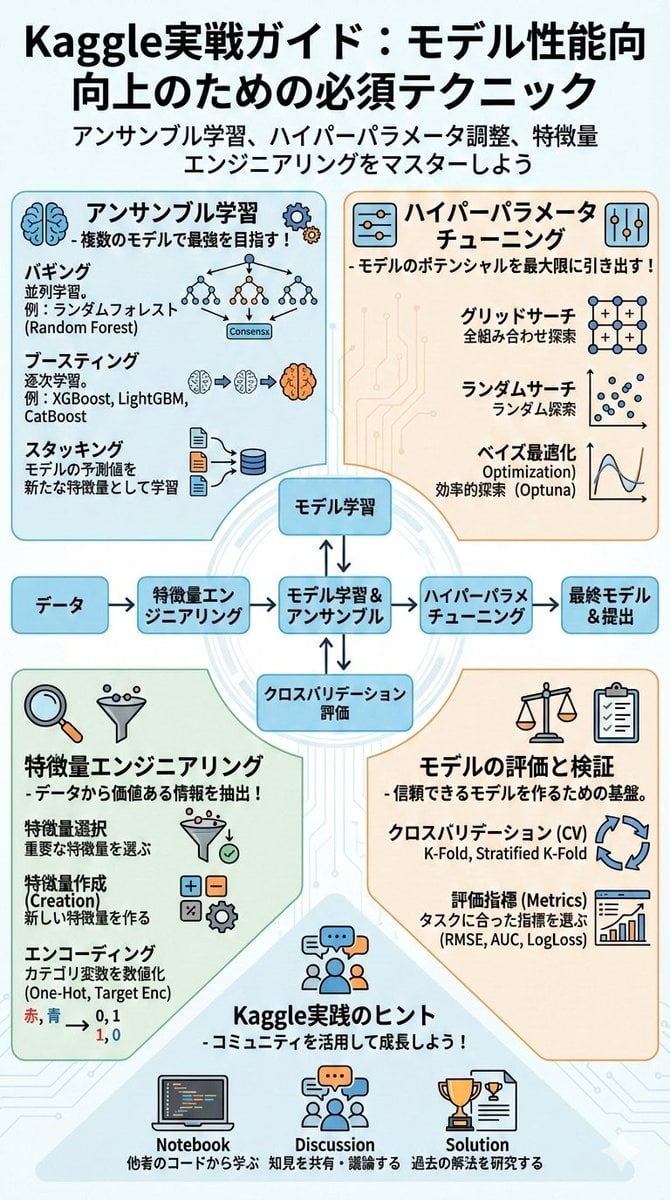
Summarize a book into a Japanese poster image
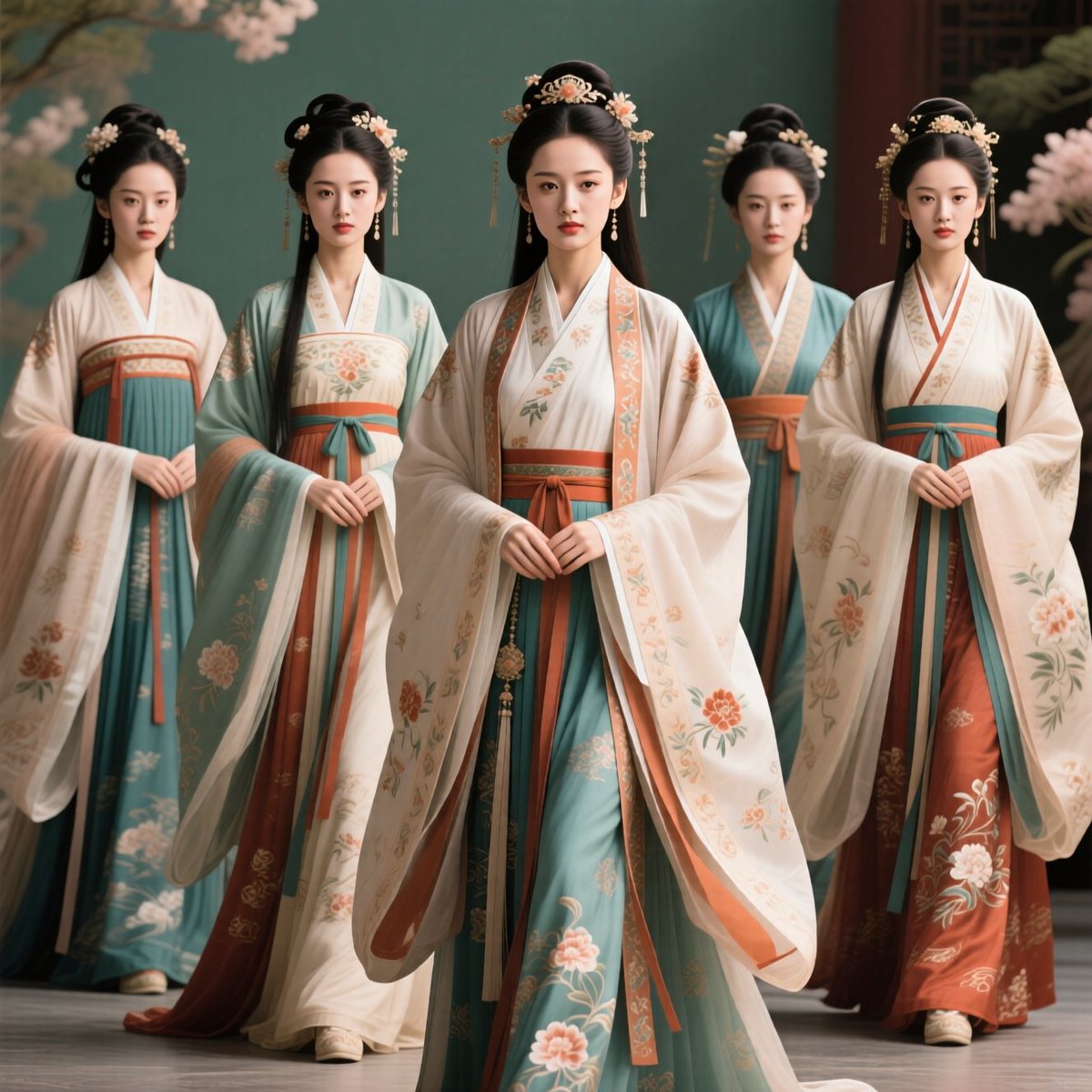
Five Hanfu Noblewomen Portrait
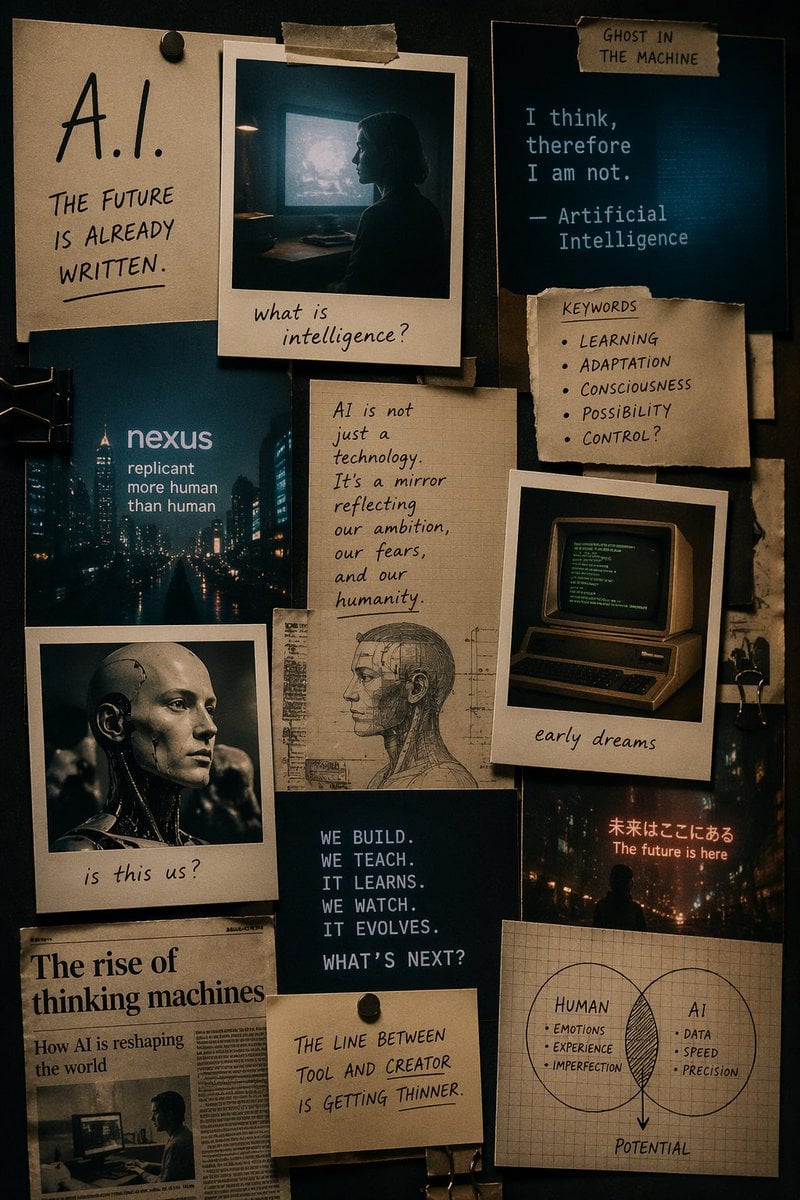
Cinematic AI mood board prompt
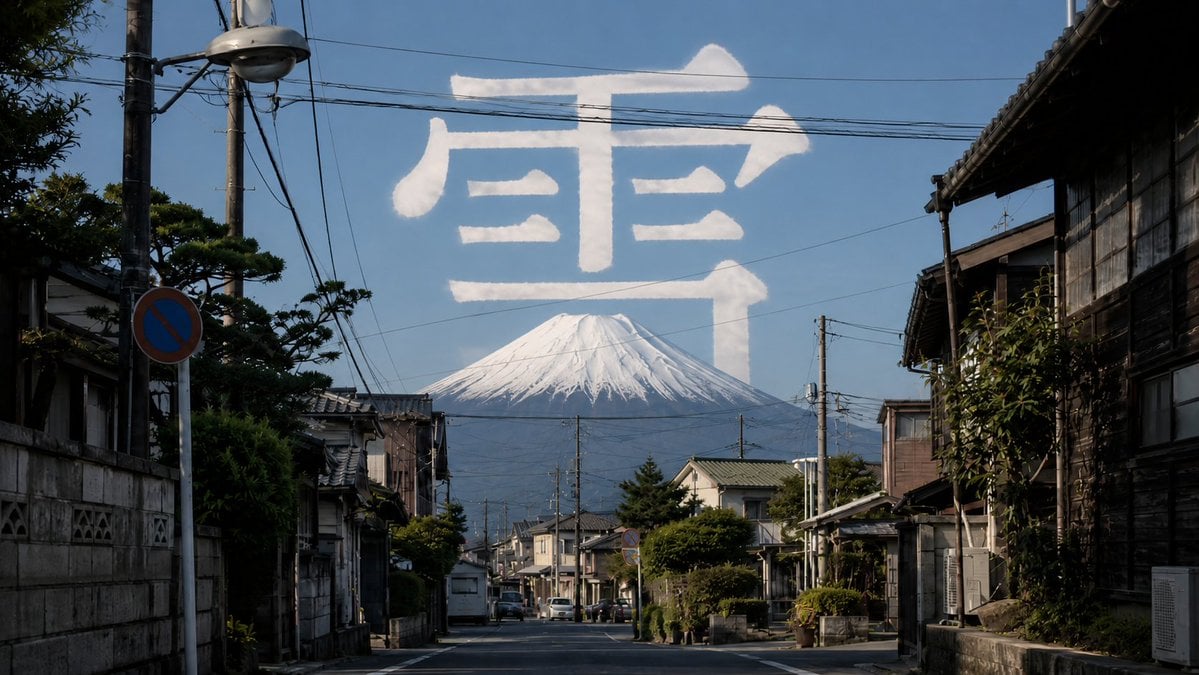
Mount Fuji Street With Cloud Kanji
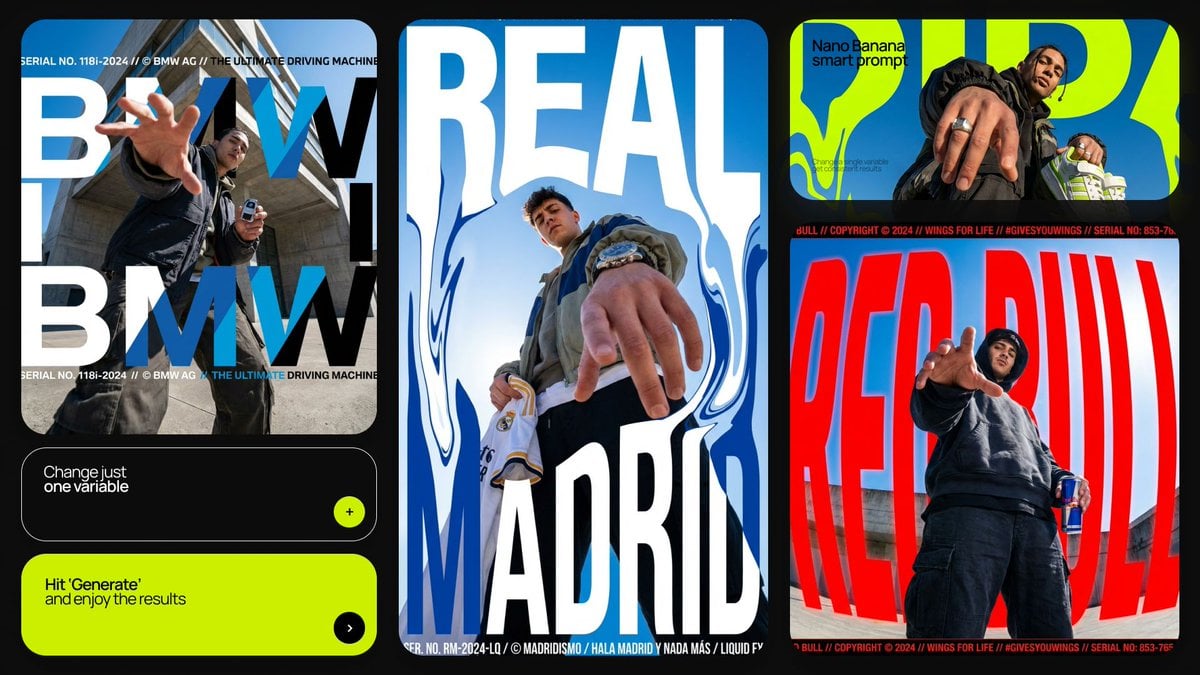
Dramatic Low Angle Brand Poster
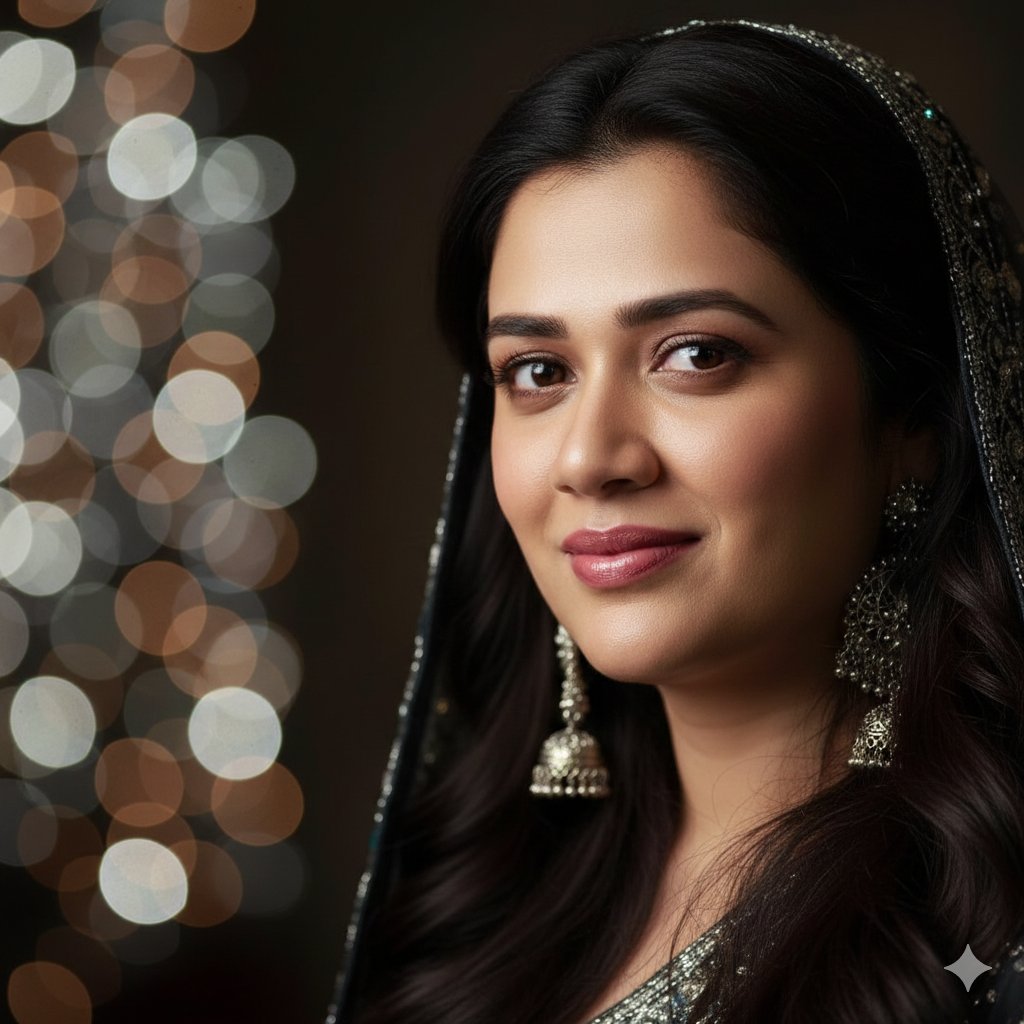
Dramatic Cinematic Portrait with Bokeh Background
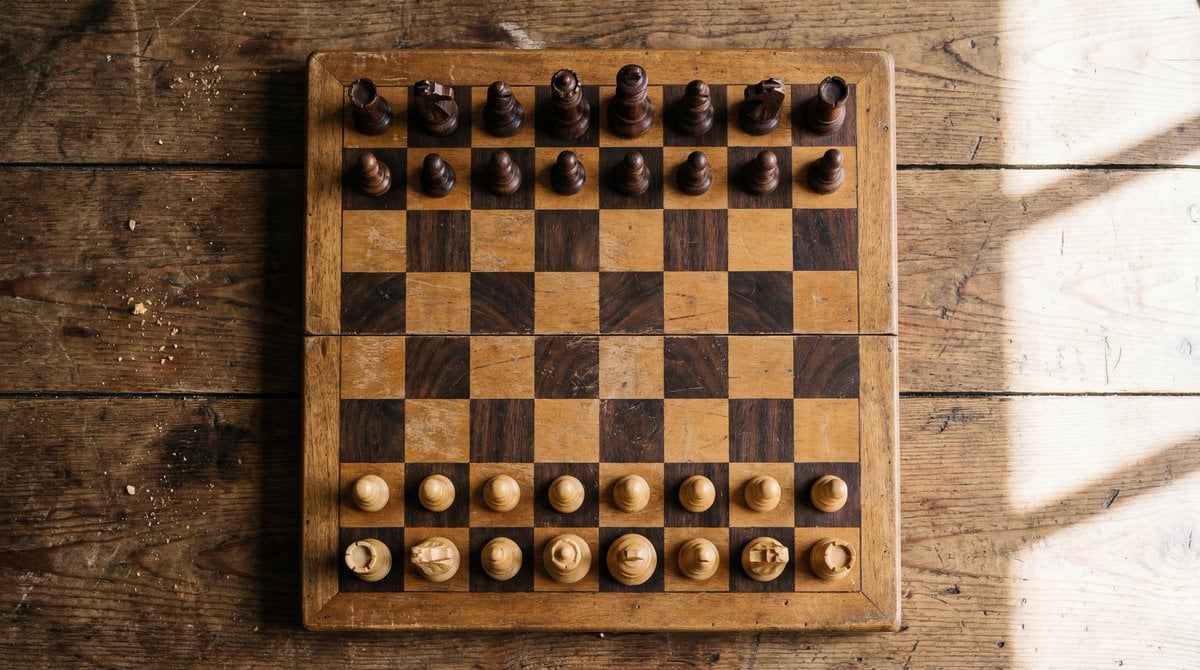
Top View of Chess Board in Starting Position
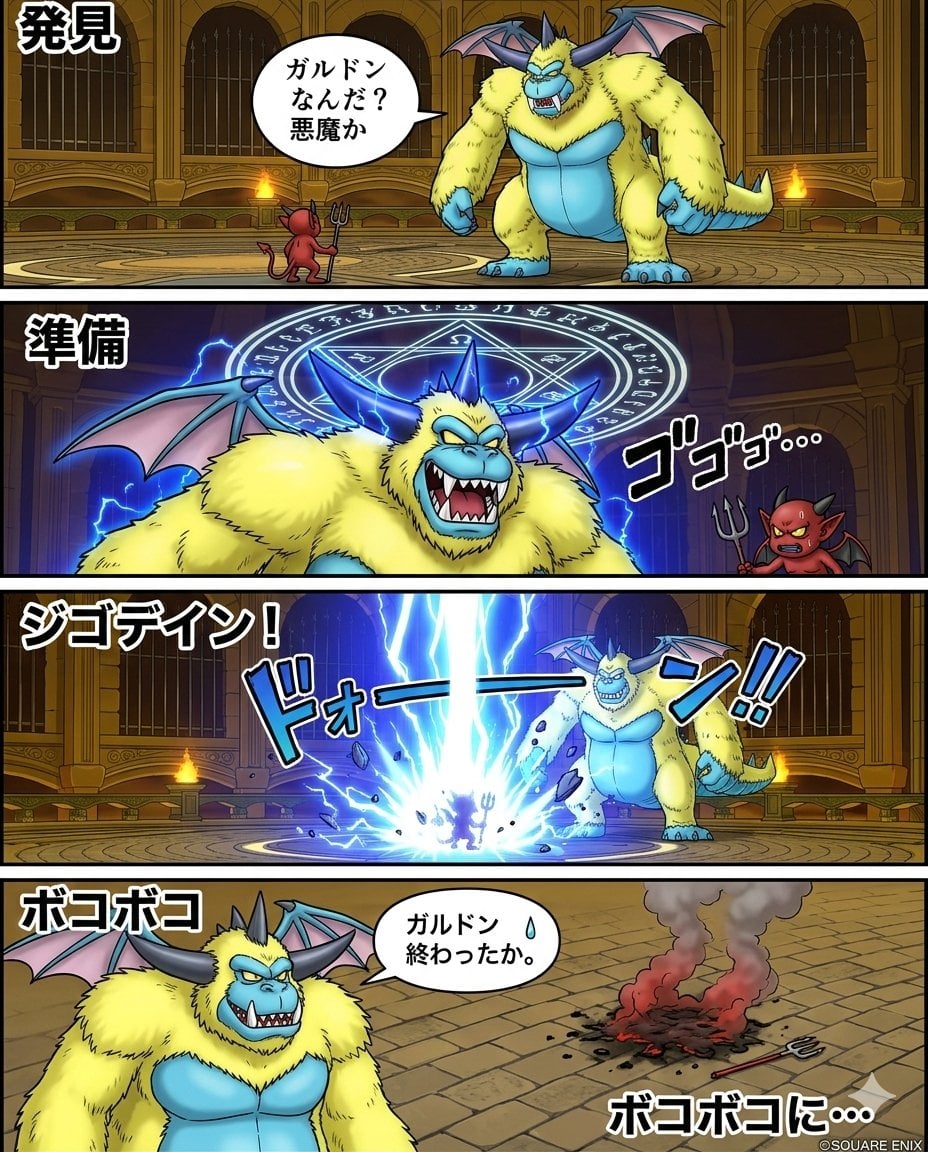
Galdodon Comic Strip Prompt
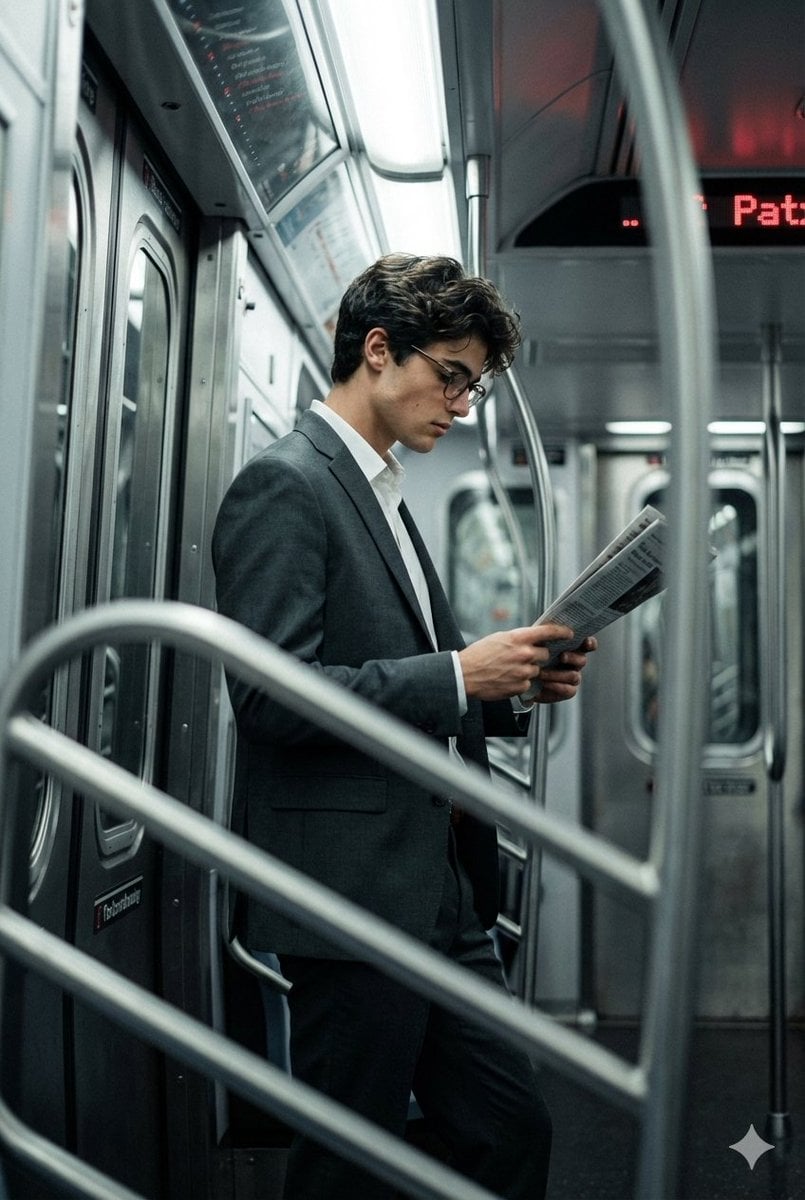
Cinematic Urban Commute Fashion Editorial
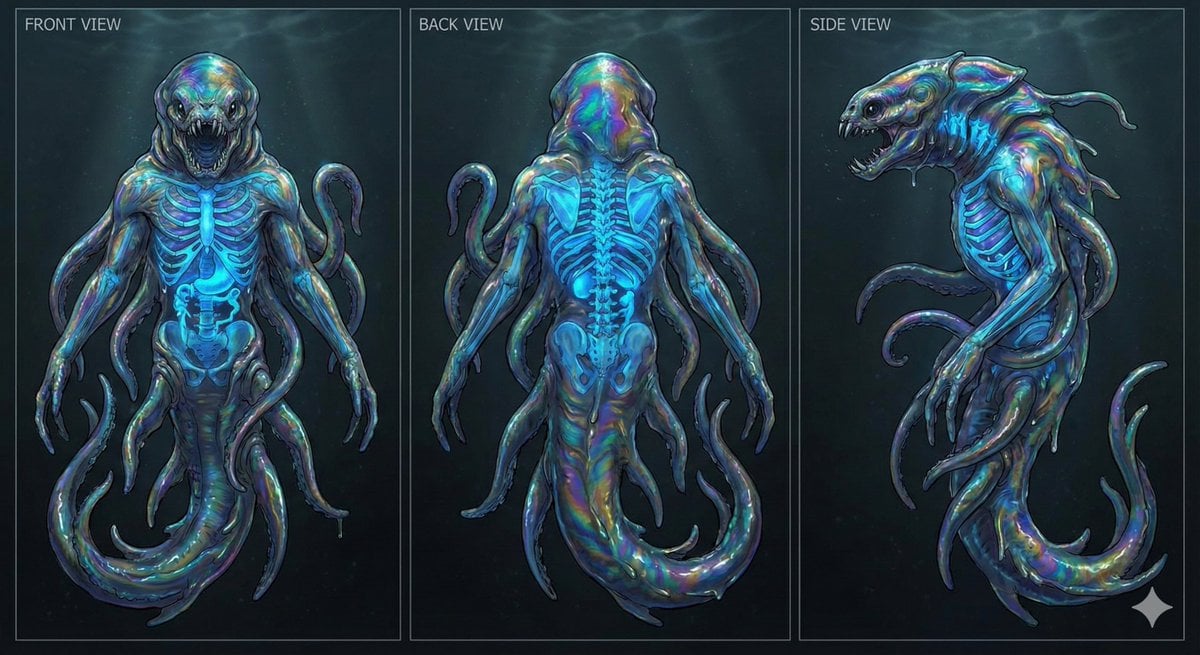
Character Sheet for Deep-Sea Creature with Bioluminescent Skeleton
Browse template categories
Neon Violet Streetwear Fashion Portrait questions
How do I use the Neon Violet Streetwear Fashion Portrait template?
Add your photo if the template asks for one, edit the prompt if you like — the template's model and format are already selected — and press Generate. Your version opens in PicX Studio.
Can I customize the Neon Violet Streetwear Fashion Portrait template?
Yes. You can change the subject, setting, lighting, mood, format, and available model controls before creating your image.
Is the Neon Violet Streetwear Fashion Portrait template free?
Opening and editing this template is free. Generating uses credits, shown on the Generate button when you are signed in.
Which AI model should I use?
Choose a compatible model in PicX Studio based on the style, speed, and output controls your project needs.
Looking for something else? Browse all templates.

Your photo, any look
Thousands of ready templates for every top image and video model, from one credit balance.