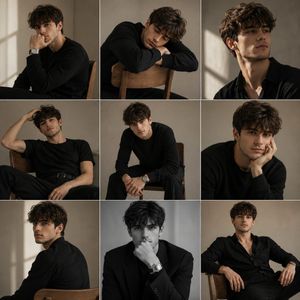
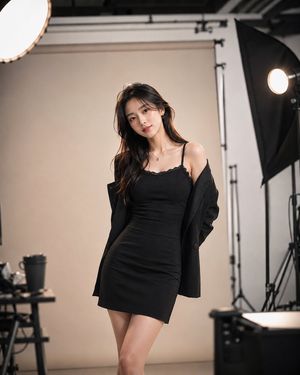
How do I use the Minimalist Studio Fashion Portrait template?
Choose the primary action to open PicX Studio with the available template settings. Review the model and format, personalize the creative direction, and generate when ready.
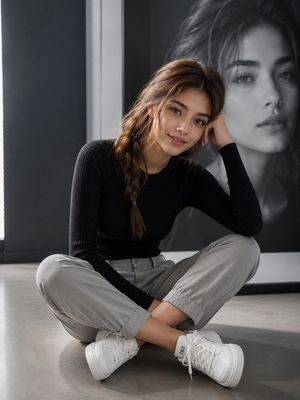
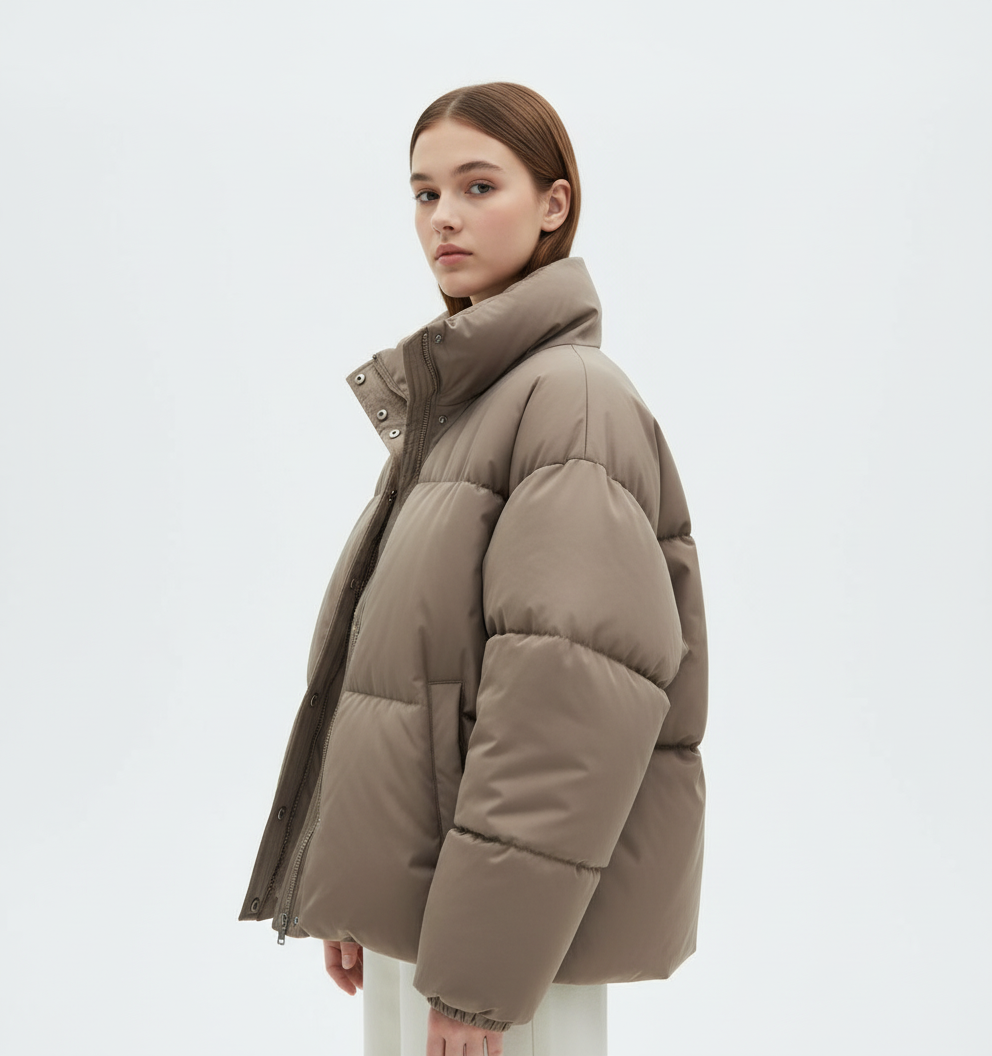
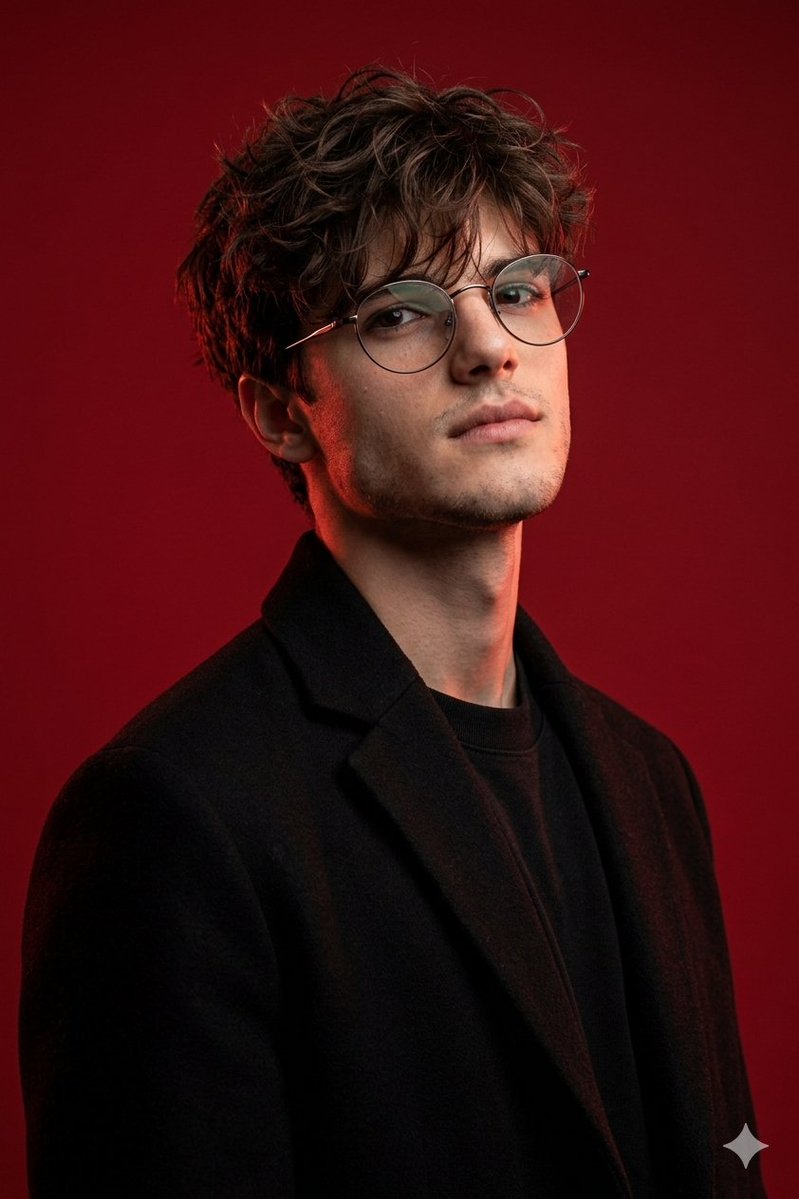
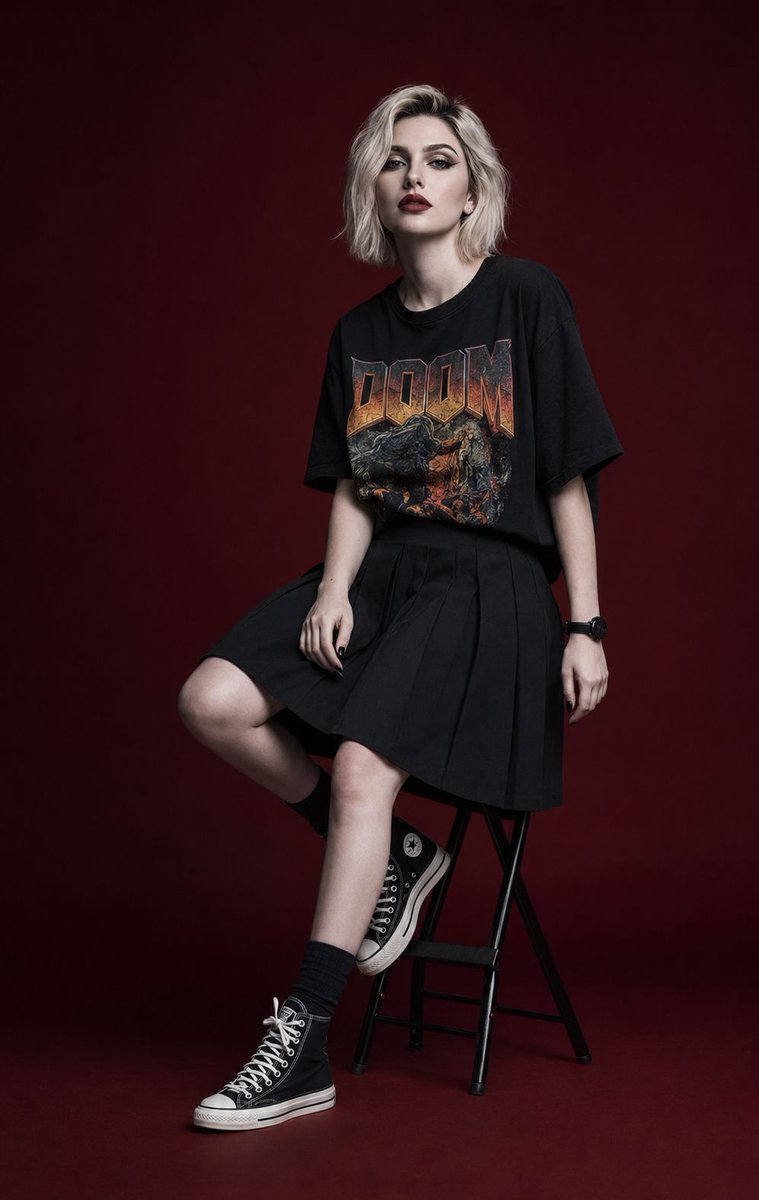
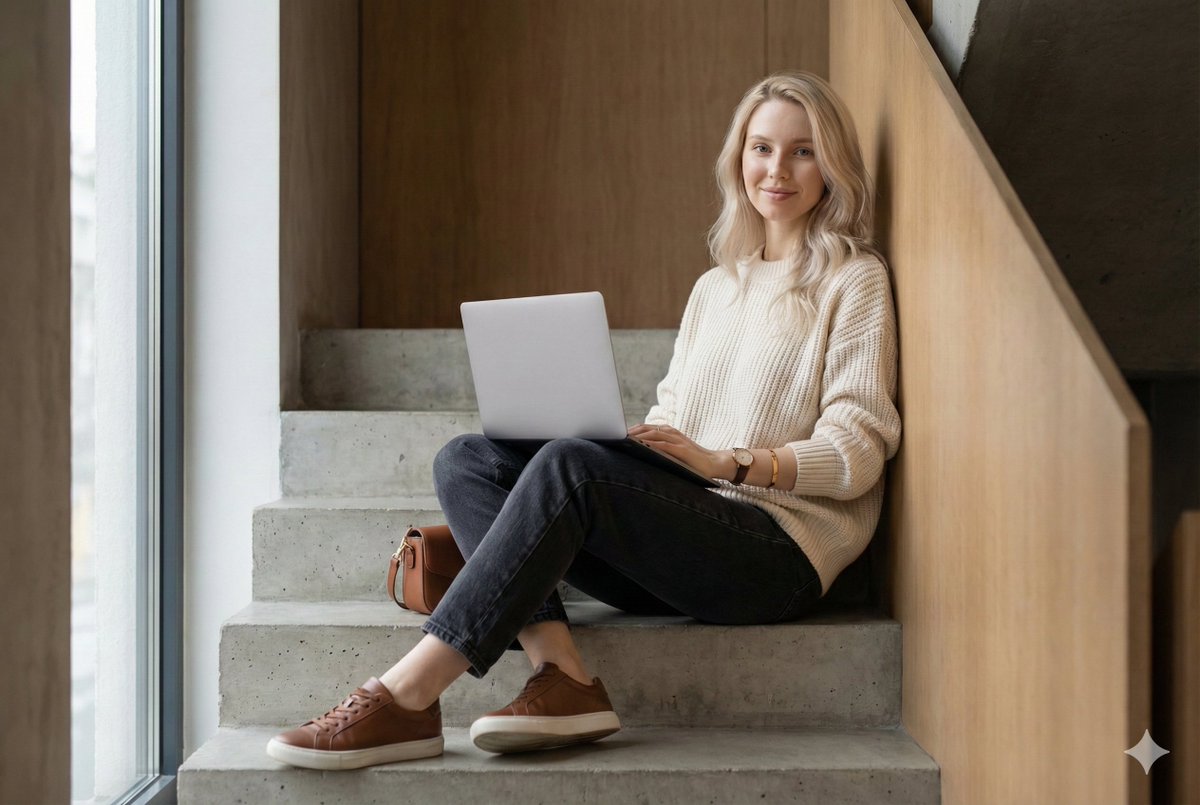
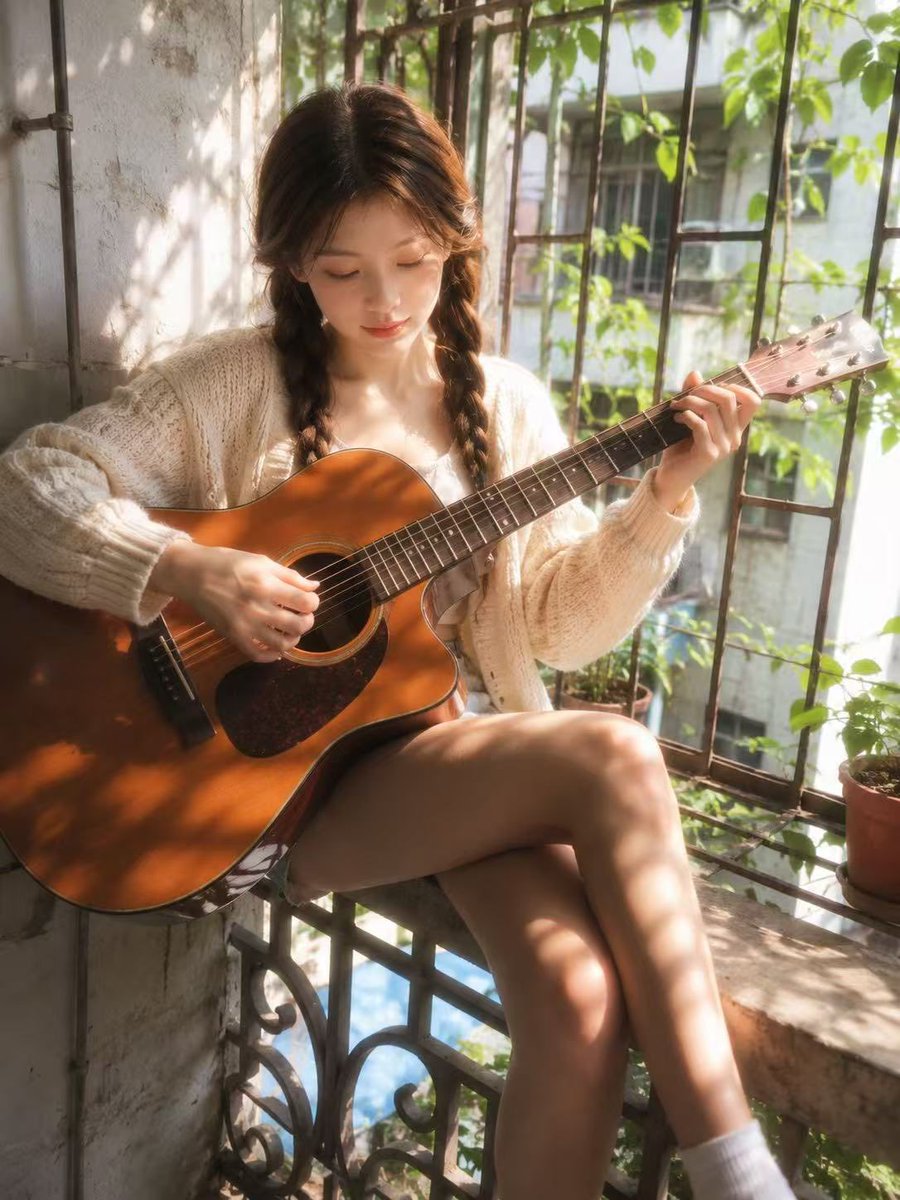
A high-fashion portrait prompt for a model in a minimalist studio wearing an oversized hoodie and chinos, using a face reference.
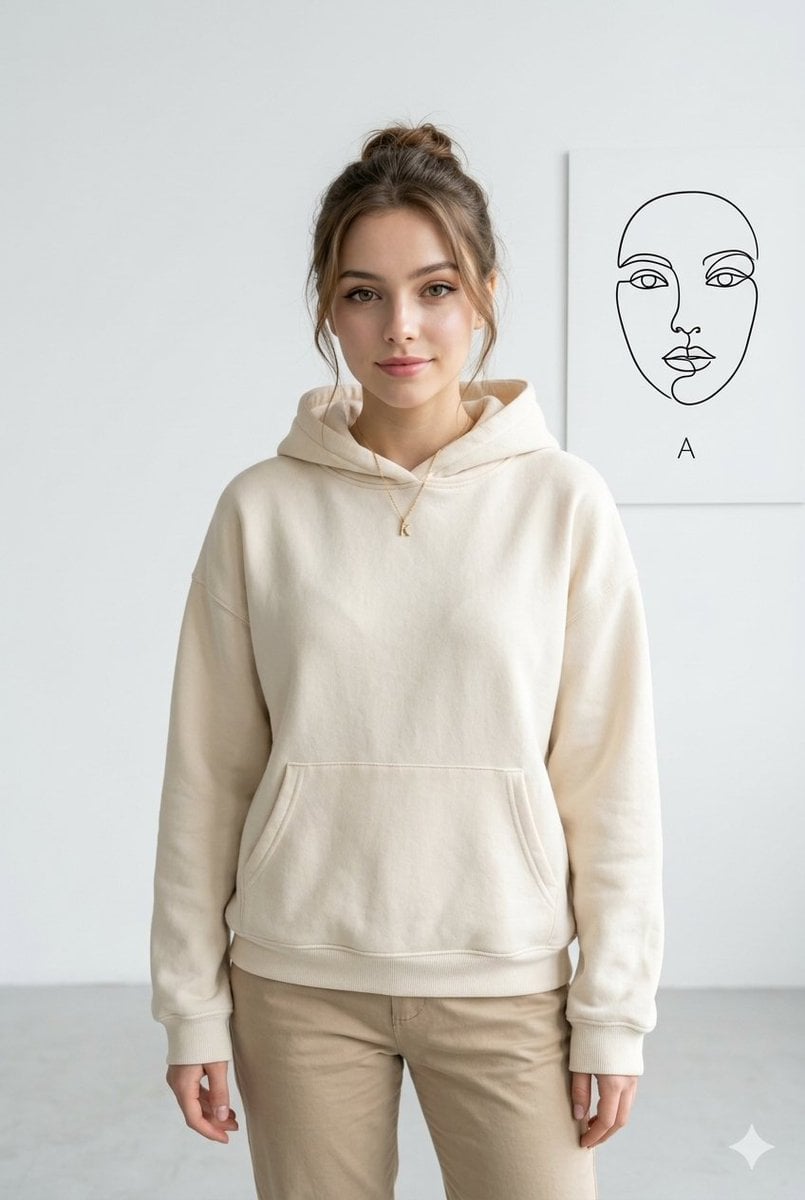
Hyper-realistic 8K fashion portrait of a {argument name="subject" default="young woman"}, using the uploaded face as reference, in a bright minimalist studio. She wears a {argument name="outfit" default="cream oversized hoodie and beige chinos"}, smiling softly at the camera against a matte white wall. On the right wall, a {argument name="background detail" default="thin black single-line face illustration"} with the small word “A” underneath. Soft diffused lighting, light-grey floor, detailed fabric, natural skin and hair, premium editorial look, sharp focus, --ar 2:3.
Choose the primary action to open PicX Studio with the available template settings. Review the model and format, personalize the creative direction, and generate when ready.
Yes. You can change the subject, setting, lighting, mood, format, and available model controls before creating your image.
This template is free to open and customize. Generation usage is shown in PicX Studio before you create.
Start with Nano Banana 2, which is the model associated with this template. You can compare another compatible model for a different finish.
Follow a topic to a crawlable collection of related PicX Studio templates.