
Ultra-realistic Outdoor Glamour Portrait
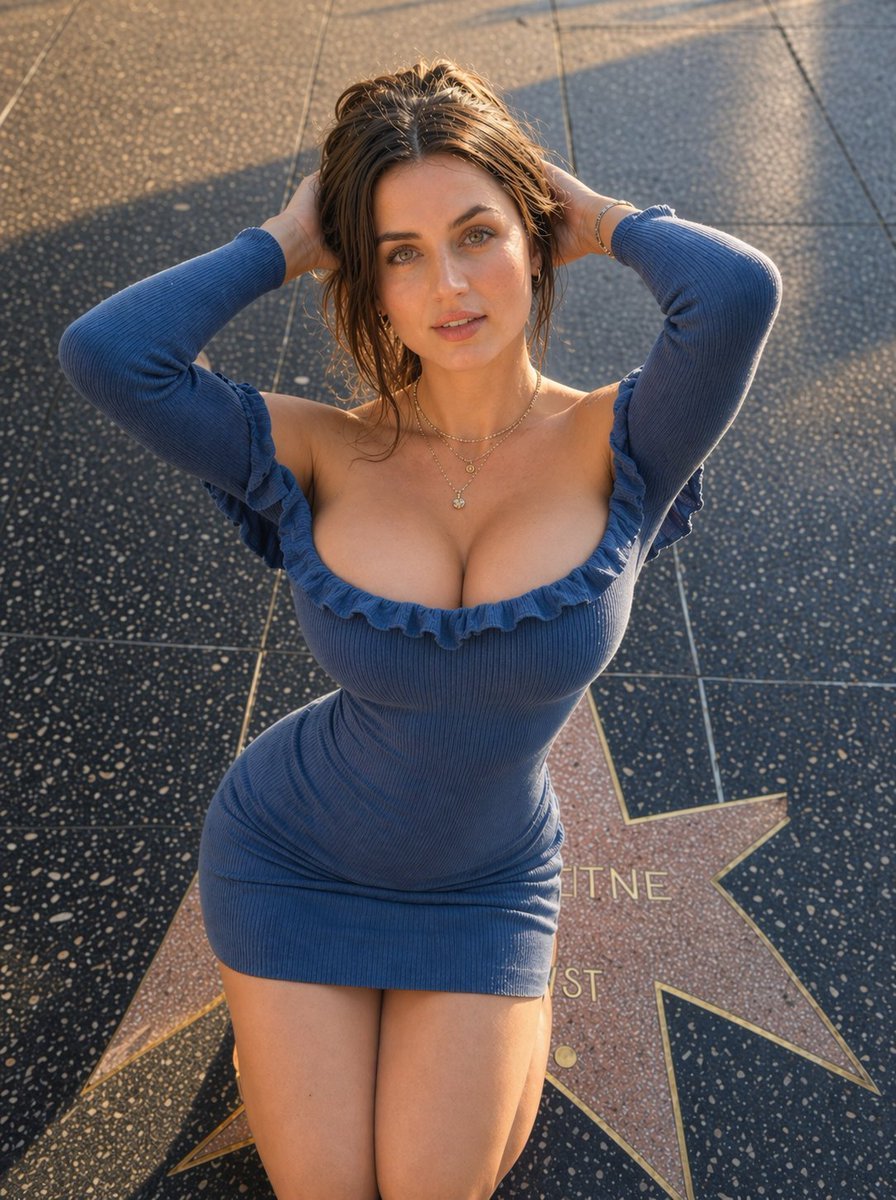
A highly detailed prompt for an outdoor glamour portrait involving a specific kneeling pose and high ponytail, emphasizing lighting and facial accuracy from a reference image.
- Prompt included
- Model and format preset
- Free template
The prompt behind this image
Copy the exact prompt behind Ultra-realistic Outdoor Glamour Portrait, or open it in the studio and make it yours.
Use the uploaded reference image as the exact facial identity reference. Create an ultra-realistic outdoor glamour portrait with the exact same body proportions, camera angle, lighting style, and facial expression as the provided image, but change the {argument name="pose" default="pose so both hands are placed behind the head, gently holding the hair"}. Match the new pose precisely: {argument name="positioning" default="kneeling on the star-shaped pavement, upper body leaning slightly forward toward the camera, shoulders relaxed, elbows lifted outward, both hands behind the head with fingers softly holding the ponytail/hair, chest naturally forward, neck elongated, head tilted slightly upward toward the camera"}. Keep the same top-down perspective and full upper-body framing. The subject is a {argument name="subject description" default="beautiful young woman with a slim feminine figure, same body size and natural proportions as the reference image"}, realistic anatomy, elegant posture, soft curves, delicate shoulders, graceful legs, and natural proportions. Long brown hair styled in a high ponytail with loose natural strands, realistic texture, soft shine, natural movement. Clear glowing skin with visible pores, subtle freckles, warm blush, naturally shaped brows, delicate lashes, expressive hazel-green eyes, soft lips, and lifelike facial symmetry. Facial expression must match exactly: eyes looking directly upward into the camera with a calm intimate gaze, eyebrows naturally relaxed, cheeks softly defined, lips gently closed with a subtle neutral pout, jaw relaxed, chin slightly raised. Expression should feel soft, confident, feminine, effortlessly alluring, and naturally candid. She is wearing a fitted blue ribbed mini dress with off-shoulder ruffle neckline and long sleeves, body-contouring fit, realistic knit texture, natural folds, elegant silhouette. Gold layered necklaces, small hoop earrings, rings on fingers, and delicate jewelry details. Keep exact clothing fit, proportions, accessories, and styling. Background is a luxury city sidewalk with terrazzo star pavement, soft golden-hour sunlight streaks across the ground, realistic urban outdoor atmosphere, clean composition, elegant lifestyle setting. Keep the environment realistic and detailed. Lighting must match exact real natural golden-hour daylight from the provided image: warm sunlight from the side/top angle, glowing highlights on skin, hair, and dress, long soft shadows across the pavement, balanced exposure, authentic sunset tones, no harsh flash, no artificial studio light. Keep the exact real outdoor candid atmosphere. Include highly detailed skin texture, realistic hair strands, cinematic depth, DSLR-quality sharpness, true-to-life colors, fashion lifestyle photography style, 8k resolution, ultra photorealistic, hyper realistic quality.
How to use Ultra-realistic Outdoor Glamour Portrait in 3 steps
- 1Upload ImagePNG, JPG or paste
Add your photo
Upload the photo the template builds on. The prompt, model and format are already set.
- 2…a portrait of your subject in softgolden-hour light, 85mm…
Personalize
Edit the subject and creative details for your destination.
- 3Generate
Generate
Press Generate — your image is created in PicX Studio, so you can compare it with the original and refine one variable at a time.
More like this
Templates with the same subject, style or setup. Open one to see its prompt.

Outdoor Cafe Portrait — White Ruched Top Nano Banana

Found Photograph: Us, 1970

80s Couple Studio Portrait

80s Bollywood Star

80s Golden Hour Cinema

Me in 1985

1985 Studio Portrait

Hyper-Realistic Minecraft POV Portrait

Rooftop Fisheye — Cat-Ear Balaclava at Golden Hour

Rainy Café Window Moody Portrait

untitled

2025 Aesthetic Photography
Make it yours
Ultra-realistic Outdoor Glamour Portrait works as-is. These are the safest ways to change it without losing the look.
Change one field
Copy a single group, rewrite it, and generate again so you can see what that field is doing.
Keep the frame, change the subject
Hold the composition and light of Ultra-realistic Outdoor Glamour Portrait, then swap wardrobe, props or the person for a new take.
| If the result… | Why | Fix |
|---|---|---|
| The result drifts from the preview | Too many fields changed at once. | Reuse Ultra-realistic Outdoor Glamour Portrait as-is first, then change one group — subject, light, or setting. |
| The model over-stylizes the scene | The prose prompt leaves finish and camera underspecified. | Add one camera or lighting sentence and stay on Nano Banana 2. |
More Nano Banana 2 templates
Other prompts made for Nano Banana 2.

Photorealistic Leaf Shaped Like a Dragon

K-Pop Idol Portrait Grid for Rapid Selection

Poetic Rain Forest Portrait During Golden Hour

Urban Street Portrait with Cartoon Inner Self Duo

Candid Nighttime Photo with Cat Prompt

High-Concept 3D Diorama Generation Prompt

Cinematic Futuristic Studio Portrait Template

Skincare Editorial Photography Collage Prompt

Hyper-Realistic Commercial Product Photography (Splash Effect)

Hyper-Realistic Nightclub Portrait Prompt
More image prompts
Fresh picks from across the catalog.
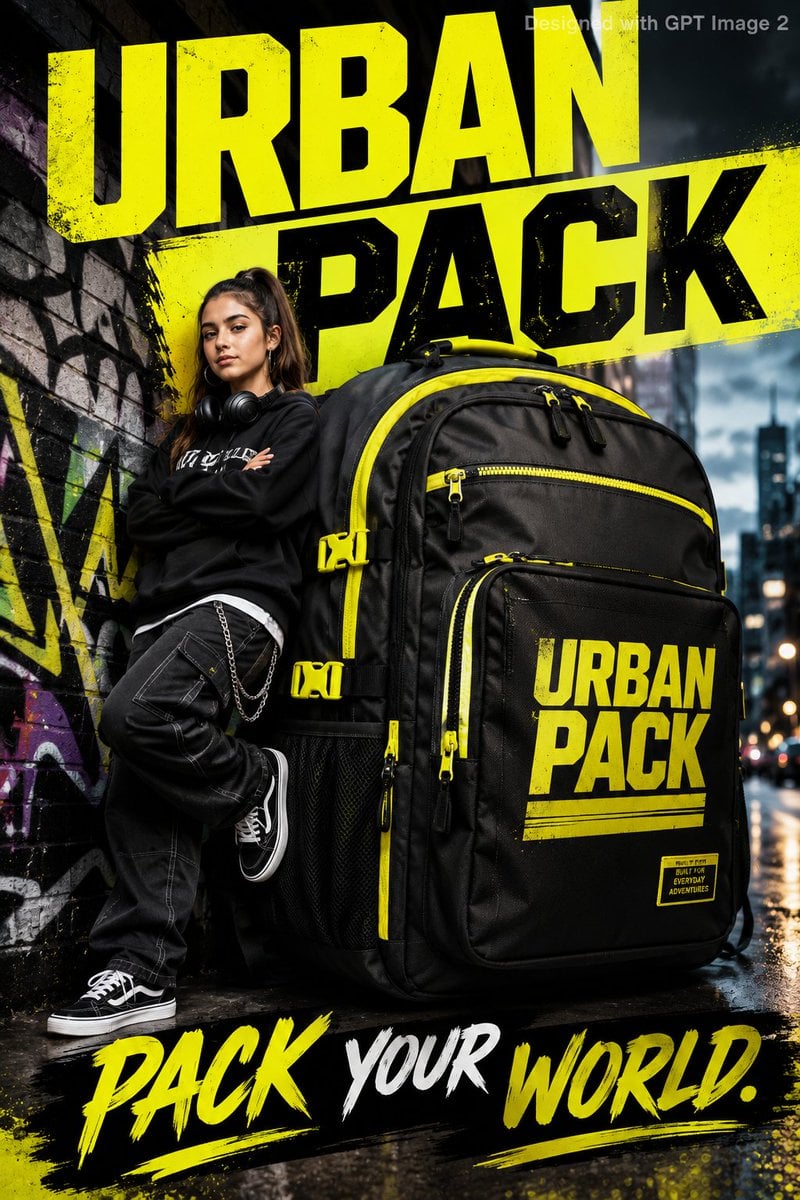
Urban Backpack Lifestyle Advertisement Poster
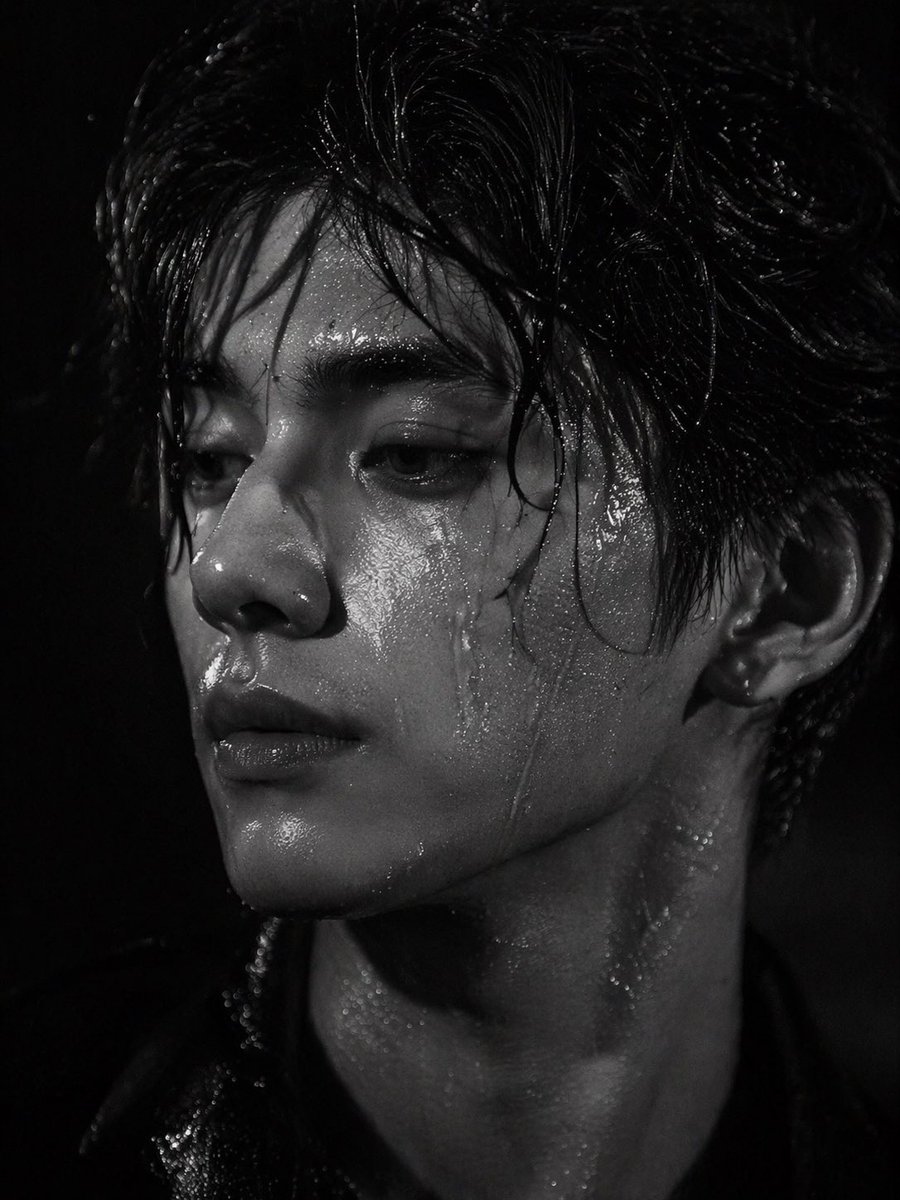
Dramatic Wet Portrait Photography
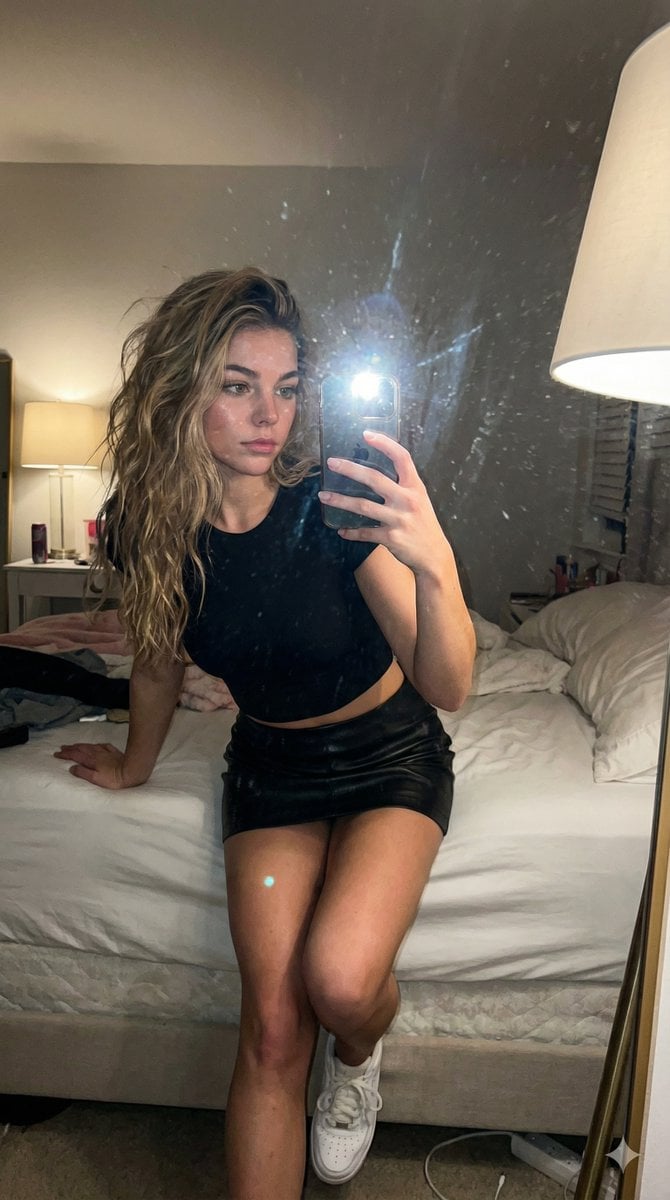
AI Influencer Mirror Selfie Pose Prompt
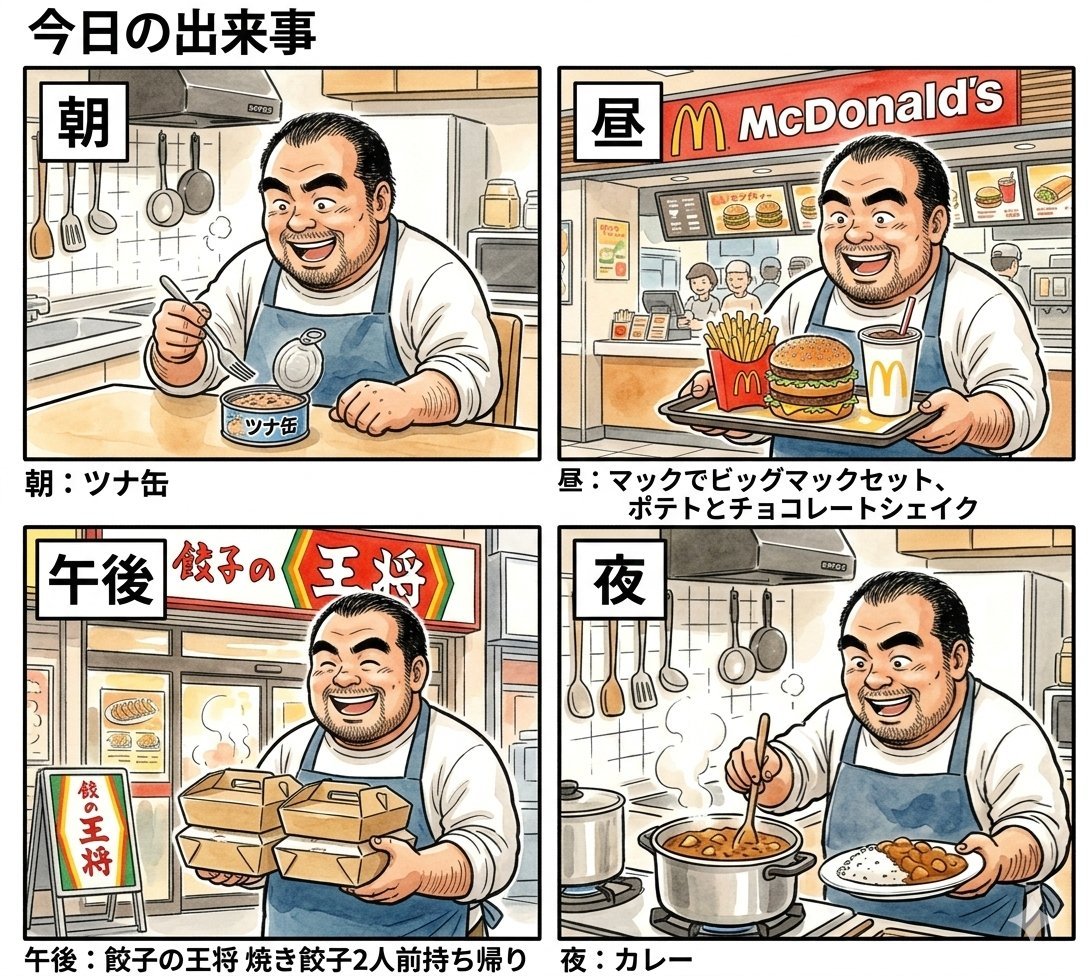
Panel Manga Prompt: A Day's Meals
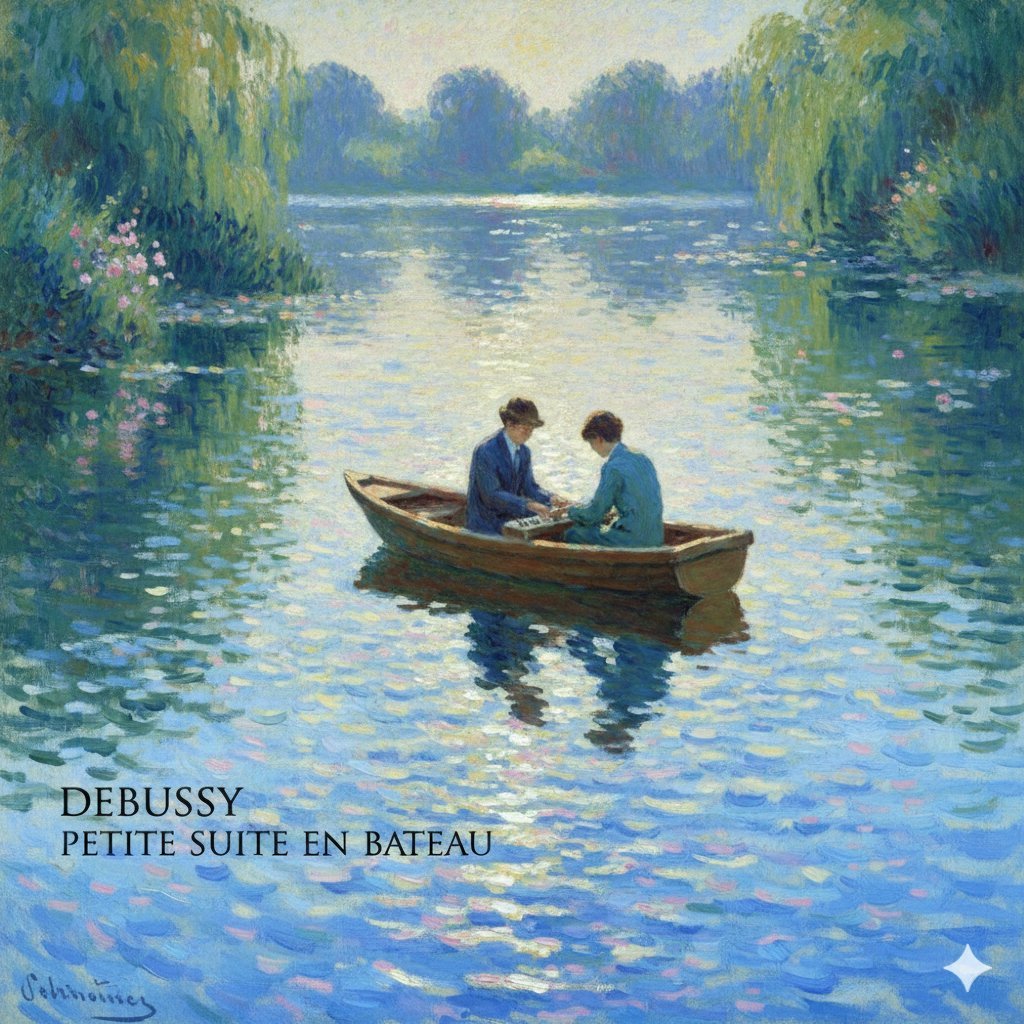
Debussy's 'En Bateau' in Monet Style Prompt
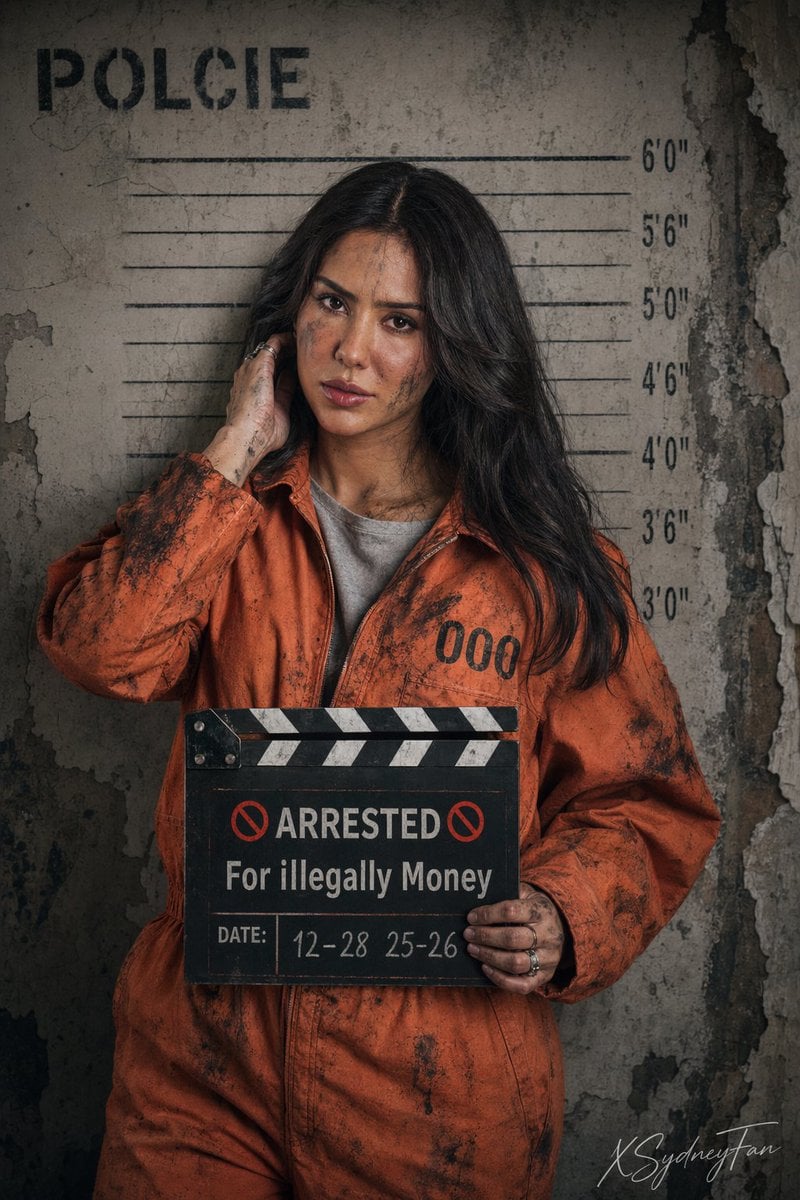
Gritty Prison Mugshot Portrait
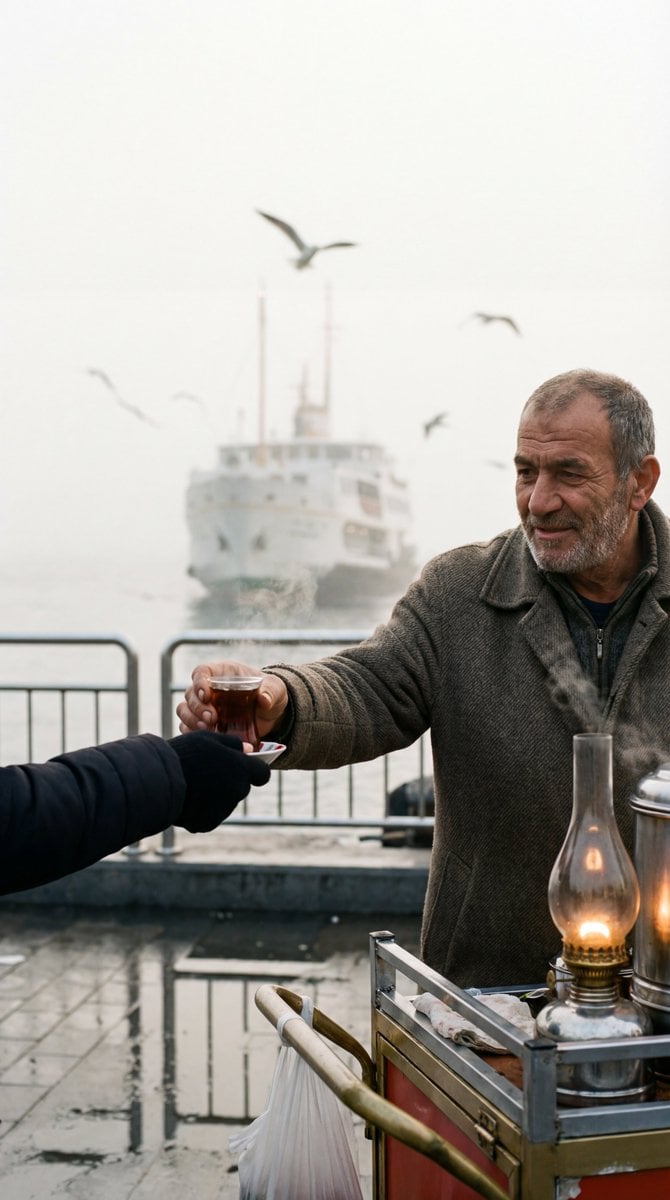
Cinematic Street Photography Film Still Prompt
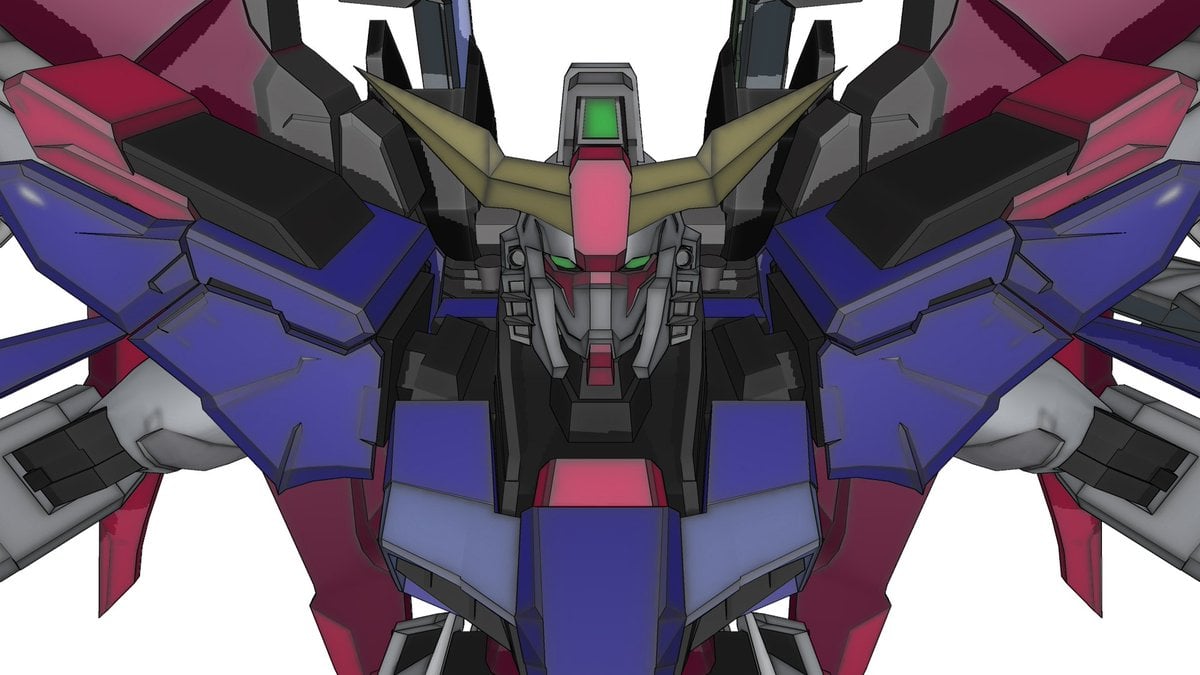
Using Nano Banana Pro as a Shading Tool for MMD Output
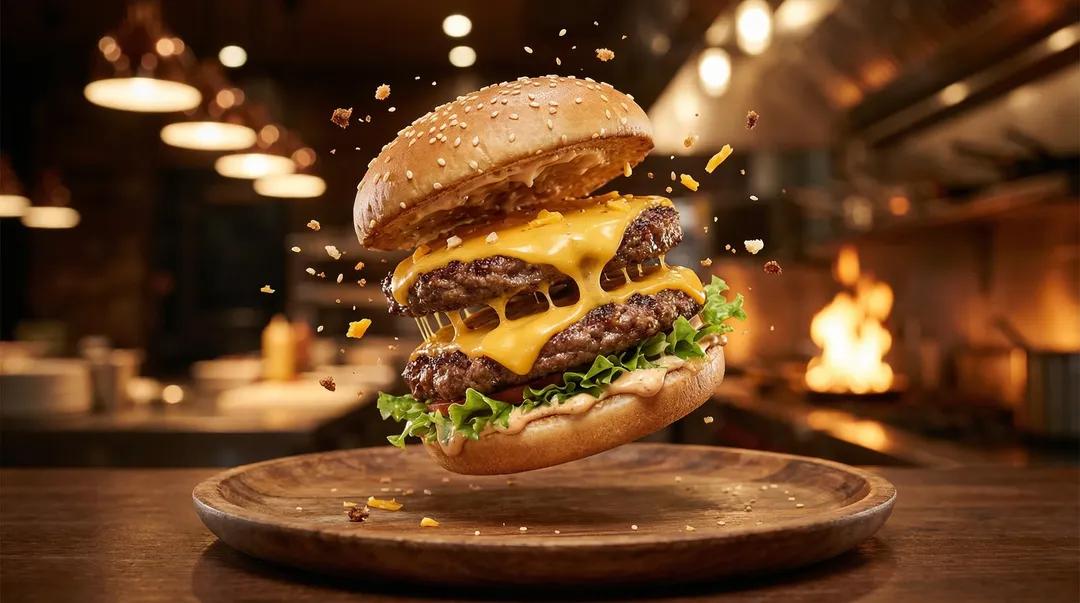
Exploding Ice Cream Cookie Sandwich

Spicy Nacho Tornado Ad
Browse template categories
Ultra-realistic Outdoor Glamour Portrait questions
How do I use the Ultra-realistic Outdoor Glamour Portrait template?
Add your photo if the template asks for one, edit the prompt if you like — the template's model and format are already selected — and press Generate. Your version opens in PicX Studio.
Can I customize the Ultra-realistic Outdoor Glamour Portrait template?
Yes. You can change the subject, setting, lighting, mood, format, and available model controls before creating your image.
Is the Ultra-realistic Outdoor Glamour Portrait template free?
Opening and editing this template is free. Generating uses credits, shown on the Generate button when you are signed in.
Which AI model should I use?
Start with Nano Banana 2, which is the model associated with this template. You can compare another compatible model for a different finish.
Looking for something else? Browse all templates.

Your photo, any look
Thousands of ready templates for every top image and video model, from one credit balance.