
Using Nano Banana Pro as a Shading Tool for MMD Output
A user experimented with using Nano Banana Pro as a shading tool to add texture, decals, and glow effects to MMD (MikuMikuDance) output.
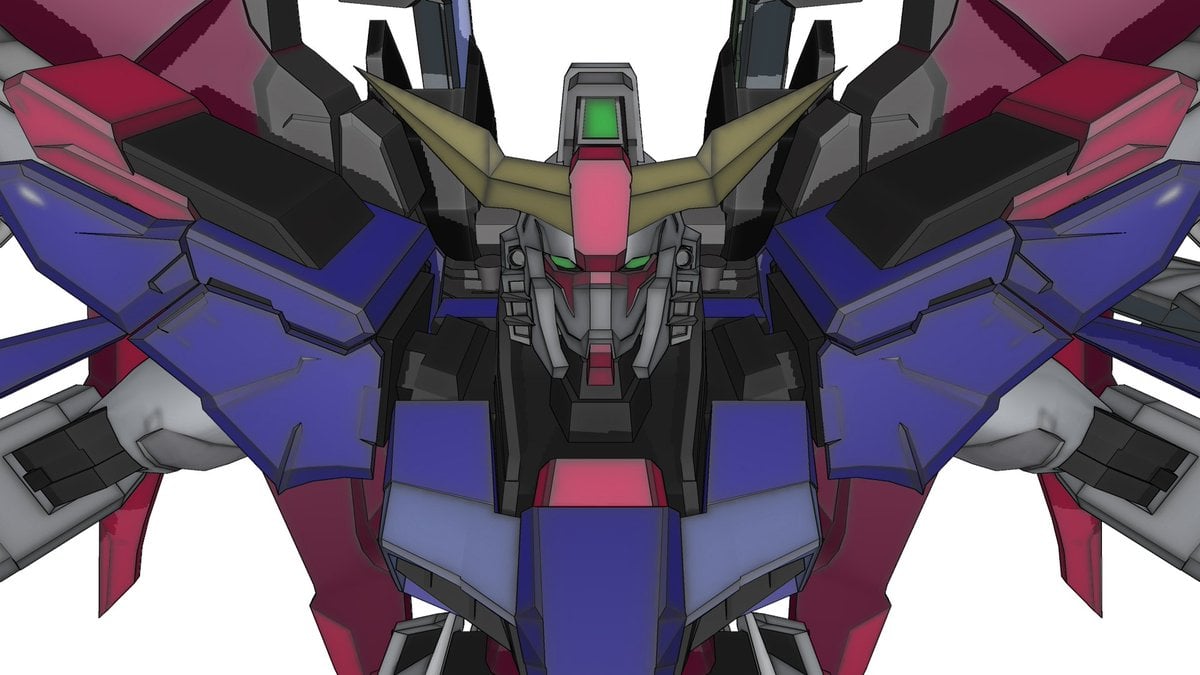
- Prompt included
- Model and format preset
- Free template
The prompt behind this image
Copy the exact prompt behind Using Nano Banana Pro as a Shading Tool for MMD Output, or open it in the studio and make it yours.
nanobanana proをシェーディングツールに見立ててMMD出力に質感とかデカールとかグローとかを足してみた。エッジを立たせたかったのでクロッキーエフェクトで線を盛ってみた
How to use Using Nano Banana Pro as a Shading Tool for MMD Output in 3 steps
- 1
Open
The prompt is already in the box next to the preview, with the template's model and format selected.
- 2…a portrait of your subject in softgolden-hour light, 85mm…
Personalize
Edit the subject and creative details for your destination.
- 3Generate
Generate
Press Generate — your image is created in PicX Studio, so you can compare it with the original and refine one variable at a time.
More like this
Templates with the same subject, style or setup. Open one to see its prompt.

Woman in Mall with Chanel Bag - Heart Gesture
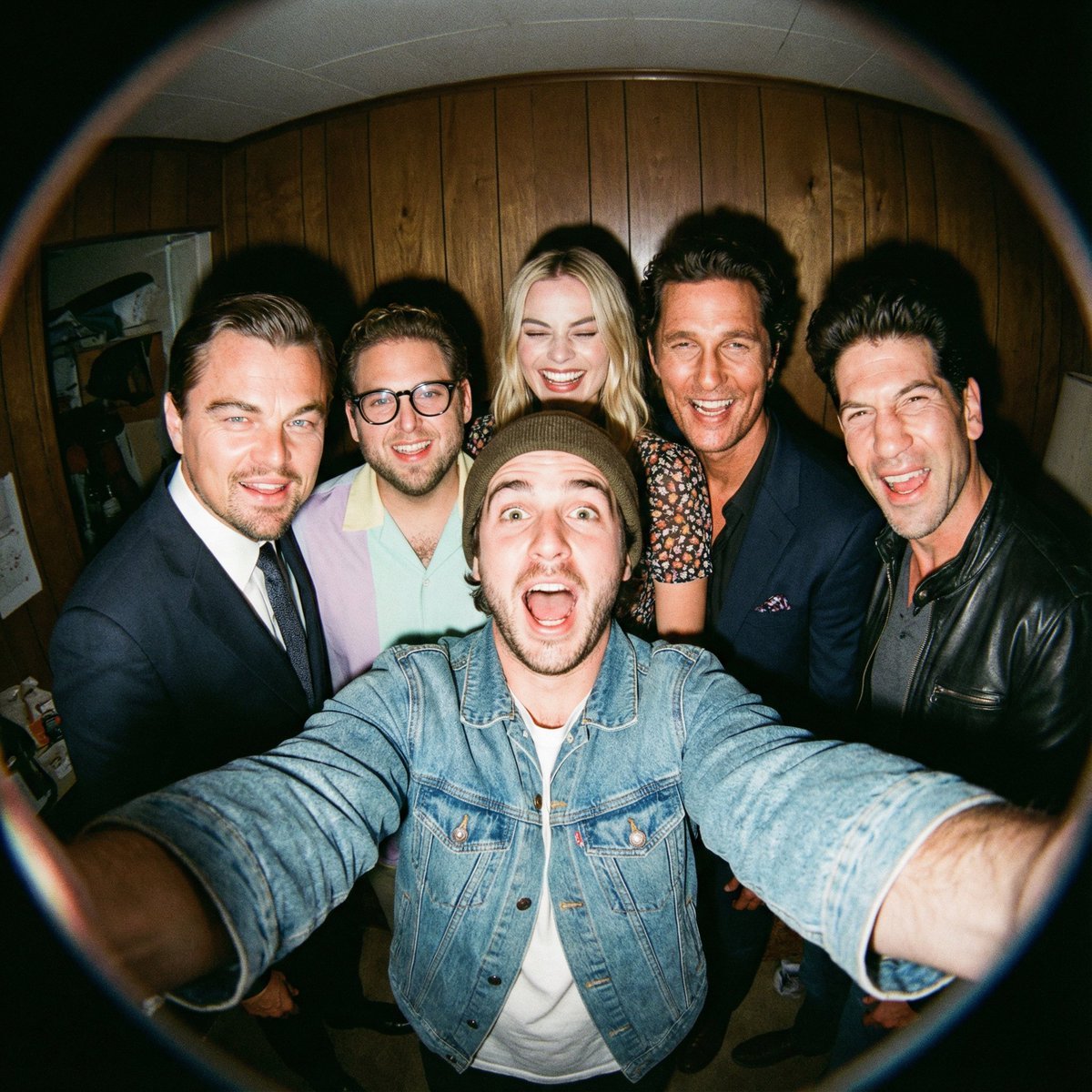
Fisheye selfie with movie characters using Nano Banana Pro
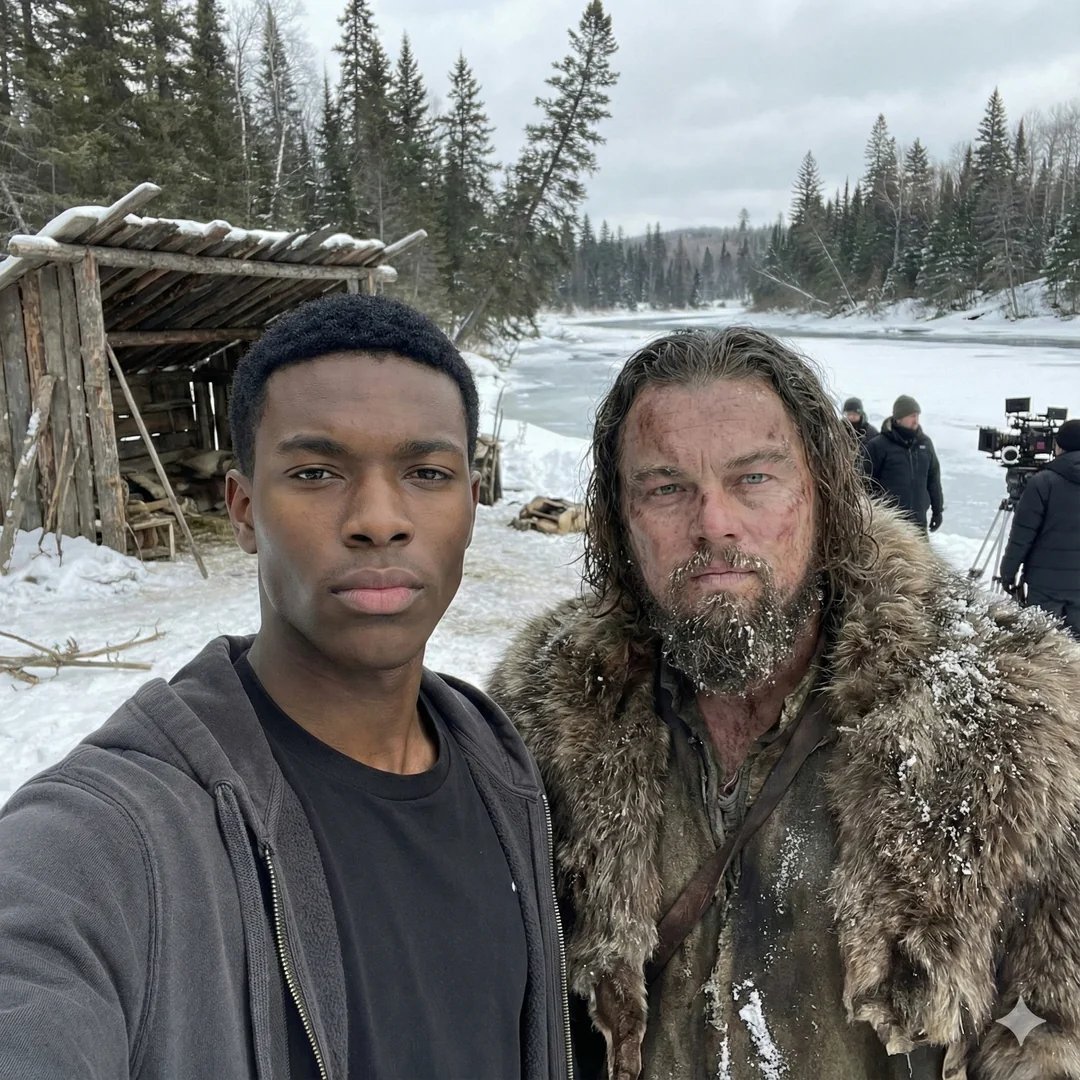
Selfie with movie character using reference face in Nano Banana Pro

Flyer Redesign Prompt using Nano Banana Pro
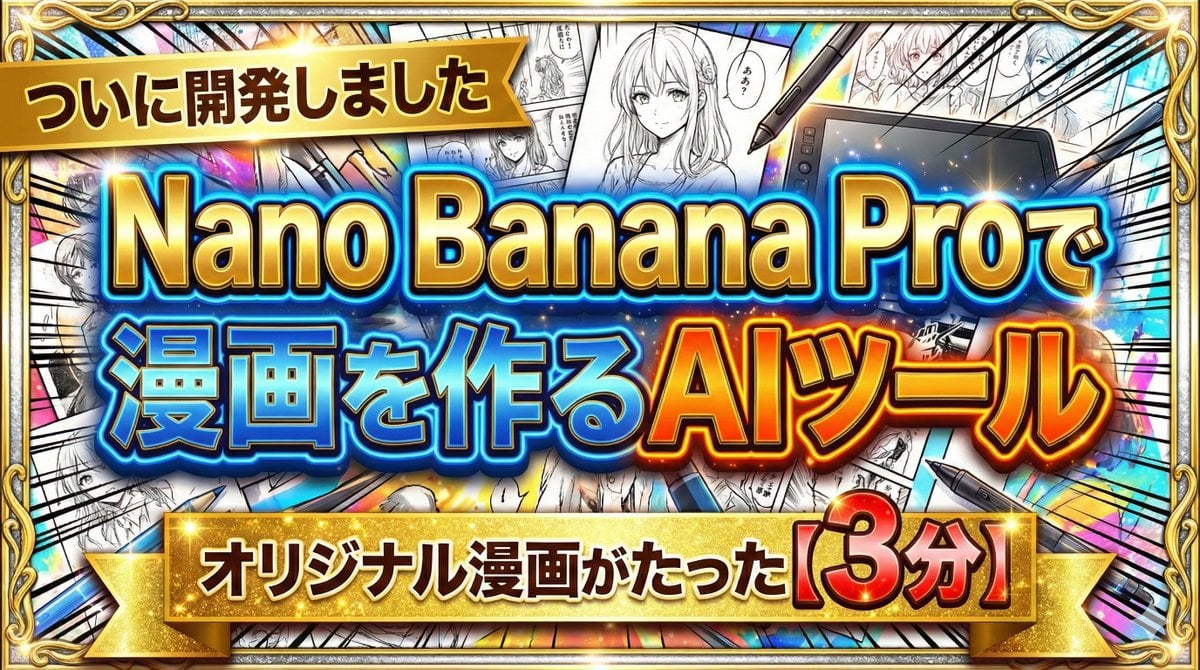
Developing a Nano Banana Pro Manga Creation Tool
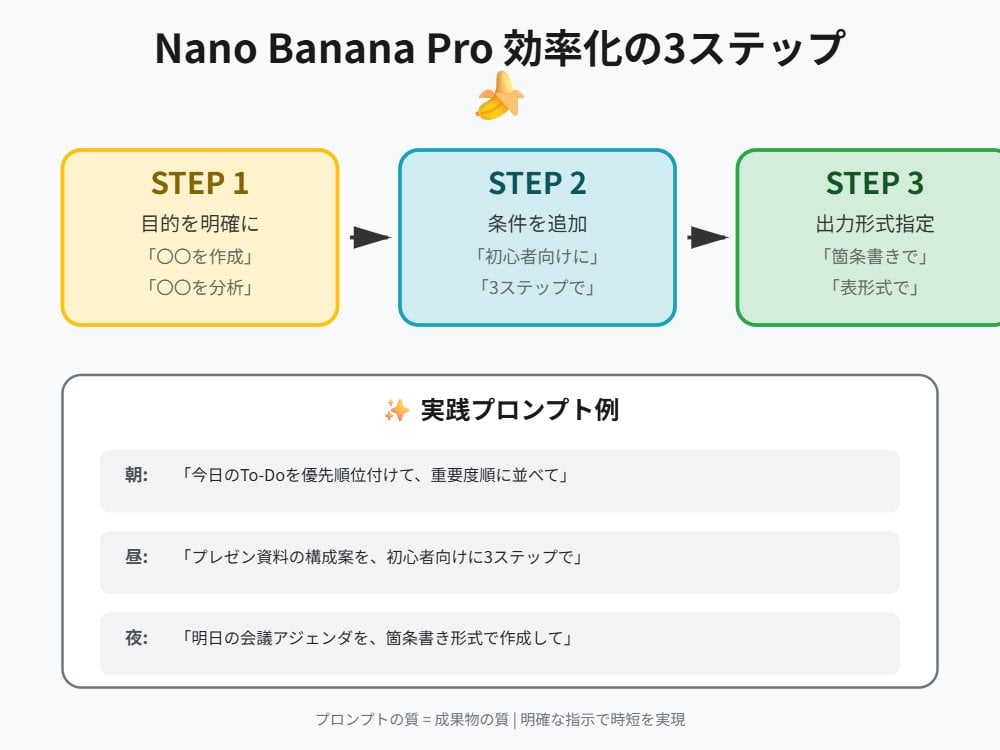
Tip for Using Nano Banana Pro: Adding Examples for Better Understanding
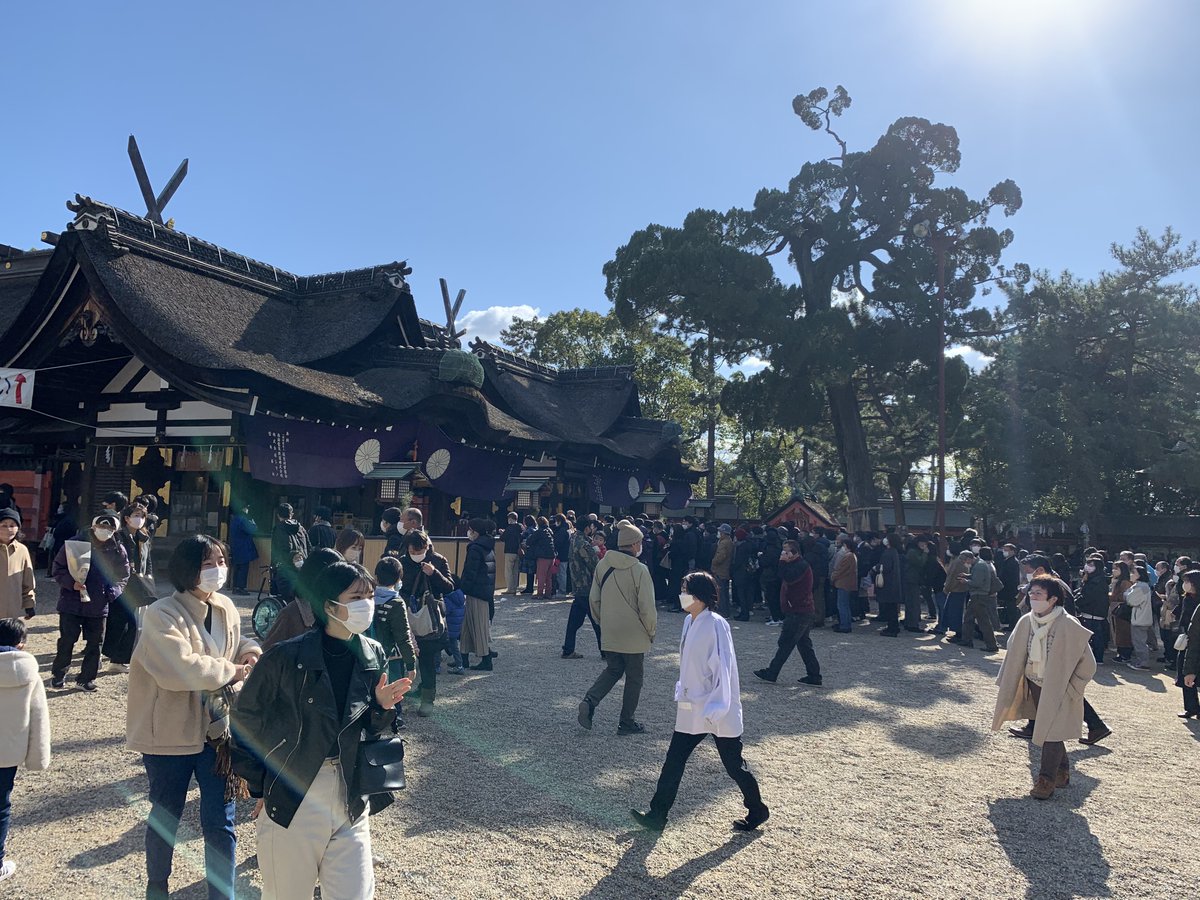
Object Removal from Photo using Nano Banana Pro
Image-to-Image Workflow for RPG Maker Pixel Maps using Nano Banana
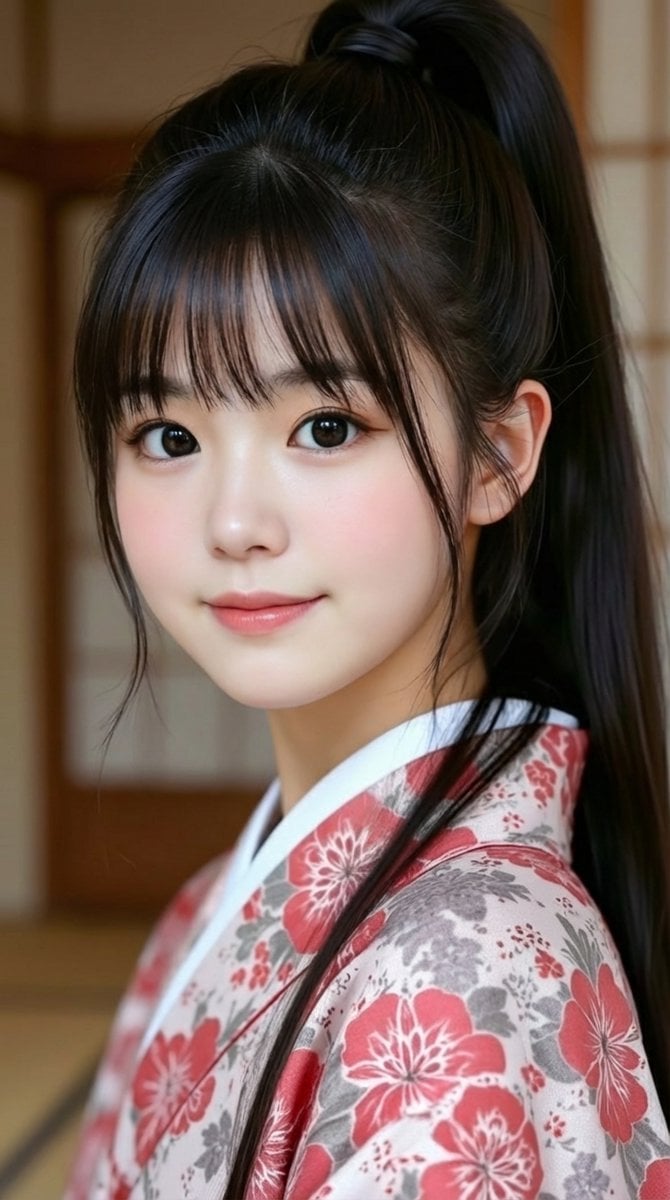
Generating 'Meme Hybrid' Beauties using Nano Banana Pro
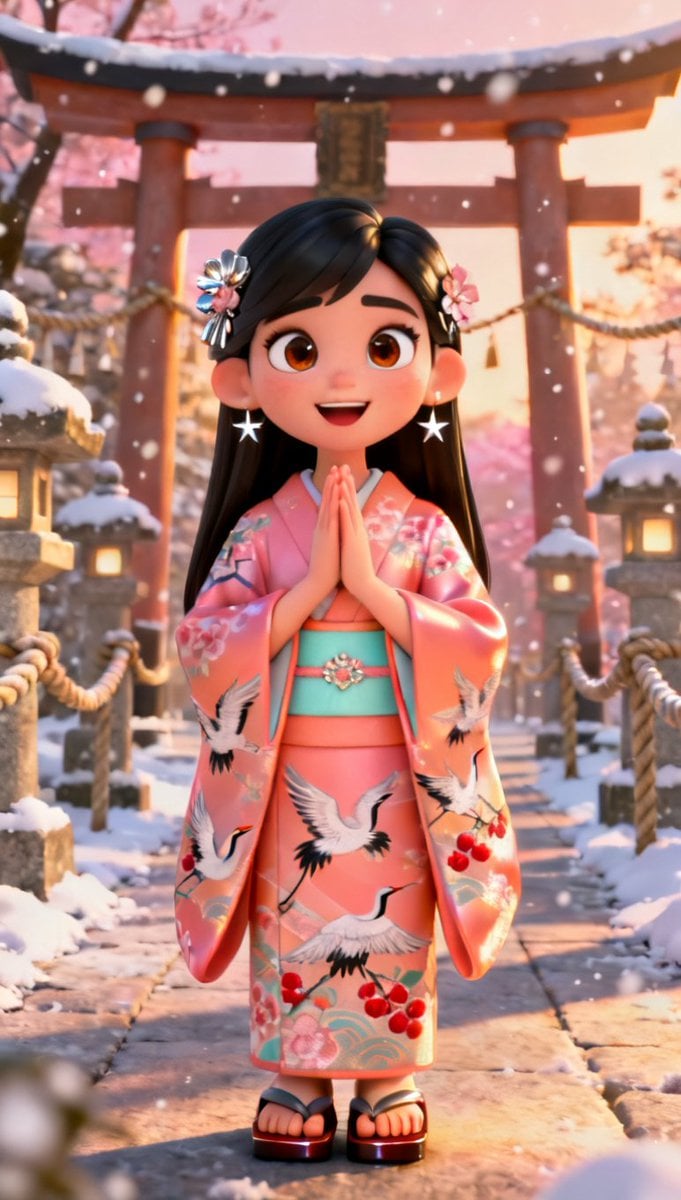
Infographic Generation from Images and Text using Nano Banana Pro
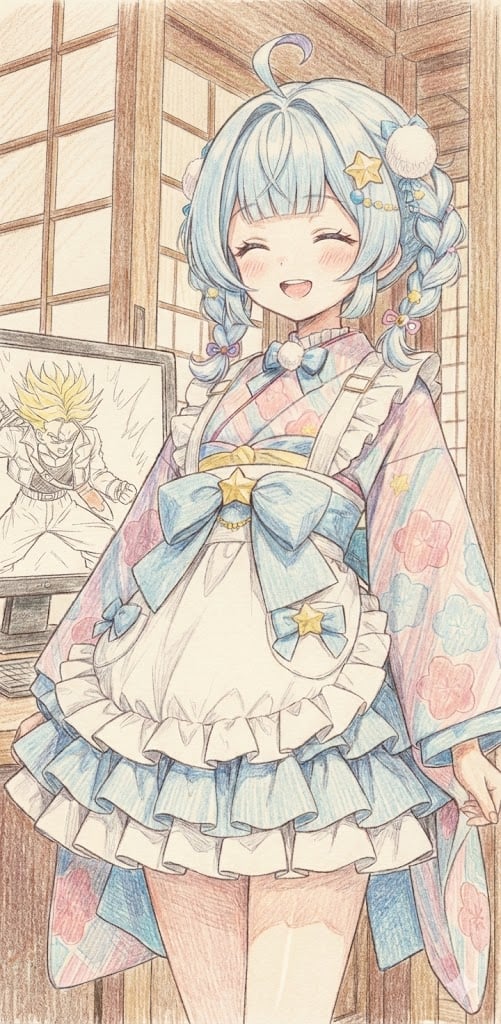
Image generation of Suu Mizumiya using Nano Banana Pro
Forcing Image Output in Nano Banana Pro
Make it yours
Using Nano Banana Pro as a Shading Tool for MMD Output works as-is. These are the safest ways to change it without losing the look.
Change one field
Copy a single group, rewrite it, and generate again so you can see what that field is doing.
Keep the frame, change the subject
Hold the composition and light of Using Nano Banana Pro as a Shading Tool for MMD Output, then swap wardrobe, props or the person for a new take.
| If the result… | Why | Fix |
|---|---|---|
| The result drifts from the preview | Too many fields changed at once. | Reuse Using Nano Banana Pro as a Shading Tool for MMD Output as-is first, then change one group — subject, light, or setting. |
| The model over-stylizes the scene | The prose prompt leaves finish and camera underspecified. | Add one camera or lighting sentence and stay on Nano Banana 2. |
More Nano Banana 2 templates
Other prompts made for Nano Banana 2.

Photorealistic Leaf Shaped Like a Dragon

K-Pop Idol Portrait Grid for Rapid Selection

Poetic Rain Forest Portrait During Golden Hour

Urban Street Portrait with Cartoon Inner Self Duo

Candid Nighttime Photo with Cat Prompt

High-Concept 3D Diorama Generation Prompt

Cinematic Futuristic Studio Portrait Template

Skincare Editorial Photography Collage Prompt

Hyper-Realistic Commercial Product Photography (Splash Effect)

Hyper-Realistic Nightclub Portrait Prompt
More image prompts
Fresh picks from across the catalog.
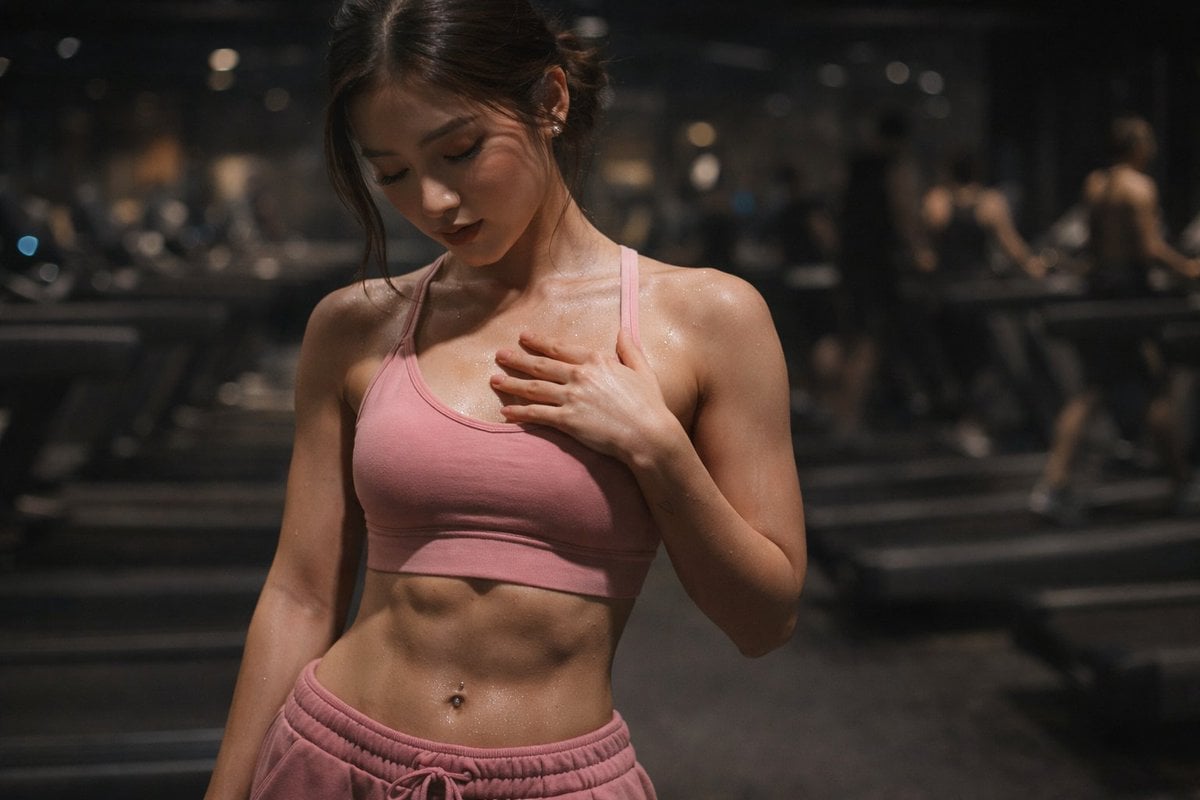
Cinematic Gym Portrait Prompt
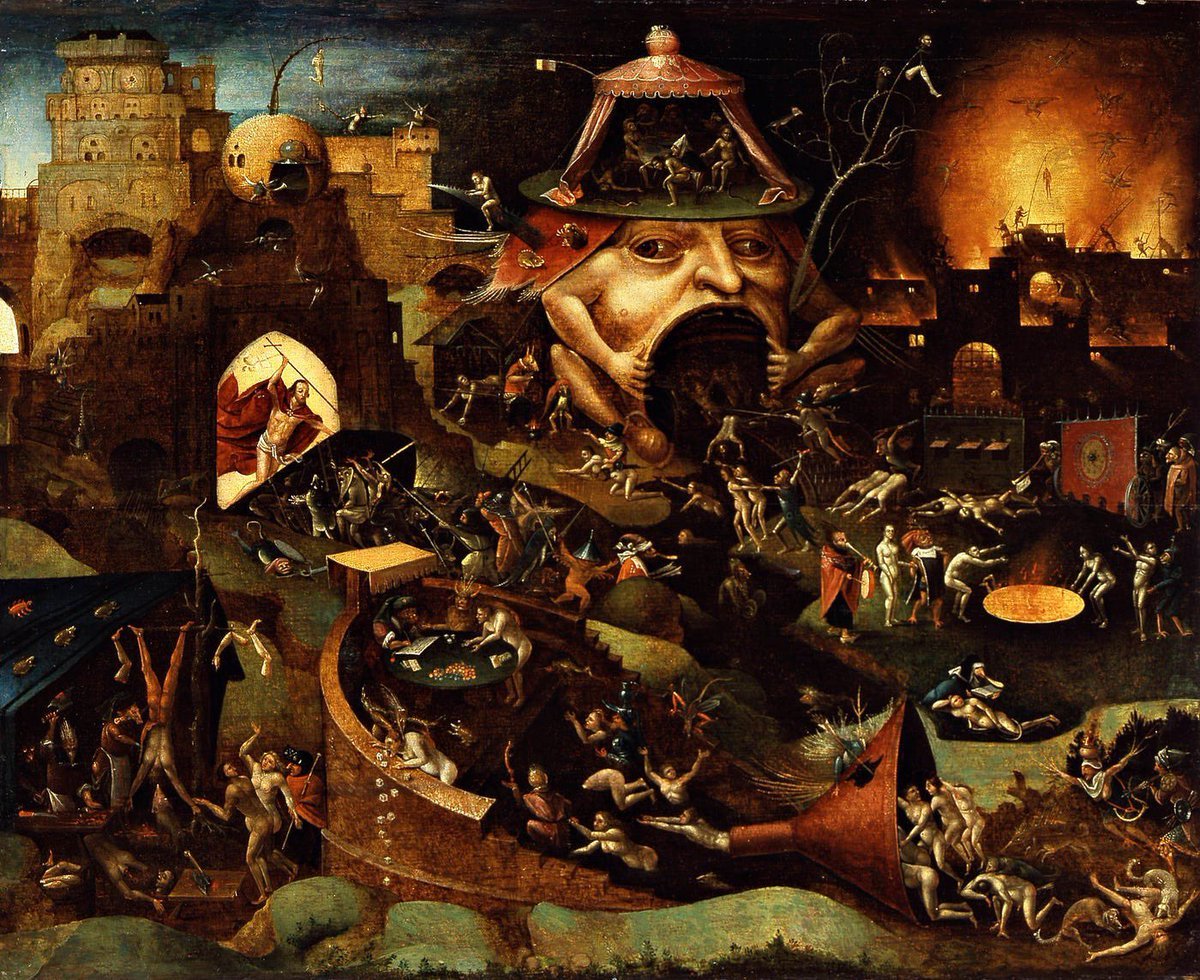
Bosch-inspired Harrowing of Hell follower scene
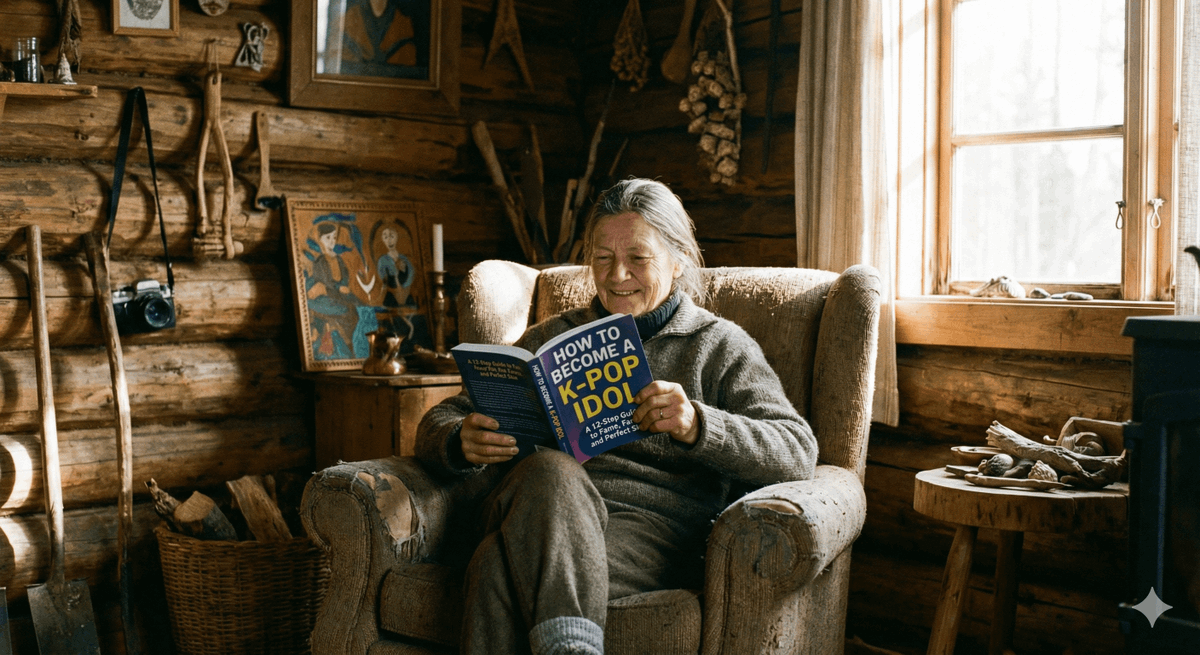
Absurd Book Title Image Generation
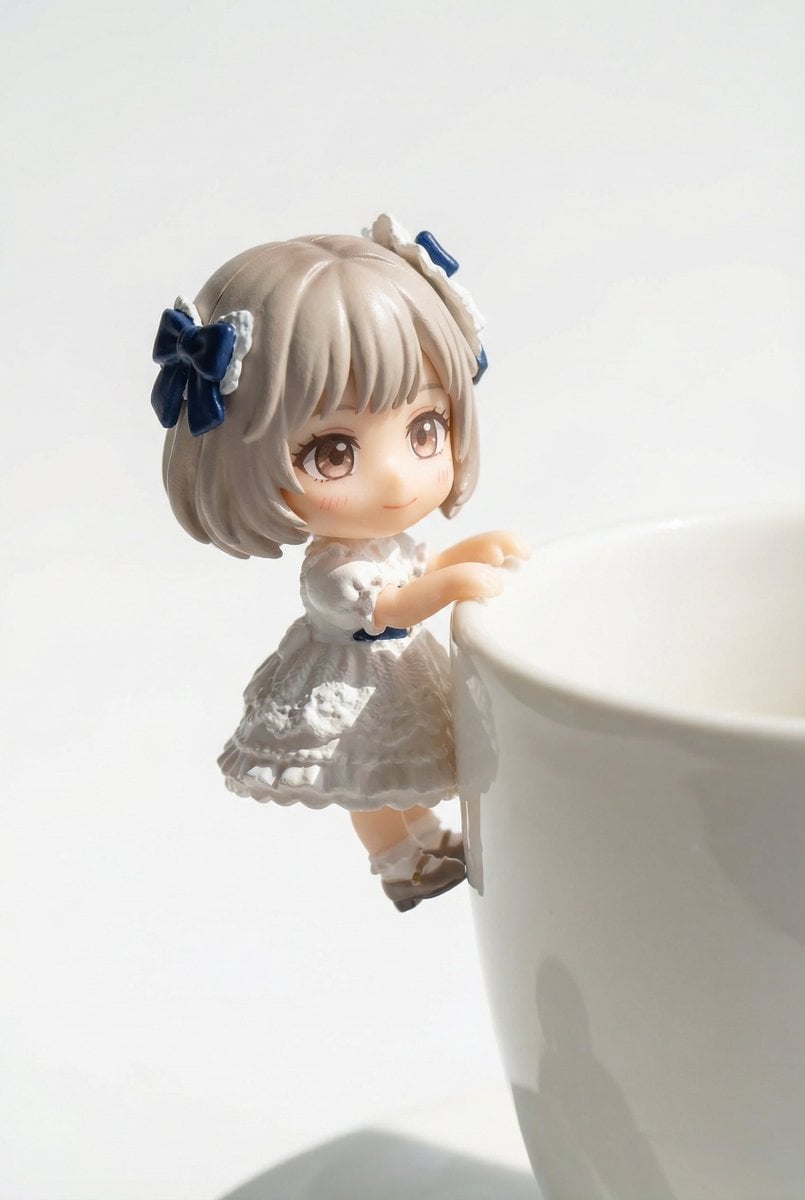
Miniature Figure Close-up with Melted Pizza Cheese
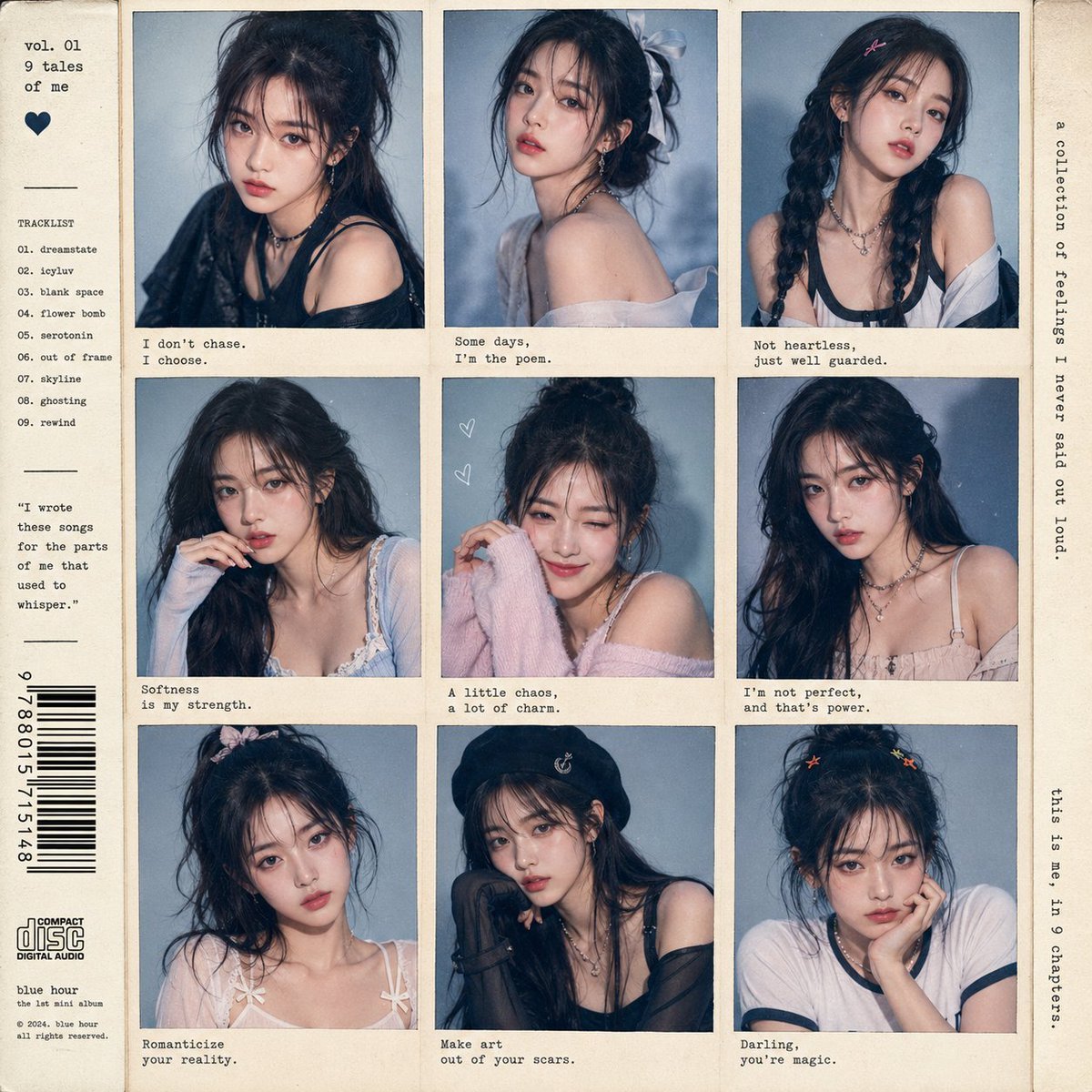
K-Pop Idol Style Grid Portrait Collage
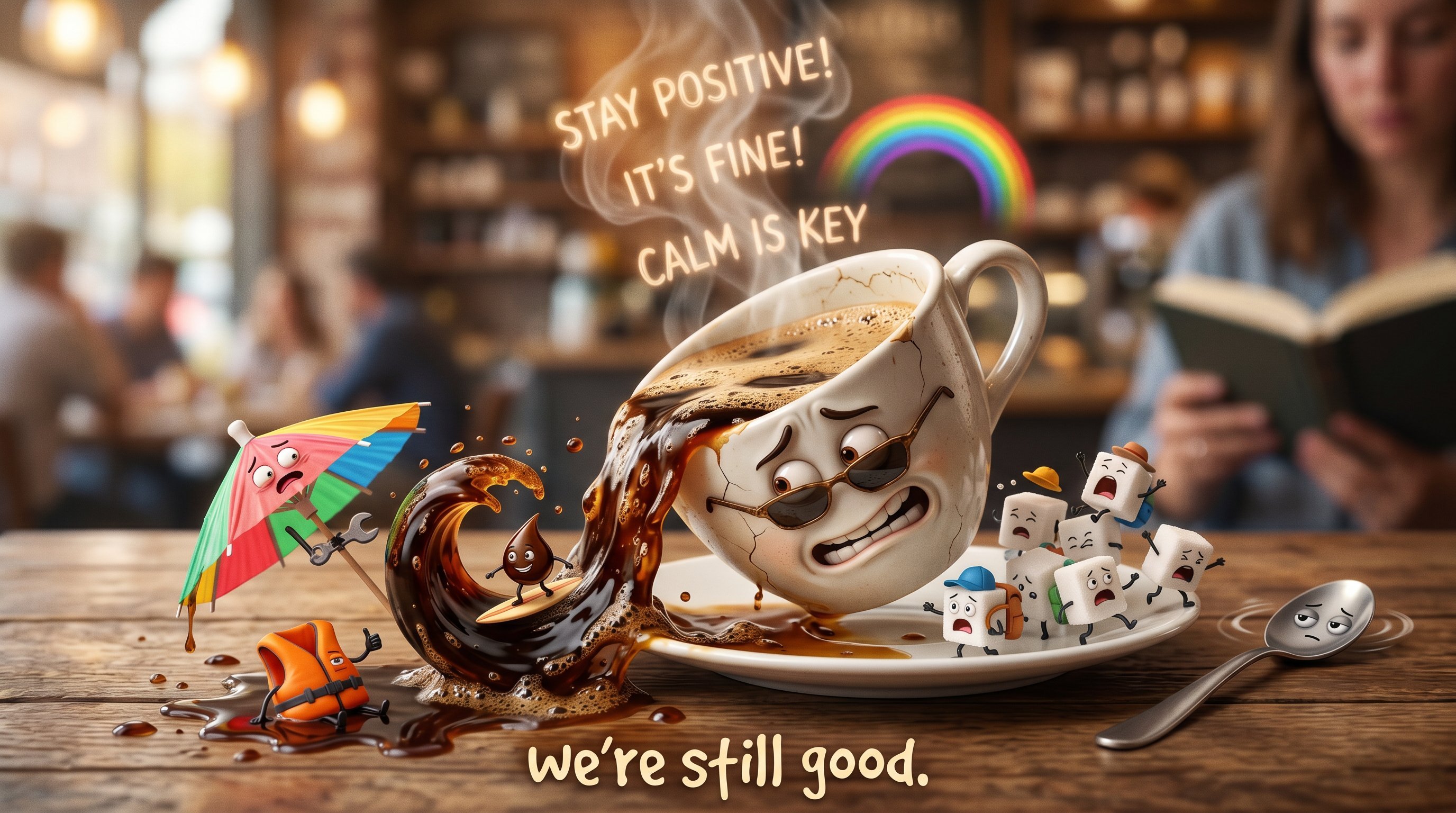
Firefly Pixar Spill — Nano Banana Pro
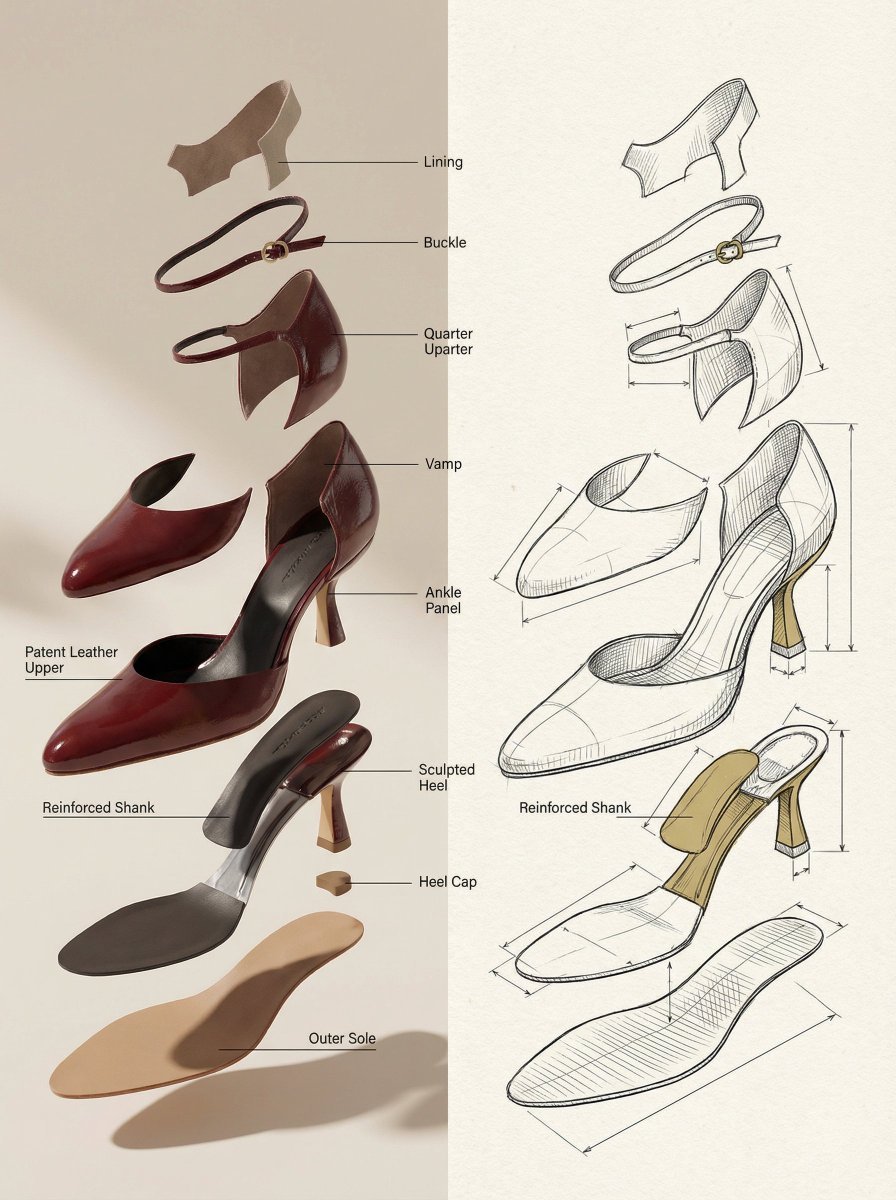
Exploded View Product Render Prompt
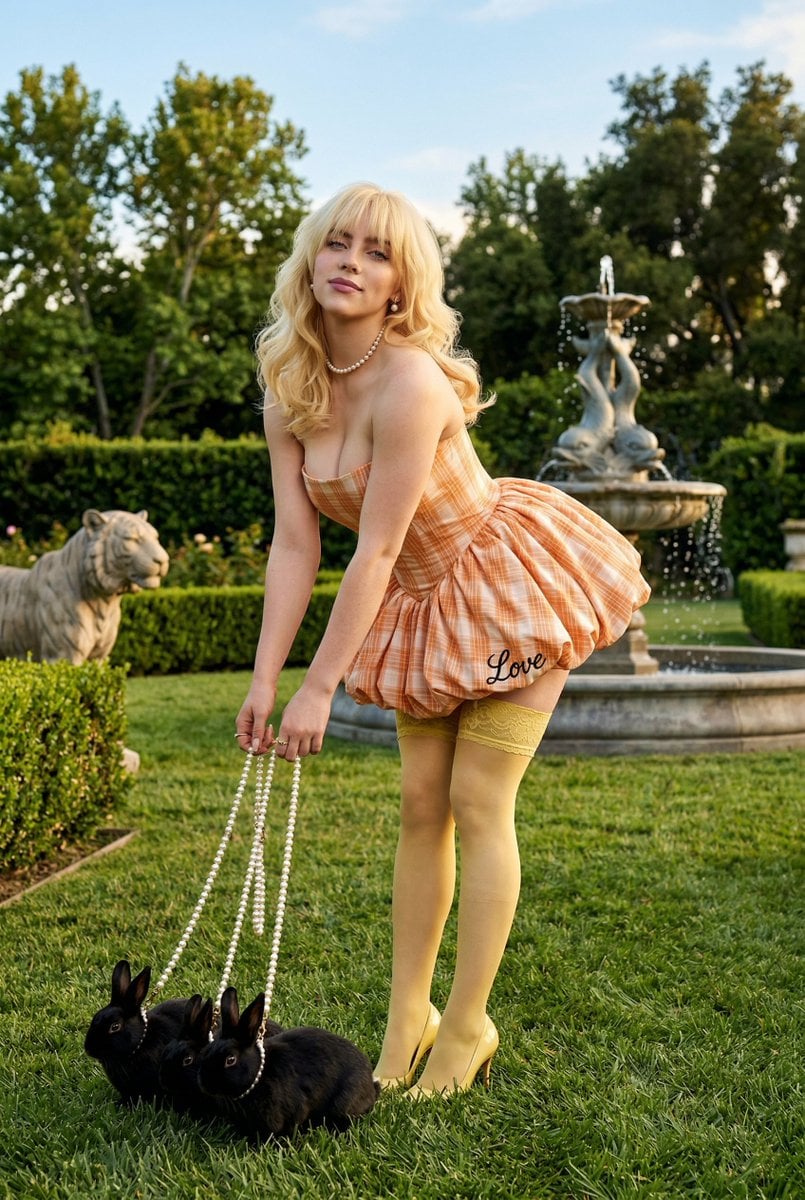
Coquette Garden Editorial with Rabbits
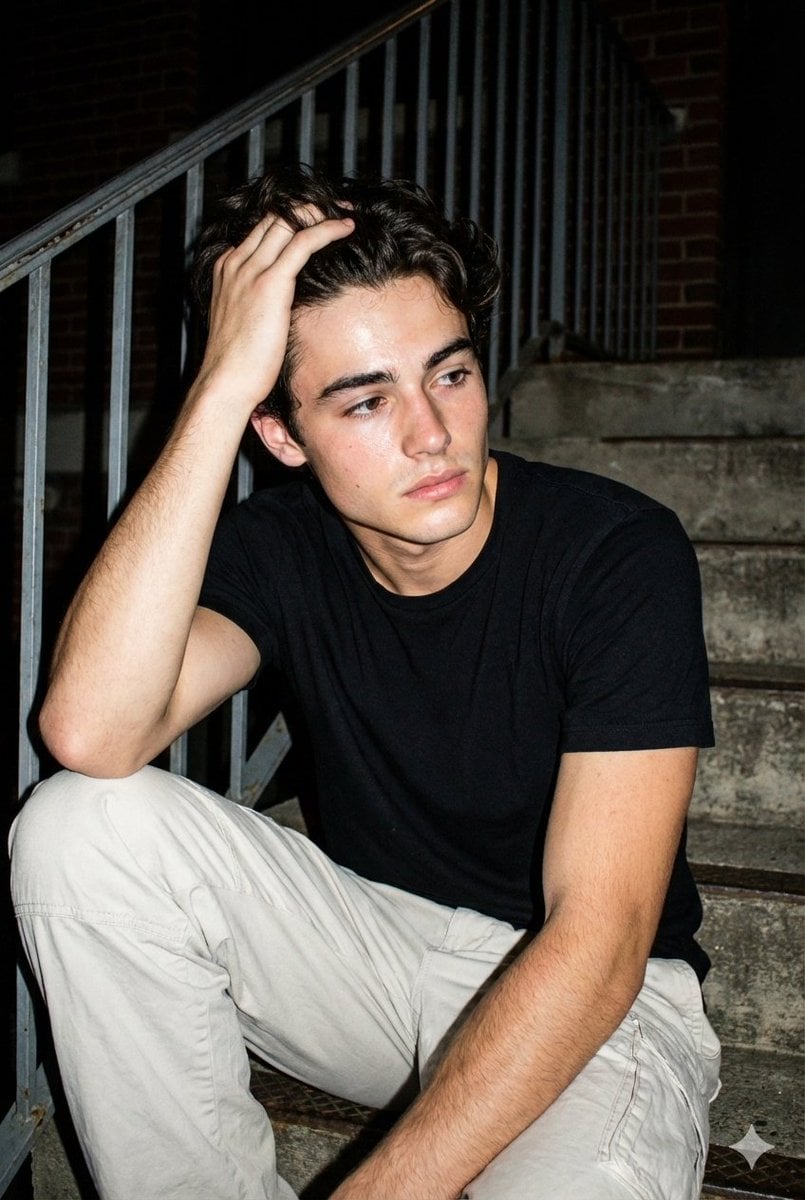
Raw Night Street Photography with Flash Prompt (Identity Lock)
Micro Strawberry Rabbit
Browse template categories
Using Nano Banana Pro as a Shading Tool for MMD Output questions
How do I use the Using Nano Banana Pro as a Shading Tool for MMD Output template?
Add your photo if the template asks for one, edit the prompt if you like — the template's model and format are already selected — and press Generate. Your version opens in PicX Studio.
Can I customize the Using Nano Banana Pro as a Shading Tool for MMD Output template?
Yes. You can change the subject, setting, lighting, mood, format, and available model controls before creating your image.
Is the Using Nano Banana Pro as a Shading Tool for MMD Output template free?
Opening and editing this template is free. Generating uses credits, shown on the Generate button when you are signed in.
Which AI model should I use?
Start with Nano Banana 2, which is the model associated with this template. You can compare another compatible model for a different finish.
Looking for something else? Browse all templates.

Your photo, any look
Thousands of ready templates for every top image and video model, from one credit balance.