
AI Influencer Mirror Selfie Pose Prompt
This is a detailed, multi-part prompt designed for Gemini 3 (or similar image generation models) to create a highly realistic, 'gritty' mirror selfie of an AI-generated female influencer.
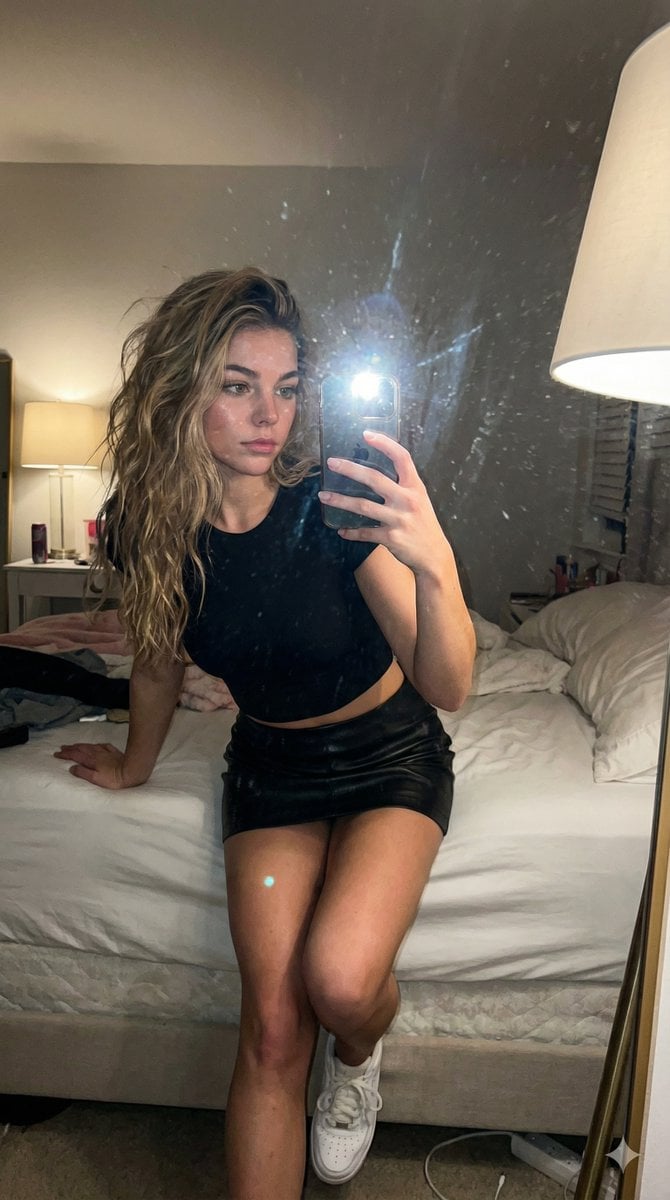
- Prompt included
- Model and format preset
- Free template
The prompt behind this image
Copy the exact prompt behind AI Influencer Mirror Selfie Pose Prompt, or open it in the studio and make it yours.
Un selfie de espejo tipo "gritty" (crudo/granulado) tomado con iPhone tarde por la noche en un dormitorio femenino. La mujer es capturada a través del reflejo, sosteniendo el teléfono de manera casual a la altura del pecho, ocultando parcialmente su rostro. El espejo está ligeramente sucio, con manchas y restos de polvo que añaden textura y realismo. Está sentada en el borde de su cama, ligeramente inclinada hacia adelante. Su postura es relajada y natural (sin posar): una pierna doblada, la otra colgando con naturalidad, los hombros sueltos y el cuerpo ligeramente angulado debido a la perspectiva del espejo. Cabeza sutilmente inclinada hacia la derecha del espectador, el rostro domina casi todo el encuadre, los hombros redondeados hacia adelante y el cuerpo inclinándose ligeramente hacia la cámara para lograr esa clásica compresión de selfie nocturno acogedor. La mano derecha (lado izquierdo del espectador) está levantada directamente frente al rostro, a la altura de la barbilla o la boca, con la palma mirando claramente hacia la cámara, realizando un gesto prominente de paz / signo de la V: Los dedos índice y medio están completamente extendidos y bien separados (un ángulo de ~60–70° entre ellos). Los dedos anular y meñique están completamente doblados, presionados con fuerza y sujetos de forma plana por el pulgar. El pulgar ancla firmemente los dedos doblados, siendo claramente visible al presionar contra ellos. Los dedos apuntan ligeramente hacia arriba y hacia adelante (no perfectamente verticales, con una suave inclinación natural). Mano posicionada en el centro, muy cerca del rostro; las puntas de los dedos están aproximadamente a la altura de los labios o la nariz, creando un elemento fuerte en primer plano. La mano izquierda no es visible, está completamente fuera de encuadre. Postura relajada y casual del torso: hombros ligeramente encogidos hacia adelante, cuello suavemente estirado hacia la lente, la típica pose encorvada de un selfie de dormitorio con poca luz. Ambiente: íntimo, juguetón, atmósfera nocturna de luz tenue, con un fuerte énfasis en el gesto audaz de la mano en el centro del encuadre, justo frente al rostro. Viste un elegante {argument name="prenda superior" default="crop-top negro ajustado"} con una silueta afilada y refinada, una {argument name="prenda inferior" default="minifalda de cuero negro"} y {argument name="calzado" default="zapatillas blancas"}. Lleva un peinado de ondas salvajes. La alta moda contrasta sin esfuerzo con la atmósfera relajada de la habitación. La iluminación proviene únicamente de la lámpara del techo del dormitorio, cruda e imperfecta: flash directo del teléfono reflejado en el espejo, luces quemadas en la piel y la tela, sombras duras, exposición desigual, grano visible, ligero desenfoque de movimiento, destellos del flash y reflejos dentro de los reflejos.
How to use AI Influencer Mirror Selfie Pose Prompt in 3 steps
- 1
Open
The prompt is already in the box next to the preview, with the template's model and format selected.
- 2…a portrait of your subject in softgolden-hour light, 85mm…
Personalize
Edit the subject and creative details for your destination.
- 3Generate
Generate
Press Generate — your image is created in PicX Studio, so you can compare it with the original and refine one variable at a time.
More like this
Templates with the same subject, style or setup. Open one to see its prompt.

Rooftop Fisheye — Cat-Ear Balaclava at Golden Hour

Felt & Knit 3D Character — Photo-Exact Face, Pixar-Quality Plush Figurine

Eid al-Adha Cute Chaos — Fisheye Selfie with Farm Selfie, Mosque & Animals

Cat Photobomb Selfie — 0.5x Wide Angle Café Chaos

Gen Z Triple Selfie Collage — Y2K Flash Photography

Surreal Cat Astronaut — Humanoid Face Freefall

Nano Banana Grwm Mirror Selfie Pink
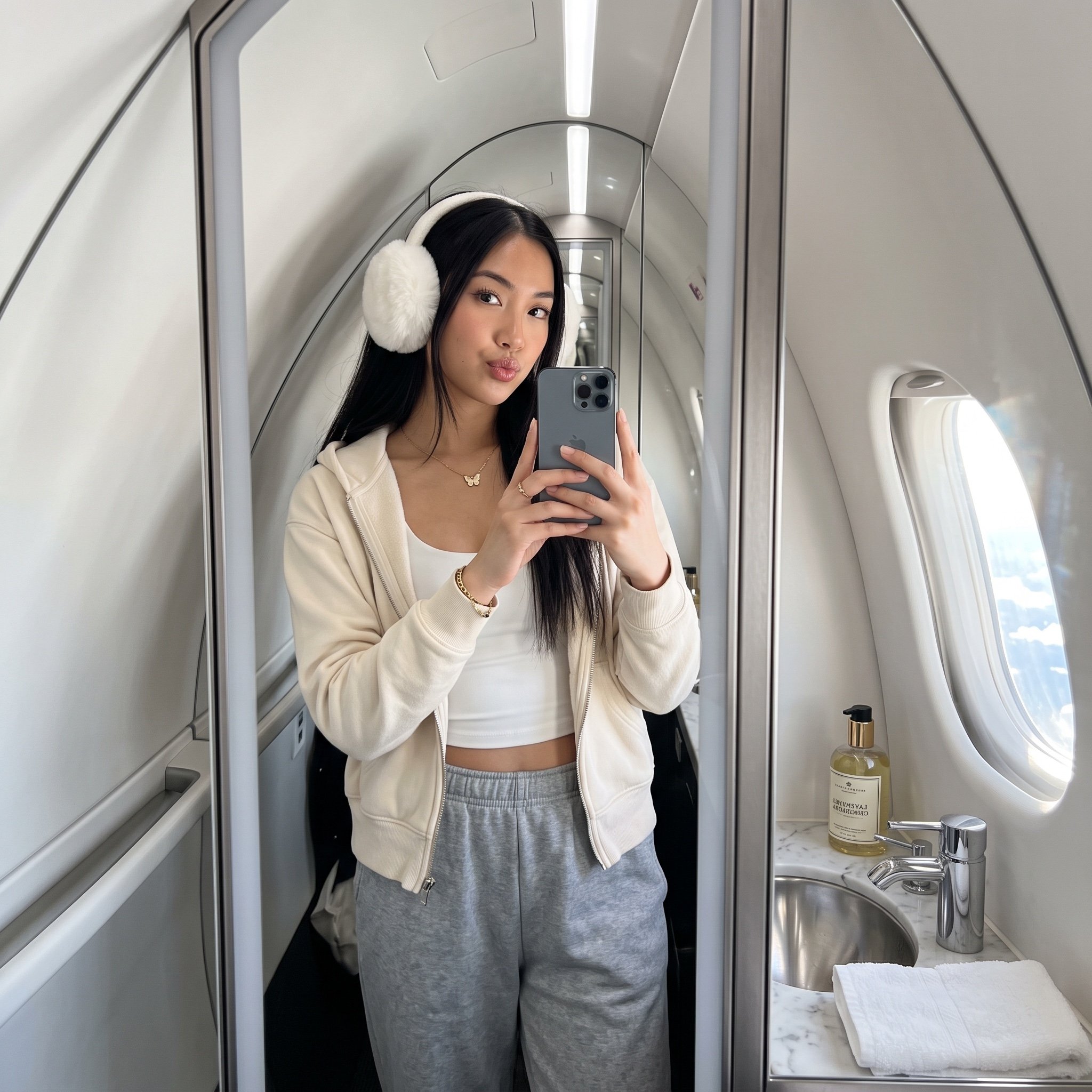
Ultra-Realistic Influencer Mirror Selfie in Private Jet Lavatory

Retro Mirror Luxury Fashion Campaign Poster

Photoreal Village Lanterns Minecraft Scene

Photoreal Snow Biome Name Tag UI

Photoreal Selfie Minecraft Block World
Make it yours
AI Influencer Mirror Selfie Pose Prompt works as-is. These are the safest ways to change it without losing the look.
Change one field
Copy a single group, rewrite it, and generate again so you can see what that field is doing.
Keep the frame, change the subject
Hold the composition and light of AI Influencer Mirror Selfie Pose Prompt, then swap wardrobe, props or the person for a new take.
| If the result… | Why | Fix |
|---|---|---|
| The result drifts from the preview | Too many fields changed at once. | Reuse AI Influencer Mirror Selfie Pose Prompt as-is first, then change one group — subject, light, or setting. |
| The model over-stylizes the scene | The prose prompt leaves finish and camera underspecified. | Add one camera or lighting sentence and stay on Nano Banana 2. |
More Nano Banana 2 templates
Other prompts made for Nano Banana 2.

Photorealistic Leaf Shaped Like a Dragon

K-Pop Idol Portrait Grid for Rapid Selection

Poetic Rain Forest Portrait During Golden Hour

Urban Street Portrait with Cartoon Inner Self Duo

Candid Nighttime Photo with Cat Prompt

High-Concept 3D Diorama Generation Prompt

Cinematic Futuristic Studio Portrait Template

Skincare Editorial Photography Collage Prompt

Hyper-Realistic Commercial Product Photography (Splash Effect)

Hyper-Realistic Nightclub Portrait Prompt
More image prompts
Fresh picks from across the catalog.
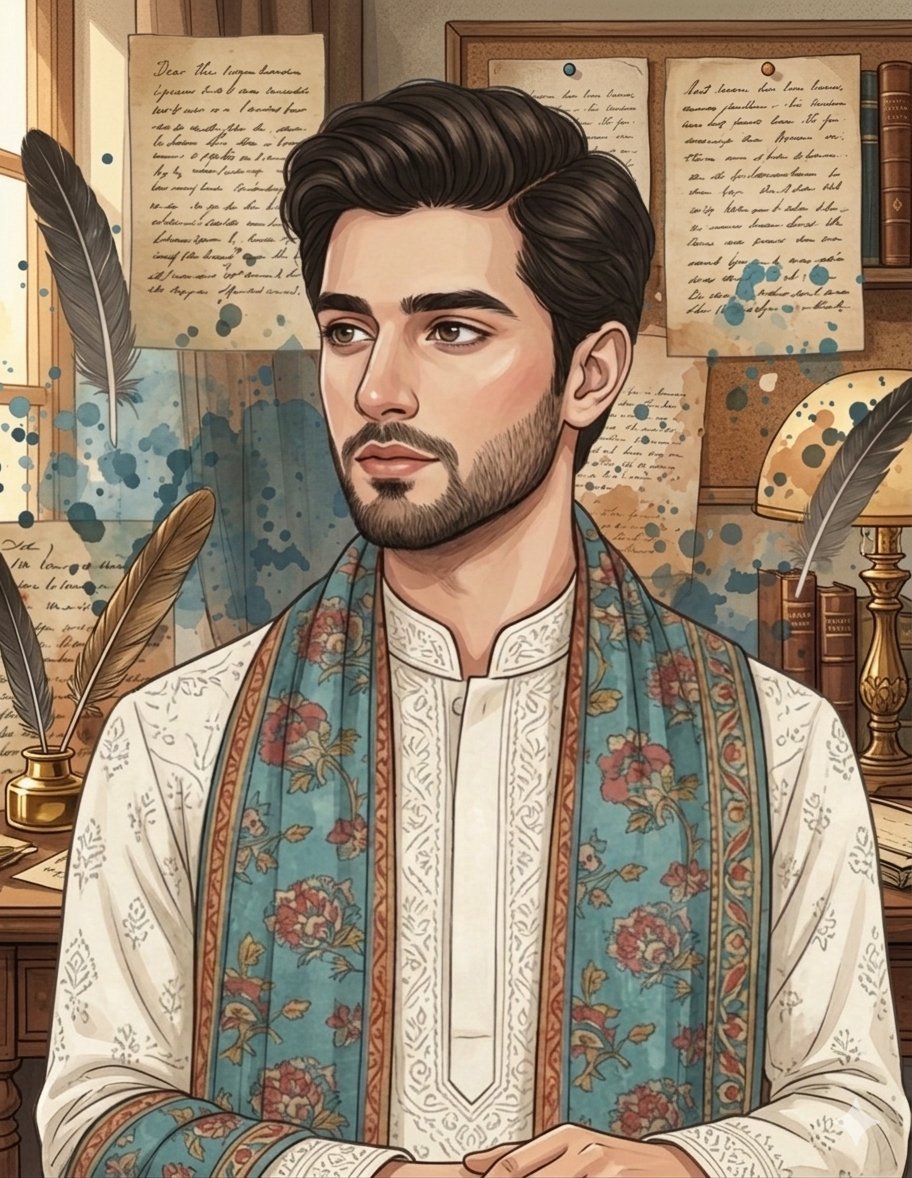
South Asian Male Character Illustration Prompt for Gemini Nano Banana Pro
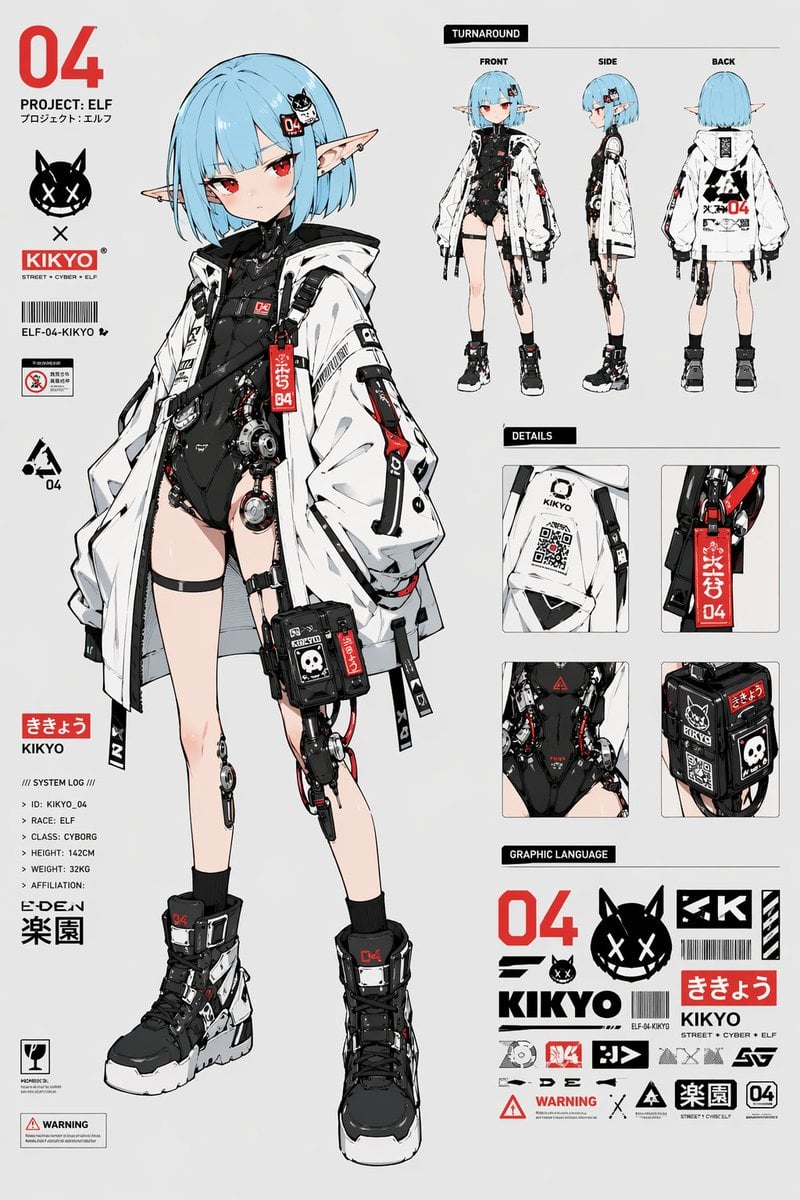
Cyber Elf Girl Reference Sheet
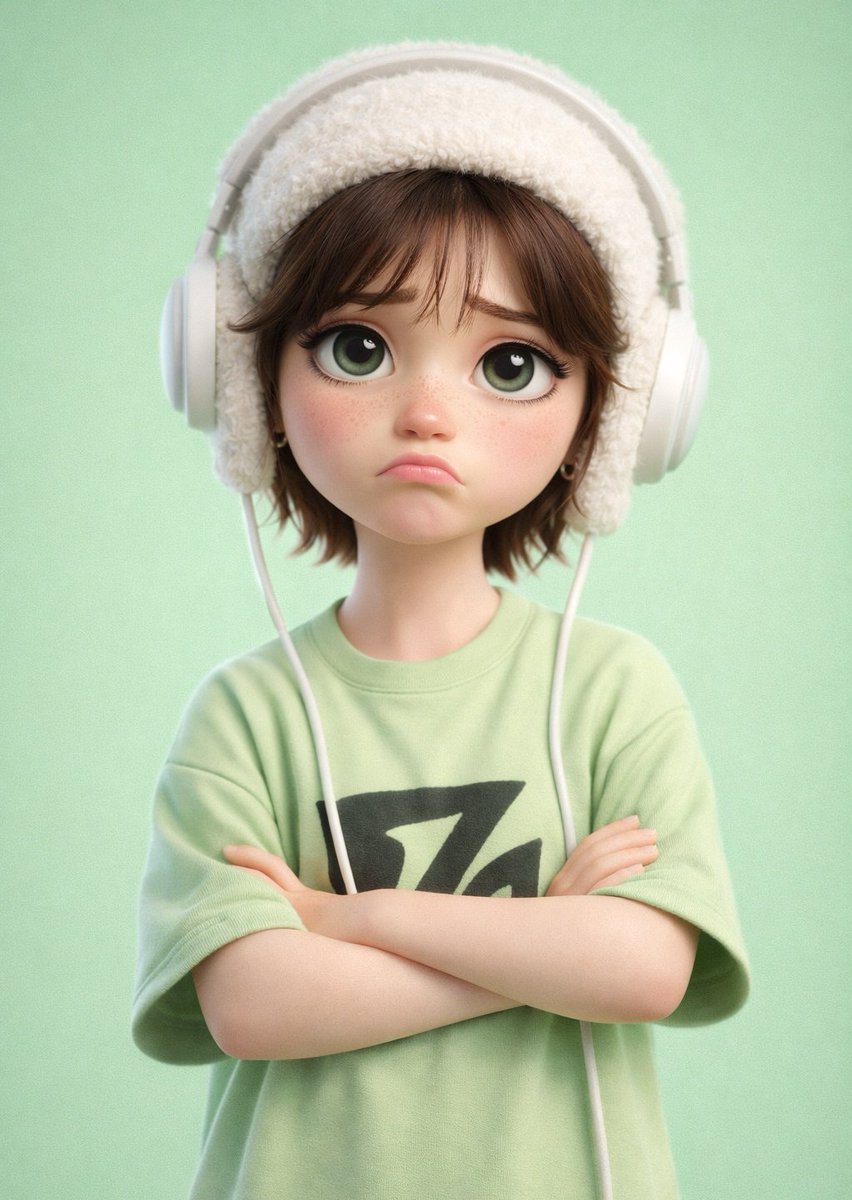
Pixar-Style 3D Cartoon Character
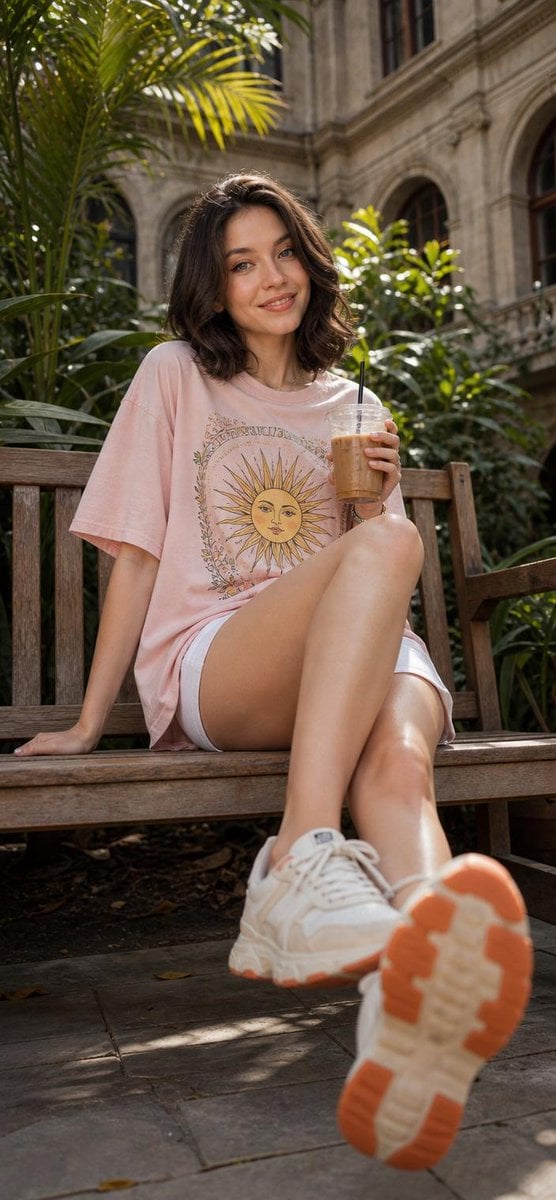
Cheerful Botanical Courtyard Portrait
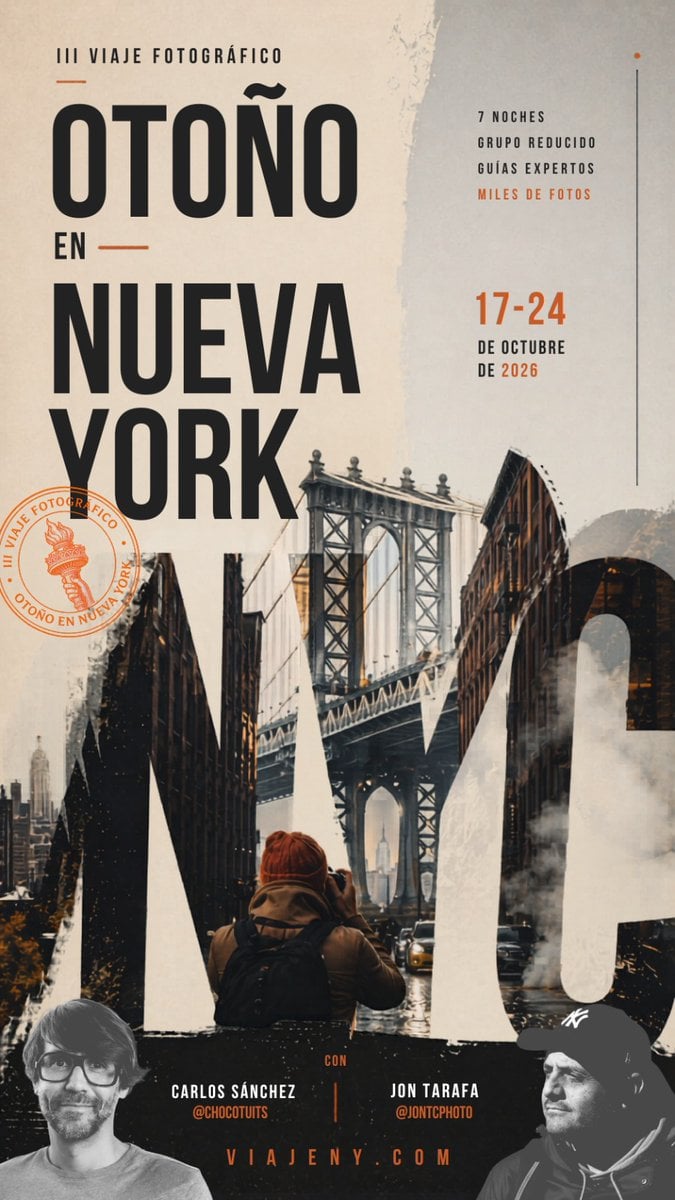
Autumn in New York Travel Poster
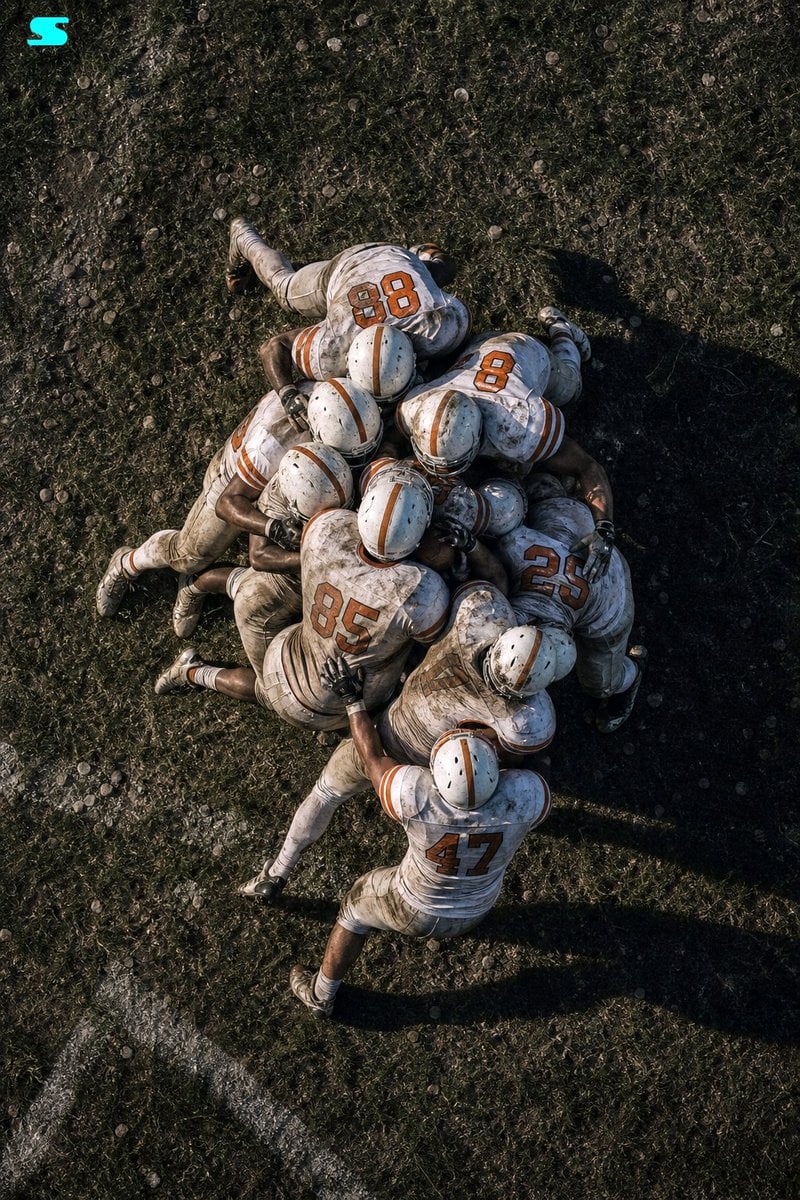
Aerial American Football Huddle
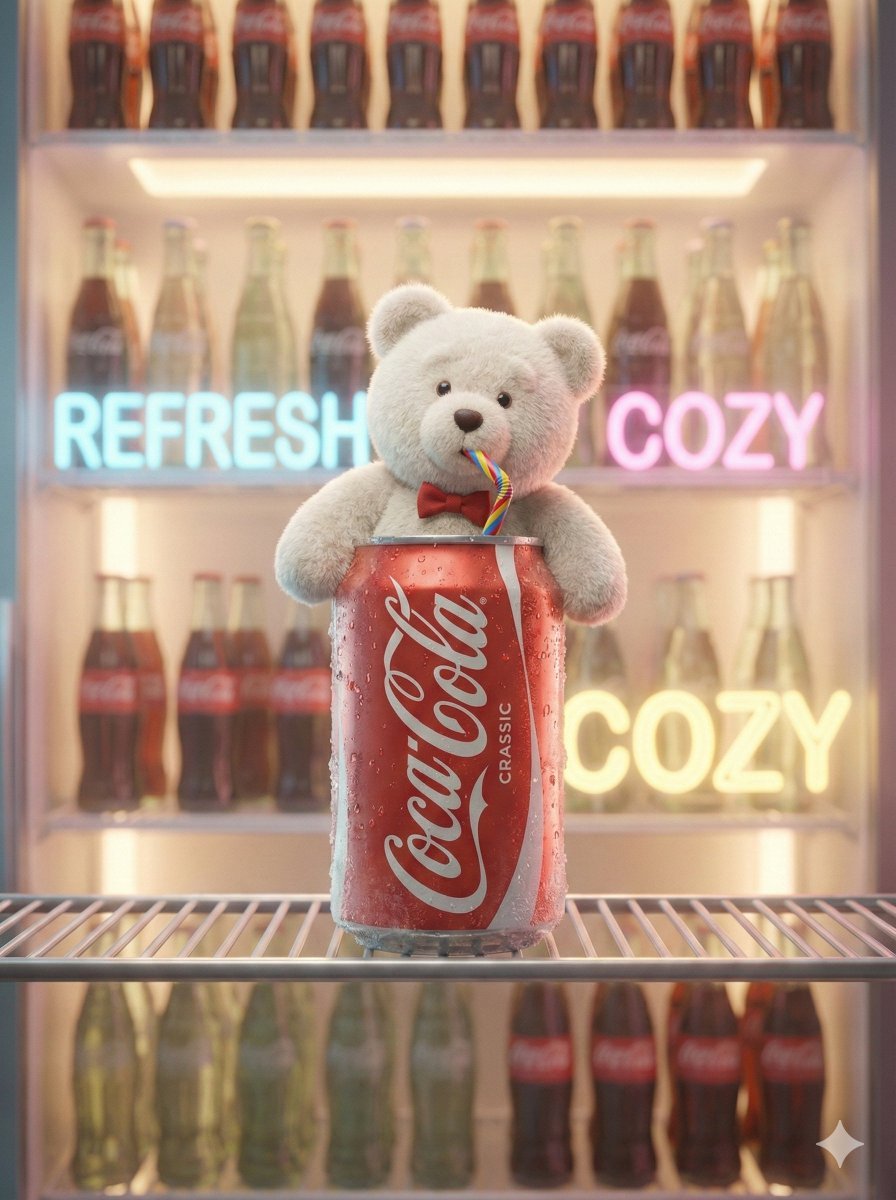
Pixar-Level Commercial Scene: Teddy Bear in a Soda Can
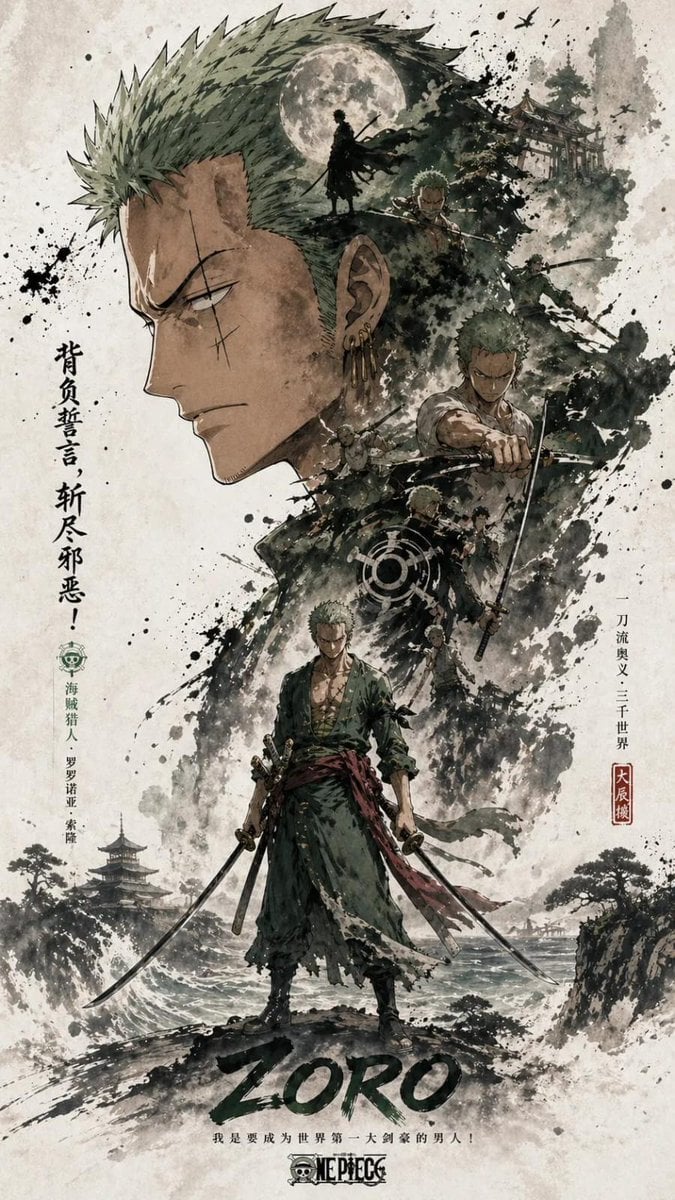
Ink Wash Double Exposure Poster
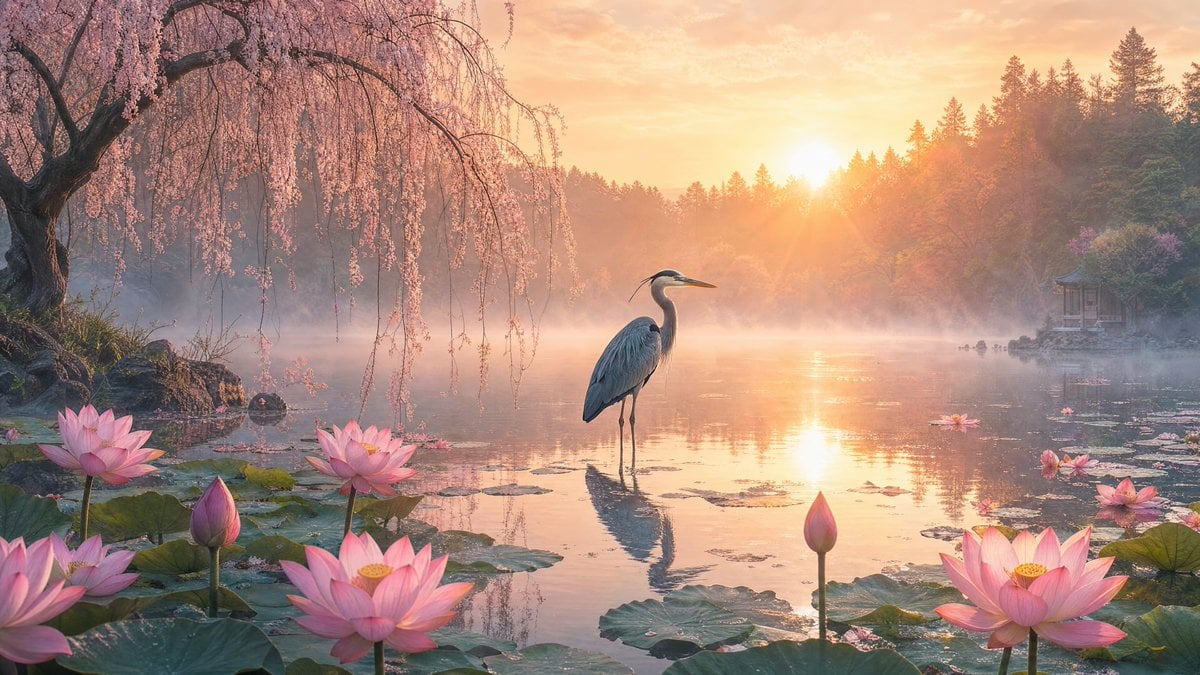
Misty Lotus Pond at Sunrise
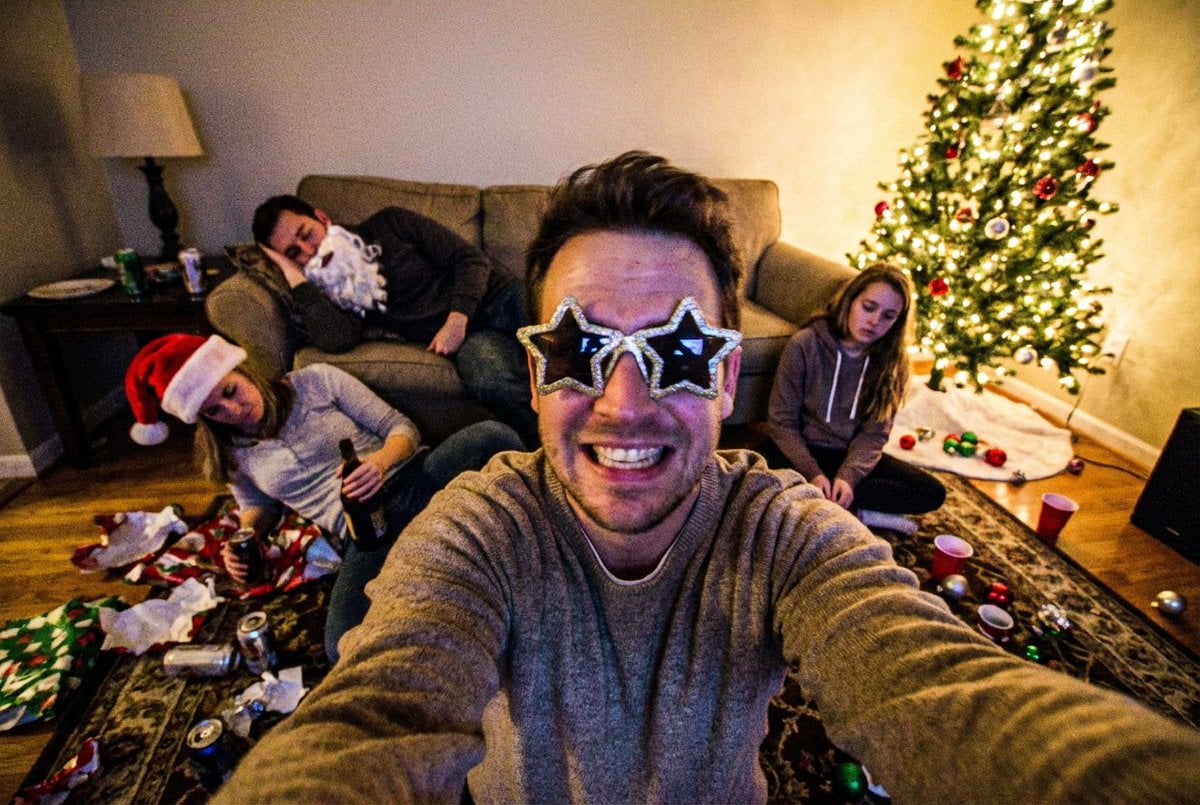
Low-Quality Chaotic Christmas After-Party Selfie
Browse template categories
AI Influencer Mirror Selfie Pose Prompt questions
How do I use the AI Influencer Mirror Selfie Pose Prompt template?
Add your photo if the template asks for one, edit the prompt if you like — the template's model and format are already selected — and press Generate. Your version opens in PicX Studio.
Can I customize the AI Influencer Mirror Selfie Pose Prompt template?
Yes. You can change the subject, setting, lighting, mood, format, and available model controls before creating your image.
Is the AI Influencer Mirror Selfie Pose Prompt template free?
Opening and editing this template is free. Generating uses credits, shown on the Generate button when you are signed in.
Which AI model should I use?
Start with Nano Banana 2, which is the model associated with this template. You can compare another compatible model for a different finish.
Looking for something else? Browse all templates.

Your photo, any look
Thousands of ready templates for every top image and video model, from one credit balance.